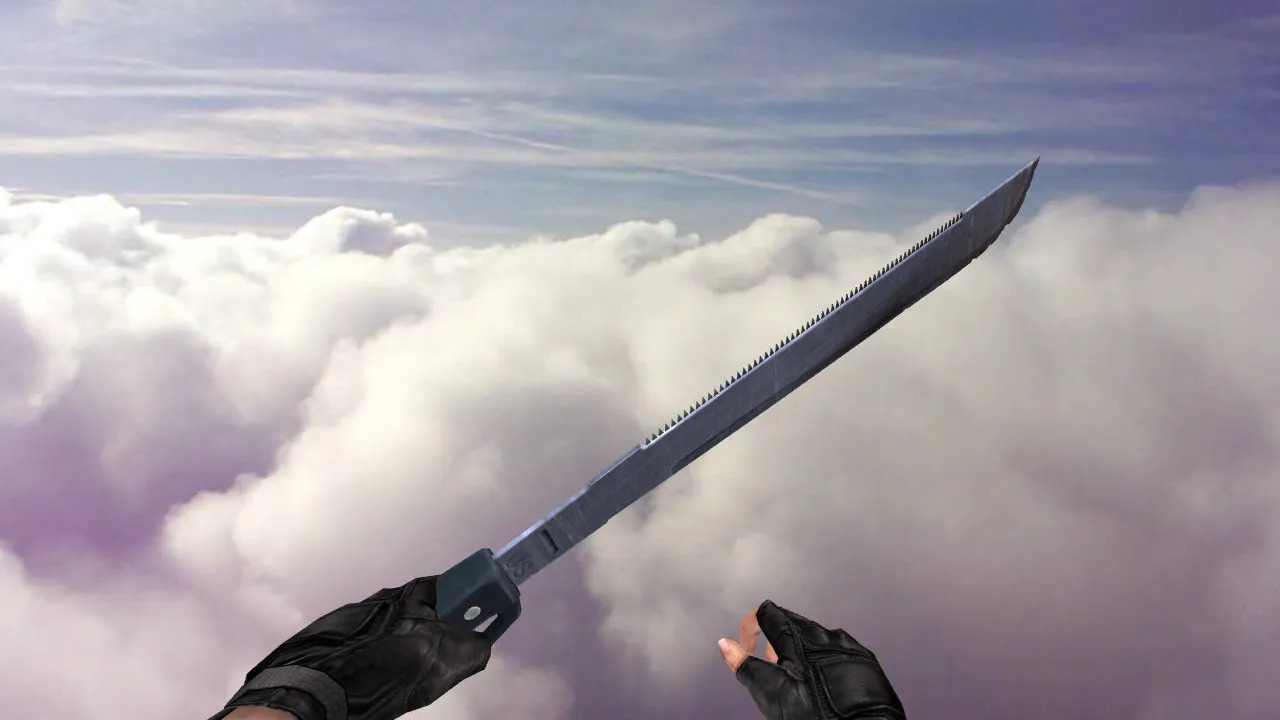
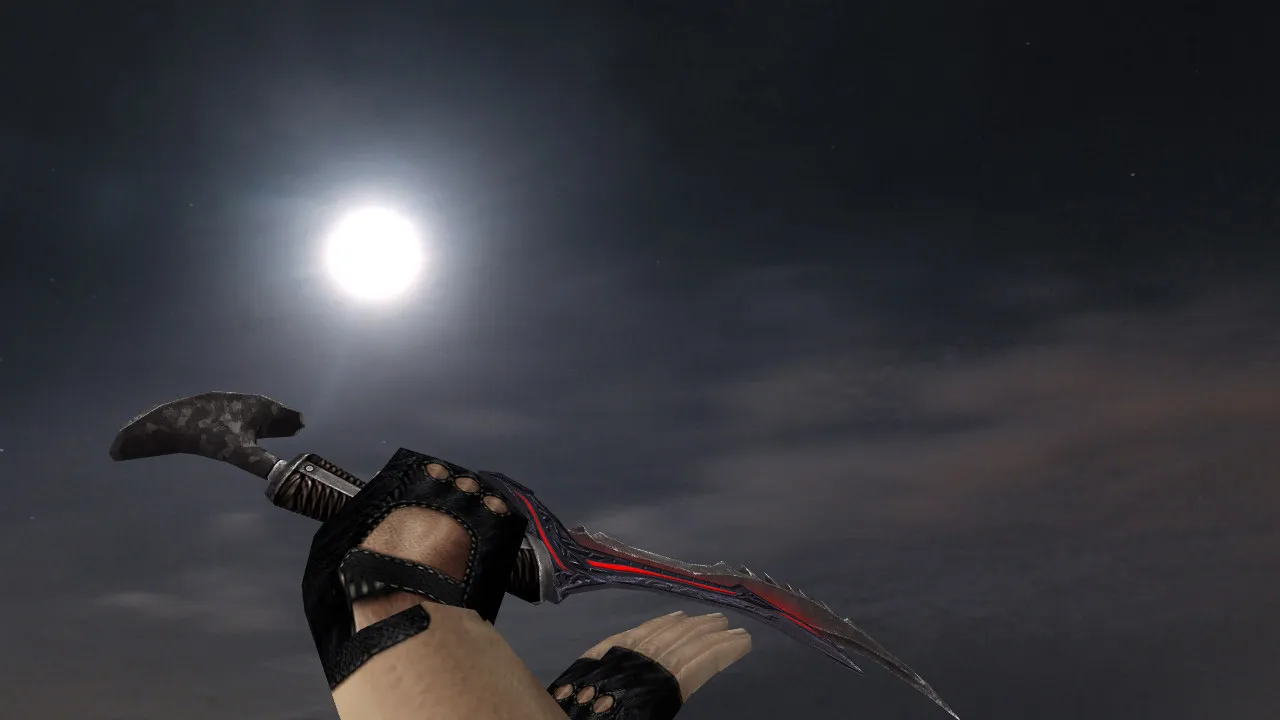
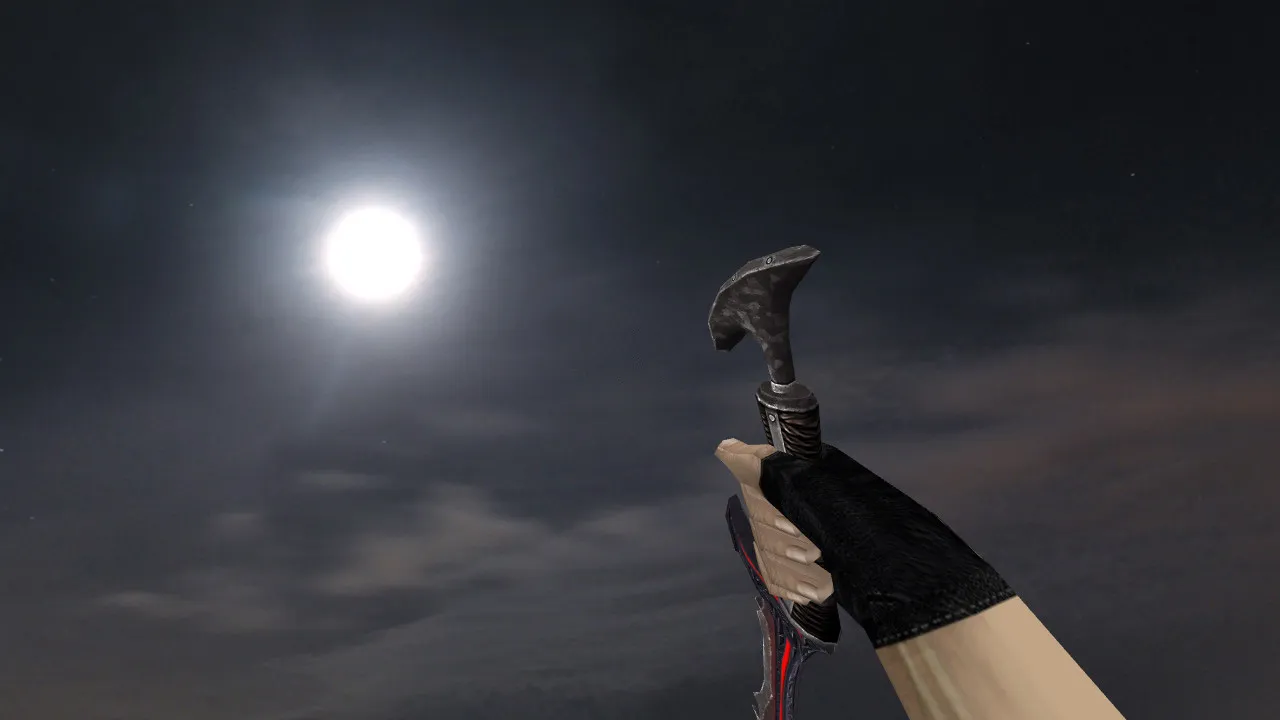
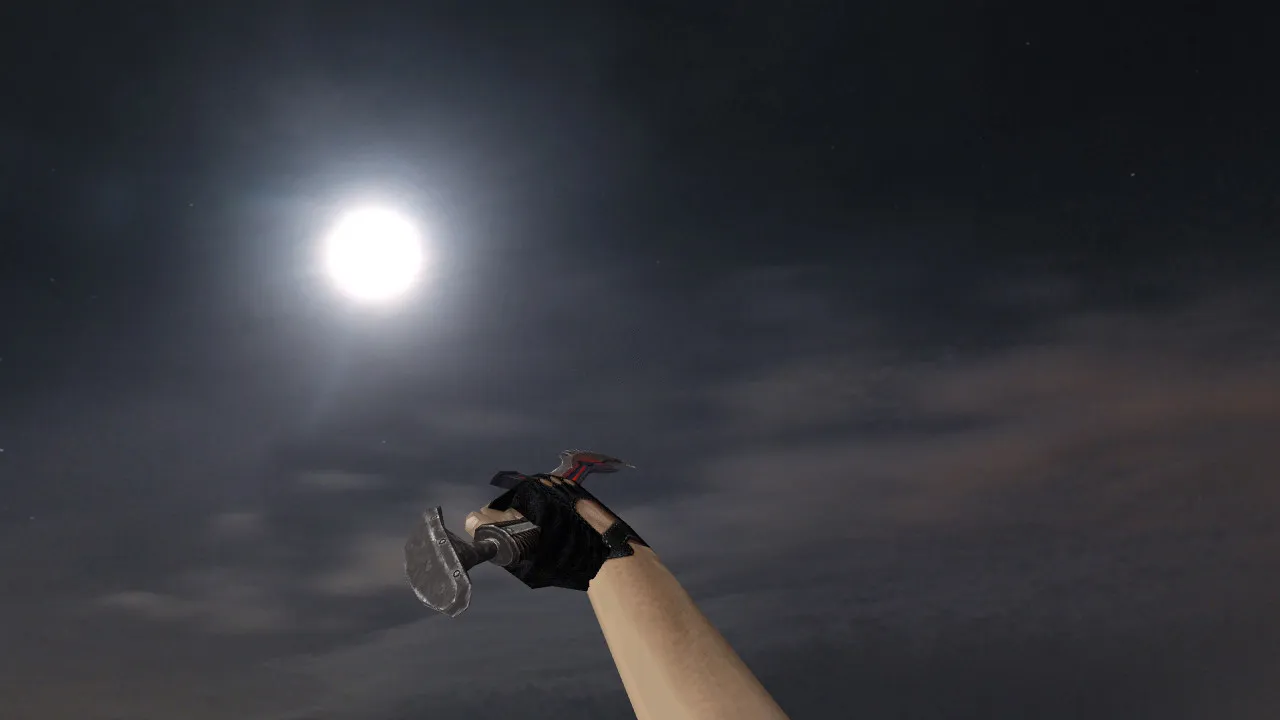
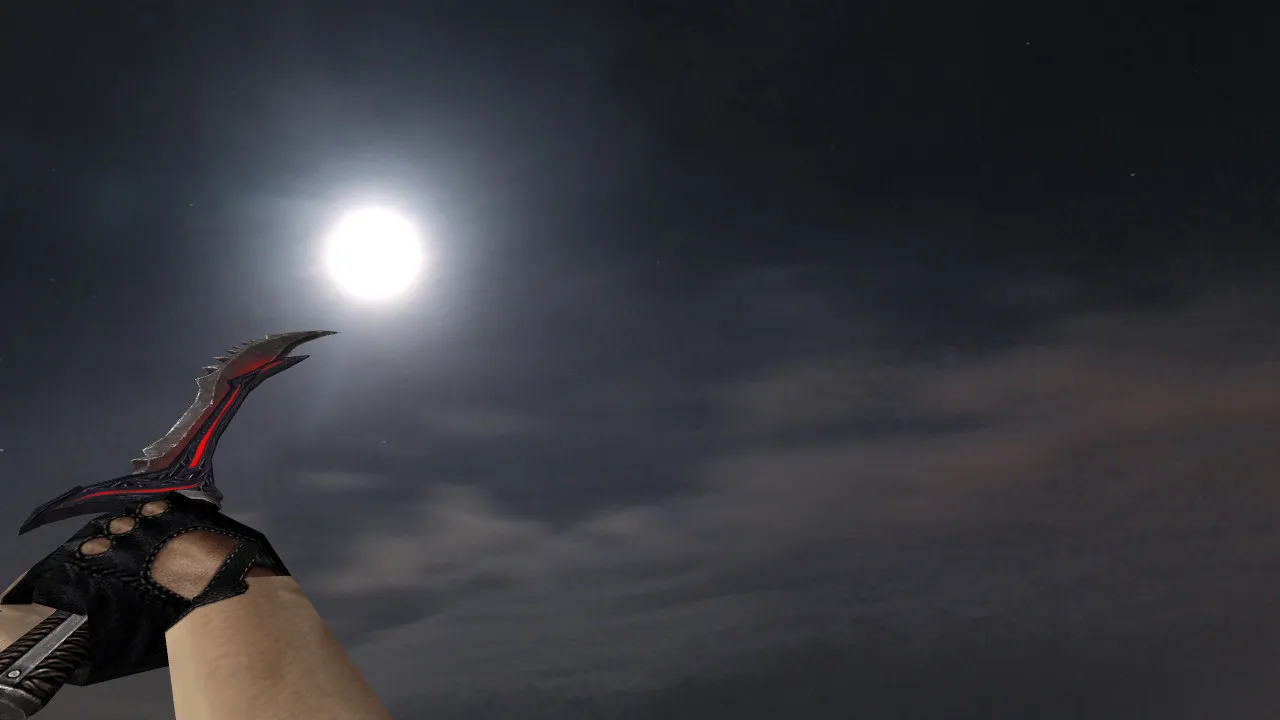
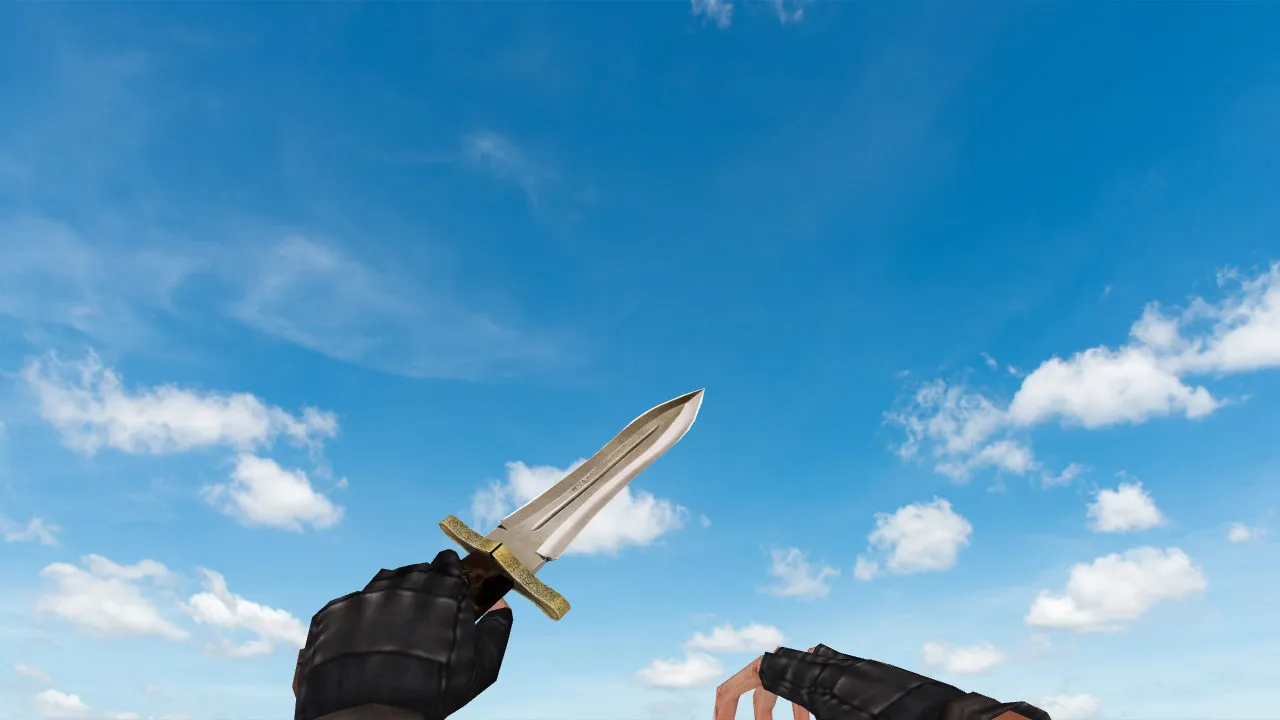
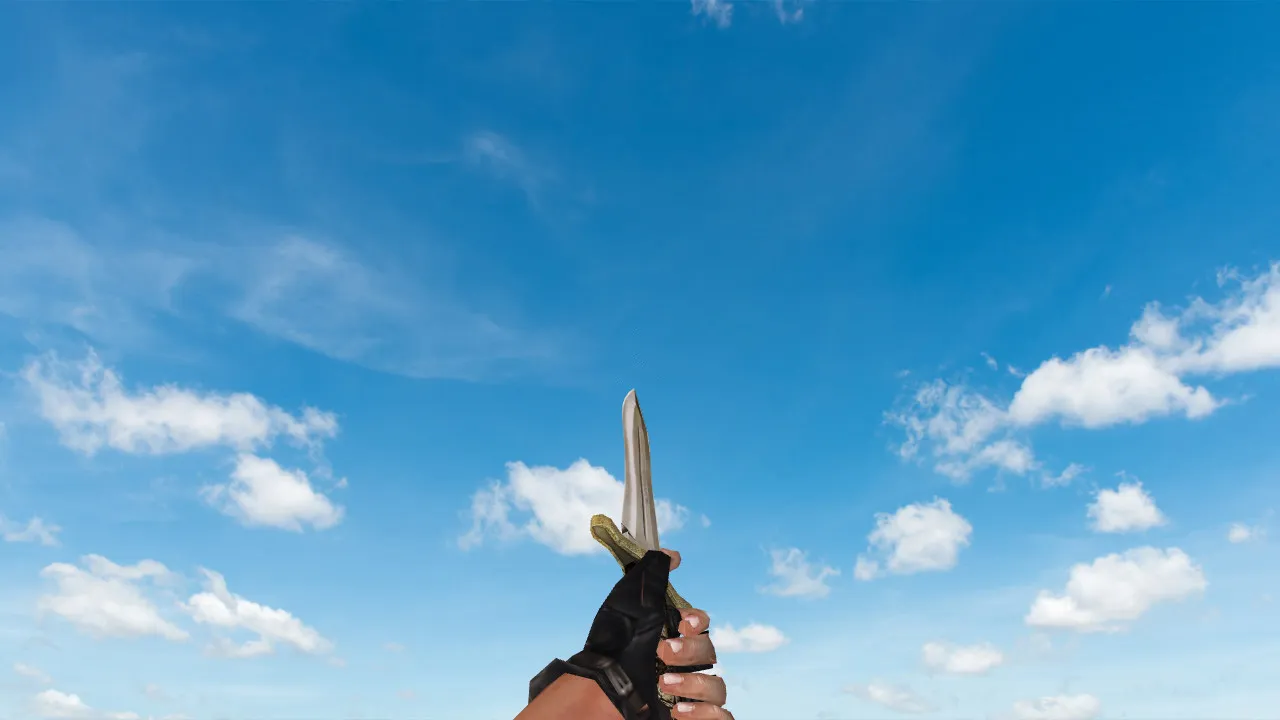
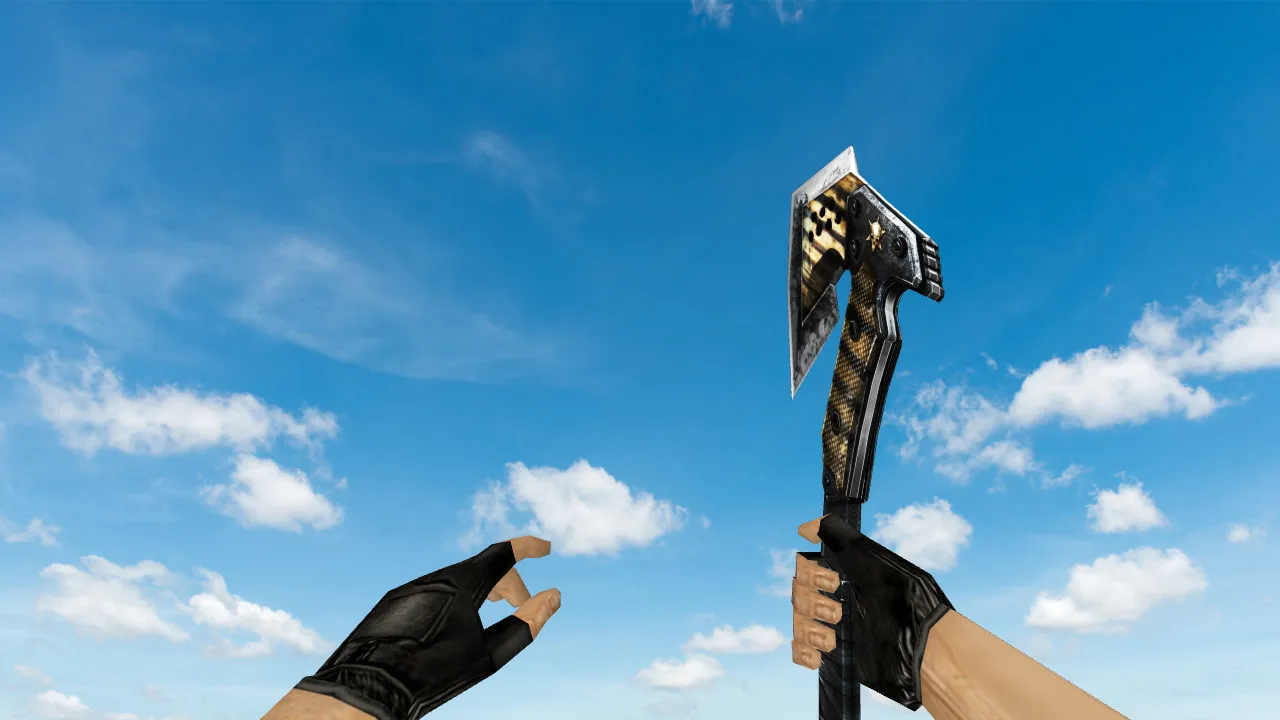
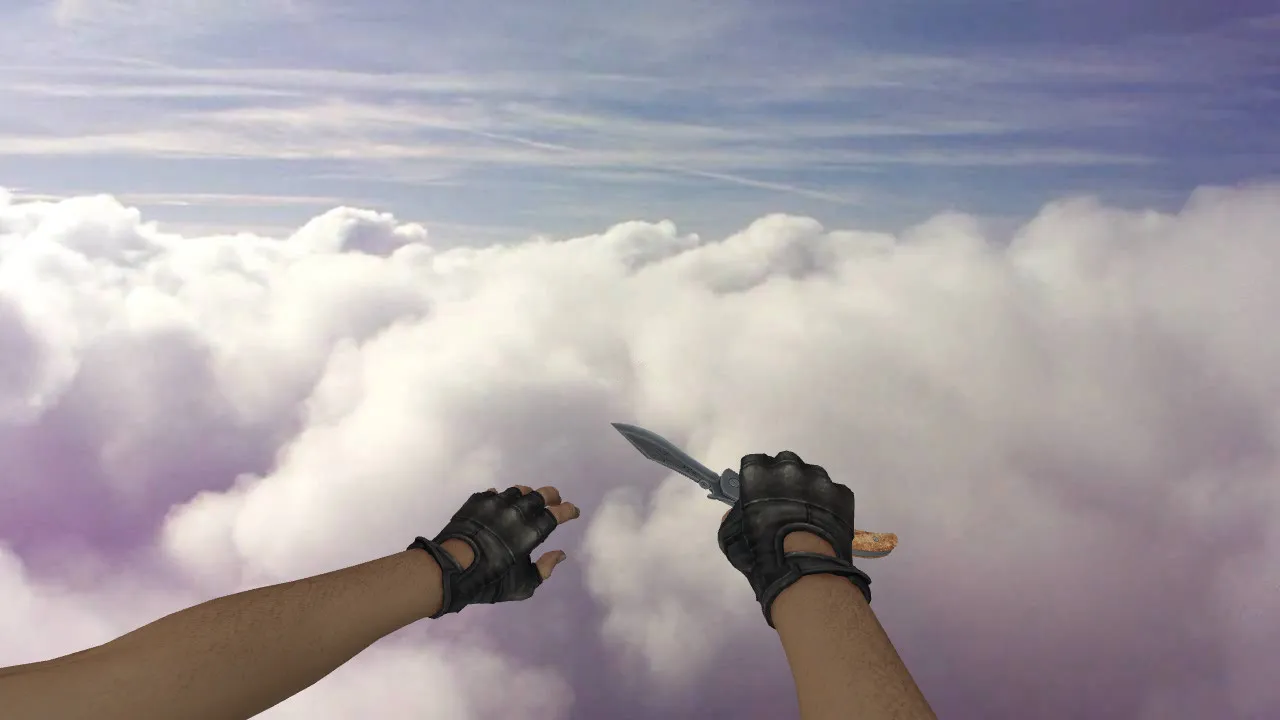
Combat Thanatos Knife Model for CS 1.6: v_, p_, w_ Models, Inspect Animation, Custom Sounds, HD Textures
Description
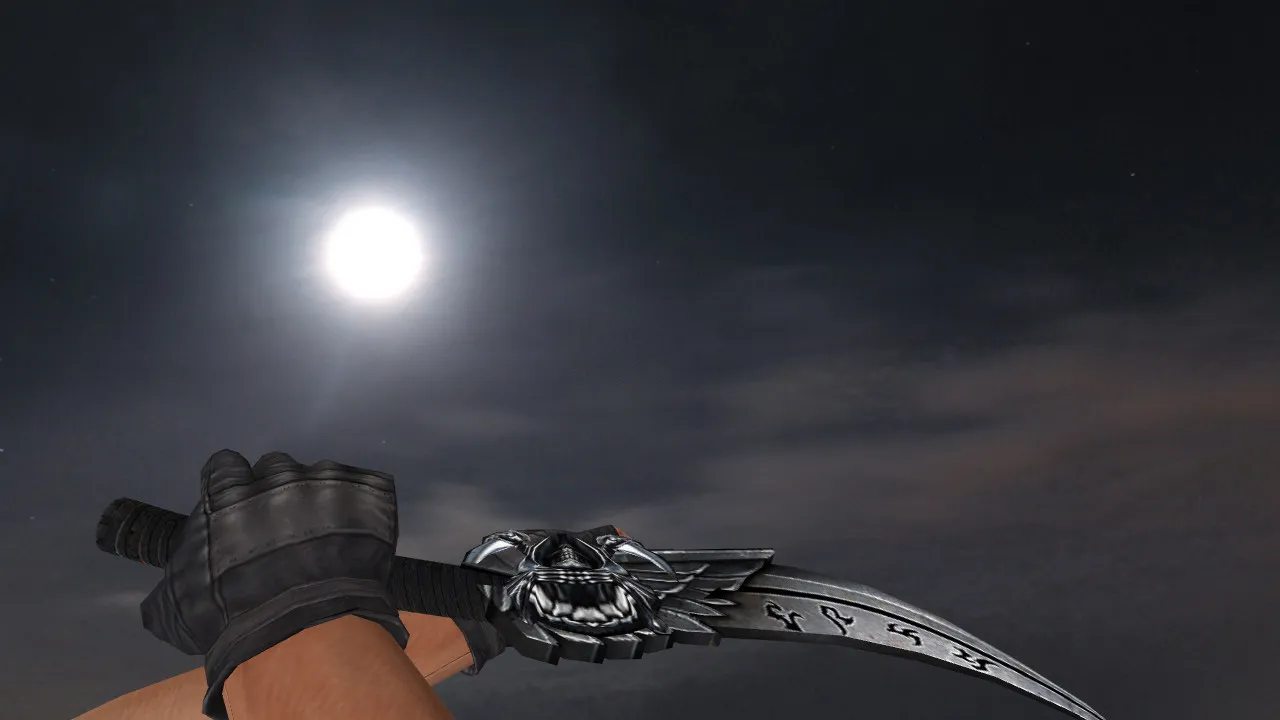
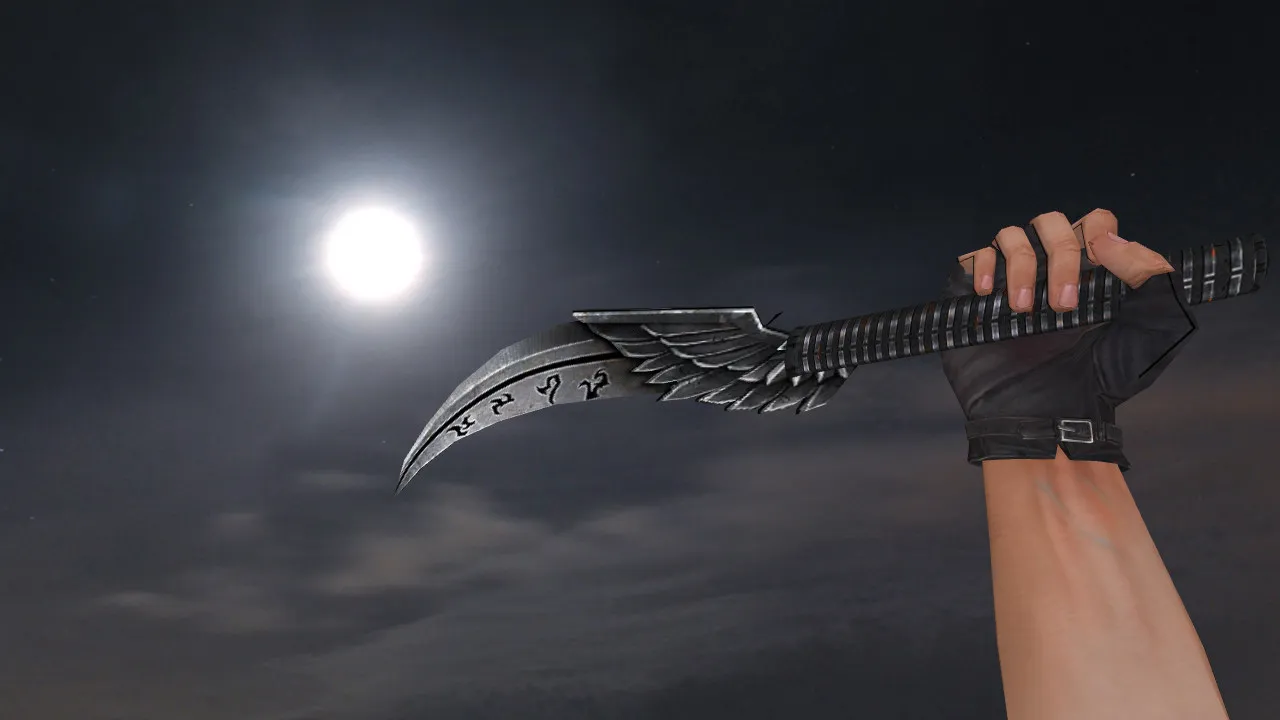
Combat Thanatos Knife for CS 1.6
This Combat Thanatos knife fits your loadout with a striking appearance and responsive handling. In Counter-Strike 1.6, the essential components are the model configuration across view modes, an inspect animation, unique audio, and smooth server-side performance. The package is designed for client-side installation as a standalone knife replacement. It relies on the standard v_, p_, and w_ file structure so the blade renders properly in first-person view, on player hands, and as a world object. No visual glitches occur when changing angles or rotating the camera.
Even if you run visual plugins, a complete package is necessary. Confirm the model contains the correct folders and files with precise naming conventions. For knives, paths reside in the models directory with textures placed close by to prevent missing materials. Aligned textures stop the blade from appearing flat or losing detail in dim areas, which is especially noticeable in smoke or during rapid lighting changes between zones.
What's Included in the Pack
- v_ model for the first-person perspective.
- p_ model for the third-person hand view.
- w_ model for world rendering.
- An inspect animation so the knife isn't static.
- Custom audio for clicks and swings matching the blade's style.
- HD textures at 512x512 resolution free of artifacts or stretching.
Regarding gameplay, rendering precision is critical. Hitbox alignment and attachment points must match the engine's expectations for the knife slot. This avoids visual and collision mismatches during close-quarters combat. In CS 1.6, sticking to stock formats ensures reliability; adjust polygon count if necessary, but keep it under 500 for stable high frame rates.
Safe Installation Guide
Install manually without auto-connect scripts or extra tools. Back up your original knife files first to allow an easy rollback. Place the new v_, p_, w_ models and textures into their respective directories: for example, v_knife_thantanos.mdl goes into cstrike/models/v_knife. Restart the CS 1.6 client to clear the cache and load the assets correctly. If you use a custom config.cfg, leave it untouched unless path conflicts arise-default model paths typically handle everything. Works with both Steam and Non-Steam builds such as 4554 or 8613, with no MasterServer complications.
Avoid placing files into mod folders unless explicitly instructed; a direct client replacement is best for clean configurations. Test on a local server before joining public ones to catch any .wad file mismatches. No viruses, adware, or hidden risks-just a clean model swap.
In-Game Testing Steps
Join a server and evaluate the knife in various situations. The inspect animation should run smoothly without stutter or frame loss. Switch perspectives to verify the v_ and w_ models load correctly-no pink-and-black checkerboard errors. In dark map sections like the tunnels on de_inferno, the model remains visible with proper edge glow. If textures glitch, compare file paths against engine defaults; revert and recopy using the exact folder structure.
Play a few knife rounds to confirm hitbox accuracy-swings should connect where the visuals indicate, with no unexpected offsets. You can pair this with no-recoil configs if desired, but the model itself maintains a low polygon count for 100+ FPS on older hardware.
Fits Active CS 1.6 Playstyle
The Combat Thanatos suits aggressive gameplay where knife work decides rounds. It offers more than visual flair; precise animations and sounds synchronize with rapid slashes for predictable melee combat. When models align correctly, you concentrate on tactics like tunnel rushes on de_dust2 instead of troubleshooting render bugs mid-match.
Visibility holds up in competitive dark corners, with textures that don't wash out under dynamic lighting. Use only on servers that permit custom models-check the rules to avoid being kicked. Install, verify, and jump into lobbies without hassle. For offline play with bots, ensure .nav files on maps don't conflict, though this knife pack remains client-side only.
Add this drop-in replacement to your arsenal. It improves immersion in close fights without altering core gameplay balance. Rely on trusted sources for future updates, keeping your setup free of viruses and ads.
Install in three steps
-
1
Download the archive. Use the button on the right, or the Yandex.Disk mirror if the main server is slow.
-
2
Extract it into the game folder. Use 7-Zip or WinRAR. A path without non-Latin characters works best.
-
3
Launch the game. If something doesn't work, mark it below - that is how we know the file needs an update.
Did it work for you?
No sign-up needed. You can pick more than one.