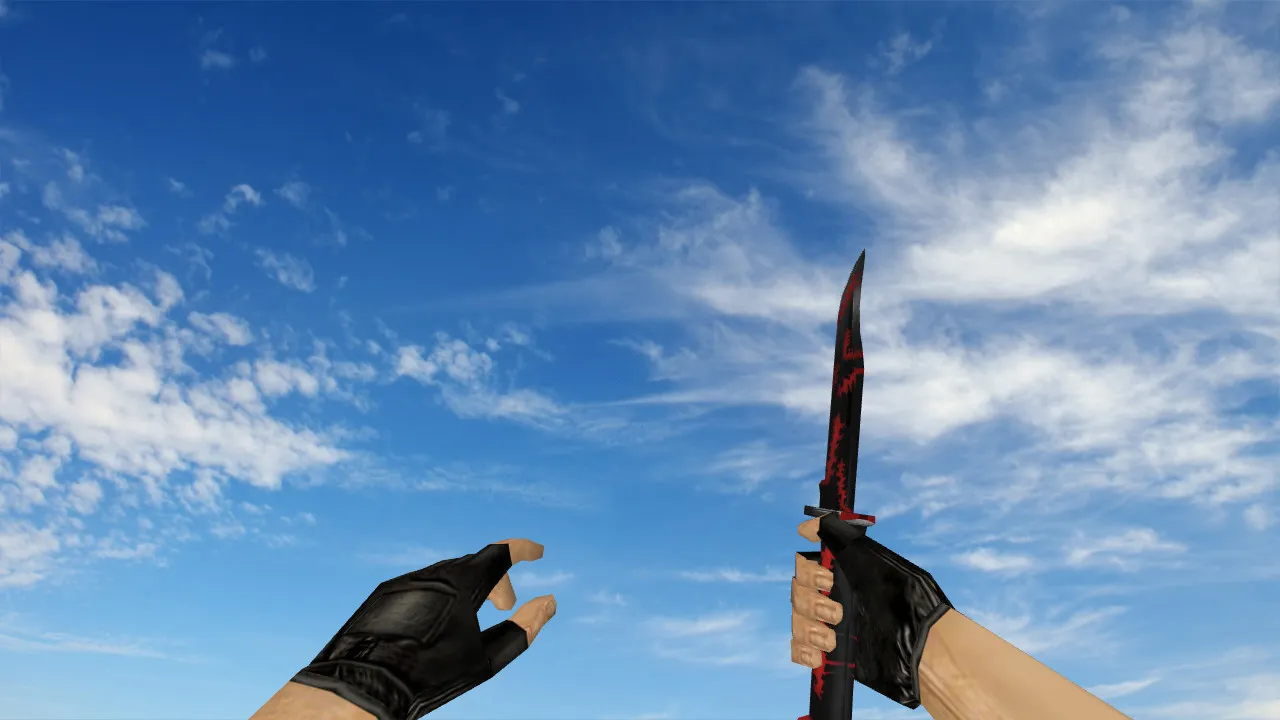
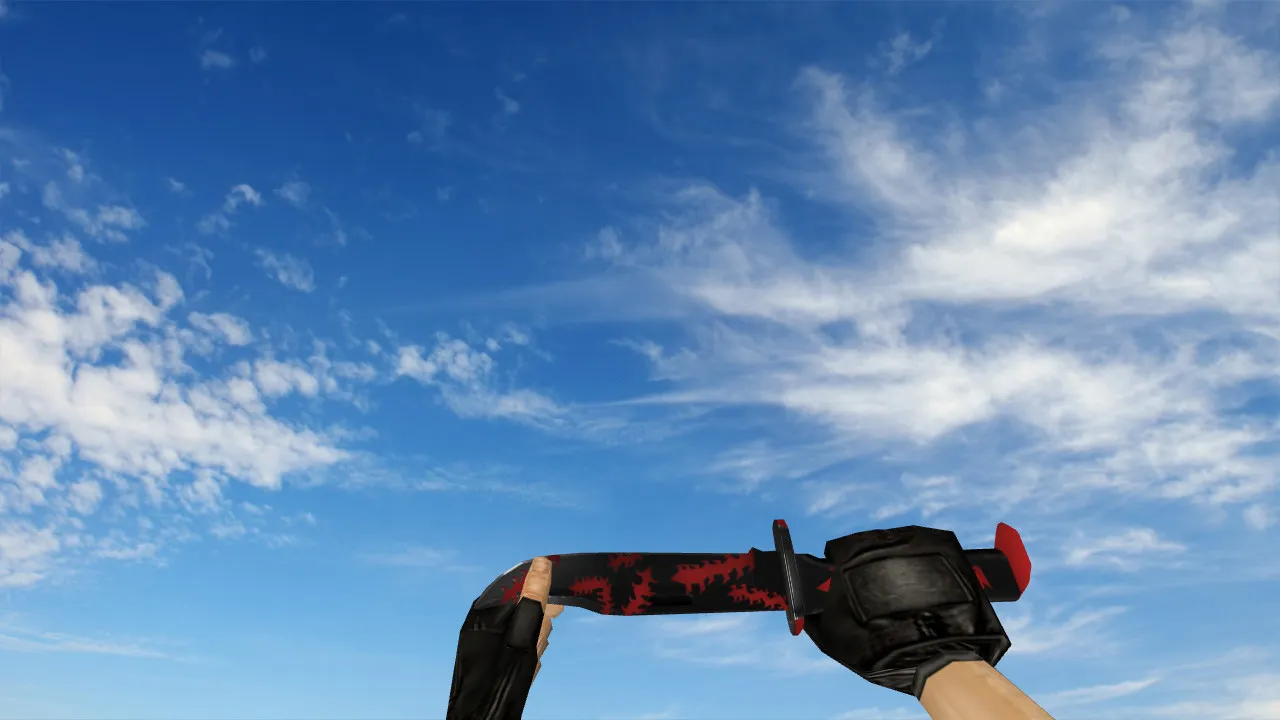
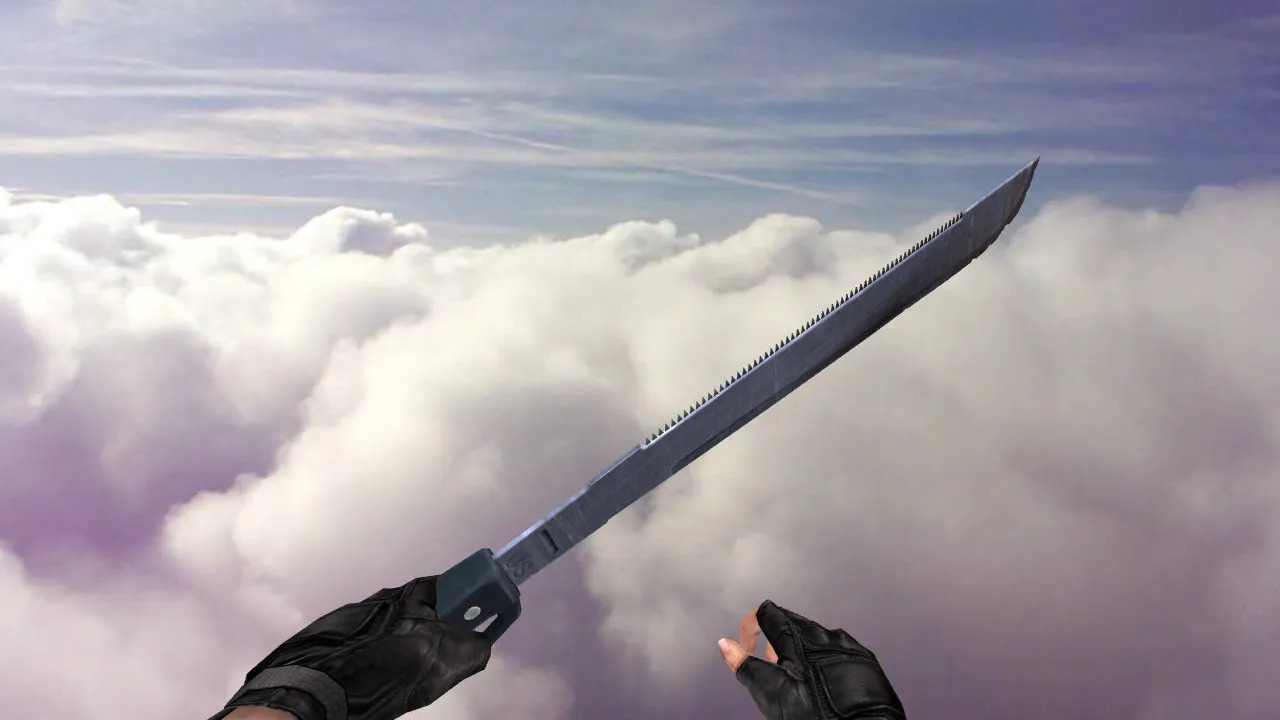
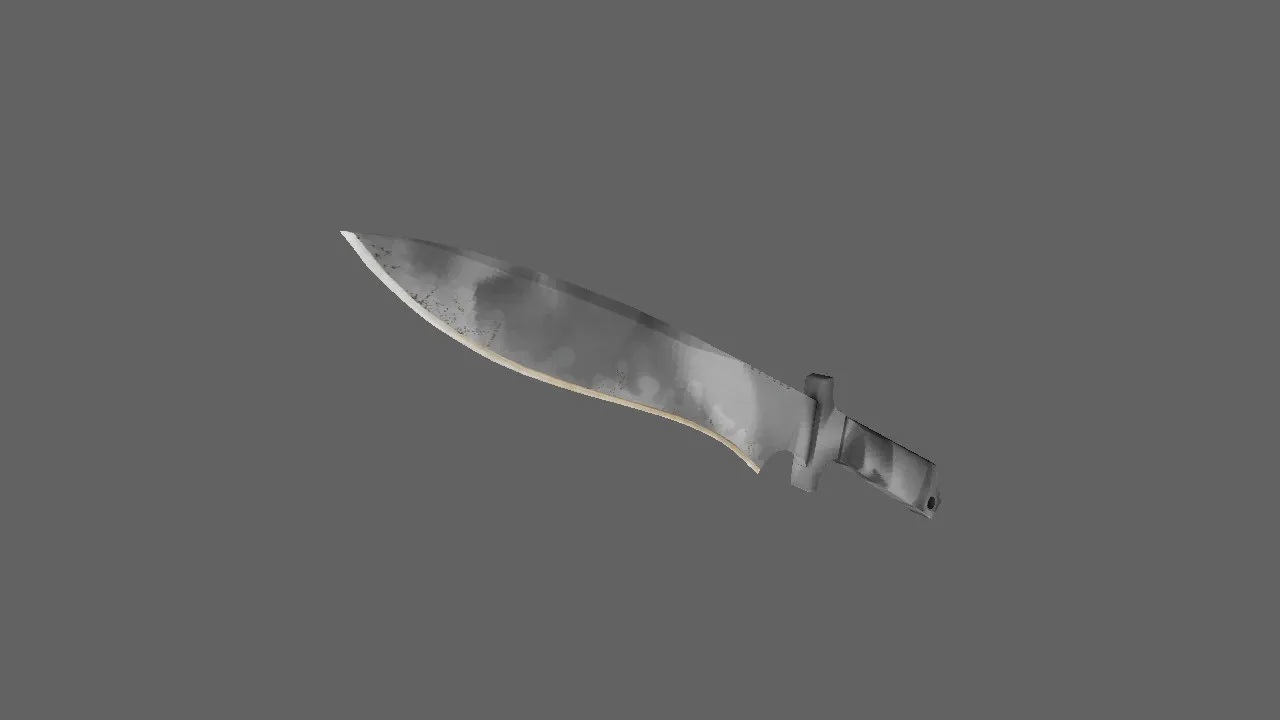
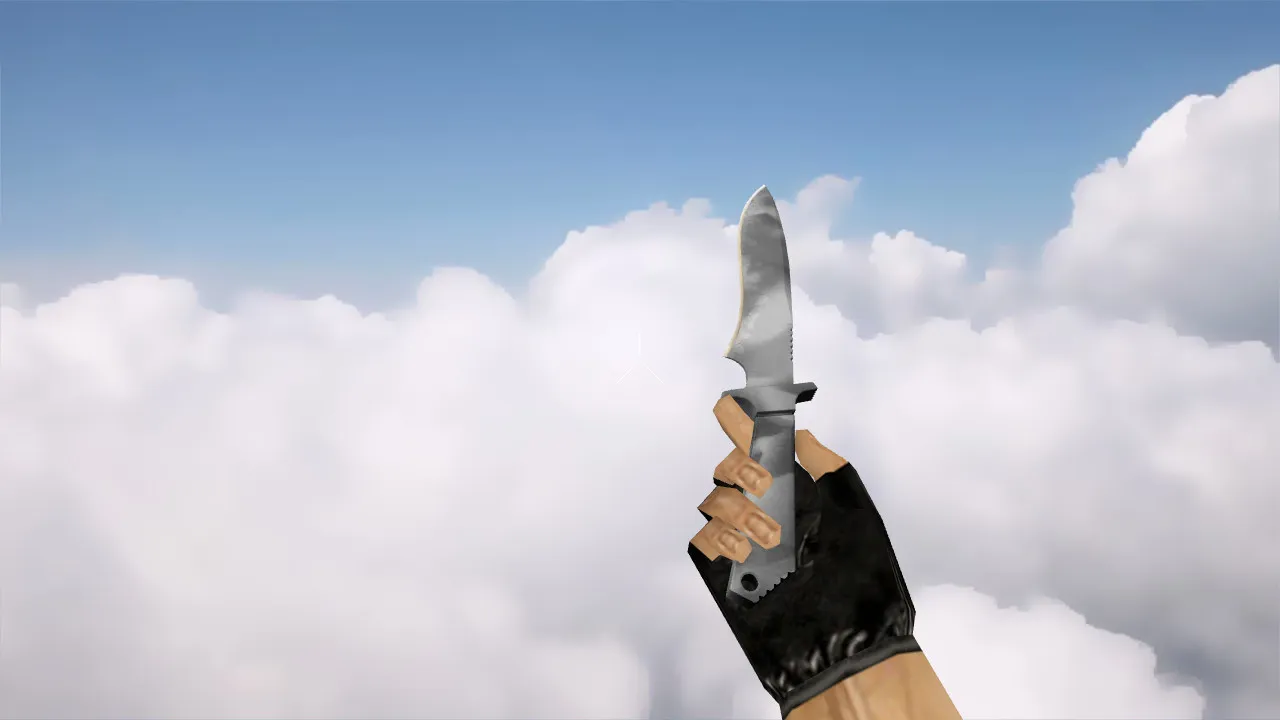
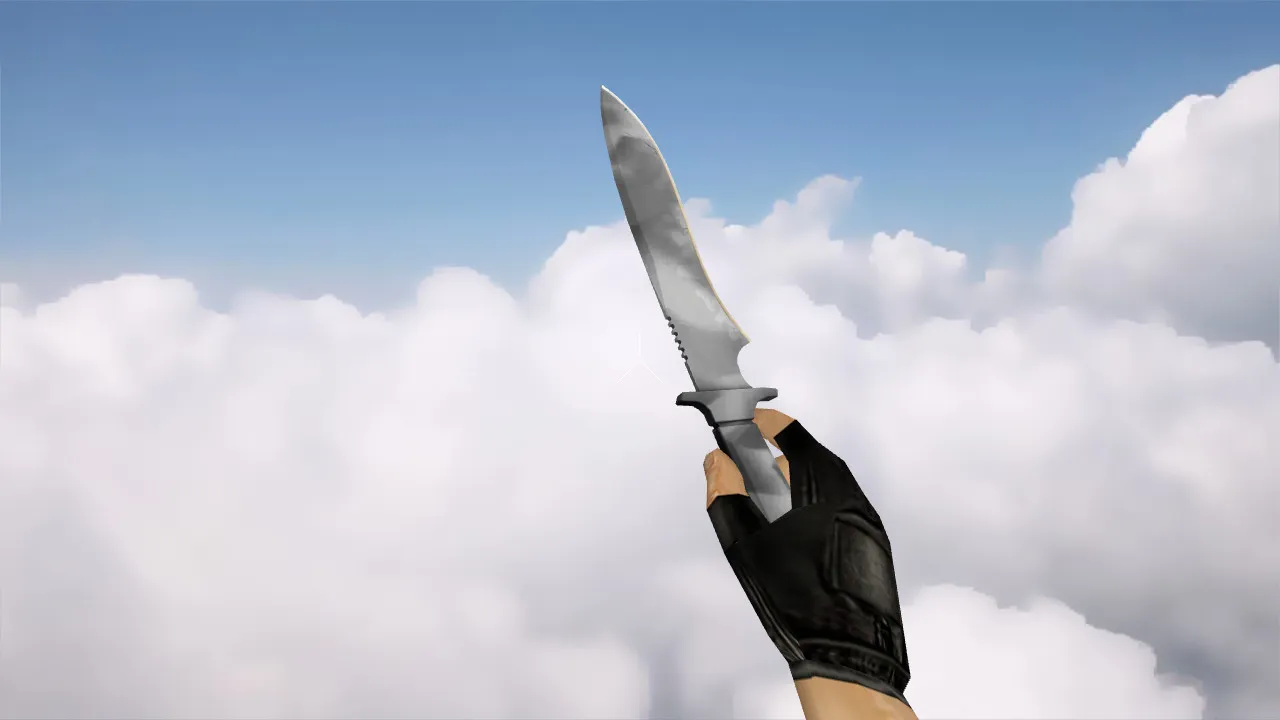
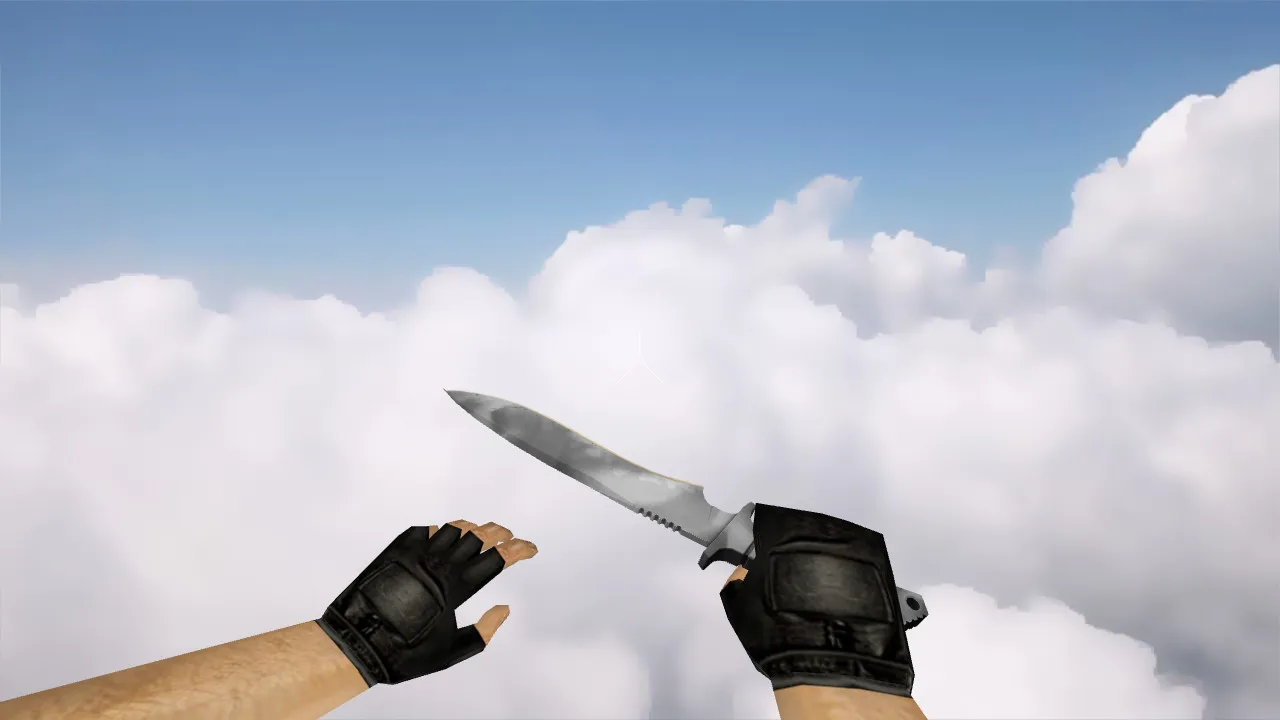
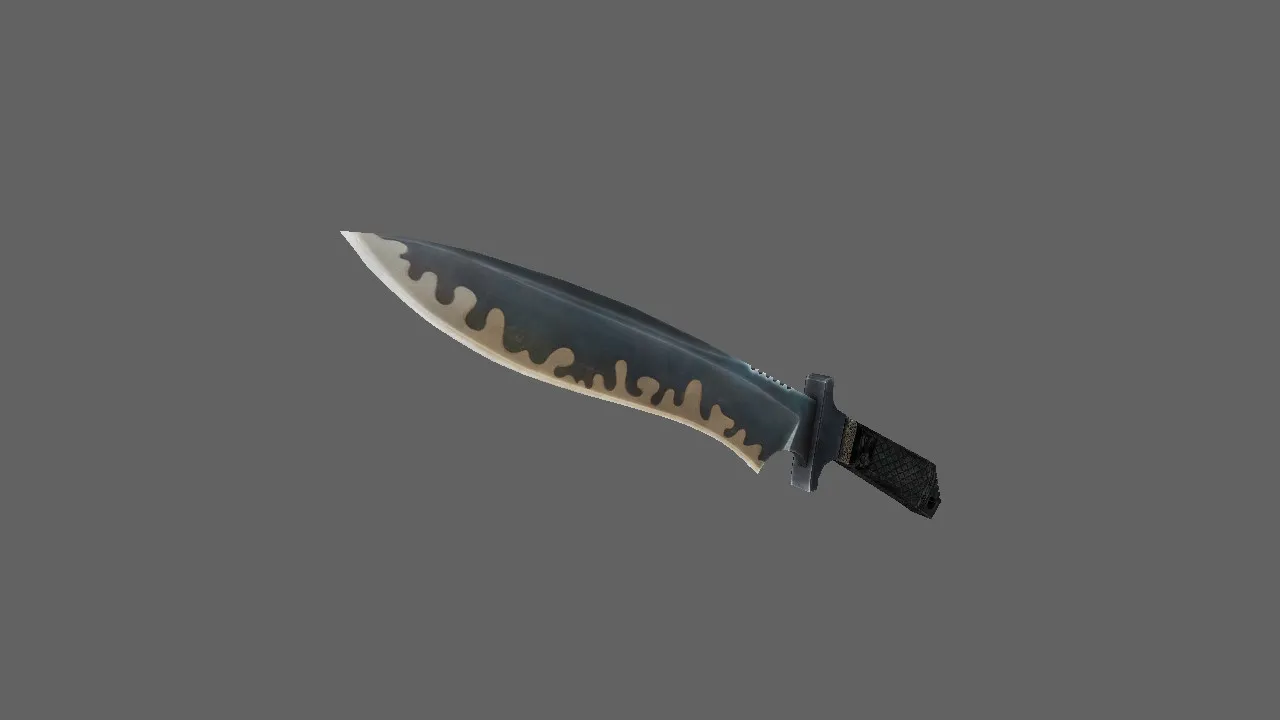
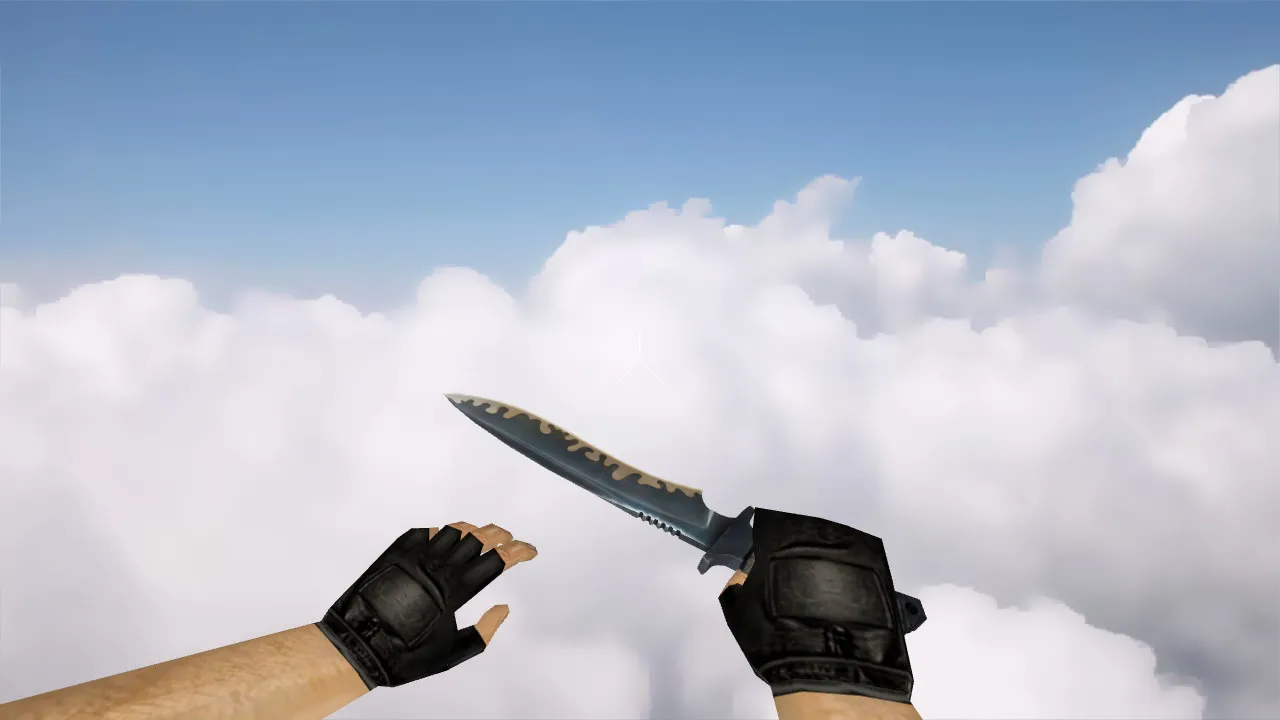
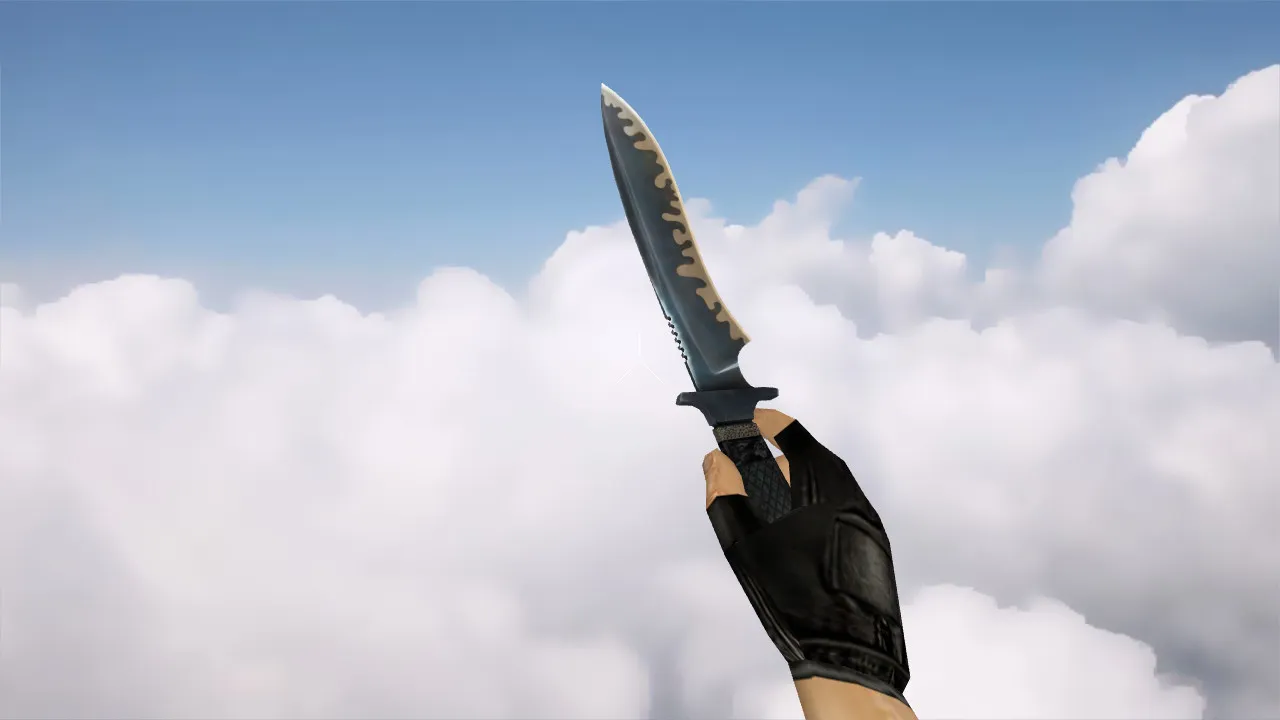
CF Combat Axe VIP Knife Model for CS 1.6: v_, p_, w_ Models with Inspect Animation, Custom Sounds, and High-Quality Textures
Description
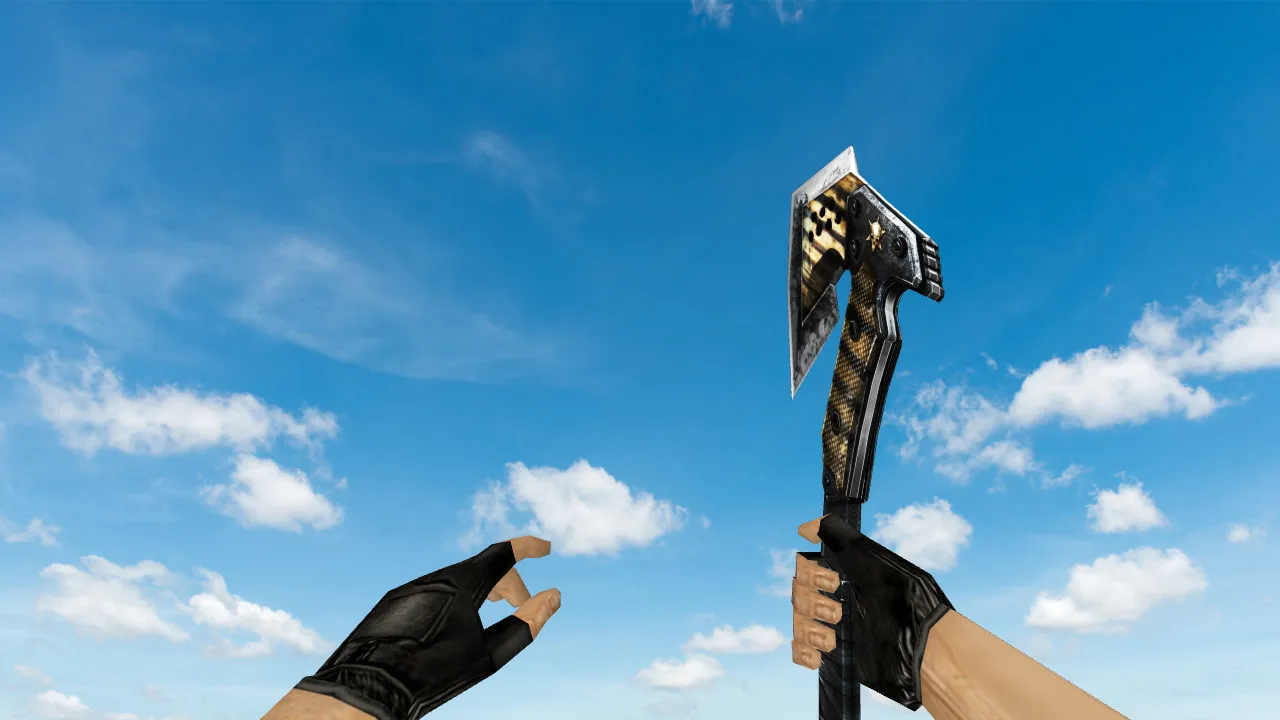
CF Combat Axe VIP Knife for CS 1.6: Stable v_, p_, w_ Models and Reliable Performance
The CF Combat Axe VIP knife model integrates smoothly into CS 1.6, built for consistent operation on servers and in single-player. It provides v_ models for the first-person view, p_ models for the player hand display, and w_ models for the third-person perspective. This complete set guarantees a uniform look whether you are playing alone or on a multiplayer server, preventing visual glitches or mismatches.
Handling is notable due to a built-in inspect animation. When drawing the knife or inspecting it, the hand motion flows naturally without disrupting timing or causing jitter. Audio plays a key role as well: expect a sharp click on draw and a solid impact on swings, giving clear sound feedback for attack timing. These effects remain stable across various audio settings, without dropouts or distortion.
Textures follow the VIP style, optimized for visibility during rapid movement. In CS 1.6's darker areas, such as shadowed corners on maps like de_inferno or de_dust2's tunnels, the blade and handle keep strong contrast. No blurry edges or seams appear, even as the viewing angle changes. The unique axe shape and color scheme distinguish it from default knives, giving it a distinct profile in close-quarters combat.
Polygon count remains low for high-FPS performance, roughly 500-800 faces, preventing frame drops during intense rounds. Hitbox alignment matches the model precisely, so swings register accurately without offset problems.
Pre-Installation Checks
- v_, p_, w_ Models: Place files in the correct folders-models/v_knives.mdl, p_knives.mdl, w_knives.mdl-and scan for conflicts with other custom knives.
- Inspect Animation: Launch CS 1.6, switch to the knife, and trigger inspect to confirm smooth hand motion without clipping.
- Sounds: In training mode, draw the knife and slash a wall; verify the click and impact audio responds clearly, with no silent gaps.
- Visibility in Low Light: Load a map with dark zones, like de_cbble's underpass, and check if the model's details stay readable against shadows.
- Texture Quality: Zoom in on the handle and blade from various camera angles to ensure no pixelation or warping at 512x512 or higher resolution.
Hitboxes and Combat Feel
In CS 1.6, model accuracy ties directly to hit registration. This knife's contours align with the game's collision system, delivering precise contact on slashes and stabs. No odd discrepancies during lunges mean you can trust your swings in knife duels, where split-second decisions matter. Players pick the CF Combat Axe VIP to keep visuals supportive, not obstructive, maintaining rhythm in rushes or defensive holds.
For bot compatibility, the model works with standard .nav files, ensuring AI behaves normally around the custom visuals.
Safe Installation and Configuration
Extract only the model files from a trusted archive-no executables or extras. Avoid third-party installers that could introduce viruses or auto-connect risks. Copy to your CS 1.6 directory under cstrike/models and sounds folders, then verify your clean config.cfg hasn't been altered. This setup works with both Steam and Non-Steam versions, compatible up to Build 4554.
Restart the game and test in local offline mode: cycle weapons, inspect the knife, and listen for sounds while moving through a map. Check for any lag in animation playback or texture loading issues. Once confirmed, join a server-the model renders stably in motion and at rest, enhancing knife play without distractions.
Safety first: This mod carries no slow-hack elements, ads, or hidden scripts. It is purely cosmetic, focused on v_ model polish for that immersive edge in CS 1.6's tactical knife scenarios. If issues arise, revert by deleting the custom files and reloading defaults. Regular updates to the model keep it aligned with server-side checks, avoiding bans on ESL-style or competitive nets.
Install in three steps
-
1
Download the archive. Use the button on the right, or the Yandex.Disk mirror if the main server is slow.
-
2
Extract it into the game folder. Use 7-Zip or WinRAR. A path without non-Latin characters works best.
-
3
Launch the game. If something doesn't work, mark it below - that is how we know the file needs an update.
Did it work for you?
No sign-up needed. You can pick more than one.