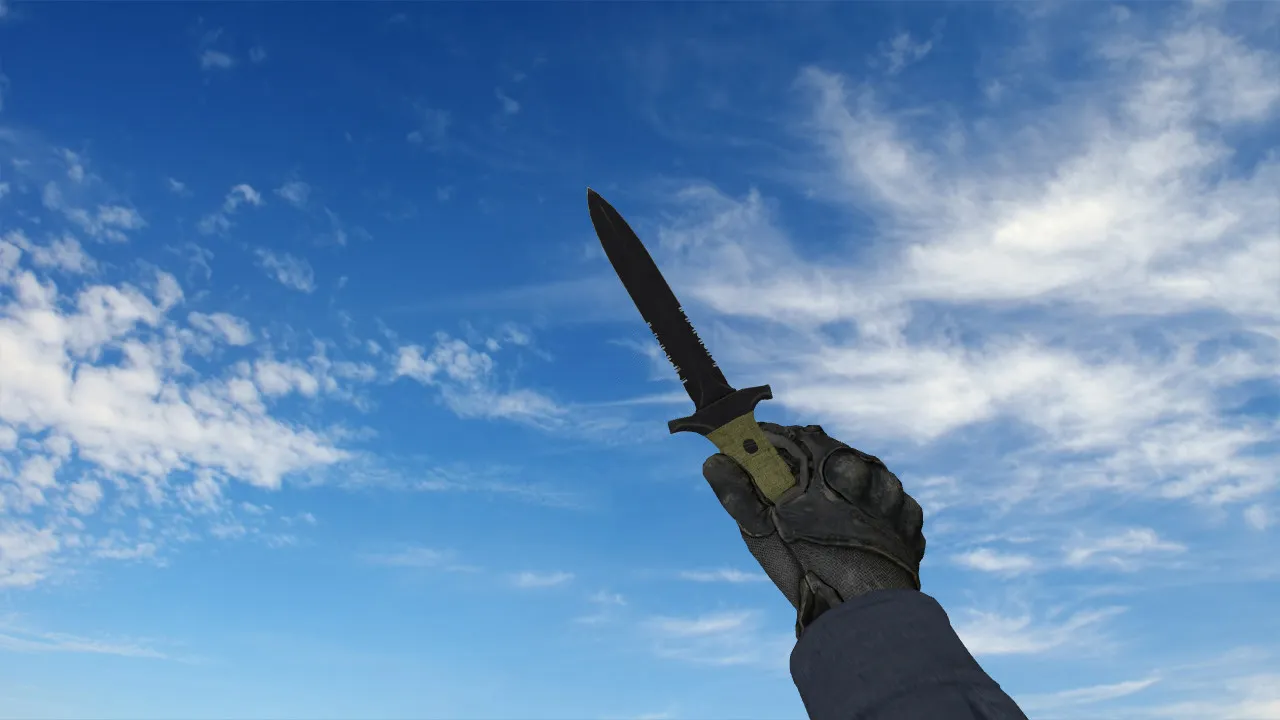
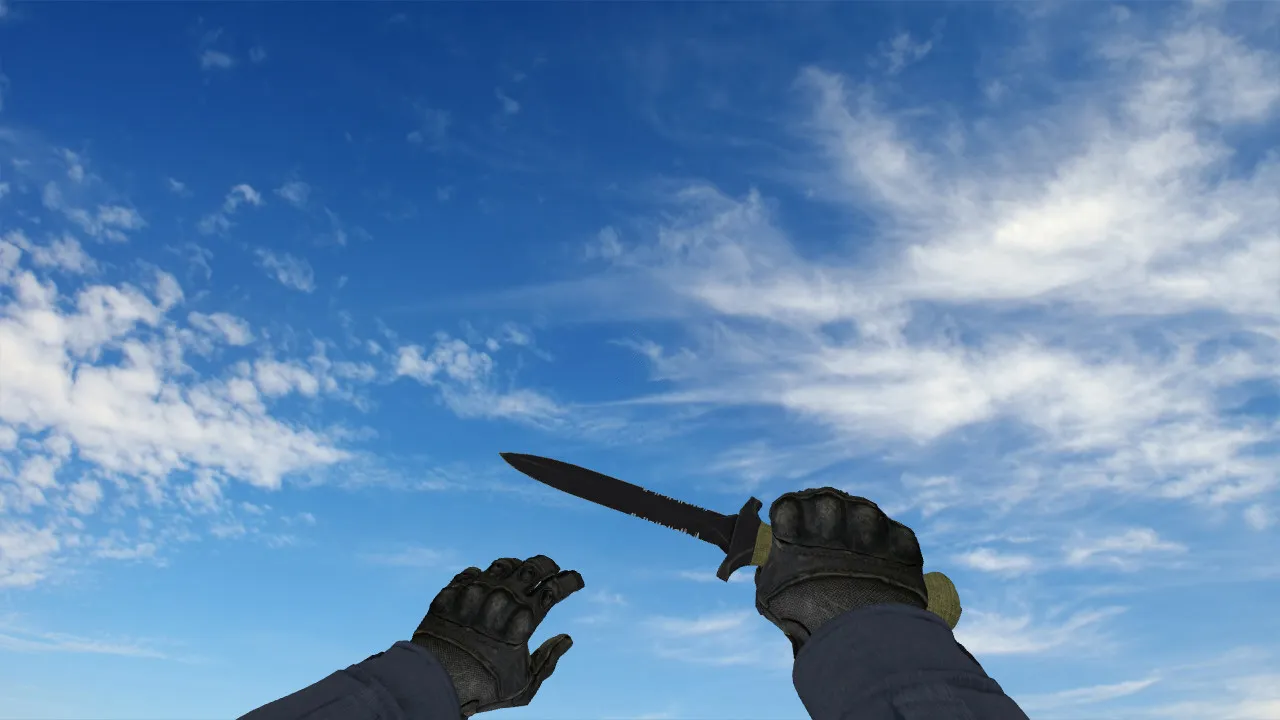
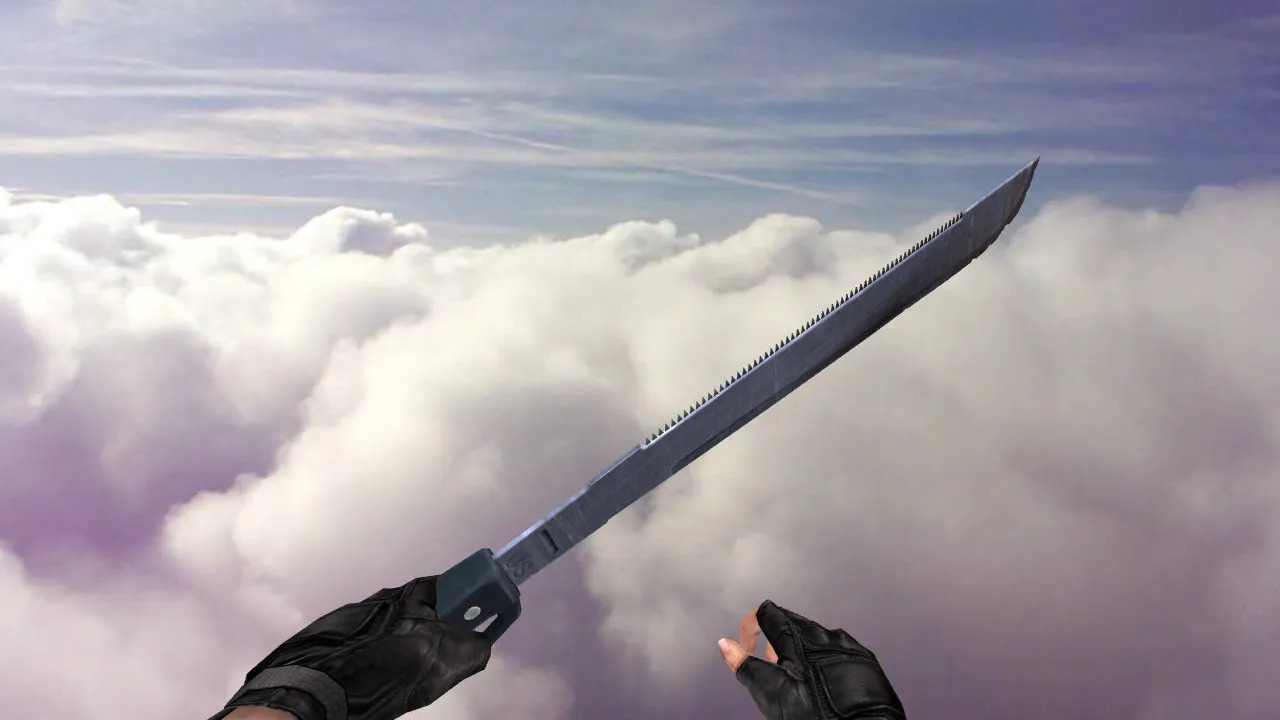
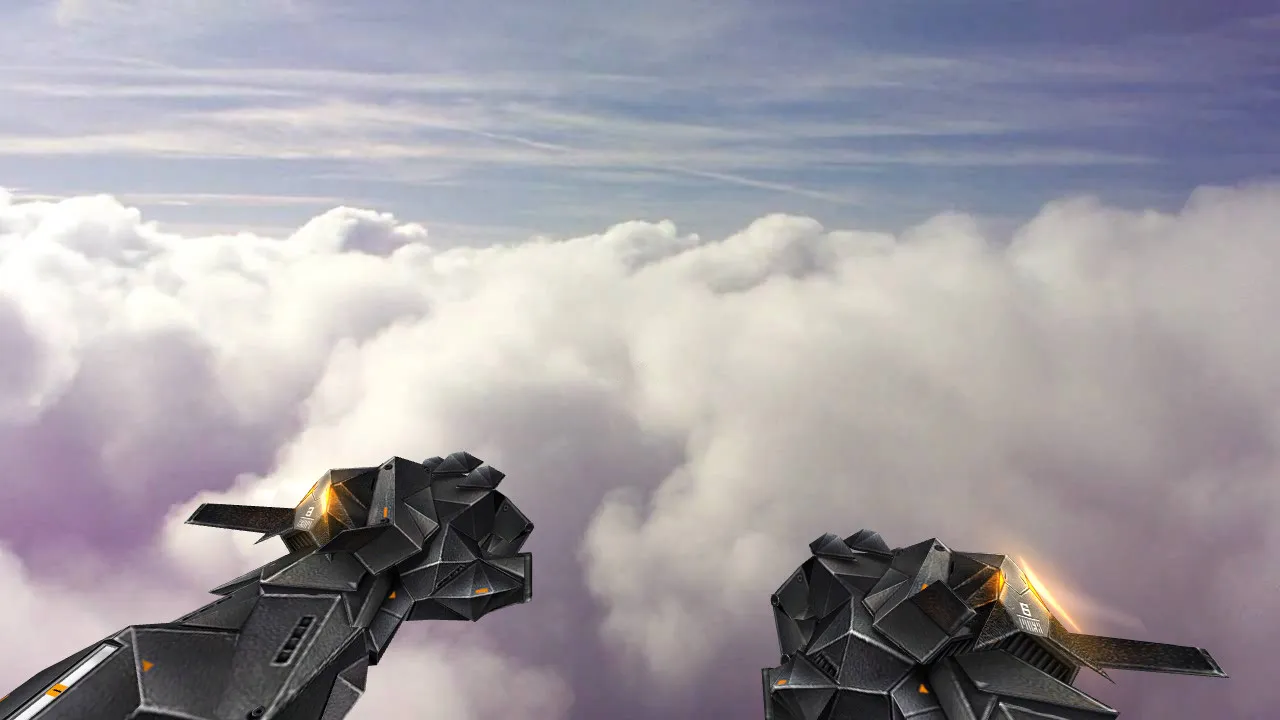
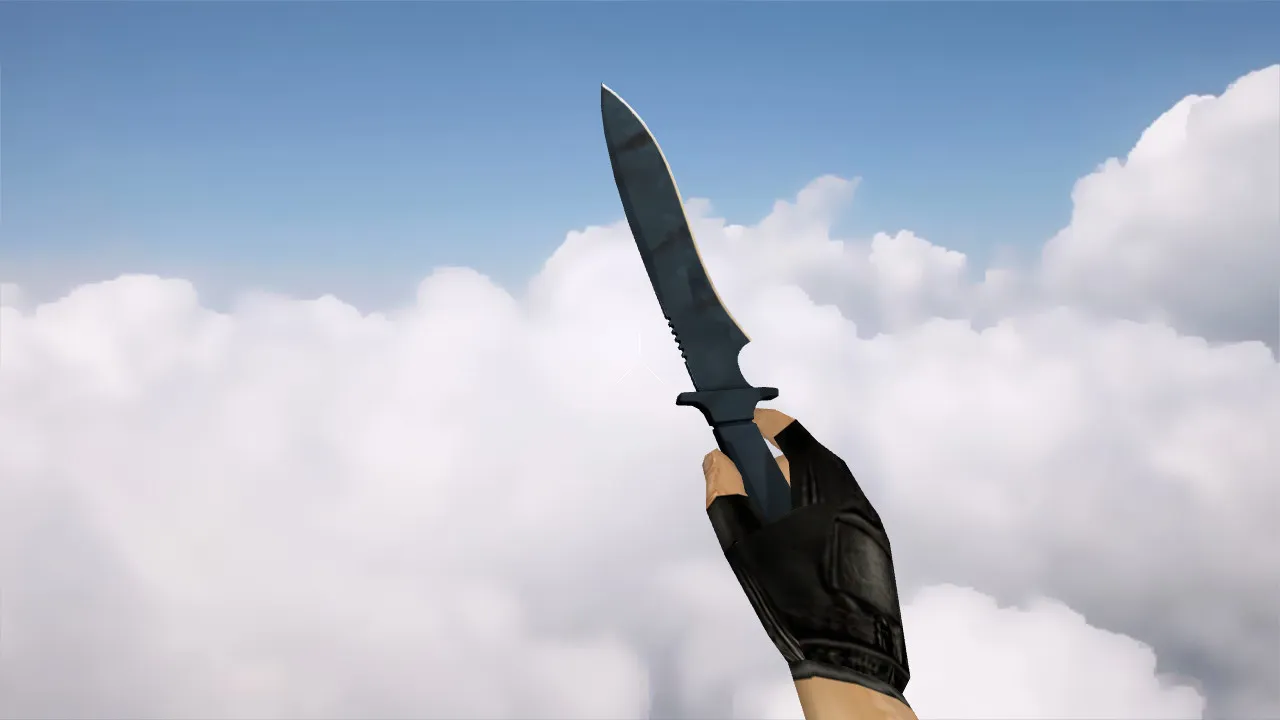
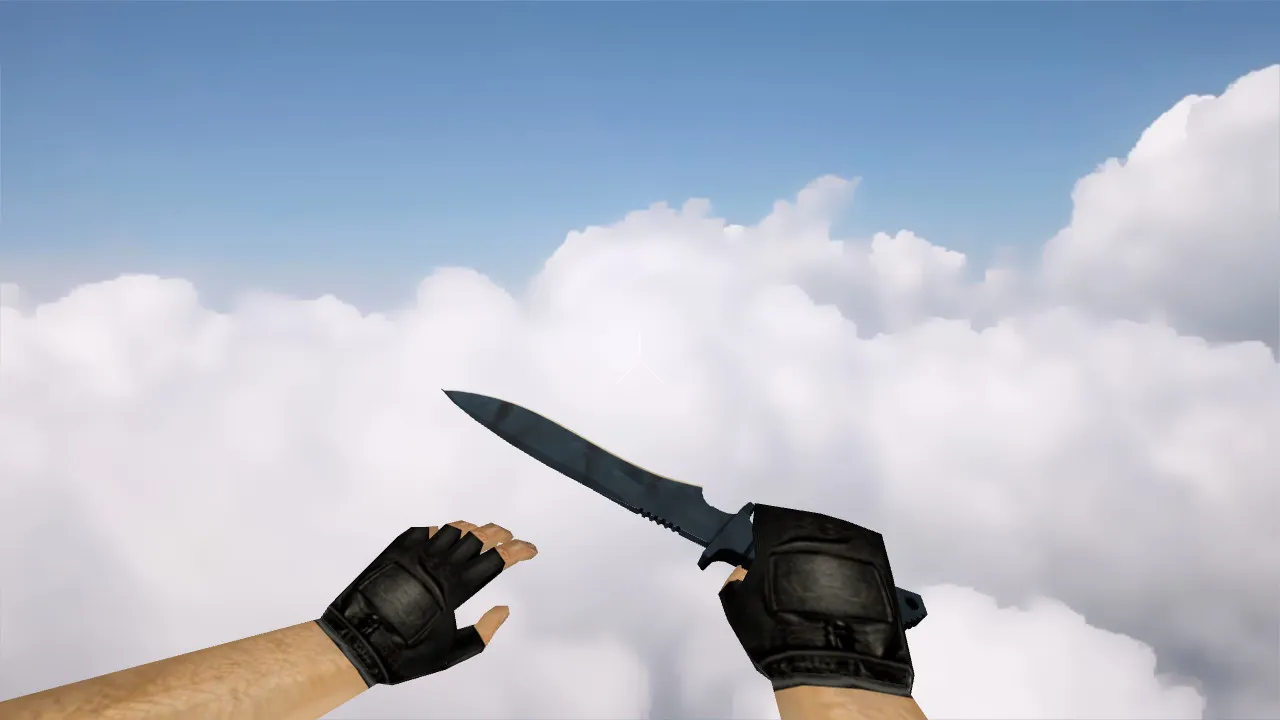
Classic Knife Vanilla Model for CS 1.6: v_ Knife Files, p_ Hands, w_ World Views, Sounds, Inspect Animations
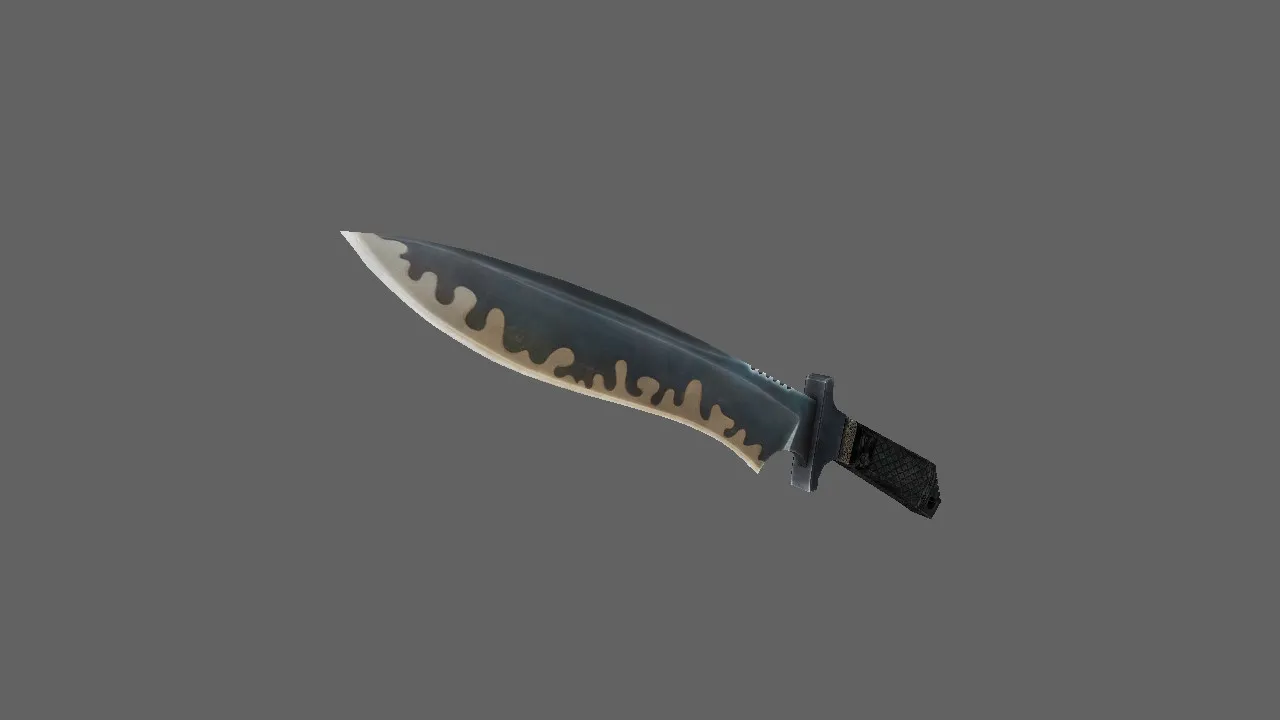
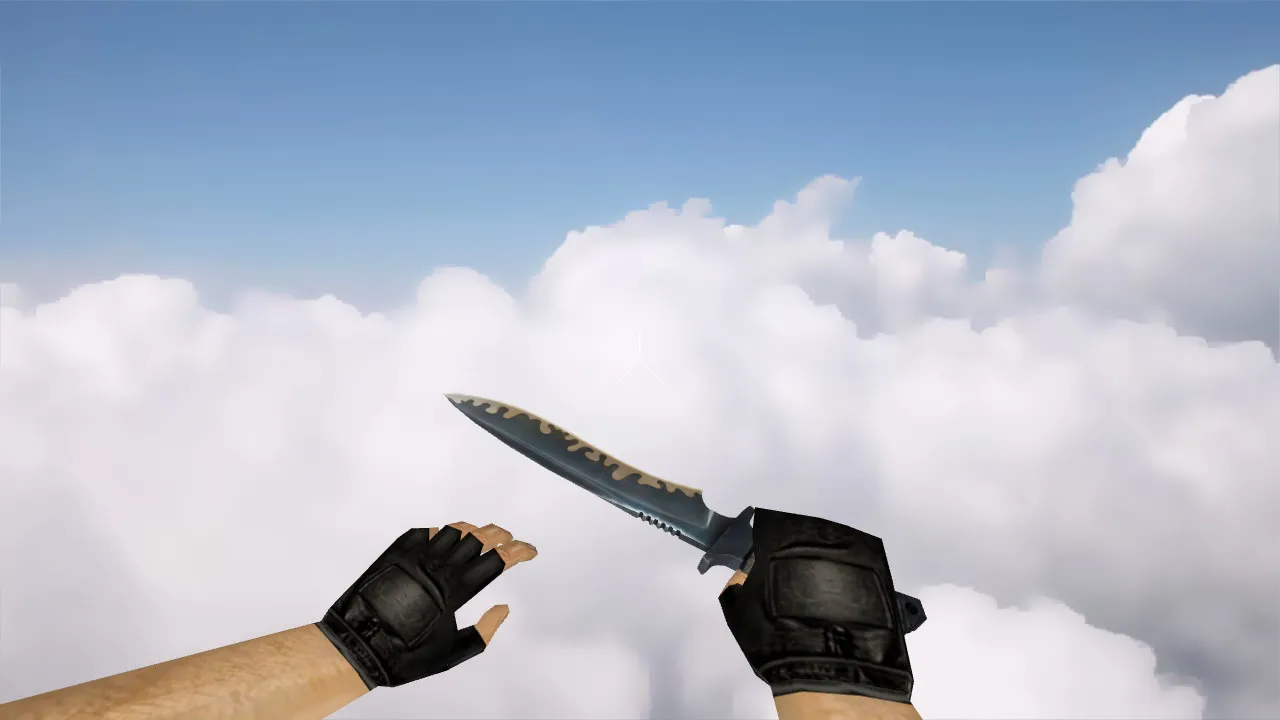
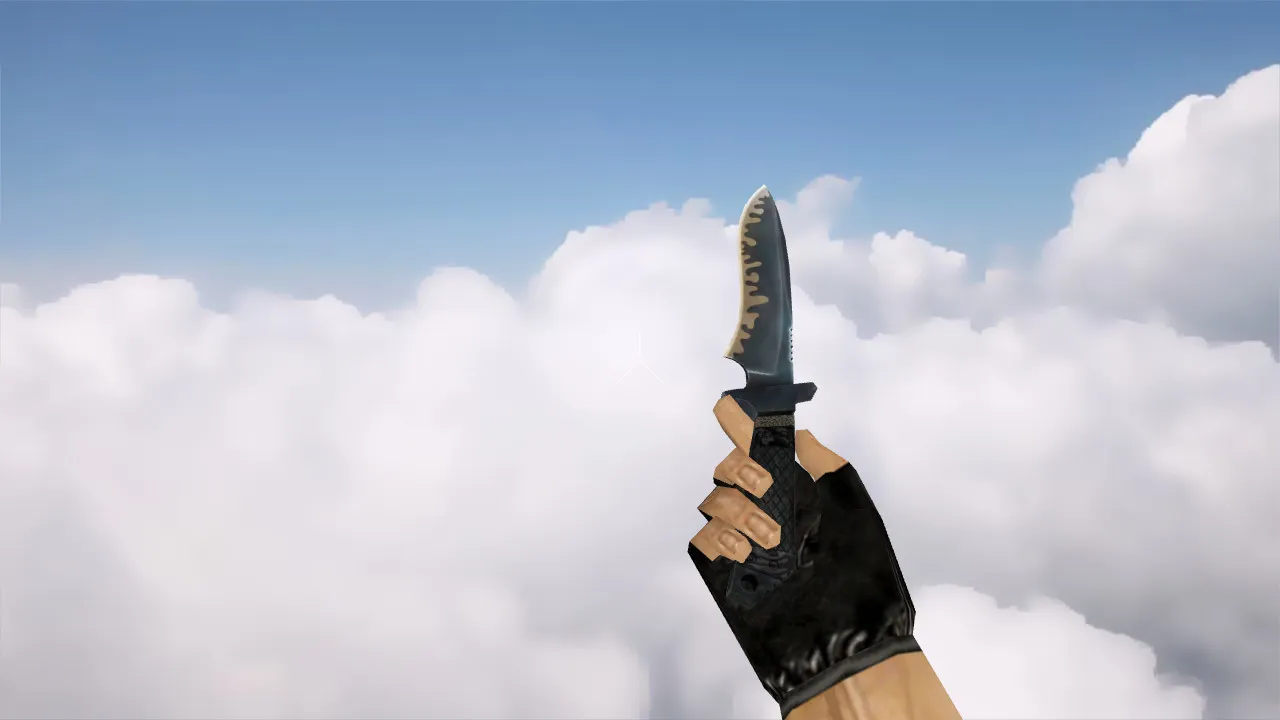
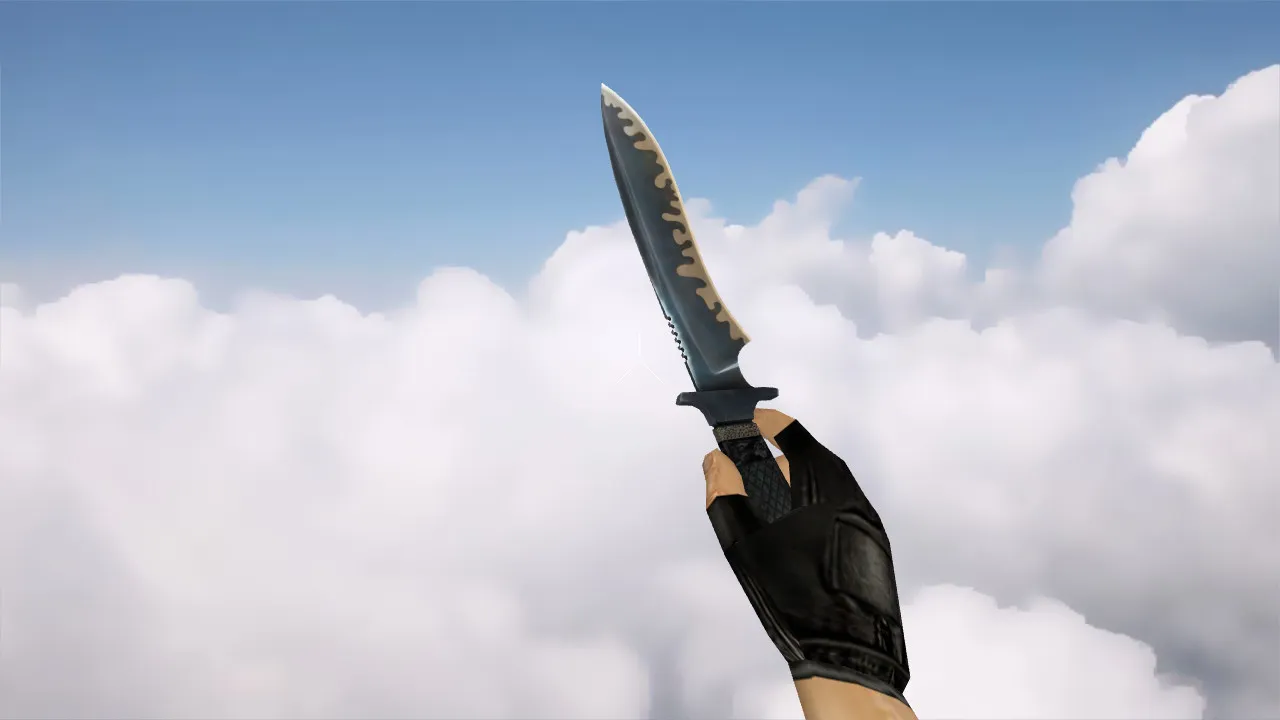
Description
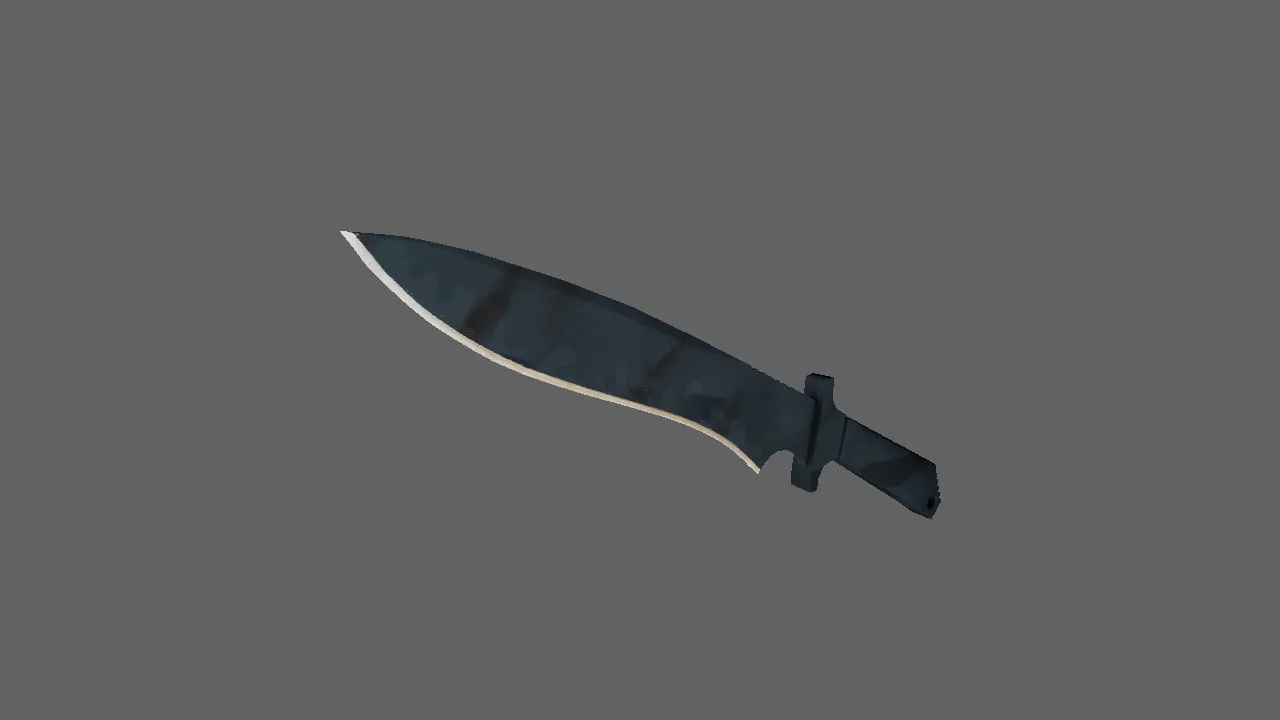
Classic Knife Vanilla Model for CS 1.6
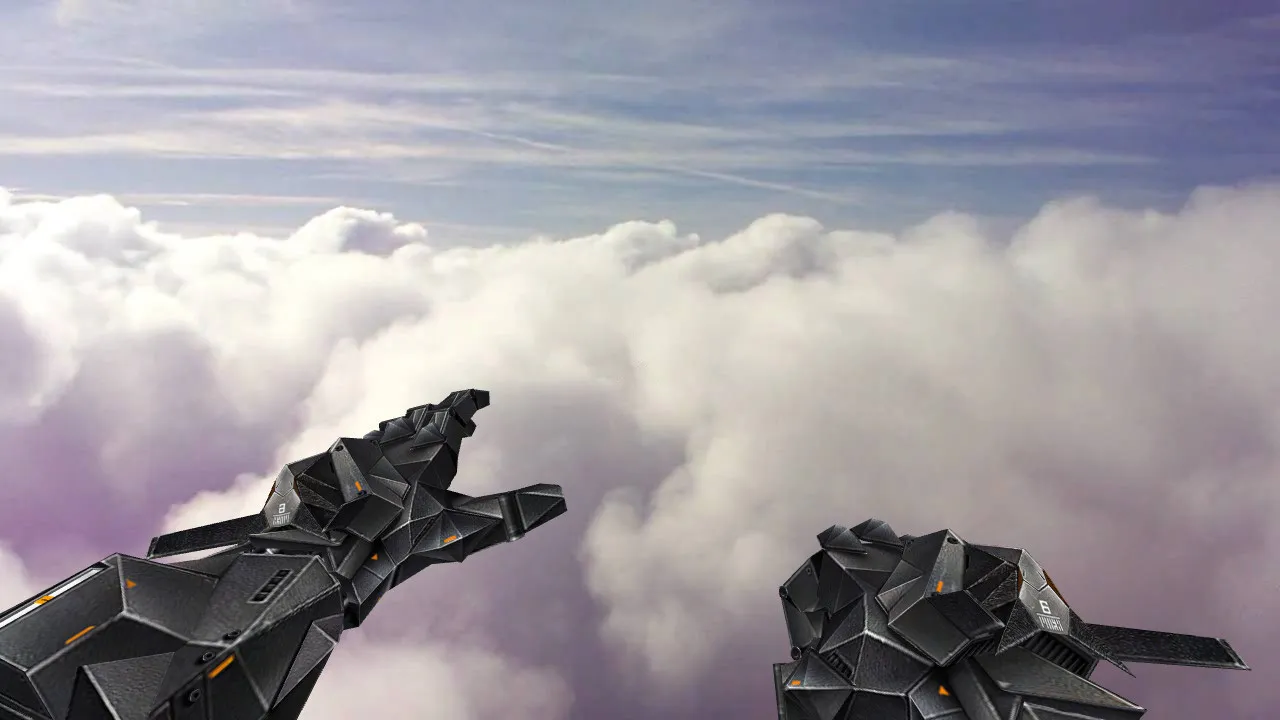
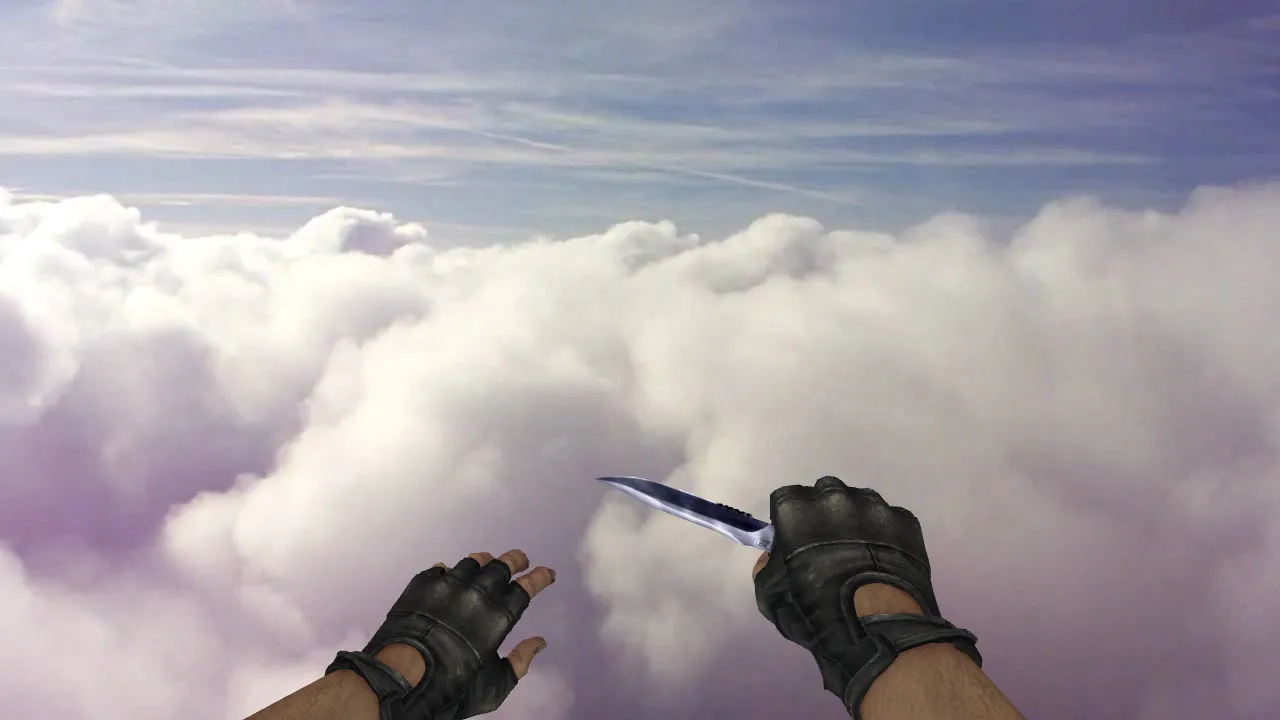
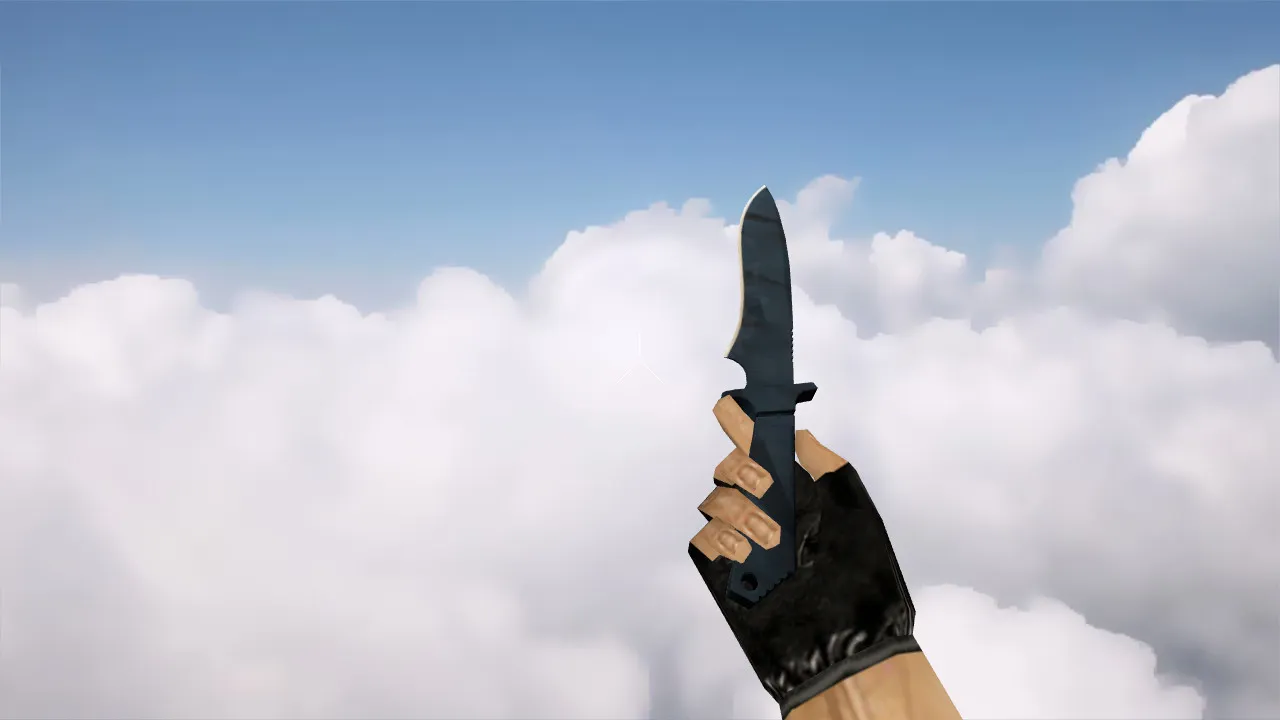
The Classic Knife Vanilla model is built for CS 1.6 players who prefer the original look without unnecessary visual clutter. This package supplies the necessary files for seamless integration: v_ for the first-person perspective, p_ for the player's hands, and w_ for the world view. Correct placement guarantees the knife renders consistently while aiming, running, or inspecting. In CS 1.6, these distinct model types manage different viewpoints, preventing clipping or visibility errors during active gameplay.
A standard structure ensures reliability: the v_ model displays the knife from your eyes, the p_ model aligns it with hand movements, and the w_ model positions it correctly in the game world. This arrangement stops hands from floating during motion or weapon switches from looking jerky. Textures employ clean 512x512 maps with solid normals for uniform lighting, removing color glitches or edge artifacts. The polygon count remains low at roughly 300 triangles to keep frame rates high on older hardware.
Sounds and Inspect Animations
Visuals alone are not enough; the knife also requires proper audio and motion. CS 1.6 expects click sounds for swings, switch noises, and synchronized inspect sequences. The included WAV files go into the correct folders without replacing defaults, avoiding silent swaps that ruin immersion. The inspect animation loops smoothly over two to three seconds, matching player input timing to prevent desynchronization. Test in offline mode to ensure no conflicts arise with other weapon packs.
The Vanilla design puts readability ahead of effects. The knife's outline stays sharp in dark areas, such as de_dust2's tunnels, thanks to high-contrast textures. With no glows or particles, it fits ESL-style servers without drawing unwanted attention. Hitbox alignment remains true to the original, ensuring accurate swings without invisible offsets.
Installation Without Issues
- Back up your models folder first so you can revert easily if problems occur.
- Copy the v_knife, p_knife, and w_knife files to the cstrike/models/v_knife, p_knife, and w_knife directories.
- Confirm file names match exactly; mismatches cause the default or invisible models to load.
- Avoid auto-scripts; manually test via the console or menu for a clean config.cfg integration.
- Start an offline server, spawn the knife, and check the first-person view, world drop, hand synchronization, and weapon switches.
For multi-mod setups, prioritize the load order in cl_entities.cfg to prevent file overwrites. Remove old knife versions before installing to avoid sound or parameter clashes. This model functions on both Steam and Non-Steam builds like 4554 or 3266, with MasterServer compatibility.
In-Game Testing
After installation, run a quick verification. In bright locations like de_inferno's open areas, inspect textures for sharpness. Move into shadows and confirm outline visibility at a distance of 10-20 units. The knife should maintain its shape and color without distortion. During sprints or turns, watch for model jitter-proper rigging keeps it stable.
Trigger the inspect animation; it should cycle without hitches or premature cuts. Weapon swaps must play the full audio cues. If audio drops or visuals lag, re-examine file paths or conflicting mods. Aim for 100+ fps during tests to confirm the low-poly design causes no performance hit.
Key Considerations
Built strictly for CS 1.6, this model installs virus-free with no slow-hack risks, ads, or auto-connect features. Drop the files into the standard folders and verify in-game. On varied builds, keep config.cfg clean to preserve model paths. For the authentic Vanilla feel, this pack delivers precise v_, p_, w_ files, reliable sounds, and fluid inspect animations. It improves knife play without visual lag or compatibility headaches, making it ideal for competitive lobbies.
Expand your setup with this classic: it integrates seamlessly, boosting visibility in tight corners while staying true to CS 1.6's core mechanics. No extra tools are needed-just direct file replacement and a restart. Players report zero conflicts on public servers, making it a go-to choice for purists.
Install in three steps
-
1
Download the archive. Use the button on the right, or the Yandex.Disk mirror if the main server is slow.
-
2
Extract it into the game folder. Use 7-Zip or WinRAR. A path without non-Latin characters works best.
-
3
Launch the game. If something doesn't work, mark it below - that is how we know the file needs an update.
Did it work for you?
No sign-up needed. You can pick more than one.