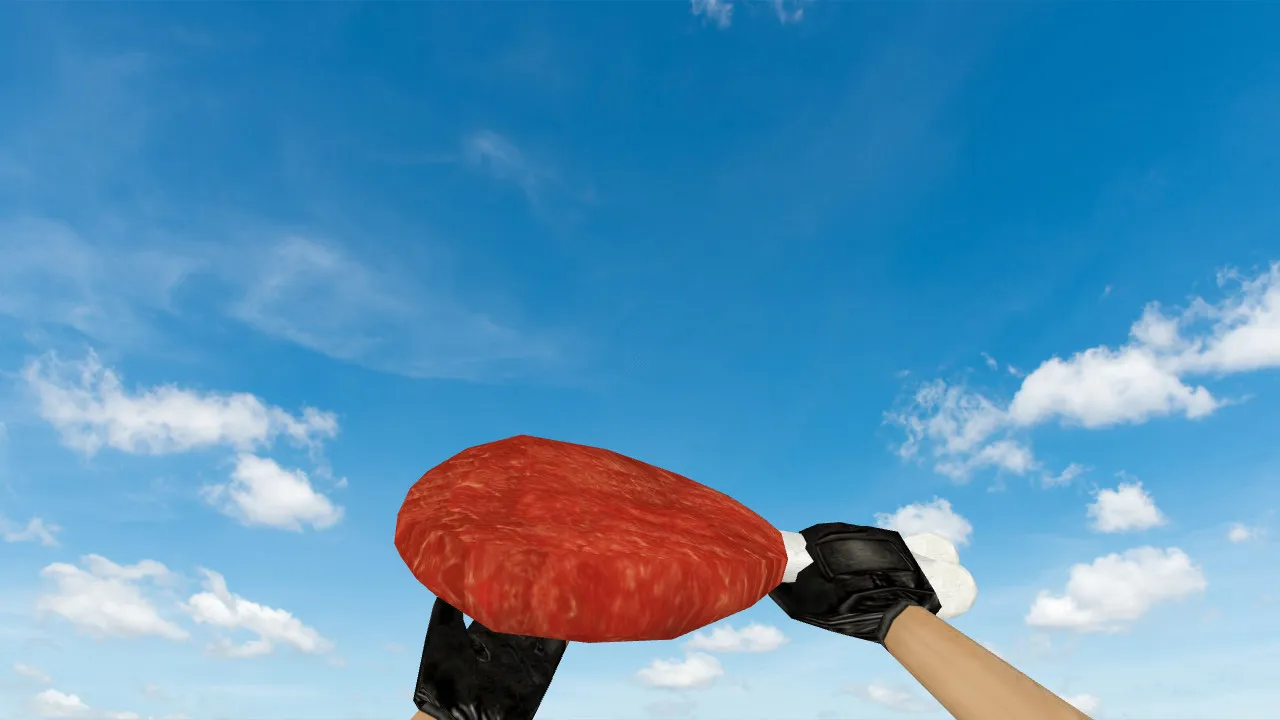
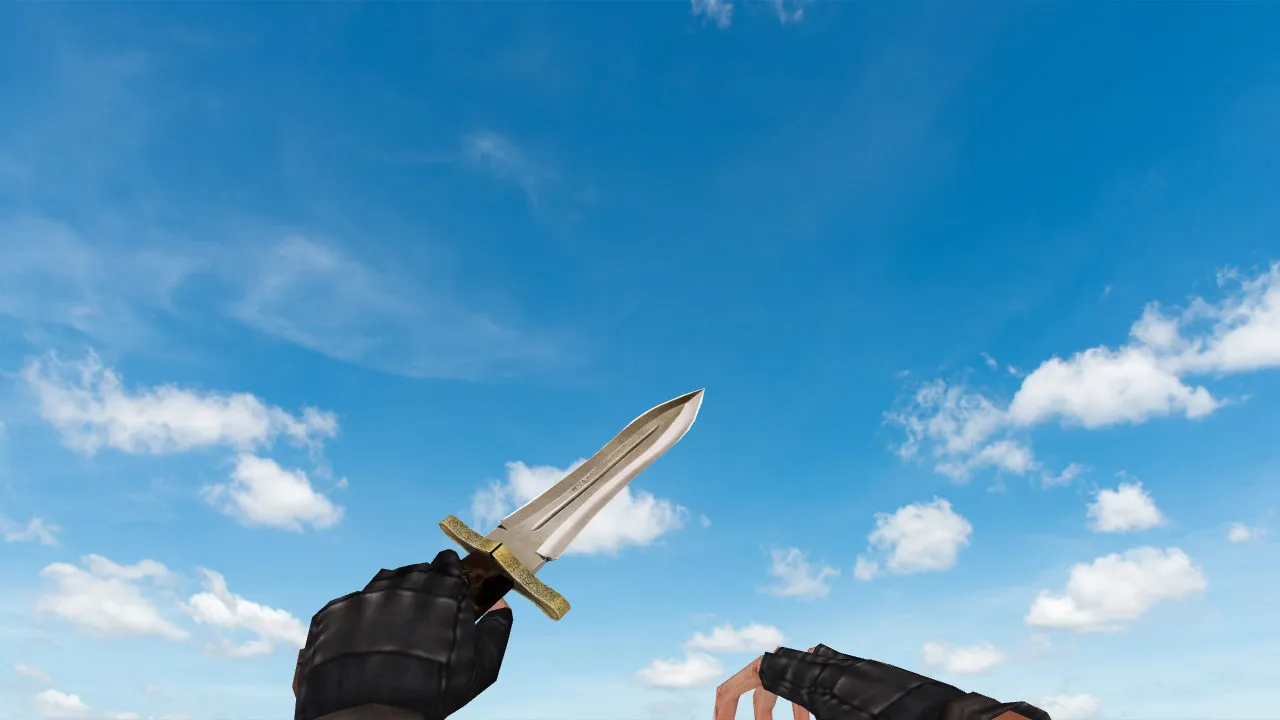
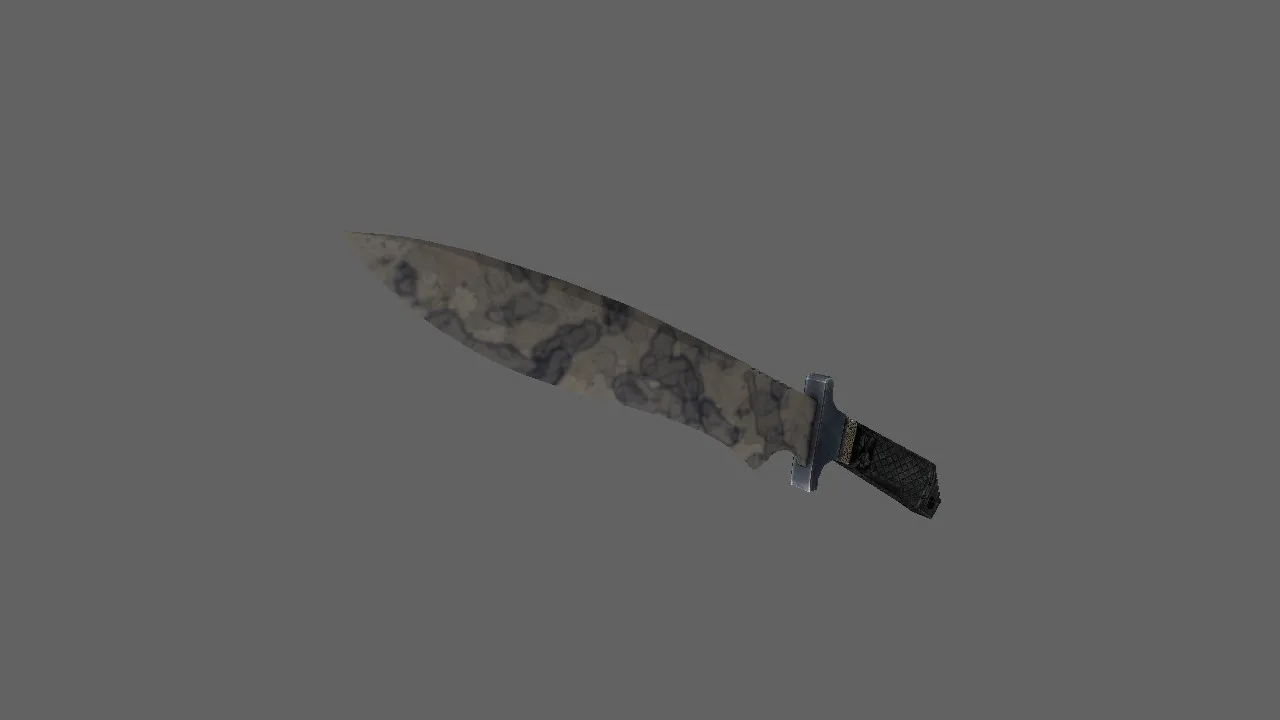
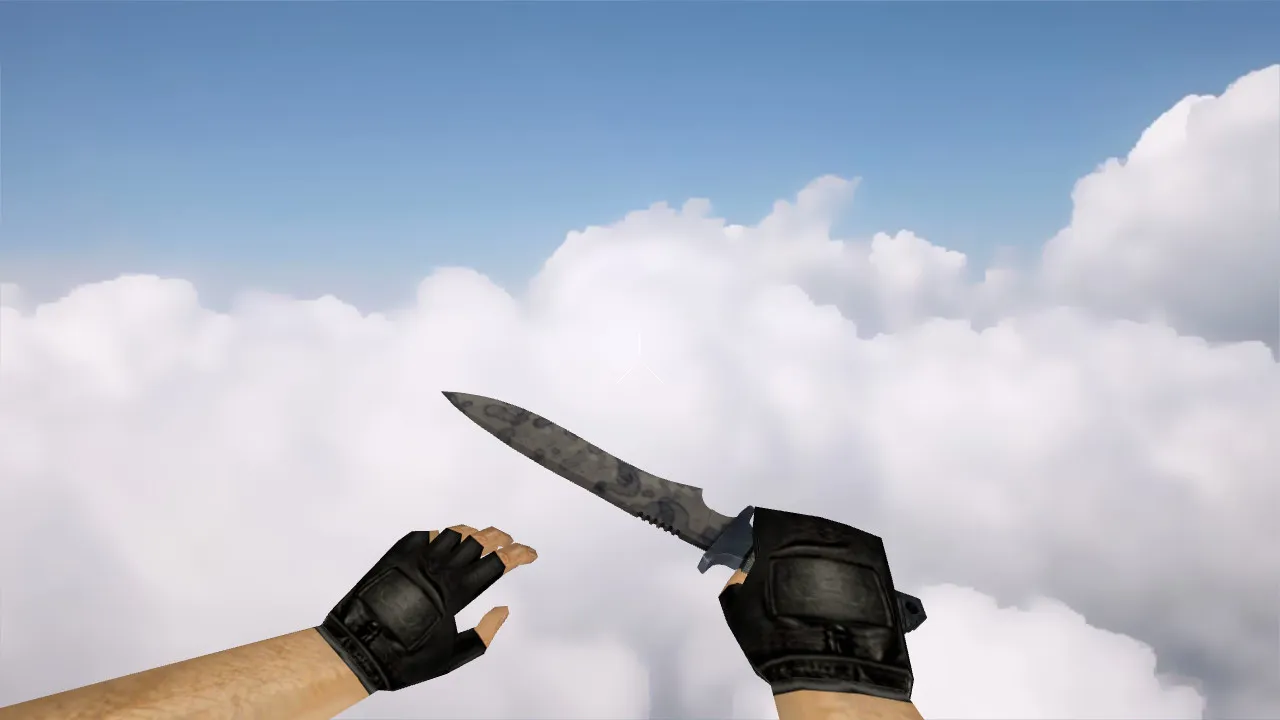
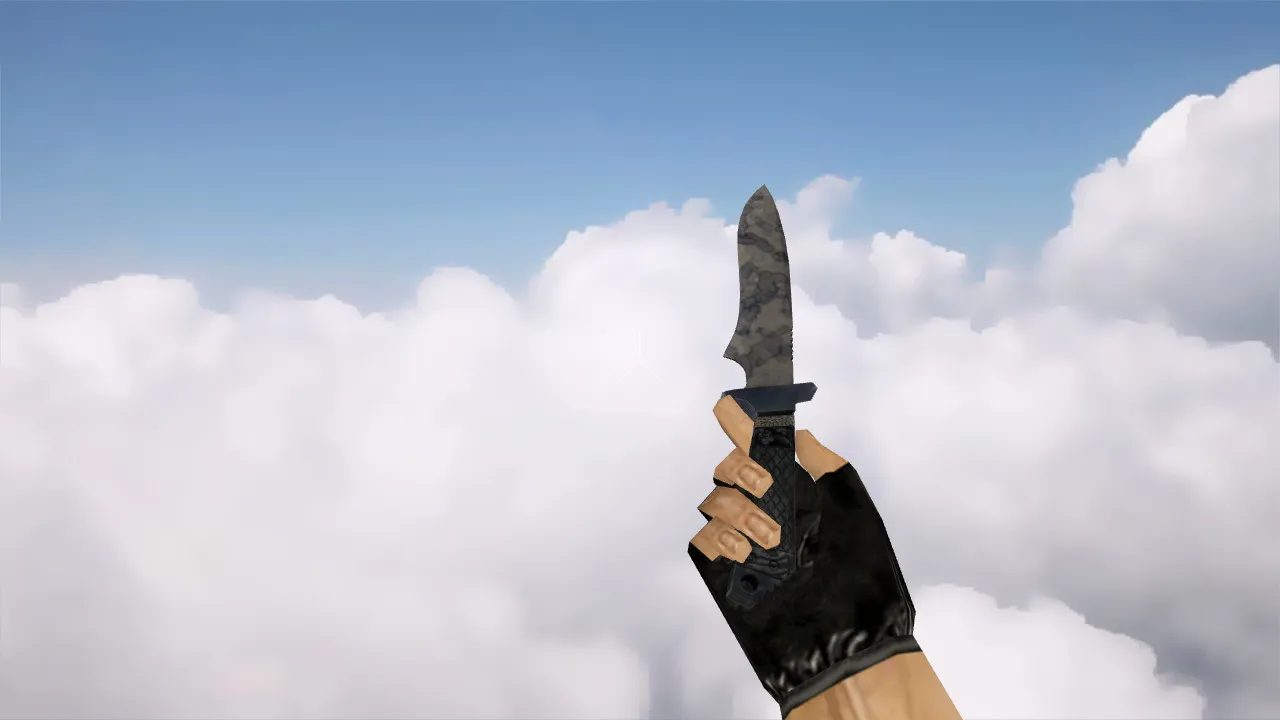
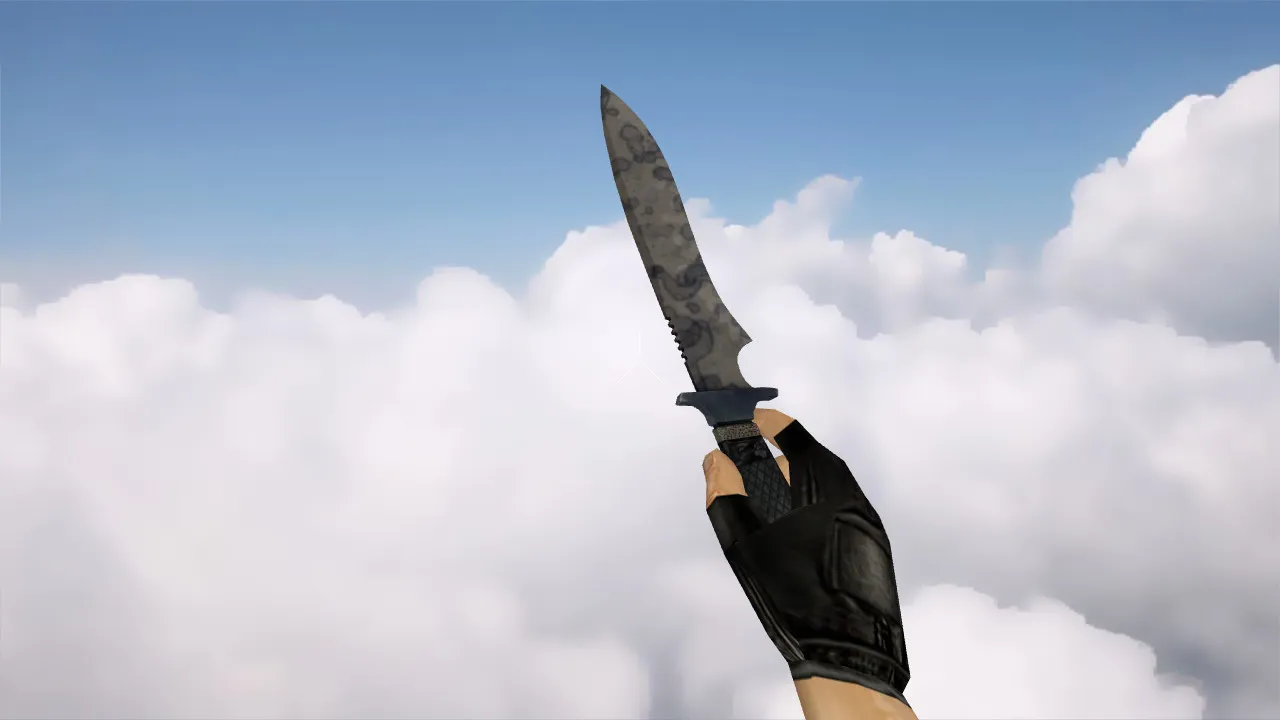
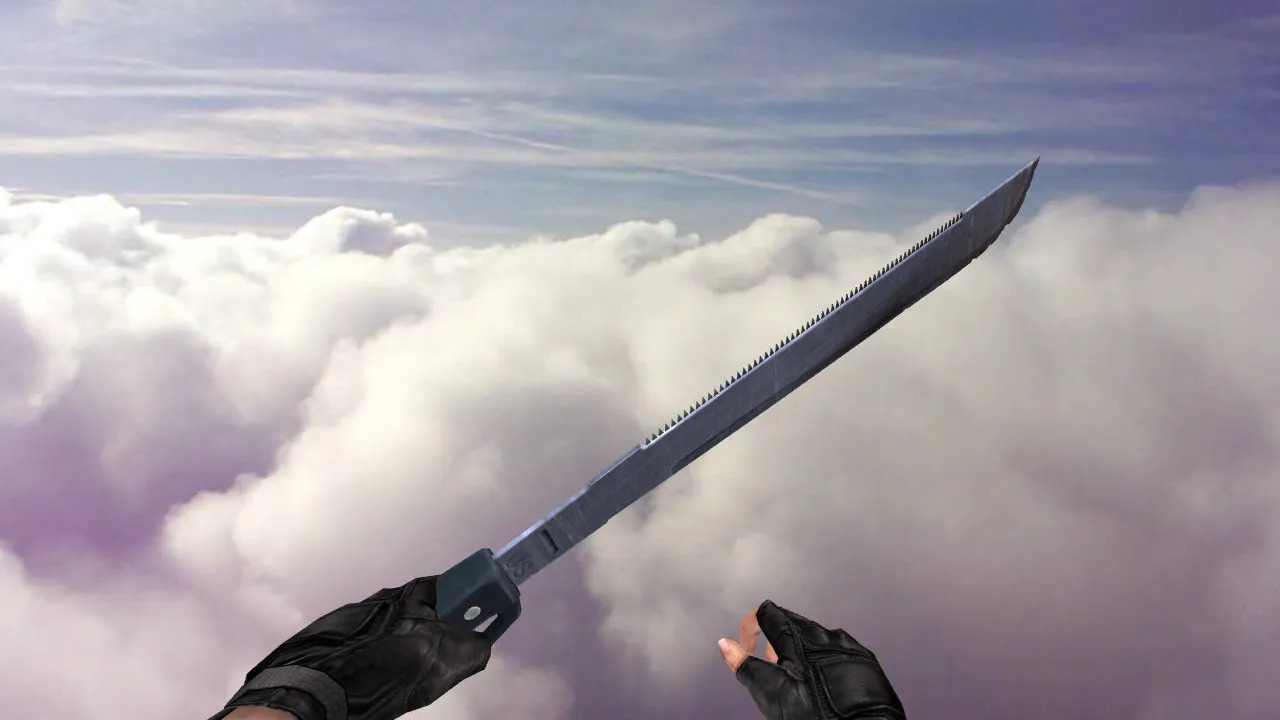
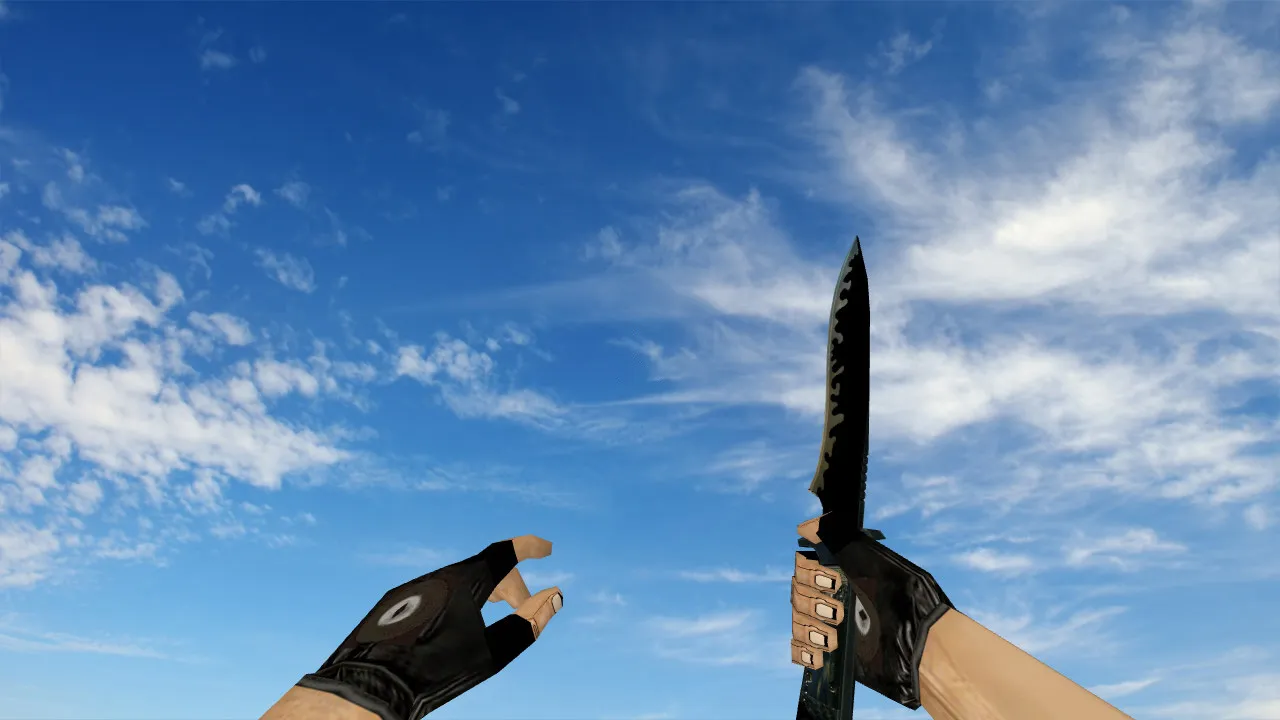
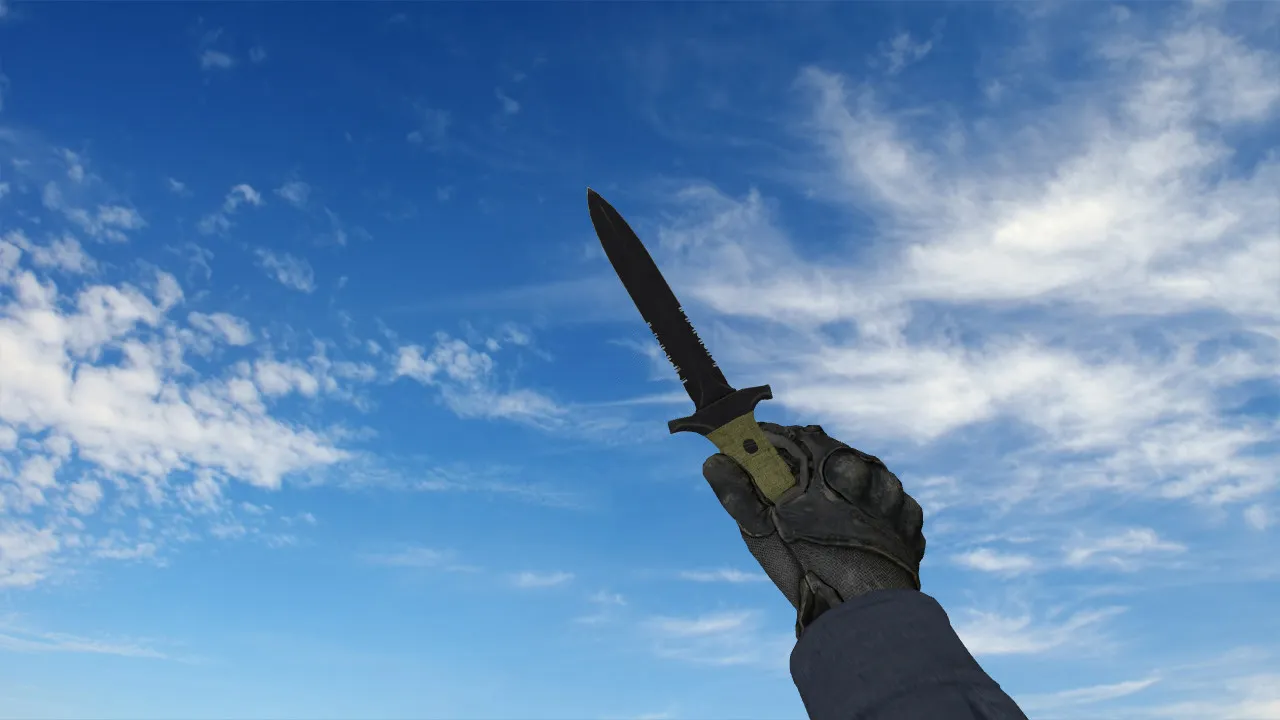
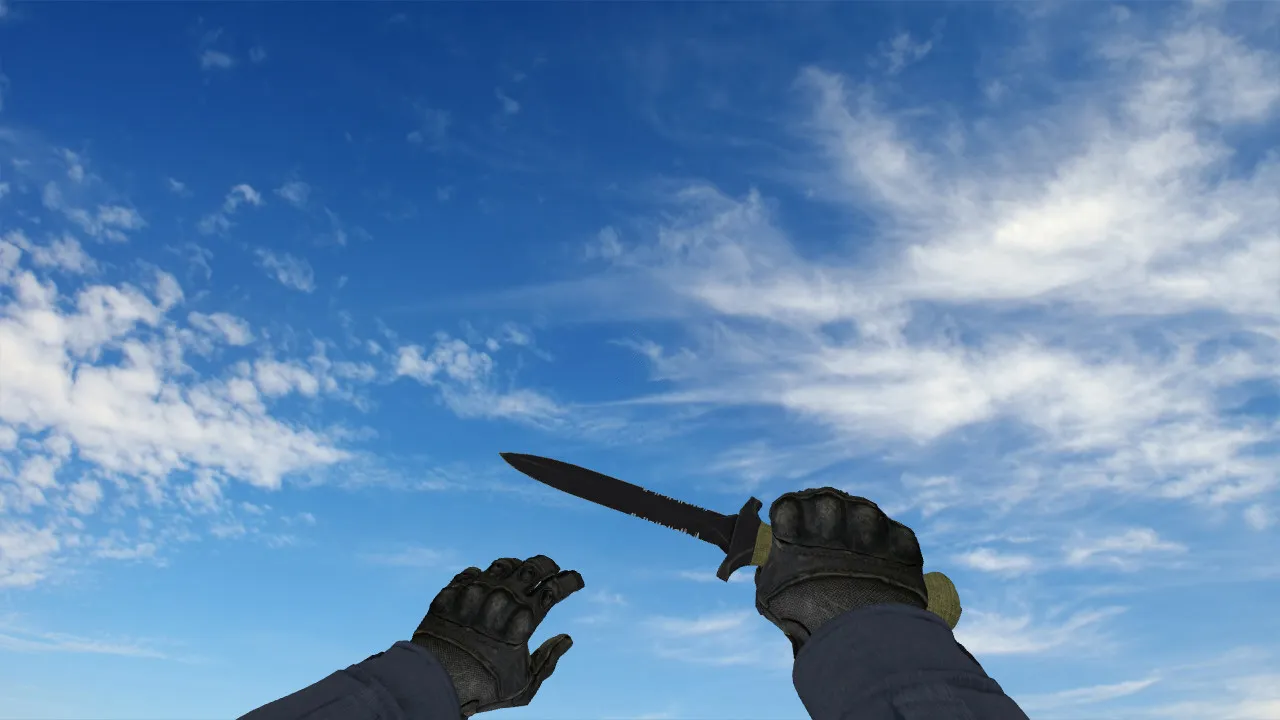
Default CSGO CT Knife Model for CS 1.6: v_ p_ w_ Models, Sounds, Inspection Animation, and HD Textures

Description
Default CSGO CT Knife for CS 1.6: Contents and Setup Guide
The Default CSGO CT Knife model is made for CS 1.6 and drops into the client cleanly. The important parts are the v_, p_, and w_ models, which keep the knife looking right in first-person, while aiming, and on the ground. Also check the sounds for draw and swing actions, plus the inspection animation to prevent glitches when switching weapons. Textures stay crisp without artifacts, preserving the CT look during play.
Knives shift the feel of a round fast in CS 1.6. The standard CT design reads clearly: its shape, details, and silhouette. The model must not mess with on-screen behavior. In-game, it needs exact hand alignment with no axis shifts. This keeps strikes smooth and weapon inspection dependable.
Model Requirements and Visual Checks
Before you start, run a quick offline test on an empty map. Open the console and cycle weapons to verify:
- v_ model does not flicker or drift while moving
- p_ model lines up well when aiming and changing stance
- w_ model in the world avoids clipping with hands or walls
- Textures keep clarity, no blur or broken parts
- Draw and strike sounds sync perfectly with animations
- Inspection animation runs without lag or skipped frames
If the model looks fuzzy in dark areas, it is usually texture or lighting settings, not a mystery. Test on maps with mixed light: dim hallways and open spaces. Polycount stays low for high FPS, around 500-800 faces, so there is no drag on older PCs. Hitbox alignment matches the default knife for accurate swings without offset problems.
Installing the Knife in CS 1.6
Installation is simple and safe if done carefully. No auto-connects or extra scripts needed. Stick to model files and the standard client structure.
- Back up your models and config folders first.
- Unpack the Default CSGO CT Knife archive.
- Copy v_, p_, and w_ files to the proper client directories, such as models/v_knife_ct.mdl in the correct path.
- Make sure sound files (.wav) and material files (.mdl with embedded textures) load if included.
- Start CS 1.6, equip the knife, and check in first-person, then view the world model via bots or observer mode on a local server.
If the model does not appear, it is usually a path error or mismatched filenames. Double-check the folder tree: one wrong directory and the client skips it. This pack includes .mdl, .ani, and .wav files, all optimized for Build 4554 or 8613 clients, Steam or non-Steam. No viruses, no slow-hacks, no ads-just clean files for direct replacement.
Setup Tips and Gameplay Advice
The knife does not change damage or mechanics. It updates visuals and weapon swap tempo on screen. For stability, use a clean config.cfg without conflicting custom binds. Watch FPS to avoid drops; this model adds almost no load. On servers with MasterServer protection, it works fine if custom models are allowed.
When playing across servers, test compatibility: some plugins block partial replacements. Verify on a custom-model-friendly server first. Safety is key-only add model and sound files, skip anything suspicious. Pair with no-recoil configs if needed, but keep it light. In close-quarters like de_inferno apartments, the CT knife's clean silhouette helps quick peeks without visual clutter.
Expand your setup with matching CT gloves or HUD tweaks for full immersion, but test step by step. This ensures smooth runs in deathmatch or competitive lobbies.
Final Notes
The Default CSGO CT Knife for CS 1.6 delivers a CT-style replacement with solid v_ / p_ / w_ models, synced sounds, and smooth inspection animation. Install precisely, test in-game, and keep a stable config. It integrates seamlessly for reliable performance every round, enhancing classic CS 1.6 knife play without surprises.
Install in three steps
-
1
Download the archive. Use the button on the right, or the Yandex.Disk mirror if the main server is slow.
-
2
Extract it into the game folder. Use 7-Zip or WinRAR. A path without non-Latin characters works best.
-
3
Launch the game. If something doesn't work, mark it below - that is how we know the file needs an update.
Did it work for you?
No sign-up needed. You can pick more than one.