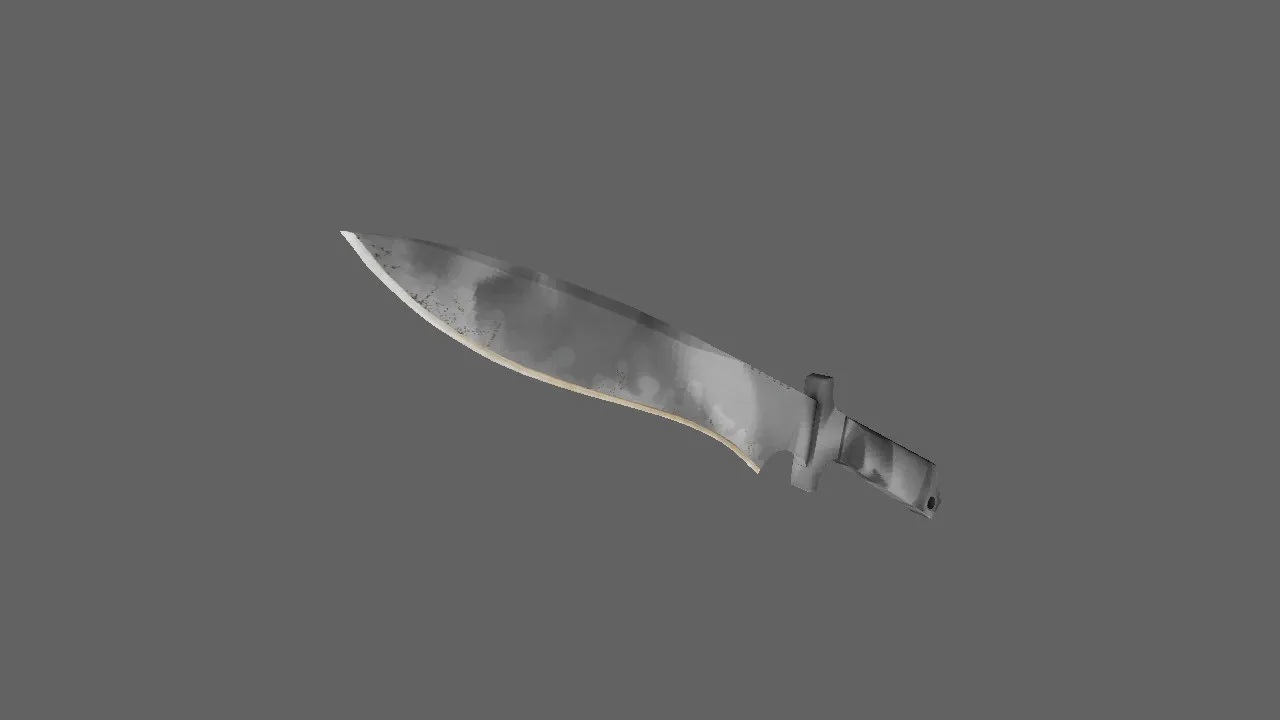
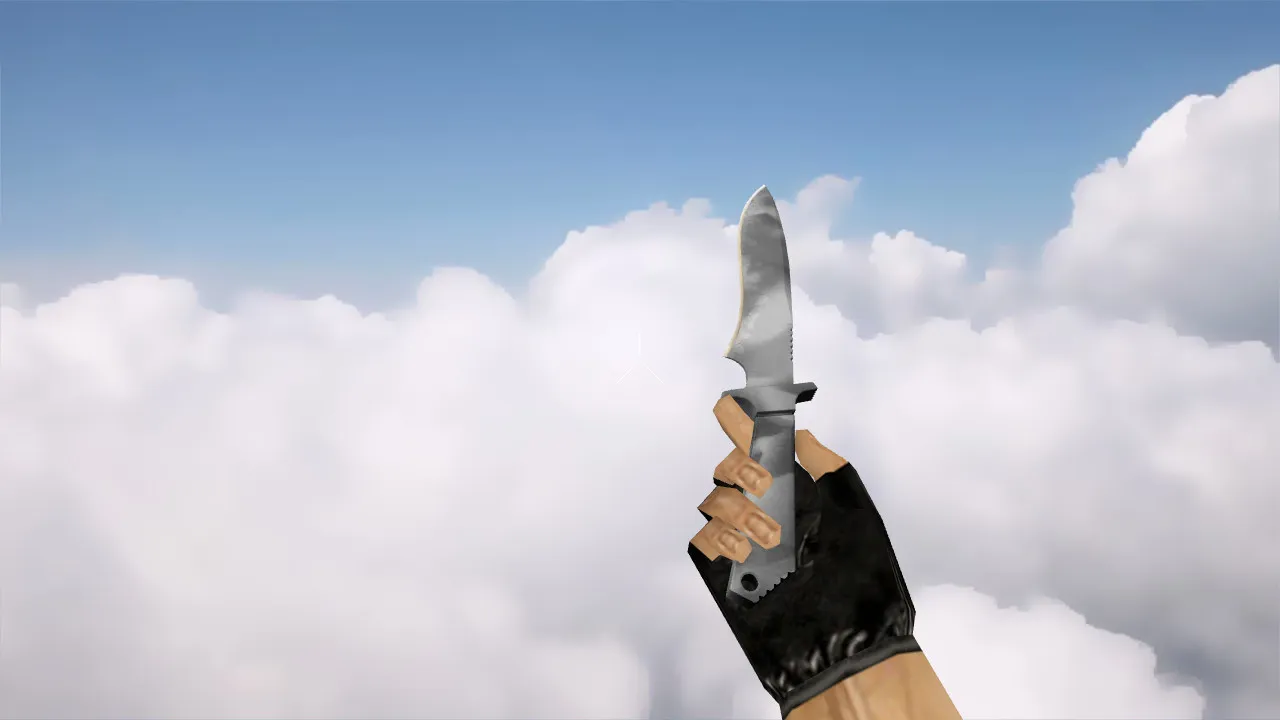
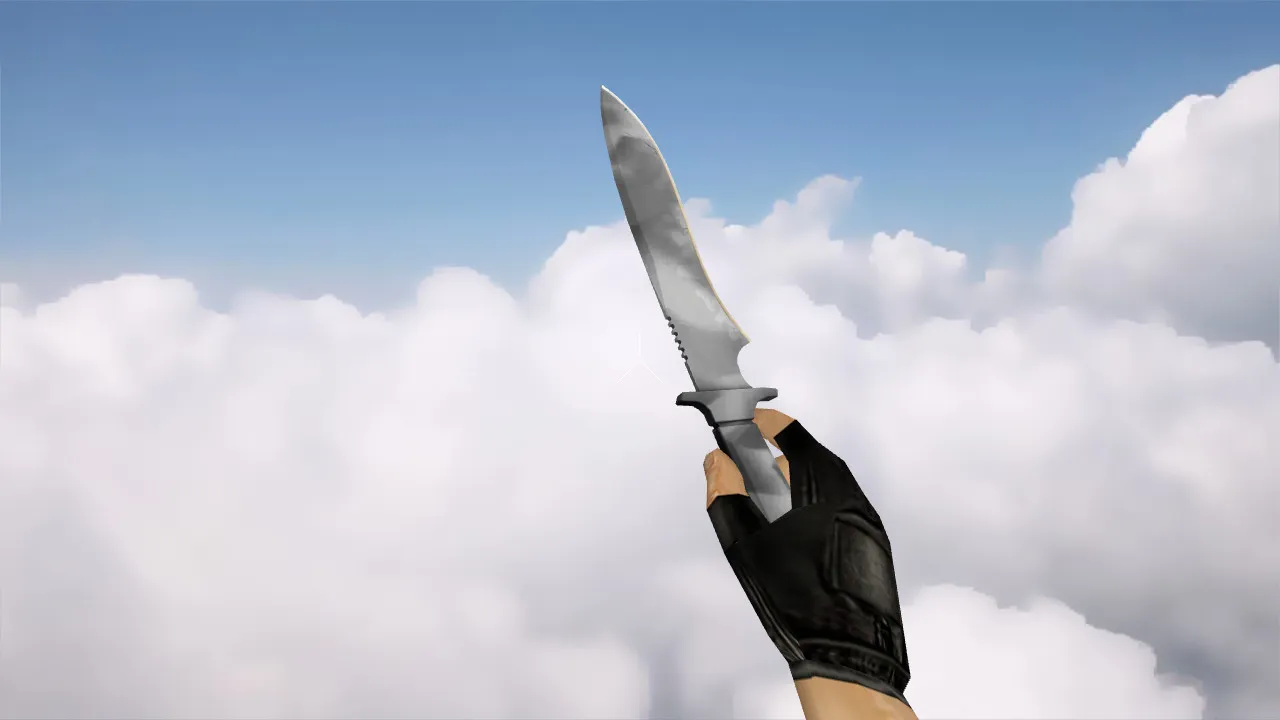
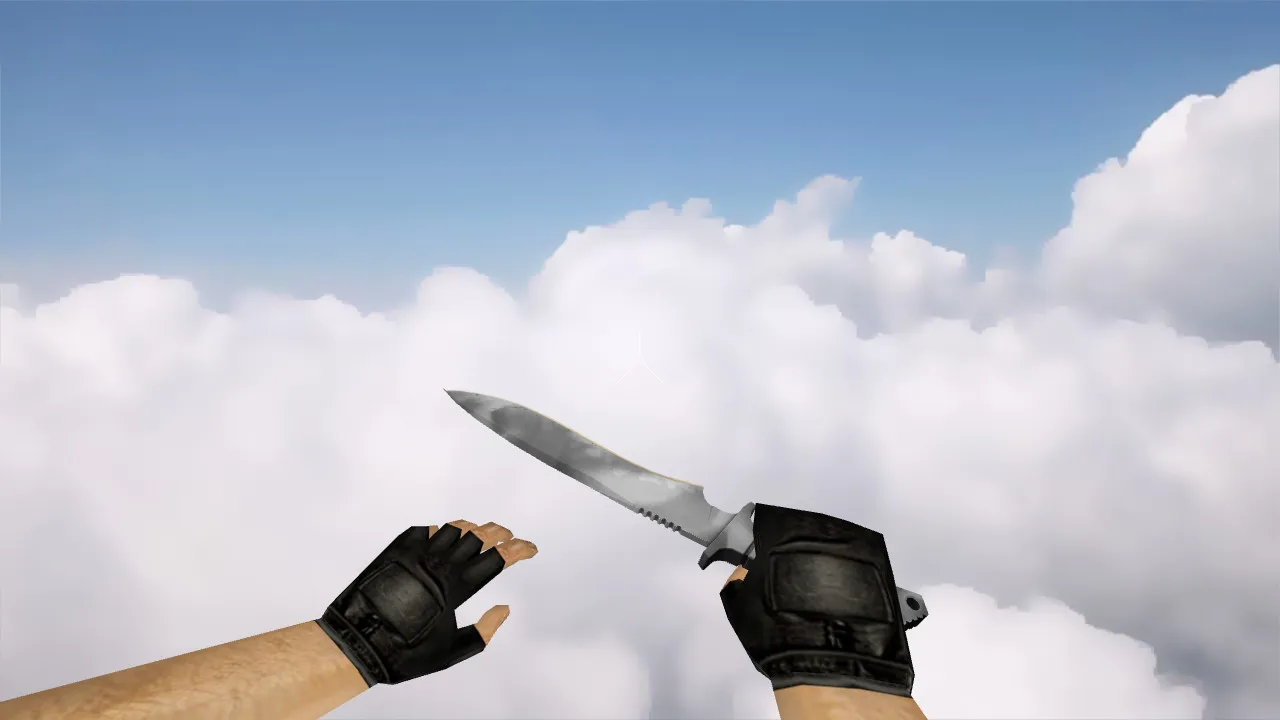
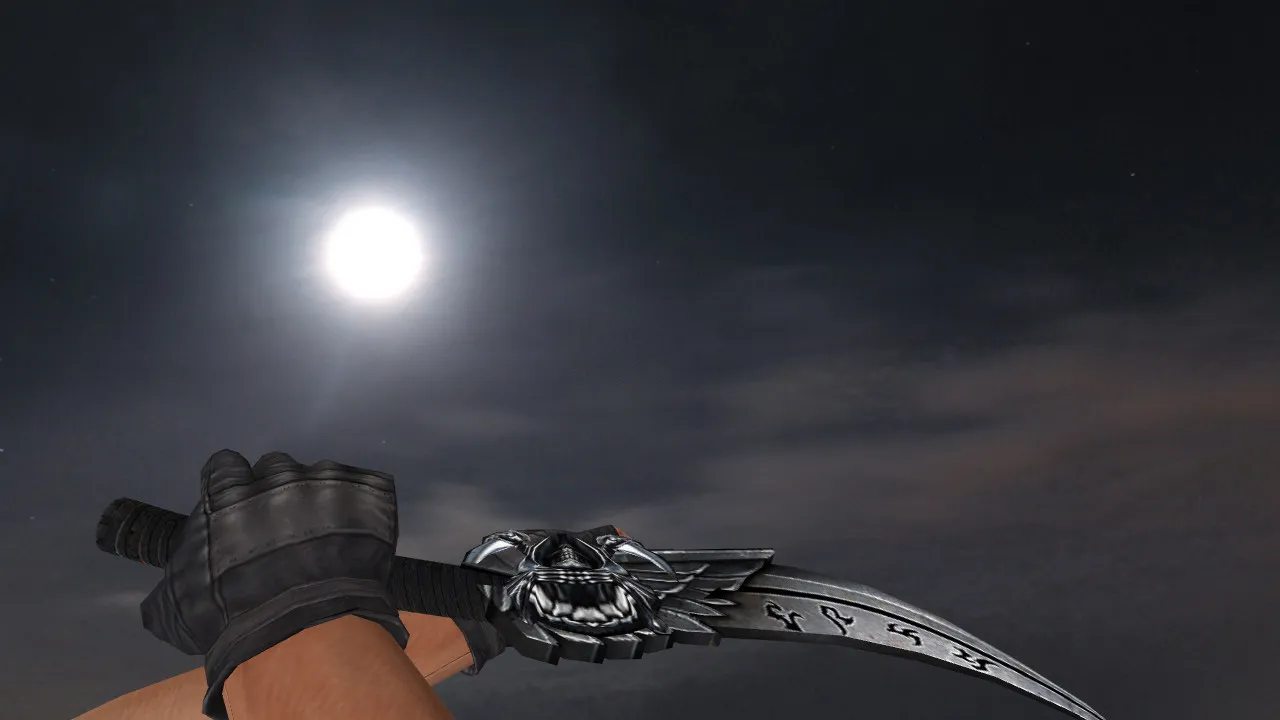
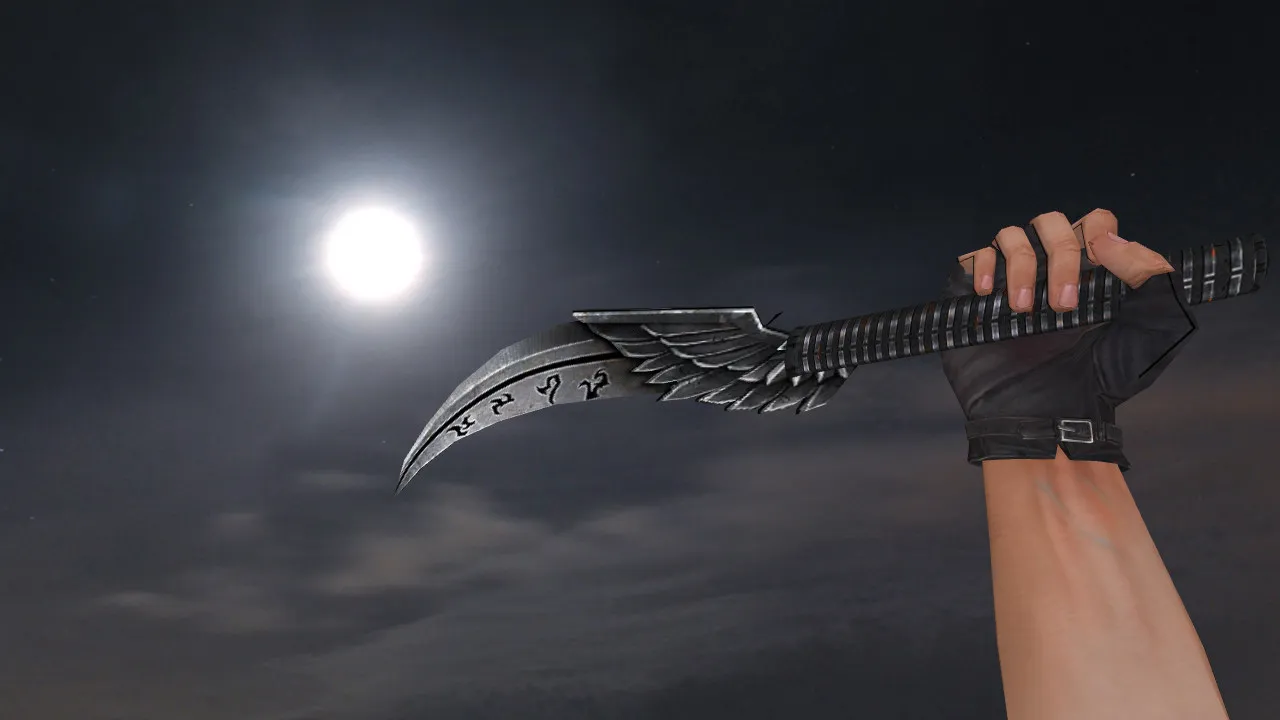
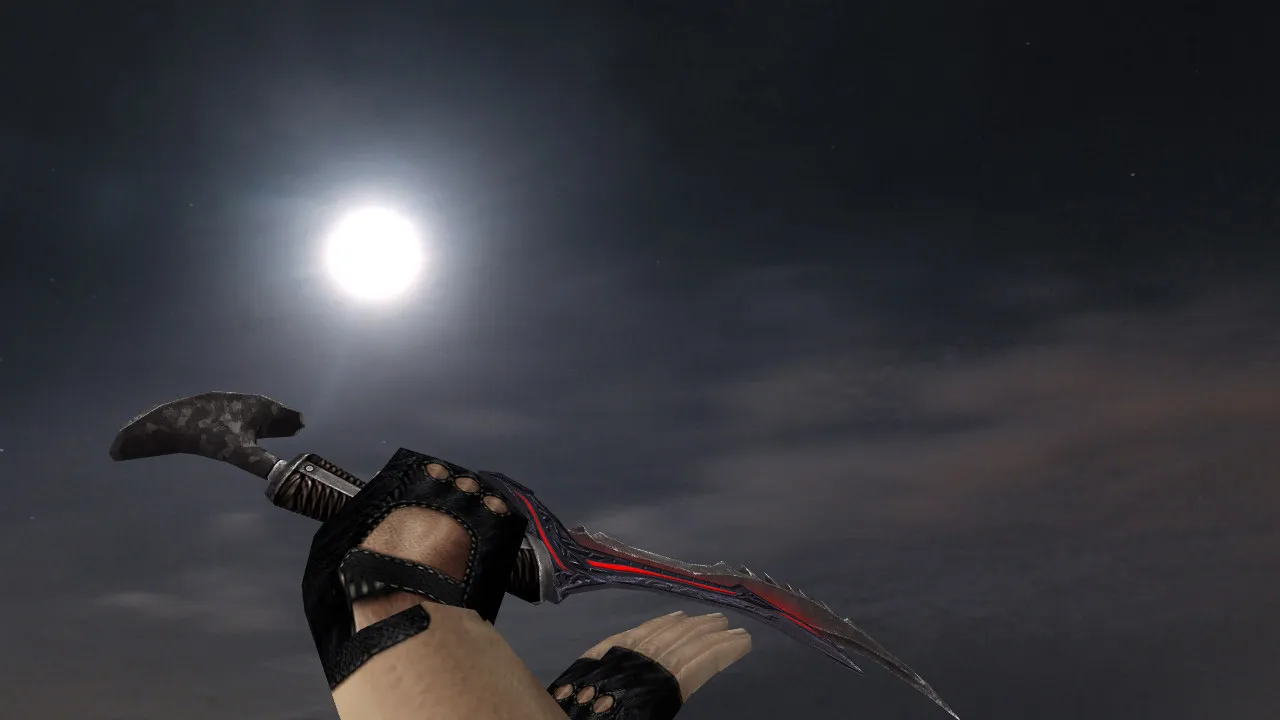
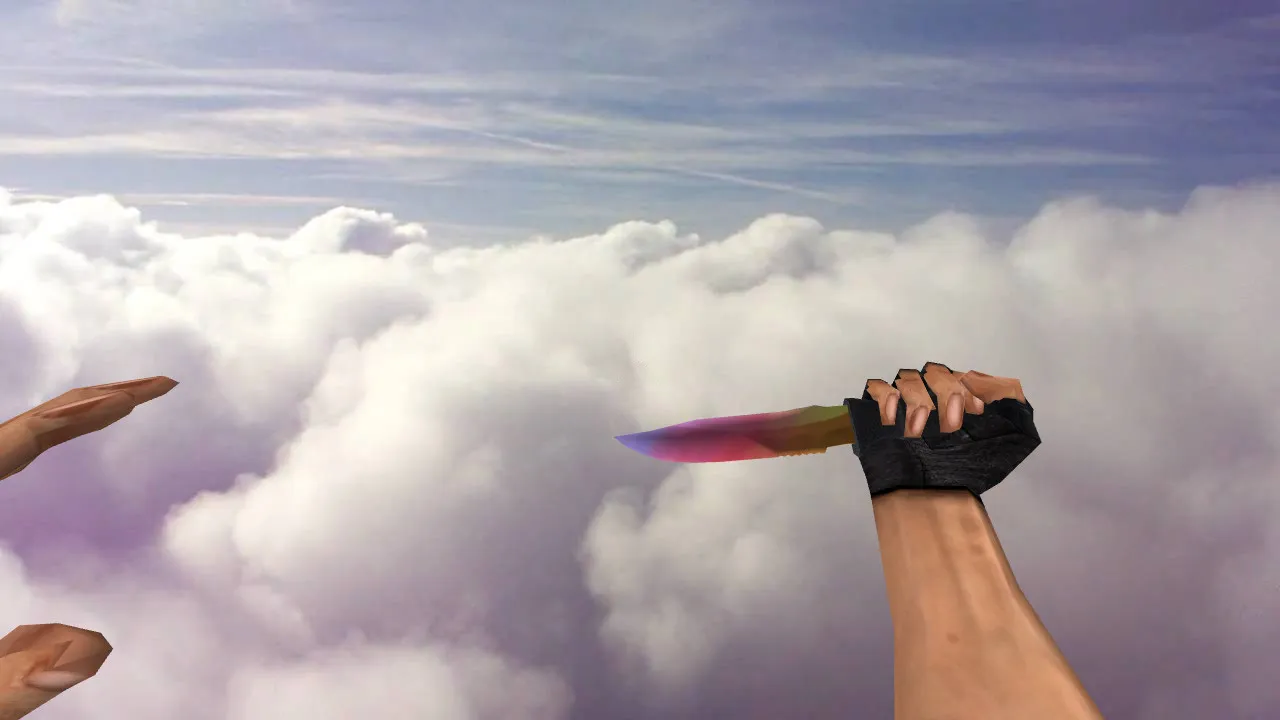
Default Knife Black Model for CS 1.6: v_ and w_ Knife with Sounds, Inspect Animations, and Texture Quality
Description
Default Knife Black for CS 1.6: What Changes in the Game
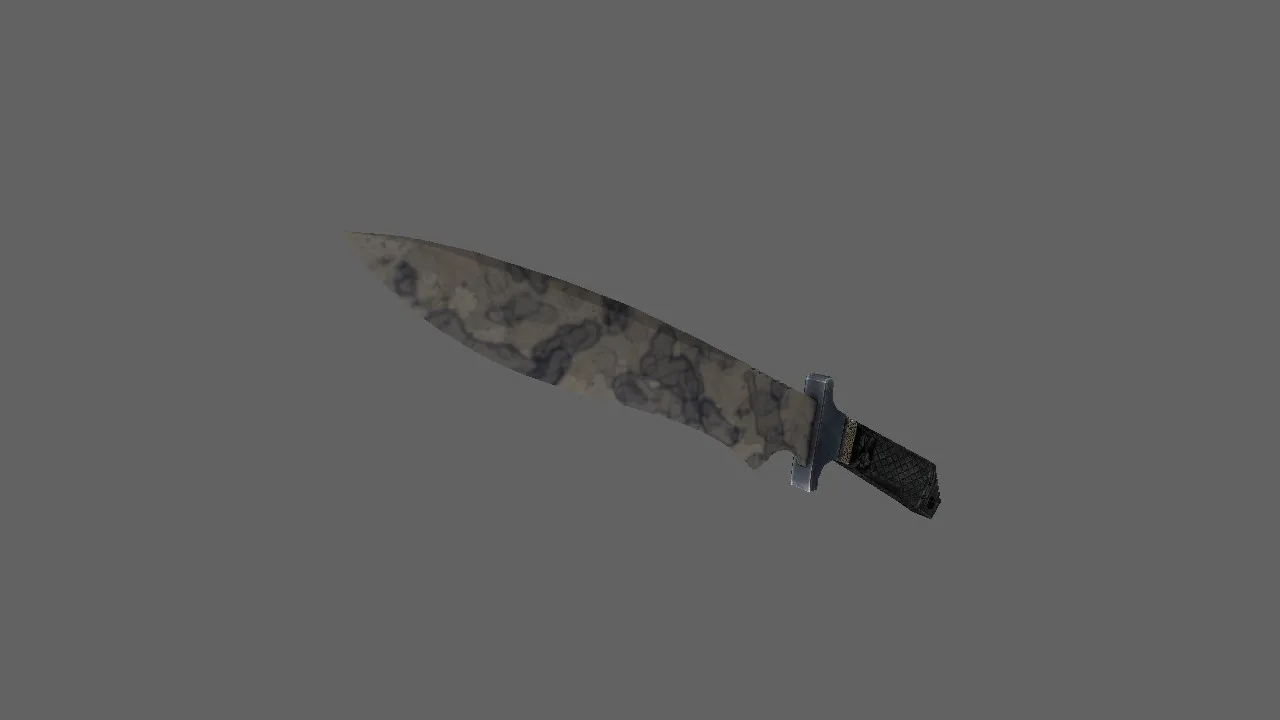
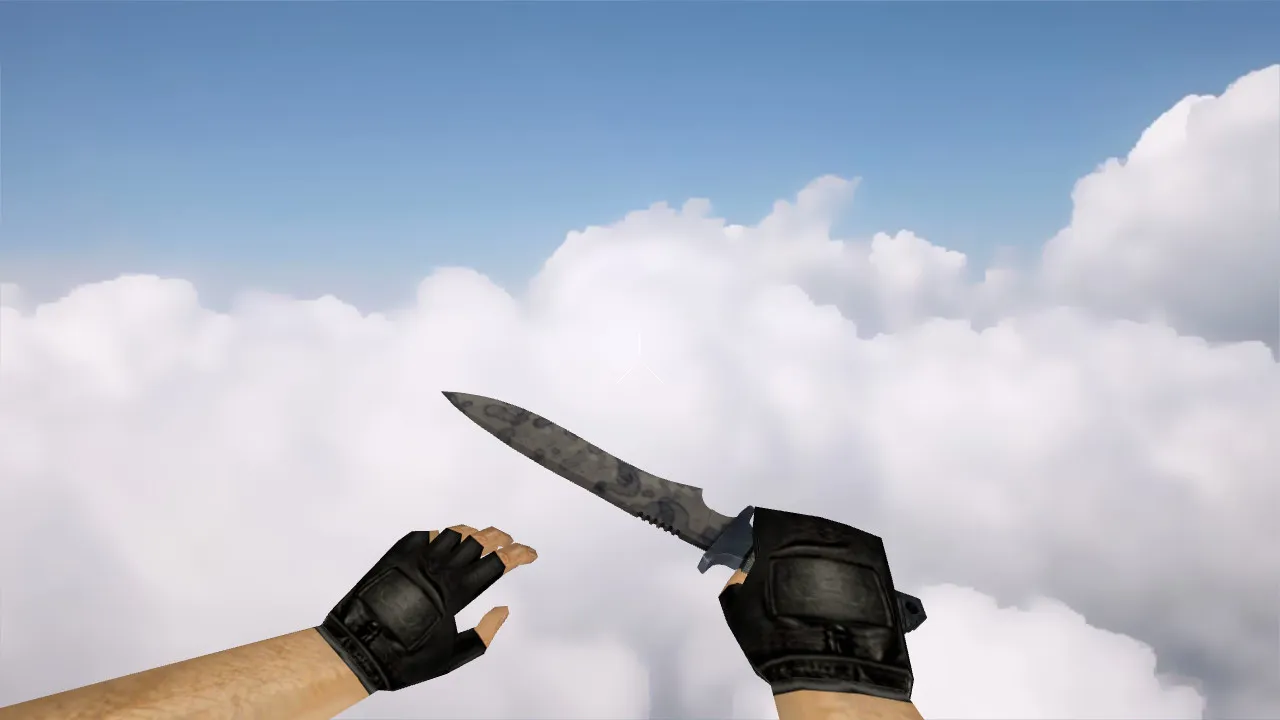
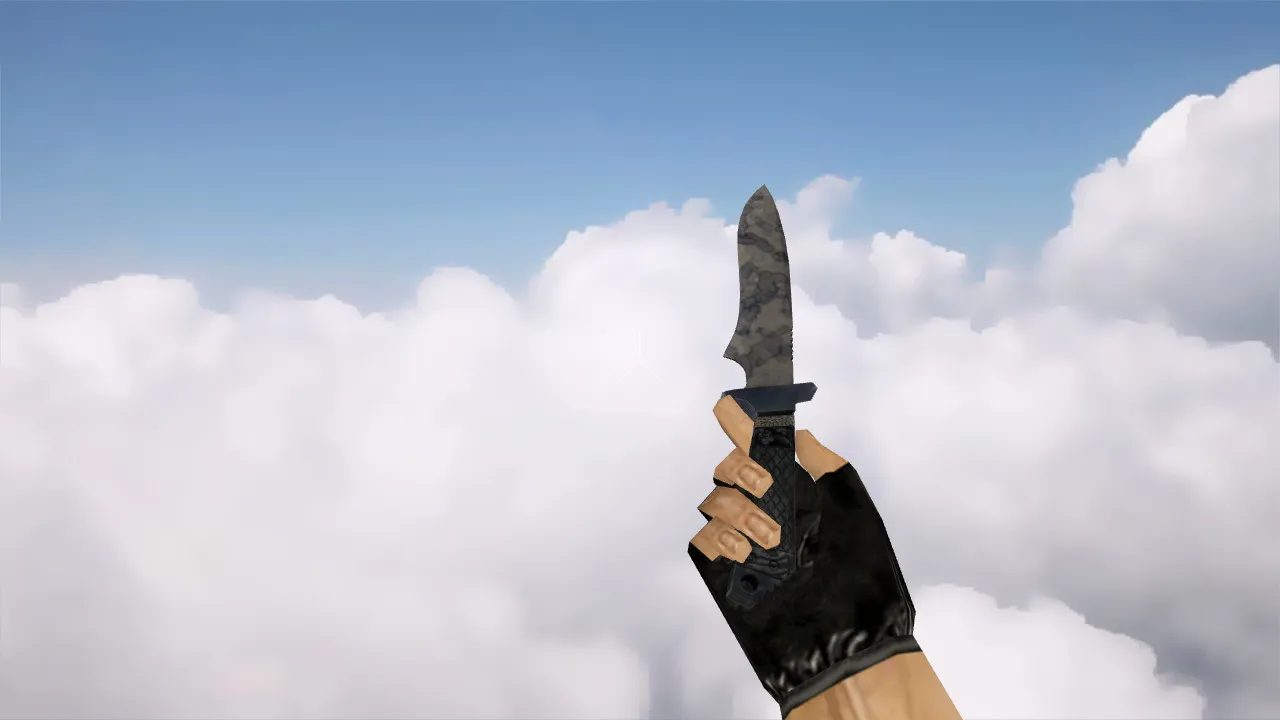
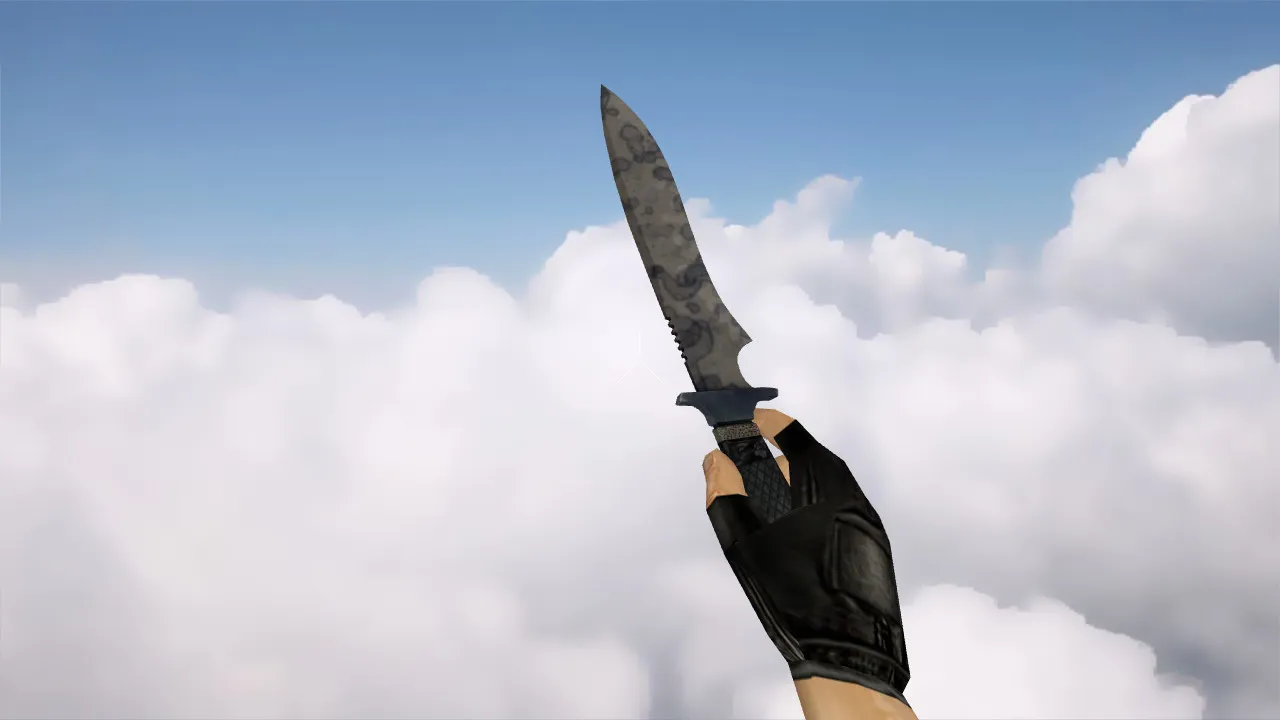
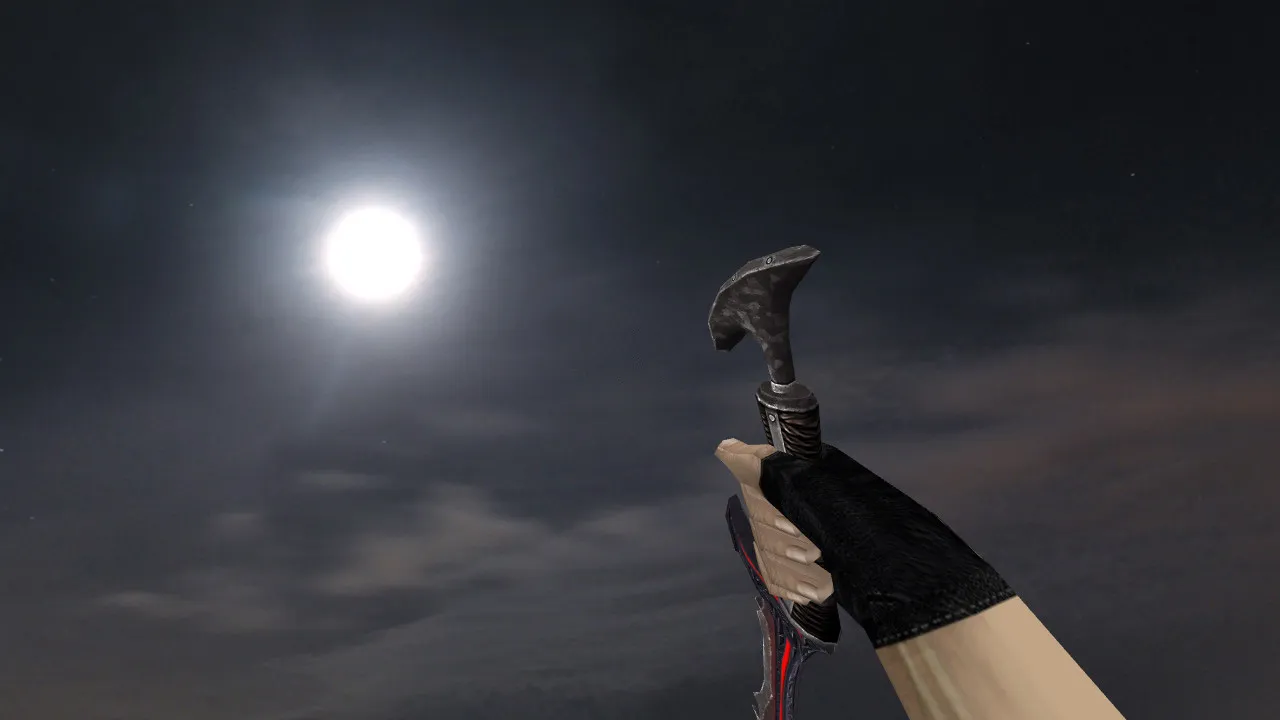
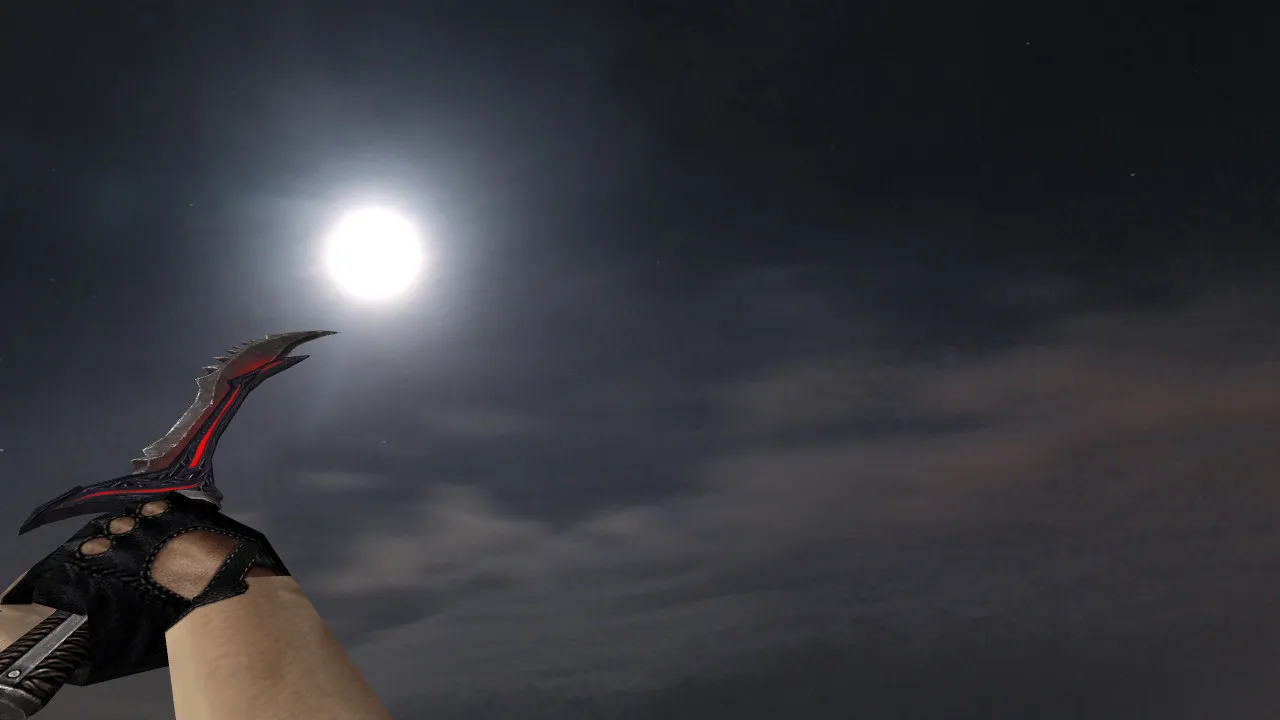
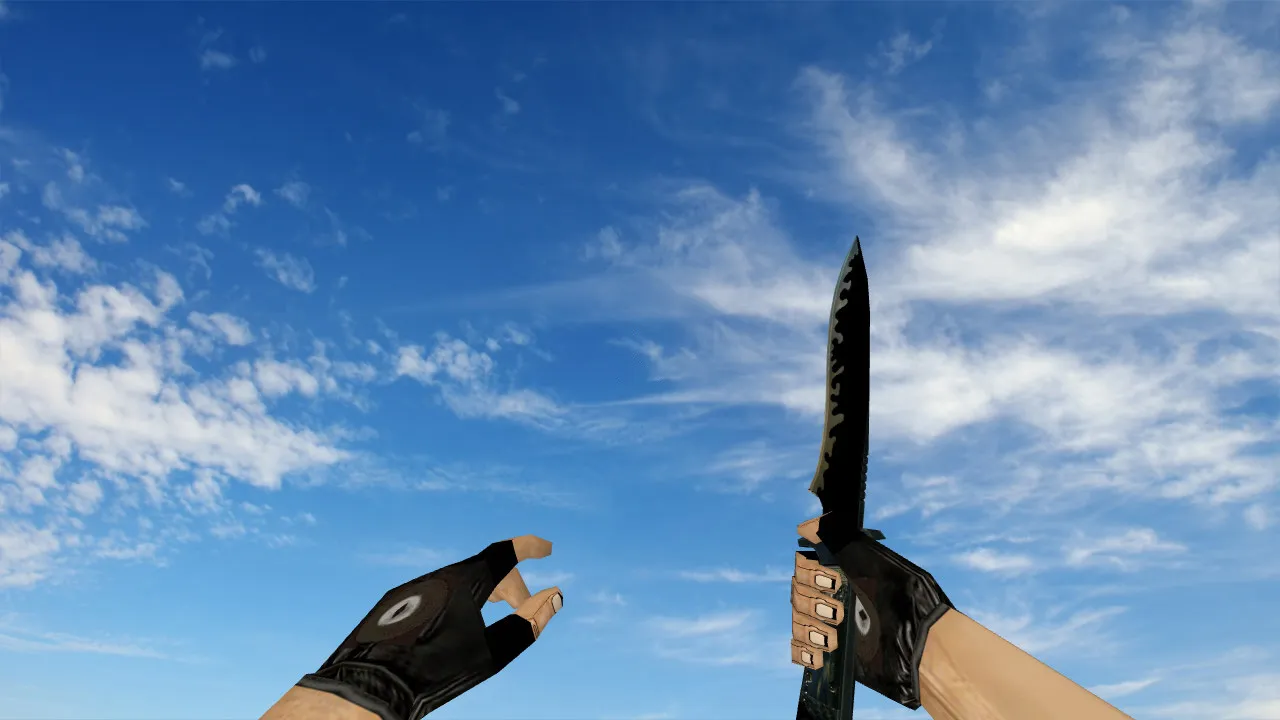
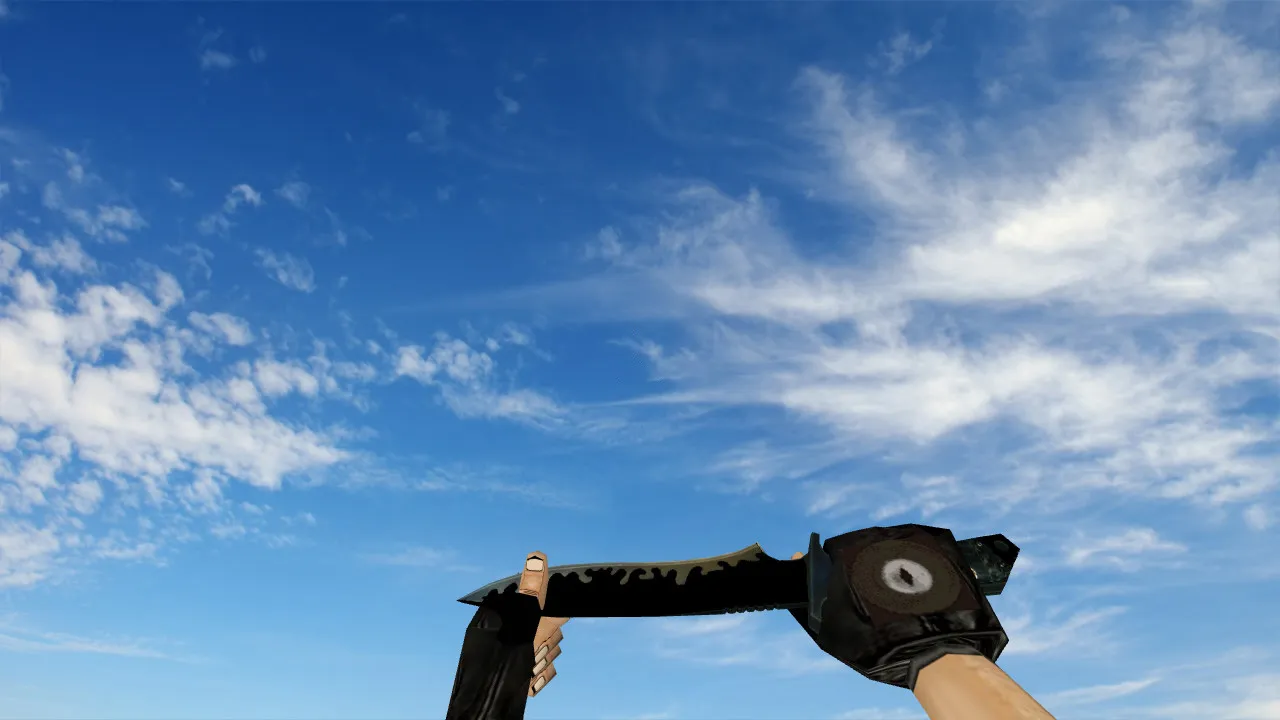
Default Knife Black preserves the classic CS 1.6 aesthetic while giving your blade a dark finish. This model performs smoothly on the GoldSrc engine. It relies on standard formats for v_, w_, and optional p_ models, guaranteeing the knife renders correctly in first-person view, world view, and any scoped or configured situations. During matches, you will see the identical knife in your hands and when others notice it dropped or swung. The package includes original sounds and inspect animations, syncing perfectly with CS 1.6's timing-no delays or glitches during switches or attacks.
The knife slot sees frequent use in CS 1.6. You quick-switch to it for peeks, check angles while holding, or fake out during site entries. Sharp details are crucial here. Default Knife Black emphasizes crisp textures and solid geometry so the black finish holds up under changing lights without blurring into shadows. It is designed for quick glances in heated rounds, maintaining visibility without distractions.
v_ / w_ / p_ Models and Animations
In CS 1.6, knife models must function across all views for seamless gameplay. The setup covers:
- v_ knife-Your first-person hand view, optimized for low polygon count to keep high frame rates steady.
- w_ knife-World model for when teammates or enemies see it in action or on the ground.
- p_ knife-Player model integration for third-person or config-based displays, ensuring hitbox alignment remains precise.
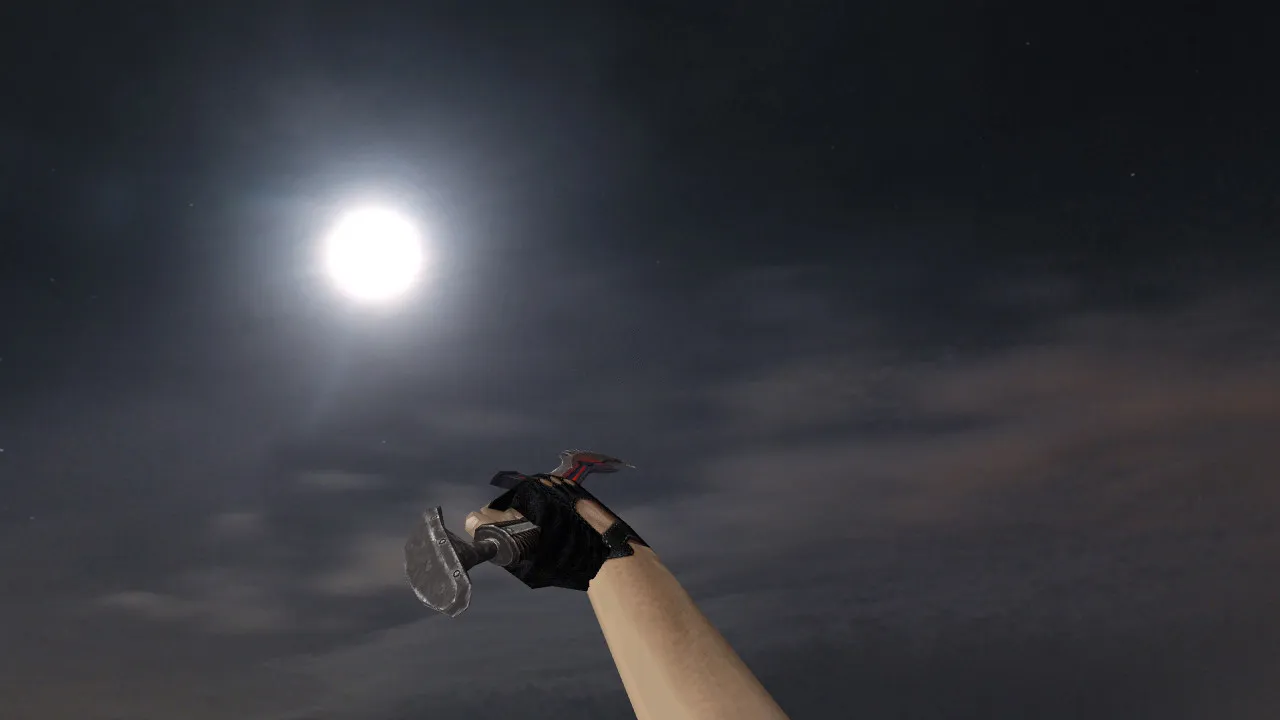
Default Knife Black includes full inspect animations matching vanilla timing. The inspect sequence-pull, rotate, frame shift-hits exact delays, avoiding any jerkiness that could throw off your aim. Audio follows CS 1.6 logic: footstep syncs, swing effects, and weapon swaps remain clean, with no extra audio layers breaking immersion or causing desyncs in multiplayer.
Textures and Visual Stability
A black knife in CS 1.6 shifts appearance based on map lighting and smoke. On darker spots like de_inferno corners or de_dust2 tunnels, textures need to avoid 'floating' artifacts. Default Knife Black uses 512x512 resolution maps with readable contrast, helping it stand out when emerging from grenades or against walls and doors. It stays consistent in motion-during slashes or drops-and in static holds, regardless of gamma settings.
Another advantage is its subtle uniqueness without overkill. The knife avoids bright or acidic tones, sticking to a neutral dark palette. This setup works well for players focusing on crosshair placement and radar pings, as the model doesn't pull eyes away from tactical info. Polygon count stays low at around 200-300 faces, preventing frame drops even on older rigs running Build 4554.
Installation and Safety
Install the knife model via standard .mdl files in your cstrike folder-no scripts or third-party tools needed. Skip auto-connect features, one-click mods, or shady archives to avoid risks. Manual setup keeps things clean: back up originals first.
- Backup your existing knife files (v_knife.mdl, w_knife.mdl, etc.) before overwriting.
- Verify the pack has v_ and w_ models, plus p_ if your config uses it.
- Confirm sounds (.wav) and inspect animations (.mdl sequences) load without errors.
- Restart the client post-install and test in a local server or bot match.
If models don't show, check file paths in models/ and sprites/ folders-mismatches in naming like 'knife_black.mdl' cause issues. Align to CS 1.6 standards (Steam or Non-Steam) and retest. This mod is virus-free, with no backdoors, slow-hacks, ads, or MasterServer conflicts-pure compatibility for clean configs.
Who It's For
Default Knife Black suits CS 1.6 players wanting a dark knife without flashy extras. It is reliable in fast-paced games: quick weapon swaps reveal it instantly, and it blends with map visuals on sites like A-long or mid CT. Ideal for stability seekers who value precise visuals round after round, especially in ESL-style play where every detail counts for hitbox accuracy and no-recoil setups.
Install in three steps
-
1
Download the archive. Use the button on the right, or the Yandex.Disk mirror if the main server is slow.
-
2
Extract it into the game folder. Use 7-Zip or WinRAR. A path without non-Latin characters works best.
-
3
Launch the game. If something doesn't work, mark it below - that is how we know the file needs an update.
Did it work for you?
No sign-up needed. You can pick more than one.