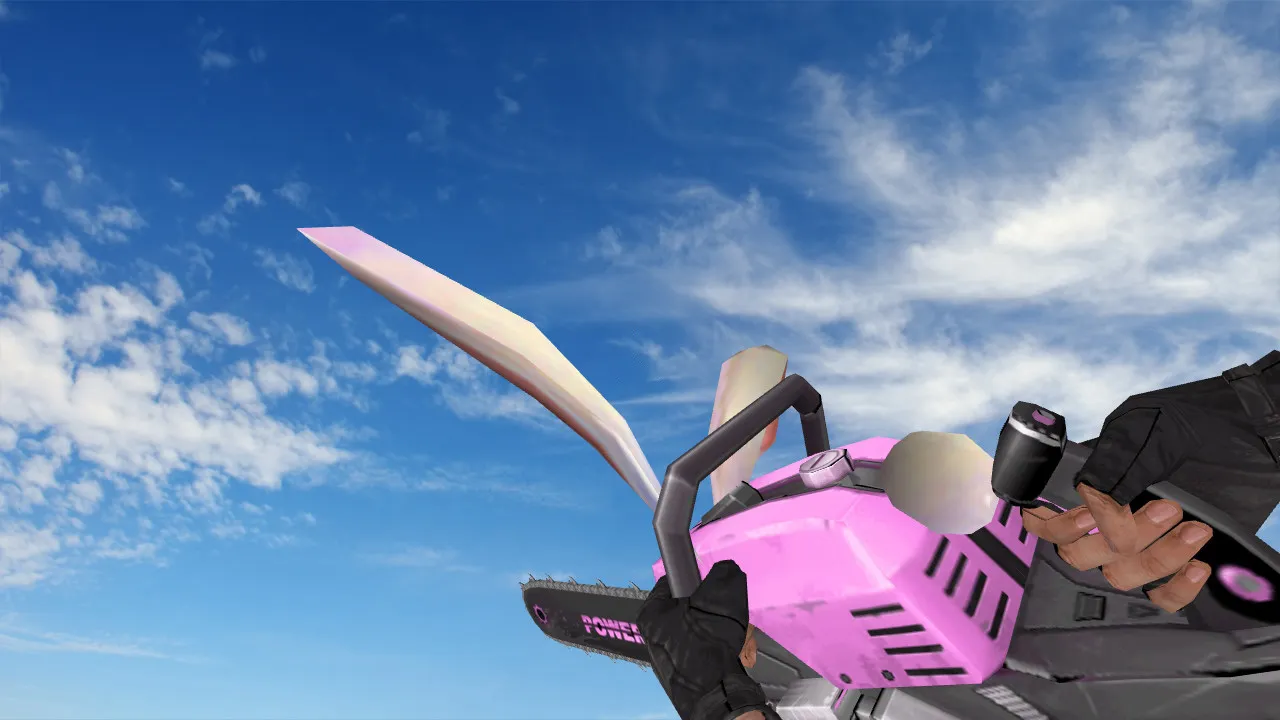
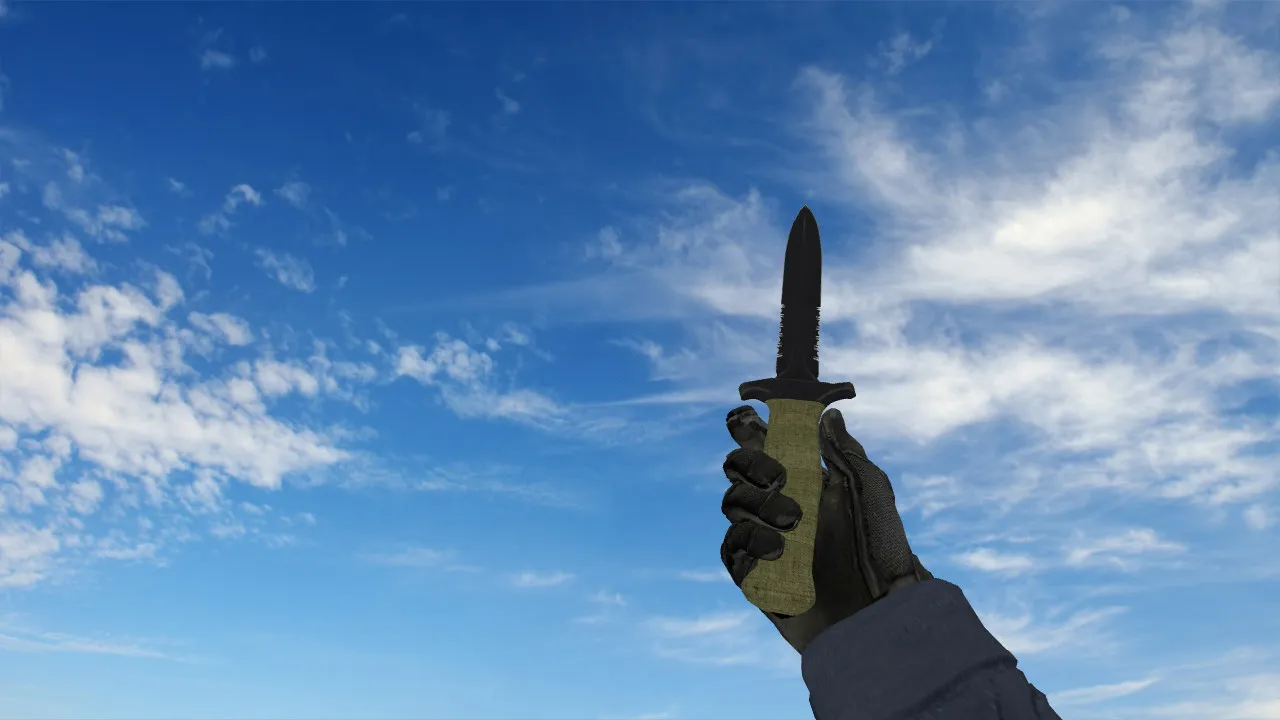
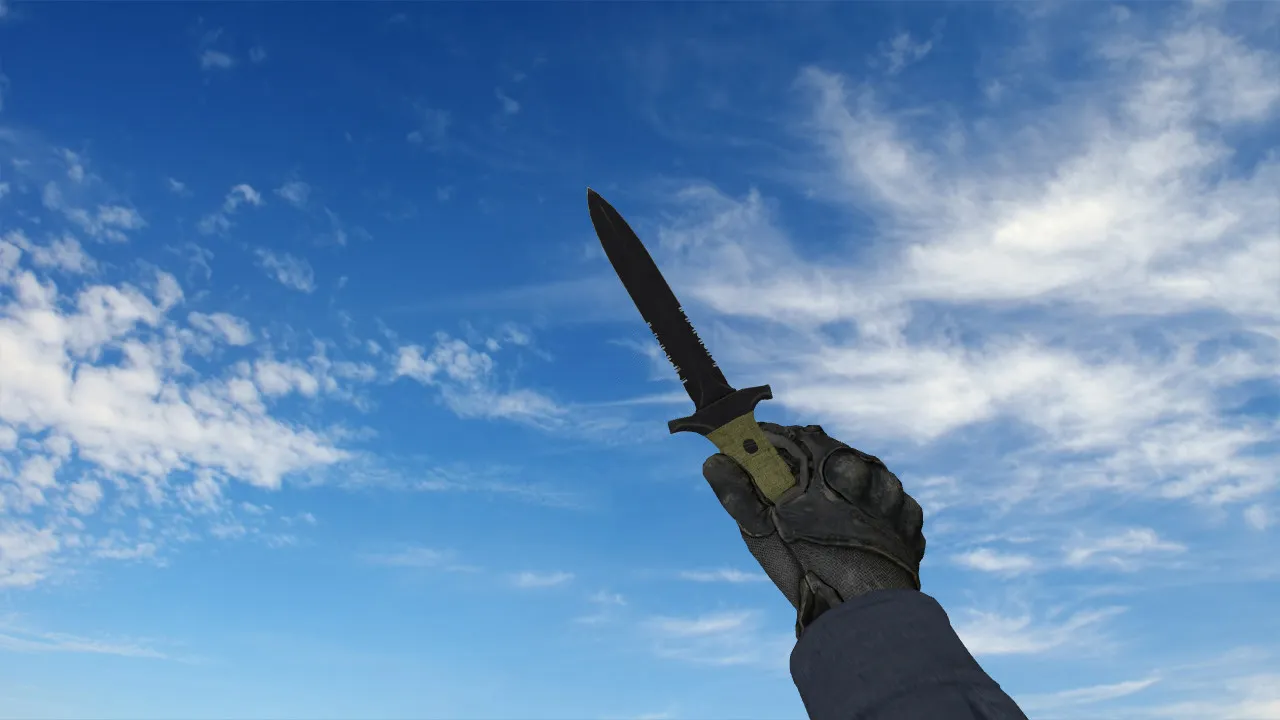
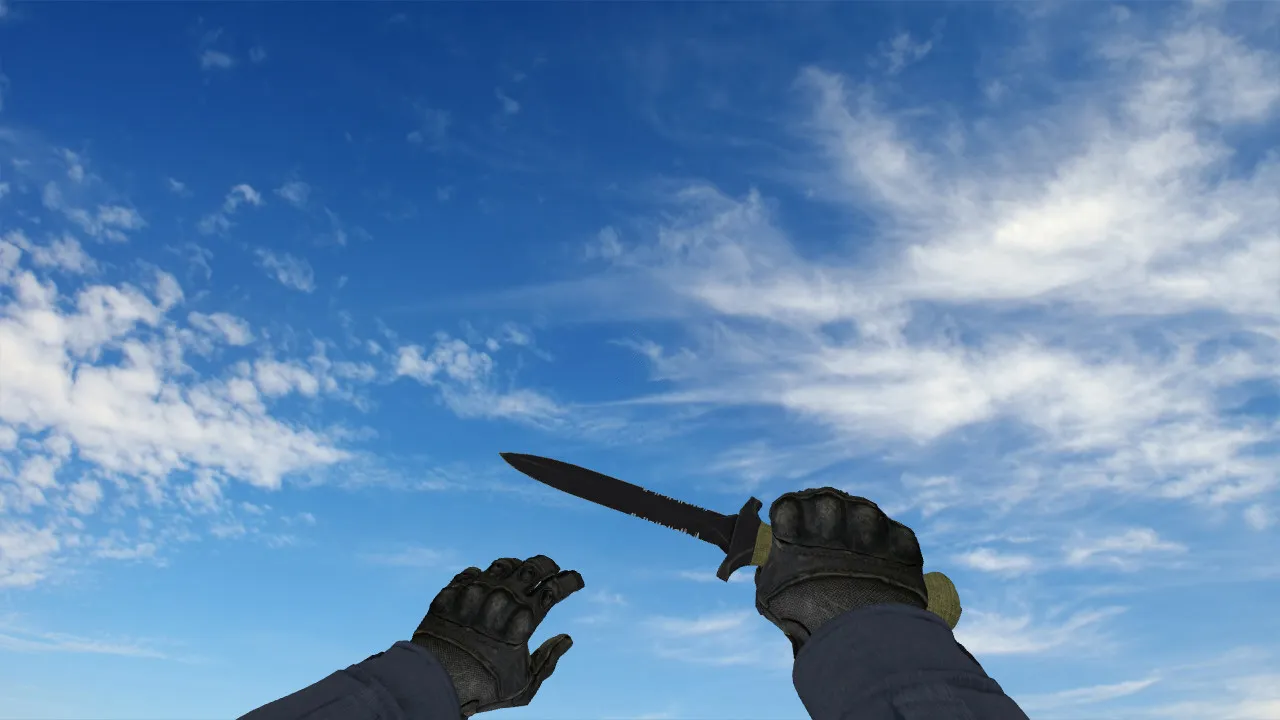
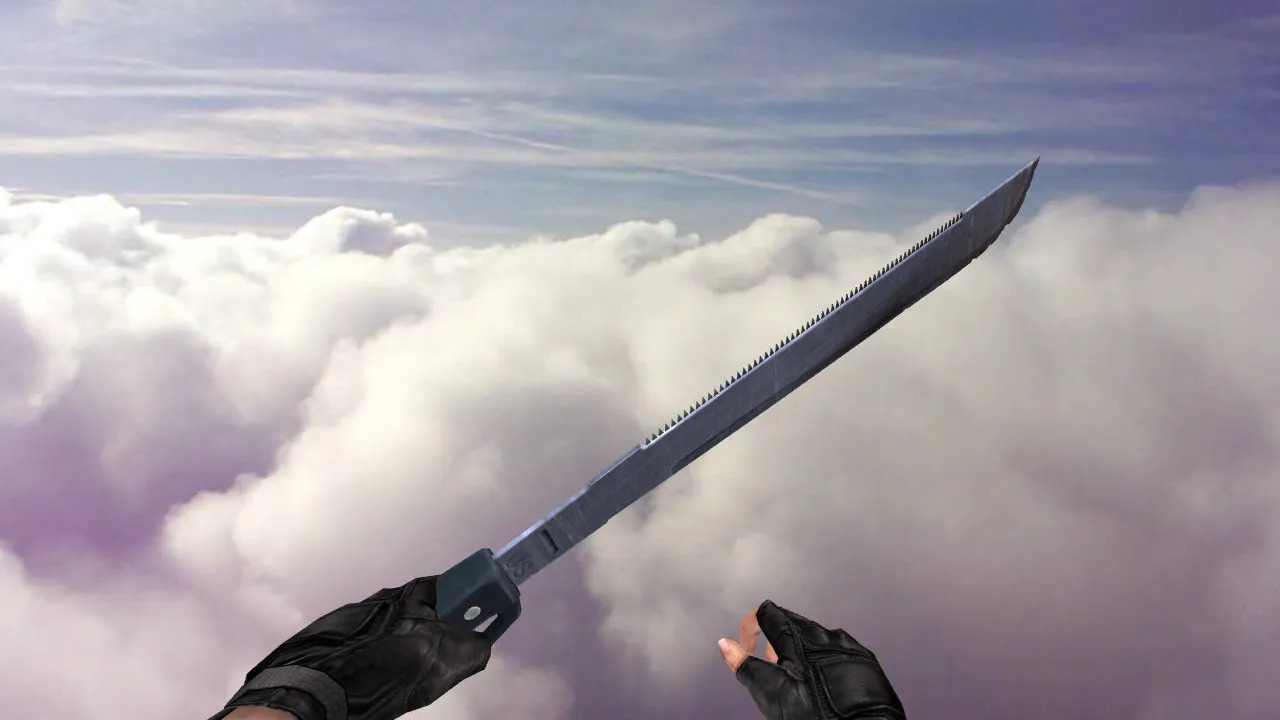
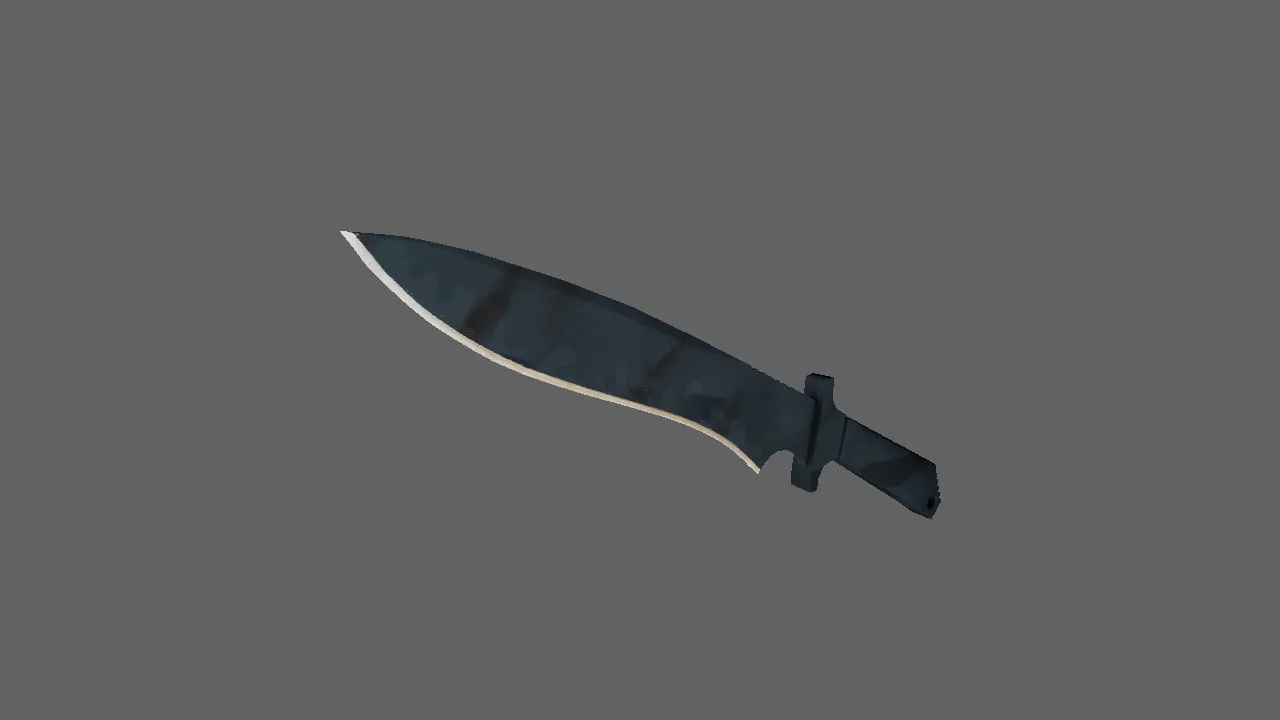
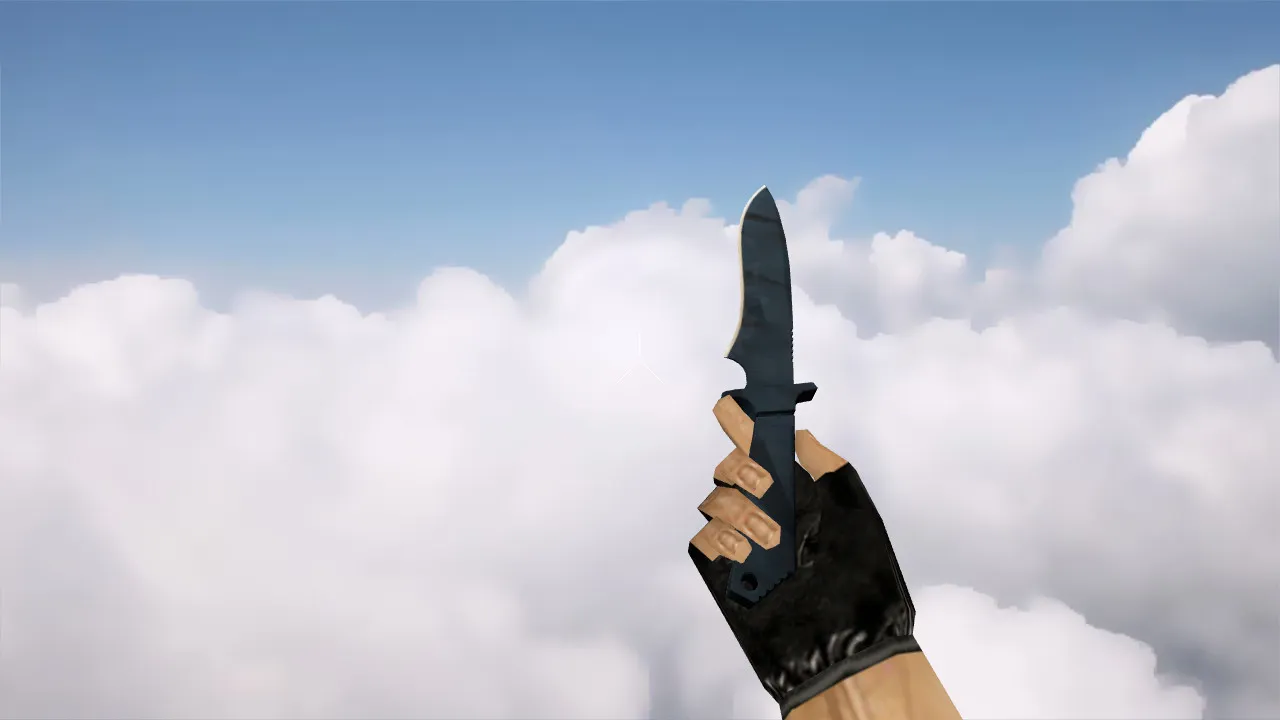
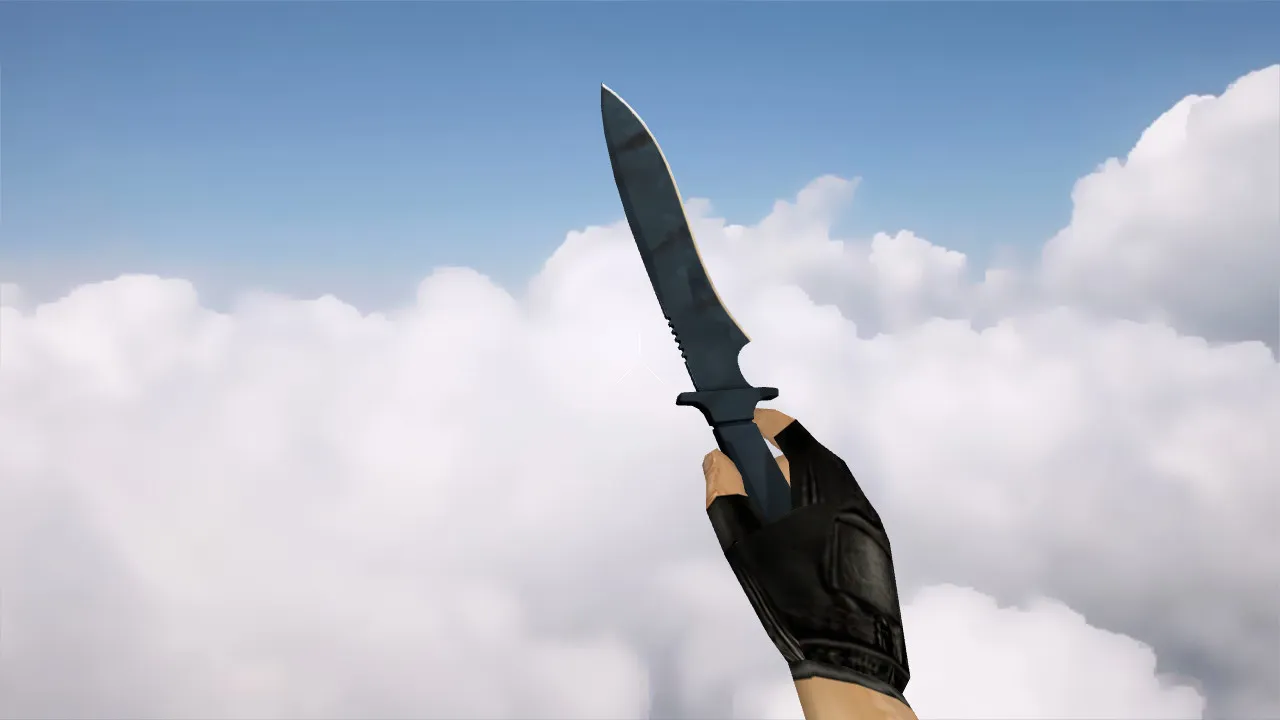
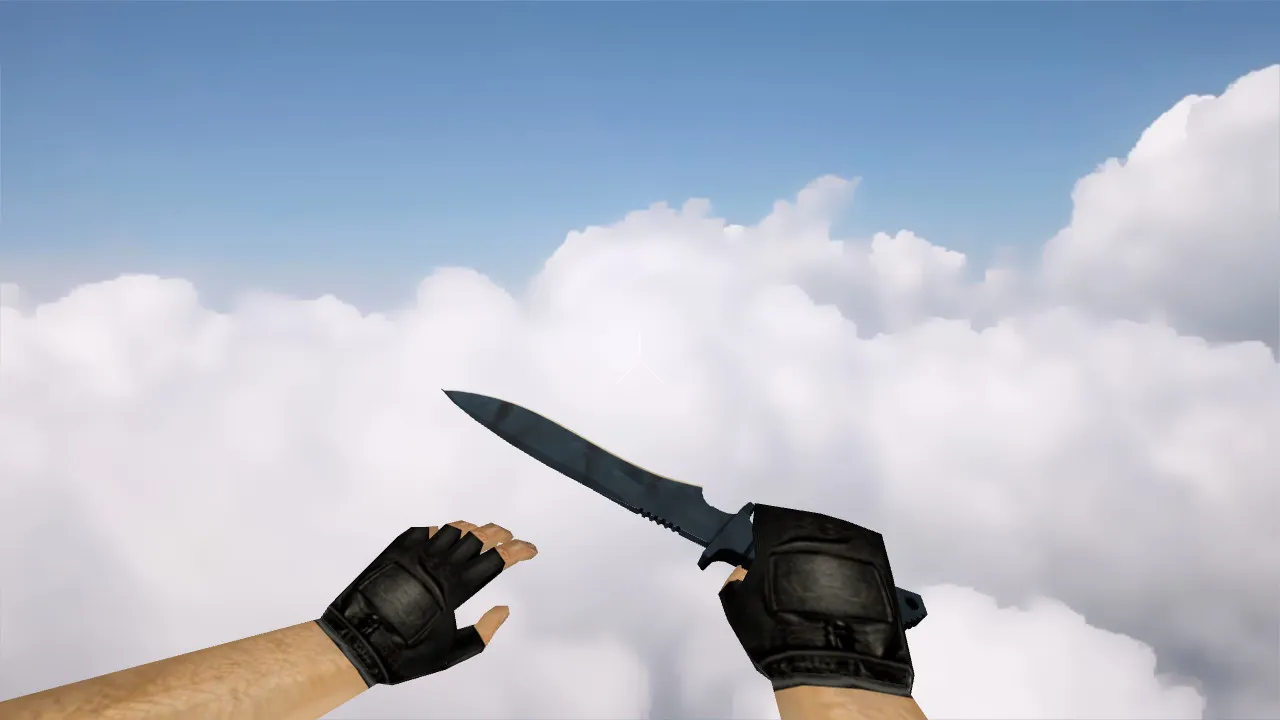
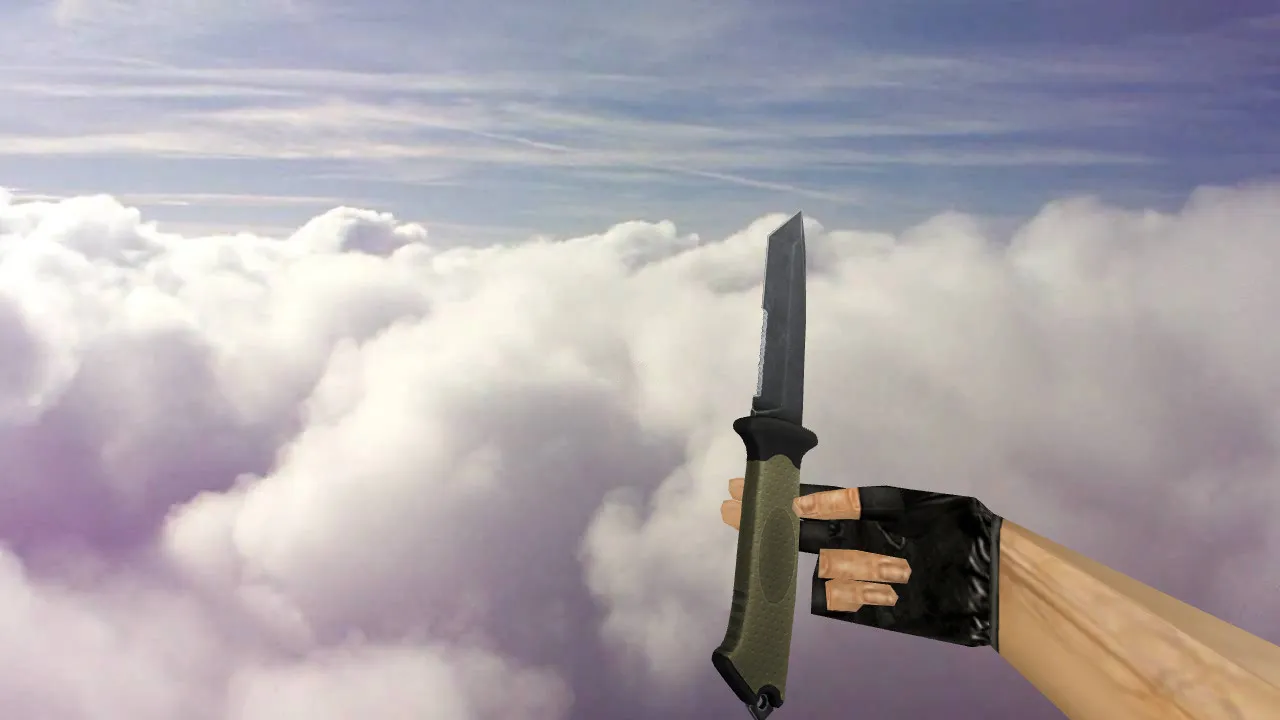
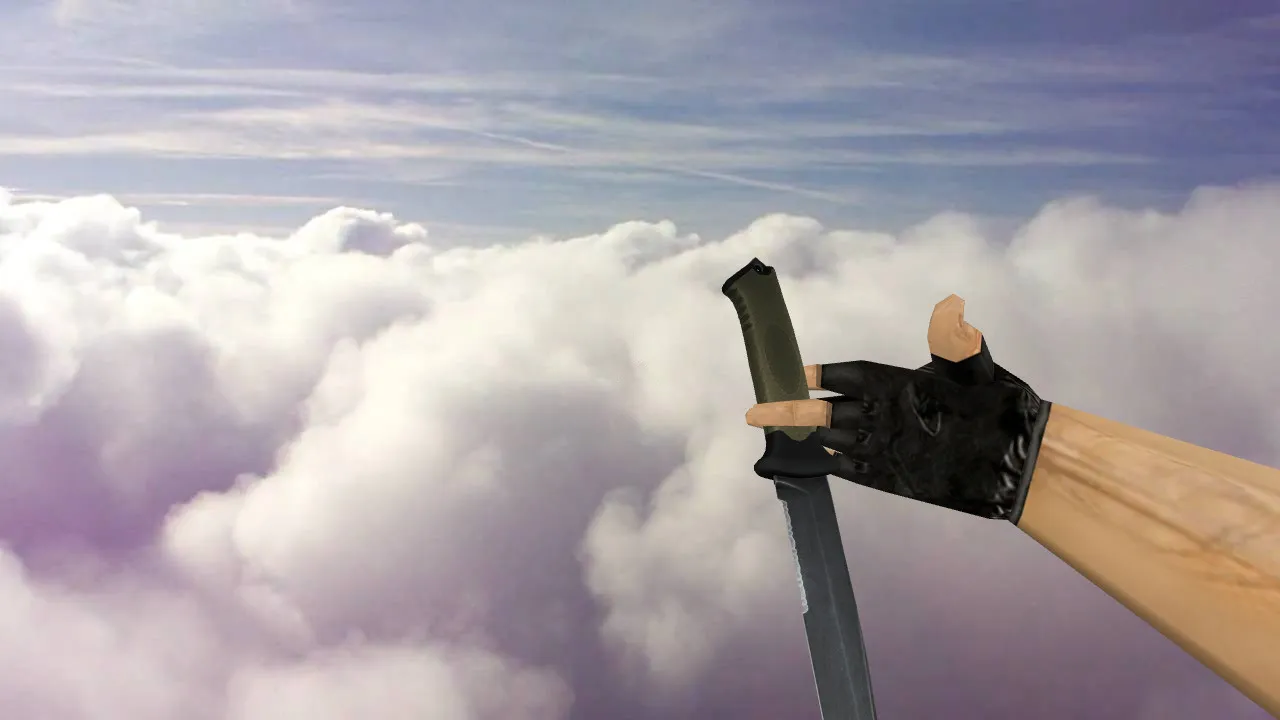
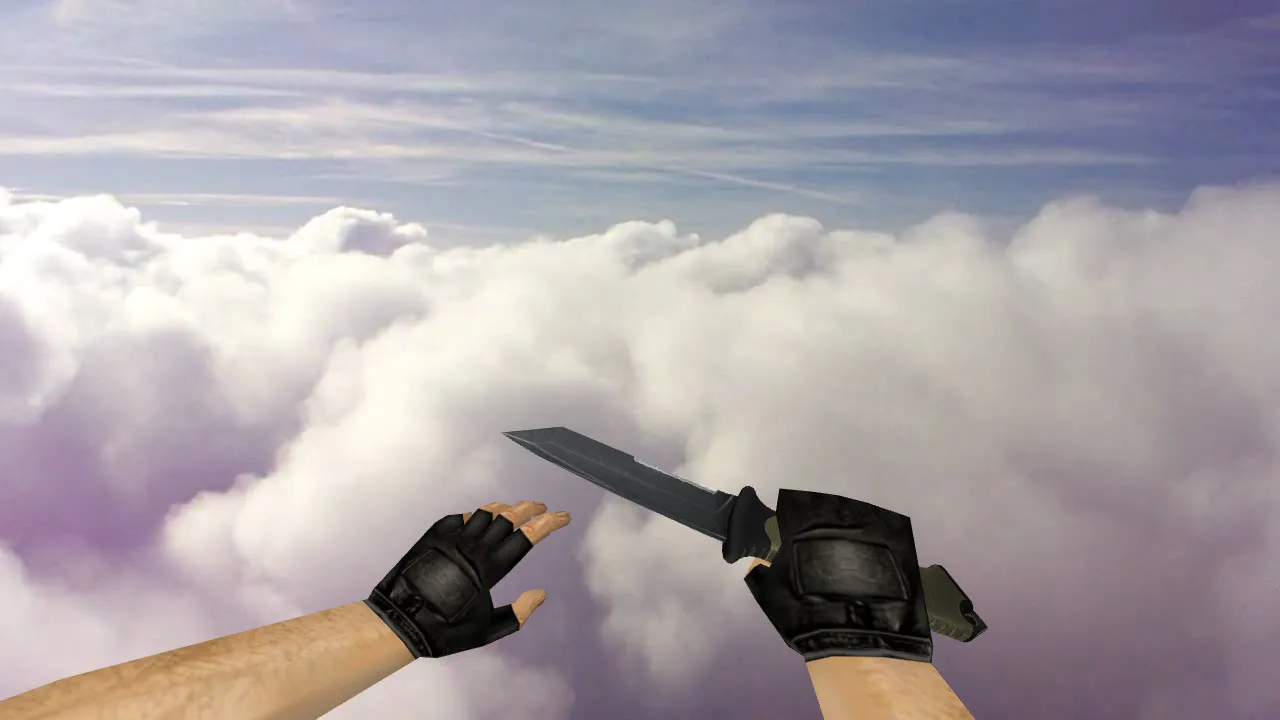
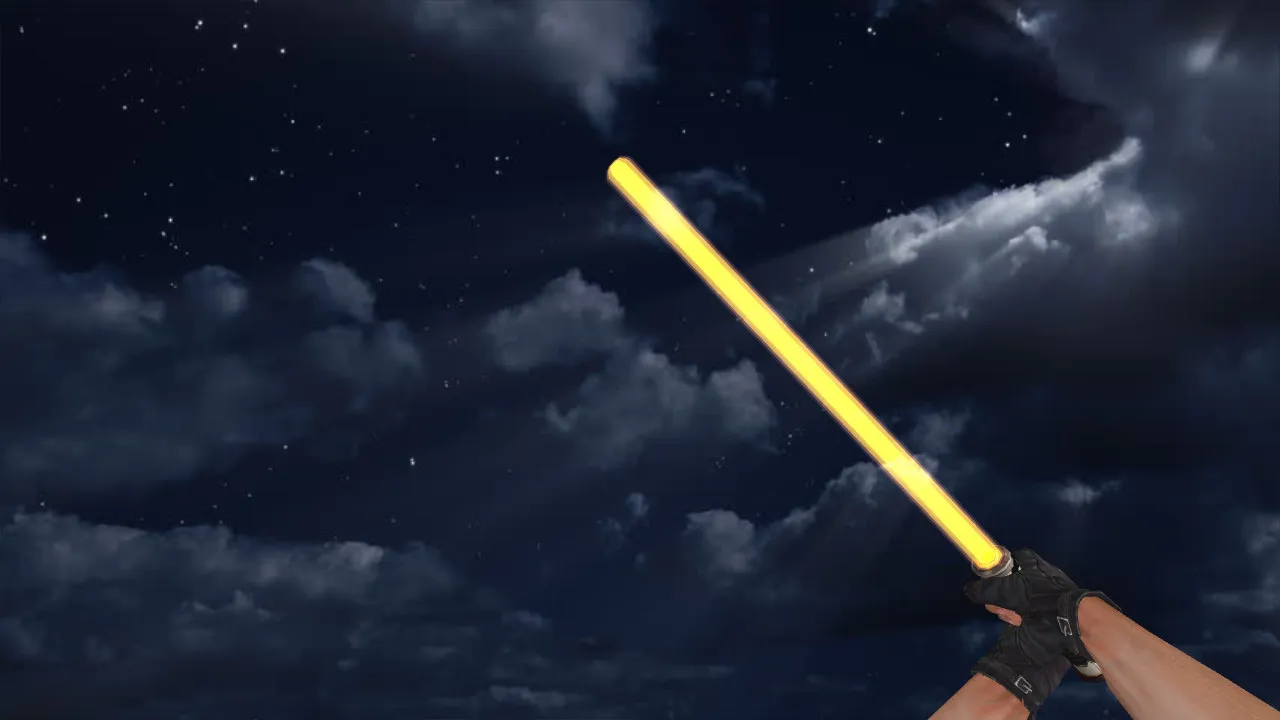
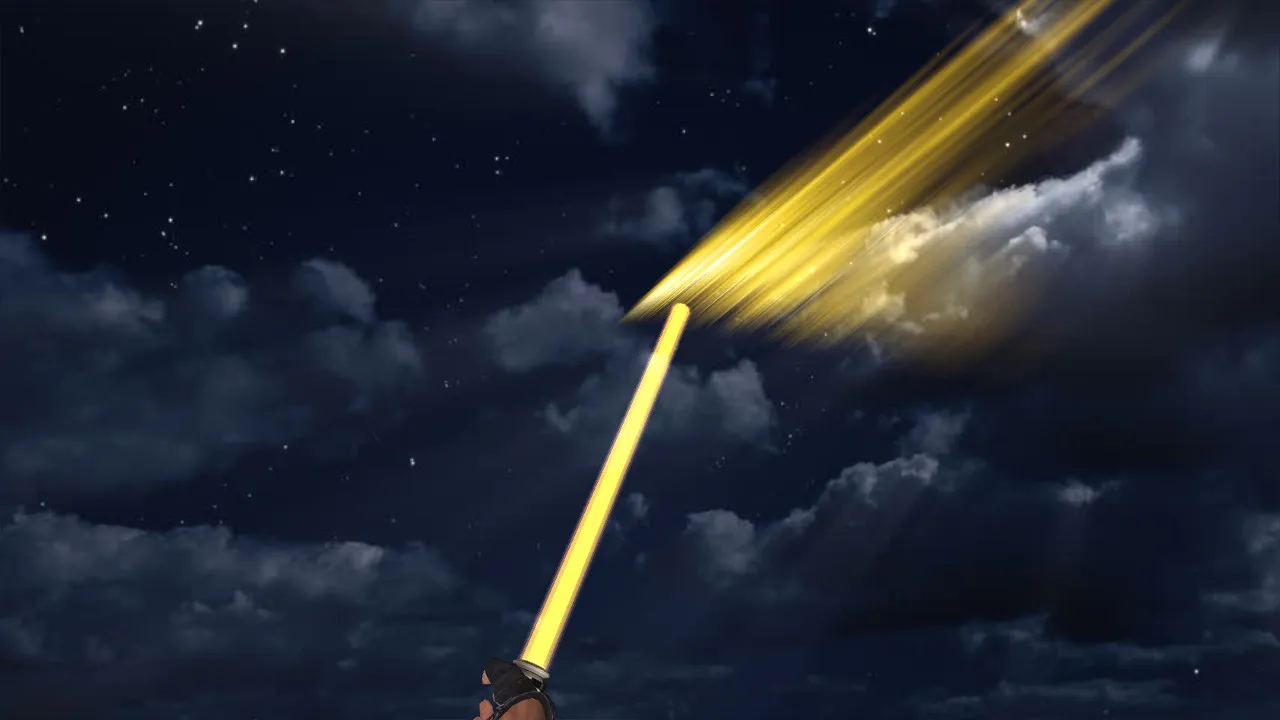
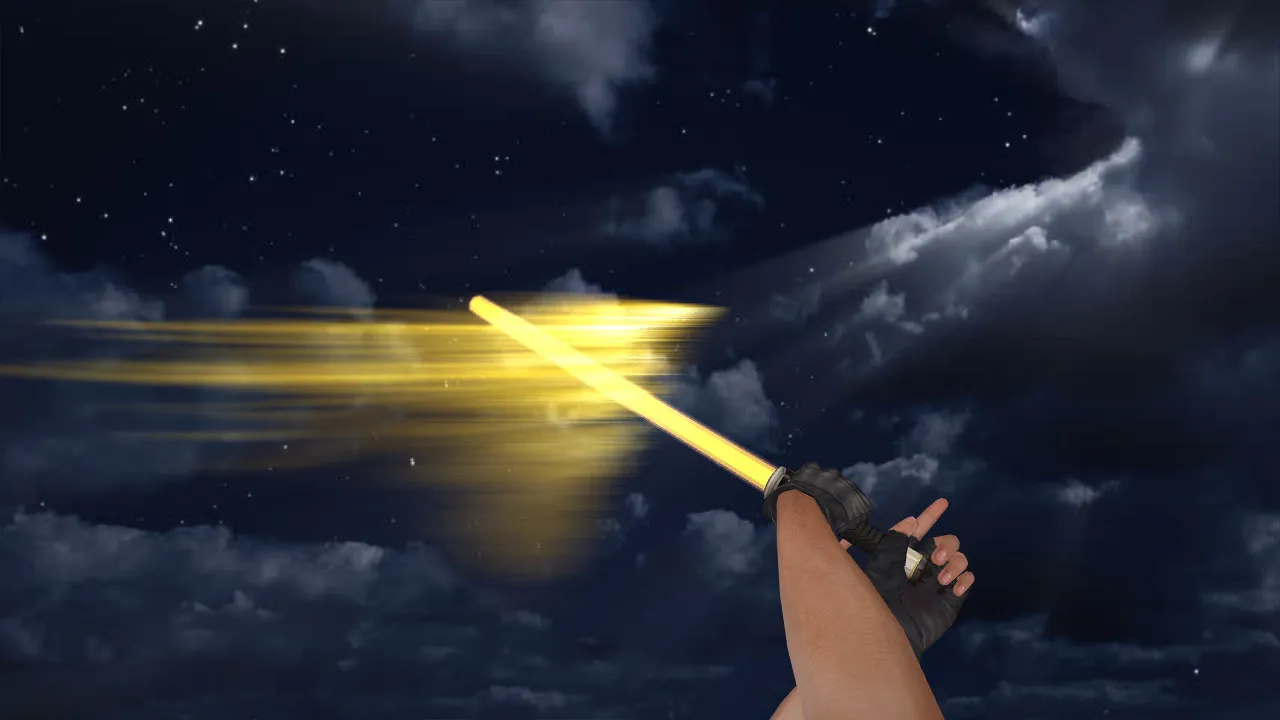
Daedric Dagger Knife Model for CS 1.6: View, World Models, Custom Audio, Inspection Animation, HD Textures
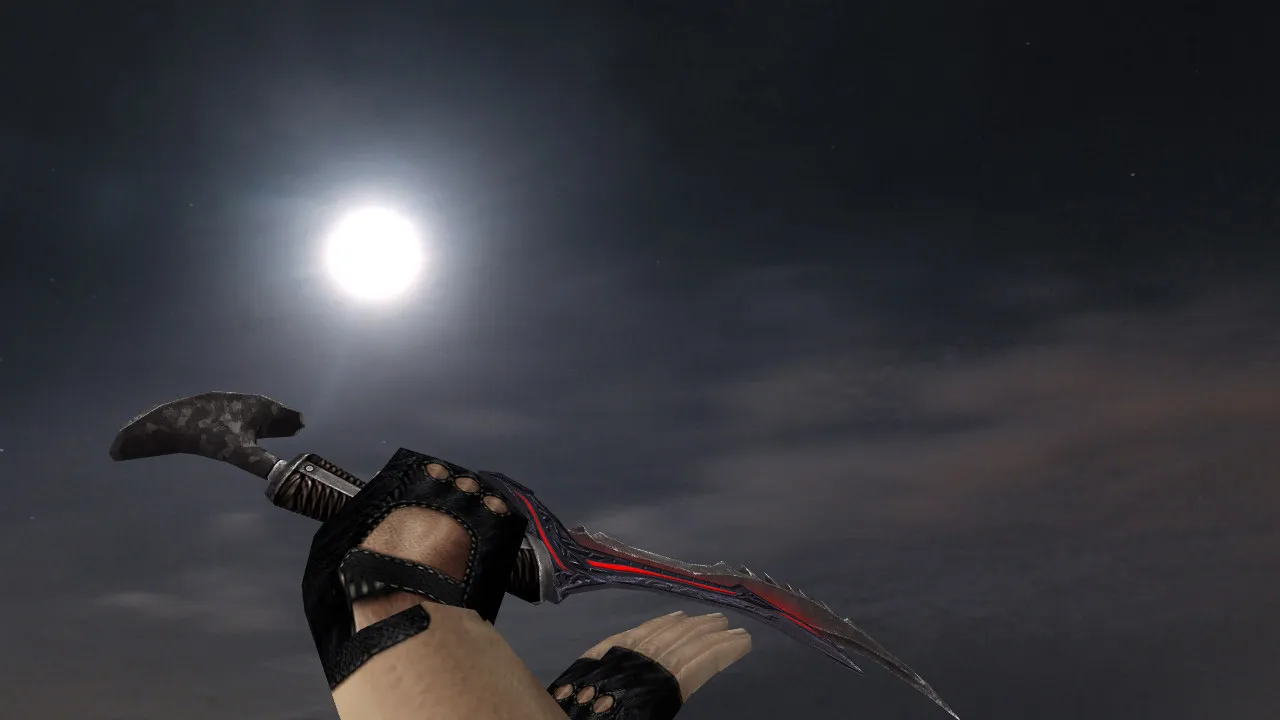
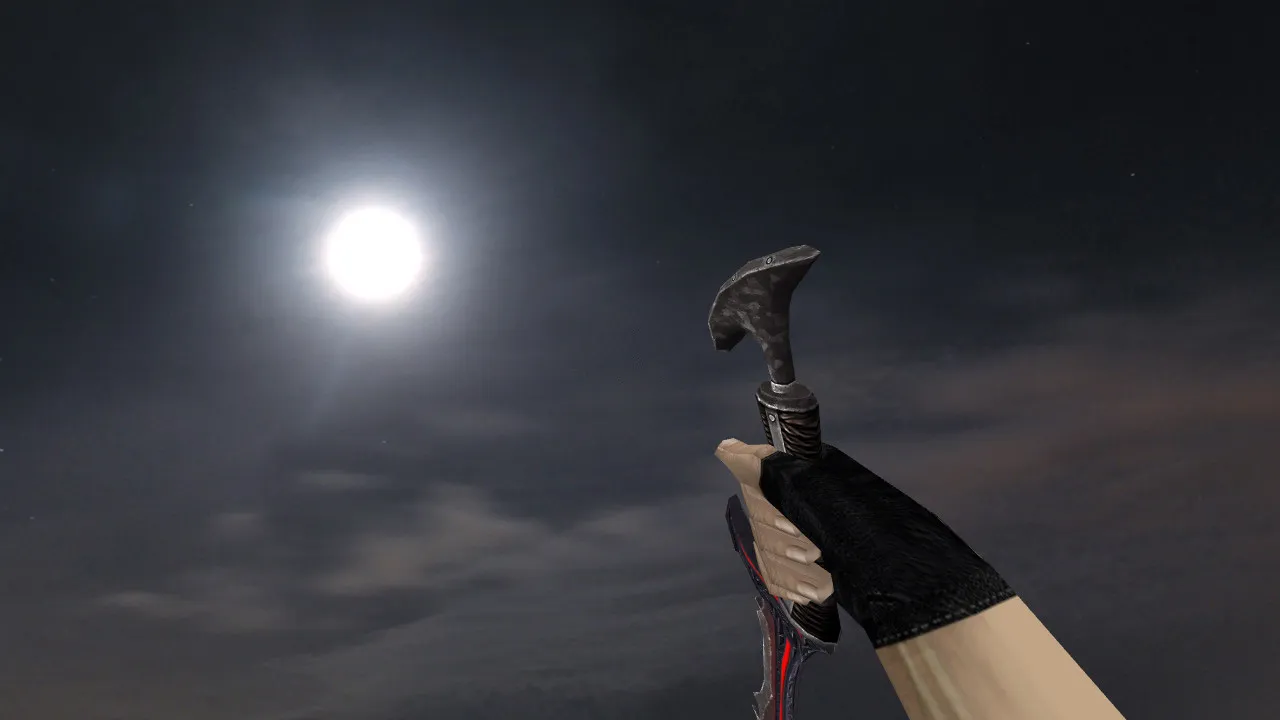
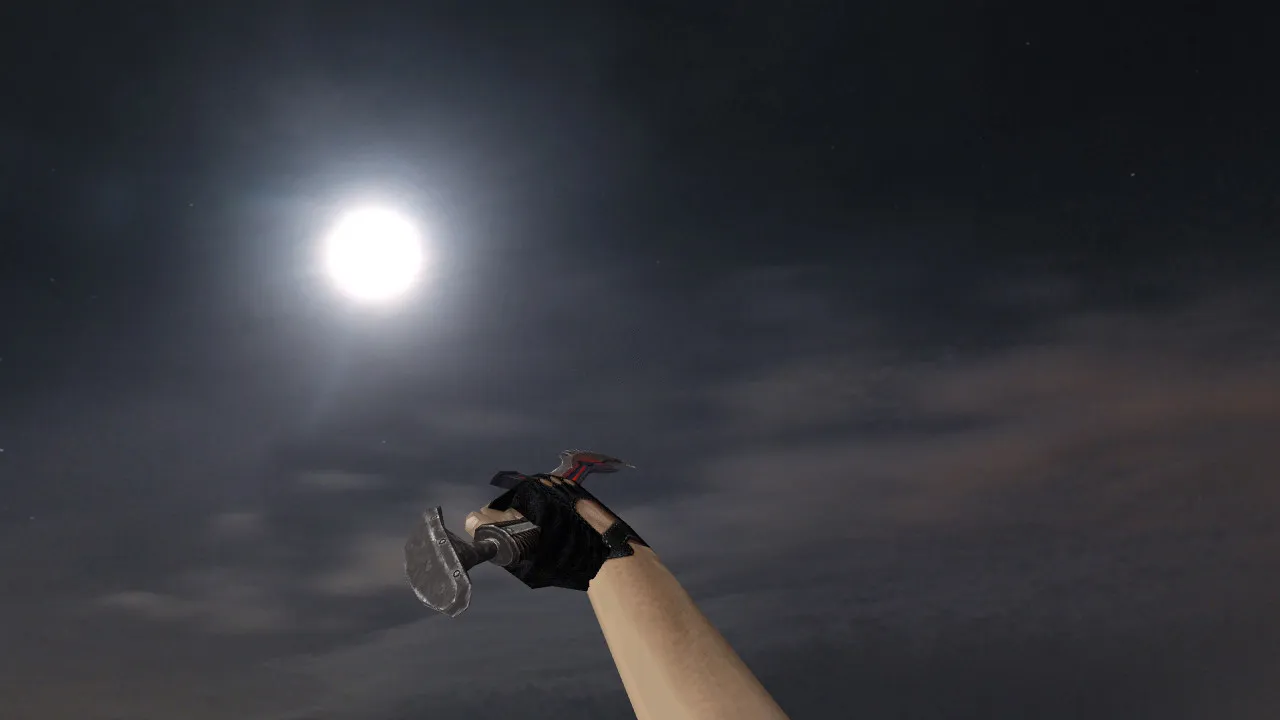
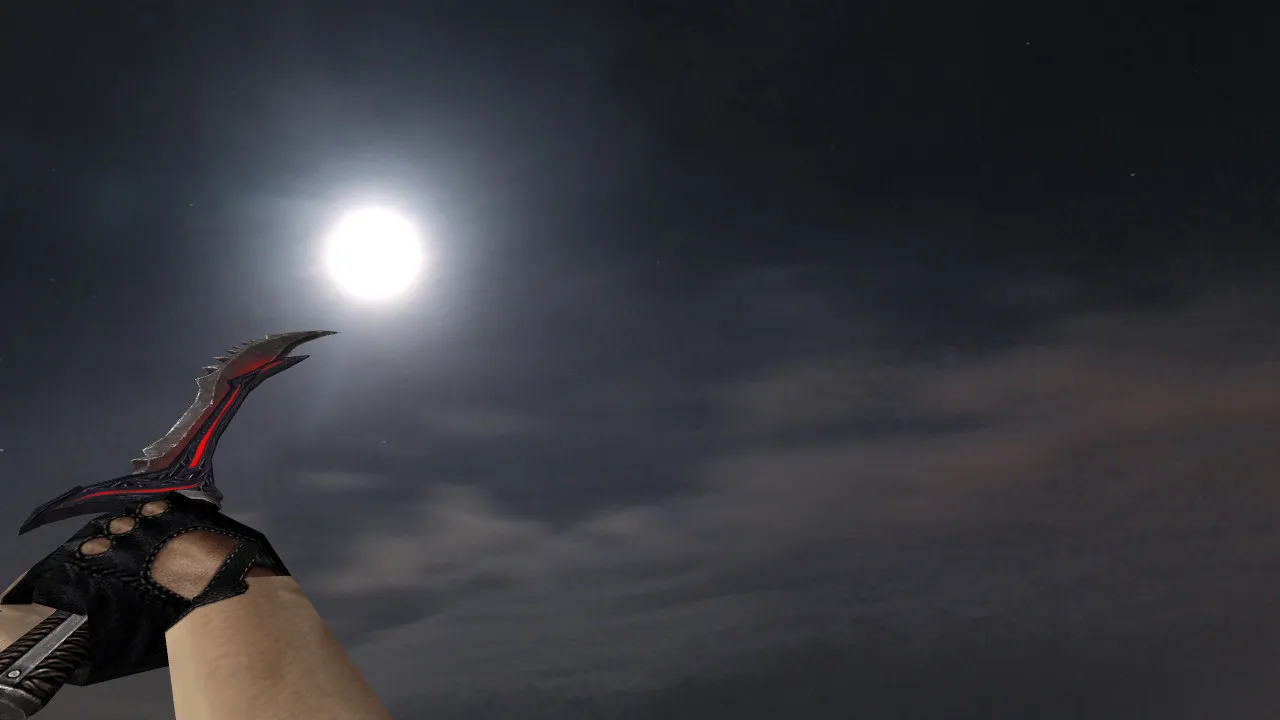
Description
Daedric Dagger Knife Model for CS 1.6: Model Integration and In-Game Performance
The Daedric Dagger suits players who frequently change maps and require a blade that renders consistently in any environment. In Counter-Strike 1.6, knives are crucial for clutch situations and for adjusting visuals to fit a playstyle. This release meets the engine's requirements by supplying view, player, and world model files for correct display in both first-person and third-person perspectives. Although you seldom aim down sights with a knife, the hand positioning and animations remain visible in your peripheral vision while moving.
Setup demands compatibility with server configurations and a clean client setup. This avoids conflicts with other assets and prevents rendering errors. The package contains textures and model files optimized for legacy builds, where server restrictions or file overrides might cause the knife to appear but render incorrectly. The priority is core compatibility: consistent texture quality without detail loss, and an inspection animation that follows the standard sequence.
Package Contents
- View model for first-person perspective
- Player model for third-person perspective (if supported by your build)
- World model for ground pickup and hand display
- Unique audio for swing and draw actions
- Inspection animation sequence
- High-definition textures with distinct shape clarity
Verification is simple: connect to a server, open the buy menu, inspect the knife, and cycle through weapon switches several times. If audio plays cleanly and the animation loops without hitches, the integration is solid. Notice any lag, texture flickering, or scale mismatches? Restore your backups and verify the installation paths. The process is safe: no auto-loaders, no external scripts, no suspicious executables-only model assets placed in standard directories.
Installing the Daedric Dagger in CS 1.6 Correctly
Knife replacements usually overwrite files in the client game folder. Back up the originals first to allow an easy rollback if configurations or textures misbehave. Place the view, player, and world files into their corresponding directories. Check for duplicate filenames, a frequent cause of display mismatches in older versions.
On different servers, some enforce custom resources that change how the knife appears to you or others. This is a resource priority issue, not a defect in the model. For best reliability, keep a clean config.cfg and avoid modifications that alter client files. Optimize frame rates by steering clear of over-tweaked launch parameters unrelated to weapons-simplicity ensures smooth performance.
This model performs well on Build 4554 or 8684 configurations with MasterServer protection active. It functions on both Steam and Non-Steam clients without requiring overrides. Textures use a 512x512 resolution for crisp edges without inflating polygon counts, guaranteeing hitbox alignment remains accurate during swings. In tight areas like de_inferno's apartments or de_dust2's tunnels, the model's visibility pierces through smoke without blending into the background.
Ideal User Profile
For competitors who prefer a knife flourish before a rush or engage in rapid close-quarters duels, the Daedric Dagger provides an edge without distraction. The blade stays visible in hand, and its distinct finish improves situational awareness. Visuals assist focus in dim corners or fog-textures resist muddiness, preserving contours and details.
Technically, the asset prioritizes clean rendering in dark areas, steady inspection loops, artifact-free audio, and balanced textures. It improves the experience without interference. Launch CS 1.6, join a public or bot match, test switching and audio. If everything cycles smoothly, make it your primary knife. Combine it with no-recoil scripts for tighter control, but verify on ESL-style servers to ensure no visibility penalties. The world model's low polygon count maintains high frame rates even on aging hardware, making it suitable for extended sessions.
Install in three steps
-
1
Download the archive. Use the button on the right, or the Yandex.Disk mirror if the main server is slow.
-
2
Extract it into the game folder. Use 7-Zip or WinRAR. A path without non-Latin characters works best.
-
3
Launch the game. If something doesn't work, mark it below - that is how we know the file needs an update.
Did it work for you?
No sign-up needed. You can pick more than one.