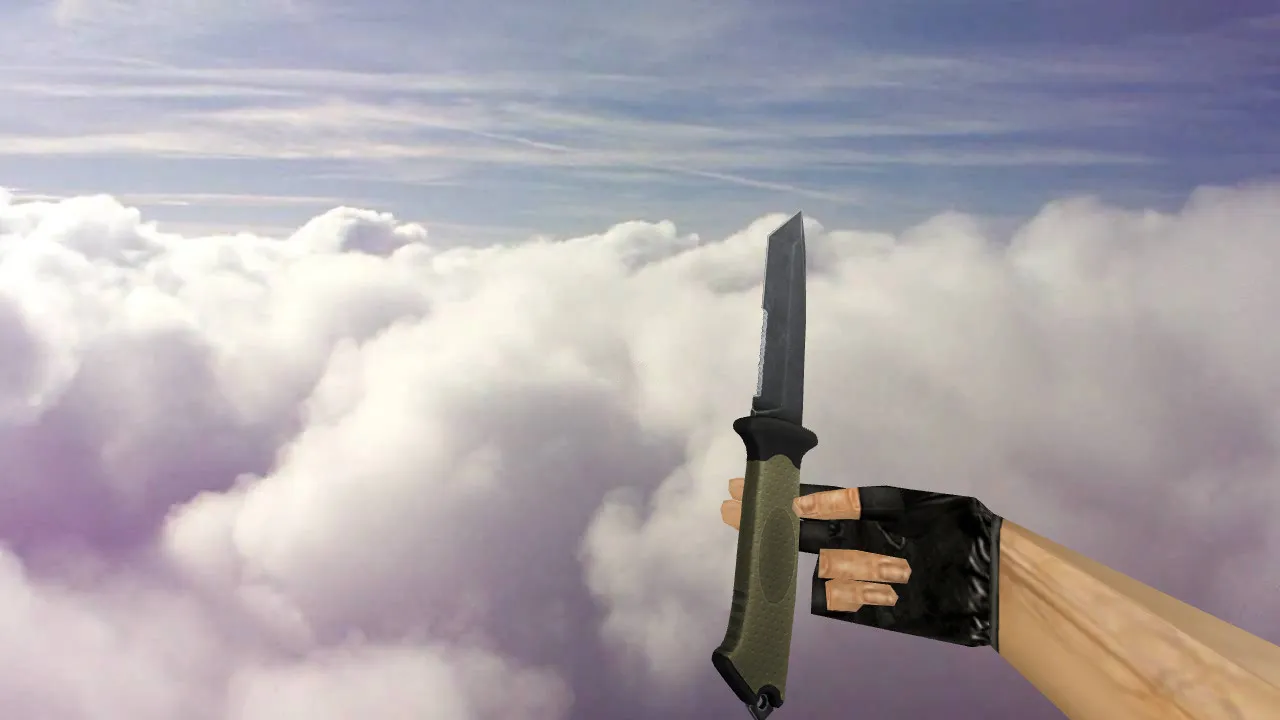
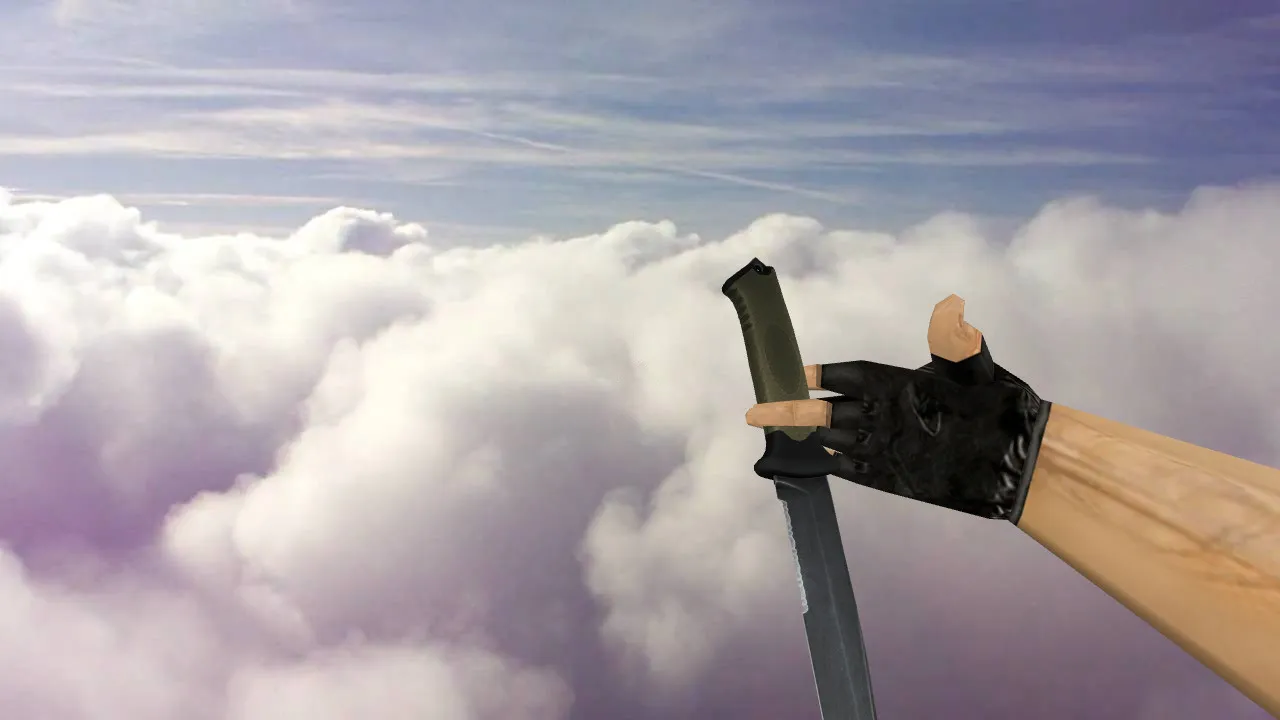
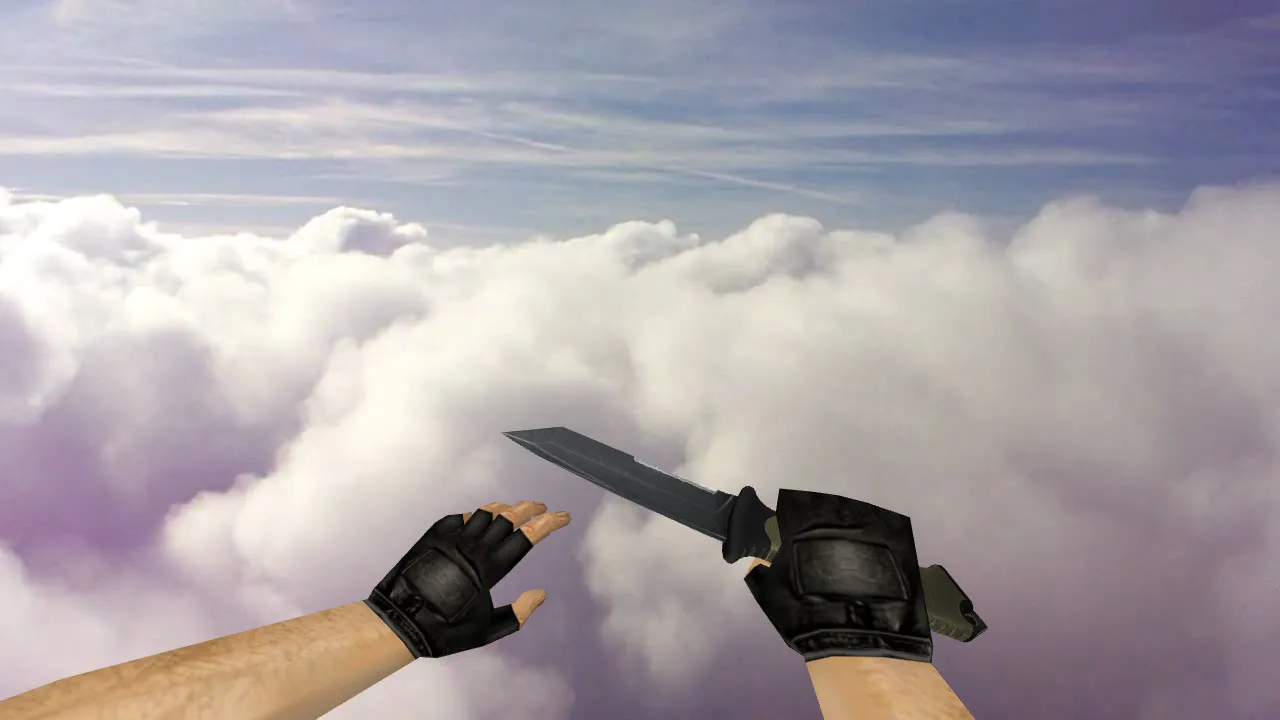
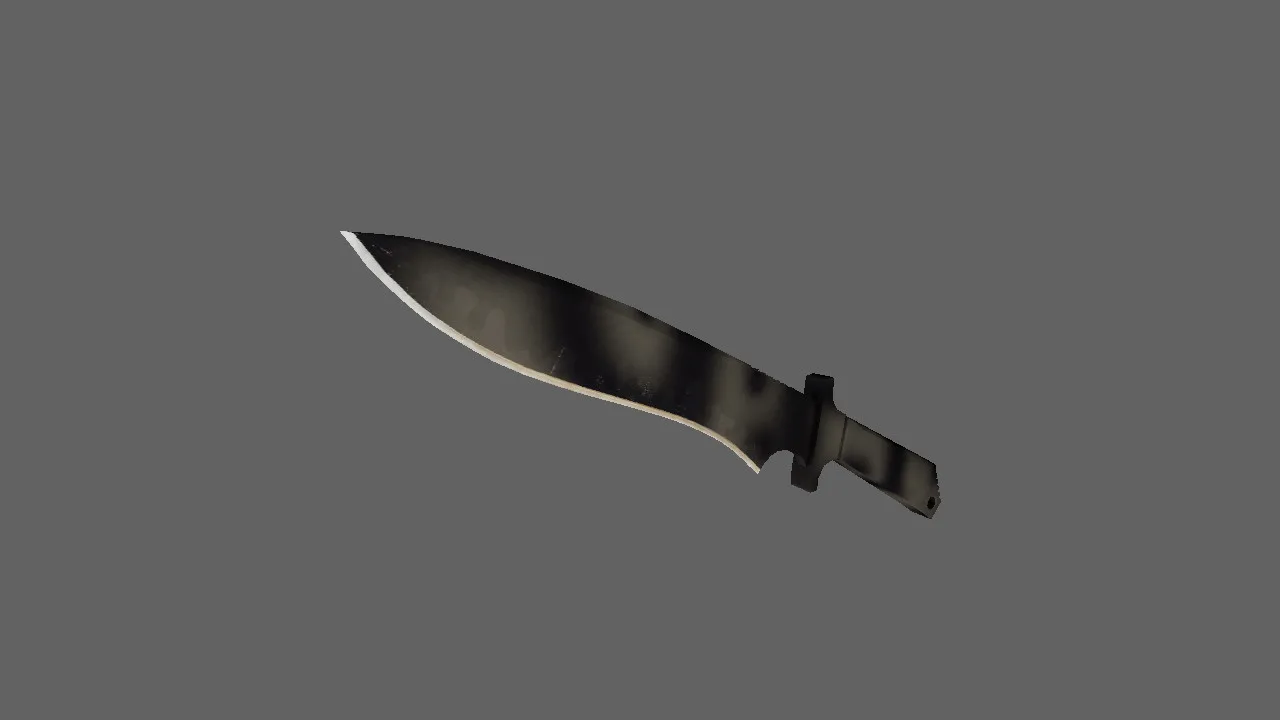
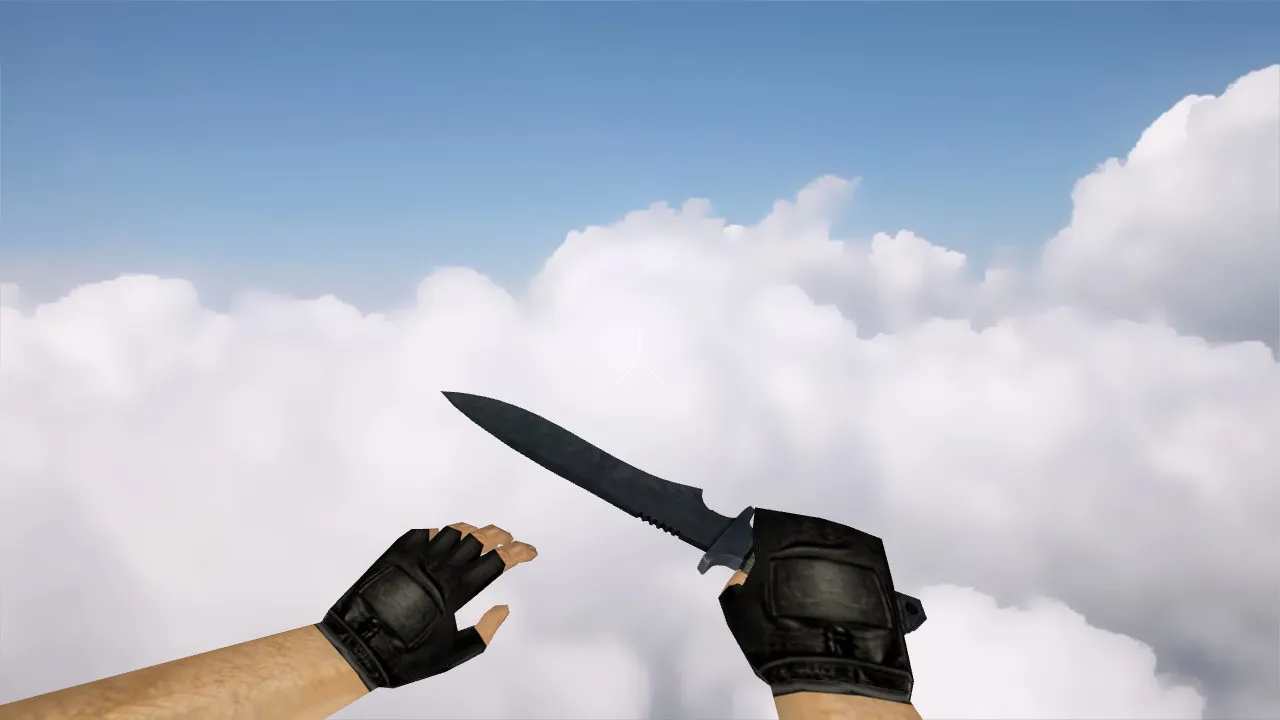
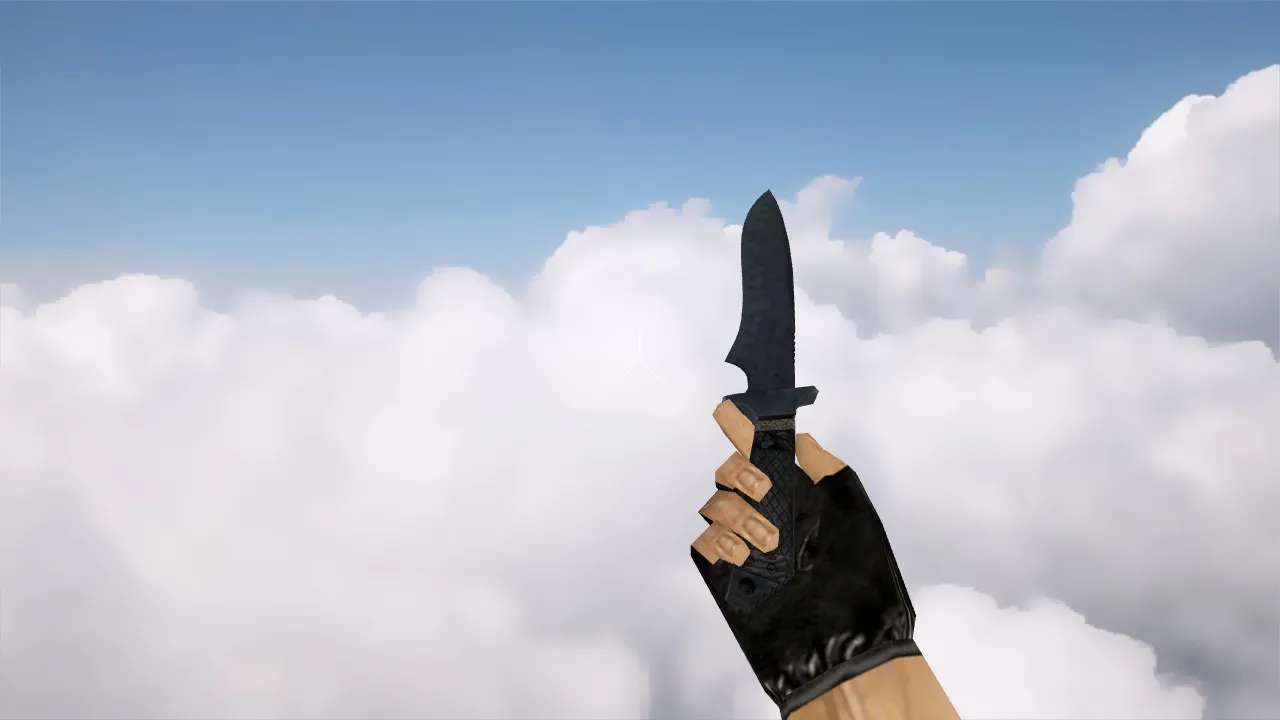
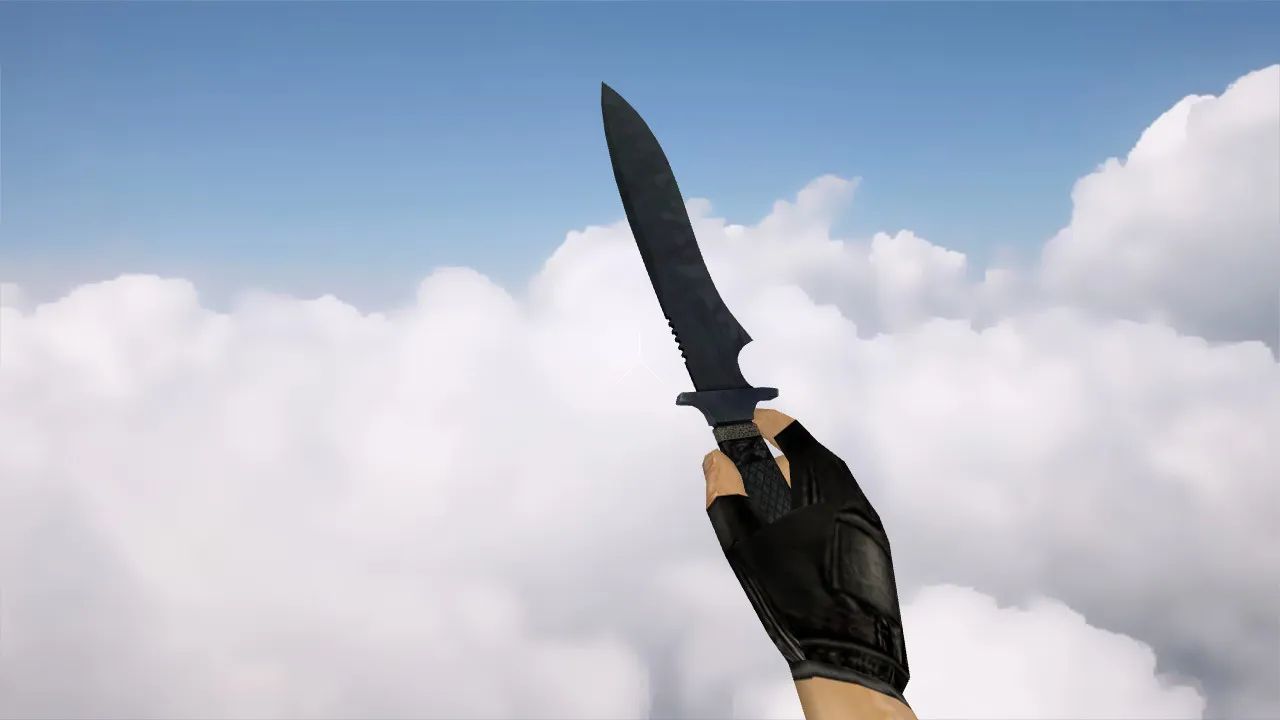
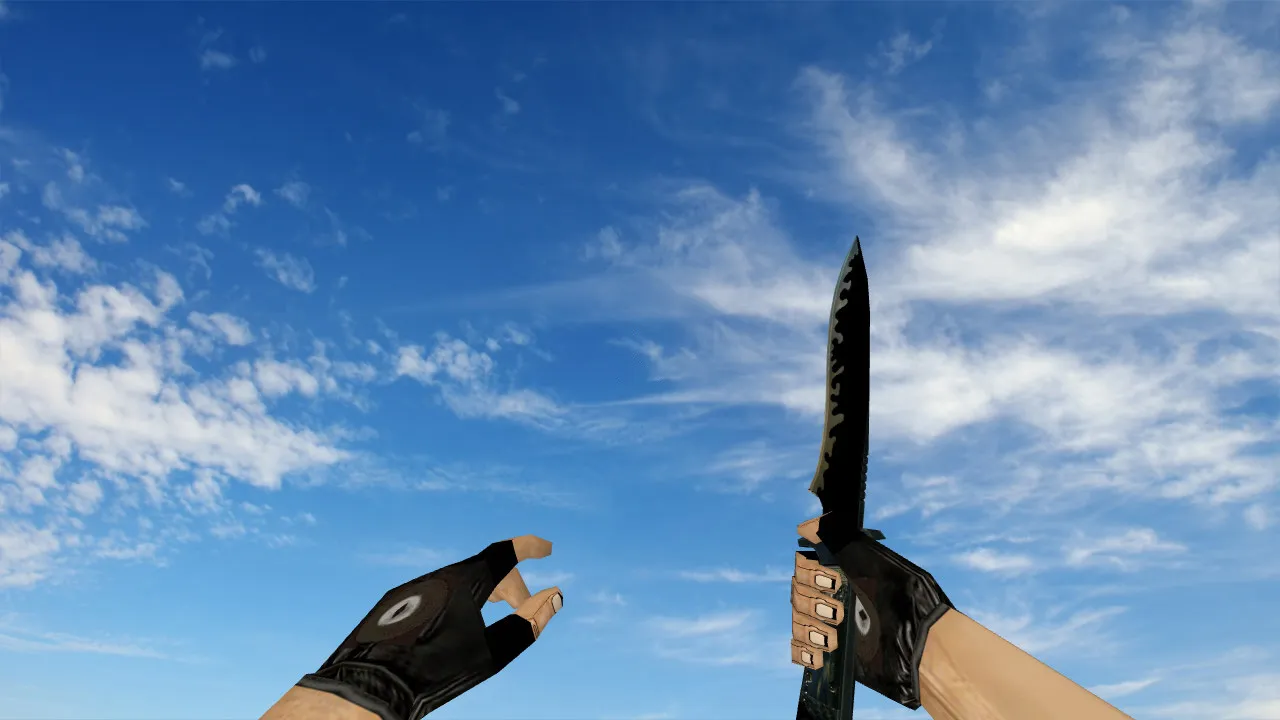
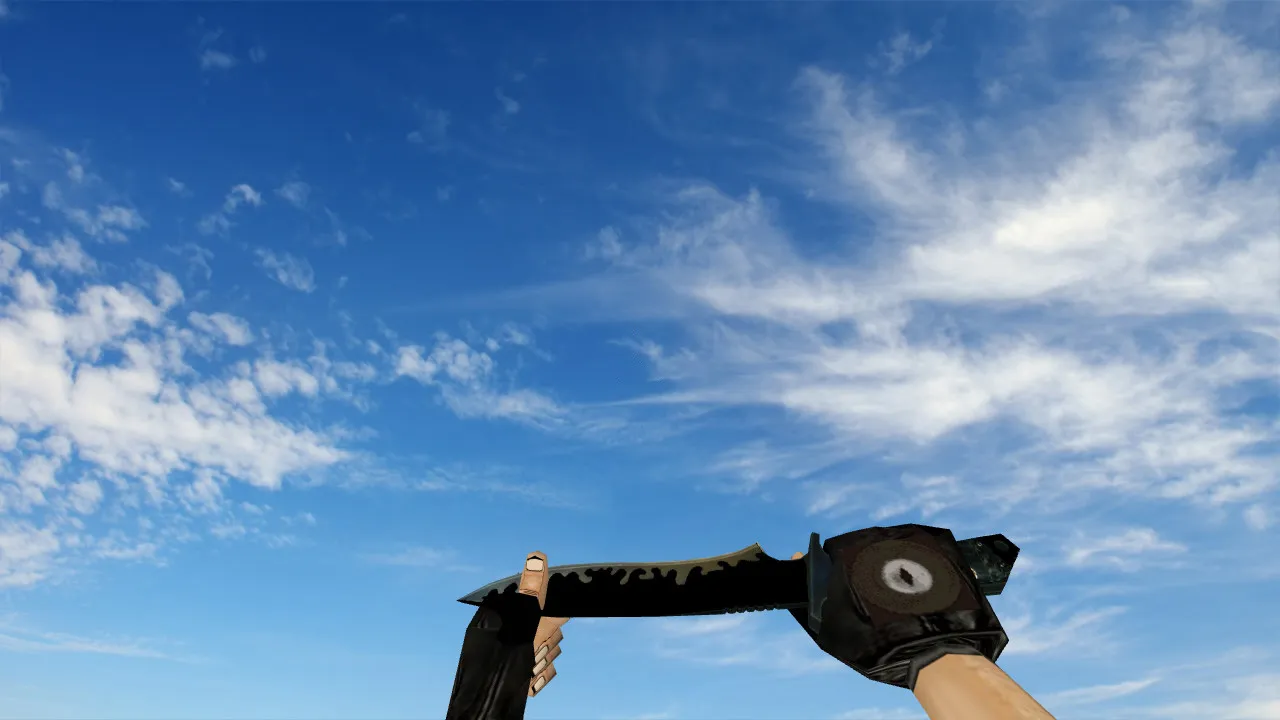
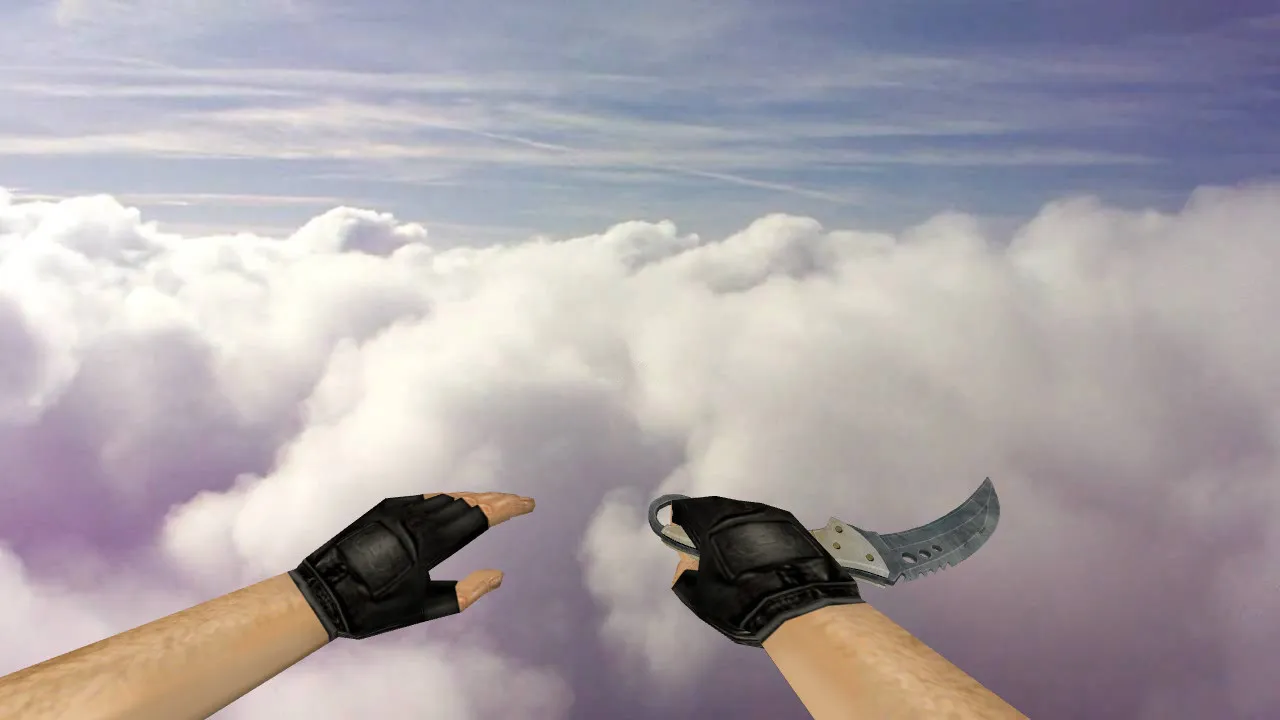
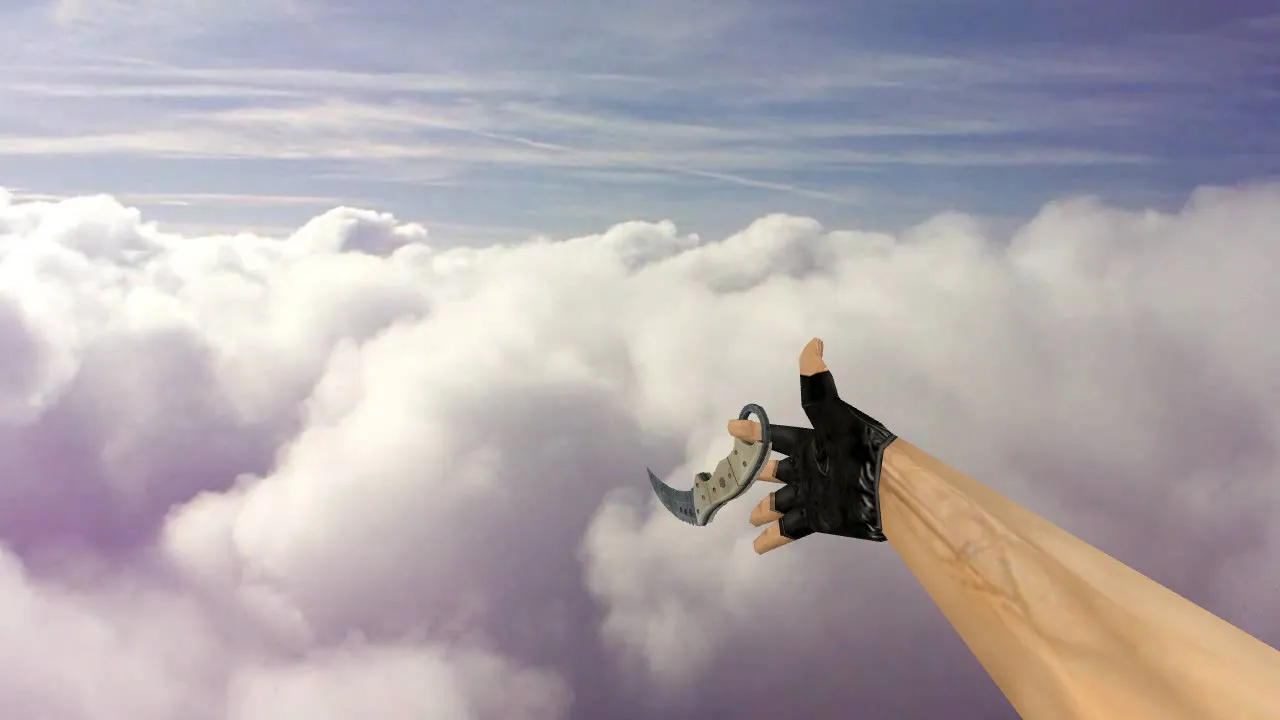
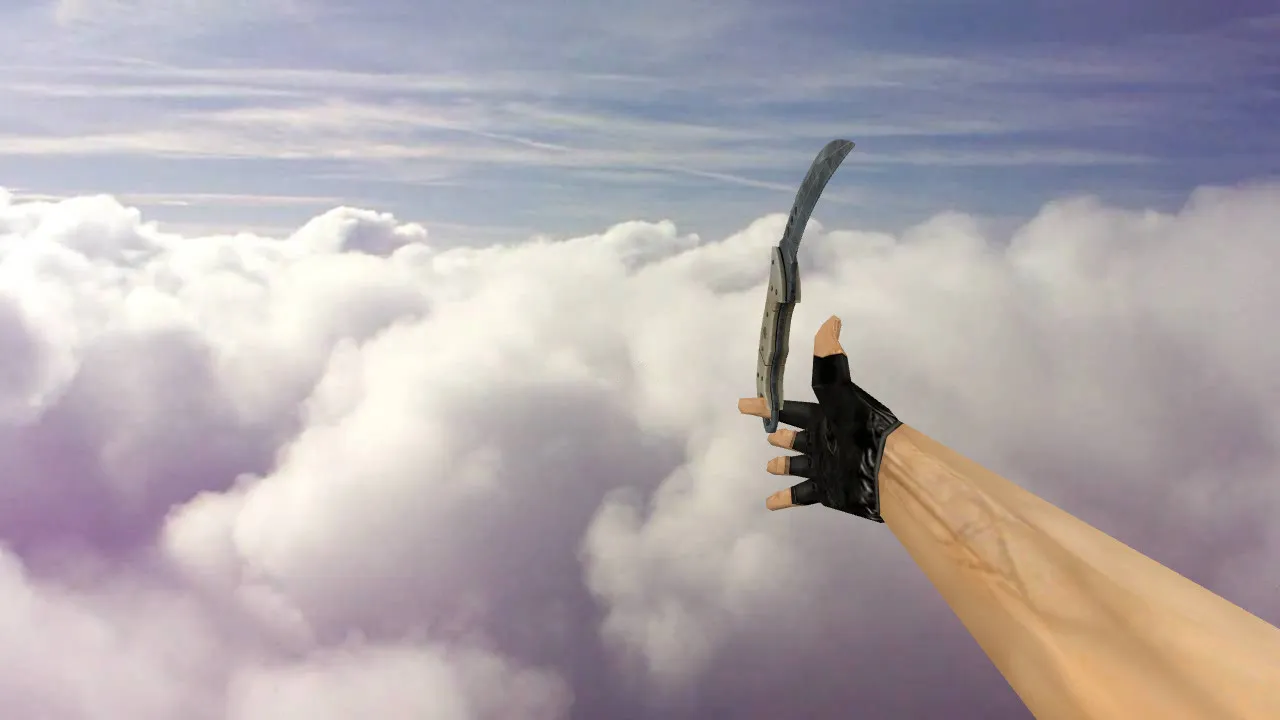
Combat Arms Knife Model for CS 1.6: v_ and p_ Models, Custom Sounds, Inspect Animation
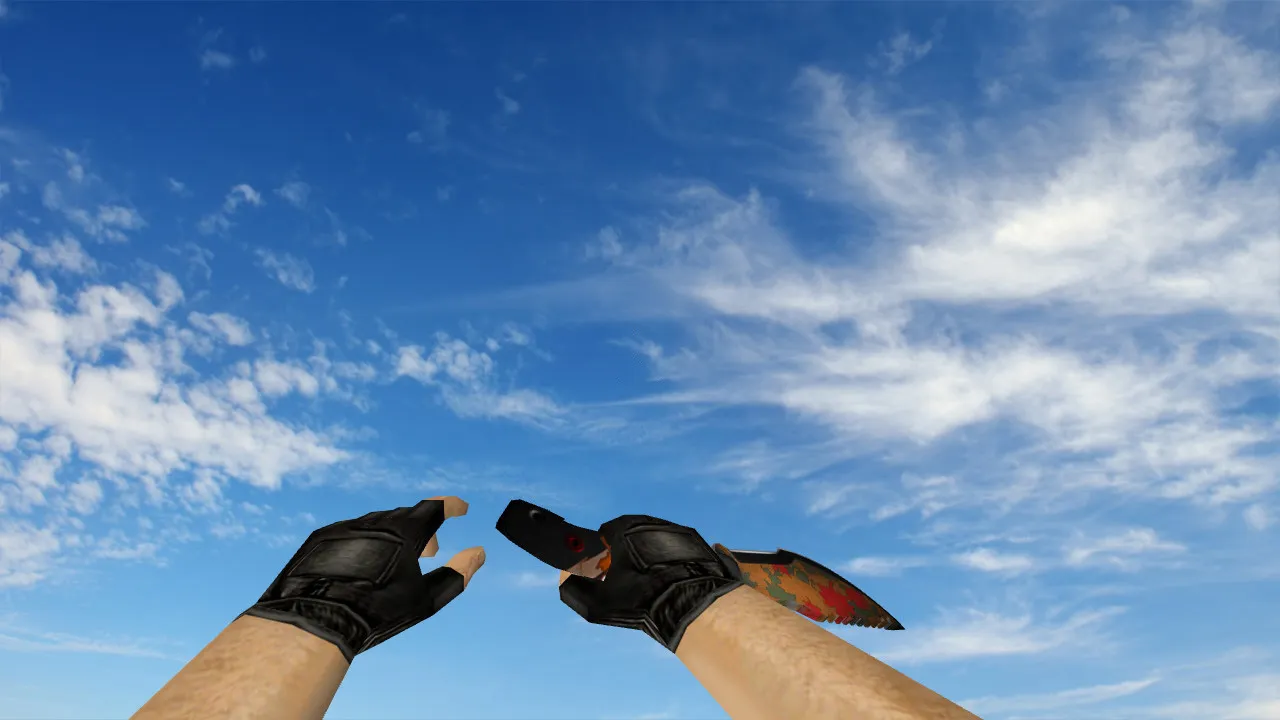
Description
Combat Arms Knife for CS 1.6: Essential Model Components
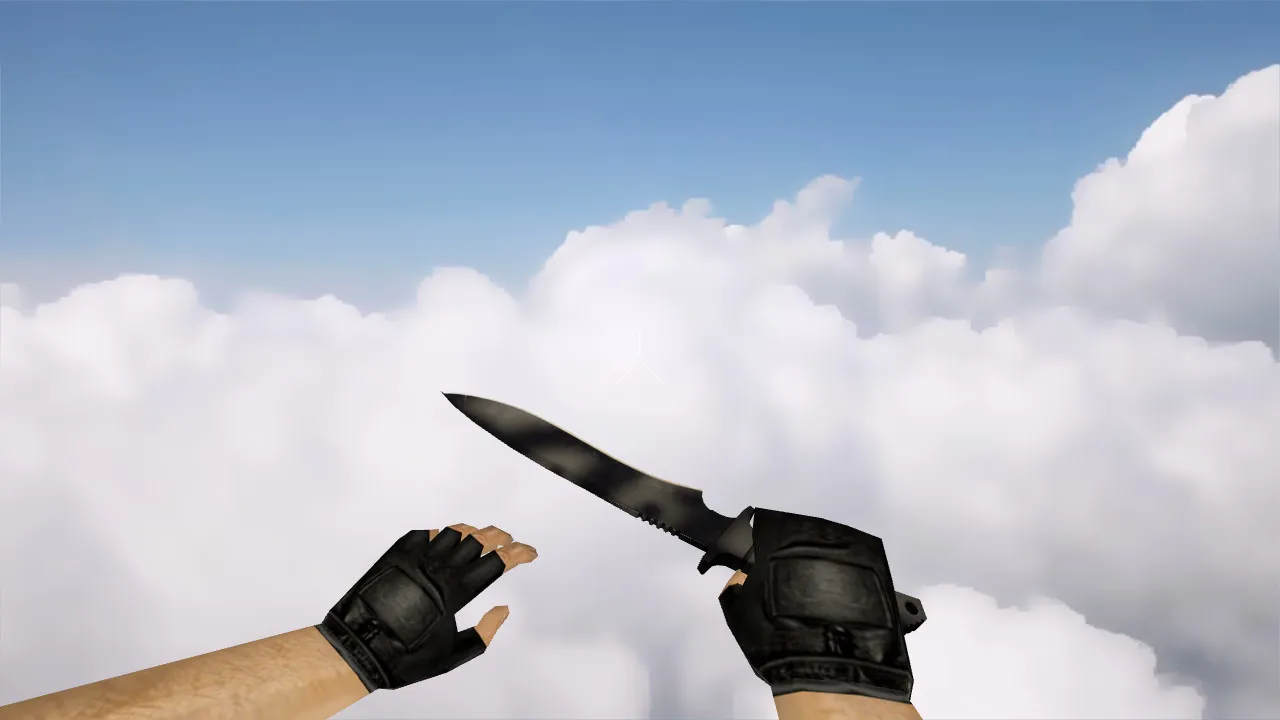
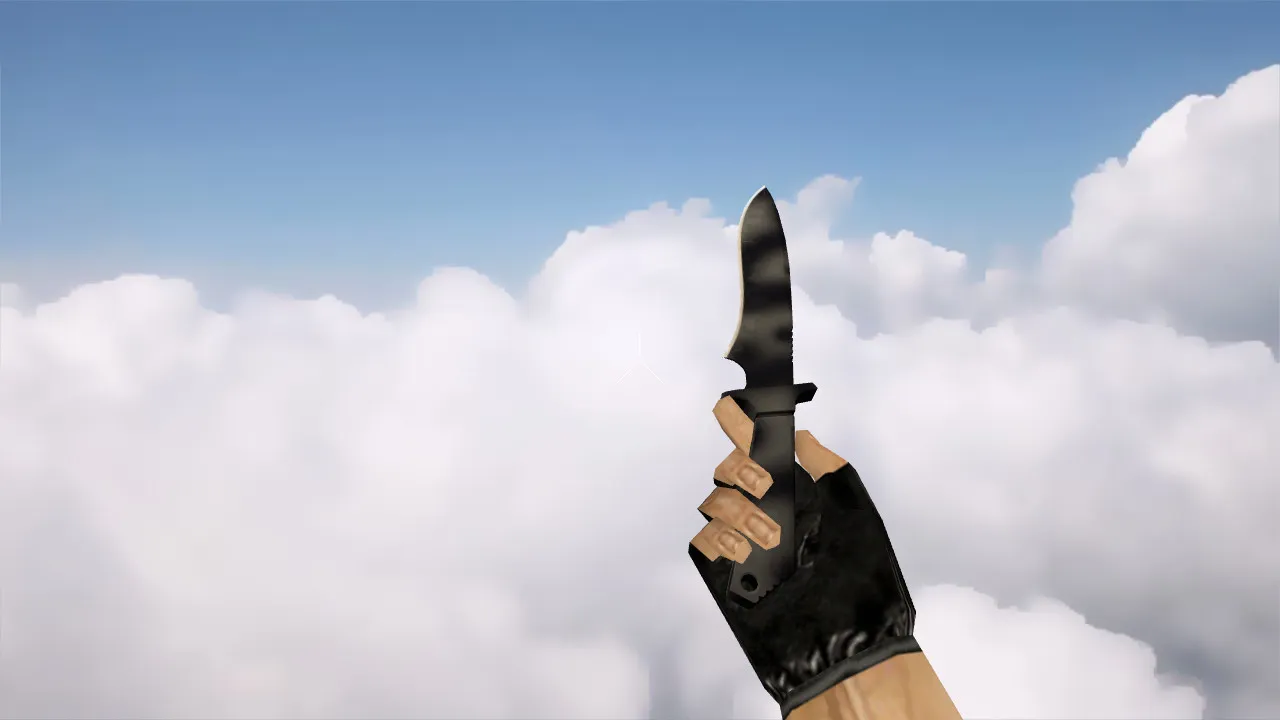
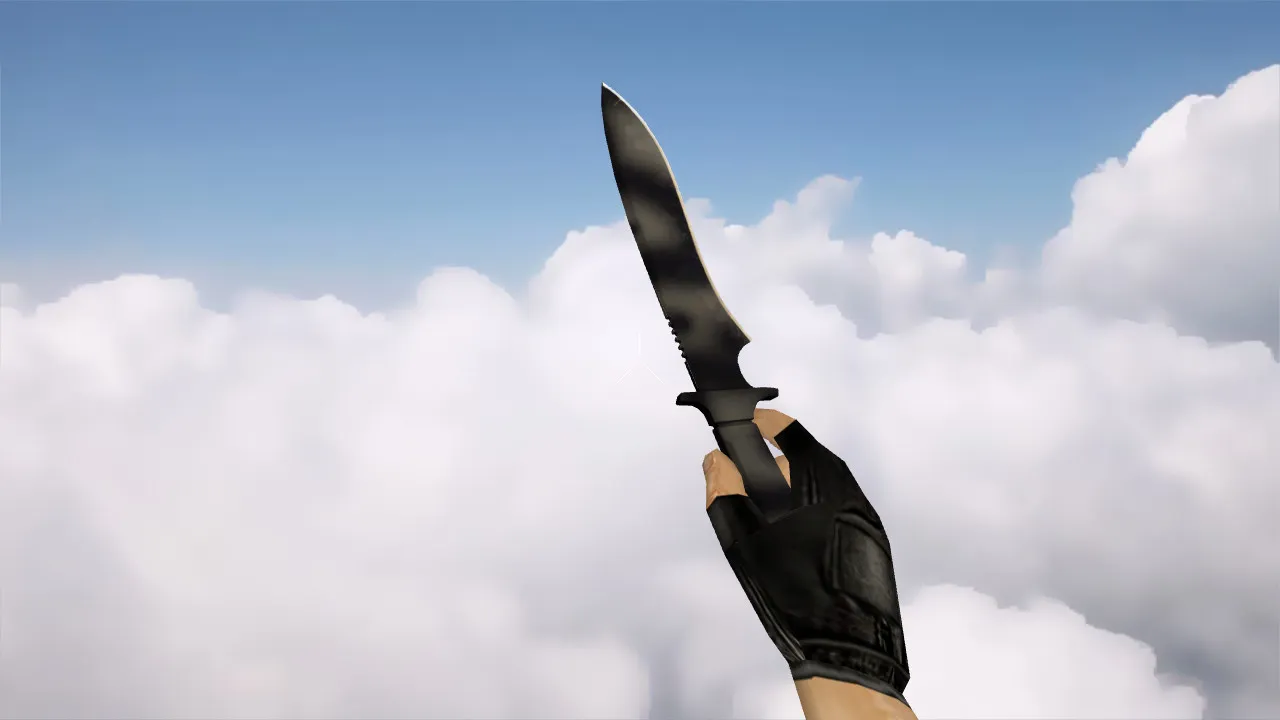
In CS 1.6, the knife is more than just a first-person graphic. Players count on inspect animations for style, unique audio for immersion, and a model that matches the game's aesthetic without errors. This Combat Arms knife drops straight into your view with zero frame loss or compatibility trouble. It adheres to CS 1.6's strict formatting so the client loads it cleanly every session.
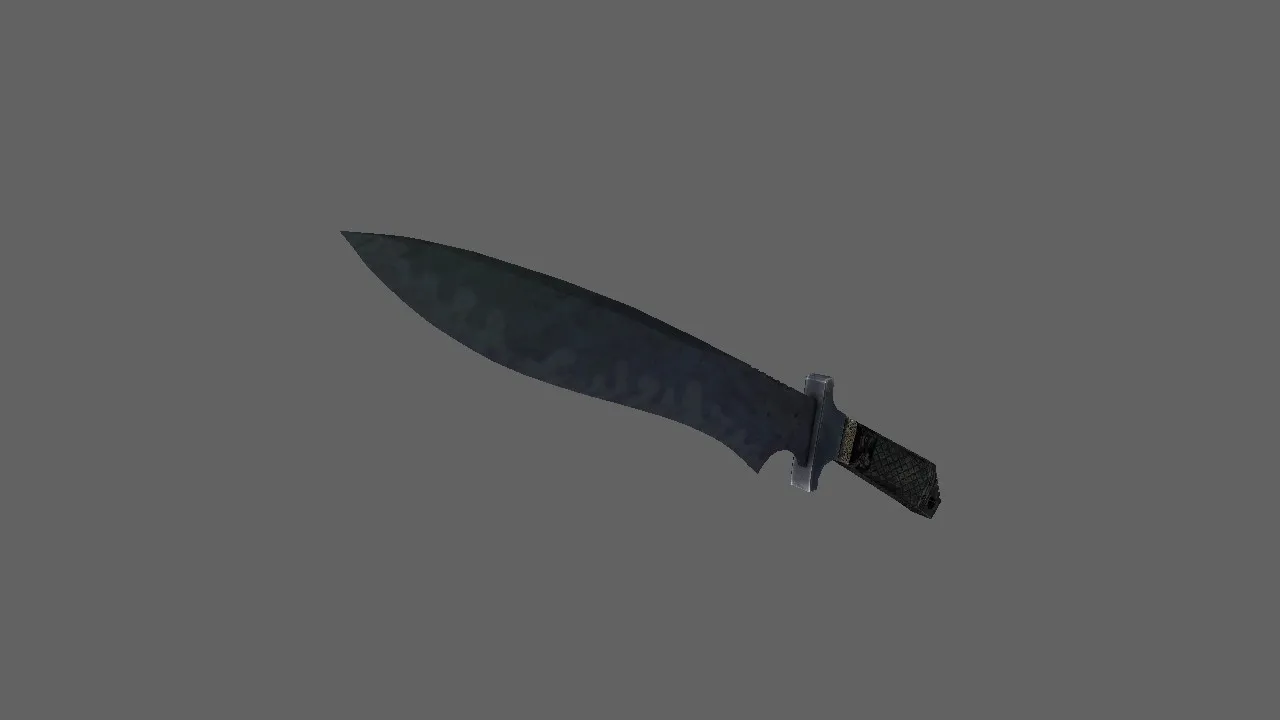
To integrate correctly, the package supplies v_ and p_ model files. The v_ file drives the first-person perspective, keeping slashes and stabs clearly visible. The p_ file manages third-person views, staying consistent when allies or foes spot you. Tailored sounds line up with attacks, and inspect sequences run smoothly without clipping. In CS 1.6, these touches shine even in quiet moments, such as holding a bombsite during a slow round.
Model Quality: Textures, Geometry, and In-Hand Fit
Crisp textures drive the Combat Arms knife's look. On darker maps like de_dust2 or de_inferno, the blade highlights and grip silhouette stay readable, helping quick identification in dim corners. Low-resolution or badly scaled textures create flicker or blur, particularly under dynamic lighting. This model uses optimized imports for CS 1.6 clients, preserving geometry and materials through rotations and swings.
Hand placement is also critical. Knife models require specific blade angles and grip alignments. The Combat Arms variant holds a steady pose, preventing visual jumps during fast turns or position changes. The polygon count remains low for high-FPS performance, roughly 500-800 faces, without losing detail on the sharpened edge or textured handle.
Hitbox Alignment and Skin Uniqueness
Precise hitboxes are mandatory for weapon models in CS 1.6. The knife lines up perfectly with interaction points, guaranteeing reliable stabs and blocks in close-quarters combat. This stability cuts visual noise, letting you concentrate on timing rushes or defending sites.
What distinguishes the Combat Arms skin is its cinematic flair without complicating gameplay. It delivers a movie-style appearance-clean lines and metallic shine-while staying instantly recognizable mid-fight. Players choose it for that mix of style and utility, perfect for aggressive knife plays or when ammunition runs out in a clutch situation.
Safe Installation Guide
Grab the archive for the Combat Arms knife model. Check the contents: v_ and p_ files, plus supporting sprites, sounds, and wad files. Folders follow the standard CS 1.6 layout-place them into your custom models directory. No viruses, no slow-hacks, no ads, and absolutely no auto-connect scripts. CS 1.6 manages model swaps natively; avoid third-party launchers to stay safe.
After dropping the files in, restart the client. Join a server, open your inventory, and test the knife in action. Cycle weapons and trigger inspect to spot problems. If artifacts show up, verify filenames match game defaults like 'v_knife.mdl'. Compatible with both Steam and Non-Steam builds, including 4554 and 8610, with MasterServer protection intact. Keep your config.cfg clean-no extra binds required.
In-Game Testing Checklist
- Inspect animation: Runs fluid, no hitches or dropped frames during full rotations.
- Custom sounds: Slash and stab audio plays clean, without cuts or silent gaps.
- Texture integrity: No blur, flicker, or seams on the grip or blade edges.
- Visibility: Blade outline and handle contours clear from every angle, even in shadows.
- Hitbox sync: Stabs register accurately against bots or players, no misalignment.
- FPS impact: Keeps high FPS on mid-range rigs, no polygon bloat.
Once verified, the Combat Arms knife blends seamlessly into your loadout. It excels in fast-paced scenarios, like trading positions on A-site or opening with a surprise backstab. Pair it with a no-recoil config for knife-only challenges, and it upgrades standard CT or T play without breaking balance.
For deeper tweaks, edit the .mdl files in a tool like MilkShape if you enjoy modding. Ensure sprite alignments for decals stay true to original hitbox points. This model supports ESL-style visibility, making it tournament-ready on maps with tight chokepoints. Overall, it's a solid addition for veterans chasing that perfect custom setup in CS 1.6.
Install in three steps
-
1
Download the archive. Use the button on the right, or the Yandex.Disk mirror if the main server is slow.
-
2
Extract it into the game folder. Use 7-Zip or WinRAR. A path without non-Latin characters works best.
-
3
Launch the game. If something doesn't work, mark it below - that is how we know the file needs an update.
Did it work for you?
No sign-up needed. You can pick more than one.