Classic Knife Night Stripe Model for CS 1.6: Inspect Animation, Custom Sounds, HD Textures, Accurate Hitboxes

Description
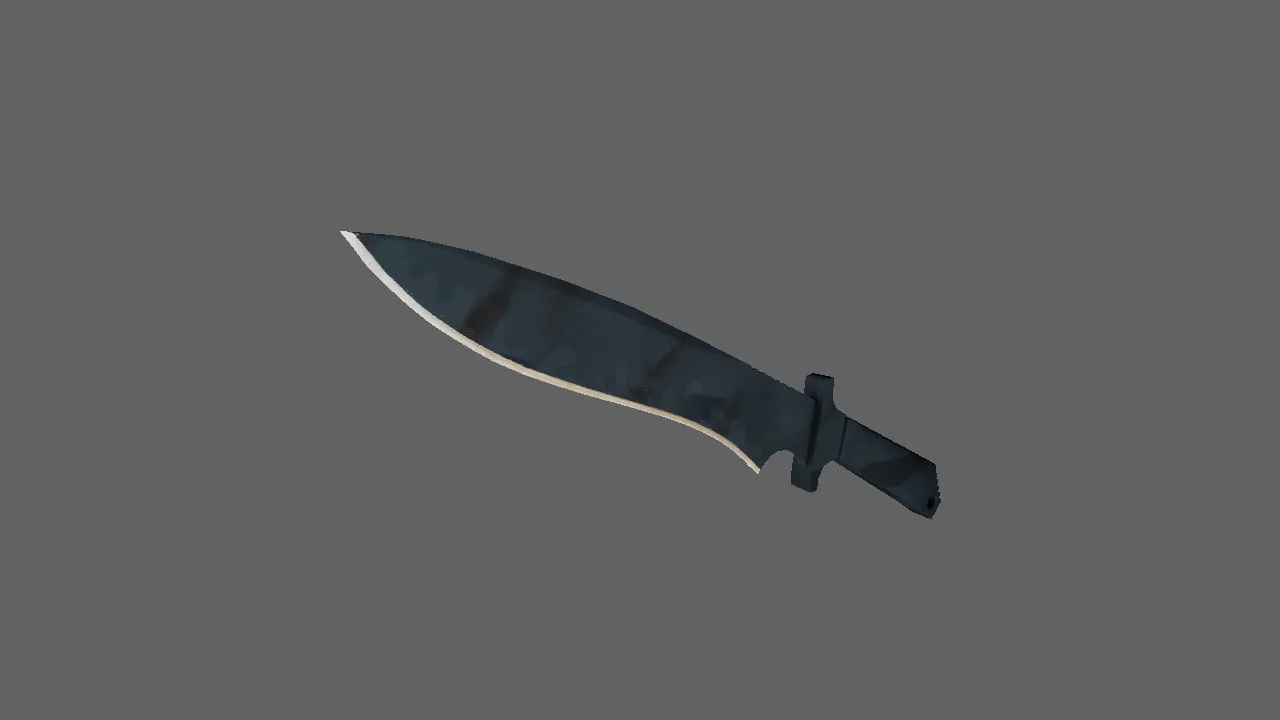
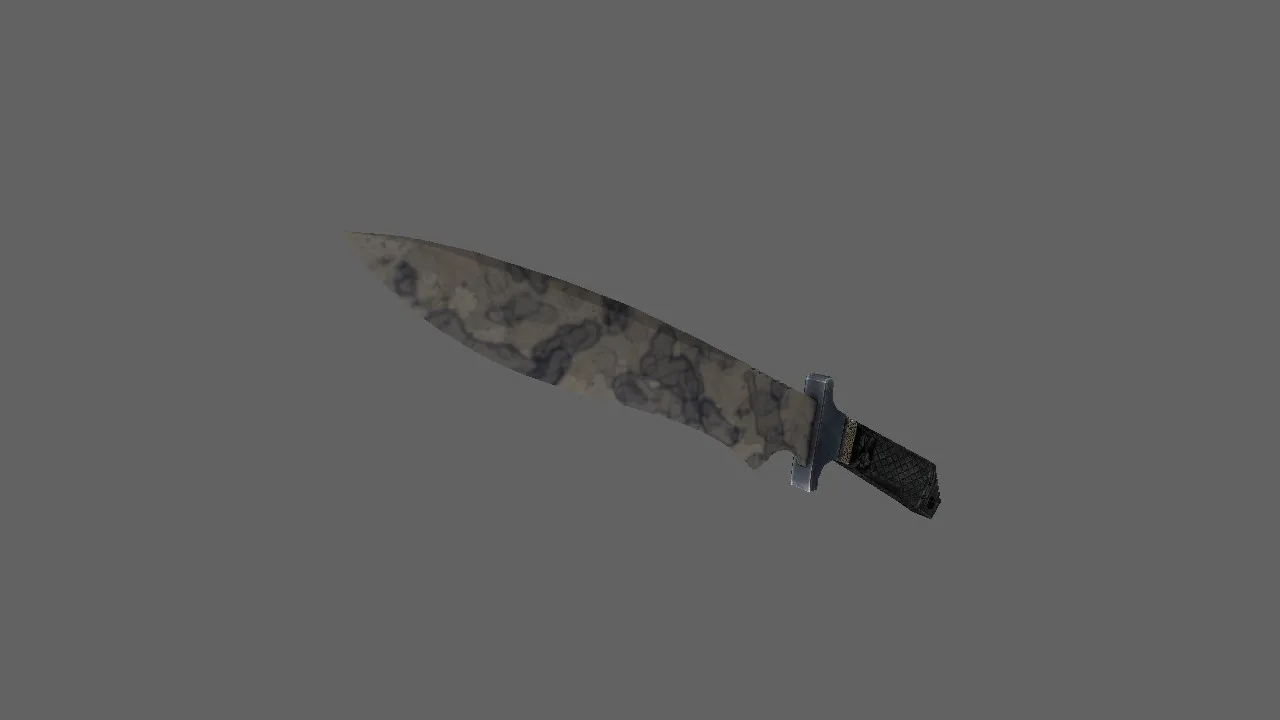
Classic Knife Night Stripe Model for CS 1.6
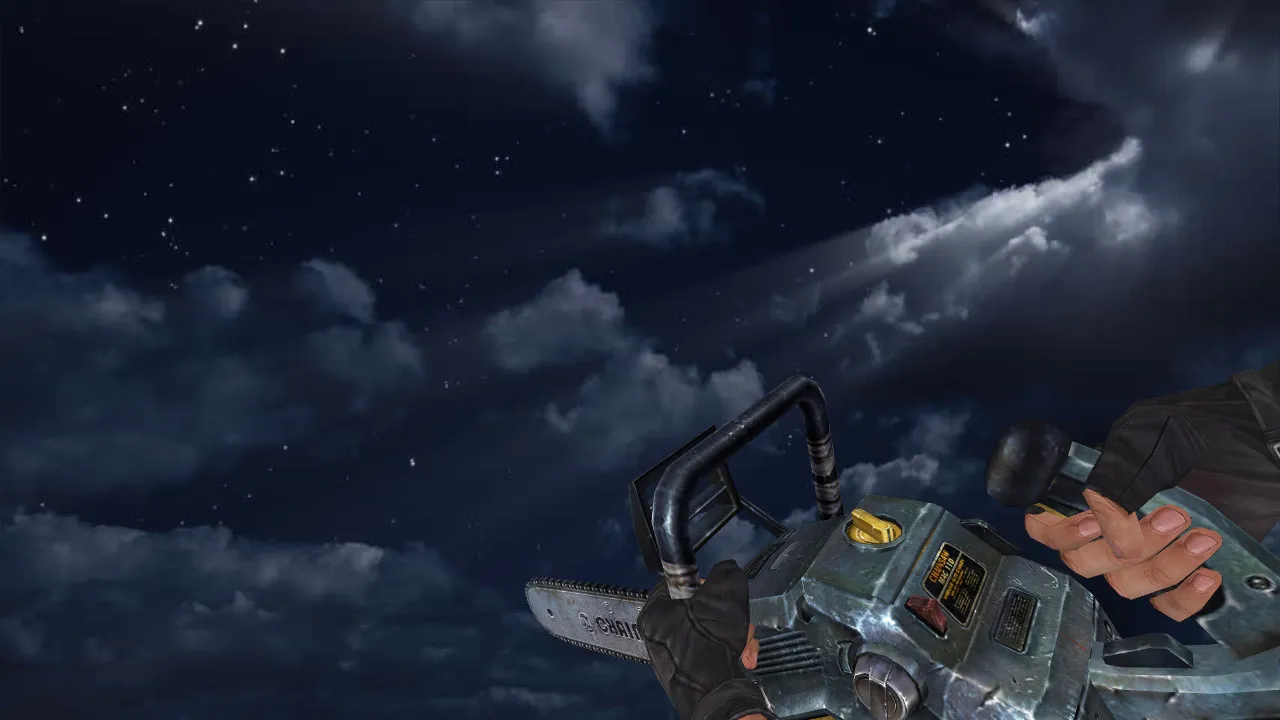
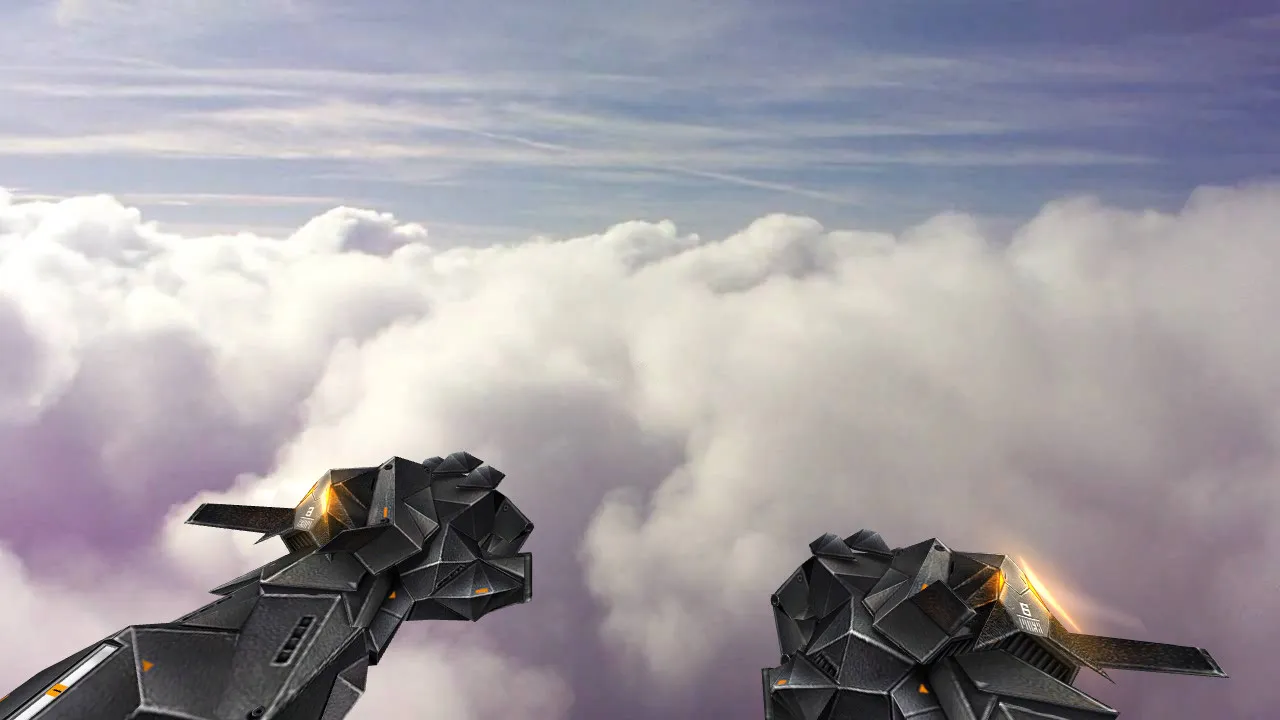
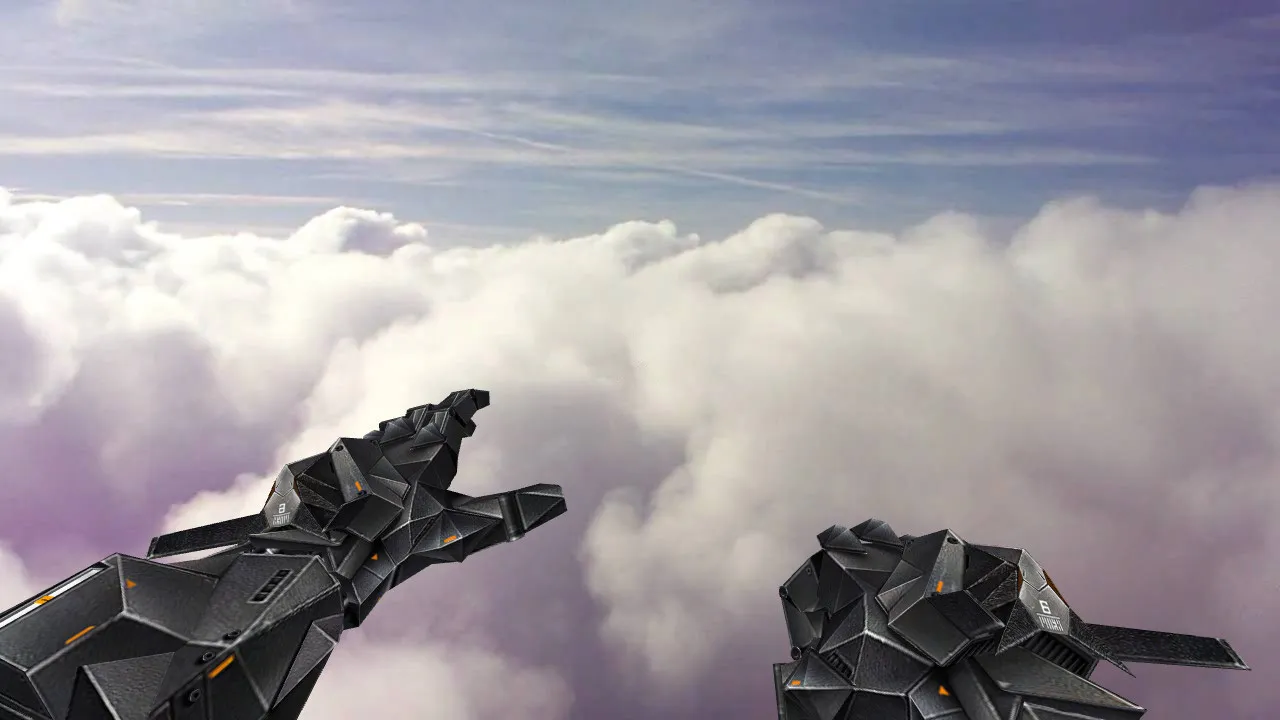
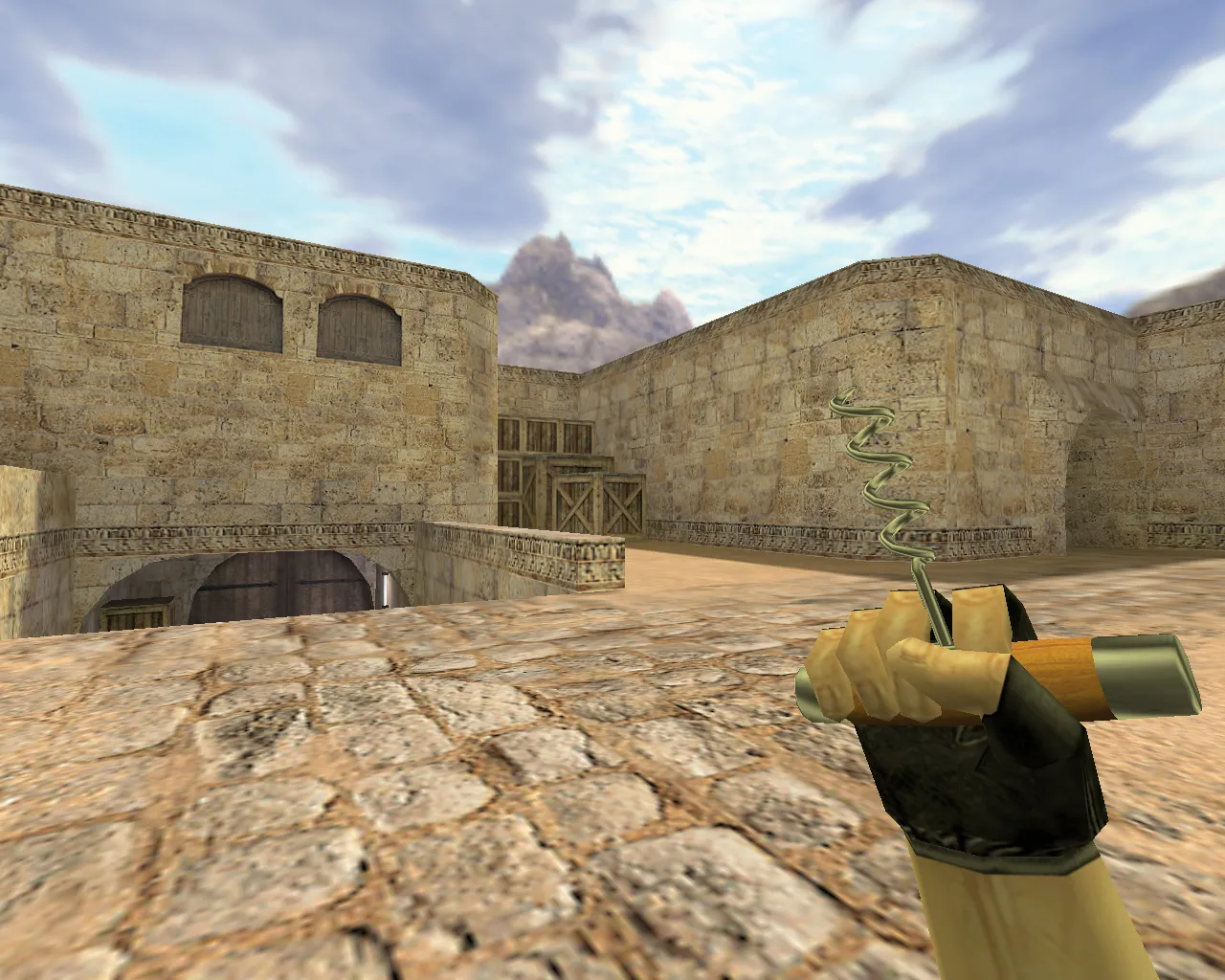
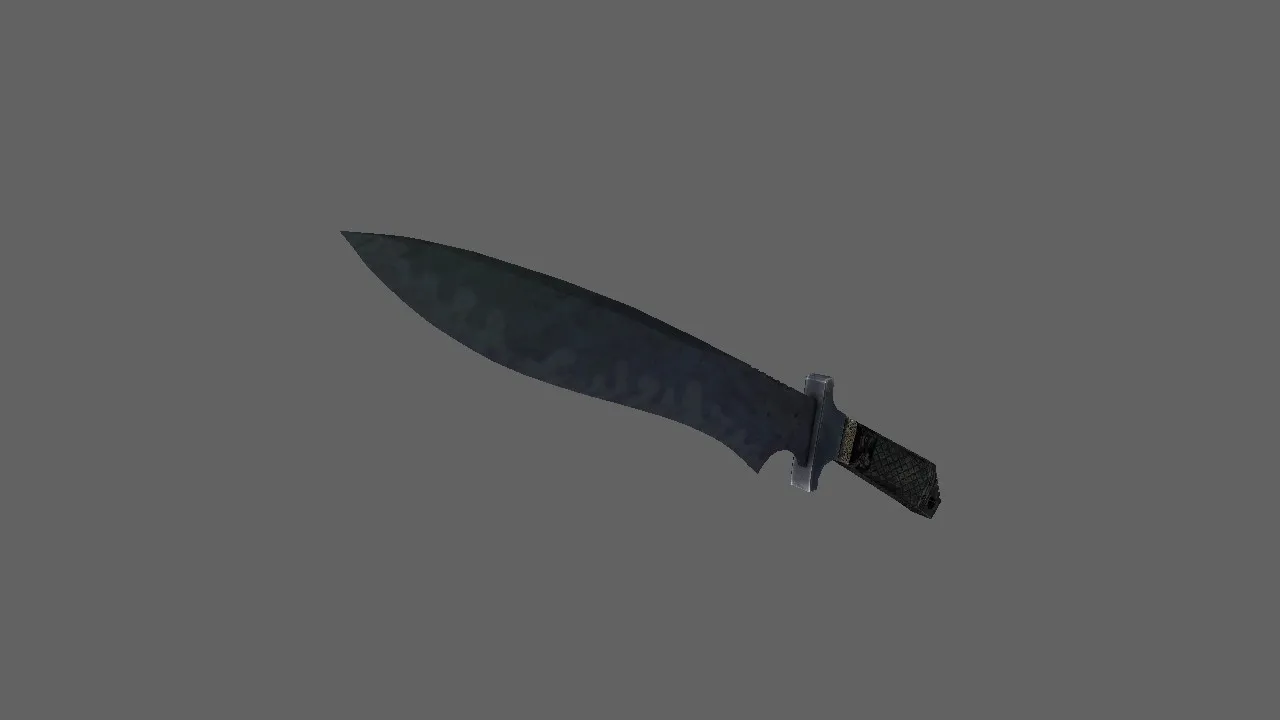
The Classic Knife | Night Stripe model swaps the stock knife in CS 1.6 for a custom dark-themed skin. It fits right in, providing fast draw animations, steady handling, and consistent behavior when swapping weapons. The model holds its shape from every angle without warping the viewmodel.
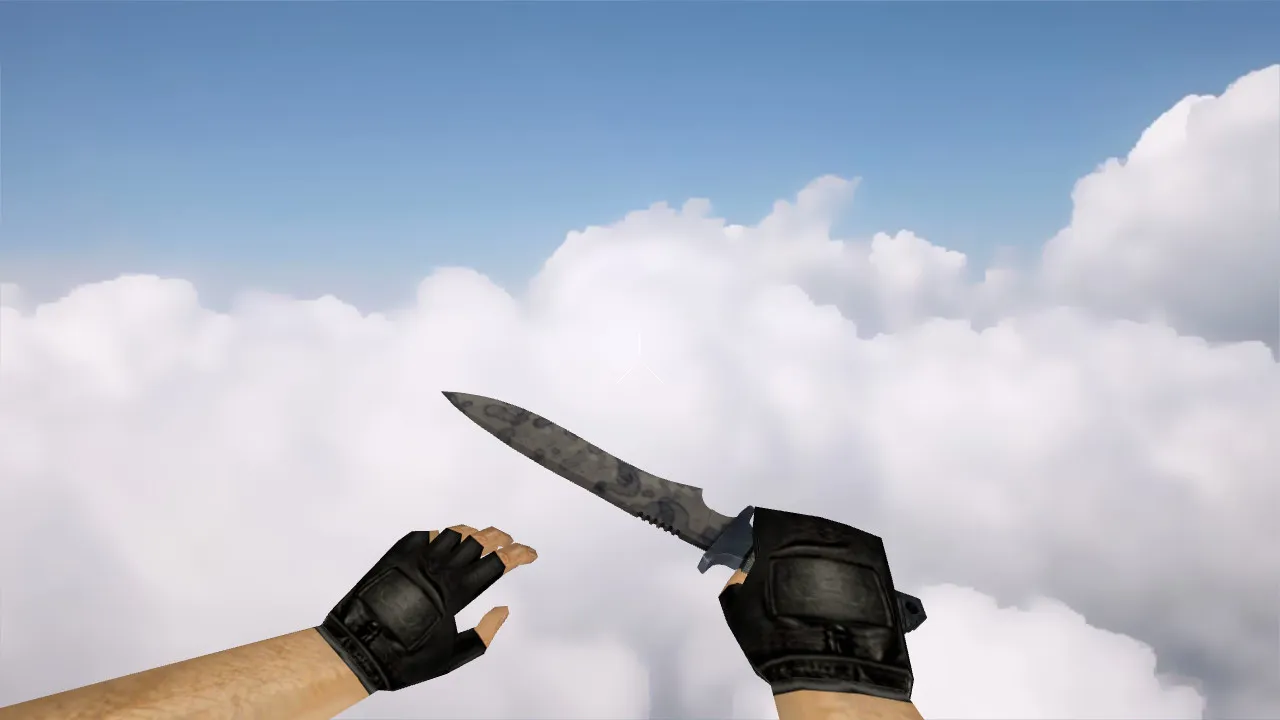
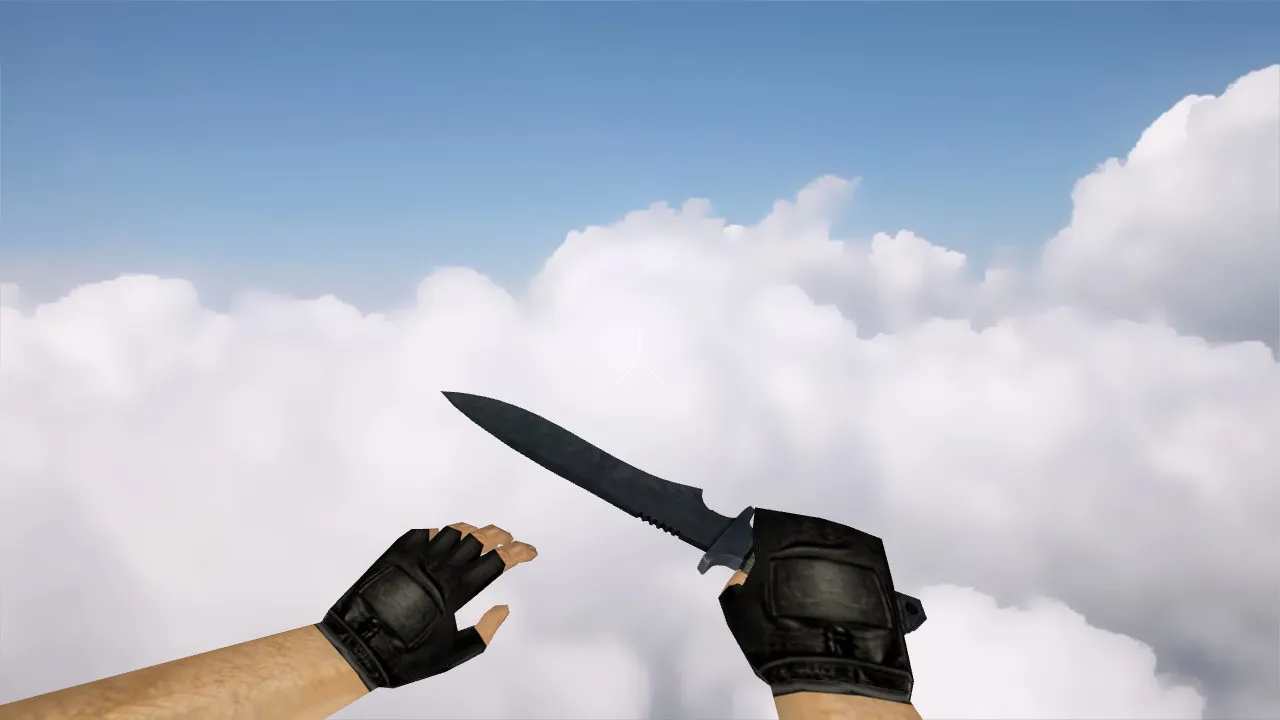
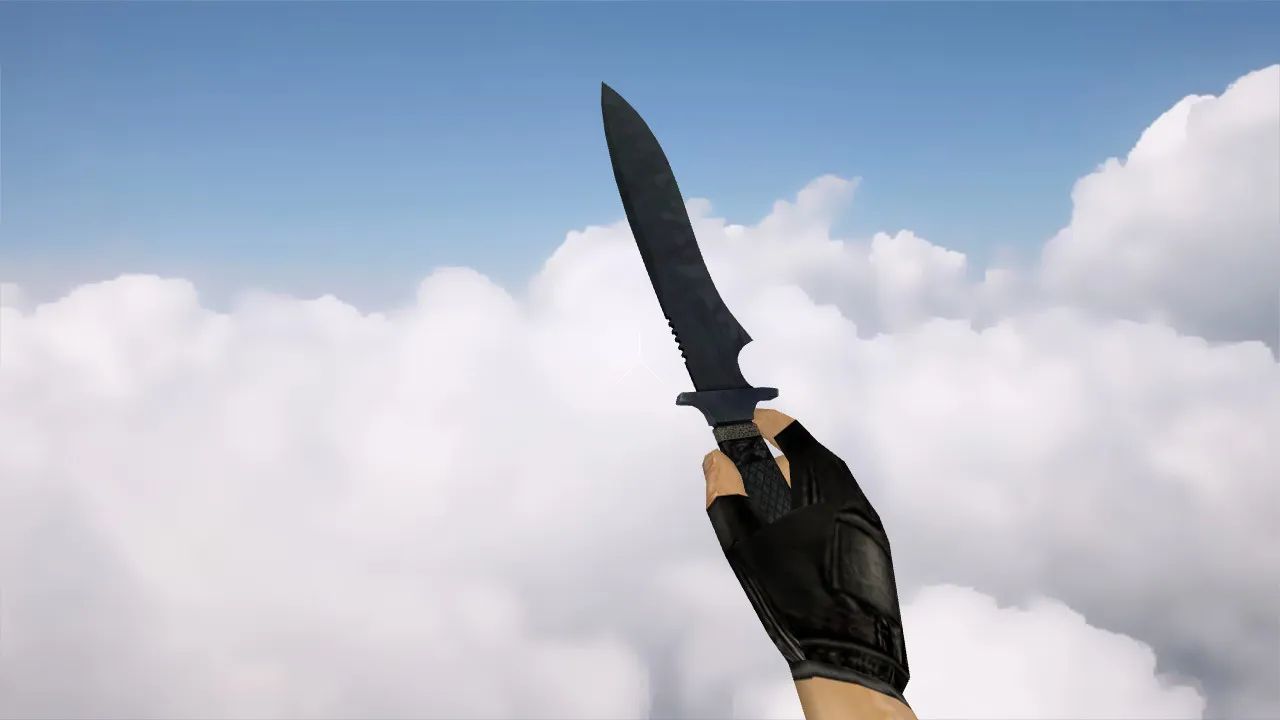
Created in an old-school fashion, the pack supplies v_, p_, and w_ model files. The v_ model governs the first-person hand view, p_ handles specific first-person actions, and w_ shows the knife on the player model in the world. Make sure textures and materials go in the right spots, and that inspect animations play smoothly without dropped frames.
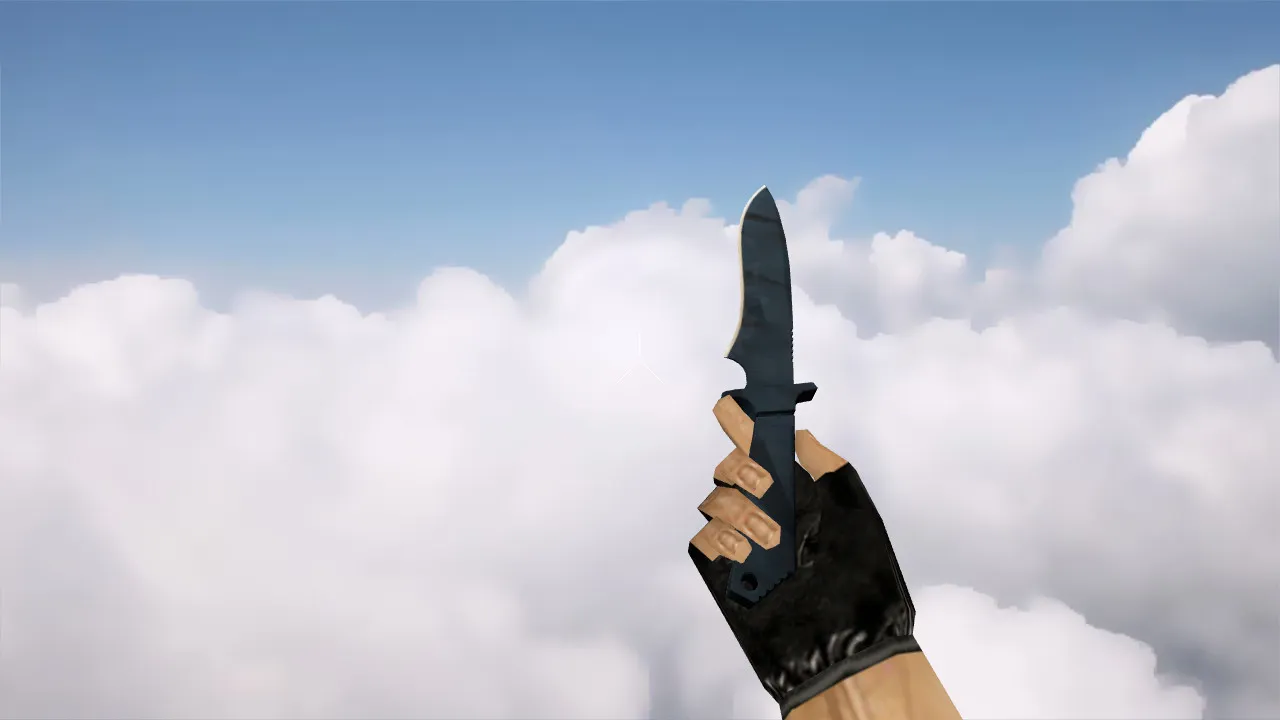
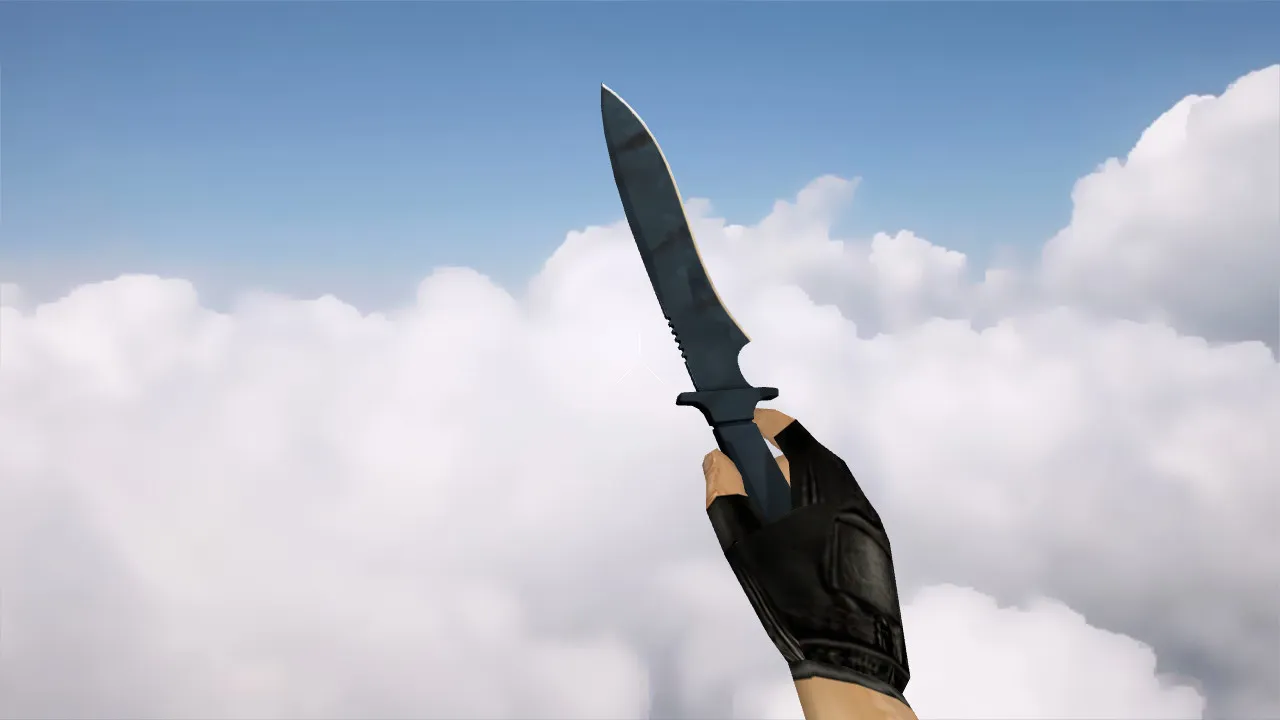
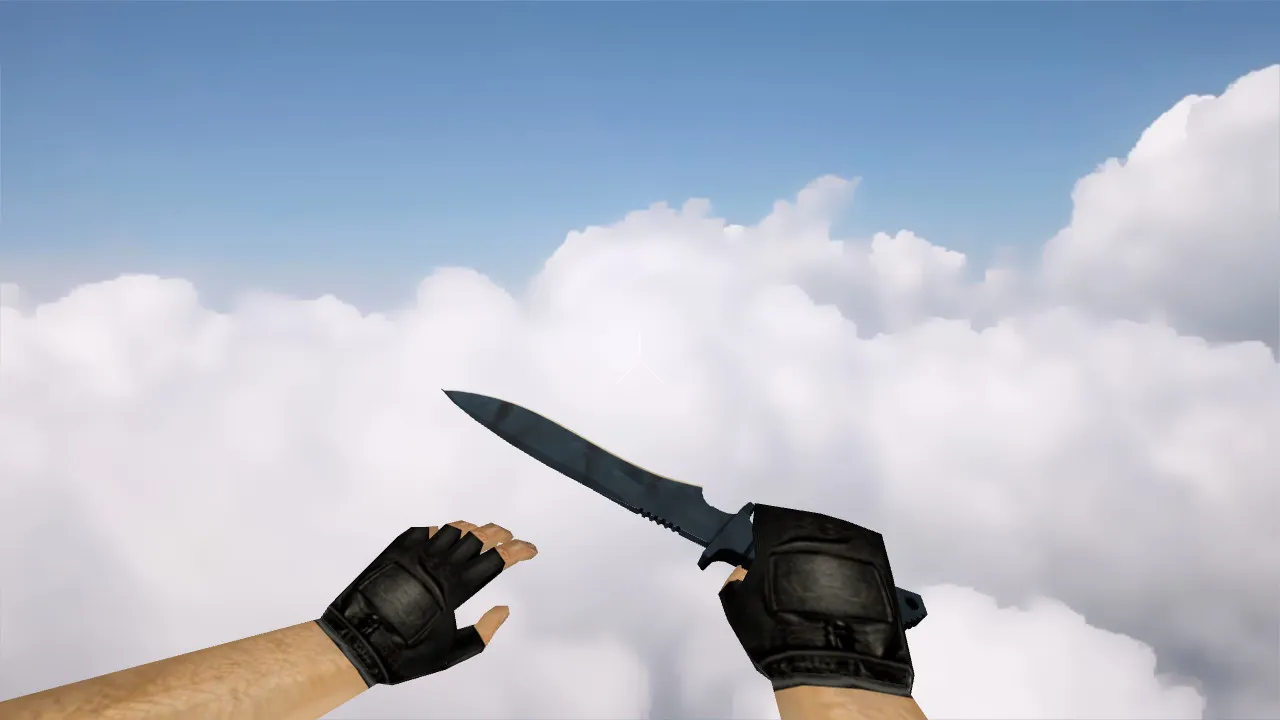
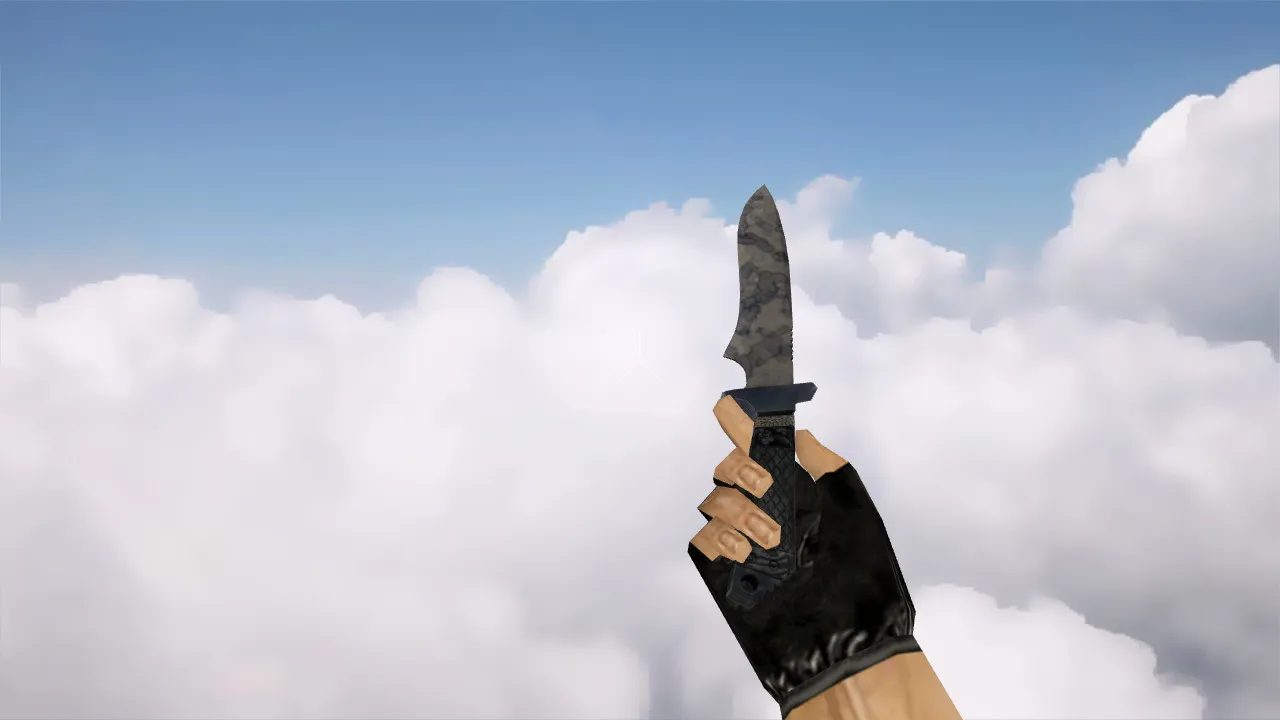
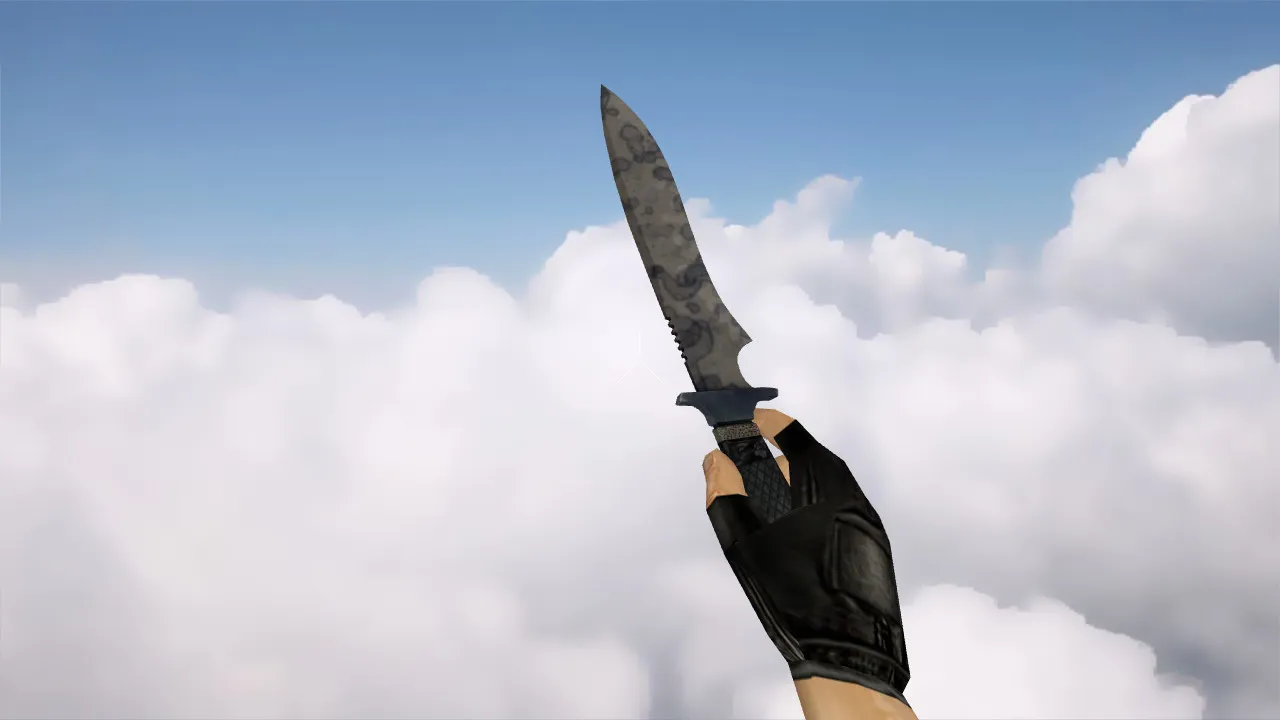
- v_ hand model: Crisp outlines, correct alignment throughout animations
- p_ in-game display model: Stays in sync with player movement
- w_ world model: Distinct Night Stripe pattern visible on the blade
- Knife audio: Click sound on switch, impact effects that follow standard logic
- Inspect animation: Fluid knife inspection with no frame loss
On CS 1.6 servers, knives go hand-in-hand with quick rushes and feints. This model remains dependable during the round's tempo. In dim map sections, textures resist merging into gray blobs due to high contrast and even blade patterns. This aids tracking at distance and keeps timing sharp in duels.
Polygon count stays low for high-FPS performance, with hitbox precision matching the default for fair play. The Night Stripe design uses 512x512 textures scaled up where necessary, guaranteeing visibility in low-light areas like de_dust2's tunnels or cs_office shadows. No custom recoil scripts-just clean geometry aligned with CS 1.6's core mechanics.
Safe Installation Guide
Install by hand without auto-connect tools or third-party apps. Back up your current model folders first for an easy rollback. Copy files to their destinations:
- v_ files to the first-person viewmodel folder
- p_ files to the player first-person model folder
- w_ files to the world model folder
Place any extra textures in the expected game directories. Restart CS 1.6 after copying. If models fail to appear, verify file names, extensions, and paths-mismatches are frequent culprits. This setup works on both Steam and Non-Steam versions, compatible with Build 4554 and later, without MasterServer conflicts.
Pre-Server Checks
Before hopping into matches, test in training mode. Inspect the knife: Does it sit correctly in hand? Do textures shift on turns? Do details disappear? Swap weapons several times to confirm inspect animation and sounds trigger properly. Check the world view by spectating your character-ensure the w_ model renders the Night Stripe clearly.
For optimal CS 1.6 play, the model requires precise shape and visual geometry to avoid hit registration doubts. Knives demand speed, and small details affect feel. This Classic Knife | Night Stripe functions like stock but with a distinct look, supporting ESL-style visibility in competitive setups.
Expand your CS 1.6 custom loadout with this knife for dark-area reliability and consistent UI style. It fits knife-only servers or mixed lobbies where quick switches matter. No viruses, no backdoors, no performance hits-just a clean mod. Test thoroughly in offline mode to dial in your config.cfg tweaks, like cl_bob for smoother animations.
In practice, pair it with no-recoil knife binds for practice rounds. The blade's contrast aids in close-quarters like bombsite plants on de_inferno variants. Overall polycount stays under 500 tris per model, keeping frame rates stable even on older rigs. Downloaders report zero compatibility issues across WON and Steam protocols.
Community feedback highlights the inspect animation's fluidity, mimicking pro player routines without lag. Textures use sprite-based glows for the stripe, visible up to 10 studs away in smoke. This mod enhances immersion without breaking balance-perfect for long sessions on public or clan servers.
Install in three steps
-
1
Download the archive. Use the button on the right, or the Yandex.Disk mirror if the main server is slow.
-
2
Extract it into the game folder. Use 7-Zip or WinRAR. A path without non-Latin characters works best.
-
3
Launch the game. If something doesn't work, mark it below - that is how we know the file needs an update.
Did it work for you?
No sign-up needed. You can pick more than one.