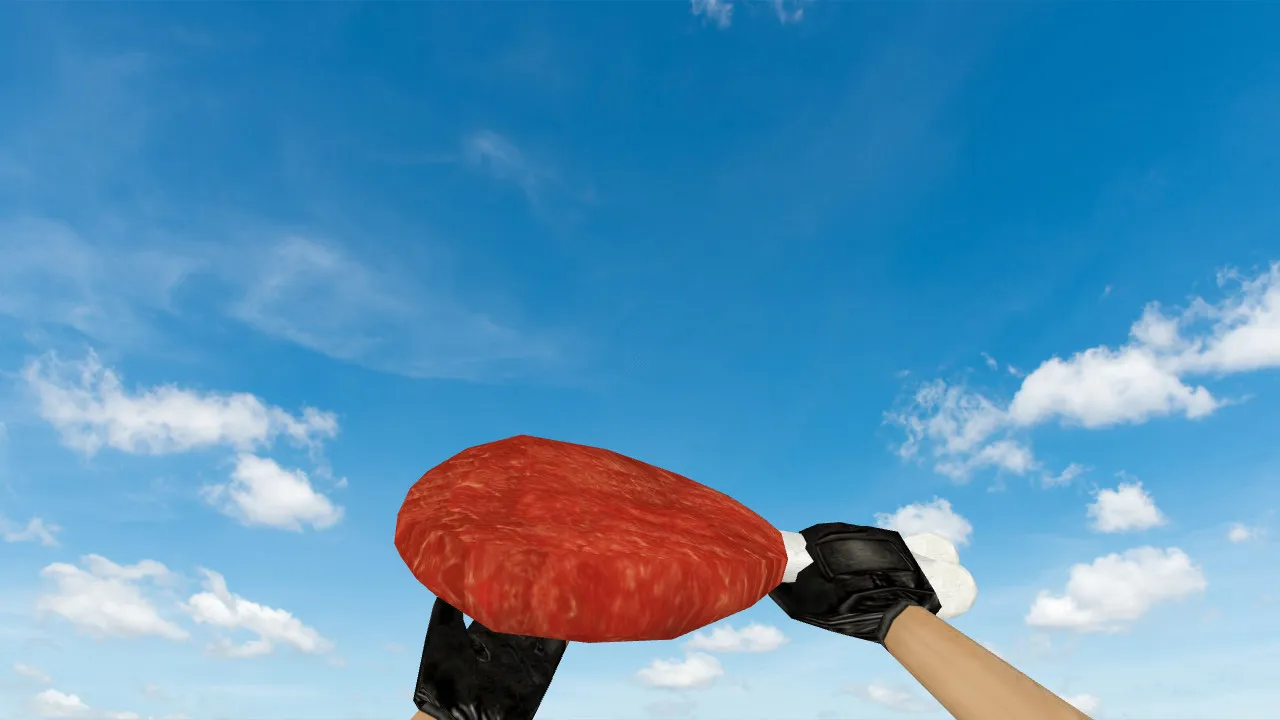
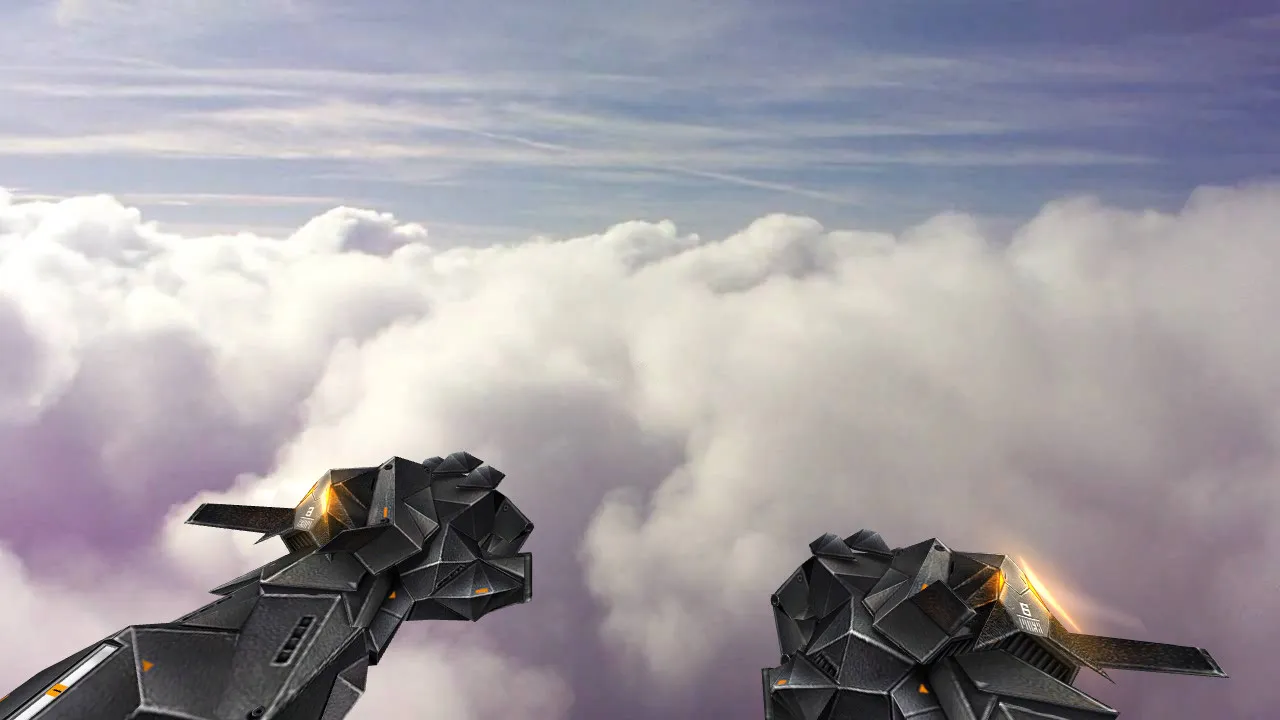
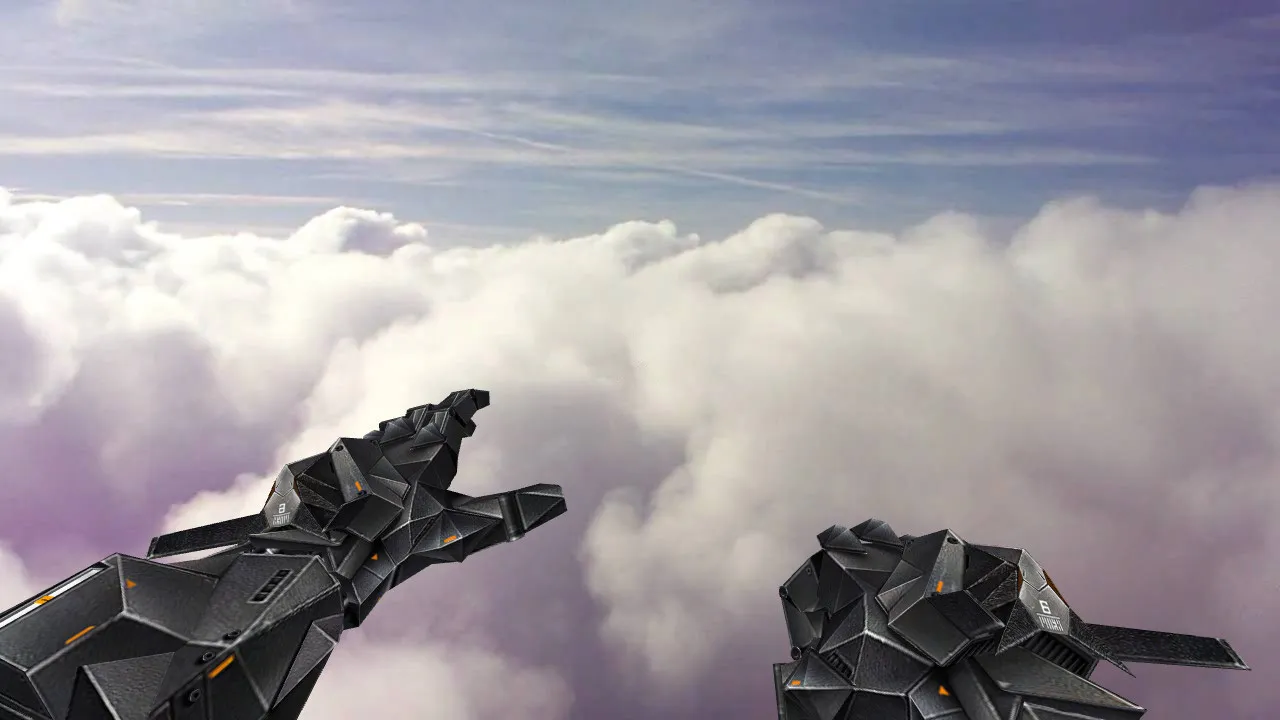
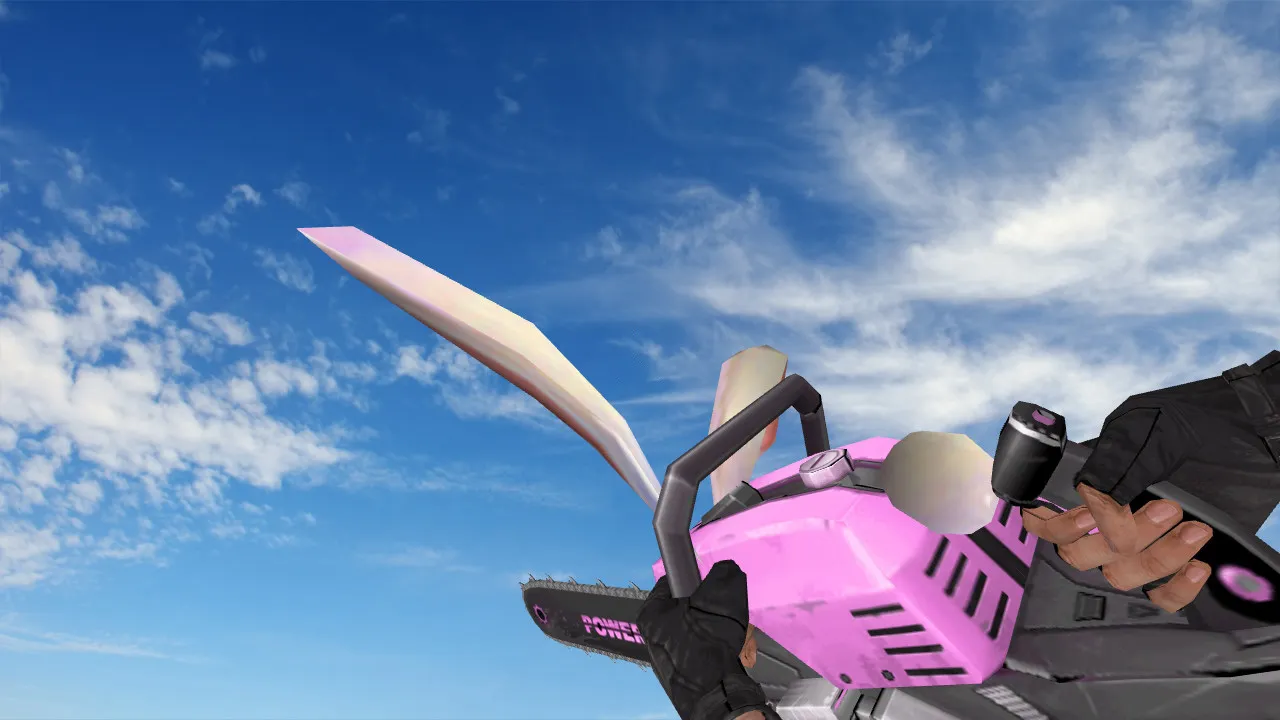
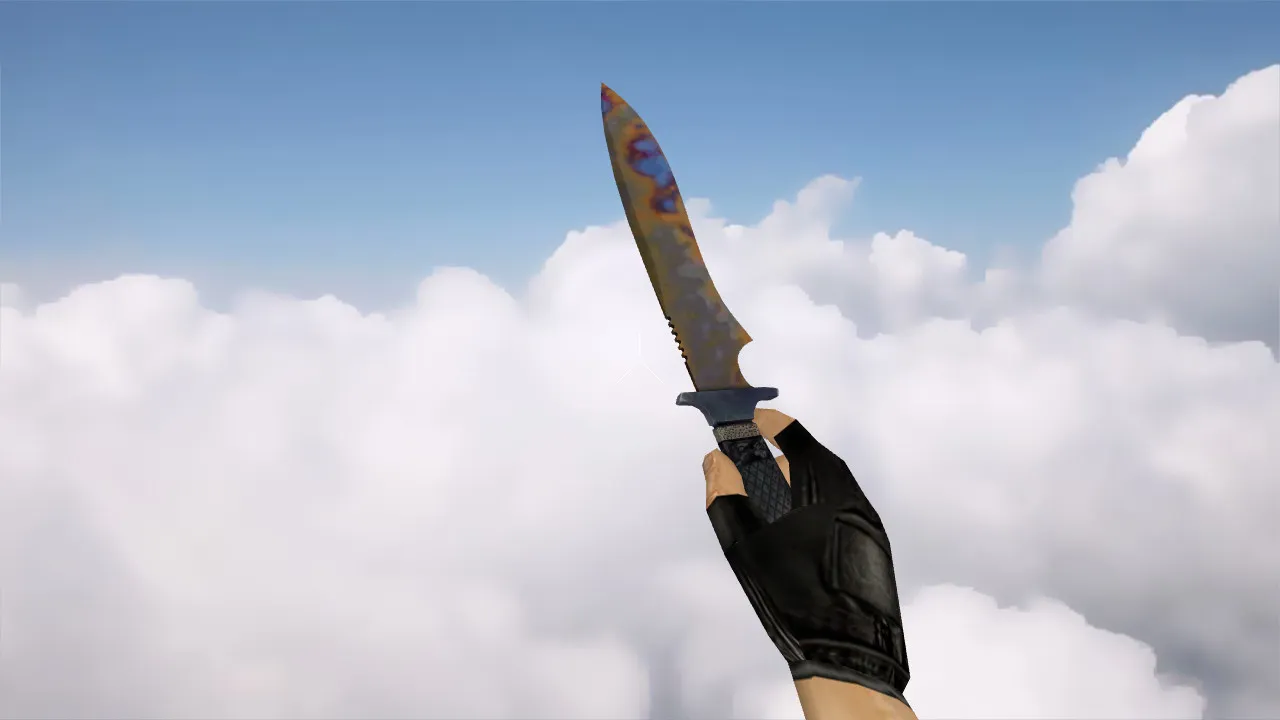
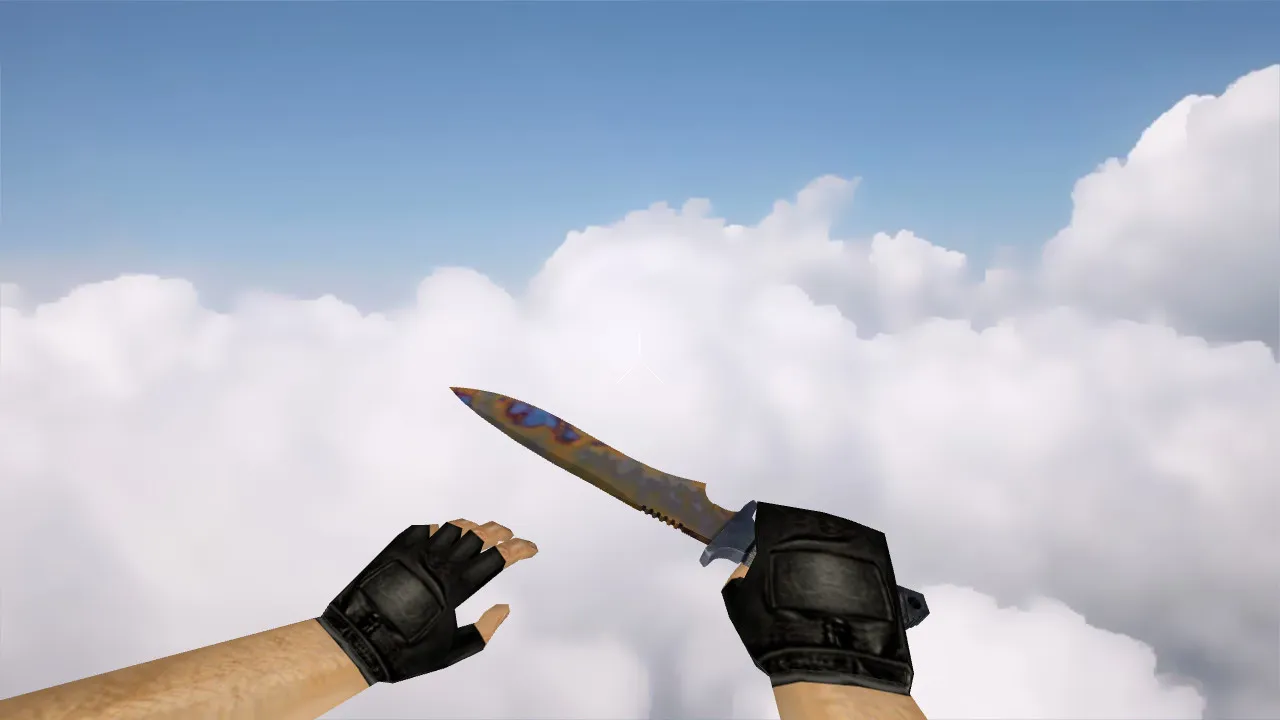
Corkscrew Knife for Counter-Strike 1.6: v_, p_, w_ Models, Audio, Inspect Animation, Textures & Quality
Description
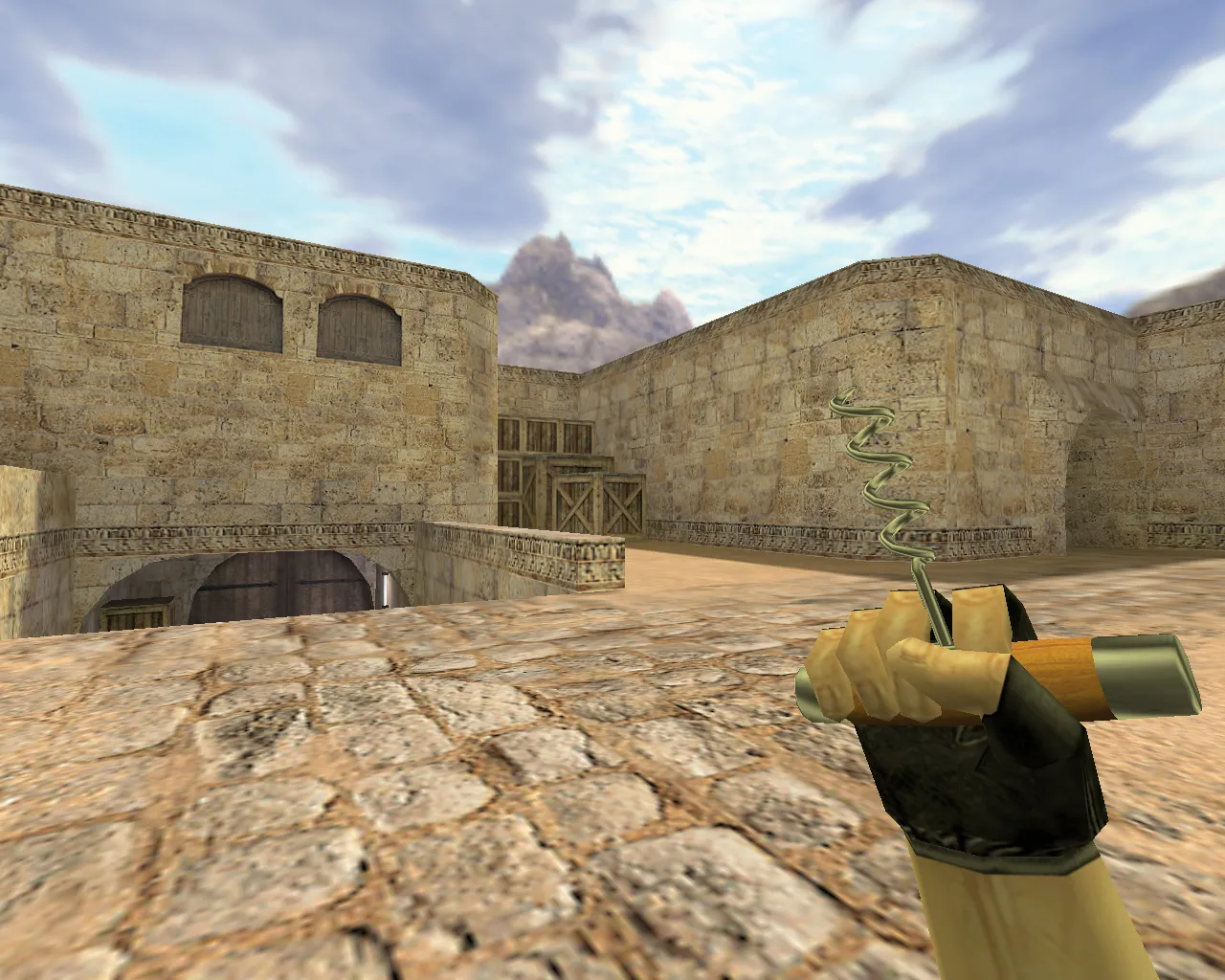
Corkscrew Knife for CS 1.6: Complete Model Set & Tweaks
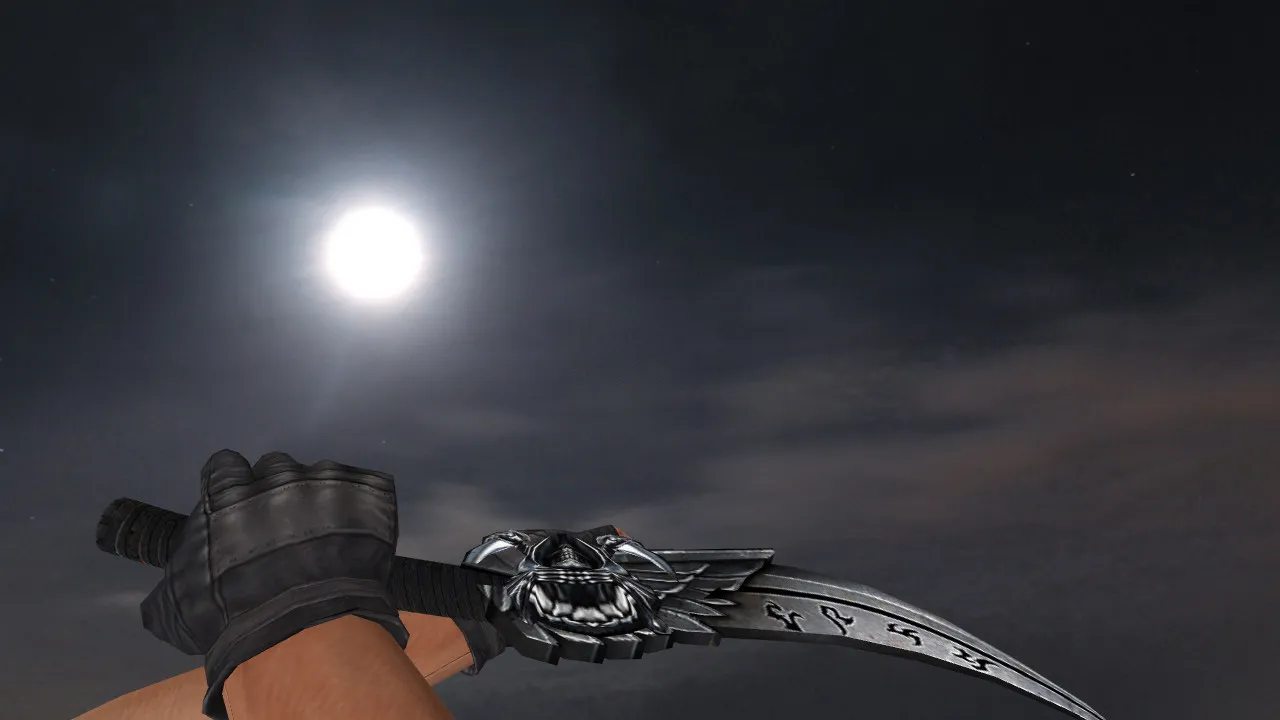
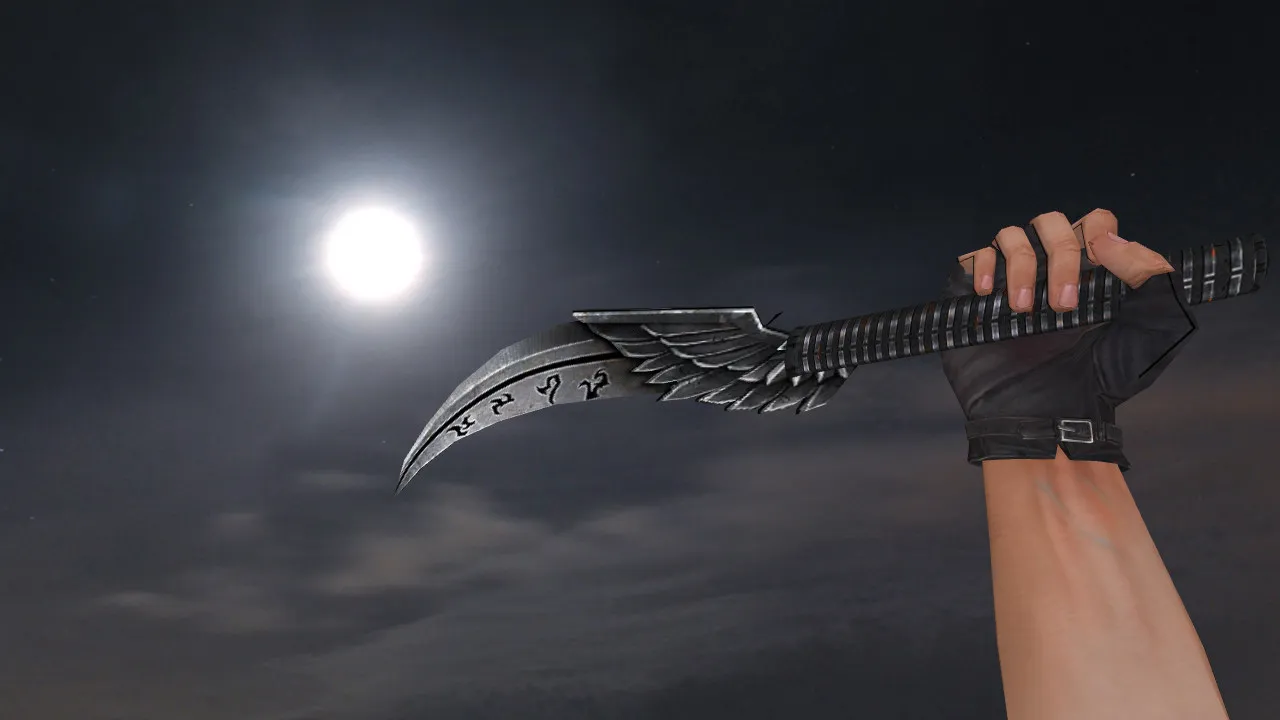
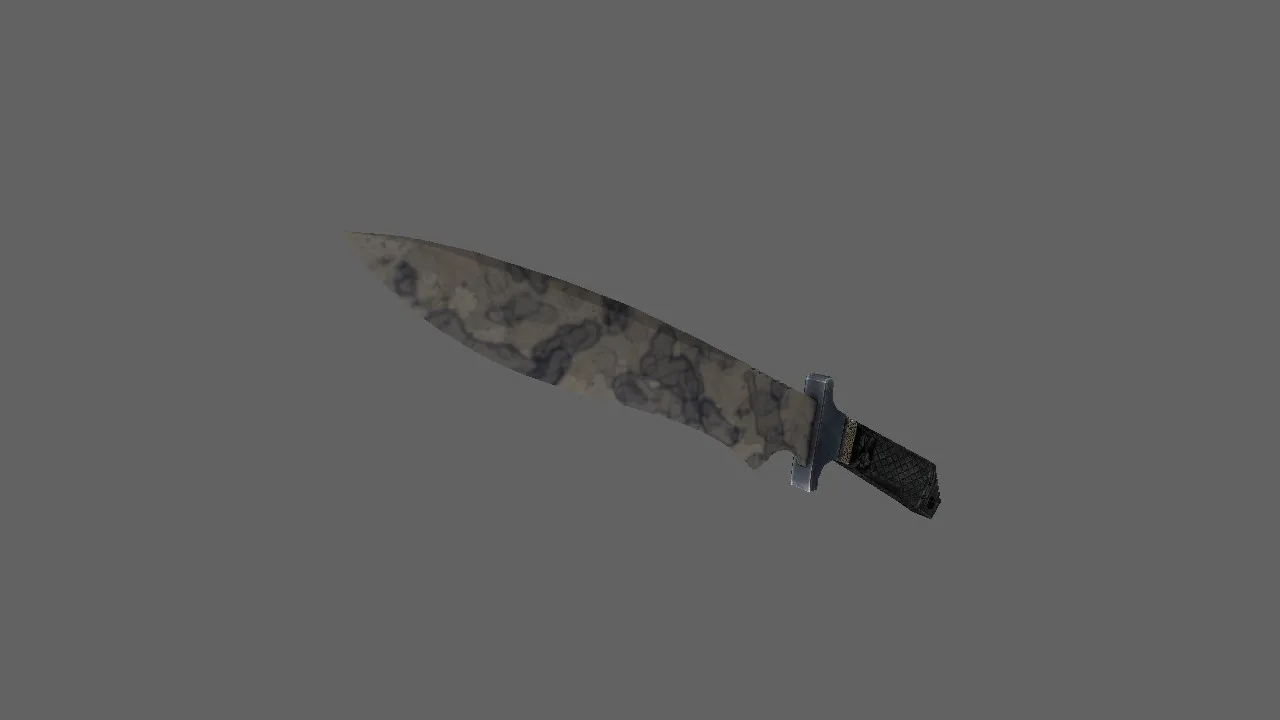
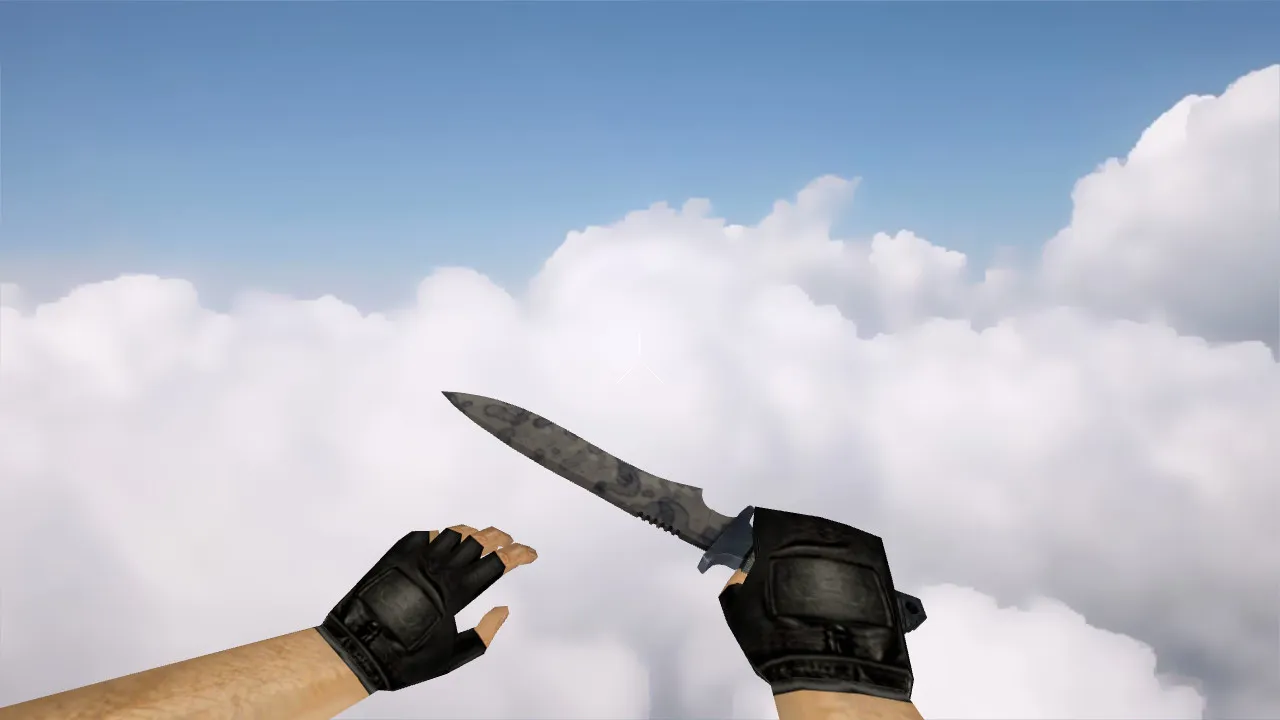
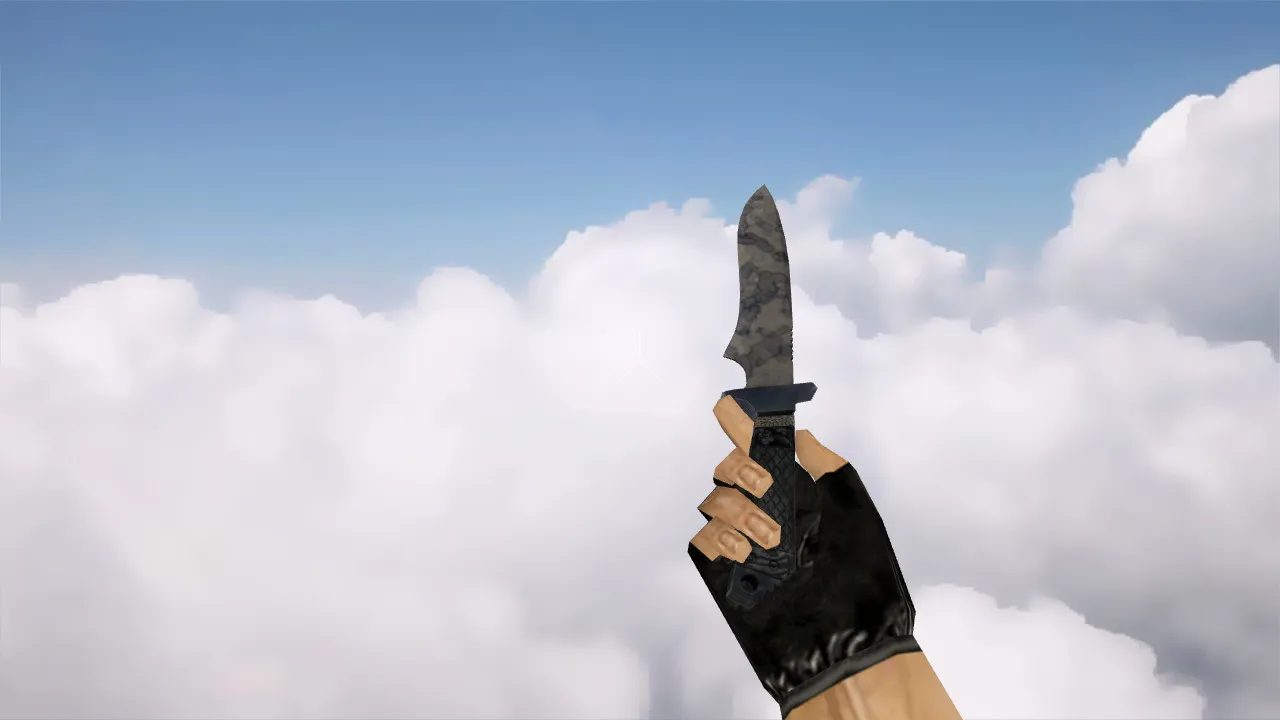
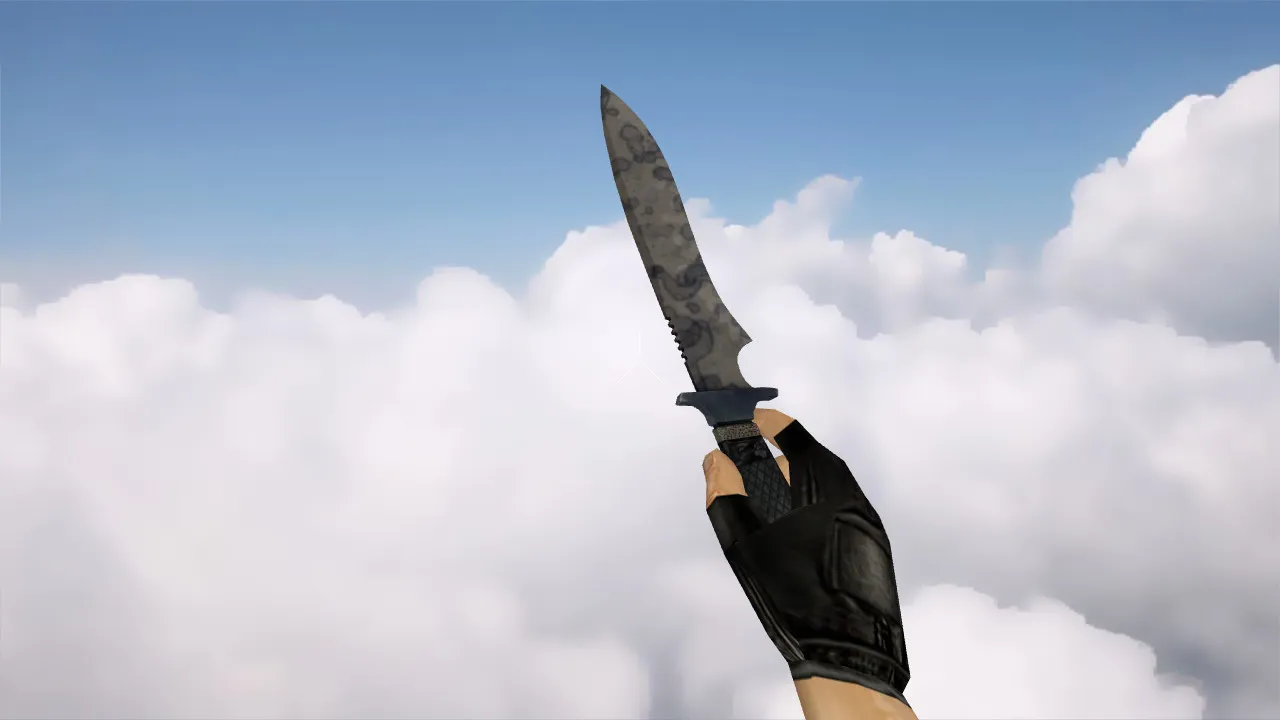
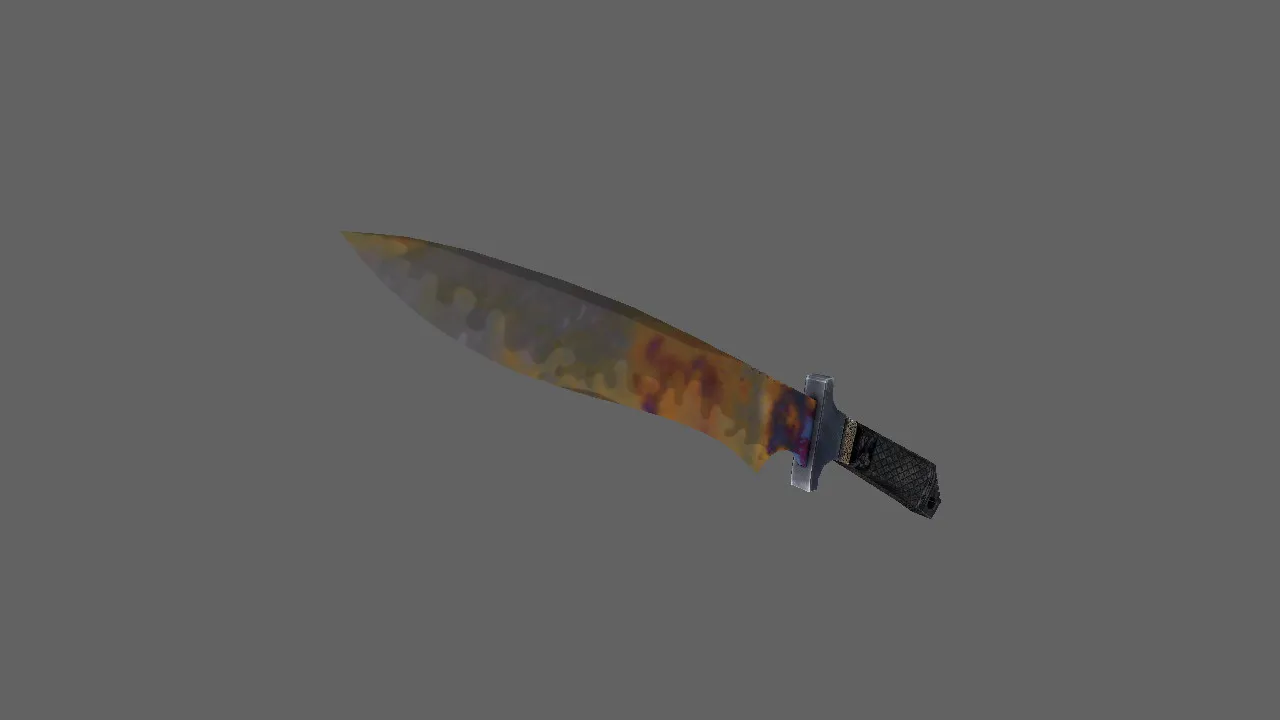
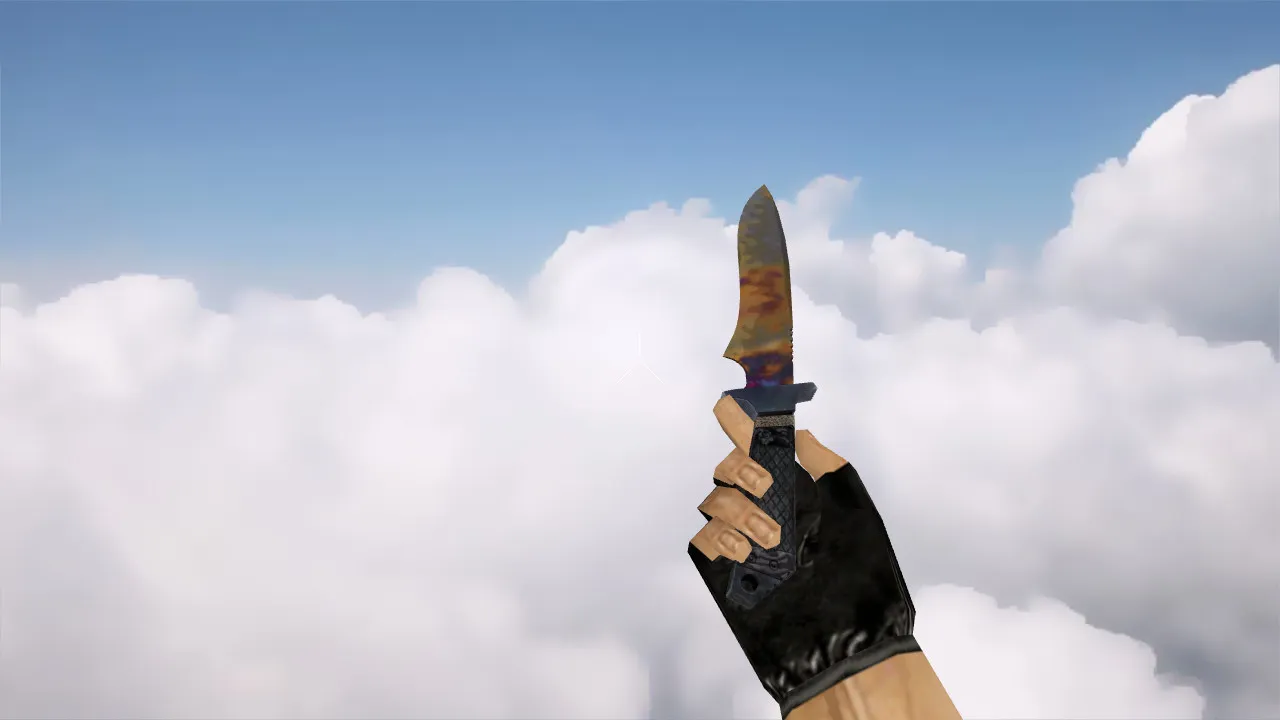
The Corkscrew Knife introduces a fresh close-combat weapon model to Counter-Strike 1.6. The package delivers a full trio of v_, p_, and w_ models, ensuring the blade renders properly in your hands (first-person), in other players' hands (third-person), and when lying on the ground. This is crucial since the knife remains visible throughout rounds, warmup periods, and finishing moves. There are no automatic installers-just a direct local file swap.
This model aligns perfectly with classic CS 1.6 mechanics. The inspect animation relies on the standard game sequence: the blade appears cleanly when switching weapons and during use, preventing visual glitches during camera movement. Custom knife sounds have been tested independently to prevent clashes with default footstep and strike audio. Textures use an engine-friendly format that keeps the model sharp, avoiding blur during rapid turns or low frame rates.
In CS 1.6 modding, knife models prioritize polygon efficiency to preserve high FPS on dated hardware. The Corkscrew design maintains low poly counts while adding detail to the blade and grip, guaranteeing smooth rendering in dim areas like de_dust2 tunnels or cs_office shadows. Hitbox alignment remains faithful to the original, so knife duels on deathmatch servers suffer no accuracy problems.
Archive Contents
- v_ model for the first-person perspective, optimized for clear visibility during swings.
- p_ model for hand positioning and third-person view, proportioned to prevent clipping.
- w_ world model for on-map visibility, easily recognizable from a distance during team play.
- Model textures that pop in low-light and high-contrast scenarios, using 512x512 maps for crisp edges without taxing the engine.
- Custom knife audio files for strikes and weapon switches, synchronized to stop audio desync in fast rounds.
- Inspect animation files compatible with CS 1.6 core mechanics, featuring smooth blade flips.
Everything bundles into a clean ZIP archive-no extra scripts or loaders required. This works on both Steam and non-Steam installations, needing no custom configs beyond basic file replacement.
Installation Guide
Begin with a clean models folder. In CS 1.6, knife files reside in the models directory, and filenames must match engine expectations (e.g., v_knife.mdl). Back up your original files first to avoid trouble. Extract the v_, p_, w_ models, textures, and sounds from the archive, then place them into the correct subfolders: v_models for first-person, p_models for player views, and w_models for world models.
Restart CS 1.6 after installing and join a local server or offline mode to test. Watch for conflicts if you use custom HUDs or other mods-filename overlaps can overwrite assets. Run a clean config.cfg to isolate issues: use alias +knife_inspect to trigger the animation correctly. No viruses, backdoors, or adware-pure model replacement only. If you are on Build 4554 or 8684, it integrates seamlessly with MasterServer protection active.
For added safety, verify file hashes against the archive's readme. Test on a bot match to confirm sounds play without lag and models load without 60 FPS drops. If anything feels off, revert to backups and clear temporary files in the cstrike folder.
In-Game Checklist
- Clarity in dark corners and high-contrast spots, such as T-spawn on de_inferno.
- Visual uniqueness without artifacts on blade edges during rotation.
- Stability when switching weapons or running inspect animations mid-round.
- View consistency between first-person and third-person proportions for uniform sizing.
- Strike audio without desync, especially on knife-only servers.
Observe how the model handles sprite overlaps in chaotic fights. The textures avoid WAD file bloat, keeping load times fast on 1.6's GoldSrc engine.
Why This Knife Performs Well on Servers
Knife gameplay in CS 1.6 depends on readability. The Corkscrew model holds its shape during movement, with hands and blade appearing steady. In rapid-exchange rounds on maps like fy_poolep or aim_ maps, stable animations help maintain rhythm and land timely hits. Zero jitter or blur means better control in eco rounds where knives decide clutches.
Install for personal comfort. Test on deathmatch or a local server to ensure v_, p_, w_ models and sounds align perfectly. Once verified, hop into public servers and use the Corkscrew as a solid upgrade over the default. It pairs well with no-recoil configs, improving knife timing without breaking balance. Modders have tuned it for ESL-style visibility, making it a go-to for competitive setups.
Over the years, knife mods like this have evolved to fix the original model's low-poly limitations, adding detail without burdening older hardware. Stick to verified sources to avoid slow-hack risks-this one is clean and server-friendly.
Install in three steps
-
1
Download the archive. Use the button on the right, or the Yandex.Disk mirror if the main server is slow.
-
2
Extract it into the game folder. Use 7-Zip or WinRAR. A path without non-Latin characters works best.
-
3
Launch the game. If something doesn't work, mark it below - that is how we know the file needs an update.
Did it work for you?
No sign-up needed. You can pick more than one.