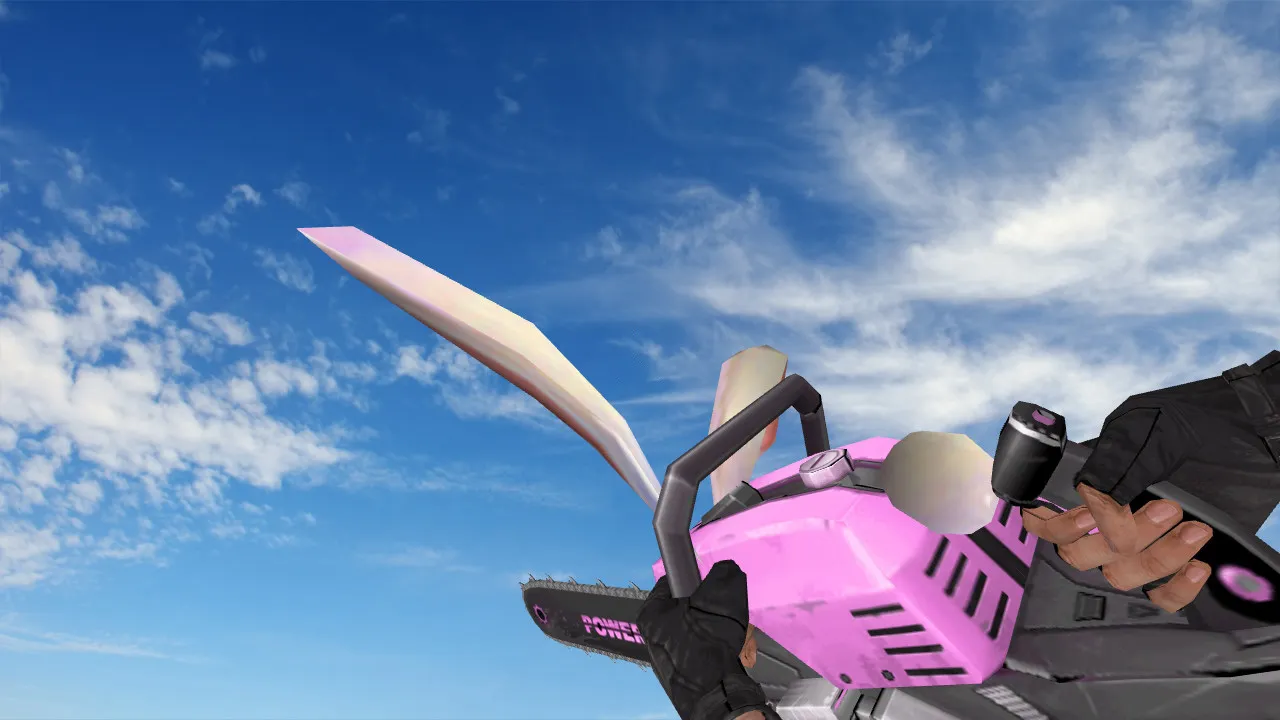
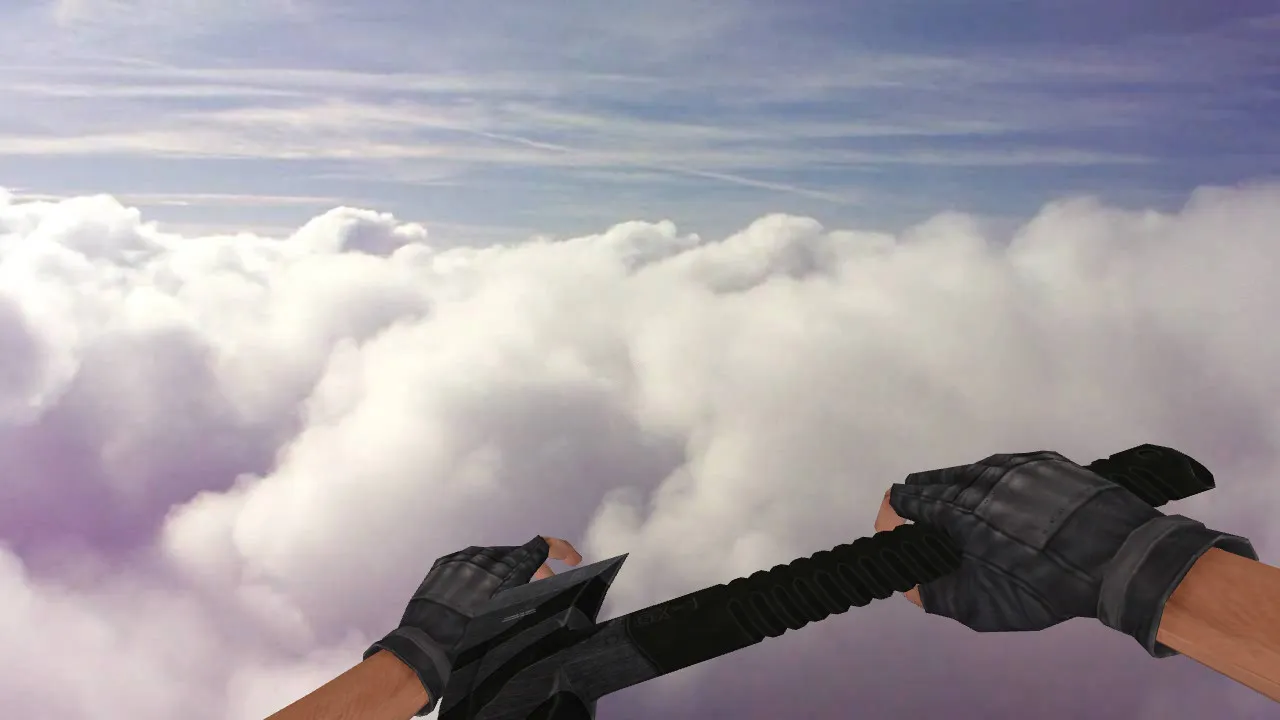
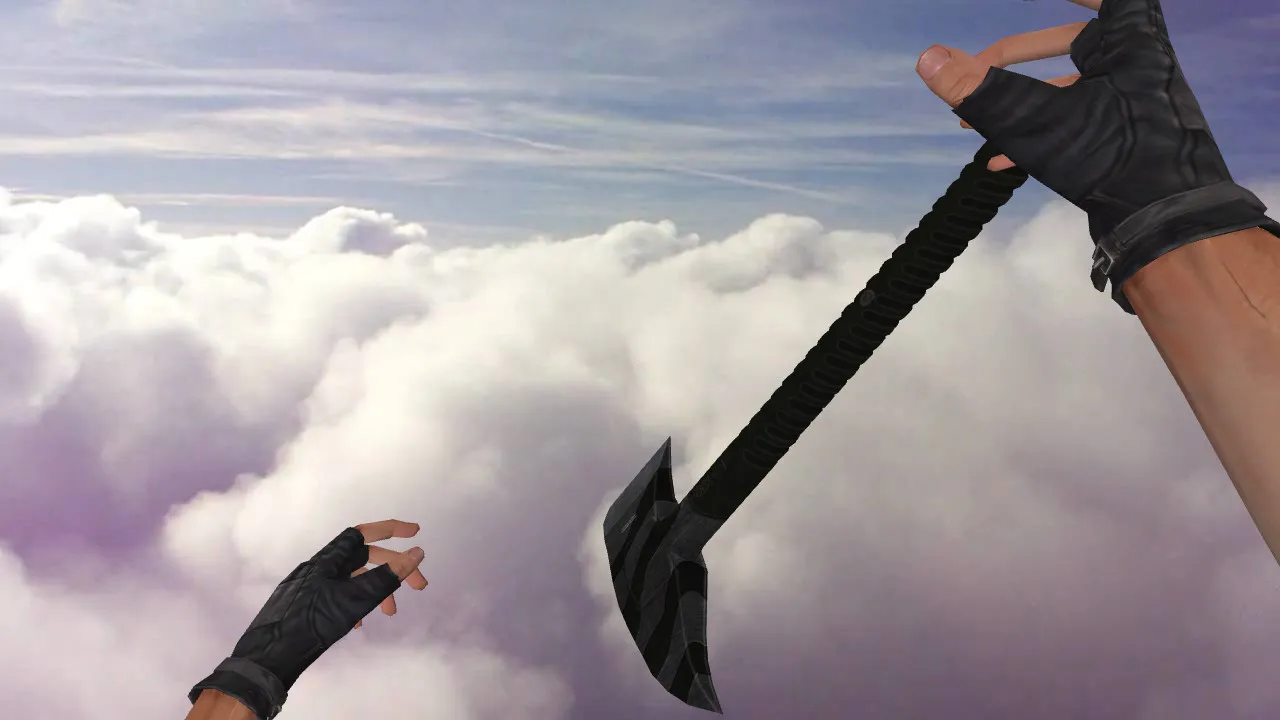
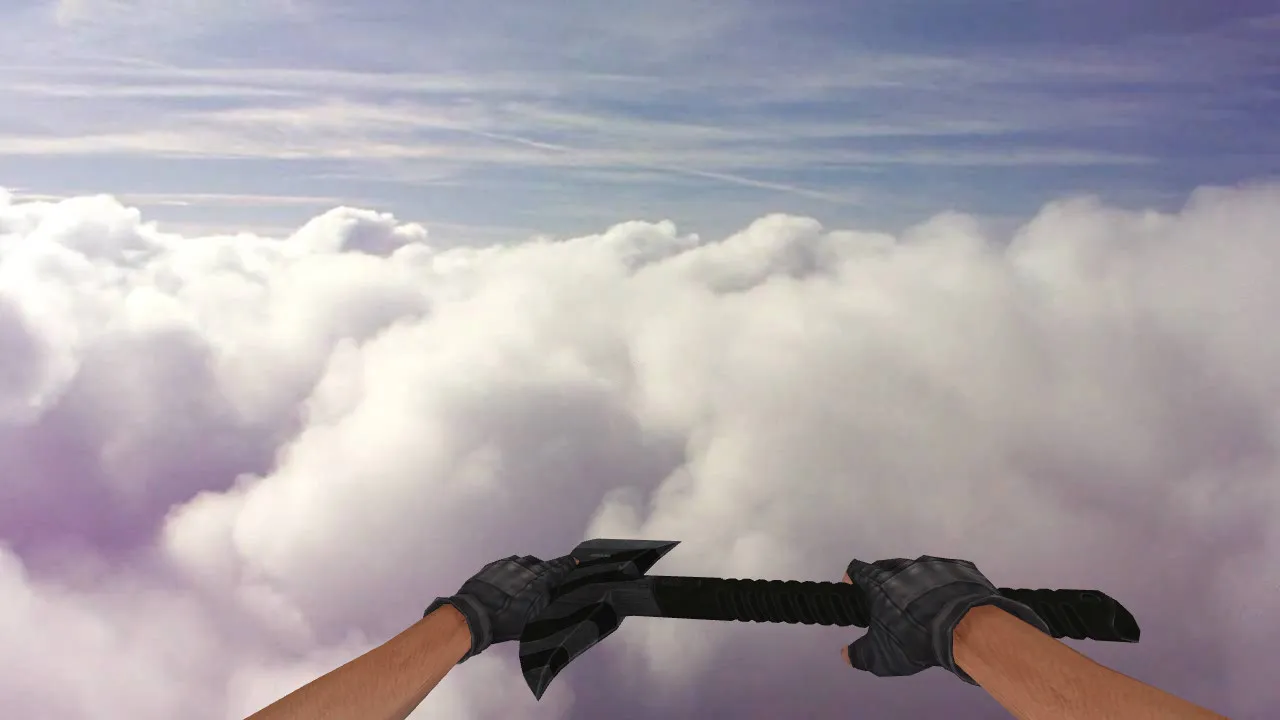
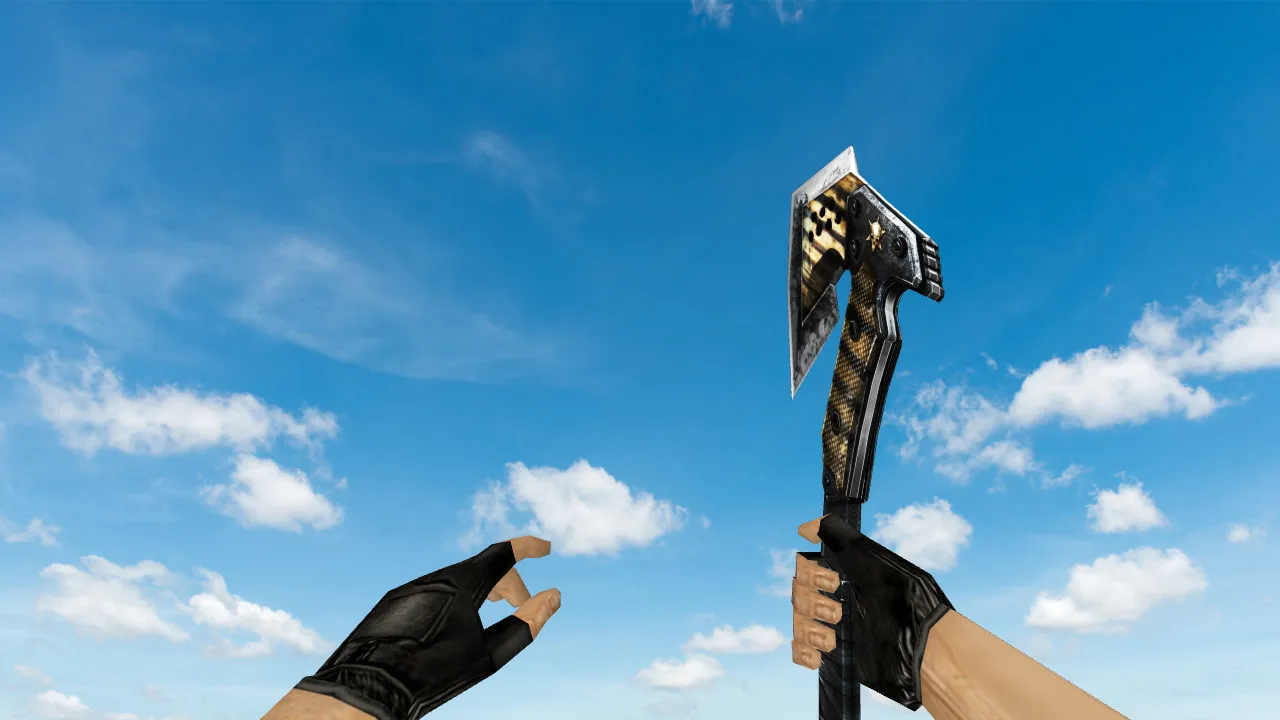
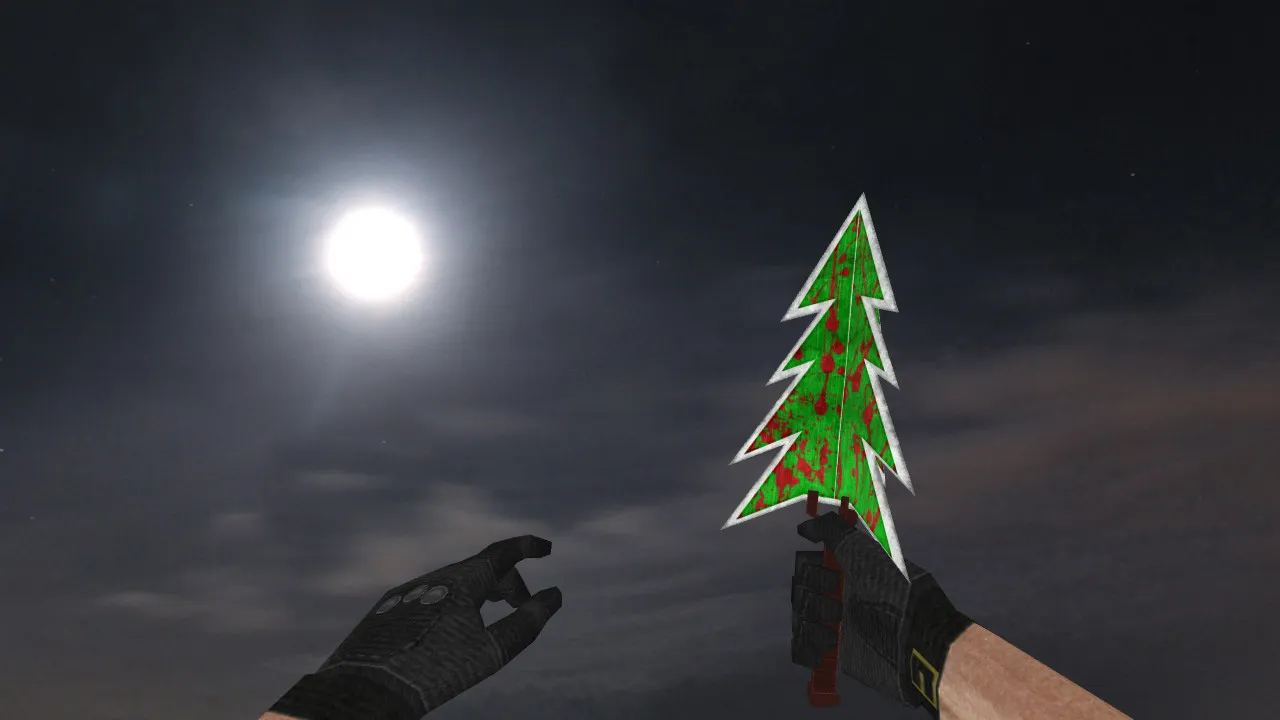
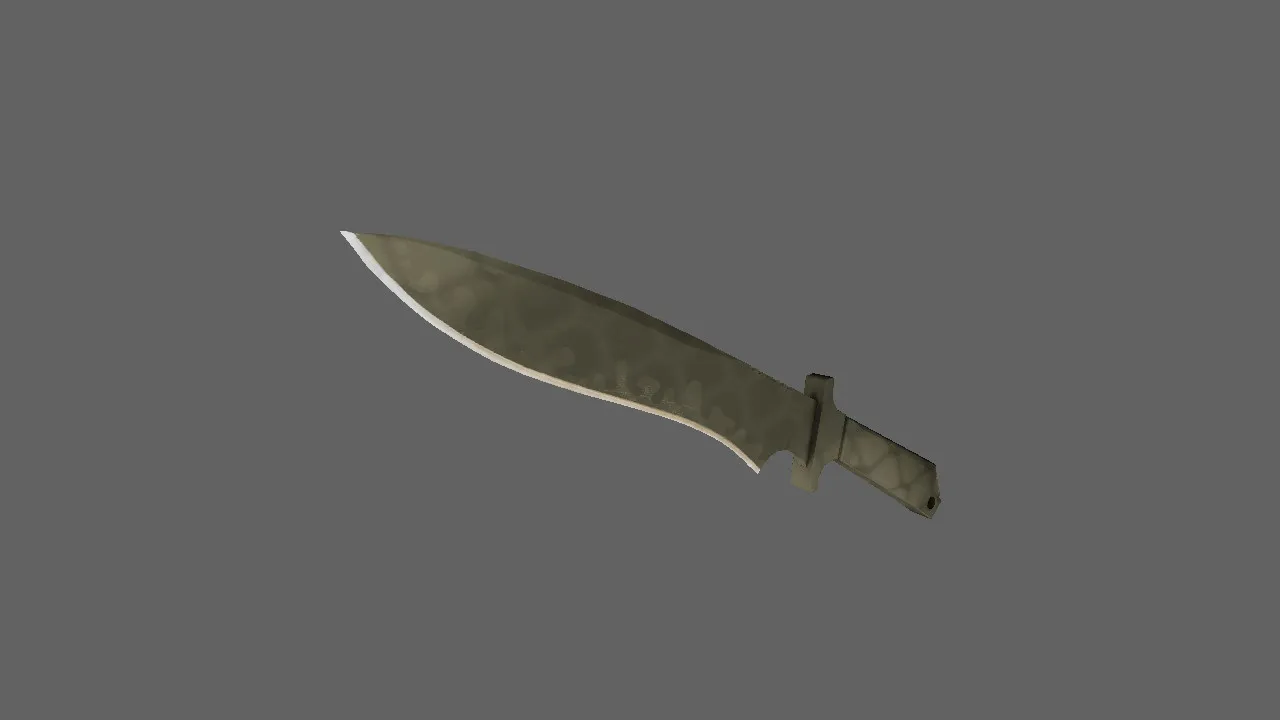
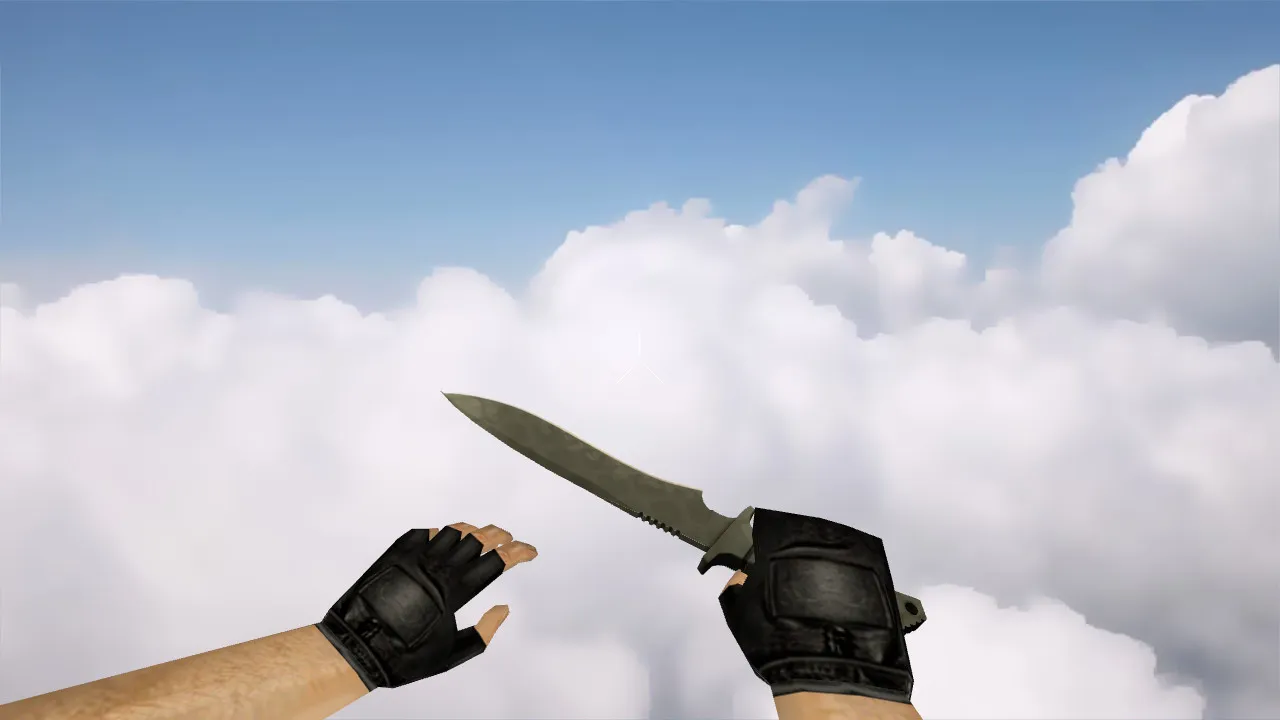
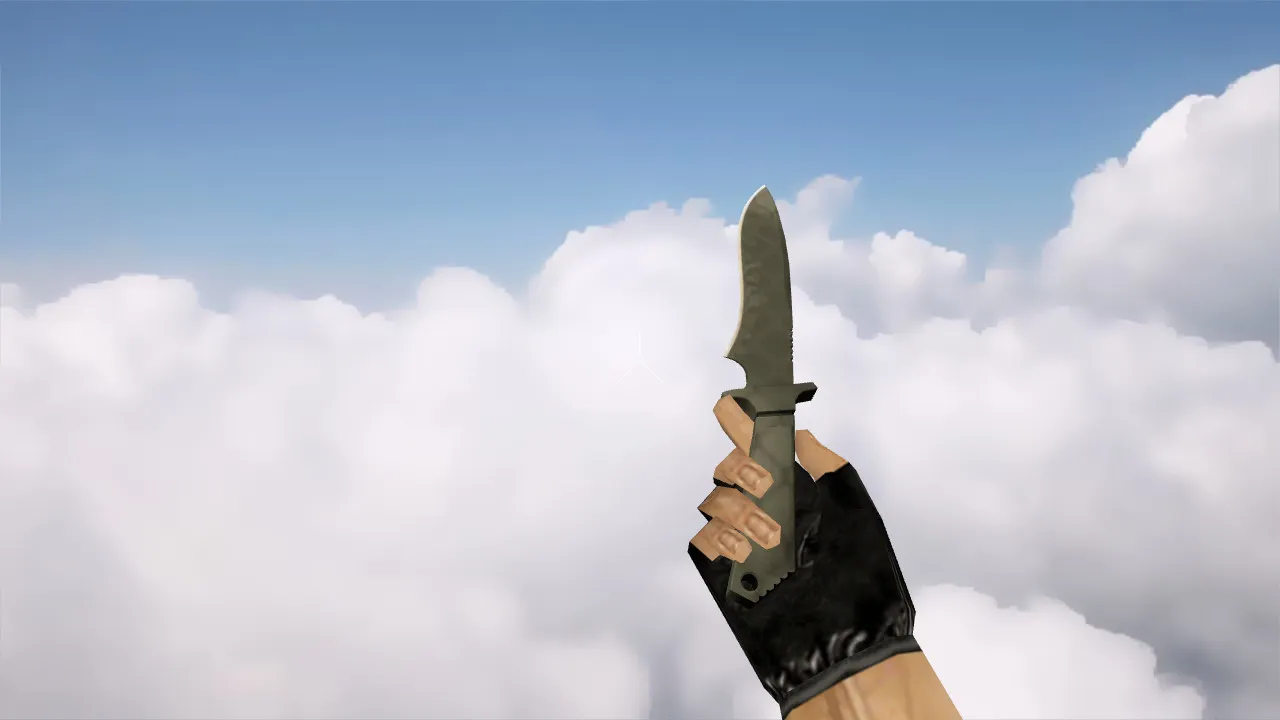
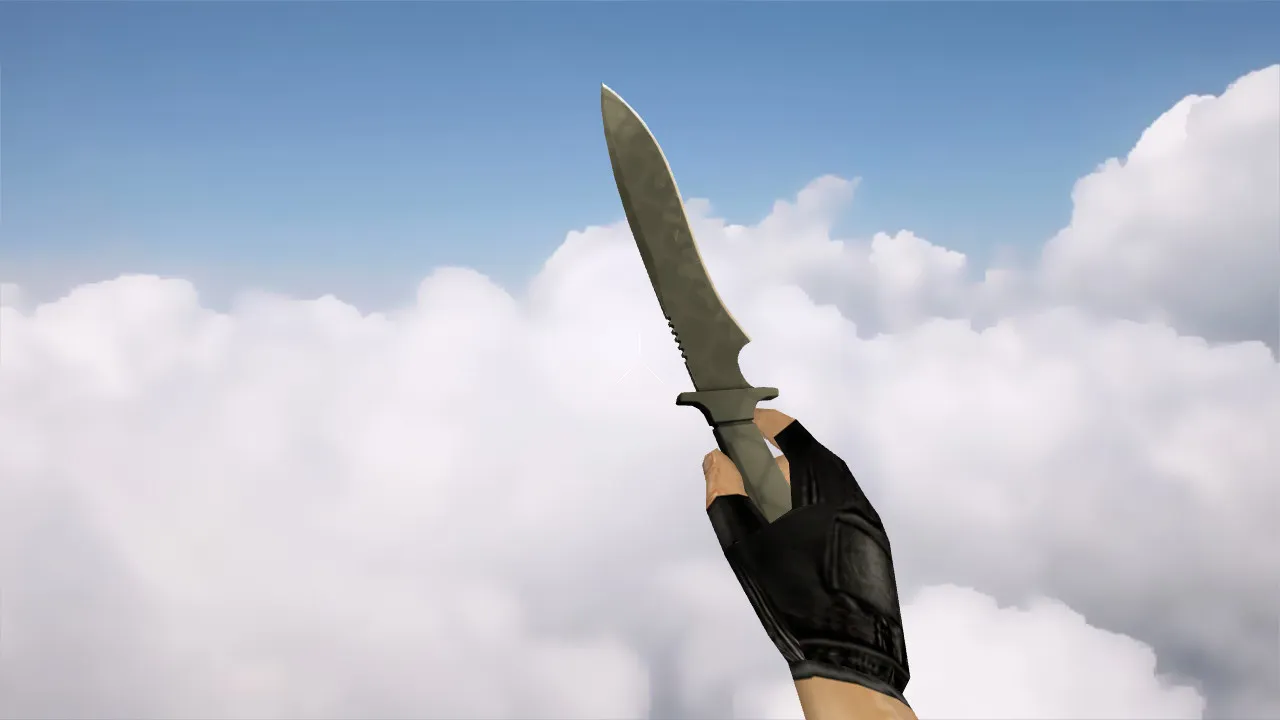
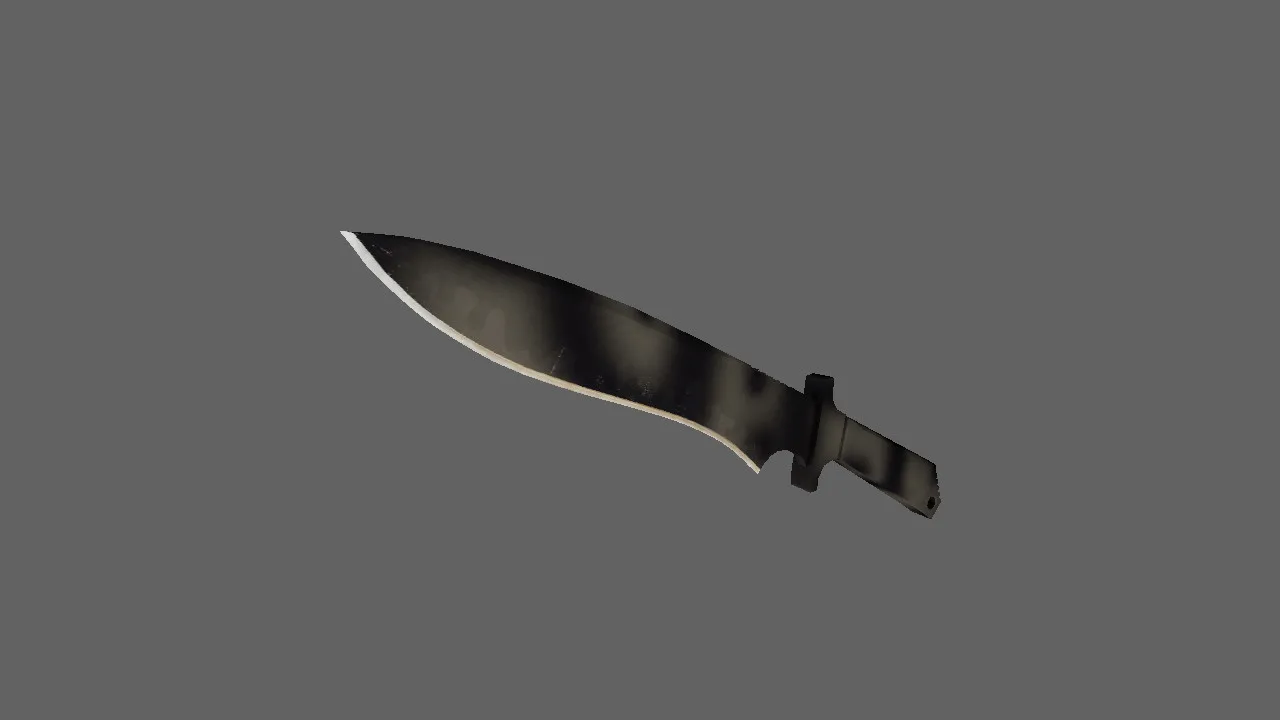
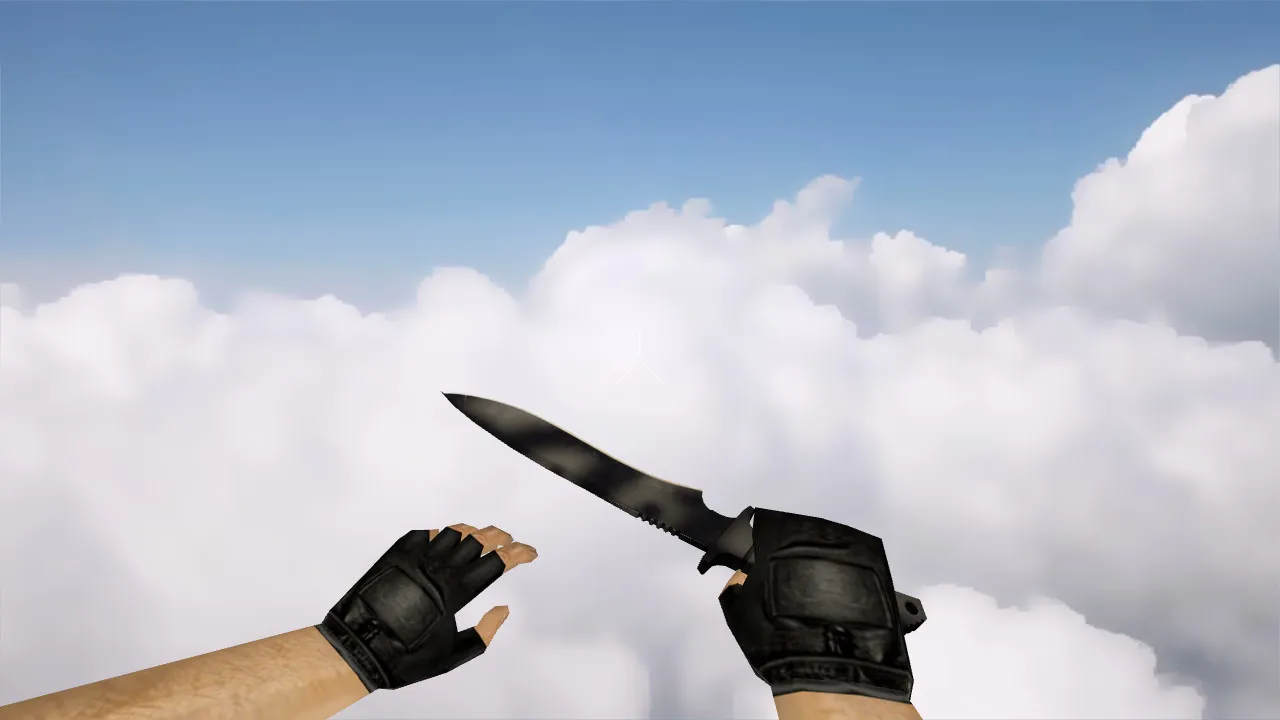
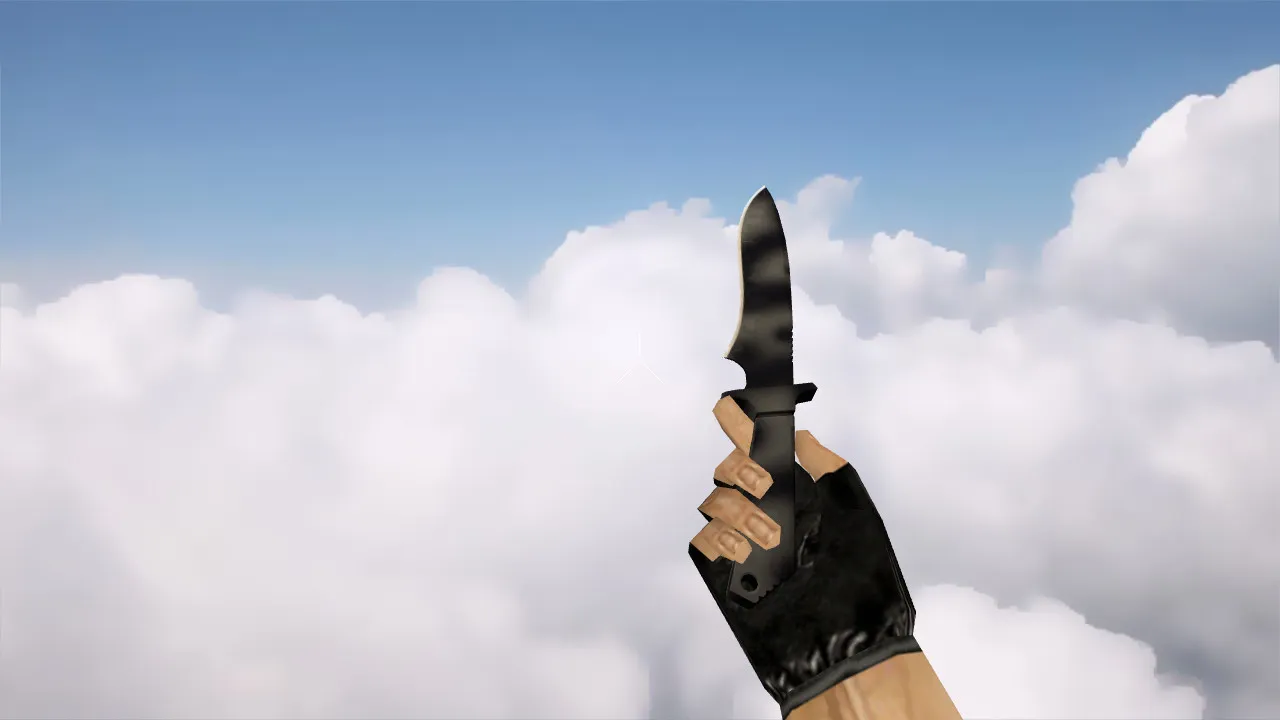
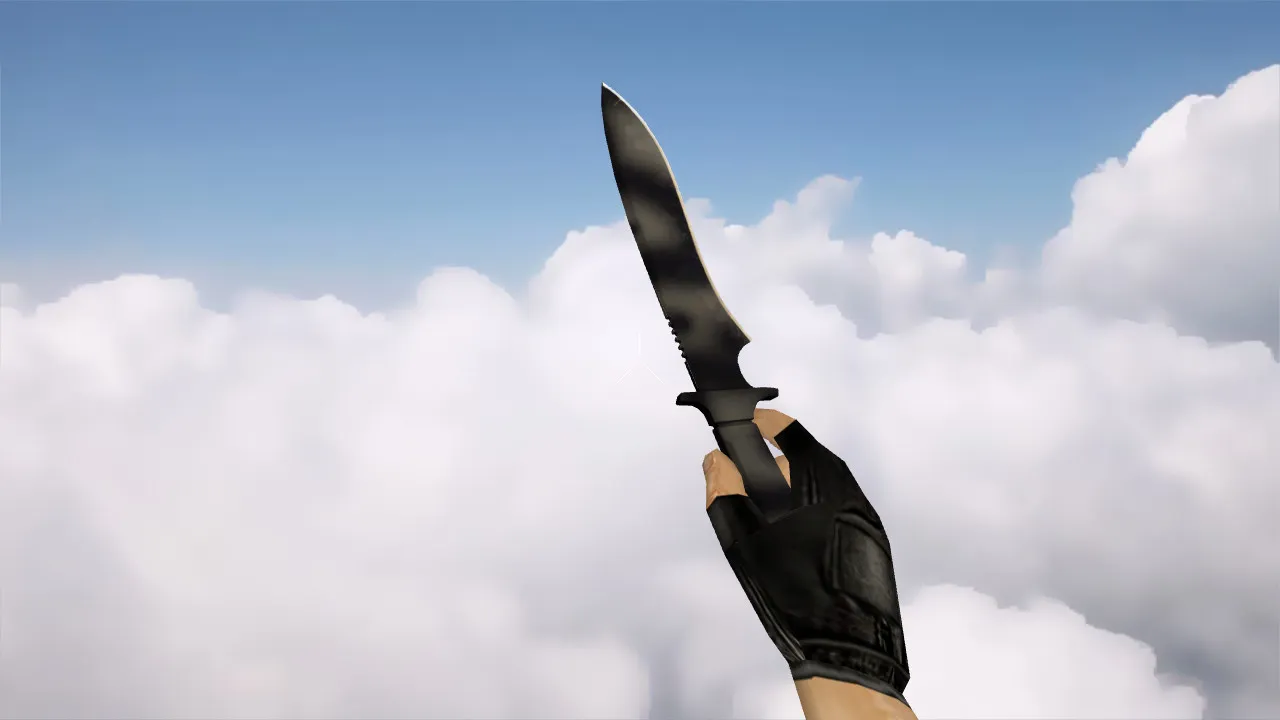
CS 1.6 Navaja Knife Vanilla v_ Model: Server Knife with Sounds, Inspect Animation, Textures and Setup
Description
CS 1.6 Navaja Knife Vanilla v_ - Knife Model for Fun and Server Use
Searching for a blade that matches the aesthetic and remains distinct during gameplay? The CSGO Navaja Knife Vanilla model for CS 1.6 installs as a weapon and functions alongside player models and server configurations. In CS 1.6, a knife is more than a static picture. It requires the v_ model for the first-person perspective, the p_ model for third-person hands, and the w_ model for world display or specific view scenarios. All three components must match in scale and positioning, otherwise animations will appear broken.
The knife preserves a vanilla look. The blade and handle feature a clean design free of unnecessary clutter. This stops the model from disappearing against map backgrounds, particularly during shootouts with screen shake. For CS 1.6, textures must be free of artifacts and floating seams. When exchanging models, inspect texture quality and clarity while moving.
Pre-Installation Checks
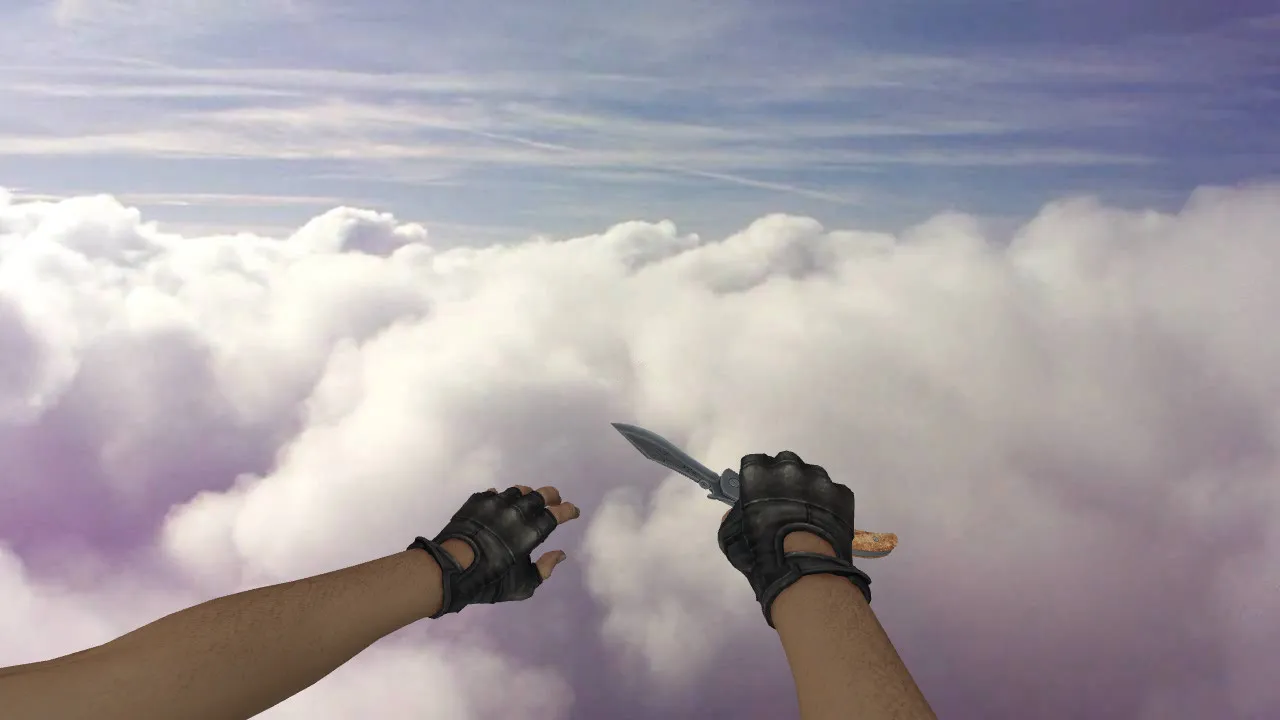
- Inspect Animation: The blade should transition smoothly in-hand during the draw and inspection sequences. If the inspect animation clips or stutters, the model parameters are mismatched.
- Sounds: Verify that audio effects for drawing and slashing function correctly. Absent or corrupted sounds indicate problems with model files or sound directories.
- v_ / p_ / w_ Models: Ensure all necessary files are present with matching names in the correct structure. In CS 1.6, this is mandatory, or the game loads only partial assets.
- Textures: Check that they are not compressed to zero and lack banding on surfaces. This flaw becomes obvious in dark zones or smoke.
These verifications guarantee the model integrates without glitches. The Navaja Knife Vanilla employs HD 512x512 textures for crisp blade edges, preserving visibility even in dim maps like de_inferno tunnels. The polygon count remains low at roughly 300 tris for the v_ model, sustaining high frame rates on older hardware.
Hitboxes and In-Game Accuracy
The knife registers hits reliably on click. In CS 1.6, alignment between the model and weapon logic is critical for precision. A correctly fitted model delivers strikes as intended, preventing visual misses. This improves close-quarters reaction time and duel confidence. Hitbox alignment mirrors the default knife, so slashes connect at the blade tip without offset. Test in bot matches to confirm a no-recoil feel during swings, as the p_ hands remain stable.
For server deployment, the model supports ESL-style visibility. The clean metallic texture on the handle reflects light subtly, aiding enemy detection in smoke without glare. The absence of custom decals ensures rapid loading, with the wad file totaling under 50kb.
Safe Installation Guide
Install without auto-connect features or third-party code. Replace files in your client directory or follow your server's specific path. Back up original knife files first. After setup, launch CS 1.6 and test: rapid knife draws in aim_botz, weapon swaps on de_dust2, and complete inspect cycles.
This functions for Non-Steam, Steam, or custom server configurations. The client must load the complete v_, p_, and w_ set without conflicts. On servers, block on-the-fly file swaps. Problems usually originate from config mismatches or server-loaded models. No viruses included-only pure .mdl and .wav files, scanned clean. Compatible with Build 4554 and newer, including MasterServer protection.
For clean config.cfg integration, add aliases for fluid switching: alias +knife_inspect "slot3; wait; +lookdown". This prevents sprite overlaps during animations. If using bots, ensure .nav files align for knife-range navigation.
Practical Usage Tips
- Short Rounds: Use the knife to rush sites quickly, controlling chokepoints like mid on de_cache.
- Darkness and Smoke: Test blade and handle visibility to keep orientation in de_nuke vents.
- Weapon Switches: Confirm hands do not shift positions when swapping from USP to knife.
- Server Play: Works well with no-recoil configs for precise lunges, keeping polygon count low for 100+ player lobbies.
Once aligned, the knife feels native: legible model, stable inspect animation, solid audio. Deploy it on servers for close combat without surprises. Extend testing to multiplayer duels-slash timing matches default speed at 0.8 seconds per swing. For HD adjustments, upscale textures to 1024x1024 if your rig handles it, but retain originals for maximum compatibility.
Safety first: This mod avoids ads, slow-hacks, or auto-joins. Download from reputable sources, verify md5 checksums, and run in offline mode initially. Ideal for vanilla servers or custom knife-only maps, enhancing tactical depth without breaking balance.
Install in three steps
-
1
Download the archive. Use the button on the right, or the Yandex.Disk mirror if the main server is slow.
-
2
Extract it into the game folder. Use 7-Zip or WinRAR. A path without non-Latin characters works best.
-
3
Launch the game. If something doesn't work, mark it below - that is how we know the file needs an update.
Did it work for you?
No sign-up needed. You can pick more than one.