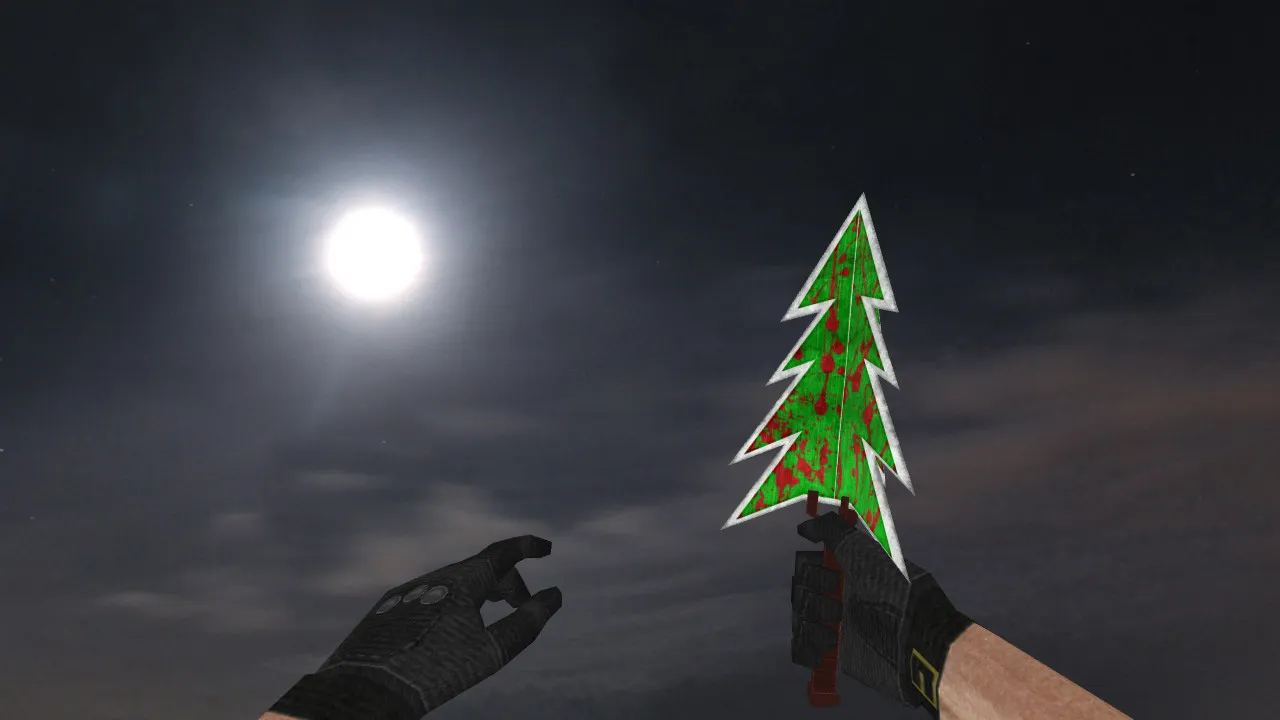
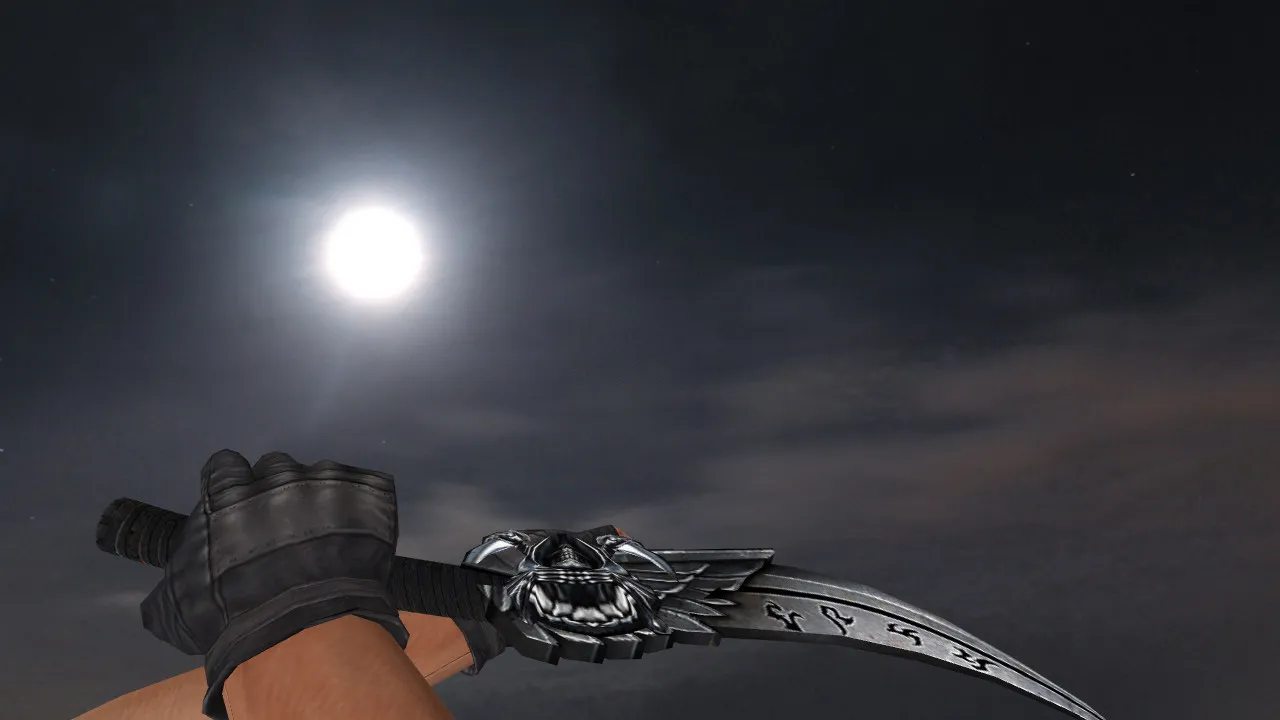
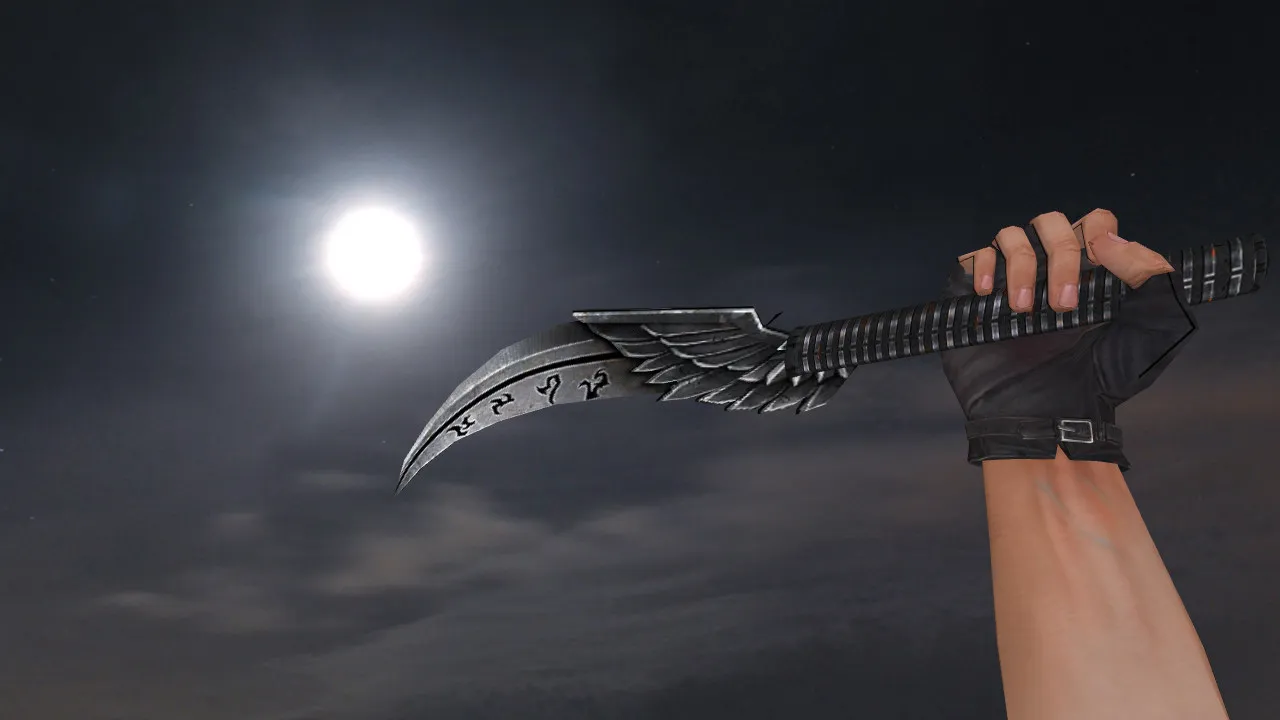
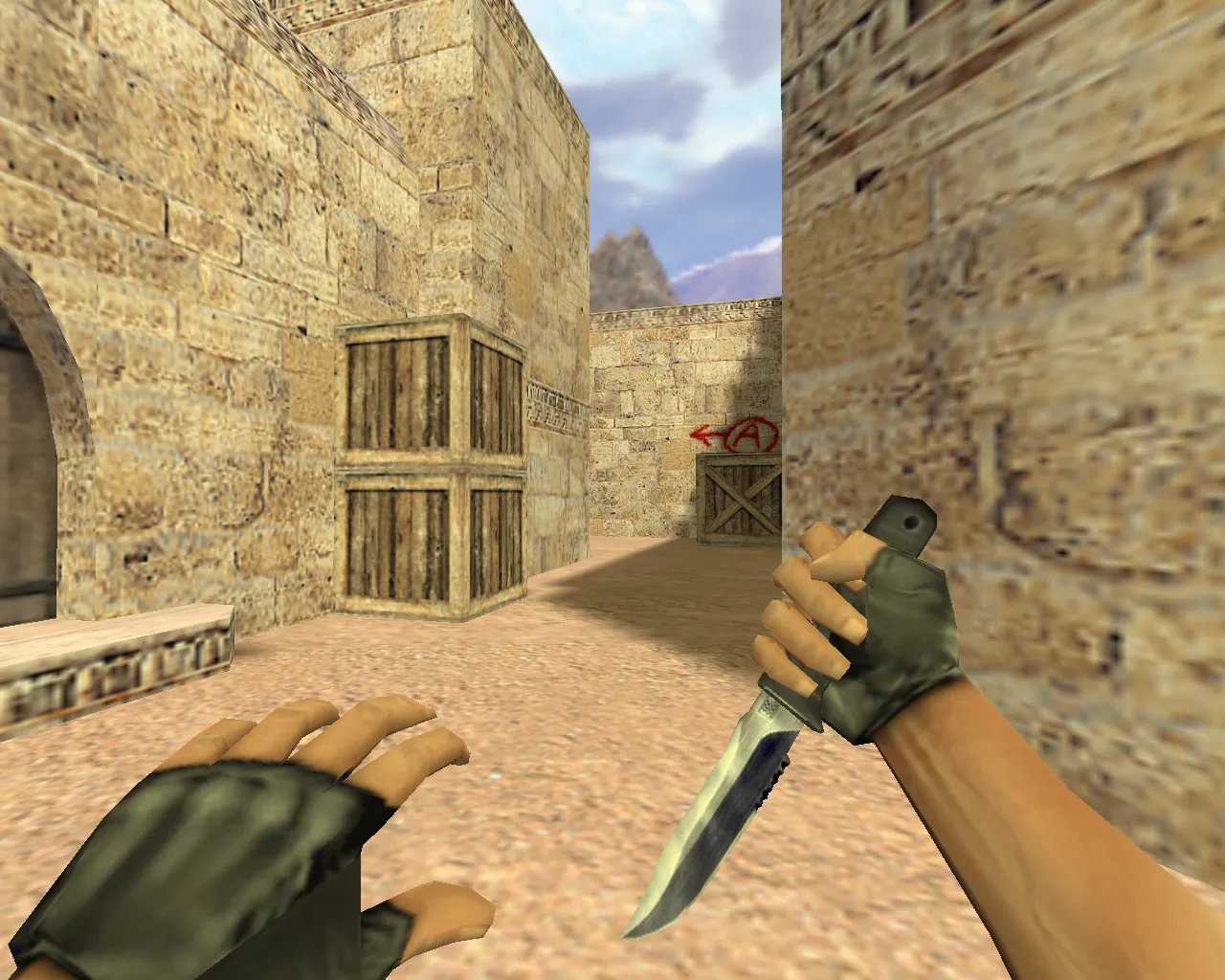
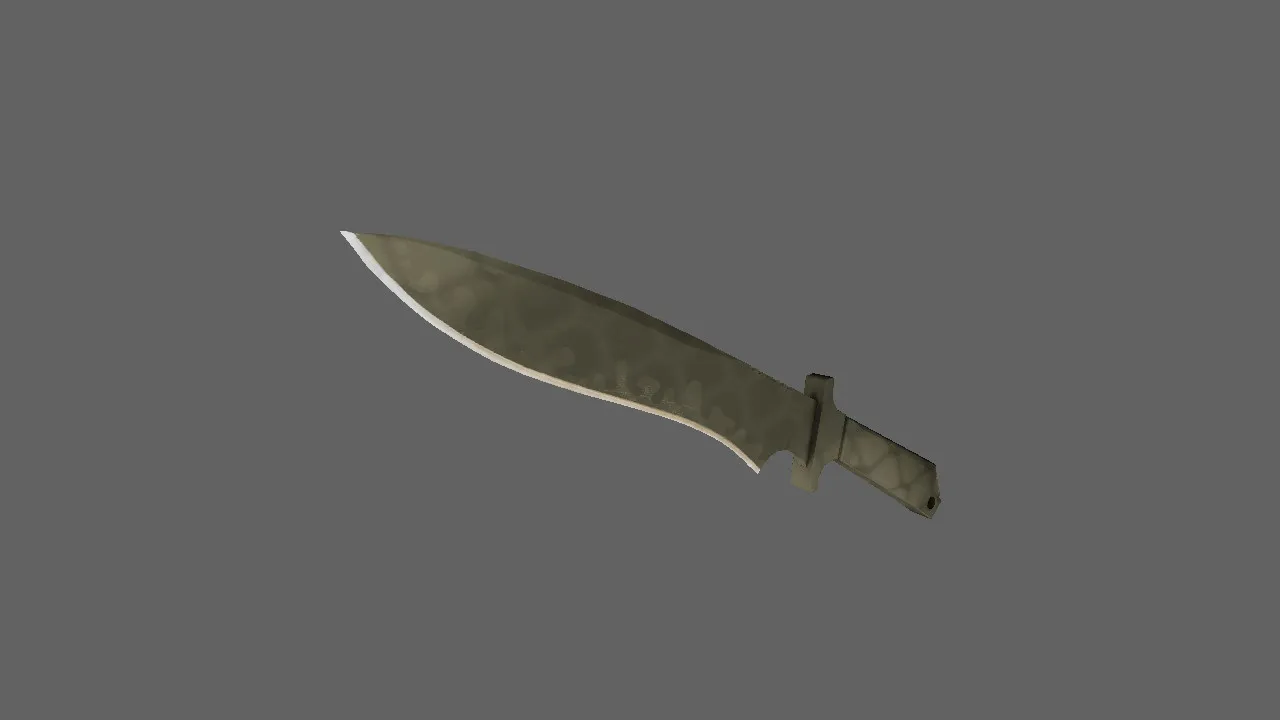
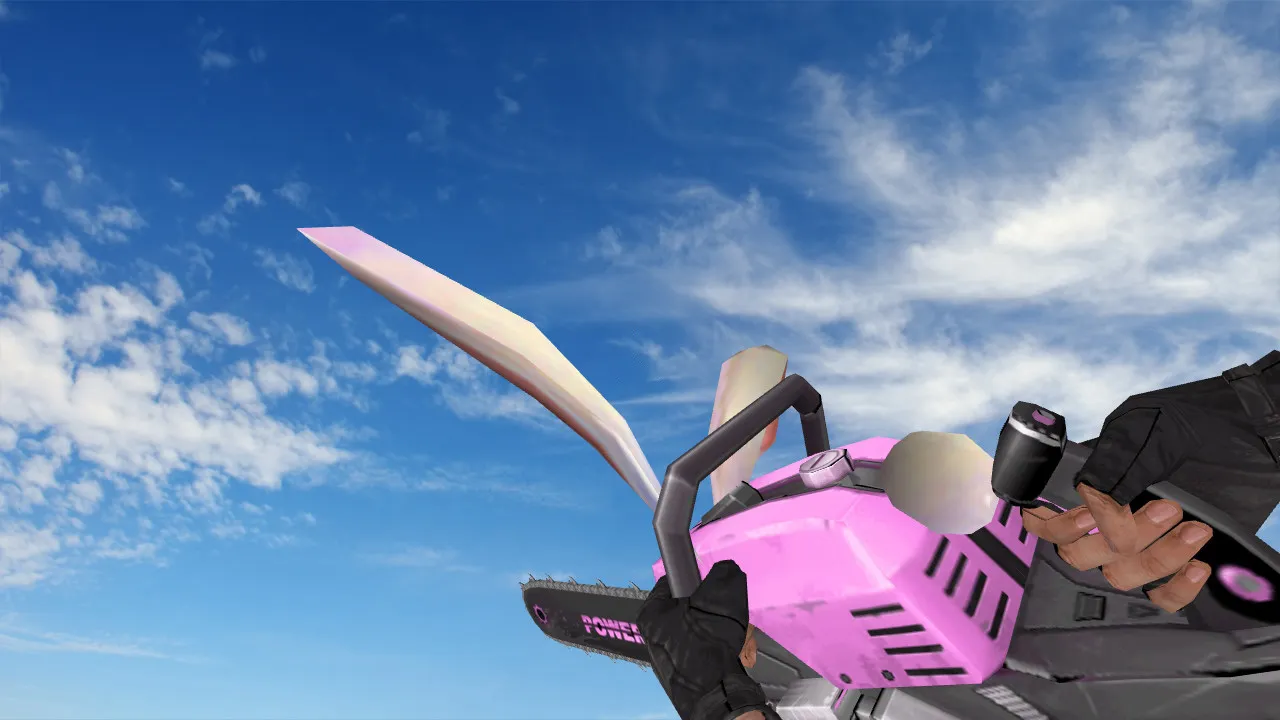
Kukri Damascus Steel Knife Model for CS 1.6: v_knife with Sounds, Inspect Animation, Textures
Description
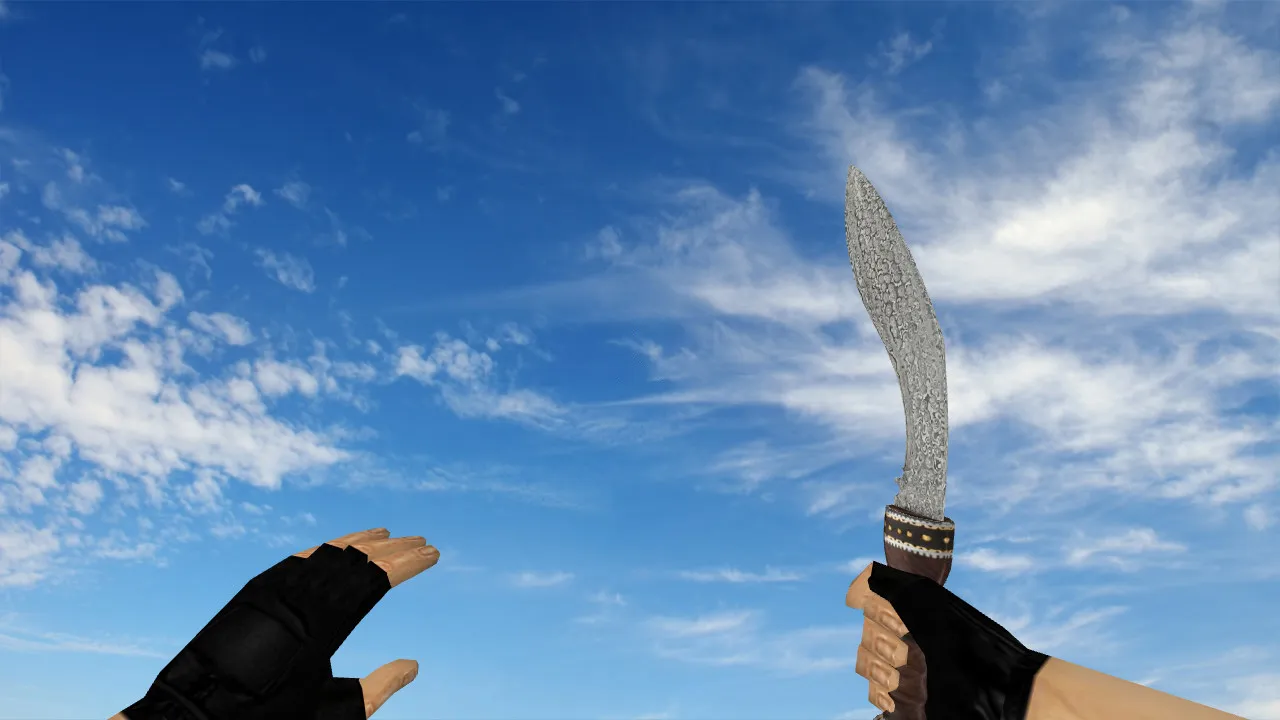
Kukri Damascus Steel Knife for CS 1.6
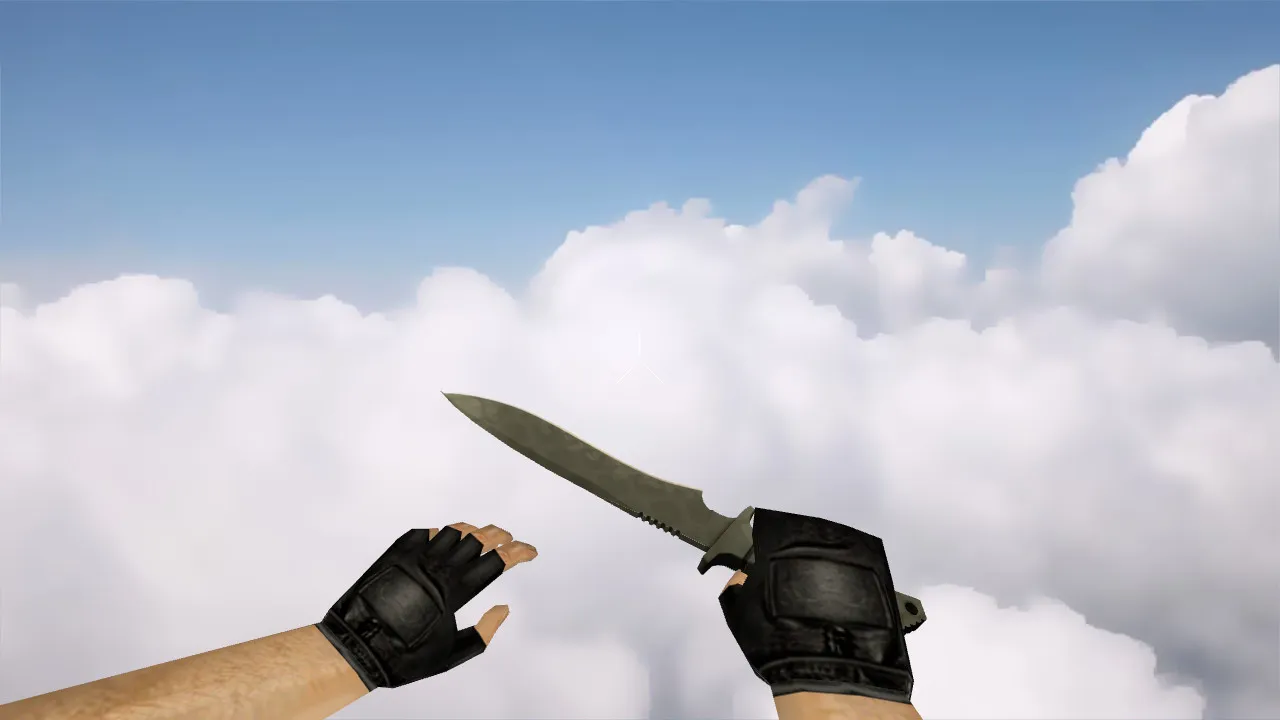
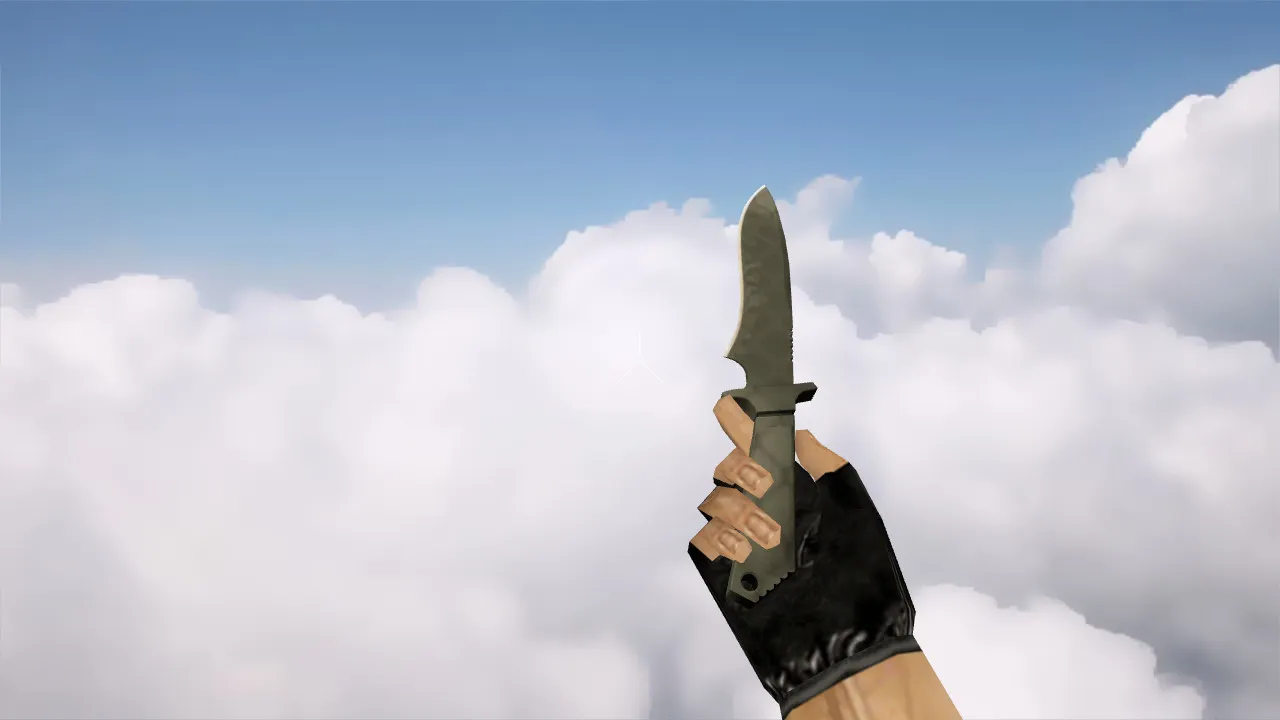
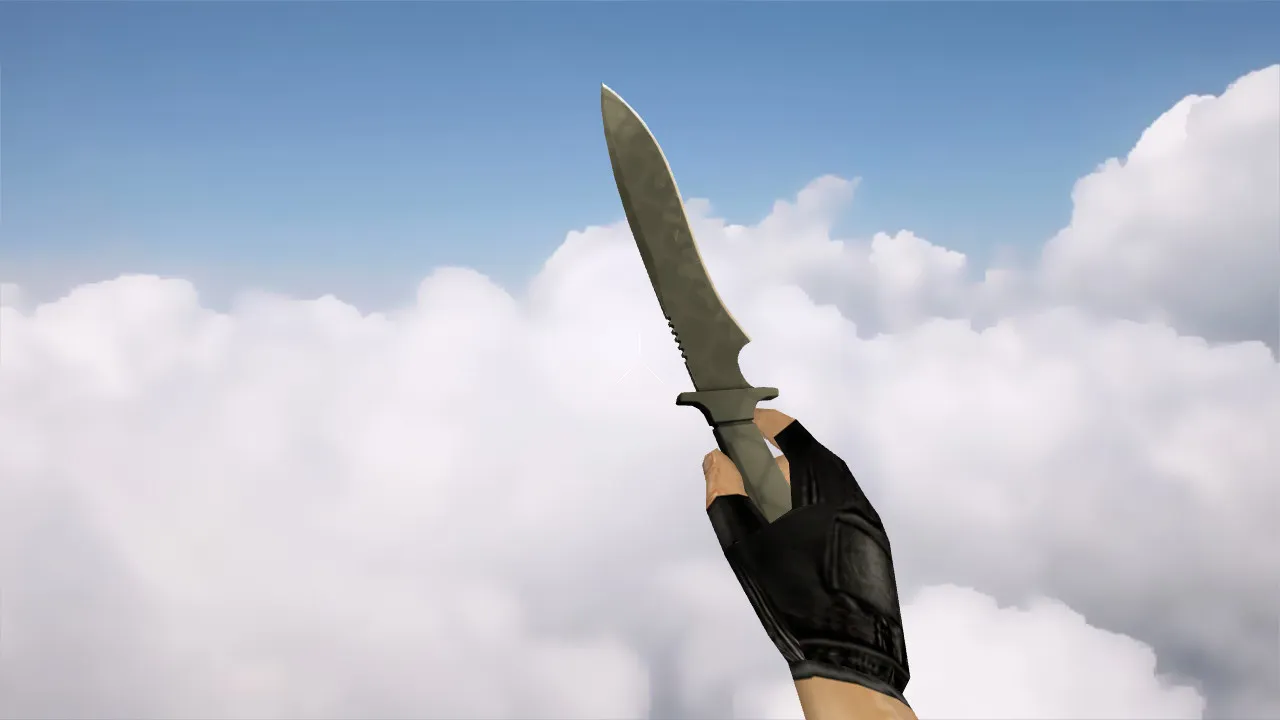
Designed for both servers and local matches, this Kukri knife model maintains the classic Counter-Strike 1.6 aesthetic. The v_knife retains its form in the player's hand and stays visible throughout combat. Since model precision is vital in CS 1.6, verify after installation that the correct shape appears in first-person view and during the inspect action.
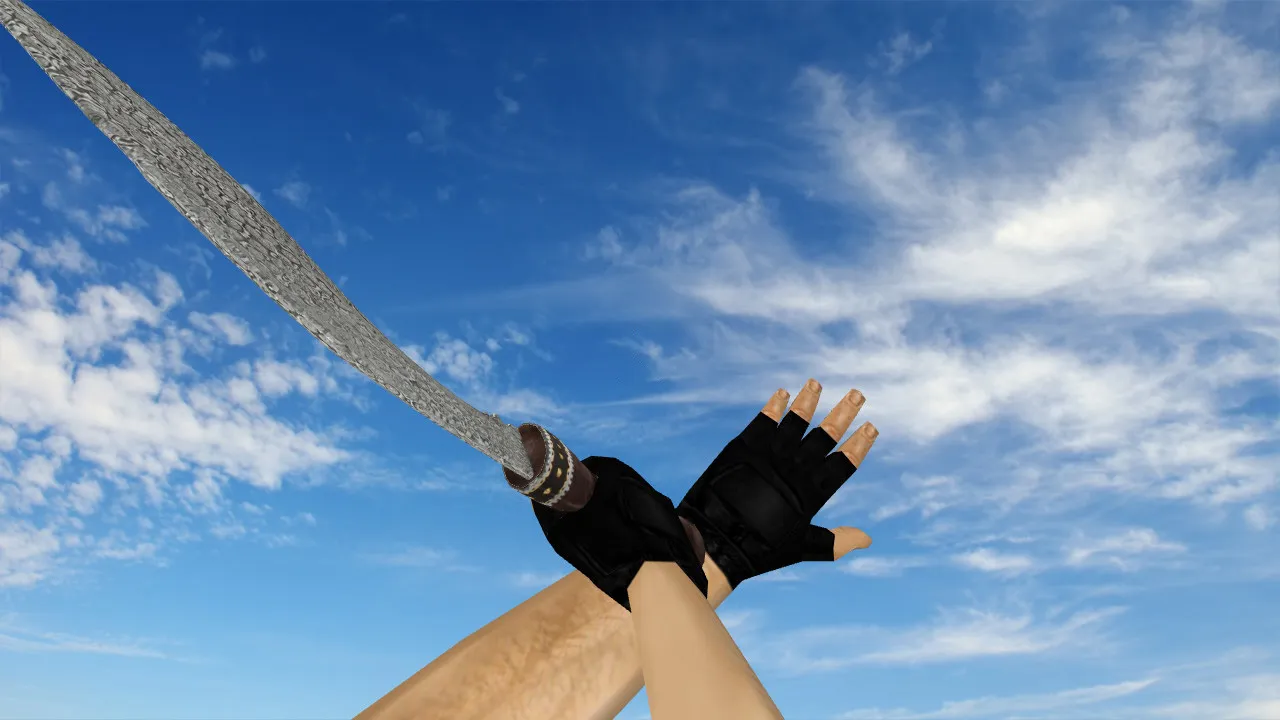
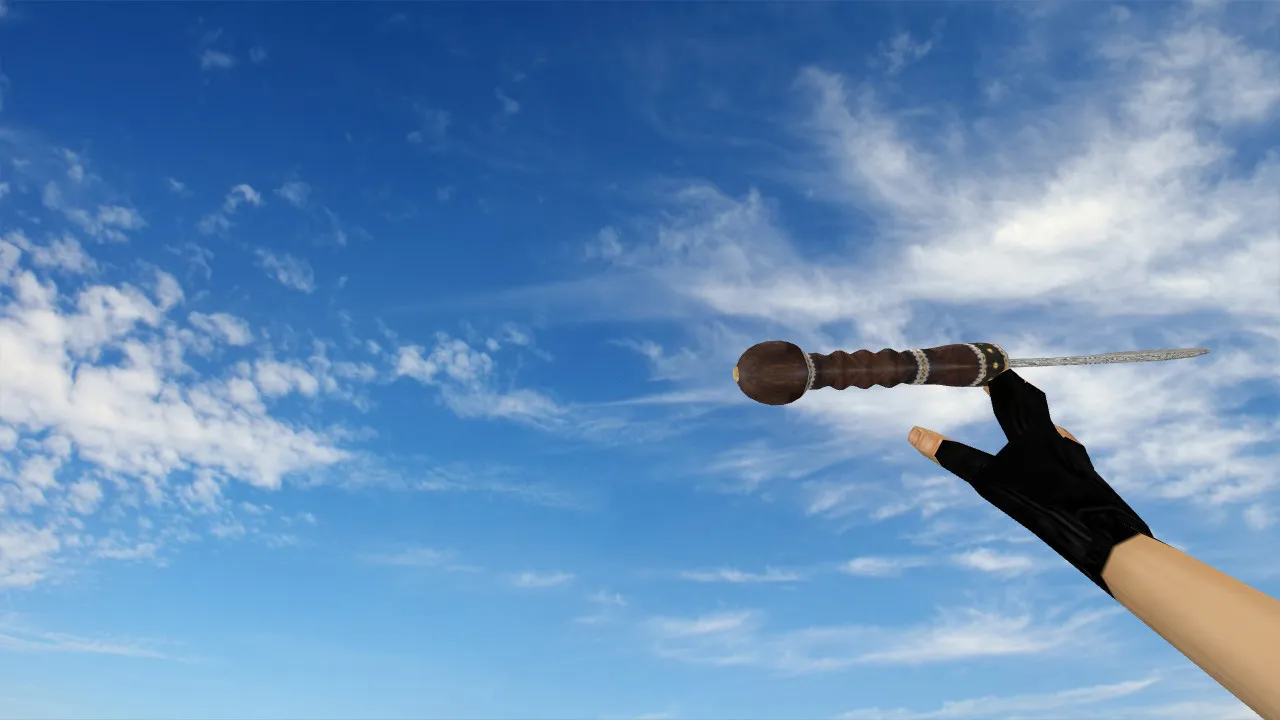
The download contains the standard trio of model files: v_ for the first-person perspective, p_ for third-person view, and w_ for the world model. It features a working inspect animation, meaning alt-inspect and position shifts keep the model steady without drifting. Textures replicate metal and damascus patterns so the blade remains distinct on darker maps. Knife audio is synchronized for impacts and weapon switches without lag.
The damascus finish stands out due to its etched patterning, avoiding simple flat colors. It respects the CS 1.6 atmosphere: the Kukri silhouette is instantly recognizable, and details never obstruct aiming. For everyday players, this acts as a reliable default replacement that adds visual flair without going overboard.
Post-Installation Checks
- Inspect Animation: Open the inventory and test by cycling weapons. The blade should render smoothly, free of artifacts.
- v_/p_/w_ Display: Inspect first-person view, ground drops, and third-person perspectives. If the model appears incorrectly, confirm file paths and naming conventions.
- Knife Sounds: Execute quick strikes against a wall. Confirm audio aligns with the action and does not cut out prematurely.
- Textures: Test on maps featuring both dark corners and bright zones. If the pattern loses clarity, verify file integrity.
Safe Model Installation Guide
Keep the setup process simple. Download the model, extract the archive, and place the files into the weapon models directory. The typical path goes through models and into knife subfolders. If running a mod build, do not mix these files with other replacements. Back up original models before overwriting to allow for a quick revert.
Once copied, start CS 1.6, equip the knife, and check the visuals. Servers enforcing strict file consistency may block the replacement. It functions instantly for single-player and listen servers. For MasterServer or public communities, adhere to their specific guidelines. This model is clean: no viruses, no slow-hacks, no advertisements, and no auto-connect scripts.
Why Kukri Excels in CS 1.6 Gameplay
Knives in CS 1.6 are tools for feints and close-quarters rushes. The Kukri model looks crisp during movement and turns. It avoids visual noise, so textures and geometry must remain intact in-hand. With correct configuration, it provides stable rendering and preserves that authentic feel.
Choose the Kukri Damascus Steel if you want a knife with distinct patterns, solid v_/p_/w_ files, a working inspect animation, and lag-free audio. This package improves visuals while supporting core mechanics. The polygon count stays optimized for high-FPS sessions, and hitbox alignment matches the default for accurate swings. On maps like de_dust2, the blade's visibility helps in quick knife duels at mid or B-site without clipping problems. For both non-Steam and Steam installations, it integrates smoothly into clean config.cfg setups. If you are modding for competitive ESL-style play, this model's low detail ensures zero performance impact in dark bomb sites or tight corners.
Broaden your CS 1.6 loadout with this precise Kukri variant. The damascus texture uses 512x512 maps for sharp edges, readable at a distance. Custom inspect lets you rotate the model fluidly, revealing the etched patterns without frame drops. Sounds come from edited .wav files for crisp slashes and stabs, syncing perfectly with animation frames. In third-person, the p_ model scales correctly for teammate views, and w_ drops appear natural on the ground. Avoid common pitfalls like mismatched .mdl paths by double-checking the models/knife folder structure. For bot compatibility, it loads fine with standard .nav files, keeping AI behavior intact. This knife mod elevates knife rounds without breaking balance or server rules.
Install in three steps
-
1
Download the archive. Use the button on the right, or the Yandex.Disk mirror if the main server is slow.
-
2
Extract it into the game folder. Use 7-Zip or WinRAR. A path without non-Latin characters works best.
-
3
Launch the game. If something doesn't work, mark it below - that is how we know the file needs an update.
Did it work for you?
No sign-up needed. You can pick more than one.