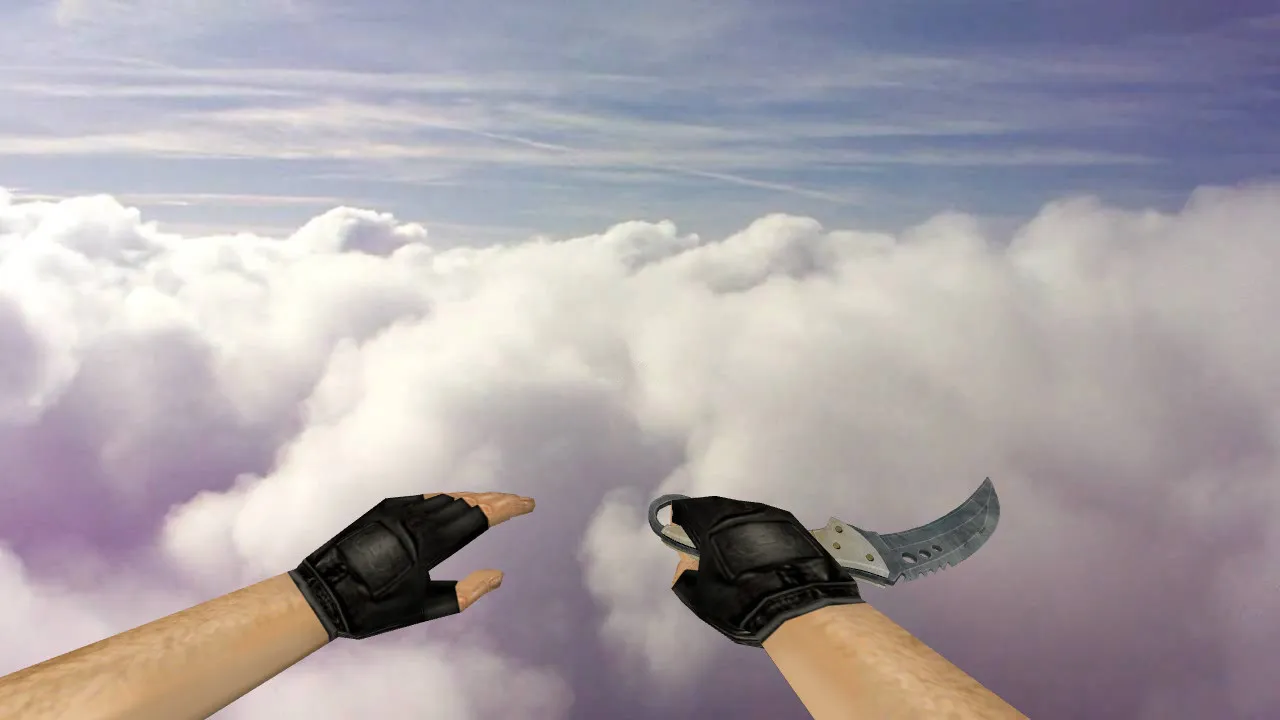
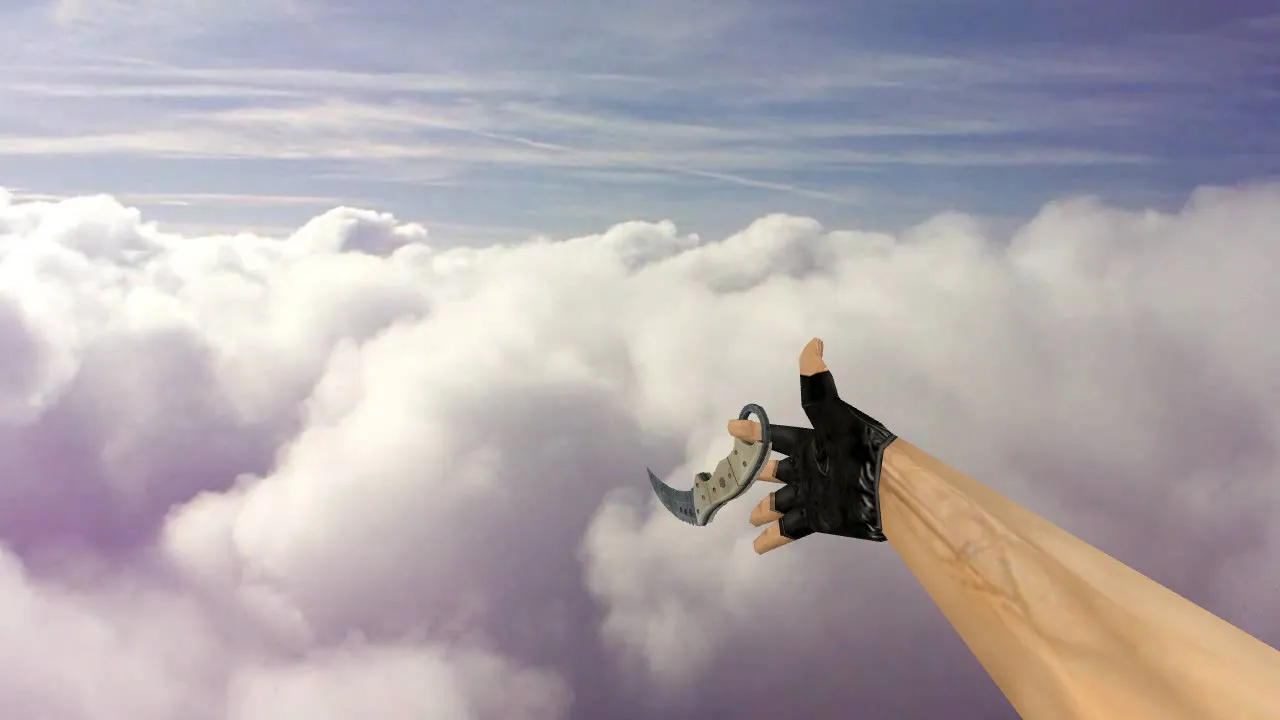
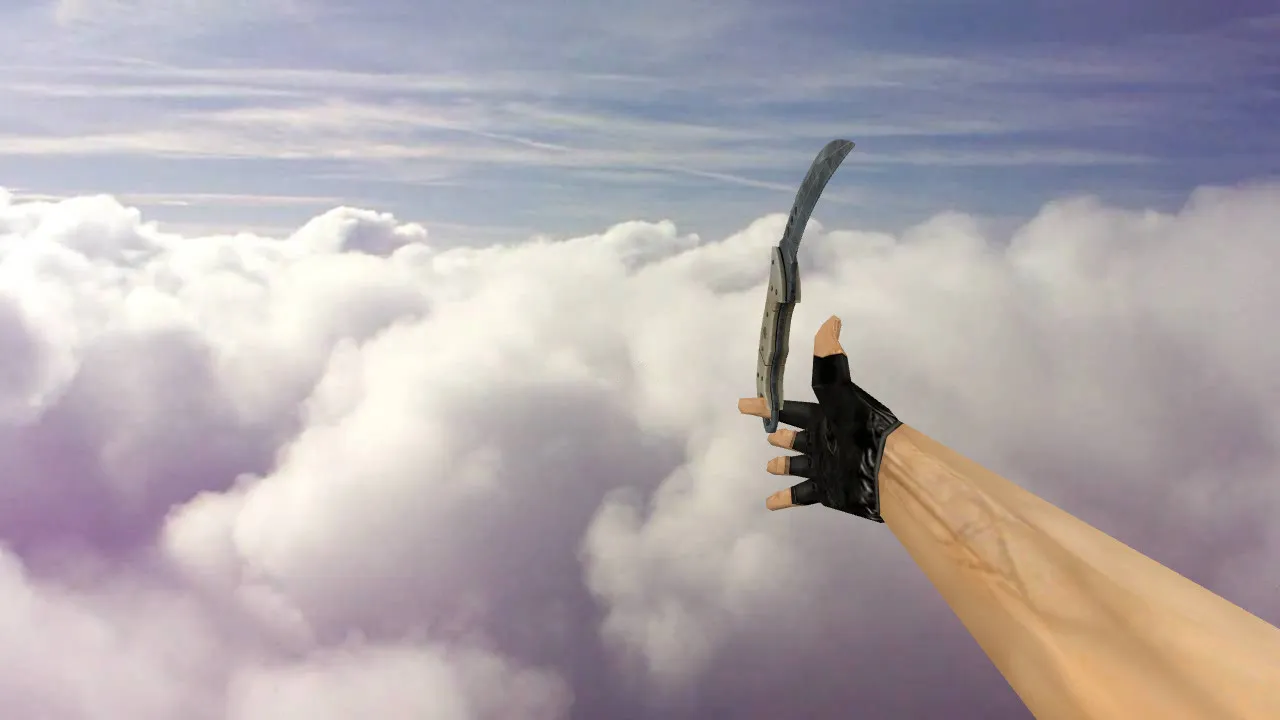
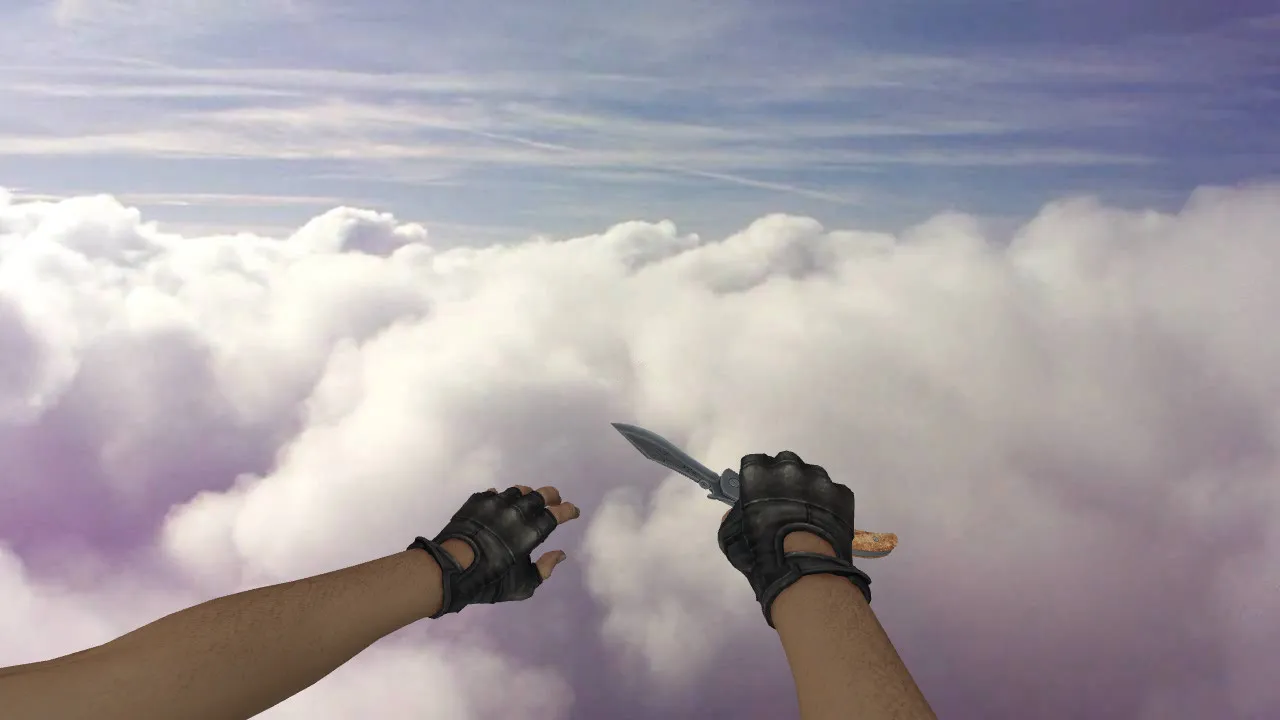
CF Knife Black Model for CS 1.6: v_, p_, w_ Replacement with Custom Sounds and Inspection Animation

Description
CF Knife Black for CS 1.6: Client-Side Knife Replacement
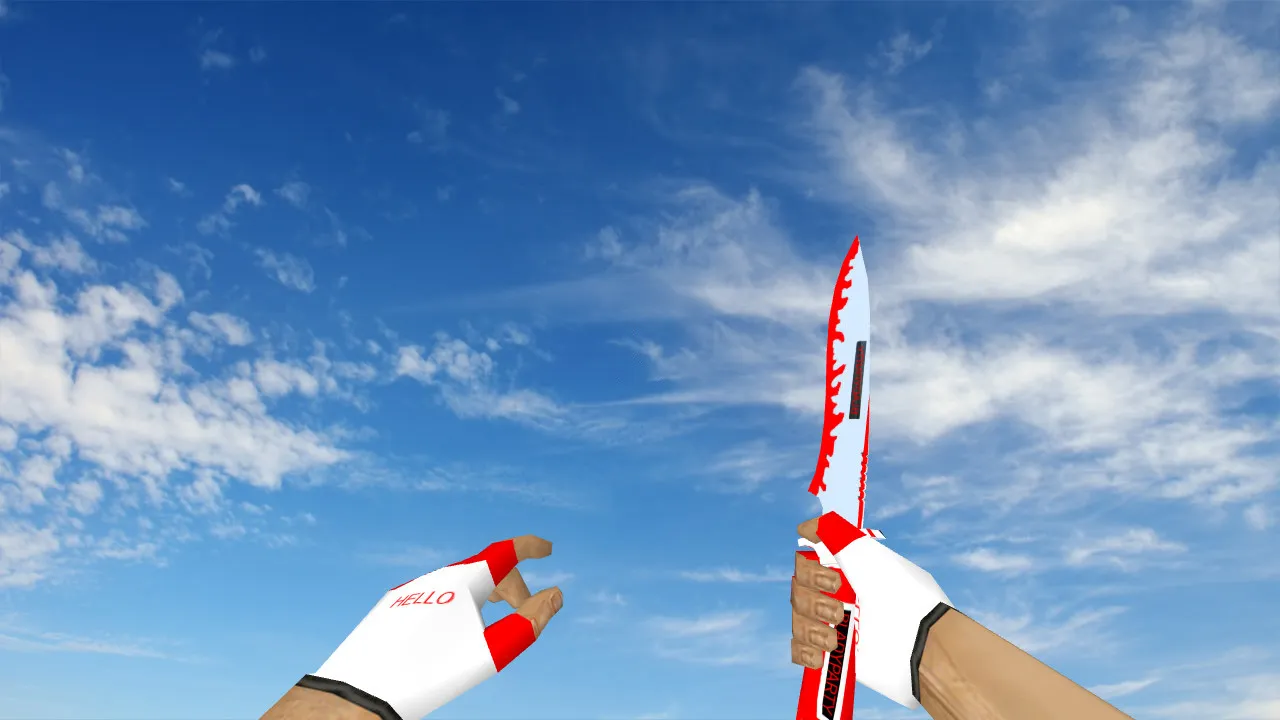
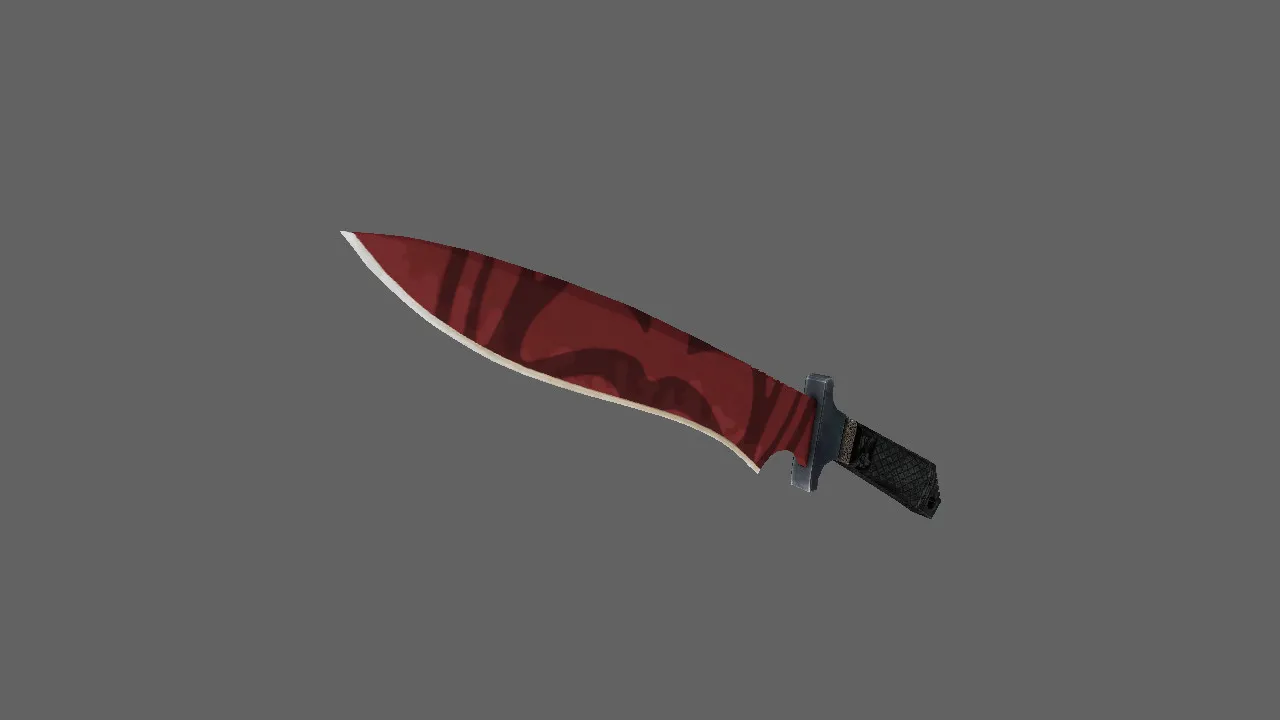
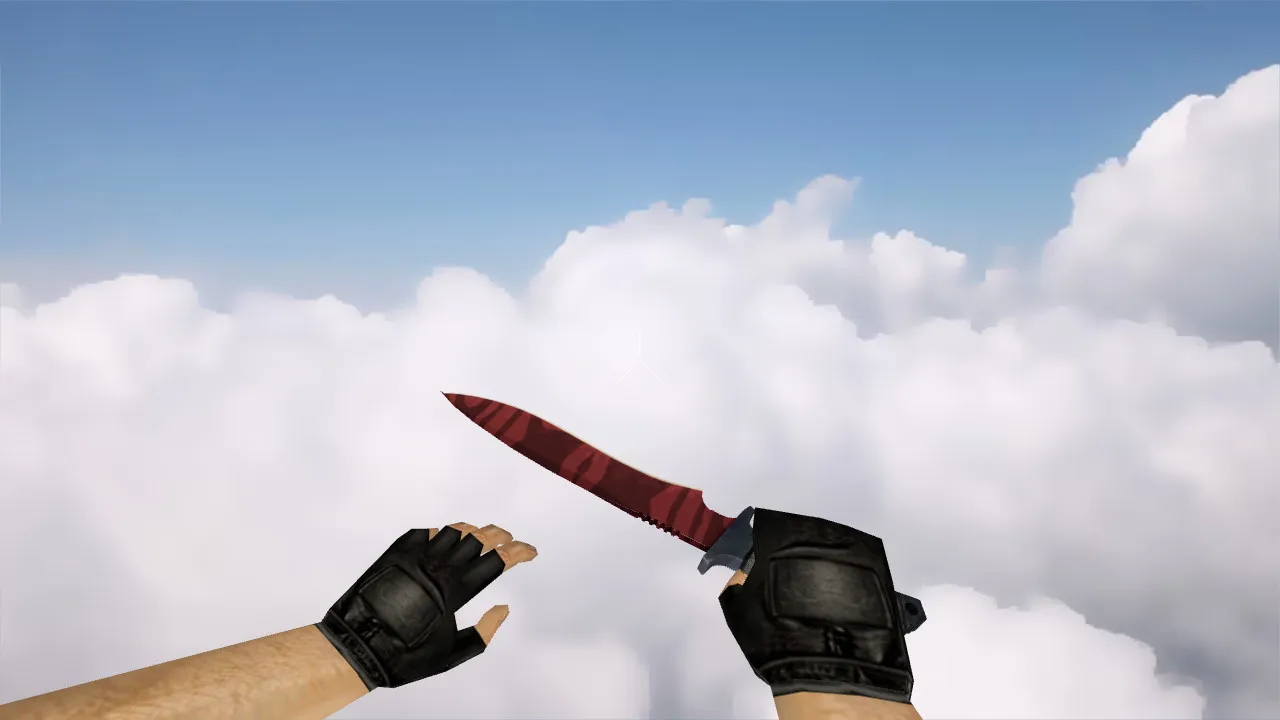
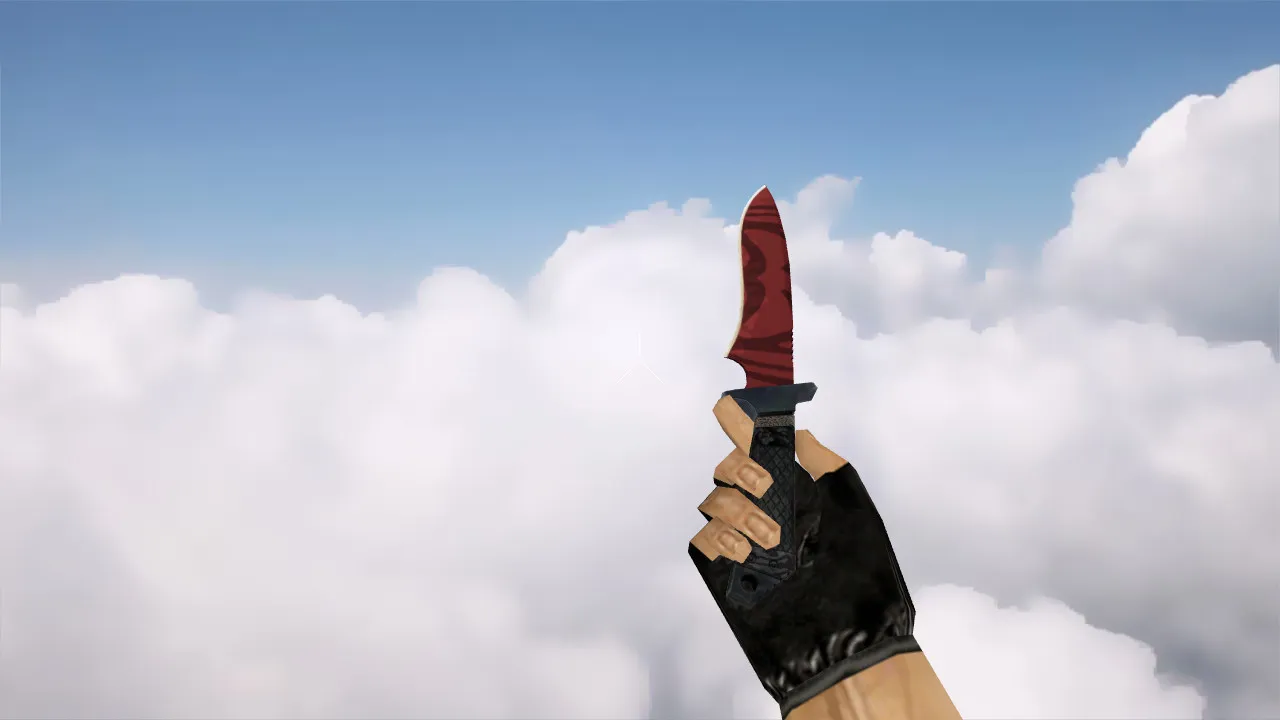
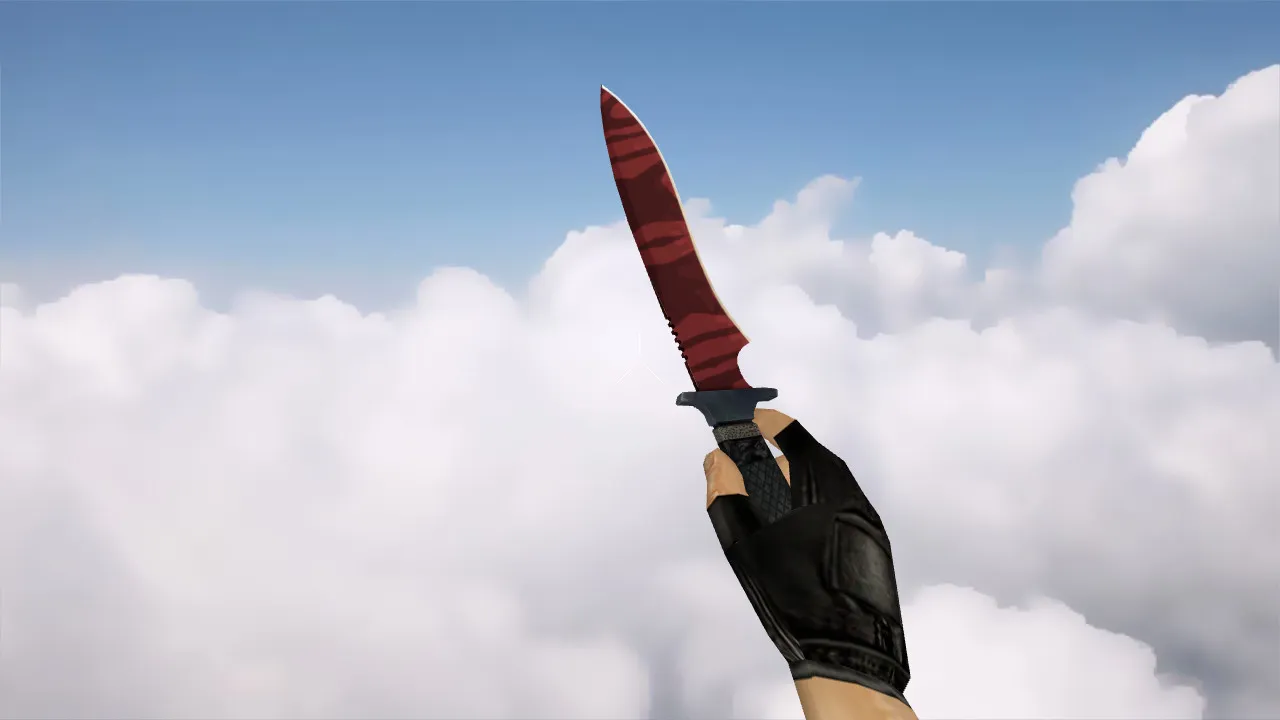
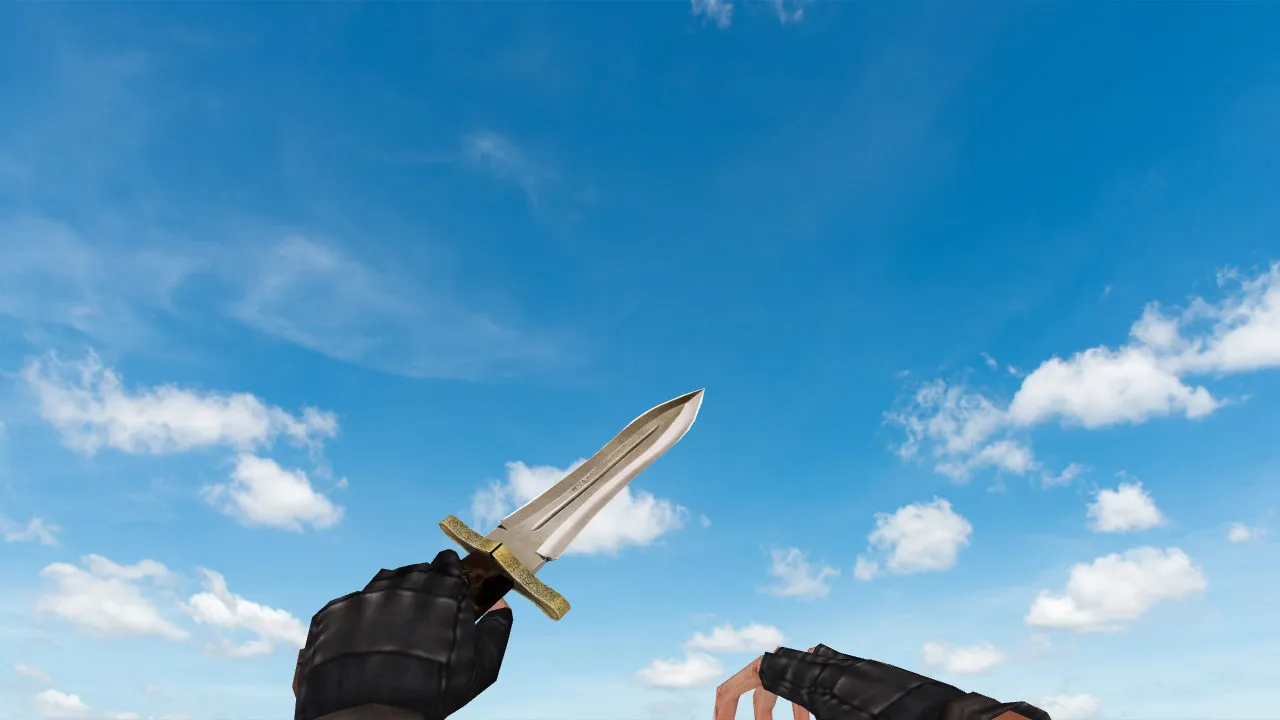
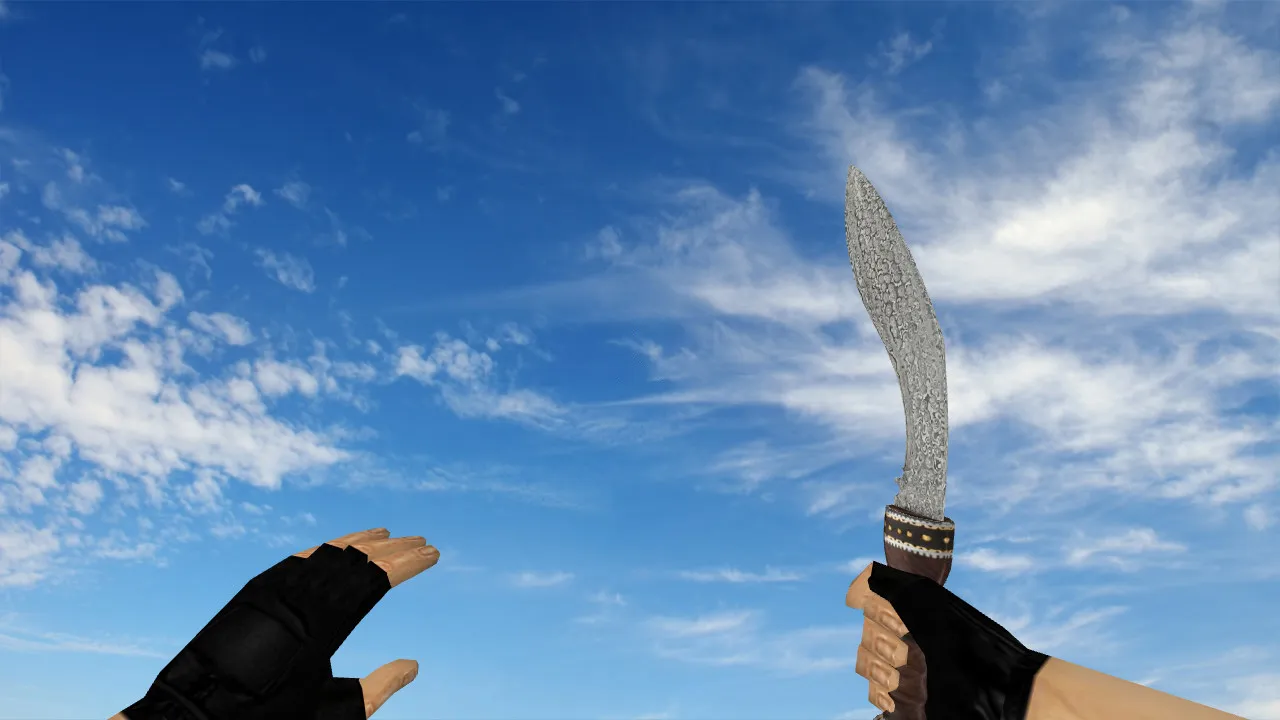
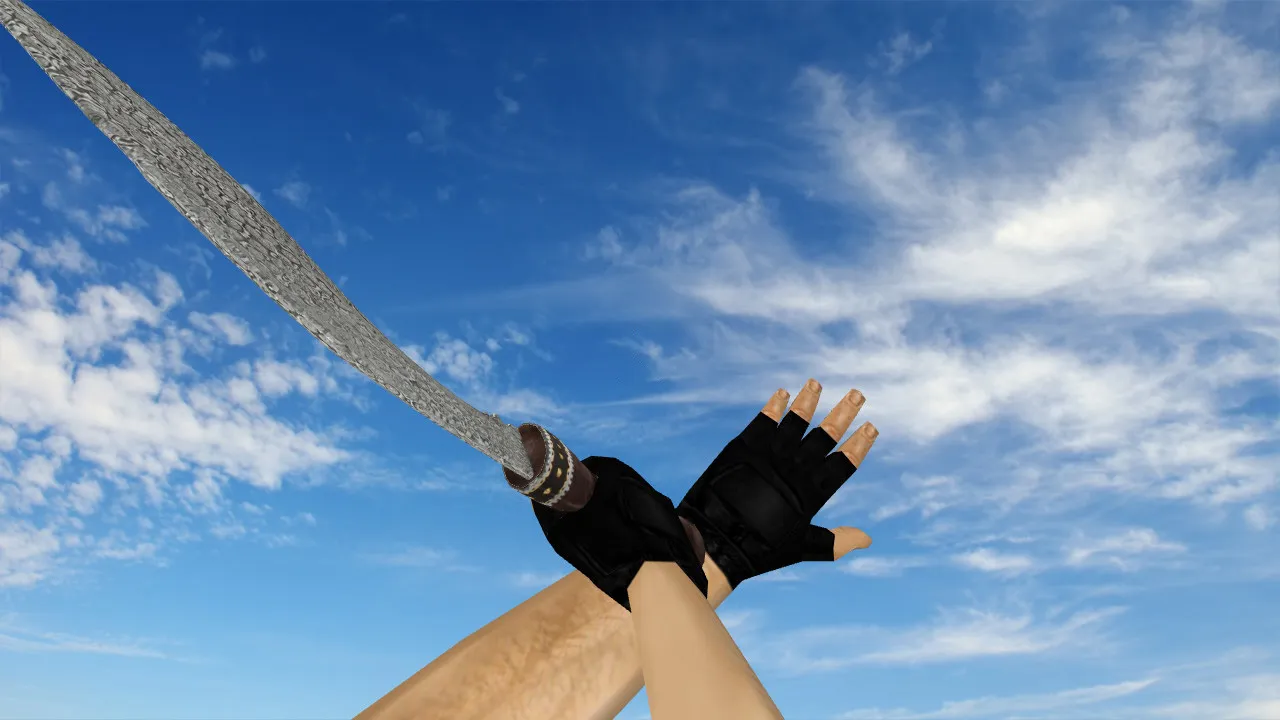
This CF Knife Black model swaps out the standard knife in Counter-Strike 1.6. The change happens entirely on the client side, updating visuals and behavior without touching server files. In your hands, the weapon behaves like the default blade, keeping the same inspection logic, fluid animations, and correct weapon-switching flow. Designed for the CS 1.6 format, the pack supplies v_, p_, and w_ models so the knife looks right in first-person view, on other players, and when lying on the ground.
The archive adds custom sounds so swings and inspections don't feel hollow. Frame transitions during inspections and weapon changes play cleanly. Textures use a dark Black theme that merges with map backgrounds, cutting down visual noise during firefights. This works well in public servers or league matches where clear sightlines while moving are essential.
Installation Essentials
Before replacing anything, back up your model folders and configuration. Do the swap on the client only-no auto-connect scripts or external launchers. This keeps the process safe and lowers risk from game updates or build changes.
- Backup original files: Copy the default knife assets for a quick rollback if needed.
- Verify file paths: Counter-Strike 1.6 is strict about folder structure and naming.
- Confirm v_, p_, w_ presence: Missing any model type causes glitches in certain views.
- Avoid config.cfg edits: Only adjust if absolutely necessary; save your current setup first.
Installation targets the models directory inside your CS 1.6 install, usually under cstrike. Extract the files to mirror the original hierarchy, making sure .mdl files line up. Tested for compatibility with Build 4554 or 8613 on both Steam and Non-Steam versions. No viruses, no adware-just clean model swaps for high-FPS performance.
Testing the Model In-Game
Jump into practice mode or offline bots after installing. Check three key scenarios: first-person while moving and turning the camera; third-person view to verify w_ model rendering; and the full inspection animation. Look for jerk-free playback and stable textures at all angles. The polycount stays low to prevent FPS drops on older hardware.
On strict servers, review admin policies-some block custom content. Stick to permitted uploads to avoid bans. This model leaves hitbox alignment untouched, preserving melee accuracy without visual interference.
Hitboxes and Visibility Details
For knives, steady hand positioning is critical. Players need display precision so the model never blocks the crosshair during rushes or pivots. Proper model binding keeps the blade and arm predictable, supporting consistent gameplay. The dark texture cuts glare in bright areas like de_dust2's long AWP corridors, helping you focus on enemies instead of your own weapon.
Hitbox accuracy ties directly to v_ model quality; misalignment can throw off swing timing. This CF Knife Black keeps default bounds while upgrading visuals, ensuring no recoil or aim disruption in close-quarters fights.
Ideal for Specific Playstyles
Grab the CF Knife Black if you want a low-key knife with reliable readability. It performs across varied lighting on maps like de_inferno or de_nuke, without clashing with HUD colors. Active players who strafe, peek, and inspect frequently benefit from its frame-steady animations. On mixed hardware, the lightweight design avoids FPS hits and works with clean config.cfg setups.
Compare it to the stock knife after install-smooth v_, p_, w_ rendering and fluid animations mean it's ready for daily CS 1.6 sessions. For ESL-style play, the low-visibility dark scheme helps in competitive environments without losing detail in shadows.
Expand your CS 1.6 arsenal safely: this model integrates seamlessly, supporting MasterServer connections and bot .nav files on custom maps. No slow-hacks or bloat-pure client enhancement for better immersion.
Install in three steps
-
1
Download the archive. Use the button on the right, or the Yandex.Disk mirror if the main server is slow.
-
2
Extract it into the game folder. Use 7-Zip or WinRAR. A path without non-Latin characters works best.
-
3
Launch the game. If something doesn't work, mark it below - that is how we know the file needs an update.
Did it work for you?
No sign-up needed. You can pick more than one.