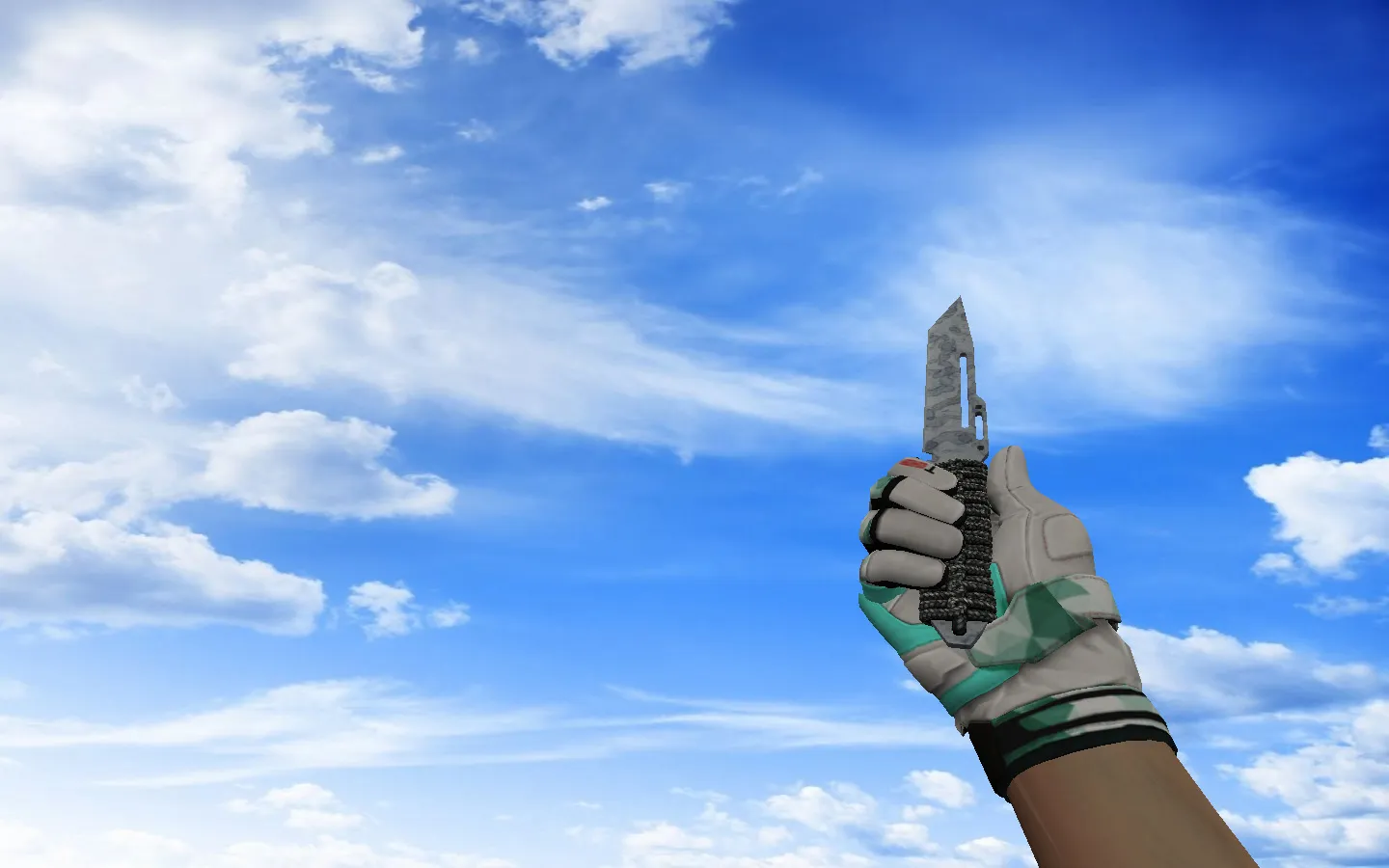
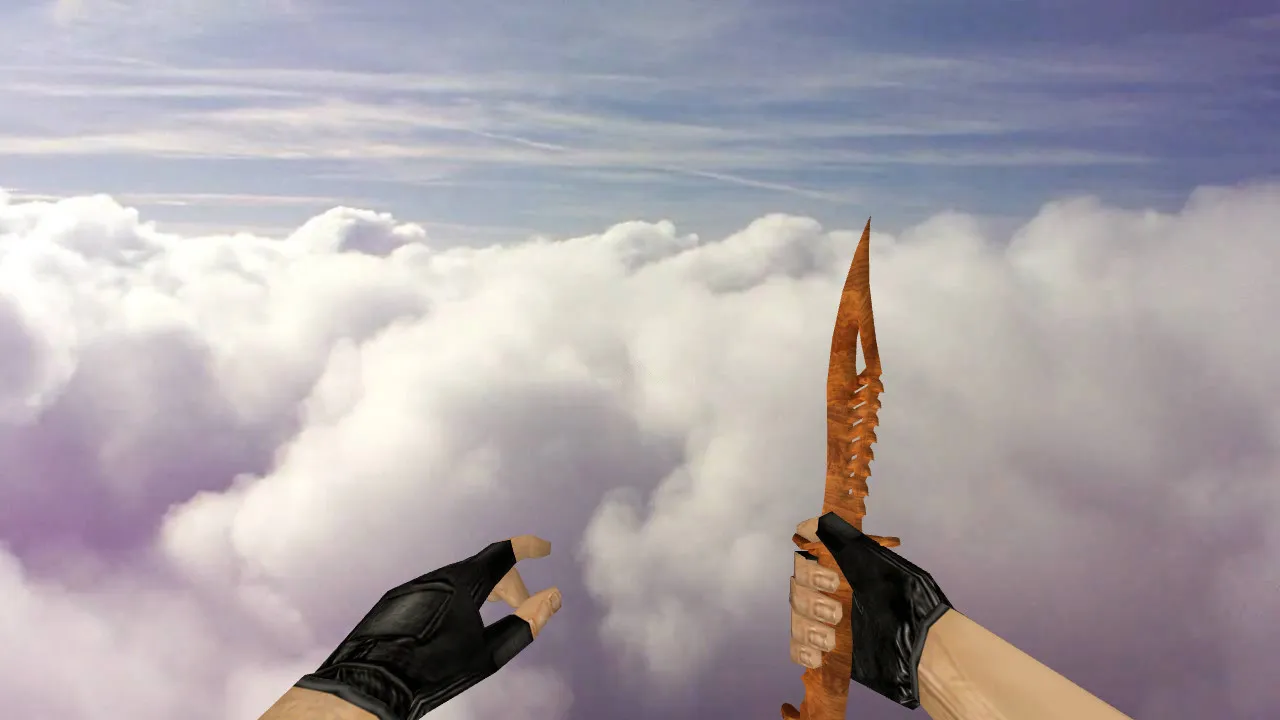
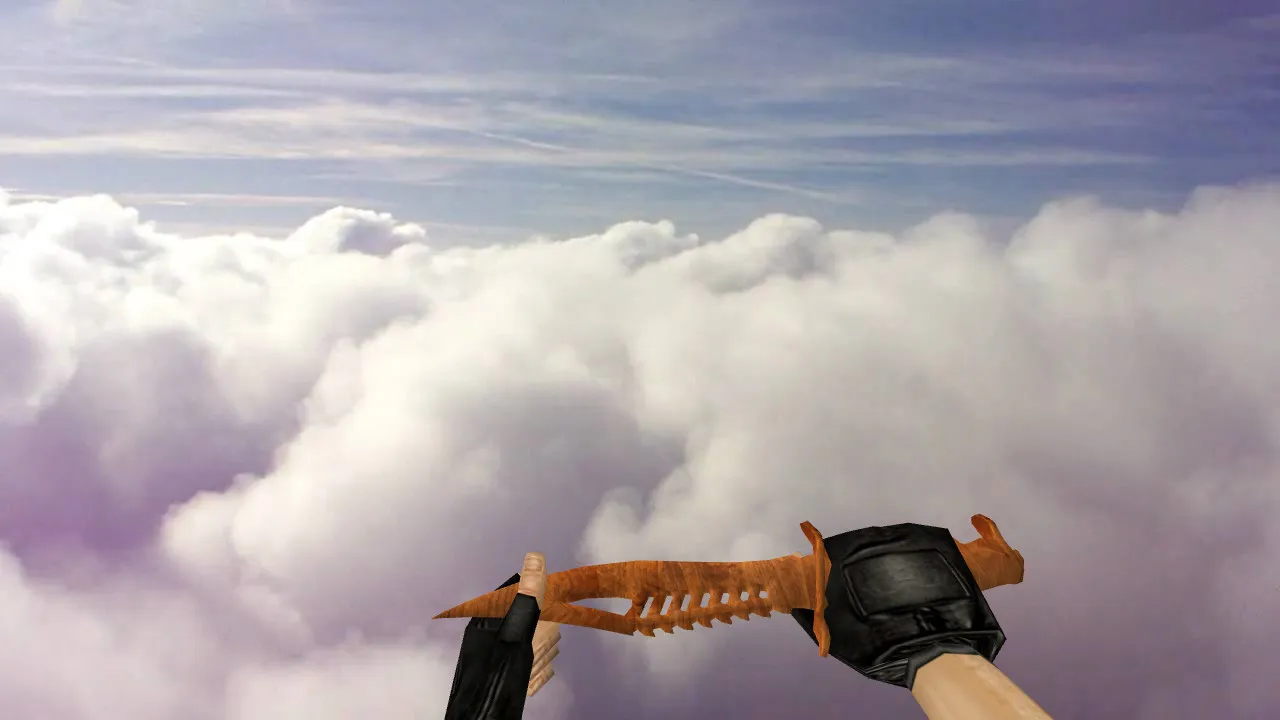
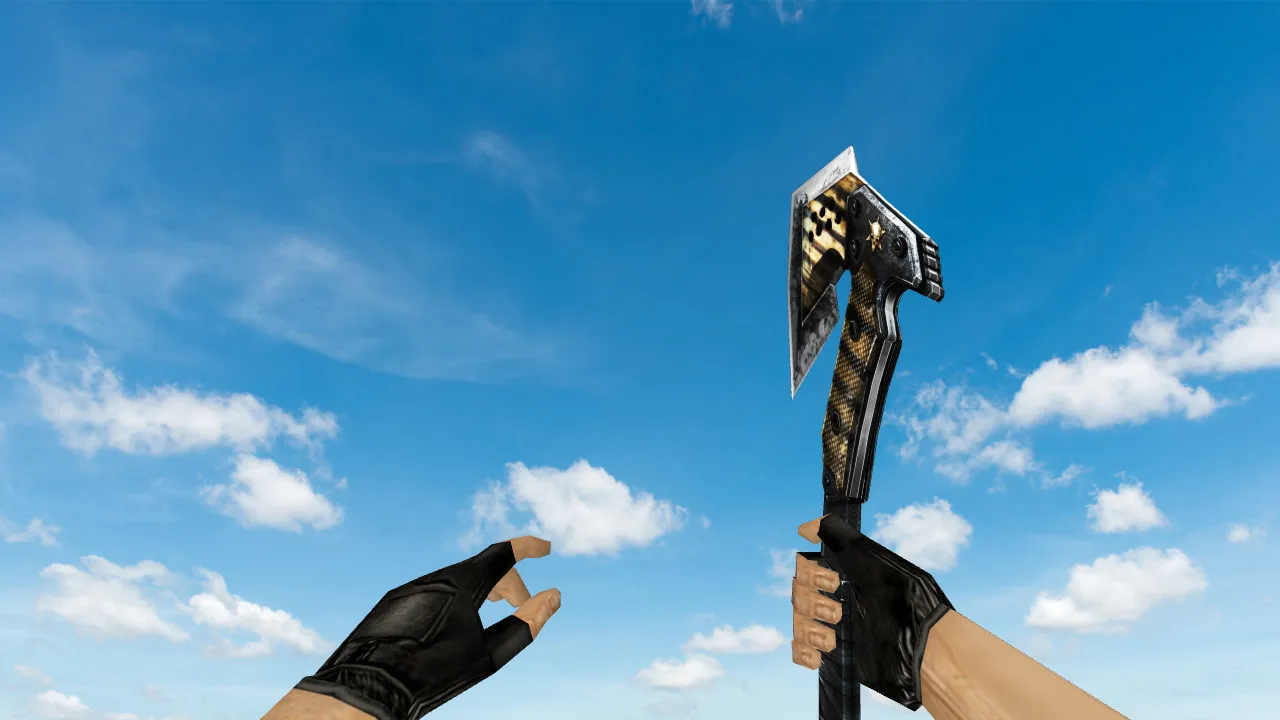
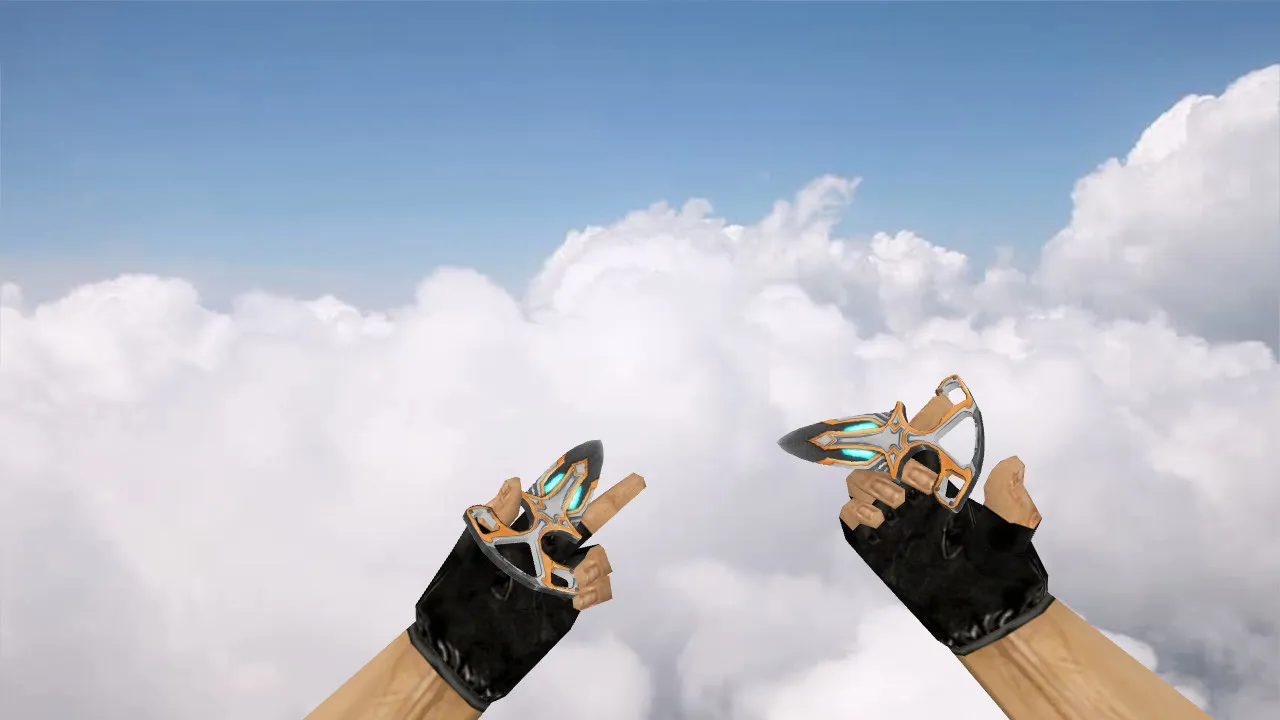
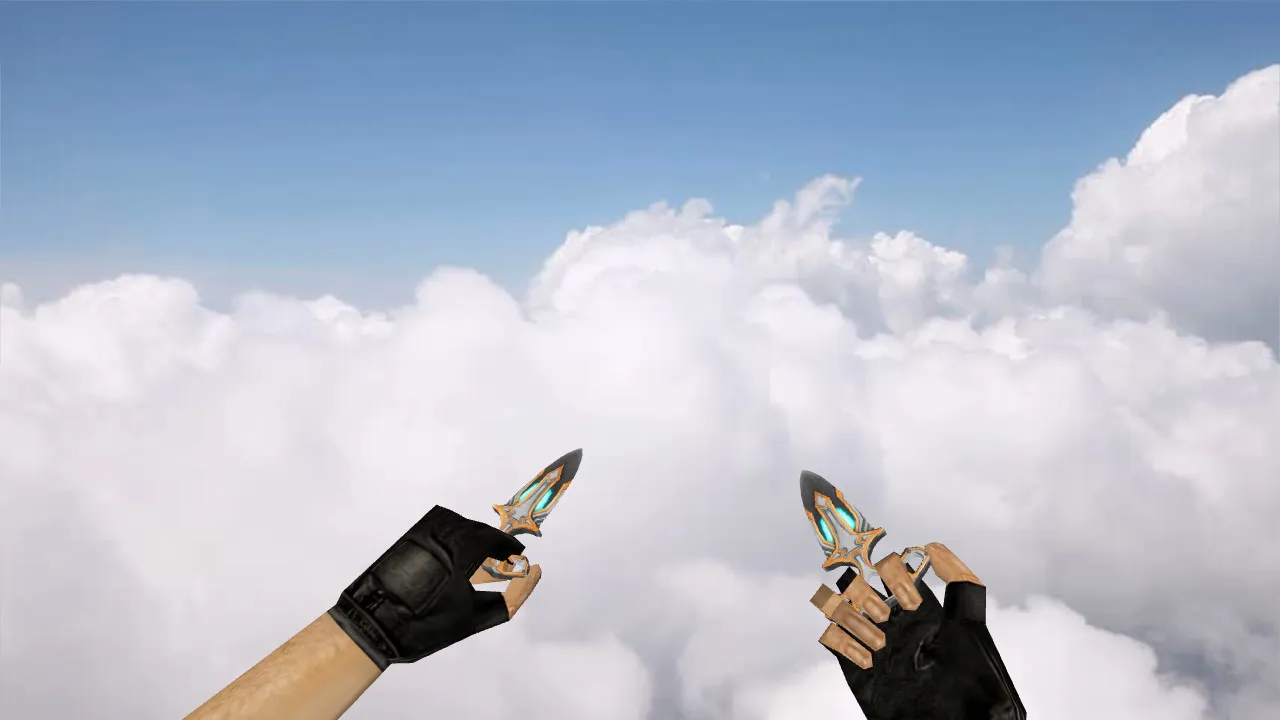
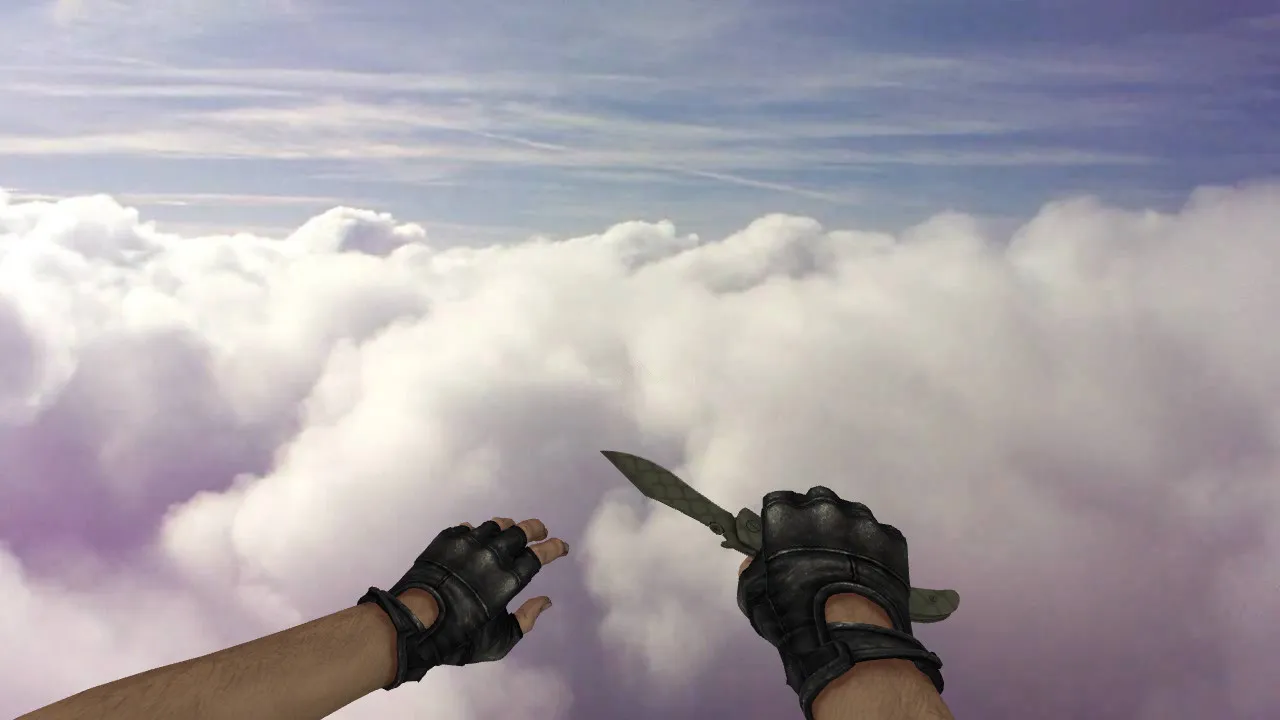
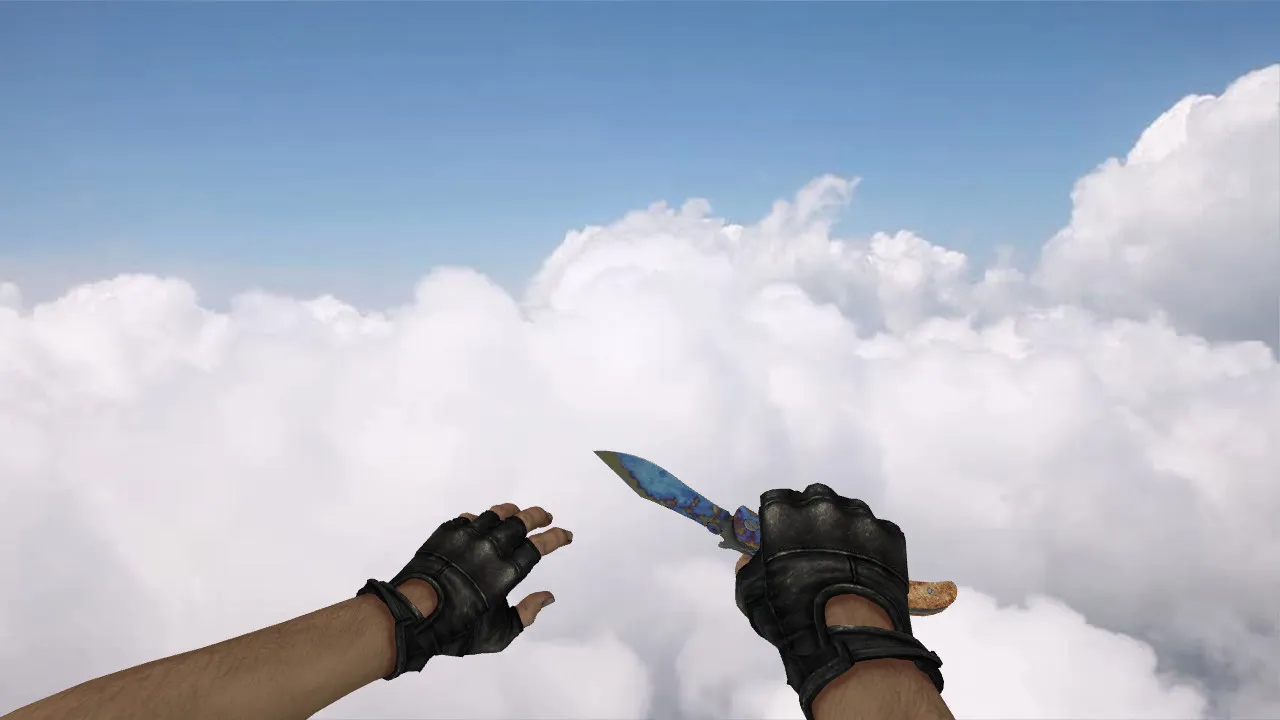
Skeleton Knife Gradient Model (v_/p_/w_) for CS 1.6: Sounds, Inspect Animation, HD Textures
Description
Skeleton Knife Gradient for CS 1.6 - Package Contents
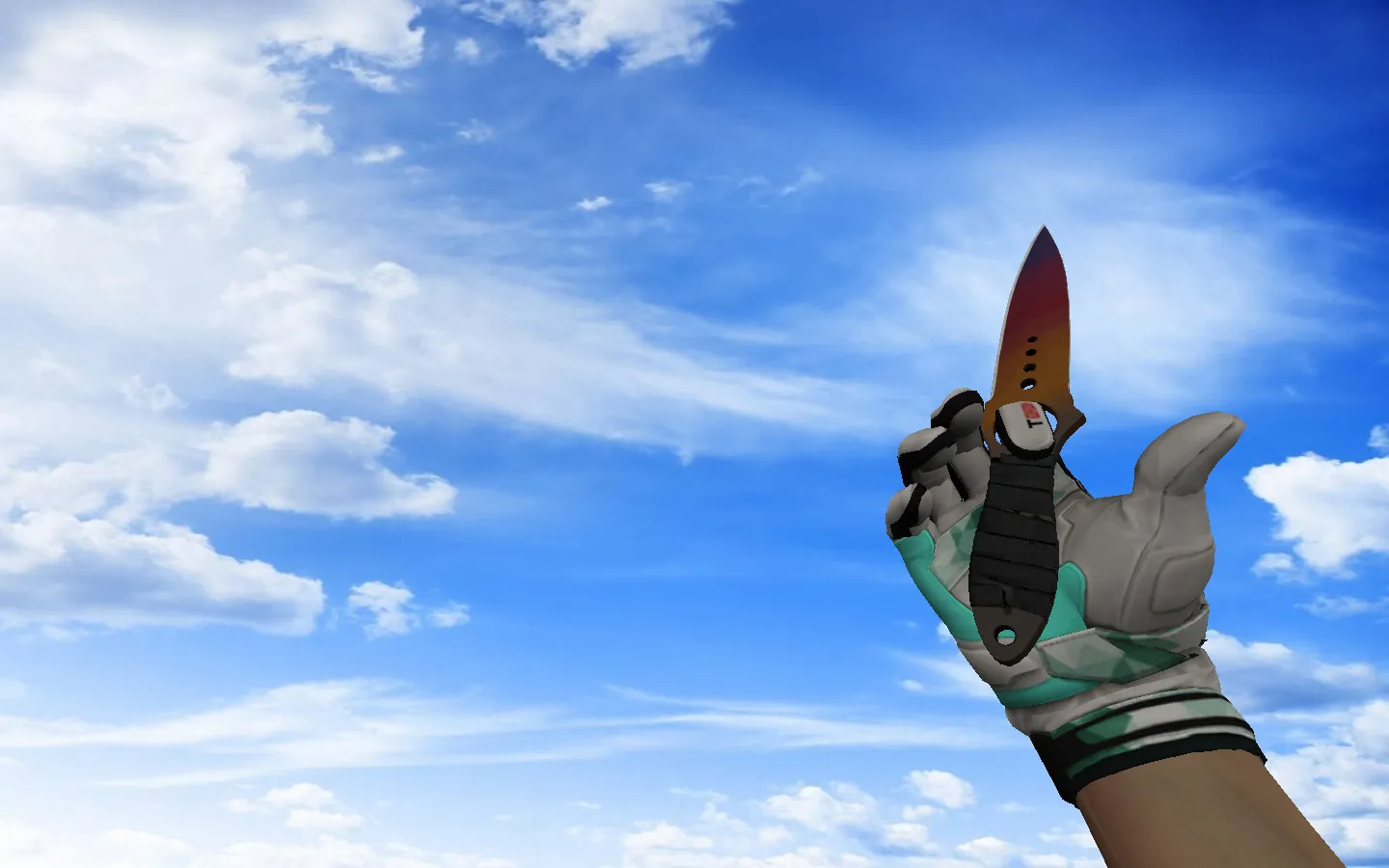
The Skeleton Knife featuring a gradient finish suits players who prioritize crosshair precision where fine details count. This model is engineered specifically for CS 1.6 and guarantees smooth performance during matches. The download supplies working v_, p_, and w_ files, ensuring the blade renders correctly in first-person view, on player hands, and as a world model. This complete set is essential during movement, reloads, and frequent weapon inspections within a round.
The model incorporates custom sounds and an inspect animation. When you switch to the knife and rotate your view, the animation plays just like standard weapons. Textures deliver distinct surface patterns, keeping the gradient visible while moving without blurring during rapid gameplay. It performs reliably at match tempo, whether you are holding angles or repositioning across the map.
In-Game Appearance
- V-model - First-person knife perspective while aiming and moving.
- P-model - Handheld perspective for weapon inspection and actions.
- W-model - World representation when observing other players in third-person.
A quality knife model does more than look good. It must align properly in the hand and synchronize with animations. This build employs accurate files for every display mode, providing a consistent look free of glitches or odd offsets often found in incomplete packs. The polygon count remains optimized for high-FPS performance, preventing frame drops during intense firefights.
Works on Servers and Offline
This knife model fits both CS 1.6 multiplayer and offline sessions. It does not interfere with gameplay mechanics. The knife keeps its speed boost for quick movement, timing adjustments, and map control. On servers with file restrictions, use permitted variants to avoid loading problems or resource conflicts. Hitbox alignment stays precise, ensuring fair play without visibility exploits.
For ESL-style servers, the gradient texture improves readability in dark zones like de_dust2's tunnels or nuke's vents, where standard models can vanish into shadows. It supports clean config.cfg setups, compatible with both Steam and Non-Steam installations on builds such as 4554 or 8610.
Safe Manual Installation Steps
Install by placing files directly into the model folders. Avoid bundled packs containing extras or unknown components. The package holds only essential model files, textures, and sounds - no viruses, no slow-hacks, no ads, no auto-connect scripts.
- Back up existing knife files in the models directory first.
- Copy v_, p_, and w_ files to their proper locations.
- Confirm textures reside in the correct folder structure, or the model will fall back to basic materials.
- Start CS 1.6 and test the knife while moving and during inspect.
If display issues appear after installation, check for misplaced files or conflicts with previous versions. Delete duplicates, restore backups, and try again. This method keeps the setup secure, with MasterServer protection intact and no suspicious elements.
Why Players Pick Skeleton Knife Gradient on Community Servers
The knife provides visual consistency during weapon swaps. The gradient retains clarity in bright bomb sites or dim corners. It adds a distinctive skin without changing core stats, helping you stand out in lobbies tired of default knives.
For CS 1.6 knife enthusiasts wanting precise v_/p_/w_ files, dependable sounds, and fluid inspect animation, this model delivers. Install it, test in a round, and add it to your loadout for improved in-game awareness.
Upgrade your setup with this HD texture pack - 1024x1024 resolution ensures sharp details up close. Custom sounds feature distinct slash and stab effects, syncing perfectly with animations for immersive feedback. In competitive play, the low polygon count prevents lag on older rigs, sustaining 100+ fps even on crowded maps like inferno.
Install in three steps
-
1
Download the archive. Use the button on the right, or the Yandex.Disk mirror if the main server is slow.
-
2
Extract it into the game folder. Use 7-Zip or WinRAR. A path without non-Latin characters works best.
-
3
Launch the game. If something doesn't work, mark it below - that is how we know the file needs an update.
Did it work for you?
No sign-up needed. You can pick more than one.