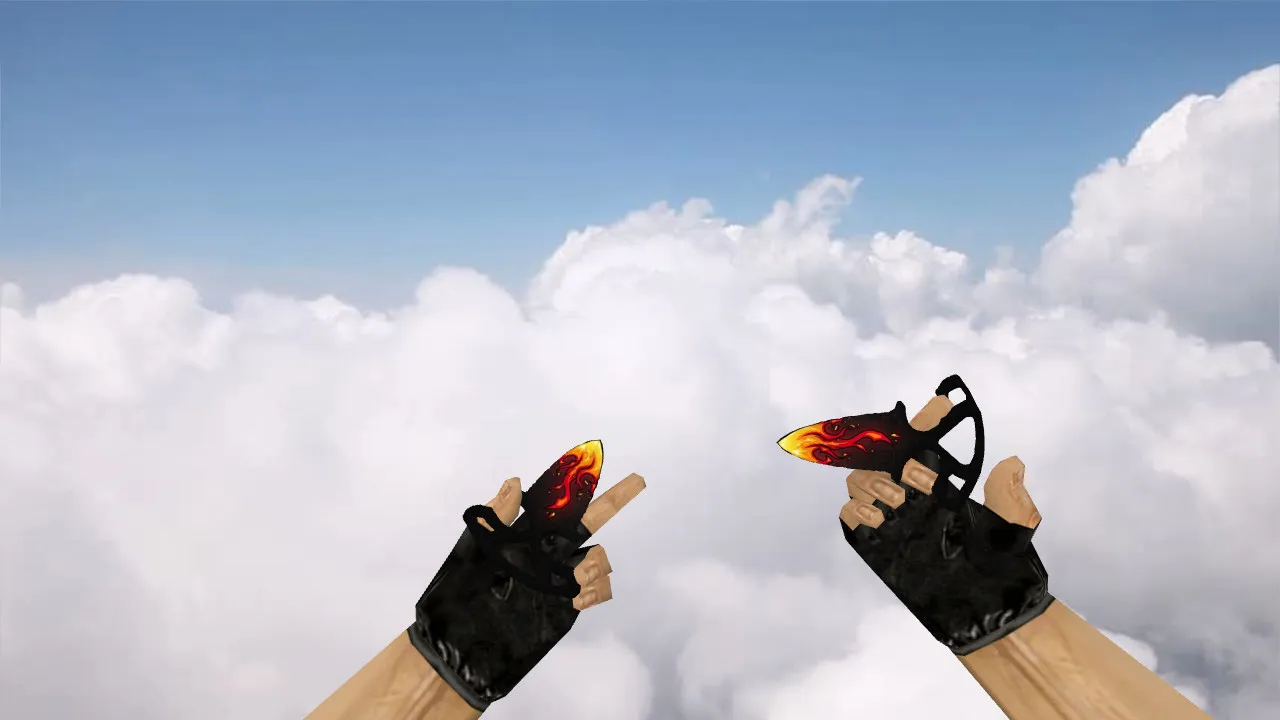
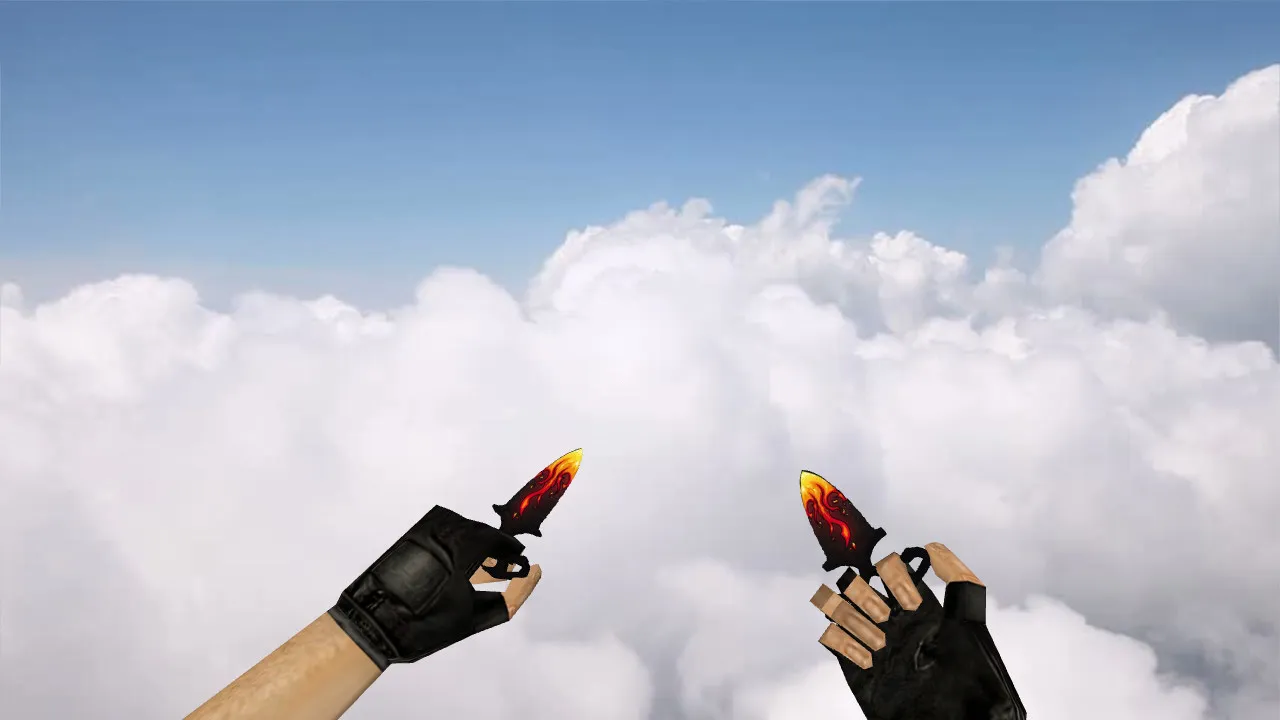
Nautilus Wooden Knife v_ Model for CS 1.6: Custom Sounds, Inspect Animation, HD Textures, and Setup Guide
Description
Nautilus Wooden Knife for CS 1.6: Contents and Installation Steps
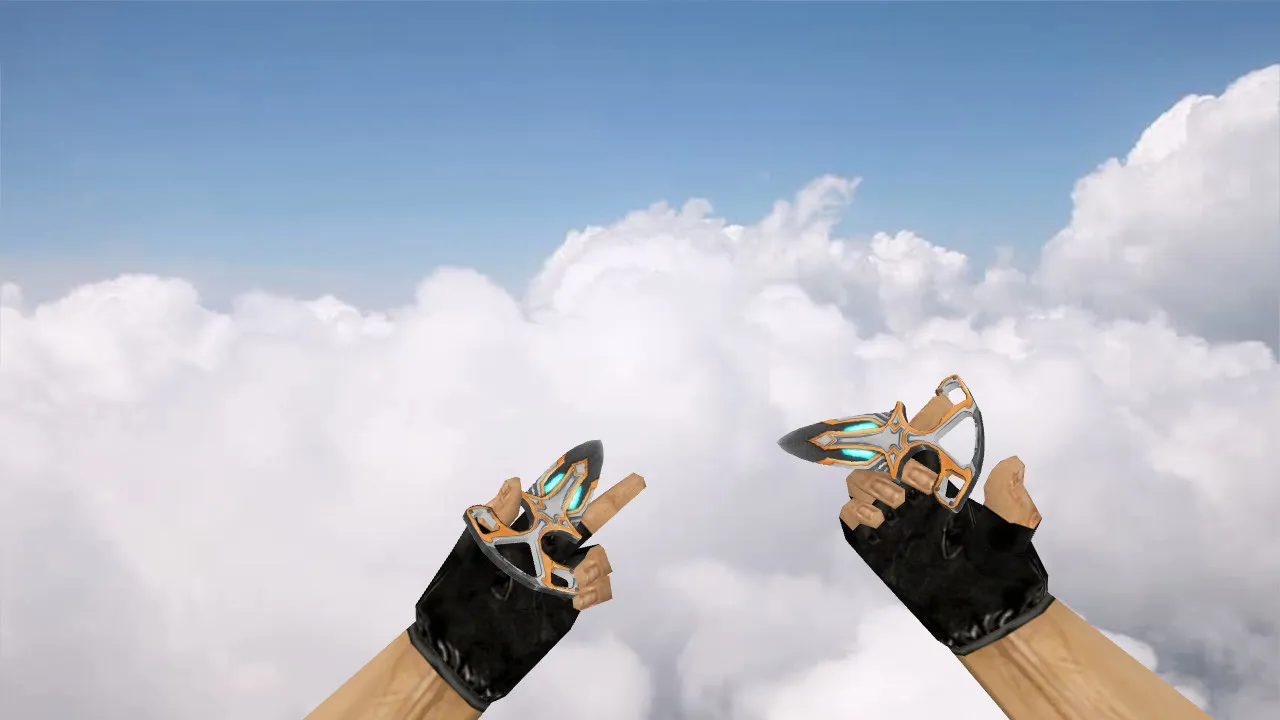
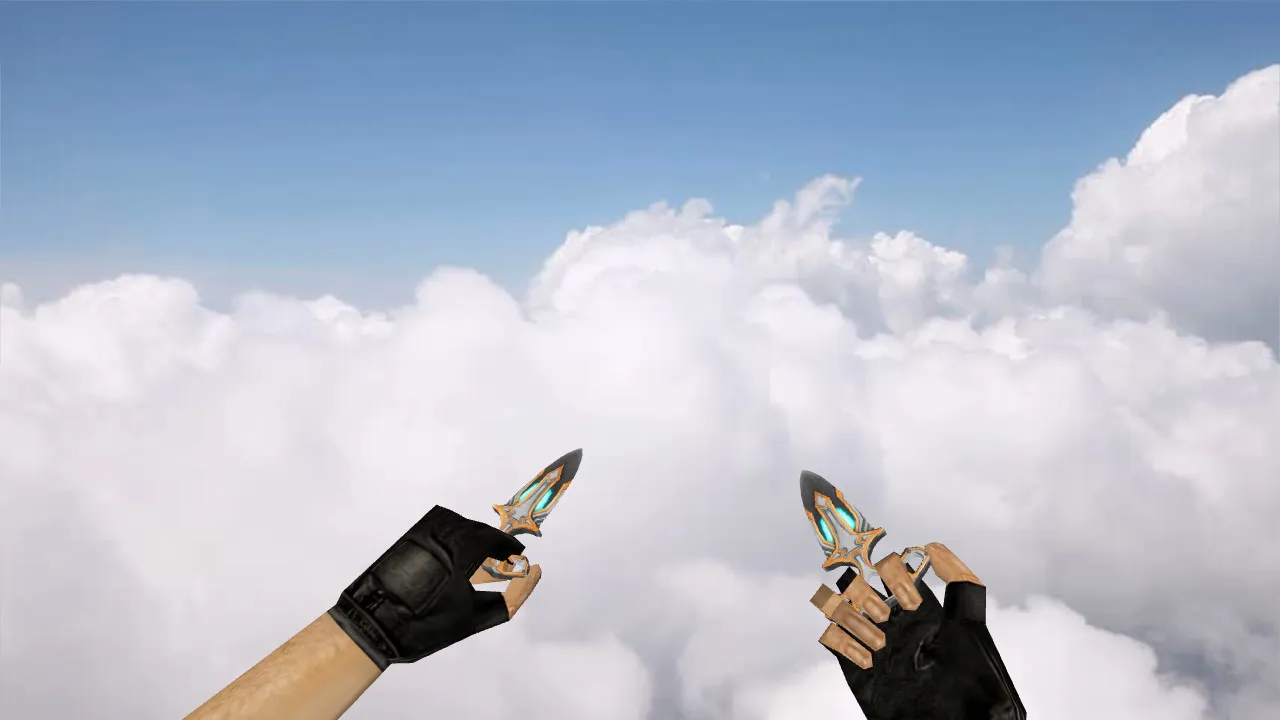
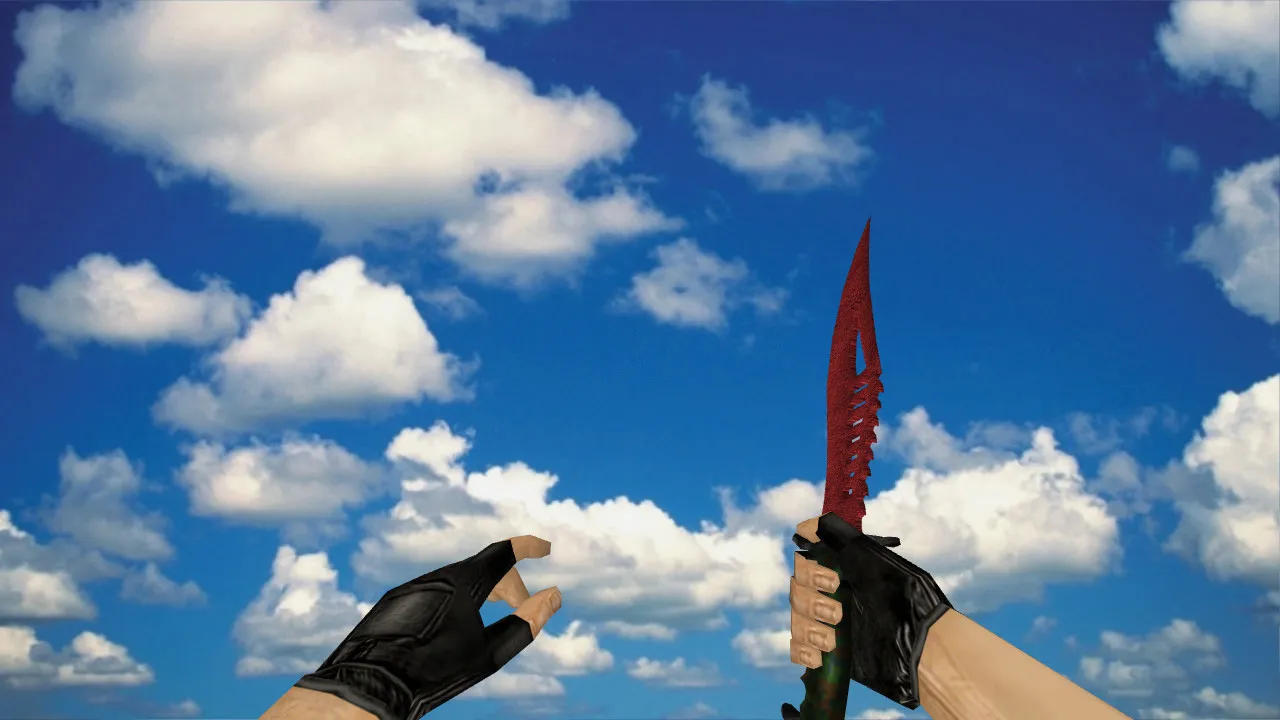
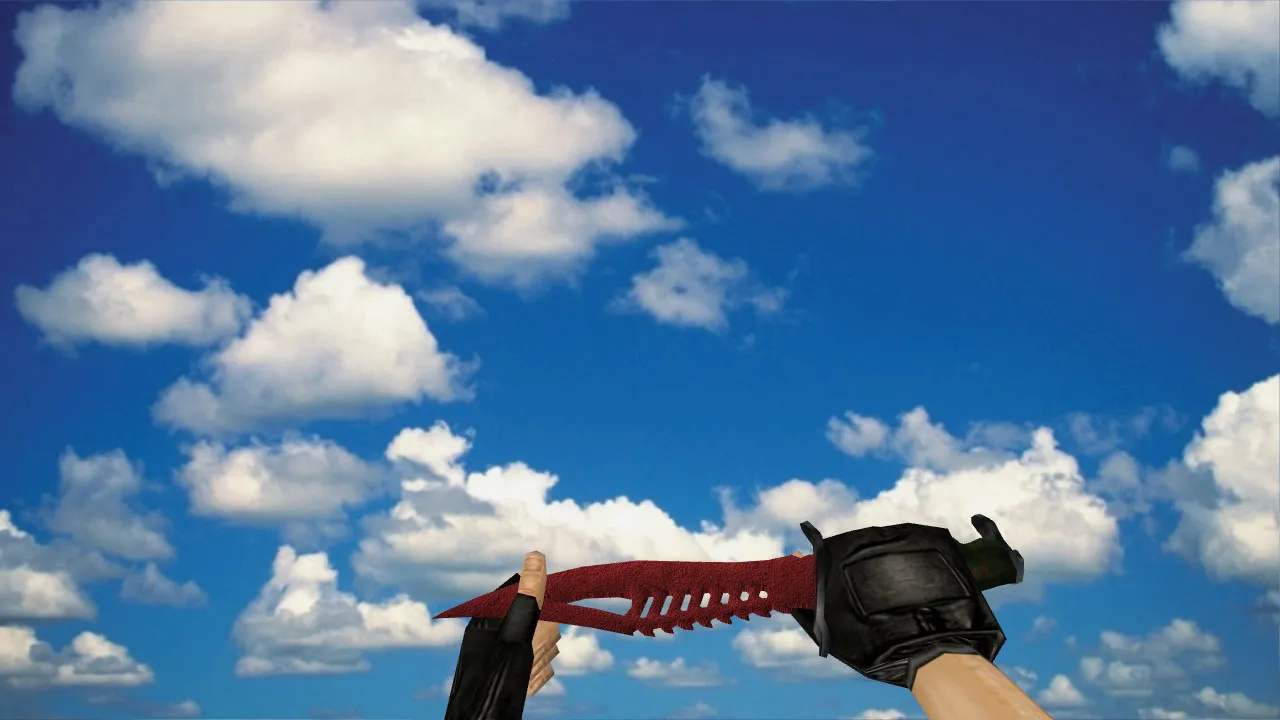
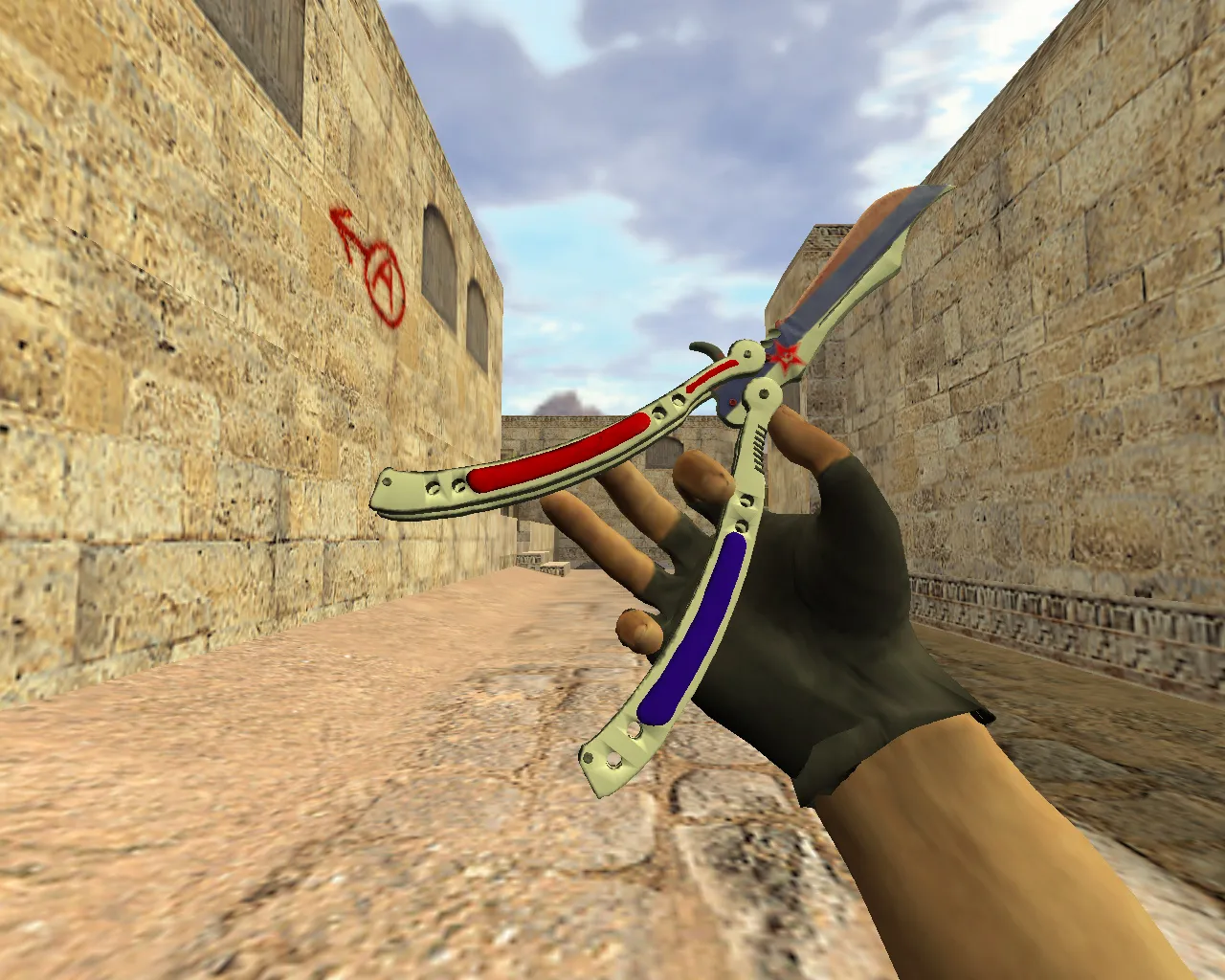
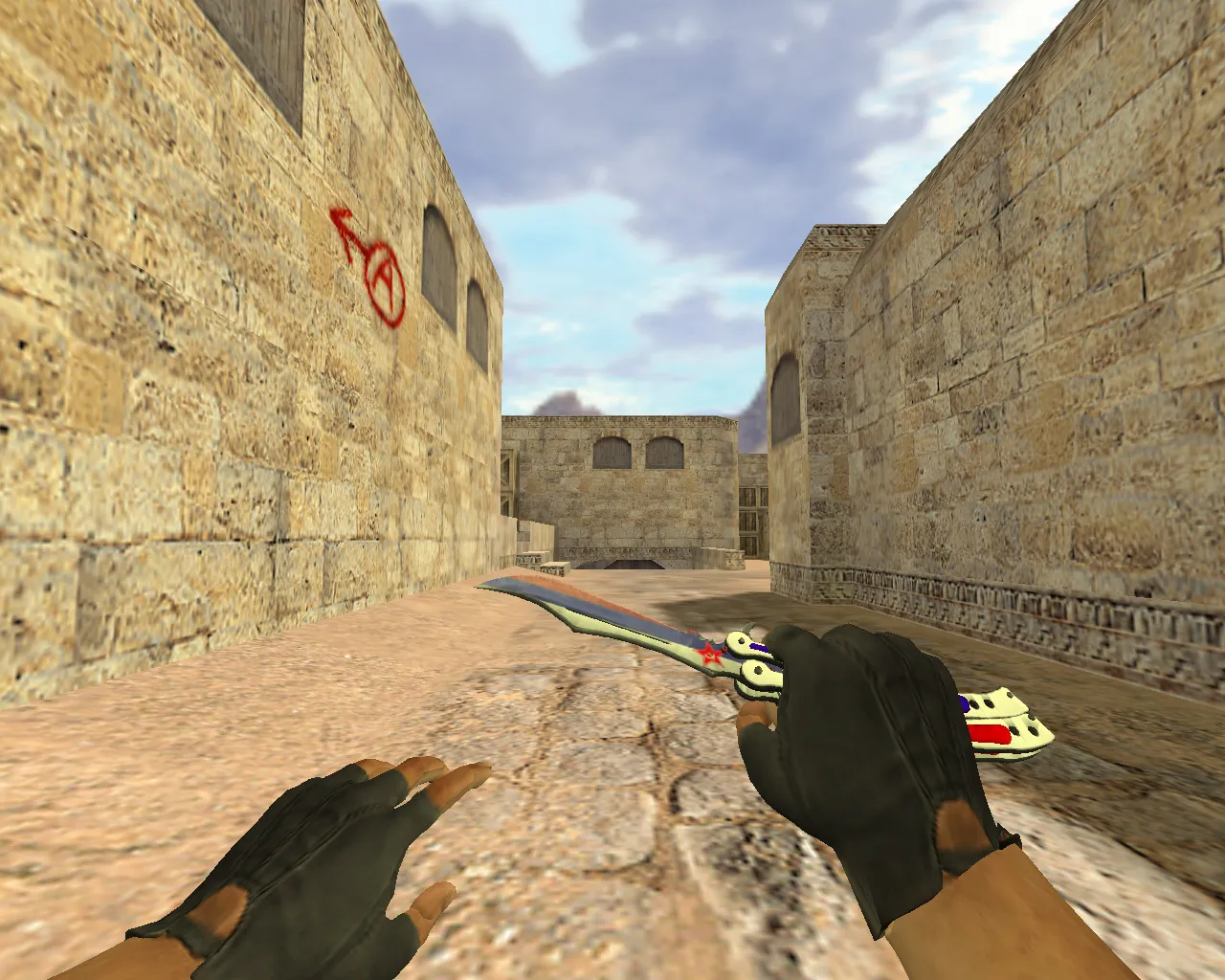
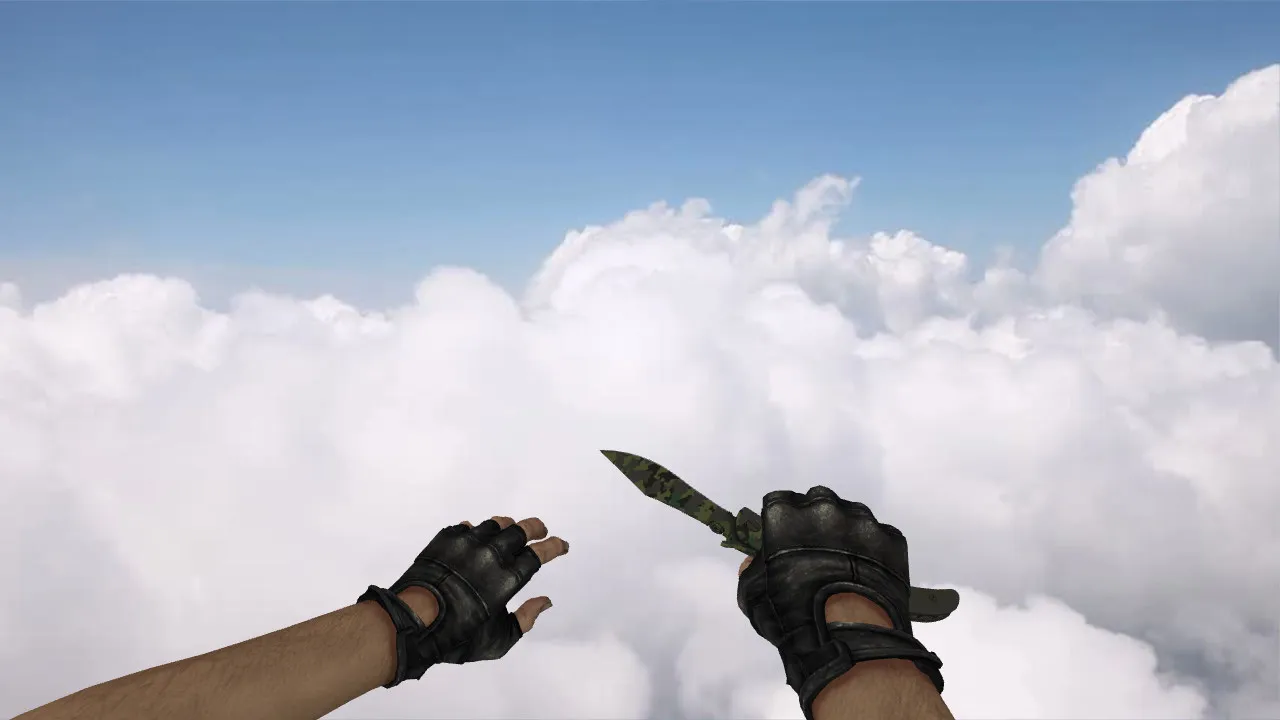
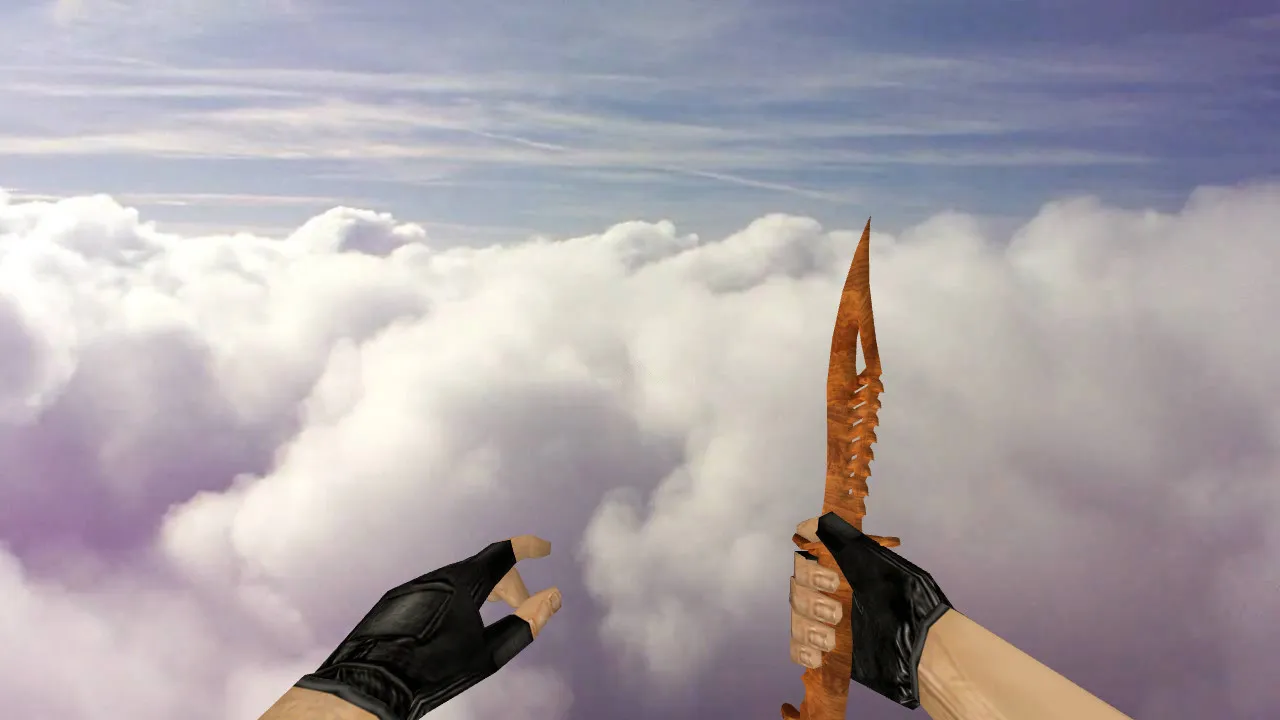
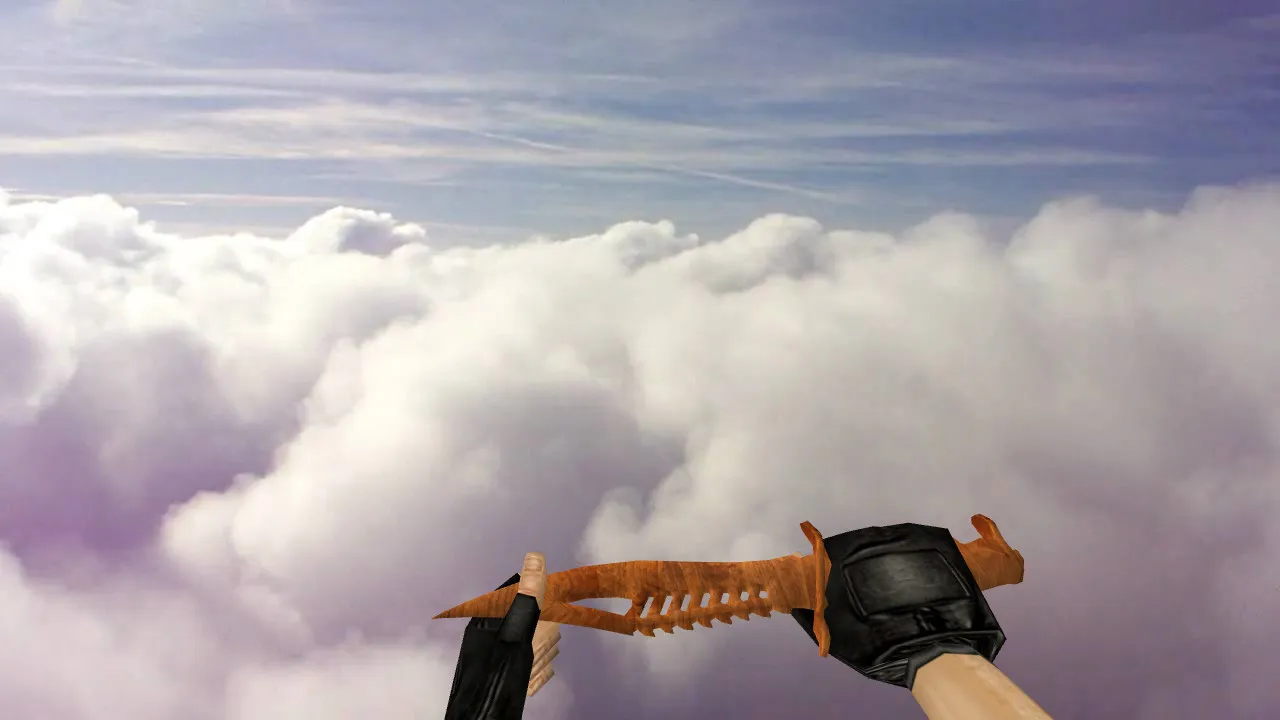
The Nautilus Wooden knife is aimed at CS 1.6 players who want a reliable weapon model in hand. Designed to replace v_ and p_ models, it renders correctly in first-person view and during inspection sequences. Packages usually ship with custom sounds and inspect animations that replicate stock weapon behavior. Textures focus on in-fight readability, featuring crisp edges and detailed rendering to prevent blurring or low-resolution artifacts.
This knife provides quick swings, responsive feedback, and a clean hand model. In dim environments, the silhouette remains distinct without smearing. The design emphasizes outline sharpness and edge definition. The model delivers a unique aesthetic while staying true to CS 1.6's style-no warped proportions or strange reflections.
Compatibility: v_, p_, w_ Models and Verification
Inspect the archive contents before installing. For CS 1.6, you should find these files:
- v_ - first-person view in hands
- p_ - hand view for specific actions
- w_ - world model on the ground or when dropped
Confirm sound files and inspect animations are present. If audio folders exist, knife draws and attacks should trigger the correct effects. The inspect animation should play smoothly, without stuttering or freezes. The polygon count is optimized for high-FPS performance, ensuring no frame drops during close-quarters combat.
Safe Installation in CS 1.6
Install carefully to avoid problems. Avoid auto-loaders and do not overwrite unknown configurations. Follow these steps:
- Back up current weapon files for a quick rollback
- Place v_, p_, w_ models into the correct weapon directories
- Ensure no conflicts with other knife modifications
- Restart the game and test in training mode for inspect and audio checks
Test in a live round next. If the model glitches, restore the originals and double-check file paths. A safe setup means you can revert to stock in minutes. This mod contains no viruses, no slow-hacks, no ads, and no auto-connect features-just clean files for CS 1.6.
Configuring Display and Boosting FPS
Performance relies on more than hardware; config clutter and outdated settings can degrade it. For smooth operation with this model:
- Keep a clean config.cfg
- Adjust rates like 100k if using custom values
- Set ex_interp 0.01 for improved responsiveness
- Monitor FPS in your usual play areas
Works with Steam or Non-Steam versions. Stay inside mod folders only-never replace core game files. Hitbox alignment remains stock-accurate, with the wooden texture improving visibility in dark map corners like de_dust2's tunnels.
Practical Use of the Knife in Gameplay
In CS 1.6, the knife handles fast rushes and close-range finishes without reload delays. The model ensures predictability-inspections show steady hands, no shifts or texture glitches. Nautilus Wooden emphasizes a wooden, nautical theme within game limits. You get distinct visuals and functional animations, keeping it server-friendly. Install, test, and play with it. Compatible across builds like 4554 or 8610, with MasterServer support intact.
For knife-only servers or mixed play, this v_ model improves silhouette clarity against ESL-style backgrounds. Custom sounds add immersion without altering core mechanics, and the 512x512 textures scale well to HD without polygon bloat. Pair it with a no-recoil config for precise slashes in scenarios like cat-and-mouse on de_inferno's close sites.
Install in three steps
-
1
Download the archive. Use the button on the right, or the Yandex.Disk mirror if the main server is slow.
-
2
Extract it into the game folder. Use 7-Zip or WinRAR. A path without non-Latin characters works best.
-
3
Launch the game. If something doesn't work, mark it below - that is how we know the file needs an update.
Did it work for you?
No sign-up needed. You can pick more than one.