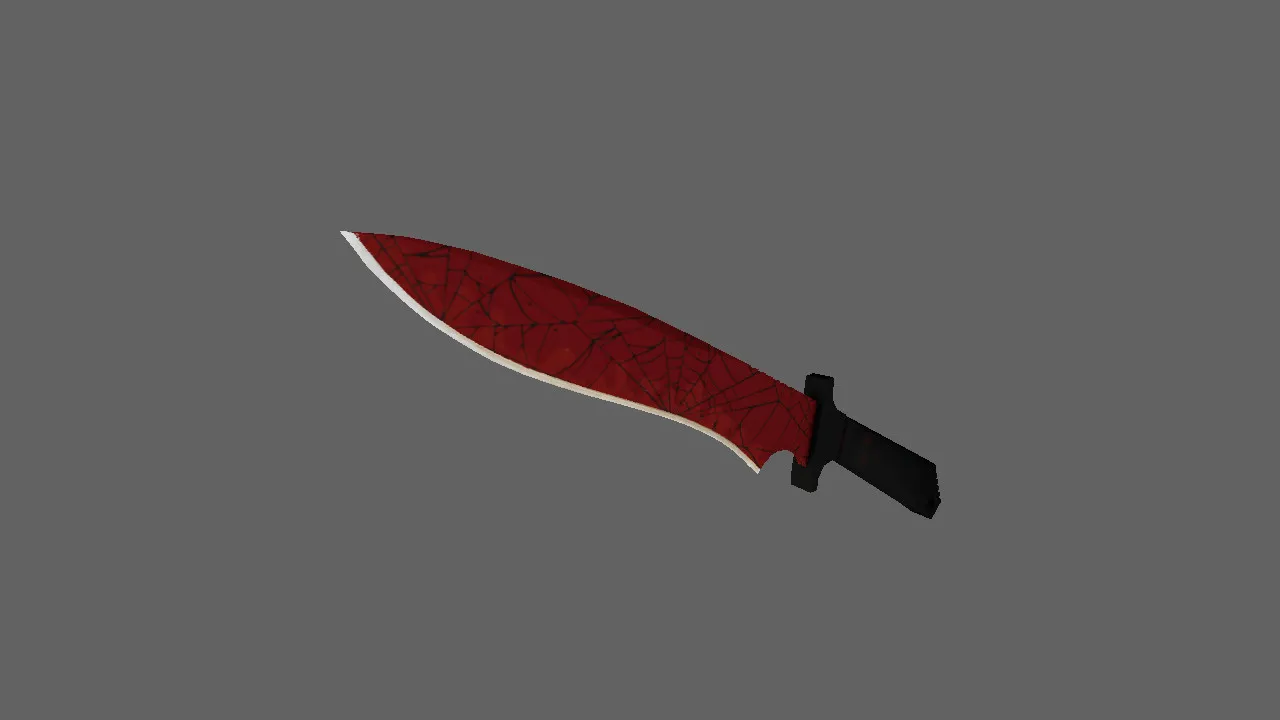
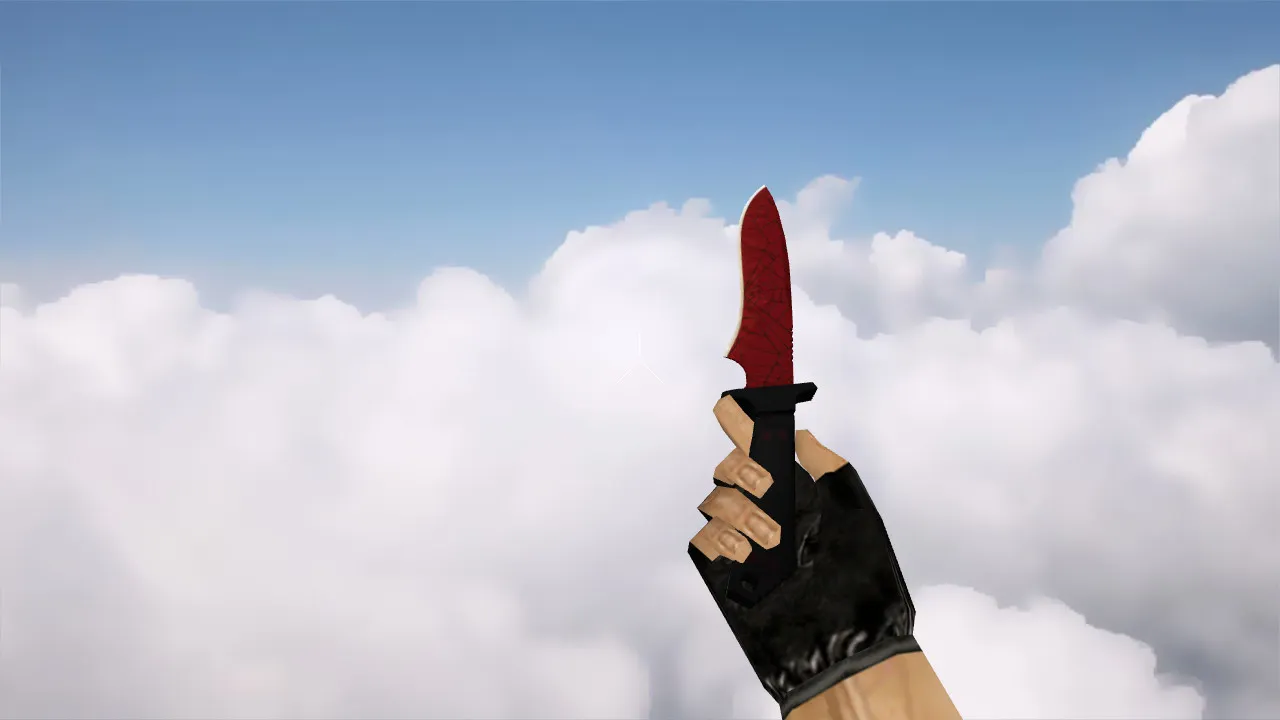
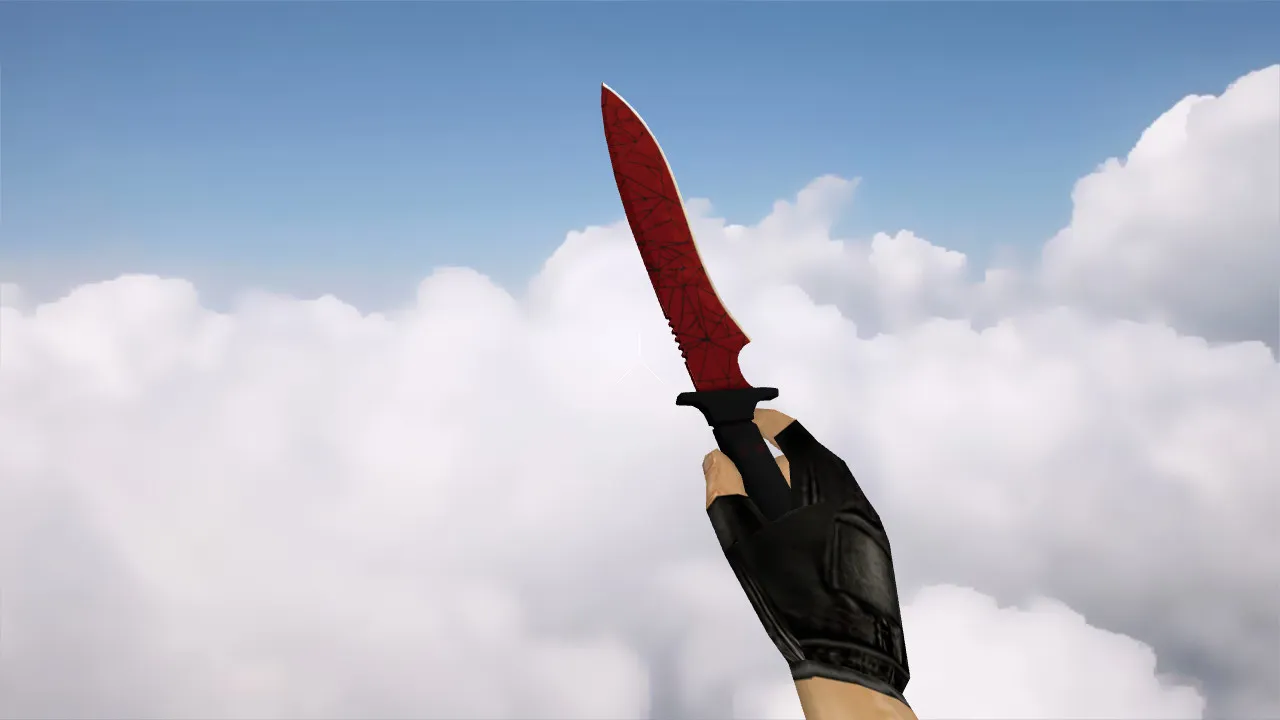
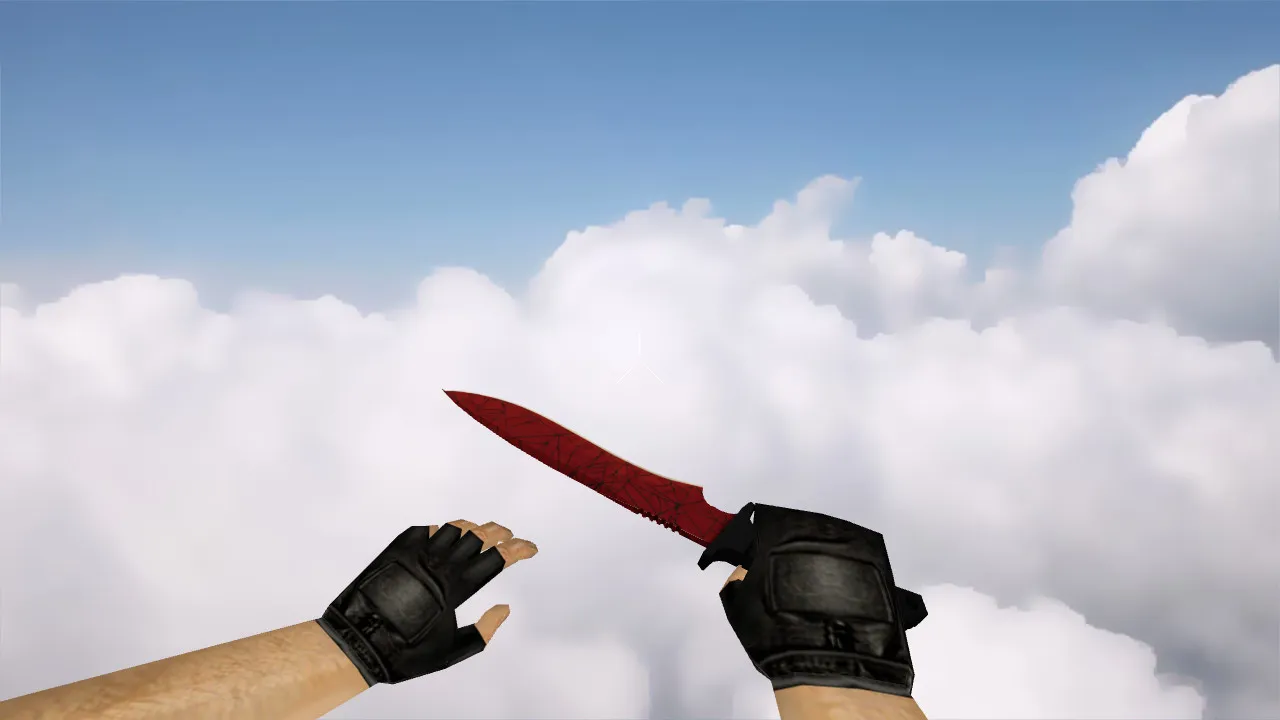
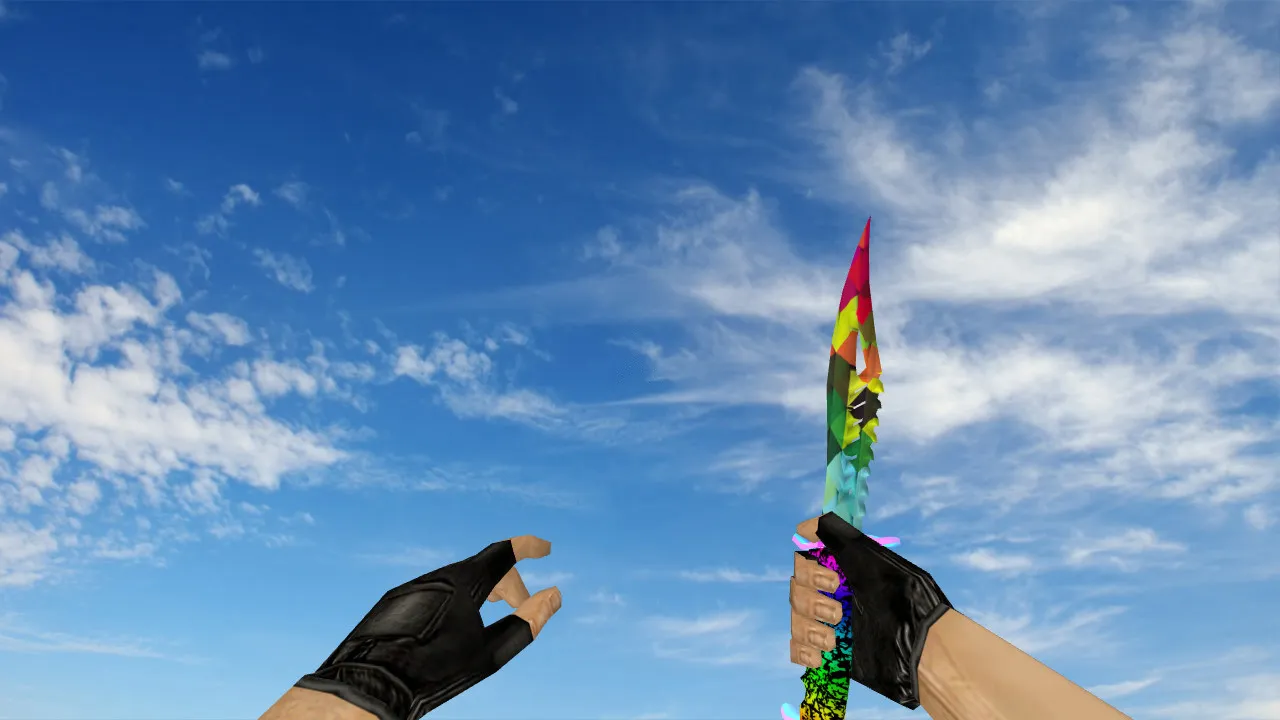
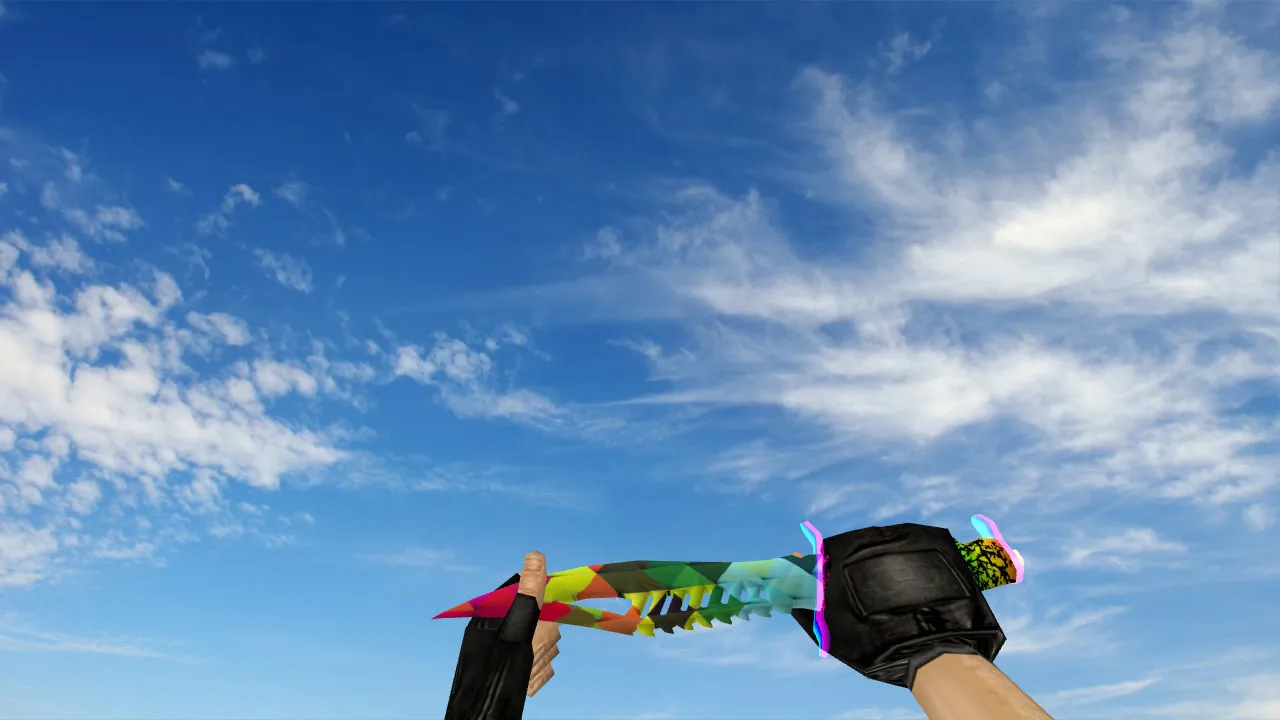
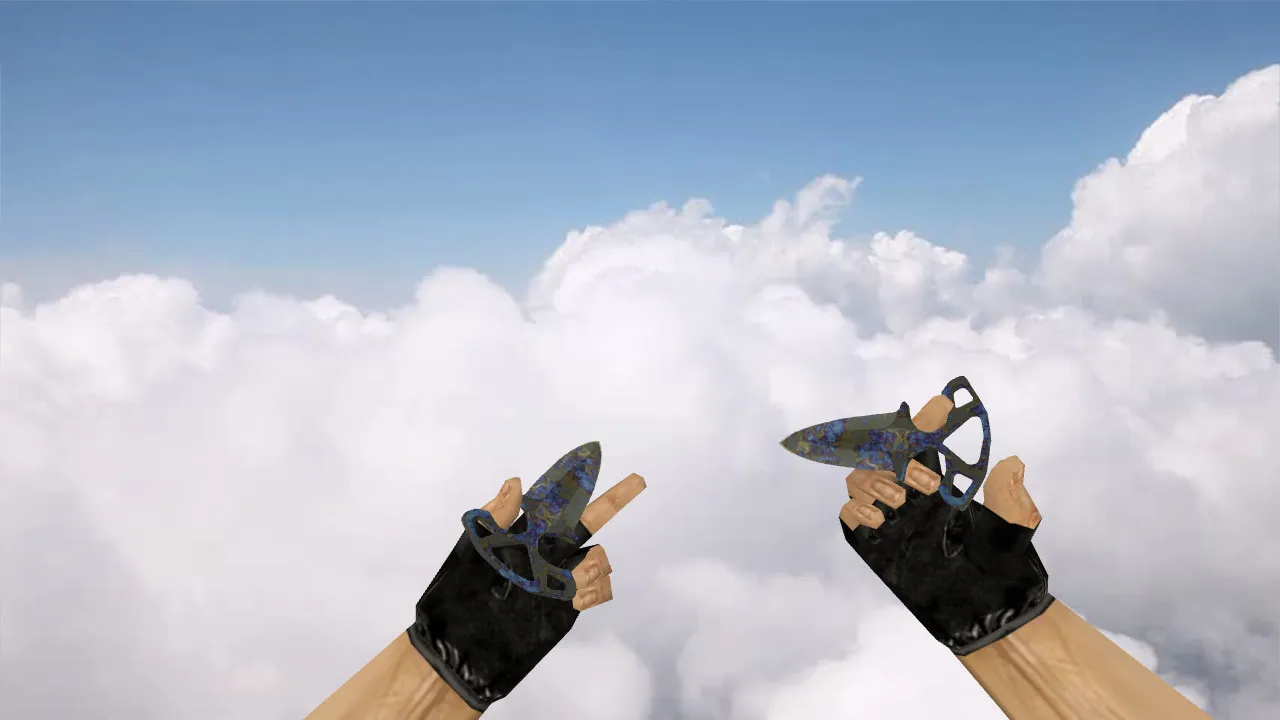
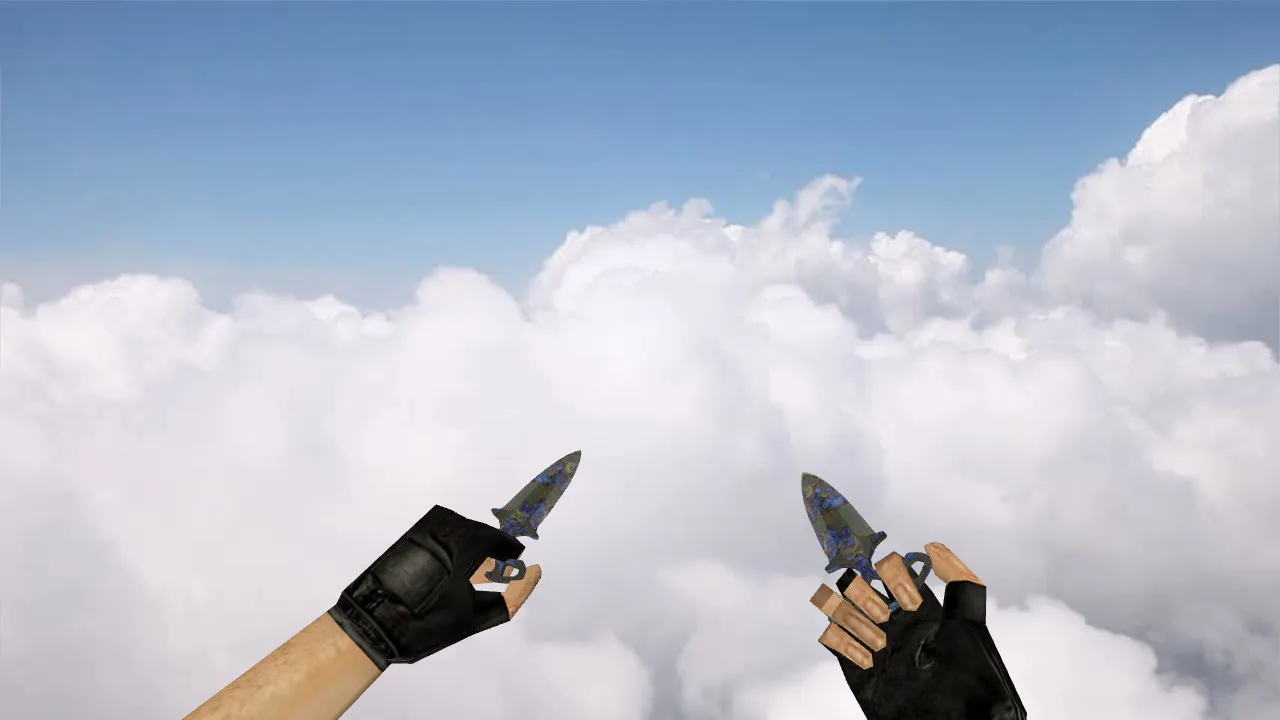
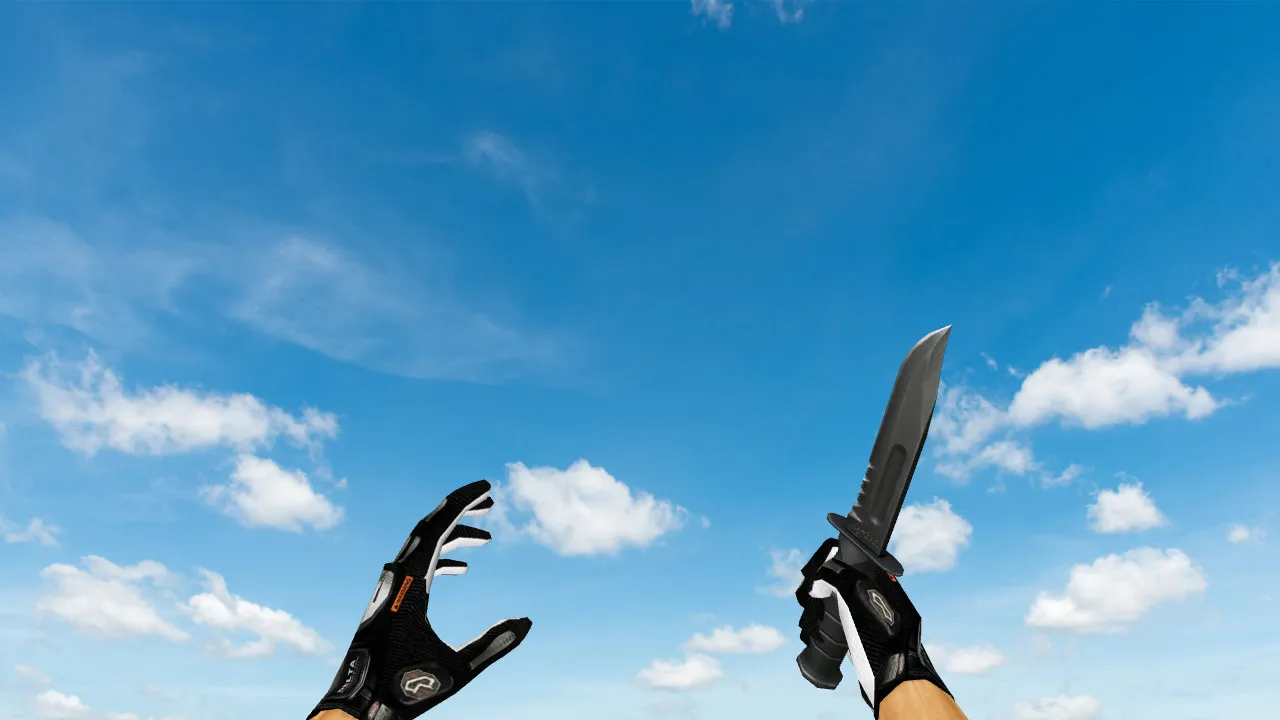
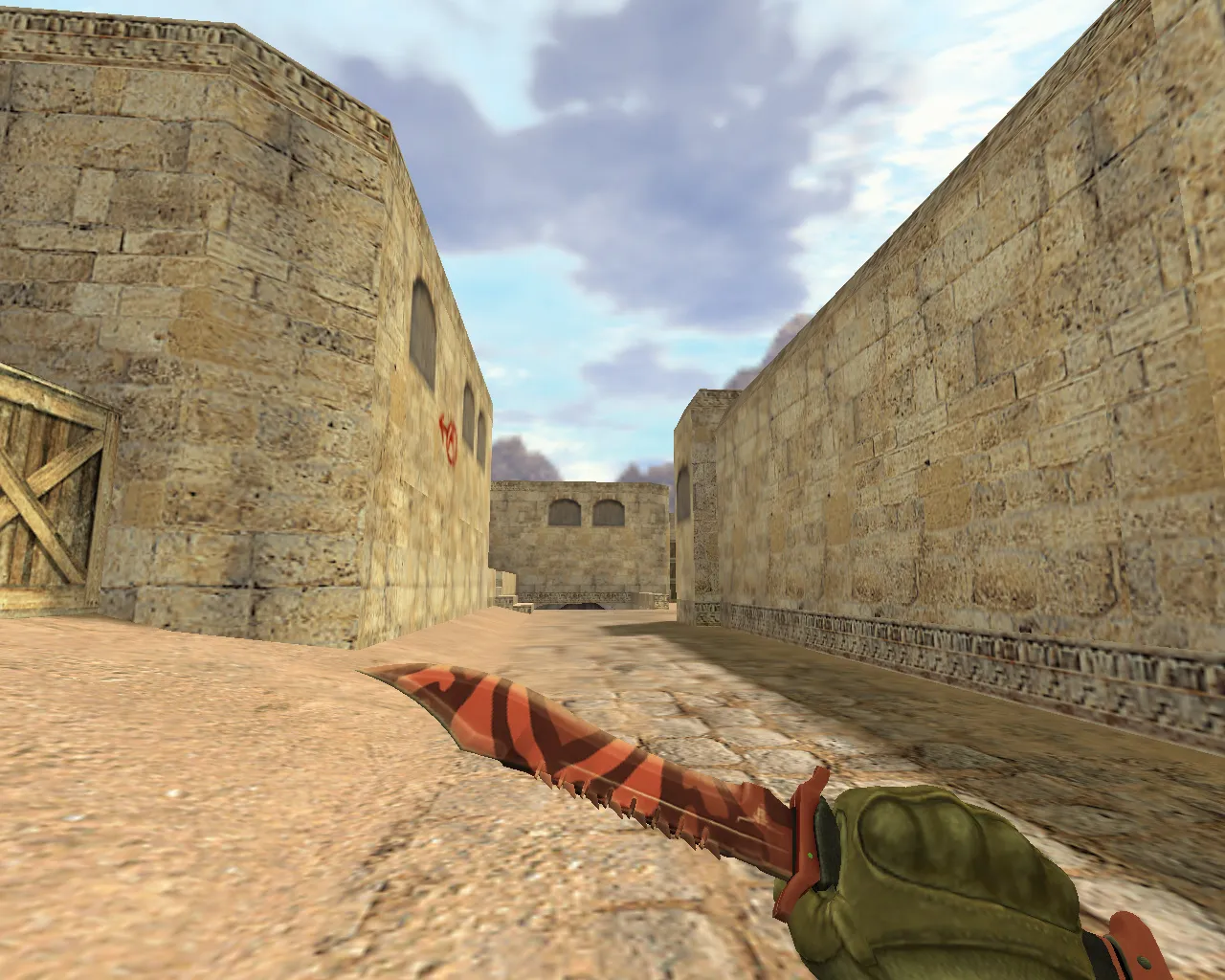
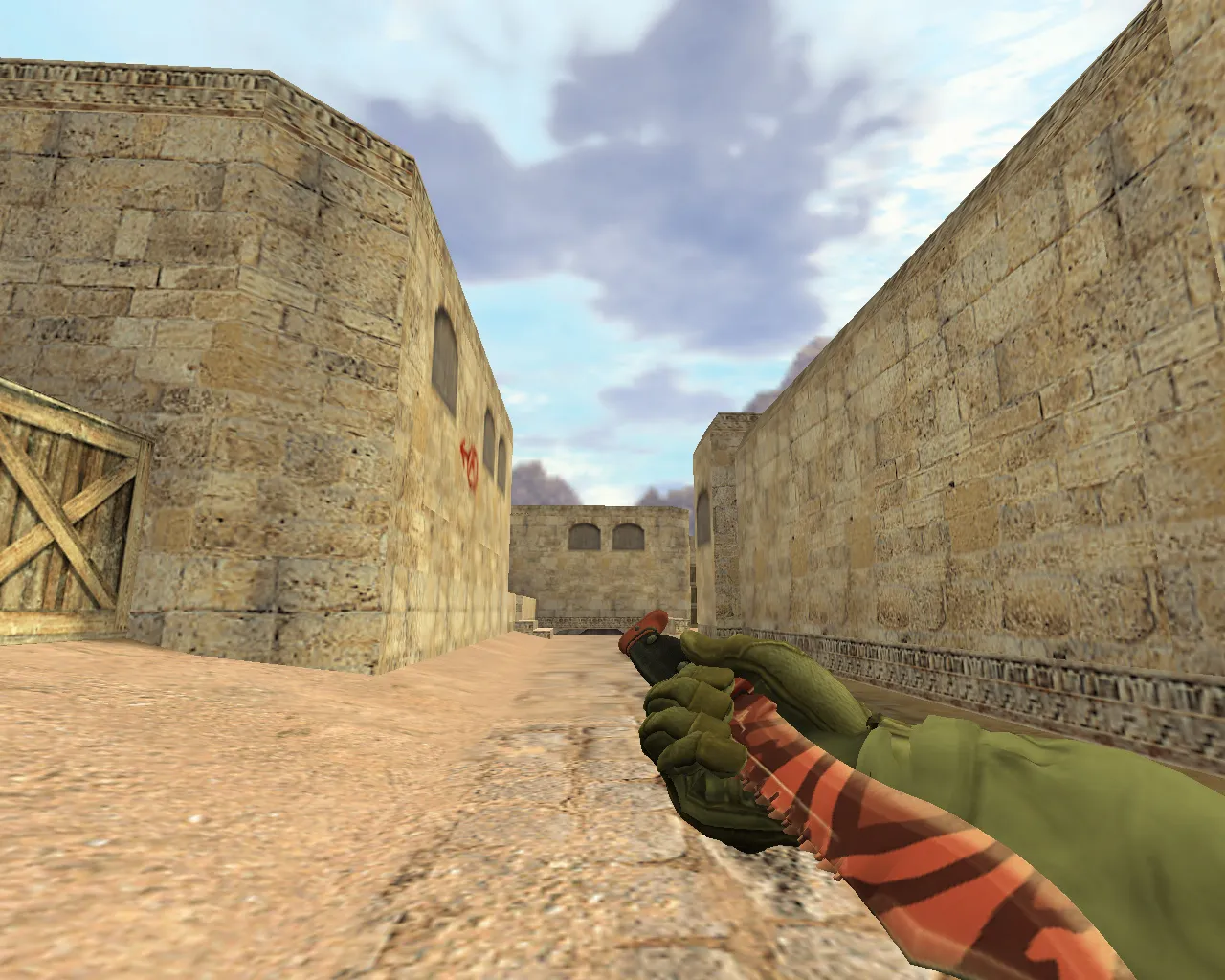
Flame Push Knives Model v_, p_, w_ for CS 1.6: Inspect Animation, Sounds, Textures
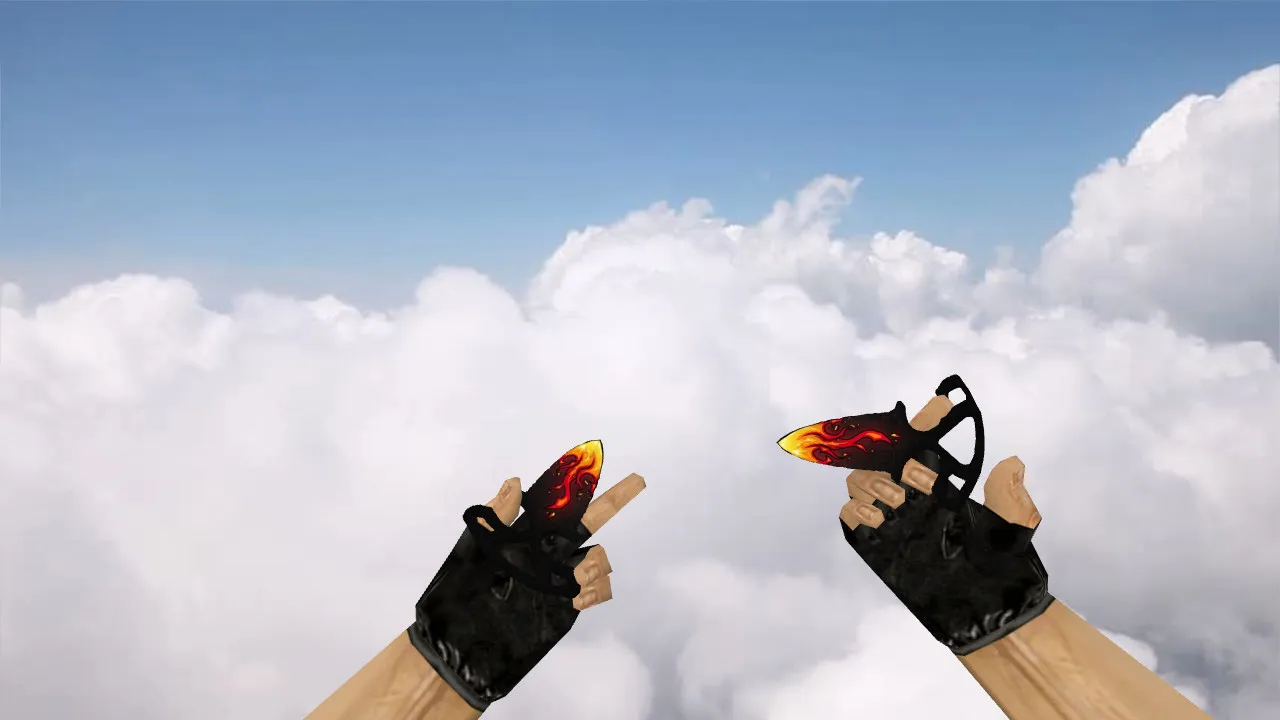
Description
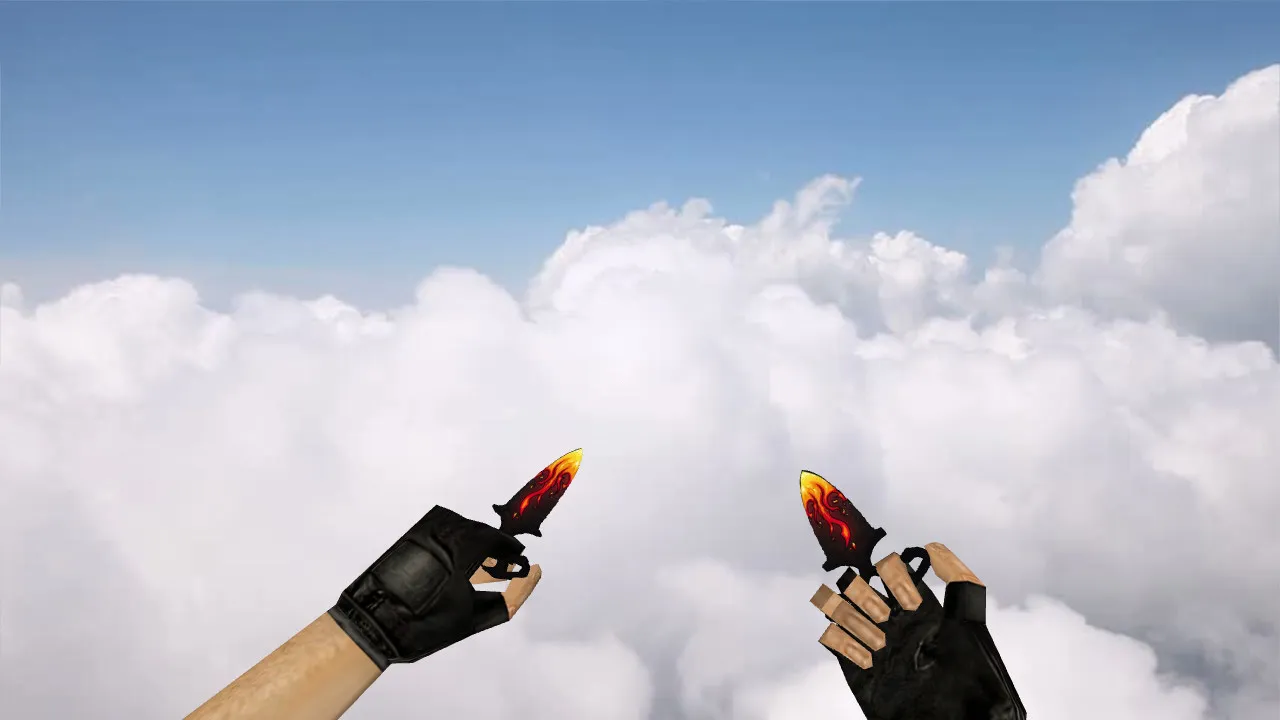
Flame Push Knives Model for CS 1.6
These Flame Push Knives act as a straight swap for the standard knife in CS 1.6, so the model fits right in without messing up gameplay when it matters most. In CS 1.6 the knife pops up constantly during fast weapon swaps, buy-menu checks, or circle-strafing around maps. Model quality, texture sharpness, and smooth inspect animations all affect how the weapon feels and how well you can see it. This pack focuses on correct file linking and hand-aligned visuals for dependable performance.
The download supplies the usual v_, p_, and w_ prefixed models. That covers first-person view (v_), other-player projection (p_), and world pickup display (w_), keeping the blade consistent from every angle. CS 1.6 also needs matching sounds and predictable animation behavior. The knife reacts accurately during inspections, switches, and close-range fights, with a polycount tuned to stop frame drops in high-FPS situations.
Textures run at 512x512 for crisp detail without jagged edges, staying visible in dark map spots like de_dust2's tunnels or de_inferno's corners. Hitbox alignment follows vanilla CS 1.6 standards, avoiding misalignment that could hurt melee accuracy. Custom inspect animations loop fluidly, adding a bit of flair without changing core mechanics such as swing speed or stab range.
Pre-Installation Checks
To dodge crashes or mod conflicts, install carefully. This mod contains only model files-no auto-connect scripts, ads, or third-party loaders. Place everything manually in the CS 1.6 folders for a clean setup.
- Verify file structure: Make sure v_knife.mdl, p_knife.mdl, and w_knife.mdl paths line up with the cs16 models directory.
- Match filenames: Clear the cache so old versions don't load from temp folders or earlier installs.
- Test sounds: Confirm stab clicks, swing whooshes, and idle steps match CS 1.6 audio profiles without distortion.
- Monitor console: Start the game and watch for model load errors like 'missing sprite' or 'wad file mismatch'.
- Inspect animations: Cycle through views; animations should play without jitter or clipping on the v_ model.
If you run several mods, add this knife separately and test in single-player or a local server first. That isolates conflicts like overlapping .mdl files or config.cfg overrides, letting you fix them before going online.
In-Game Performance
The Flame design works well as a knife replacement because its readable flame patterns stay visible during movement and angle changes. In CS 1.6 the knife ties into pacing-showing up for quick closes, round-ending finishes, or timed rushes. Textures stay sharp on highlights without blurring, and geometry avoids hand distortions for precise v_ model rendering.
Think about lighting differences across maps. CS 1.6 environments range from bright bomb sites to shadowed vents; the model's balanced colors prevent washout in dim areas, preserving outline clarity over vanilla textures. Polycount stays under 1500 tris for smooth performance on older rigs, with no impact on no-recoil configs or hitbox precision during knife duels.
For tactical use, the inspect animation adds utility without slowing transitions. Pair it with a clean config.cfg for Steam or Non-Steam clients, ensuring compatibility with Build 4554 or 3266. In tight spaces like cs_office corridors, the w_ model drops naturally into world view, helping third-person awareness in spectator modes.
Safe Installation and Testing
Extract manually to CS 1.6's models and sound folders-skip auto-run archives to avoid viruses or bloat. After installing, load a map, switch to the knife, run inspect cycles, and practice melee fights against bots. If animations trigger cleanly and sounds sync, the mod is ready for matches.
Keep a fresh config.cfg to dodge instability from mixed builds or server-side file swaps. Test on local servers first to confirm no MasterServer issues or loading hitches. This approach guarantees the Flame Push Knives improve CS 1.6 sessions without risks, focusing on ESL-style visibility and zero-interference mods.
Expand your knife arsenal with this model for better dark-area spotting and animation polish. Compatible across vanilla and modded clients, it slots into any loadout without altering balance.
Install in three steps
-
1
Download the archive. Use the button on the right, or the Yandex.Disk mirror if the main server is slow.
-
2
Extract it into the game folder. Use 7-Zip or WinRAR. A path without non-Latin characters works best.
-
3
Launch the game. If something doesn't work, mark it below - that is how we know the file needs an update.
Did it work for you?
No sign-up needed. You can pick more than one.