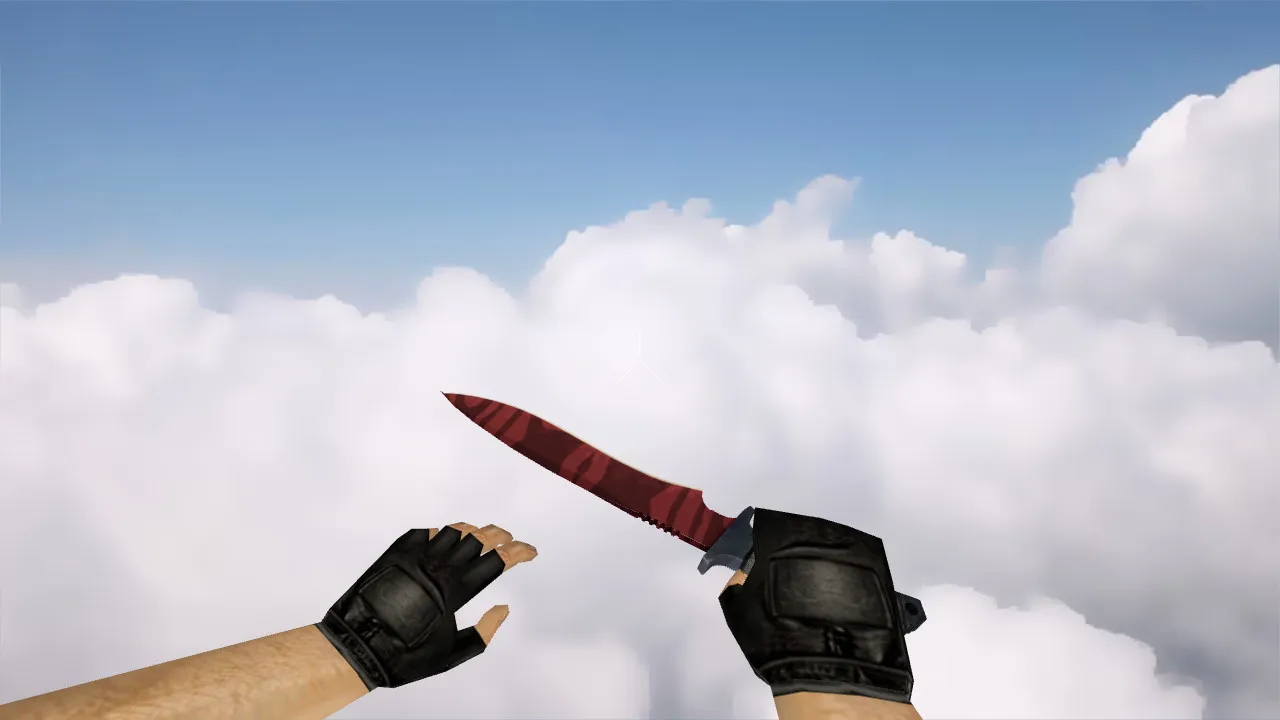
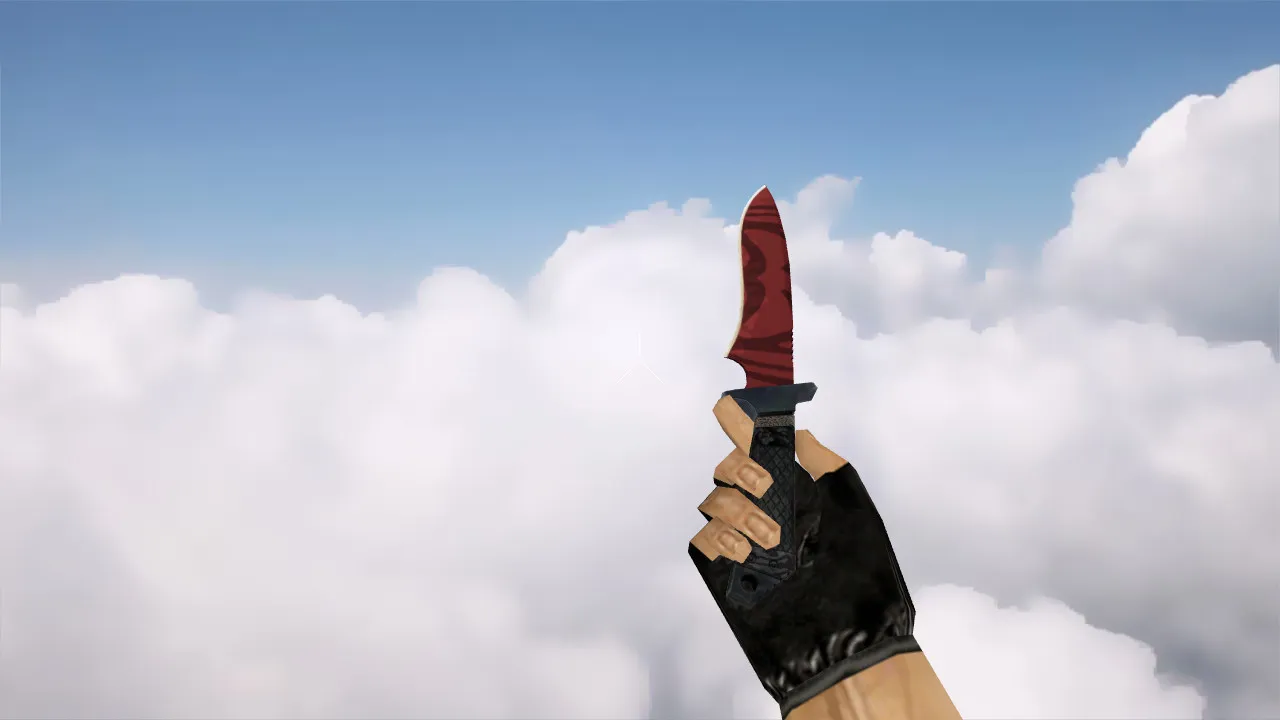
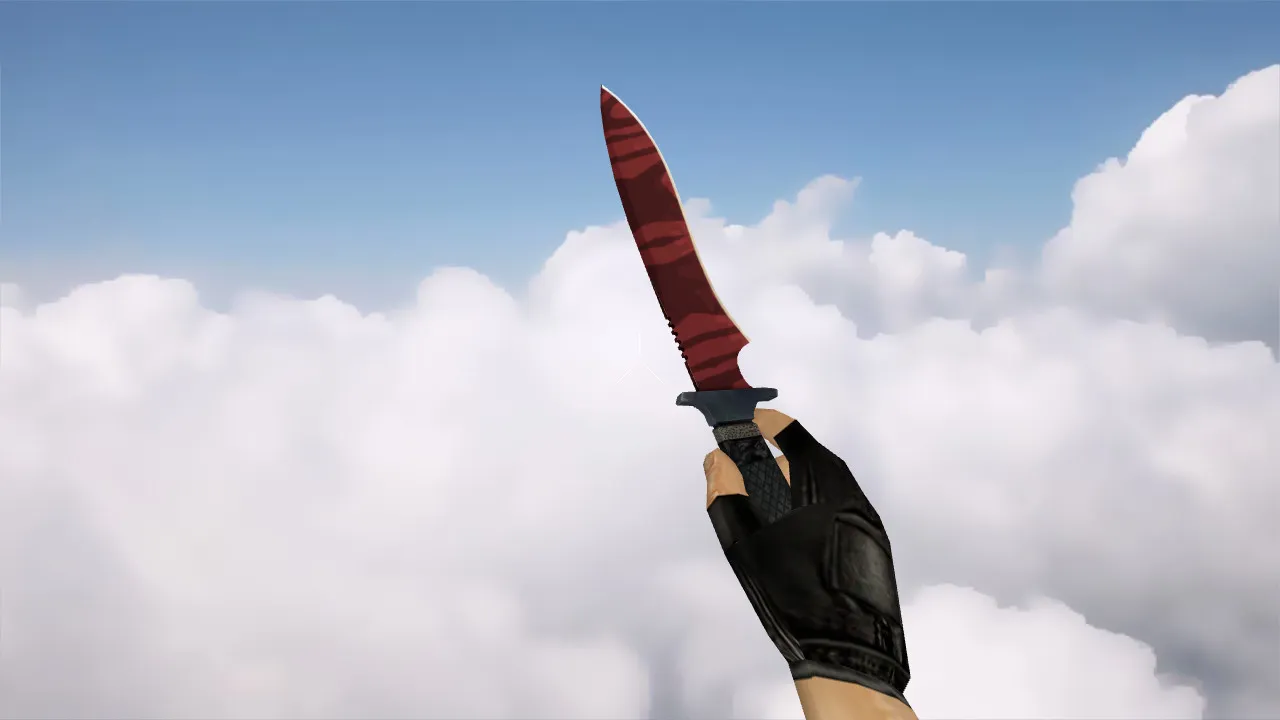
Russia Butterfly Knife Model for CS 1.6: v_ p_ w_ Models, Sounds, and Inspect Animation
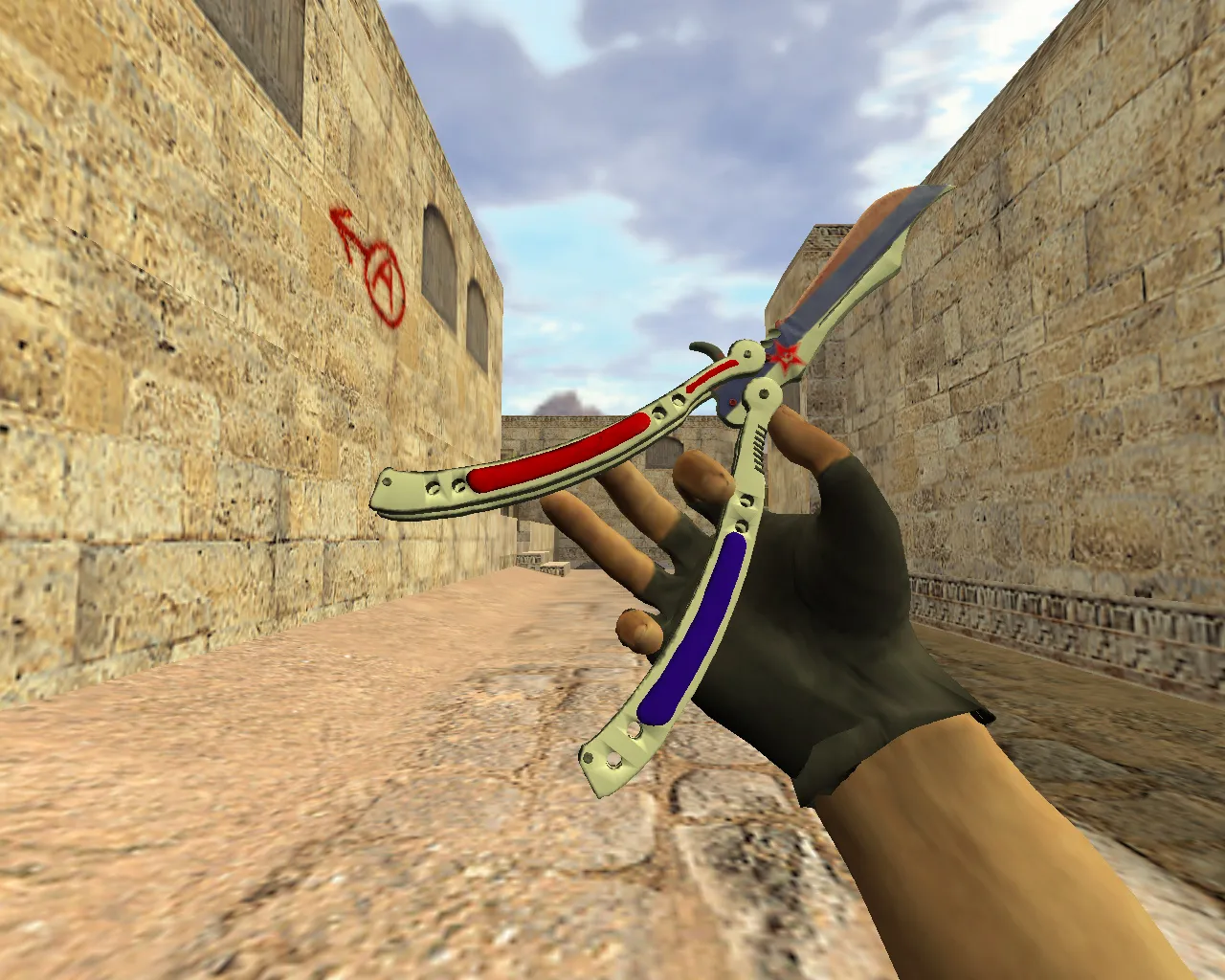
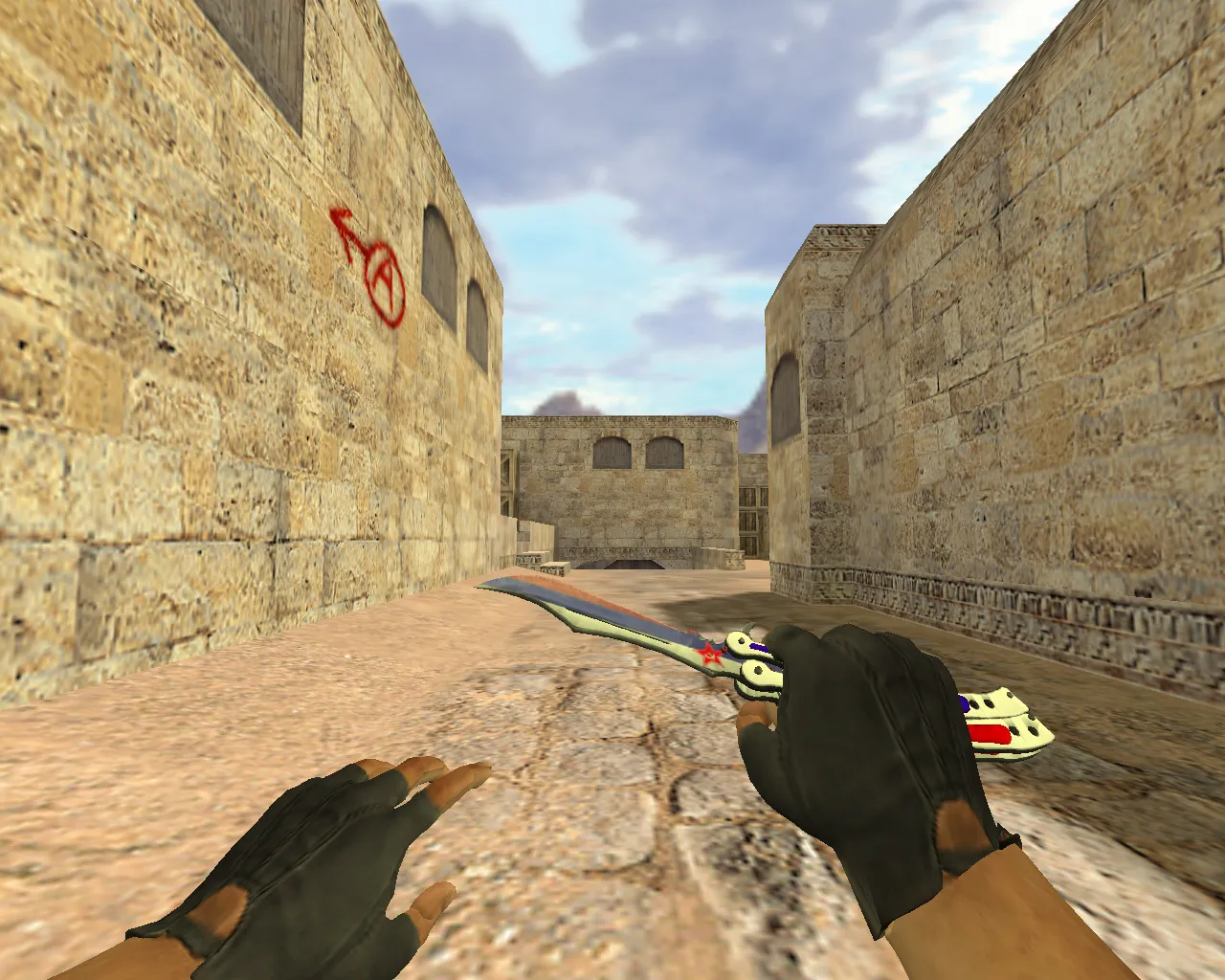
Description
Russia Butterfly Knife for CS 1.6: Contents and Setup Instructions
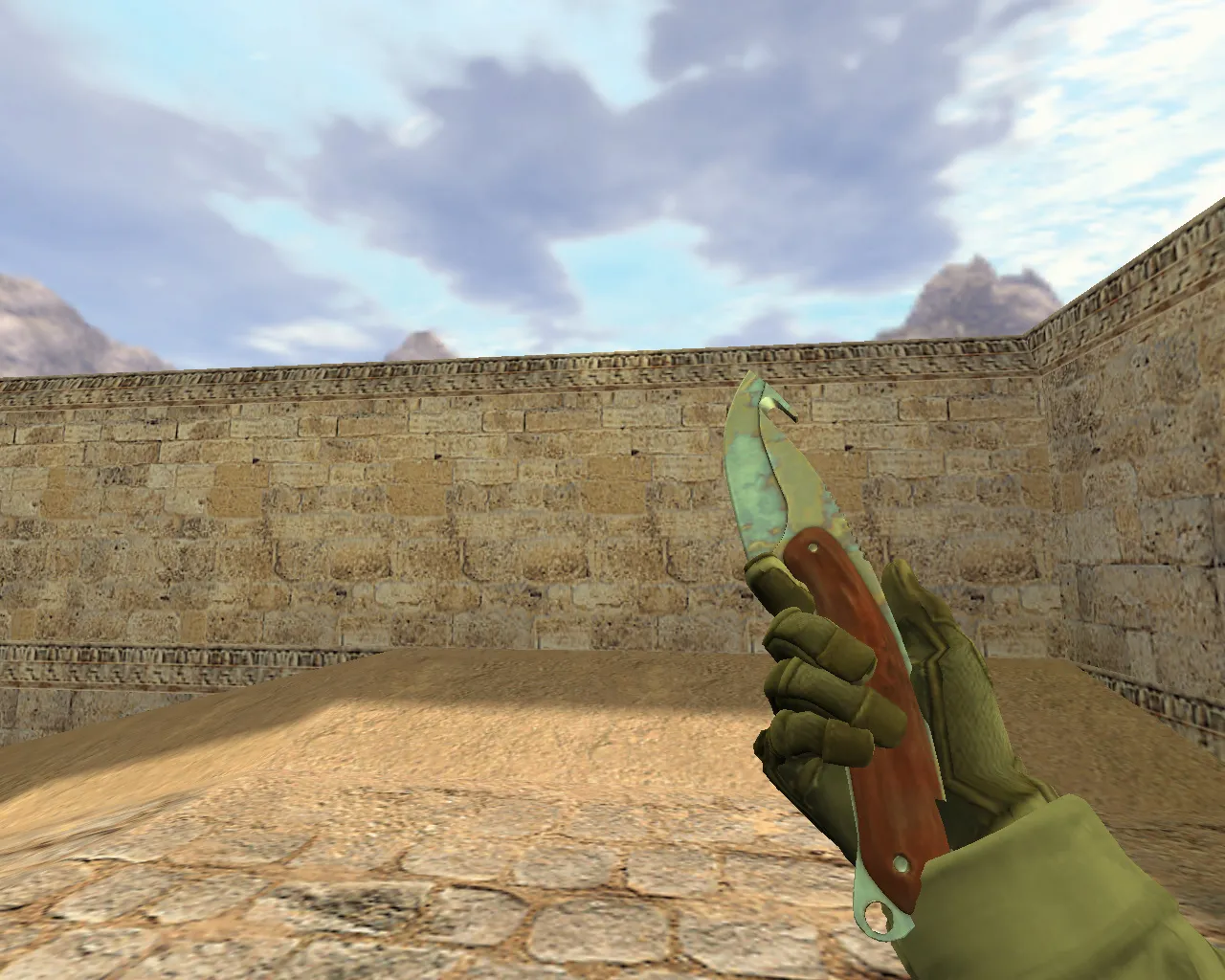
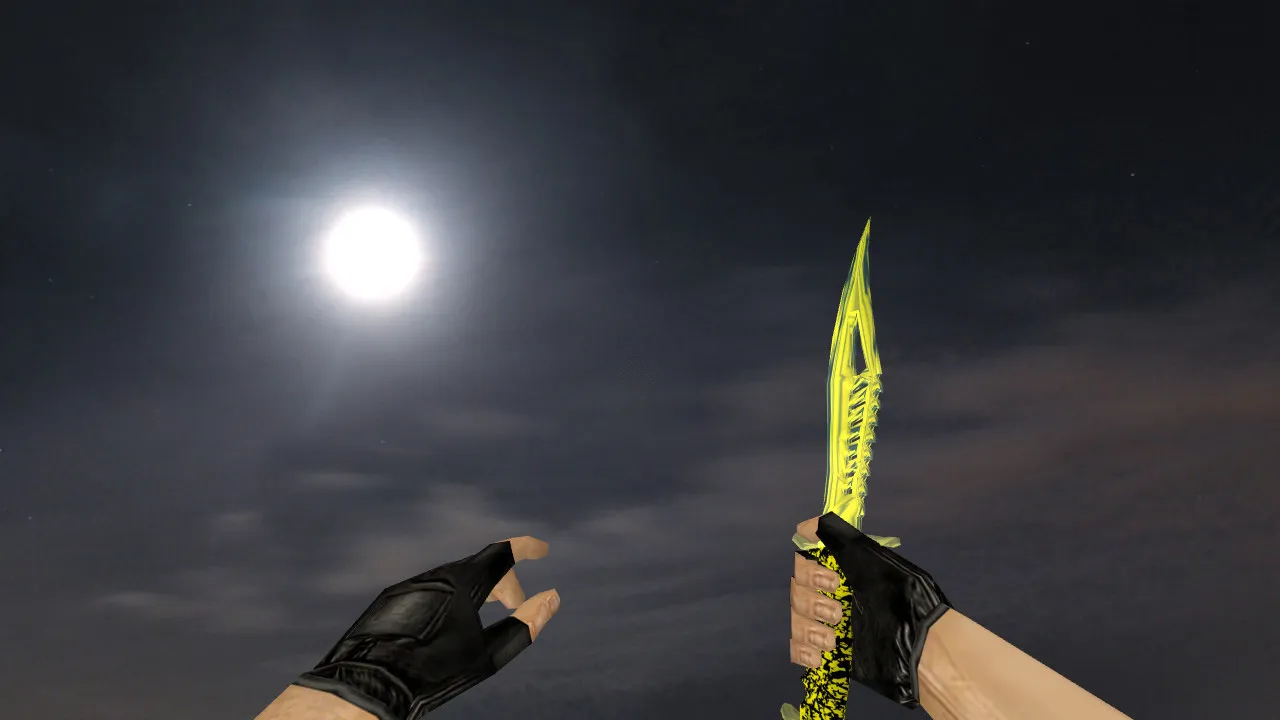
The Russia Butterfly Knife model is engineered specifically for Counter-Strike 1.6, delivering smooth performance during matches. It relies on the standard model layers: v_ for the first-person perspective, p_ for the player's hand view, and w_ for third-person hand displays and screen representations where required. This structure ensures stable rendering throughout gameplay and on servers without glitches.
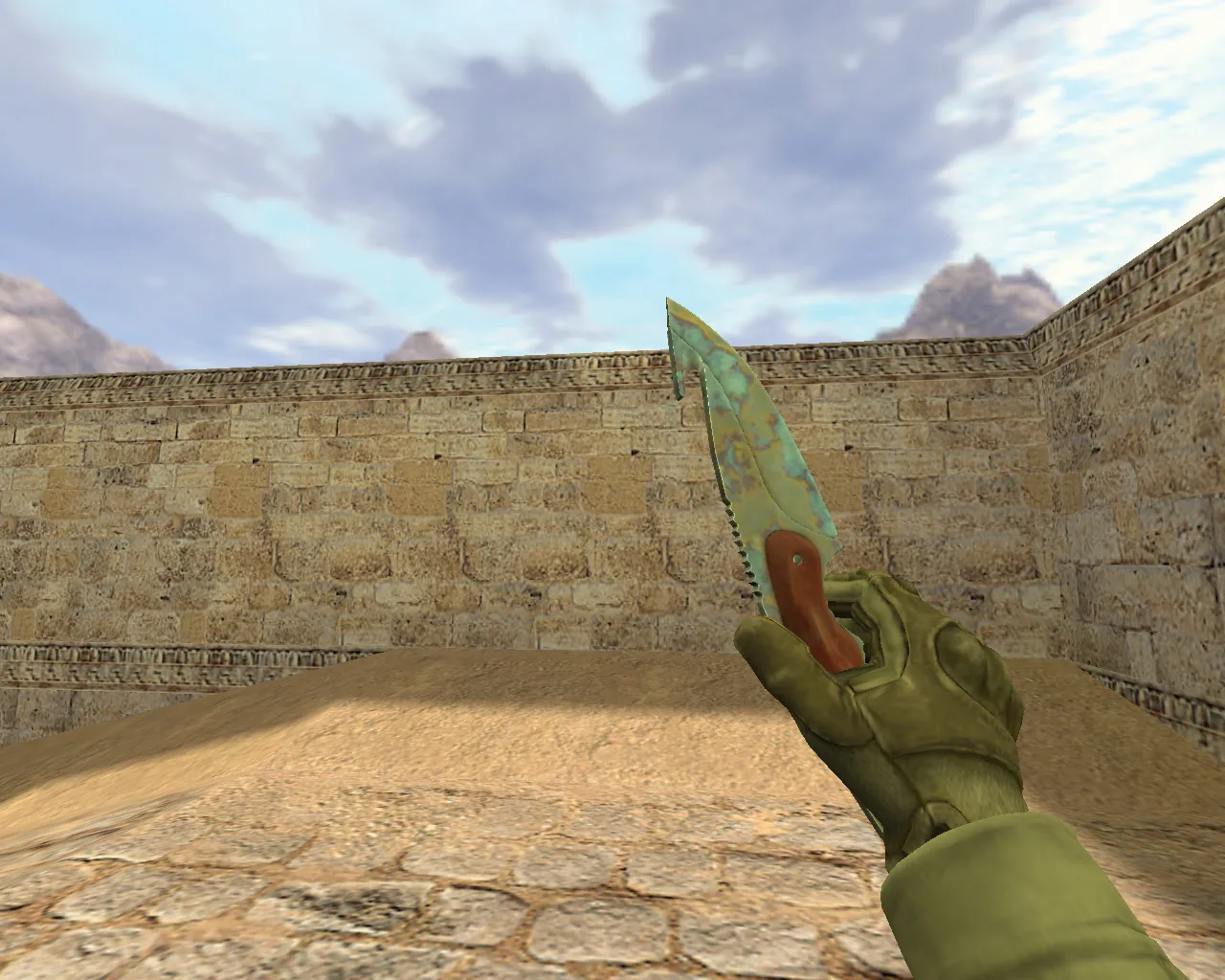
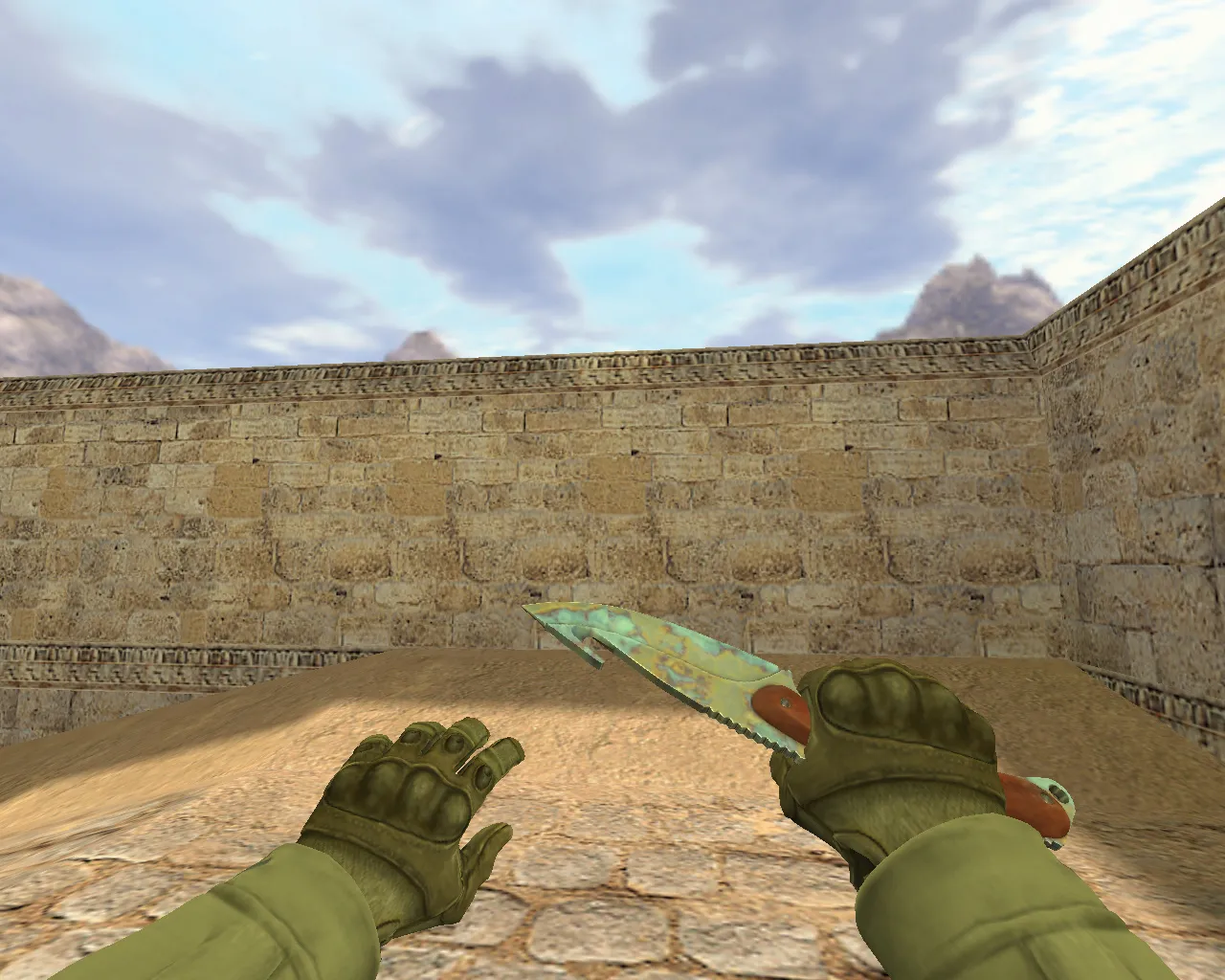
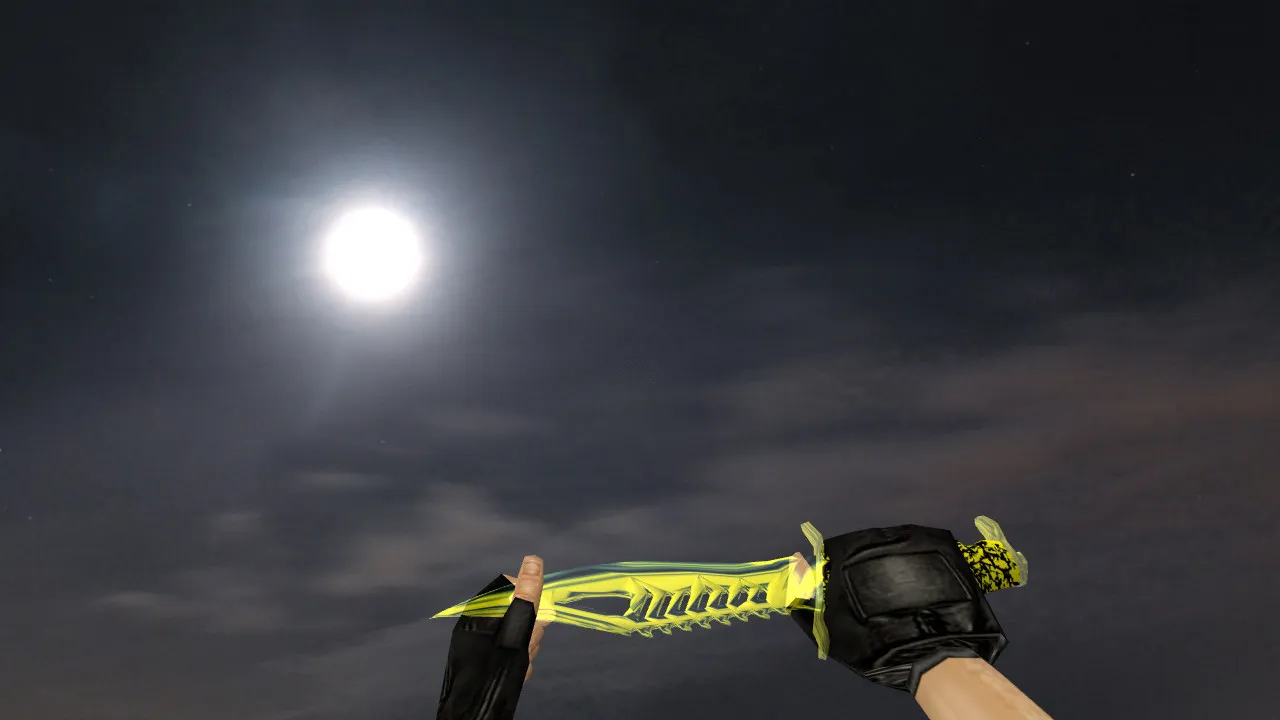
Aside from the blade geometry, this package includes visual details and gameplay adjustments that are immediately noticeable. It comes with custom sounds and an inspect animation, making weapon switching and inspection feel natural. Textures resist blurring and detail loss during motion. The inspect animation offers clear pattern visibility, and the overall geometry remains intact under camera rotation without distortion.
In-Game Look and Performance
Within CS 1.6's rapid pace, the Russia Butterfly Knife retains clarity at long range, even when recoil shakes the display. The skin highlights the Russia pattern while integrating the hand grip seamlessly. It works well with configurations that prioritize smooth frame output and stability.
Crucial to its design is correct positioning and consistent form. In CS 1.6, this influences hitbox alignment in close-quarters combat and model behavior during animations. The model synchronizes what you see with how the game registers the weapon, preventing mismatches that could affect melee accuracy.
The polygon count is optimized for high-FPS performance, avoiding frame drops during intense firefights. The v_ model excels in first-person view, featuring HD textures at 512x512 resolution for sharp edges on the Russia motif without straining older hardware. The inspect animation loops smoothly, syncing sounds such as flips and whooshes to boost immersion without lag.
Safe Installation: No Risks, No Auto-Connect
Install by manually replacing files. Begin with a clean CS 1.6 directory to prevent conflicts with other knife modifications. No viruses, no slow-hack scripts, no advertisements-only pure model files.
- Back up your existing knife files for an easy rollback.
- Copy model files into the models folder following the archive structure.
- Confirm v_, p_, and w_ files are correctly named and placed.
- Add any included textures to their respective directories, keeping them separate from other skins.
- Launch the game and test the inspect feature in the inventory. If animation and sounds trigger correctly, the setup is complete.
Avoid servers with strict model checks or filters. On standard configurations, it runs fine, but match local files to server rules if necessary. Compatible with Build 4554 and 8610, both Steam and Non-Steam versions.
Setup Tips for Stability and FPS
Keep your usual CS 1.6 graphics settings for consistent performance. If high detail or dense effects are enabled, monitor FPS after installation-no drops are expected with this low-polygon model. Use a clean config.cfg alongside the knife, avoiding extra mods that could conflict.
Test first in single-player or a local server to verify v_, p_, and w_ behavior under your configuration. This catches issues early before entering online matches. For no-recoil setups, the model's hitbox accuracy supports precise melee swings without visual offsets.
In dark areas like de_dust2's tunnels, the Russia pattern's contrast improves visibility, ESL-style. Sprite files for trails and effects are lightweight, ensuring high FPS in bot matches with .nav files intact.
Who Should Use This Model
- Players wanting a Butterfly Knife with the Russia pattern and solid readability.
- Those prioritizing inspect sounds and animation over basic visuals.
- CS 1.6 users focusing on close-range weapons in tactical play.
Install carefully, test inspect and audio. The Russia Butterfly Knife v_ p_ w_ models integrate cleanly, enhancing melee without mod conflicts or performance hits.
Archive contents
1 file, 1.1 MB uncompressed.
- butterfly-knife-russia/v_knife.mdl 1.1 MB
Install in three steps
-
1
Download the archive. Use the button on the right, or the Yandex.Disk mirror if the main server is slow.
-
2
Extract it into the game folder. Use 7-Zip or WinRAR. A path without non-Latin characters works best.
-
3
Launch the game. If something doesn't work, mark it below - that is how we know the file needs an update.
Did it work for you?
No sign-up needed. You can pick more than one.