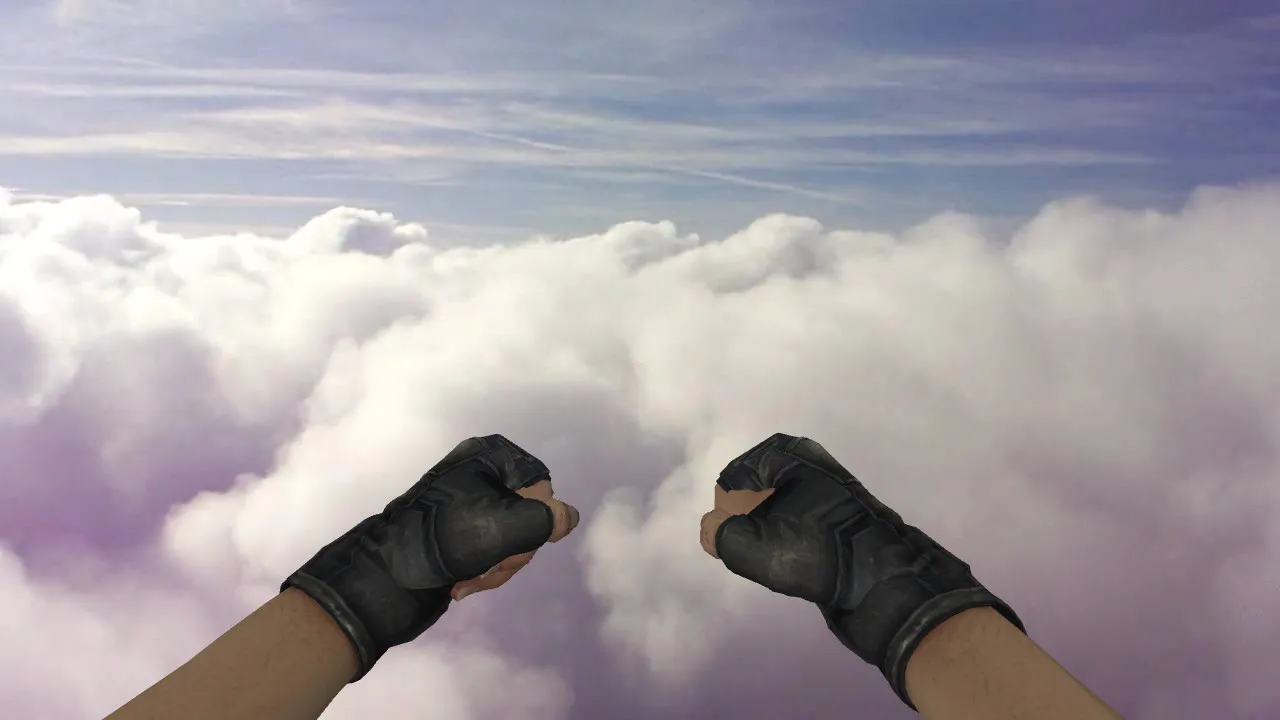
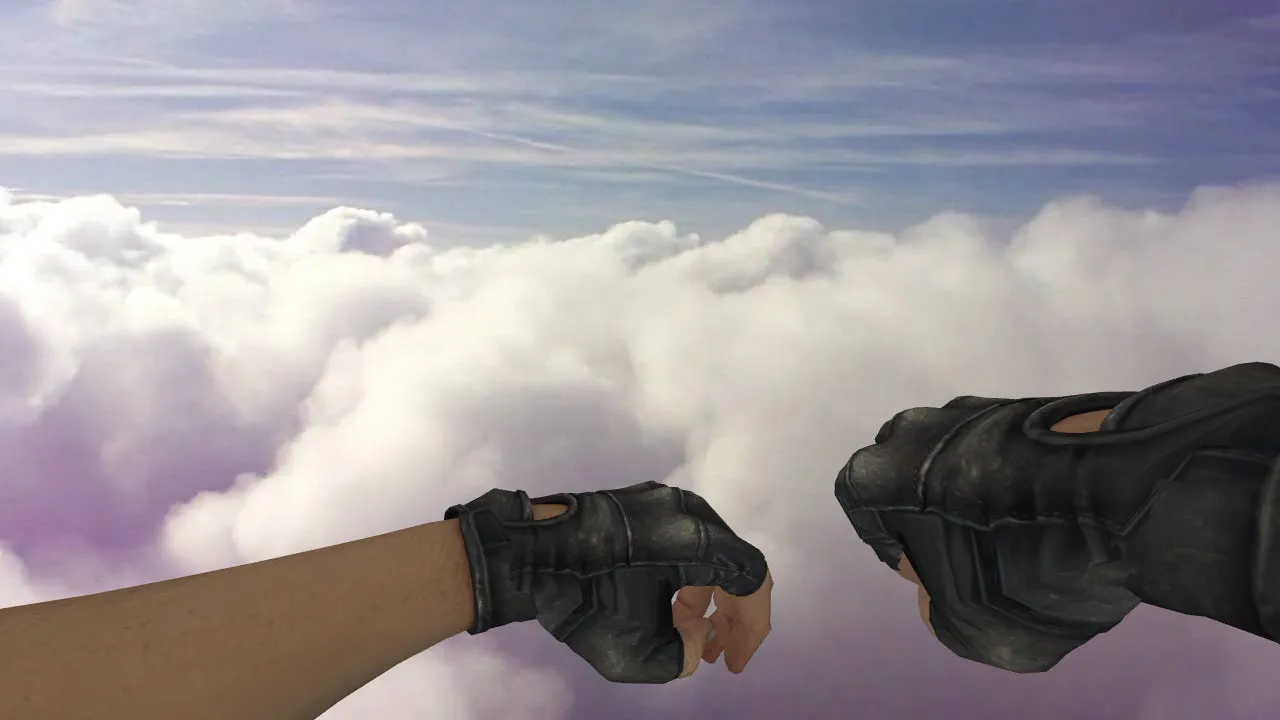
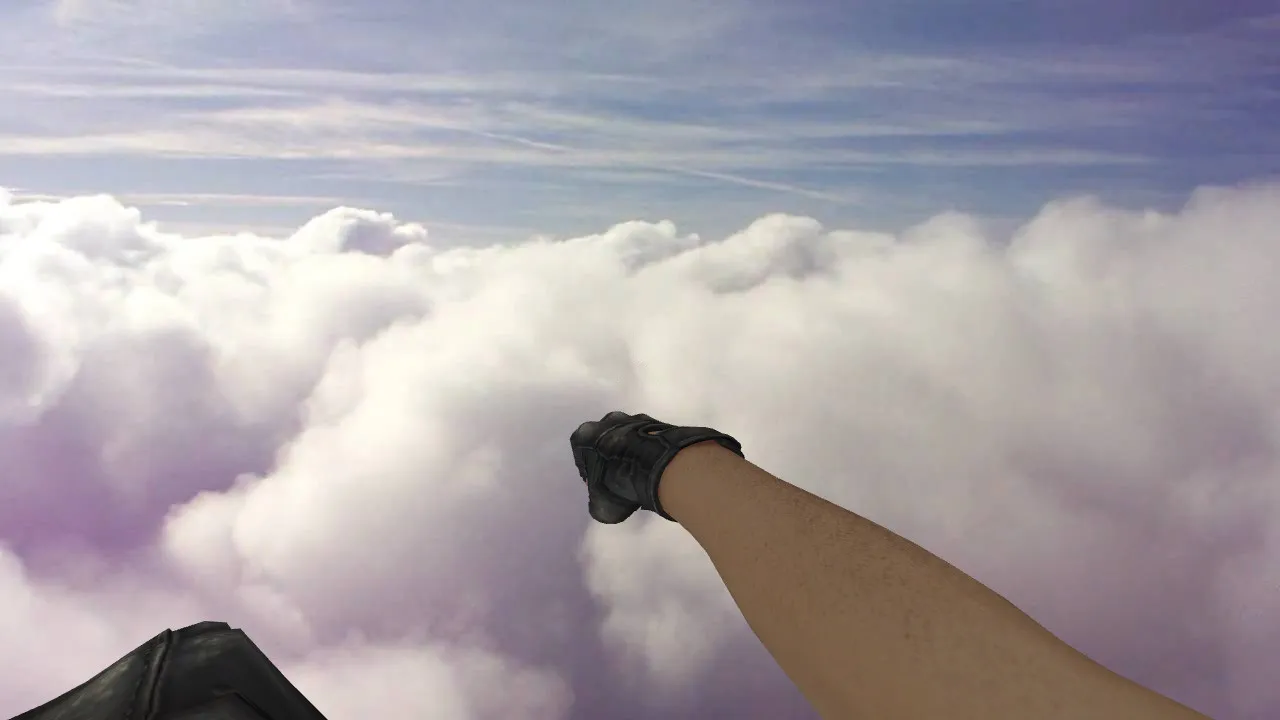
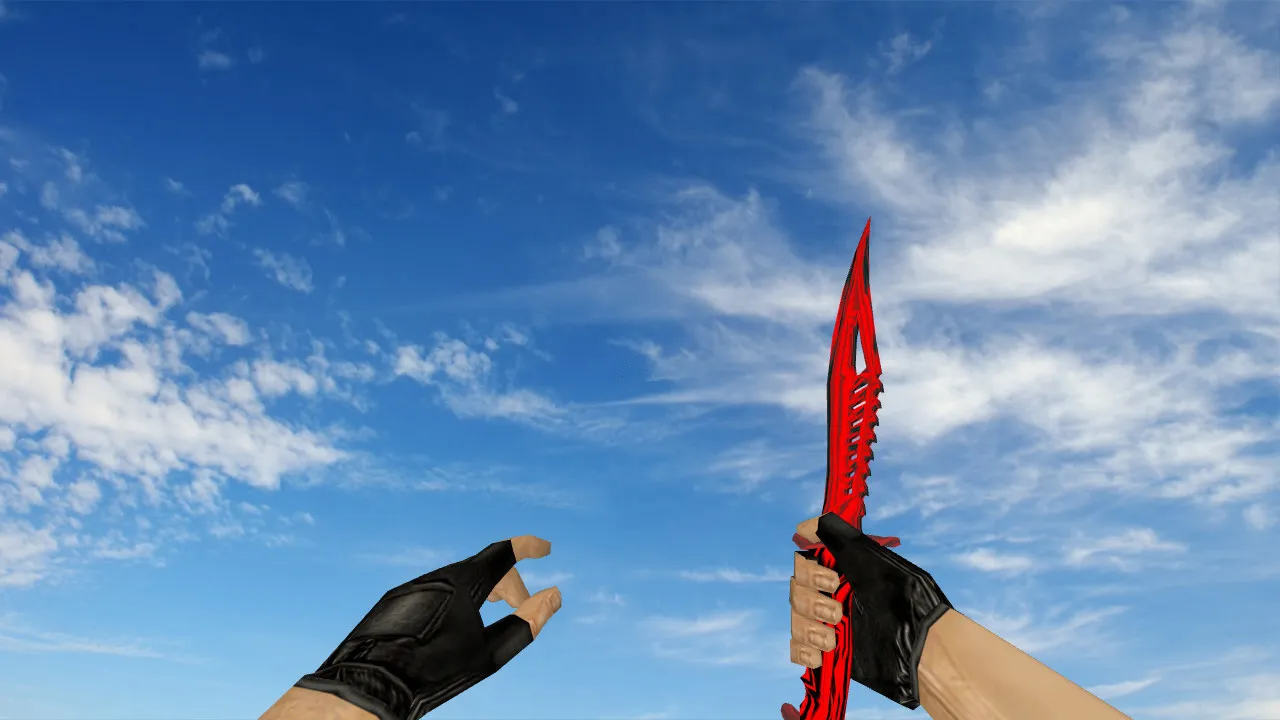
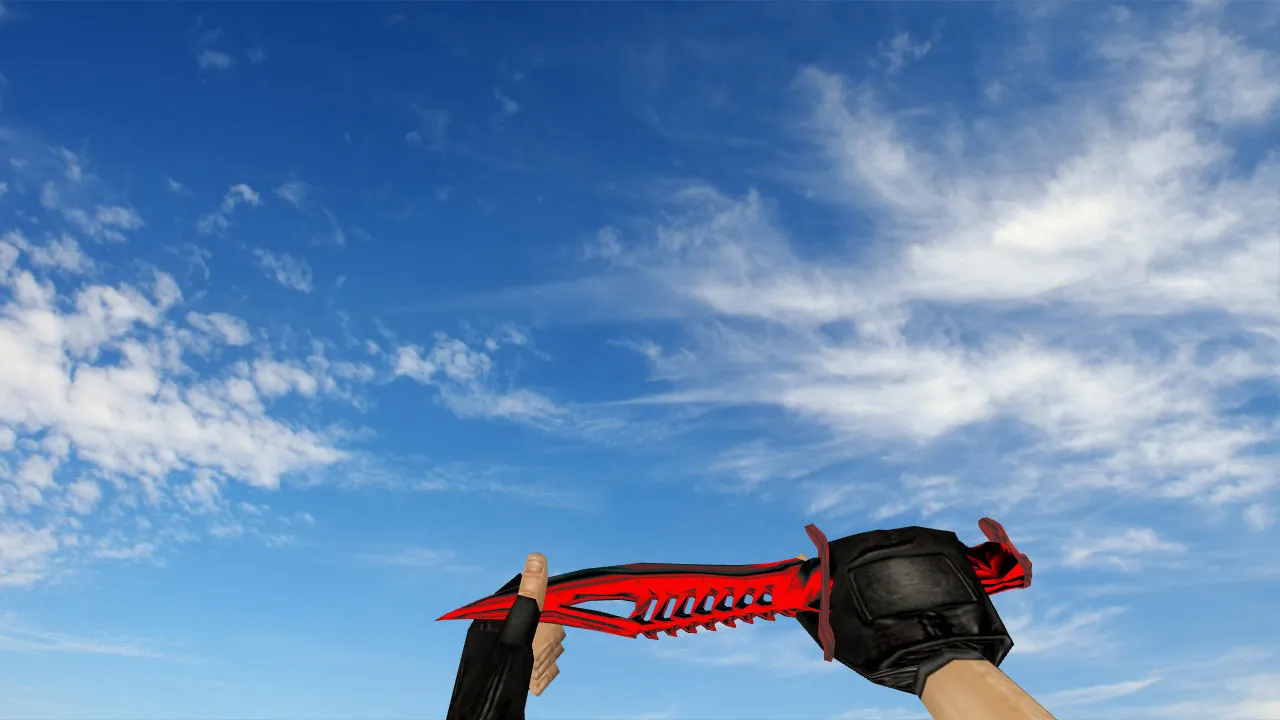
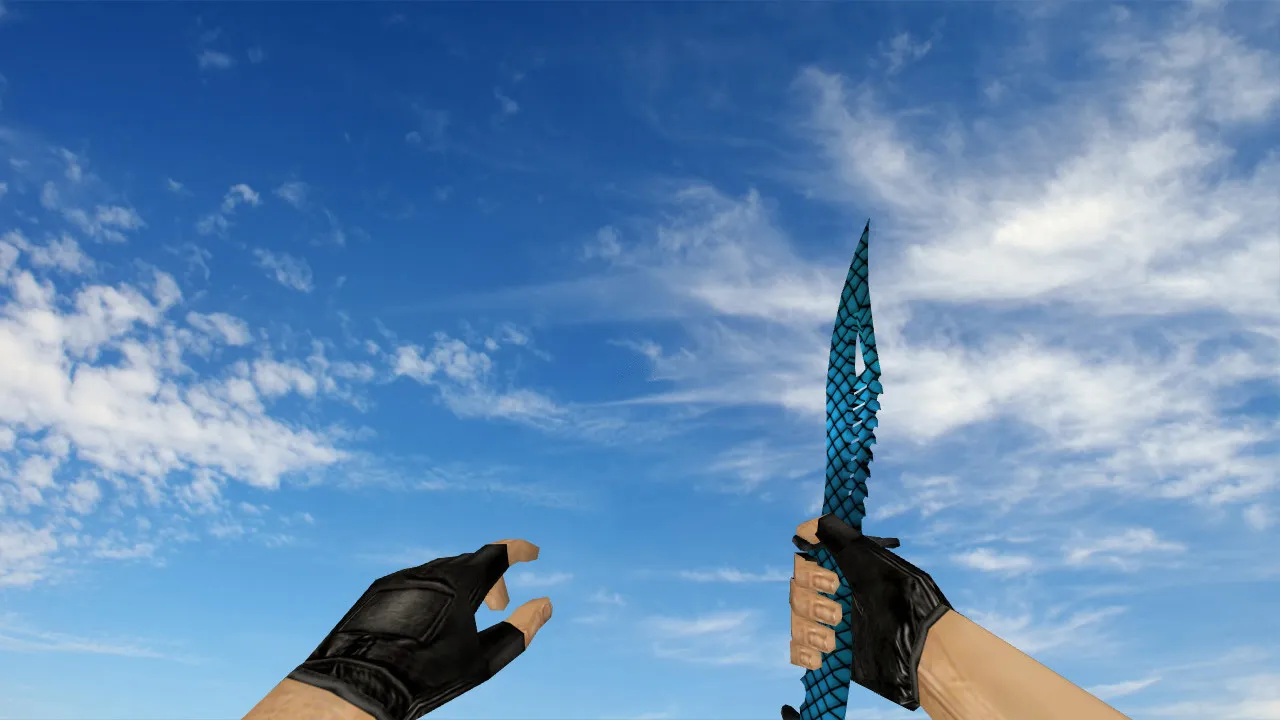
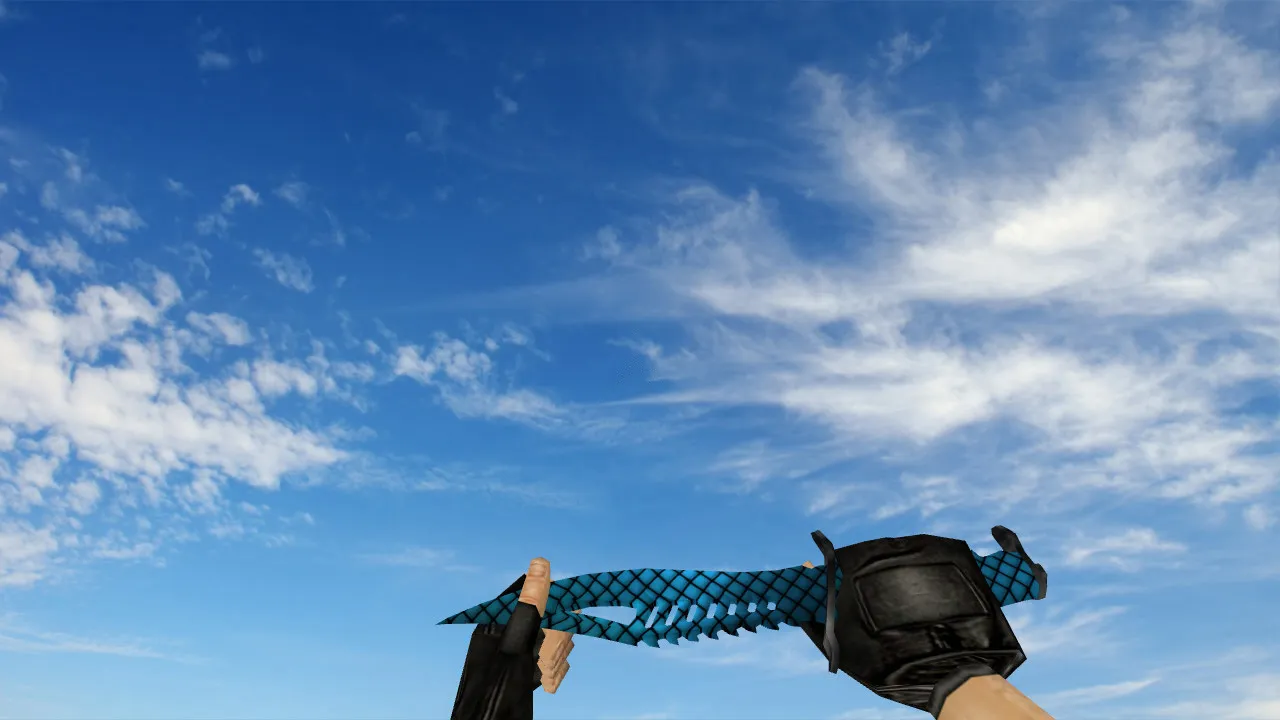
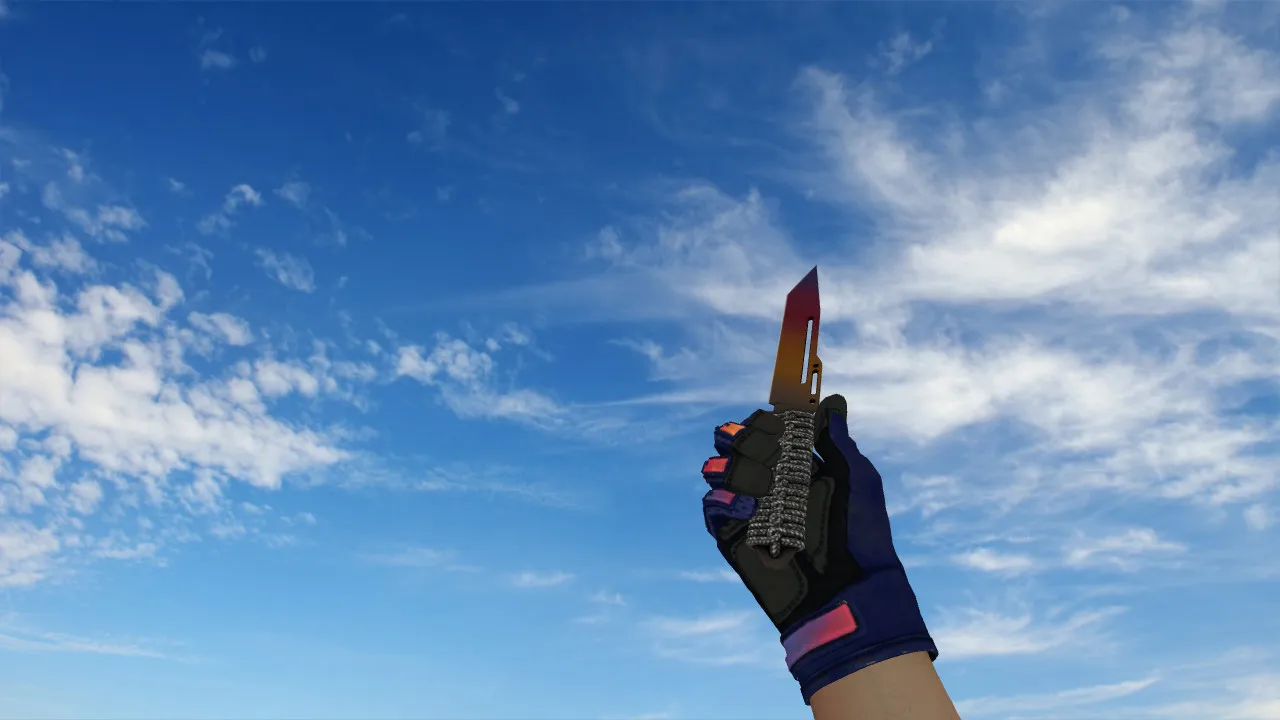
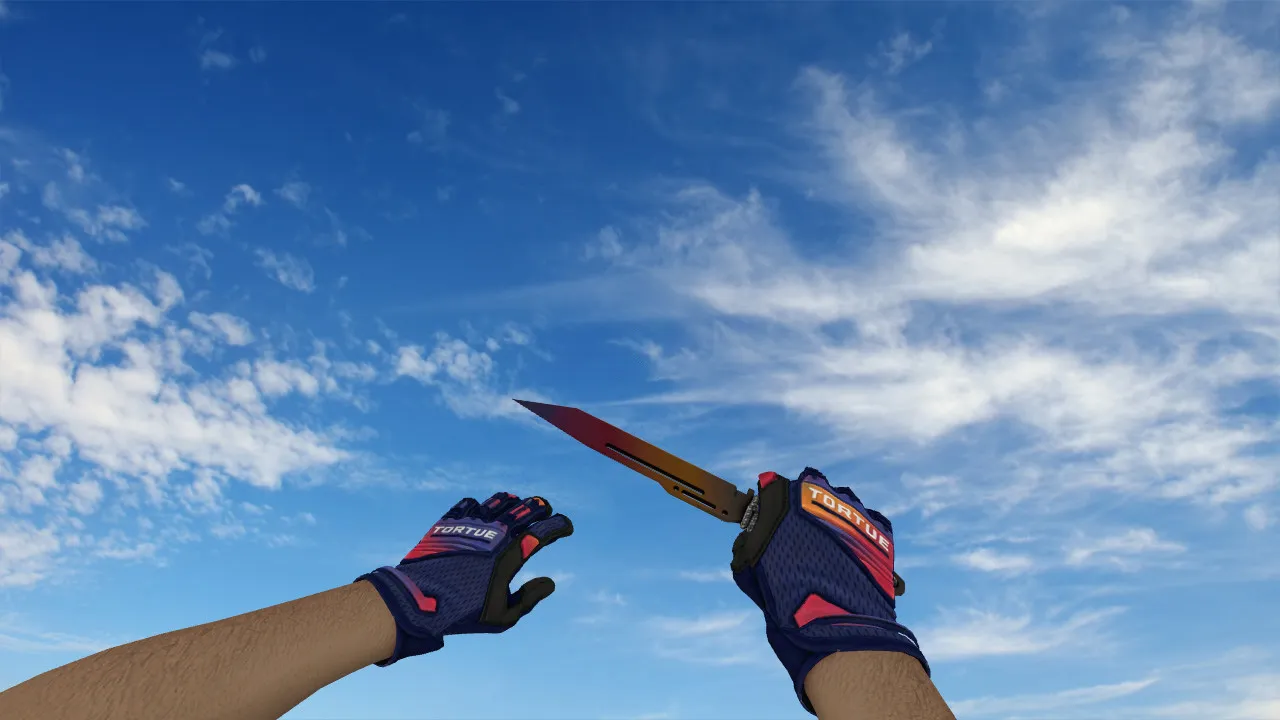
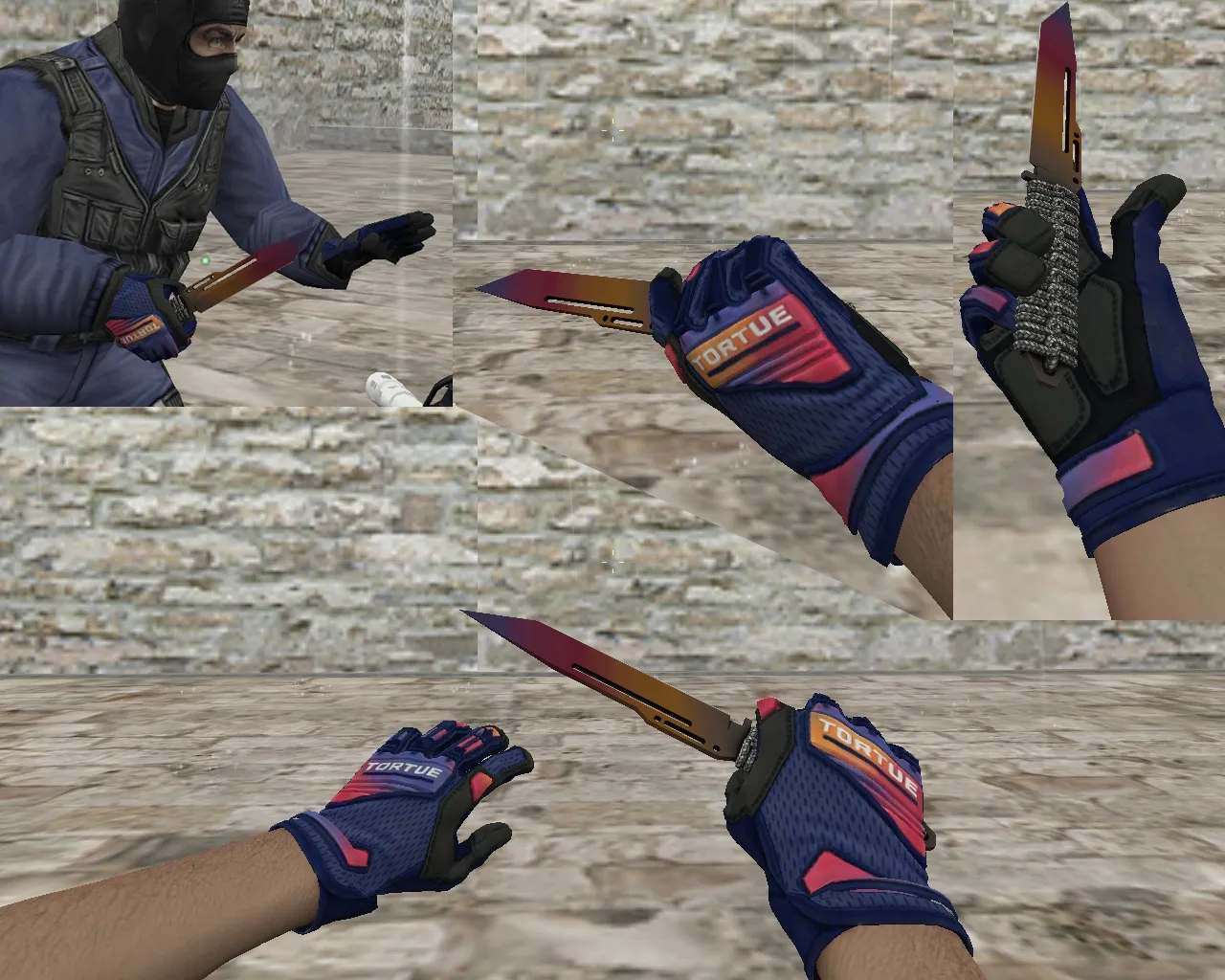
Paracord Pixel Forest Camouflage Knife Model for CS 1.6: Sounds, Inspect Animation, Textures
Description
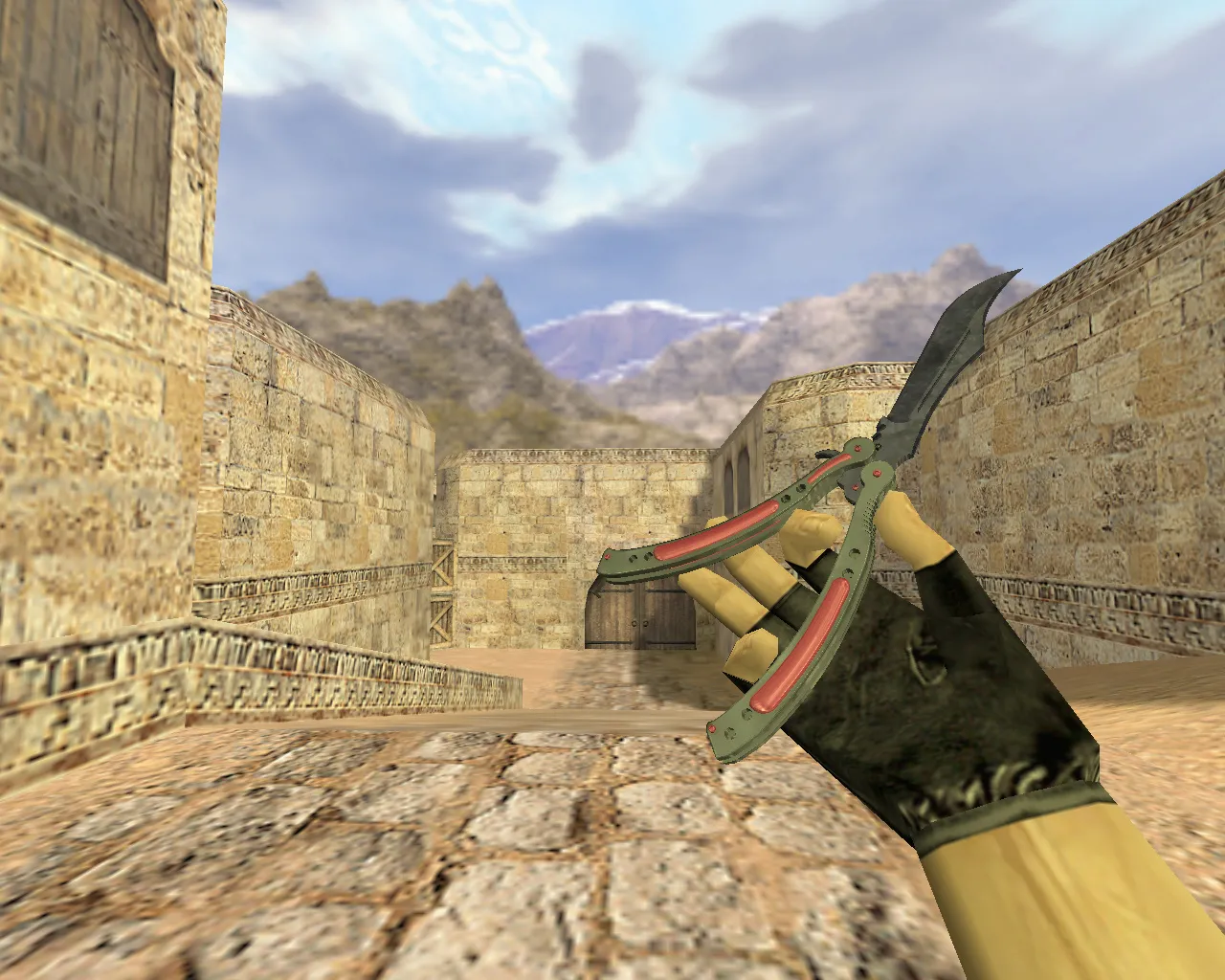
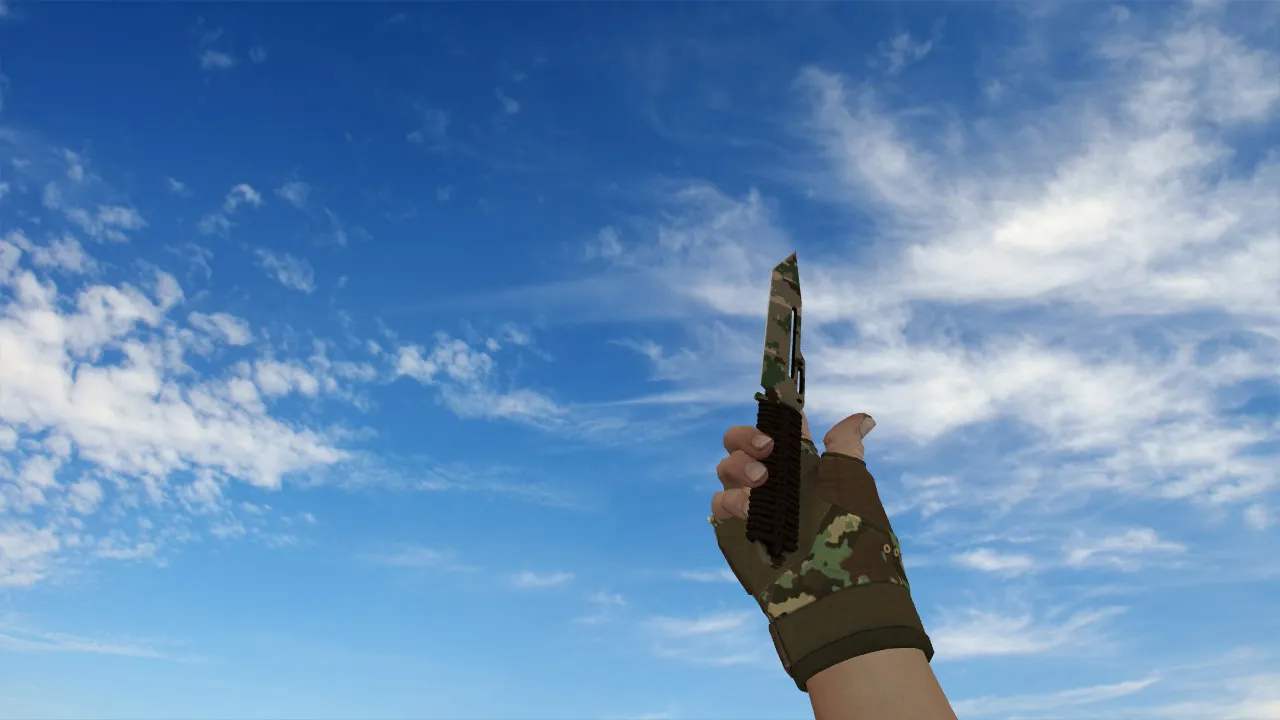
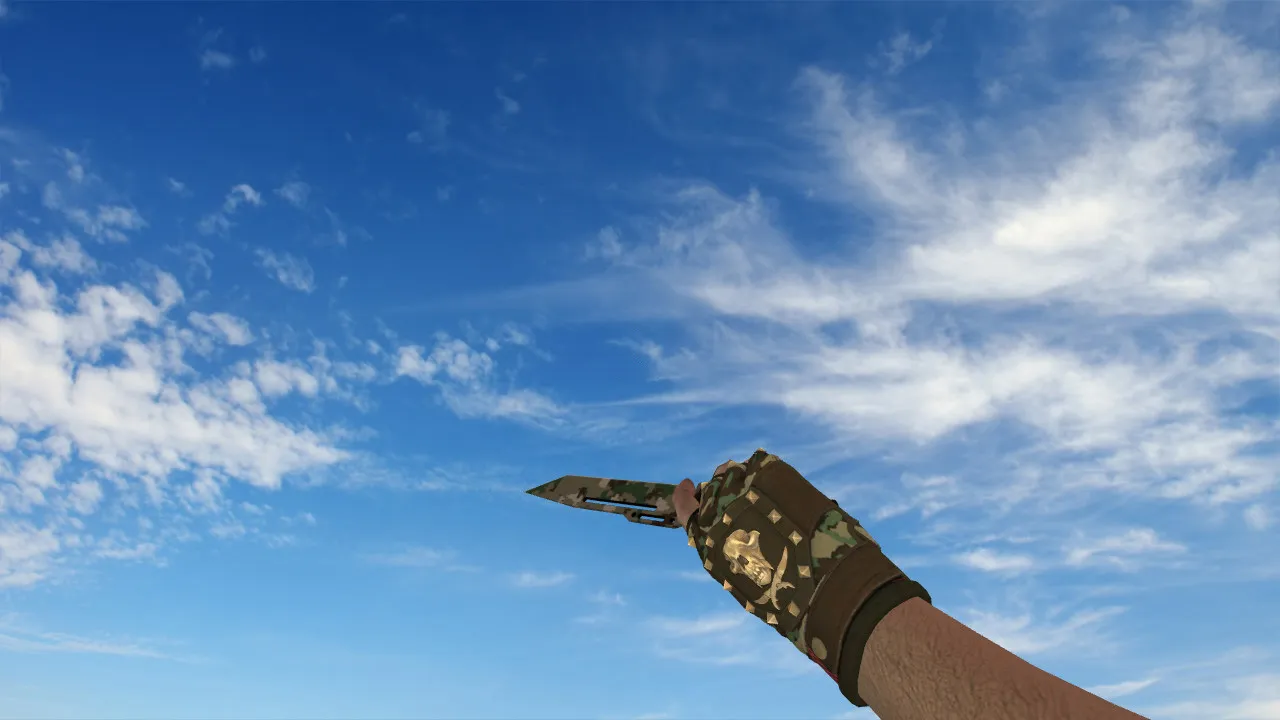
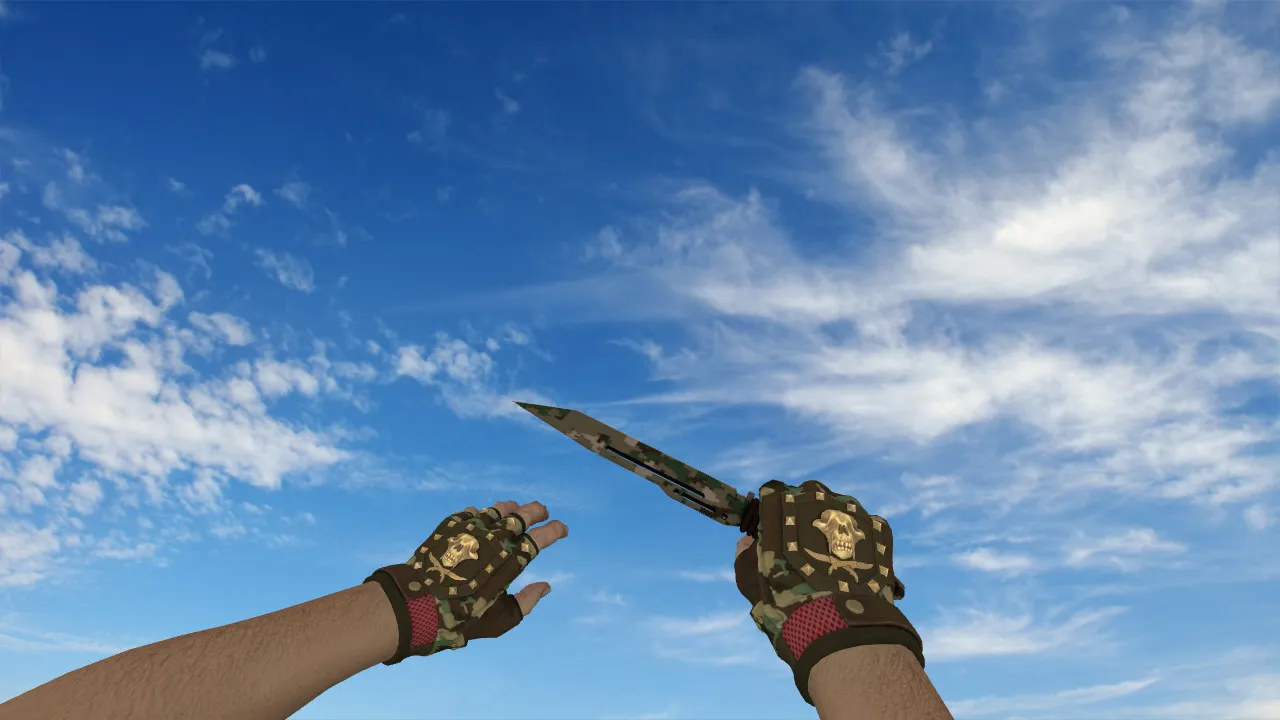
Paracord Knife Pixel Forest Camouflage for CS 1.6
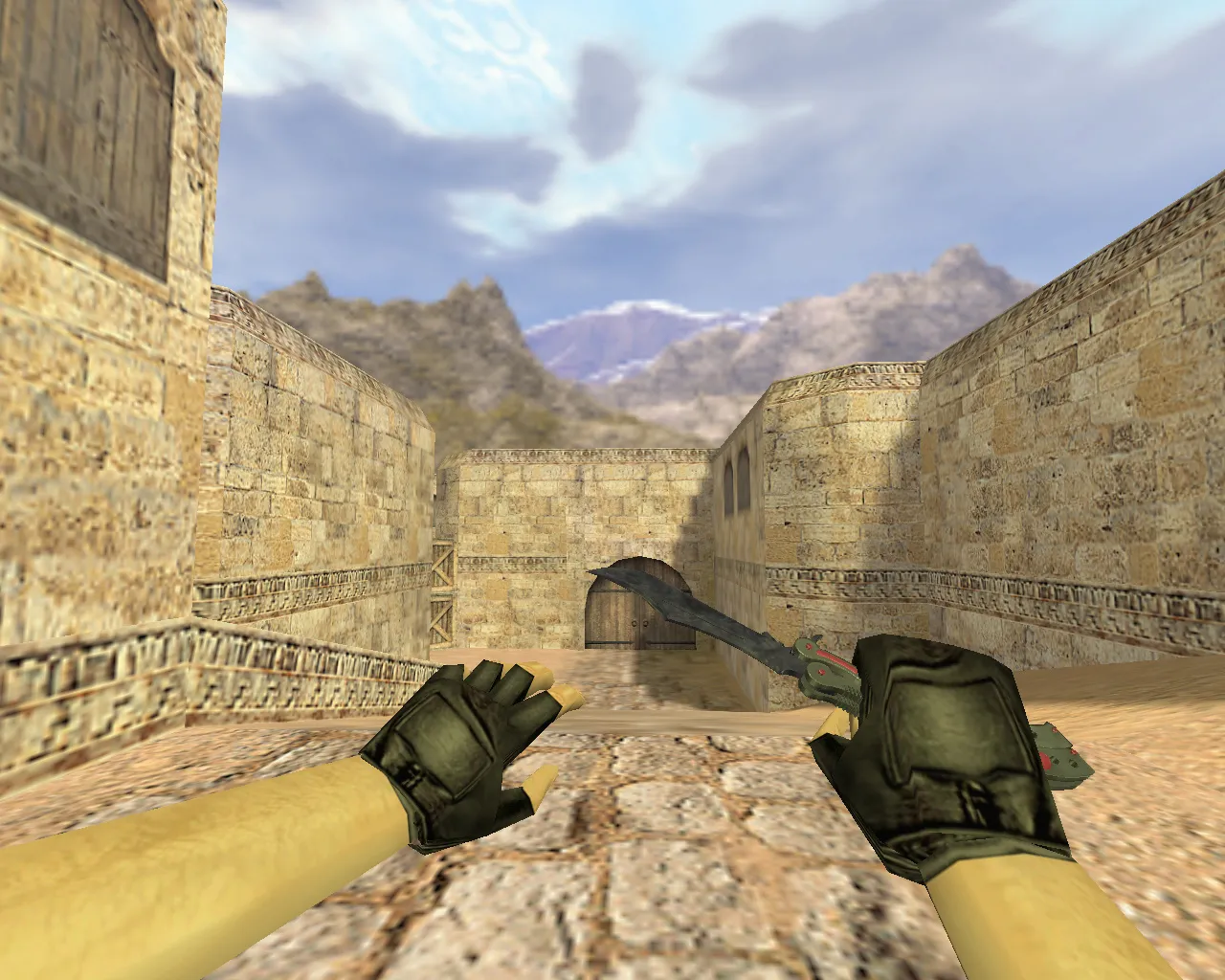
In Counter-Strike 1.6, the knife manages rapid aim changes, weapon slot handling, and close-quarters distance control. The Paracord Knife featuring Pixel Forest Camouflage fits the standard game logic and serves as a practical tool rather than a flashy add-on. It comes with inspect support, and the animation runs smoothly during movement and slot switches.
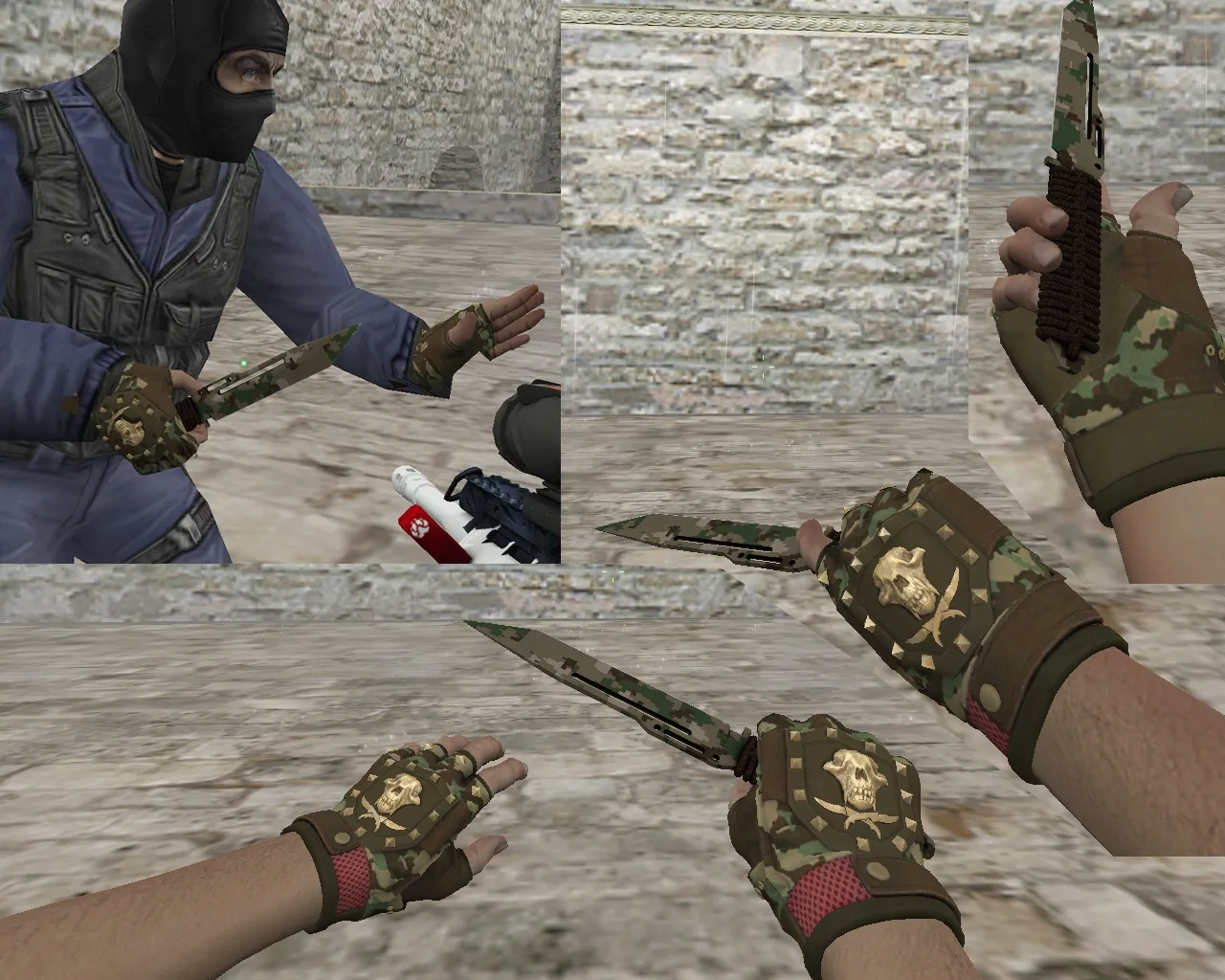
The visual design focuses on combat readability. The Pixel Forest Camouflage remains distinct across different backgrounds. Textures render cleanly without merging into dark zones or pixelating on bright maps. High-quality textures guarantee consistent perception: players can identify the blade shape, handle, and pattern lines without artifacts.
For correct CS 1.6 operation, the model relies on standard file sets. Naming and structure use the prefixes v_, p_, w_. This ensures consistent display across scenarios: first-person view, third-person perspective, and world view for other players. The model includes knife sounds and standard usage reactions. Slot changes, draws, and inspects keep display integrity intact.
Key Installation Points for Knife Models
- v_ - First-person view model: hand, blade, inspect animation.
- p_ - Third-person and inventory behavior model where required.
- w_ - World model: how the knife appears to others.
- Sounds - Match clicks and strikes to game expectations.
- Stable textures - Preserve the Forest pattern during motion.
Before replacing files, confirm a clean folder structure. Usually, you swap the model folder contents without touching extra resources. If you run mod packs or custom assets, back up the original knife files for a quick rollback.
Safety and Stability in CS 1.6
Use verified files from trusted sources. Avoid suspicious archives and disable auto-connect to unknown servers. In CS 1.6, manual control via config.cfg remains the safest approach; skip extra scripts. If graphical glitches appear after installation, restore the old v_/p_/w_ files and verify the package version matches.
Test model performance in low-light areas. CS 1.6 requires clear visibility in shadows: camouflage lines must stay distinct, and the blade must not flicker. Check the display during inspect and slot transitions. The polygon count stays low for high-FPS compatibility, ensuring no lag during fast knife plays.
The model aligns hitboxes accurately for precise swings, which is vital in close-quarters on maps like de_dust2 tunnels or cs_office rooms. The custom inspect animation adds fluid rotation without clipping, boosting immersion without disrupting aim.
Why Choose Forest Camouflage
Forest Camouflage provides a reliable visual base for most maps. It suits frequent knife use in short-range engagements. The pixel texture preserves the item shape in motion, while the handle keeps its outline in dynamic scenes. HD 512x512 textures load quickly on Build 4554 or 8613 clients, Steam or Non-Steam.
For CS 1.6 players seeking an integrated knife that avoids aim interference, this model delivers. Install, test inspect and sounds, then join a server for round-based trials. It integrates seamlessly with clean config setups, no-recoil tweaks, or bot navigation via .nav files.
Expand your arsenal with this paracord variant: the v_ model shows a detailed paracord wrap and pixelated forest greens, the p_ handles third-person drops cleanly, and the w_ ensures team visibility without obstruction. Sounds include sharp slash effects and metallic impacts, synced to animations for an authentic feel.
In tactical scenarios, like holding long A on de_inferno, the camouflage blends subtly yet stays visible for self-reference. No decorative overload-focus on functionality with sprite-optimized decals for wall marks. Compatible across mods, but test in pure CS 1.6 for best results.
Install in three steps
-
1
Download the archive. Use the button on the right, or the Yandex.Disk mirror if the main server is slow.
-
2
Extract it into the game folder. Use 7-Zip or WinRAR. A path without non-Latin characters works best.
-
3
Launch the game. If something doesn't work, mark it below - that is how we know the file needs an update.
Did it work for you?
No sign-up needed. You can pick more than one.