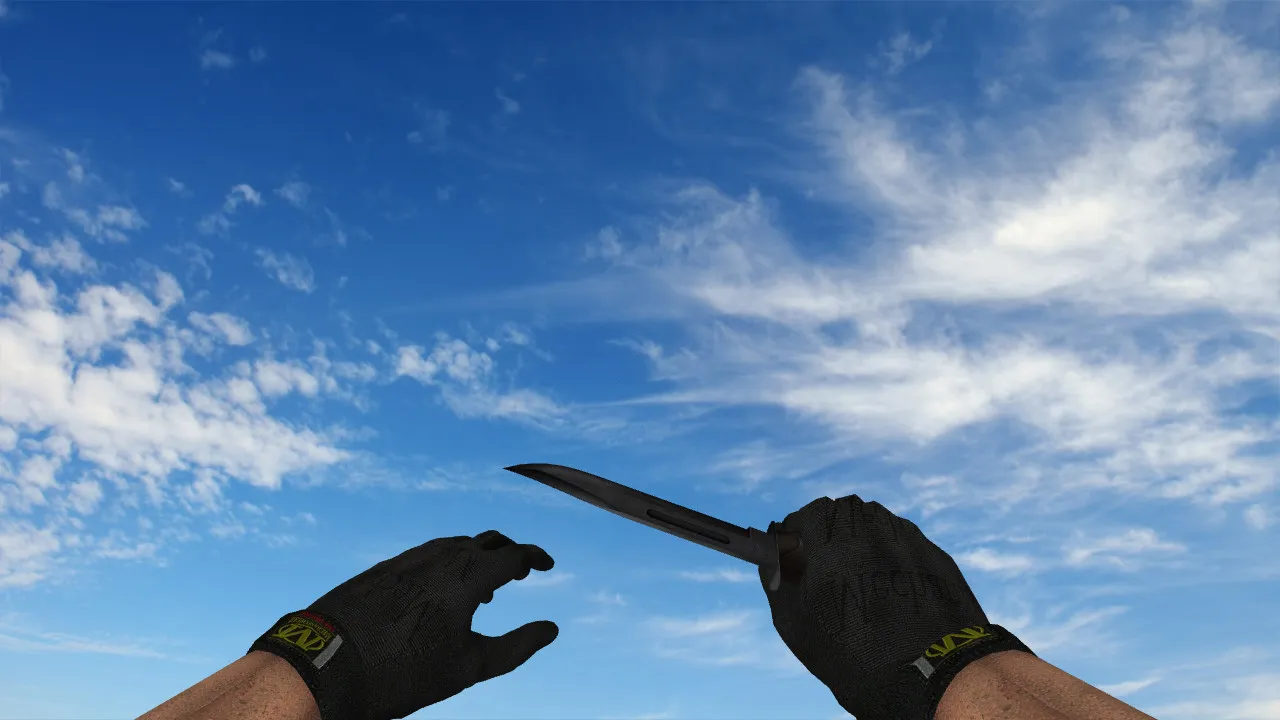
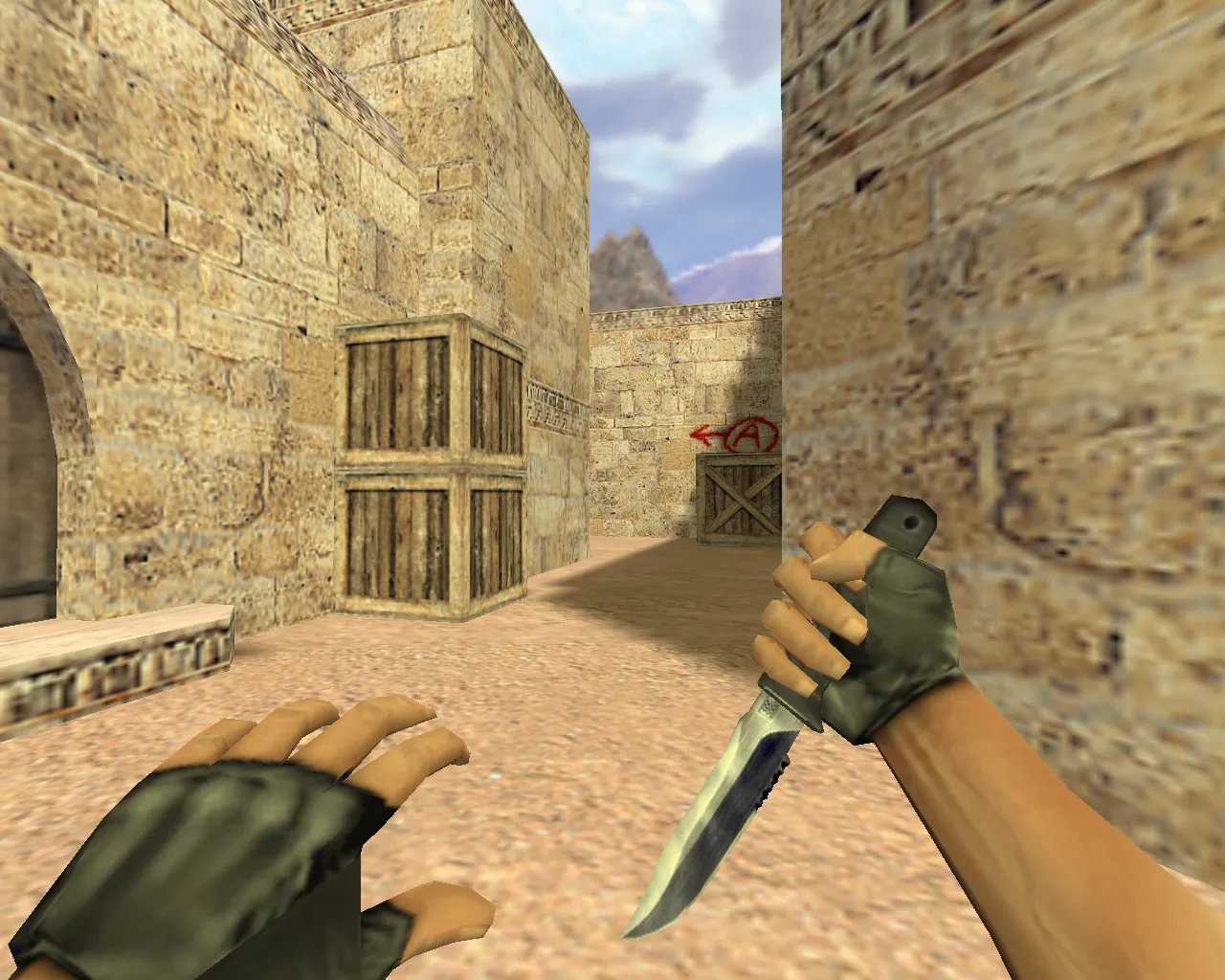
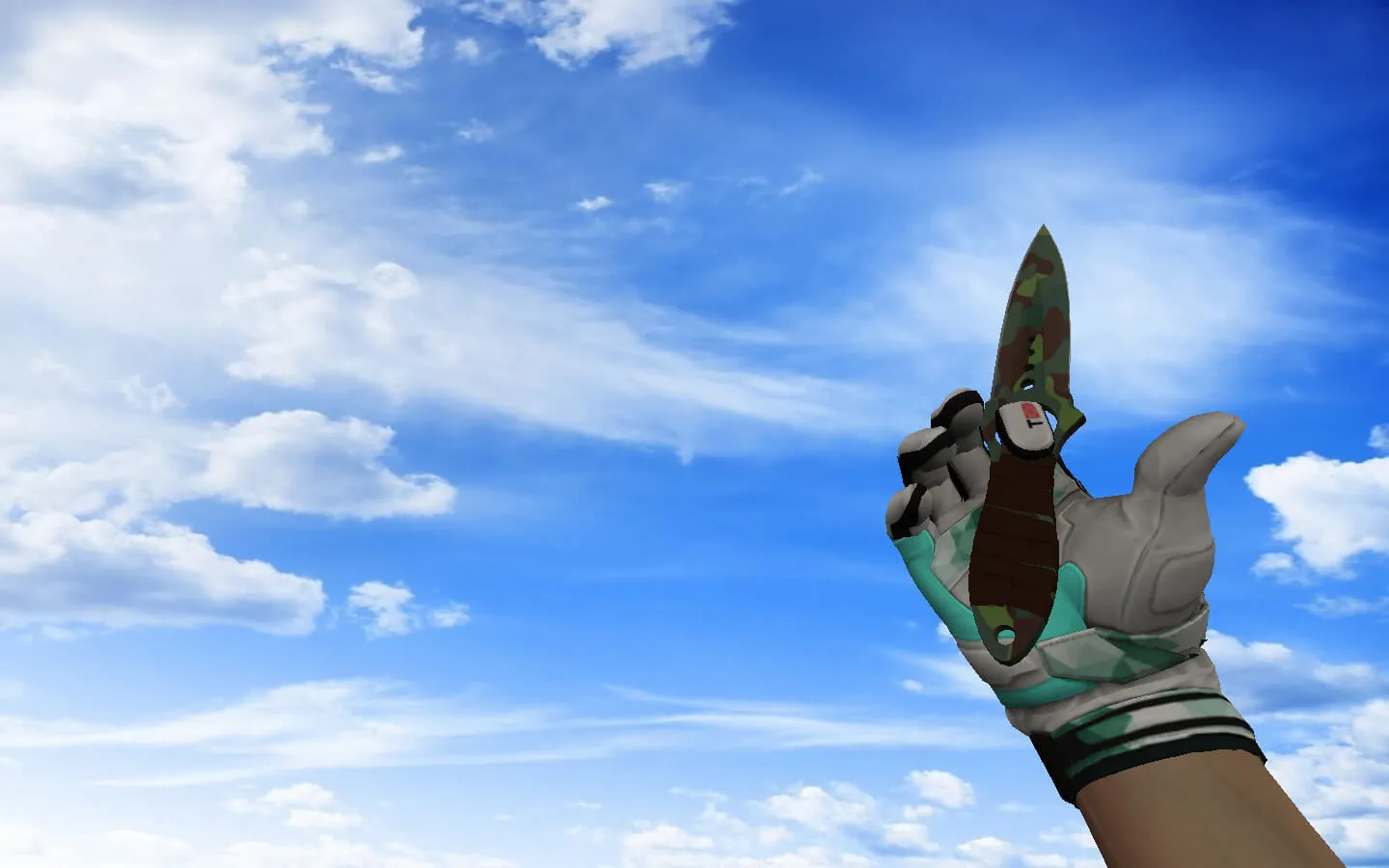
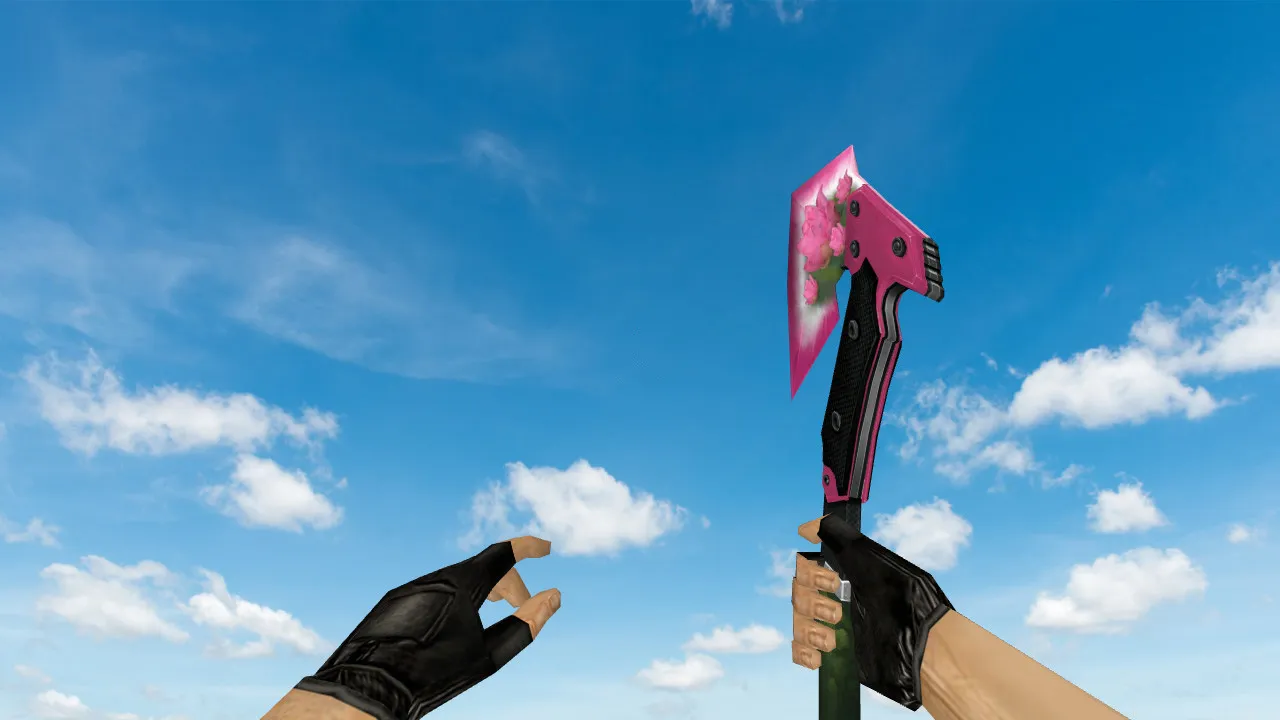
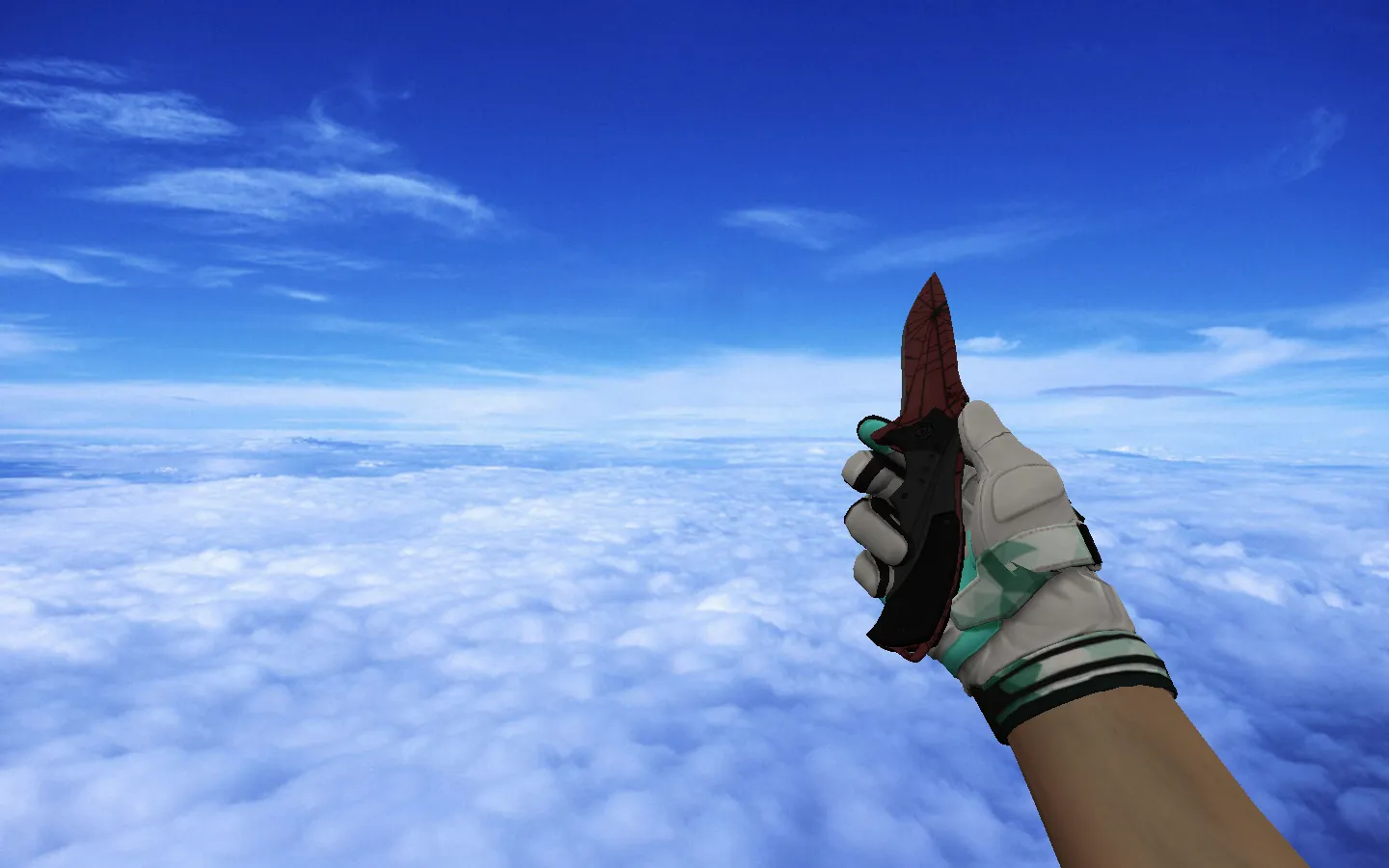
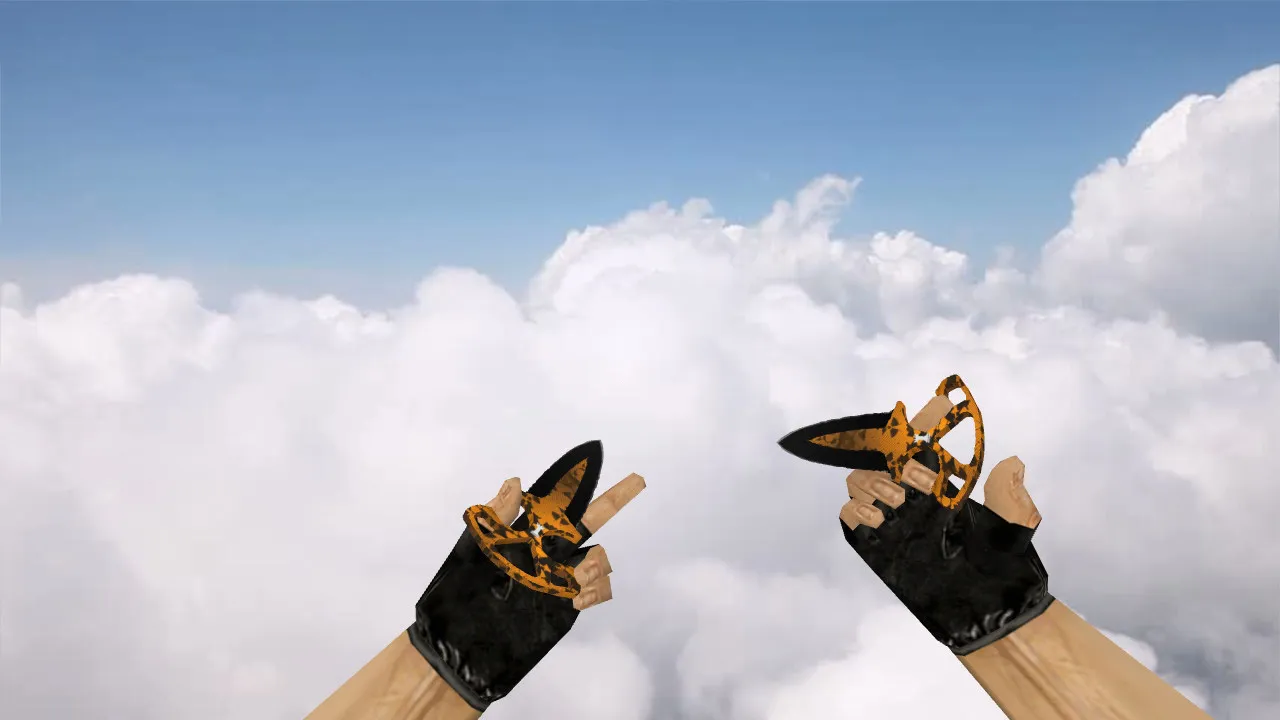
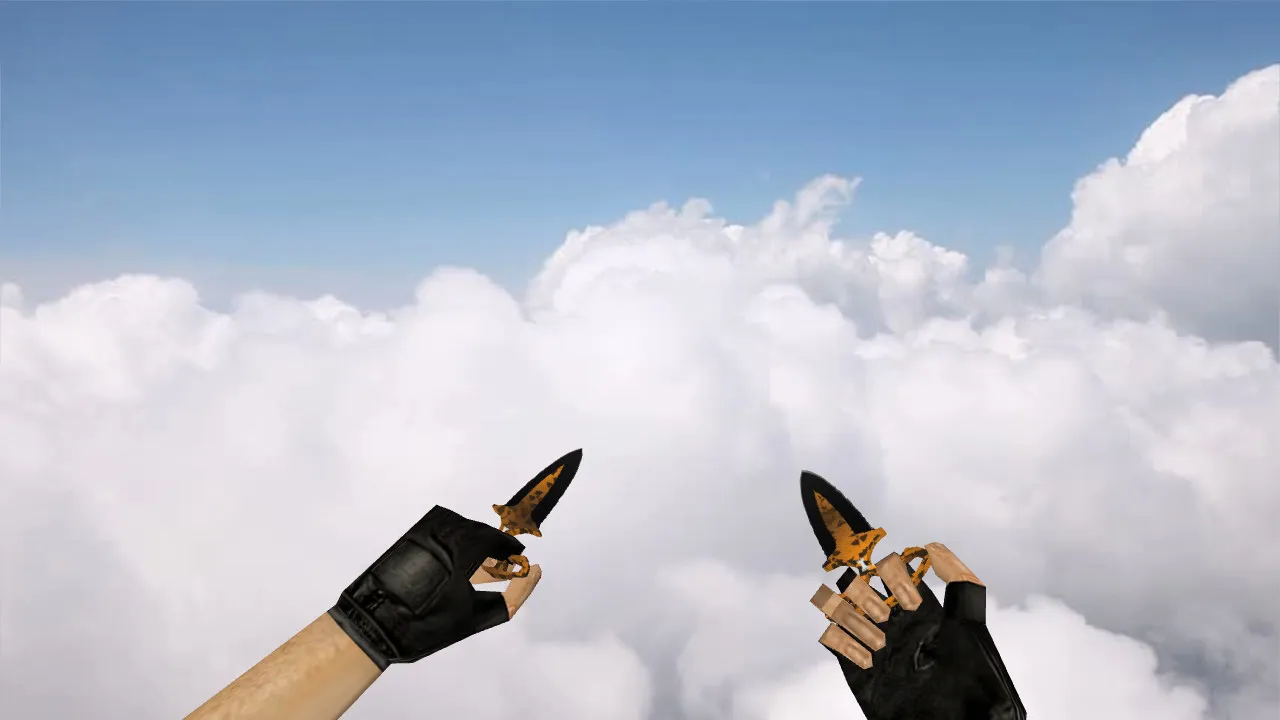
Nautilus Chrome Red Knife Model for CS 1.6: v_ and p_ Models, Inspect Animation, Sounds, Textures
Description
Nautilus Chrome Red Knife for CS 1.6: Matches Your Playstyle
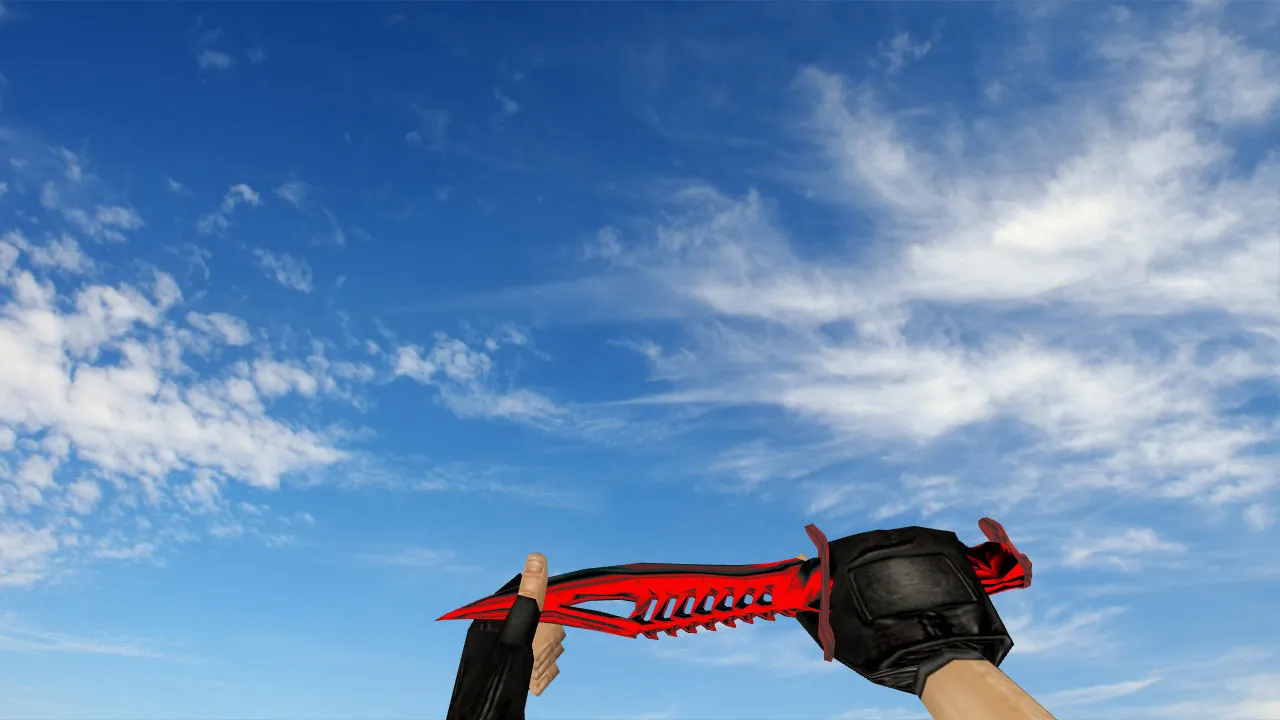
The Nautilus Chrome Red knife model is made for CS 1.6 and built for smooth performance on standard servers. It combines v_ and p_ models to keep the weapon steady in first-person view and during inspections. Textures stay sharp, and the look holds up without glitches while moving. This model fits mix games, public servers, and lobby matches where exact details and predictable behavior count.
In CS 1.6, the knife is not just cosmetic-it’s vital for quick distance control and keeping your crosshair stable. That’s why this model focuses on inspect animation and accurate display. It includes standard inspect animations so the knife won’t jitter or mess up your timing. Sounds are tuned for clean feedback on strikes and switches, avoiding off-key noises that could break your focus.
What’s Included in the Model
- v_ model-first-person view for clear readability during fast gameplay
- p_ model-third-person hand view within engine limits
- w_ model-world model for showing the knife on the ground or in engine-substituted cases
- inspect animation-standard switches and views without bugs or clipping
- sound pack-accurate responses for knife actions like swings and deployments
- textures-high-quality detailing with consistent mapping
If you swap weapons often across maps, this model ensures uniform rendering and material handling. It’s optimized for stable draw calls, lowering polycount strain on older rigs while keeping high-fps performance intact.
Hitbox Alignment and Visibility in Dark Areas
As you move through maps, the knife stays in your peripheral vision. Matching the model’s shape to in-game hitboxes is key for keeping control in close combat and avoiding mismatches that could cost a round. Dark corners and low-light zones need a clear silhouette-poor visibility turns the knife into a blurry spot, throwing off your aim.
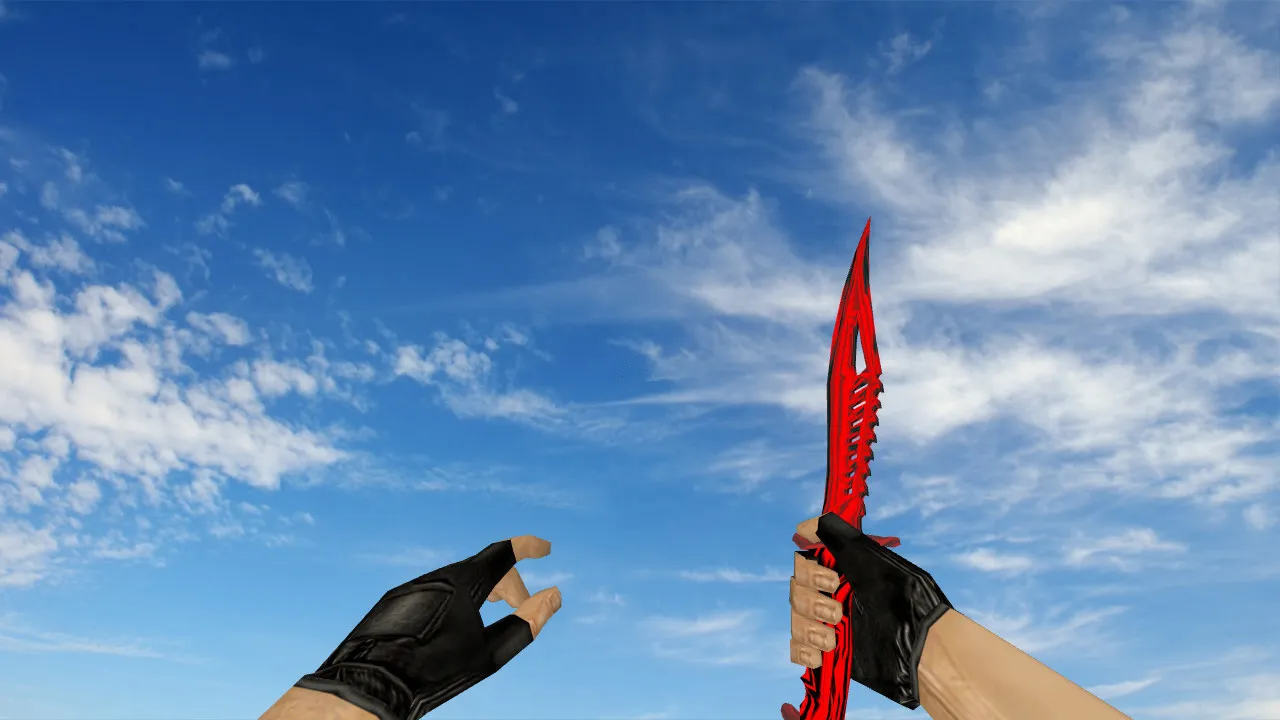
The Nautilus Chrome Red keeps strong contrast through its chrome finish and red accents. This makes it visible even in unstable lighting, smoke, or fog where the screen shifts. The color tone stays even, free from motion artifacts or texture warping. Polycount is kept low at around 500-600 triangles for the v_ model, ensuring hitbox accuracy without overdraw issues. In ESL-style play on maps like de_dust2, this visibility helps in tight B-site pushes or long AWP duels where spotting a rushing enemy matters.
Safe Installation Guide
To get the knife running without issues, install files manually into your CS 1.6 models folder. Skip shady installers or programs asking for permissions-stick to verified archives and check contents before copying. This model is clean: no viruses, no slow-hacks, no ads, and no auto-connect scripts that could ban you from servers.
- Back up your existing knife files in the models folder, and sound files if needed in sound.
- Copy v_*.mdl, p_*.mdl, and w_*.mdl to the appropriate subdirectories like models/v_knife_nautilus.
- For sounds, extract to sound/weapons/knife while preserving the folder structure.
- Launch CS 1.6, load a local map without server auto-connect, and test inspect, switching, and strike sounds.
If something acts up post-install-like animation skips or sound desyncs-restore from your backup. This keeps your setup clean and avoids config conflicts. For best results, run on Build 4554 or 8613 with MasterServer protection enabled, and ensure Steam or Non-Steam compatibility by clearing any custom .wad files first. A clean config.cfg helps prevent overlaps with other mods.
Who This Knife Suits
Players who run with the knife and want a model that looks sharp without distractions grab the Nautilus Chrome Red. The chrome gives it a solid, professional edge, while the red highlight adds quick recognition in team plays. It fits various styles-from aggressive rushes on de_inferno’s banana to defensive holds on de_nuke-and performs reliably on vanilla servers where stable animations and readable models are key.
Install it, test in-game, and get back to fragging. Pure content for CS 1.6, no extras or risks involved. With proper hitbox alignment, this knife enhances close-range precision, making those 1v1 clutches smoother. Textures at 512x512 resolution ensure no pixelation on high-fps setups, and the inspect animation loops cleanly without frame drops.
Install in three steps
-
1
Download the archive. Use the button on the right, or the Yandex.Disk mirror if the main server is slow.
-
2
Extract it into the game folder. Use 7-Zip or WinRAR. A path without non-Latin characters works best.
-
3
Launch the game. If something doesn't work, mark it below - that is how we know the file needs an update.
Did it work for you?
No sign-up needed. You can pick more than one.