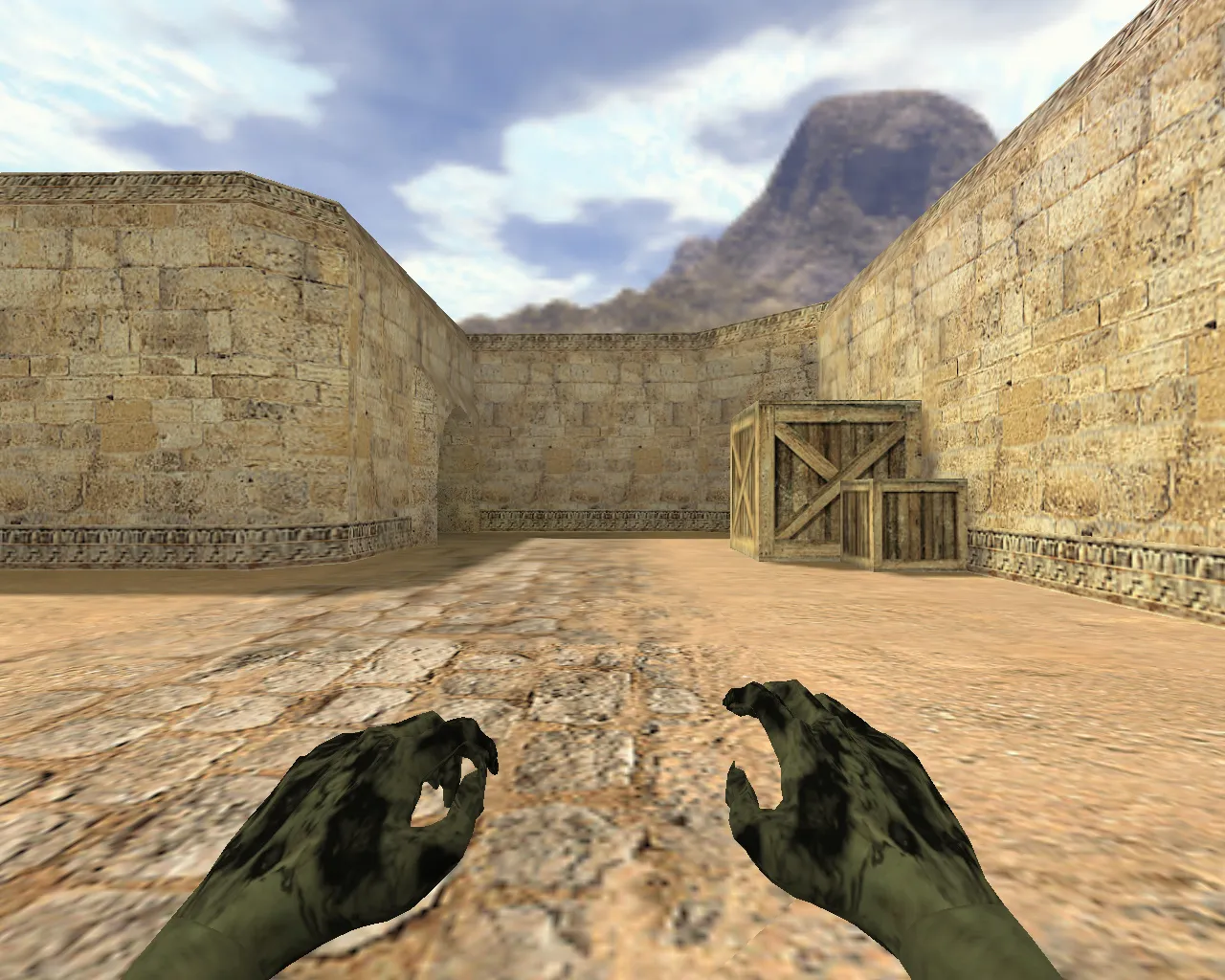
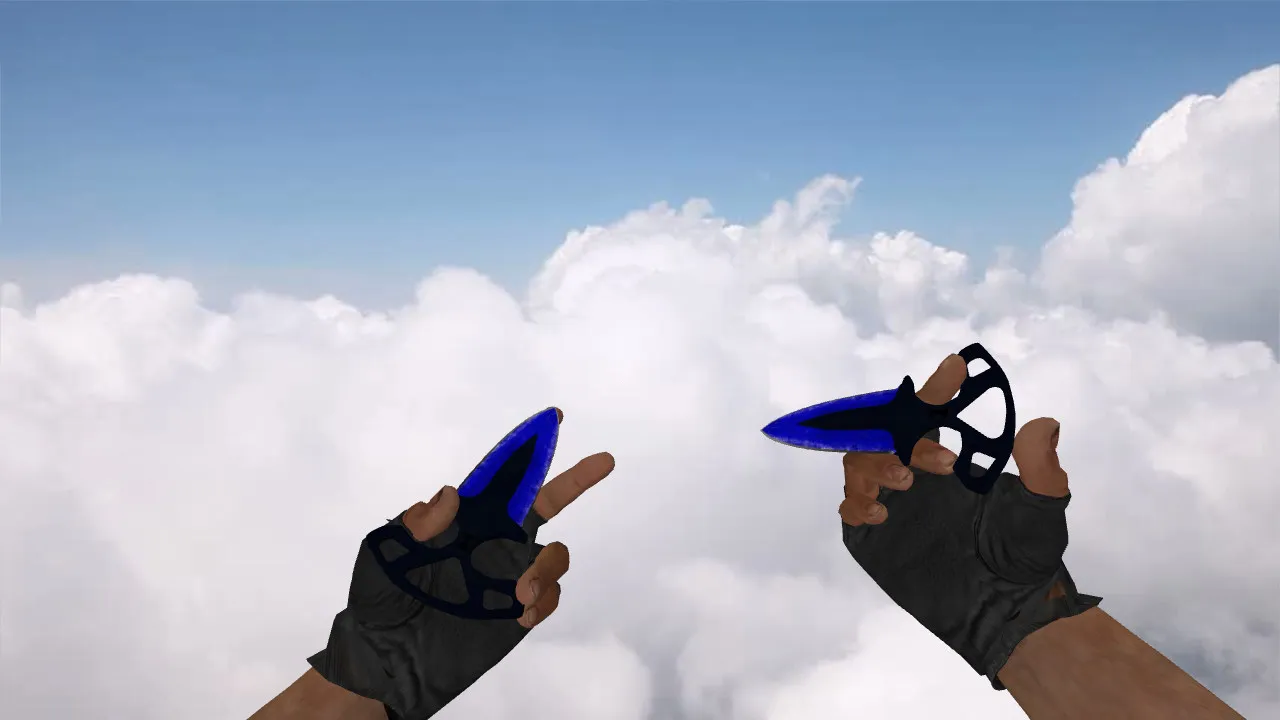
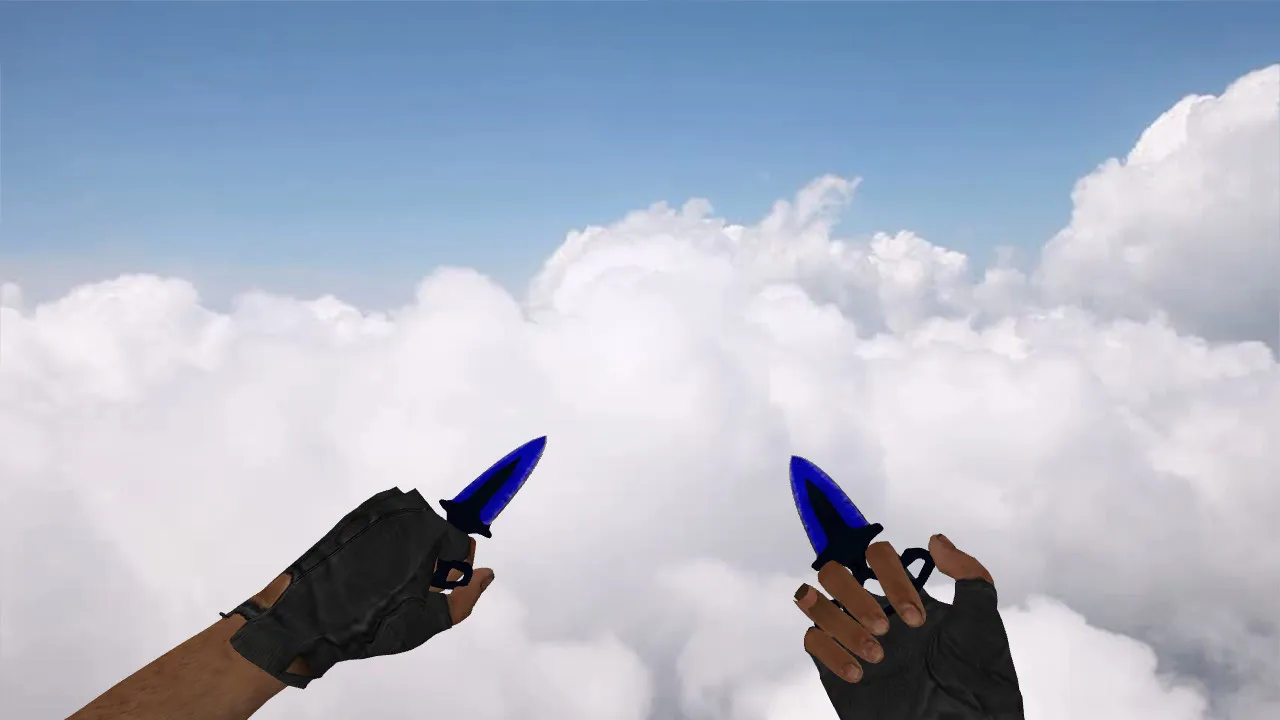
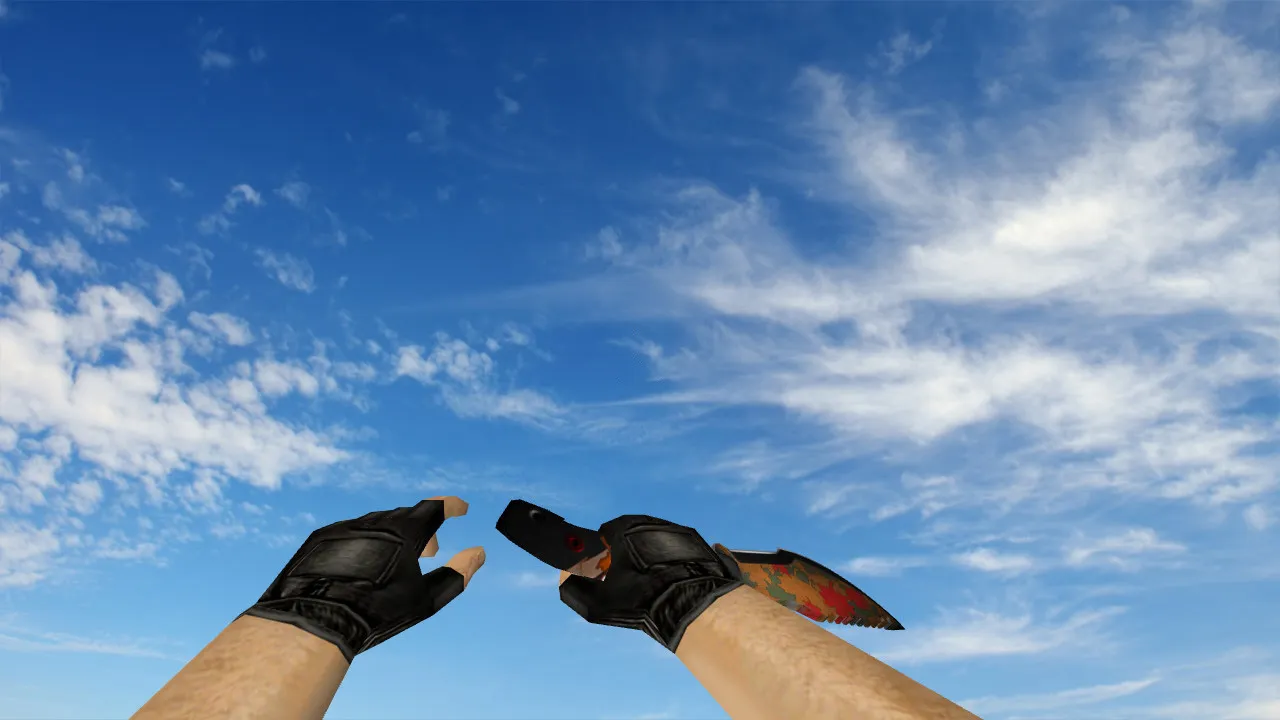
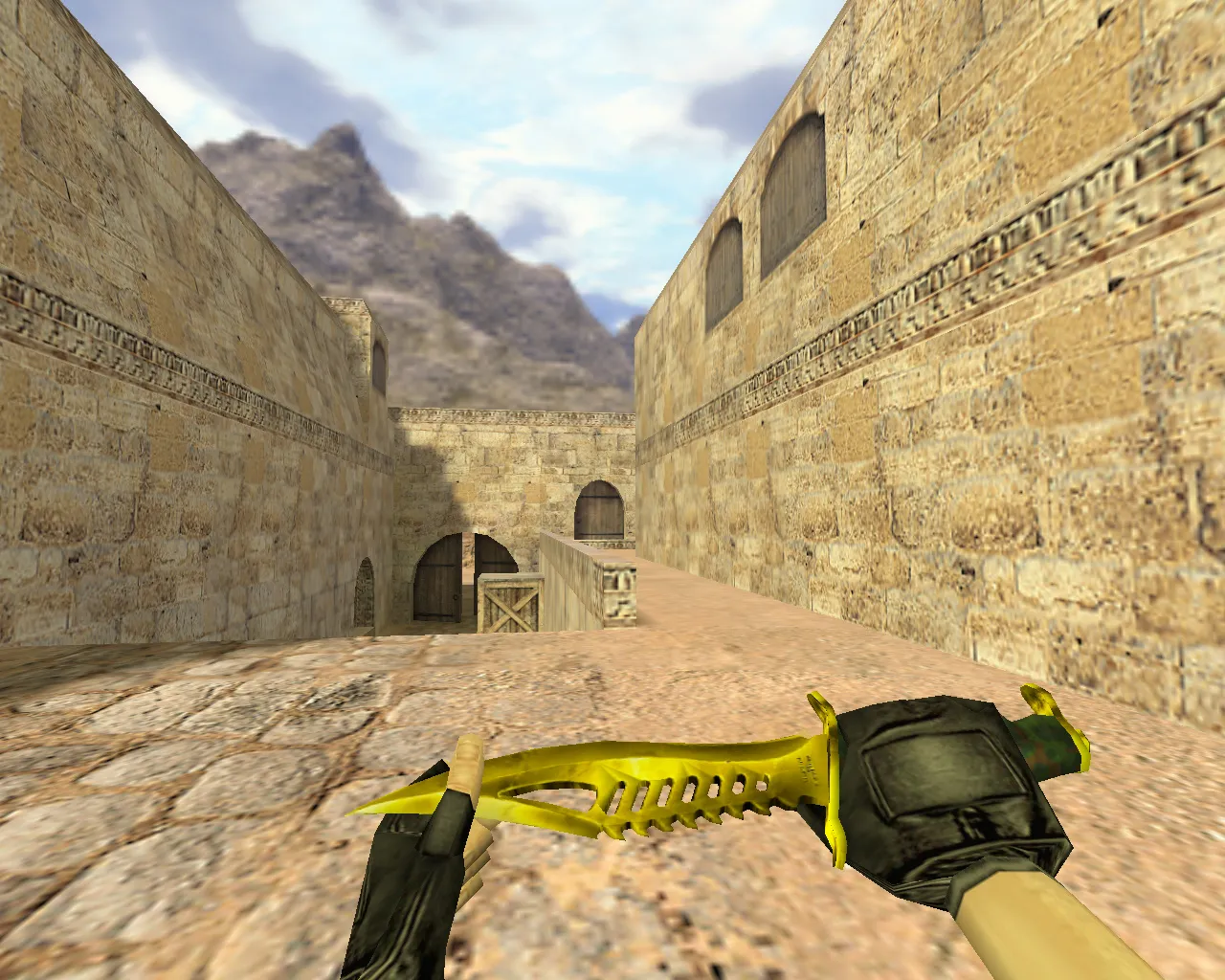
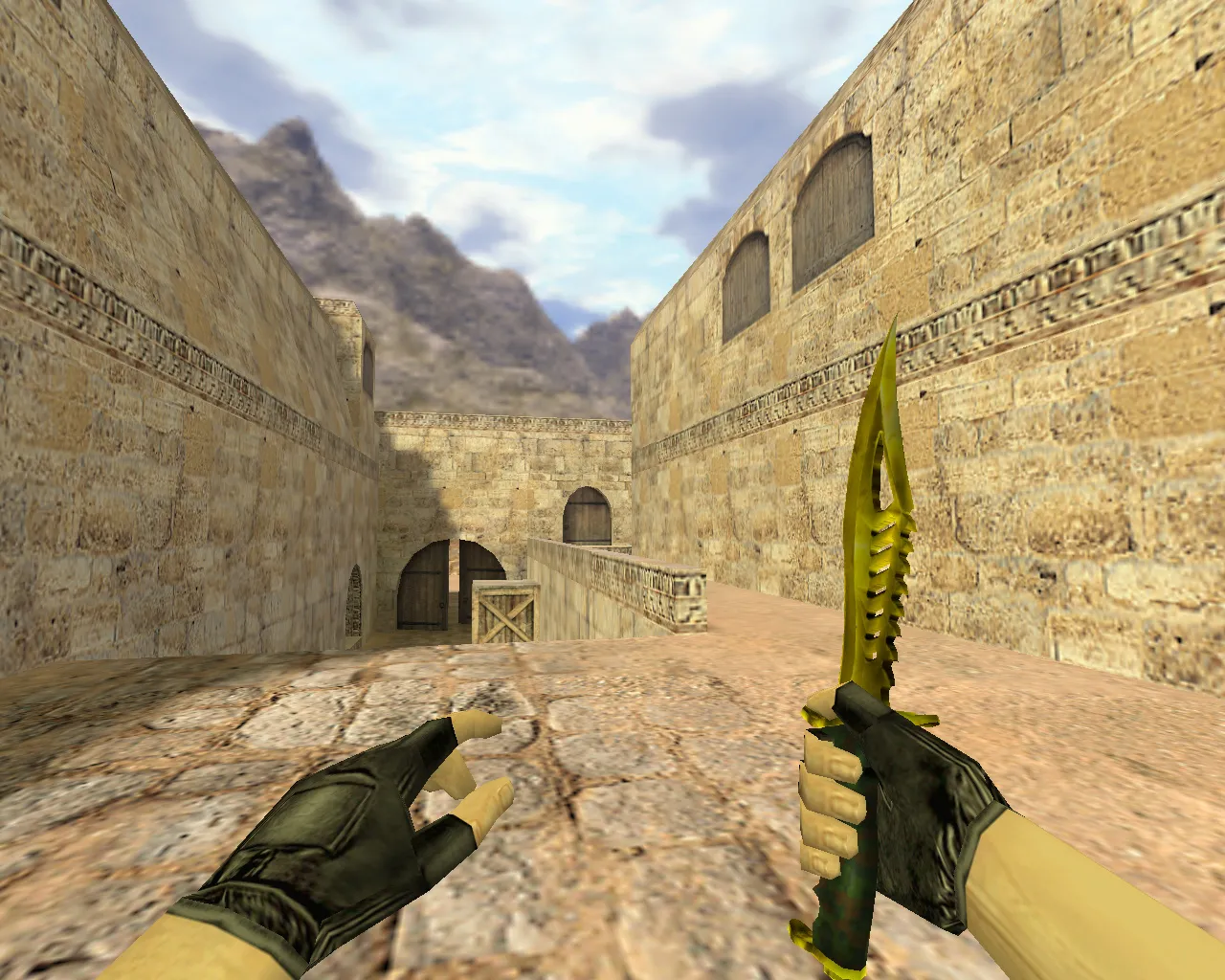
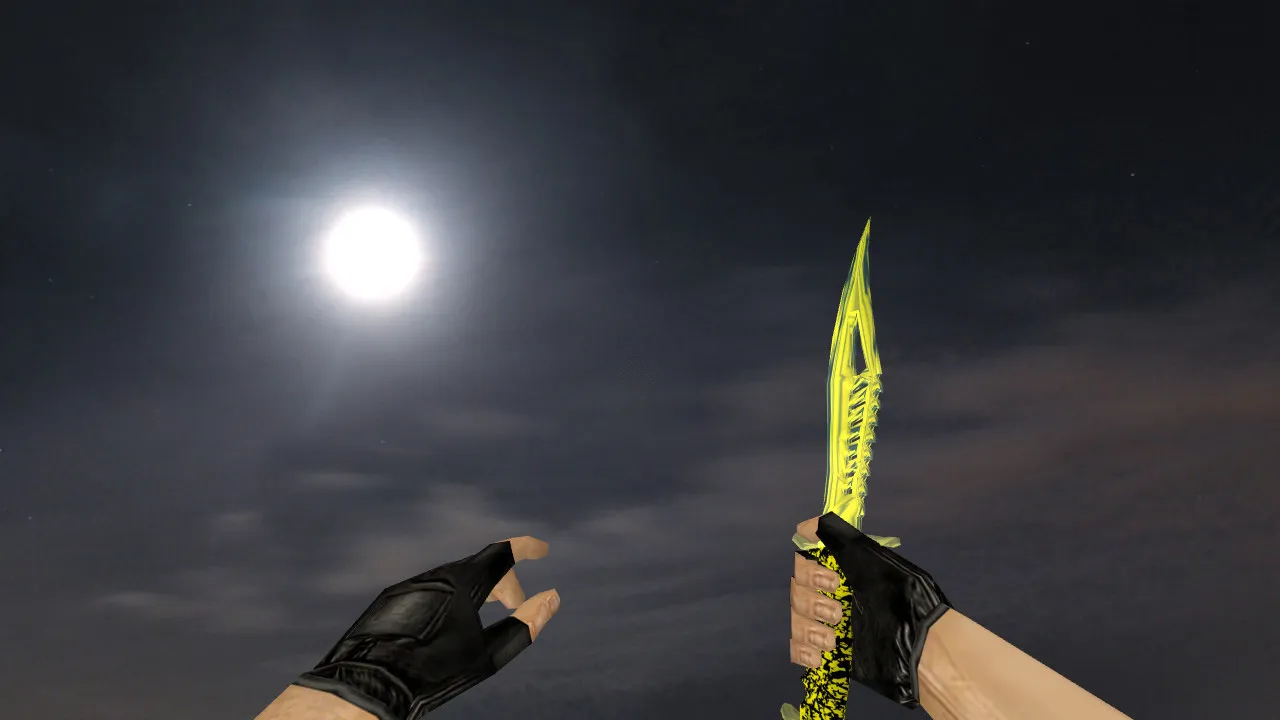
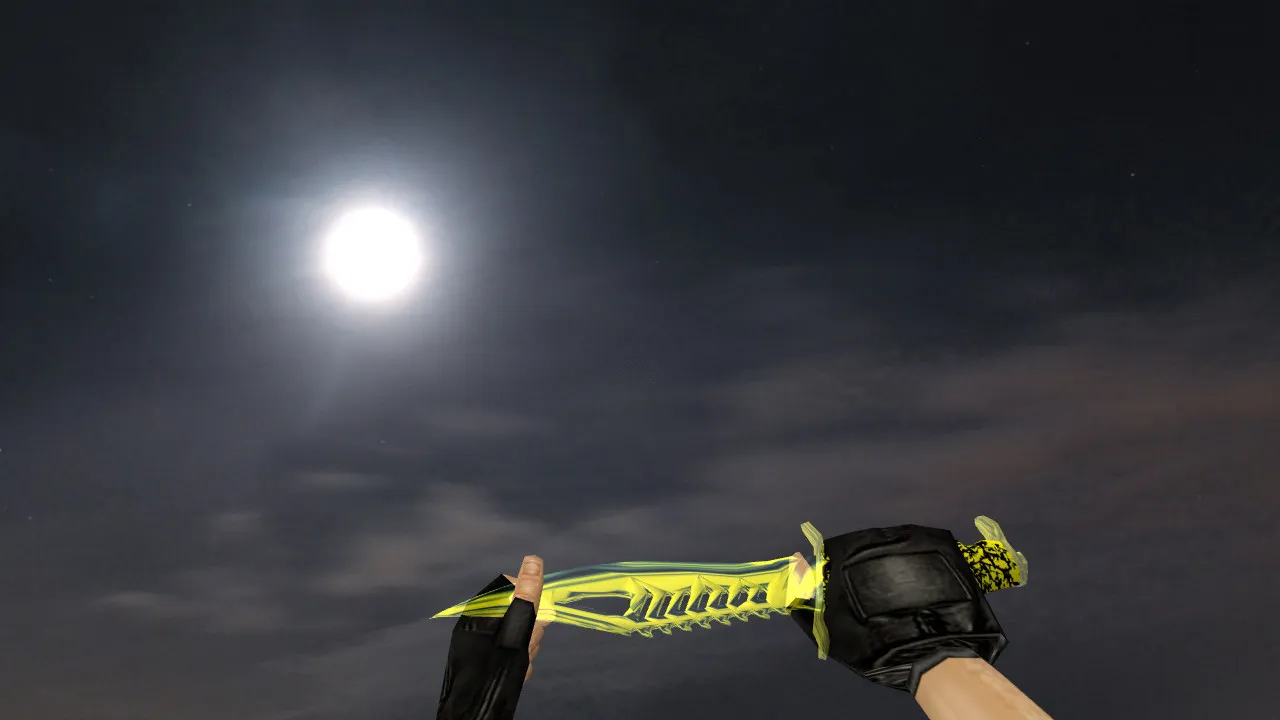
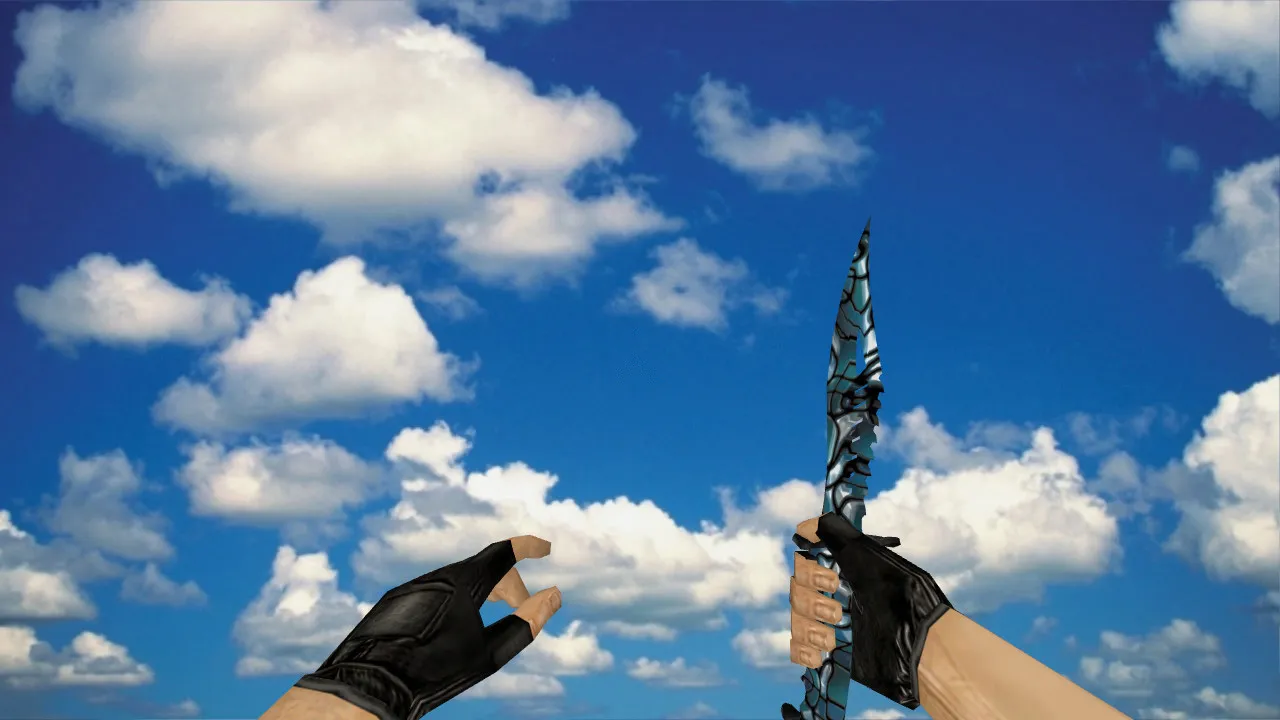
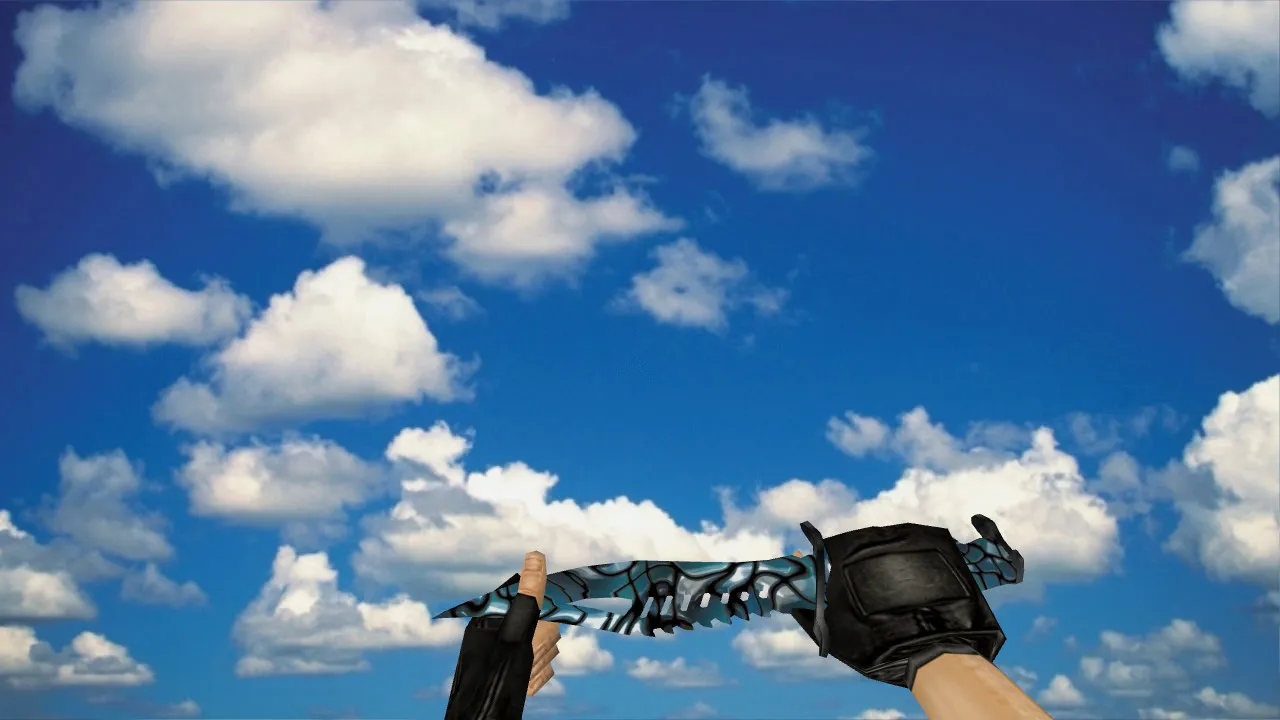
Skeleton Knife Northern Forest v_knife for CS 1.6: Custom Audio, Inspect Animations, HD Textures & Hitbox Alignment
Description
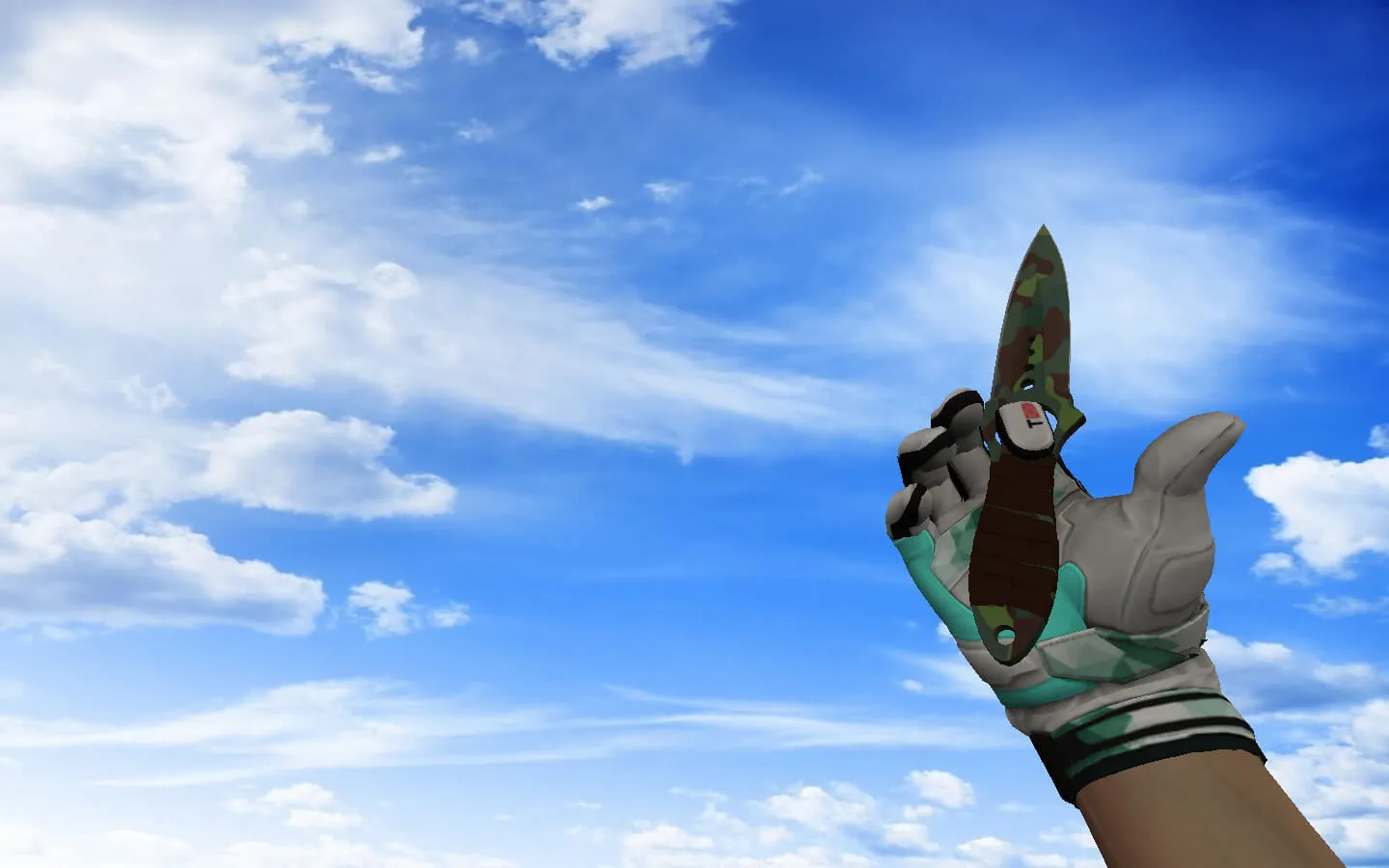
Skeleton Knife Northern Forest for CS 1.6
This Skeleton Knife Northern Forest model provides a reliable first-person view for competitors who require accuracy in CS 1.6. Since blades remain on screen during every round, the details count: v_knife model fidelity, texture sharpness, clarity in dim environments, and fluid inspection mechanics. The package drops straight into your client without disturbing the UI. Assets follow standard locations and formats, guaranteeing smooth integration.
The bundle contains v_knife, p_knife, and w_knife models. Both the v_knife and p_knife include complete inspect animations, vital for pre-round checks and repositioning. The w_knife focuses on clear recognition at a distance during drops or third-person perspectives. Unique knife audio rounds out footsteps and weapon swaps, boosting immersion without causing distractions in hectic rounds.
Precision Model Benefits in Gameplay
Knives in CS 1.6 require rapid slashes and stabs, so the model has to align with engine expectations. Hitboxes conform to the skeletal shape precisely, stopping erratic hits or missed strikes where the blade ought to connect. This configuration keeps behavior consistent, whether slashing in tight spaces or inspecting mid-round.
The Northern Forest finish performs well across map environments. In shadowed zones like de_dust2's tunnels, edges stay crisp against dark backdrops. Under bright illumination on open sites, contrast holds without washing out. Suited for public servers where visibility keeps you locked on opponents instead of straining at your equipment.
Polygon count remains optimized for high-FPS performance, preventing frame loss during intense firefights. Textures employ a 512x512 resolution for clean lines on the bone-style handle and forest camo blade, without inflating file sizes. No custom sprites or wad files are required-everything fits into existing cstrike directories.
Safe Installation Process
Begin with a clean client, free of auto-loading modifications or third-party builds. Back up your models folder or the entire cstrike directory before continuing. Unpack the archive and copy files to mirror the structure: place v_knife.mdl in models/v_knife.mdl, and do the same for p_knife.mdl and w_knife.mdl. If other knife modifications exist, rename or remove them to prevent conflicts-avoid blind overwrites.
Functions identically for Steam and Non-Steam installations: files go into the base cstrike folder, and the game starts without console errors. Avoid questionable downloads-no .exe files, no adware, no auto-connect scripts. This pack holds only models, textures, sounds, and animations. Virus-free and lightweight, it will not slow your client or trigger VAC-like checks on protected servers.
For Build 4554 or 8613 clients, compatibility is complete-tested on MasterServer-protected lobbies. Config.cfg stays untouched; no binds or cvars are added. If you are running a custom HUD, confirm knife visibility does not clip with crosshair elements.
Post-Installation Verification
- Start CS 1.6 and spawn on a local server to examine the v_knife: cycle through animations and weapon swaps.
- Execute test swings and stabs to verify model stability and hitbox response on bots.
- Listen for knife attack audio and switch effects-confirm they play without gaps or defaults.
- Compare v_knife and p_knife visibility in a dark map area, such as cbble's underpass.
- Drop the knife and observe w_knife from third-person: check for correct rendering on the ground and during pickups.
- Play a quick deathmatch round to gauge FPS impact-expect no drops below 100fps on mid-range hardware.
Once verified, the Skeleton Knife Northern Forest integrates completely. It keeps swings responsive and visuals unobtrusive, allowing you to maintain map awareness in every knife duel. Combine it with a no-recoil config for edged-weapon dominance on pubs or ESL-style servers.
This model upgrades knife play without overcomplicating your setup. Focus shifts to tactics, like flanking B-site on de_inferno while the blade stays sharp in peripheral vision. Ongoing updates in the CS 1.6 mod community keep such assets relevant for long-time players.
Install in three steps
-
1
Download the archive. Use the button on the right, or the Yandex.Disk mirror if the main server is slow.
-
2
Extract it into the game folder. Use 7-Zip or WinRAR. A path without non-Latin characters works best.
-
3
Launch the game. If something doesn't work, mark it below - that is how we know the file needs an update.
Did it work for you?
No sign-up needed. You can pick more than one.