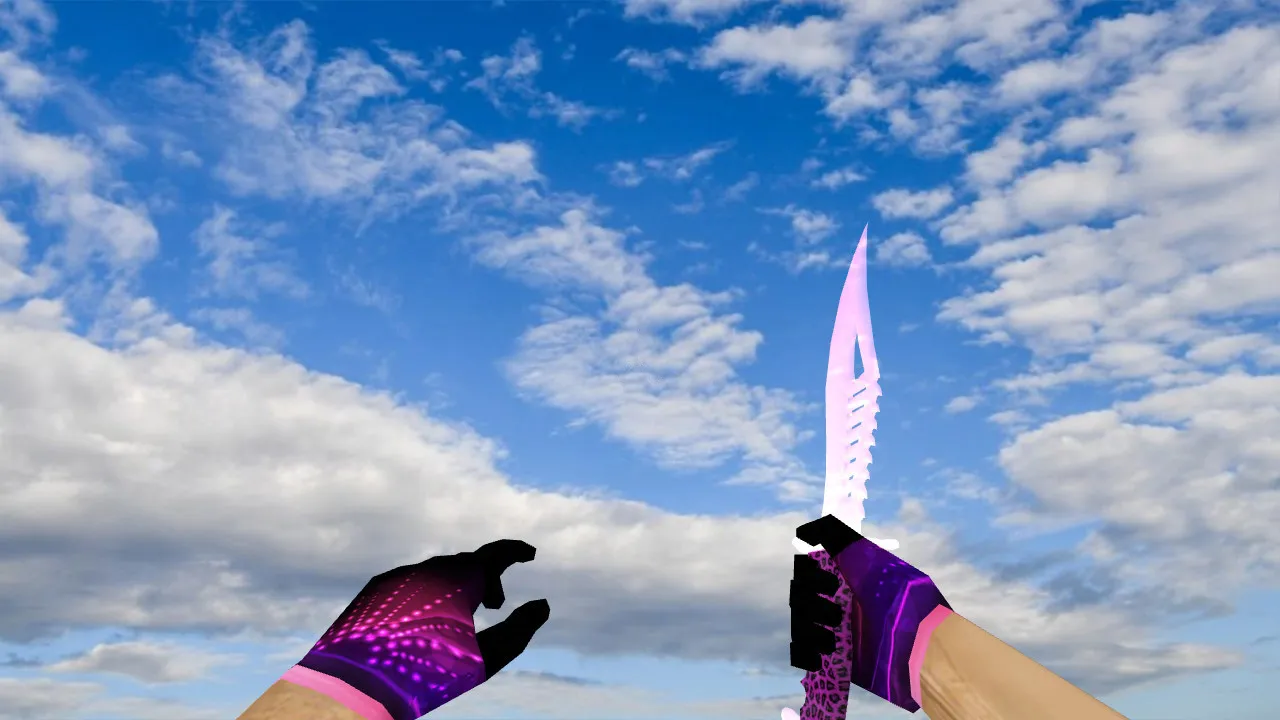
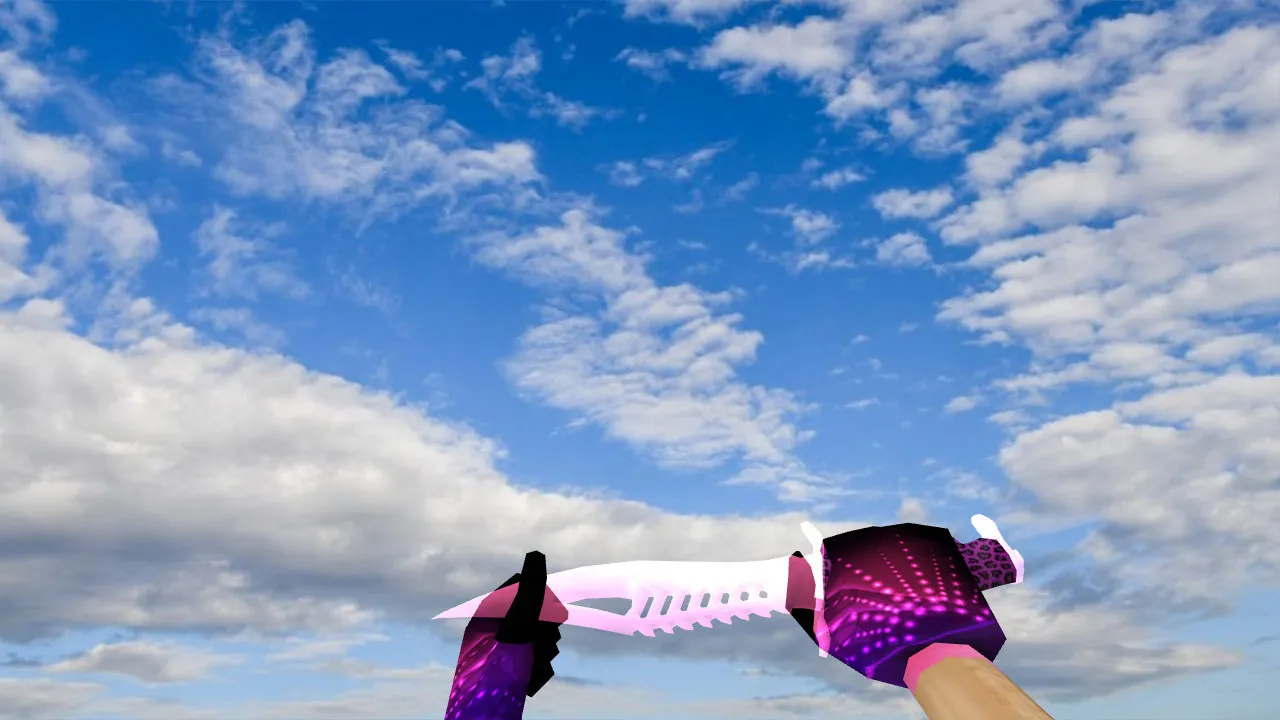
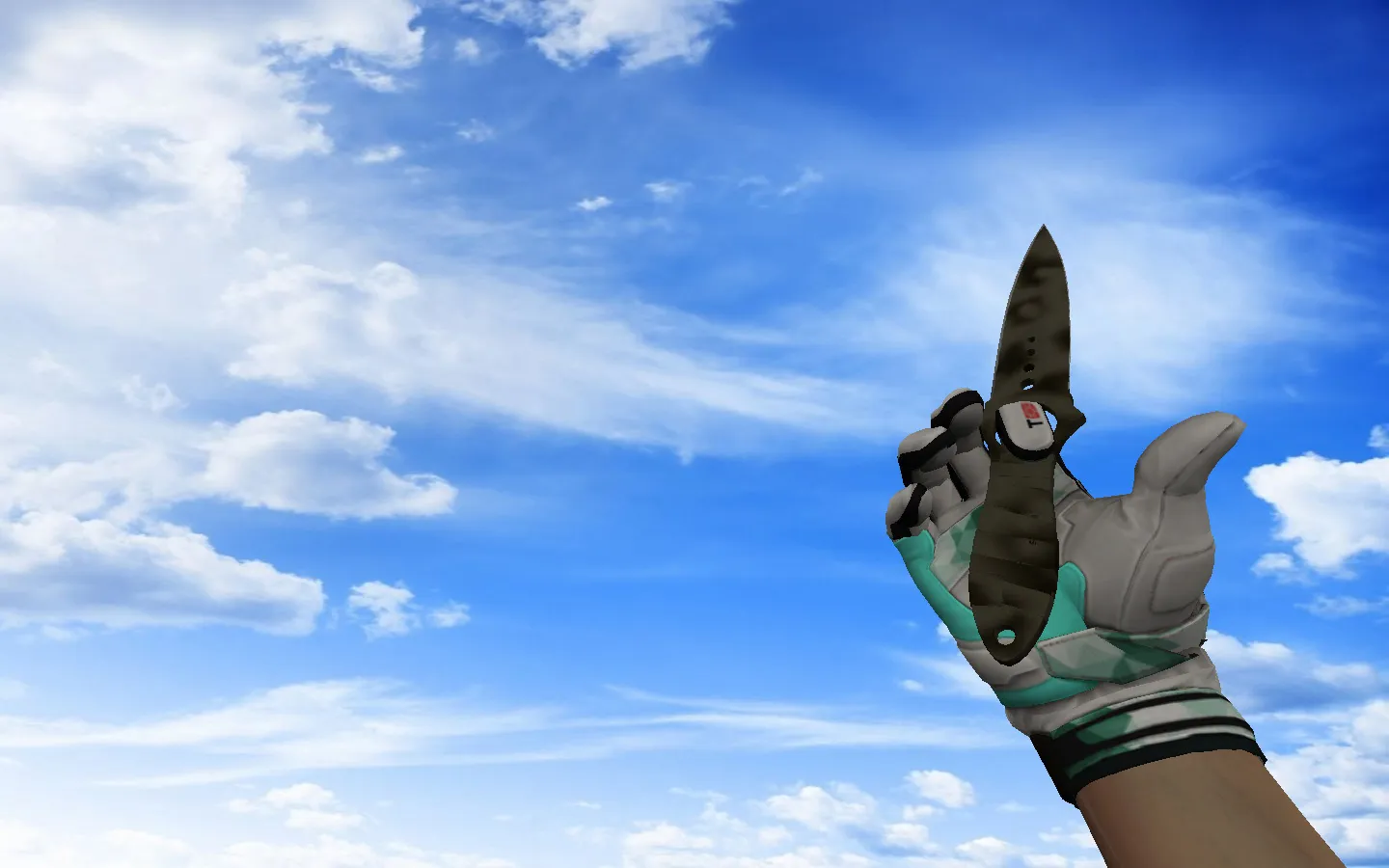
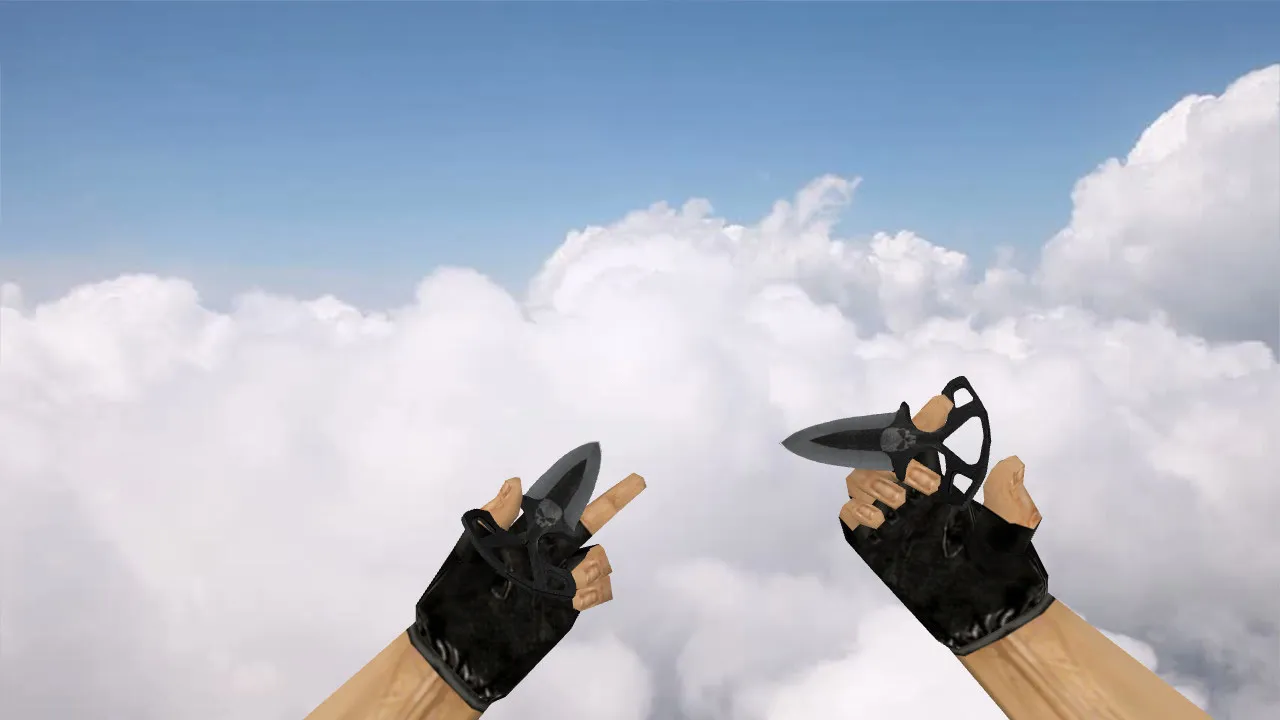
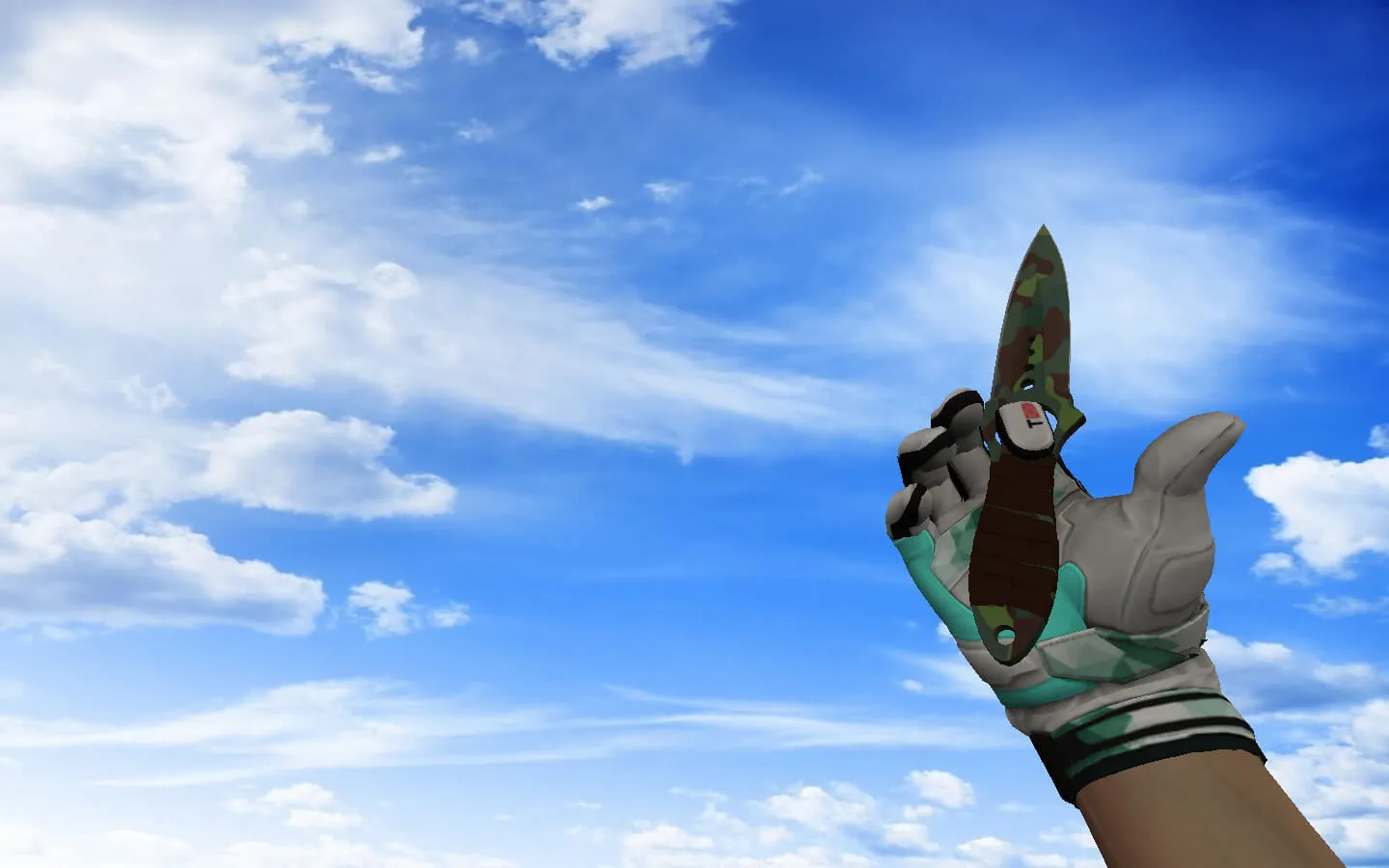
Golden Nautilus Knife Model for CS 1.6: v_ and p_ Models with Sounds, Inspection Animation, and Textures
Description
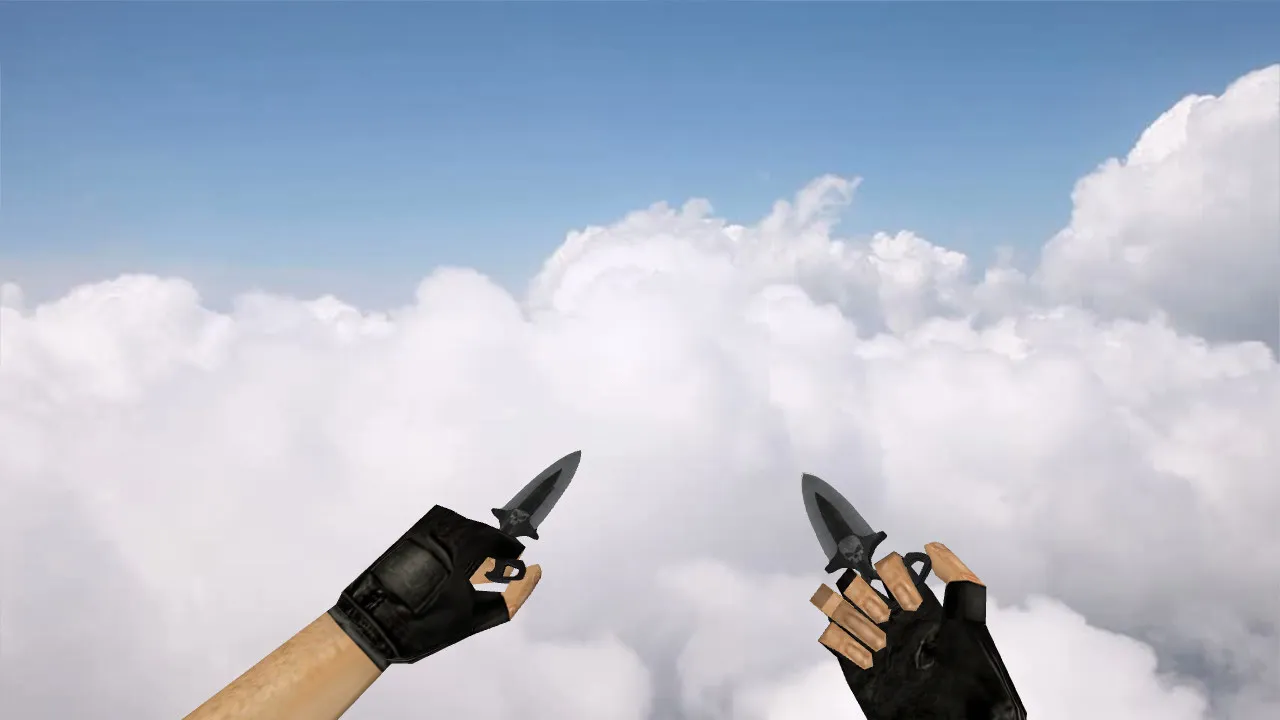
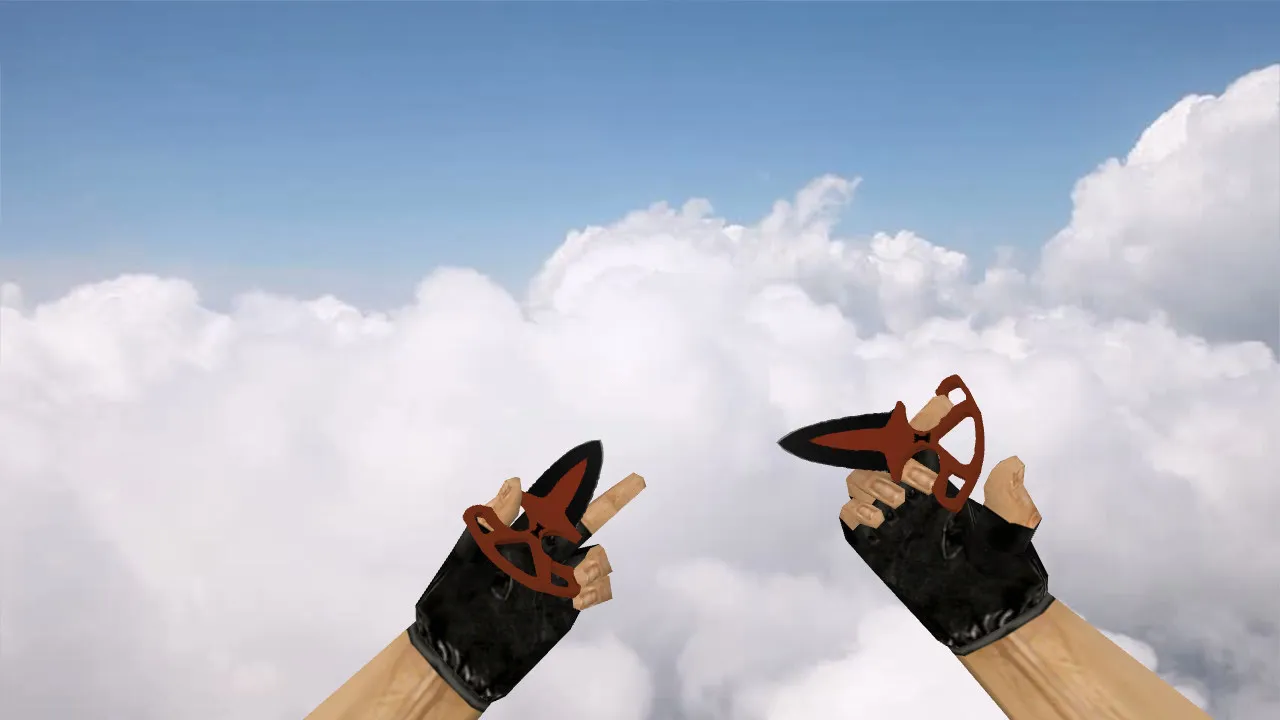
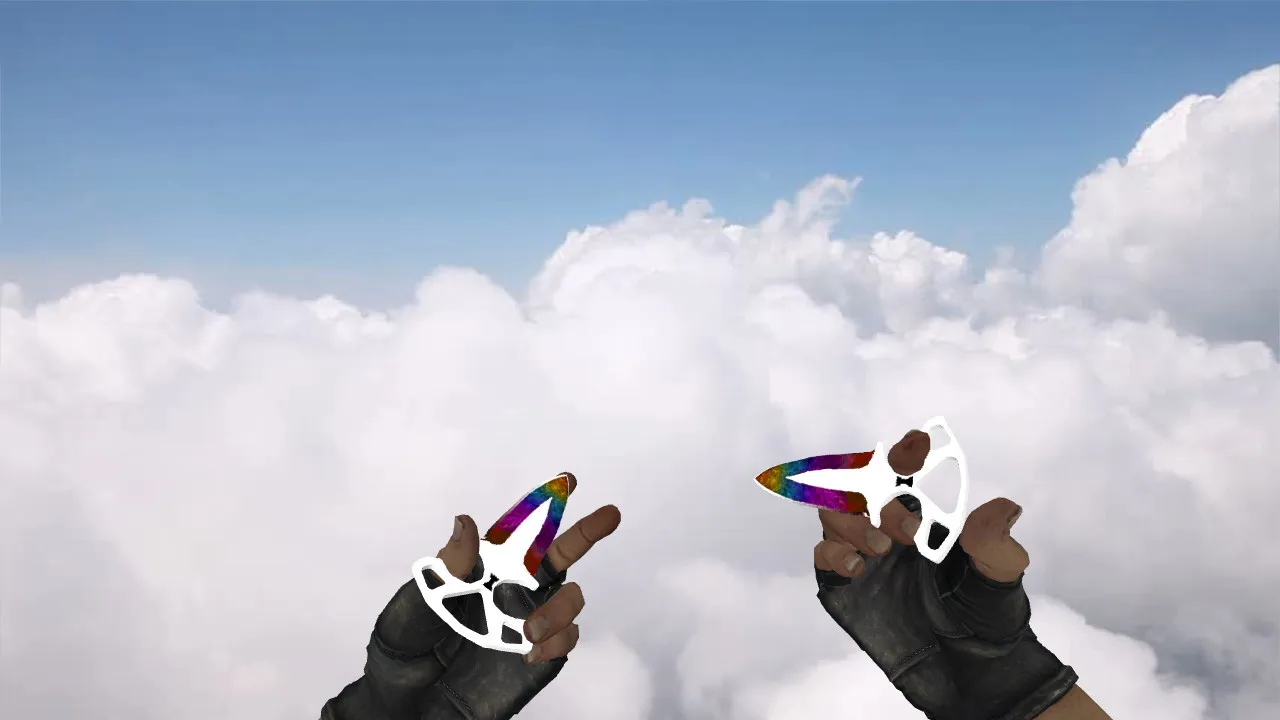
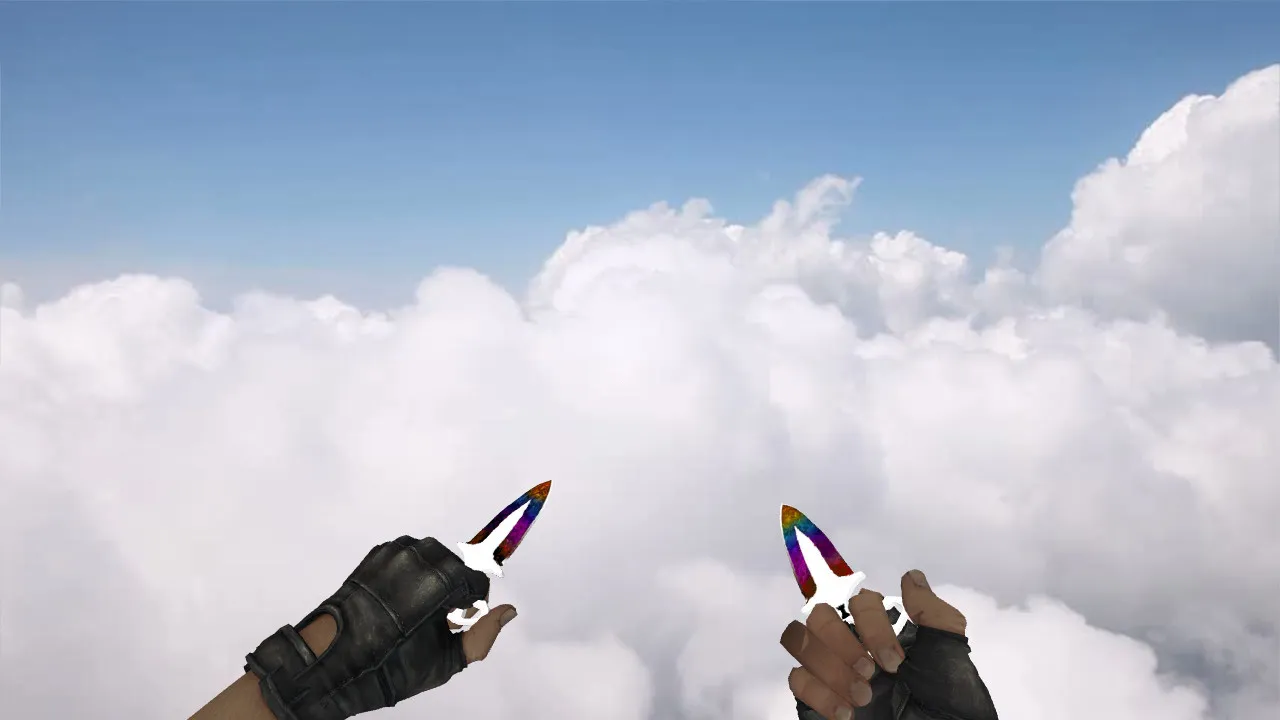
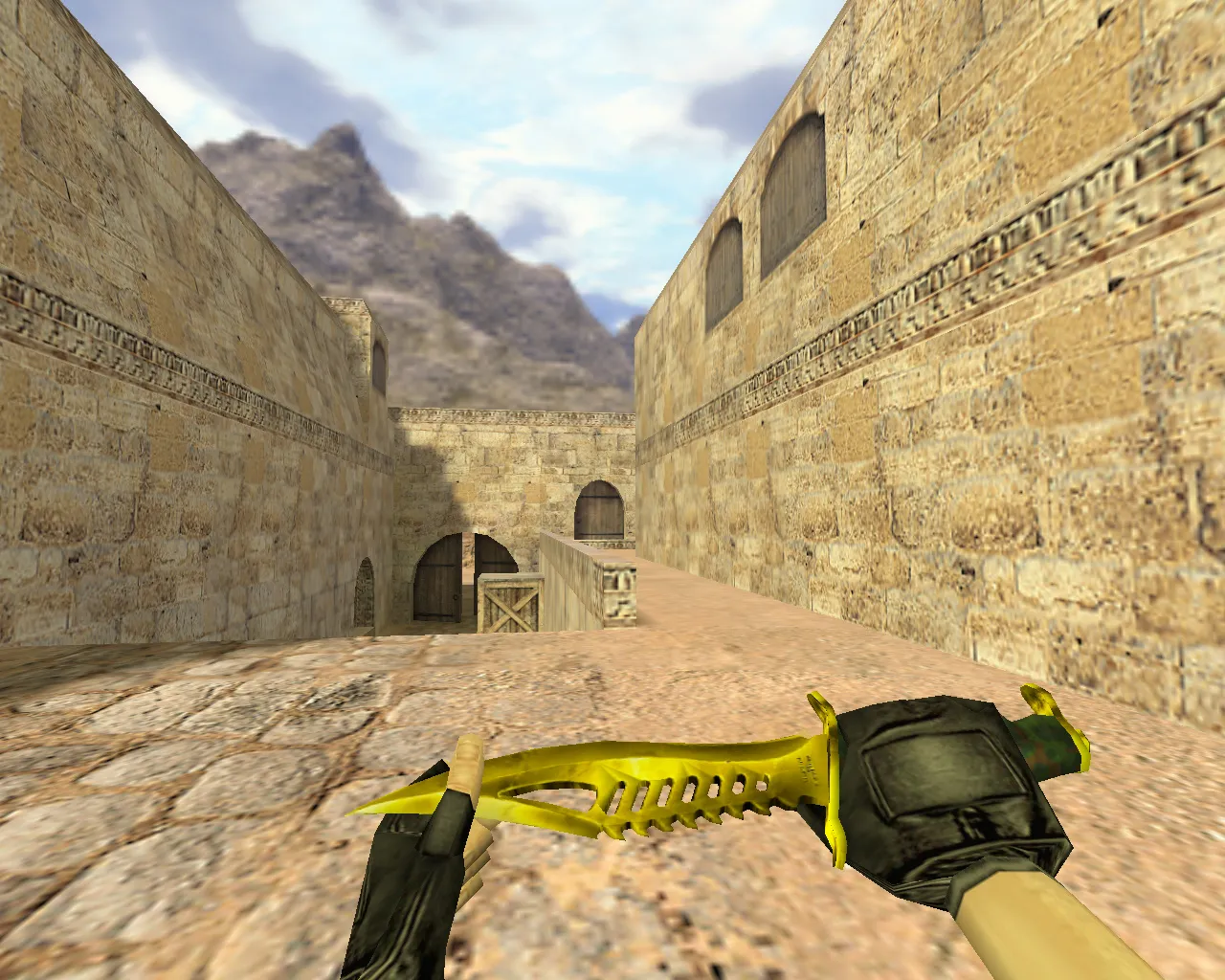
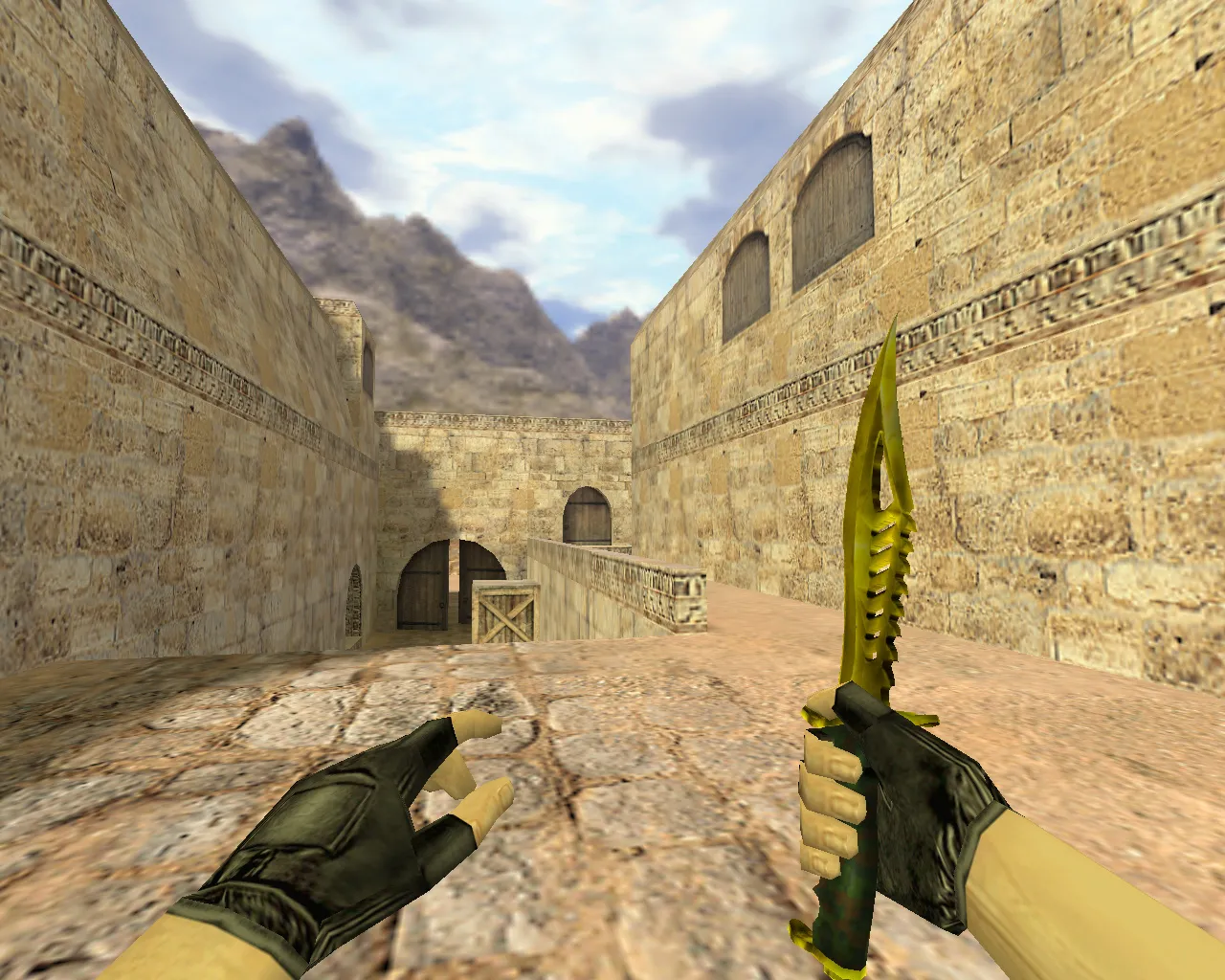
Golden Nautilus Knife for CS 1.6: v_ and p_ Models, Sounds, and Animation
This Golden Nautilus Knife for Counter-Strike 1.6 substitutes the standard blade. The package supplies v_ files for the first-person perspective and p_ files for the third-person view, so the weapon appears consistent whether you are inspecting it or fighting.
To ensure fluid play, the model ships with bespoke audio covering draw clicks, slash impacts, and regular interaction cues. An inspection sequence is also included; the hand motions run cleanly without stutter or timing issues. The textures adopt a gold motif and remain legible on dark arenas such as de_dust2 or de_inferno.
Visibility in Low Light and Reliable Replacement
Because the knife is always on screen in CS 1.6, clean materials and exact geometry keep it readable through smoke, shadows, and high-contrast surfaces. When installed correctly, the model will not degrade into a blurry patch during rapid turns or rushes.
Verify the model after installation. With proper alignment, hand and blade positions match perfectly. This configuration improves the feel during respawn knife duels or high-tempo rounds on servers running MasterServer protection.
Texture Quality and Unique Skin Appearance
The Golden Nautilus finish highlights gold shades and detailed surfaces for a distinctive hand presence. Textures reduce edge distortion and stop light reflections from shifting oddly during rotation. Built for CS 1.6, the model retains its shape on default settings without artifacts when switching weapons.
The skin's character shows in the details. While aiming or inspecting, the blade merges seamlessly. In combat, it delivers visual clarity because the custom texture blends naturally with the base animations instead of looking pasted on.
Safe Installation Guide for the Knife
- Verify Files: The archive holds CS 1.6-compatible models, usually folders and files prefixed with v_ and p_.
- Backup Folders: Duplicate your weapon model directories before overwriting. This permits an easy rollback if problems appear.
- Copy to Correct Paths: Place the v_ and p_ models in the expected game directories. Misplacement can stop them from loading.
- Avoid Auto-Connect and Scripts: Install manually using files only. No viruses, advertisements, or dubious checks are involved.
- Test in Local Game: Launch a local match or empty server. Equip the knife, inspect it, and confirm selection and slash sounds.
Post-Installation Checks
After setup, open the inventory and cycle quickly between weapons and the knife. Watch the inspection animation playback. Then test slash audio and weapon swaps. If everything lines up, the model runs stably without glitches.
For optimal stability, keep a clean config.cfg and avoid conflicting modifications. On various builds like 4554 or 8610, ensure no clashes with other replacements. This keeps the Golden Nautilus Knife as a dependable accent in every round, compatible with both Steam and Non-Steam setups. Polycount remains low for high-fps performance, and hitbox alignment matches defaults for accurate swings. No-recoil configs will not interfere, preserving tactical knife use in close-quarters on maps with tight corridors.
Install in three steps
-
1
Download the archive. Use the button on the right, or the Yandex.Disk mirror if the main server is slow.
-
2
Extract it into the game folder. Use 7-Zip or WinRAR. A path without non-Latin characters works best.
-
3
Launch the game. If something doesn't work, mark it below - that is how we know the file needs an update.
Did it work for you?
No sign-up needed. You can pick more than one.