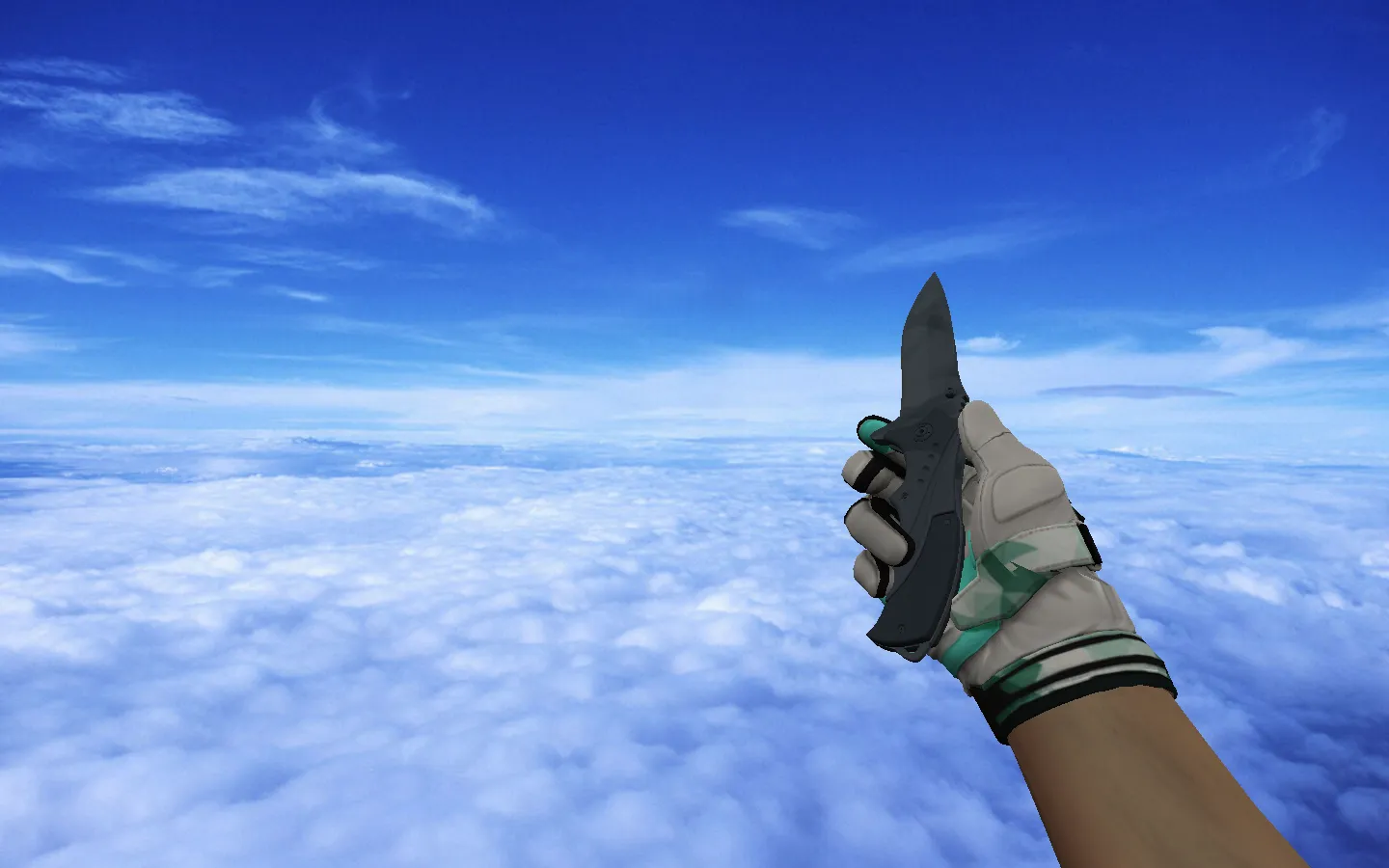
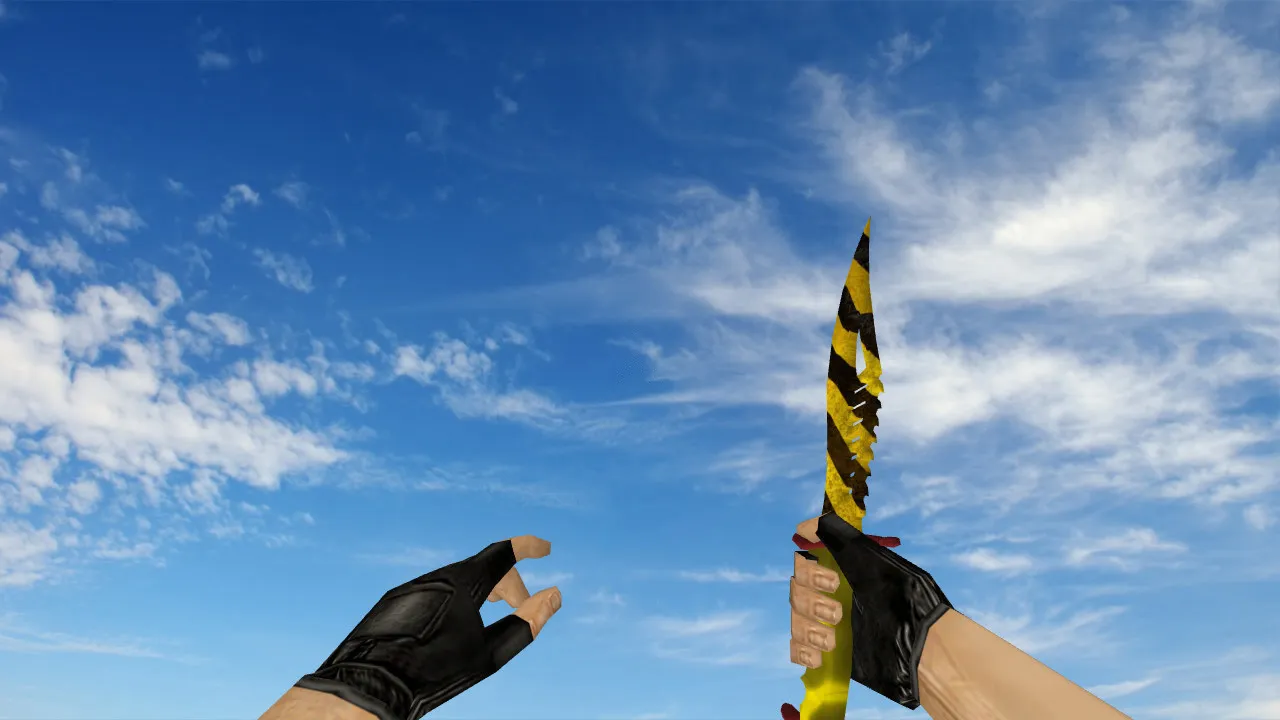
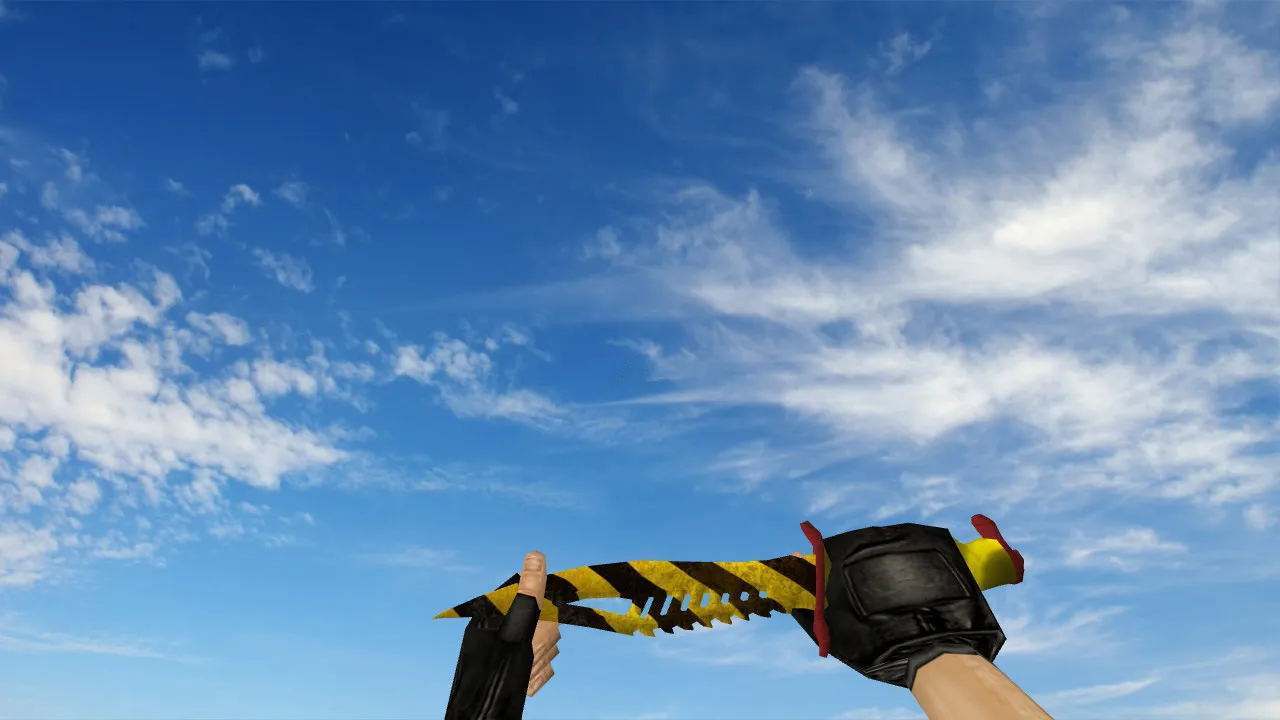
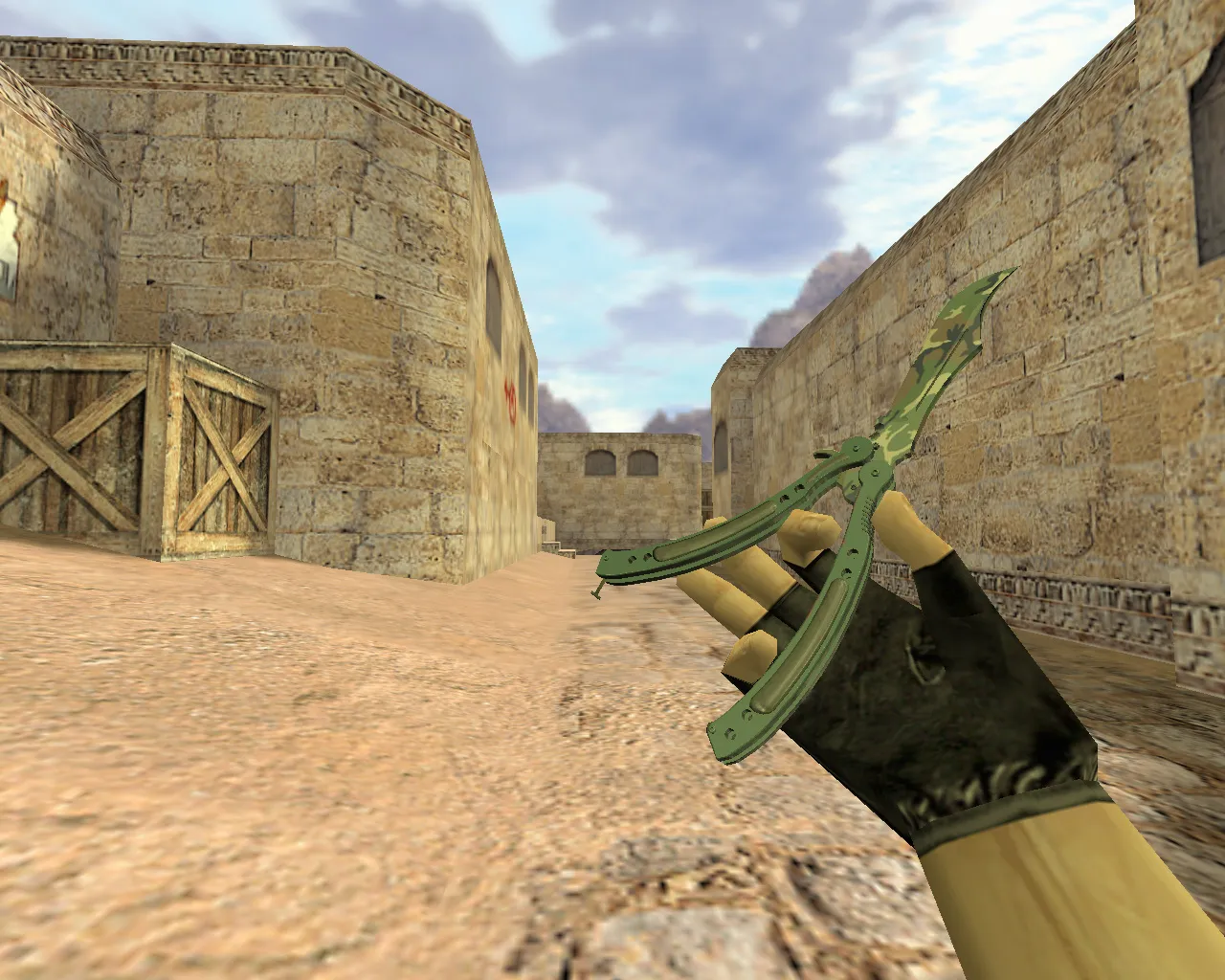
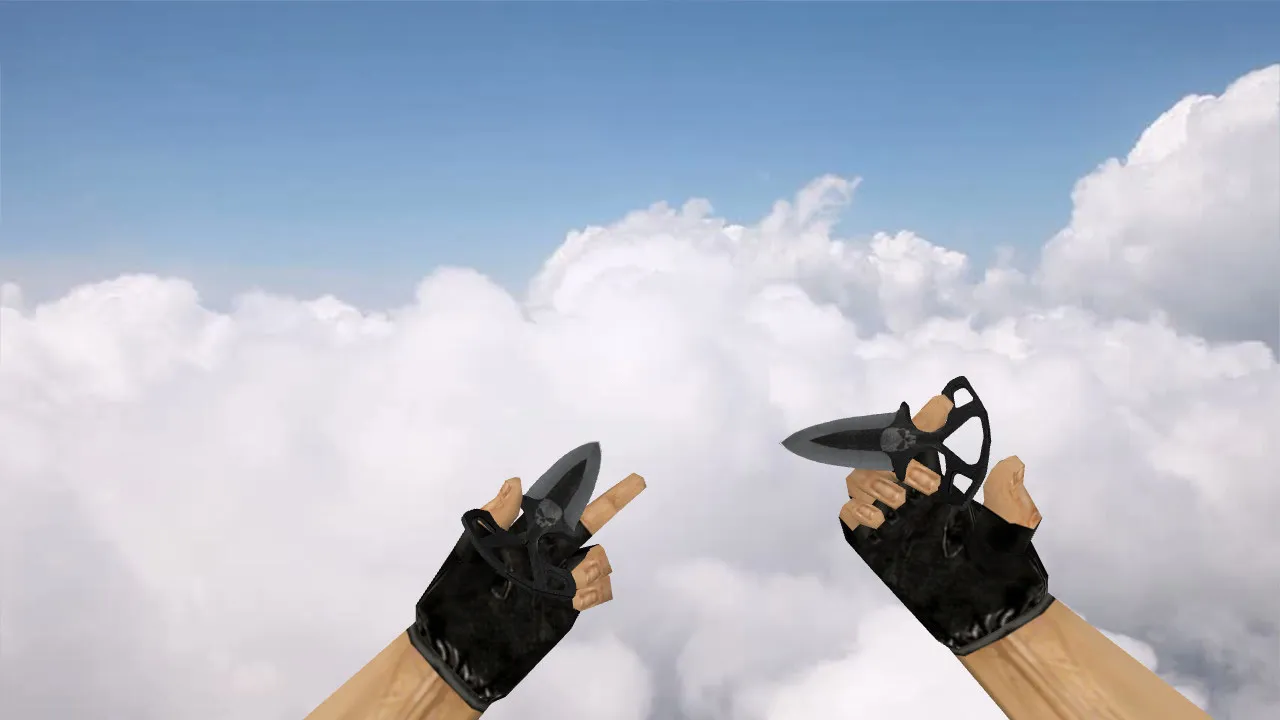
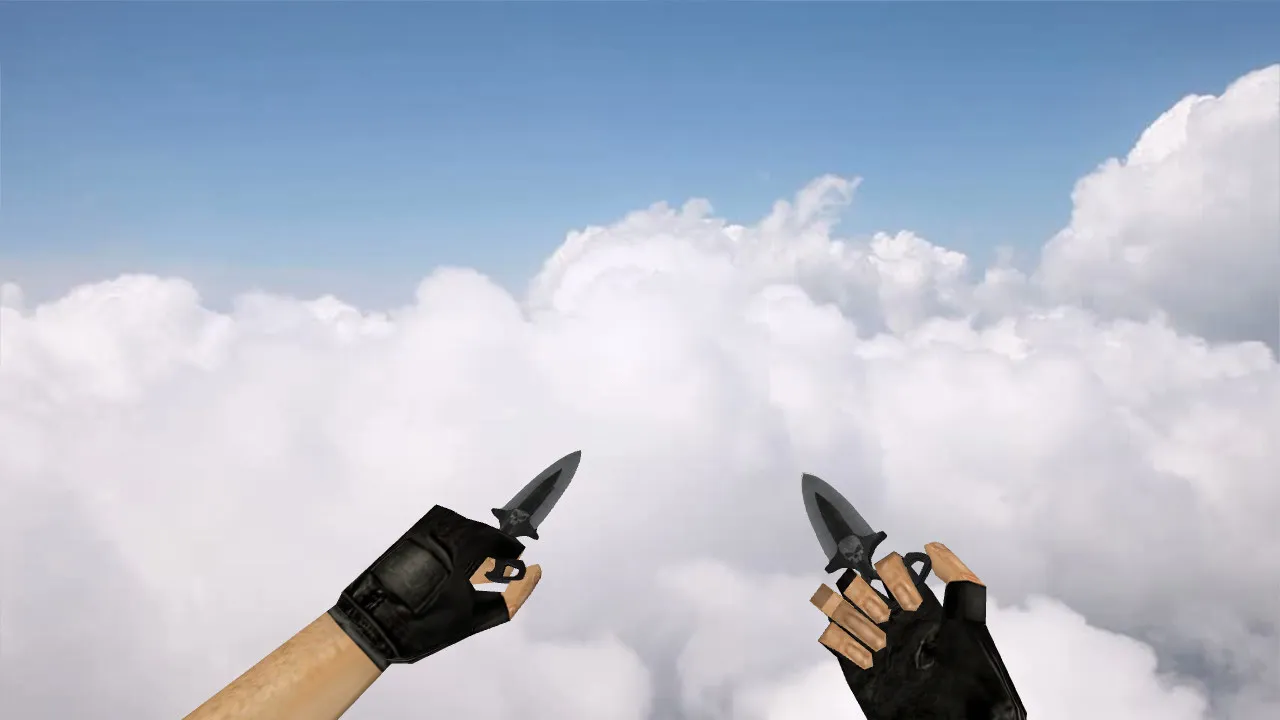
Shadow Daggers Vanilla Knife for CS 1.6: v_model, p_model, w_model with Sounds, Inspect Animation, and HD Textures
Description
Shadow Daggers Vanilla Knife for CS 1.6: Models and Animation
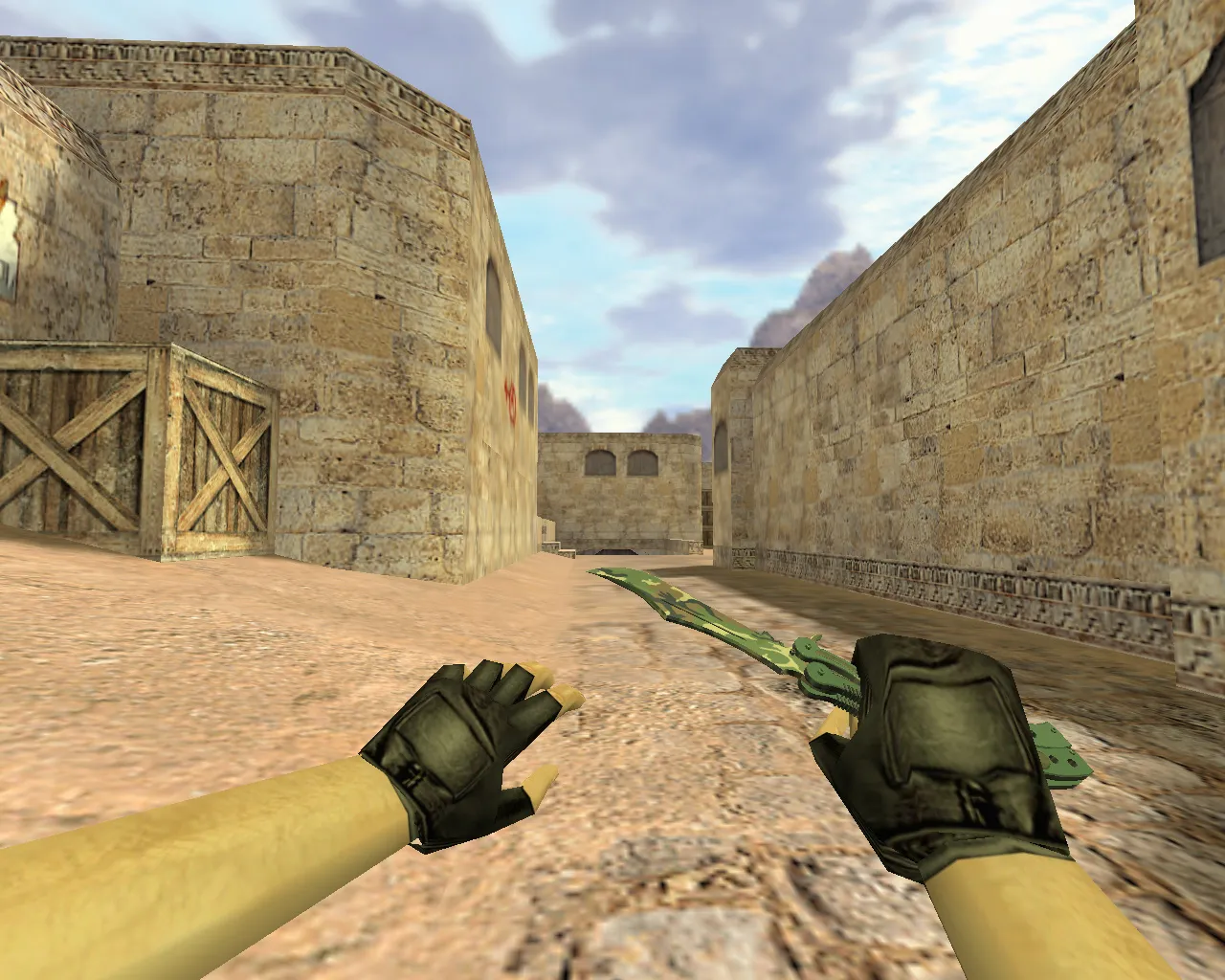
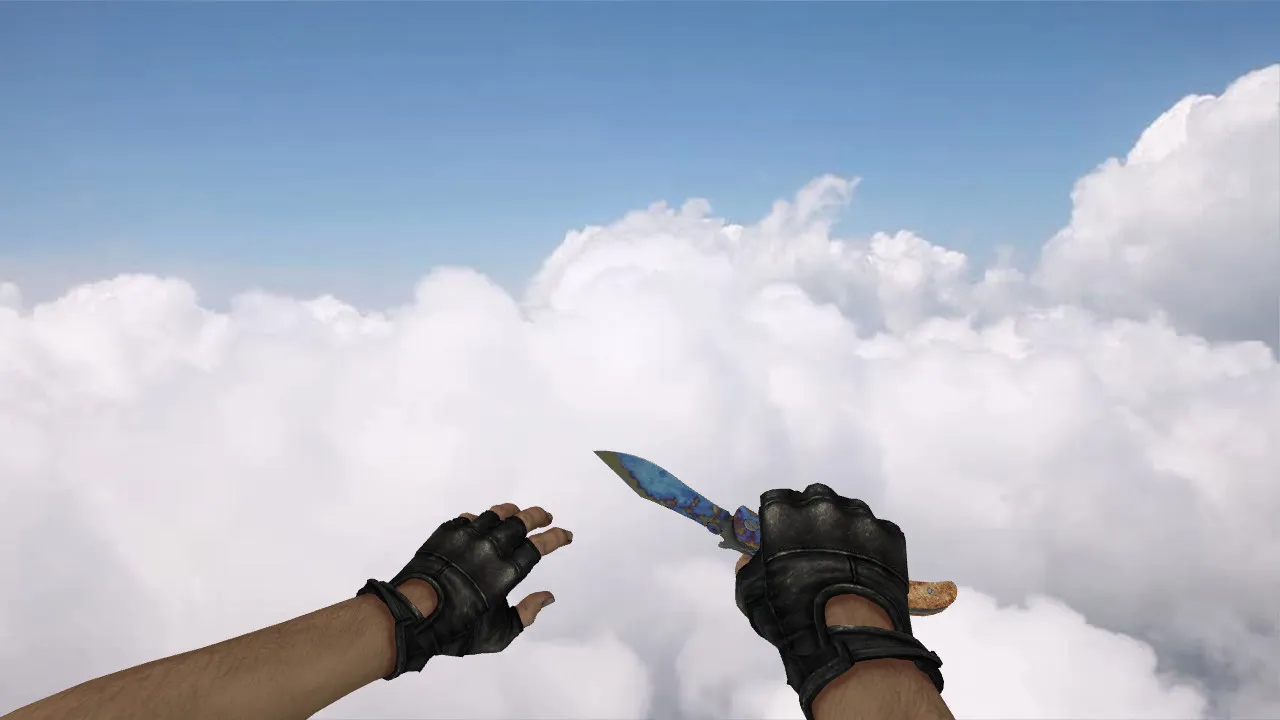
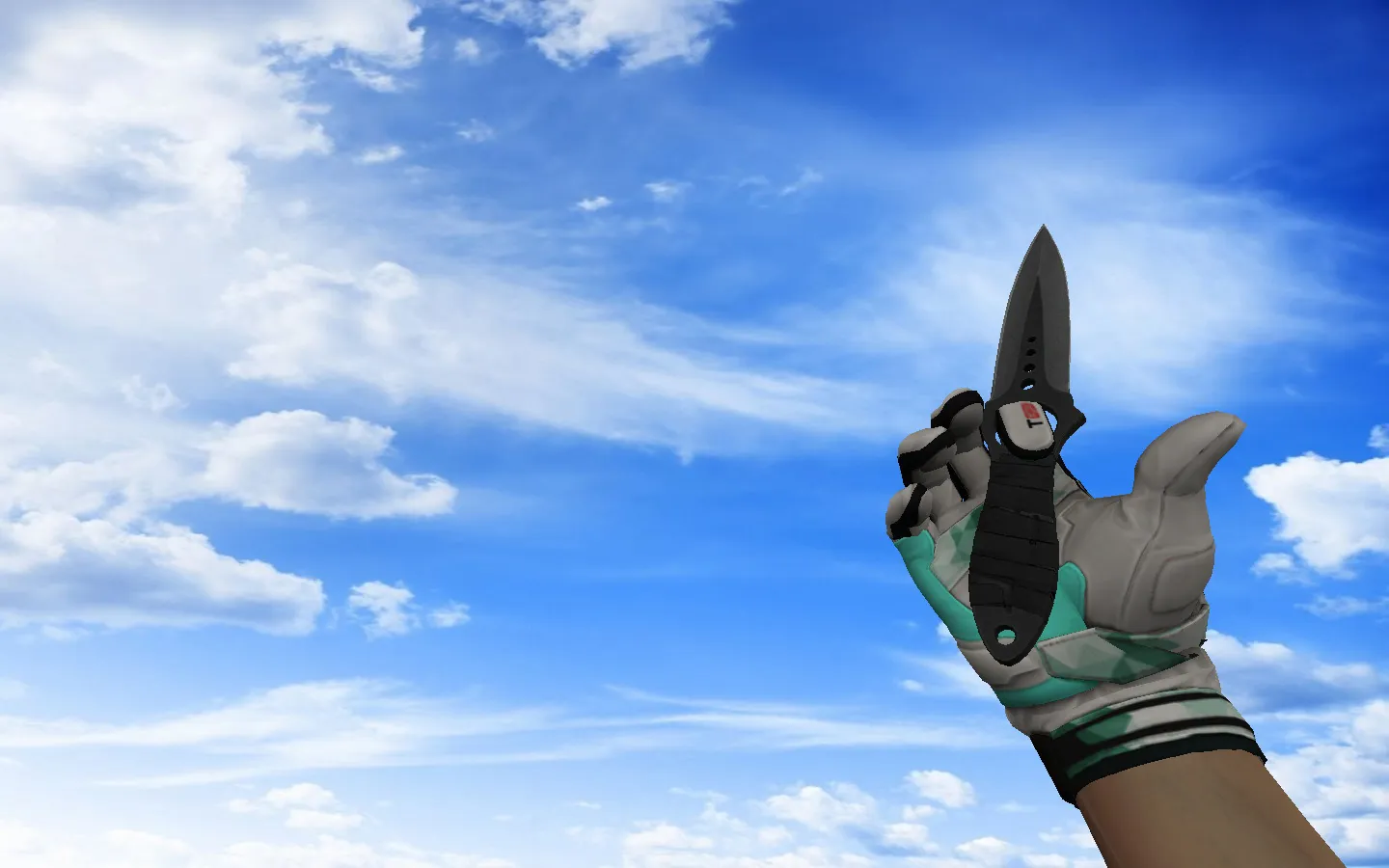
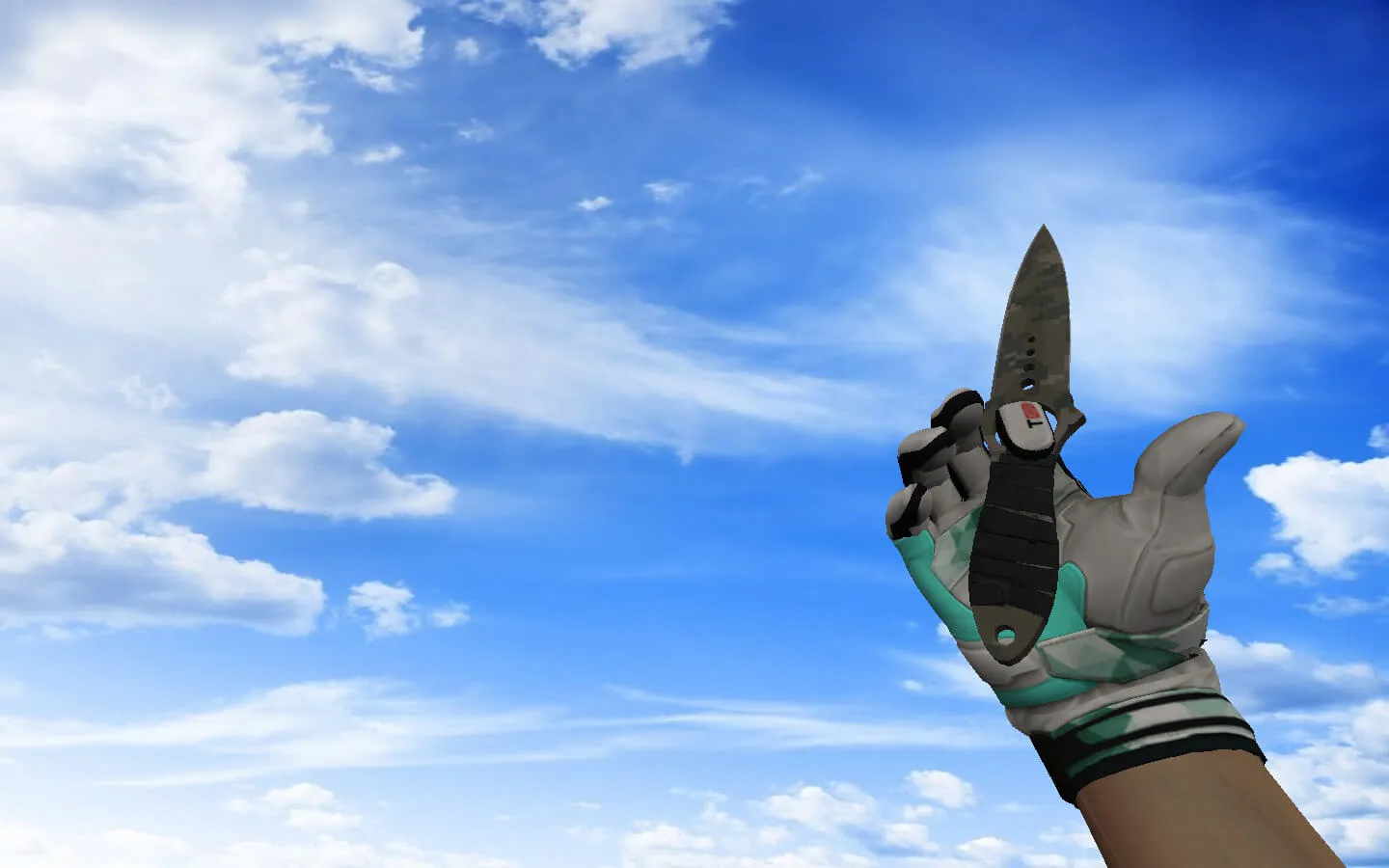
The Shadow Daggers Vanilla knife suits CS 1.6 setups that prioritize precision and clean visuals during rounds. It integrates using standard files with a proper v_model for first-person view, p_model for third-person scenarios, and w_model for world rendering. This arrangement ensures the player's hand model appears natural while aiming and in general overview without clipping problems.
During play, the knife behaves like the default item: it includes an inspect animation, clear hand visibility, and no disruption to pacing. Textures keep their detail without blurring during movement. For comfort, the model retains contrast, stopping it from merging into gray masses in dark corners or distant angles on maps such as de_dust2's long sightlines.
Contents of the CS 1.6 Knife Model
- v_model for first-person perspective, optimized for hitbox alignment
- p_model for third-person views in observer modes or specific situations
- w_model for ground drops and world interactions
- Custom sounds for stabbing actions, matching hits and weapon switches seamlessly
- Inspect animation following standard CS 1.6 logic, with smooth transitions
- HD textures at 512x512 resolution, avoiding blur or plastic shine on highlights
When adding this to your config, test how it renders on your settings. Some builds like 4554 or 8610 might show slight variations in video modes, so verify in a demo or local server first. This beats troubleshooting mid-match on public servers.
Installation Without Client Risks
Manual install skips auto-connects and extra scripts. Back up original knife files for easy rollback. Copy v_model.mdl, p_model.mdl, and w_model.mdl to the models folder, along with sounds to the sound/weapons directory. Restart CS 1.6, open console, and type "cl_knife" to confirm loading. No viruses, no slow-hacks, no ads-just clean files.
For stability, keep a clean config.cfg. Avoid tampering with aliases or rates unless needed. Standard values like ex_interp 0.01 and rate 25000 work for smoothness. If chasing high-fps, tweak gl_polyoffset or model polycount rather than adding unoptimized assets. Compatible with Steam and Non-Steam installs, but check folder paths: typically cstrike/models for models and cstrike/sound for audio.
In-Game Testing: Key Areas to Check Quality
- First-person: Inspect and switch weapons for artifact-free animations
- World view: Drop the knife and pick it up to assess w_model rendering
- Dark areas: Enter low-light map sections like de_inferno's boiler room to evaluate readability and contrast
- Movement: Run drills for a few minutes to see texture stability in dynamic play, ensuring no polycount drops below 60 fps on mid-range hardware
In CS 1.6, knives matter for consistent hand model behavior during close-quarters. A reliable viewmodel aids focus on crosshair placement and audio cues. Shadow Daggers Vanilla delivers this: straightforward design that doesn't distract in knife fights or rushes.
Safety and Compatibility Details
Download only model and texture files. Skip shady archives or third-party scripts. Built for CS 1.6's core engine, it works with MasterServer protection and standard bots via .nav files. Steam users place files in steamapps/counter-strike/cstrike; Non-Steam in the game root. Test on a private server to confirm no conflicts with custom configs or HUD elements.
Expand your loadout by pairing with matching weapon skins, like AK47 variants in neutral tones. Keep installs tidy so all v_model, p_model, and w_model sync across modes. For ESL-style play, this knife's visibility in shadows boosts edge in tactical spots without altering balance.
Overall, this mod enhances knife utility without bloat. Polycount stays low at around 1500 triangles per model, preserving frame rates on older rigs. Sounds use .wav files for precise timing on slashes and impacts, aligning with default hit detection. If running bots, ensure wpoly optimization in video settings for smooth pathing around dropped knives.
Install in three steps
-
1
Download the archive. Use the button on the right, or the Yandex.Disk mirror if the main server is slow.
-
2
Extract it into the game folder. Use 7-Zip or WinRAR. A path without non-Latin characters works best.
-
3
Launch the game. If something doesn't work, mark it below - that is how we know the file needs an update.
Did it work for you?
No sign-up needed. You can pick more than one.