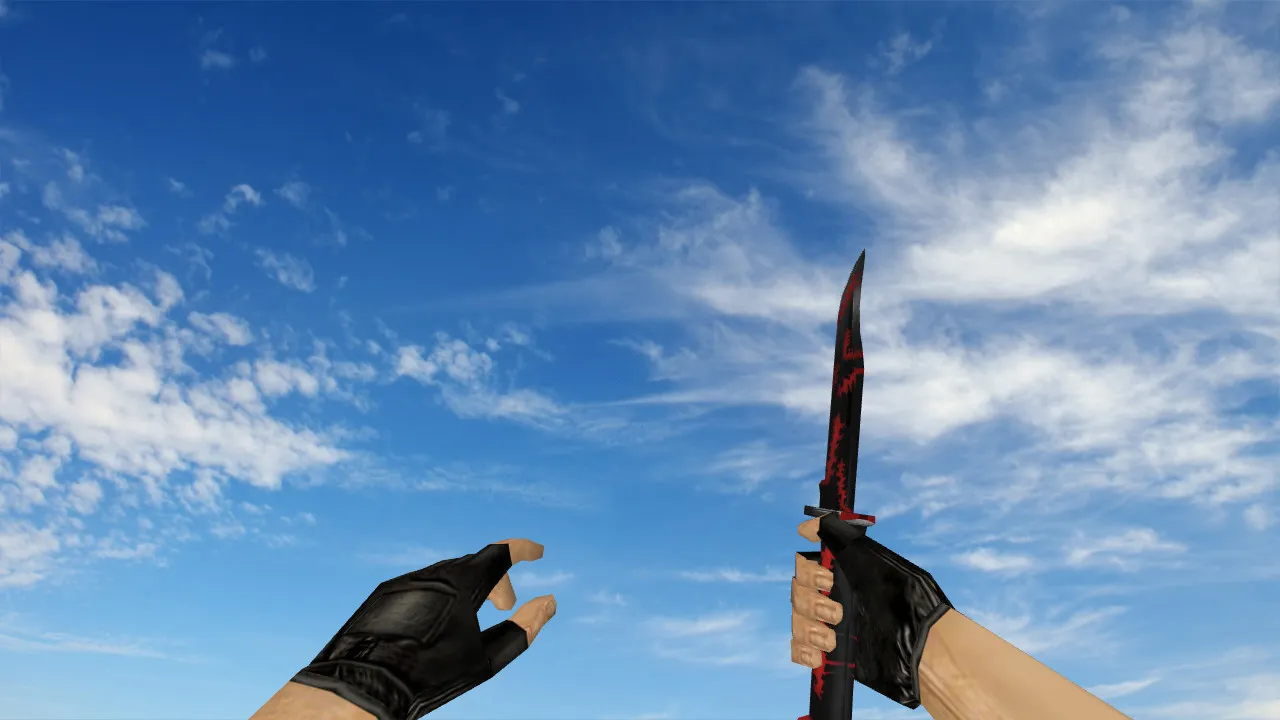
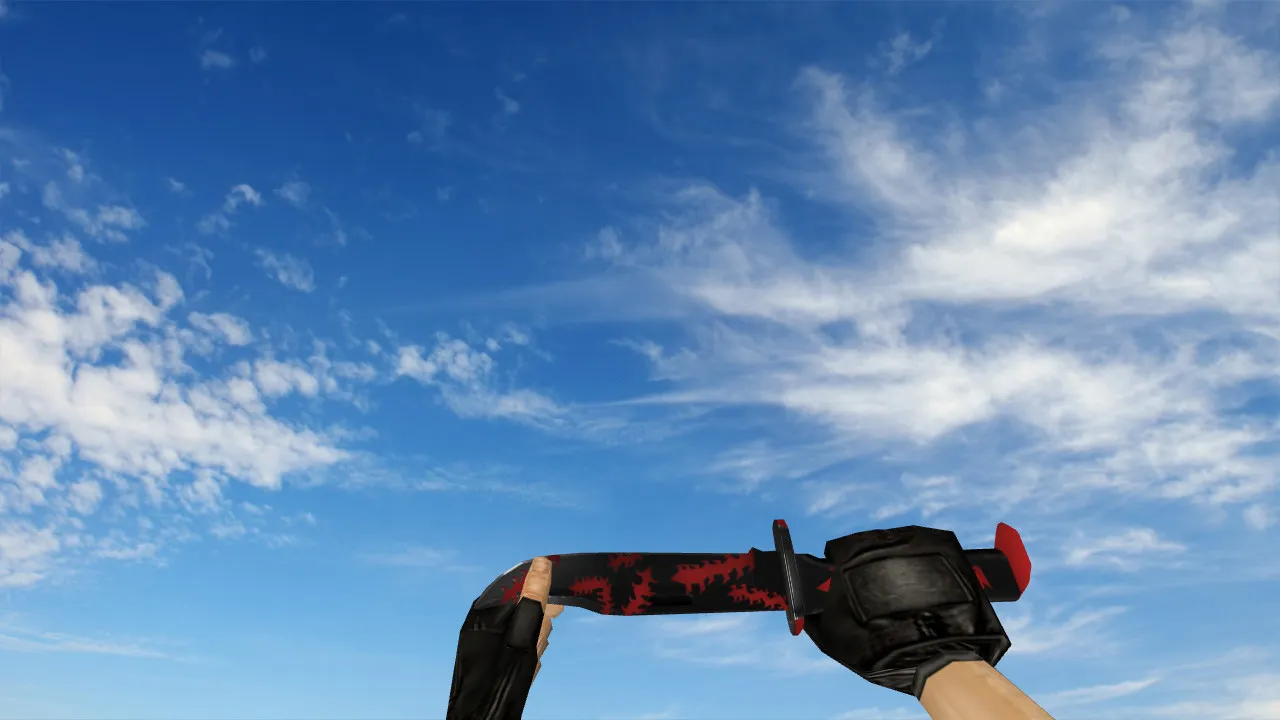
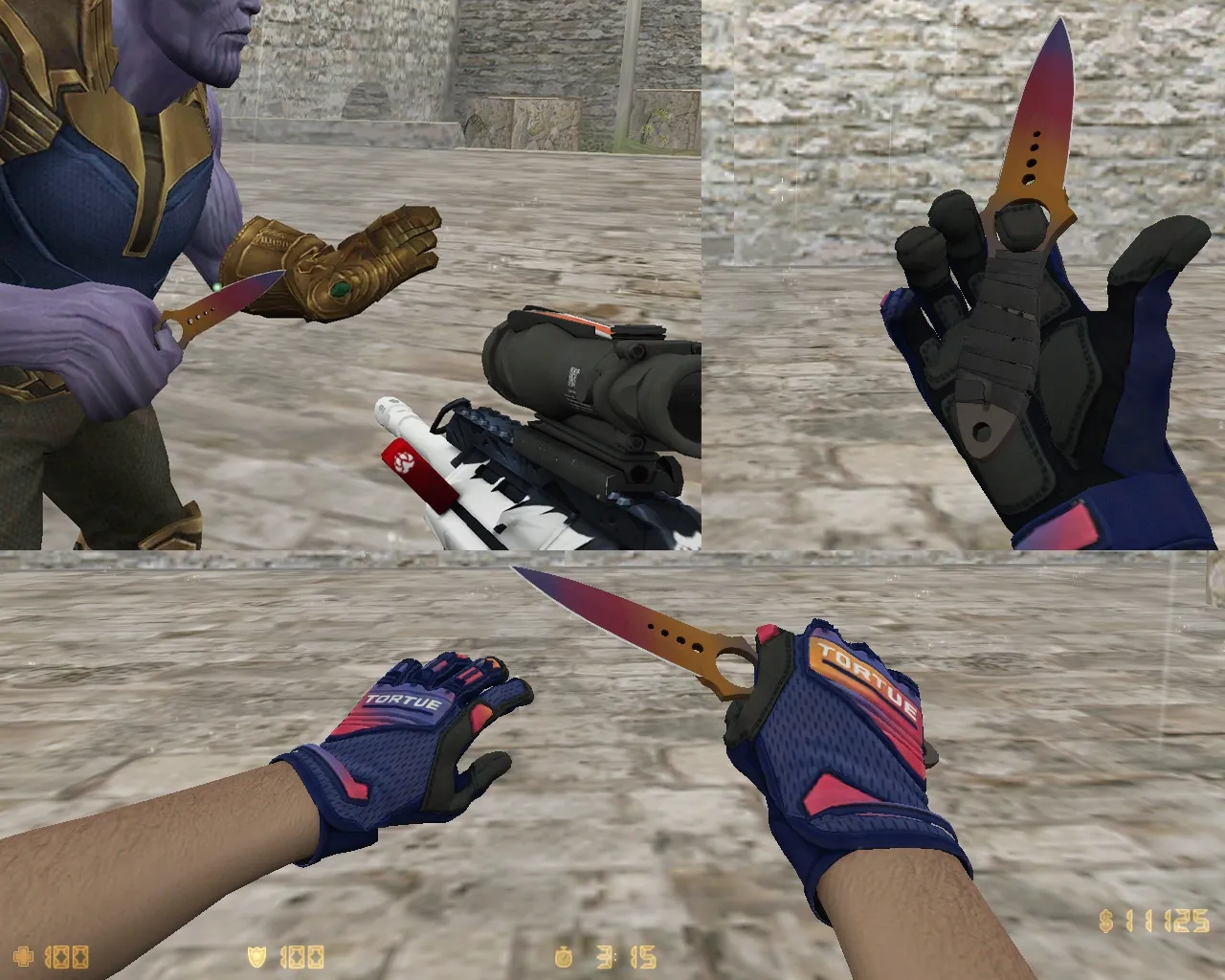
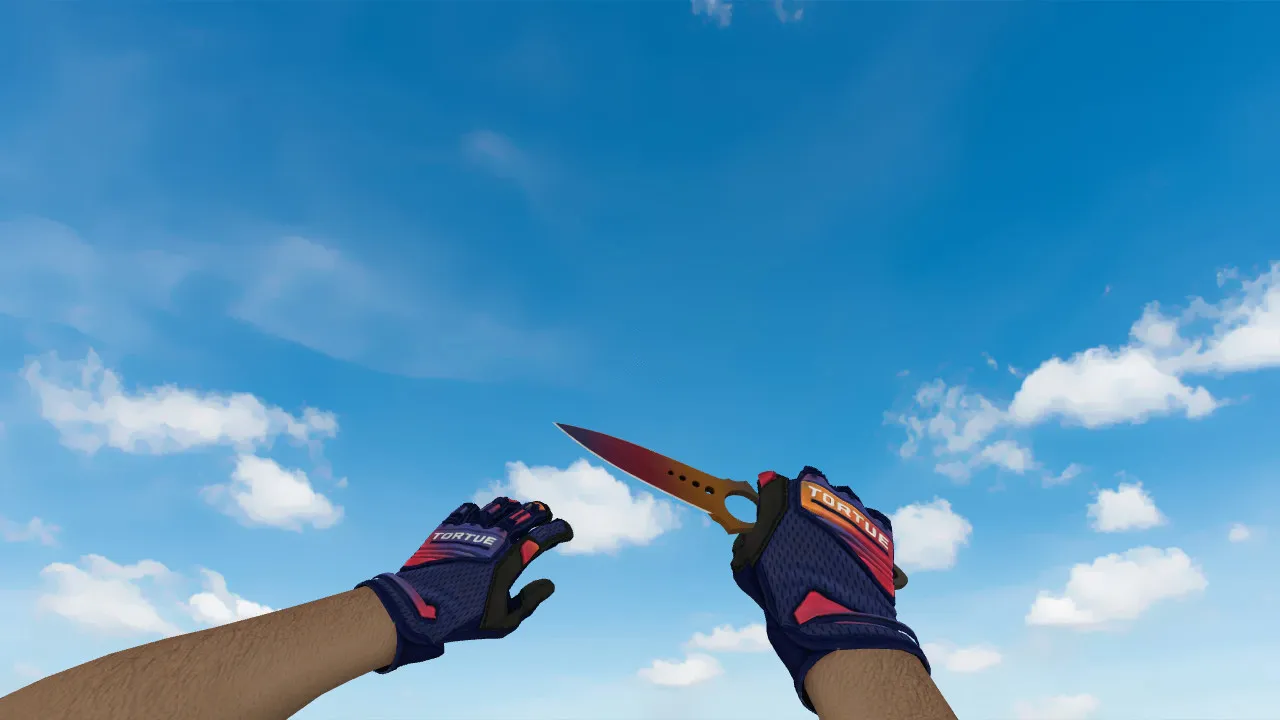
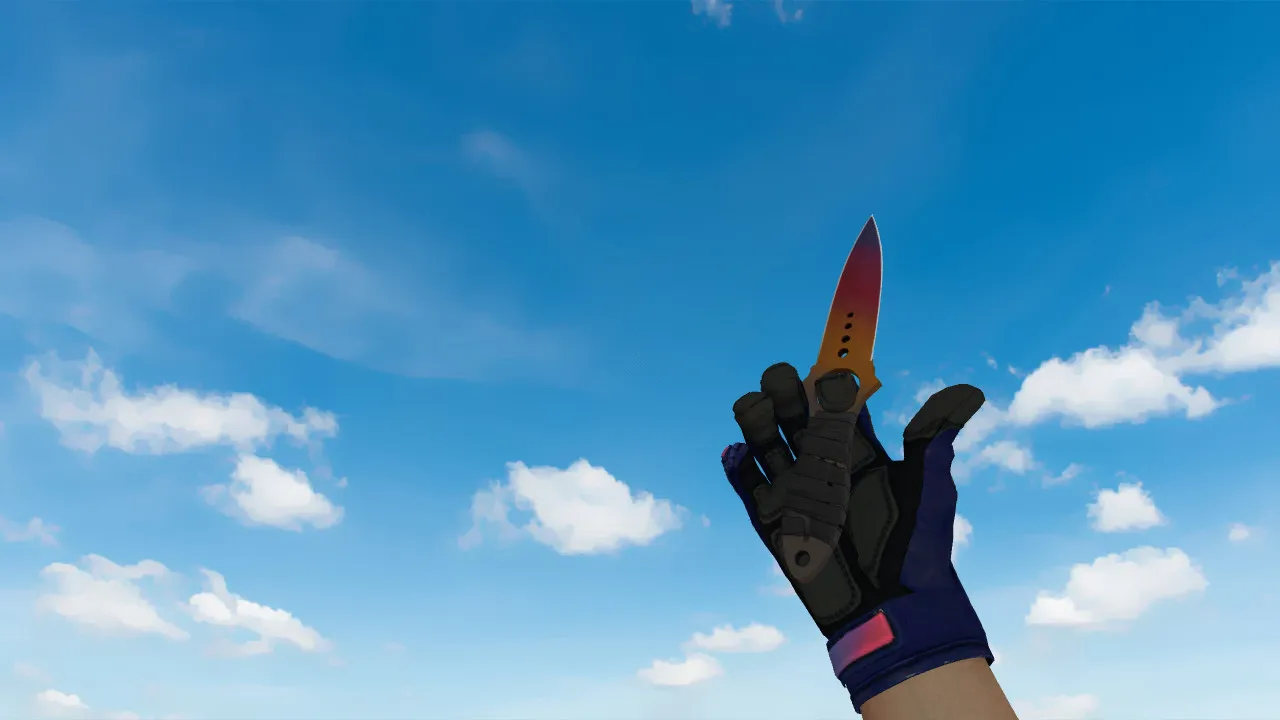
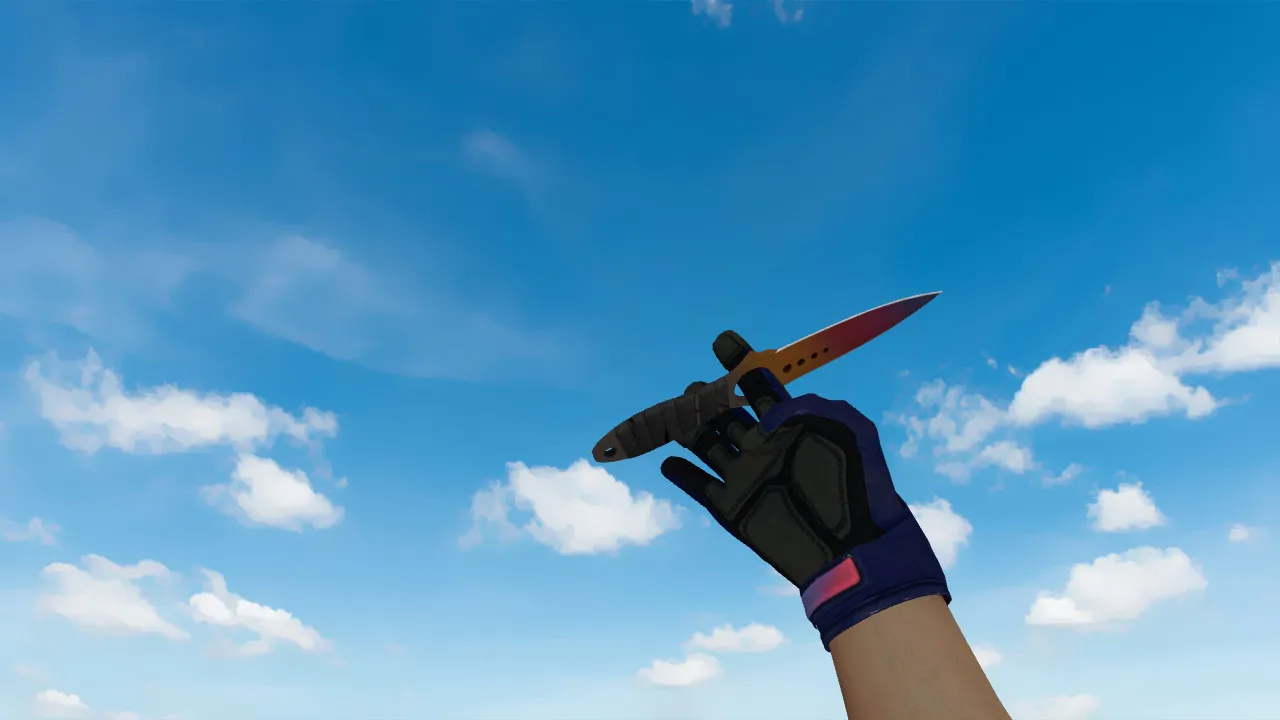
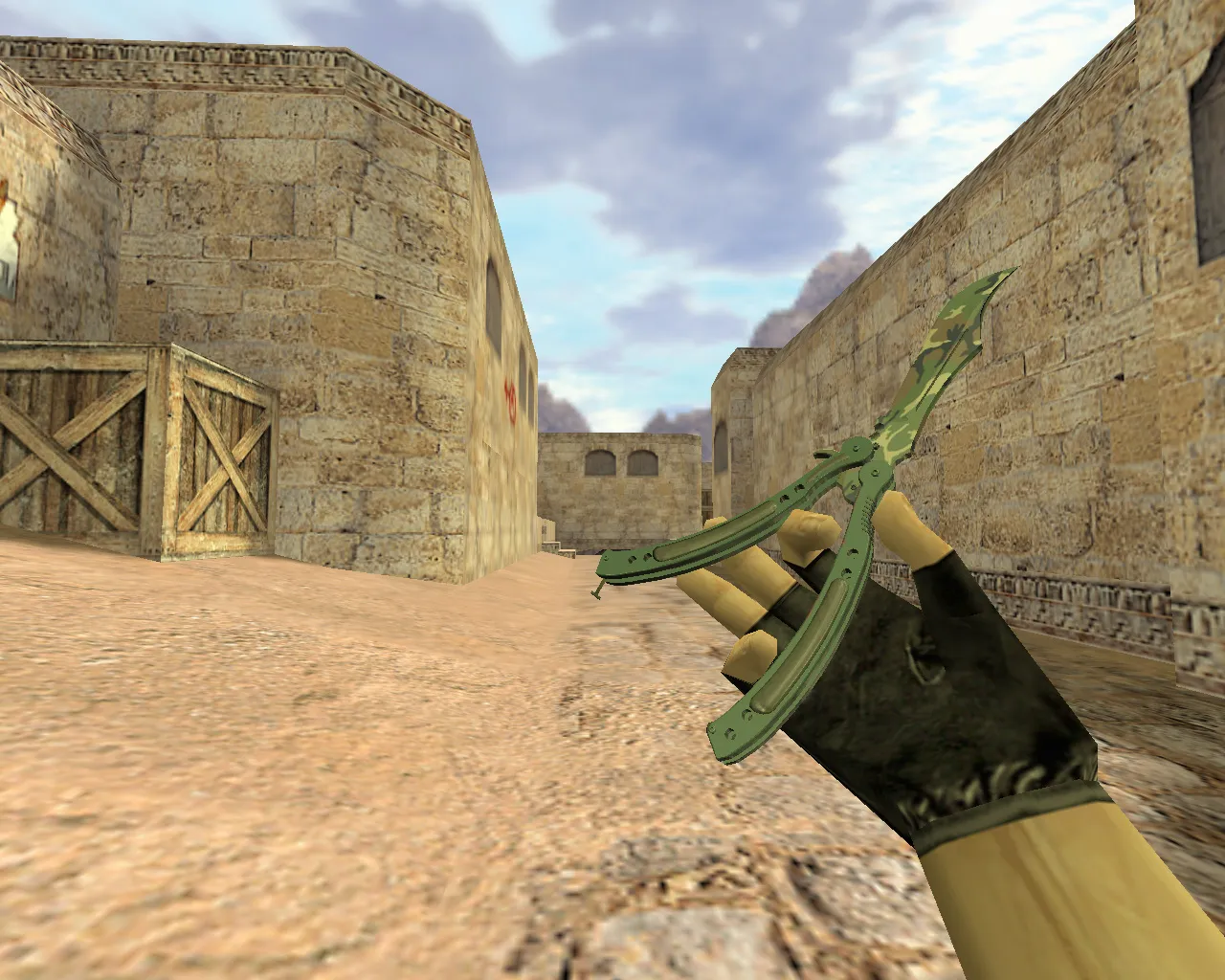
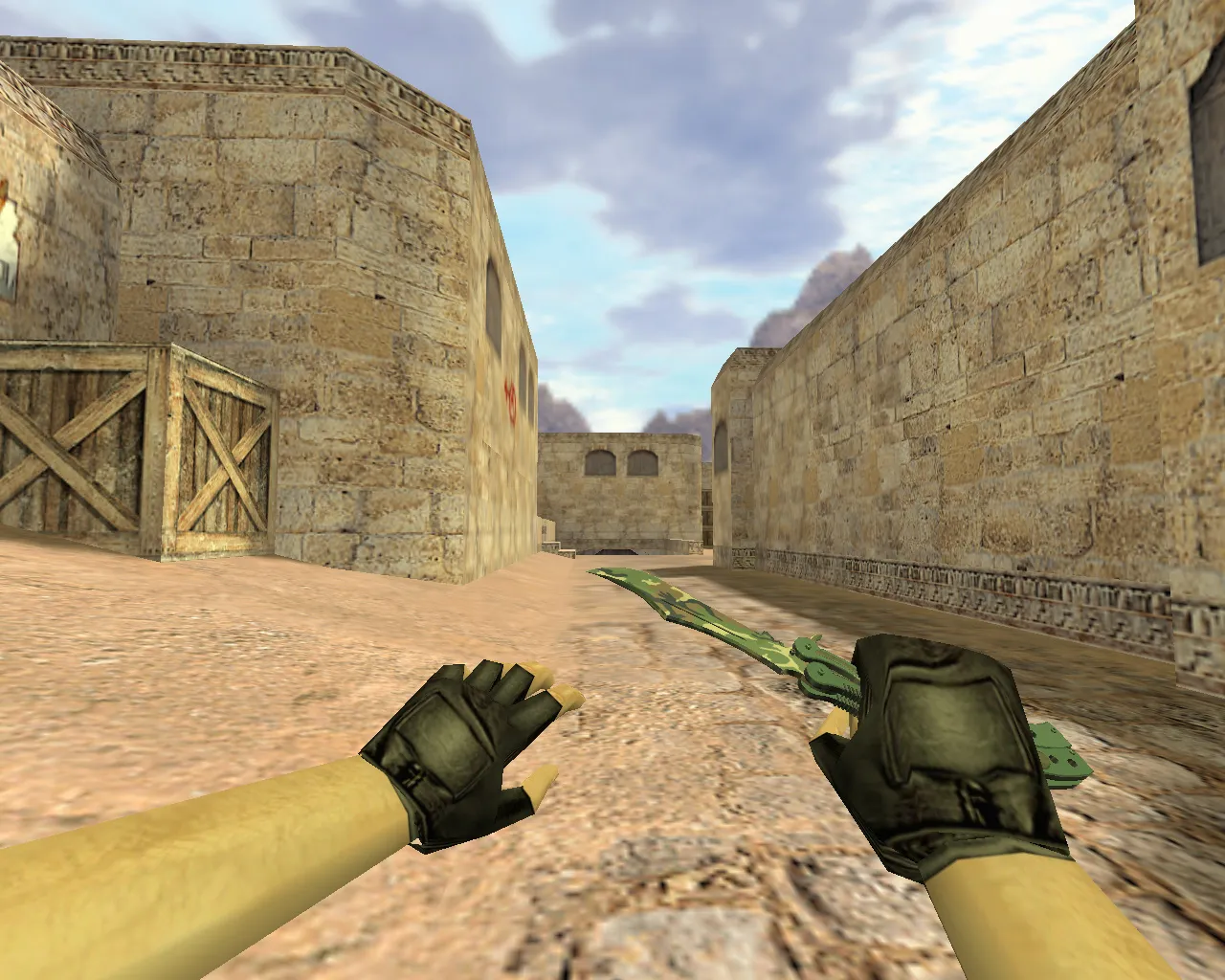
Skeleton Knife Pixel Forest Camo for CS 1.6 - v_ Model, Custom Sounds, Inspect Animation
Description
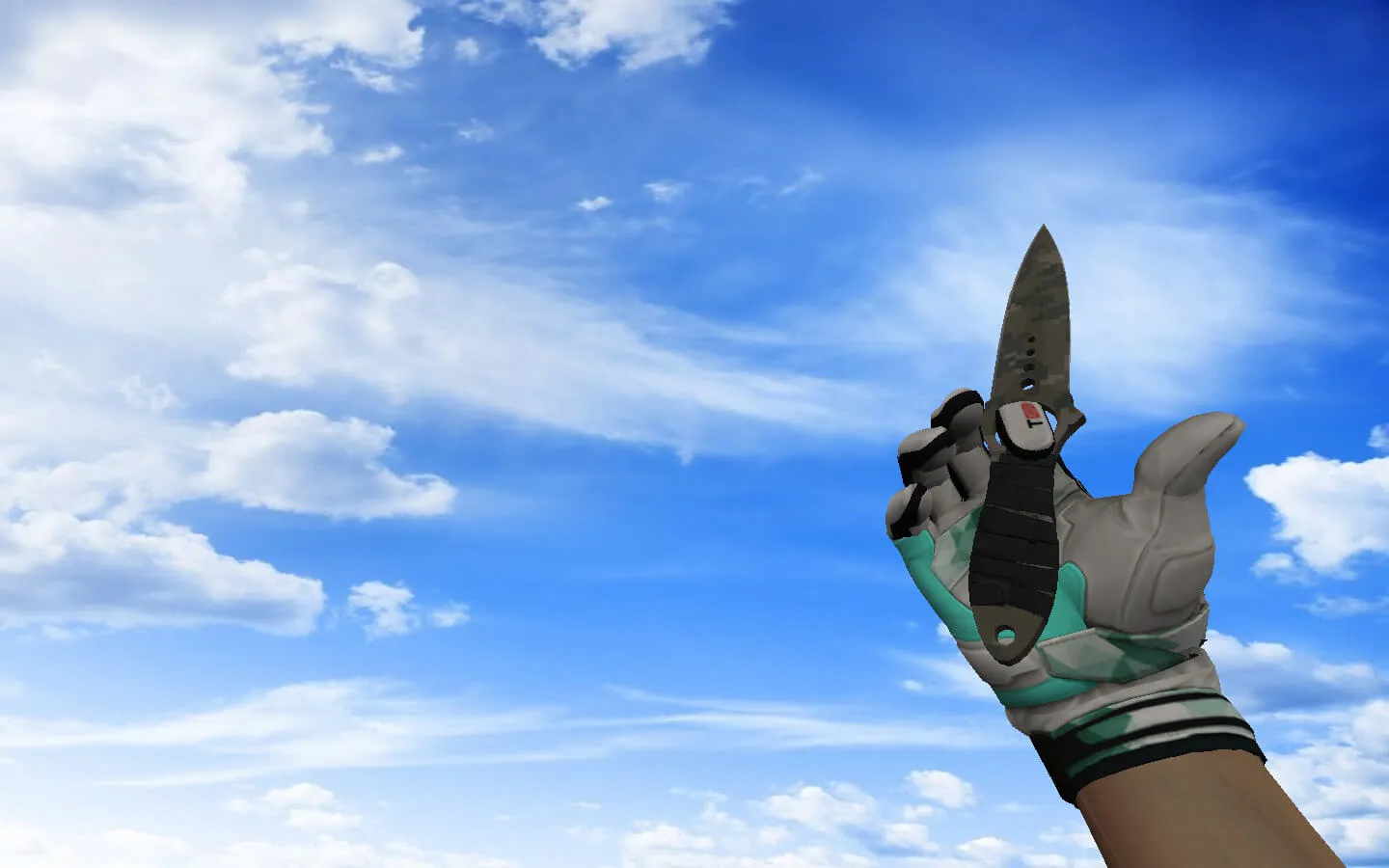
Skeleton Knife Pixel Forest Camo for CS 1.6
In Counter-Strike 1.6, the knife dictates close-range outcomes. It remains on screen during rushes, fast weapon swaps, and holding tight angles. This Skeleton Knife sporting a Pixel Forest Camo finish works with the standard game client, appearing in-match without requiring system modifications. Support extends to both v_ and w_ components, delivering fluid motion in first-person and third-person perspectives.
The download provides the necessary hand and world models: v_knife for the first-person view and w_knife for dropped weapons and spectator angles. The p_knife player model guarantees clean transitions and inspection sequences free of visual artifacts. The pixel-art camouflage stays distinct during hectic rounds, preventing the blade from merging with flat textures.
Key Features of the Knife Model
- Sounds: Swing and deploy audio cues play instantly, without lag or silence. Bundled sound files align with default timing for consistent feedback.
- Inspect Animation: Complete viewmodel inspection support. The motion of lifting and turning the knife integrates naturally into the weapon cycle.
- Texture Quality: The pixel-art style retains clarity during spins and lighting changes, avoiding a blurred look.
- Dark Area Visibility: The forest pattern offers contrast in shadowed map sections, where the knife is only seen for split seconds.
- Hitbox Alignment: Geometry mirrors the stock knife, guaranteeing reliable hit registration on quick slashes.
Built with a low polygon count for maximum FPS, the v_knife sits around 500-800 polys. It skips heavy sprite overlays, minimizing draw calls. For competitive environments, the pixel camo improves silhouette recognition without excessive color saturation.
Safe Installation Guide
Set up the files free of viruses, slow-hacks, advertisements, or auto-connect dangers. Place the assets into the custom resources directory inside your CS 1.6 folder. No external utilities are required. When overwriting current knives, store the originals in a backup folder for easy restoration.
Confirm configuration paths prior to launching to avoid conflicts. A pristine config.cfg loads the model quicker. Functionality is identical on Steam and Non-Steam builds, provided directories are writable and no files are damaged. Join a local server first to verify v_knife appears correctly.
Optimization for Smooth Gameplay
Match the knife's responsiveness to the game's pace by adjusting FPS and network variables. Configure rate 100000 and ex_interp 0.01 for minimal latency. Leave aliases untouched. The objective: synchronize click response with animation timing to remove input delay.
MasterServer anti-cheat ignores local model replacements, so protected servers pose no problem. Steer clear of third-party launchers and system file edits to preserve integrity. Verified compatible with Build 4554 and 8613, ensuring stability across versions.
Best Use Cases for the Knife
The Pixel Forest Camo Skeleton Knife thrives in rounds defined by short bursts and sudden directional changes. On de_dust2, it excels during Long A peeks and B-site retakes where knifing conserves ammunition. The banana lanes of de_inferno benefit from its visibility during pushes. de_nuke's vents and ramps showcase the camouflage's contrast in dimly lit areas.
Combine with matching HUD components for a unified look. Pair with glove models or crosshair settings for a consistent aesthetic. The pixel forest theme favors tactical gameplay, prioritizing hitbox precision over visual flair. During bot matches using .nav files, dropped w_knife models assist navigation without blocking paths.
For custom servers, confirm wad files load without epoly spikes. This model strikes a balance between visibility and performance, making it suitable for 100-tick environments. Check polygon impact on dated hardware to prevent frame rates from dipping under 100 fps.
Install in three steps
-
1
Download the archive. Use the button on the right, or the Yandex.Disk mirror if the main server is slow.
-
2
Extract it into the game folder. Use 7-Zip or WinRAR. A path without non-Latin characters works best.
-
3
Launch the game. If something doesn't work, mark it below - that is how we know the file needs an update.
Did it work for you?
No sign-up needed. You can pick more than one.