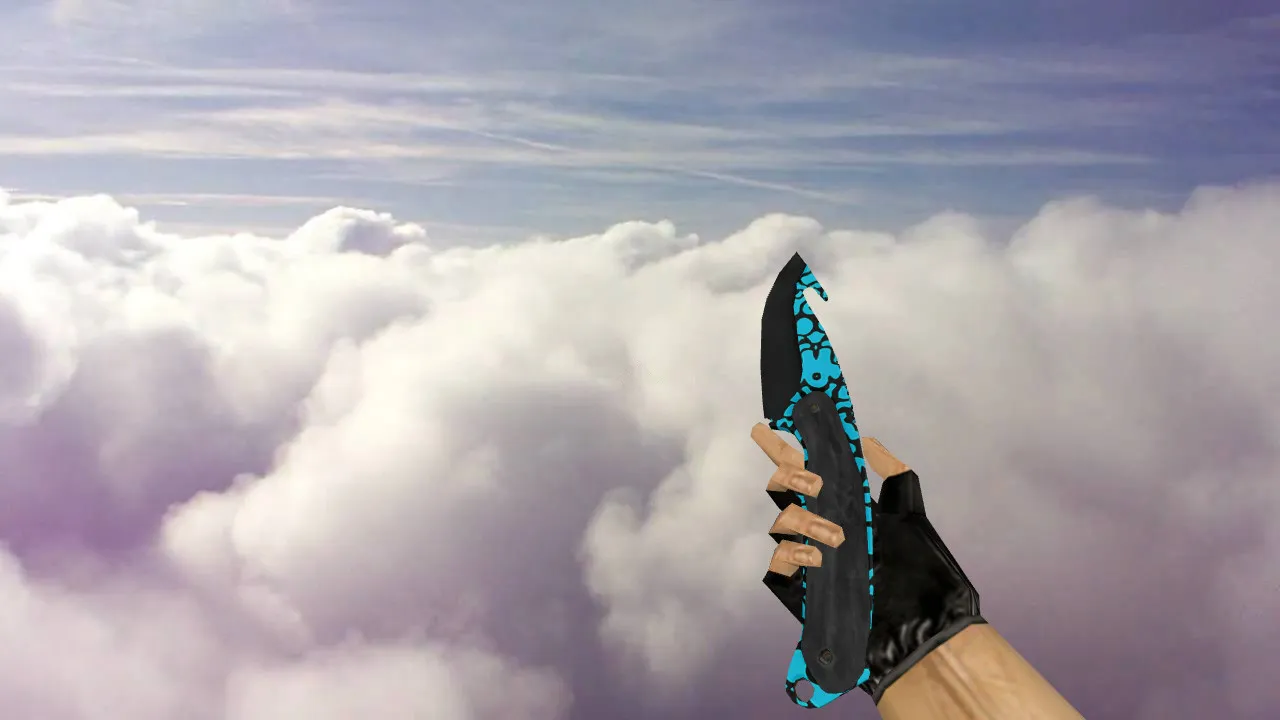
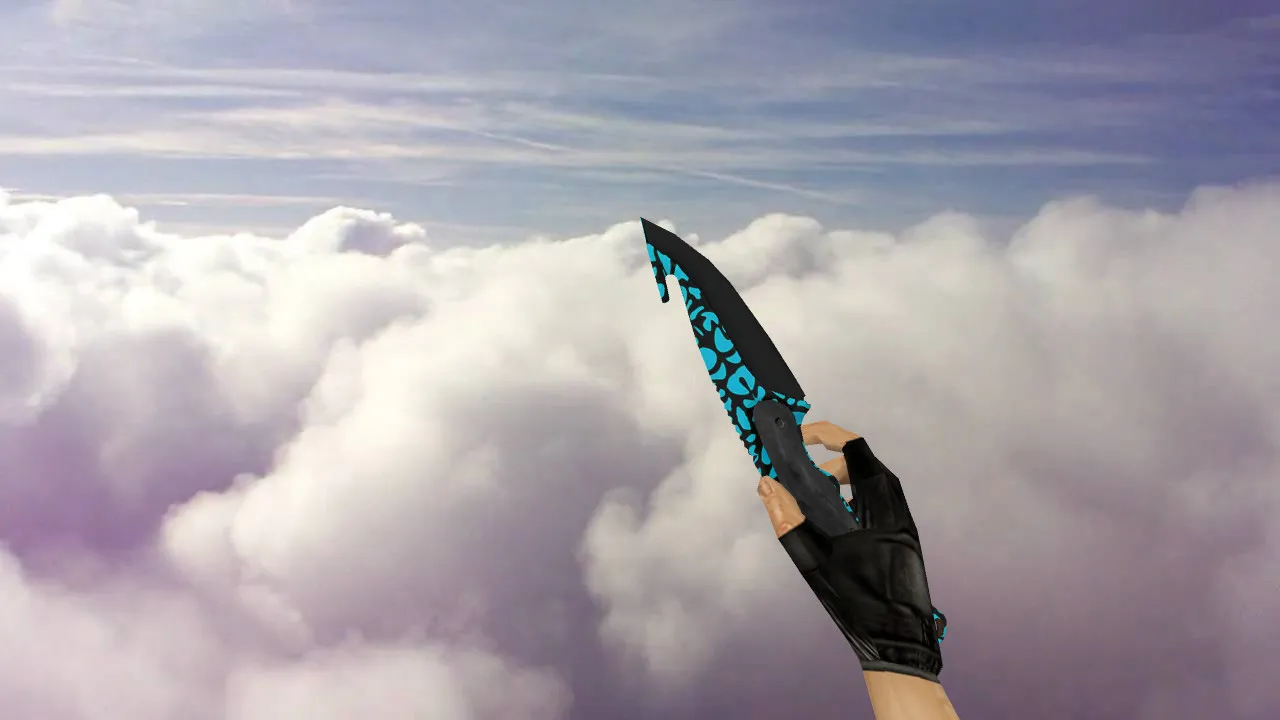
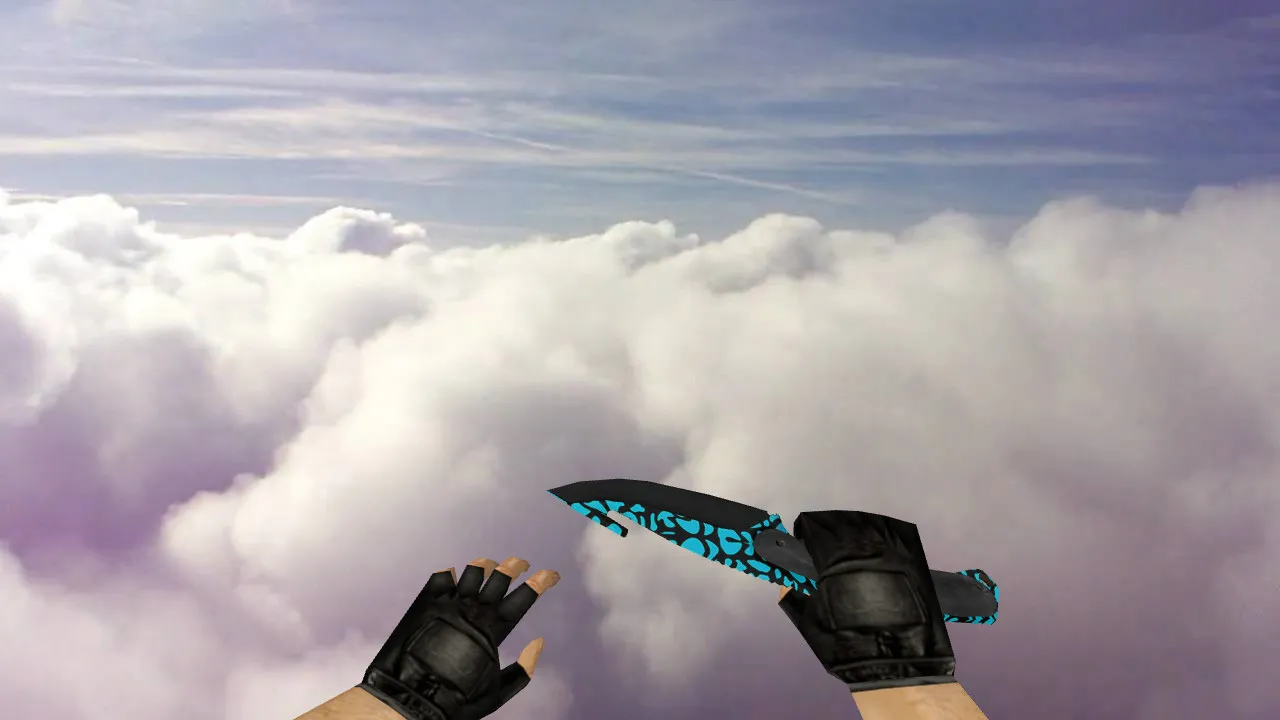
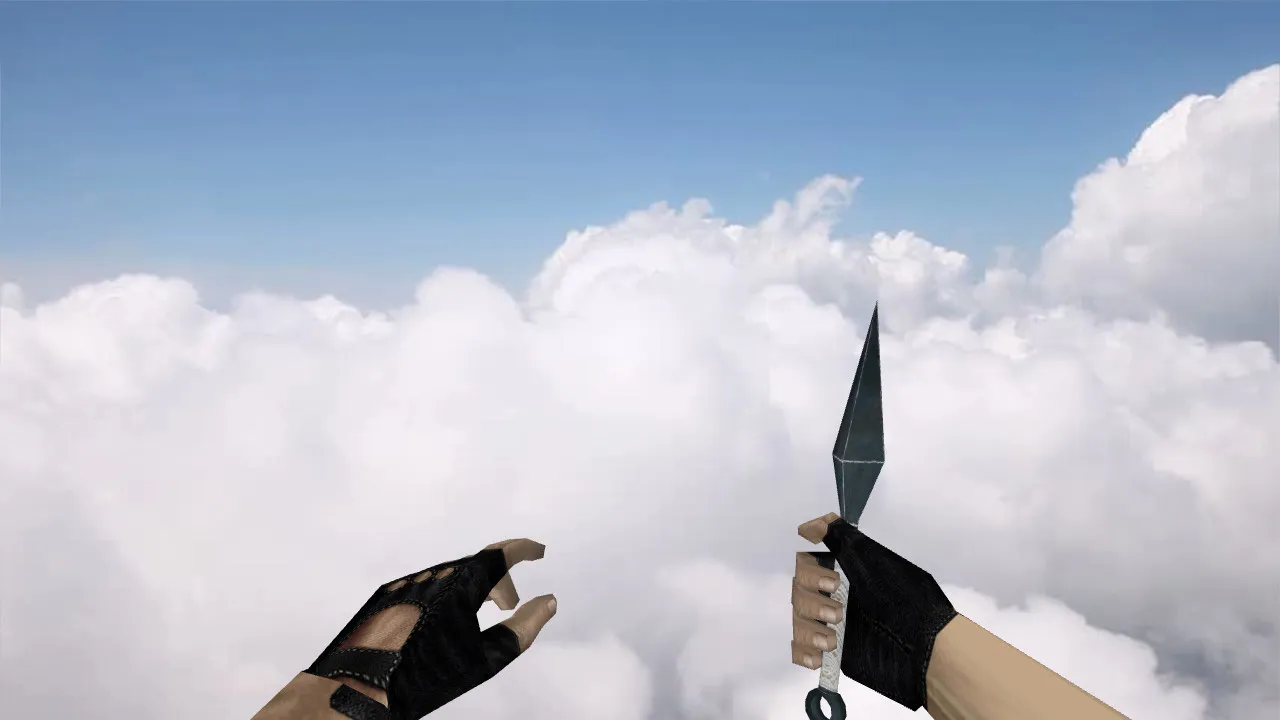
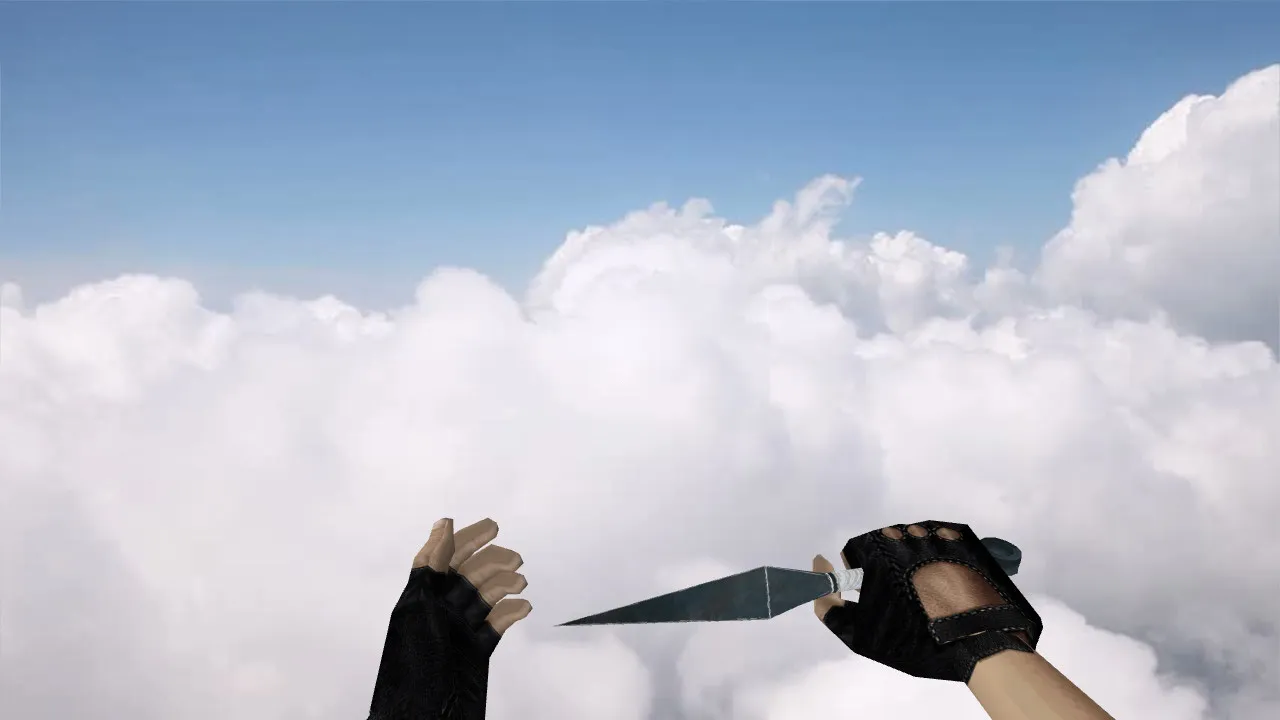
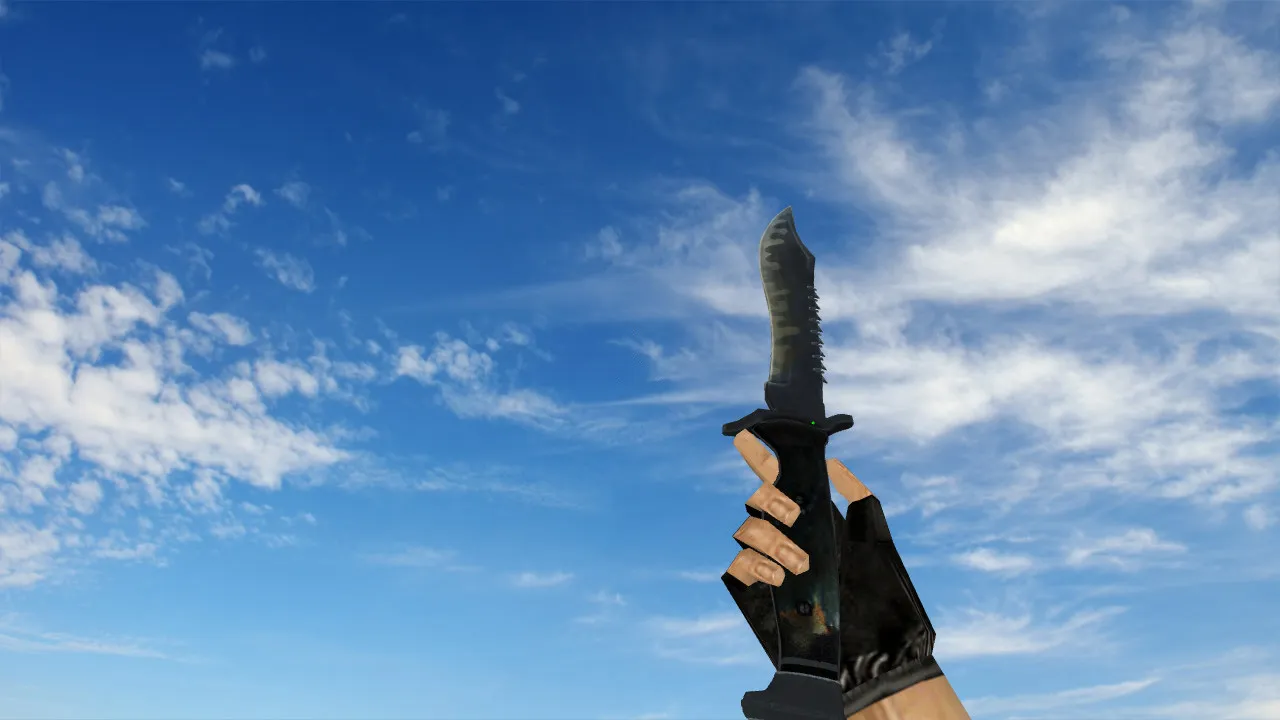
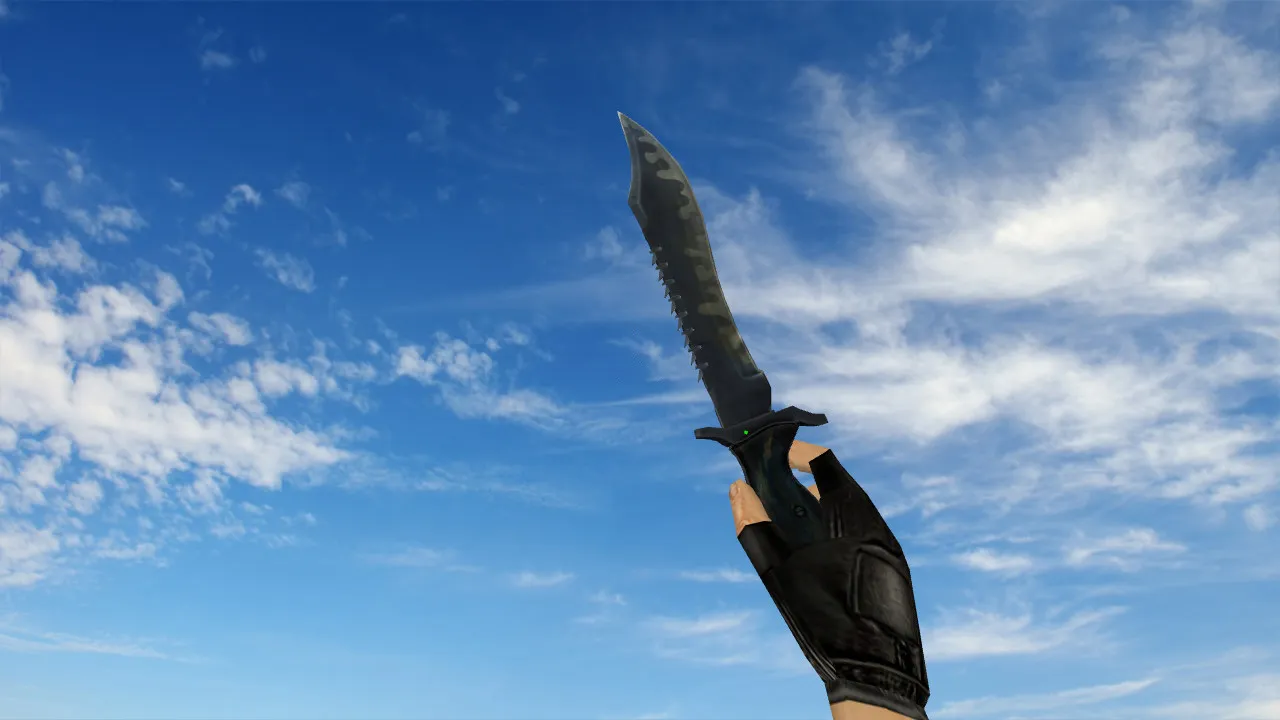
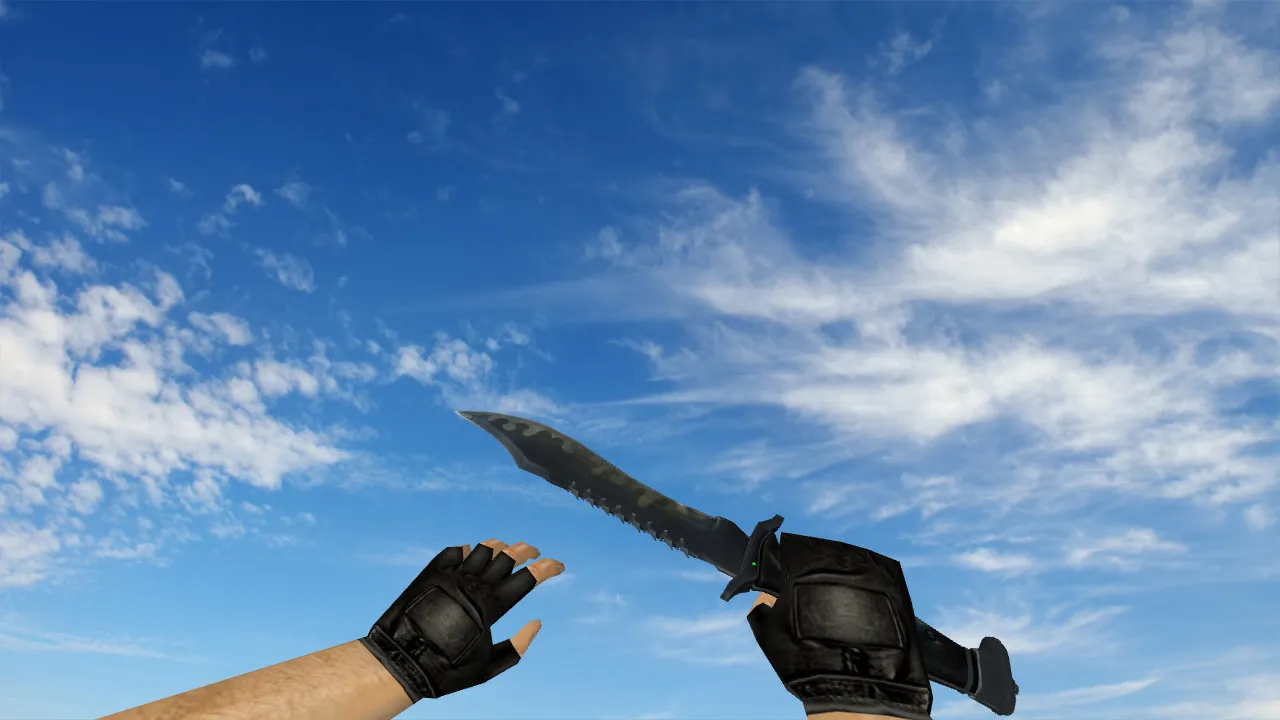
Butterfly Knife Northern Forest Model for CS 1.6: v_ and p_ Models, Sounds, Inspect Animation, Textures
Description
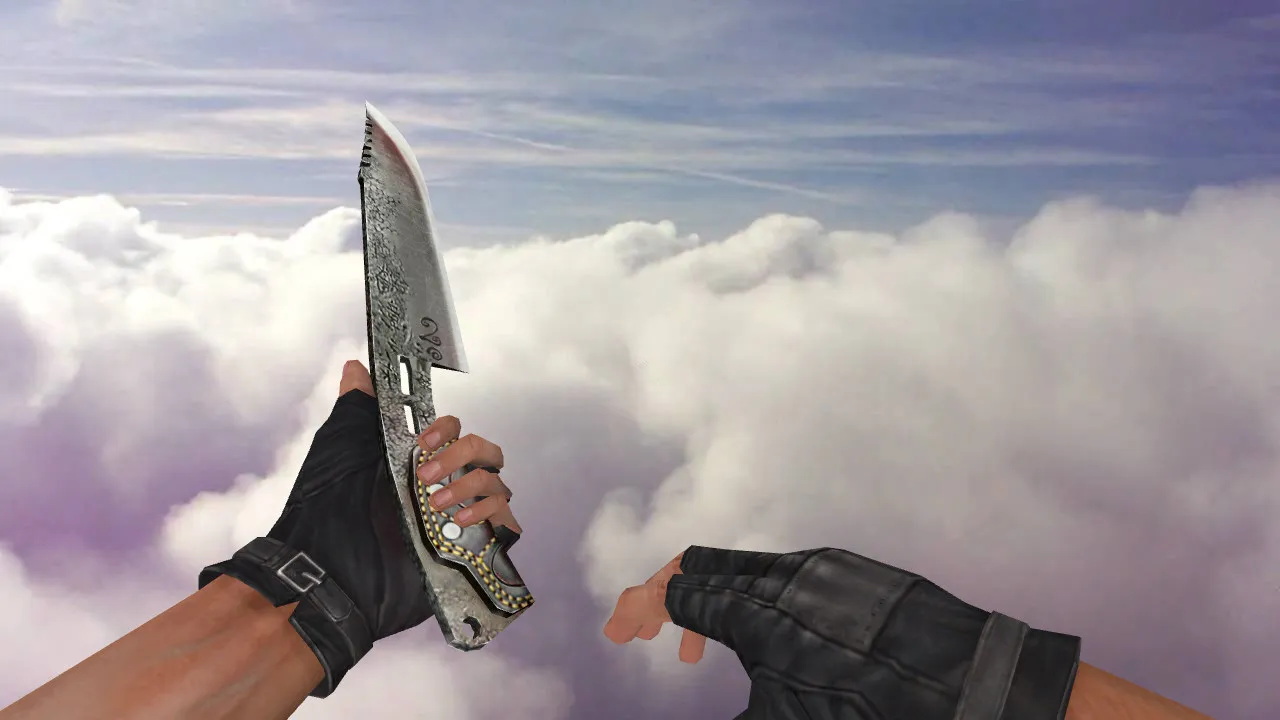
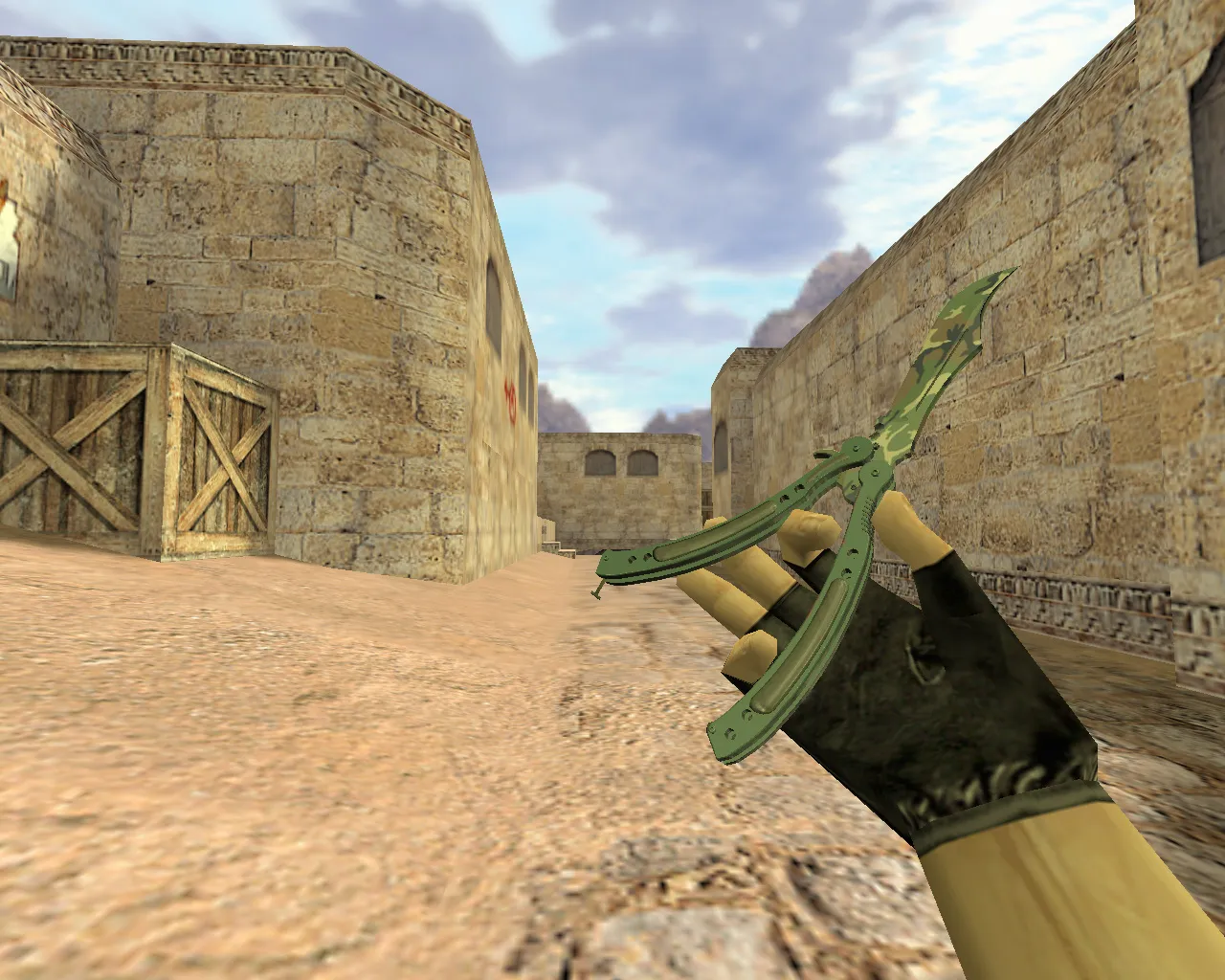
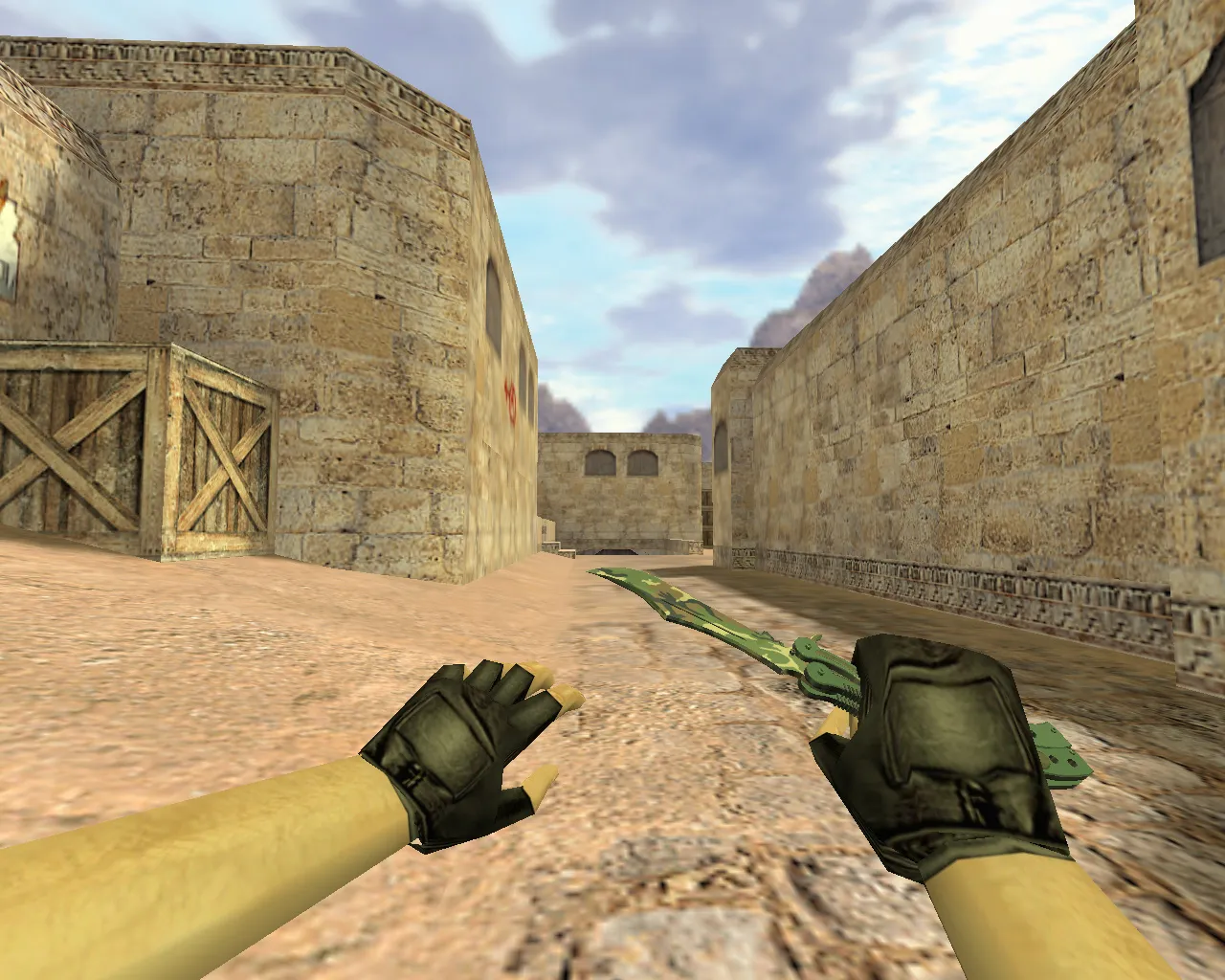
Butterfly Knife Northern Forest for CS 1.6
This butterfly knife variant provides a straightforward visual refresh for Counter-Strike 1.6 without modifying core mechanics. The Northern Forest design works with standard client configurations and preserves a classic aesthetic. The download package contains all necessary components for both server-side and client-side rendering. Confirm that models integrate properly to prevent visual glitches when switching weapons.
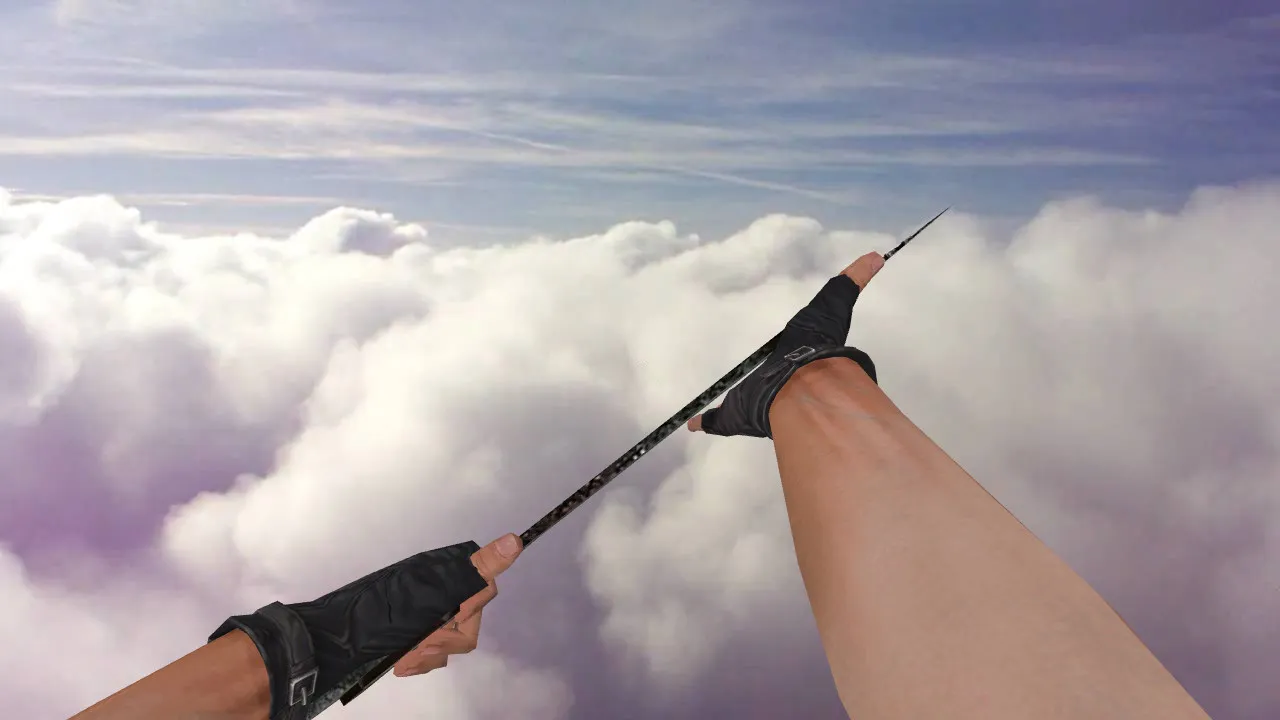
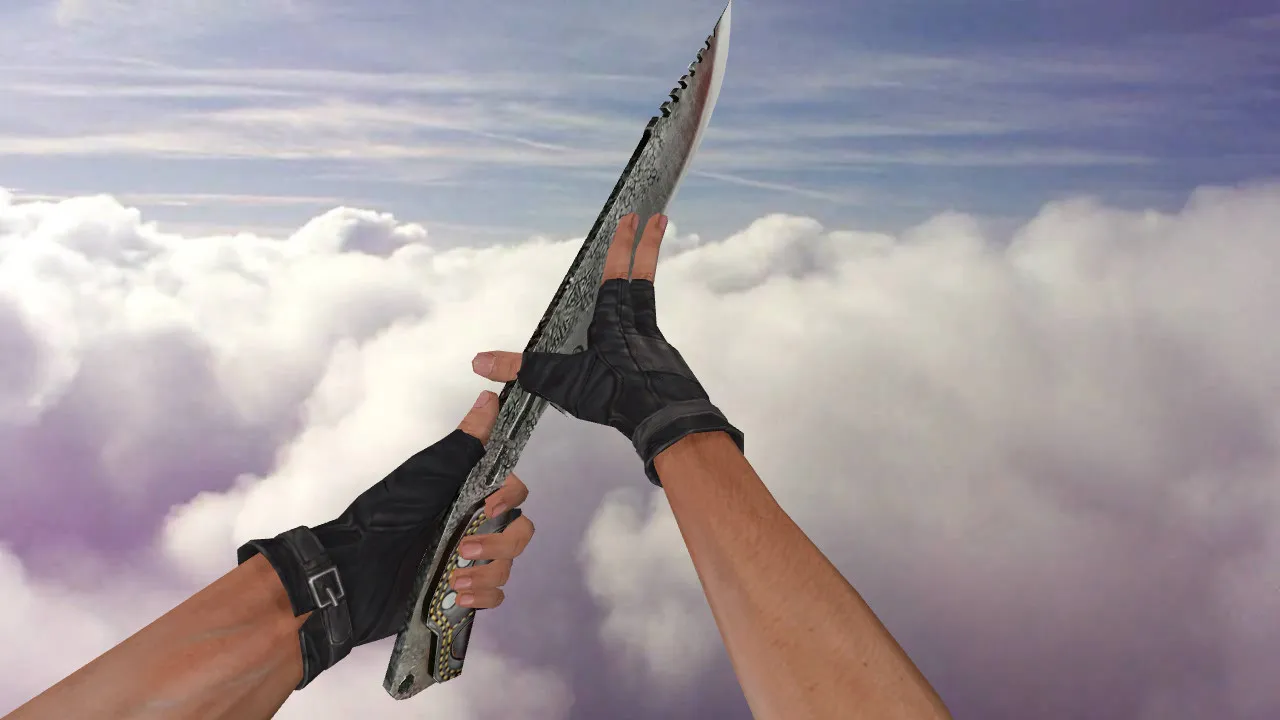
The structure depends on standard game resources: v_knife handles the first-person perspective, p_knife manages the third-person view seen by others, and w_knife represents the world model. Knife audio has been checked for swing and deploy sounds to align with default game audio. An inspect animation is included, influencing the smoothness and visual presentation during inspection. Textures stay readable during motion, retaining detail against various map backdrops. The polygon count remains low to ensure high frame rates, approximately 500-800 polys on the view model for clean rendering.
What the Model Brings to Gameplay
- Clear First-Person View: The v_knife aligns with the crosshair center, enabling rapid weapon switches and accurate tracking in tight spaces.
- Team Visibility: The p_knife renders correctly for teammates, preventing clipping issues during coordinated play.
- World Drop Model: The w_knife displays accurately on the ground for pickups, with hitbox alignment to avoid discrepancies.
- Audio Integration: Custom knife sounds eliminate silent swings, preserving audio cues vital for tactical awareness.
- Inspect and Animations: A fluid inspect sequence keeps the model stable during rotations, improving the feel during extended knife fights.
Northern Forest textures utilize a 512x512 resolution for a balance of detail and performance, remaining visible in dim areas like de_dust2 tunnels without washing out. The model supports competitive-level visibility by minimizing glare in dark zones. No-recoil configurations are unaffected since knife mechanics remain vanilla.
Safe Installation Steps
Follow this procedure to avoid display errors or file conflicts. Download the archive and unpack it. Inspect the contents: directories for models, textures in .mdl and .tga formats, and any included configuration files. Back up your original knife files from the CS 1.6 directory before replacing them-copy v_knife.mdl, p_knife.mdl, and associated sounds to a secure location for easy restoration.
Transfer the extracted files to your CS 1.6 installation folder, usually located under cstrike/models and sound/weapons. Restart the game once installation is complete. On secured servers with MasterServer protection, verify there are no mod conflicts and that client paths match. Avoid auto-connect scripts from unreliable sources; manually inspect files using a text editor or a model viewer such as HLMV to ensure integrity. This setup functions on both Steam and Non-Steam versions, Build 4554 or newer, without viruses, slow-hacks, advertisements, or auto-joins.
Textures load via wad files for broad compatibility, preventing crashes on older hardware. If using a custom config.cfg, you can add lines like cl_bob 0.01 to reduce weapon sway, but keep modifications minimal to preserve hitbox accuracy.
In-Game Testing
Connect to a server that permits custom models or client-side resources. Equip the knife and cycle through weapon switches repeatedly to test v_knife rendering and inspect animation fluidity. Use spectator mode or teammate perspectives to verify p_knife visibility. Drop the knife to check the w_knife on the ground-confirm textures do not flicker and sounds play upon pickup.
If textures distort or audio fails, reposition the files or check for missing sprites in the archive. The Northern Forest design accommodates aggressive playstyles, keeping blade details sharp during spins and slashes. Combine it with a clean config for optimal performance, saving your setup to avoid repeated configuration. On maps like de_inferno, the green hues blend subtly without losing definition in smoke.
This model improves knife rounds without upsetting game balance. Test locally with bots using .nav files for navigation, confirming no interference. For better visibility in dark areas, adjust gamma slightly via console, but ensure it remains server-compliant.
Ready to equip the Northern Forest Butterfly Knife and jump into matches? Download the model, install using these steps, and test on a clean server for a risk-free upgrade.
Install in three steps
-
1
Download the archive. Use the button on the right, or the Yandex.Disk mirror if the main server is slow.
-
2
Extract it into the game folder. Use 7-Zip or WinRAR. A path without non-Latin characters works best.
-
3
Launch the game. If something doesn't work, mark it below - that is how we know the file needs an update.
Did it work for you?
No sign-up needed. You can pick more than one.