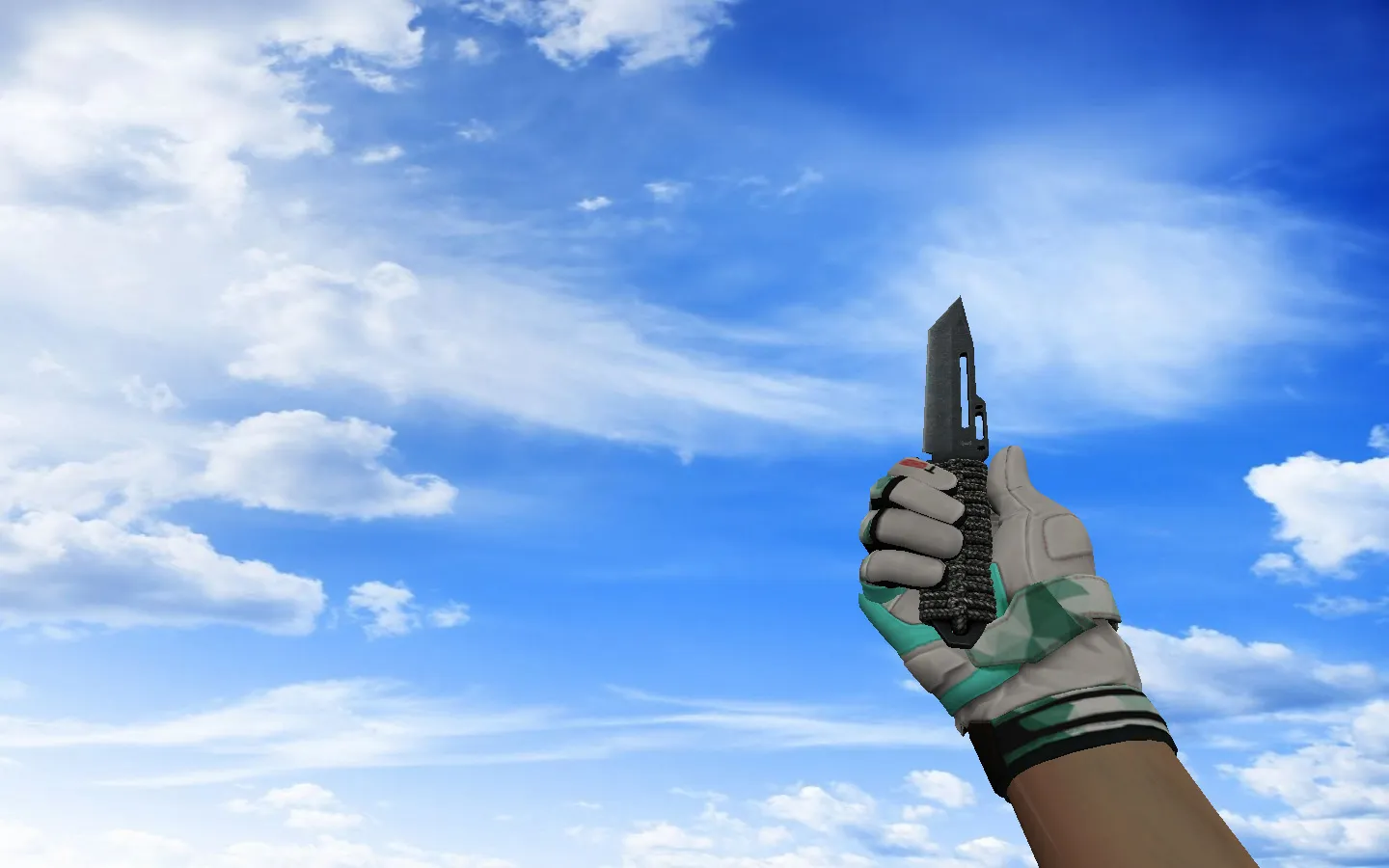
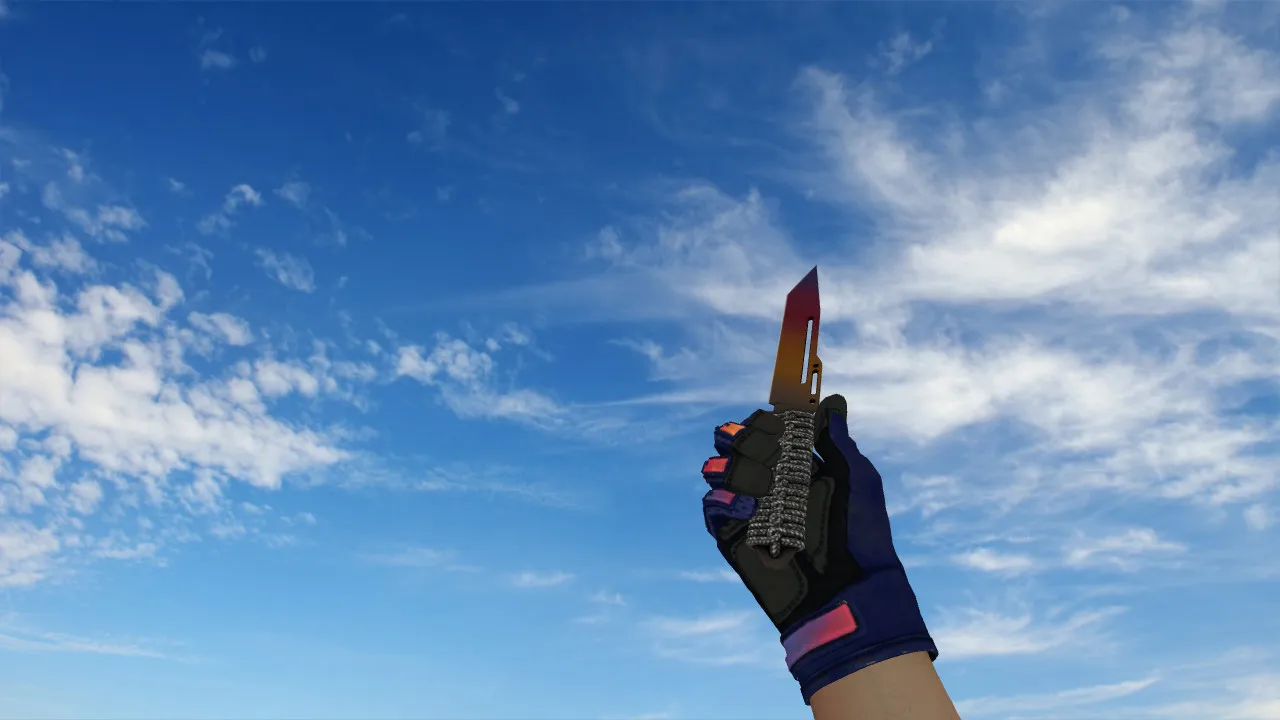
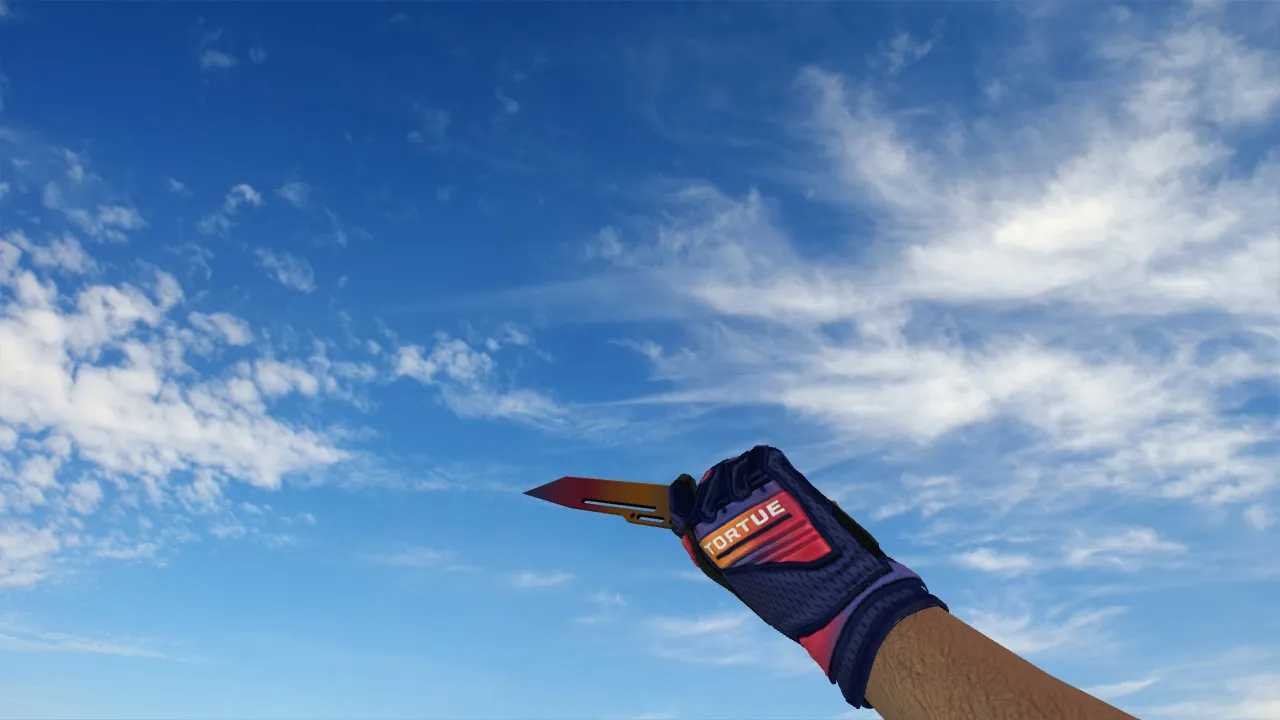
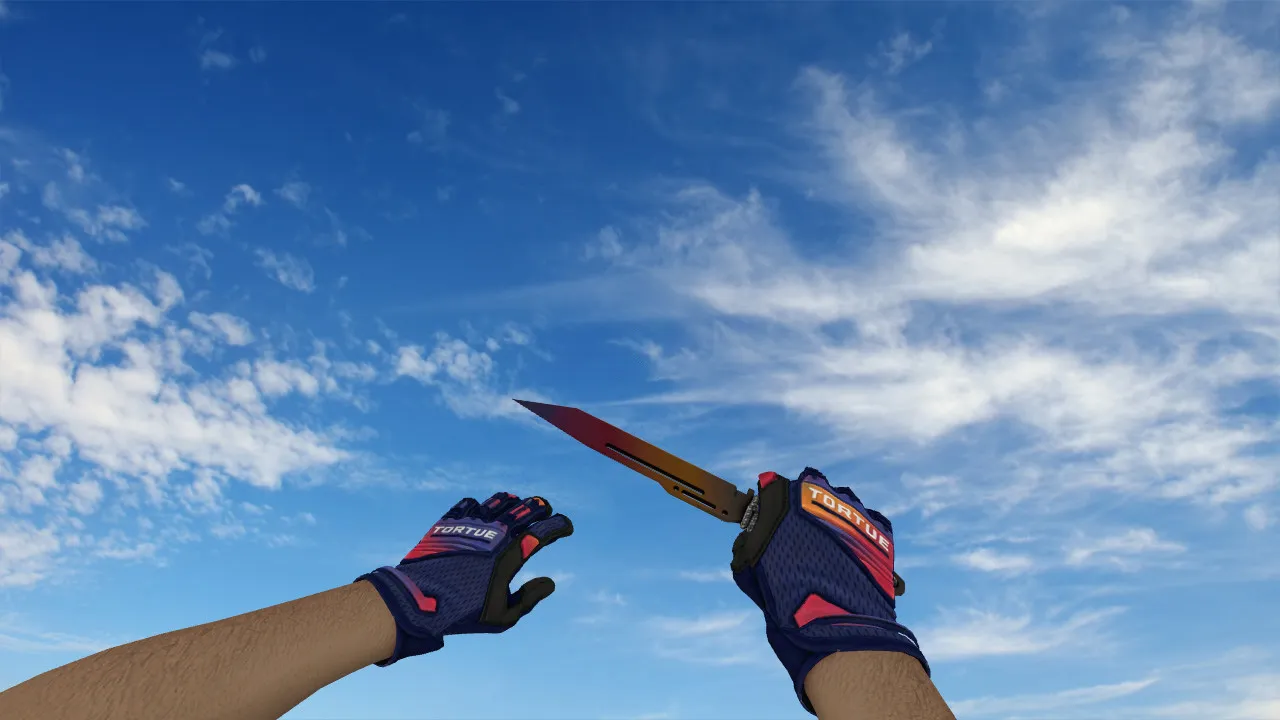
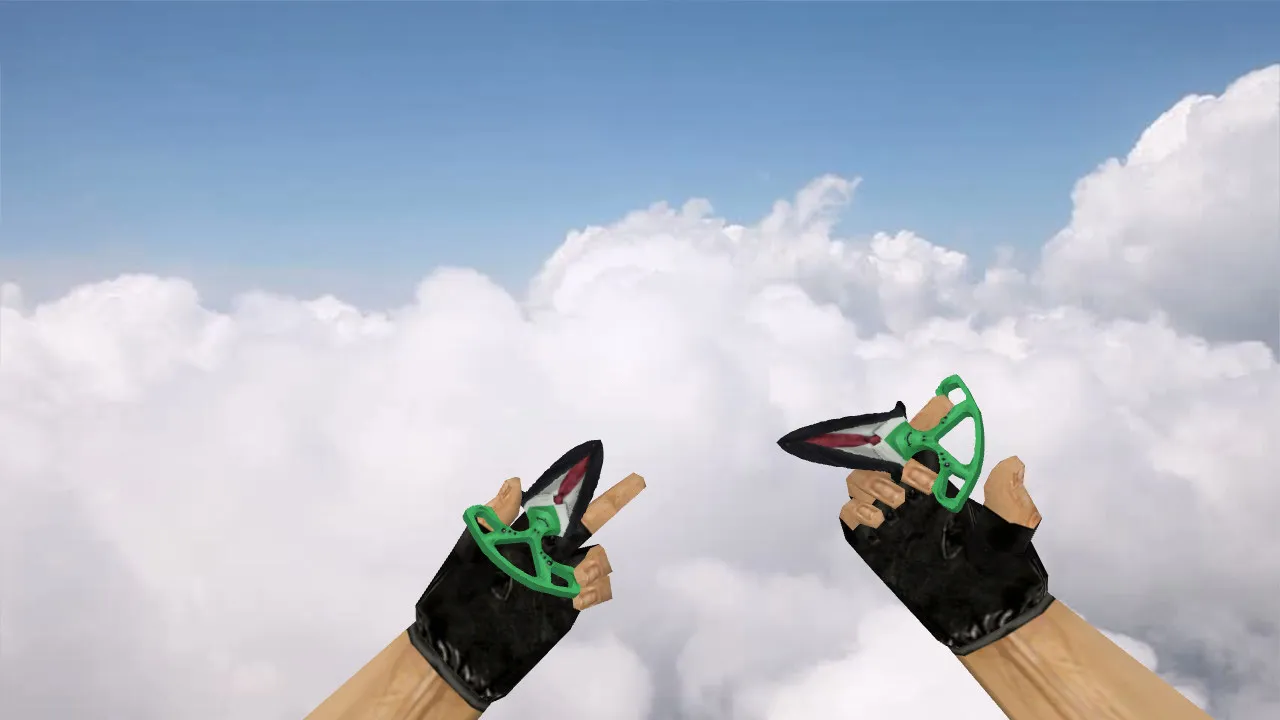
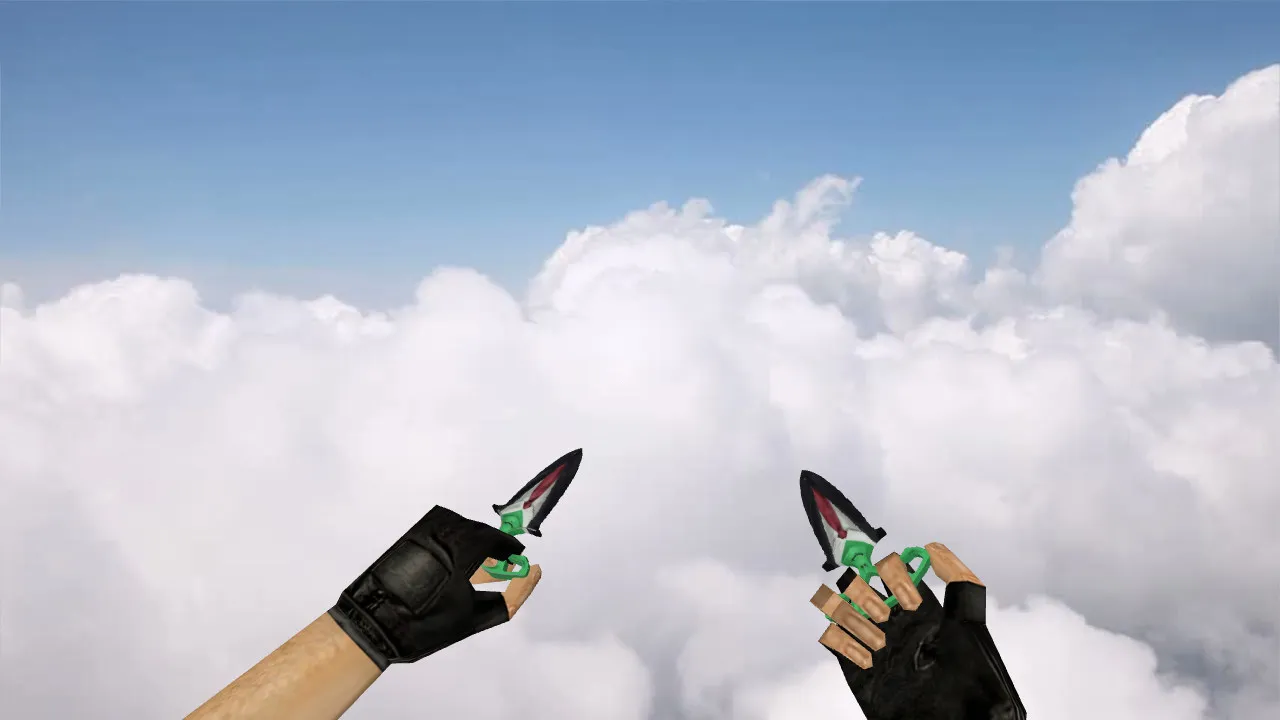
Nautilus Knife Boca Juniors Model for CS 1.6: v_ p_ w_ Models, Inspect Animation, Sounds, Textures
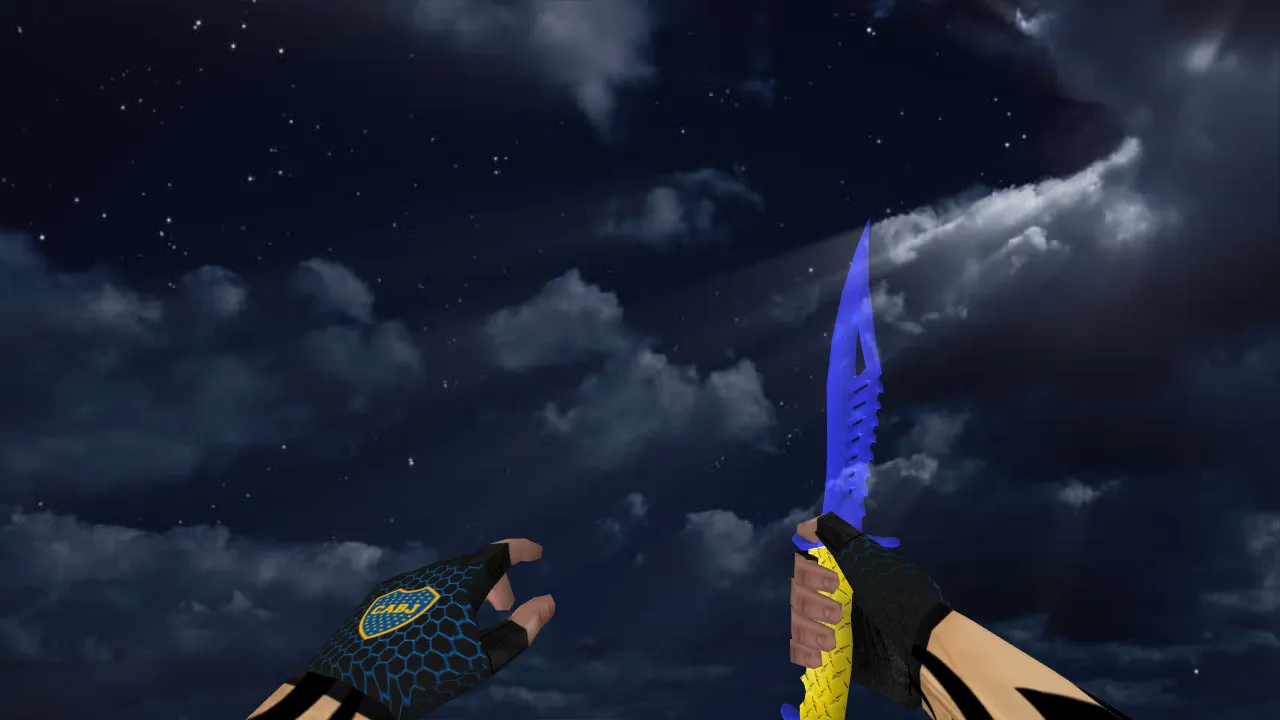
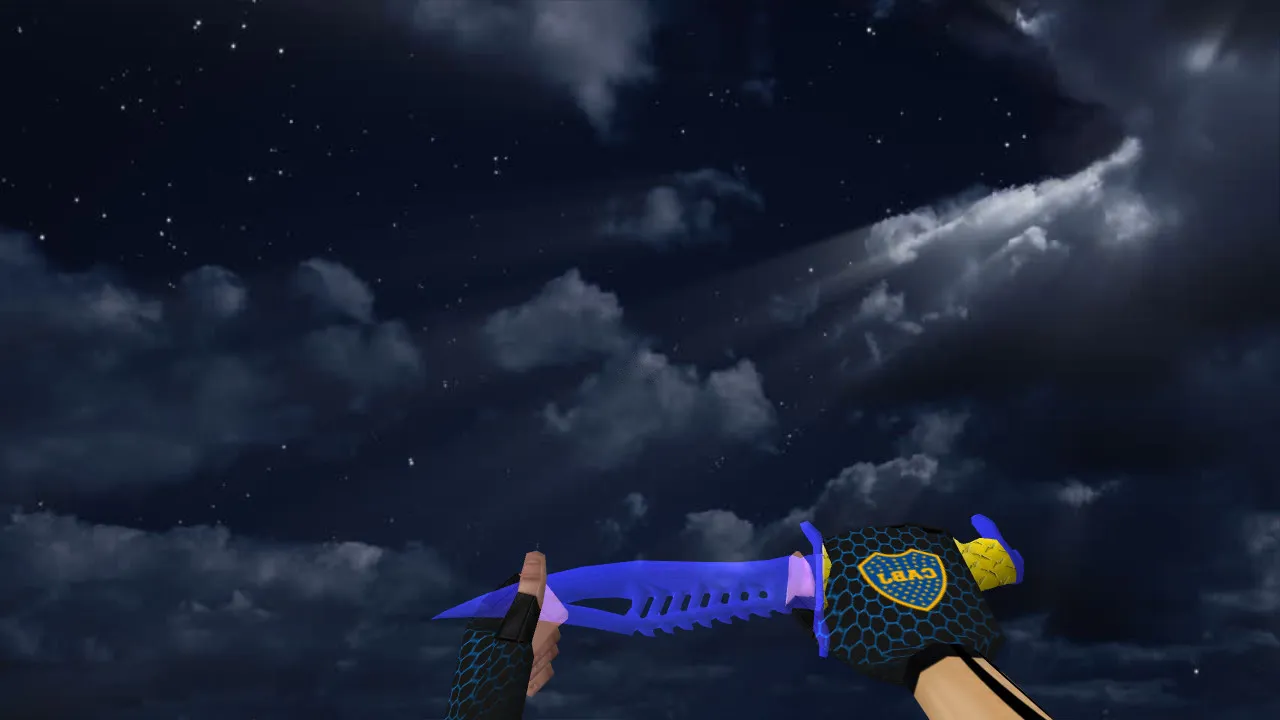
Description
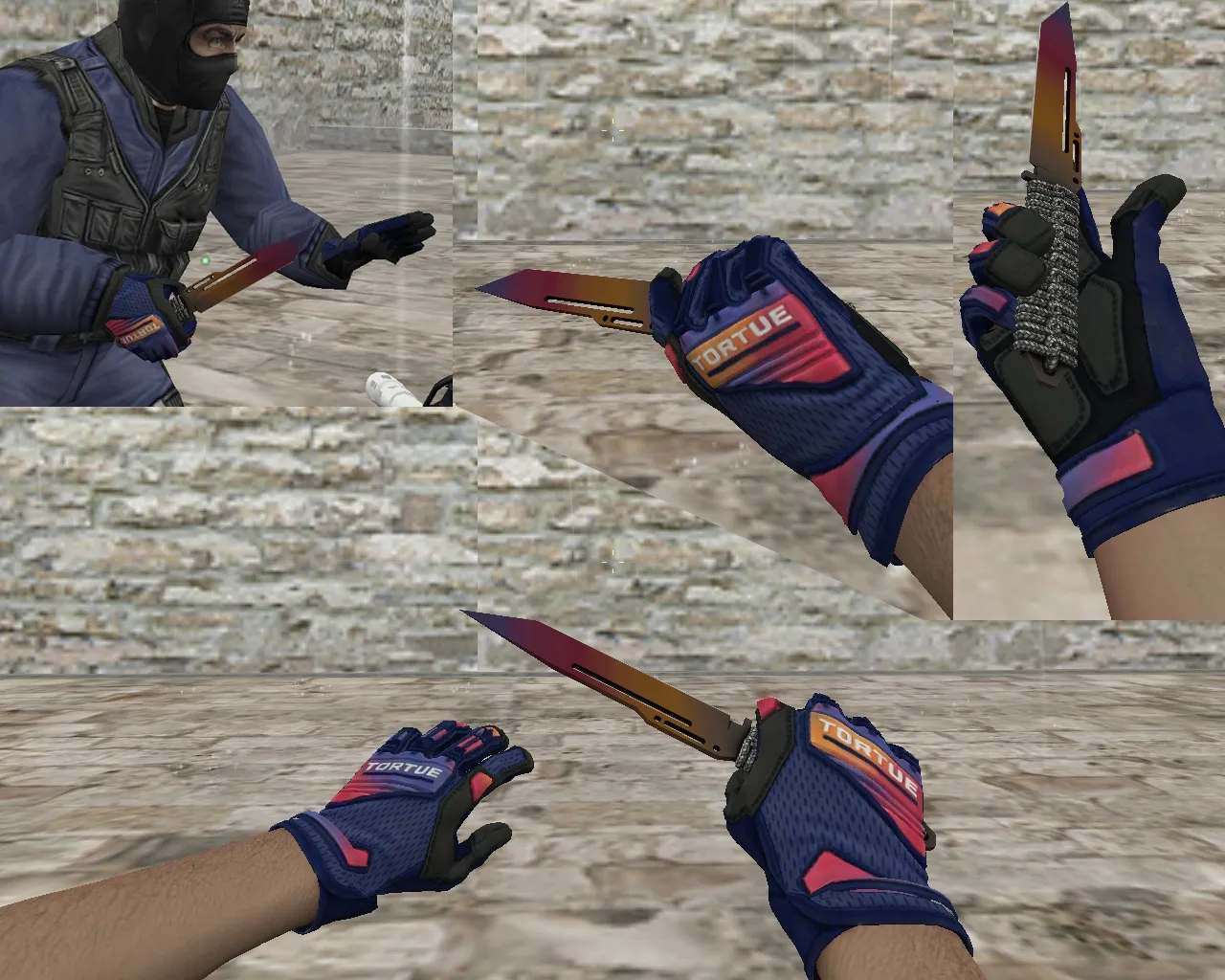
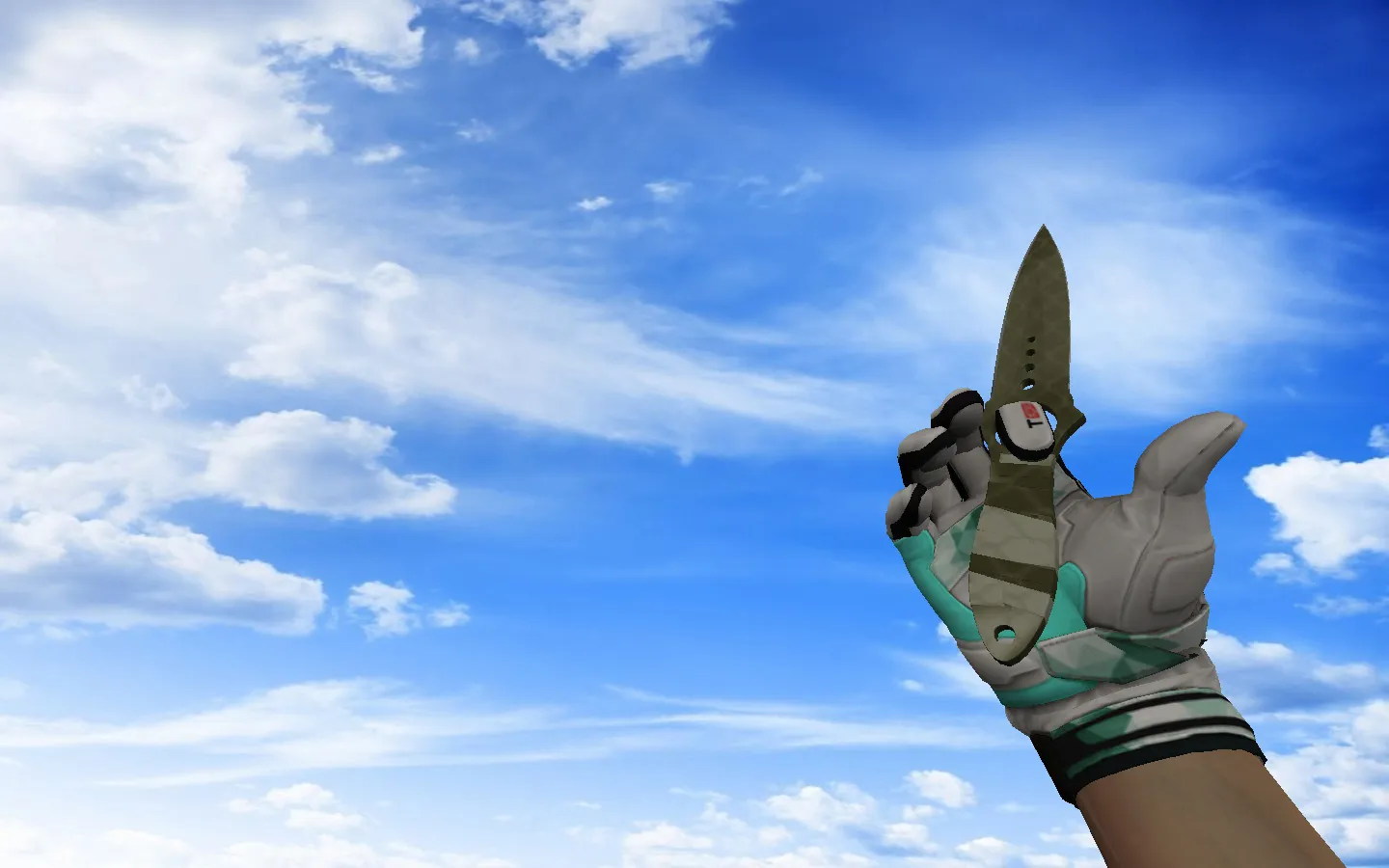
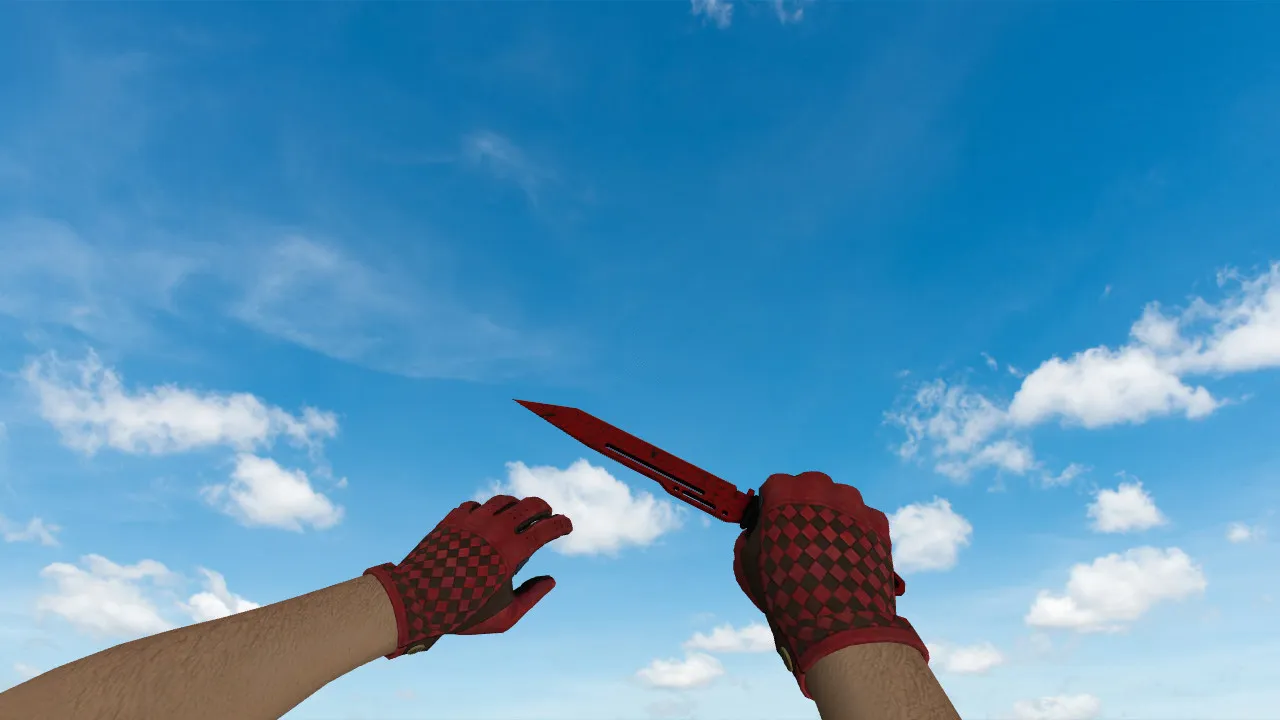
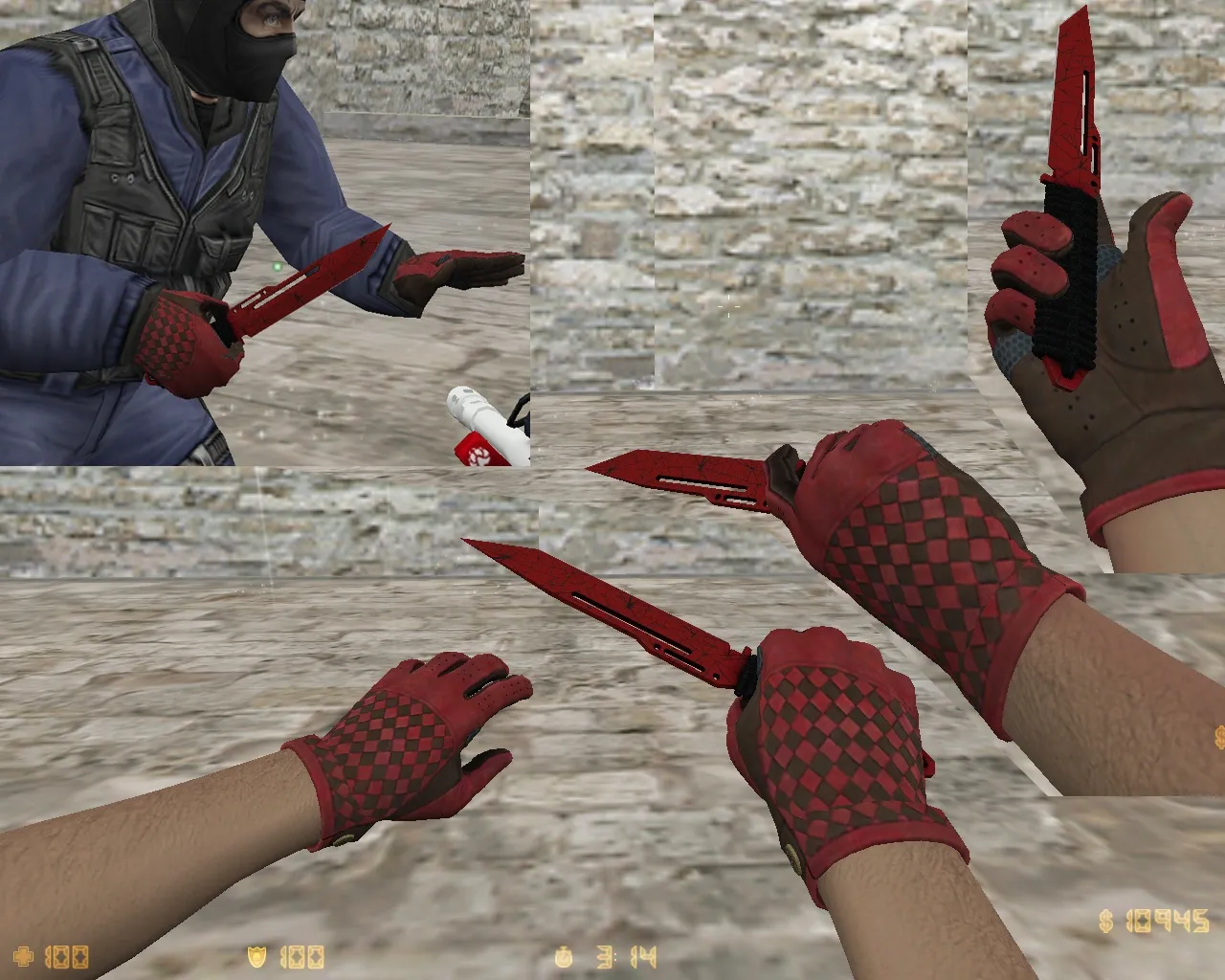
Nautilus Knife Boca Juniors for CS 1.6: v_ p_ w_ Models and Smooth In-Game Performance
The Nautilus Knife Boca Juniors model fits CS 1.6 perfectly, designed for stable client-side replacement. The archive includes files for v_ models (first-person view), p_ models (third-person hand/glove view), and w_ models (world model). This setup ensures the knife looks consistent across modes without breaking animations.
In gameplay, it handles like the default knife: full inspect animation, rotations on position changes, and proper response to player actions. Visuals rely on solid-quality textures without heavy artifacts on highlights or edges. Check that materials don't shift during camera movement and that the image stays sharp at distance views-no blurring into soap-like mess.
Sounds matter too. For CS 1.6 knives, bundled click and swing audio integrates best. If sounds don't load, verify audio files sit in the expected directories. This nails the rhythm: click, wind-up, impact. It makes the model feel complete, not just a visual swap.
Hitbox Alignment and Dark Area Visibility
In CS 1.6, knife dimensions must match stock for reliable hits. Even with sharp visuals, axis shifts cause issues in hit registration and animations. During install, confirm grip and positioning align with defaults.
Dark corners and light dynamics are key. CS 1.6 maps often feature night play with high contrast, so the knife model needs to stay readable. If textures are too dim or fuzzy, it adds hesitation seconds. The Nautilus Knife Boca Juniors holds clarity during turns and aiming, blending into the background without vanishing.
Polycount stays low for high-fps performance, and hitbox accuracy ensures clean swings without offset glitches. ESL-style visibility shines in low-light bomb sites or tunnels, keeping the blade distinct against shadows.
Unique Skin Without Extra Risks
Players value the Nautilus Knife Boca Juniors for its recognizable style. Install it to avoid conflicts with other customs. If custom knives already exist in your folder, back up originals first. Revert in minutes if naming or format mismatches occur.
Download from trusted sources only. Skip any "installers" needing admin rights or auto-connect features. For CS 1.6, manual file swaps in the client folder with a clean launch check is safest-no viruses, no slow-hacks, no ads.
How to Install the Knife Model in CS 1.6
- Backup current knife files to restore stock if needed.
- Place v_ files in the first-person model directory.
- Place p_ files in the third-person model directory.
- Place w_ files in the world weapon model directory.
- Verify sounds: Ensure audio files from the archive go into correct subfolders like sound/weapons.
- Restart CS 1.6 and test the knife in hand, during inspect, and weapon switches.
If the model doesn't show, paths or naming often cause it. Compare with original files and match client-expected names exactly. No-recoil configs or clean config.cfg won't interfere if placed right.
Server and Local Play Compatibility
This model suits standard CS 1.6 sessions. It requires no server permissions and avoids network tweaks. Use in local matches or servers allowing client models for skin effects without hassle.
After setup, jump into a match, inspect the knife, check dark-area readability, then decide to keep it or revert. The Nautilus Knife Boca Juniors delivers quick comfort with stock-like animations and precise polycount for smooth play on Build 4554 or 8610 clients, Steam or Non-Steam.
Textures hit 512x512 resolution for detail without performance dips, and inspect animations include smooth 360-degree spins. World model (w_) visibility ensures it pops in drops or teammate views, while p_ keeps third-person consistency. Overall, this knife mod enhances melee without compromising hitbox alignment or fps in intense rounds.
Install in three steps
-
1
Download the archive. Use the button on the right, or the Yandex.Disk mirror if the main server is slow.
-
2
Extract it into the game folder. Use 7-Zip or WinRAR. A path without non-Latin characters works best.
-
3
Launch the game. If something doesn't work, mark it below - that is how we know the file needs an update.
Did it work for you?
No sign-up needed. You can pick more than one.