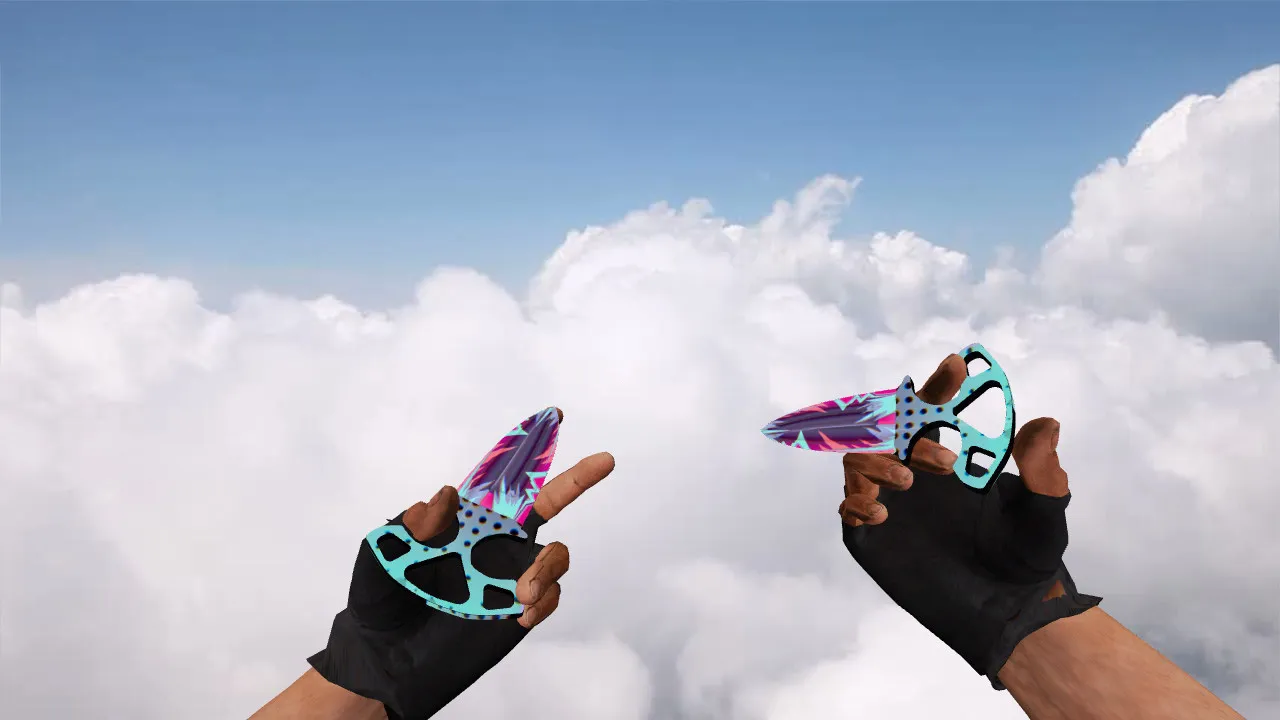
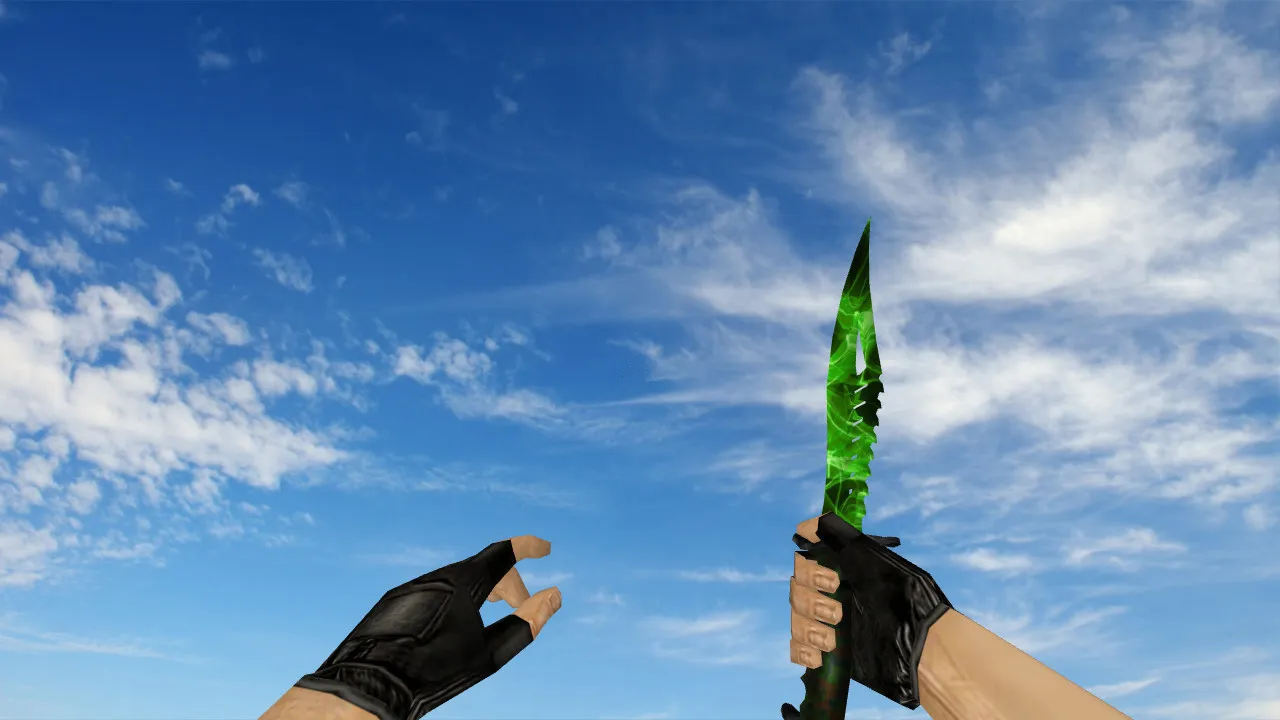
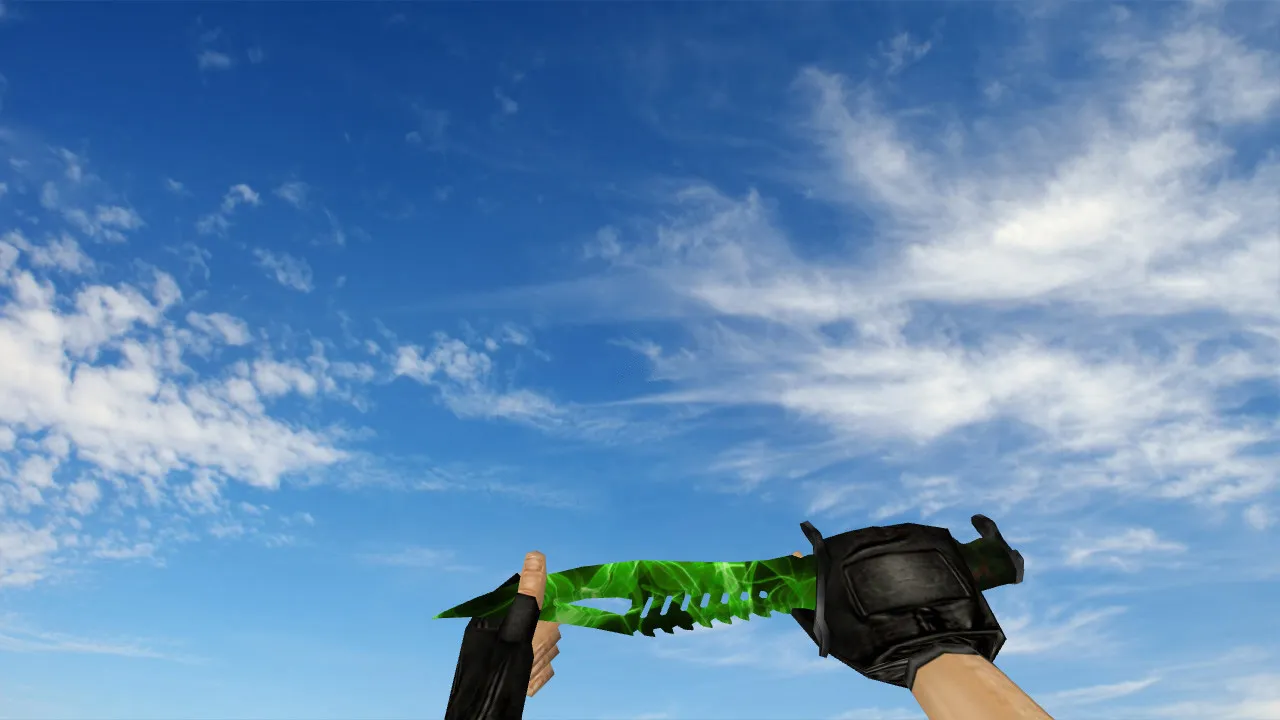
Paracord Knife Vanilla v_ Knife for CS 1.6: p_ w_ Models, Sounds, Inspection Animation, HD Textures and Setup Guide

Description
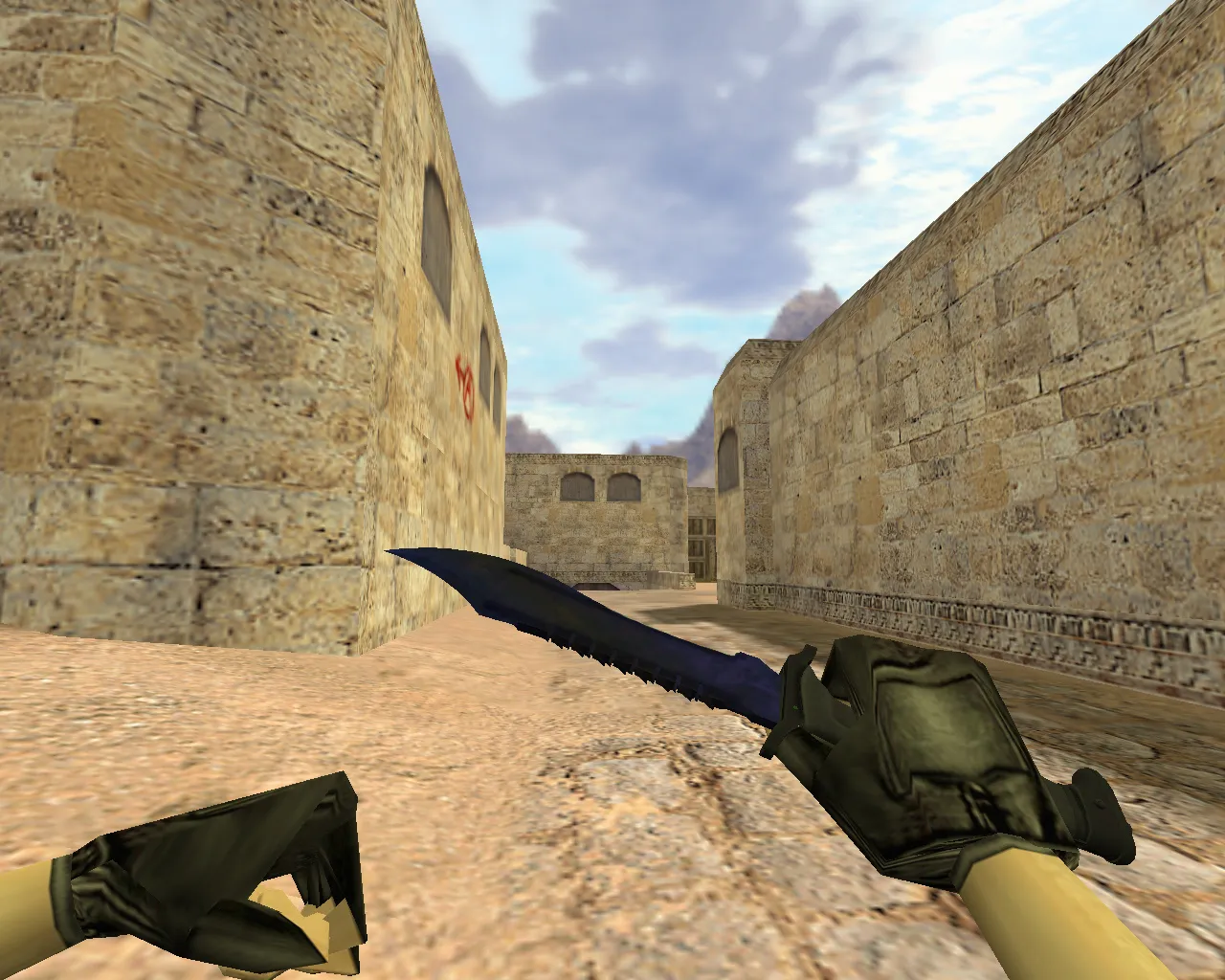
Paracord Knife Vanilla for CS 1.6: p_ v_ w_ Models, Sounds and Animations
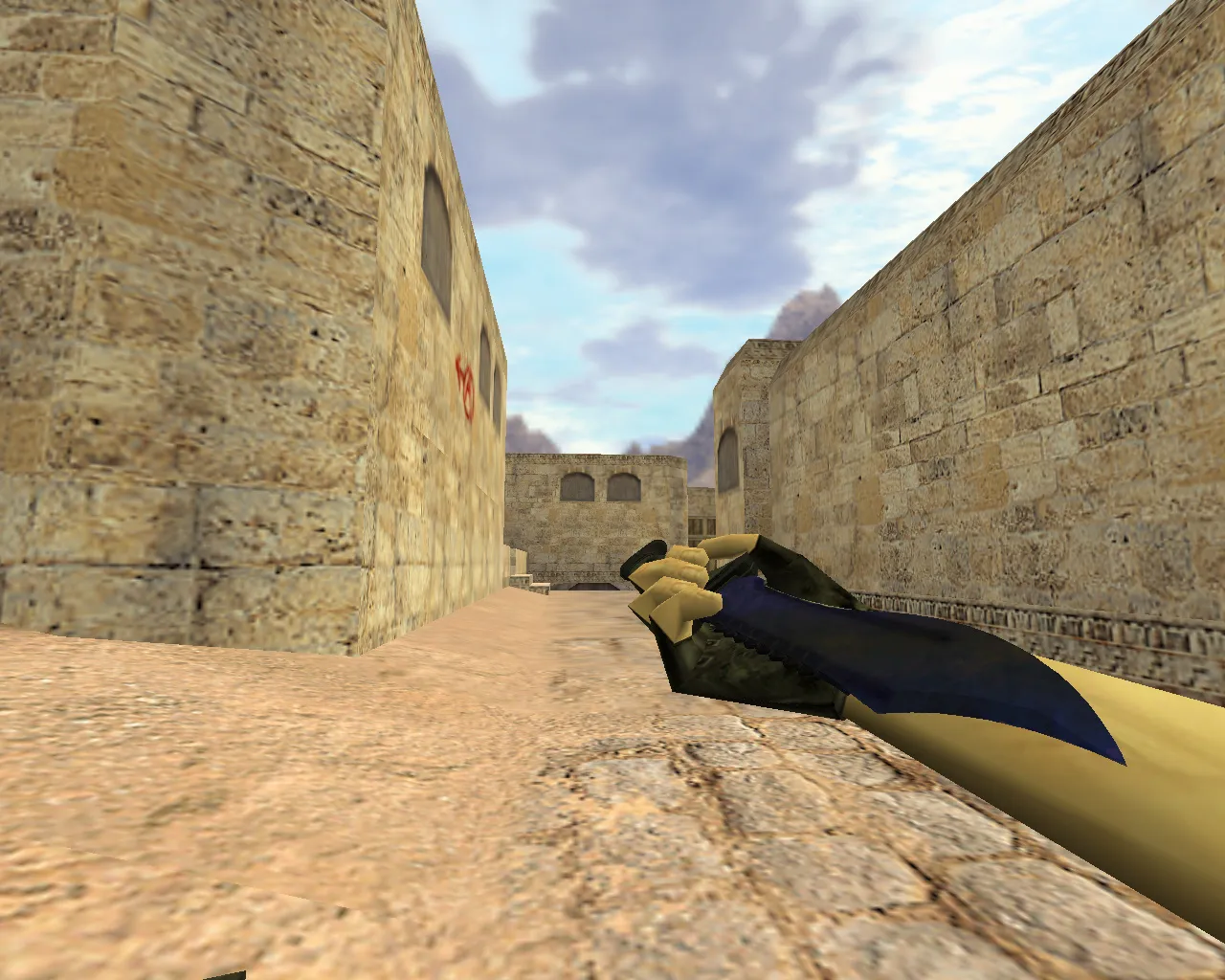
Knives in CS 1.6 do more than change appearance. They deliver consistent visuals when it matters most. The Paracord Knife Vanilla keeps the classic vanilla feel, focusing on the grip and paracord wrapping. In the game, this is visible in every model turn. The blade stays clear in the crosshair and at screen borders, free of visual noise. Proper model integration is essential: v_ for the first-person view, w_ for the world model held in hands, and p_ for player positioning throughout server scenes and modes.
For correct installation, confirm the archive contains folders or files with the exact required names. Client-side setups normally use v_ and w_ models. When p_ files exist, the model works across different display modes. Audio is also important. Even a simple knife benefits from sound packs for swings and weapon switches. Without them, the game falls back to the old effects, which hurts immersion.
Knife Inspection Animation and Texture Quality
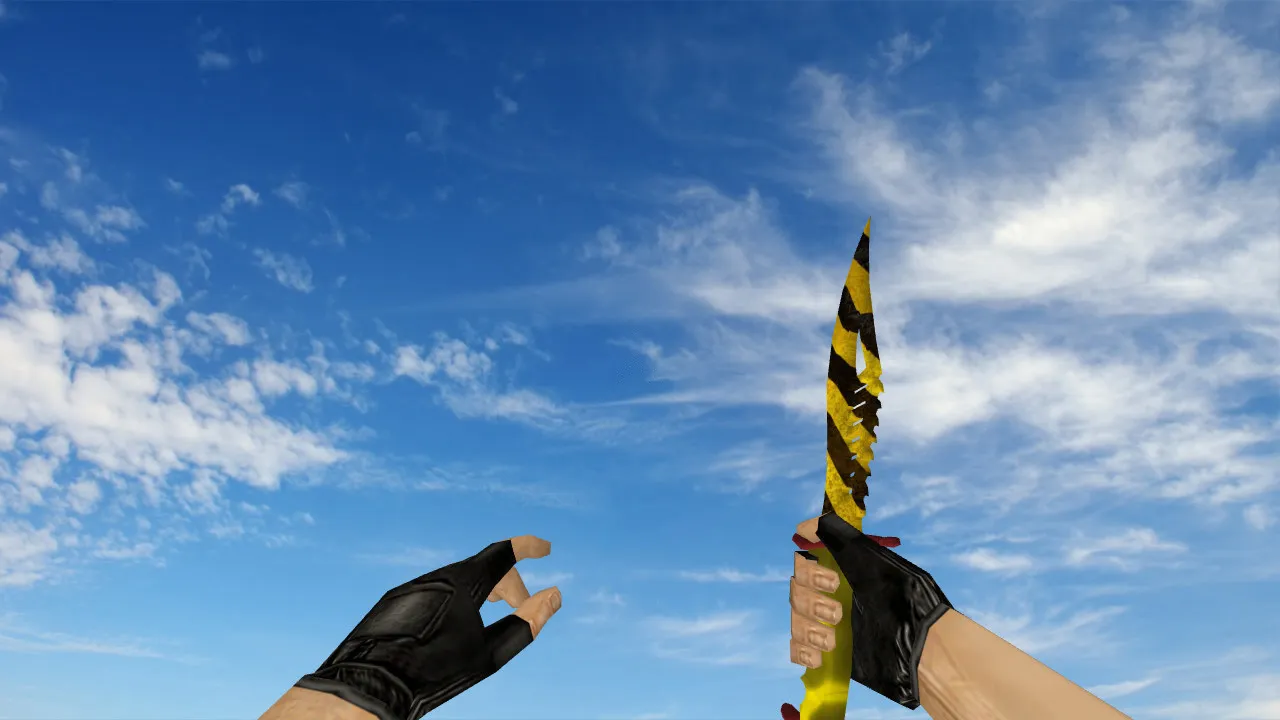
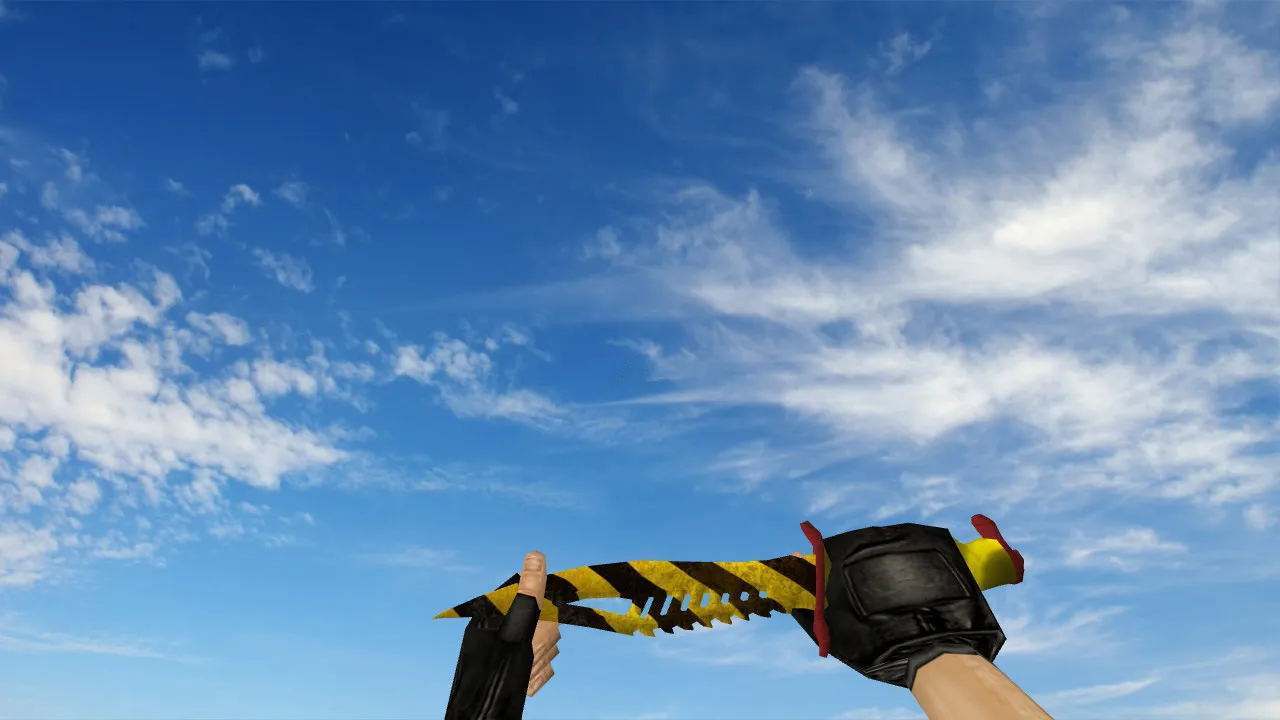
The Paracord Knife Vanilla excels in its inspection animation. In CS 1.6, this shows in how the model acts during weapon switches and player movements. A clean animation prevents jitter and misalignment. The model's state has to match its hand rotations for a seamless feel.
Texture quality matters a lot. Make sure surfaces avoid blur and edge artifacts. The grip remains visible in dark spots. If the model looks too dark or washed out, it is usually caused by texture settings or import mistakes. The blade and handle must not distort across geometry. The knife should look consistent from every angle, supporting competitive visibility in low-light areas such as de_dust2 tunnels.
The polygon count is optimized for high frame rates, keeping performance steady during knife fights. HD textures at 512x512 resolution give sharp detail without overloading the engine, perfect for non-steam clients on older hardware.
Hitbox Alignment and In-Game Model Clarity
The knife requires exact dimensions. This influences combat behavior and visual-model synchronization. With accurate geometry, players encounter fewer distractions from mismatches. The model becomes predictable, especially during rapid switches and fast rounds.
Uniqueness defines the skin. The Paracord Knife Vanilla stands apart from the default knives. Differences show immediately in the grip, cord wrap, and blade outline, giving it a distinct identity. If visuals blend in, textures or materials do not match the vanilla intent, lowering tactical readability in close-quarters combat.
Hitbox alignment makes sure swings register correctly against enemy models, crucial for no-recoil knife configs on custom servers. This setup improves precision without changing core game balance.
Safe Installation Guide for CS 1.6 Knife Model
Install using only client local files. Do not run extra programs. Avoid mods from untrustworthy archives. Open only the model and sound folders. Back up the original knife files before overwriting so you can roll back quickly.
- Extract the archive into your client's models folder.
- Verify v_, w_, and optional p_ files are present.
- Look for knife sounds; missing ones will revert to defaults.
- Start the client without auto-connecting to external servers; test in a lobby.
- If the model fails to load, check for conflicts with other mods in the model directories.
After installation, test the inspection animation and rotations. Jitter or missing geometry points to conflicts with other replacements. Restore backups and install one at a time. This mod is virus-free, with no slow-hacks, ads, or auto-connect risks-pure compatibility for Build 4554 or 8613 clients, Steam or non-Steam.
Config Tweaks for Smooth Performance and Stability
To prevent lag or frame drops, keep a clean config.cfg. Do not mix build settings. Use default parameters and watch fps on dynamic maps like de_inferno. If rates were changed, keep them reasonable-no extremes. Aim for input stability and clear visuals during quick weapon switches.
When set up properly, the Paracord Knife Vanilla delivers consistent visuals, working sounds, and fluid animations. You get reliable crosshair comfort and no distractions in firefights. Pair it with a clean config for optimal knife play in casual or competitive lobbies, ensuring hitbox accuracy and sprite consistency across sessions.
For advanced users, integrate with custom wad files for texture packs, but test the polygon count to avoid overload. This vanilla-style knife fits seamlessly into any CS 1.6 setup, improving visibility without pushing engine limits.
Install in three steps
-
1
Download the archive. Use the button on the right, or the Yandex.Disk mirror if the main server is slow.
-
2
Extract it into the game folder. Use 7-Zip or WinRAR. A path without non-Latin characters works best.
-
3
Launch the game. If something doesn't work, mark it below - that is how we know the file needs an update.
Did it work for you?
No sign-up needed. You can pick more than one.