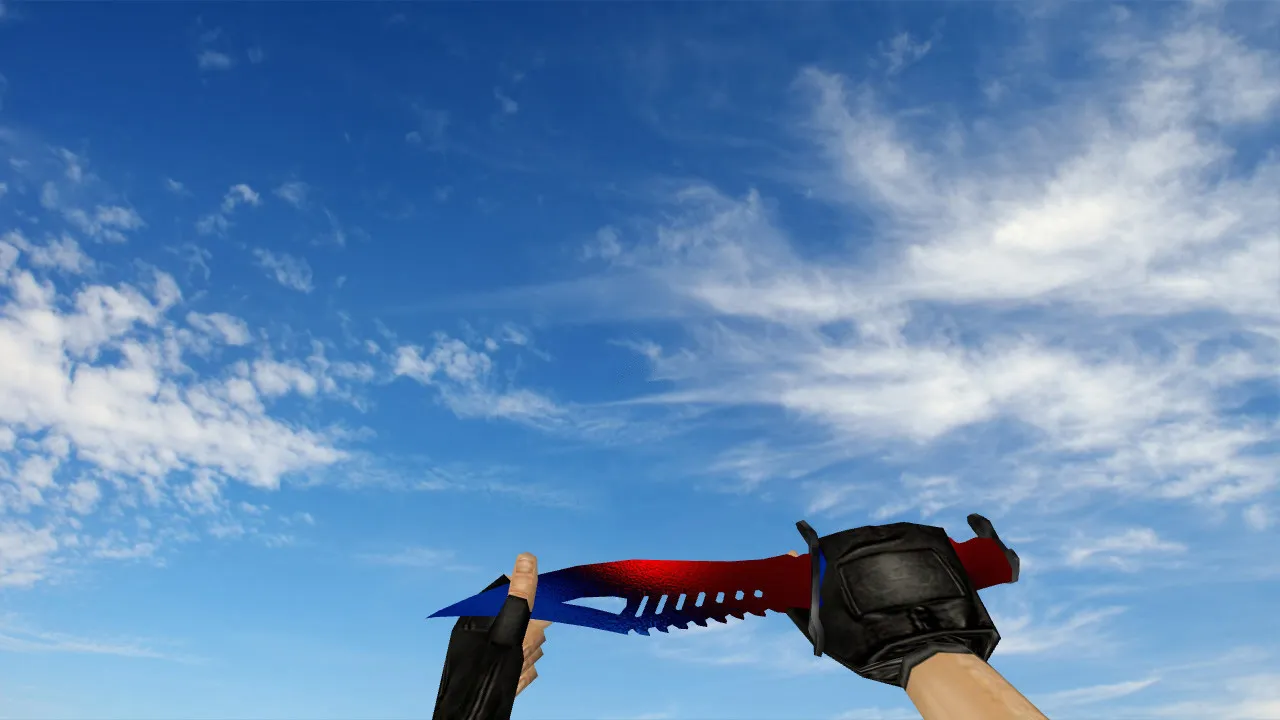
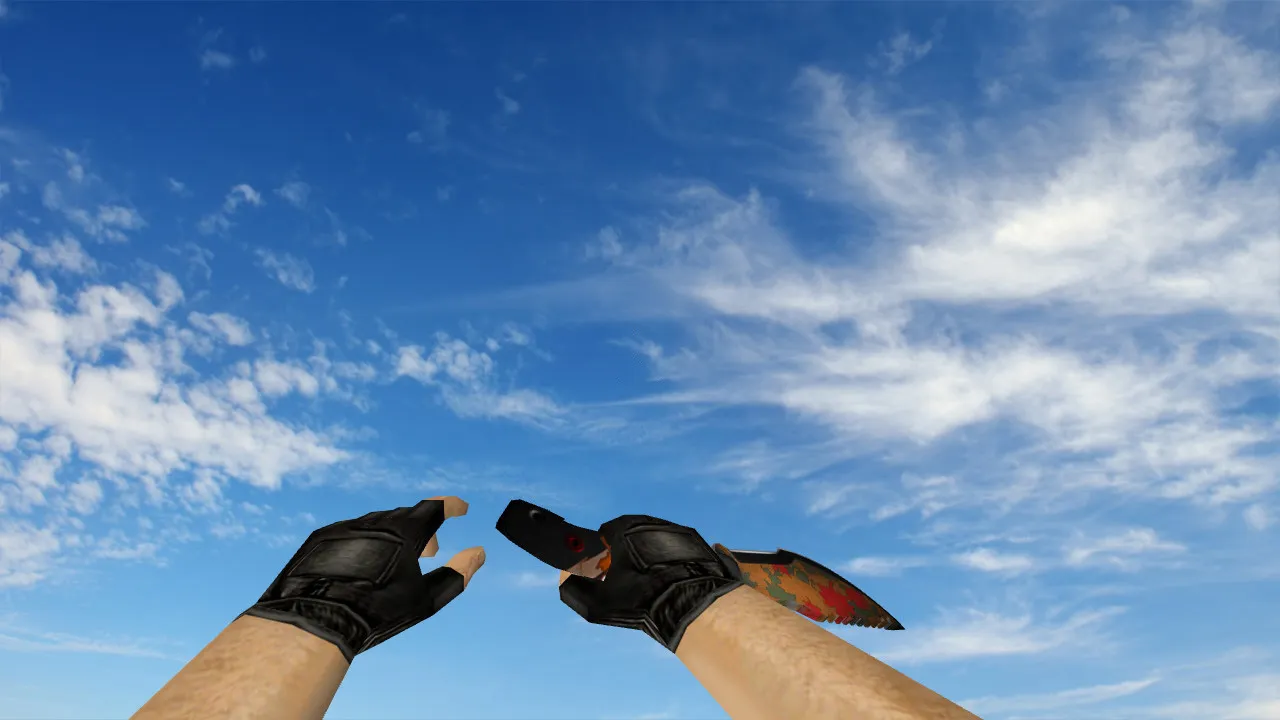
Nautilus Hazard Knife Model for CS 1.6: v_ p_ w_ Models, Custom Sounds, Inspect Animation & HD Textures
Description
Nautilus Hazard Knife for CS 1.6: Contents and Setup Guide
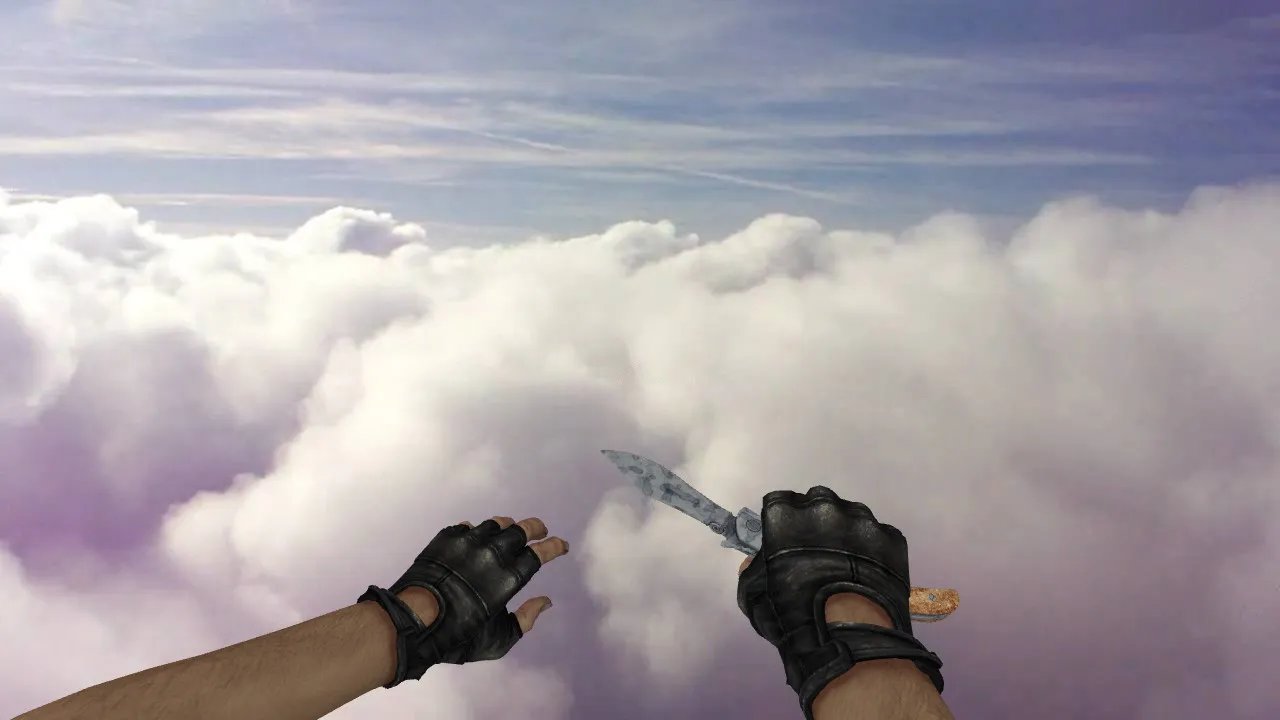
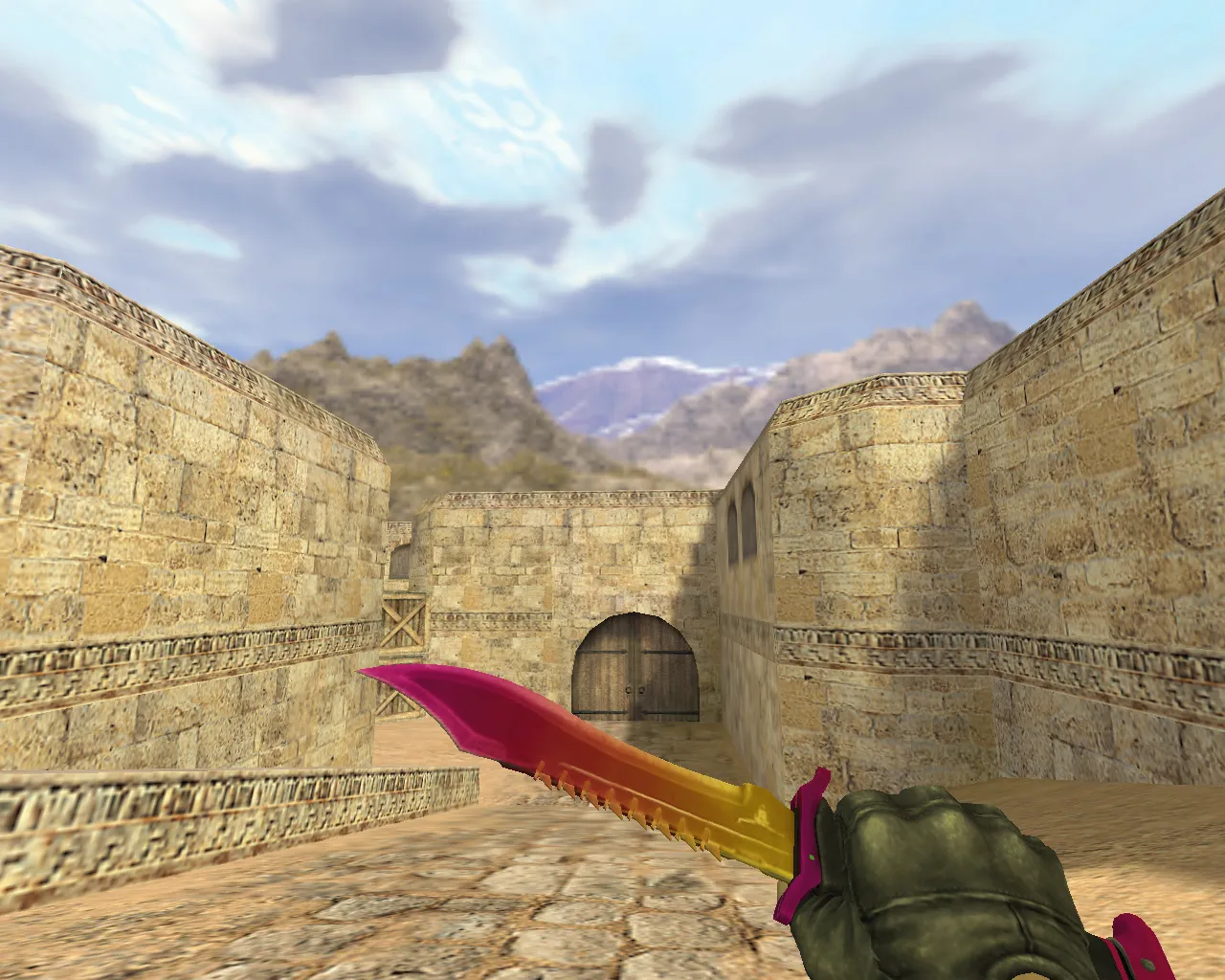
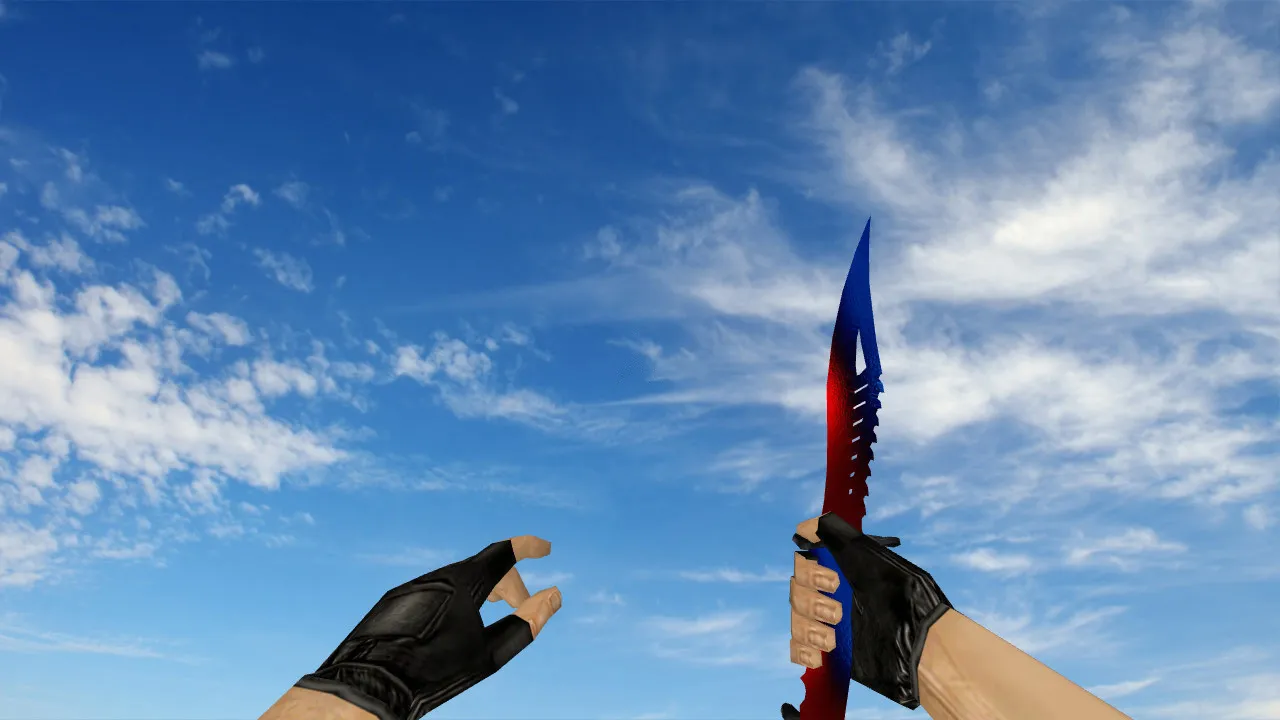
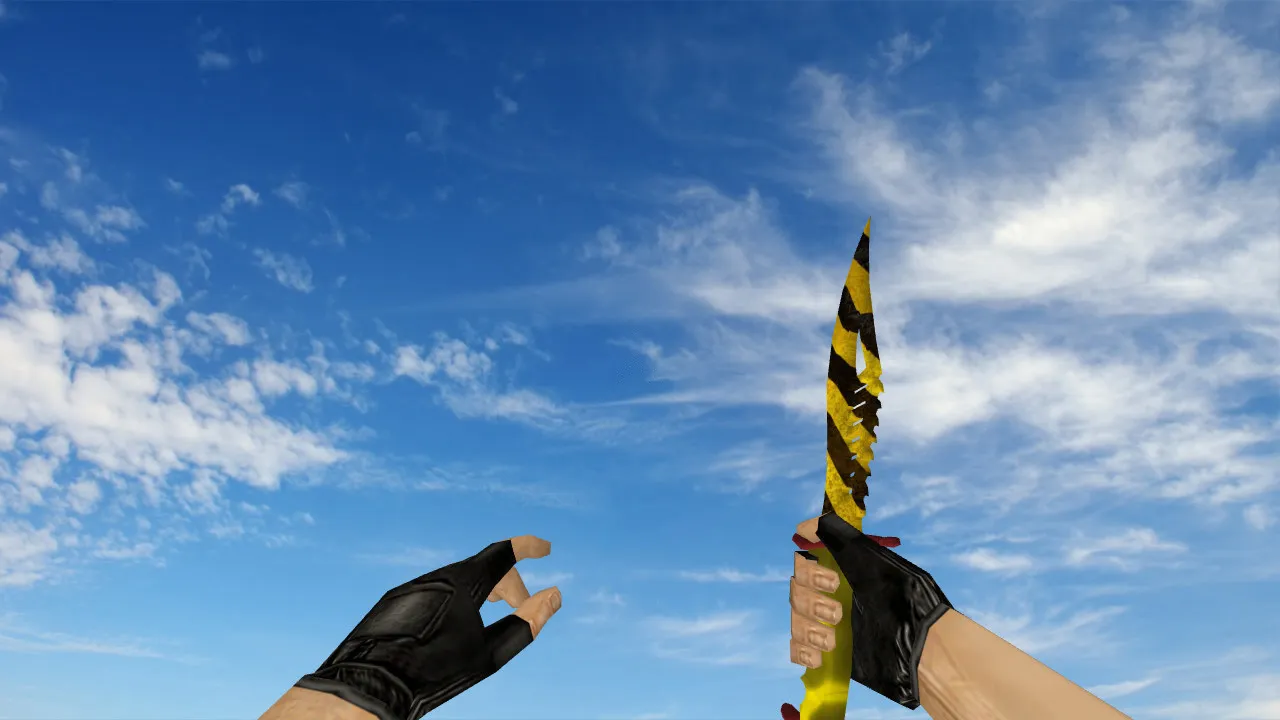
The Nautilus Hazard knife acts as a custom skin in CS 1.6, providing consistent visuals during combat and movement. It manages standard rendering layers properly. On the client side, the package supplies the v_ model for the first-person perspective, the p_ model for third-person hand placement, and the w_ model for the server-side hand view. This arrangement prevents mismatches where one angle appears correct while another glitches.
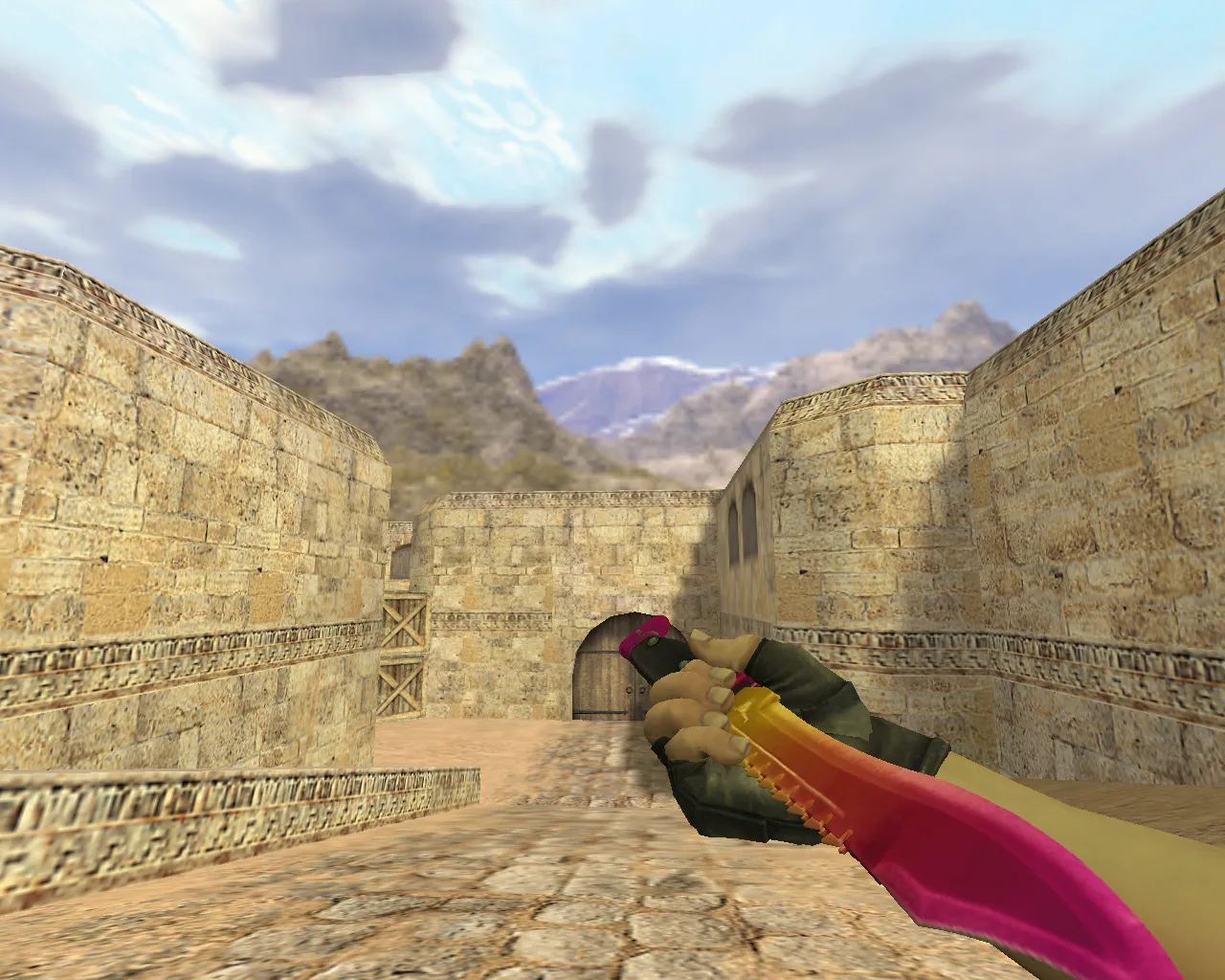
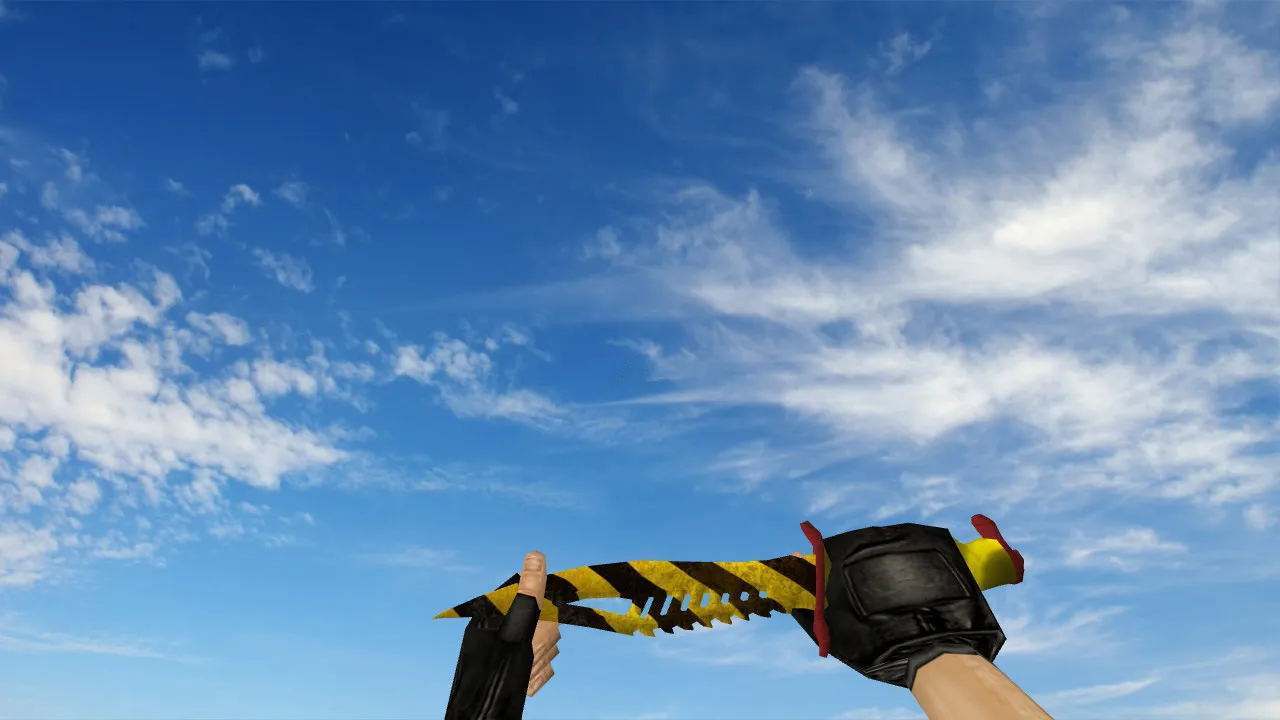
During play, the knife behaves like the default weapon. The bundle includes custom sounds and an inspect animation to remove blank frames when switching or examining the weapon. The inspect animation improves flow: you get a clear look at the shape, details stand out, and the model acts predictably while moving. Textures are optimized to hold up at close range without pixelation, and edges remain crisp under changing light, such as dim bomb sites or bright open spaces.
Model Specifications
- v_ model: First-person hand view with precise rendering while aiming and running, low polygon count for high-FPS performance
- p_ model: Accurate display in character positions, guaranteeing hitbox alignment from third-person angles
- w_ model: Server hand view, visible to others without desync
- Custom sounds for draw and use, eliminating silent gaps that break immersion
- Inspect animation: Smooth frame transitions when examining the knife, synced with standard CS 1.6 timing
- Texture quality: 512x512 resolution details that stay visible in dark areas, ESL-style clarity without over-saturation
This knife model integrates well into custom weapon packs. The v_ model emphasizes viewmodel details, making slashes and stabs feel responsive. The polygon count remains under 500 for smooth operation on older systems, preventing frame drops during intense rounds. Sounds match vanilla volume levels so they don't drown out footsteps or gunfire. For inspect, the animation loops cleanly, displaying the Nautilus Hazard's ergonomic grip and hazard stripes without clipping problems.
Installation Steps for CS 1.6 Without Errors
Install the model carefully to avoid client crashes. Begin with a clean build, such as 4554 or 8610, and check for file conflicts using a tool like WinRAR's integrity check. Back up original files in a separate folder for a quick rollback if necessary. Place the models in the proper directory: cstrike/models/v_knife_nautilus/ for the viewmodel, and similarly for the p_ and w_ models. If you use texture packs or other mods, disable them temporarily to prevent overrides.
After copying files, restart CS 1.6 and join a local server. Test in single-player first: switch to the knife and move around. If the model fails to load, verify the file paths-a common mistake is dropping files into models/ instead of the subfolder. Ensure .mdl files match the expected naming, like knife_nautilus.mdl. For Non-Steam users, confirm MasterServer protection is active to block unauthorized connections. This keeps your setup clean, with no auto-exec cfg injections.
Compatibility covers both Steam and Non-Steam installations. If using a custom config.cfg, add no-recoil tweaks separately-these models do not change ballistics. For bot play, the w_ model ensures visibility in .nav pathing without obstruction.
In-Game Testing Procedures
Once loaded, run a basic verification. Open the buy menu, select the knife, and cycle views: check the v_ model in first-person for texture sharpness during idle and attack poses. Trigger inspect-the animation should play fluidly, with no stuttering on low-end hardware. Join a deathmatch server and test dynamics: sprint turns, quick switches to a rifle, and close-quarters slashes. Watch for rendering in low-light spots, like de_dust2's tunnels, where details must stand out for better awareness.
During matches, observe how the p_ model appears to teammates-no floating or misalignment on hitboxes. If issues arise, clear the cache via the console command 'gl_flush' and reload. This knife improves knife rounds without compromising server stability, ideal for 1v1 clutches or eco plays where every advantage counts.
Safety and Best Practices
Download only from trusted sources to avoid viruses or slow-hacks. Extract archives manually and inspect for extra .exe or .vbs files-delete anything suspicious. Replace only the specified resources: models, sounds (.wav in sound/weapons/), and animation files in scripts/. No ads, no auto-connect scripts included, keeping your client lightweight and secure.
For custom setups, pair Nautilus Hazard with dark crosshair configs for stealthy knife approaches, or bright ones for aggressive rushes. Keep it in the root cstrike folder, avoid mixing with incompatible skin packs that alter sprite files. This ensures the knife integrates as a seamless part of your CS 1.6 arsenal, maintaining high-FPS and no-lag performance across maps like de_inferno or cs_office.
Overall, this model boosts visual feedback without gameplay hacks. Textures resist aliasing at 800x600 resolutions, common in competitive scenes. If updating from older skins, the inspect animation alone improves flow, reducing distraction in fast-paced servers.
Install in three steps
-
1
Download the archive. Use the button on the right, or the Yandex.Disk mirror if the main server is slow.
-
2
Extract it into the game folder. Use 7-Zip or WinRAR. A path without non-Latin characters works best.
-
3
Launch the game. If something doesn't work, mark it below - that is how we know the file needs an update.
Did it work for you?
No sign-up needed. You can pick more than one.