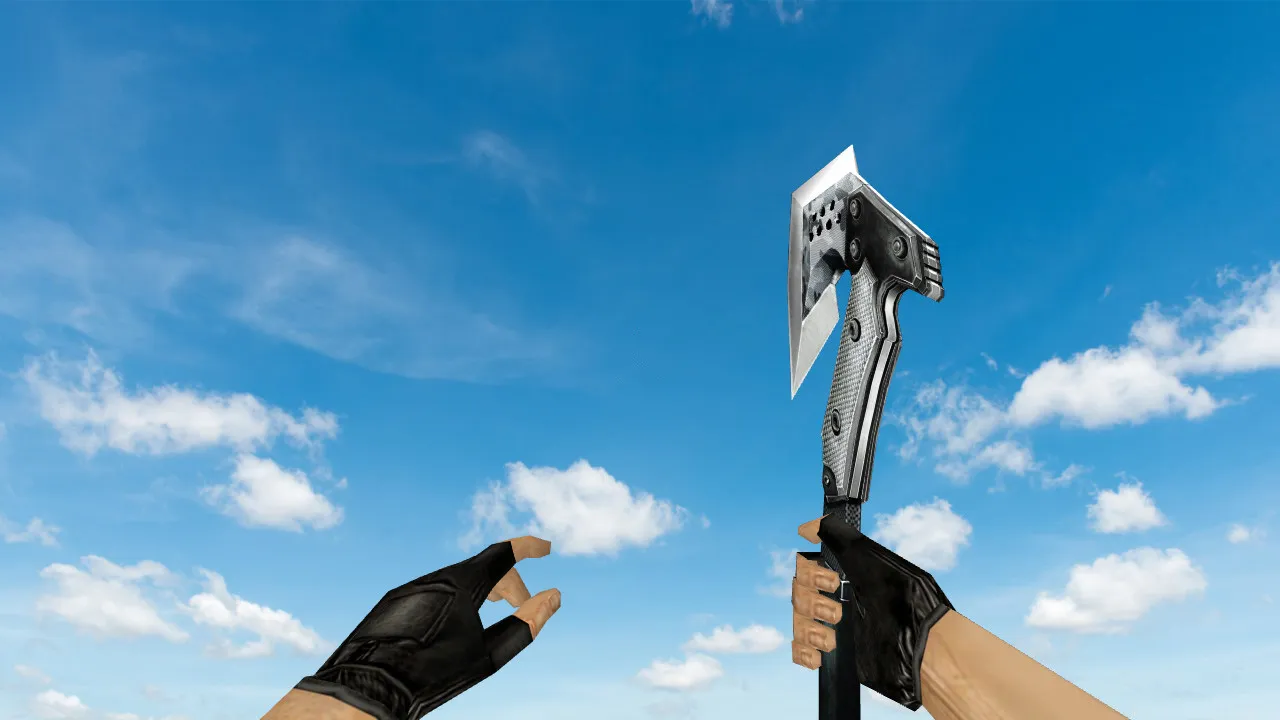
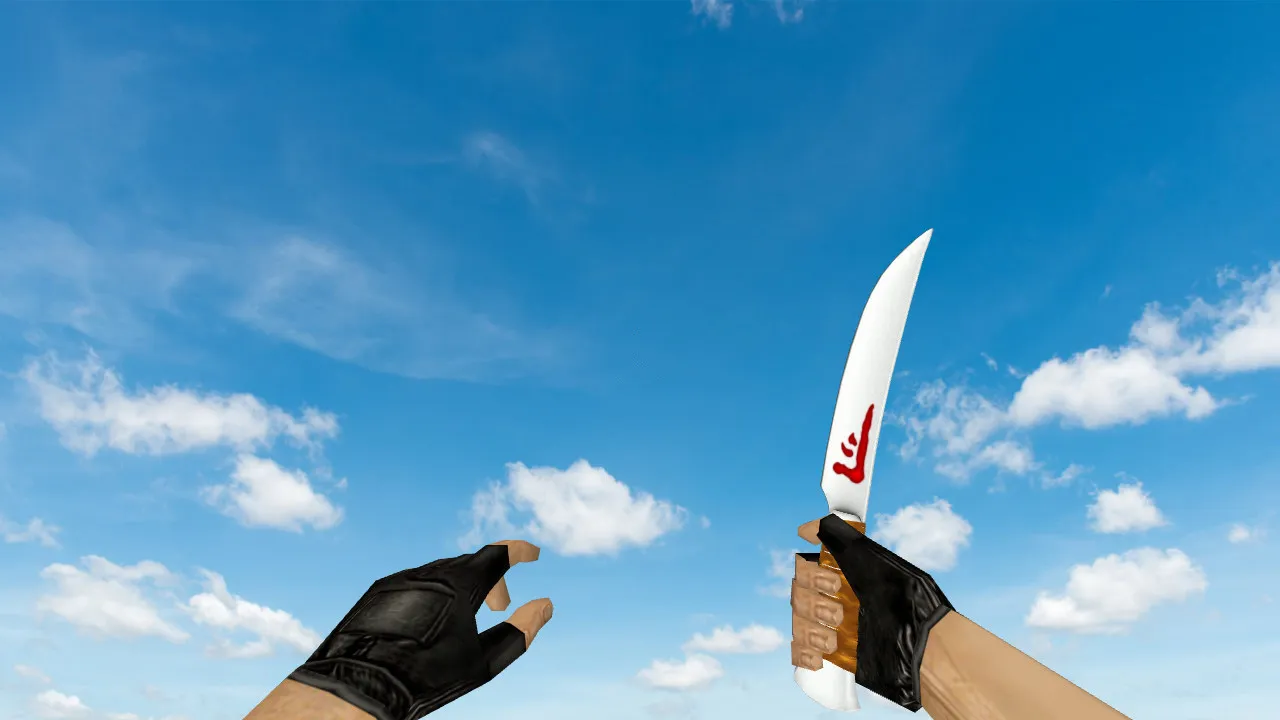
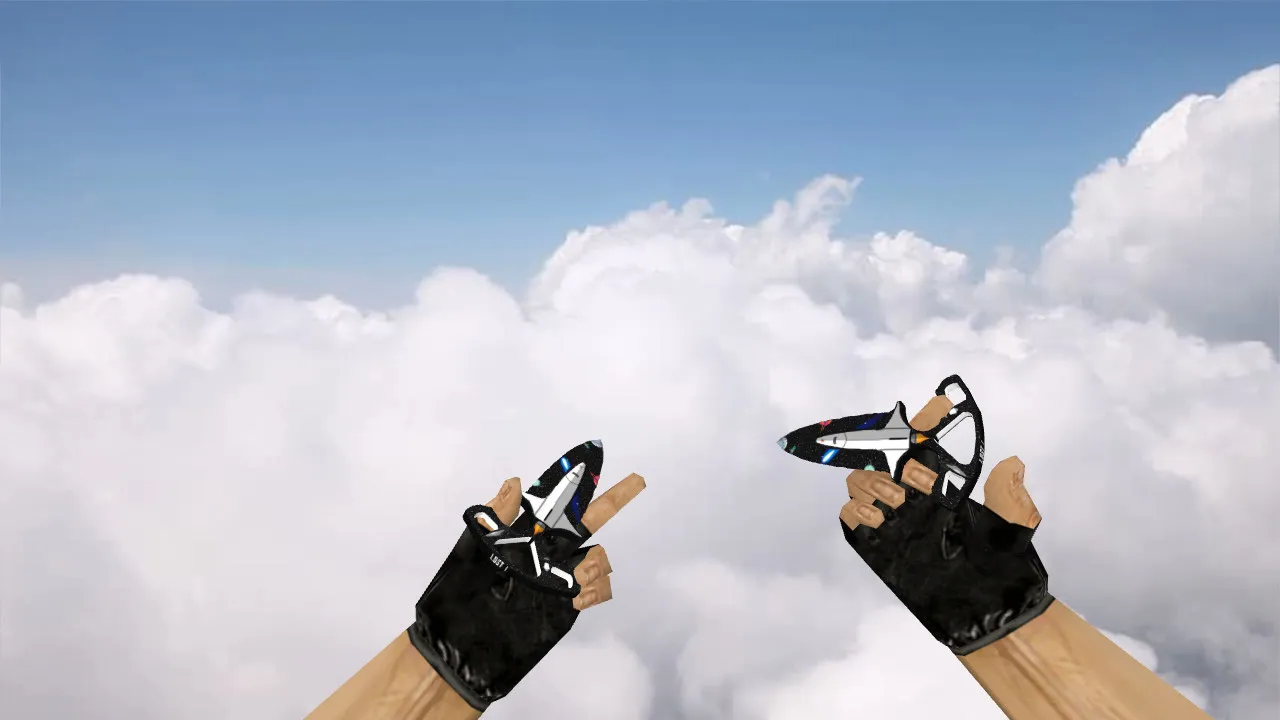
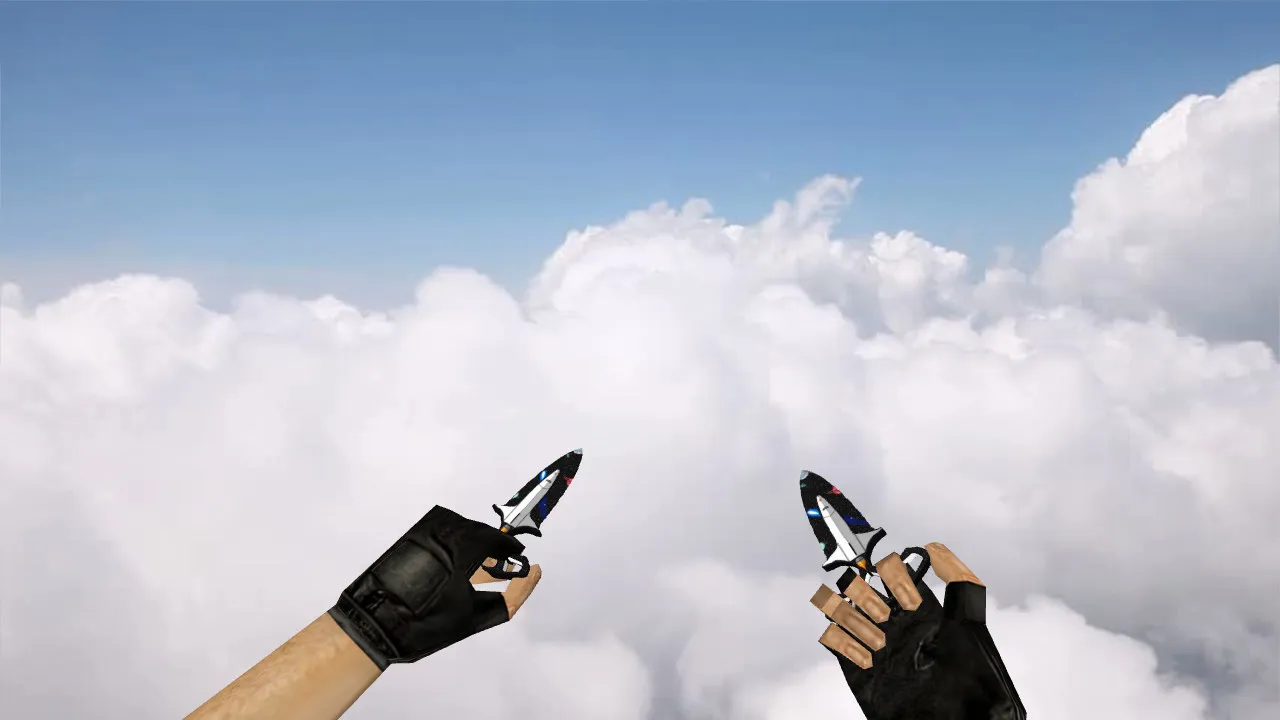
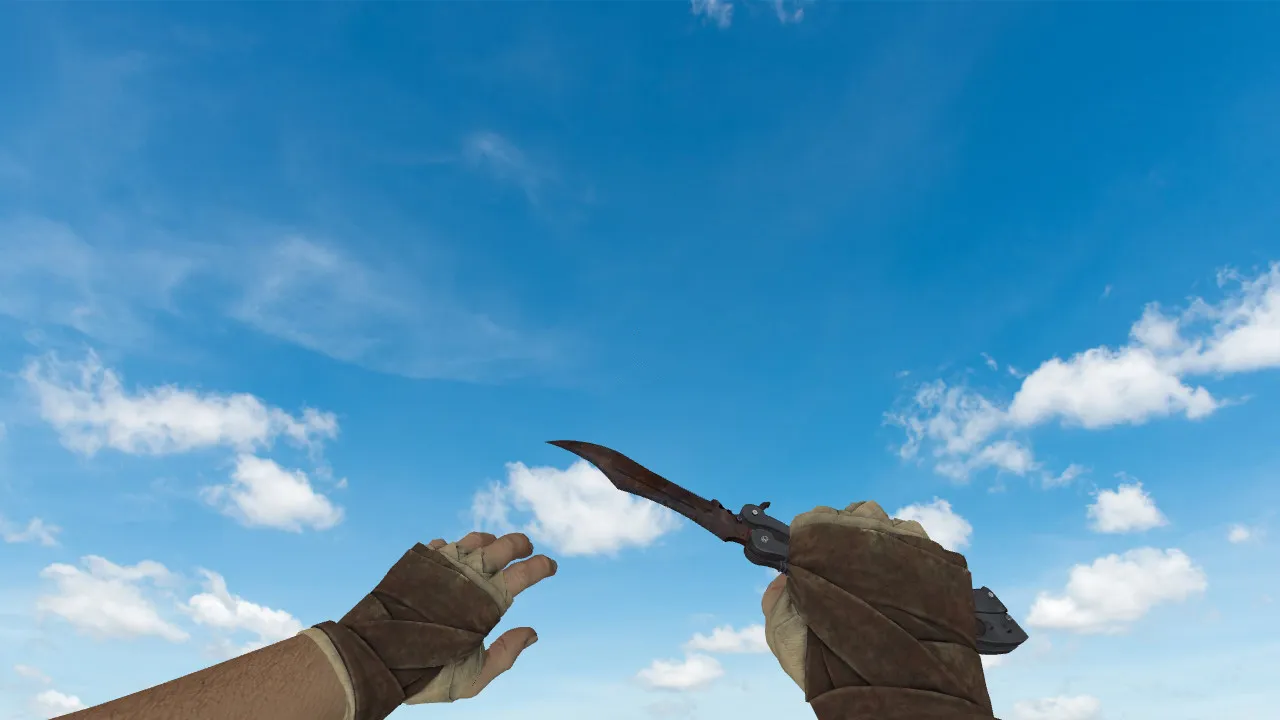
Navaja 'Patina' Knife Model for CS 1.6: v_, w_, p_ Models, Custom Sounds, Inspect Animation, and High-Quality Textures
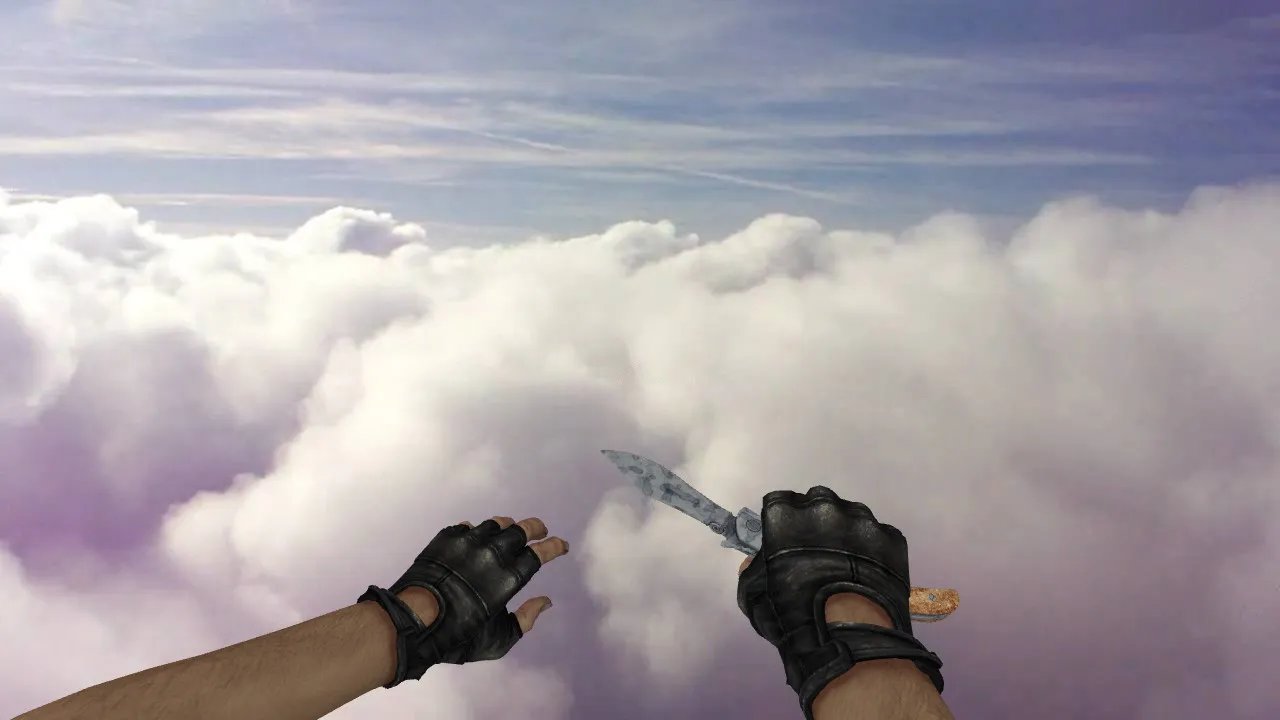
Description
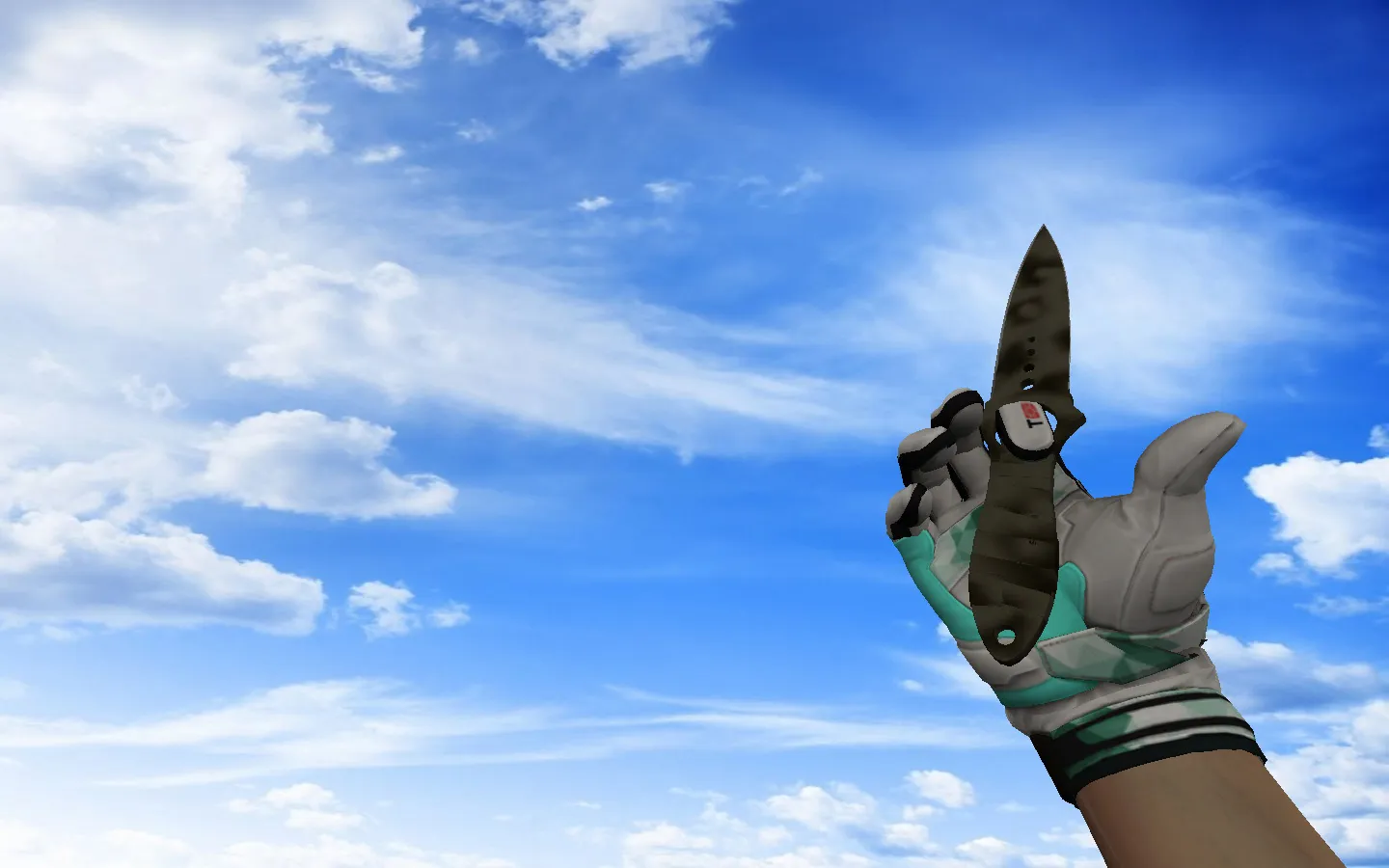
Navaja 'Patina' Knife for CS 1.6: Aged Metal Blade Style
The Navaja 'Patina' knife integrates smoothly into community modifications for CS 1.6, providing a clean in-game look without unnecessary extras. This model fits standard weapon slots and works with your client configuration-no automatic connections or additional downloads needed. Setup is straightforward: place the files in the correct directories, and nothing runs in the background.
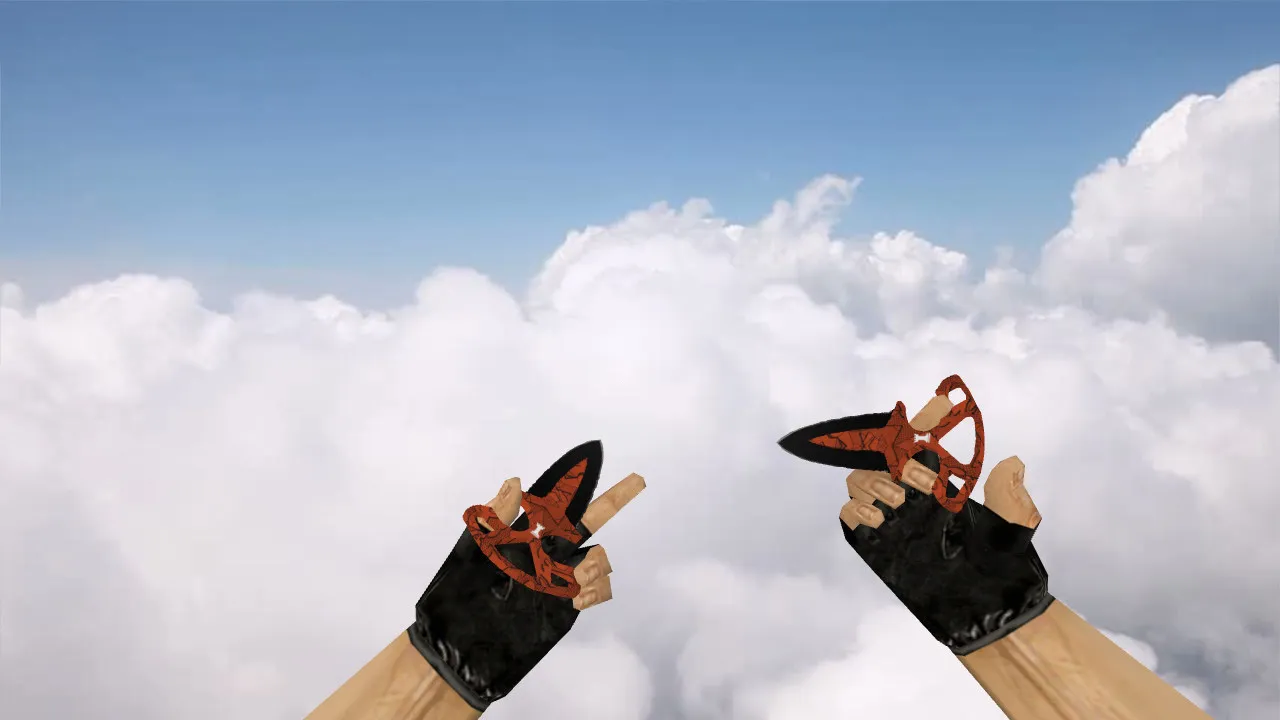
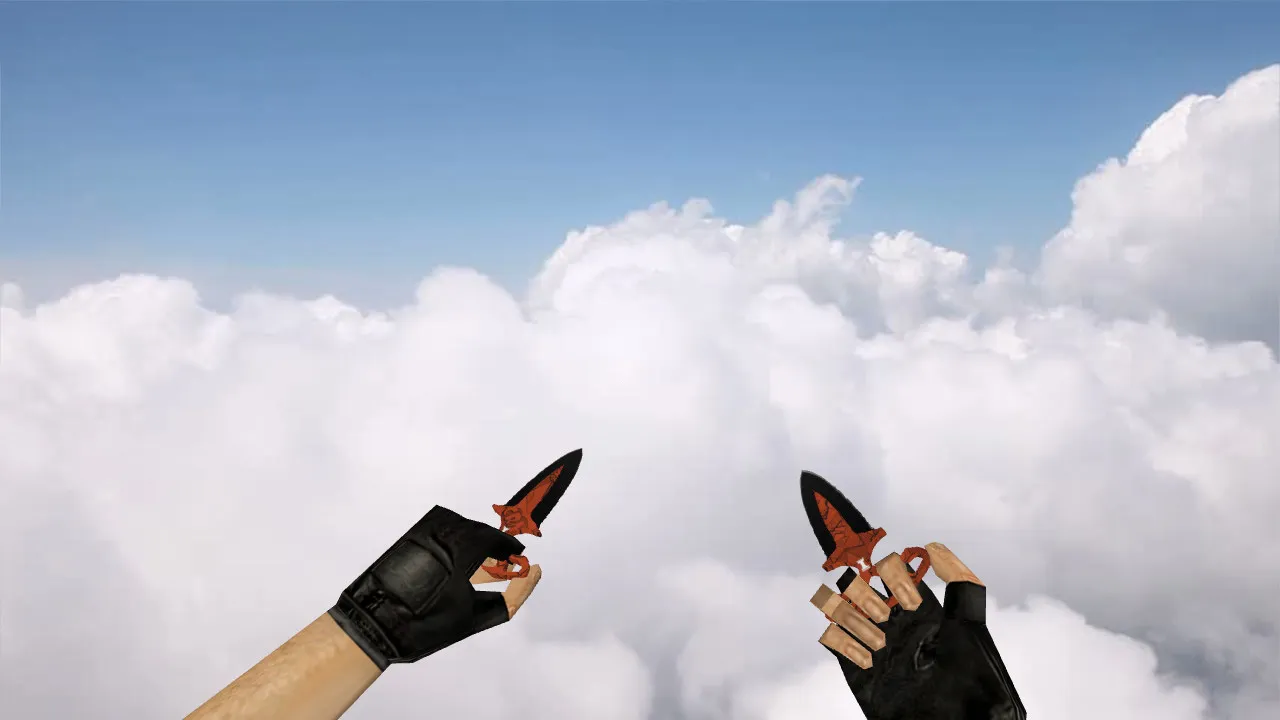
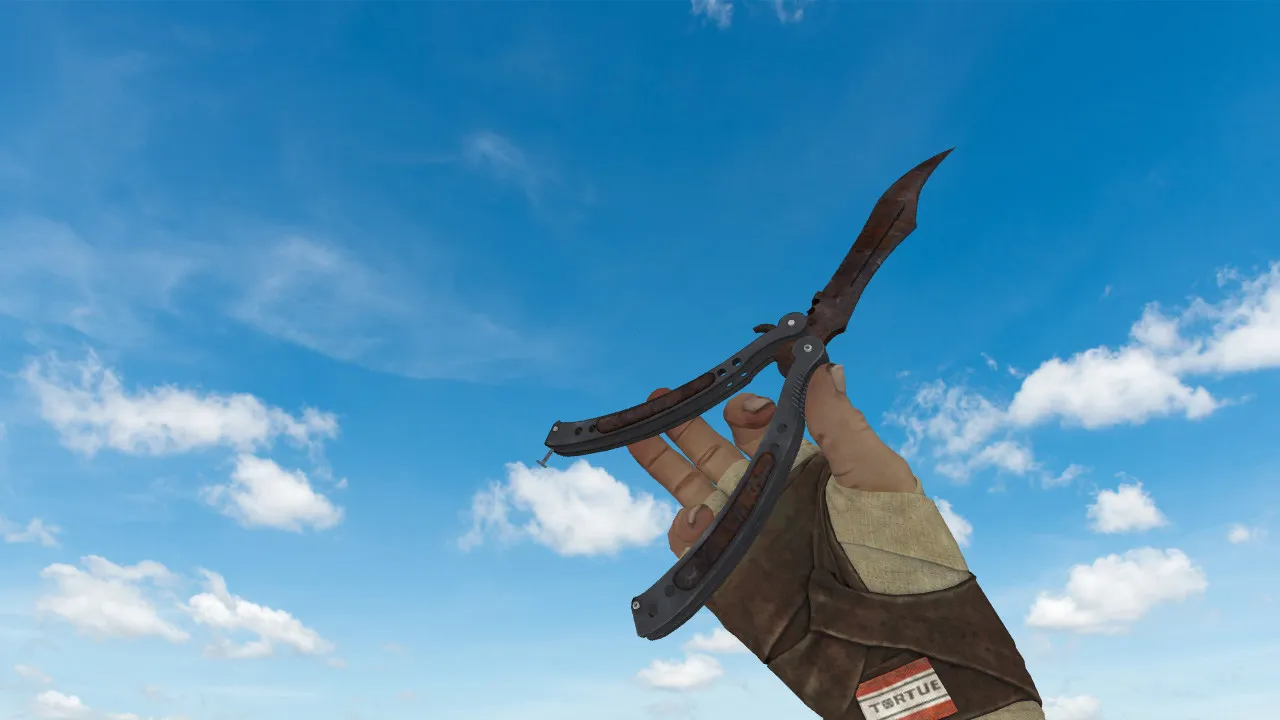
It includes a complete set of weapon models: v_ for first-person perspective, p_ for third-person player view, and w_ for world drops. This guarantees a consistent appearance whether you are inspecting it up close, watching another player, or seeing it on the ground. Visuals remain stable when switching viewing angles. The inspect animation receives careful handling-when you examine the knife, it plays fluidly without glitches or stuttering frames.
Audio is important for immersion. In CS 1.6, a knife should not sound hollow or incorrect. This package supplies matched sound files for standard actions such as swings and stabs. On servers with different configurations, the timing stays synchronized with your actions, helping you keep rhythm during fast knife fights without desync issues during quick weapon switches.
Textures are a highlight. The 'Patina' effect replicates aged metal accumulation, catching light in dark map corners like those ESL-style shadowed areas. Details matter: sharp edges, color gradients, and distinct blade patterns. These are high-resolution textures, roughly 512x512 or higher, that maintain quality at distance and during movement-no pixelation or blurring when rushing sites.
Regarding polygon count, the model stays low to prevent FPS drops during heavy rounds, optimized for older systems running Build 4554 or similar. Hitbox alignment remains faithful to vanilla, so no odd clipping occurs during slashes. It focuses on an authentic feel without altering core gameplay.
How to Install the Navaja Knife Model Safely
- Download the archive and unpack it to a temporary folder for a quick scan-no viruses or hidden payloads.
- Back up your current knife files or the entire models directory first; reverting takes seconds if necessary.
- Copy the contents of the models folder, verifying that v_, p_, and w_ files are all present.
- If any configuration or script files are included, review them manually-only use model-related ones, skip auto-executing scripts.
- Launch CS 1.6, test the inspect animation, knife switching, and world view. If visuals lag or mismatch, restore your backup.
This method keeps your installation clean, compatible with both Steam and non-Steam clients, and free from slow-hacks or adware. No MasterServer adjustments required; it integrates seamlessly.
In-Game Testing After Setup
Once installed, run checks in actual scenarios: dim map areas like de_dust2's tunnels, rapid knife duels, and frequent weapon cycling. In CS 1.6, the model must render sharply while moving and hold its shape during spins. Verify first-person and third-person views, especially on servers with spectator modes. This catches if one model type loads while others fail, preventing incomplete visuals mid-round.
The Navaja 'Patina' delivers that worn-in aesthetic for knife enthusiasts-distinct from stock blades, with the patina making the edge stand out visually. It is a simple upgrade that enhances your setup without client risks or system tweaks. Combine it with a clean config.cfg for high-FPS performance, and you are ready for extended sessions.
Consider bot compatibility as well; the w_ model ensures AI picks it up correctly, with no navigation file edits needed. On custom servers, it blends in without looking out of place, keeping the focus on tactics rather than modifications.
What You Get in the End
- Complete v_, p_, w_ model set for seamless in-game visibility.
- Smooth inspect animation without artifacts or frame drops.
- Custom sounds timed to knife actions for better flow.
- Patina textures with strong readability in shadows and motion.
- Safe installation process with easy backup rollback.
Overall, this mod improves knife play in CS 1.6 while staying true to modding roots-reliable, no-frills, and ready for competitive lobbies.
Install in three steps
-
1
Download the archive. Use the button on the right, or the Yandex.Disk mirror if the main server is slow.
-
2
Extract it into the game folder. Use 7-Zip or WinRAR. A path without non-Latin characters works best.
-
3
Launch the game. If something doesn't work, mark it below - that is how we know the file needs an update.
Did it work for you?
No sign-up needed. You can pick more than one.