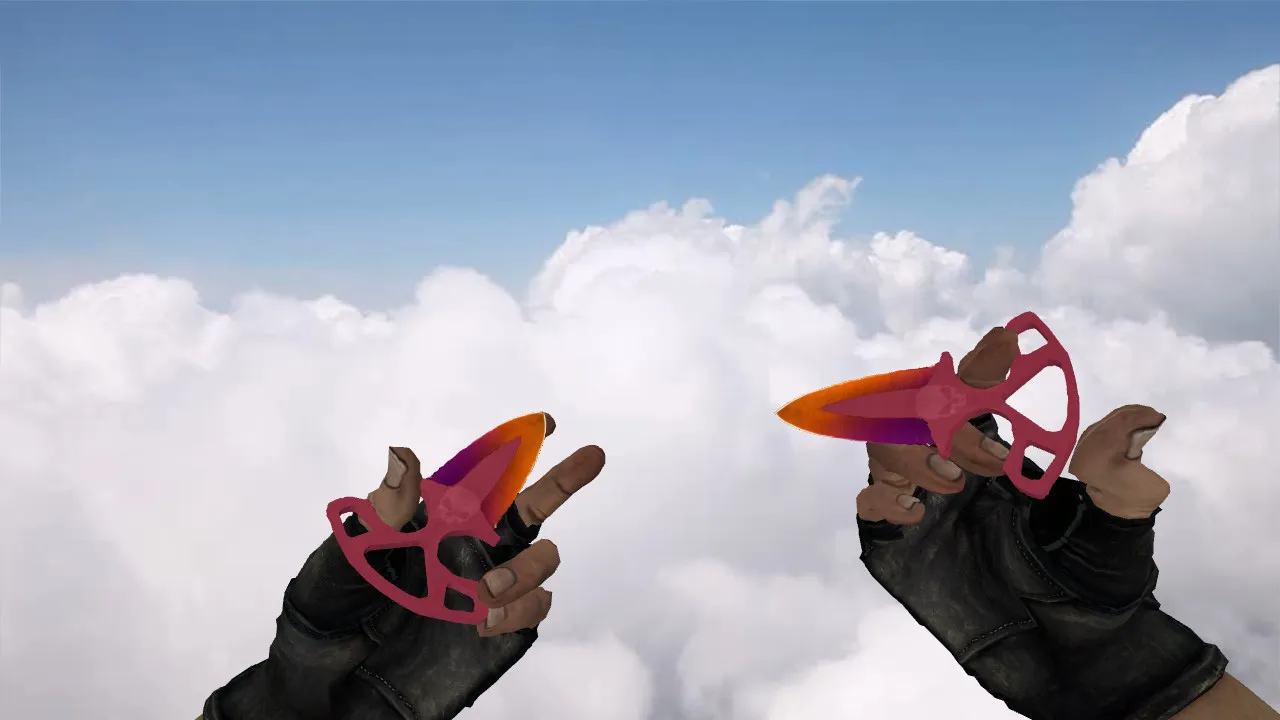
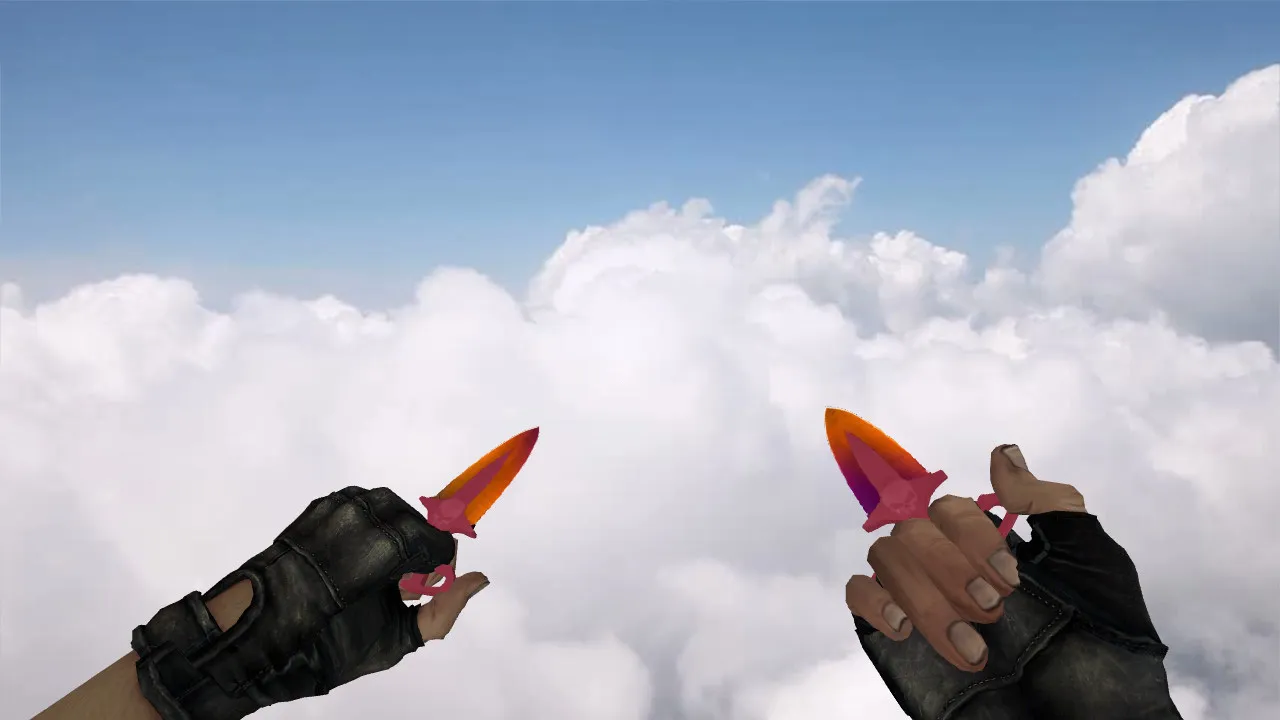
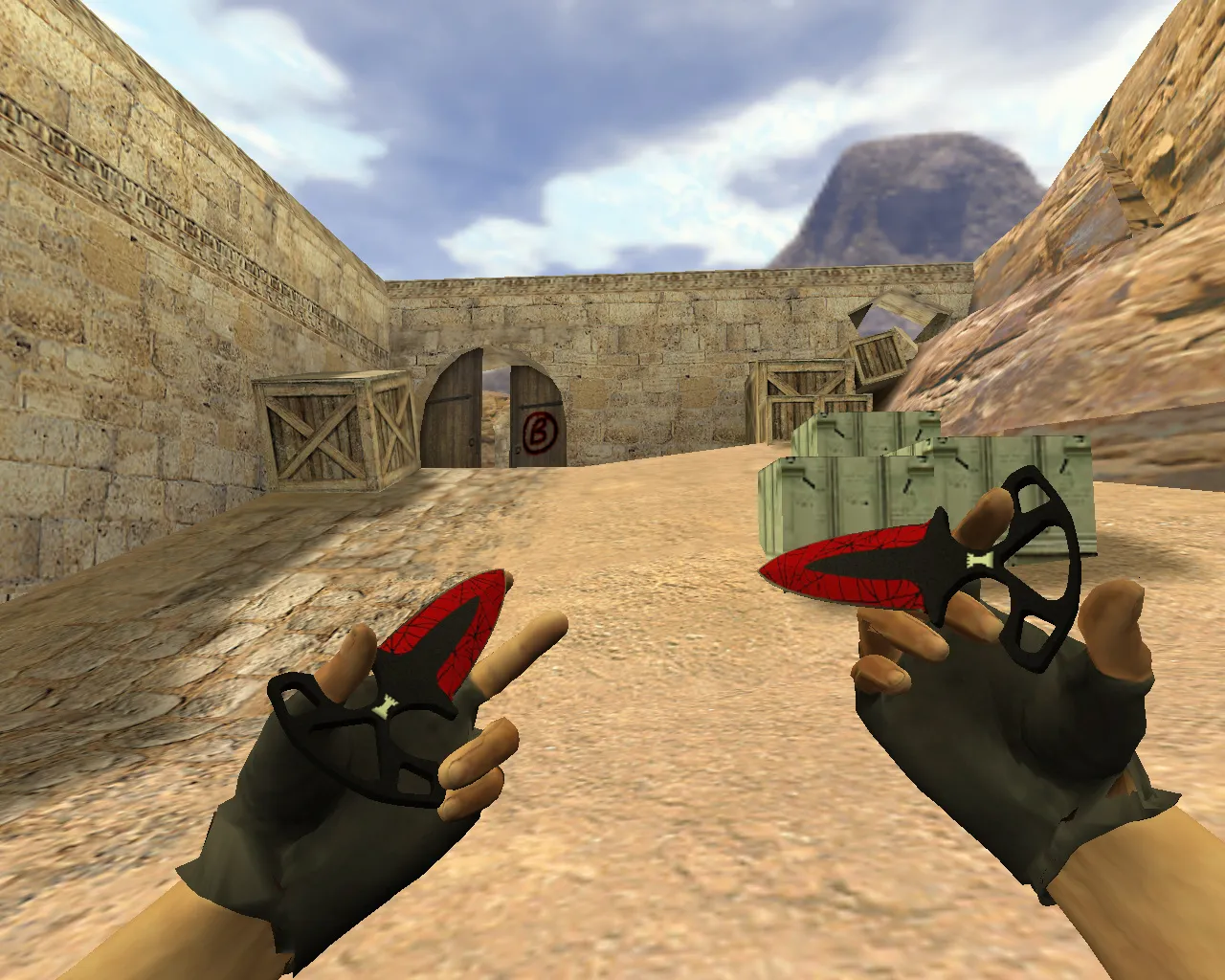
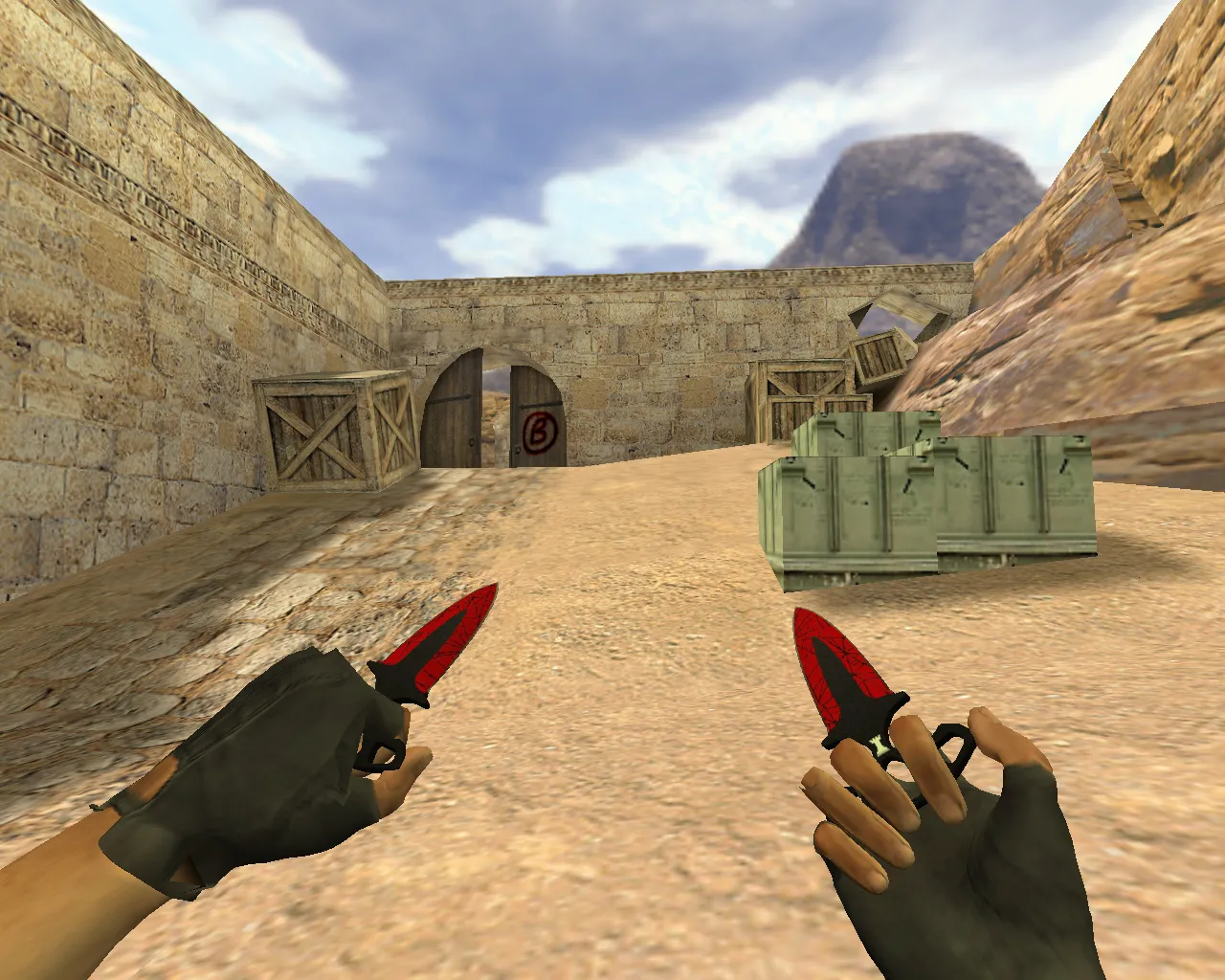
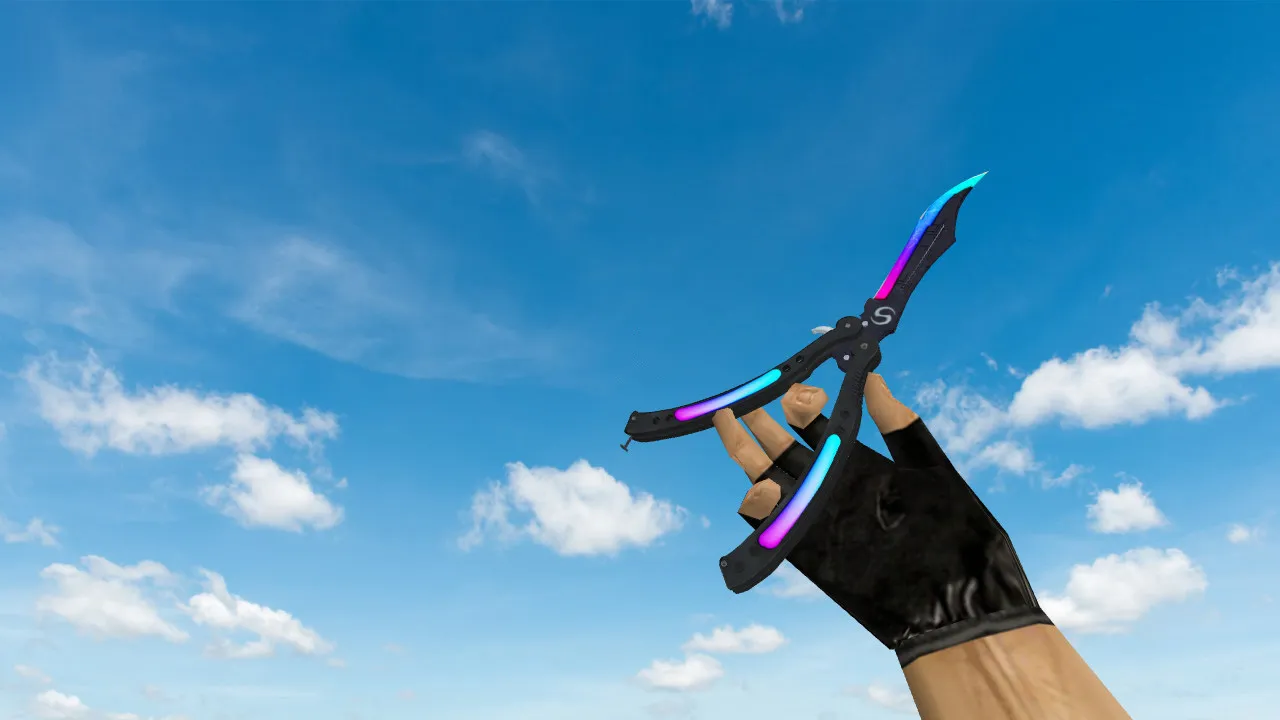
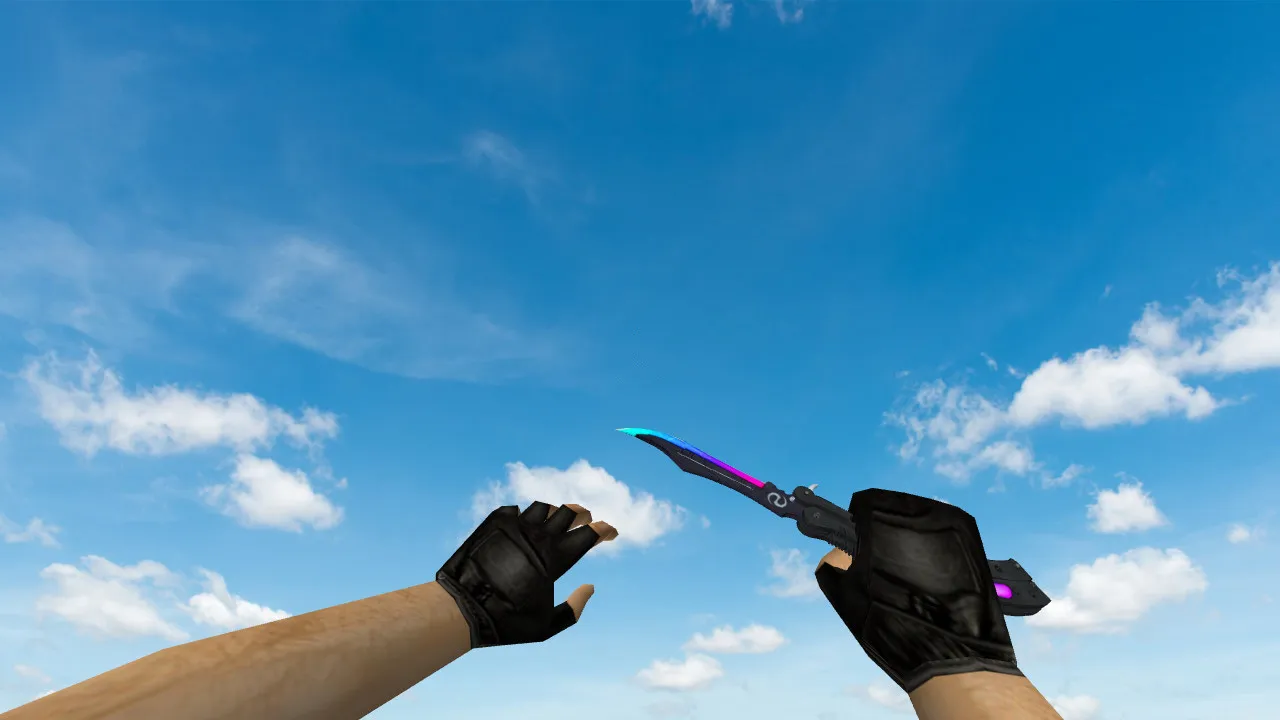
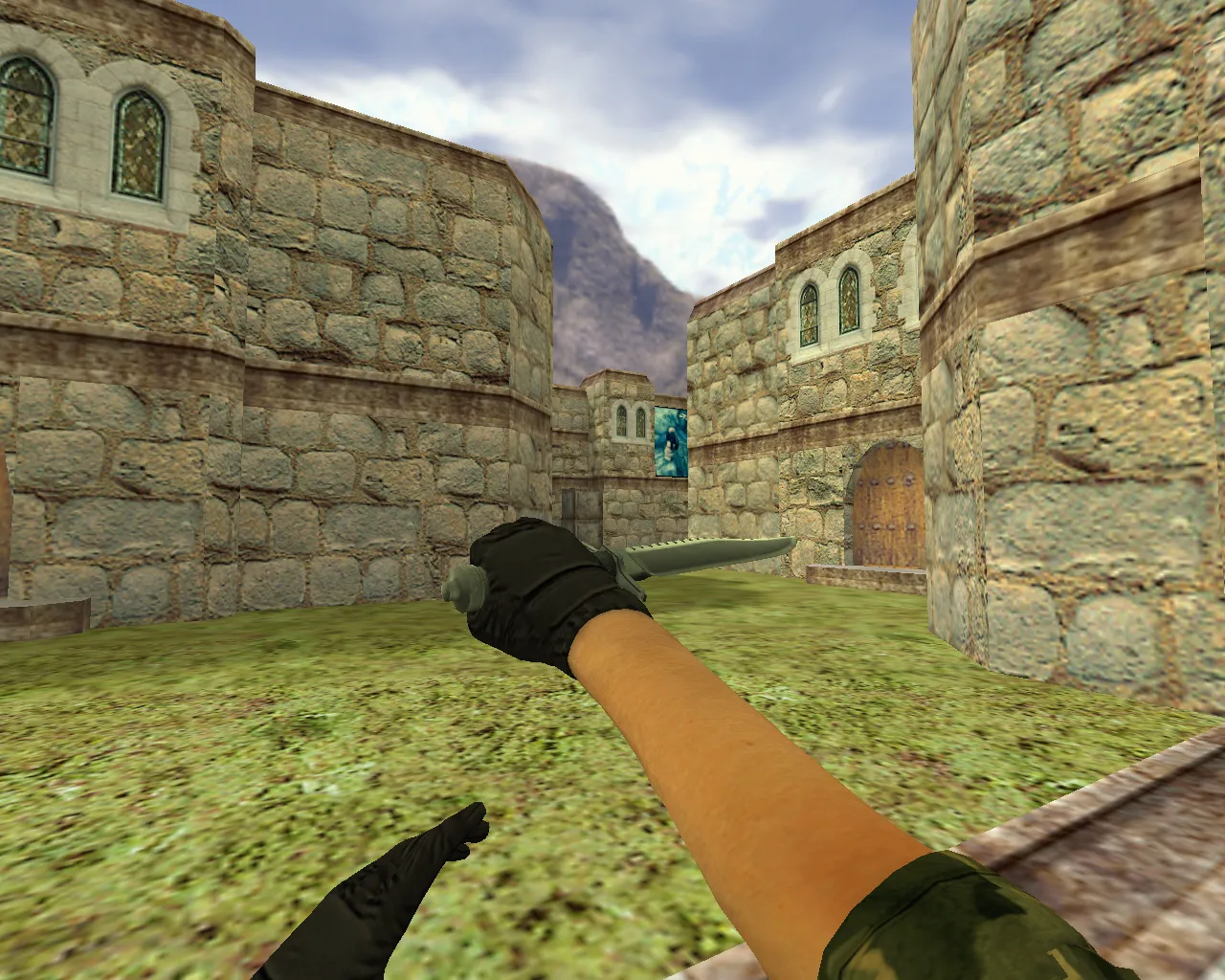
Bone Knife Model for CS 1.6: v_boneknife, p_boneknife, w_boneknife with Sounds, Inspect Animations, Textures


Description
Bone Knife Model for CS 1.6: Setup and Testing Instructions
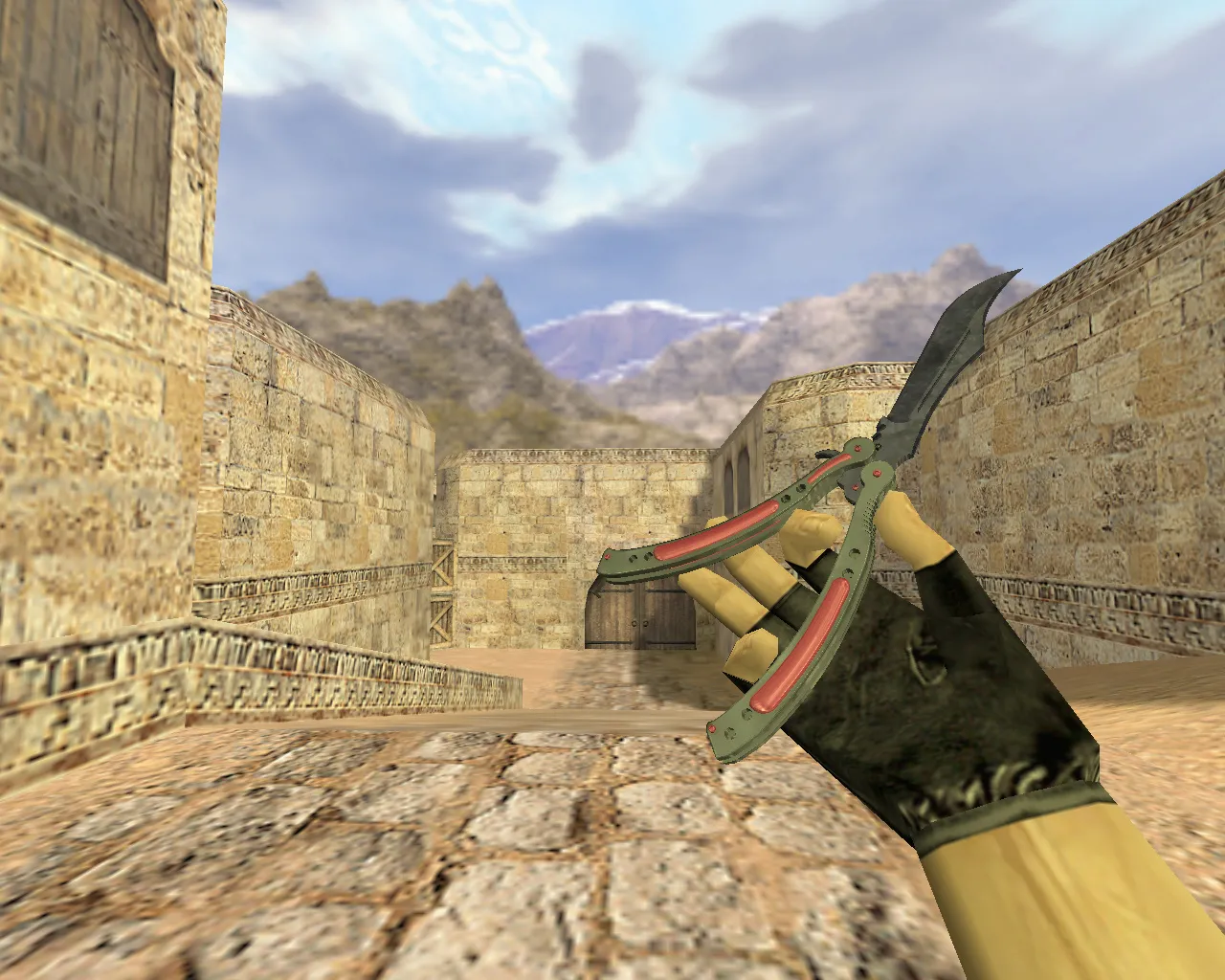
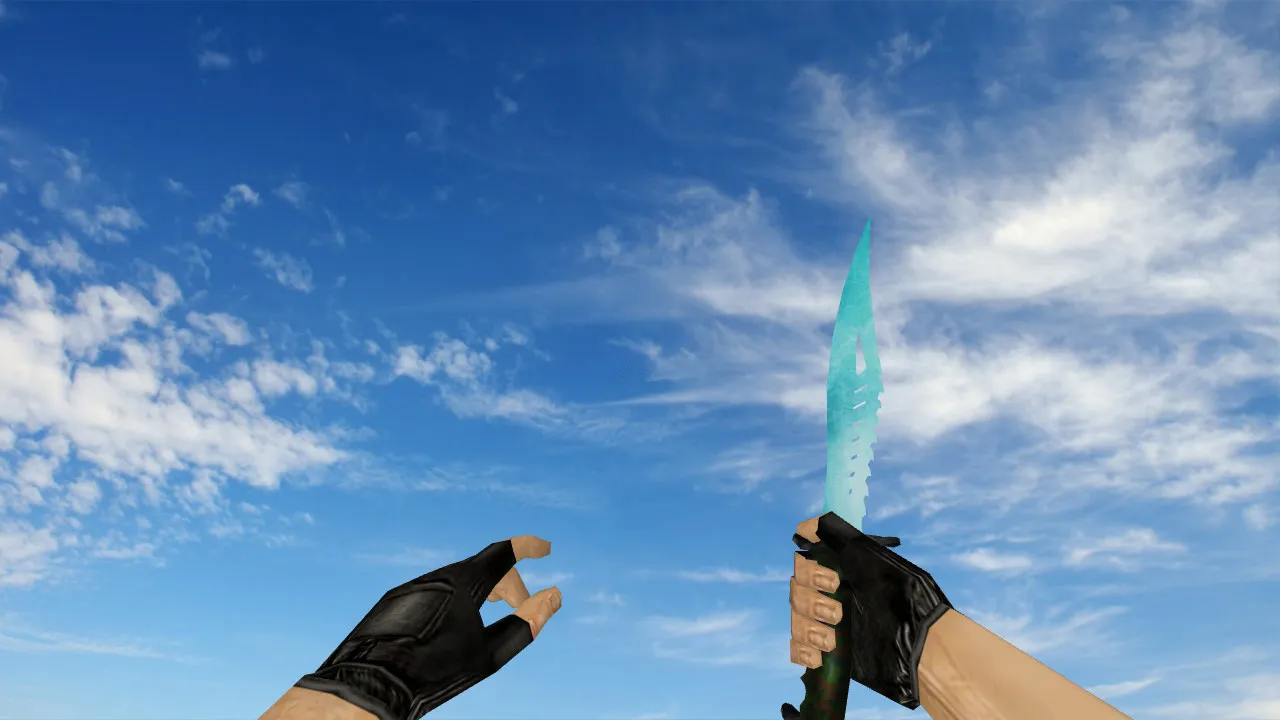
The Bone Knife provides a dependable knife choice for CS 1.6, focusing on sharp visuals and stable operation. This model renders correctly in first-person perspective, during inspection sequences, and when switching weapons. Proper file integration is essential to prevent display problems on multiplayer servers or in single-player modes.
The download contains separate models for every slot: v_boneknife for the first-person viewmodel, managing hand placement and swing motions; p_boneknife for third-person player visibility; w_boneknife for world-model drops and ground pickups. While unpacking, confirm that filenames match precisely-avoid extra subfolders that could break loading. This preserves texture clarity at 512x512 resolution and keeps inspect animations fluid without stutter.
Audio and Inspect Animation Specifics
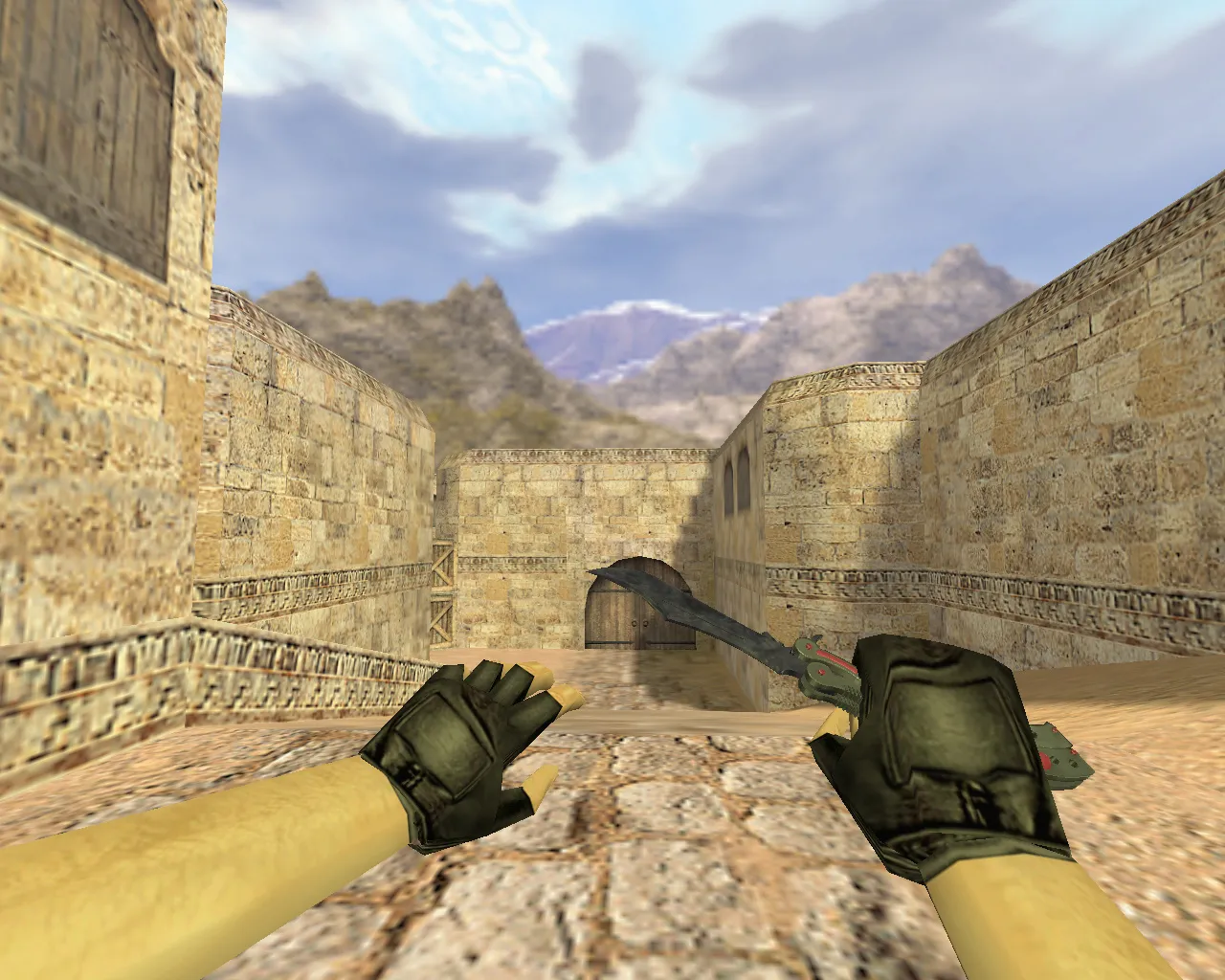
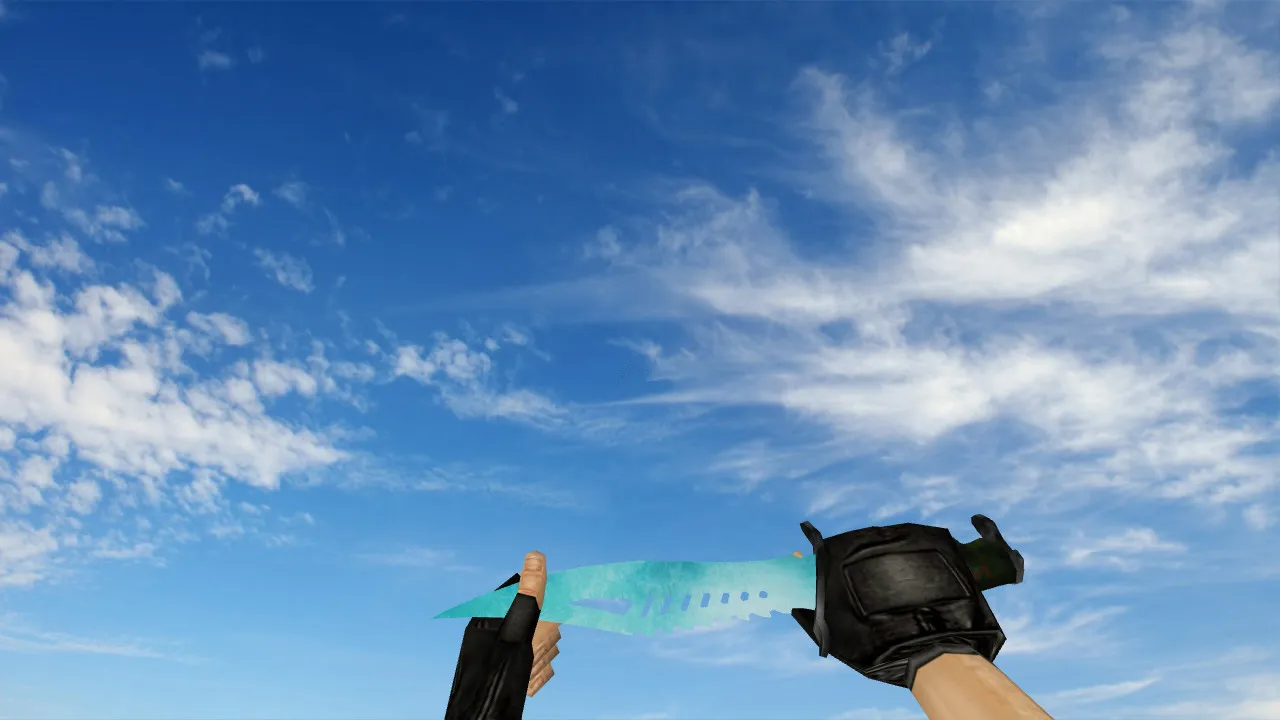
In CS 1.6, knife sounds and animations shape the weapon’s feedback. Bone Knife ships with custom audio for swings, stabs, and switches, synchronized exactly to each action. Test the inspection routine: swipe left, rotate for a rear view, then return to the ready pose. If the animation cuts off or audio falls out of sync, the pack may be missing files or using incorrect naming-the engine requires specific .mdl and .wav formats.
Texture quality affects visibility. The bone design employs detailed normals for edge definition, remaining legible in dark corners or bright bomb sites. Steer clear of packs with blurry mipmaps; correct UV unwrapping prevents detail loss. The polygon count stays below 1500 for high-FPS compatibility, causing no lag on older systems.
Safe Manual Installation
Install Bone Knife manually to stay safe-no auto-runs, no suspicious executables, no adware bundles or auto-connect scripts. Begin by backing up your cstrike/models and sound directories so you can revert easily. This mod is virus-free and works with both Steam and Non-Steam builds such as 4554 or 8684.
- Extract .mdl files to cstrike/models.
- Place textures in cstrike/models or the materials folder, ensuring .vtf and .vmt files load without conflicts.
- Copy sounds to cstrike/sound/weapons/knife, overwriting only when necessary.
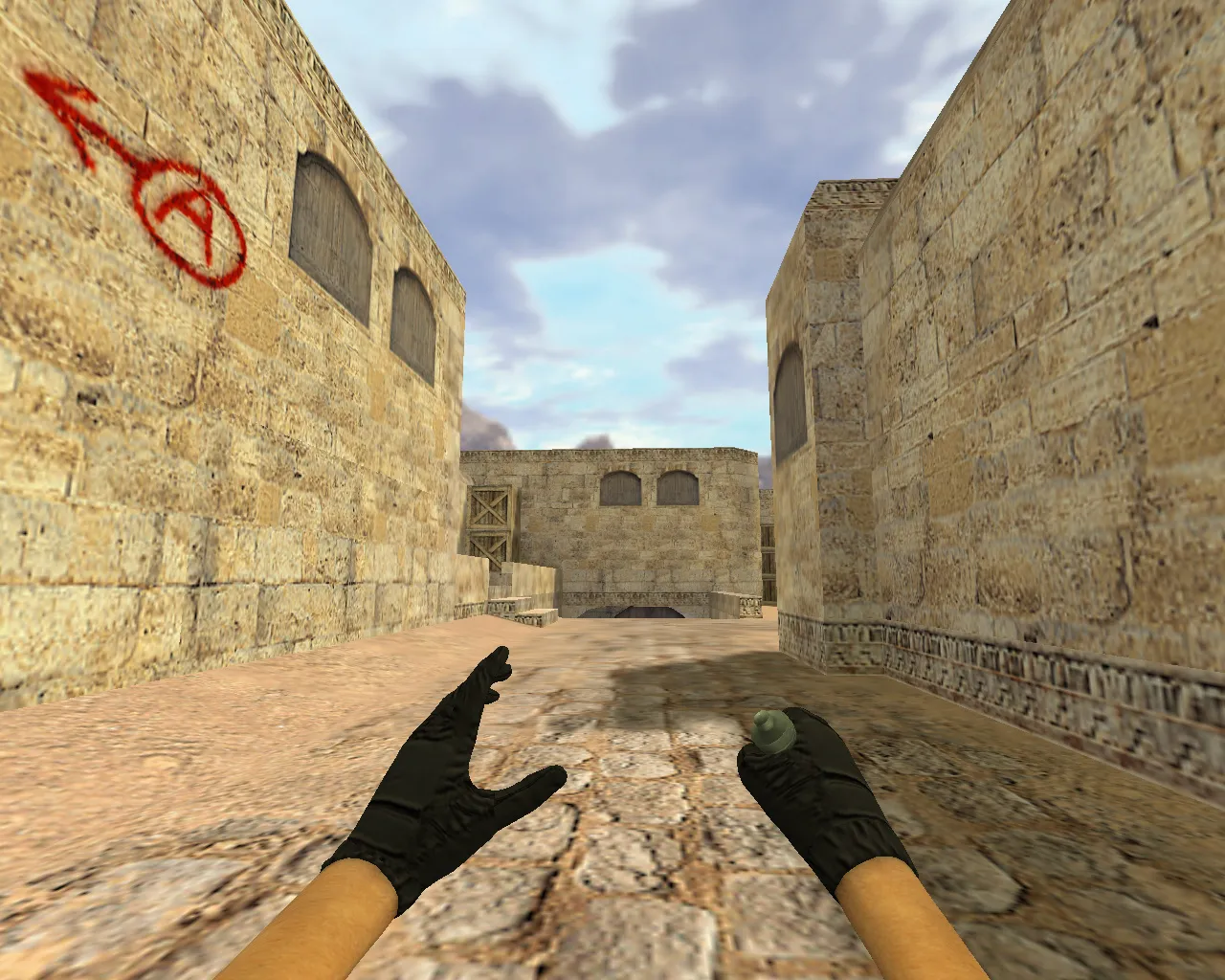
- Start CS 1.6, load a local map like de_dust2 for offline testing.
- Switch to the knife, inspect it, and perform swings to verify audio and model alignment.
After setup, confirm that no config.cfg edits are required-keep it clean for MasterServer protection. Test in practice mode: drop the knife as a w_model and pick it up to confirm smooth transitions.
Hitbox Alignment and In-Game Readability
Hitbox precision is vital in CS 1.6; Bone Knife lines up perfectly with the default knife hitboxes, with no offset issues during slashes. The v_model sits flush against the hand, and bone protrusions match animation keyframes. If the blade appears shifted, double-check model origins-incorrect .qc compiles can misalign axes.
For server play, ensure the skin does not clip in third-person or get overridden by server resources. ESL-style visibility stands out here: the off-white bone texture contrasts well against dark walls, aiding quick draws in tunnels or site holds. No recoil adjustments are needed, as this is a purely cosmetic mod.
Pre-Match Verification Steps
Before entering a match, run a quick diagnostic. Open the buy menu, select the knife, and rotate views to inspect from all angles. Lower the lighting in a custom map to test texture legibility-details like engravings should hold up without washing out.
If sounds clip or animations stutter, revert to the originals and re-extract. Common fixes: rename files to exact engine specifications, clear cache with ‘gl_clear’ in console, or check for wad file overlaps in gfx. Once stable, this model enhances knife rounds without compromising hit registration or dropping FPS below 100 on standard hardware.
Overall, Bone Knife integrates seamlessly into any CS 1.6 setup, boosting immersion through precise v_, p_, and w_ models. Pair it with a no-recoil config for balanced play, but always prioritize clean files to avoid conflicts with other weapon packs.
Install in three steps
-
1
Download the archive. Use the button on the right, or the Yandex.Disk mirror if the main server is slow.
-
2
Extract it into the game folder. Use 7-Zip or WinRAR. A path without non-Latin characters works best.
-
3
Launch the game. If something doesn't work, mark it below - that is how we know the file needs an update.
Did it work for you?
No sign-up needed. You can pick more than one.