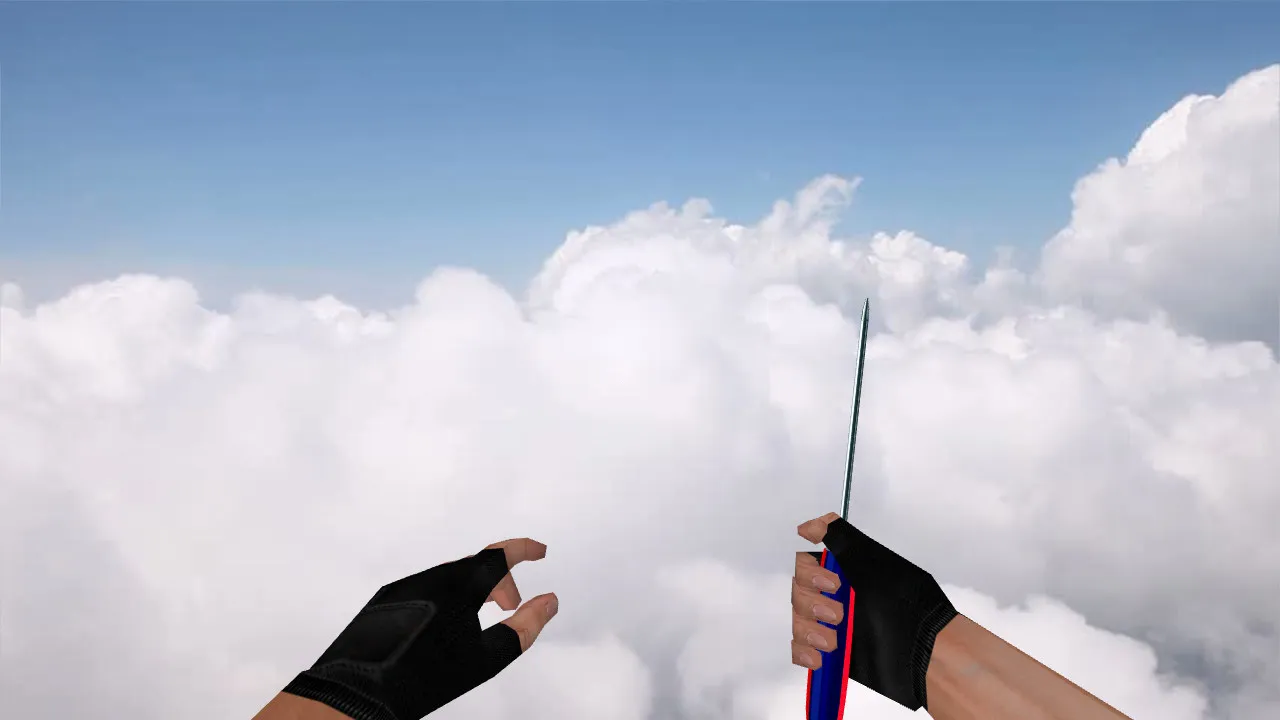
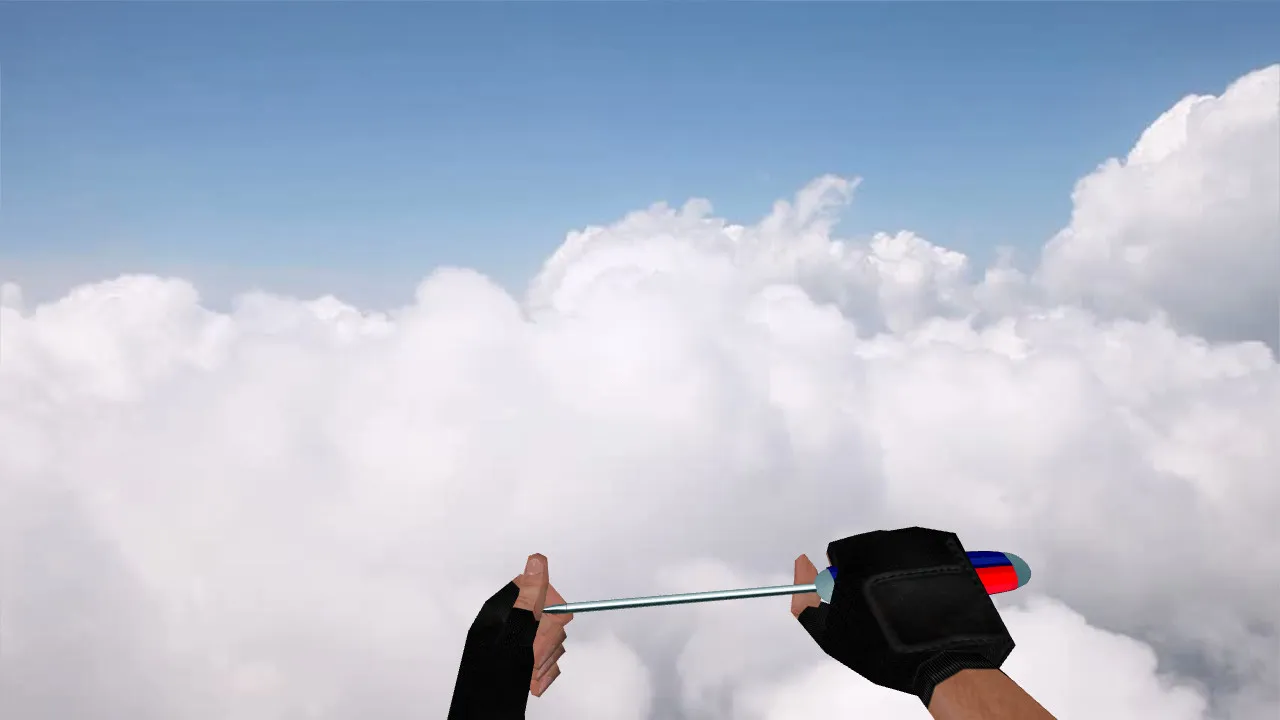
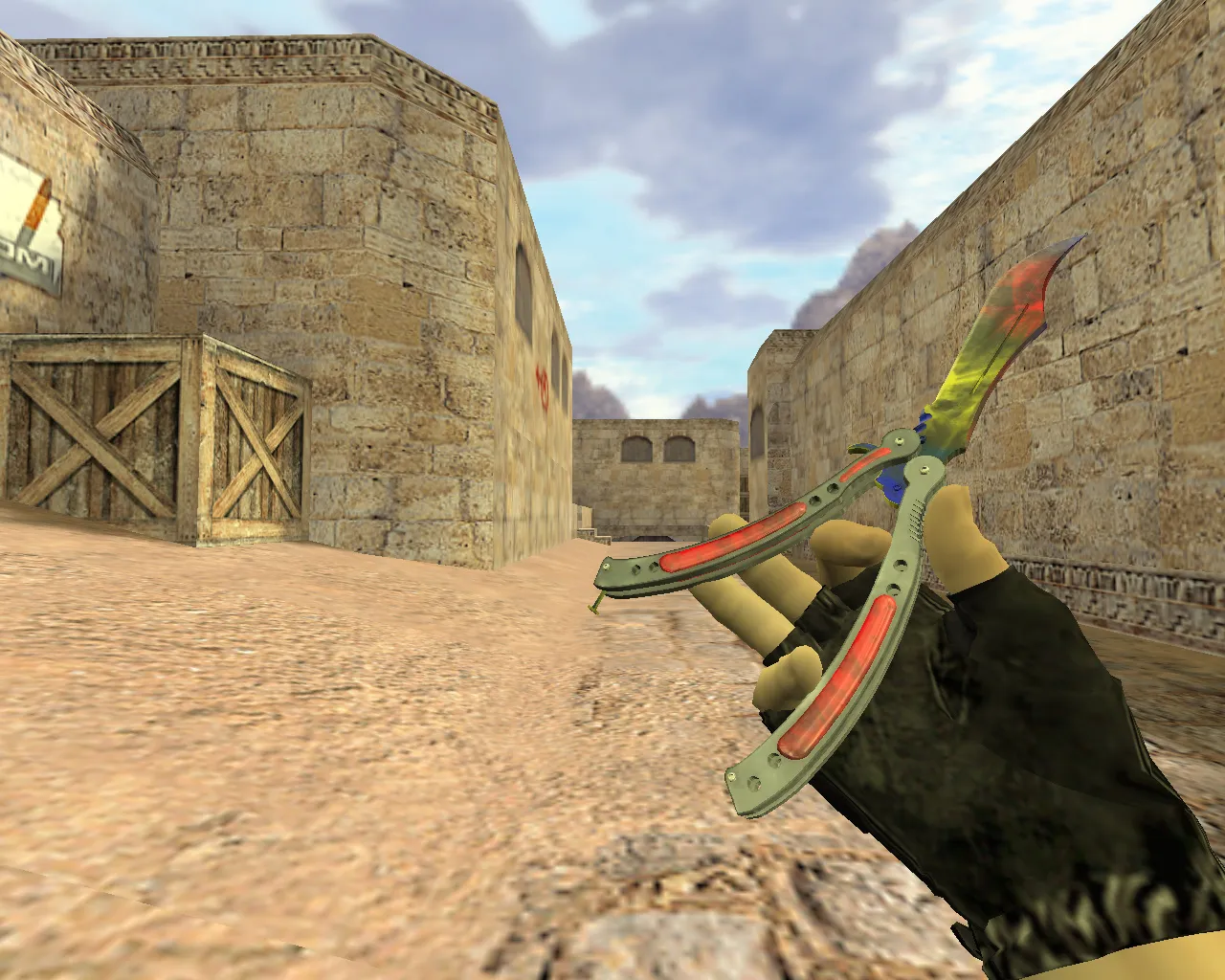
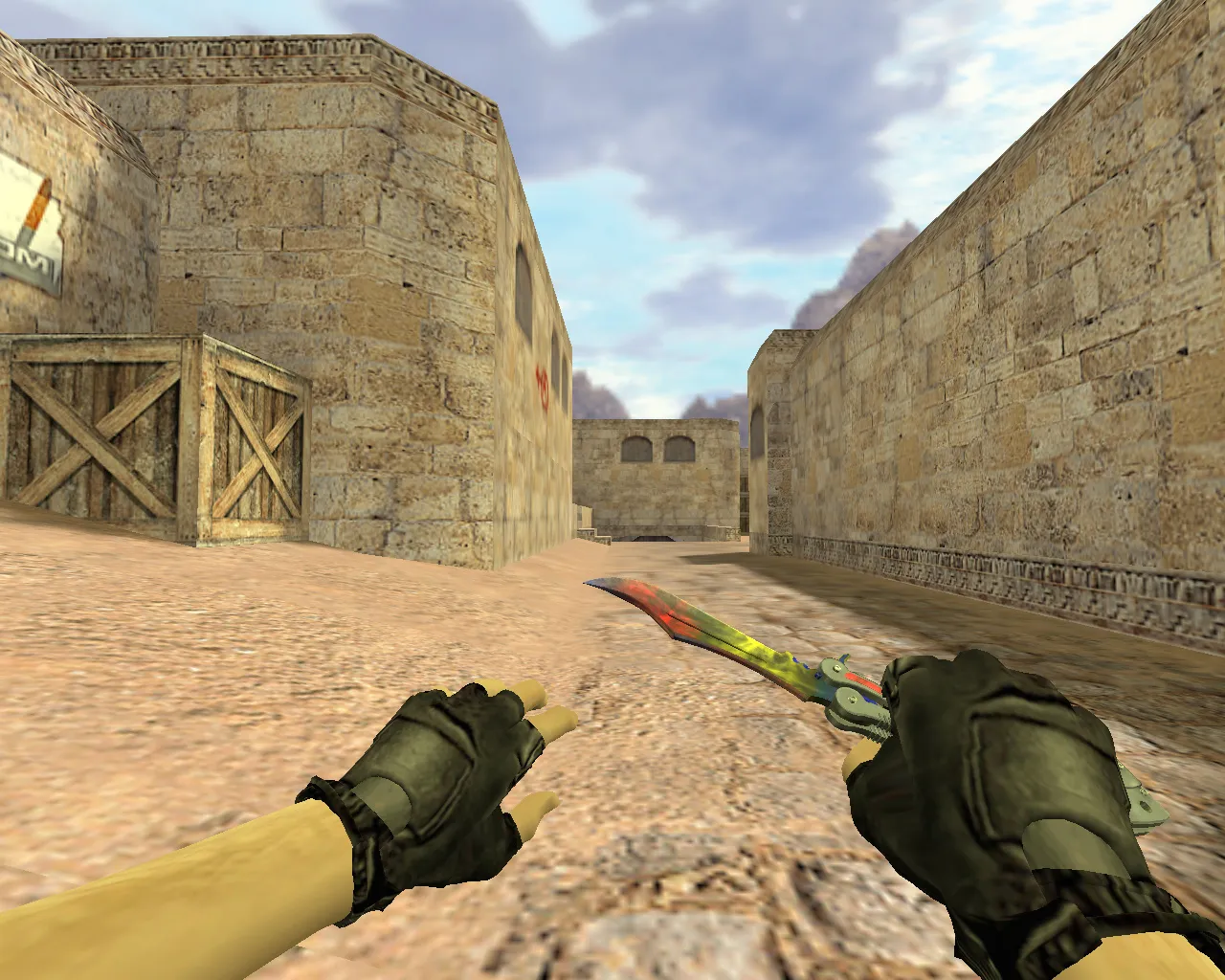
Waves Butterfly Knife Model for CS 1.6: v_ p_ w_ Models, Custom Sounds, Inspect Animation & HD Textures
Description
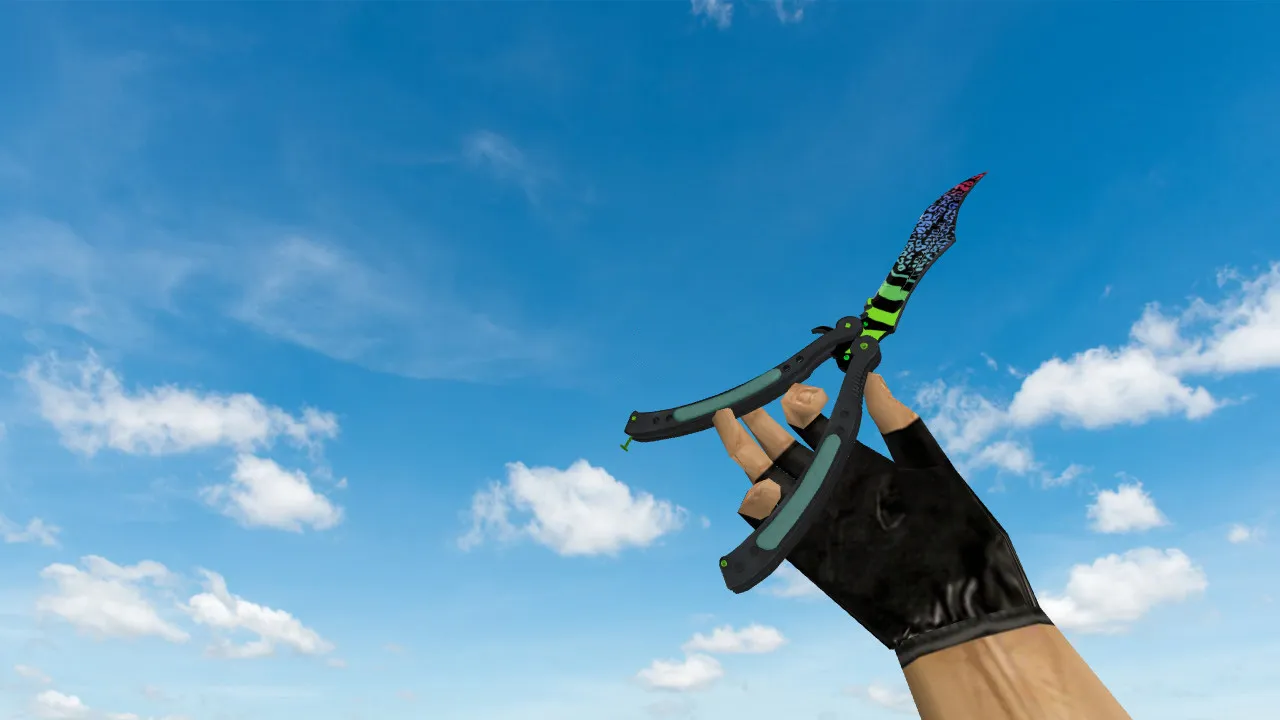
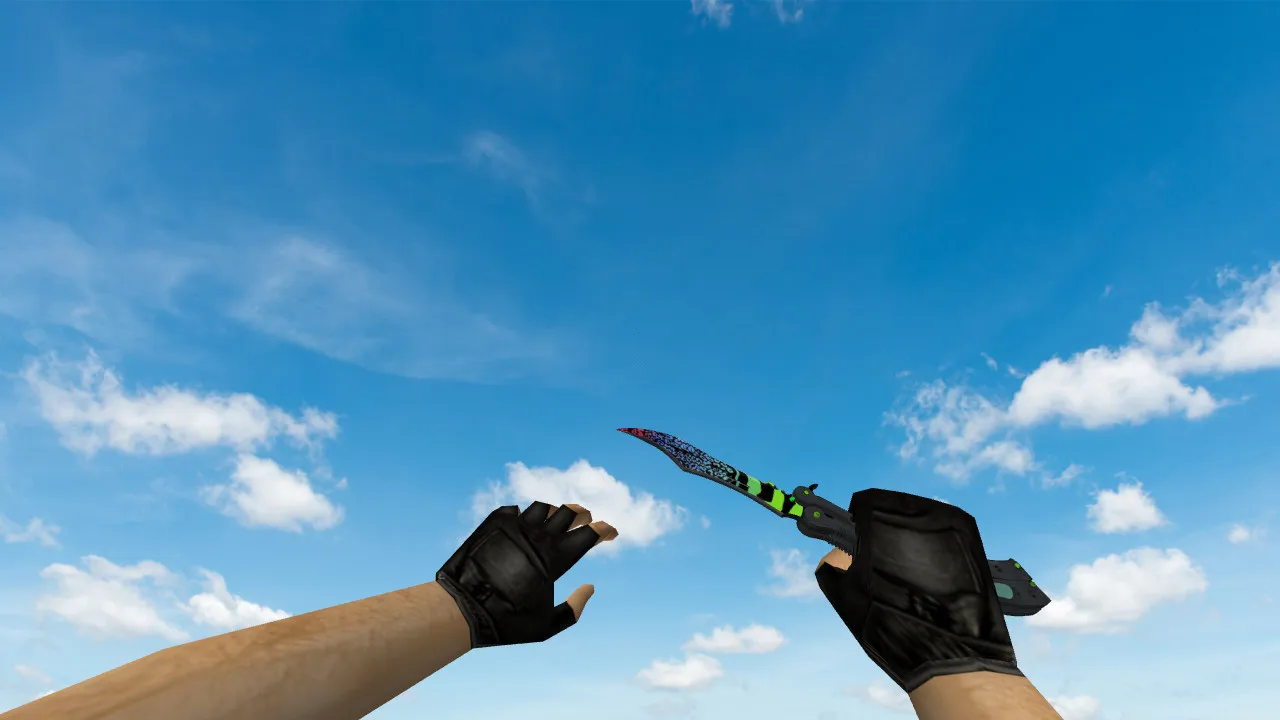
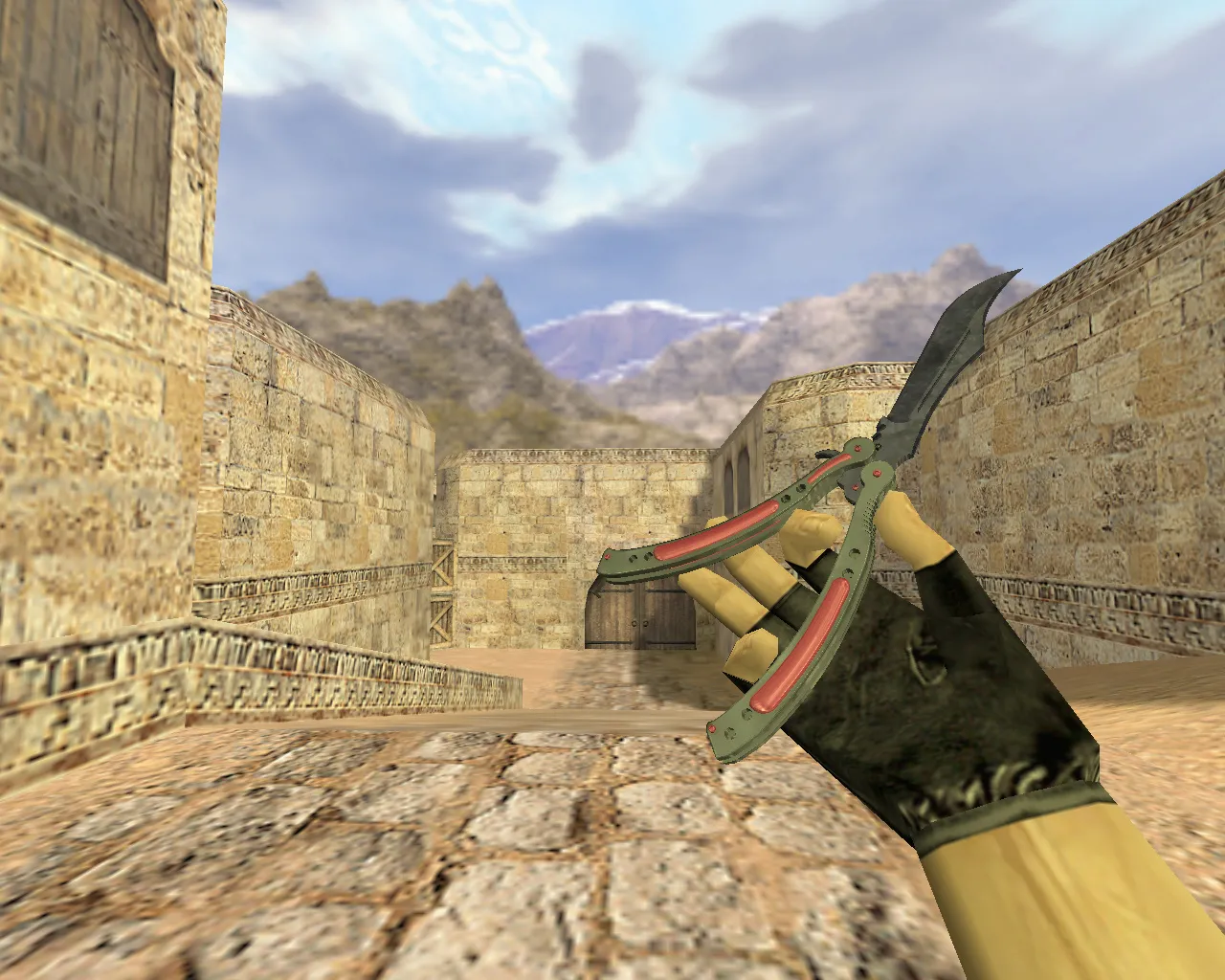
Waves Butterfly Knife for CS 1.6: v_ p_ w_ Models and Key Features
This Waves Butterfly Knife model for CS 1.6 is built for players seeking a reliable weapon view that won't interfere with aiming or movement. It relies on the standard replacement structure: v_ for the first-person perspective, p_ for the player's hands in first-person, and w_ for the world model seen on other players. This approach maintains consistency across viewing angles and during motion, preventing clipping or visual distortion.
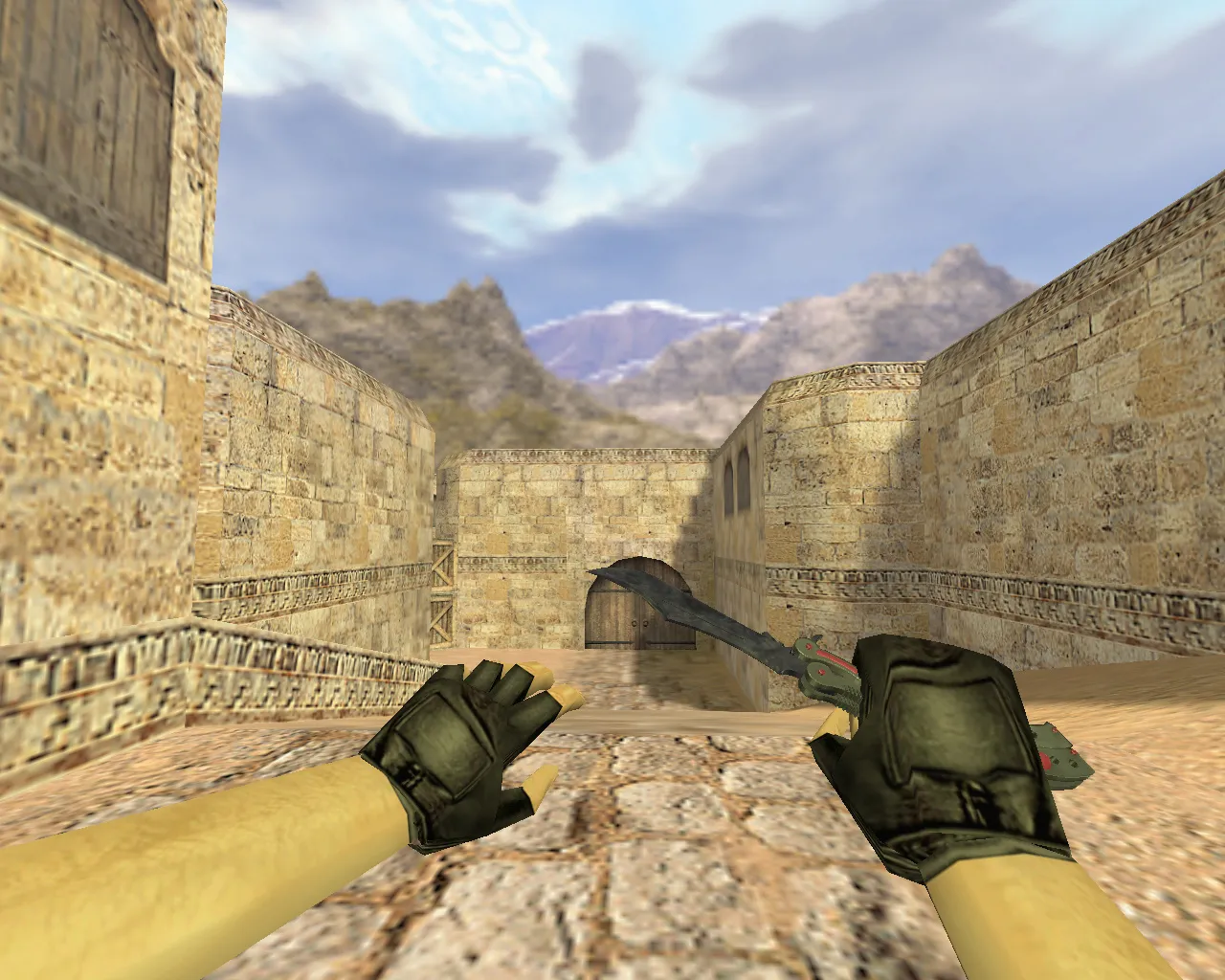
The package includes core visual elements such as inspect animation, fluid weapon switching, and correct texture rendering. The knife performs reliably during active rounds-whether spinning or executing quick swings, the model stays clear. Wave patterns on the textures remain crisp without blurring, even at high velocities. The polygon count is optimized to maintain steady frame rates, preventing performance drops during intense action.
Stability is crucial in CS 1.6. The model loads without conflicting with other files and avoids lag during sharp turns. Replacing only the knife keeps the game running cleanly-no additional scripts or overrides are required. It is virus-free, containing no auto-connect functions or hidden payloads. Installation involves placing basic model files into the appropriate directories.
Installation Checks for Smooth Setup
Perform a quick verification before joining servers. This reduces troubleshooting time and identifies issues early.
- v_ p_ w_ Folders: Verify files are located in the correct paths, such as models/v_knife_butterfly.mdl, rather than scattered in subdirectories.
- Sounds: The knife includes a complete custom audio pack. If sounds are absent, check for overwritten files during the copy process.
- Animation: Cycle through weapons in the menu-inspect sequences and swings should play smoothly without stuttering or misalignment.
- Textures: Move to a shadowed map area; wave details should stay visible without color washout or low-resolution artifacts. ESL-style visibility ensures it stands out in dark corners.
- Hitbox Alignment: Test melee swings offline-confirm the visual model matches the in-game collision for accurate hit registration.
These steps apply to both Steam and Non-Steam installations. Back up original files first so you can revert if necessary.
Playing with the Waves Butterfly Knife in CS 1.6
This knife suits a disciplined, tempo-focused playstyle. In CS 1.6, knives excel at round starts for eco rushes or close-quarters finishes. A clean model like Waves allows you to maintain concentration without visual distractions. The wave design offers a quick visual distinction from default knives, accelerating weapon switches.
Skins must behave dependably. Here, the butterfly knife avoids hitches during sprints or pivots and remains sharp in low-light conditions. You won't lose track of hand position or blade orientation mid-fight. Across different servers, the model's consistency proves itself-tested on Build 4554 for MasterServer compatibility. Pair it with a clean config.cfg for optimal performance, keeping any no-recoil adjustments separate if used.
For knife enthusiasts, the inspect animation adds flair without delaying inputs. Use it to psyche out opponents during peeks, but keep movements efficient. In team scenarios, the visible w_ model helps allies locate your position in smoke or shadows.
Safe Installation and Reliable Performance
Stick to targeted file swaps and leave system configurations untouched. With a fresh config.cfg, changes are easy to isolate. Launch via Steam or Non-Steam as usual-no network modifications are included. Expect zero auto-connects, advertisements, or bloatware. Just a pure model replacement.
To ensure the Waves Butterfly Knife runs correctly all session, follow the v_ p_ w_ swap guide. Test in offline mode or a low-population server first: swing, inspect, and check textures under varied lighting. Once verified, enter matches at your own pace. This setup supports high-FPS configurations without interference, making it ideal for competitive lobbies.
Overall, the Waves model enhances knife gameplay without risks. It integrates seamlessly, improving visibility and feel for knife-focused runs on classic maps like de_dust2's tight corners.
Install in three steps
-
1
Download the archive. Use the button on the right, or the Yandex.Disk mirror if the main server is slow.
-
2
Extract it into the game folder. Use 7-Zip or WinRAR. A path without non-Latin characters works best.
-
3
Launch the game. If something doesn't work, mark it below - that is how we know the file needs an update.
Did it work for you?
No sign-up needed. You can pick more than one.