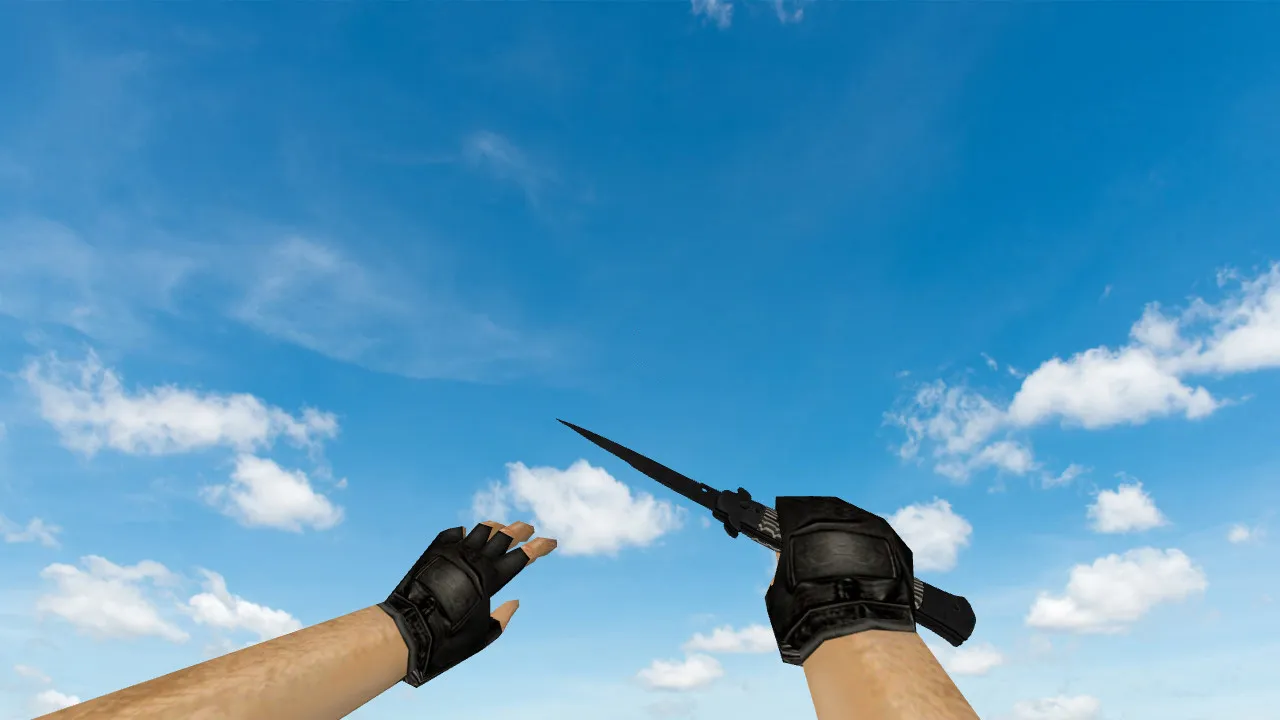
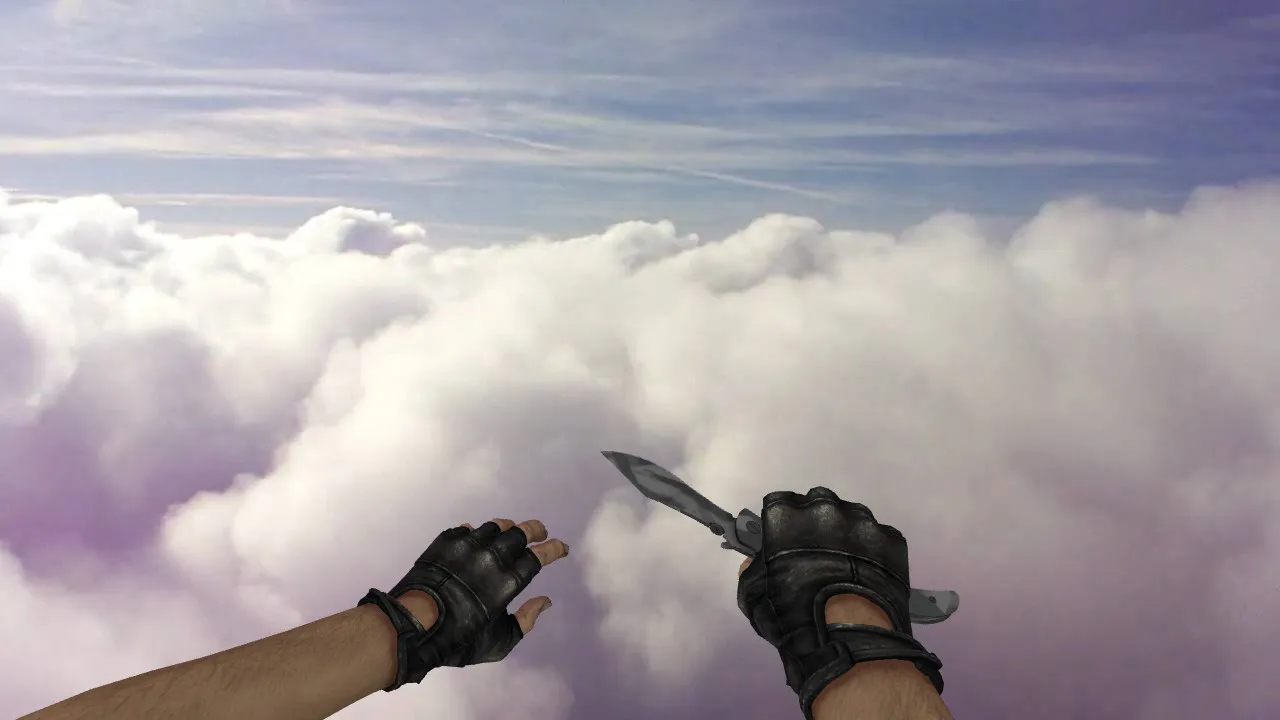
Nautilus Lightning Knife Model for CS 1.6: v_ Knife with p_ and w_ Models, Sounds, Inspect Animation
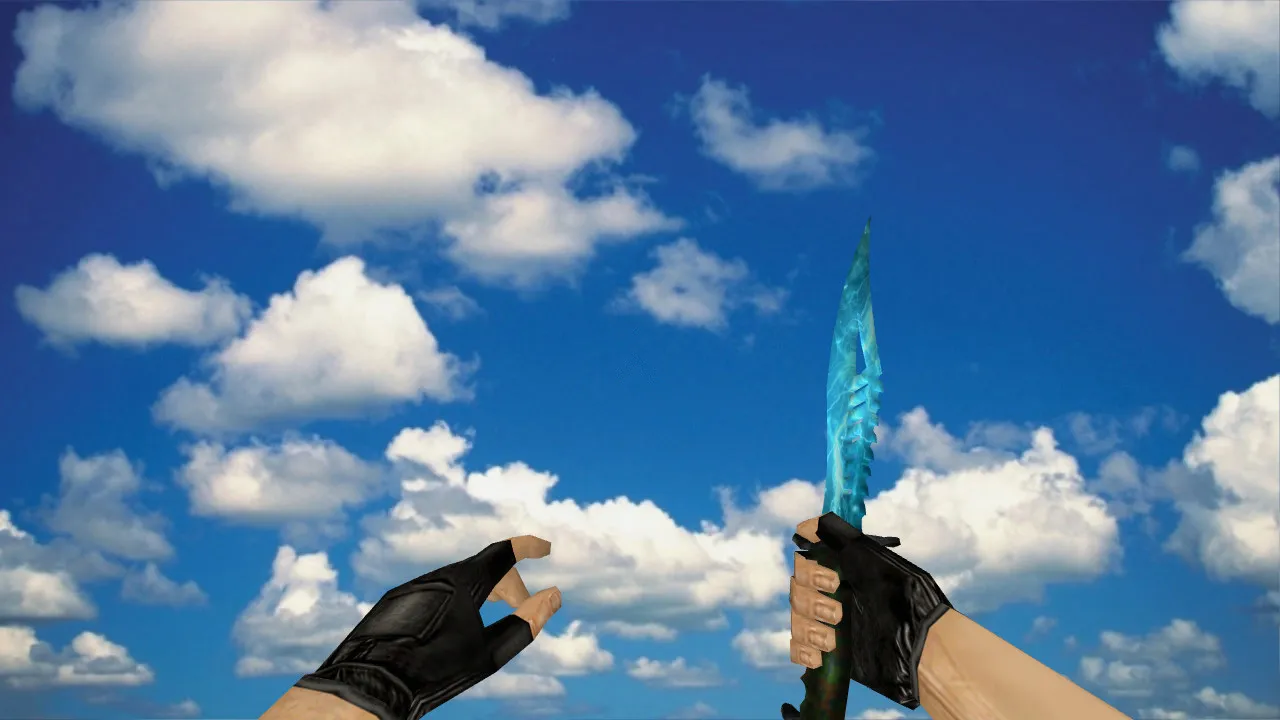
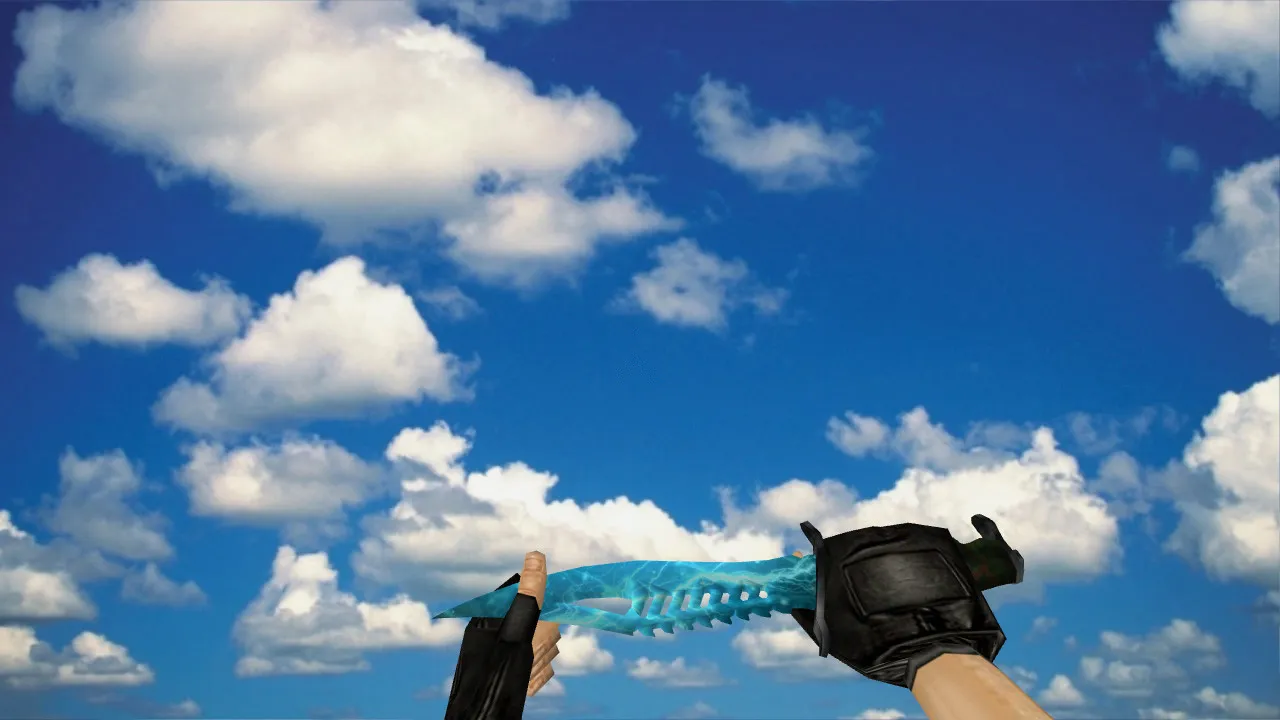
Description
Nautilus Lightning Knife for CS 1.6 - v_, p_, w_ Models and Functional Components
The Nautilus Lightning knife is built for CS 1.6 servers and appeals to players who prefer lively hand motion. It provides precise v_, p_, and w_ models so animations stay consistent while inspecting and fighting. Switching views runs without hiccups, and the inspect sequence avoids timing glitches. That stability matters in quick rounds where visual lag can break your flow.
The asset follows standard formats for sharp in-game visuals. Knife textures keep their detail while moving, across different graphics settings. Important: no auto-connect step is needed, and it avoids third-party add-ons. The download arrives as a plain file for setup, free of malware and shady scripts. Expect a clean merge with no performance cost, tuned for high-FPS rigs on Build 4554 or 8610 clients.
What’s Included and In-Game Testing
- v_ model for first-person view. The blade rests firmly in hand without mount drift.
- p_ model for third-person view. Swing interactions look predictable on strikes.
- w_ model for ground display and other scenes. No artifacts when swapping views.
- Knife sounds. Clicks and footstep cues keep the classic CS 1.6 feel, with crisp audio and no overload.
- Inspect animation. Plays correctly, no dropped frames or freezes, matching hitbox precision for accurate swings.
Test offline before matches. Load a map, move around corners, view the knife in first-person, then switch to third-person if enabled. If all lines up, take it to servers worry-free. Pay attention to dark spots for visibility-ESL-style polycount keeps it readable without overdraw.
Safe Installation Guide
Place model files in the weapon models folder and confirm paths match your client setup. When running several mods, avoid mixing knife variants in one directory unless required. Replace only the needed files and keep backups of originals for fast rollback. No viruses, no slow-hacks, no ads-just a pure model swap.
Keep a tidy config.cfg for stability. If other mods are active, ensure they don’t overwrite models. Server-side, verify no file substitutions exist to prevent visual mismatches among players. Works with Steam and Non-Steam, compatible with MasterServer-protected setups without conflicts.
Gameplay Style and Comfort Impact
The Nautilus Lightning knife suits aggressive playstyles in CS 1.6, where split-second choices dominate. Knives complement gunfights: short rushes, holding angles, controlling distance. Clear models at speed make it easier to time lunges and tempo changes each round. Polycount stays low for smooth performance; no recoil tweaks needed because it’s visual only.
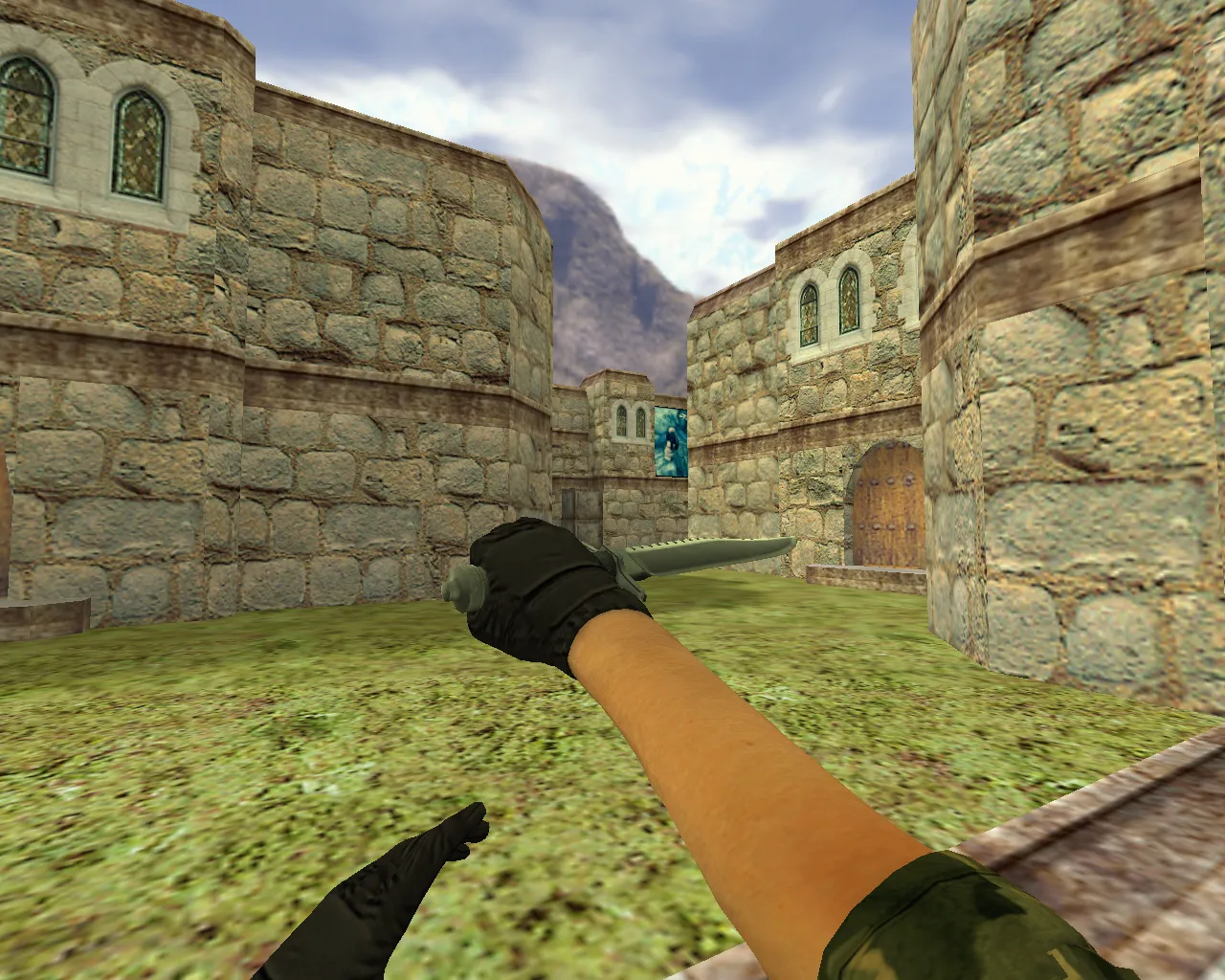
Such skins don’t change weapon balance. They refresh visuals and animation feel while keeping matches fair. Gain a visual upgrade without surprises, deepening immersion in classic knife duels on maps like de_dust2 long or tight site corners.
Requirements and Compatibility
Made for CS 1.6. Check that your client handles the model formats and launches normally via Steam or Non-Steam. Skip auto-load from outside links. Install files manually to dodge clashes. HD textures at 512x512 deliver clarity without high-poly strain.
If textures vanish or colors glitch during checks, files landed in the wrong spot. Revert to backups, inspect folder structure, and reinstall. For bots, .nav files stay untouched, preserving tactical flow.
Ready: Nautilus Lightning knife adds electric flair to your hands while preserving v_, p_, w_ models, sounds, and inspect animation integrity. Install, test, play. Safe and straightforward for seasoned CS 1.6 modders.
Archive contents
2 files, 722 KB uncompressed.
- nautilus-lightning/models/p_knife.mdl 279 KB
- nautilus-lightning/models/v_knife.mdl 443 KB
Install in three steps
-
1
Download the archive. Use the button on the right, or the Yandex.Disk mirror if the main server is slow.
-
2
Extract it into the game folder. Use 7-Zip or WinRAR. A path without non-Latin characters works best.
-
3
Launch the game. If something doesn't work, mark it below - that is how we know the file needs an update.
Did it work for you?
No sign-up needed. You can pick more than one.