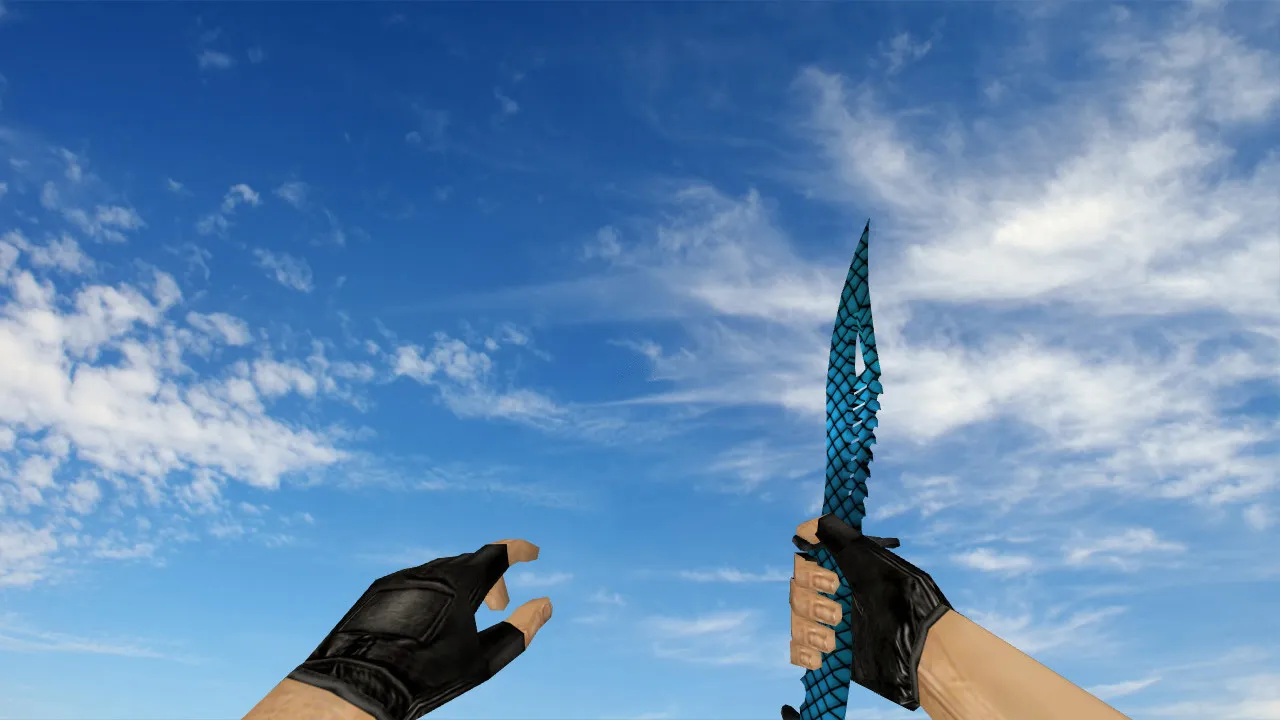
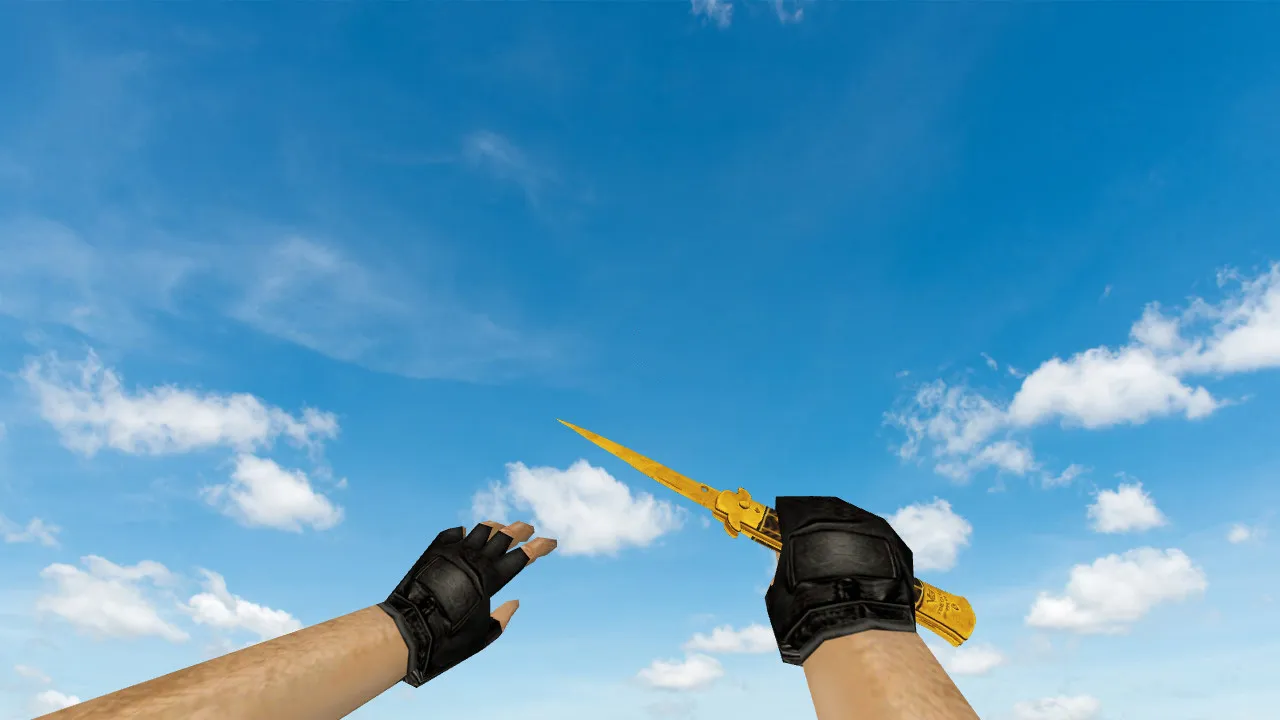
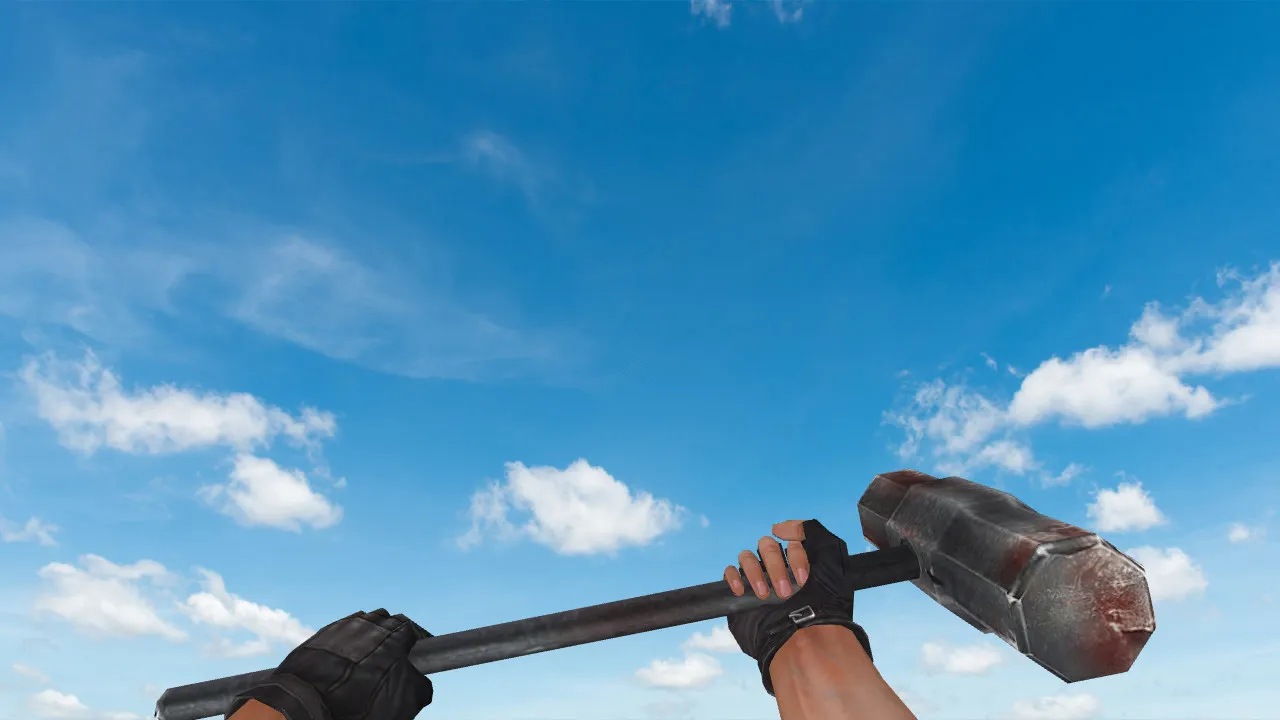
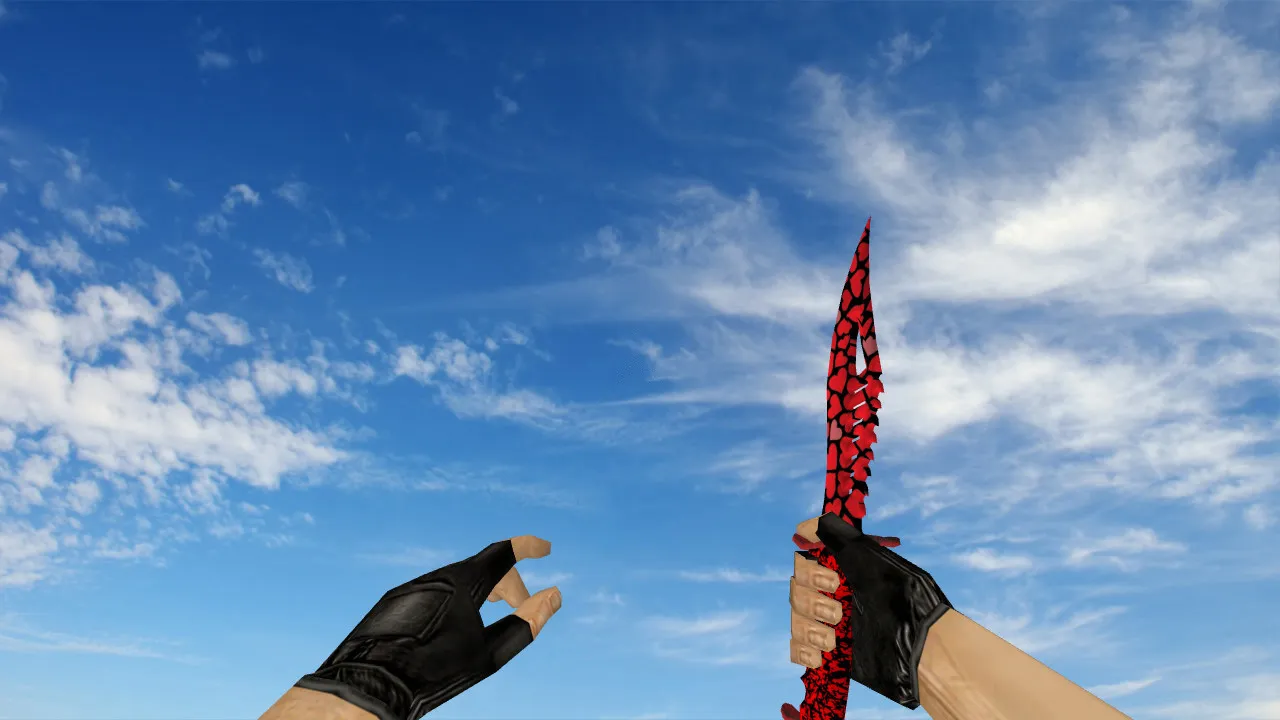
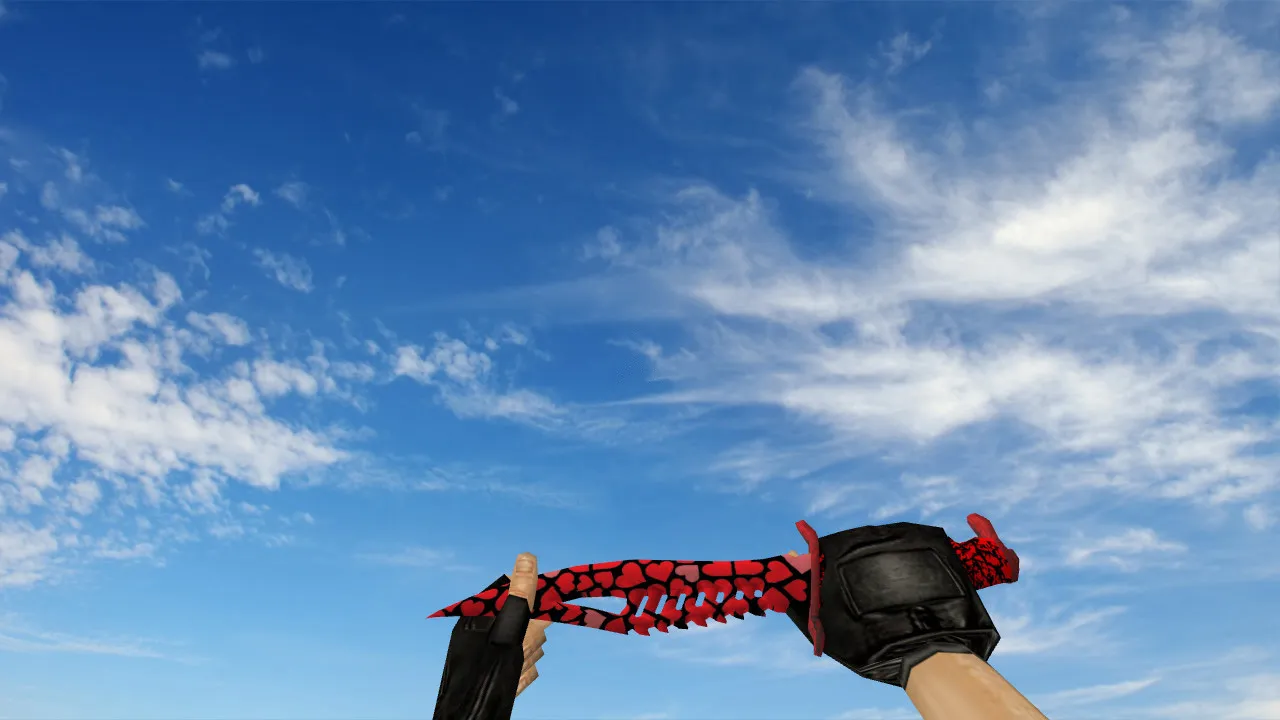
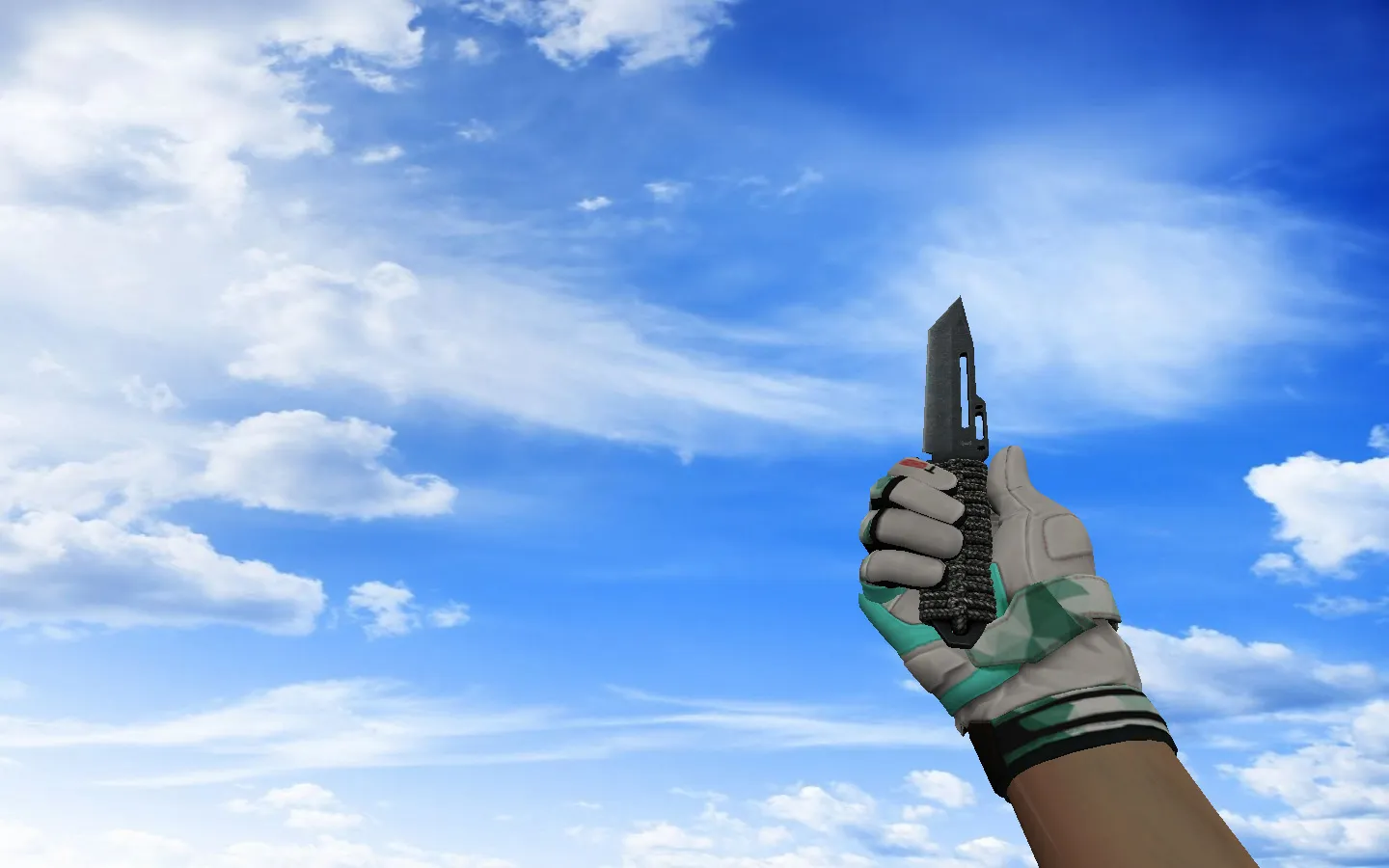
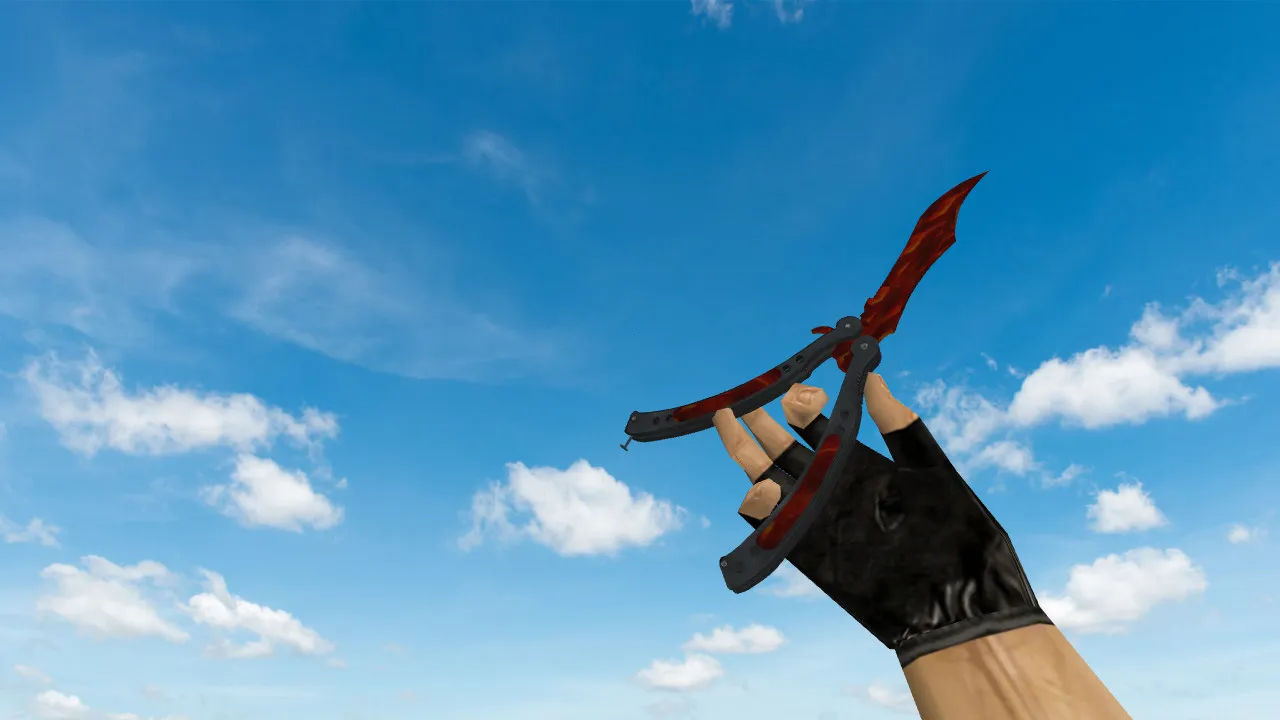
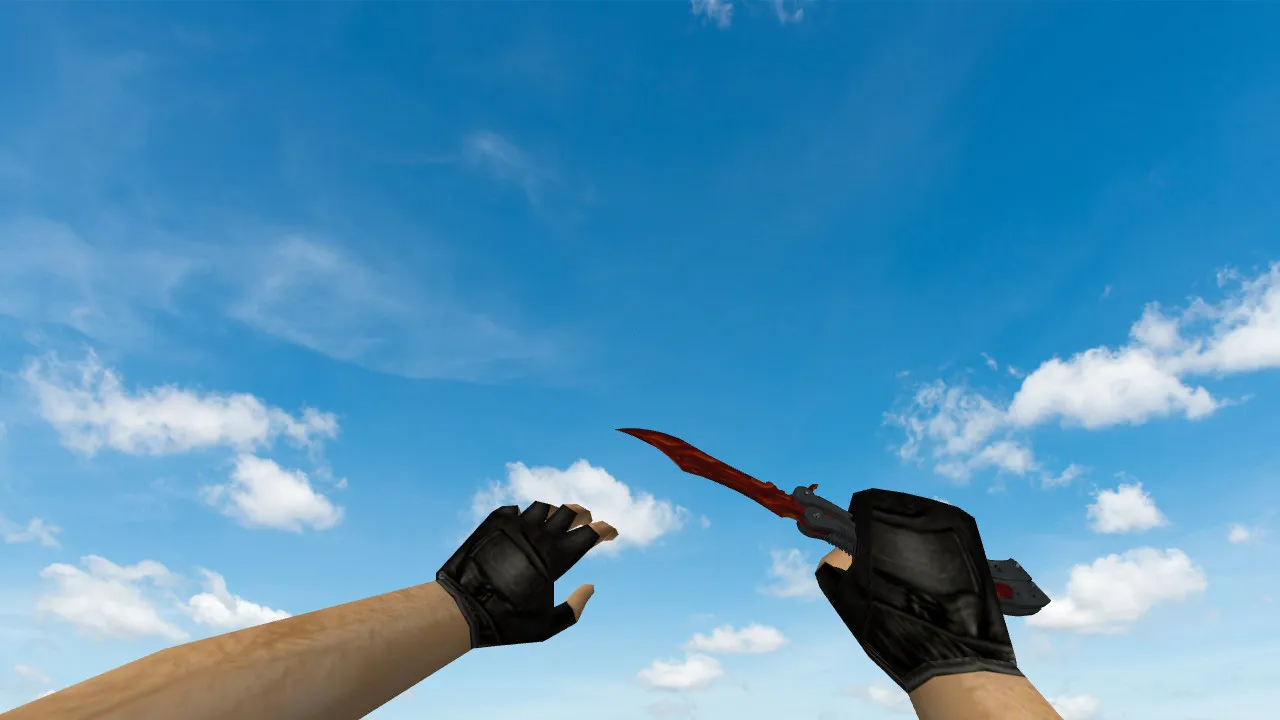
Butterfly Knife Superfurry Model for CS 1.6: v_knife, p_knife, w_knife, Inspect Animation, Custom Sounds
Description
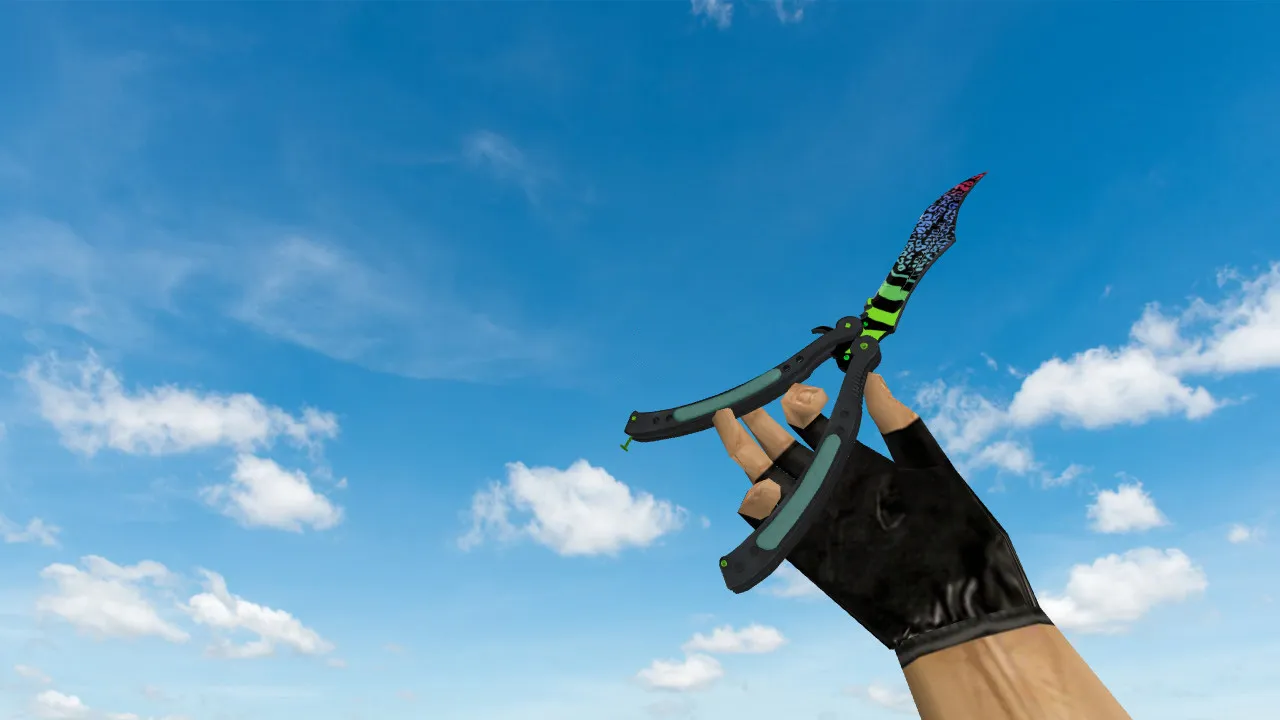
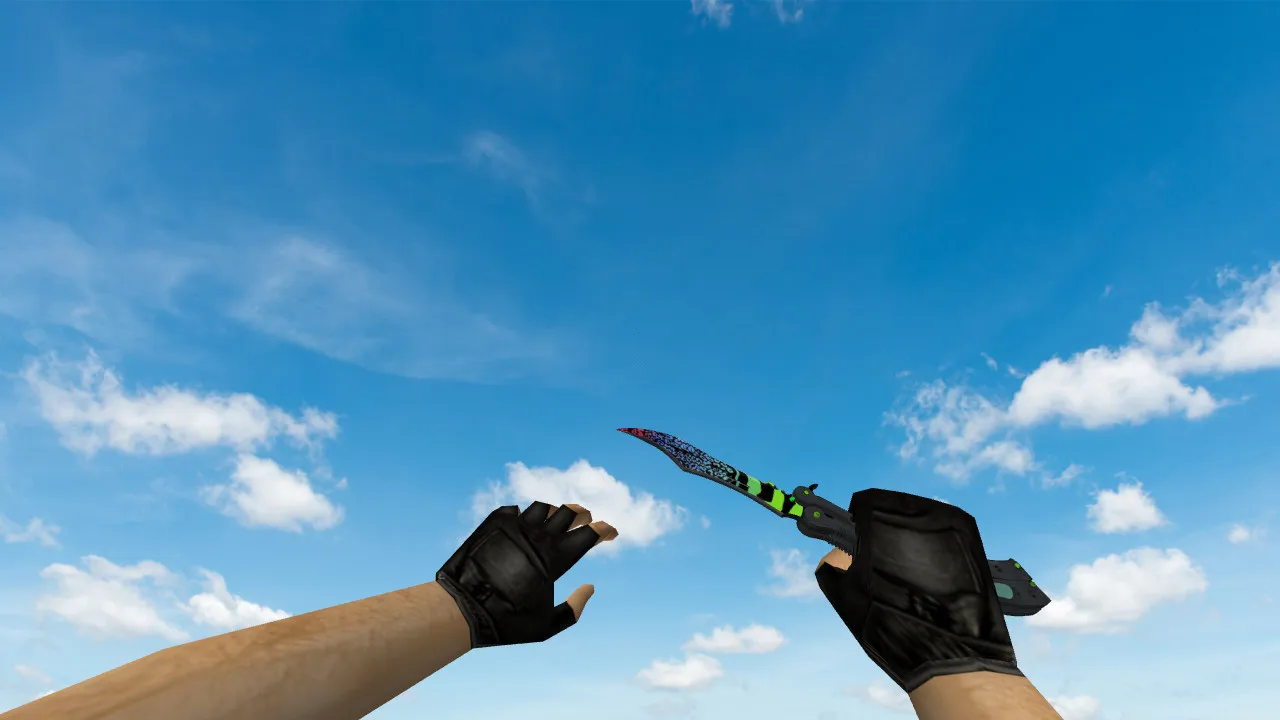
Butterfly Knife Superfurry for CS 1.6: v_knife, p_knife, w_knife Models with Proper Handling
This Butterfly Knife Superfurry skin suits CS 1.6 players who want a blade that renders correctly in hand. While textures are important, having proper v_knife, p_knife, and w_knife files guarantees consistent visuals up close, in the crosshair view, and from a third-person angle.
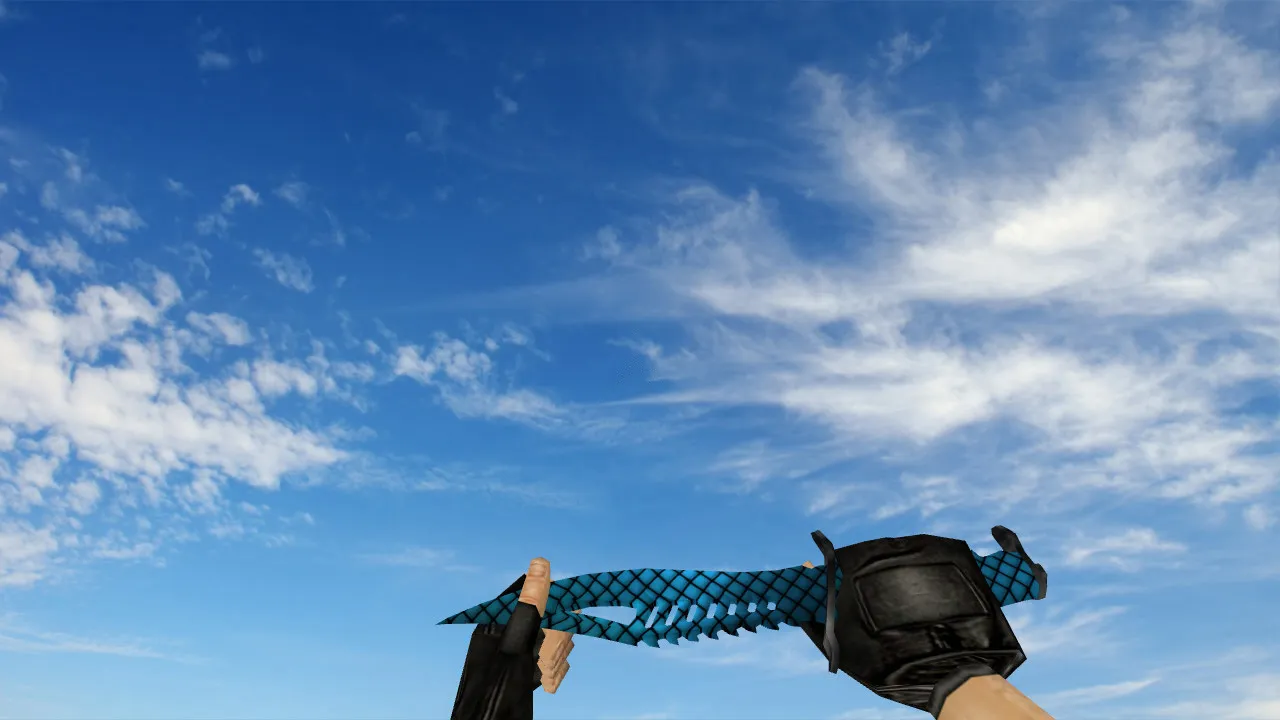
The package supplies the standard model components: v_knife for the first-person perspective, p_knife for the player hand display, and w_knife for world visibility. A standout feature is the inspect animation; when flipping the knife, the motion plays smoothly without stutter. Texture quality also receives attention: there are no gaps under lighting and no blurring in shadows.
Audio adds to immersion. In CS 1.6, the knife is more than visuals. Swings and switches require sound that matches the action, so gameplay feels integrated rather than just a visual swap lacking audio backing.
What Makes This Knife Stand Out in Matches
- Unique Skin Design: Butterfly Knife Superfurry distinguishes itself from default options.
- Model Clarity in Low Light: Remains visible on dark maps without becoming a vague shape, offering ESL-style visibility.
- Smooth Inspect Animation: Flipping runs at standard speed with no jerks.
- Accurate Model Alignment: v_knife and p_knife proportions match without offsets.
- World Model Integrity: w_knife renders properly for other players' views.
- Hitbox Precision: Aligns with standard knife hitboxes for fair close-quarters combat.
- Low Polycount Optimization: Maintains high-fps performance even on older hardware.
Players often combine this with clean configs to prevent conflicts. The model supports both Steam and Non-Steam installations, running on builds like 4554 or 8610 without issues. For bot compatibility, it does not interfere with .nav files or AI paths.
Safe Installation Guide for the Model
Download from trusted sources only-no viruses, no slow-hacks, no ads, no auto-connect scripts. Always back up your models folder before making changes so you can roll back if needed.
- Open your CS 1.6 resources folder and locate the weapon models directory, usually under cstrike/models.
- Extract and copy v_knife.mdl, p_knife.mdl, and w_knife.mdl to their respective locations.
- Maintain the archive folder structure; the engine expects exact paths like models/v_knife.mdl.
- Include any .mdl files for animations and .wav files for sounds in the sound/weapons folders.
- Launch the game, load a map such as de_dust2, and test first-person view, third-person, and inspect under varied lighting-check for visibility in dark corners.
If the model fails to load, verify that file names match exactly (case-sensitive) and extensions are .mdl. Folder misplacement in the archive often causes this; re-extract carefully. For texture issues, ensure .wad files load without conflicts-polygons stay under 500 for smooth rendering.
Config Tweaks for Stable Performance
No major edits are required, but use a clean config.cfg to prevent clashes. Set cl_bob up 0.01 for a steady viewmodel, and verify fps commands like fps_max 100 for consistency. Animations should not drop frames; test on high-ping servers to confirm no_recoil interference.
MasterServer protection holds up, and the pack avoids any backdoors. After setup, the knife delivers that classic CS 1.6 feel-inspect spins fluidly, sounds sync on slashes, textures hold 512x512 resolution without pixelation. In close fights on maps like cs_office, the w_knife drops naturally, visible to teammates without distortion.
Expand your knife play with this: custom inspect adds flair during downtime, while sounds enhance tactical pauses. Compatible across mods, but stick to vanilla for best hitbox alignment. Download and install to see how it elevates basic knife rounds into precise, responsive actions.
Install in three steps
-
1
Download the archive. Use the button on the right, or the Yandex.Disk mirror if the main server is slow.
-
2
Extract it into the game folder. Use 7-Zip or WinRAR. A path without non-Latin characters works best.
-
3
Launch the game. If something doesn't work, mark it below - that is how we know the file needs an update.
Did it work for you?
No sign-up needed. You can pick more than one.