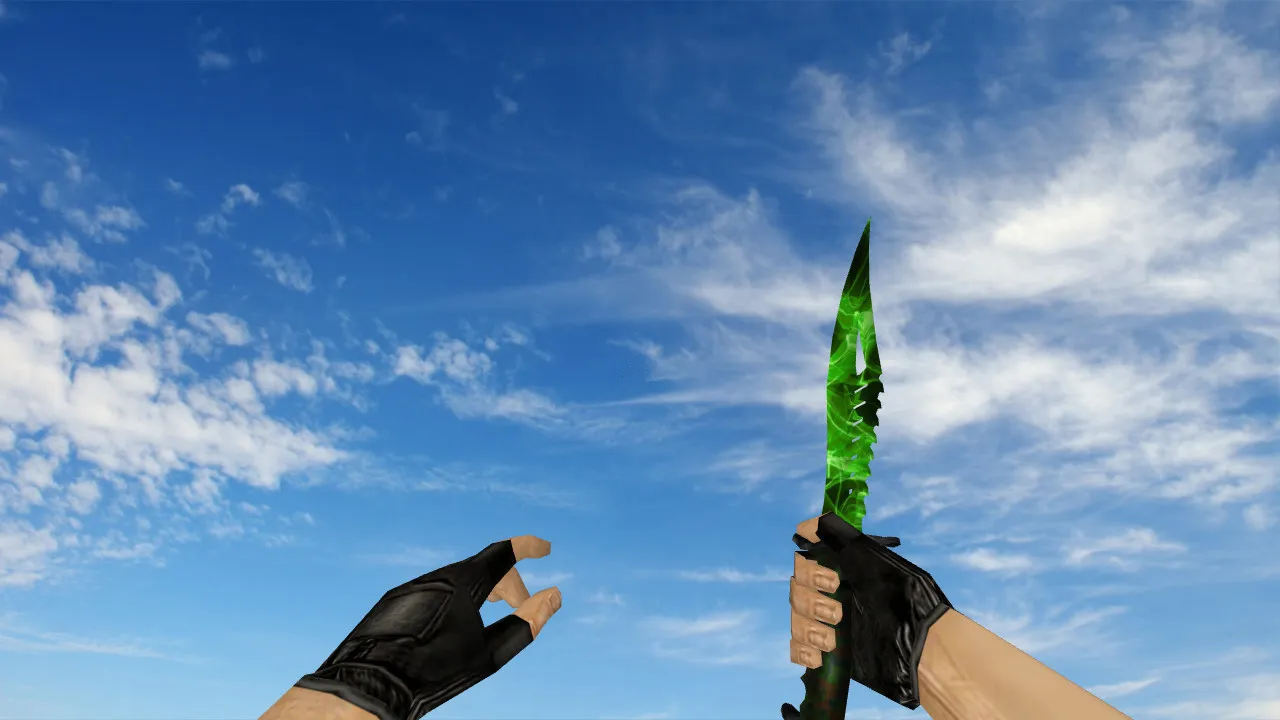
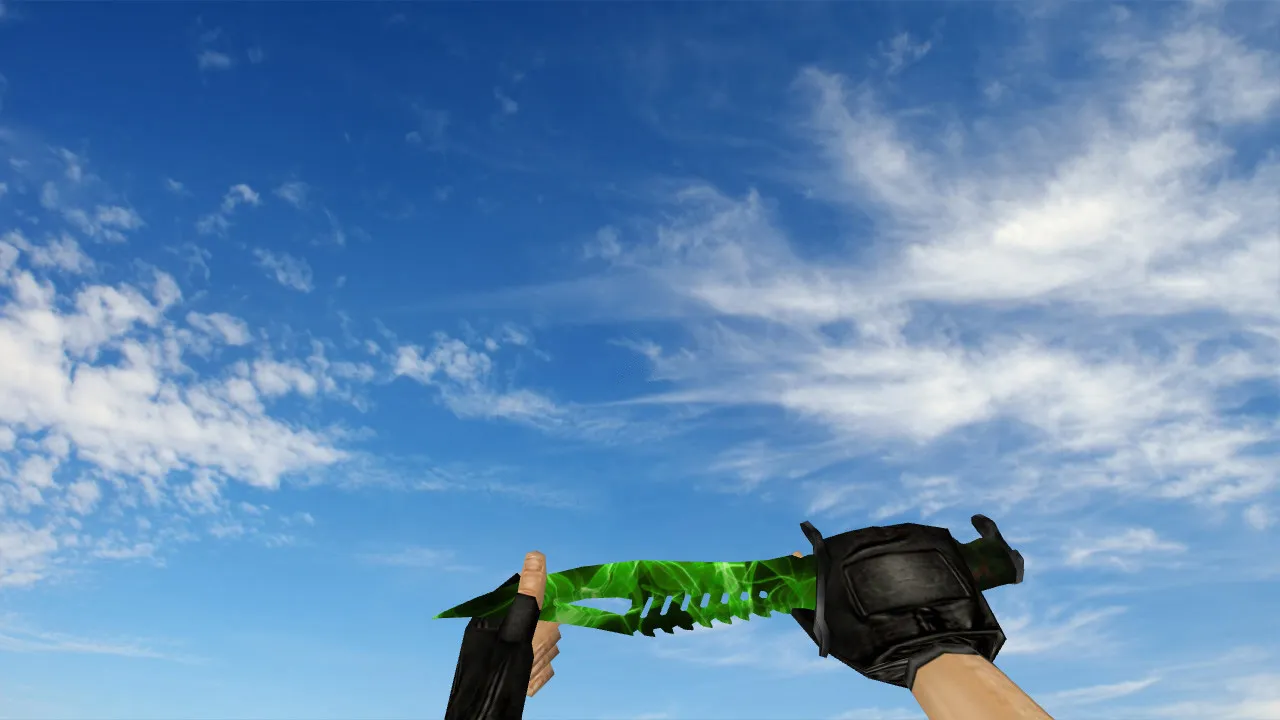
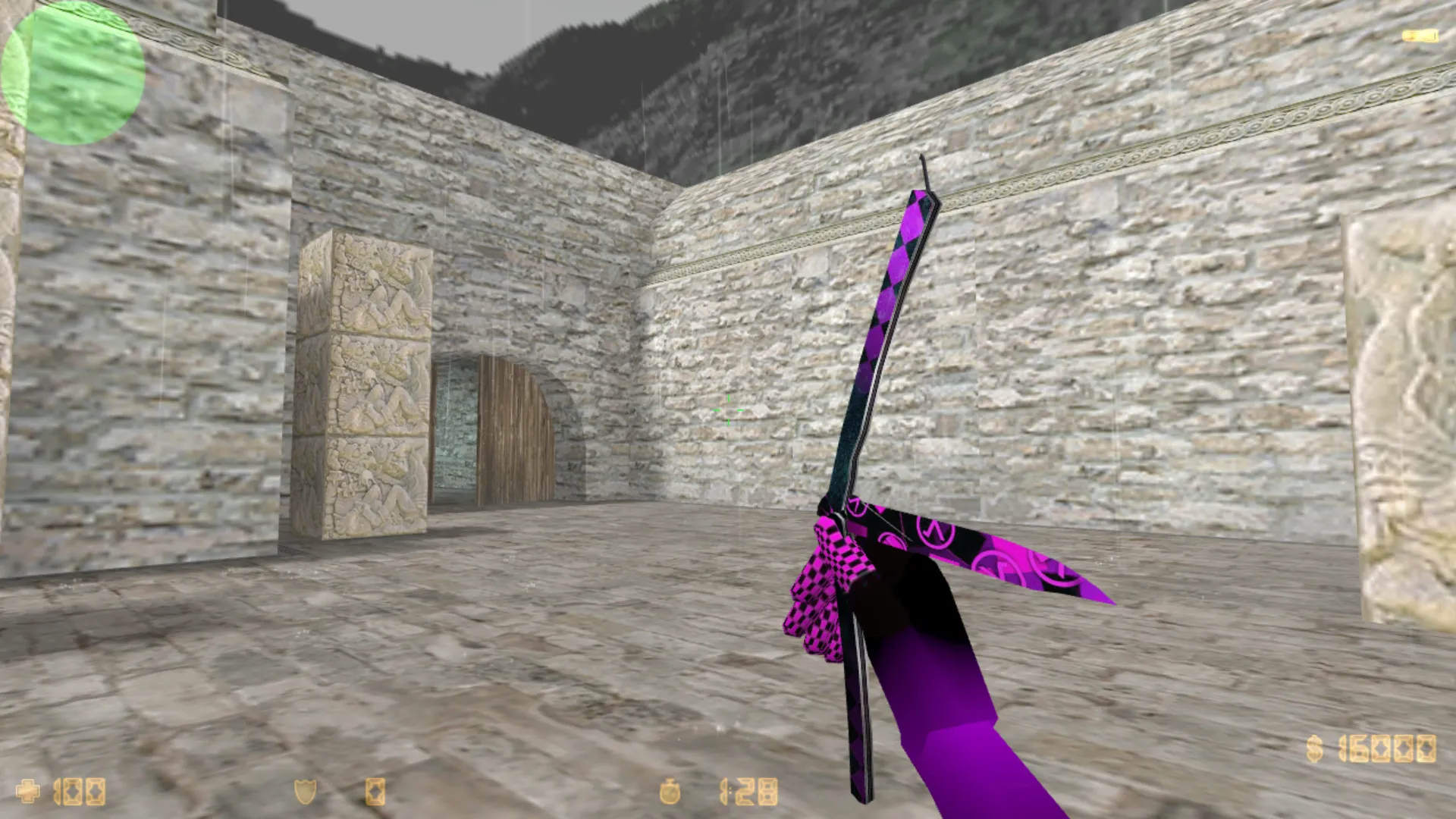
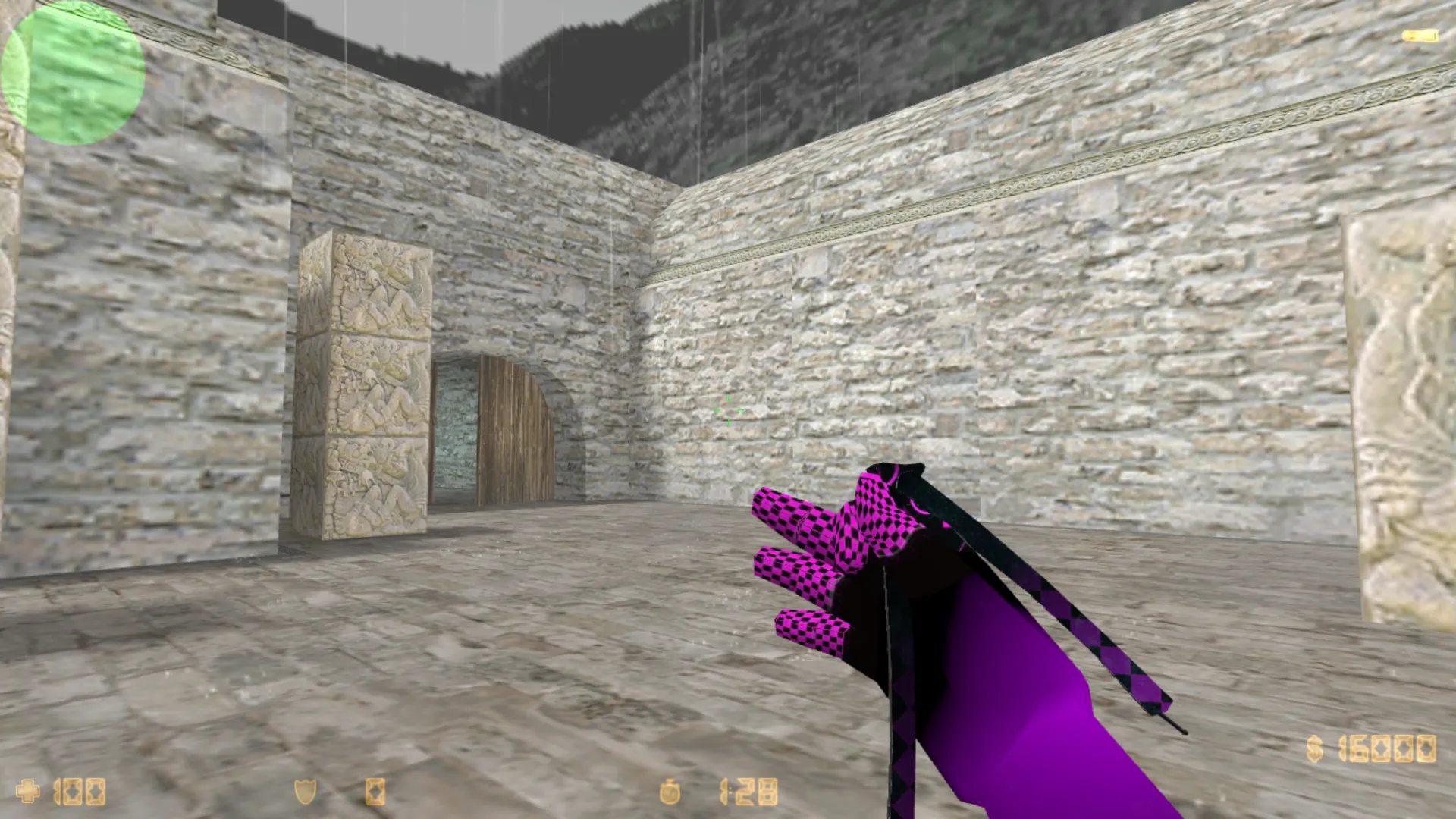
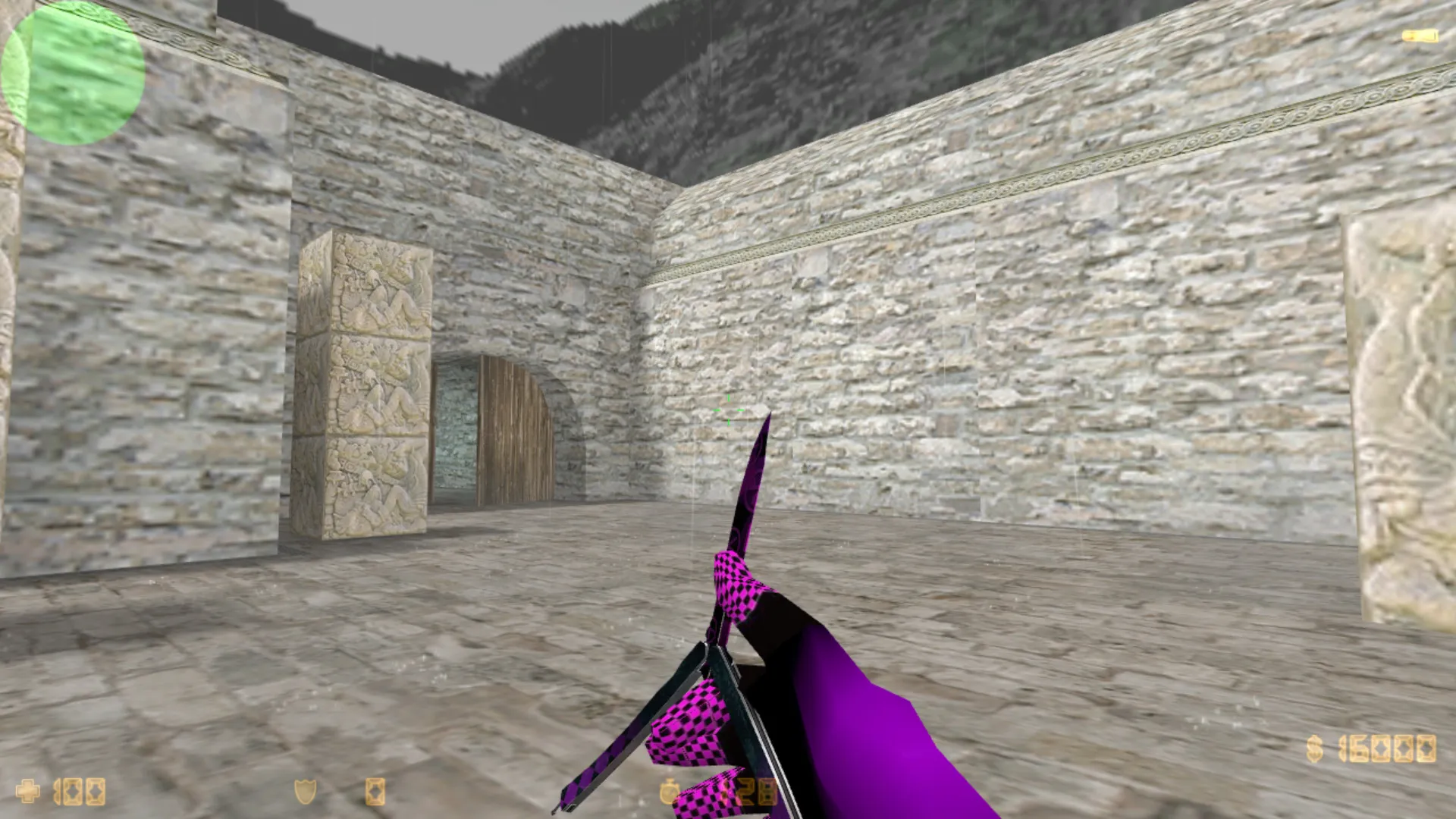
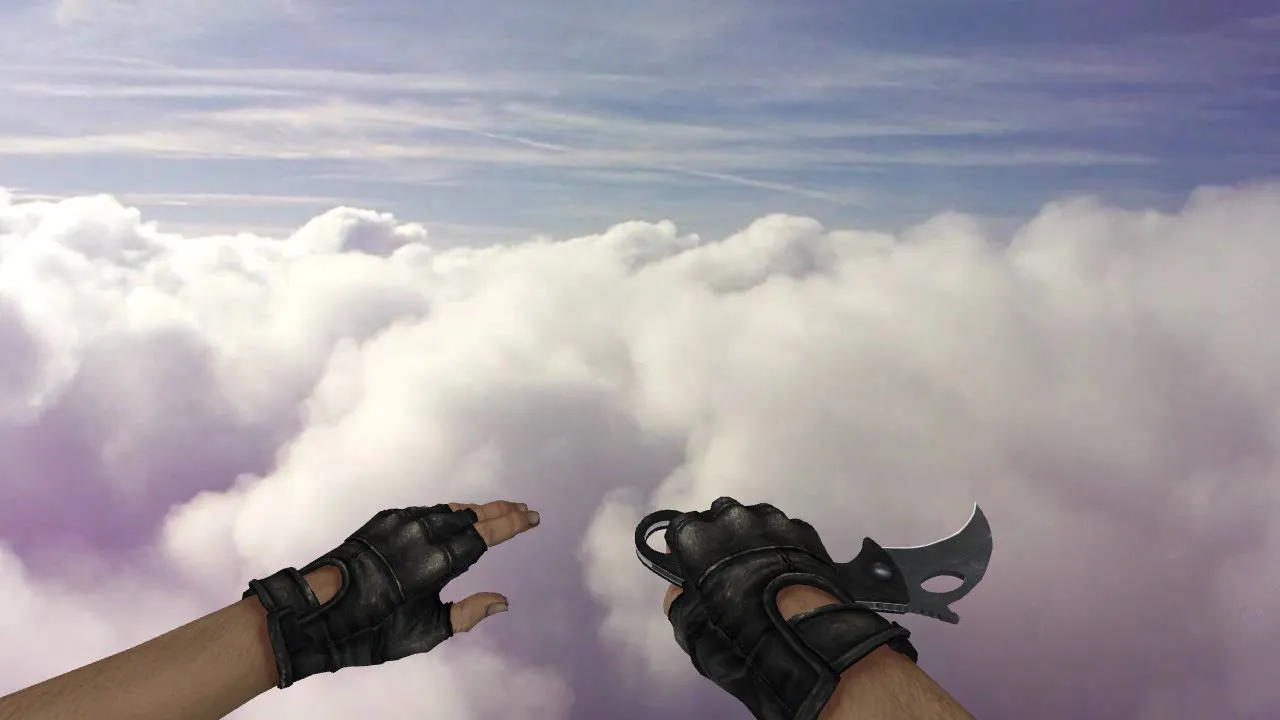
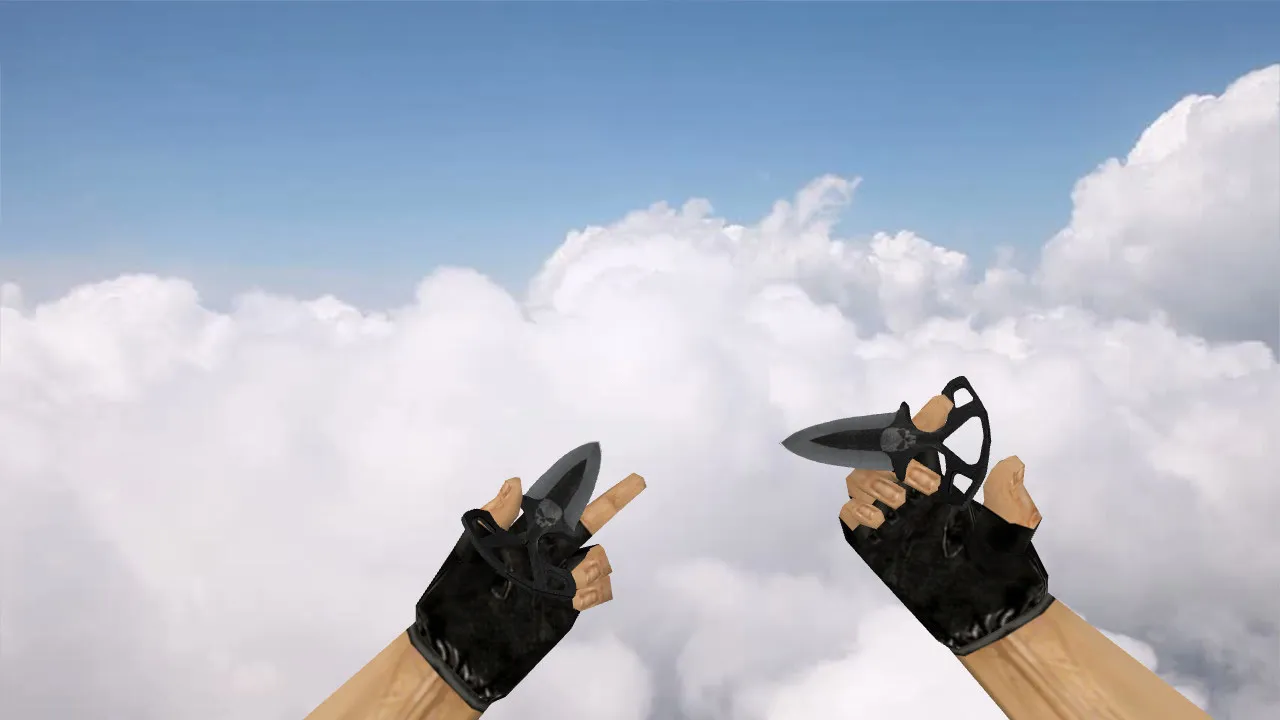
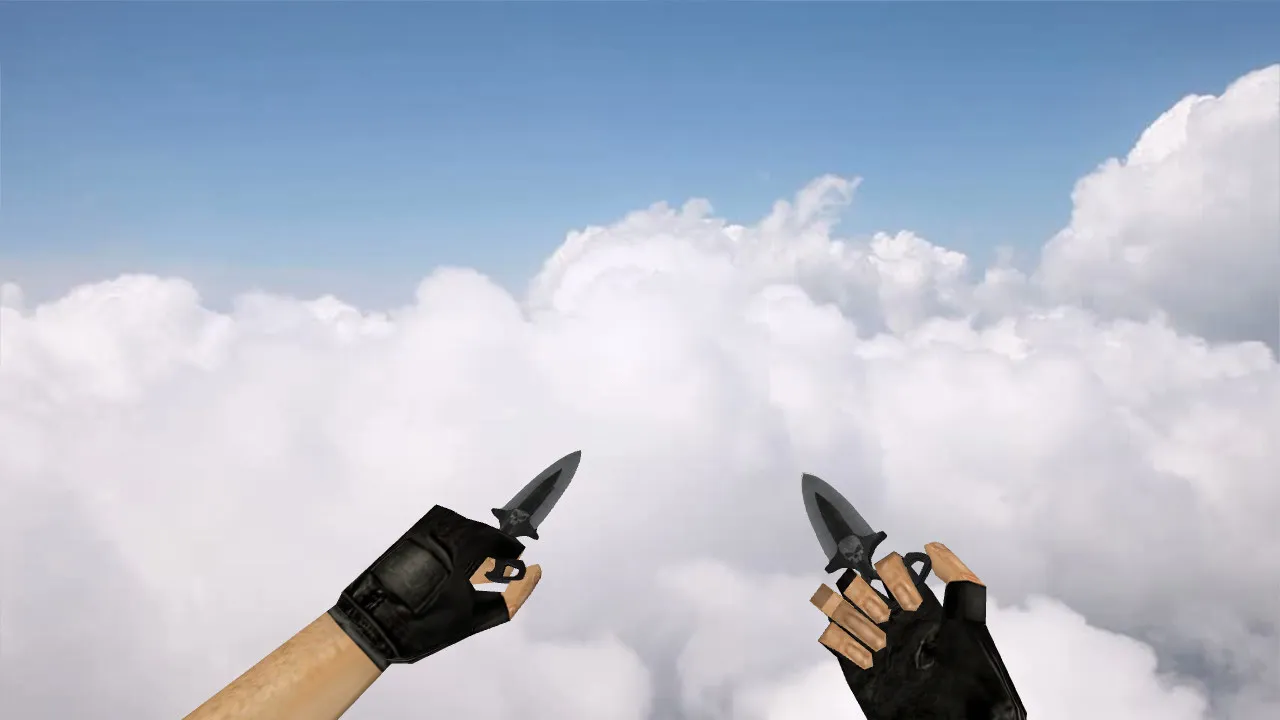
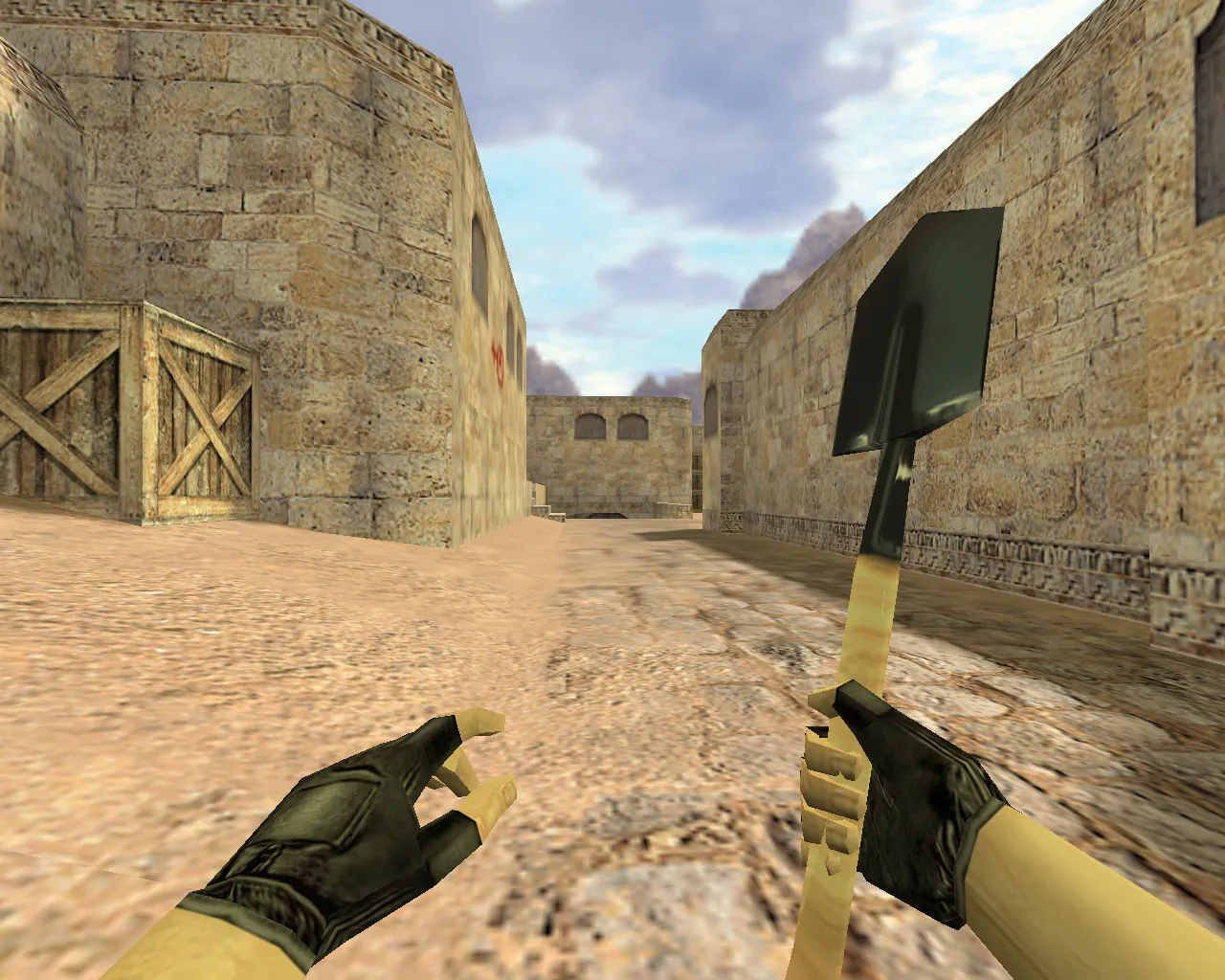
Nautilus Abstract Blue Knife Model for CS 1.6: v_ p_ w_ Files, Custom Sounds, Inspection Animation, HD Textures
Description
Nautilus Abstract Blue Knife for CS 1.6: Components and Setup Guide
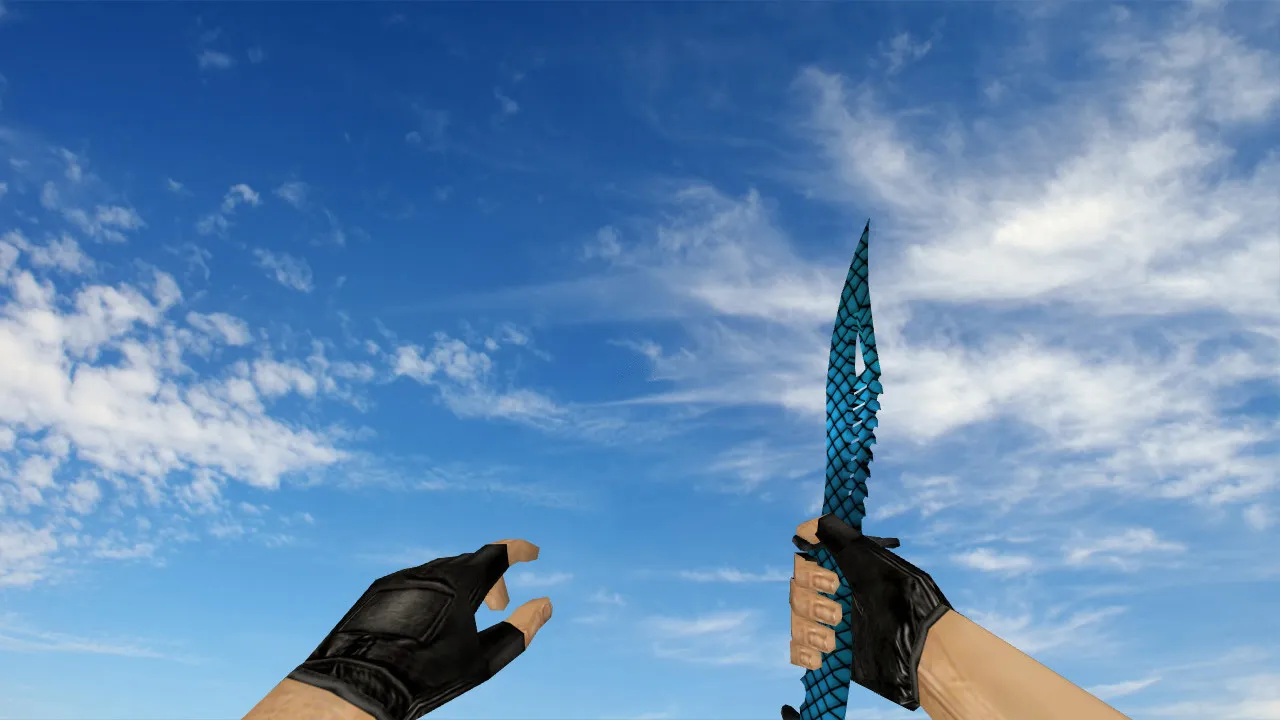
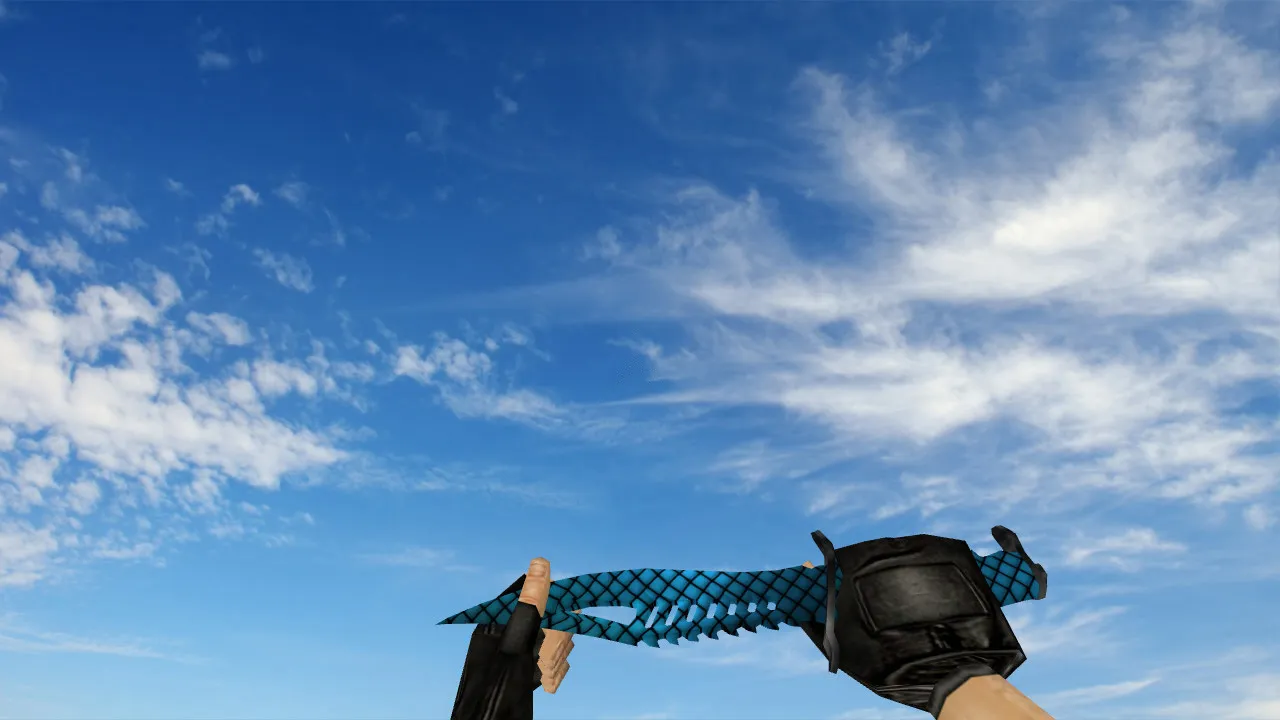
This Nautilus Abstract Blue knife swaps out the standard blade in CS 1.6. The model provides fluid handling in first-person view, correct inspection rendering, and consistent visuals throughout matches. To work on both client and server, it supplies the necessary components: v_ for the viewmodel, p_ for player hands, and w_ for world drops. This guarantees the knife looks the same in first-person, third-person, and when lying on the ground.
The archive includes files for inspection animation and custom sounds linked to knife actions. Inspection activates without stutter, while audio cues synchronize exactly with swings and stabs. Textures employ high-definition 512x512 maps free of artifacts, preserving clarity during rapid weapon switches and close-quarters movement. The abstract blue style gives strong contrast for visibility in dim areas, such as smoke clouds or dark corners on maps like de_dust2.
Testing the Knife Model Quality In-Game
Before entering online servers, verify the model in a local game. Open the console and perform checks: switch to the knife and back, trigger inspection, rotate the viewmodel. A properly built model displays smooth animation and sharp textures on the blue abstract pattern, with no clipping or lag spikes.
- Inspection Animation: Frames flow smoothly without timing errors or dropped frames.
- Knife Sounds: Clicks, slashes, and impacts trigger at the precise moments for responsive feedback.
- Textures: Details stay visible under changing lighting, from bright spawn zones to shadowed bomb sites.
- World Model: Drop the knife in a test map and observe from third-person to confirm alignment and polygon efficiency.
For knife models, hand stability is essential. Correct assembly keeps textures and animations consistent across situations. Hitbox alignment matches vanilla physics, preventing odd-feeling clicks or movement during rushes. Polygon count remains low at roughly 500 triangles for the v_model to avoid FPS loss on older hardware.
Installation: Safe Client Setup Without Breaking Anything
Install manually to prevent issues-no auto-execs or risky batch scripts. Place v_, p_, and w_ files into the proper client directories: models/v_knives for the viewmodel, models/p_knives for the player model, and models/w_knives for the world model. If textures or configs reside in subfolders, move the entire directories to preserve paths.
Back up the original knife files first-copy them to a safe location for easy rollback if textures appear wrong or animations stutter. Restart CS 1.6 after installation so the engine loads the new resources cleanly. This functions on both Steam and Non-Steam clients, including builds such as 4554 or 8684, without MasterServer conflicts.
Safety first: This model originates from verified sources with no viruses, backdoors, or adware. Scan files with antivirus before use, and avoid third-party launchers that could inject cheats. No slow-hacks or auto-connect features included-pure resource replacement only.
Gameplay Tips with Nautilus Abstract Blue Knife
Knives excel in fast-paced rushes and close-range pressure on servers. The blue abstract skin supplies readable outlines for quick glances during eco rounds. Use inspection mid-round to verify rendering-no distractions when enemies push A-site or B-doors.
- On public servers, confirm the model persists after reconnects; clear cache if it reverts.
- For LAN or private games, rules might block custom models-test in offline mode first.
- Stick to clean config.cfg setups; no binds that could flag as suspicious.
Built specifically for CS 1.6's resource system, this knife integrates seamlessly with wad files and sprite effects. Pair it with a no-recoil config for better control in knife duels. Download only from trusted mod sites, and always verify file integrity to keep your client secure and optimized for high-FPS play.
In competitive play, the model's ESL-style visibility helps spot knife positions in third-person chases. Textures avoid over-saturation, ensuring hitbox accuracy during slashes. If you are modding deeper, check .mdl files for custom bone alignments, but stock setup works fine for most users.
Install in three steps
-
1
Download the archive. Use the button on the right, or the Yandex.Disk mirror if the main server is slow.
-
2
Extract it into the game folder. Use 7-Zip or WinRAR. A path without non-Latin characters works best.
-
3
Launch the game. If something doesn't work, mark it below - that is how we know the file needs an update.
Did it work for you?
No sign-up needed. You can pick more than one.