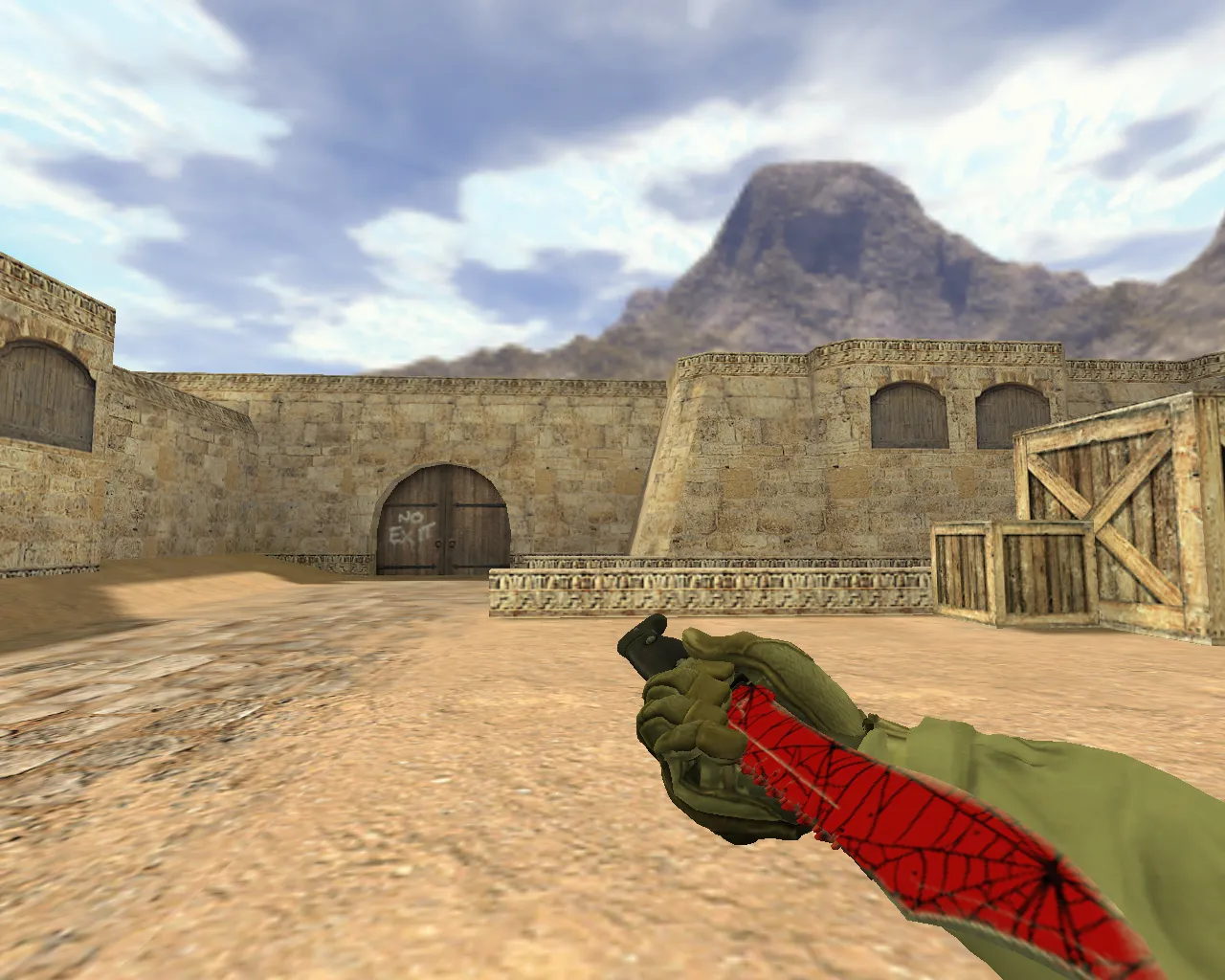
Butterfly Knife Purple Error v_ Model for CS 1.6: Inspect Animation, Custom Sounds, HD Textures
Description
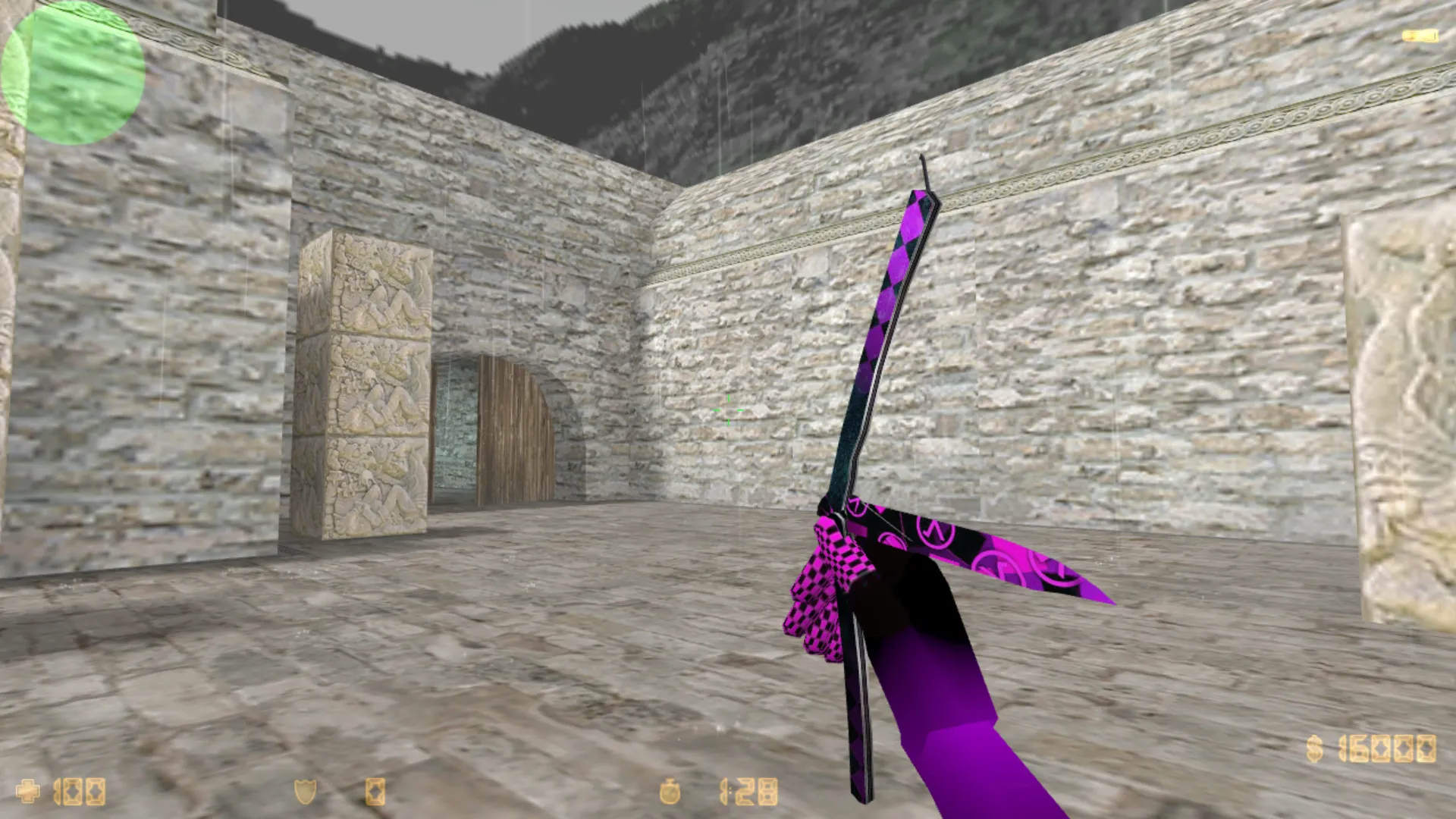
Butterfly Knife Purple Error for CS 1.6: Viewmodel, Animation, and Stable Performance
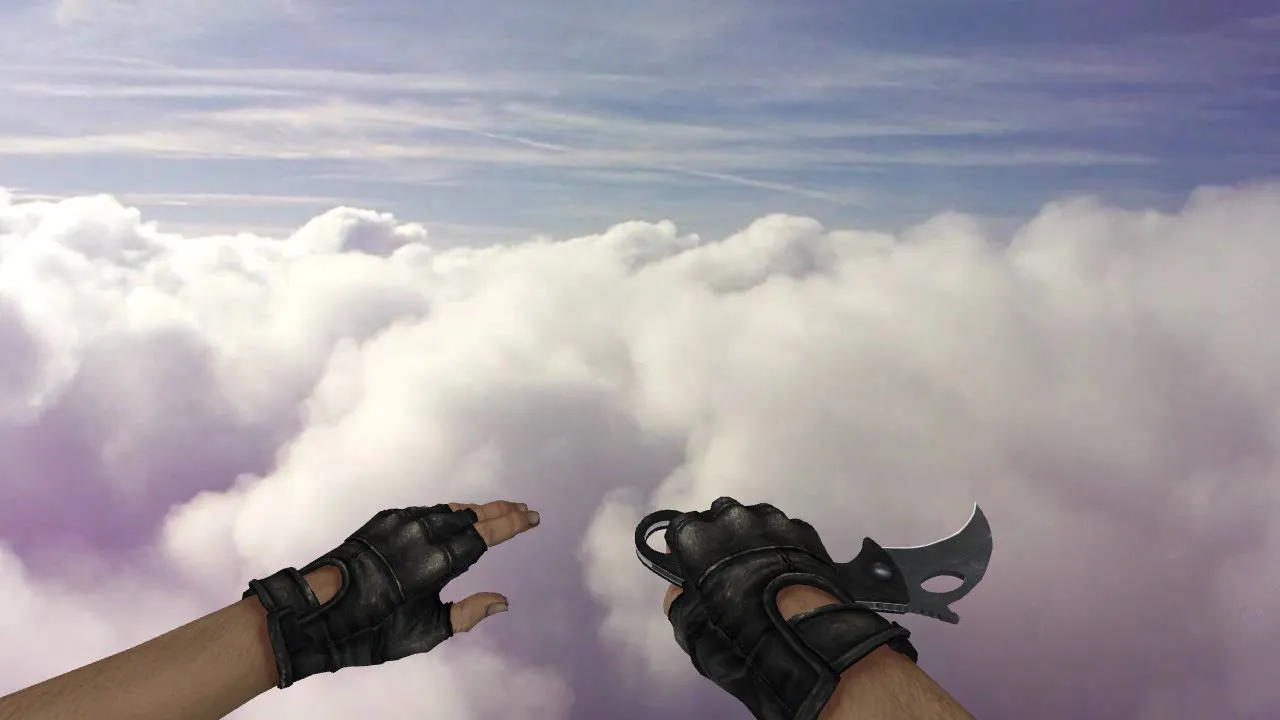
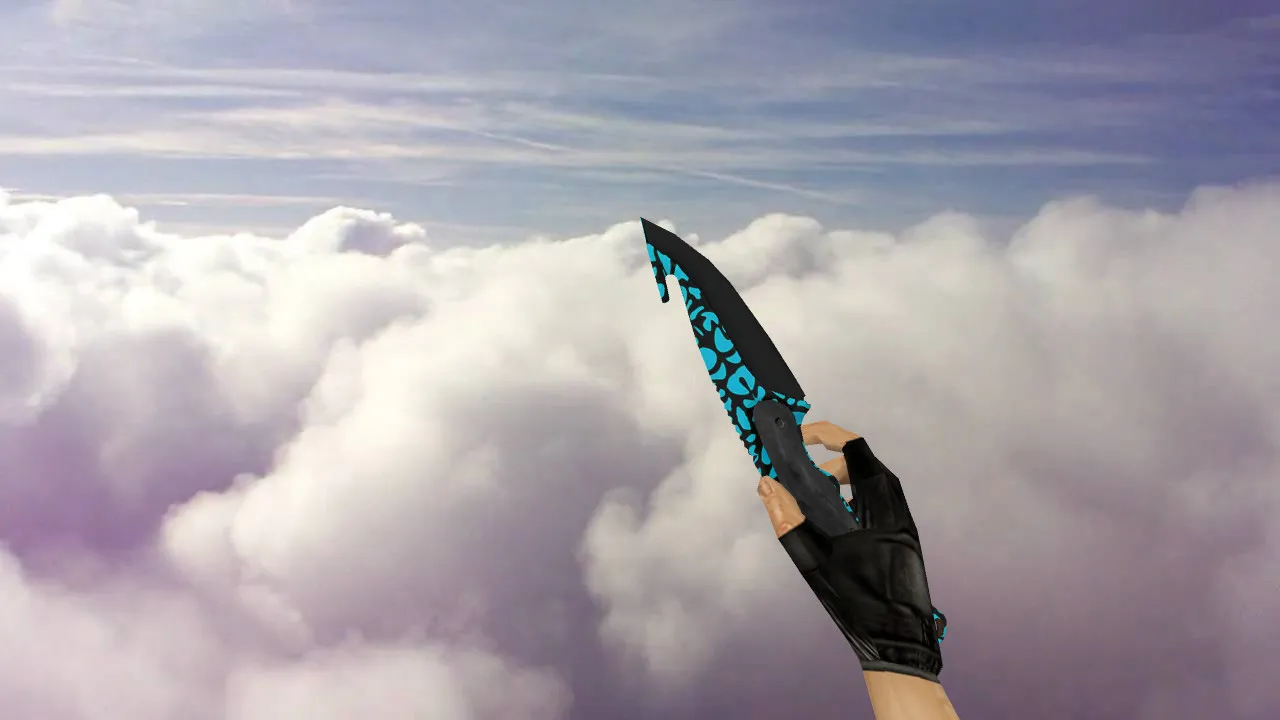
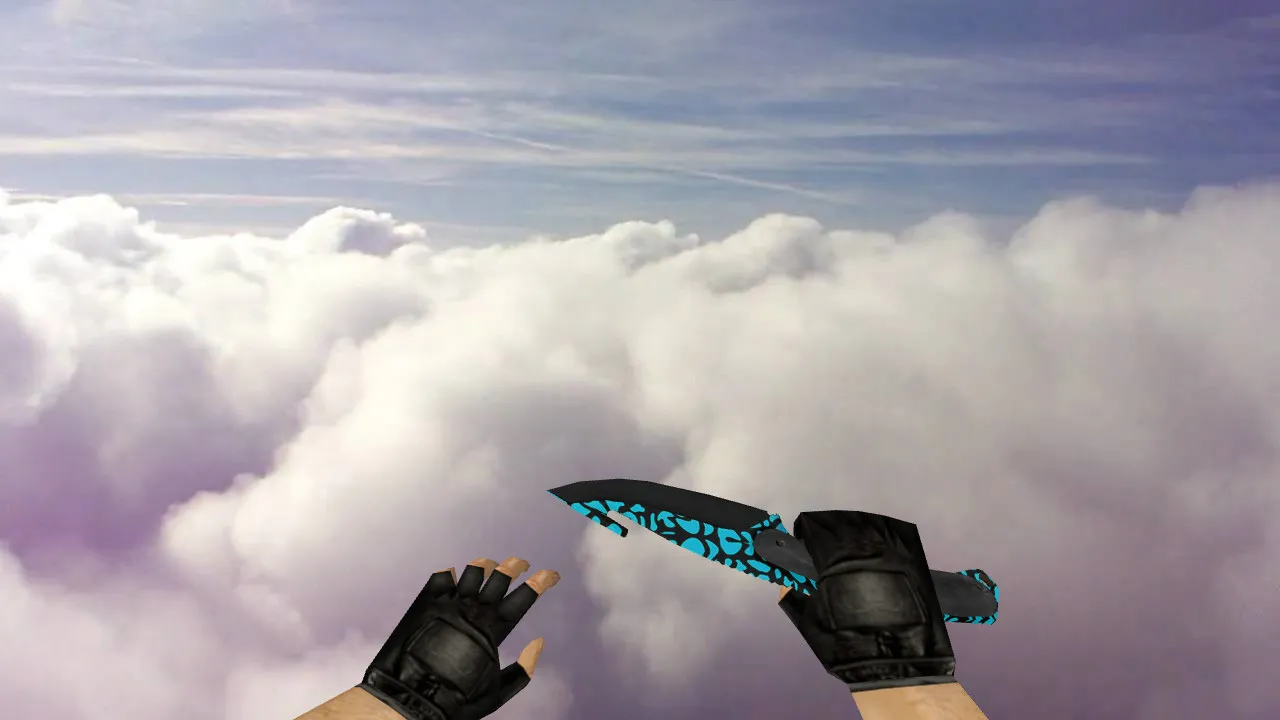
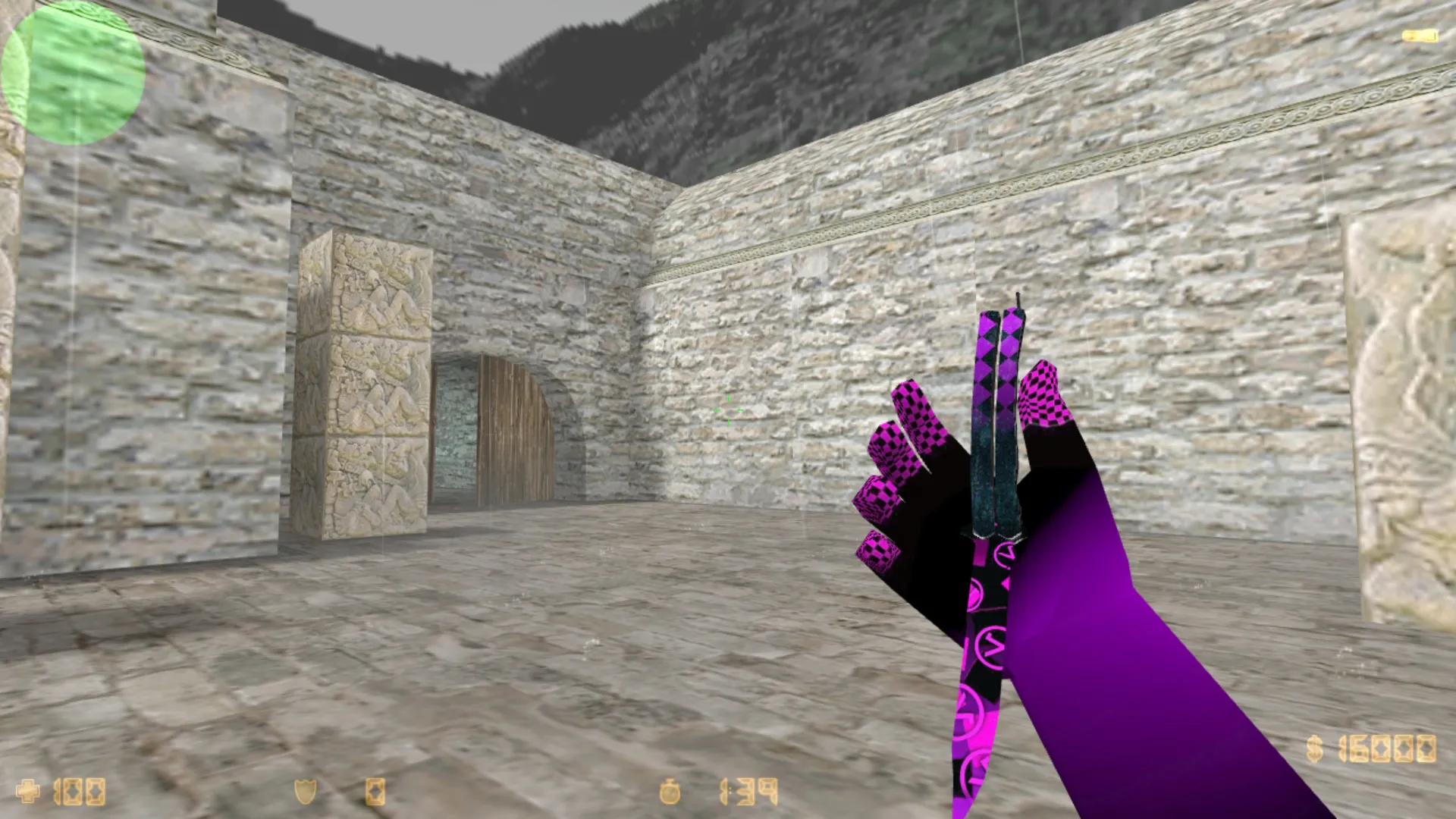
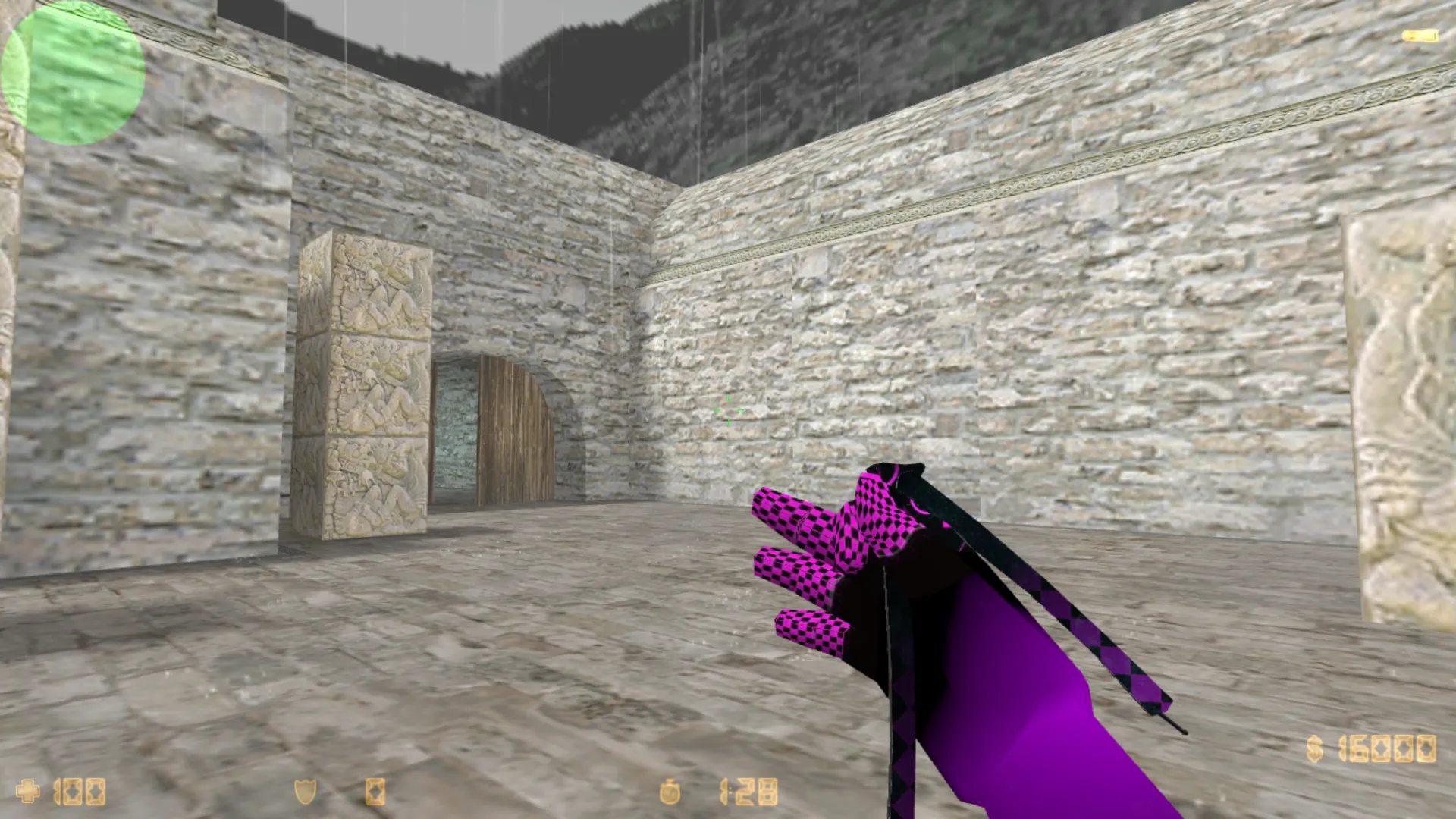
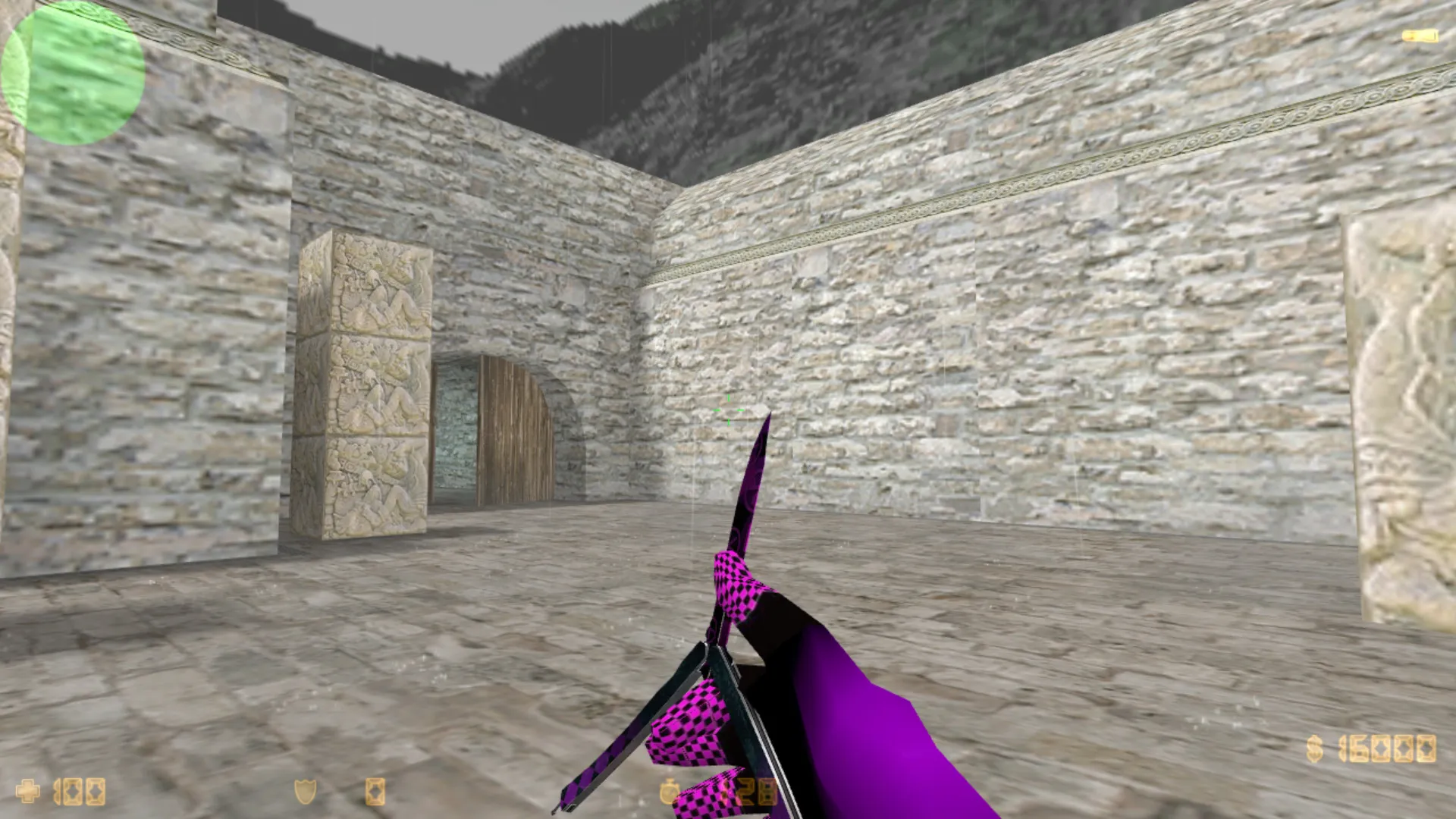
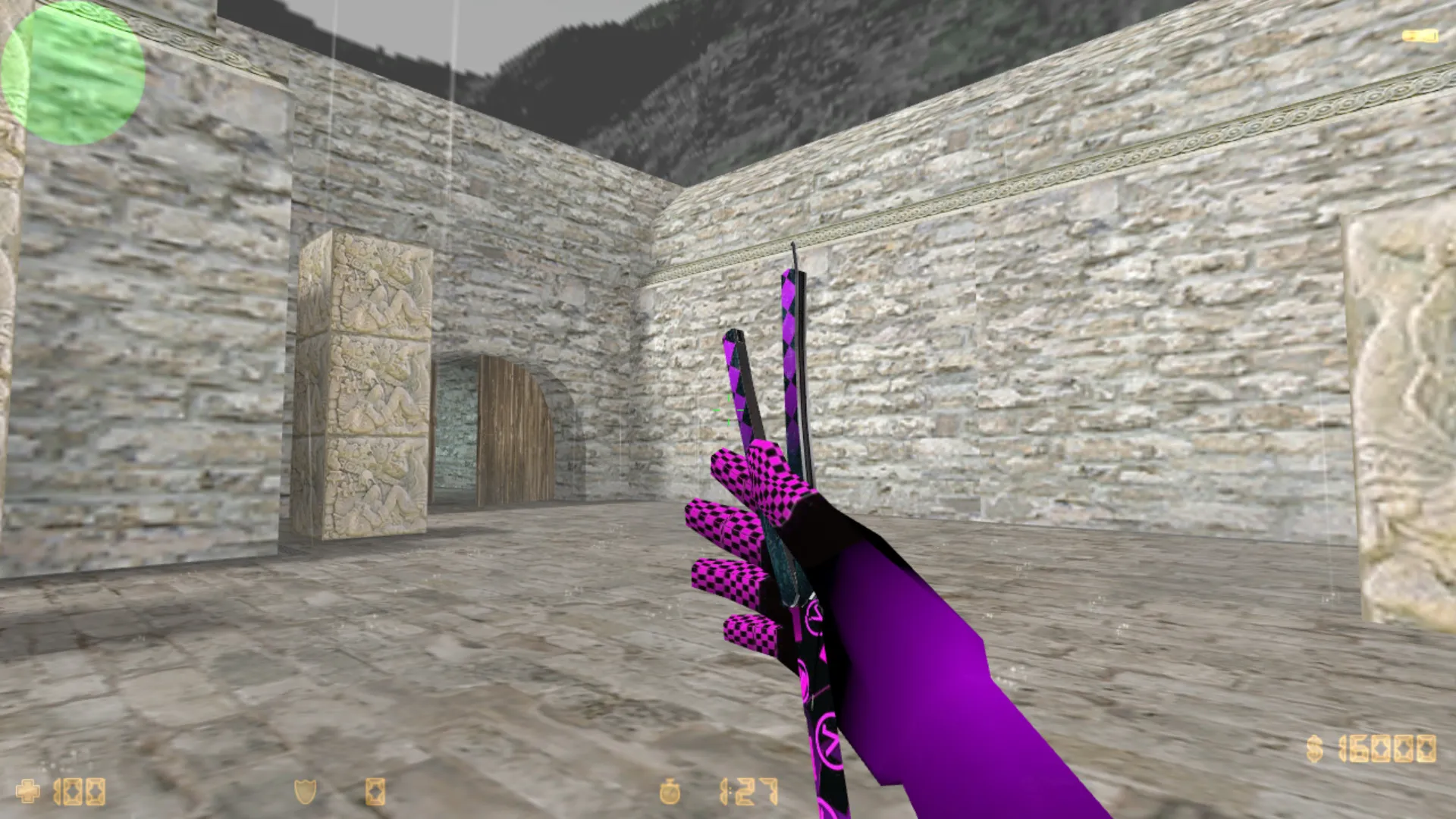
This Butterfly Knife Purple Error modification for CS 1.6 features a distinct purple-black color scheme. The v_ model renders sharply in first-person perspective, maintaining its form across different camera angles. During gameplay, it behaves like a standard blade knife: easy to read in tight combat, fast to equip, and visible during rapid movement.
Technical details are important for both server matches and solo play. The model utilizes the proper v_ format for first-person view and p_ for hand animations. It incorporates inspect sequences and weapon switch animations. Custom audio synchronizes clicks and swings to match CS 1.6 standards. The visuals work with default settings and various resolutions without artifacts.
Designed for lower-end laptops and PCs, the model optimizes geometry and textures to reduce load. Frame rates remain stable during rounds with continuous motion and corner checking. The purple style preserves contrast under standard gamma: accents do not fade to gray in smoke or dim areas.
Compatibility extends to standard CS 1.6 installations and Xash3D FWGS on Android. Place files in the correct directories without mixing mods that share conflicting model names. No viruses, no slow-hack threats, no advertisements, and no auto-connect functions-clean installation only.
In-Game Behavior
- Inspect Animation: Blade flips and grip remain clear, no jitter during rapid switches.
- Texture Quality: Resists washout from smoke and backlighting, stays visible in dark zones.
- Custom Sounds: Audio tempo matches actions, keeping clicks in sync with gameplay.
- Visibility in Low Light: Outline and purple highlights stay distinct under typical lighting conditions.
- Unique Skin Style: Purple Error distinguishes itself without copying stock knives.
Polygon count remains low for smooth performance, roughly 500-800 faces on the v_ model. Hitbox alignment matches the vanilla knife for accurate melee registration. No w_ model changes are included, so the world view uses the default unless separate p_ hands are added. Textures run at 512x512 resolution for crisp detail without straining older hardware.
For knife enthusiasts, this mod improves close-range tactics. Combine it with a clean config.cfg for no-recoil setups or high-FPS tweaks. Functions on Build 4554 and newer, Steam or Non-Steam. In single-player, bots recognize the model via standard .mdl paths.
Installation and Safety
Download from reliable sources and scan files before overwriting. Avoid suspicious archives or third-party scripts. Installation requires replacing .mdl files in the models folder, along with .wav sounds in the sound/weapons directory and sprites if necessary. Use exact filenames like v_knife_butterfly.mdl and p_knife.mdl to prevent conflicts.
If display problems occur after installation, restore originals and check config for path overrides. Do not stack multiple knife mods in one folder-choose one to avoid texture overlaps. Test in a local server first to verify animations and sounds load correctly. Fully compatible with ESL-style servers, no bans resulting from model swaps.
For Android users on Xash3D FWGS, extract to the cs16/models and cs16/sound folders. Ensure no MasterServer protection conflicts by running in offline mode initially. This keeps your setup secure and performant.
Who It's For
The Butterfly Knife Purple Error suits players who appreciate CS 1.6's close-combat pace and want a visible, responsive knife every round. Ideal for solo practice, standard servers, or mobile sessions via Xash3D. You receive a purple-black styled blade with a solid v_ view, precise animations, and reliable operation-no extra risks or bloat.
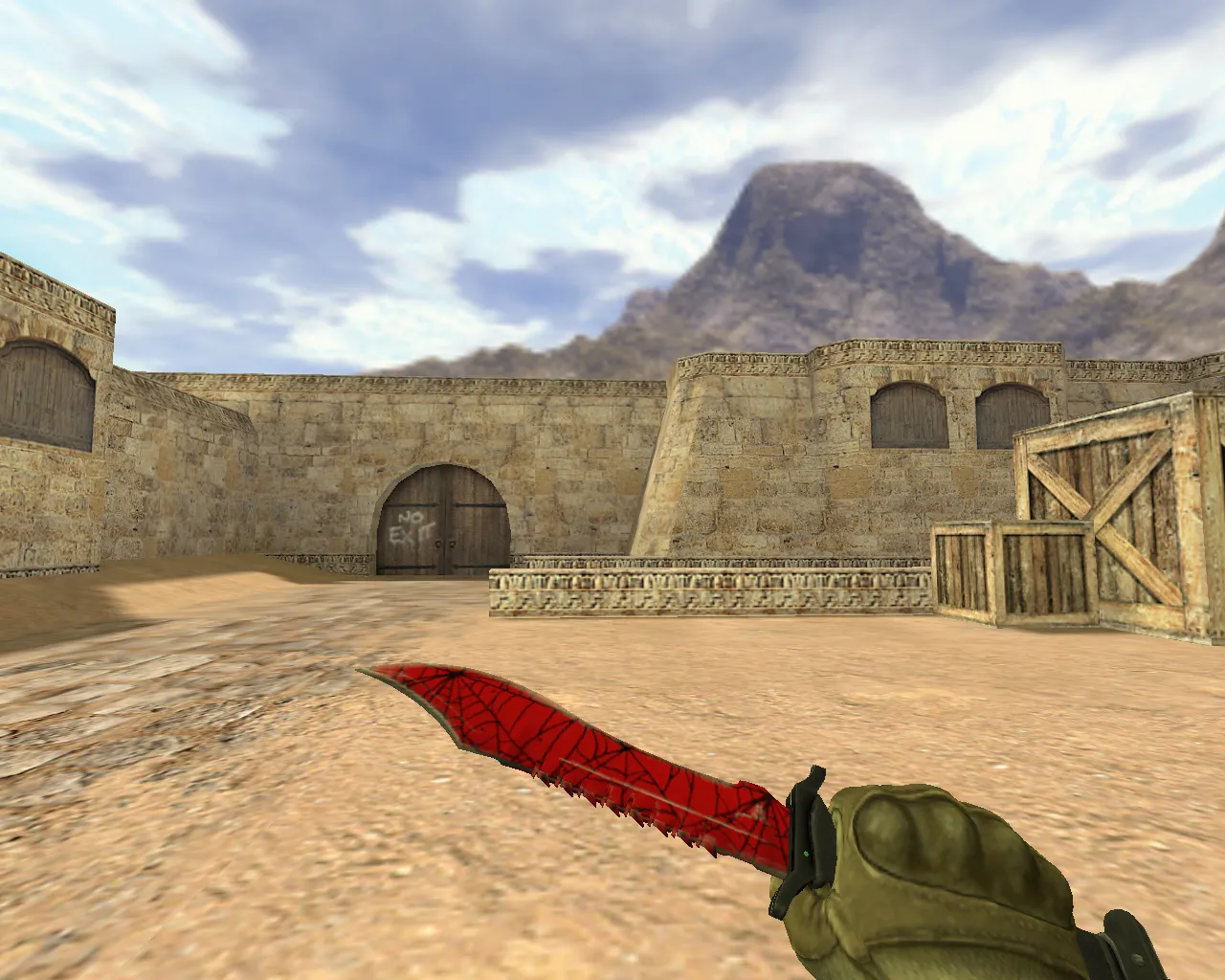
Expand your mod collection with this low-impact knife. It improves visibility in dark map corners like de_dust2's B-site tunnels, where quick slashes decide fights. Combine with optimized .nav files for bot matches to test melee accuracy without lag.
Install in three steps
-
1
Download the archive. Use the button on the right, or the Yandex.Disk mirror if the main server is slow.
-
2
Extract it into the game folder. Use 7-Zip or WinRAR. A path without non-Latin characters works best.
-
3
Launch the game. If something doesn't work, mark it below - that is how we know the file needs an update.
Did it work for you?
No sign-up needed. You can pick more than one.