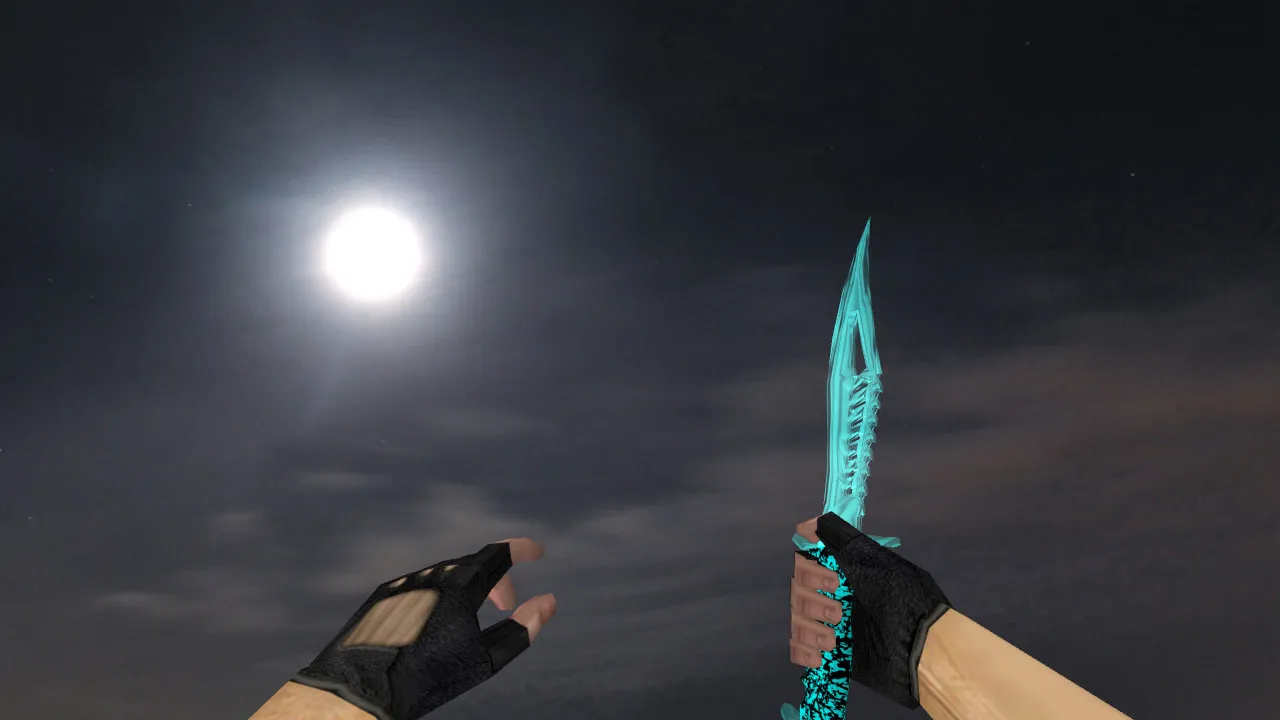
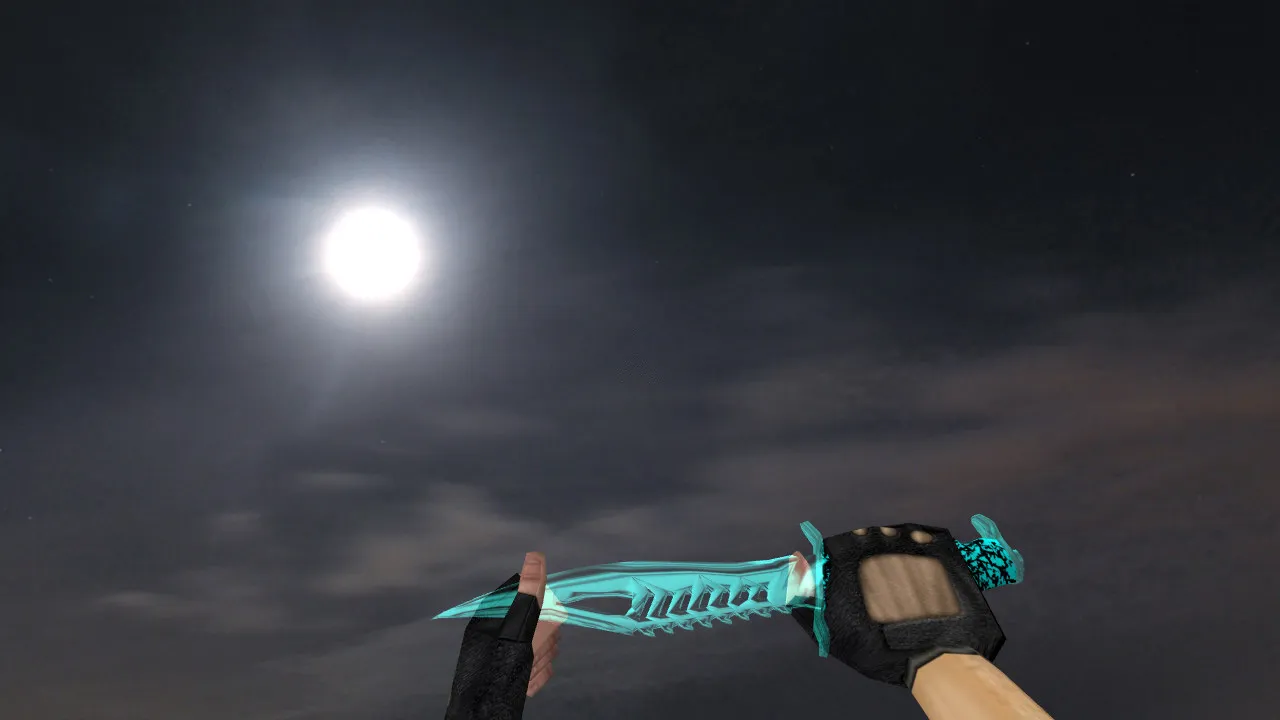
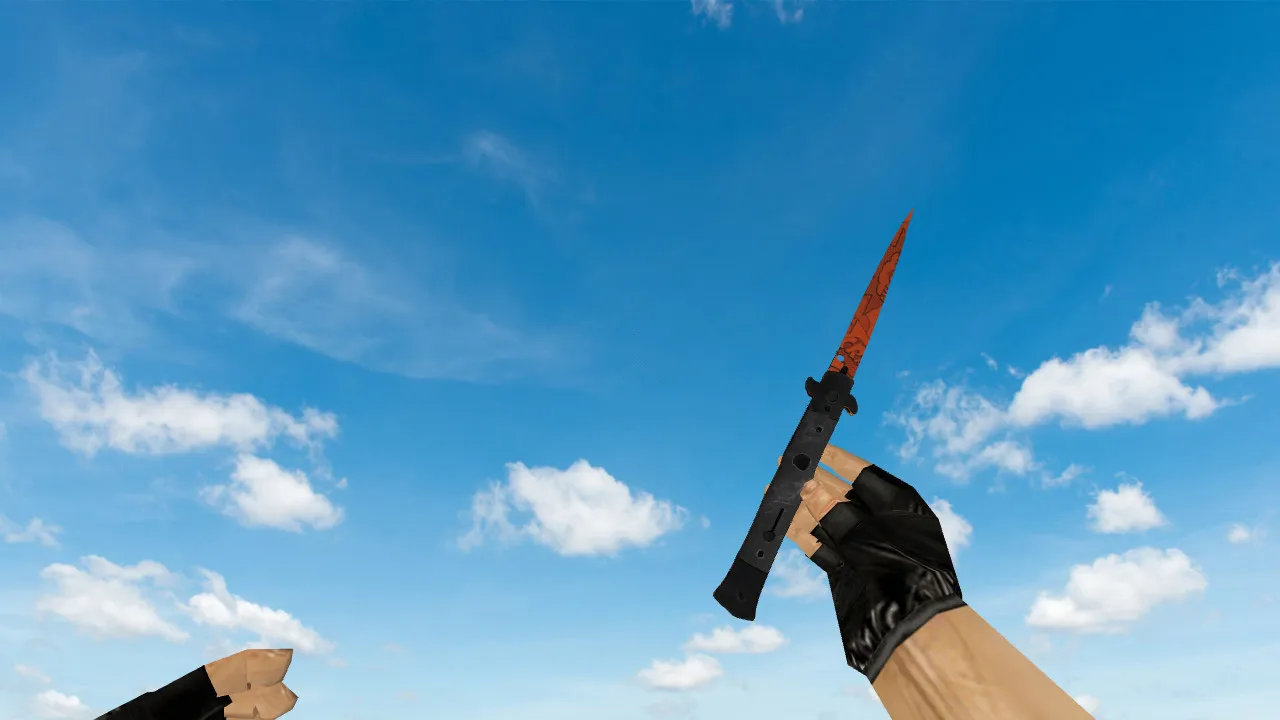
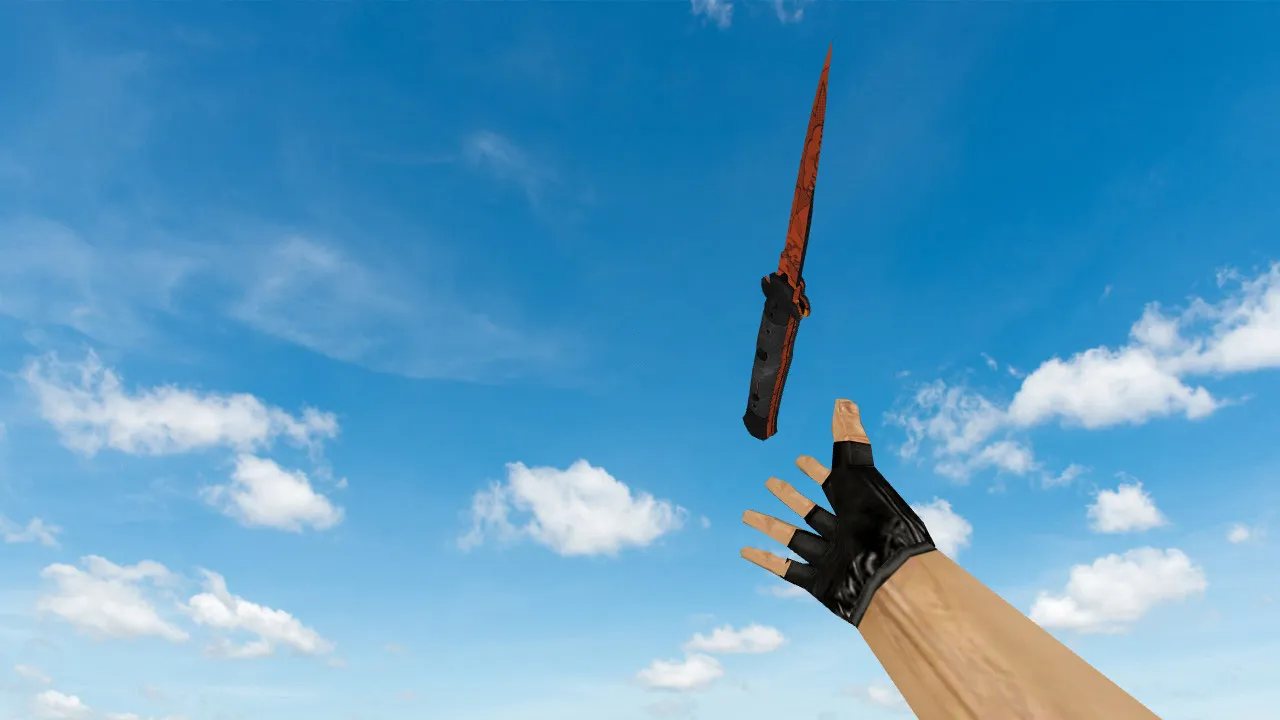
Frying Pan Knife Skin for CS 1.6: View, Player, World Models, Audio, Inspect Anim, HD Textures
Description
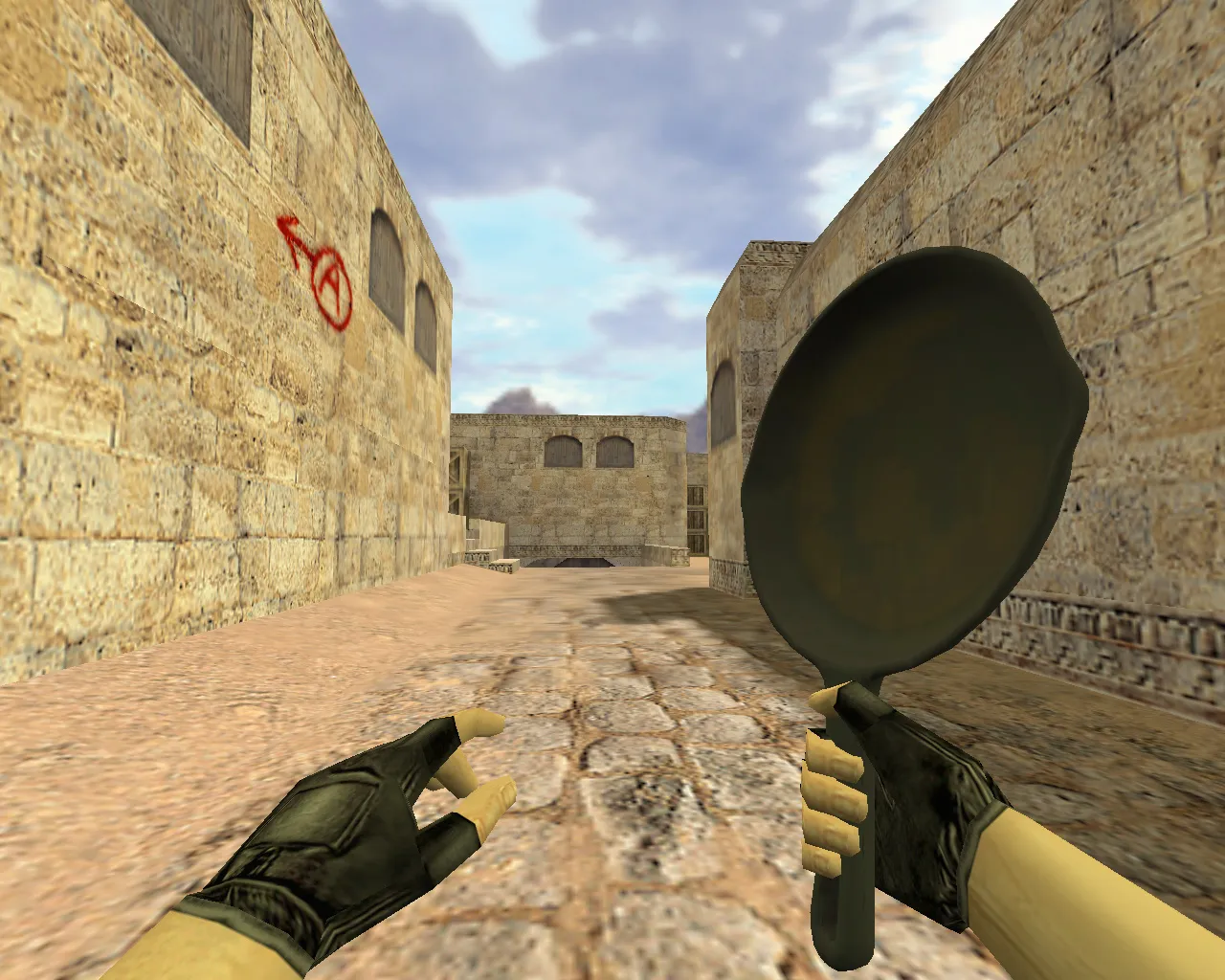
Frying Pan Knife Skin for CS 1.6: View, Player, World Models and In-Game Behavior
This Frying Pan knife skin provides a dependable replacement that remains consistent in your hand during combat. In Counter-Strike 1.6, minor details affect gameplay fluidity. The package contains the complete trio: v_ for the first-person perspective, p_ for third-person player display, and w_ for the world model. You receive uniform visuals across every viewpoint without glitches when changing modes.
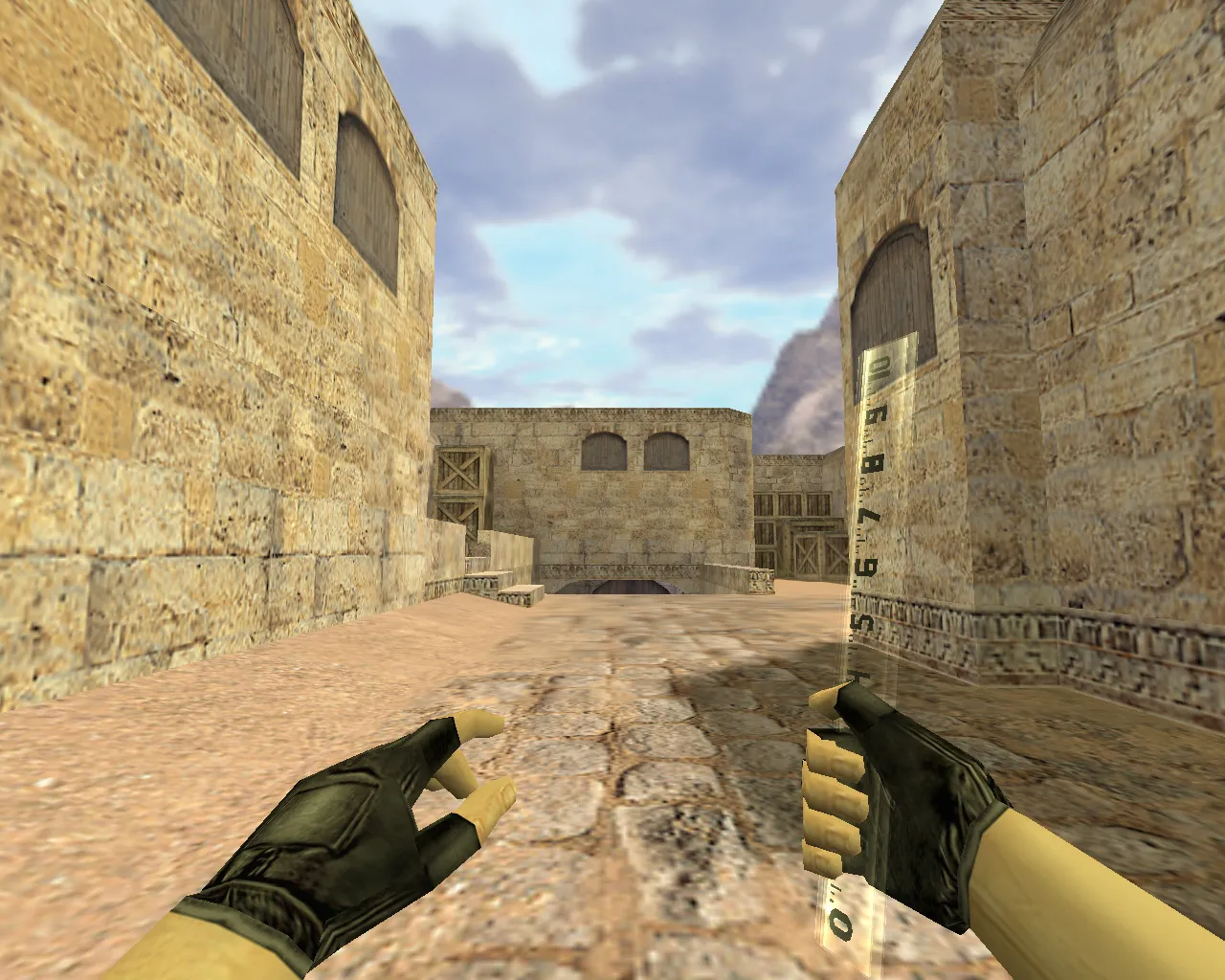
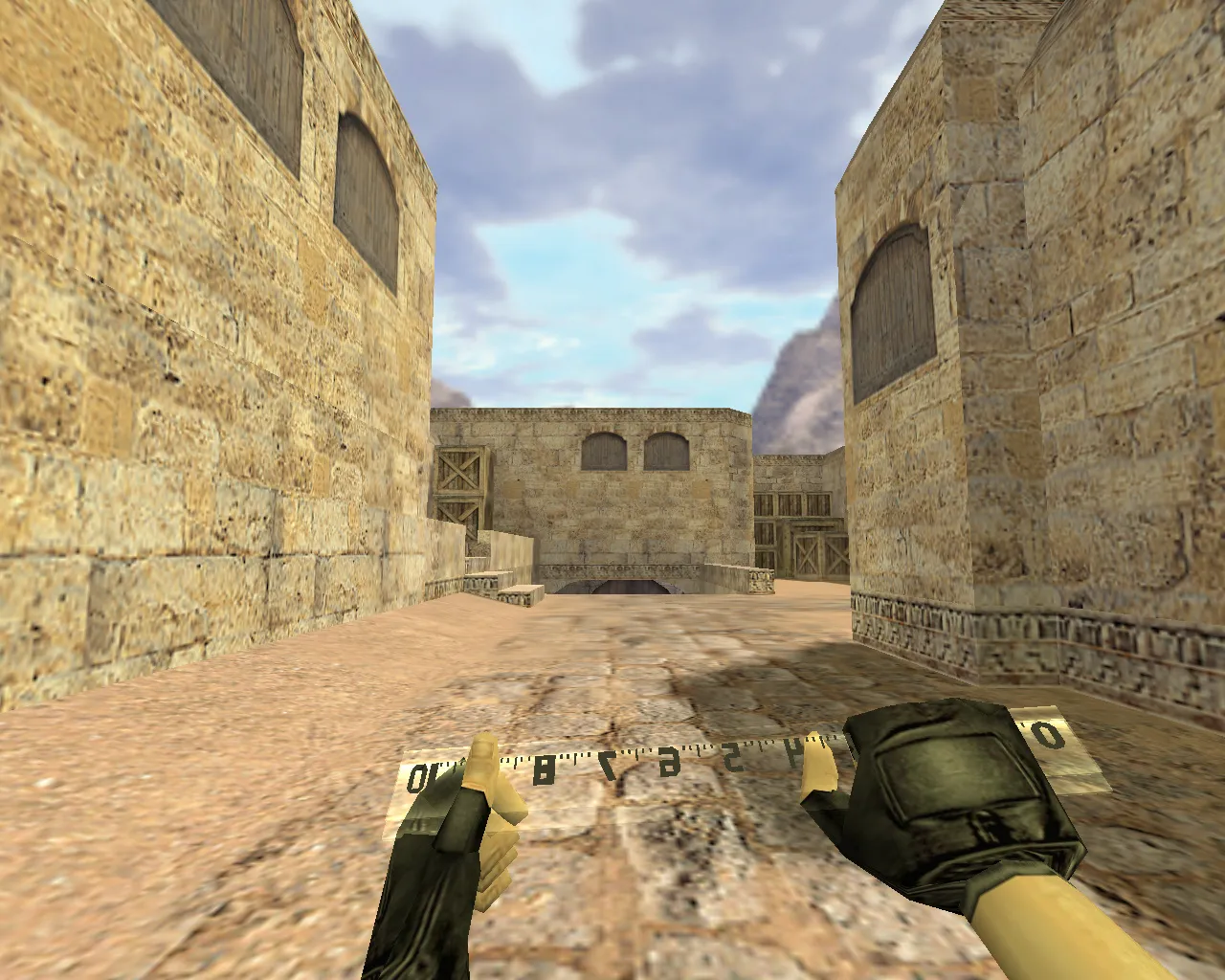
The inspect animation receives careful implementation. In CS 1.6, fluid frame progression while inspecting keeps the action predictable. This pack manages the inspect sequence with correct hand bone attachments. During hectic rounds, it minimizes jitter and desync, delivering clear timing on rotation movements.
Audio is calibrated for dependability. The knife employs standard slash and impact sounds suited for close-quarters situations such as rapid duels, retreats, finishing moves, and corner peeks. On servers with different configurations, the audio remains intact without cutting out during weapon switches.
Texture and Model Fidelity: Crisp Visuals Without Blurring
Textures hold up across various graphics settings. The Frying Pan knife prevents pixelation during motion or model overlaps. Key components like the grip and blade keep their definition in both first-person and world views. You observe the model geometry, not rendering artifacts.
Visibility in dim lighting is essential. Numerous maps feature dynamic shadows, and this knife preserves its silhouette and contrast stability in dark areas. It supports close-range control, where instant reactions and distance judgment are critical. The polygon count remains optimized for high-FPS performance without compromising hitbox alignment.
Secure Setup: No Malware or Auto-Connect Scripts
Install the skin cleanly without malicious software or extra utilities. Place files into the CS 1.6 models directory for automatic loading through standard paths. Always create backups of original files first so you can revert if necessary.
Suggested procedure:
- Transfer model files to your CS 1.6 models folder, preserving the originals.
- Confirm v_, p_, and w_ sets are all present.
- Start the game and test the knife in first-person, third-person player view, and world inspection.
- If problems occur, restore the backups and verify file names.
No auto-connect scripts or third-party modifications are required. Simply swap the knife visuals and join servers normally. Compatible with both Steam and Non-Steam installations, including Build 4554 or 8613 for MasterServer protection.
Hitboxes and Hand Placement
In CS 1.6, the knife demands precise visual and interaction alignment. This skin matches standard hitboxes for accurate strikes, with steady hand positioning. It improves control during rapid swings and turns.
Built for everyday matches: short rounds, trades, smoke exits, and angle holding. You acquire a custom skin with reliable animations and no extra hassle. Focus on competitive-grade visibility ensures the blade remains distinct in chaotic firefights.
Combine with a Clean config.cfg for Stability
For consistent performance, maintain a clean config.cfg without mixing modifications. Set rates near 100k and ex_interp to 0.01 for a smooth feel in gunfights and knife rushes. These adjustments do not change the model but enhance overall responsiveness.
Load the Frying Pan knife, test it in-game, and play. No advertisements, no auto-connect-just pure CS 1.6 with a functional knife skin. Pair it with no-recoil configs for an edge in 1v1s, but keep the setup lightweight to avoid lag on public servers.
This skin emphasizes polygon efficiency, staying under standard limits to prevent frame drops. The custom inspect lets you examine the pan details without breaking flow. Sounds synchronize perfectly with animations, mimicking vanilla knife audio for seamless server integration.
Install in three steps
-
1
Download the archive. Use the button on the right, or the Yandex.Disk mirror if the main server is slow.
-
2
Extract it into the game folder. Use 7-Zip or WinRAR. A path without non-Latin characters works best.
-
3
Launch the game. If something doesn't work, mark it below - that is how we know the file needs an update.
Did it work for you?
No sign-up needed. You can pick more than one.