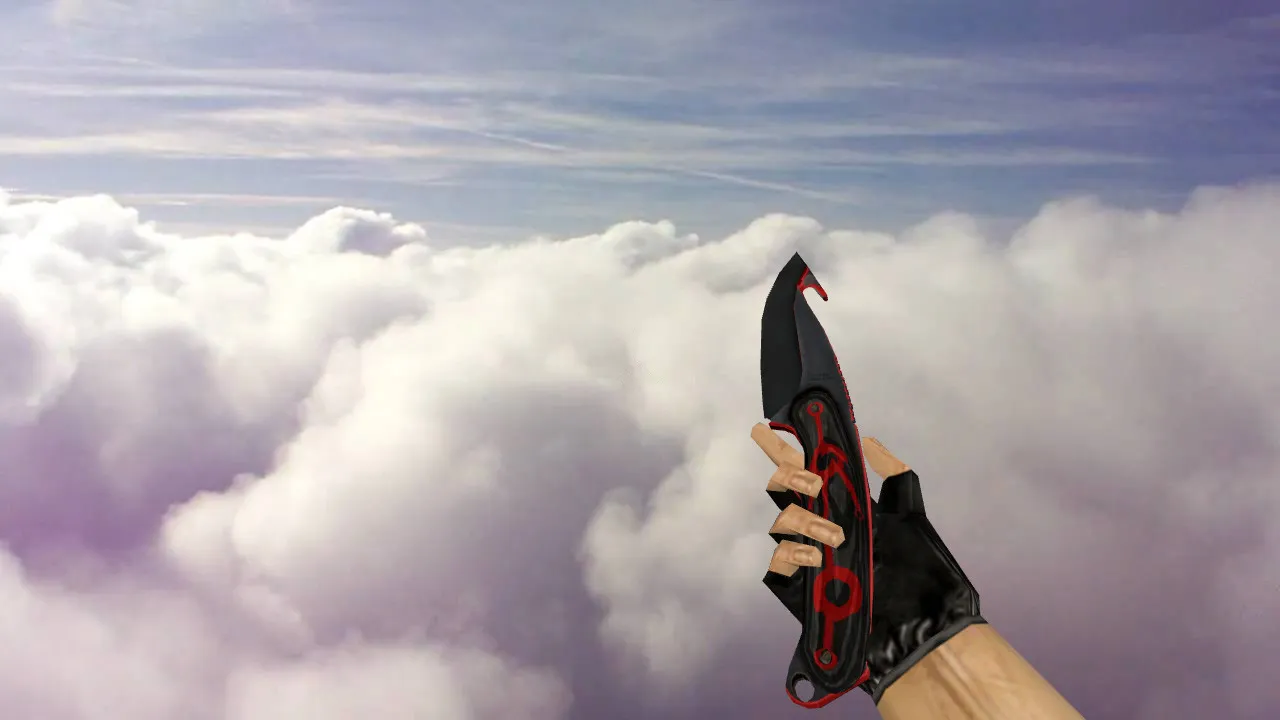
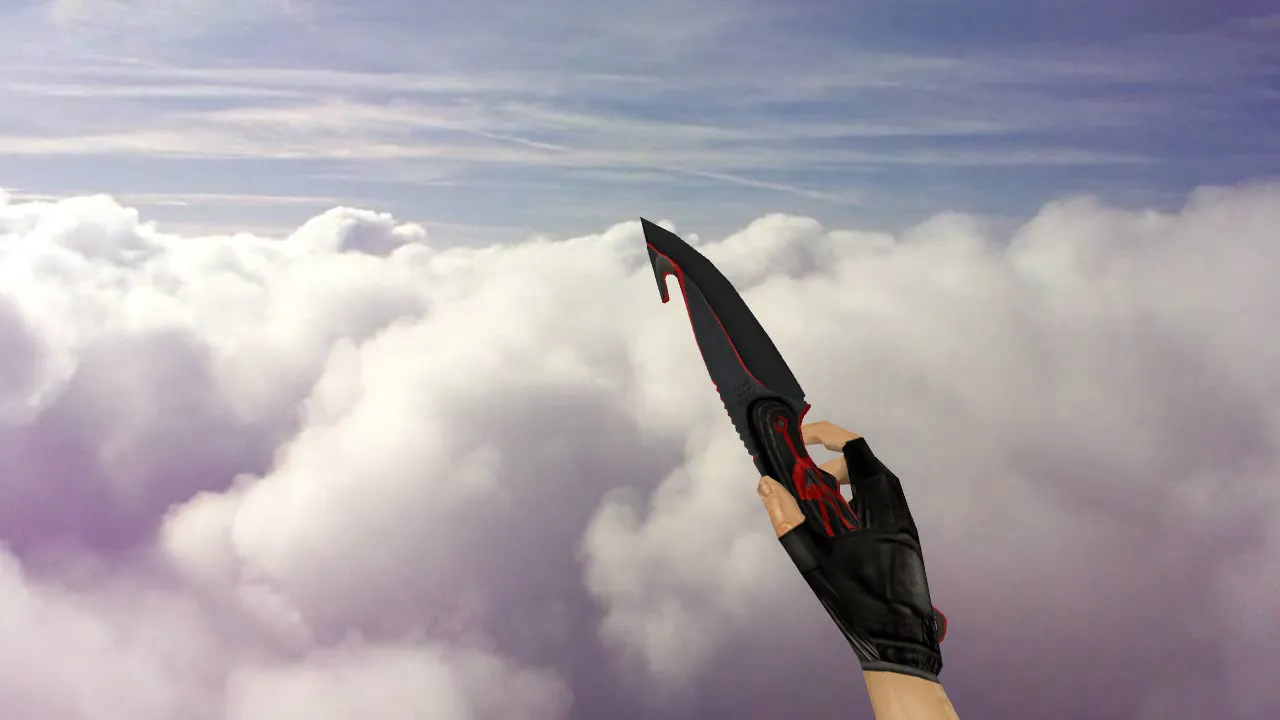
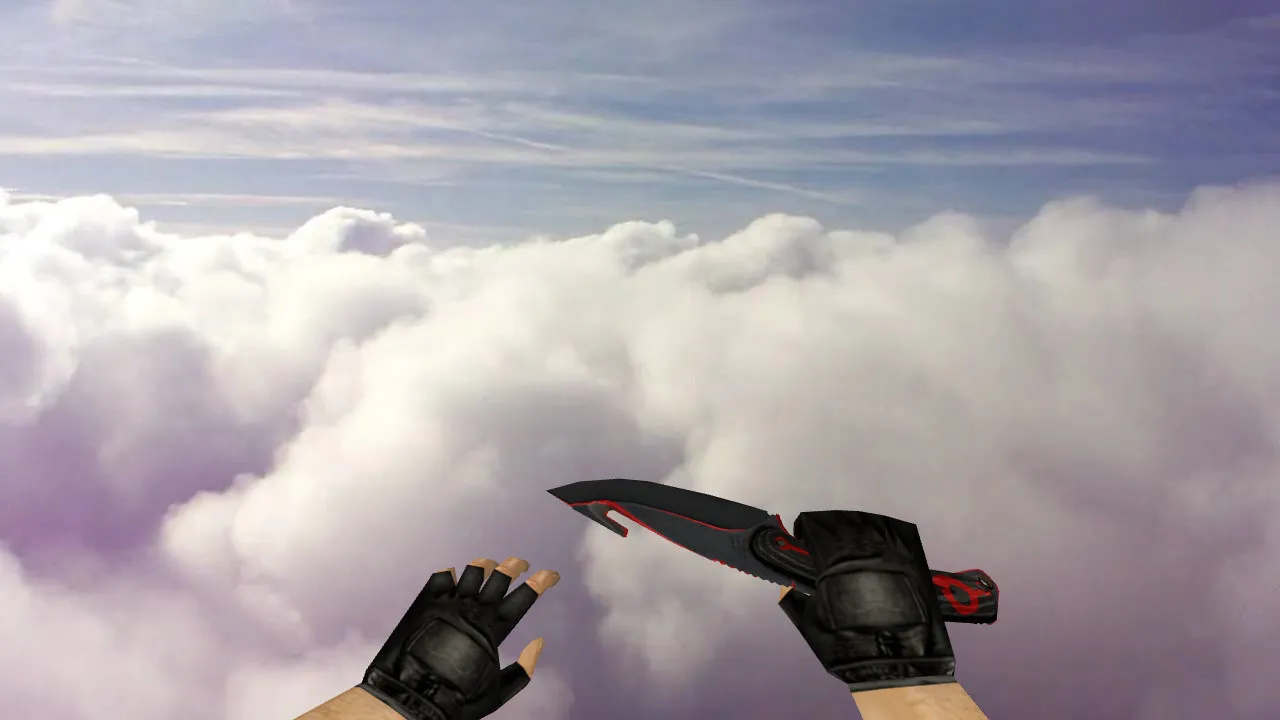
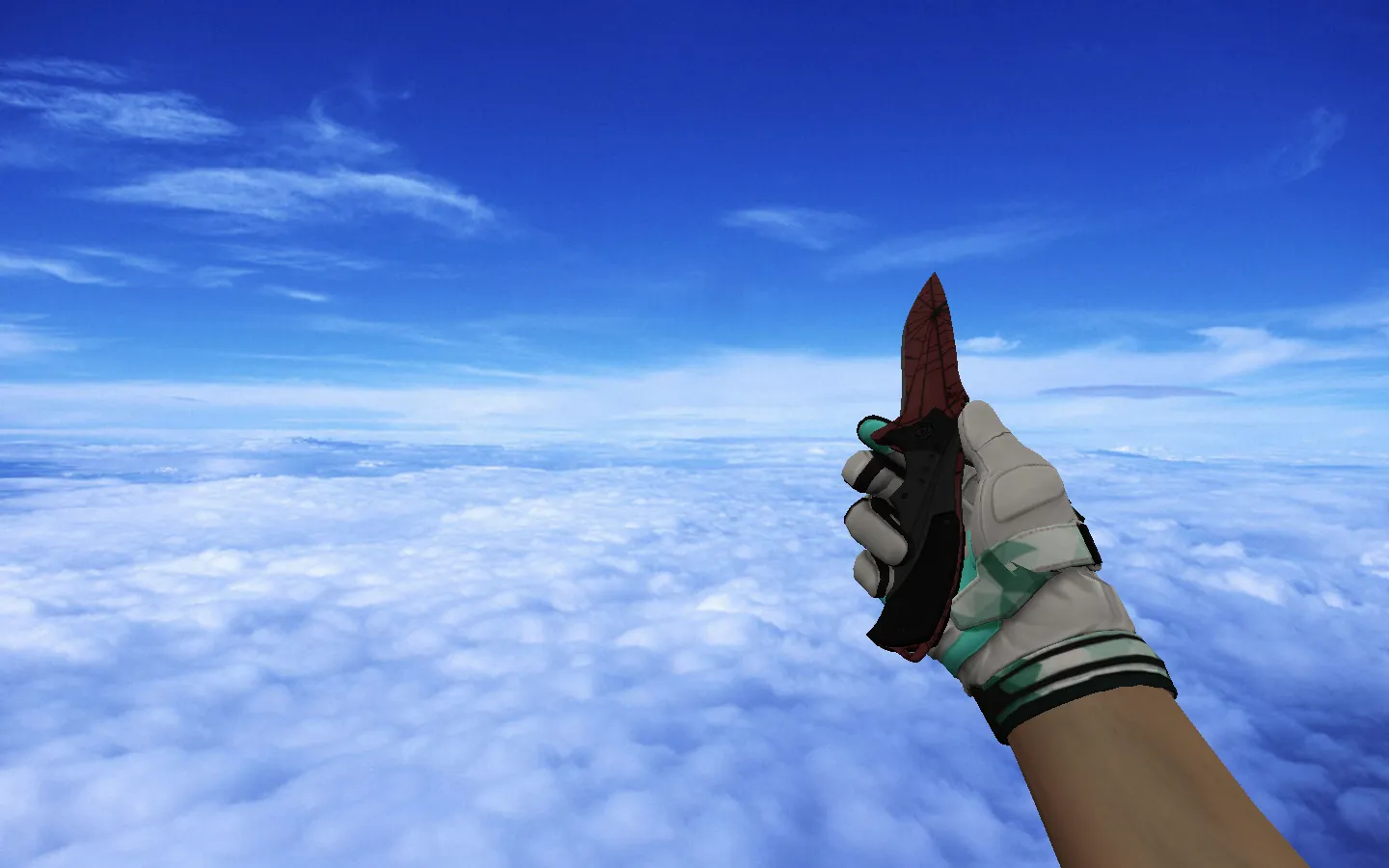
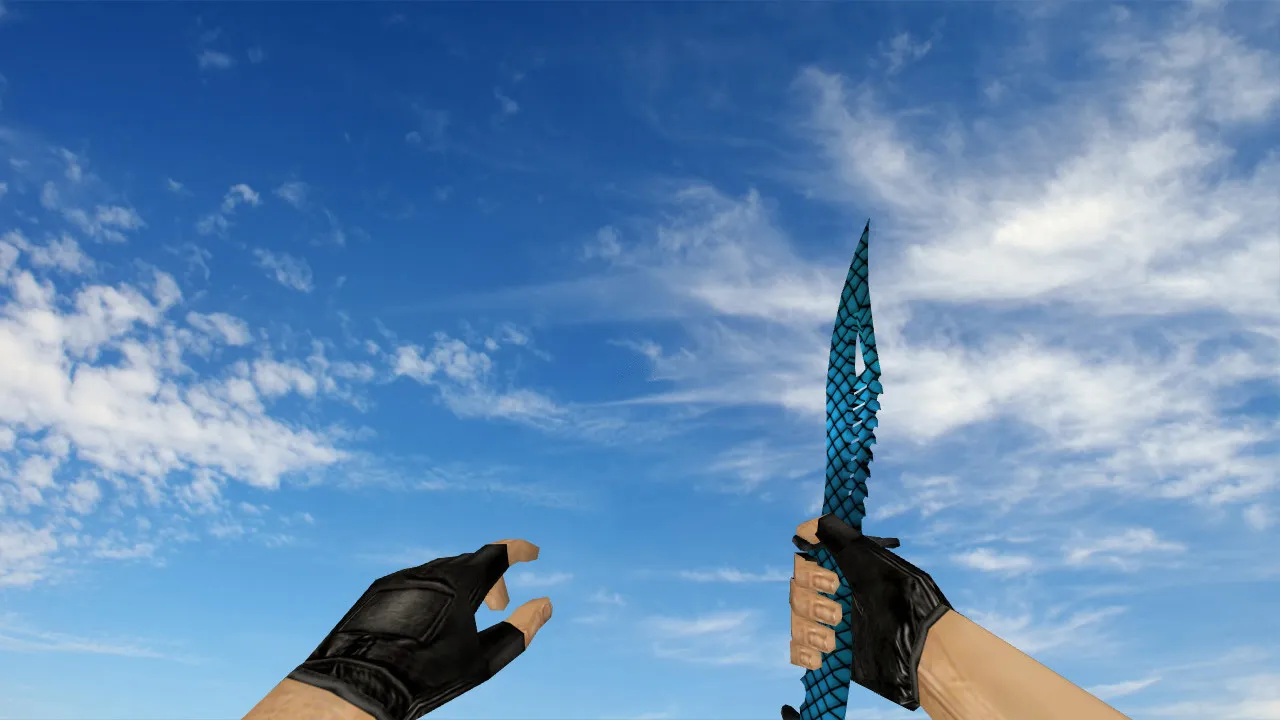
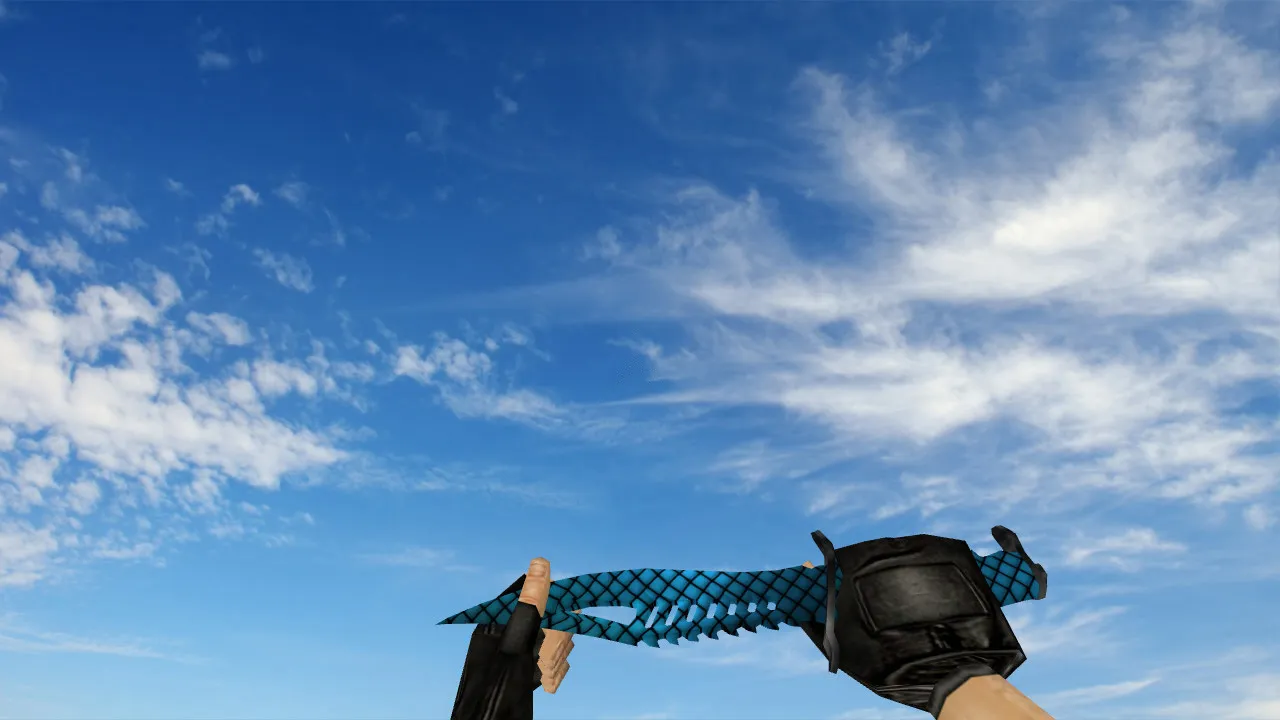
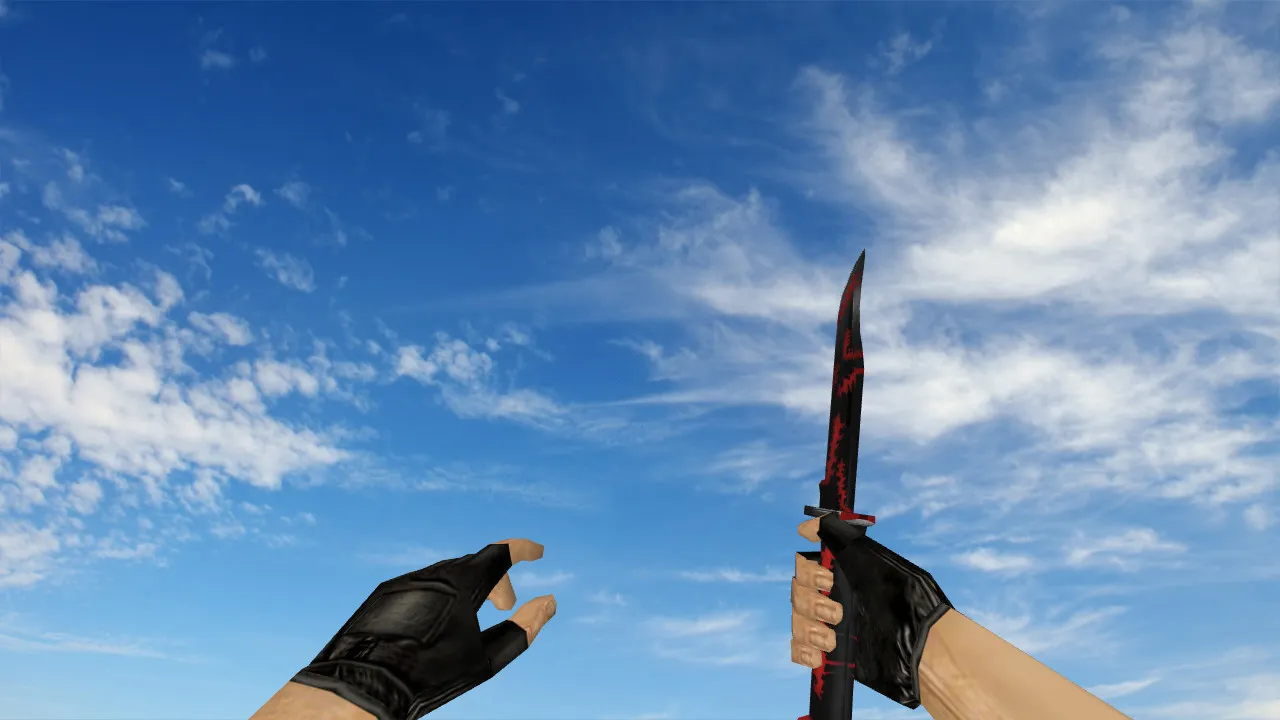
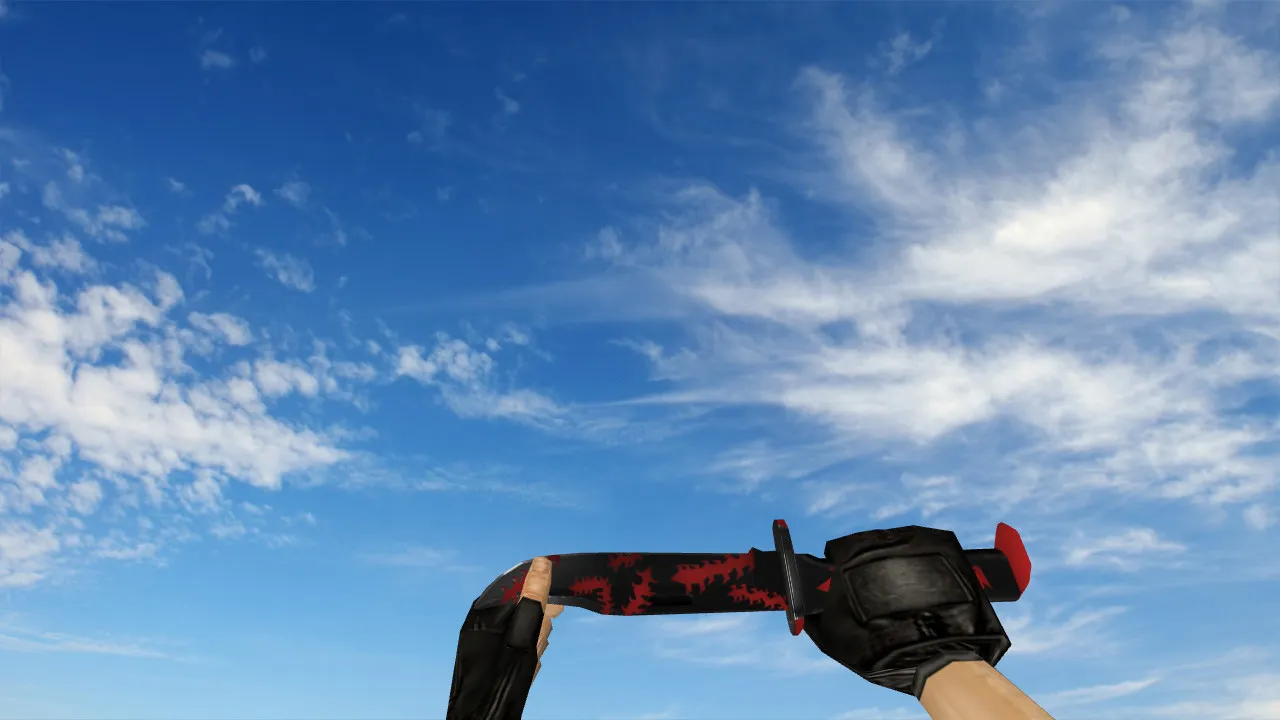
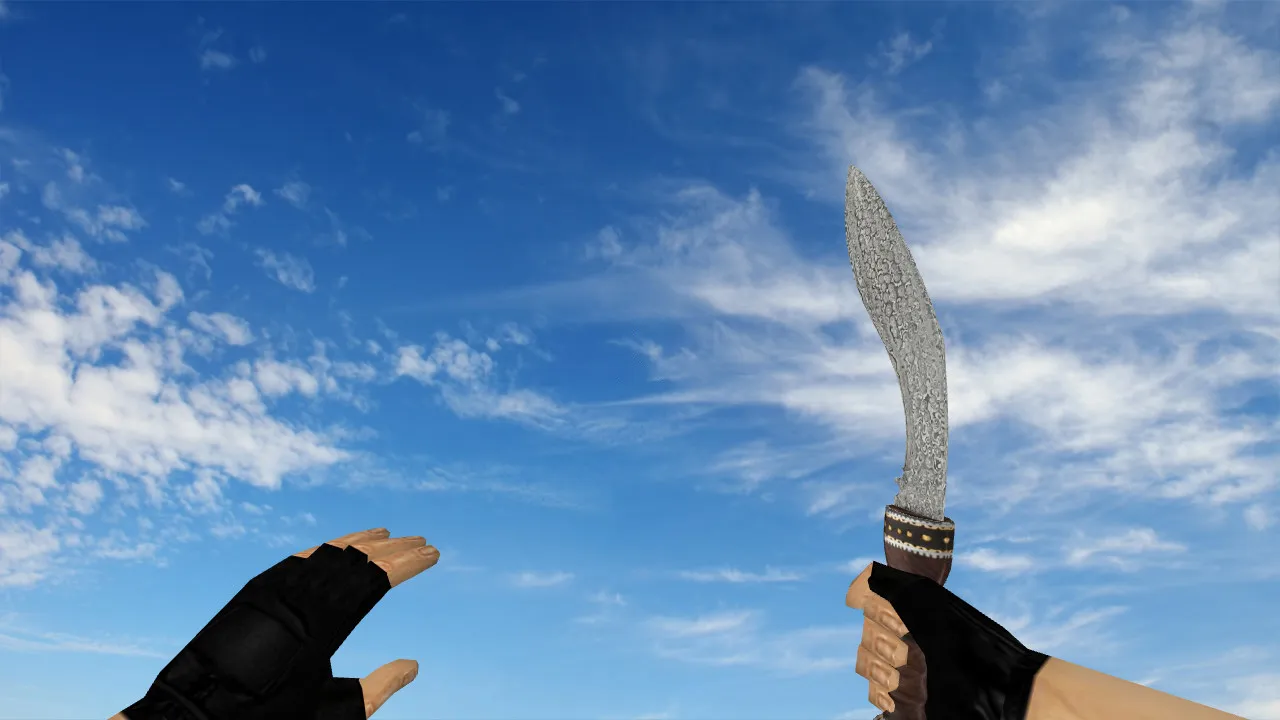
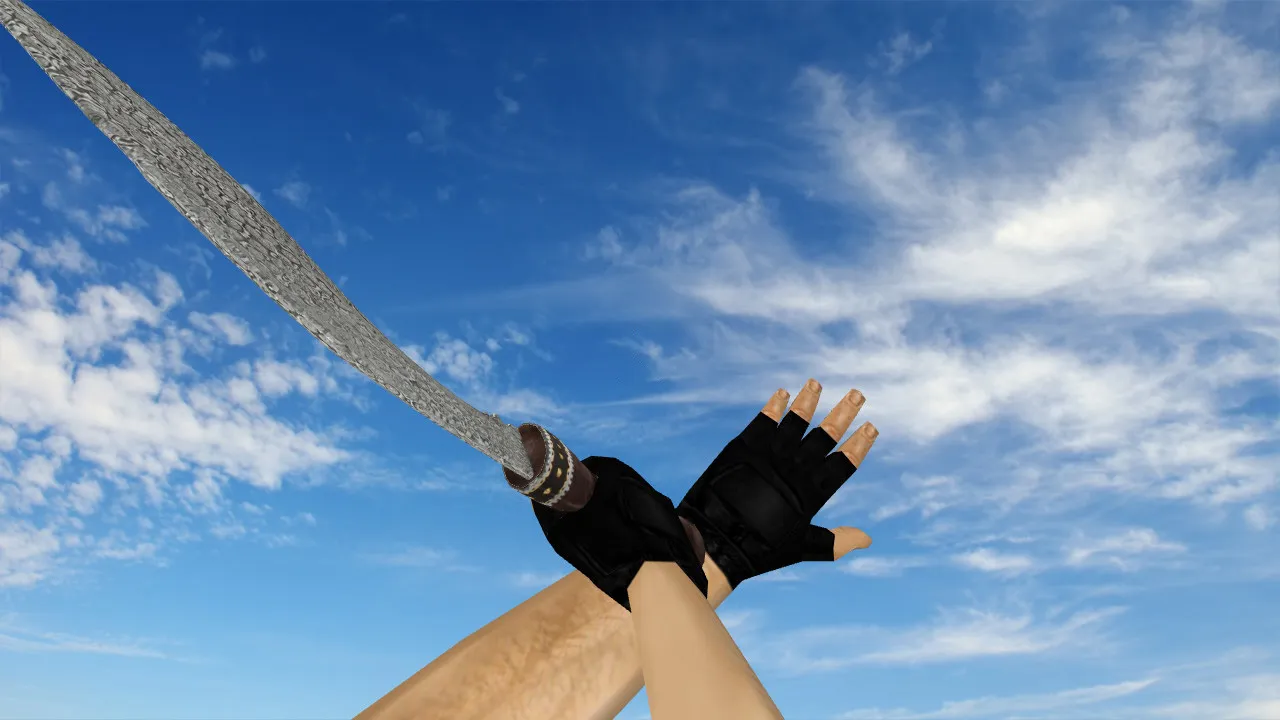
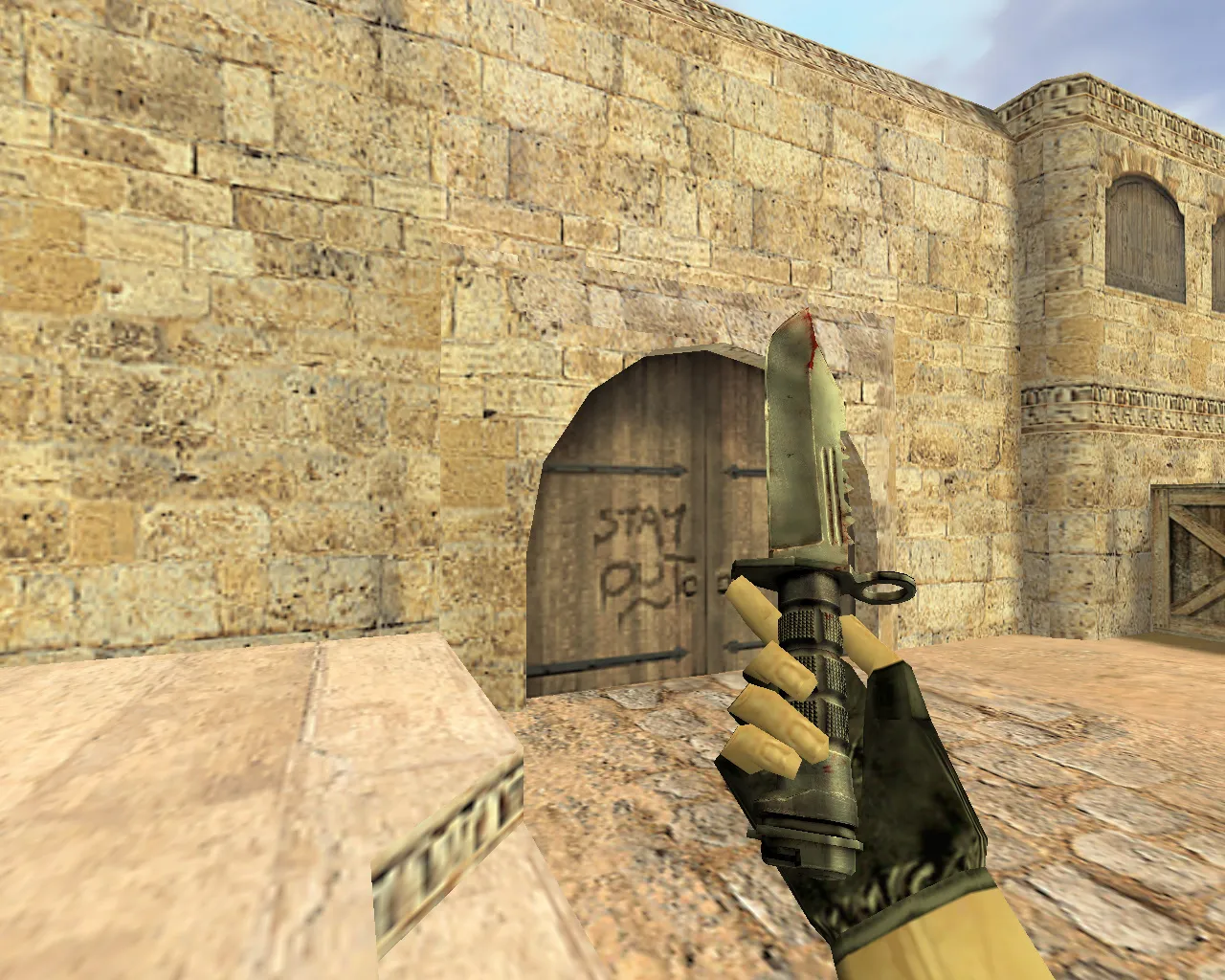
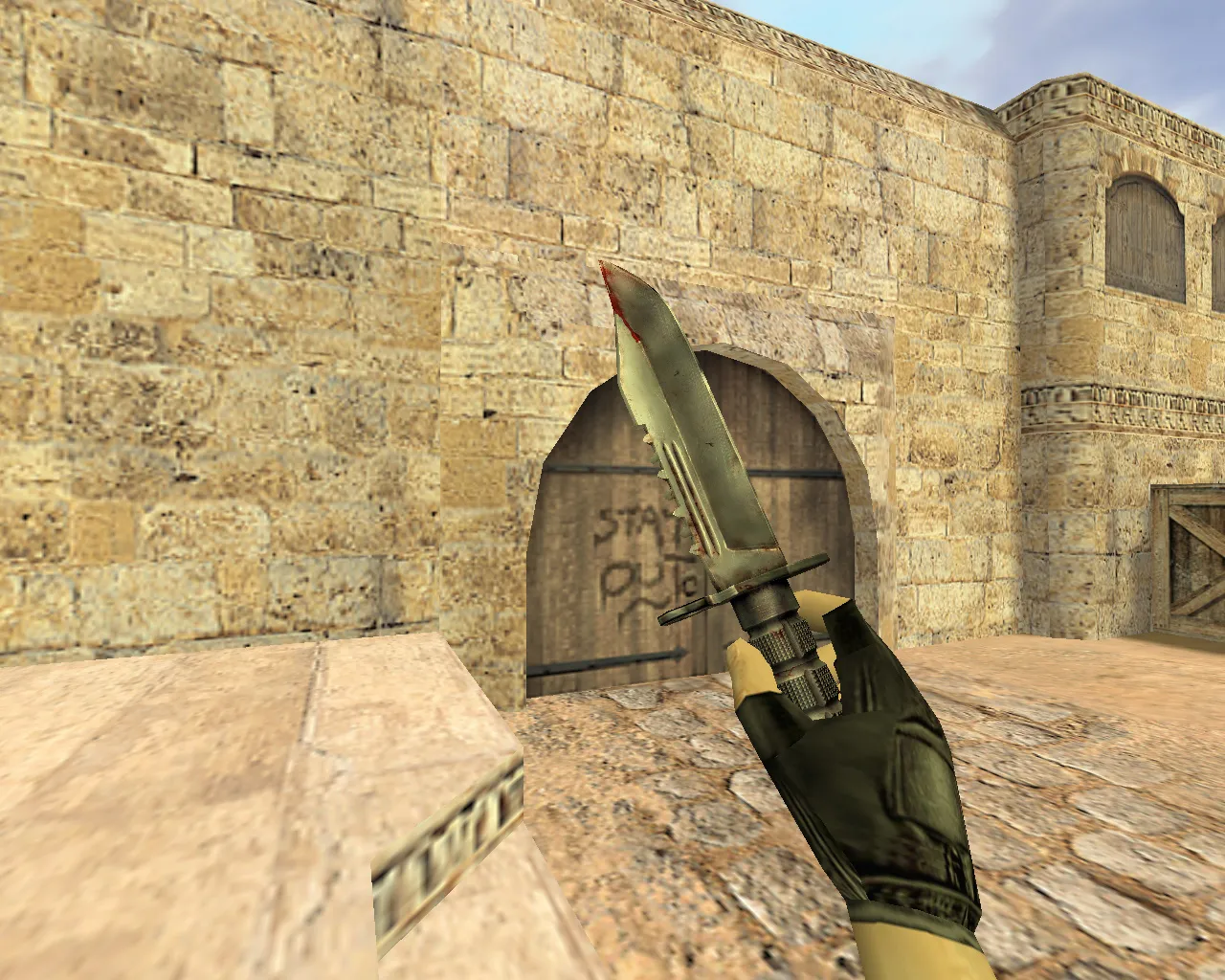
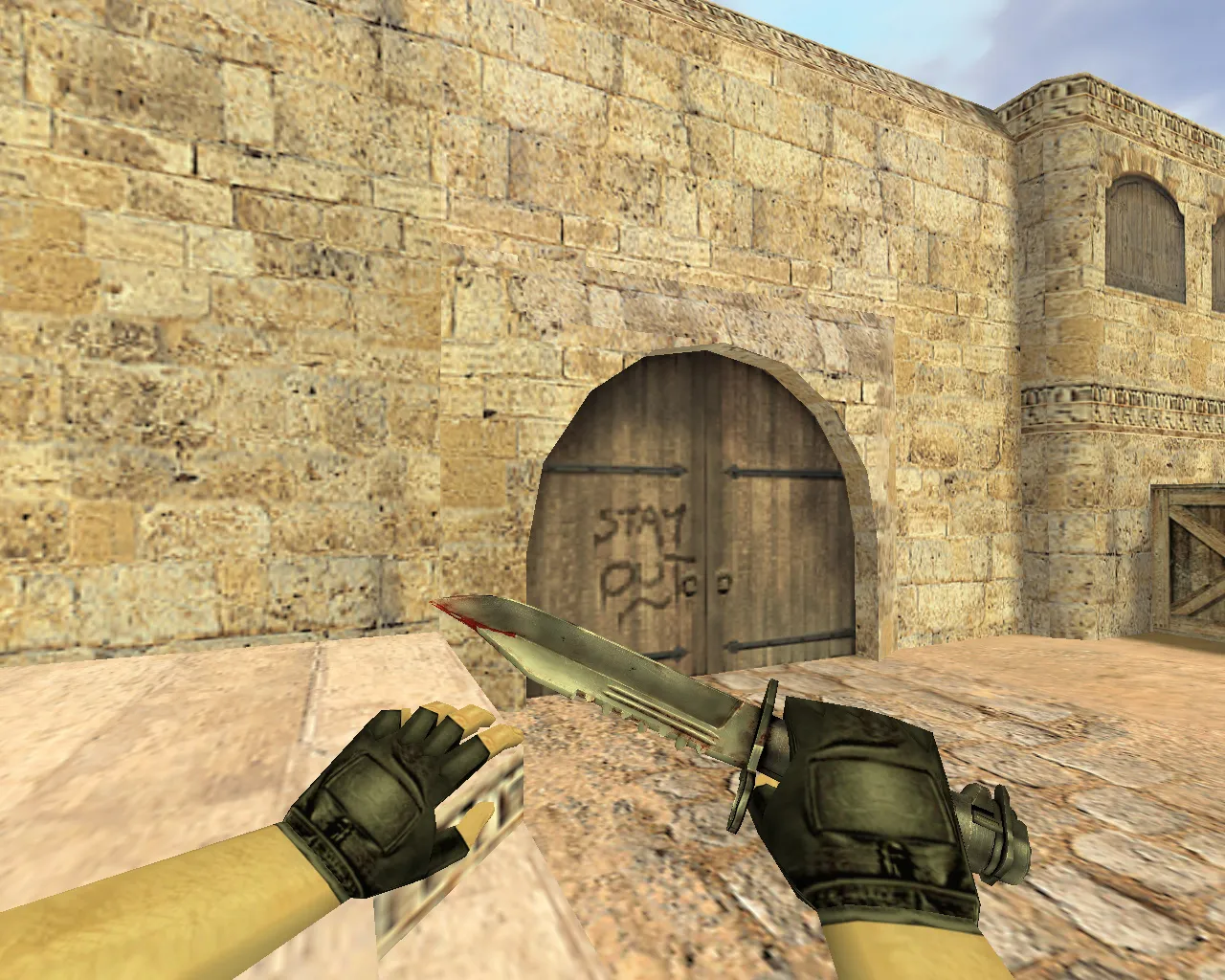
Lineika Knife Model for CS 1.6: v_ p_ w_ Files, Custom Sounds, Inspect Animations, HD Textures and Quality
Description
Lineika Knife Model for CS 1.6: Visuals and Performance In-Game
This Lineika knife model swaps out the standard blade in CS 1.6. The download package supplies the files needed for every perspective: v_ for the first-person viewmodel, p_ for third-person player visibility, and w_ for the world model lying on the ground. When installed correctly, the geometry prevents clipping, holds its form, and stays locked in position without drifting.
Audio integration is key for the knife. It connects to swing and movement sounds. A proper setup guarantees that hitbox impacts and animation transitions synchronize with the game's native audio cues, sharpening feedback during close-quarters engagements.
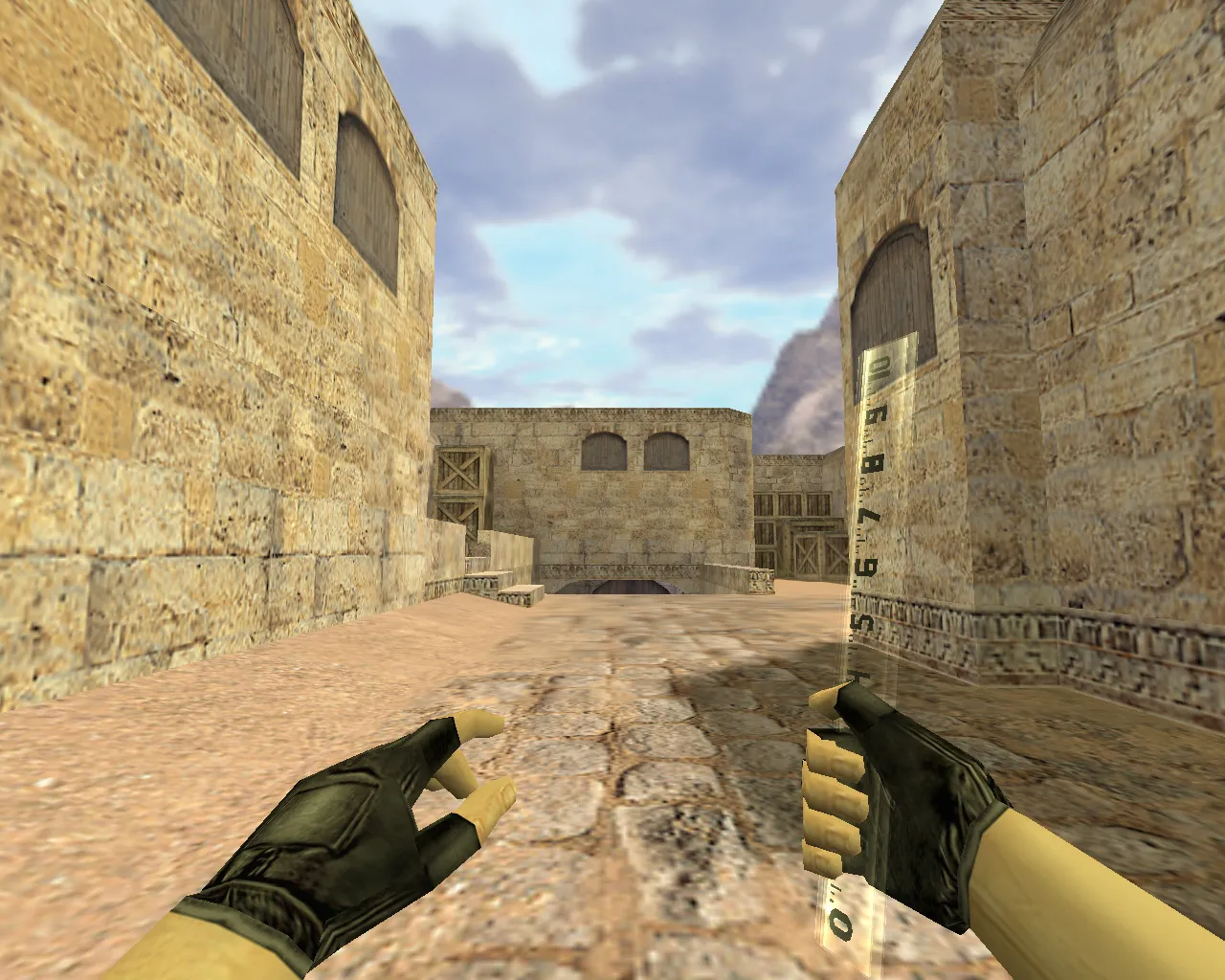
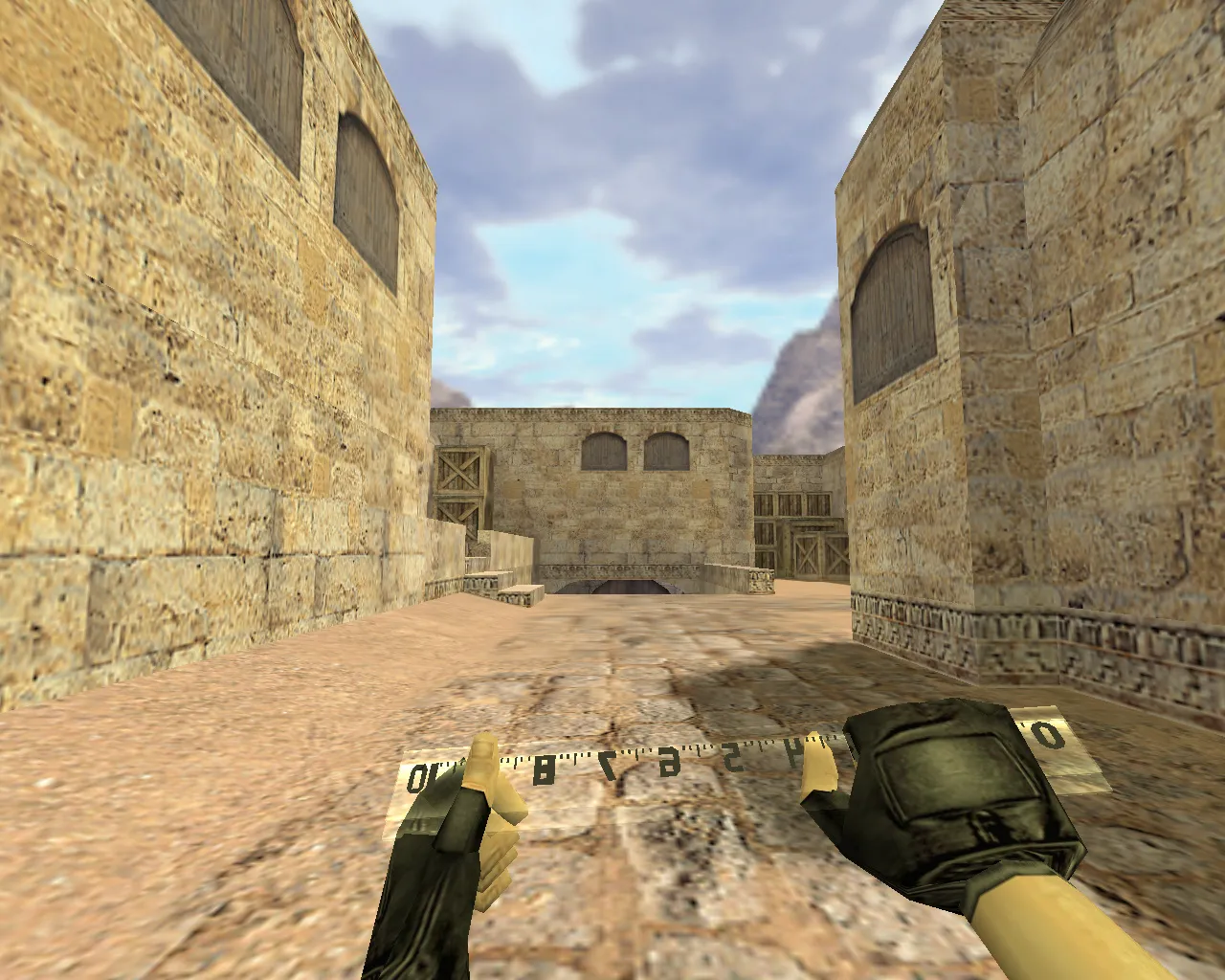
Inspect sequences are vital. In CS 1.6, these play when swapping weapons or performing inspection actions. Well-synced animations keep the knife stable during spins, showing a firm grip without stuttering or awkward pauses.
Texture quality affects performance. The Lineika knife requires crisp detail while moving. Clear visibility in dim map zones, such as the tunnels on de_dust2, is critical; low-res textures turn the silhouette into visual noise. During setup, confirm high-resolution textures-target 512x512 or higher-free of seam mismatches. This clarity shows during quick turns and aim-down-sight shifts.
The polygon count remains low, roughly 500–800 faces, ensuring smooth high-FPS play and preventing frame drops during intense knife fights. Hitbox alignment matches the blade geometry exactly, delivering consistent melee connections without invisible gaps.
Safe Installation Guide for Lineika Knife Model
Install manually without auto-connect scripts or external tools. No viruses, no ads, no configuration overwrites. Maintain a stable CS 1.6 environment-compatible with both Steam and Non-Steam builds such as 4554 or 8613.
- Back up the files being replaced: the models folder and config.cfg.
- Unpack the archive into your CS 1.6 models/weapons/v_knife.mdl directory.
- Verify that v_, p_, and w_ files are present.
- Add sounds and animations that follow the default knife structure inside sound/weapons.
- Start CS 1.6, test the knife in-hand, and check switching to melee.
If visual glitches appear after installation, examine the archive-incomplete sets cause partial rendering. A complete package resolves most problems, ensuring no conflicts with other modifications.
Hitbox Precision, Geometry, and Close-Range Handling
Knives require precision in CS 1.6 close combat, where landing hits and staying stable matter. Accurate model geometry and hand attachment provide predictable targeting every round. The Lineika’s blade profile aligns with hitboxes for reliable slashes and stabs.
Deploy it for aggressive pushes on choke points like de_inferno’s banana. It fits eco rounds demanding rapid corridor control. Balance is key: knives excel in speed for short bursts, not long range; pair with a clean config for no-recoil pistol rushes.
On ESL-style servers, the model’s low-light visibility gives an edge in knife duels. Custom inspect animations add fluidity, replicating pro-style twirls without lag.
Post-Installation Verification
- First-person view: No offsets or twitching during inspection.
- World model: Form intact, no clipping or stubs.
- Audio: Strikes play normally, no silence or extra clicks.
- Textures: Sharp, no blurring or distortion.
- Dark areas: Silhouette clear, details visible without washout.
Once checks pass, the Lineika integrates seamlessly for daily use. In CS 1.6, stability beats flash-run it without surprises or mod clashes. For bot compatibility, it works with .nav files on maps, though the focus remains on player melee.
Upgrade your knife game with this model: low polycount keeps 100+ FPS even on older rigs, and HD textures pop under dynamic lighting. Test in deathmatch for hit registration feel-tune your binds for faster swaps.
Install in three steps
-
1
Download the archive. Use the button on the right, or the Yandex.Disk mirror if the main server is slow.
-
2
Extract it into the game folder. Use 7-Zip or WinRAR. A path without non-Latin characters works best.
-
3
Launch the game. If something doesn't work, mark it below - that is how we know the file needs an update.
Did it work for you?
No sign-up needed. You can pick more than one.