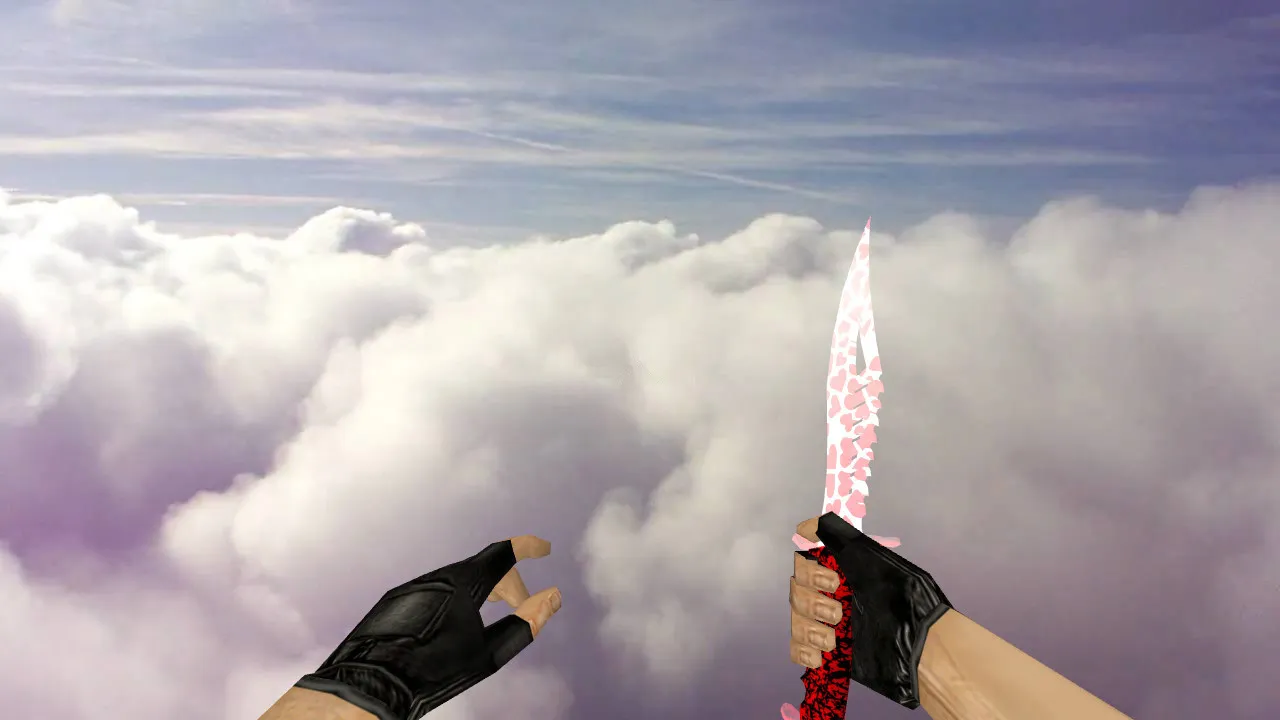
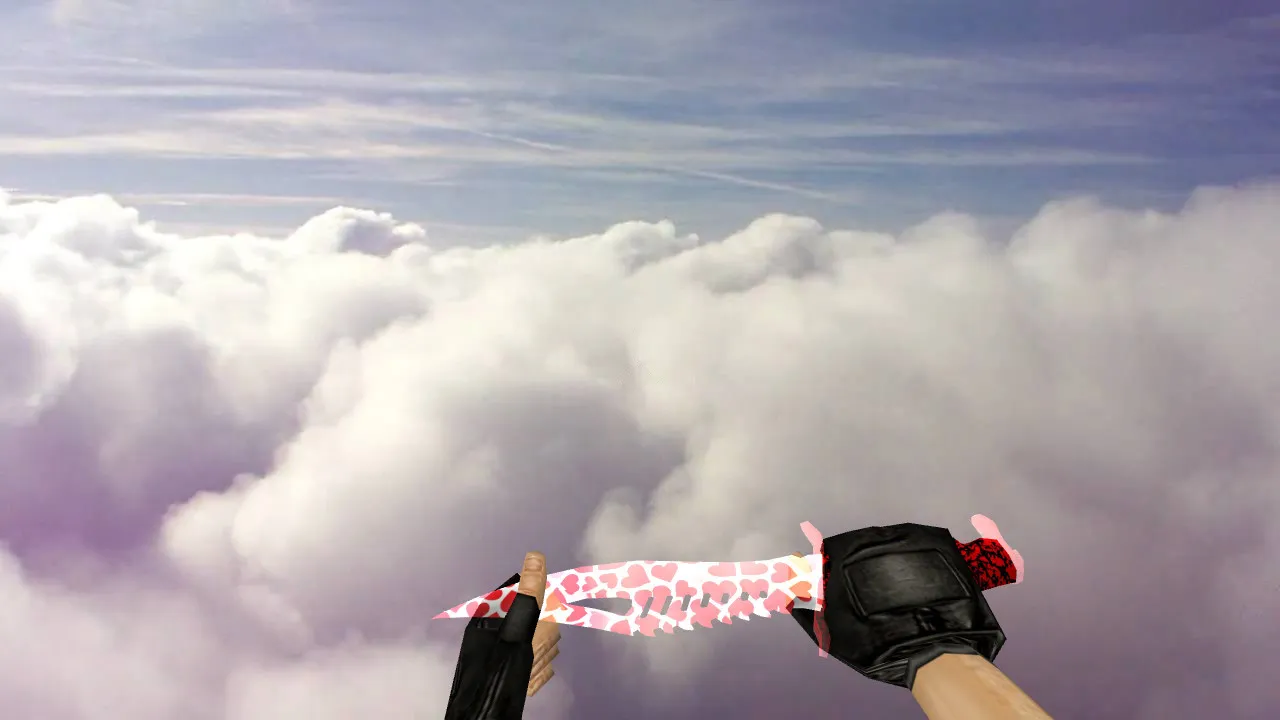
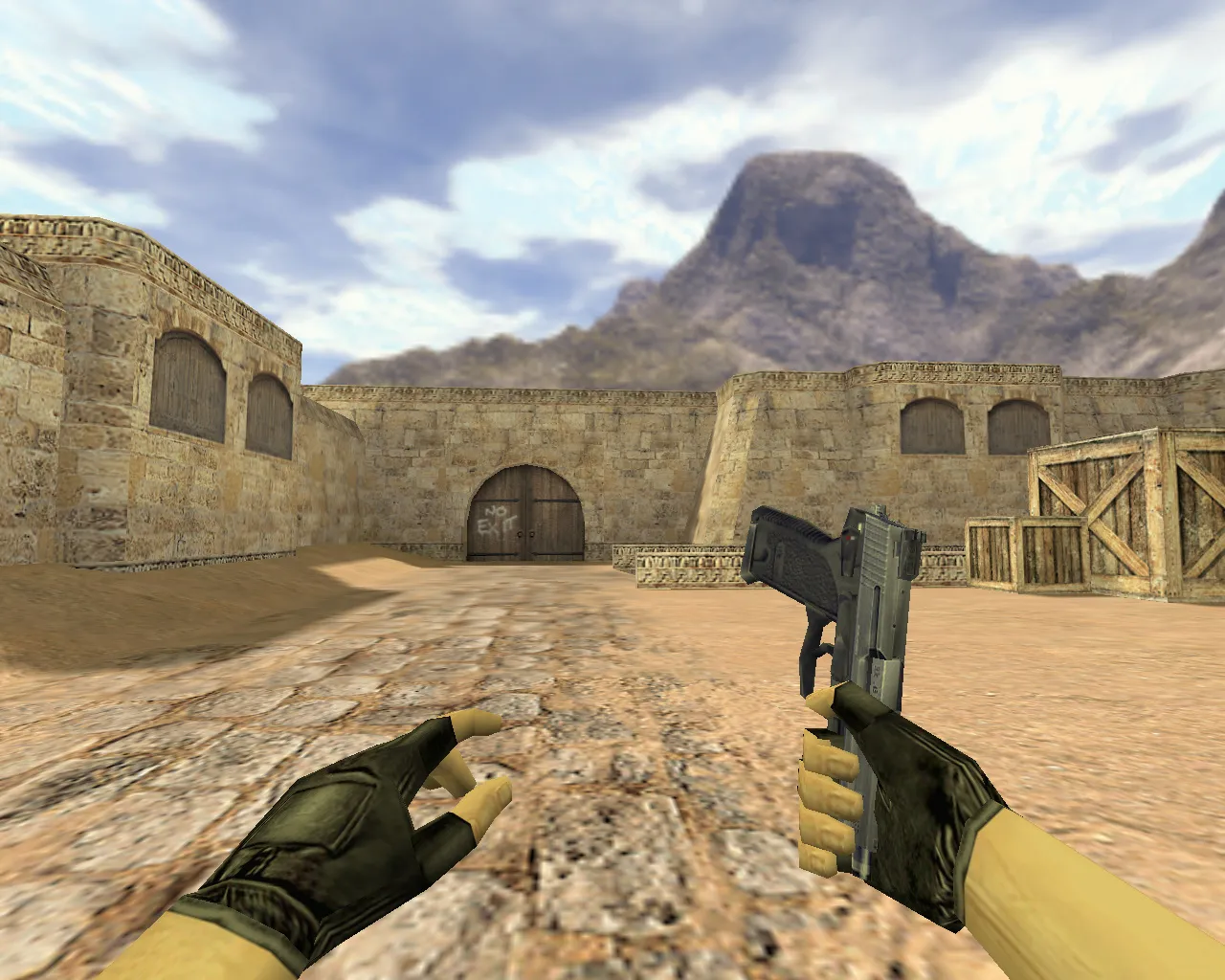
Bloody M9 Knife Model for CS 1.6: v_ p_ w_ Files with Sounds and Inspect Animation
Description
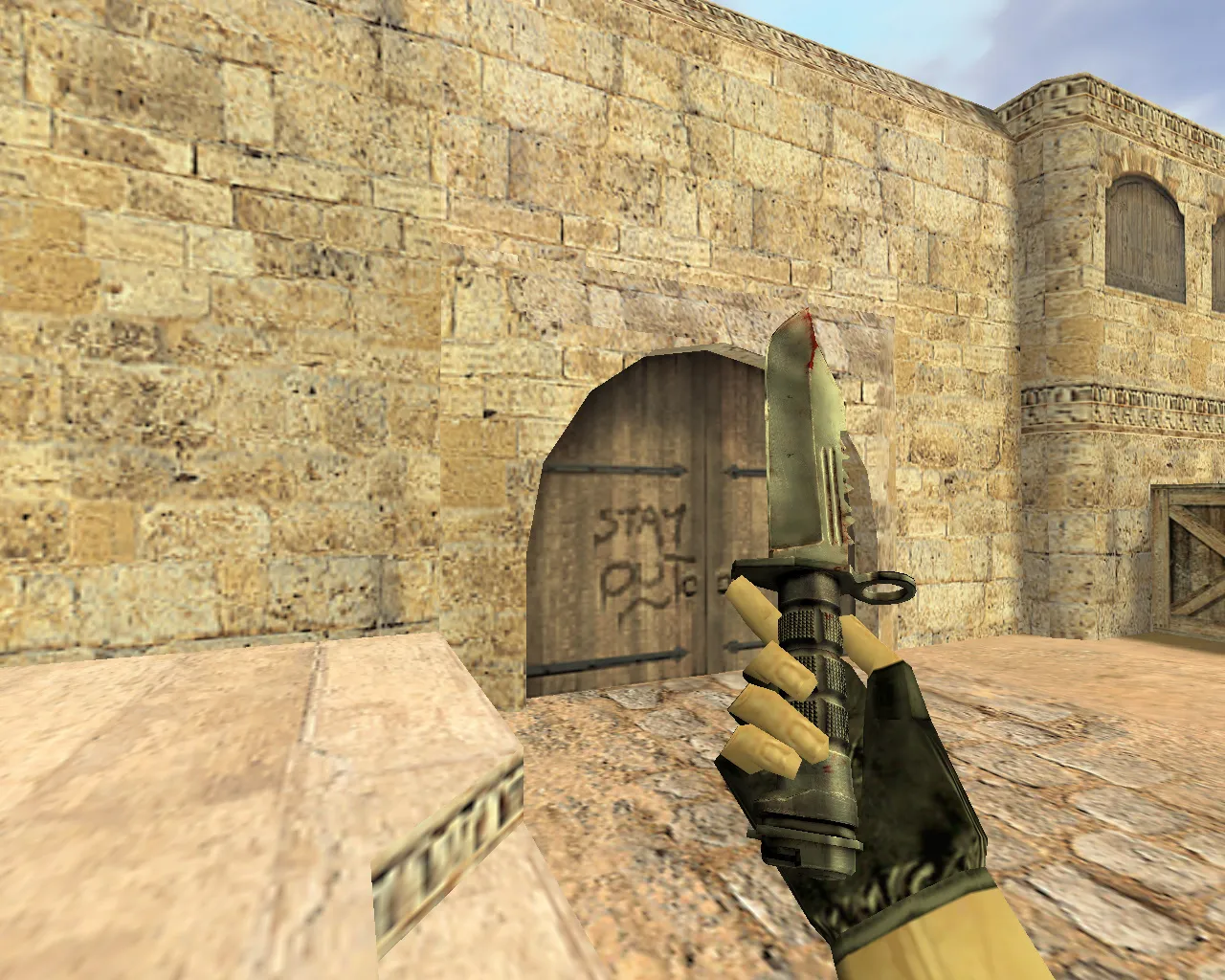
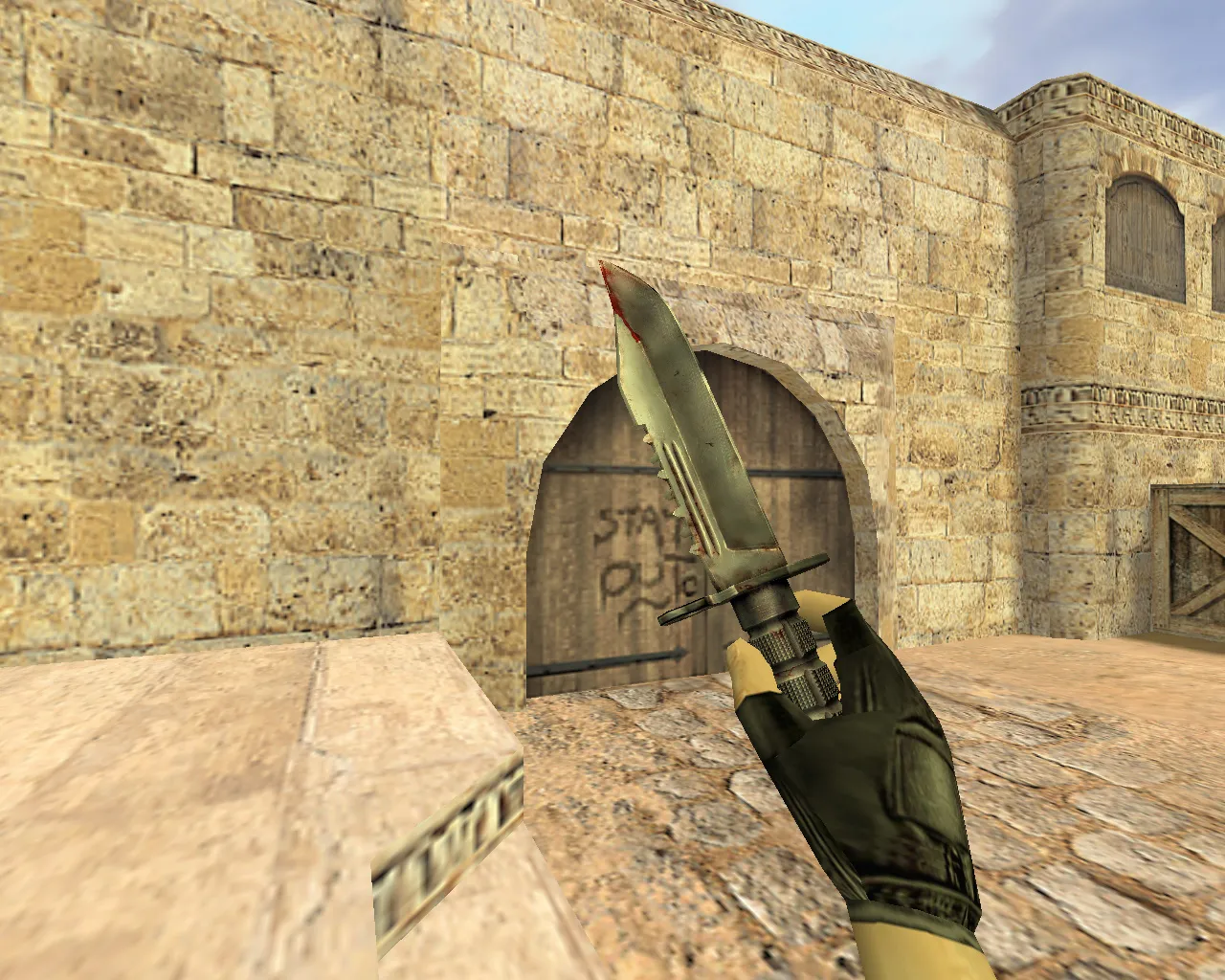
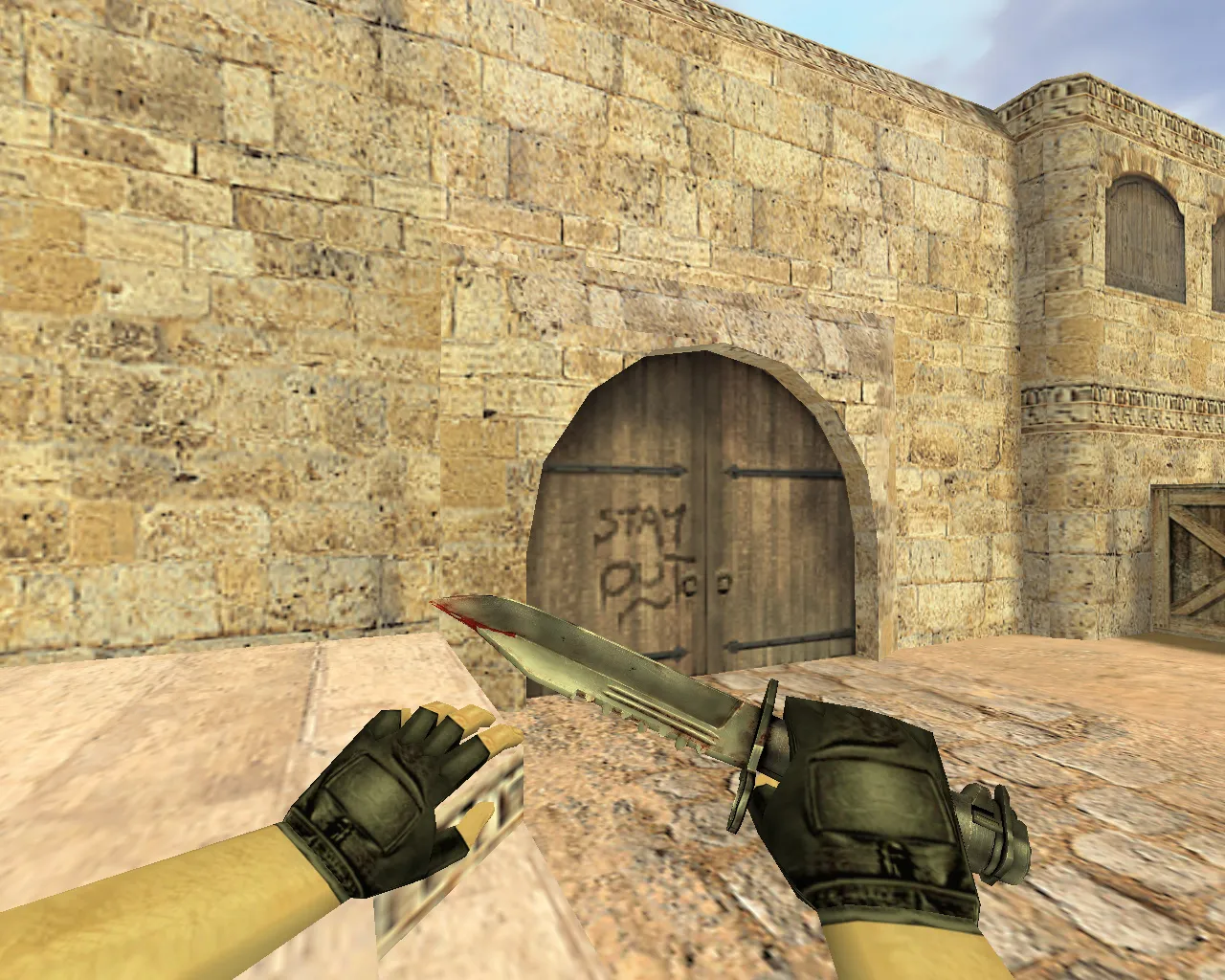
Bloody M9 Knife for CS 1.6: v_ p_ w_ Models and Precise Handling
The M9 knife in CS 1.6 suits fast-paced action. Players keep it equipped, so details count: the model must read clearly while moving, the inspect animation needs to run smoothly, and sounds have to sync with switches. This Bloody M9 model matches the CS 1.6 format and supplies the complete set: v_ for first-person view, p_ for third-person view, w_ for world view. The knife appears consistent from every angle.
The bloody style prevents it from blending into clutter. Textures keep their shape at distance and up close. Colors do not conflict with weapon backgrounds. During round tempo, the knife remains visible without obstructing aim. This matters when checking corners, tracking targets, or timing rushes-not staring at extras.
- v_ model - first-person view for a clean inspect animation and proper knife grip
- p_ model - third-person view for a consistent look in demos and spectate
- w_ model - world view to stop texture breakup
- inspect animation - tested for smoothness and correct frames while viewing
- sounds - timed for knife switches and actions, no lags or desyncs
- texture quality - focus on detail clarity during rotations and light changes
How It Impacts Gameplay
The knife does more than change looks. It shapes the feel of play. A clean model keeps the hand and body steady. Inspect stays on time. Switches hit the expected beats. Less distraction means a quicker return to aim.
In CS 1.6 dynamics, model interaction with events requires precision. Hitboxes must match the shape, or the visual outline will not match behavior. This model aligns to the standard for predictable knife movement and position changes. You gain control, not randomness.
Polycount stays low for high-fps performance, even on intense servers. Hitbox alignment ensures slashes register true to the bloody blade’s form. No recoil tweaks are needed-the knife stays pure to vanilla mechanics.
Safe Installation Guide
Install via client folders, no auto-connect or extra scripts. Use only the model files. Verify the archive contains CS 1.6 formats: v_, p_, w_. If custom knives already exist, back up the old files for a quick revert.
Restart the client after swapping. Enter training, test the knife inspect, check switch sounds, view in world. If it matches, keep it. Spot issues? Restore backups and check the folder structure.
Safety first: no viruses, no slow-hacks, no ads, no auto-connect. Files are clean for Steam or Non-Steam. Compatible with Build 4554 and later, works on MasterServer protected servers. Pair with a clean config.cfg for best results.
Pre-Match Checks
- Knife inspect: frames without jerks
- Sound: switches and actions without delays
- Textures: no blur, details don’t smear
- World view: w_ model clear at distance
- Third-person view: p_ model holds on turns
This Bloody M9 model suits CS 1.6 players wanting a strong look that runs standard. Just model files with solid in-game delivery. Download and equip for edged precision in every rush.
Install in three steps
-
1
Download the archive. Use the button on the right, or the Yandex.Disk mirror if the main server is slow.
-
2
Extract it into the game folder. Use 7-Zip or WinRAR. A path without non-Latin characters works best.
-
3
Launch the game. If something doesn't work, mark it below - that is how we know the file needs an update.
Did it work for you?
No sign-up needed. You can pick more than one.