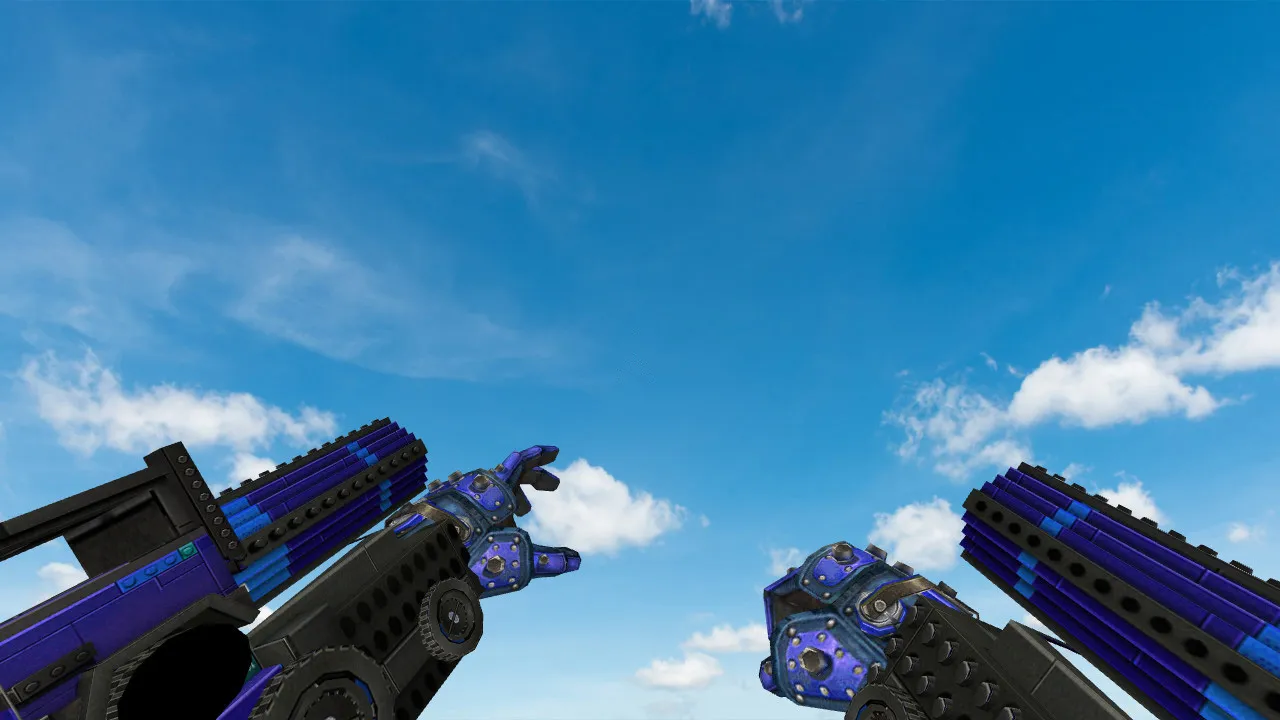
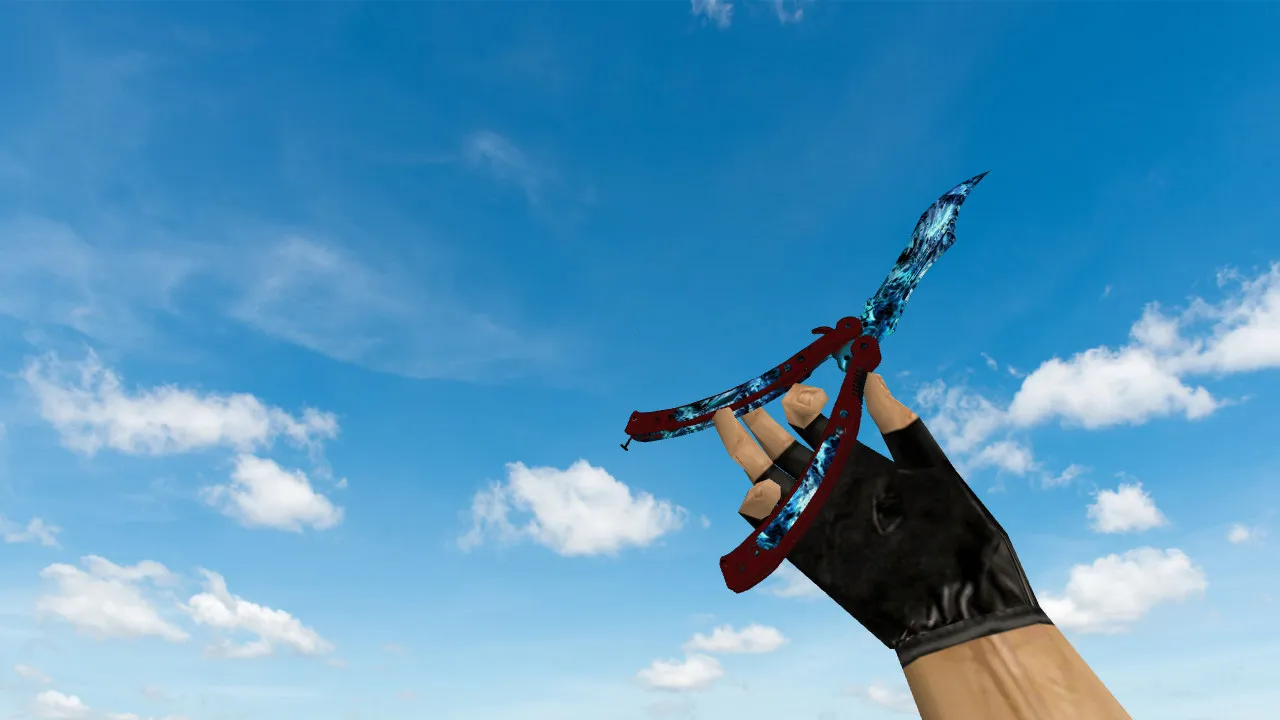
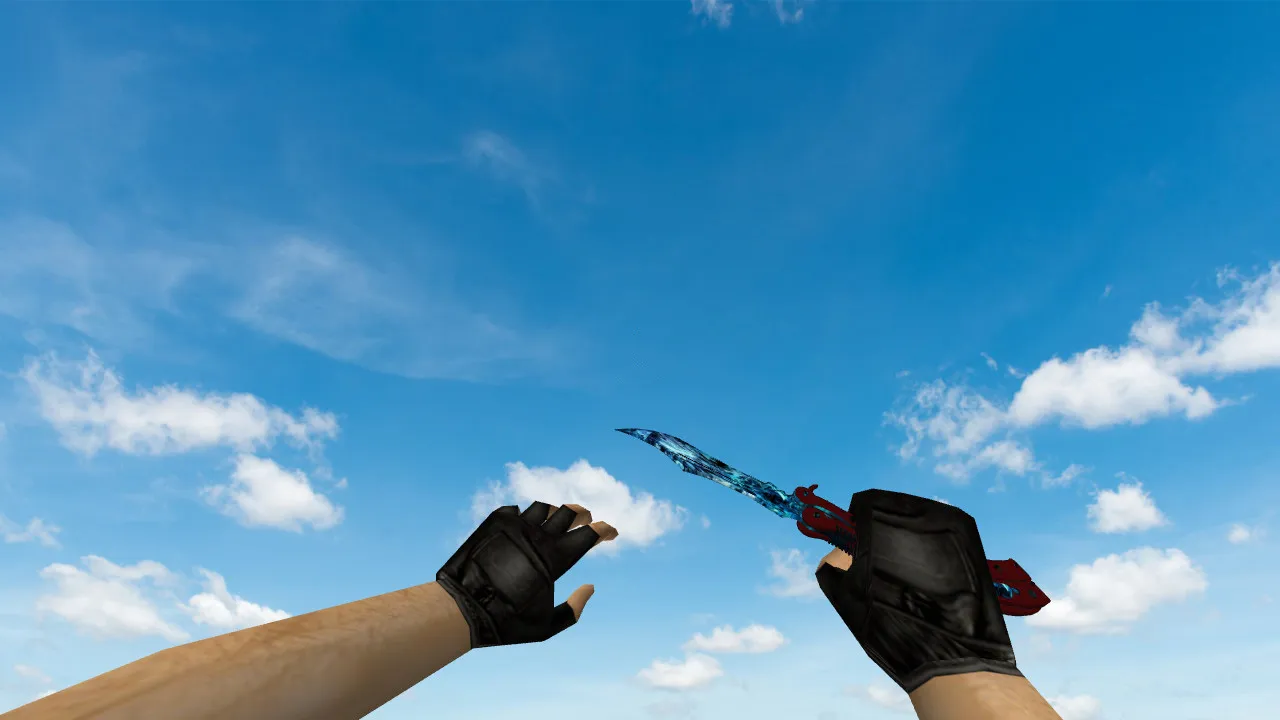
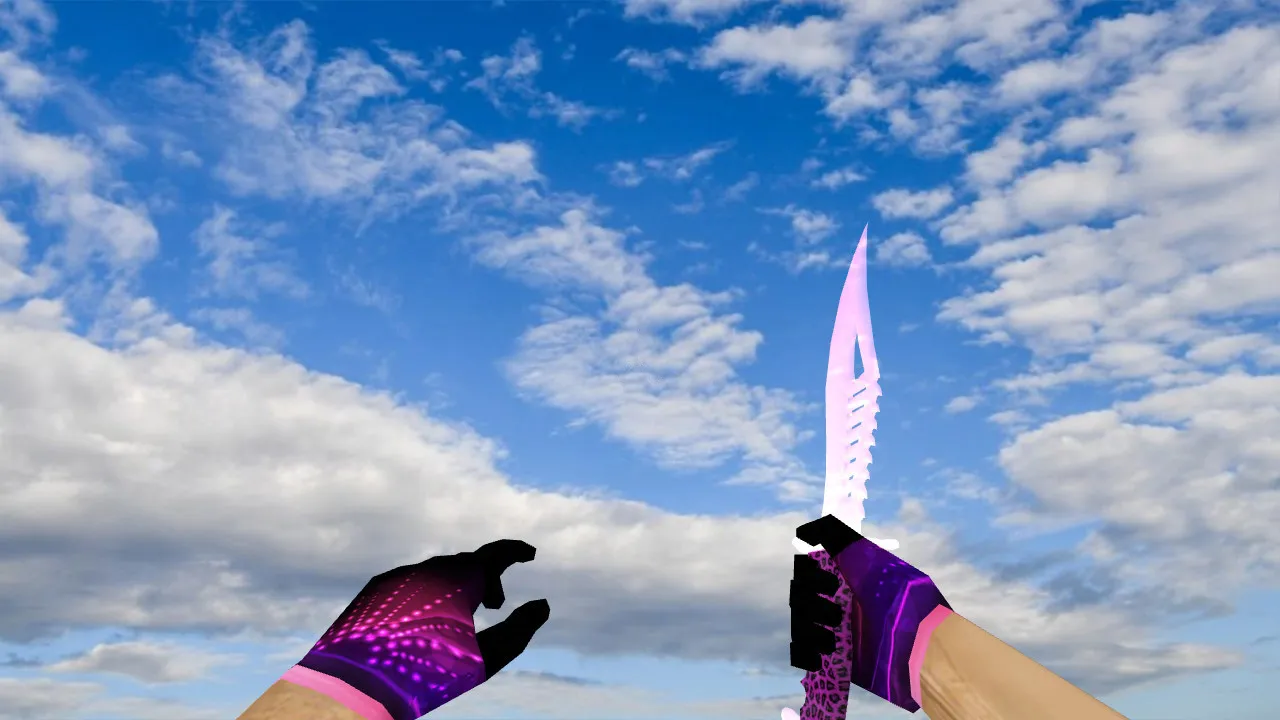
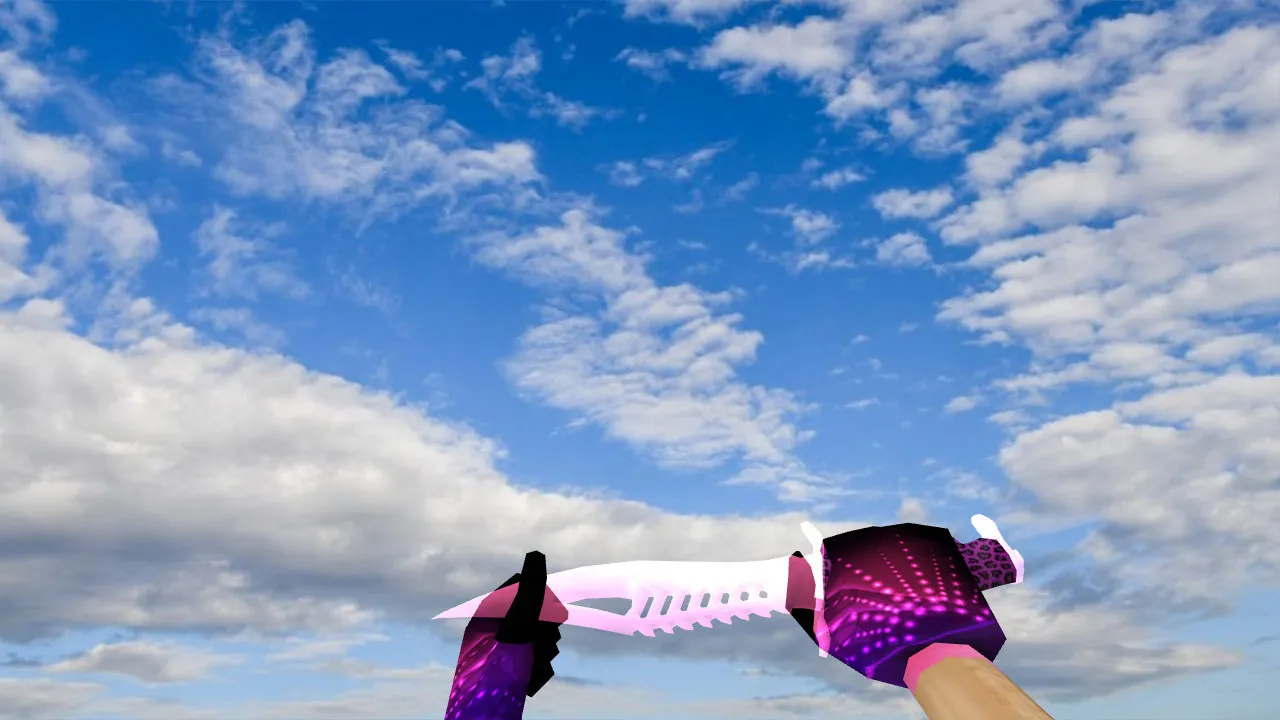
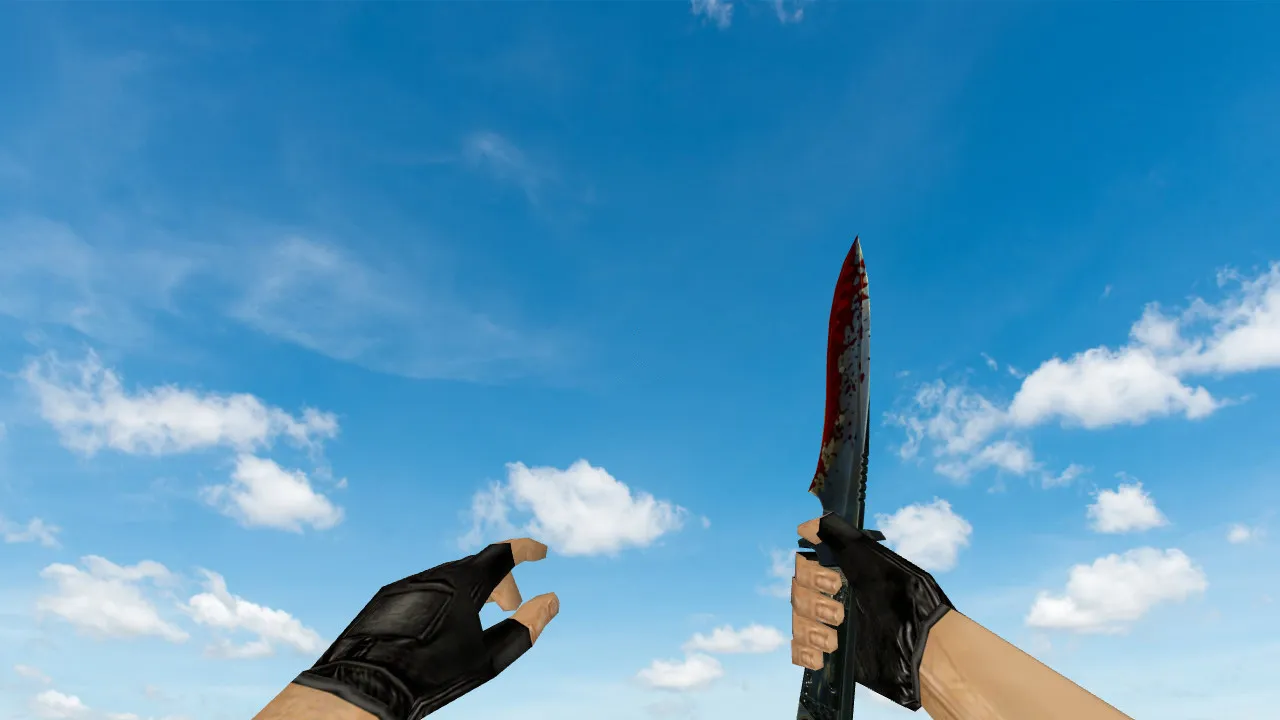
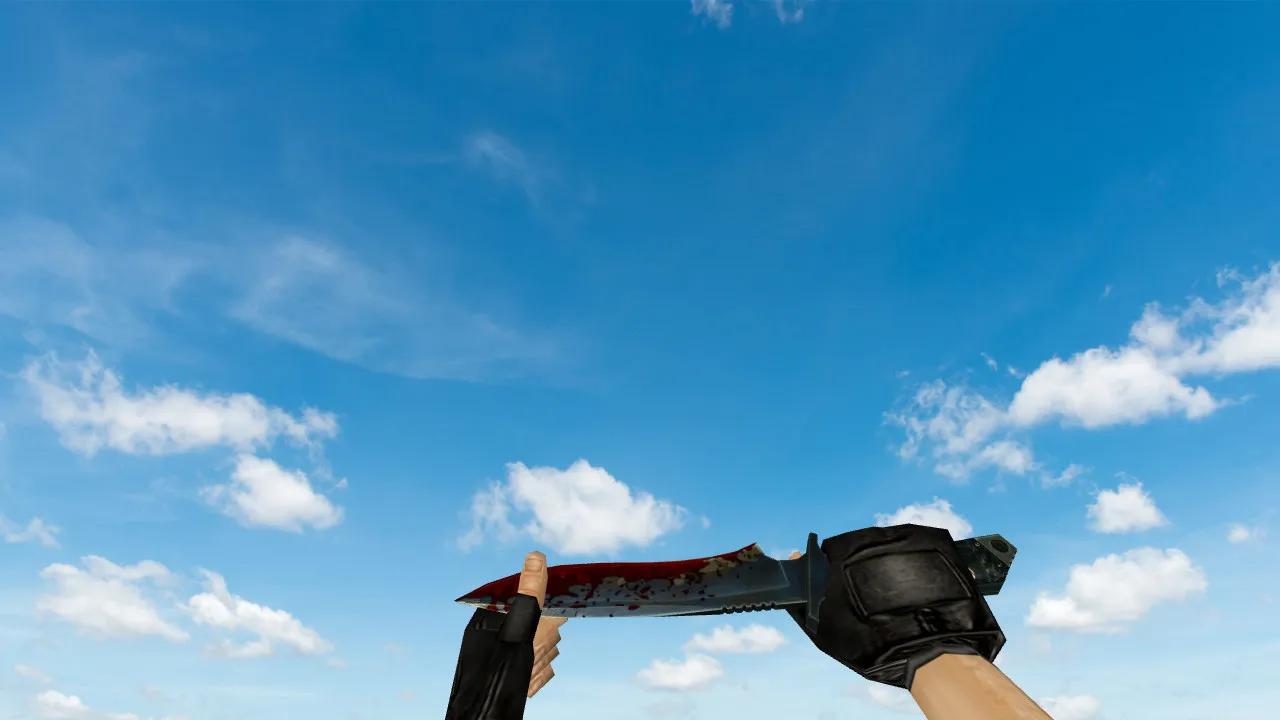
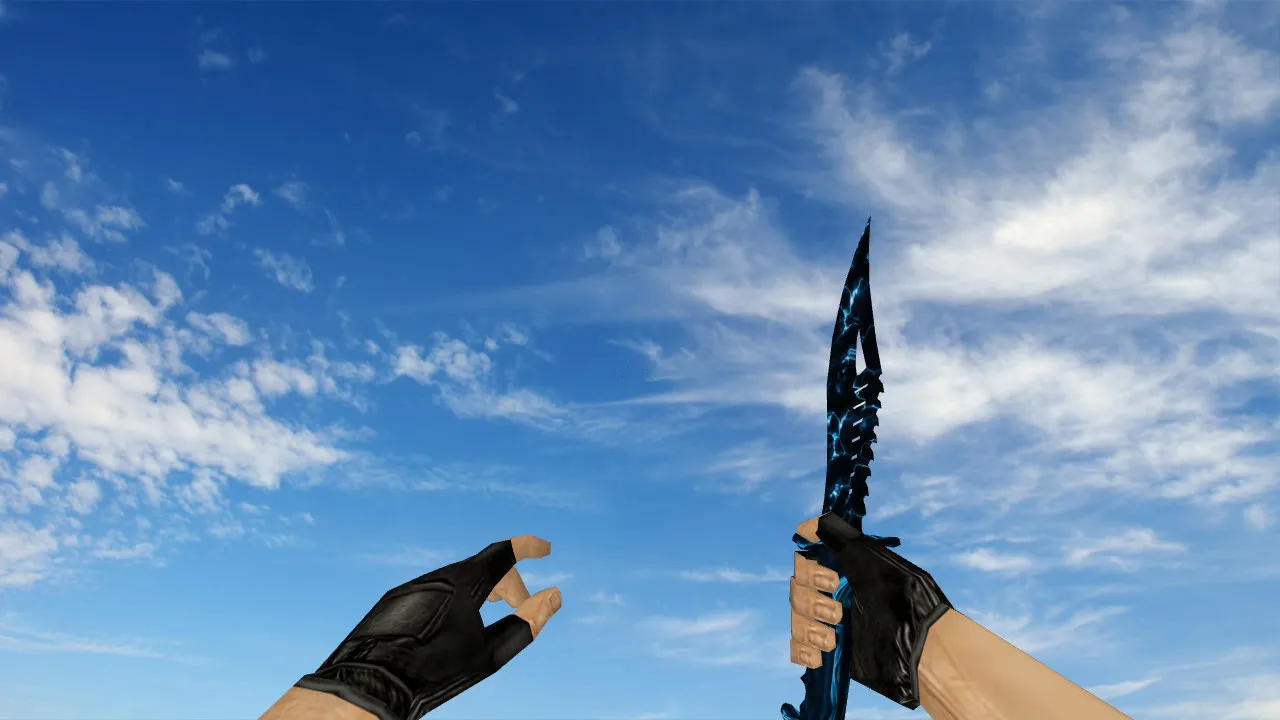
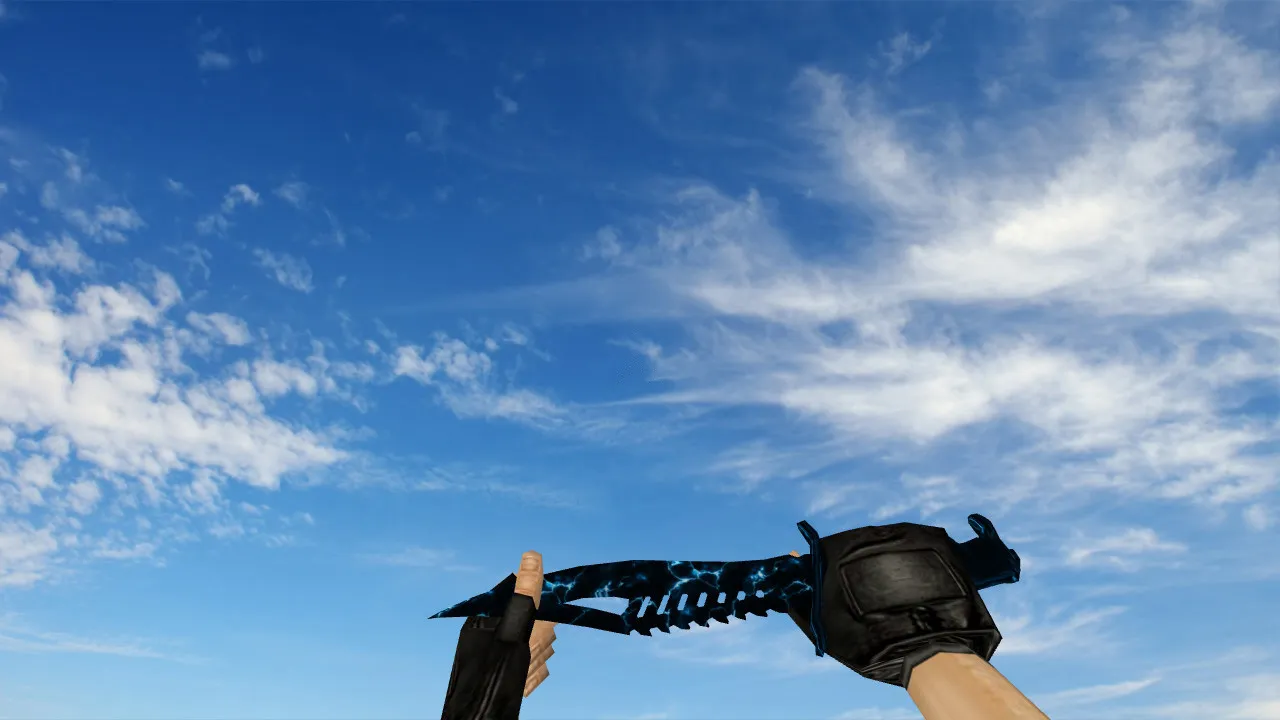
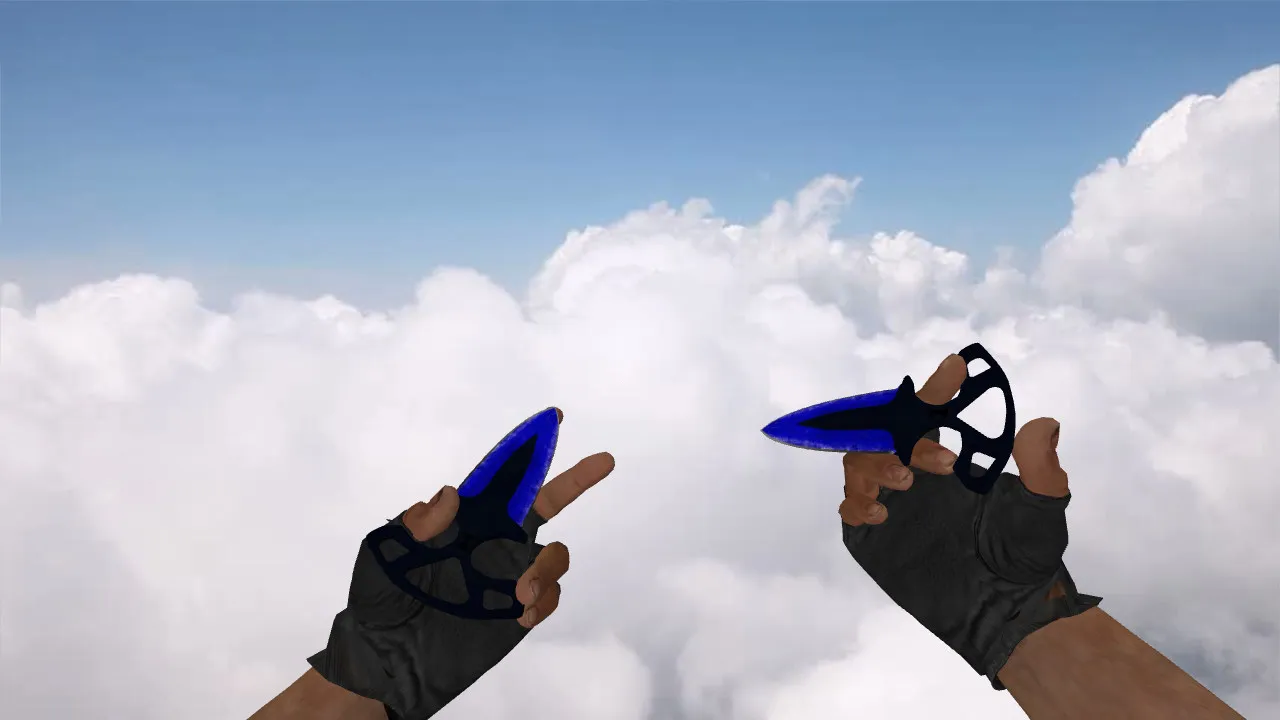
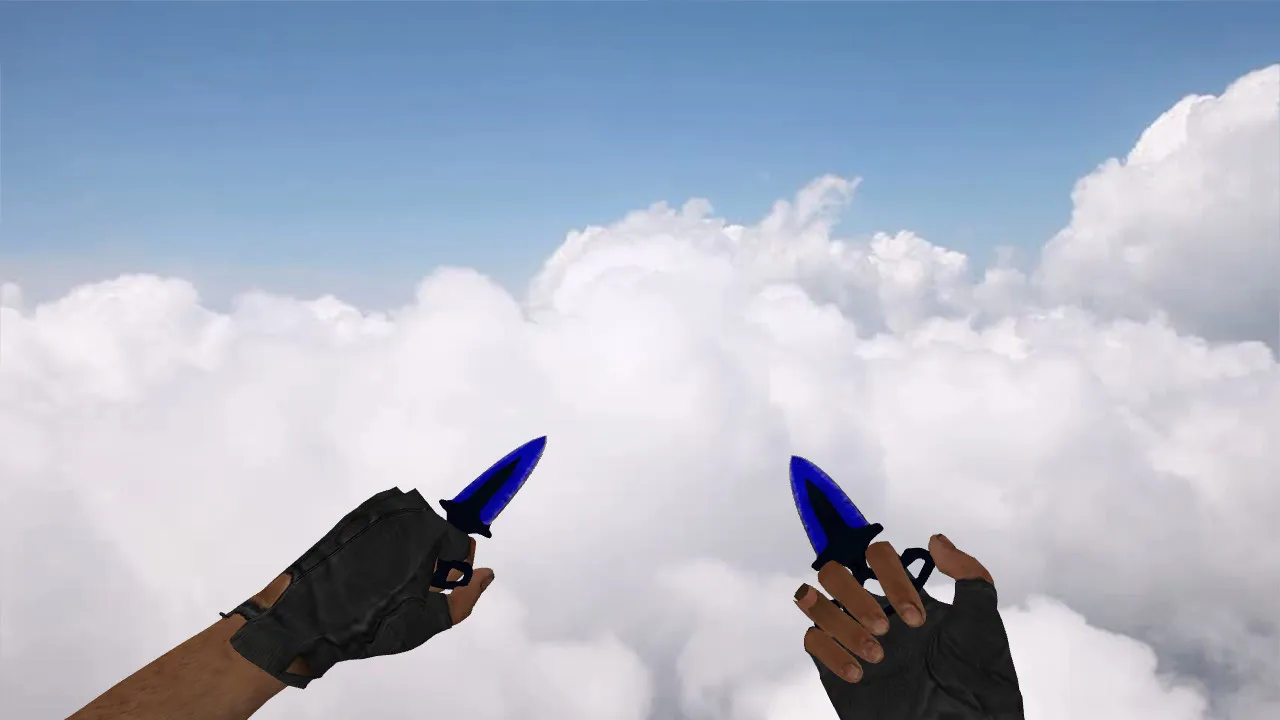
Nautilus Knife Aqua Model for CS 1.6: Custom v_ p_ w_ Models, Inspect Animation, Sounds, and HD Textures
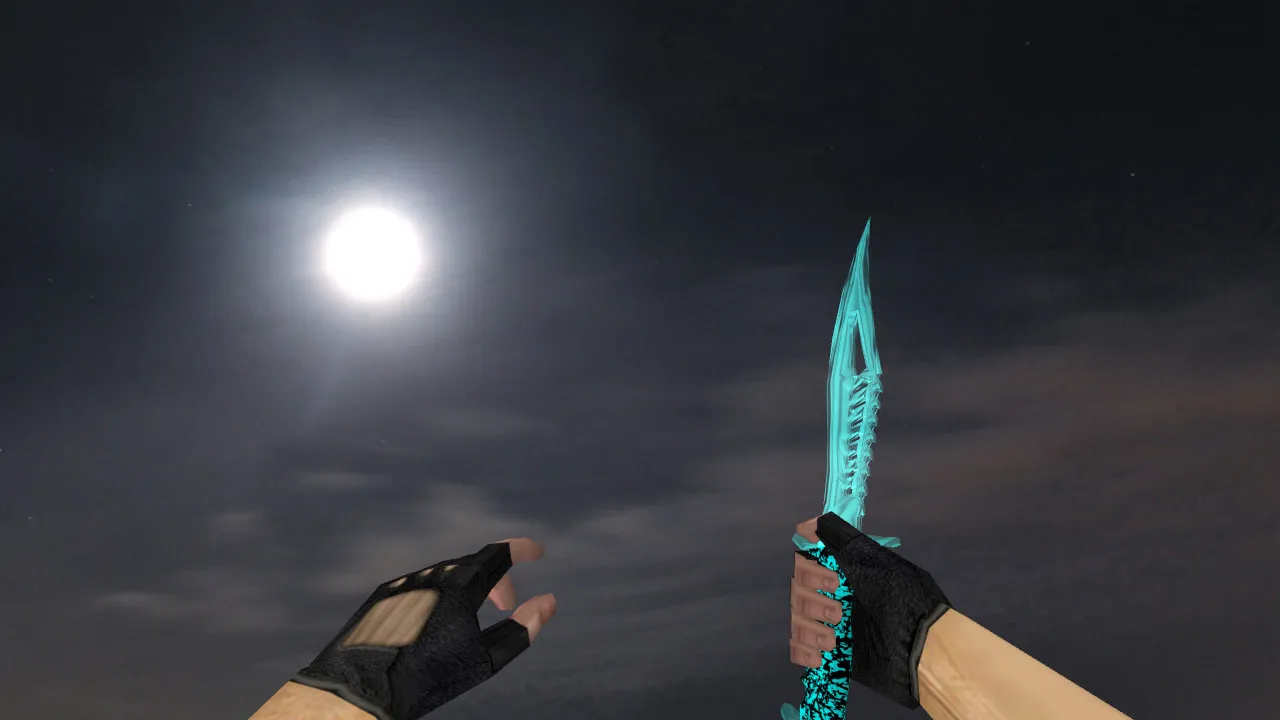
Description
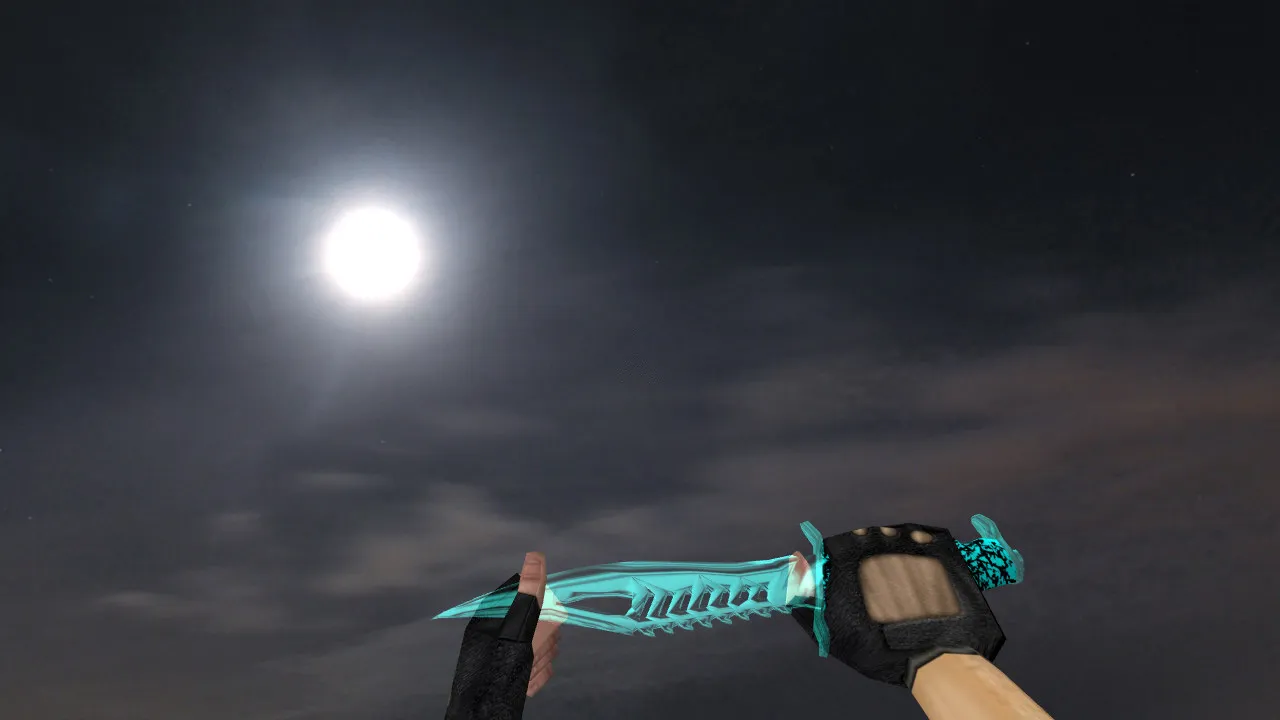
Nautilus Knife Aqua Model for CS 1.6
Throughout every round, the knife remains fixed to your crosshair in Counter-Strike 1.6. The Nautilus Knife Aqua introduces a fresh visual style that performs well during close-quarters engagements. This modification satisfies standard mapping and rendering requirements: accurate v_ models for the first-person perspective, p_ models for third-person player hands, and w_ models for world drops. This guarantees the blade looks consistent whether you are wielding it, observing it from a distance, or spotting it on the ground.
Handling feel is crucial for any knife replacement. The Nautilus Knife Aqua features a fluid inspect animation that preserves visual control. This inspection mechanic integrates directly with core gameplay-eliminating jitter, awkward clipping, and the need for external scripts. Textures are engineered for clarity under varied lighting, from brilliant highlights to dim map corners. Details remain crisp without blurring or fading at range, maintaining polygon efficiency for high frame-rate performance.
To help the knife feel like a genuine part of your loadout, custom audio covers draw and swing actions. These sound cues merge seamlessly with the CS 1.6 atmosphere, assisting your rhythm without disrupting timing during rapid repositioning or close-range duels. Hitbox alignment remains faithful to the vanilla standard, so no adjustments to recoil or movement are required.
Installation Essentials
- Deploy only clean model files-do not mix versions from different packs to avoid conflicts.
- Verify paths for v_, p_, and w_ components inside the models directory, ensuring the game loads the correct assets without errors.
- No auto-connect or adware: Install files manually, avoiding dubious installers or 'setup wizards' that might introduce risks.
- Backup originals before overwriting default knife models for an easy rollback if issues arise.
In CS 1.6, stability outweighs flashy experiments. Test the model in a lobby or local map before entering matches-confirm the inspect animation flows correctly and rendering holds up. If you are running a custom build such as 4554 or 8610 with a clean config.cfg, the model integrates without affecting rates or network settings. Compatible with both Steam and Non-Steam installations, provided MasterServer protection is active.
Gameplay Impact
The Nautilus Knife Aqua does not modify damage mechanics or demand crosshair changes. It improves visual feedback and in-hand feel, sharpening focus on movement and peeking. During knife fights or finishing moves, it supports aggressive play: quick transitions, distance management, and precise timing. The model's rendering and animation accuracy prevents 'off-center' views or flickering textures, keeping it legible even in low-light areas where spotting details on maps like de_dust2's tunnels or de_inferno's dark halls becomes difficult.
For optimal visibility, the aqua theme employs ESL-style contrast-blues that stand out against common map palettes without over-saturating. Polygon count is optimized to prevent frame drops, and sprite elements for trails remain sharp. No interference with bot .nav files or tactical balance on standard maps.
Maximizing the Mod
- Combine with your standard HUD and weapon binds to avoid conflicts-test swaps to ensure no empty slots appear.
- Inspect spectator mode viewing and weapon cycling; the p_ model should render cleanly for team observation.
- Stick to a single knife variant if running multiple model packs-prevents accidental overrides during loading.
The Nautilus Knife Aqua fits players who value CS 1.6's core stability and precision. Place it in your directory, verify functionality, and carry that advantage through full rounds. With no viruses, no slow-hacks, and zero embedded ads, it is a secure addition to your arsenal. Expand your close-combat toolkit while preserving the game's rhythm-ideal for those clutch 1v1 situations where every swing counts.
Explore modding further: ensure wad files load without errors by scanning for duplicates in your custom folder. On darker maps, the textures' anti-aliasing holds up, reducing sprite bleed. If adjusting configs, add lines for model precaching to speed initial loads, but keep it minimal to maintain high FPS in multiplayer lobbies.
Install in three steps
-
1
Download the archive. Use the button on the right, or the Yandex.Disk mirror if the main server is slow.
-
2
Extract it into the game folder. Use 7-Zip or WinRAR. A path without non-Latin characters works best.
-
3
Launch the game. If something doesn't work, mark it below - that is how we know the file needs an update.
Did it work for you?
No sign-up needed. You can pick more than one.