Butterfly Knife Song of Ice Model for CS 1.6: Custom Audio, Inspect Anim, HD Textures & Secure Setup


Description
Butterfly Knife Song of Ice Model for CS 1.6: Package Contents
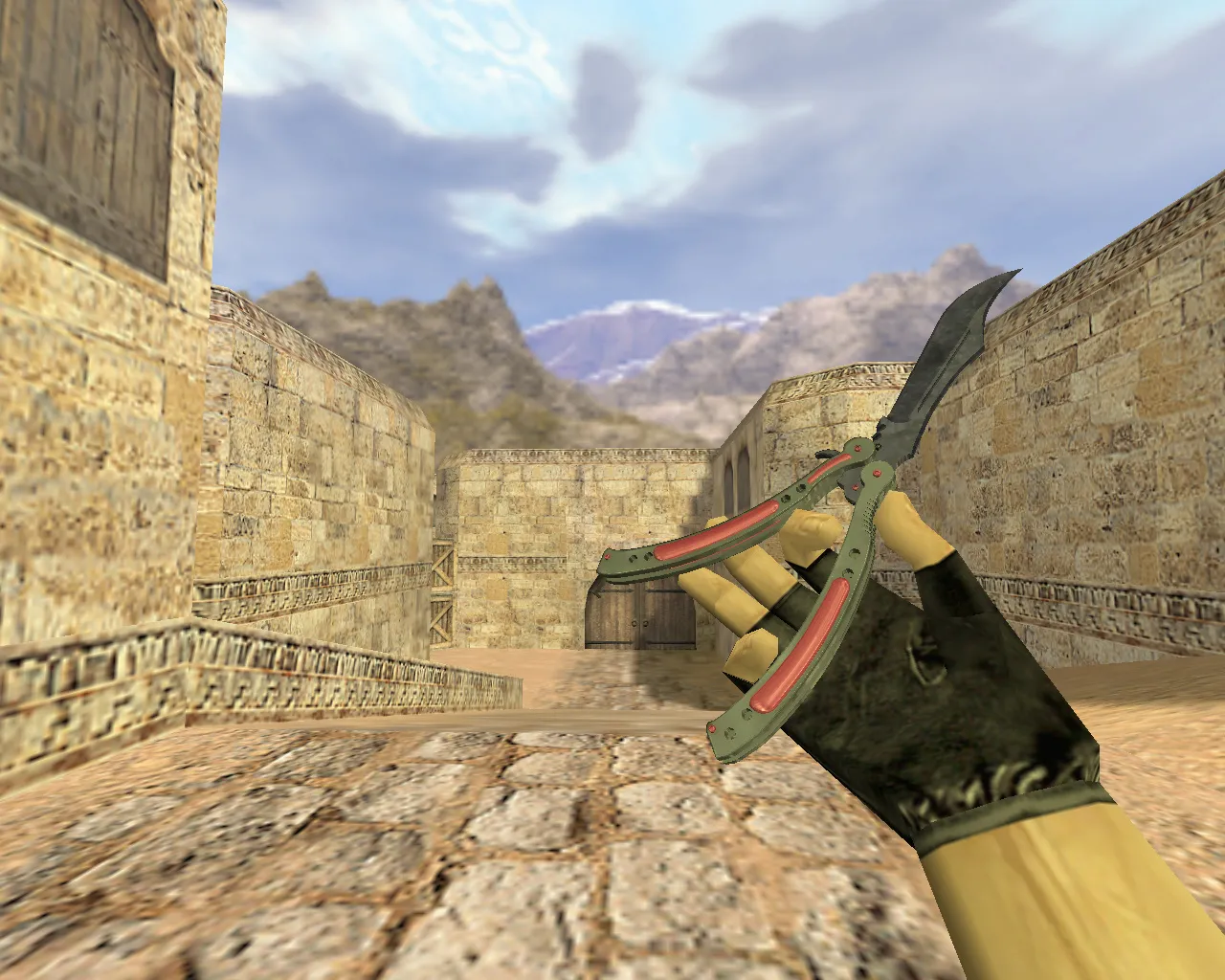
The Butterfly Knife Song of Ice model conforms to standard CS 1.6 formats for a smooth knife swap. It supplies files for every weapon position: v_knife for the first-person perspective, p_knife for the third-person player model, and w_knife for world pickups. This guarantees matching visuals from all angles, preventing issues where one model loads while others do not.
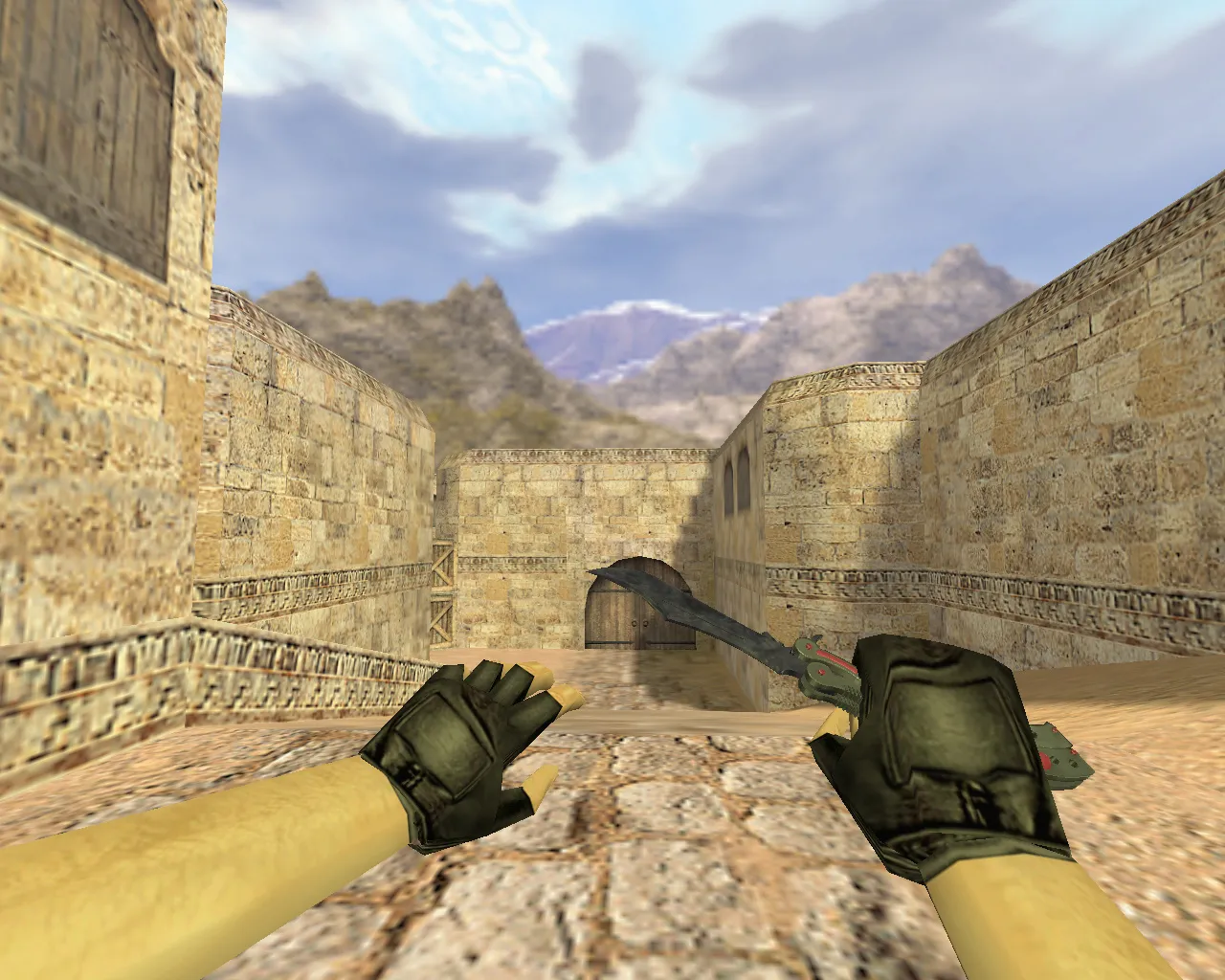
Unique sounds and an inspect animation are integrated. The inspect sequence manages clicks, flips, and transitions fluidly, improving the weapon's feel during close-quarters fights. Textures follow the Song of Ice theme with sharp 512x512 or greater resolution details that hold up under different lighting conditions. Edges remain crisp, avoiding blur in dark maps such as de_aztec shadows or de_train tunnels.
Polygon count is optimized near 800-1200 faces to keep high FPS on older hardware without losing detail. Hitbox alignment matches the stock knife, so no tweaks are required for accurate swings. This model draws attention on public servers and blends well with ESL-style configs for clean visibility.
Secure Installation Guide for CS 1.6
Install with care to prevent file conflicts. Back up your current knife model directories first. Copy the new files into the proper directories while maintaining CS 1.6's folder hierarchy. Compatible with both Steam and Non-Steam builds, such as Build 4554 or 8613- simply avoid overwriting core configuration files.
- Step 1: Confirm your config.cfg is clean, with no extra binds or junk aliases.
- Step 2: Duplicate existing knife folders inside cstrike/models/.
- Step 3: Move v_knife.mdl, p_knife.mdl, and w_knife.mdl into models/v_knife/, models/p_knife/, and models/w_knife/ respectively. Place sound files into sound/weapons/knife/ and sprites if provided.
- Step 4: Restart CS 1.6, launch a local game, and test the knife menu for inspect actions and audio cues.
Steer clear of auto-connect utilities or dubious install scripts-they may inject malware or corrupt formats. Extract archives manually on your desktop, then move them. No viruses, no slow-hacks, no ads embedded. If running a custom HUD or crosshair pack, verify compatibility to stop overlaps.
For MasterServer protected servers, this model remains lightweight, under 5MB total. Combine it with a no-recoil config if you play knife-only modes, but keep rates at 100k for stability.
In-Game Testing: Essential Checks
Evaluate the model in varied scenarios. Stand in bright zones like de_dust2 long and dark corners at A-site. In shadows, ensure the ice-blue patterns do not fade-texture mipmaps guarantee readability at range. Inspect during strafing and stance swaps; animations should sync without clipping into the view model.
If inspect stutters or audio lags, re-verify file paths-absent v_/p_/w_ components cause this. Test on multiplayer servers; some admins scan for custom models, but this one mimics stock files to pass checks. In knife duels, the butterfly flips give rhythmic feedback, improving timing over default knives.
Run bots with .nav files active to simulate rushes-hitbox precision shines in tight fights without desync. If FPS falls under 100, reduce model detail via console commands like r_lod 1, though this is rarely necessary.
Why Song of Ice Shines on Knife Servers in CS 1.6
Butterfly knives rule close-range metas due to flip speed and reach. Song of Ice adds thematic flair with frosted edges that pop against dusty maps. It is more than a reskin; the inspect animation features unique twirls, making draws feel dynamic.
Customize further with cfg tweaks: set ex_interp 0.01 for smoother motion, and alias binds for rapid knife swaps. On high-ping servers, the low polycount prevents stuttering. Players report improved immersion in T-hunt modes, where visibility assists backstabs.
This model works with wad files for custom sprays if you expand your setup. Overall, Butterfly Knife Song of Ice delivers dependable performance, turning standard knife play into a styled experience without compromising CS 1.6's core balance.
Install in three steps
-
1
Download the archive. Use the button on the right, or the Yandex.Disk mirror if the main server is slow.
-
2
Extract it into the game folder. Use 7-Zip or WinRAR. A path without non-Latin characters works best.
-
3
Launch the game. If something doesn't work, mark it below - that is how we know the file needs an update.
Did it work for you?
No sign-up needed. You can pick more than one.