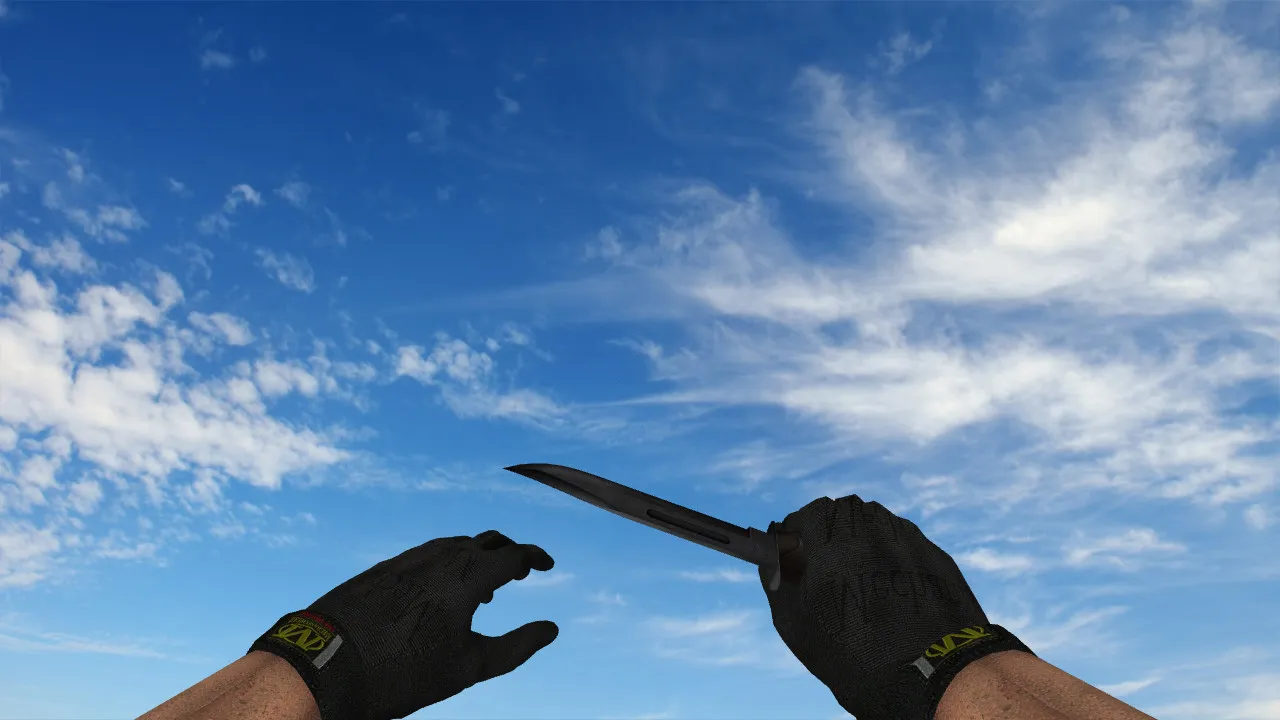
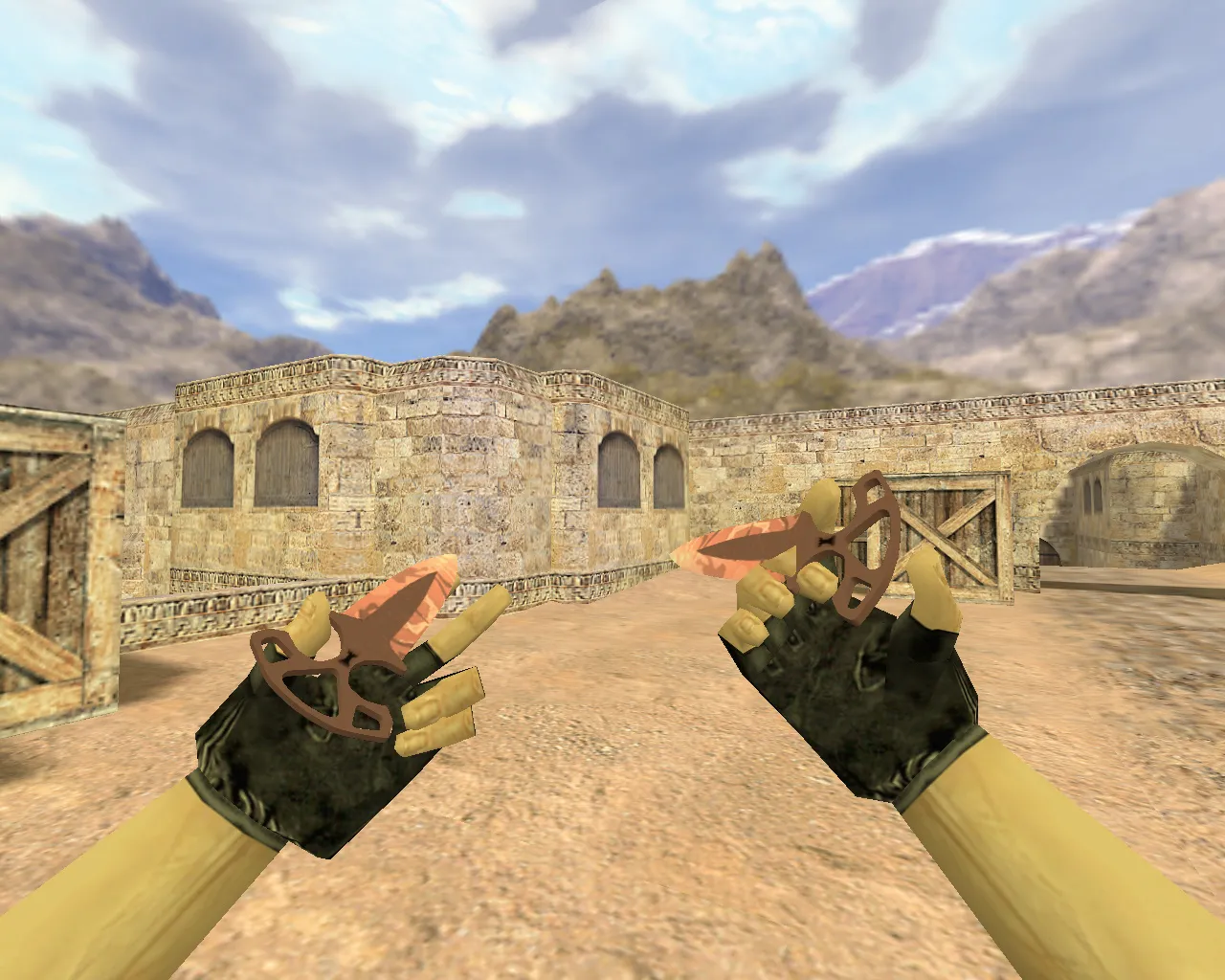
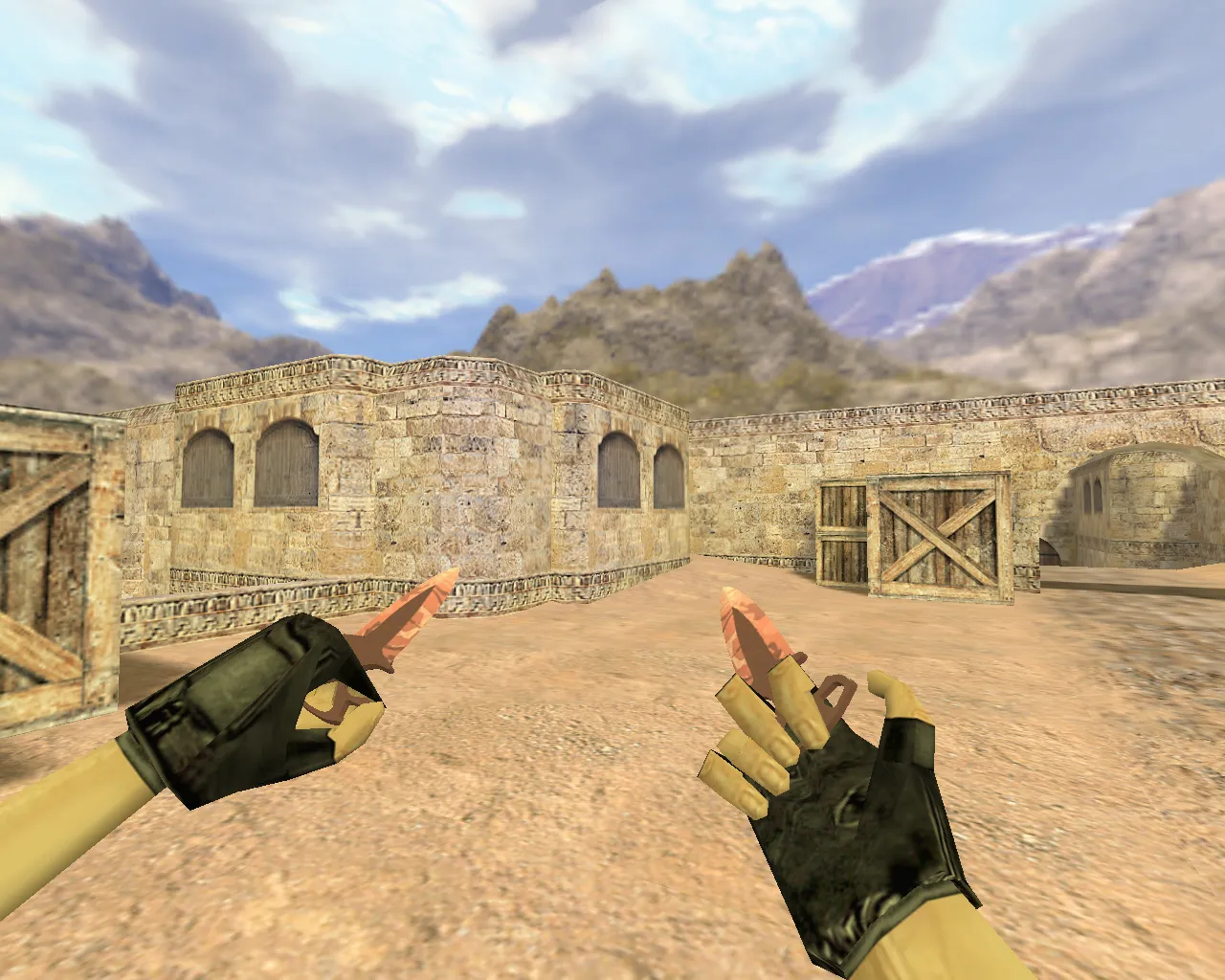
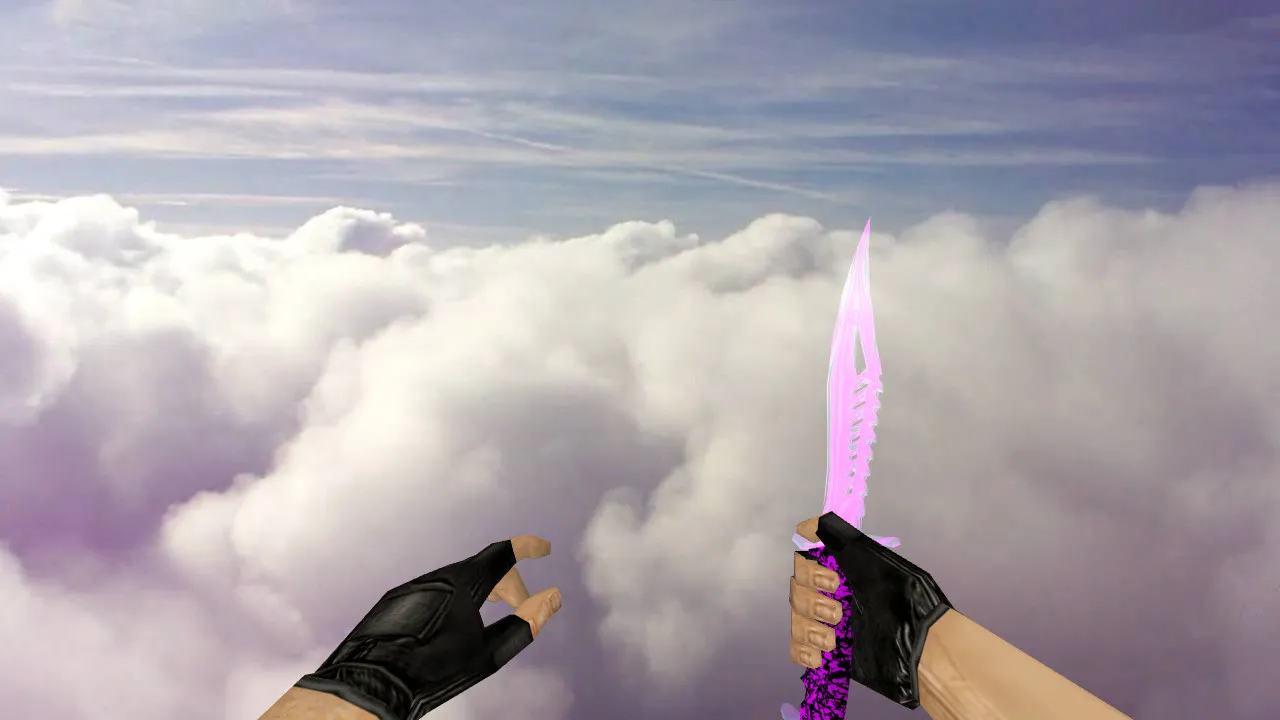
Nautilus Blue Electricity Knife Model for CS 1.6: v_ and p_ Models, Custom Sounds, Inspect Animation, HD Textures
Description
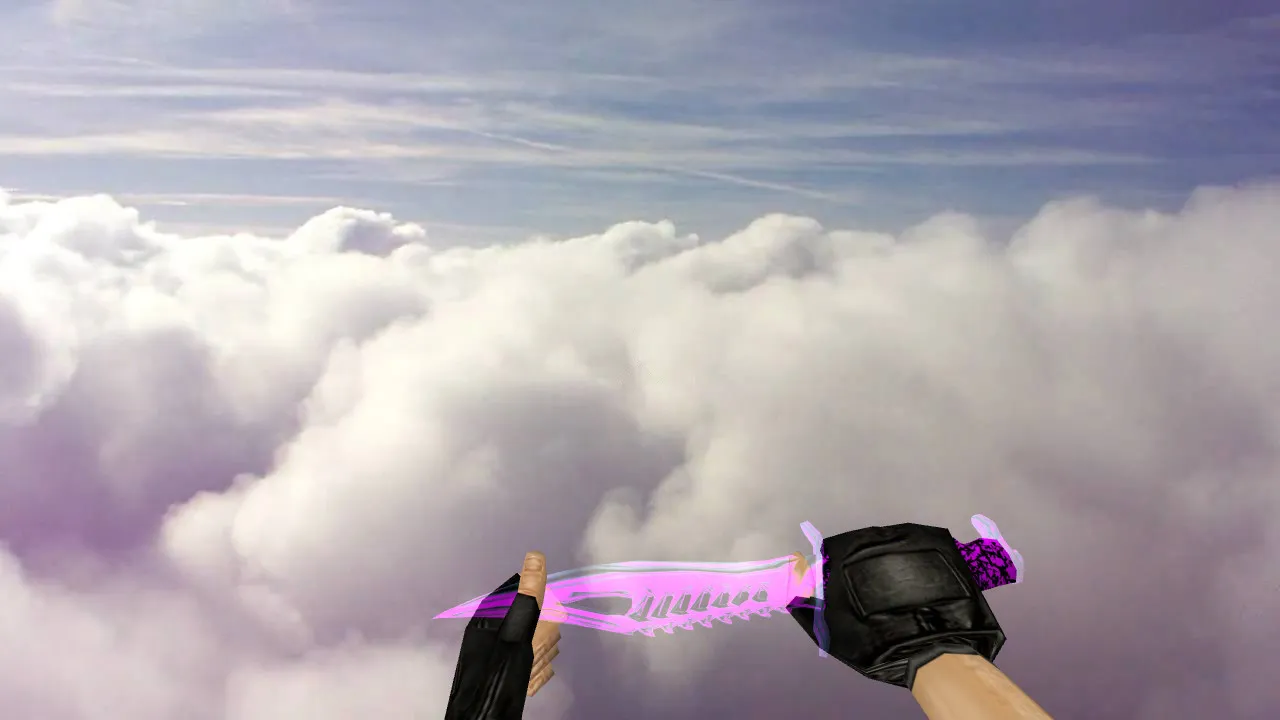
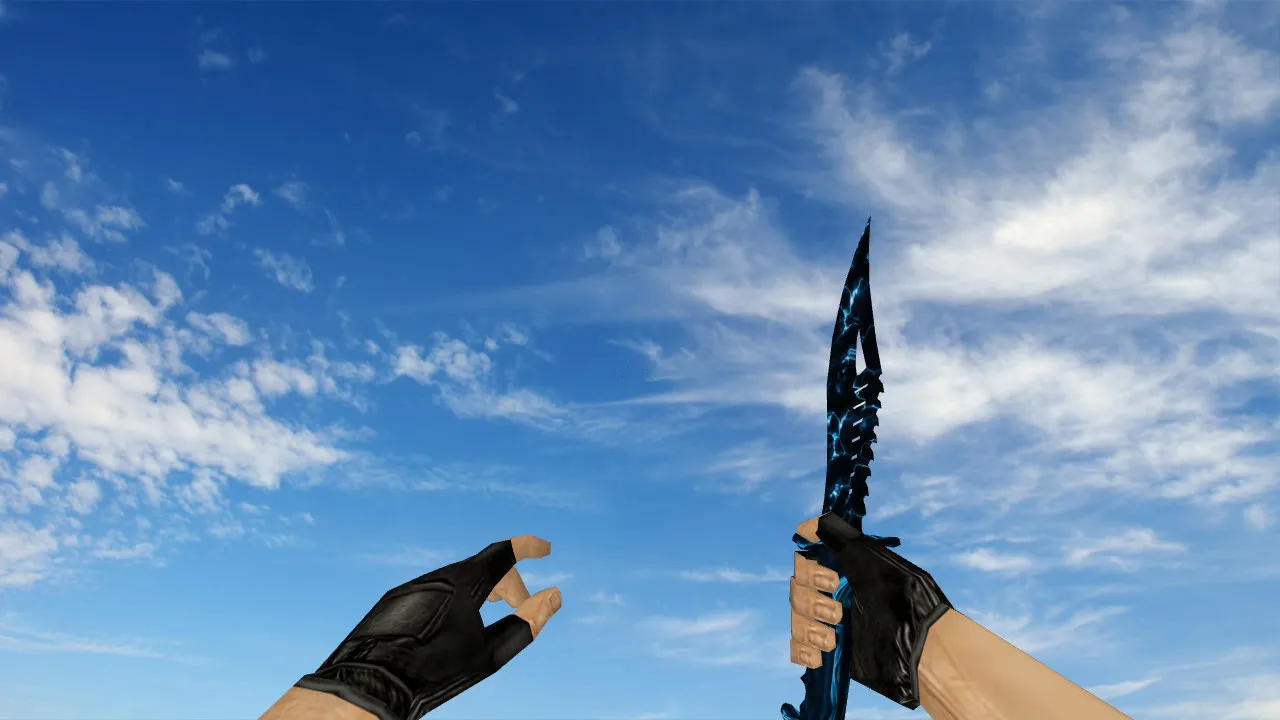
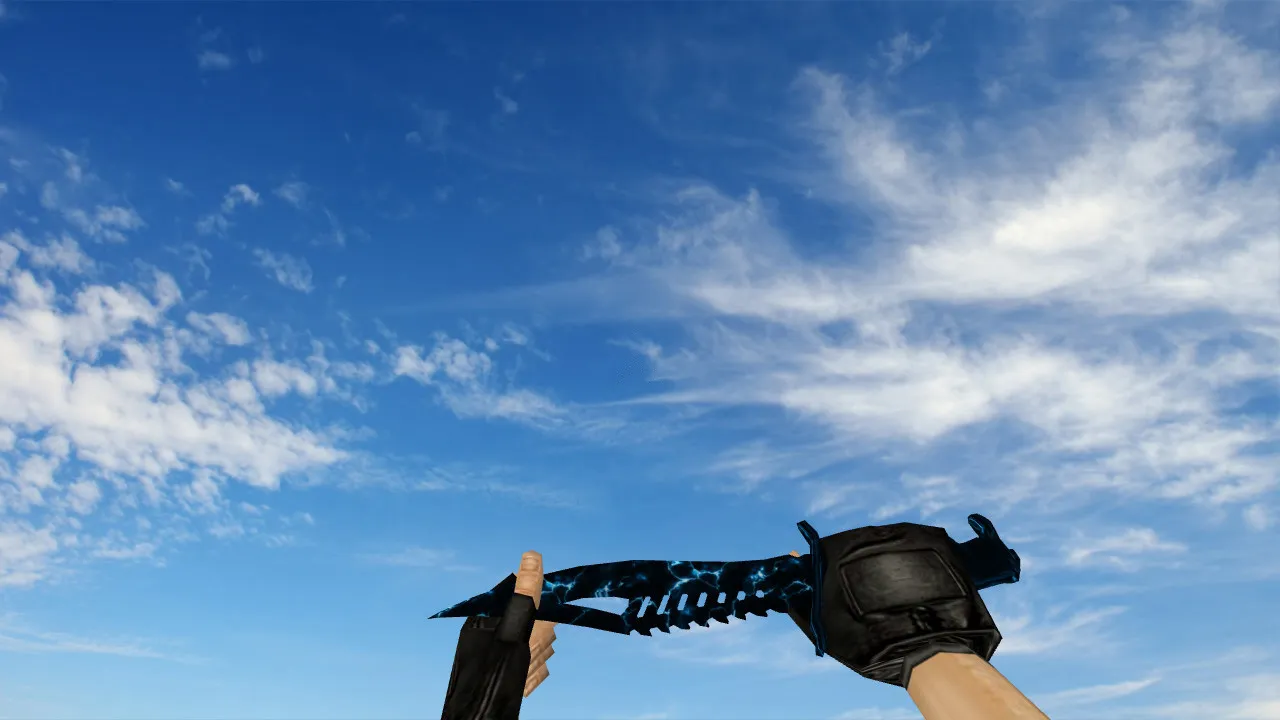
Nautilus Blue Electricity Knife for CS 1.6
The Nautilus Blue Electricity knife model integrates smoothly into CS 1.6 rounds without glitches or instability. Designed specifically for CS 1.6, it features a blue energy theme while preserving the standard knife shape and grip. This combination creates a dependable tool for duels: equip it, inspect rapidly, and engage without distractions.
The model uses standard prefixes like v_ for first-person view and p_ for player hands, guaranteeing correct rendering in both perspectives. The w_ variant manages world display and in-hand visibility during weapon switches and inspections. This consistency prevents visual mismatches that could interrupt gameplay flow during fast-paced action.
A key feature is the inclusion of custom sounds and inspect animation. During quick inspections, the model synchronizes precisely with CS 1.6's timing, avoiding jerky movements. The inspect animation follows the game's native rhythm, keeping the knife feeling integrated rather than foreign. Textures prioritize readability in motion: the blue pattern remains visible, and contrast prevents blurring at high speeds or in low-light conditions.
In-Game Performance
In CS 1.6, a knife goes beyond aesthetics-it influences movement readability and pacing. The Nautilus Blue Electricity provides a clear visual cue, helping you track stance changes faster and maintain rhythm in fights. It performs well on high-tempo servers and in dark map areas where backgrounds get cluttered, like mid on de_inferno or tunnels on de_dust2.
Hitbox accuracy remains tied to the base model, ensuring attacks align with animations. This setup prevents discrepancies between swings and impacts, reducing risks in close-quarters combat. Polycount stays low for high-fps stability, avoiding frame drops during knife rushes or eco rounds.
For knife-focused playstyles, such as aggressive T-side rushes on de_nuke or CT retakes on de_cache, this model enhances visibility without altering core mechanics. The blue electricity motif stands out against common textures like concrete or metal, aiding quick threat assessment in smoke or shadows.
Installation and Testing
Place files in the CS 1.6 weapon models directory, typically under cstrike/models with subfolders for specific assets. Follow any included instructions from the archive. Avoid auto-connect scripts or third-party addons to prevent conflicts.
After setup, test in-game:
- First-person inspect: v_ model renders smoothly without clipping.
- Player hands view: p_ model matches seamlessly for third-person consistency.
- World drop/pickup: w_ model displays without artifacts or LOD issues.
- Knife sounds: Swings, stabs, and impacts play as custom audio without desync.
- Close combat: Attacks sync with animation timing for precise hit registration.
On servers with strict model checks, it might not load-use on communities allowing client-side replacements. This package is clean: no viruses, no adware, no slow-hack elements, no auto-connect features. Just extract, install, and verify in a local practice session before jumping into matches.
Compatibility covers both Steam and Non-Steam versions, working with builds like 4554 or 3266. Pair it with a clean config.cfg to optimize for 100+ fps, ensuring the model's HD 512x512 textures load without performance hits.
Player Appeal
Players choose Nautilus Blue Electricity due to its blend of distinct design and reliable handling. It stands out visually yet preserves CS 1.6's atmosphere, ideal for close-range enthusiasts. The model doesn't distract during intense moments but highlights your position effectively in team plays or 1v1s.
For updating your knife without breaking immersion, this fits perfectly. Grab the archive, organize files by prefix, and test in offline mode to confirm hitbox alignment and sound integration before competitive use. It elevates standard knife play on classic maps, from long A-site angles on de_dust2 to tight B-site holds on de_mirage, keeping your setup ESL-style clean and functional.
Install in three steps
-
1
Download the archive. Use the button on the right, or the Yandex.Disk mirror if the main server is slow.
-
2
Extract it into the game folder. Use 7-Zip or WinRAR. A path without non-Latin characters works best.
-
3
Launch the game. If something doesn't work, mark it below - that is how we know the file needs an update.
Did it work for you?
No sign-up needed. You can pick more than one.