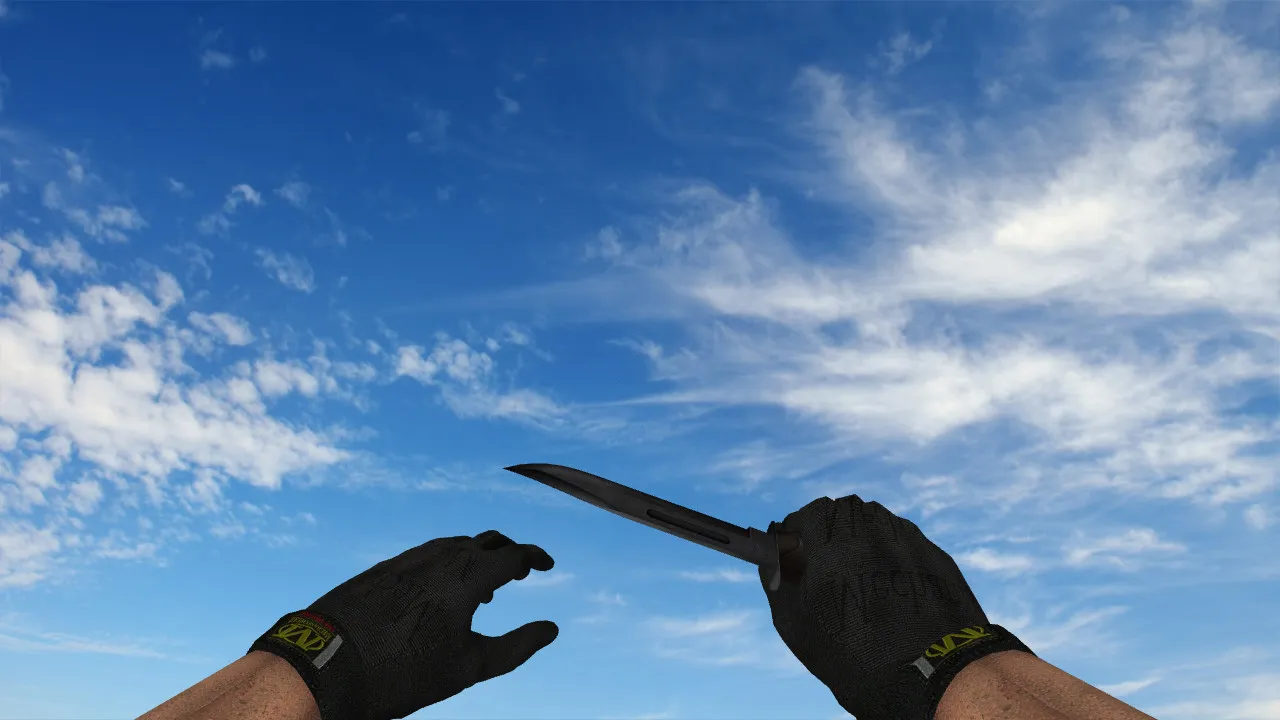
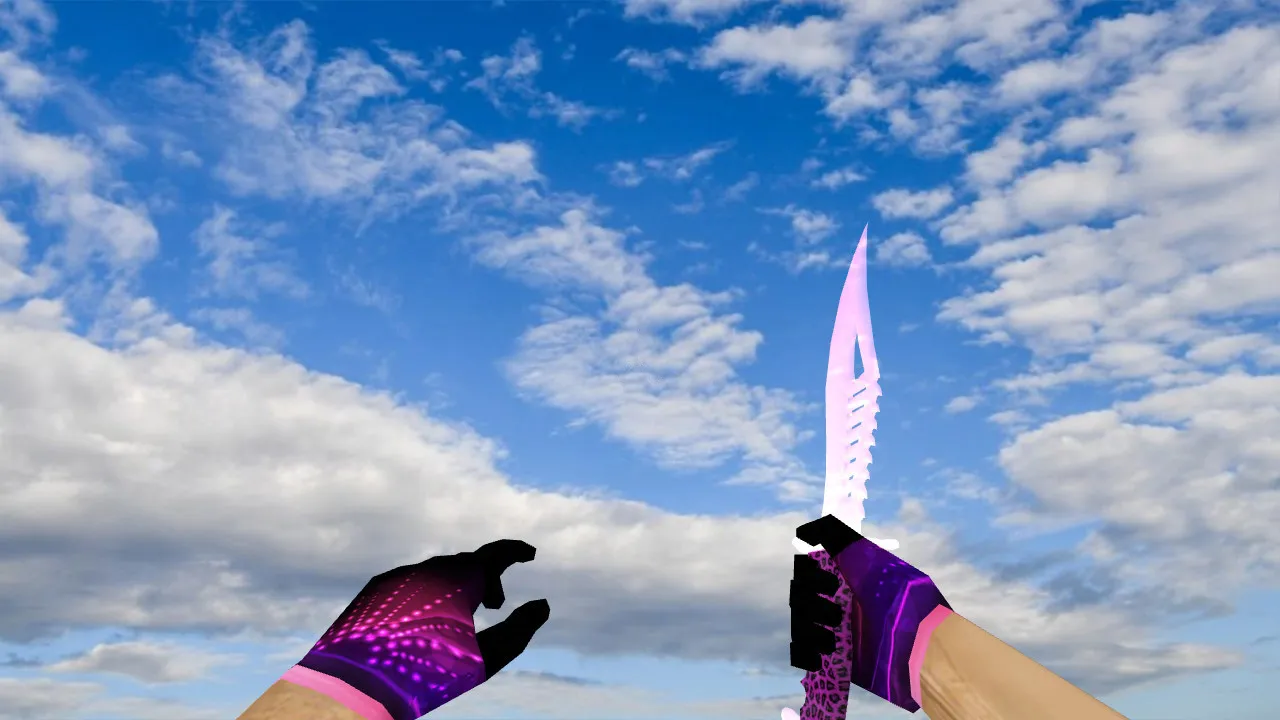
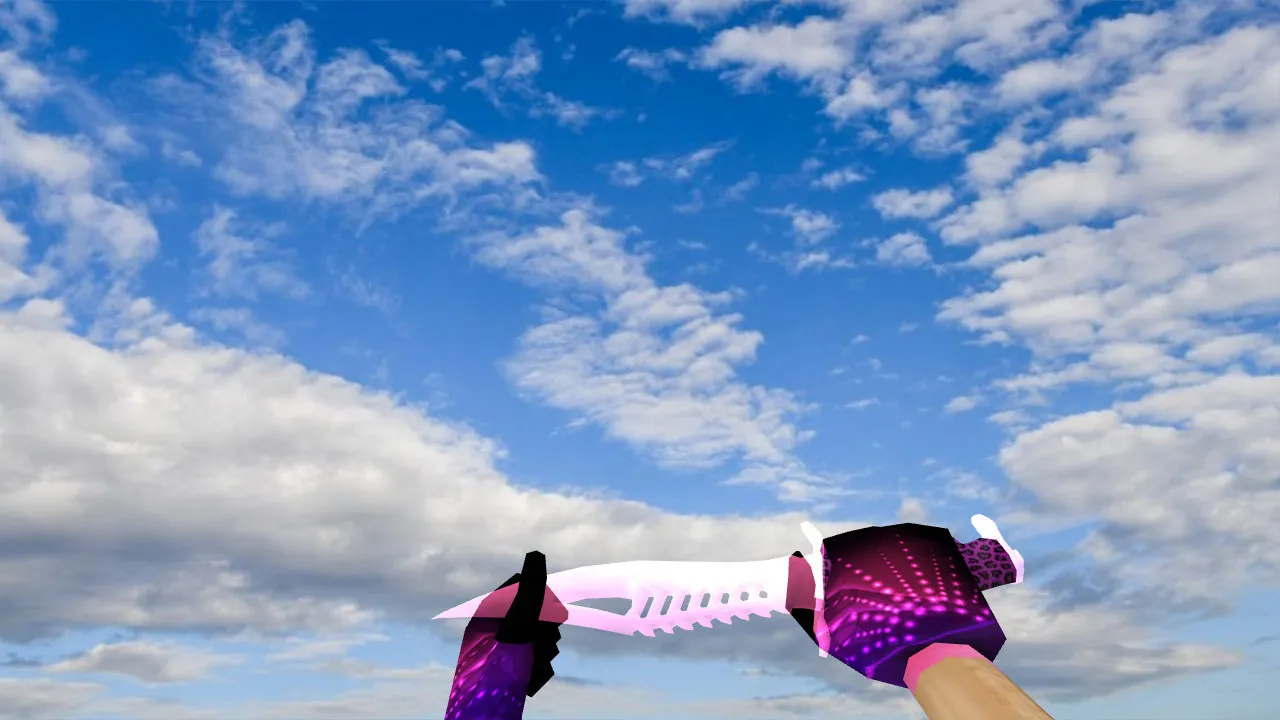
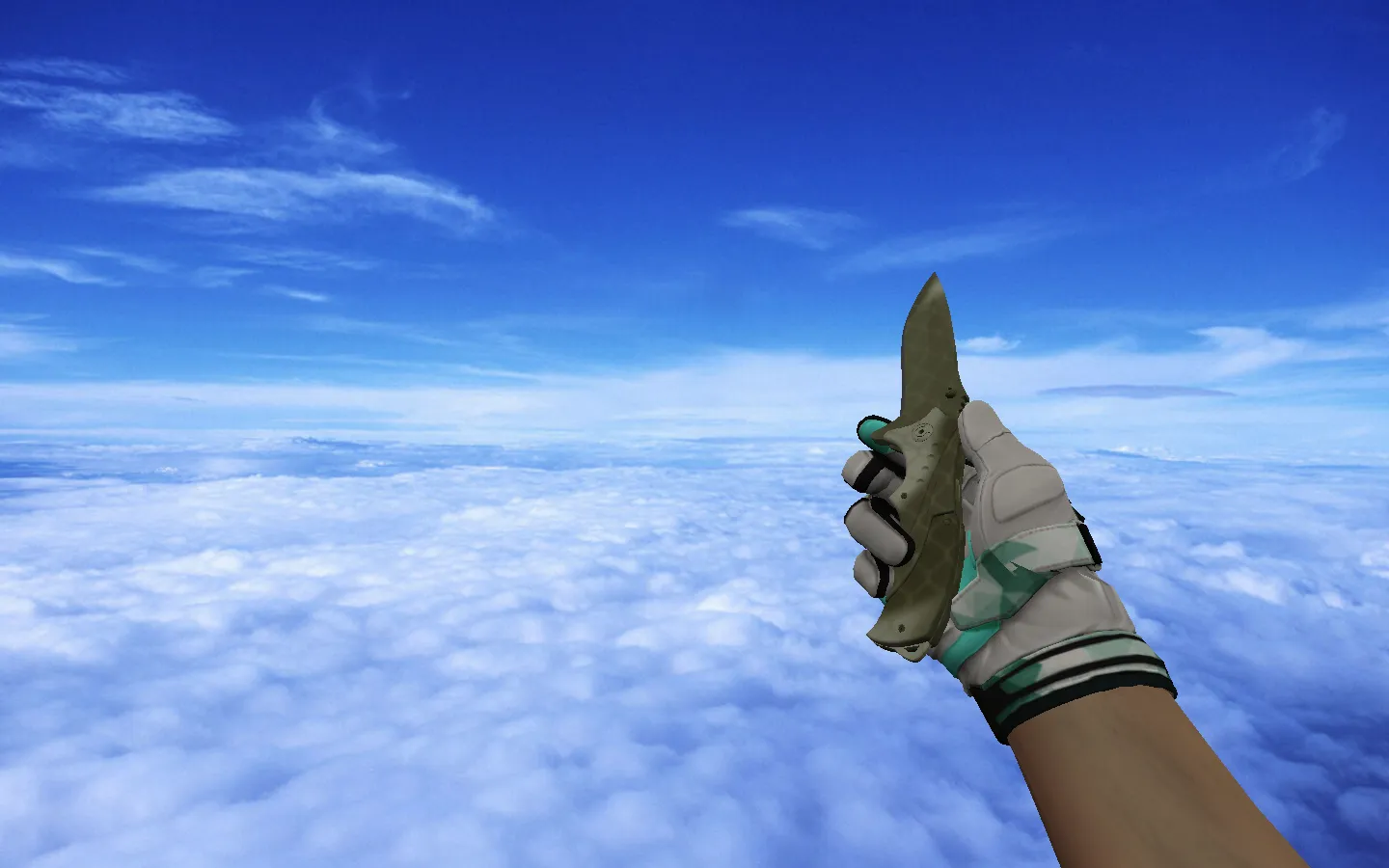
Skeleton Knife Patina: v_ p_ w_ Models, Audio, and Inspect Animation for CS 1.6
Description
Skeleton Knife Patina for CS 1.6
This blade integrates flawlessly with vanilla Counter-Strike 1.6 mechanics. It features a fluid inspect sequence and standard action loops, ensuring the weapon behaves correctly during matches and in the lobby preview. Textures remain crisp at range, and the aged finish stays distinct while moving. The asset requires no external tools and does not interfere with the game's asset pipeline.
The bundle follows correct model naming conventions: v_ for the first-person view, p_ for the third-person player model, and w_ for the world pickup. This arrangement guarantees consistency-users see the appropriate version in hand, on the ground, and inside the buy menu. Tailored knife audio is included, synchronized exactly with movement steps and click events. The inspect routine executes without stutter; the weapon remains centered, adhering to CS 1.6 standards.
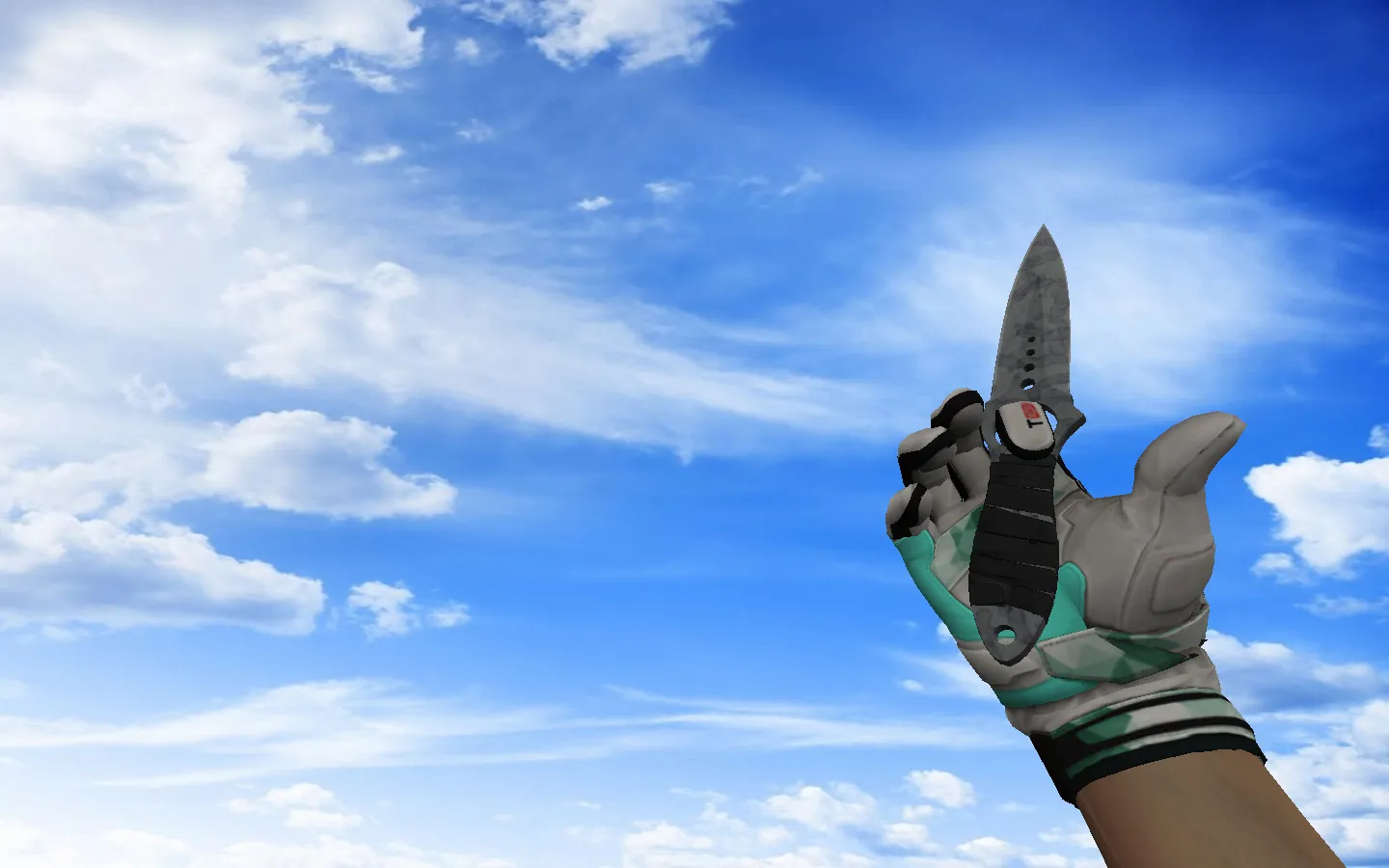
Visually, the item presents a skeleton-frame knife treated with a patina finish. The aesthetic pops in dim map sectors, providing strong contrast suited for competitive visibility. In first-person, proportions are preserved for a clean look; as a world model, it remains identifiable when highlighted. This style attracts players seeking a distinct appearance without introducing visual glitches or excessive polygon counts.
Post-Installation Checks
Run these quick verifications to confirm the knife functions on servers and in single-player, preventing headaches down the line.
- Model Directories: Drop the v_, p_, and w_ files into the proper folders so the engine loads the correct assets.
- Audio: Verify that knife sounds activate on weapon switch and on impact.
- Inspect: Open the inspection view and ensure the animation runs smoothly without lag or jerking.
- Textures: Load maps with different lighting setups to check readability consistency, particularly in shadowed areas.
- Client Hygiene: If replacing previous knives, delete old files to prevent conflicts and hitbox misalignment.
The polygon budget is tuned for high-FPS stability, maintaining steady frame rates even on dated hardware. The v_ model prioritizes first-person clarity, sporting HD textures at 512x512 resolution for sharp edges free of aliasing. World models (w_) keep detail low for distant rendering, cutting lag on crowded servers.
Setup for CS 1.6
For dependable performance, begin with a fresh config.cfg. Disable auto-connect options and avoid tweaking launch parameters at runtime. Whether starting via Steam or a Non-Steam build, ensure the model path aligns with CS 1.6's resource scan directory. To improve fluidity, tune rates and interpolation-try ex_interp 0.01 and rates near 100k, but adjust gradually to avoid instability.
For multi-server environments, compatibility is key; keep resource folders clean of clutter. The complete model suite covers v_ for hands-on use, p_ for third-person observation, and w_ for in-game displays. This uniformity stops mismatches where outdated models appear in specific modes. Hitbox precision matches the skeleton geometry, so swings register cleanly without the offset problems typical of mismatched skins.
Inspect loops cycle seamlessly, adding a tactical flair during downtime without breaking immersion. Audio syncs with melee cycles, from light taps to heavy swings, sharpening sound cues in close-quarters engagements like de_dust2's narrow corridors.
Safety and Guidelines
Download files exclusively from reputable sources. Do not execute suspicious archives or grant the game unnecessary permissions. Should load errors occur, roll back to backups, restore original models, and reinstall. This preserves client stability and configuration integrity-no malware, no slow-hacks, no advertisements, no auto-connect hazards.
For a CS 1.6 knife featuring a patina-coated skeleton design that excels in-hand, in-world, and on inspect, this package delivers without compromise. It slots into Build 4554 or 8613 effortlessly, supporting MasterServer protection for secure lobbies.
Install in three steps
-
1
Download the archive. Use the button on the right, or the Yandex.Disk mirror if the main server is slow.
-
2
Extract it into the game folder. Use 7-Zip or WinRAR. A path without non-Latin characters works best.
-
3
Launch the game. If something doesn't work, mark it below - that is how we know the file needs an update.
Did it work for you?
No sign-up needed. You can pick more than one.