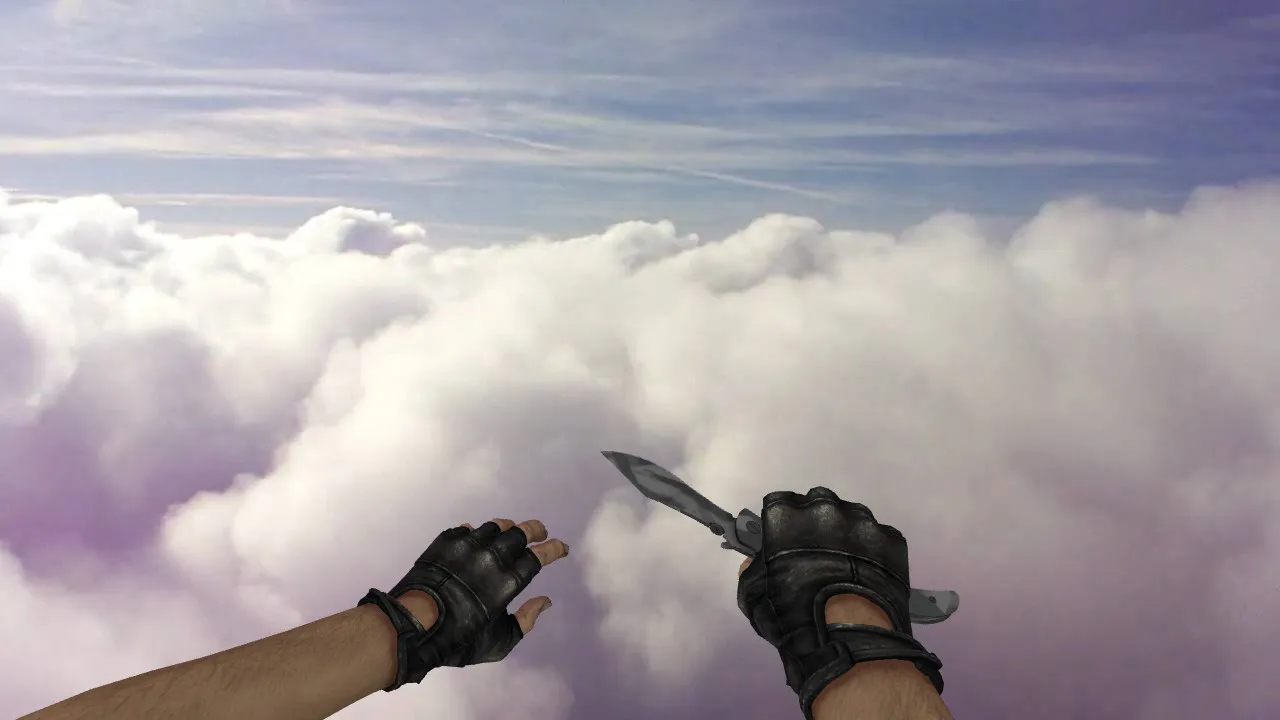
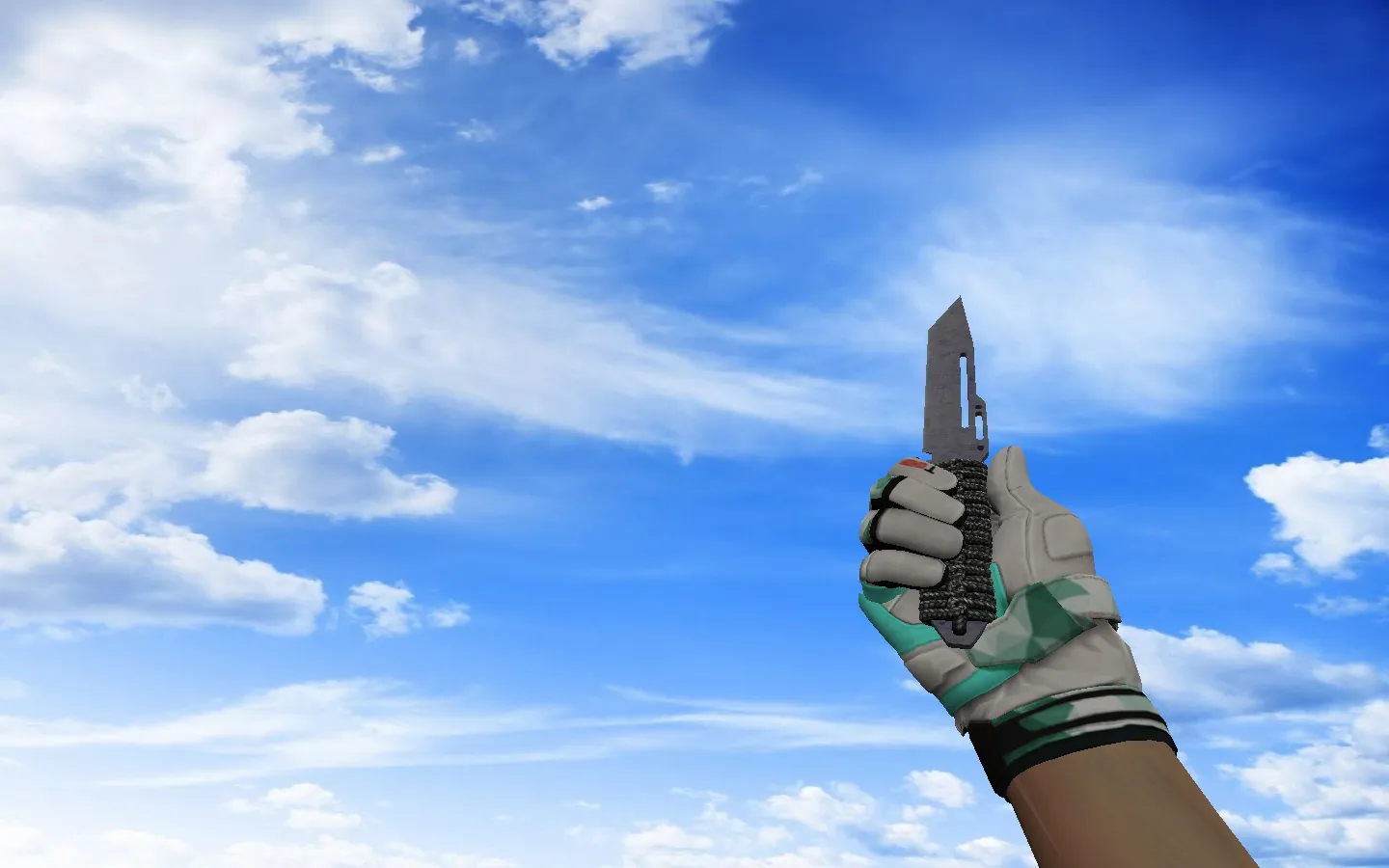
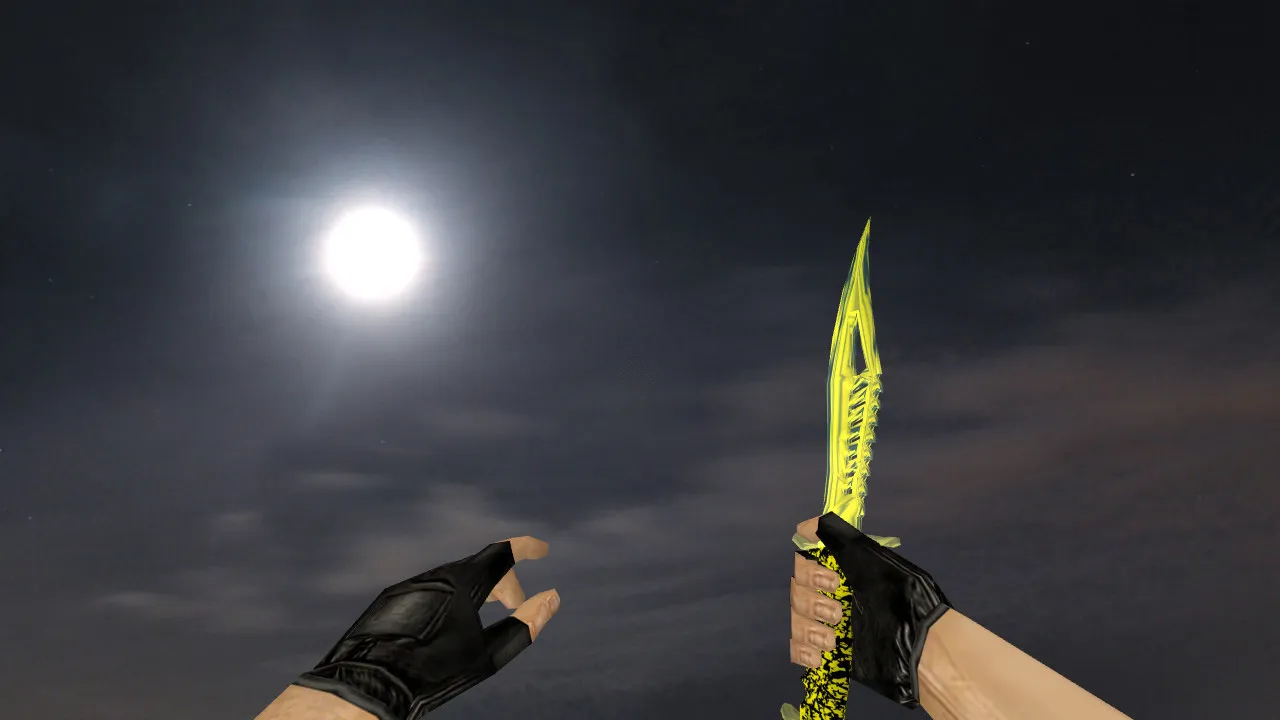
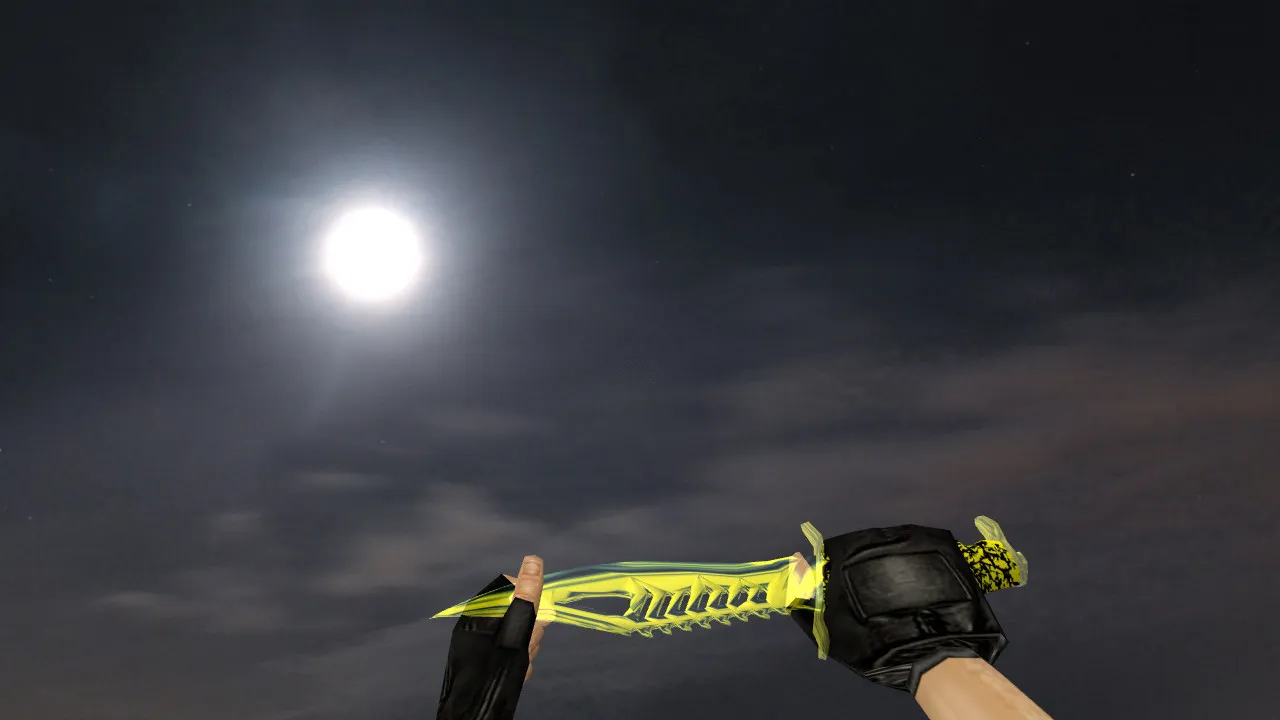
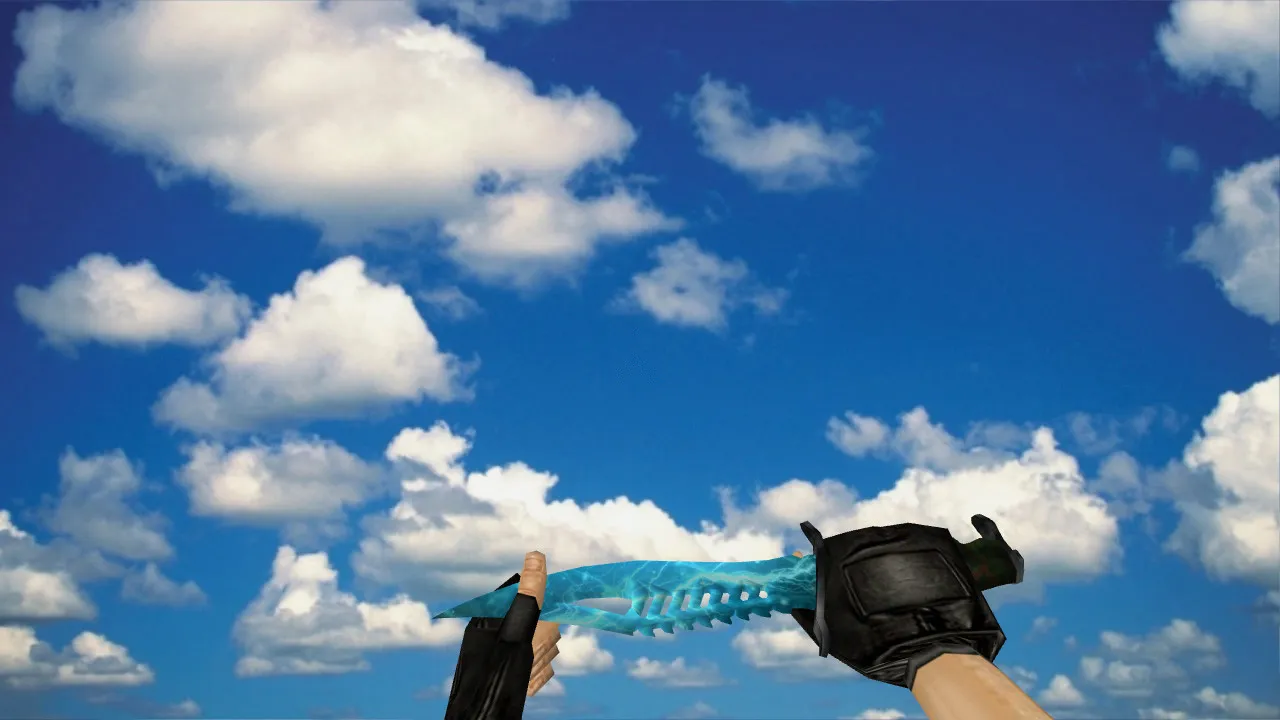
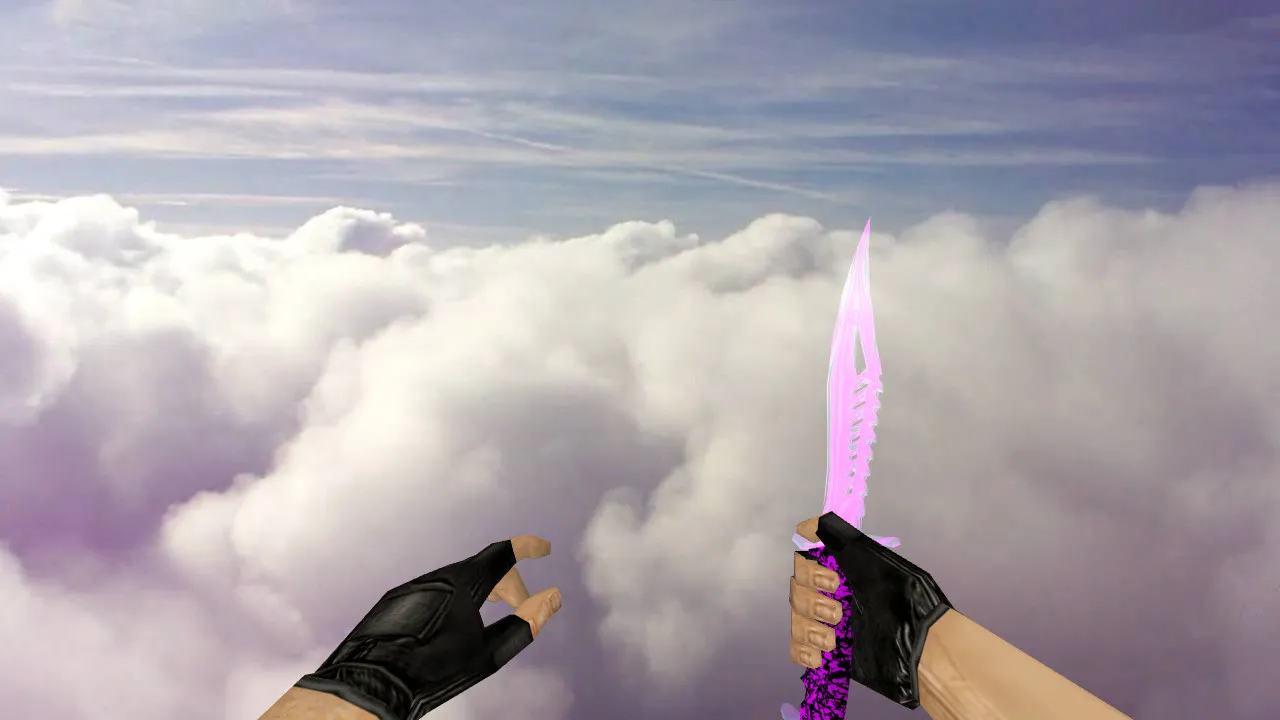
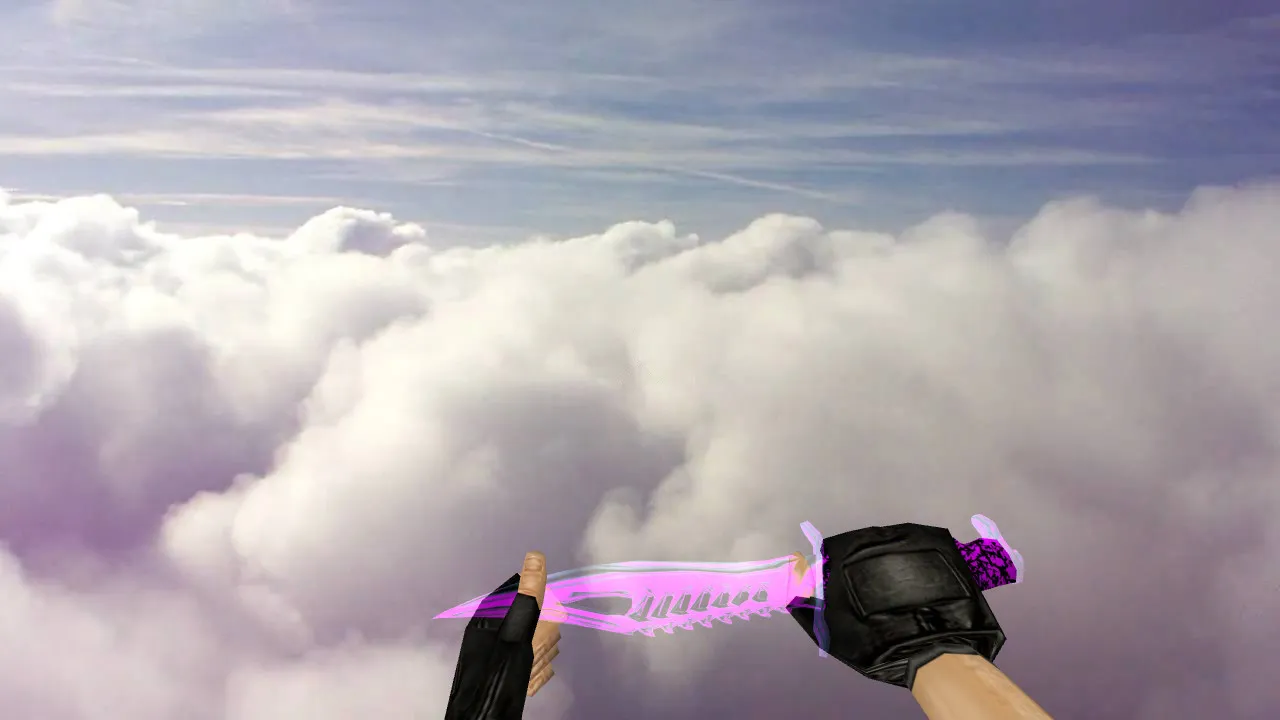
Murder Stab Knife Model for CS 1.6: v_knife Inspect Animation, Custom Sounds, HD Textures, and Setup Guide
Description
Knife Models for CS 1.6: Murder Stab Knife and Key Installation Factors
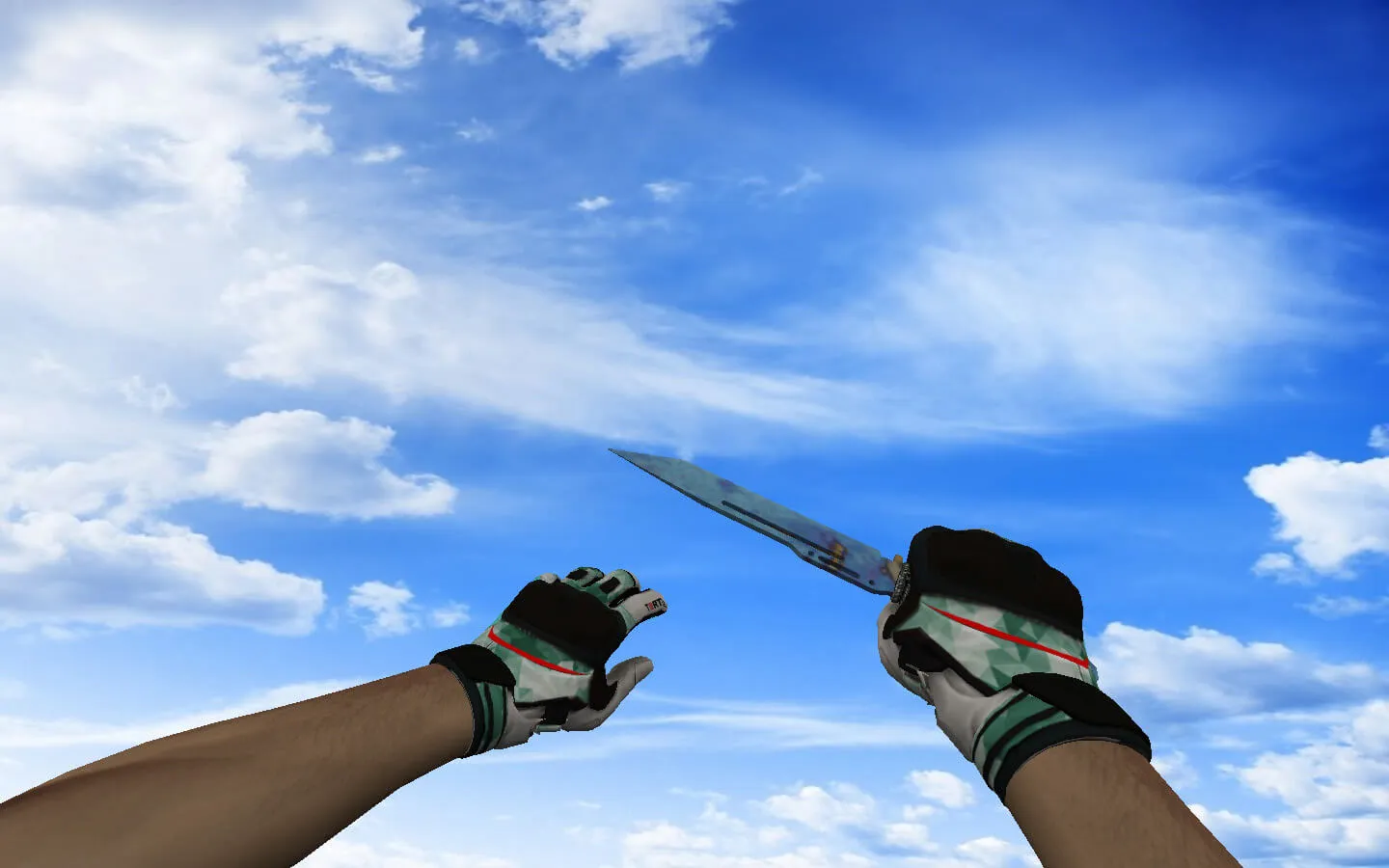
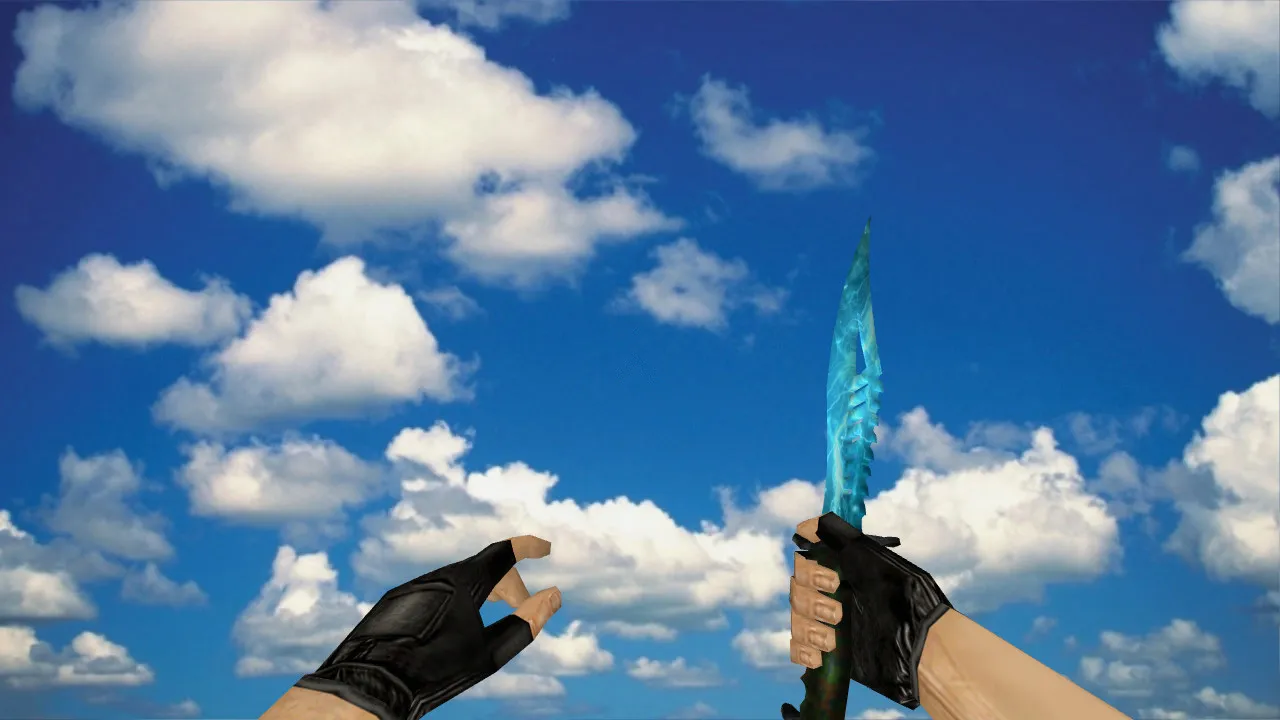
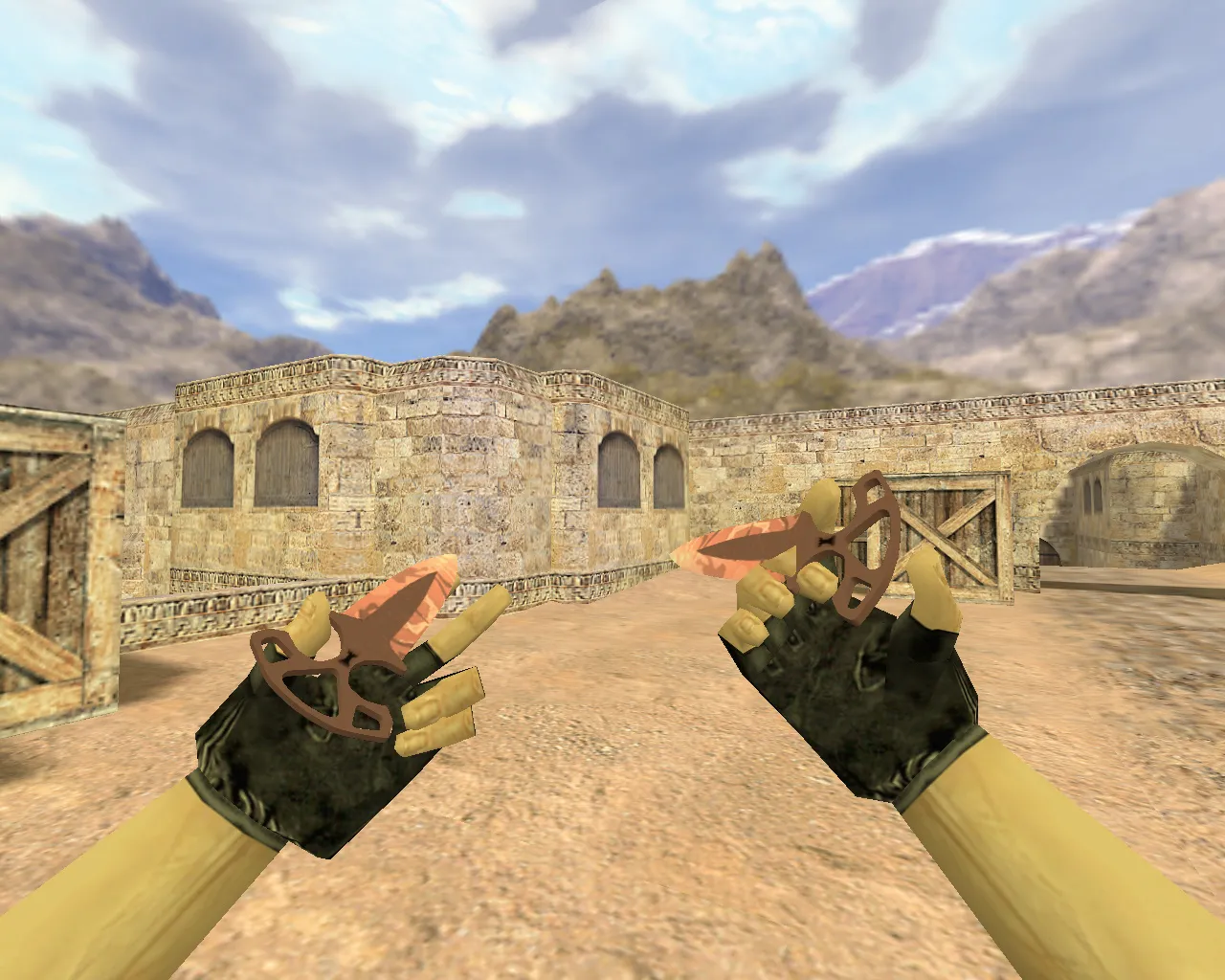
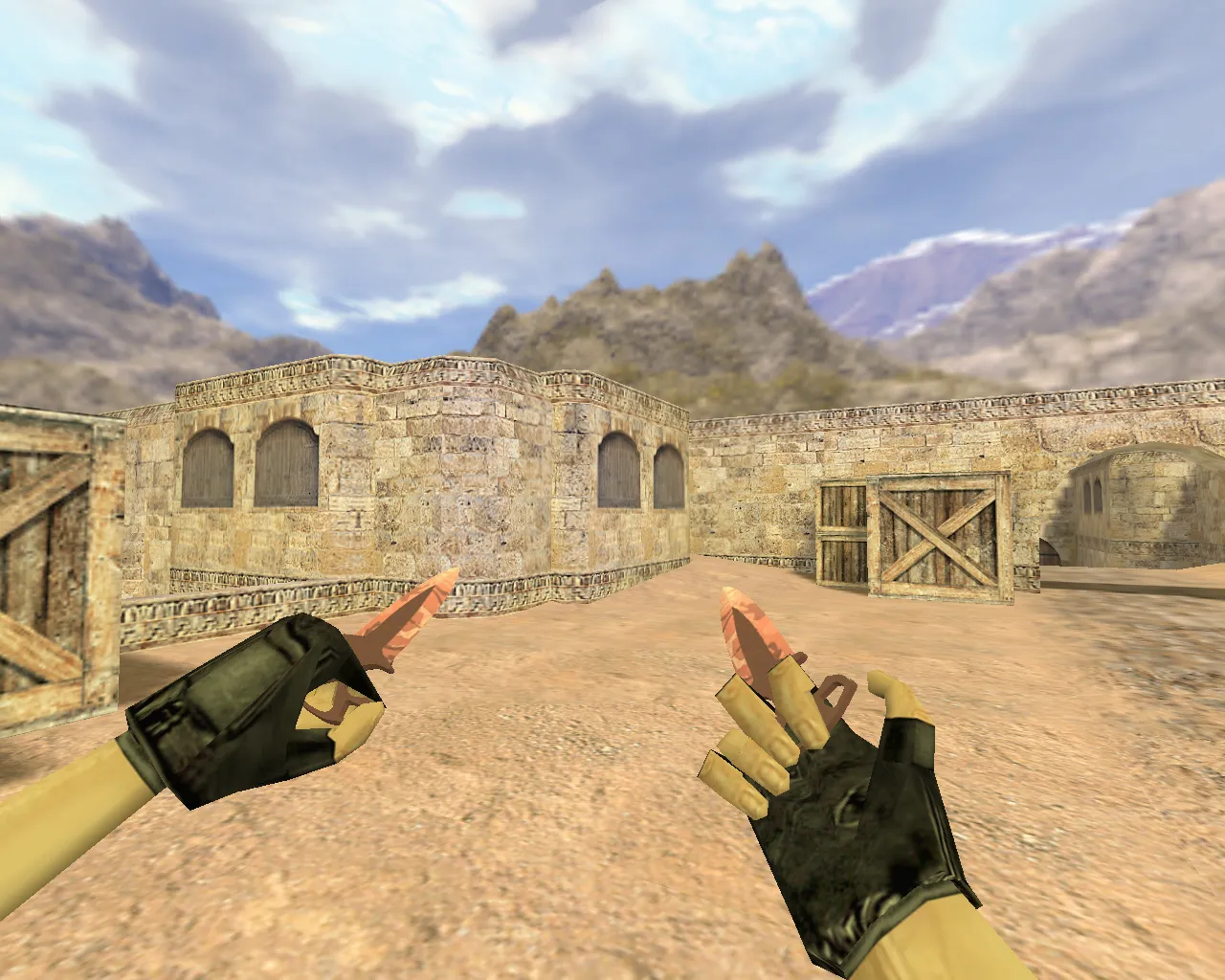
The Murder Stab Knife is a custom knife model tailored for CS 1.6 players who thrive in close-quarters combat, ensuring the weapon's appearance matches its impact feel. In CS 1.6, knives demand precise timing and quick strikes, so the model must integrate seamlessly with the game's mechanics. Essential files include v_knife for first-person view, p_knife for third-person player model, and w_knife for world view, maintaining consistent visuals across hand-held, dropped, or distant perspectives.
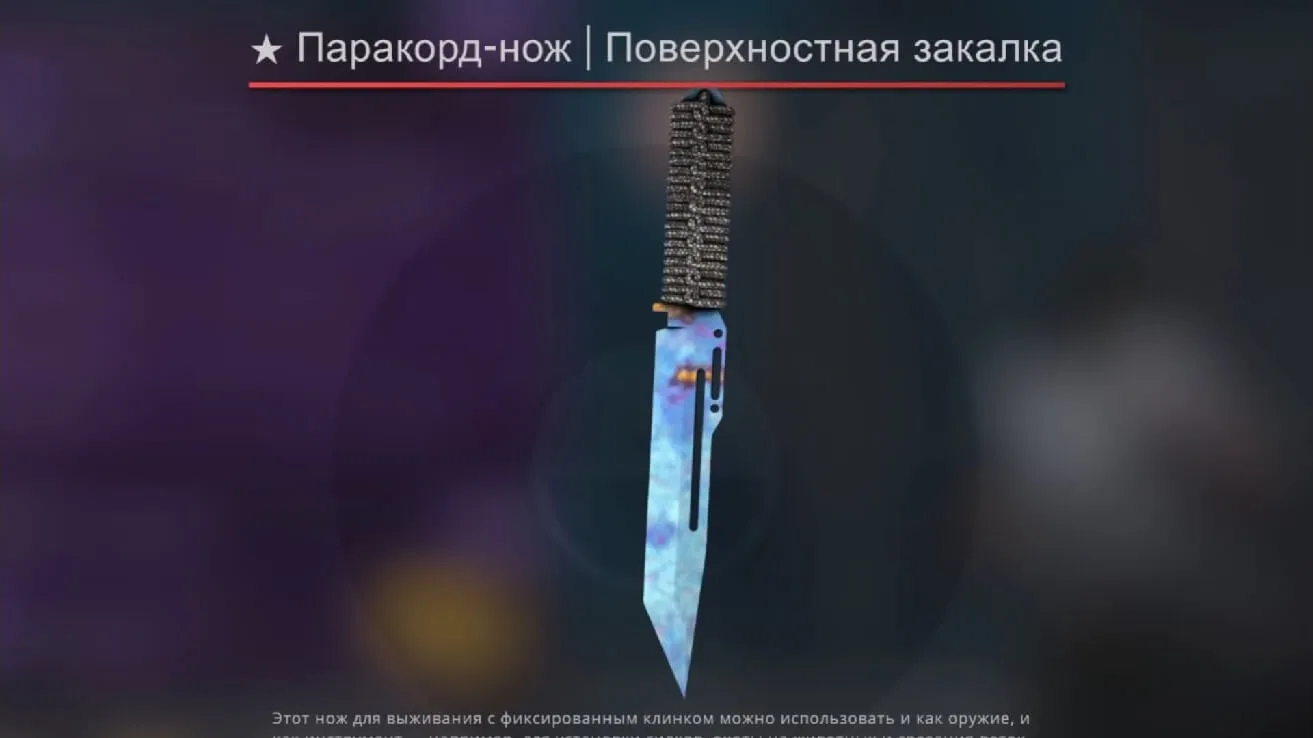
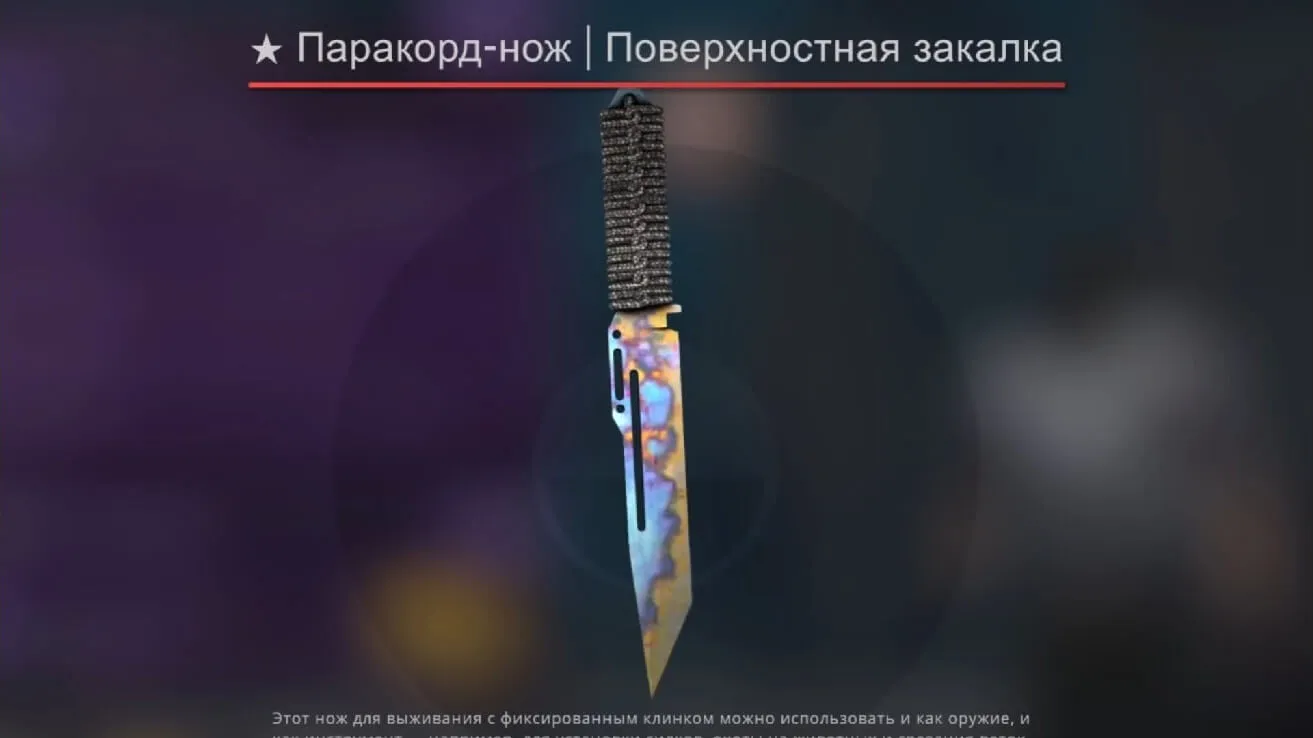
When selecting a knife model, focus on three core aspects: how it sits in your hand during play, its visibility on the map, and performance under round pressure. This model emphasizes smooth inspect animations to avoid choppy transitions during swings. Custom sounds sync perfectly with strikes, eliminating any disconnect between action and audio feedback. Texture quality is critical-check for sharp, non-blurry surfaces without UV mapping shifts that could distract in fast-paced movement.
Model Files: Proper Structure for CS 1.6
Knife models for CS 1.6 come as complete packages. The file structure should include:
- v_knife-first-person view showing player hands and blade grip.
- p_knife-third-person view on the player model for team visibility.
- w_knife-world model for ground drops or enemy perspectives.
Missing or mismatched files lead to substitution glitches, where the knife appears differently in hands versus the environment, breaking immersion. Test in an empty map before joining servers to verify compatibility and avoid mid-match visual disruptions.
In-Game Testing: Quick Checklist
For stable performance, run these checks directly in your CS 1.6 client:
- Load a map and trigger the inspect animation-ensure it flows without jerks or frame drops.
- Navigate dark corners to assess model readability; CS 1.6's shadows heavily test texture clarity in low-light areas like de_dust2 tunnels.
- Execute several stabs and verify sound timing aligns with the animation for realistic feedback.
- Confirm textures remain stable without flickering; mismatches in materials or engine settings cause visual artifacts during motion.
Hitbox alignment stays precise on this model, preventing off-feeling hits that ruin close-combat reliability. Without accurate hitboxes, even the best visuals become a liability in knife rounds.
Safe Installation Process
Install the model manually from trusted sources only-no auto-connect scripts, executables, or installers required. For CS 1.6, simply place files into the correct client directories: models/v_models for v_knife, and so on.
Backup original files before overwriting; this quick step saves time if issues arise from updates or custom builds. Restart the game post-installation. Using a clean config.cfg ensures predictable results, helping isolate any visual tweaks needed for optimal display. Compatible with both Steam and Non-Steam setups, including Build 4554 or 8610 with MasterServer protection.
Close-Quarters Playstyle: Tailored for Knife Rushes
Knife rounds in CS 1.6 rely on aggressive tempo-you move faster than with rifles, circling sites like A-long on de_inferno. The Murder Stab Knife excels in motion, offering clear visibility from varied angles during rushes. Its low polycount keeps high-fps stable, even in modded servers.
On mod-heavy servers, watch for conflicts with client settings; some force resource reloads. Test on local maps or permissive servers first to confirm no clashes. This model boosts confidence in blade work without technical hitches, enhancing your edge in eco rounds or surprise flanks.
Overall, the Murder Stab Knife integrates custom inspect animations that loop seamlessly, paired with punchy stab sounds for immersive feedback. HD textures at 512x512 resolution hold up in dynamic scenarios, while hitbox accuracy ensures every poke registers true. For players grinding knife-only modes, this setup reduces visual noise and sharpens focus on tactics like baiting peeks or chaining stabs. Expand your close-range arsenal safely-manual install means no viruses, no ads, and full control over your CS 1.6 experience.
Install in three steps
-
1
Download the archive. Use the button on the right, or the Yandex.Disk mirror if the main server is slow.
-
2
Extract it into the game folder. Use 7-Zip or WinRAR. A path without non-Latin characters works best.
-
3
Launch the game. If something doesn't work, mark it below - that is how we know the file needs an update.
Did it work for you?
No sign-up needed. You can pick more than one.