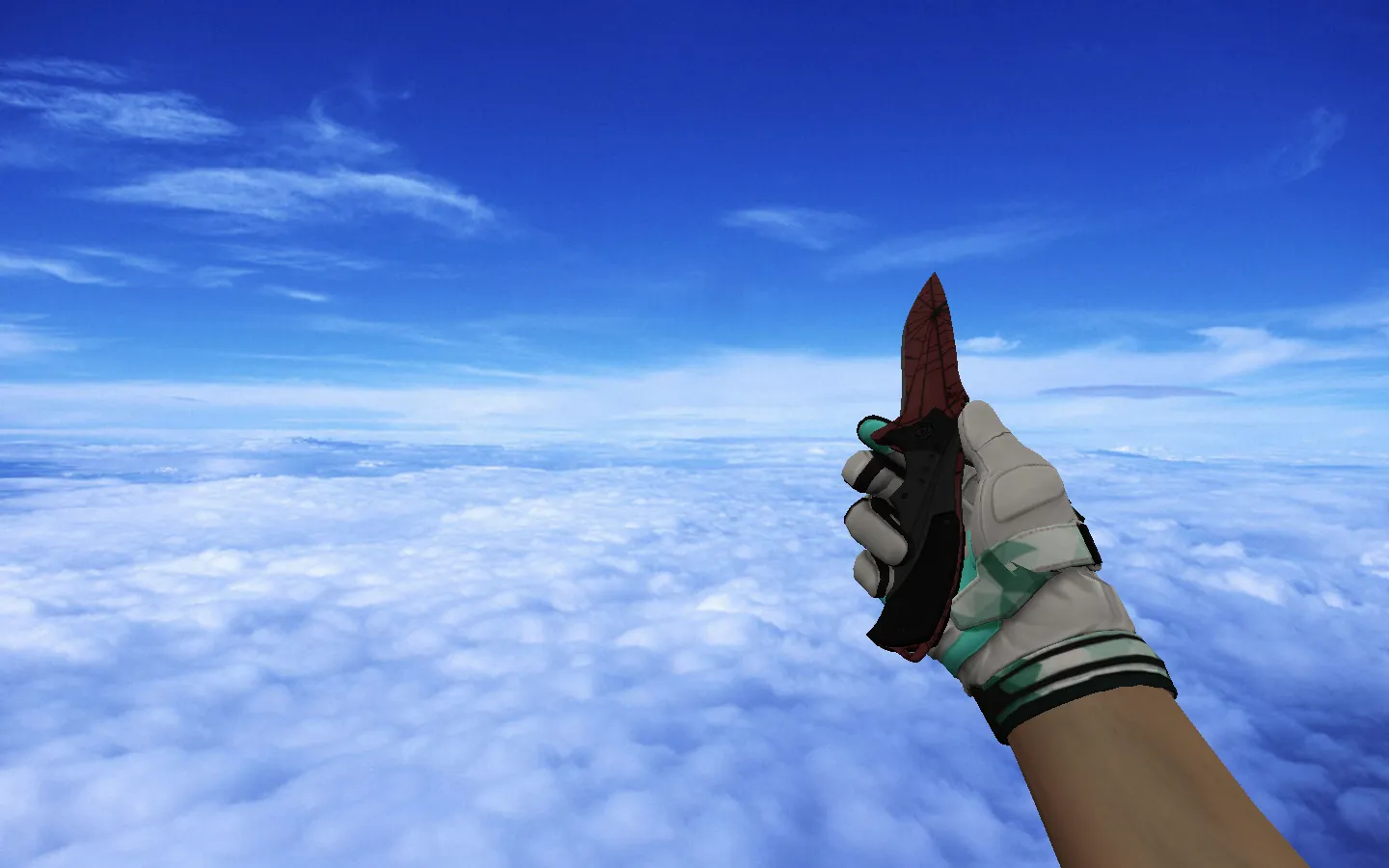
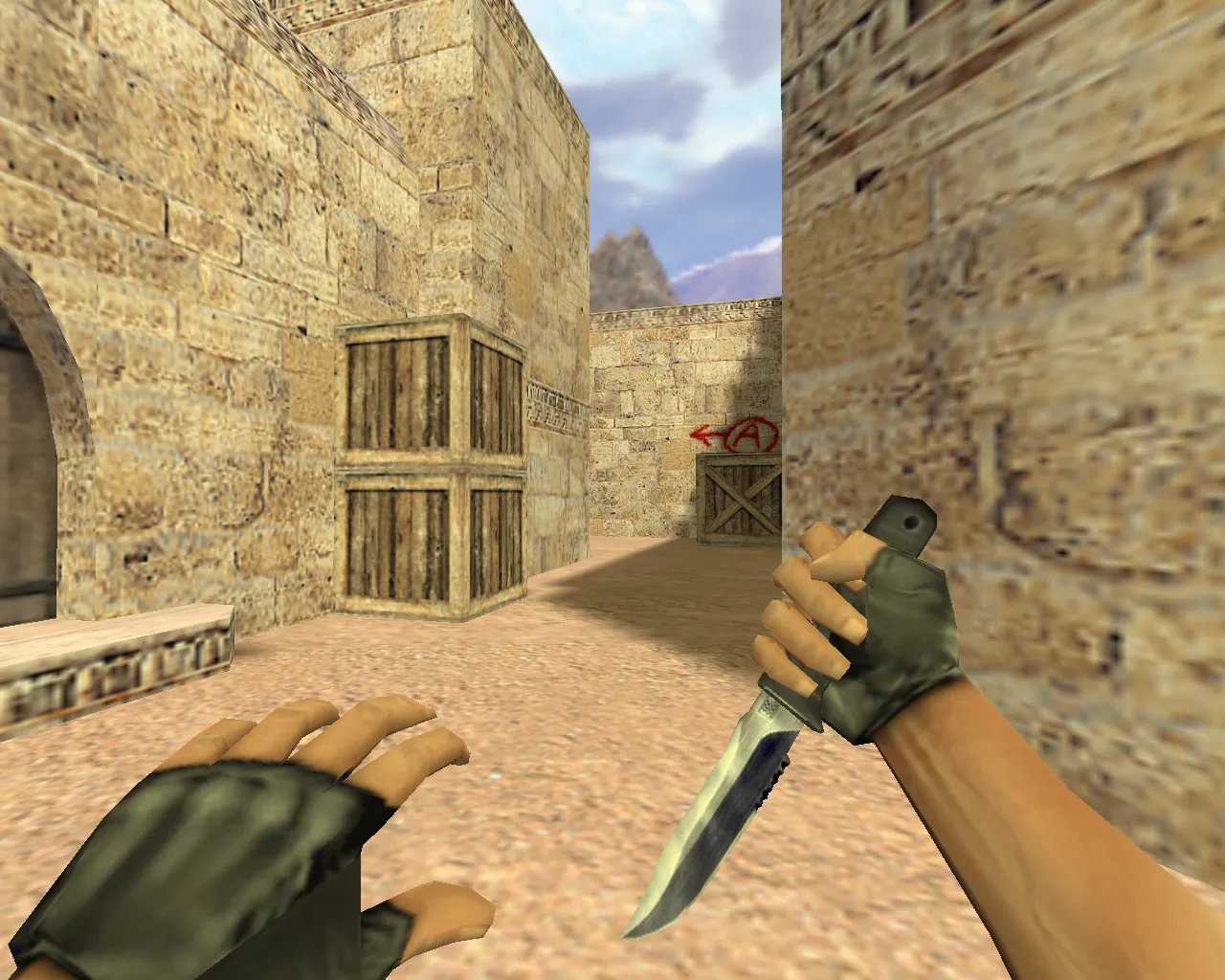
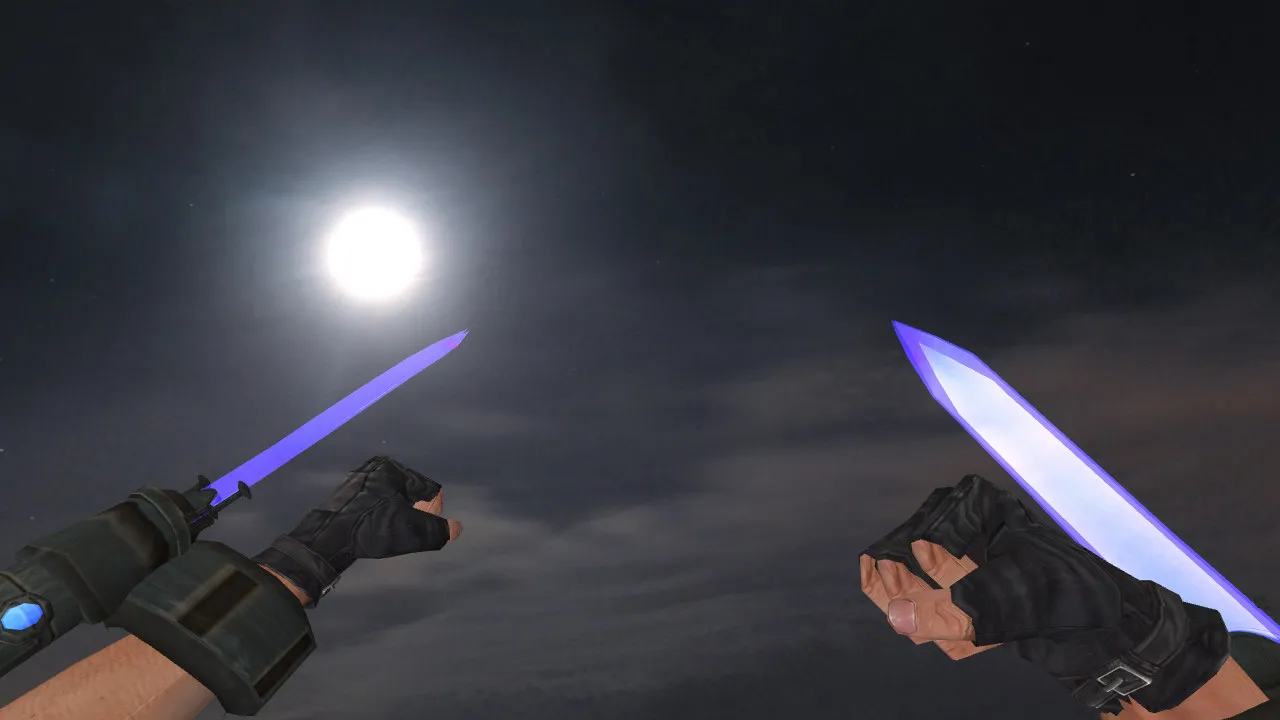
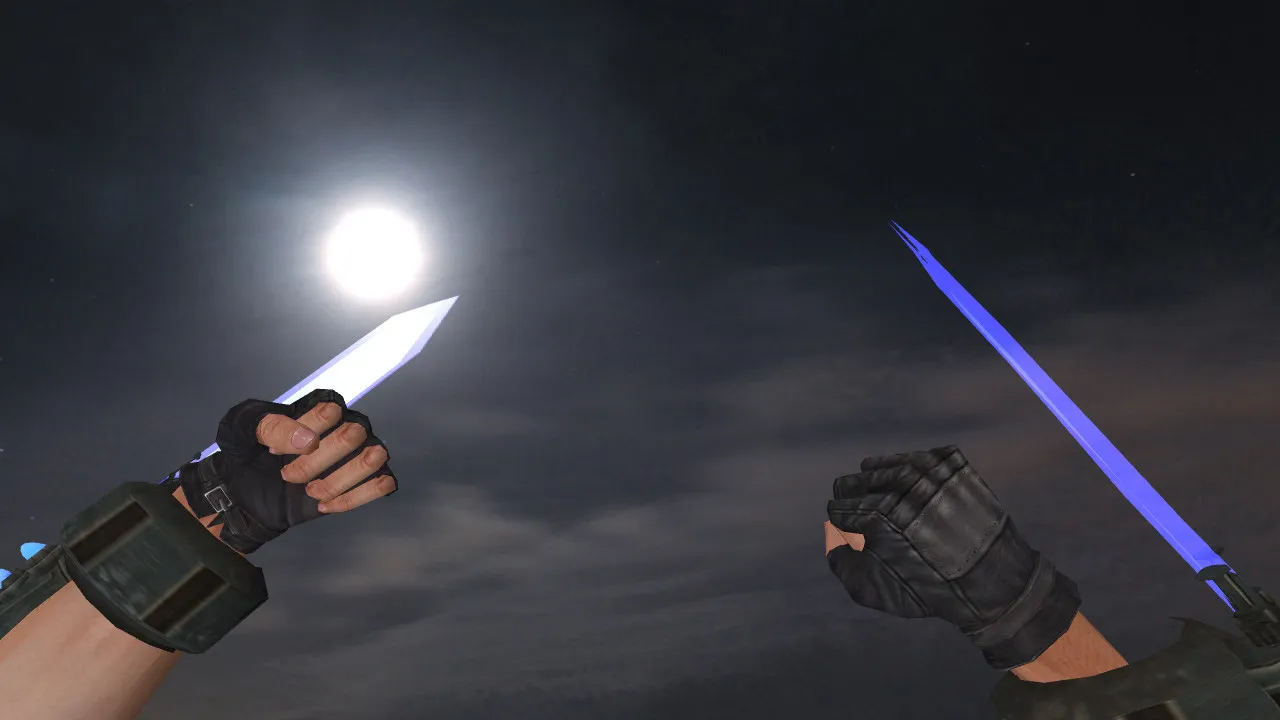
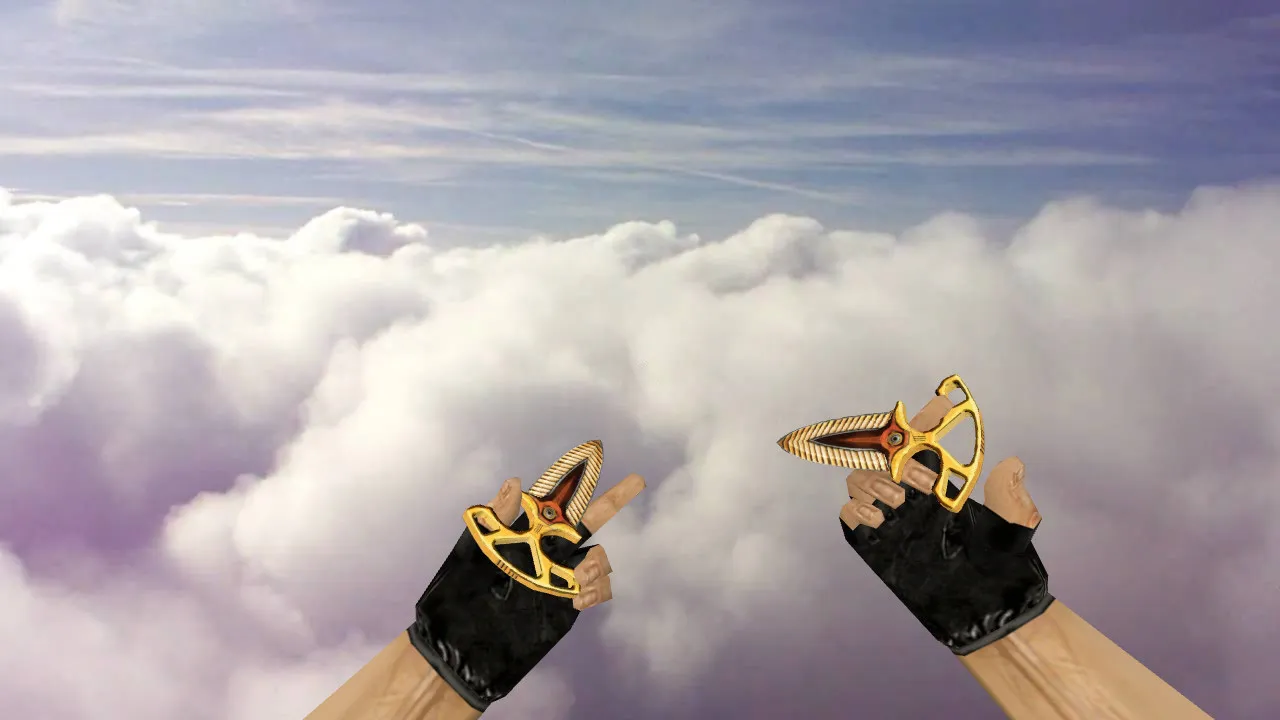
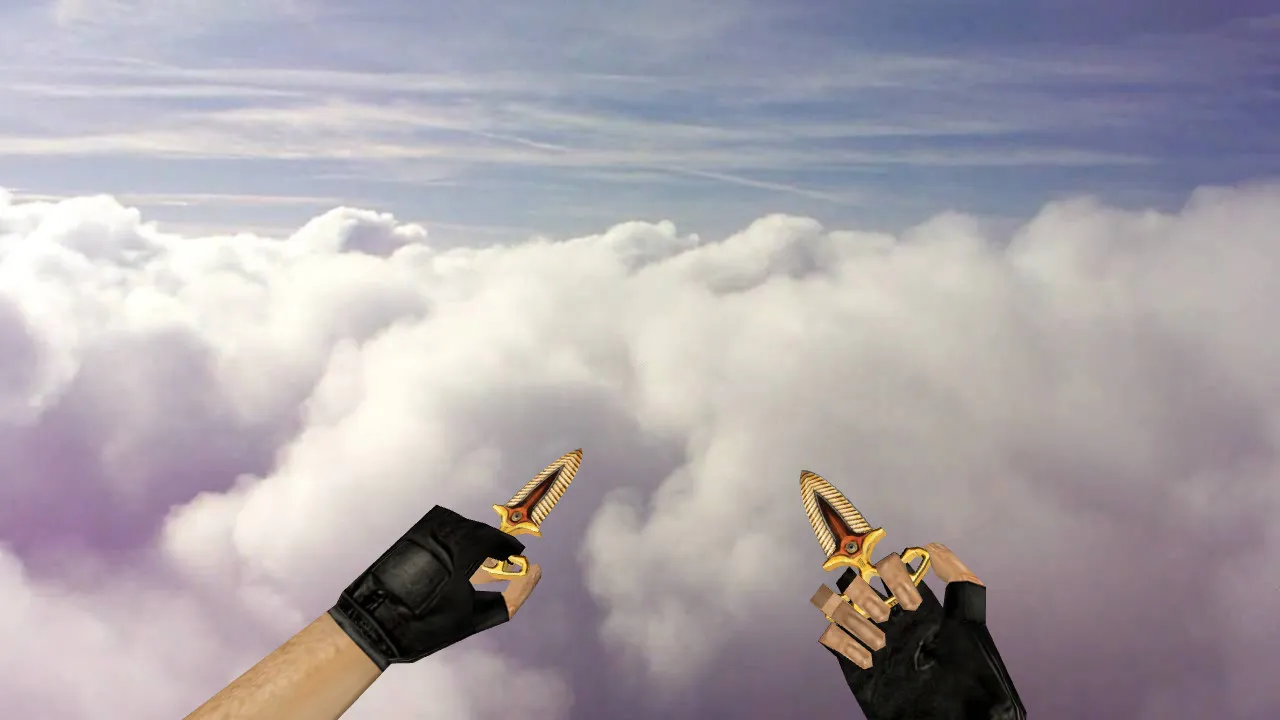
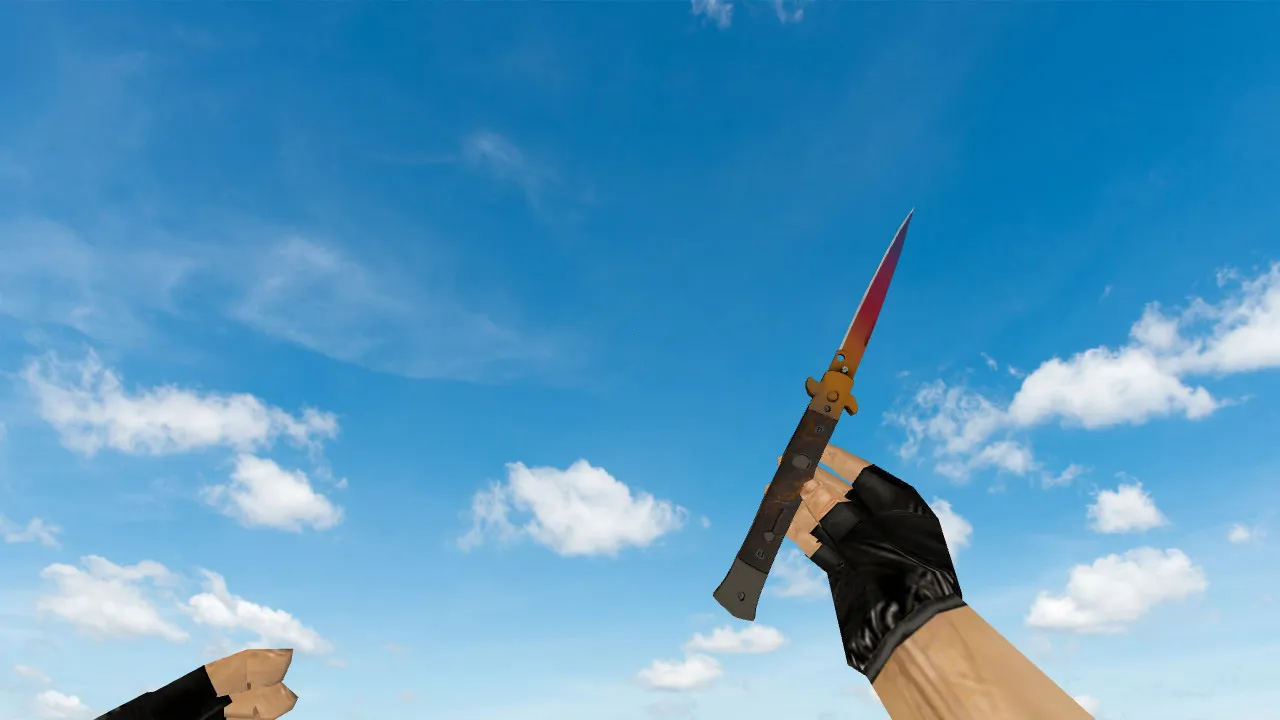
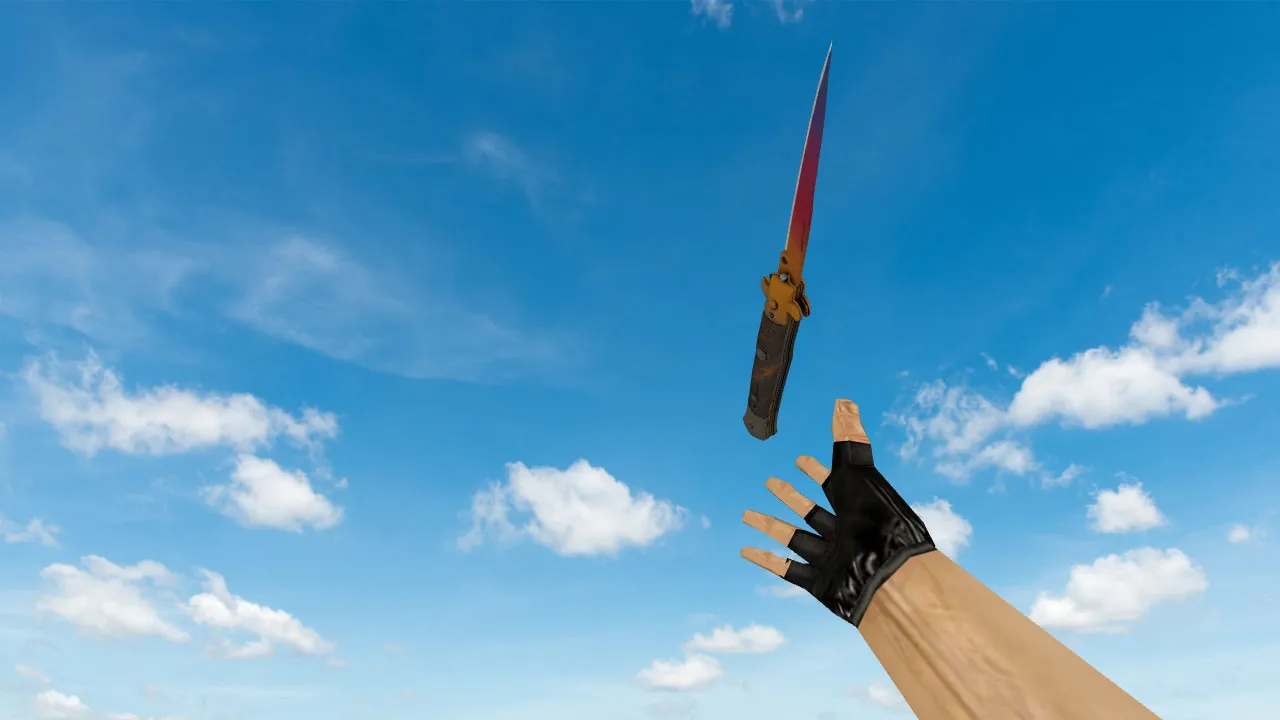
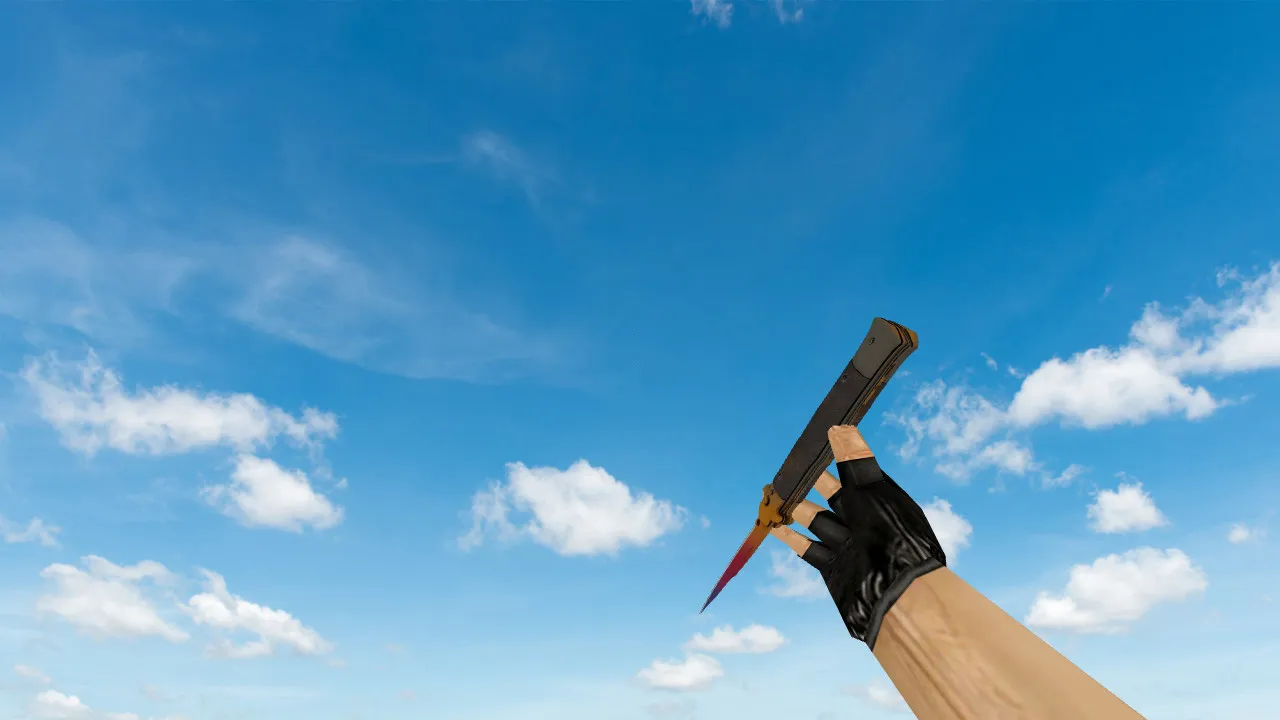
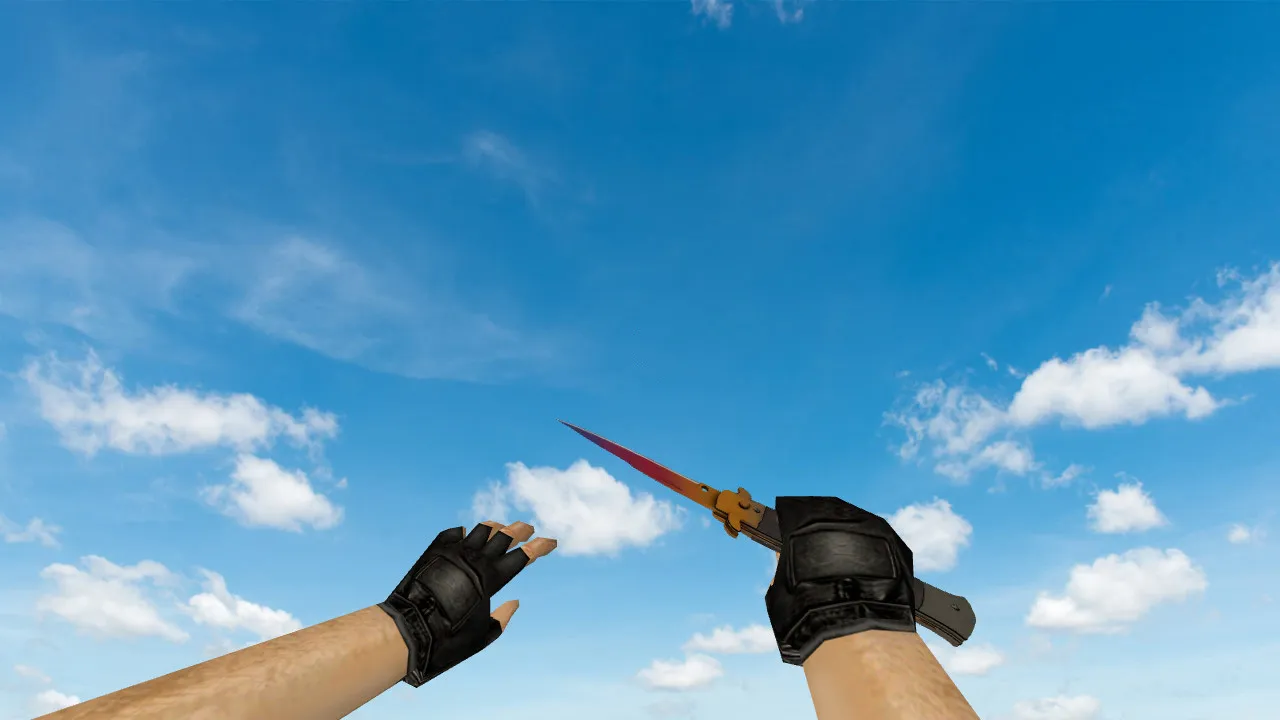
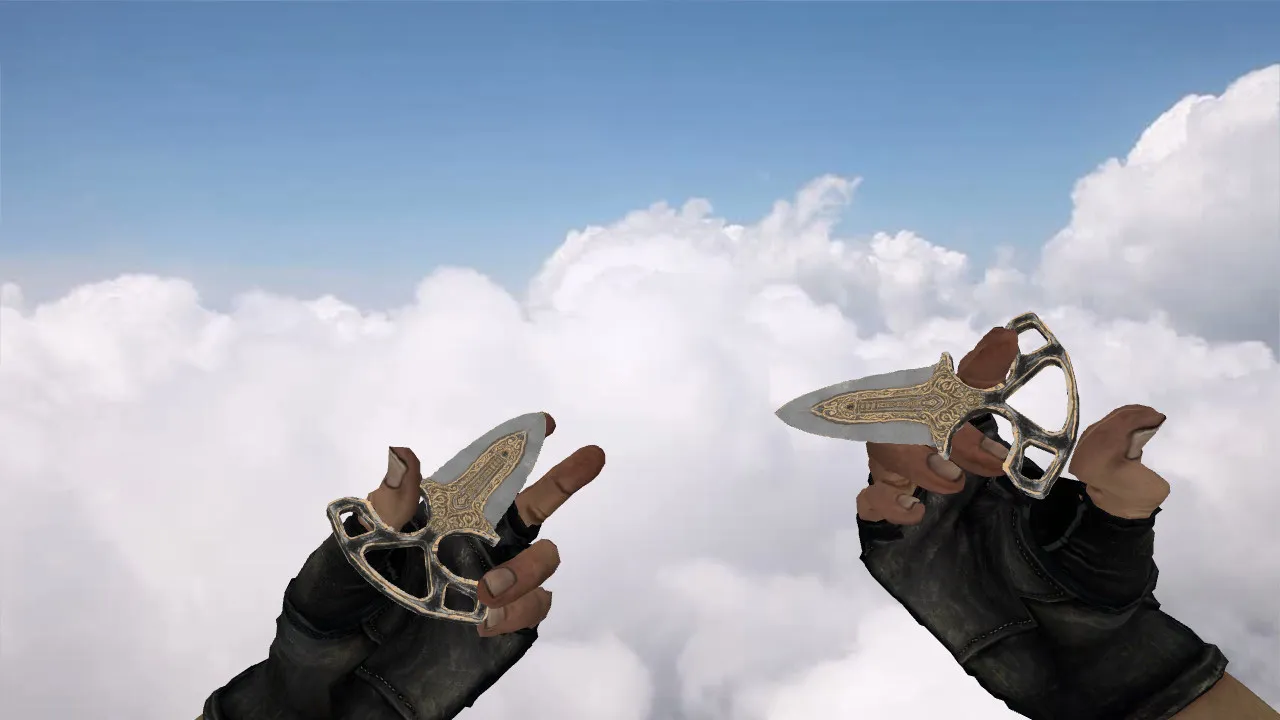
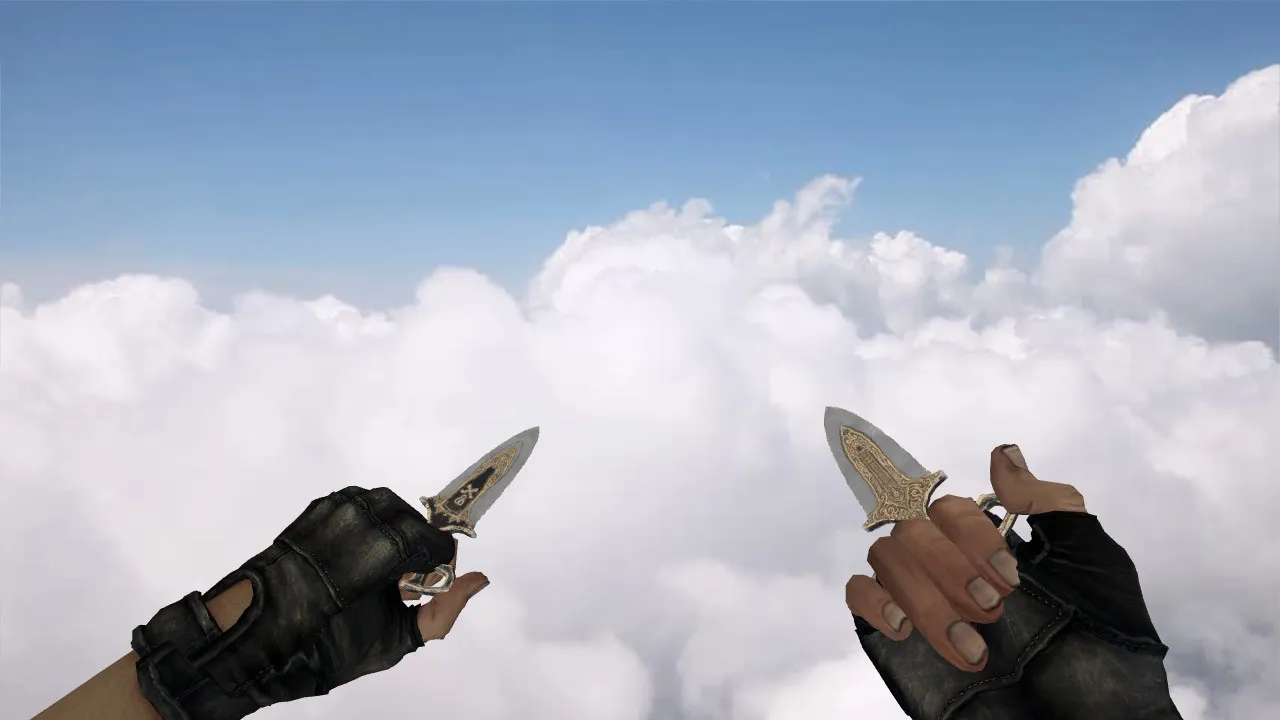
Sapper's Shovel Knife Model for CS 1.6: v_, p_, w_ Models, Sounds, Inspection Animation, Textures
Description
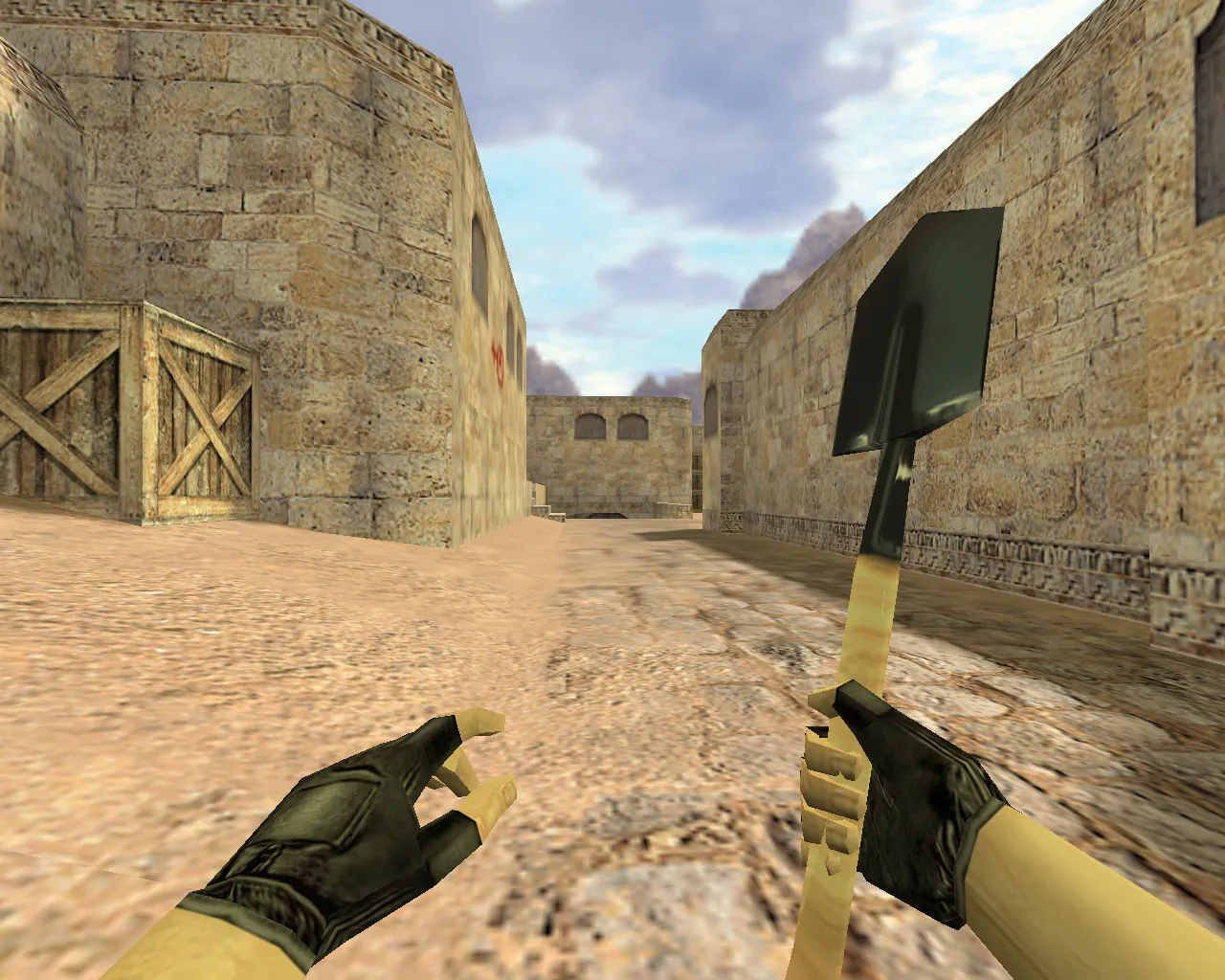
Sapper's Shovel Knife Model for CS 1.6: v_, p_, w_ Models and Core Components
In CS 1.6, the knife influences more than just appearance; it changes movement velocity, aim steadiness during tight fights, and the final frame of a round-ending slash. The Sapper's Shovel arrives as a standalone knife replacement, calibrated for standard server and client builds such as 4554 or 8610. It supplies the correct model layers: v_knife for the first-person perspective, p_knife for third-person visibility, and w_knife for the world model seen by others. This arrangement stops animation glitches or model breakdowns when toggling view modes or adjusting display settings like high-fps configurations.
Visually, the model keeps its form under fire. Textures employ 512x512 resolution packs to prevent blurring on highlights and preserve contrast in dim areas, ideal for spots like de_dust2 corners or de_inferno tunnels. The inspection animation hooks into default CS 1.6 sequences. Switch to the knife and inspect-it rotates smoothly frame by frame without lag spikes or material seam flicker. This keeps the weapon synced with your inputs, avoiding desyncs in fast-paced rounds.
Sounds, Animation, and Rendering Quality
For knives in CS 1.6, audio matters as much as visuals. The Sapper's Shovel integrates custom stab and swing sounds matching the game's tempo, without clipping or oversized files that slow down older rigs. No bloated .wav packs here-just clean audio that loads quickly and doesn't flood the sound queue during sprays or footsteps.
The inspection animation adheres to stock frames to dodge the common jerkiness from custom timelines. Players notice those hitches immediately in practice lobbies. This model prioritizes fluidity: the hand grip and blade positioning align with the viewmodel, no clipping with arms or erratic spins. You get reliable handling-twirl it during warmup or pre-plant checks without surprises.
Polycount remains low at roughly 500-800 tris per model to ensure high-fps stability, even on integrated graphics. Hitbox alignment matches vanilla knives, so no false positives in server checks or bot navigation issues on custom maps.
Safe Installation Guide for the Model
Install without headaches by doing it manually-no auto-connect scripts, third-party launchers, or so-called boosters. Download the zip, extract to your models folder matching your build's structure (typically cstrike/models). After installing, verify files sit in subdirs like v_knife.mdl, p_knife.mdl, w_knife.mdl, and sounds in sound/weapons/knife/. Test for conflicts with other mods; overwrite only if you have backups.
- Backup existing knife files first-copy the whole models/knife folder to a safe spot for quick revert.
- Scan the archive: only .mdl, .bmp/.tga textures, .wav sounds-no .exe, .dll, or suspicious scripts.
- Launch CS 1.6, spawn in a local game, and cycle to the knife. Check v_ view for details, p_ in mirrors or spectator mode, w_ on the ground.
- For strict ESL servers, stick to client-side files. Avoid editing server.dll or masterserver configs to prevent bans.
Client-only setup means no server interference. It works with both Steam and Non-Steam installs, including WON or clean config.cfg tweaks for no-recoil binds.
In-Game Testing: Verify Smooth Performance
Before queuing matches, run a quick console check. Bind a key to inspect (alias +inspect), switch weapons, and watch for load errors. Test slashes on bots-sounds should punch without distortion, animation transitions clean on weapon swaps. Focus on the full picture: not just hands, but how the blade tracks in motion, like mid-strafe or peeking long angles.
Dark area visibility matters for knives in CQC. On maps with shadow-heavy spots, like de_nuke vents or de_cache underpass, the model's metallic textures pop with edge lighting, no washout. It's built for that aggressive playstyle-hold tight angles or rush B-site without losing sight of your tool.
Extra tip: Pair with a clean HUD sprite for the knife icon; the included .spr file ensures no missing textures in the inventory. If you're modding deeper, epoly the models for better bot pathing on custom maps, but stock .nav files handle it fine.
Grab the Sapper's Shovel knife model for CS 1.6 to sharpen your close-range edge. Virus-free, ad-free, just solid files and seamless compatibility across builds.
Install in three steps
-
1
Download the archive. Use the button on the right, or the Yandex.Disk mirror if the main server is slow.
-
2
Extract it into the game folder. Use 7-Zip or WinRAR. A path without non-Latin characters works best.
-
3
Launch the game. If something doesn't work, mark it below - that is how we know the file needs an update.
Did it work for you?
No sign-up needed. You can pick more than one.