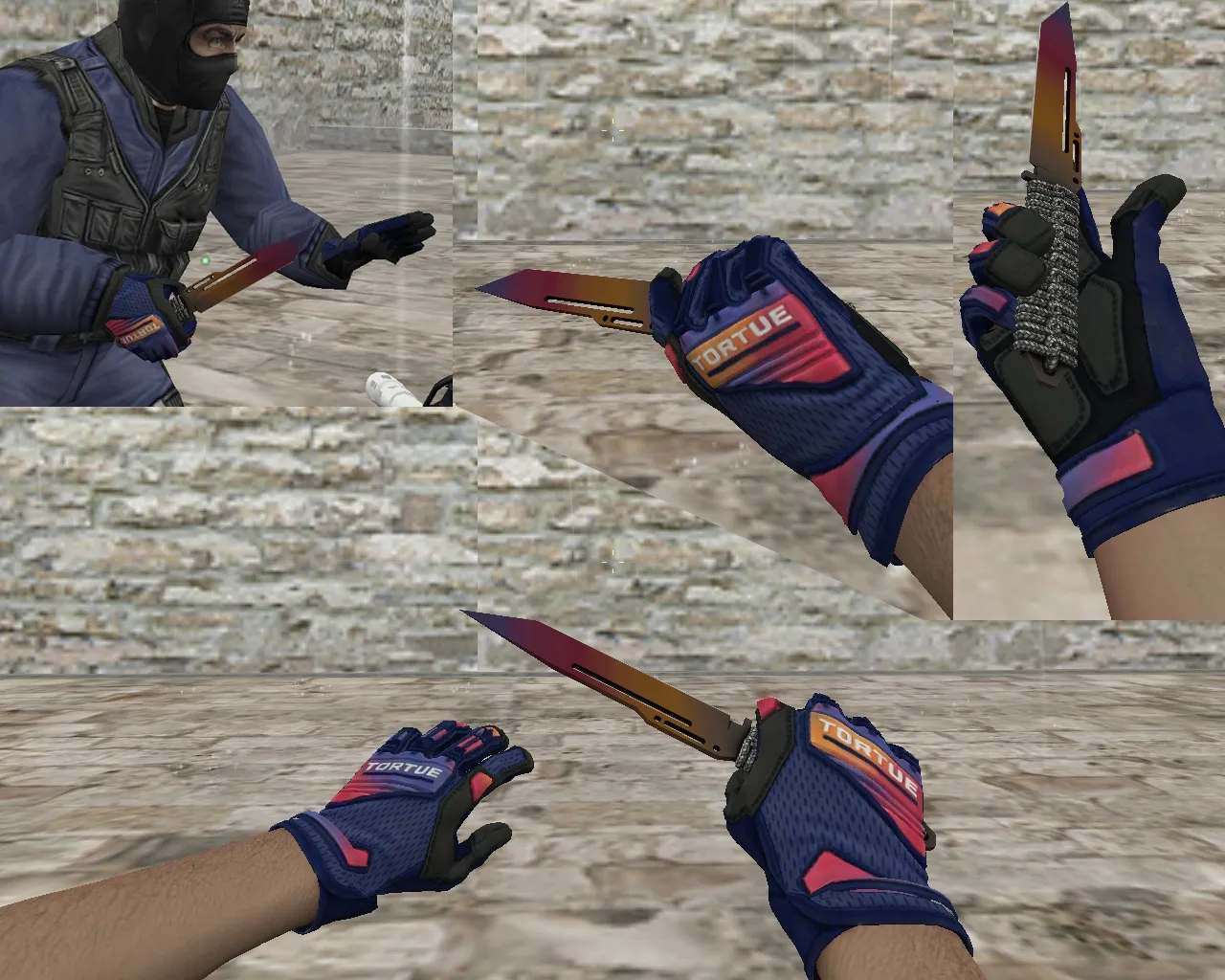
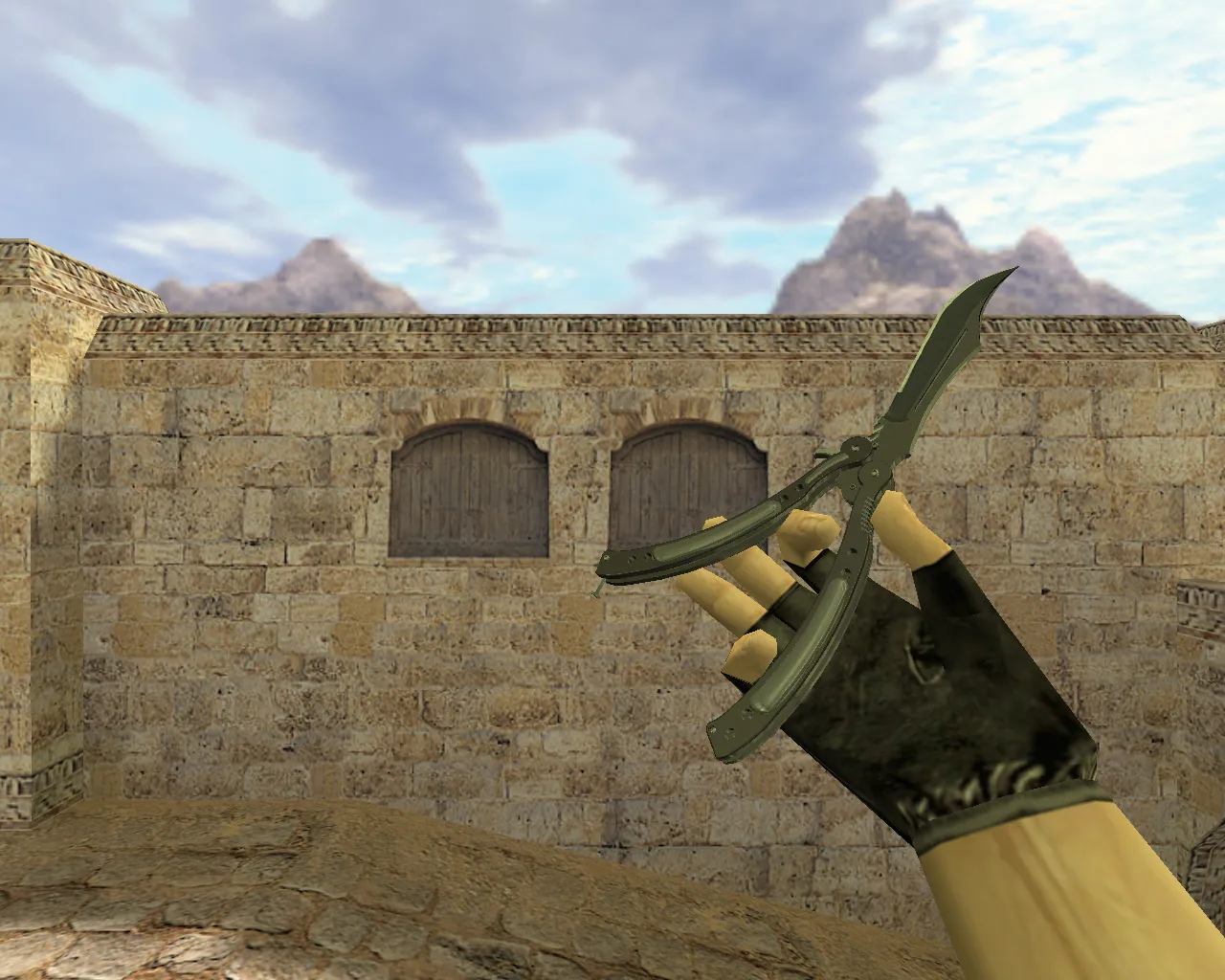
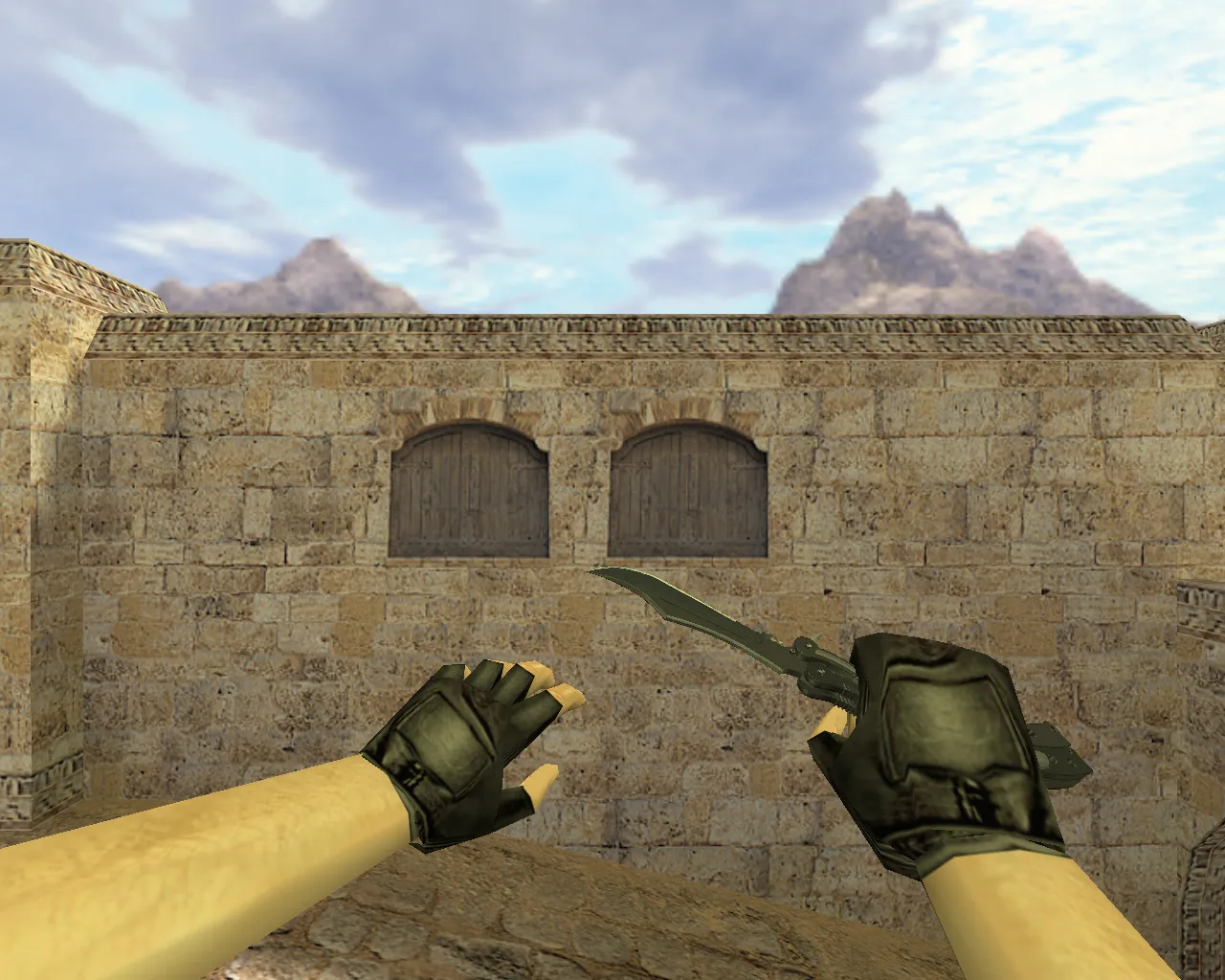
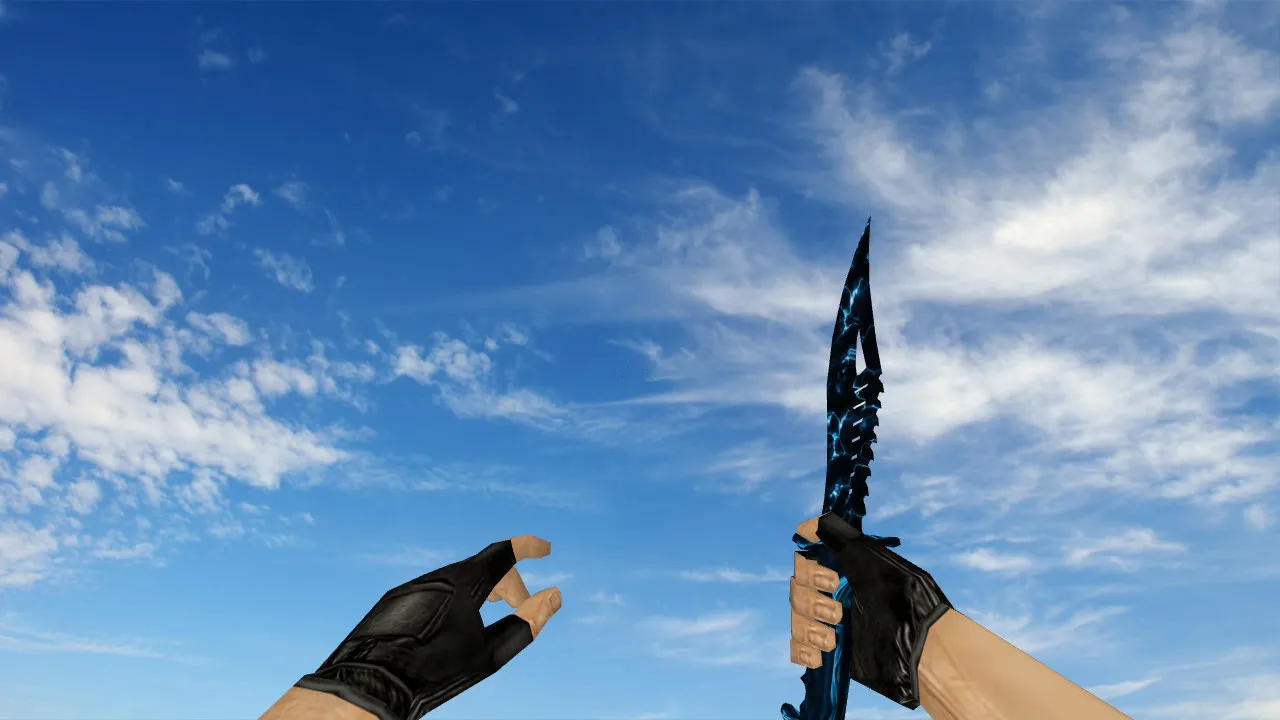
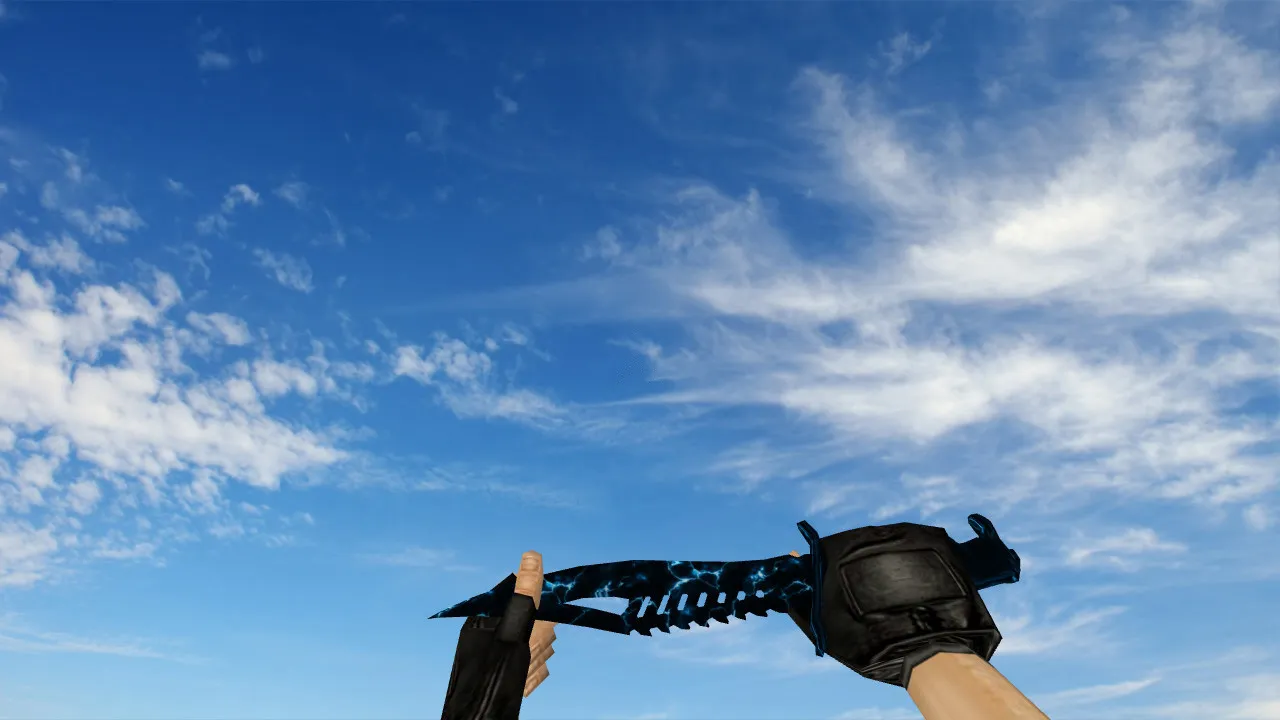
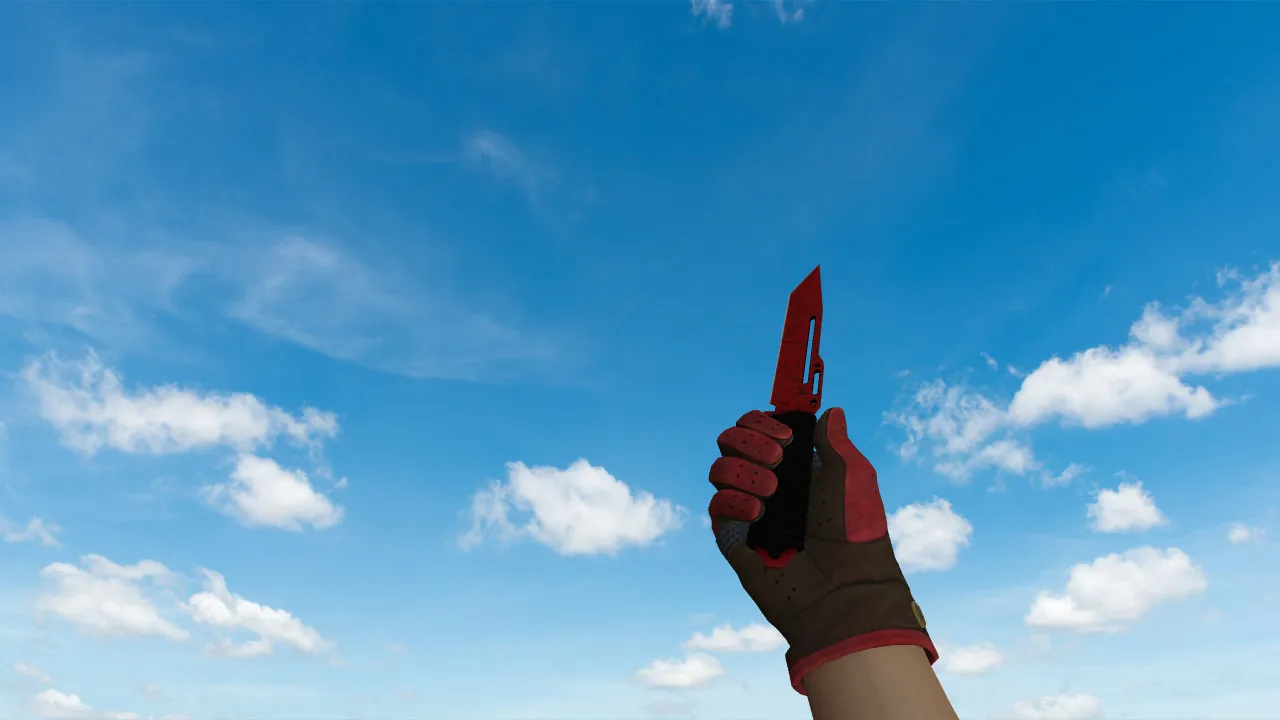
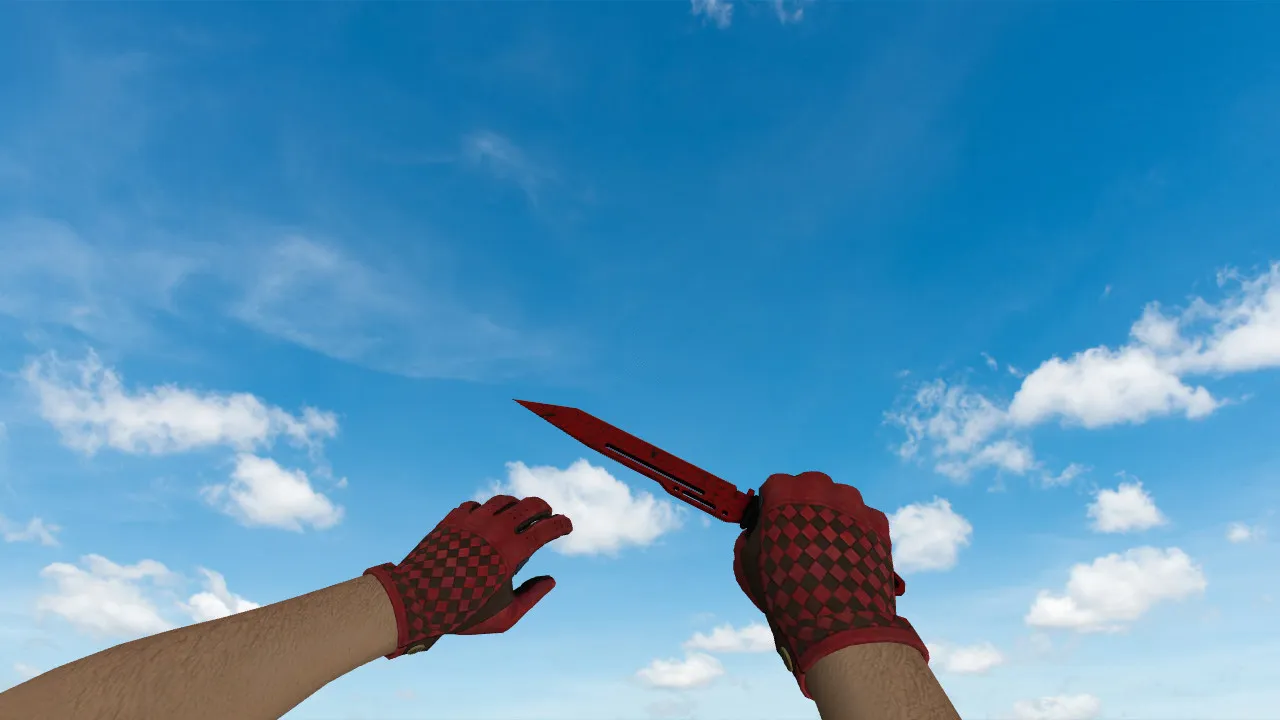
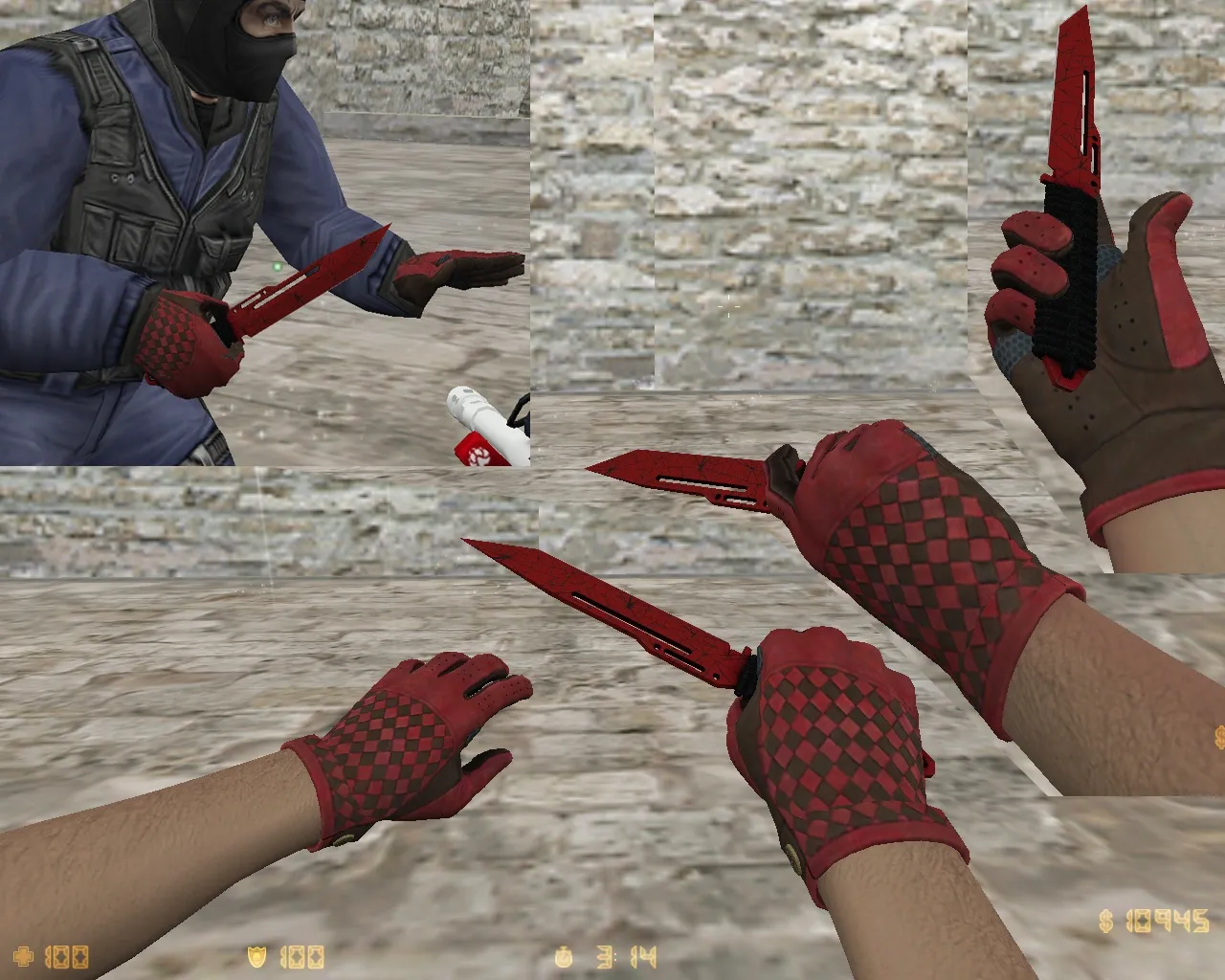
Proton Handgun Knife Model for CS 1.6: v_, p_, w_ Files, Custom Sounds, Inspect Animation, and HD Textures
Description
Proton Handgun Knife for CS 1.6: Contents and Setup Guide
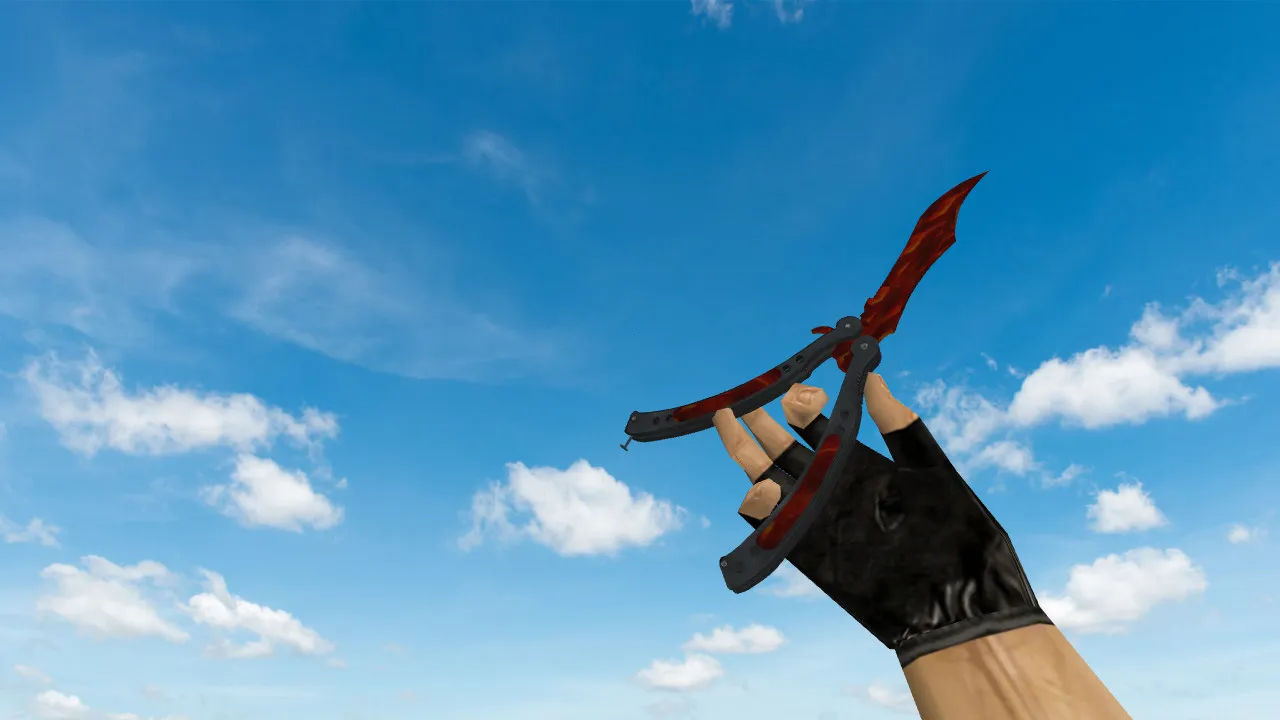
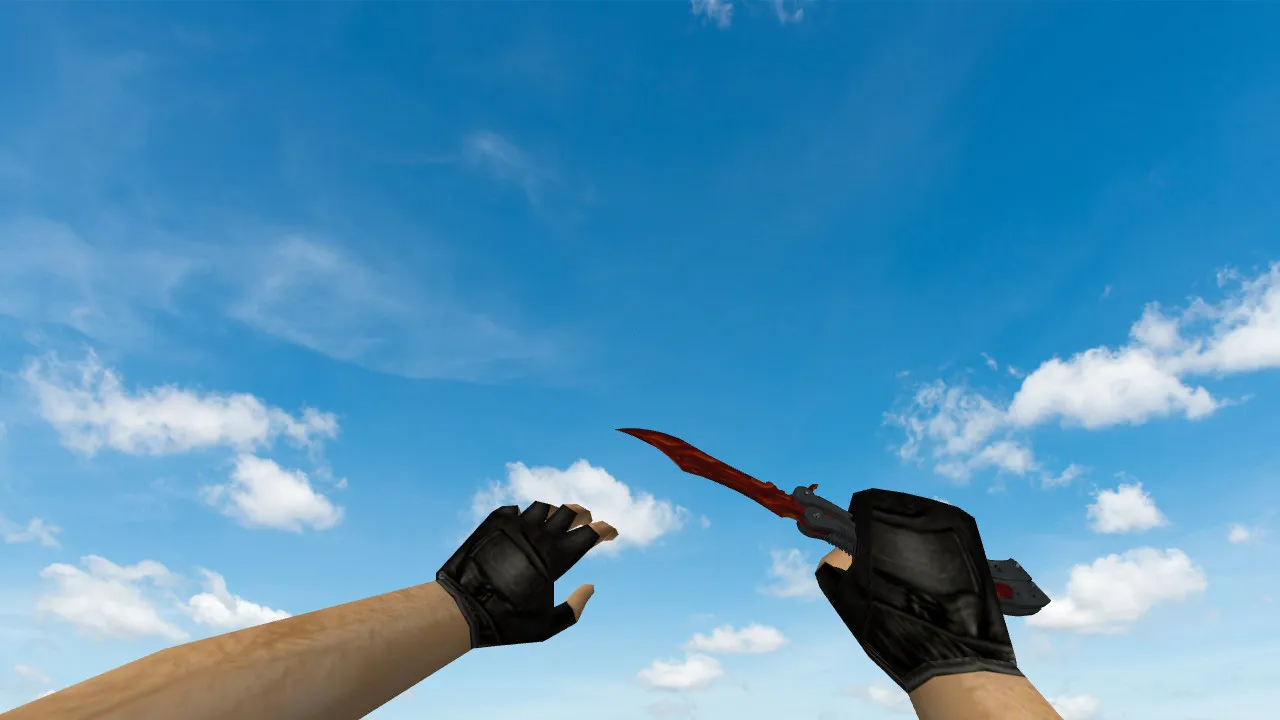
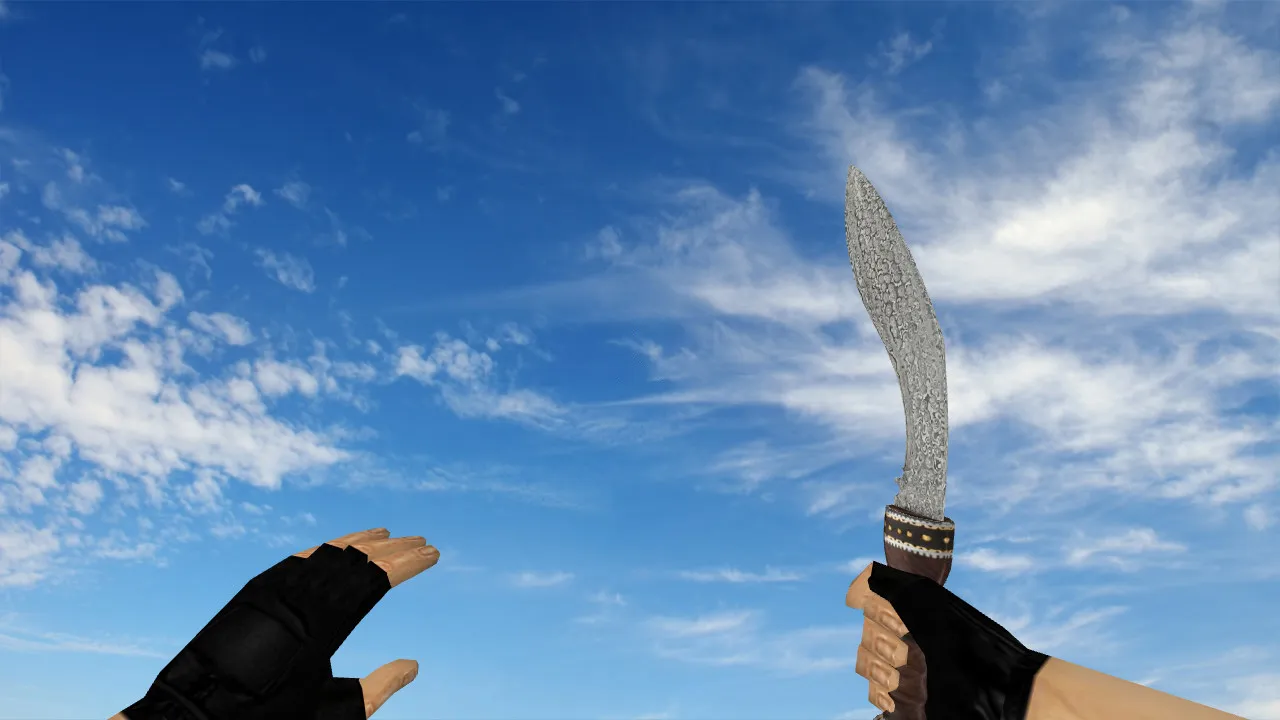
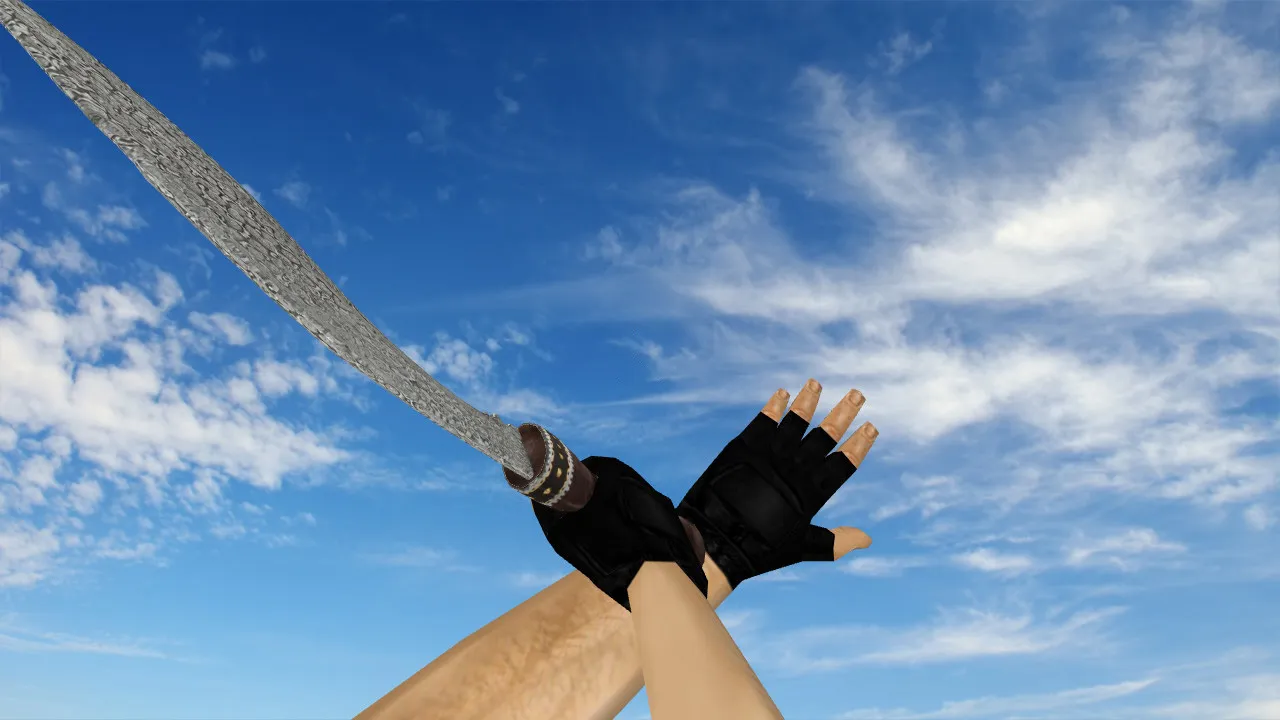
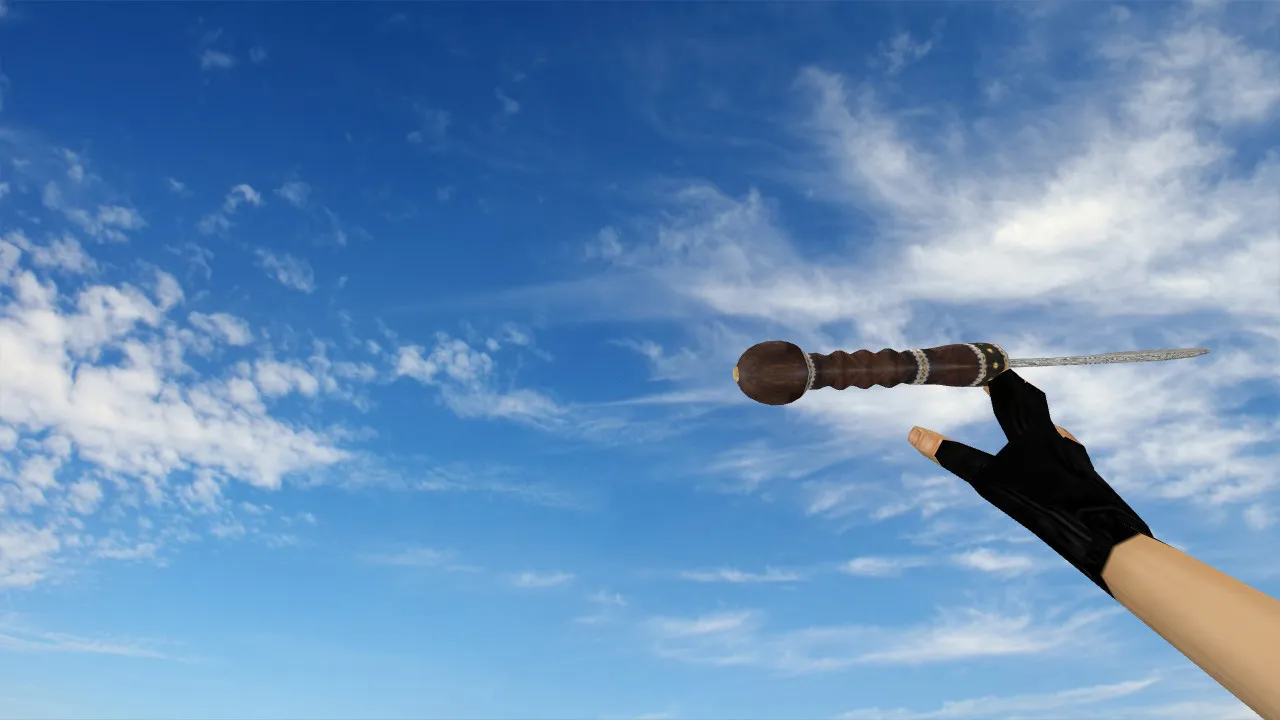
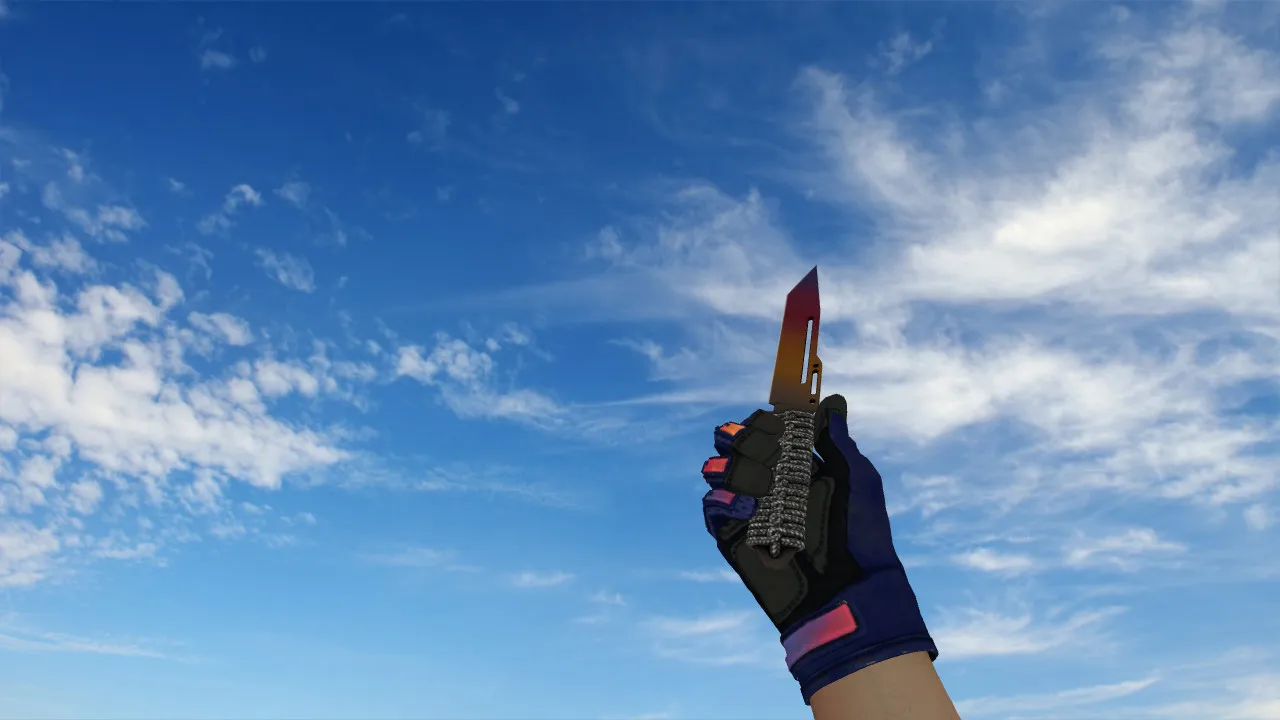
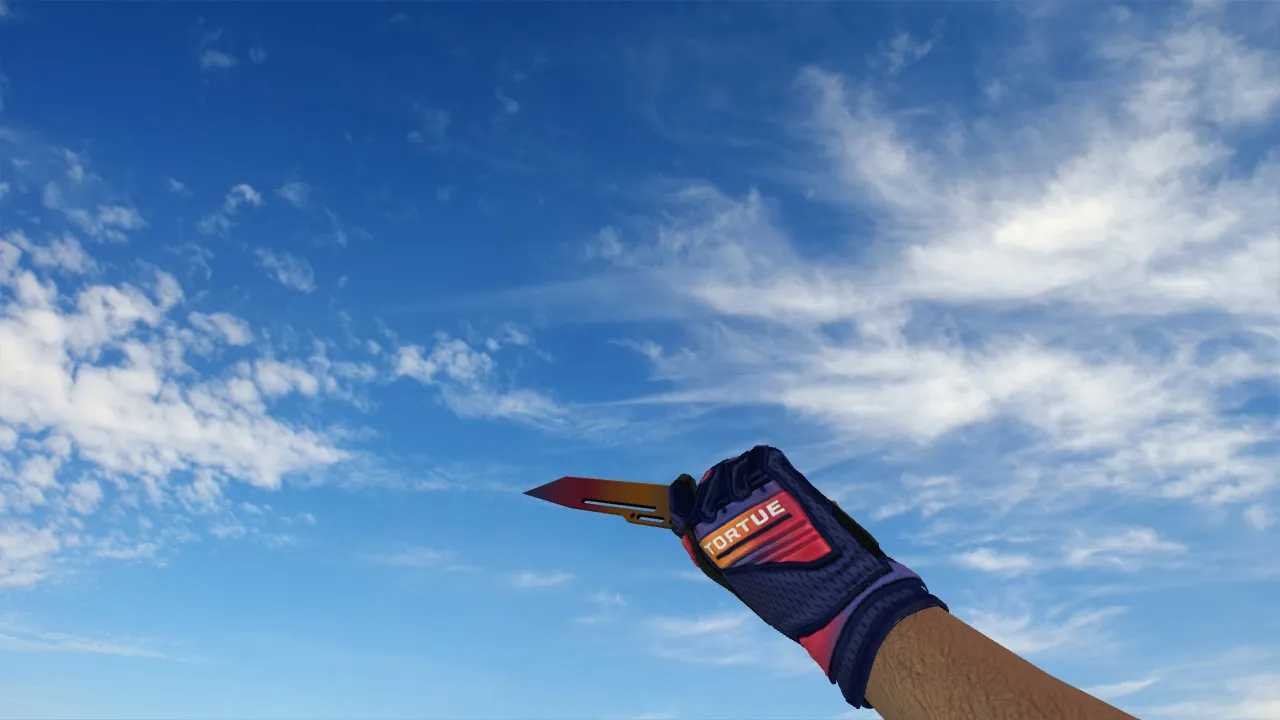
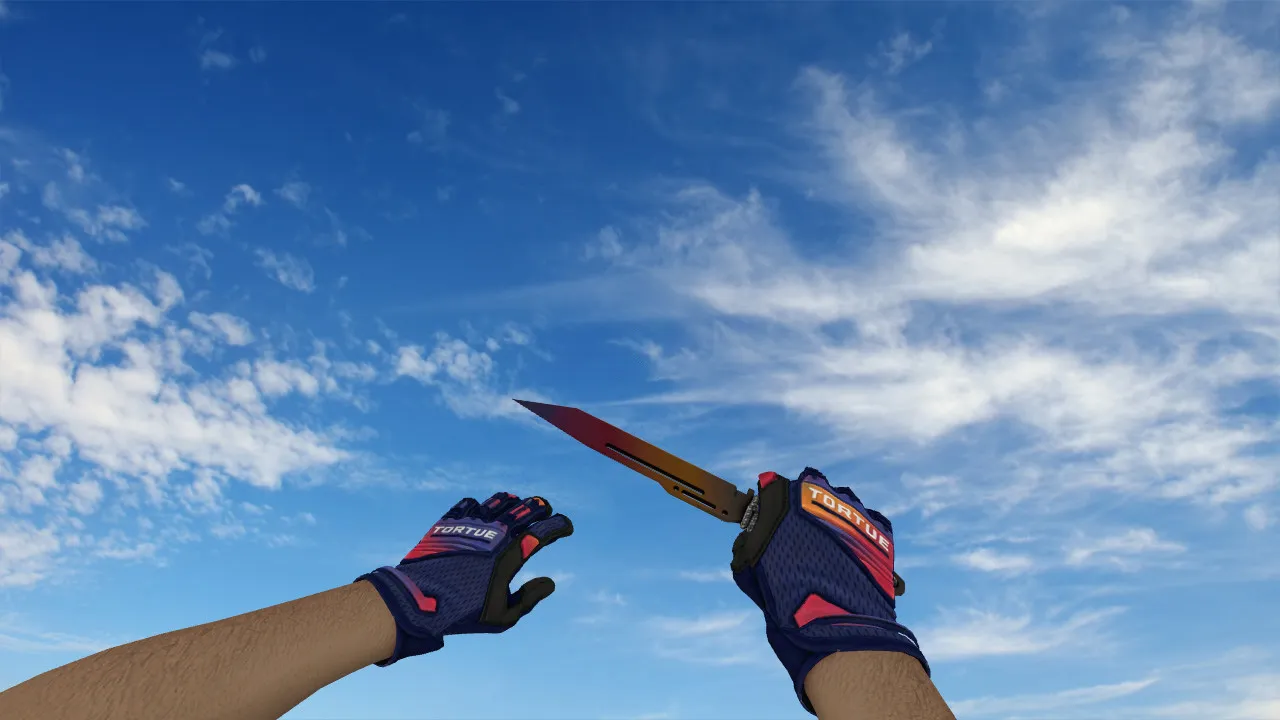
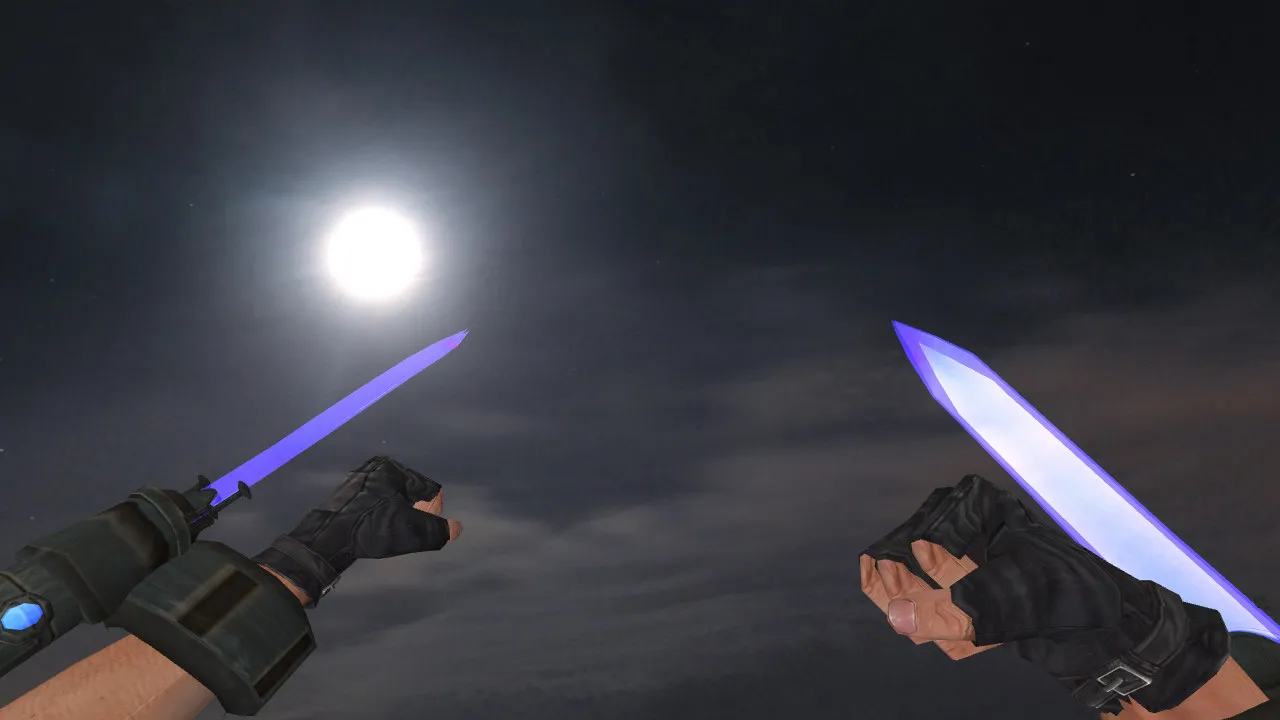
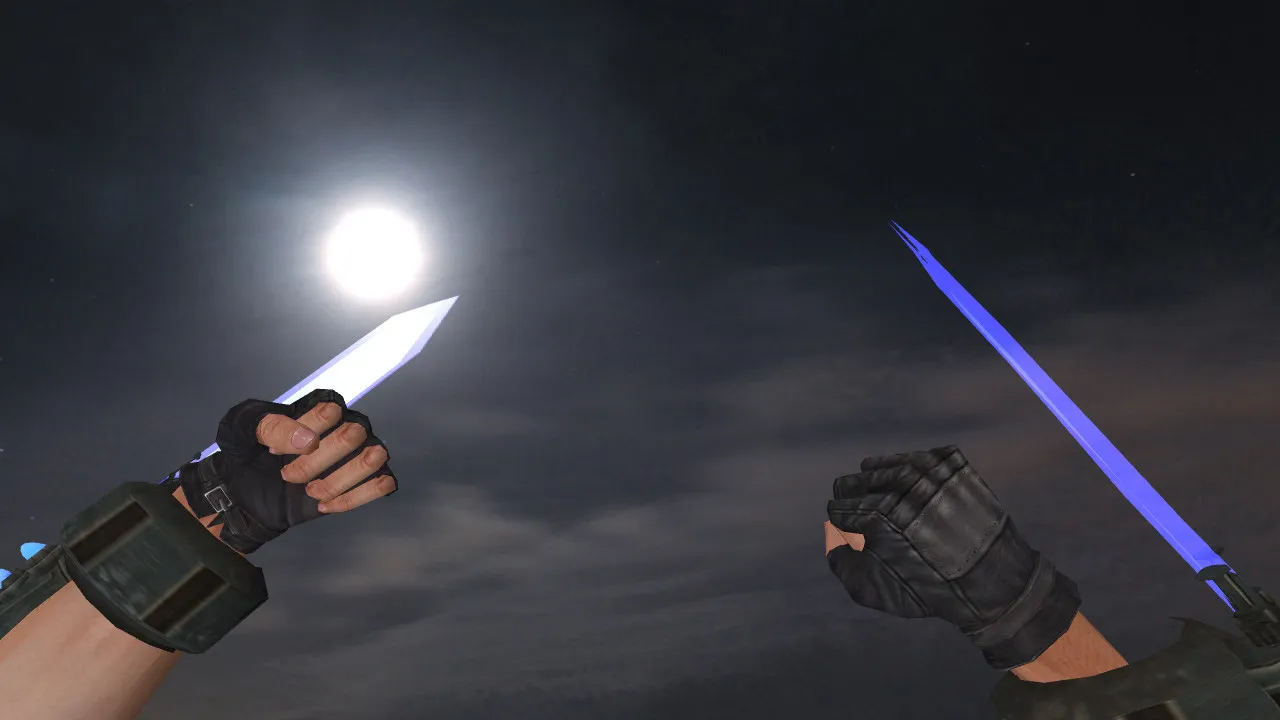
The Proton Handgun knife takes the place of the default blade in Counter-Strike 1.6. It integrates cleanly into the client, rendering properly in first-person and for spectators alike. The archive supplies working v_, p_, and w_ model files. These control the weapon's look while aiming, held in hand, and lying on the ground, guaranteeing consistent visuals across every game mode.
Geometry and textures are tuned for stable frame rates on ordinary setups. They prevent blurring and keep the silhouette readable at close quarters-critical for a knife that stays on screen during fast turns or tight-corner dodges during rushes.
Visual Details: Inspect Animation and Rendering Quality
This knife ships with a complete inspect animation. The sequence keeps the model uniform during handling and player interactions. Smooth view transitions and stock animation speeds prevent jitter. On clients using default animation settings, behavior remains predictable with no dropped frames.
Custom audio files are bundled, covering swing attacks and draw/deploy actions. They sharpen melee feedback by syncing with hit timing, helping establish match rhythm. The sounds do not clash with the base game's audio in clean configurations, keeping things clear even during frantic knife fights.
High-definition textures at 512x512 resolution deliver crisp detail without pushing the polygon count past 1,500 faces, striking a balance between visibility and performance. In dim areas such as de_dust2's tunnels, the metallic gleam remains visible, assisting competitive play where spotting sudden movement matters.
Hitboxes and In-Game Performance
Because the knife is a close-range tool, it requires precise interaction zones. This model aligns its hitboxes accurately with the visual geometry, so strikes register reliably in close-quarters combat. In CS 1.6, matching the displayed model to its collision volume prevents misses during wallbangs or rapid slashes, preserving fair play without exploits.
Mechanics stay true to vanilla-no recoil adjustments needed, just solid melee tracking. Test on a local server to verify hit registration at various angles, especially when pivoting around crates or moving through smoke.
Safe Installation Steps for Your Client
Install carefully to avoid problems. Skip automated scripts or overlay launchers; they risk instability. Follow these steps for a clean replacement:
- Back up your current knife files from the models directory, including v_knife.mdl, p_knife.mdl, and w_knife.mdl.
- Swap in the new v_, p_, and w_ files into their matching folders: view, player, and world.
- Confirm file names match what the game expects and that extensions are .mdl-no mismatches allowed.
- Place sound files into sound/weapons/knife/ if custom audio is provided.
Restart Counter-Strike 1.6 and load a local map such as aim_botz or de_inferno for testing. Check first-person rendering and movement smoothness. If visuals load without errors, you can join online servers with confidence. This method works for both Steam and Non-Steam builds, provided your version is 4554 or newer with MasterServer enabled.
Config Recommendations and Compatibility
Keep your config.cfg clean for optimal results. Avoid mixing with other modifications at first; conflicting binds or cl_bob values can distort animations. Test the Proton Handgun knife alone to isolate any issues. Make sure your client is up to date to prevent server-side model overrides.
Compatibility extends to high-refresh setups above 100 Hz, with no impact on sprite rendering or .wad files. Stay away from auto-connect tools, injectors, or FPS boosters-they can corrupt model loading and cause crashes. For Non-Steam users, verify there are no WON authentication conflicts; the package contains only pure models and sounds, free of viruses and ads.
Map Testing: Verifying Functionality
Exercise the knife across different scenarios: standing against walls, sprinting through open spaces, and spinning the camera in corners. Under varied lighting-from bright sun on de_dust to dim bomb sites on de_nuke-textures should stay sharp without dissolving into blobs. The inspect animation should trigger smoothly on key press, and sounds must align with swings.
In dark zones like cbble's underpass, competitive visibility holds up, letting you track the blade's edge during peeks. If the polygon count integrates without lag and hitbox alignment feels precise in bot matches, the installation is solid. The Proton Handgun knife suits close-quarters players who want practical hand visuals without gimmicks. Load it in local play, adjust if needed, and jump into matches for an edge in knife duels.
This model prioritizes reliability over flash, with the inspect feature adding a tactical pause for repositioning. Pair it with a no-recoil config for hybrid loadouts, but keep melee pure. Overall, it slots into any build without bloating resources, ready for competitive queues.
Install in three steps
-
1
Download the archive. Use the button on the right, or the Yandex.Disk mirror if the main server is slow.
-
2
Extract it into the game folder. Use 7-Zip or WinRAR. A path without non-Latin characters works best.
-
3
Launch the game. If something doesn't work, mark it below - that is how we know the file needs an update.
Did it work for you?
No sign-up needed. You can pick more than one.