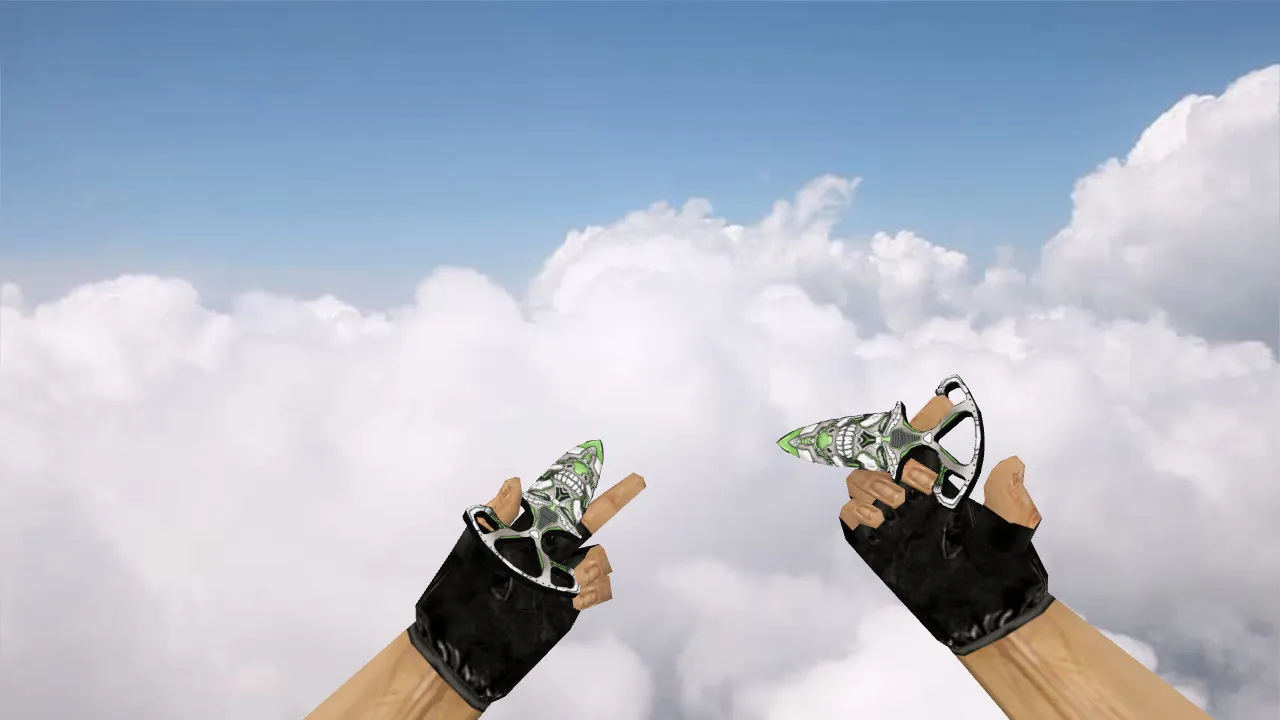
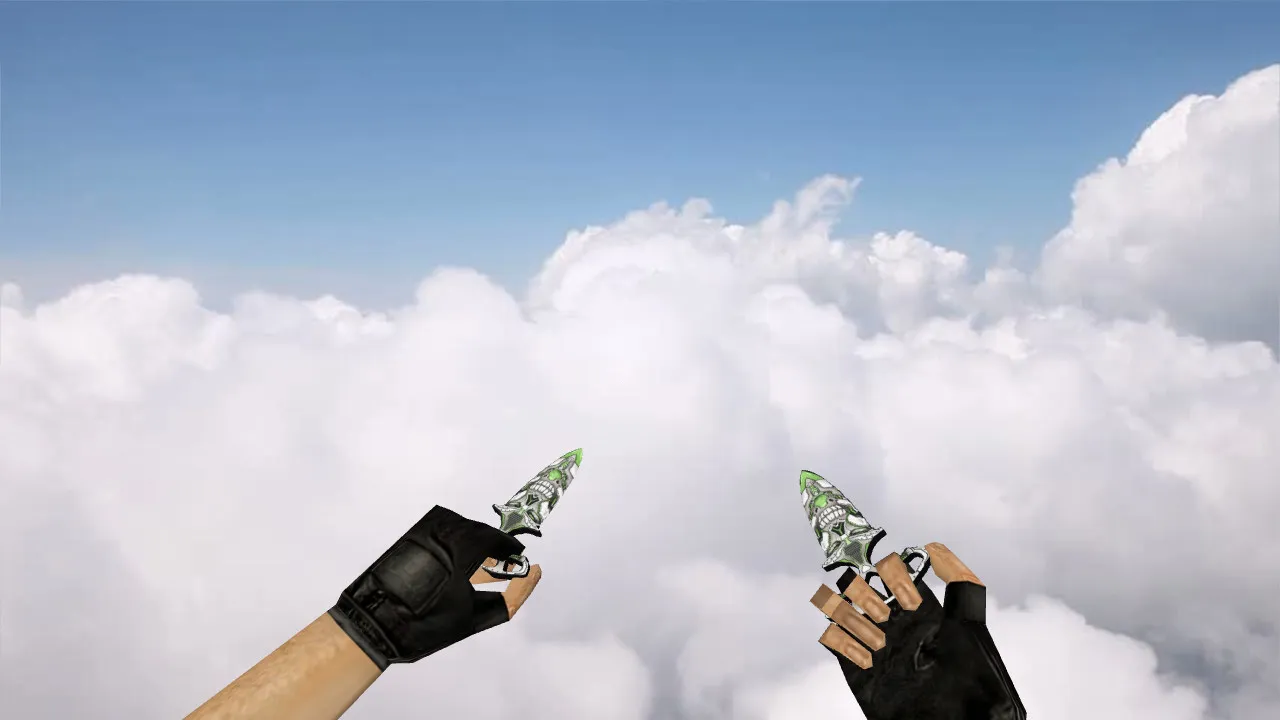
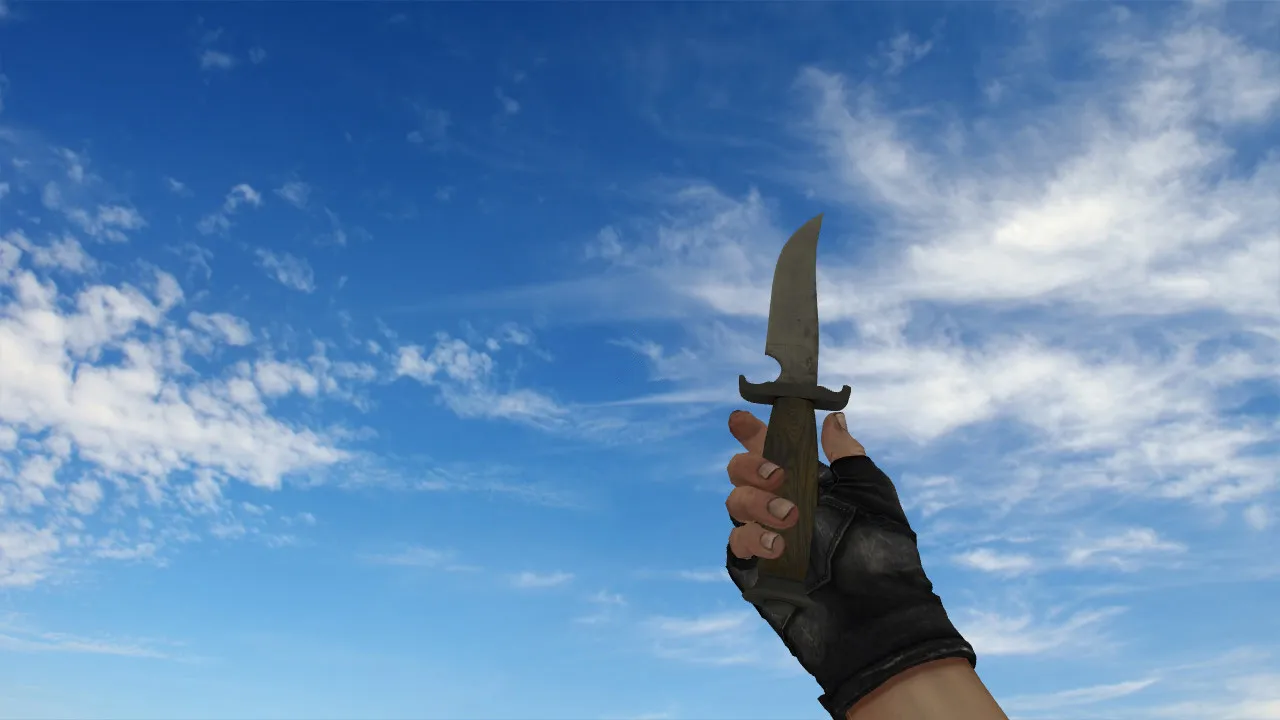
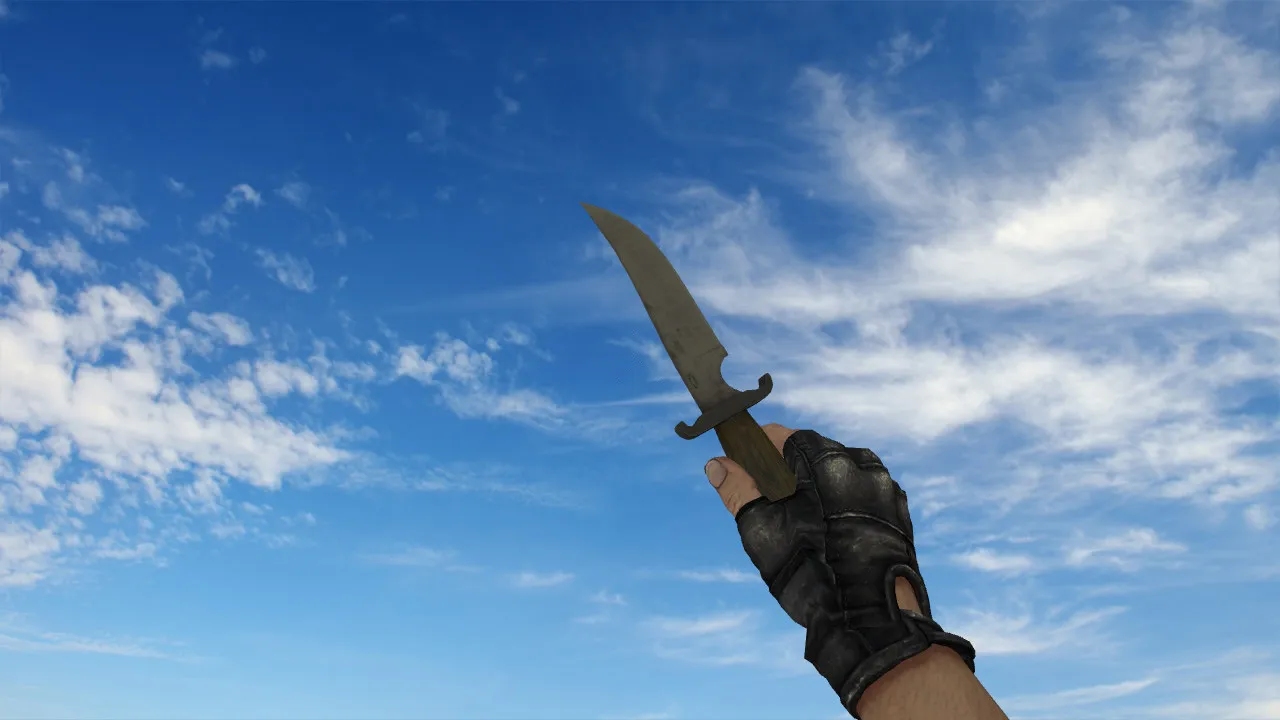
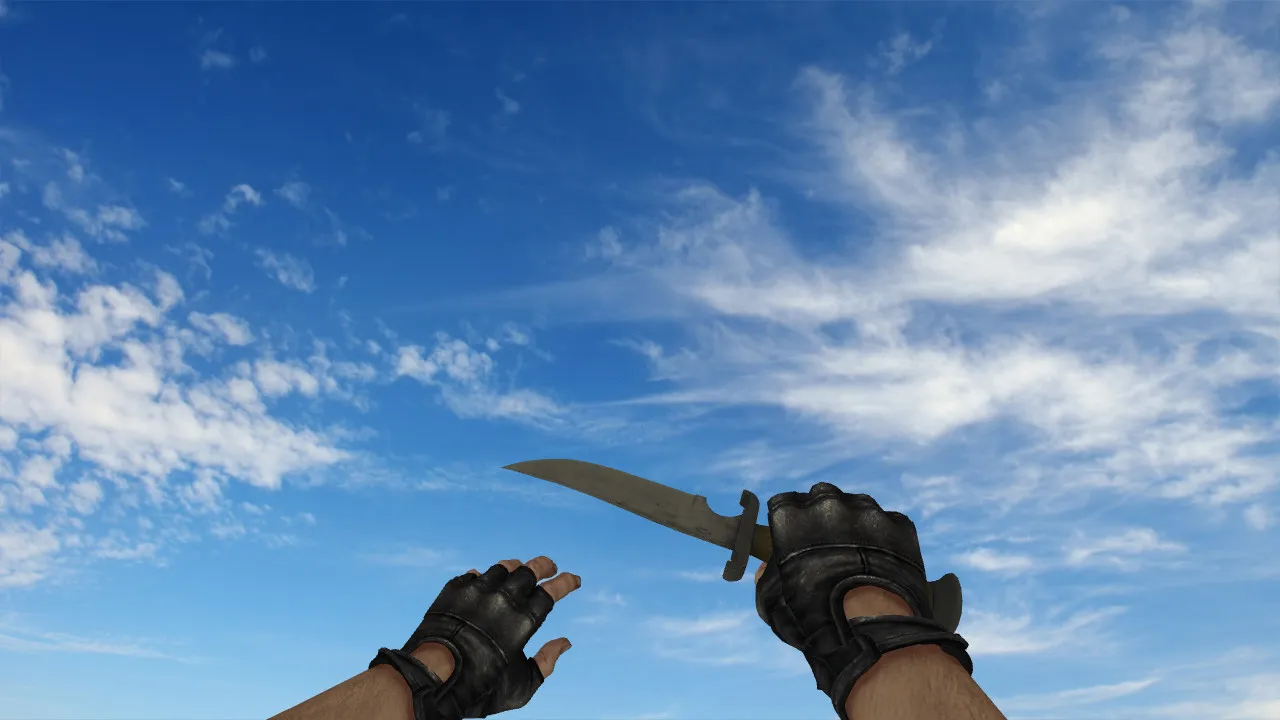
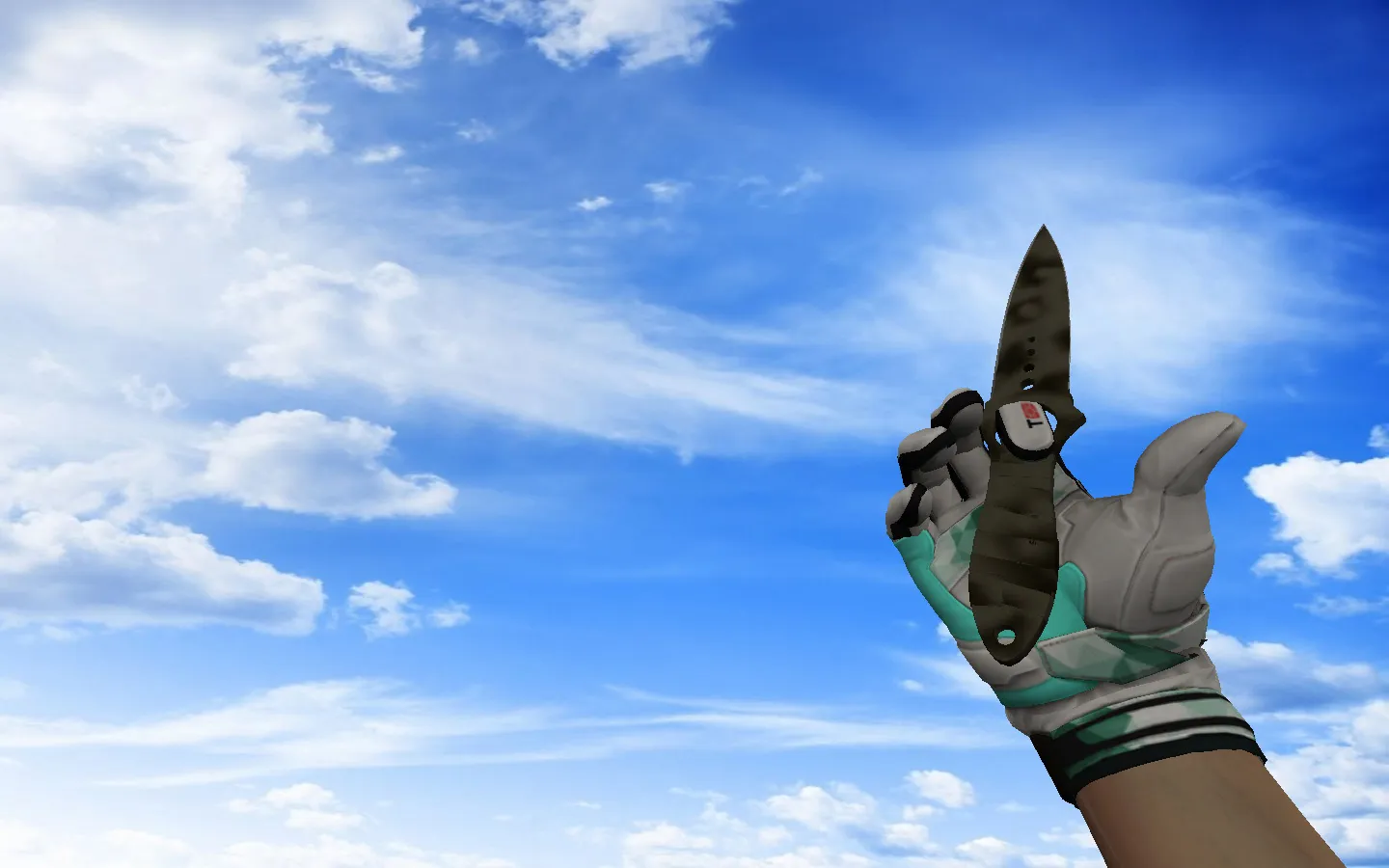
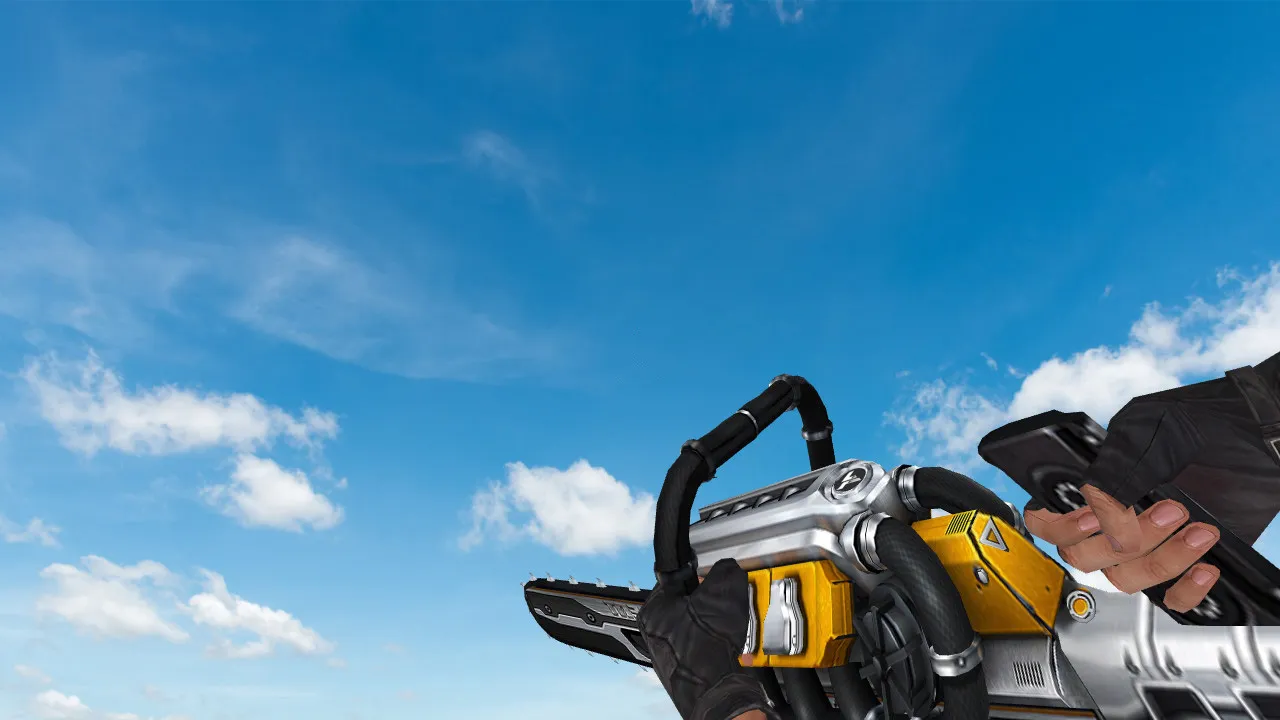
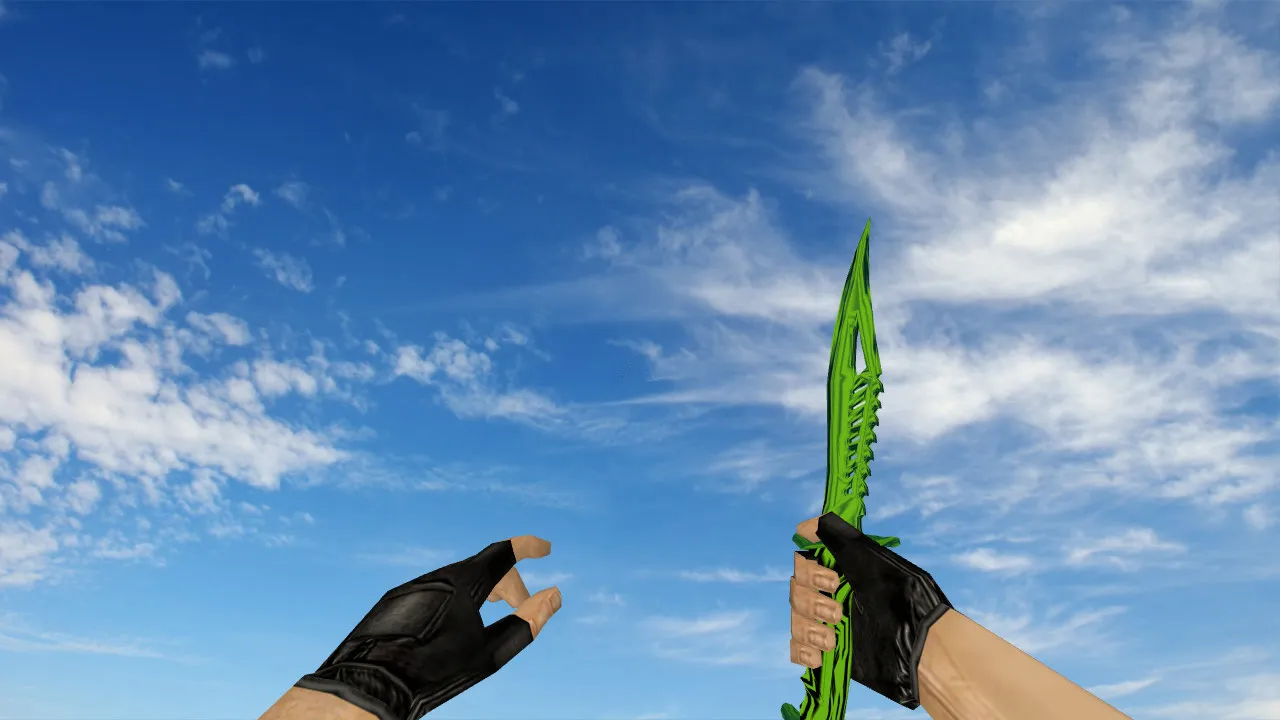
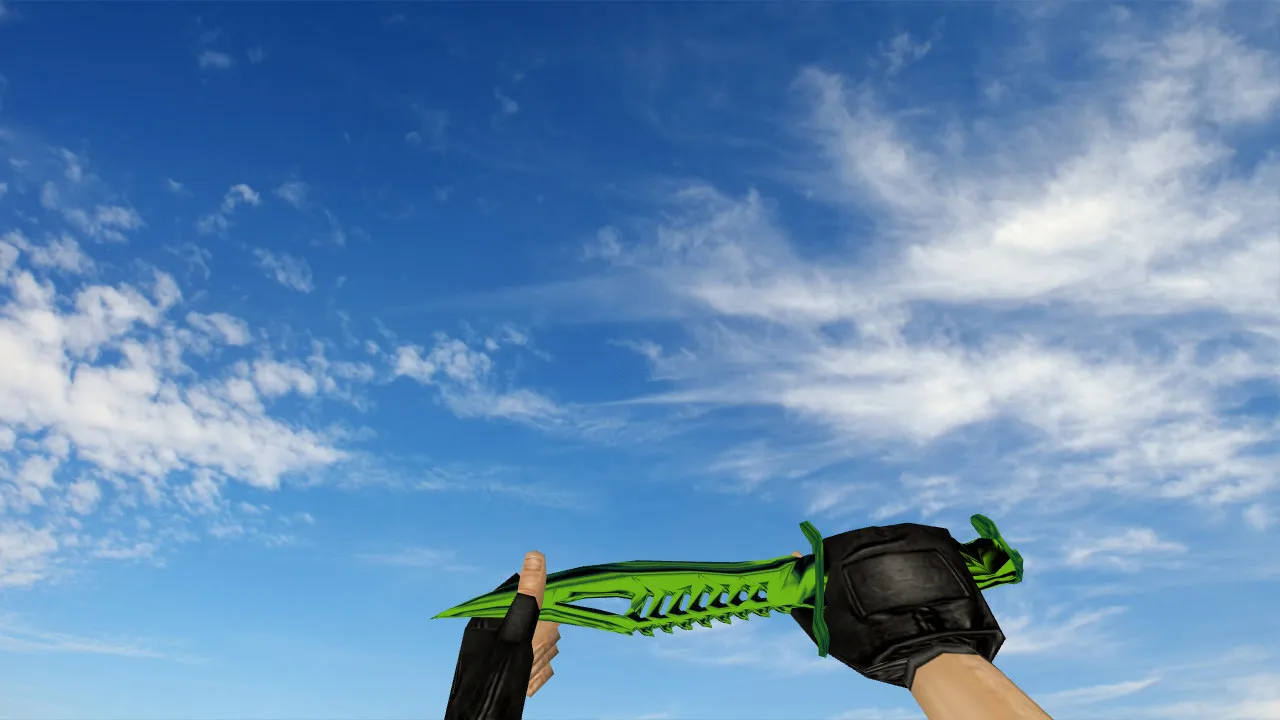
Butterfly Knife Flame Model for CS 1.6: v_ p_ w_ Animations, Sounds, Inspect and Textures
Description
Butterfly Knife Flame for CS 1.6: Contents Overview
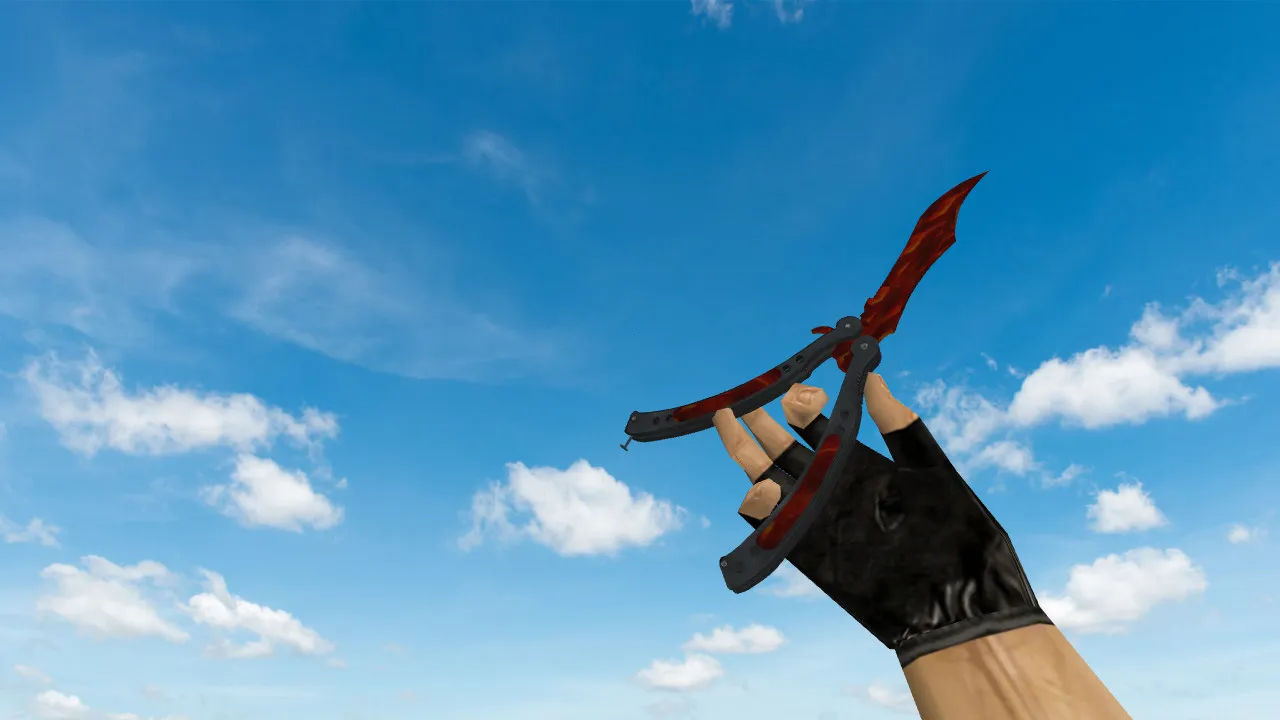
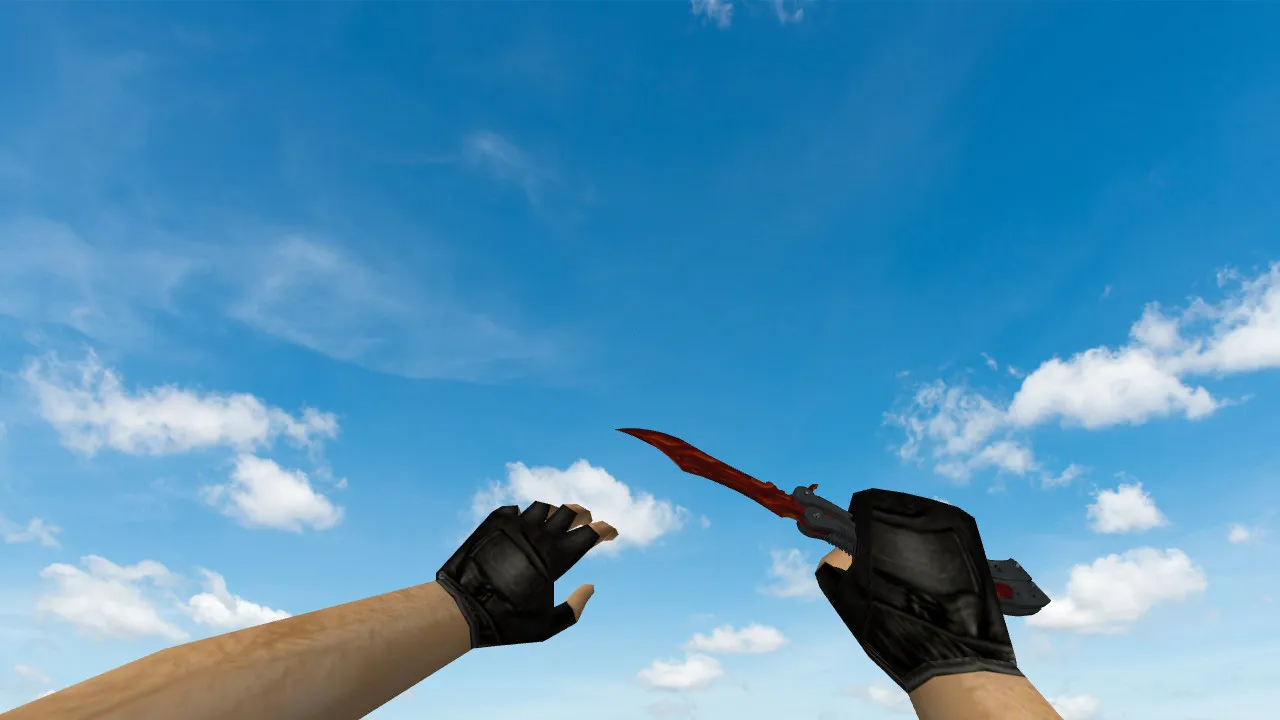
In CS 1.6, the knife is more than a static hand model; it appears during pauses, rounds, and movement. The Butterfly Knife Flame maintains visual consistency because it provides proper v_, p_, and w_ models, so the blade looks identical in first-person view, while aiming, and when dropped in the world. This consistency matters during frequent play sessions where unnatural shifting of hands or weapons is undesirable.
This package includes custom sounds and inspect animations. The inspect action serves as a tactical cue during combat: as you reposition, the knife highlights your rhythm. The animation is built for readability without interrupting gameplay. Textures deliver solid detail to prevent the Flame pattern from blurring up close or losing definition during motion. With 512x512 resolution on primary surfaces, it withstands dynamic lighting without causing excessive polygon count spikes.
In-Game Performance
In practice, this skin avoids disrupting visual balance. The first-person model remains crisp, with hands aligning cleanly to the blade shape without clipping problems. In the world, the knife is instantly recognizable by its silhouette and color accents. On dark maps or high-contrast servers, image stability is crucial. The model preserves clarity to stop texture artifacts or hitbox misalignment during swings.
Uniqueness distinguishes this skin. The Flame does not copy default textures. Even on servers with many knife users, it stands out through distinct flame motifs on the blade and handle. This appeals to players wanting distinction without drawing unwanted attention. Polygon count stays near 800-1000 triangles for the v_ model, guaranteeing high-FPS performance on older rigs common in the CS 1.6 scene.
Safe Installation for CS 1.6
Install the model carefully, avoiding auto-connect scripts or unverified files. Begin by backing up your current model folders. Then swap the knife files with those from the archive. This usually involves standard model directories so the game loads v_, p_, and w_ without conflicts. No viruses, no slow-hacks, no ads-clean files only.
- Check that files with v_, p_, w_ prefixes match the game's expected names.
- Confirm the inspect animation runs without extra tweaks upon launch.
- Test that sounds trigger properly when selecting the knife.
- Restart the client after installation to fully load changes.
The process works identically for Steam or Non-Steam setups. Avoid partial mixes of old and new files. Replace the full set to eliminate remnants from previous versions. Compatible with Build 4554 and later, including MasterServer protection.
Configuration and Testing
To prevent FPS drops or stuttering, monitor your client's general settings. If rates are already tuned, keep them. For stability, try ex_interp 0.01 and rates around 100k. After swapping models, check load times and inspect behavior. Ensure no impact on hitbox accuracy for precise slashes.
For testing, join a mod-free server and cycle weapons: equip the knife, inspect, switch, and re-equip. If everything functions smoothly, it will hold up in competitive play. Maintain a clean config.cfg without unnecessary binds. Stick to trusted servers for verification-avoid unknown ones that might expose your setup.
In the CS 1.6 modding scene, knife models like this enhance visibility in low-light areas, such as de_dust2's tunnels or cbble's shadows, without compromising ESL-style fairness. The w_ model optimizes for third-person glimpses during team movements, and p_ ensures seamless world integration. Custom inspect animations add subtle flair, syncing with knife deploy sounds for immersive feedback. Textures use sprite-based flames that don't wash out under flashlight beams or bomb site flares. Overall, this setup boosts tactical awareness while keeping polycount low for 100+ FPS on standard hardware.
Install in three steps
-
1
Download the archive. Use the button on the right, or the Yandex.Disk mirror if the main server is slow.
-
2
Extract it into the game folder. Use 7-Zip or WinRAR. A path without non-Latin characters works best.
-
3
Launch the game. If something doesn't work, mark it below - that is how we know the file needs an update.
Did it work for you?
No sign-up needed. You can pick more than one.