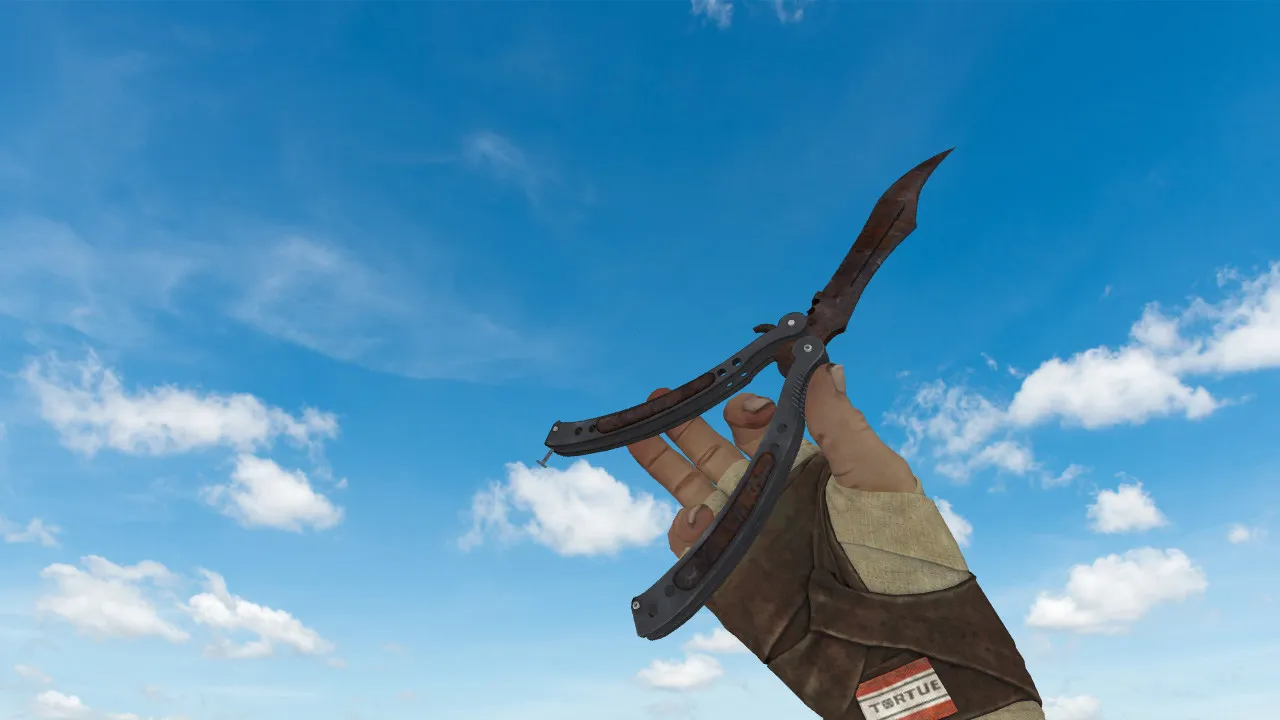
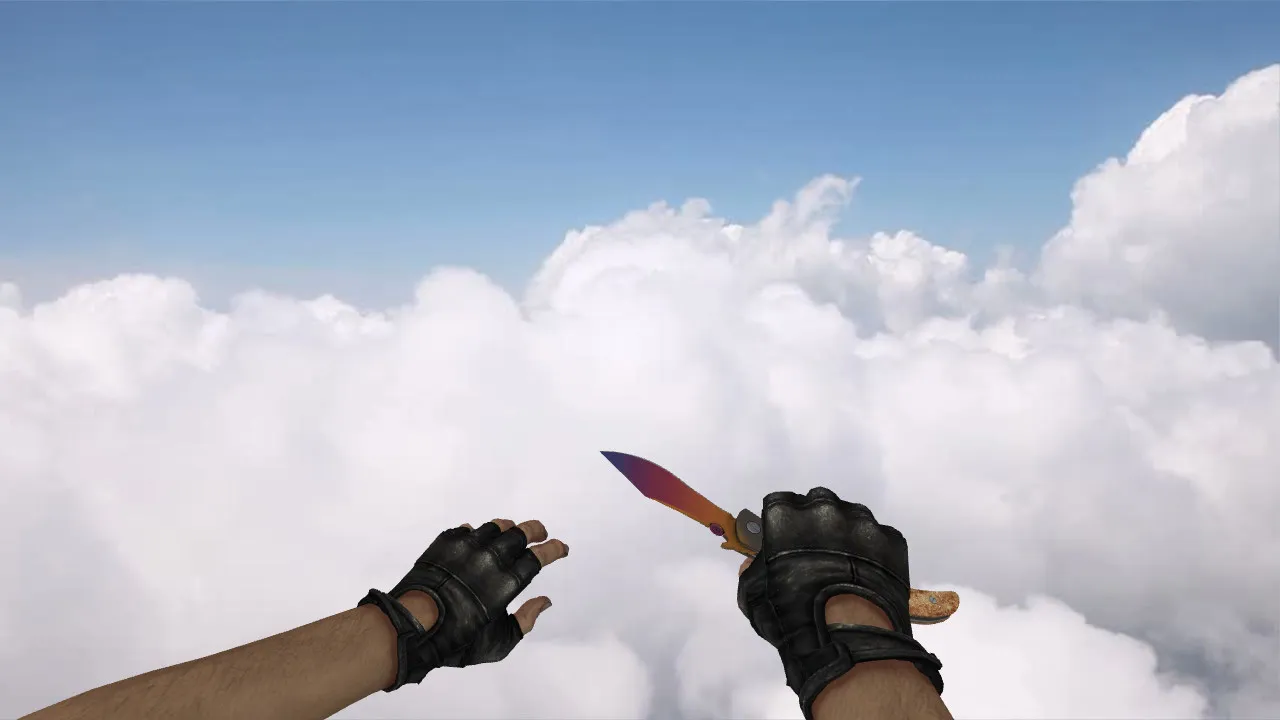
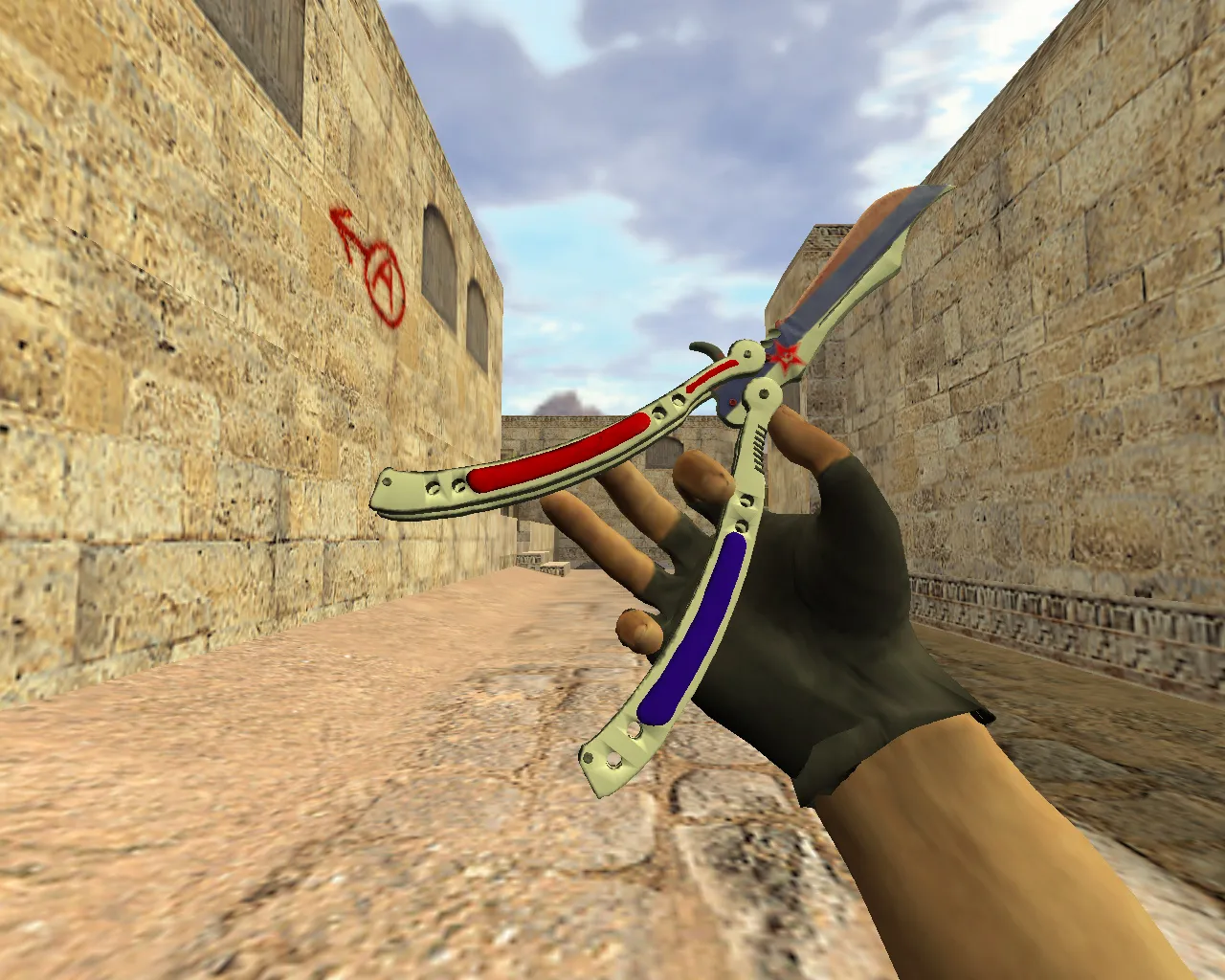
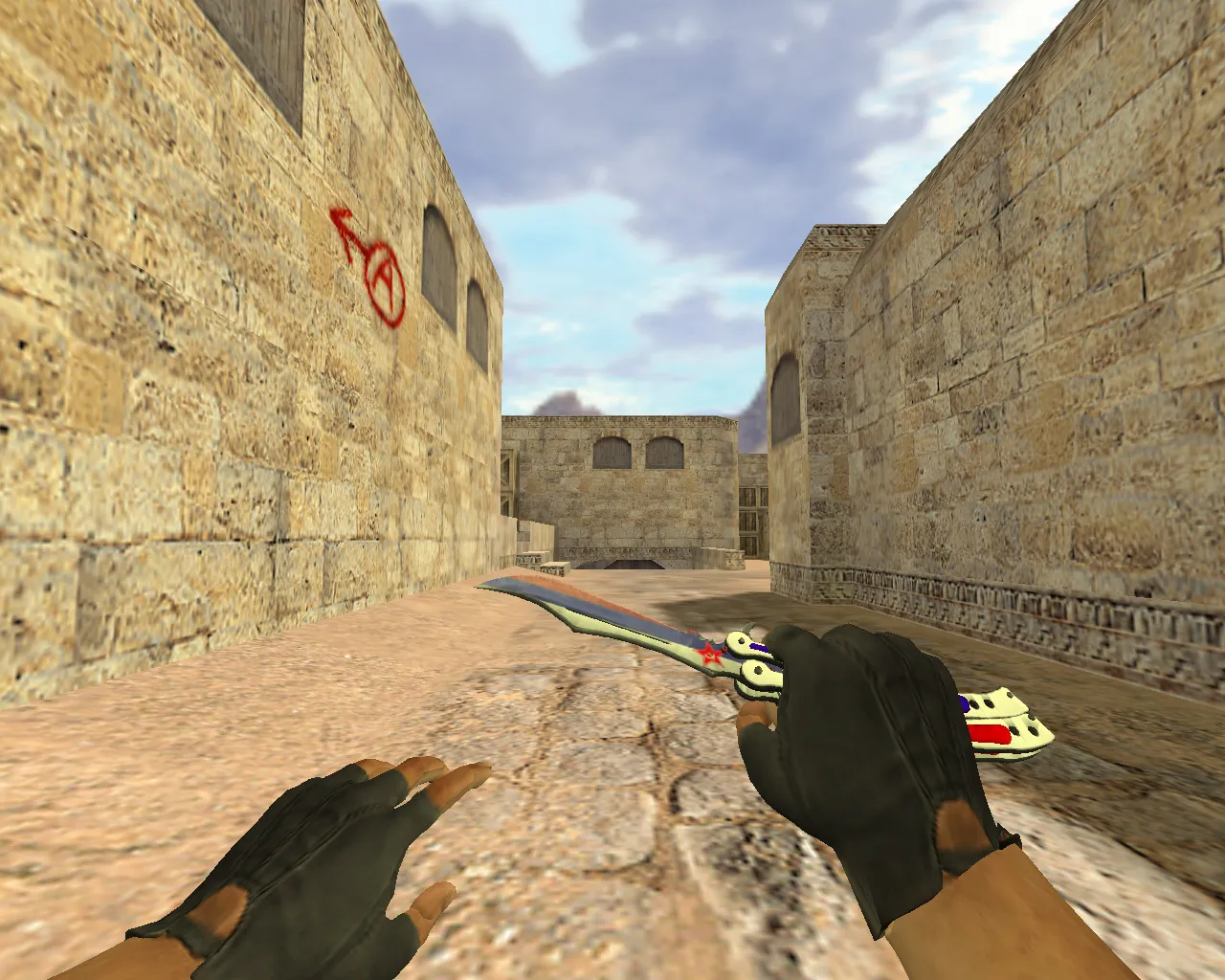
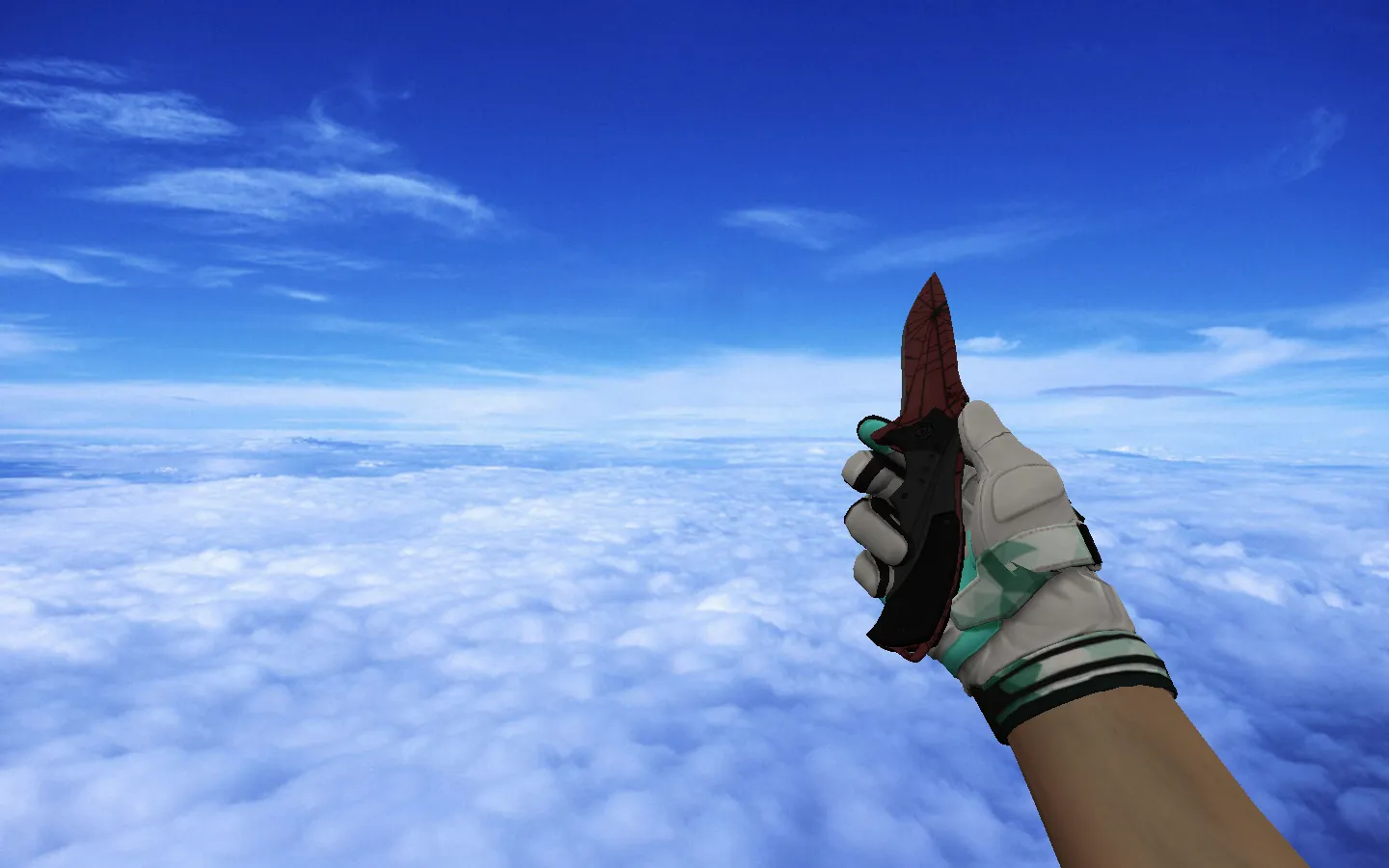
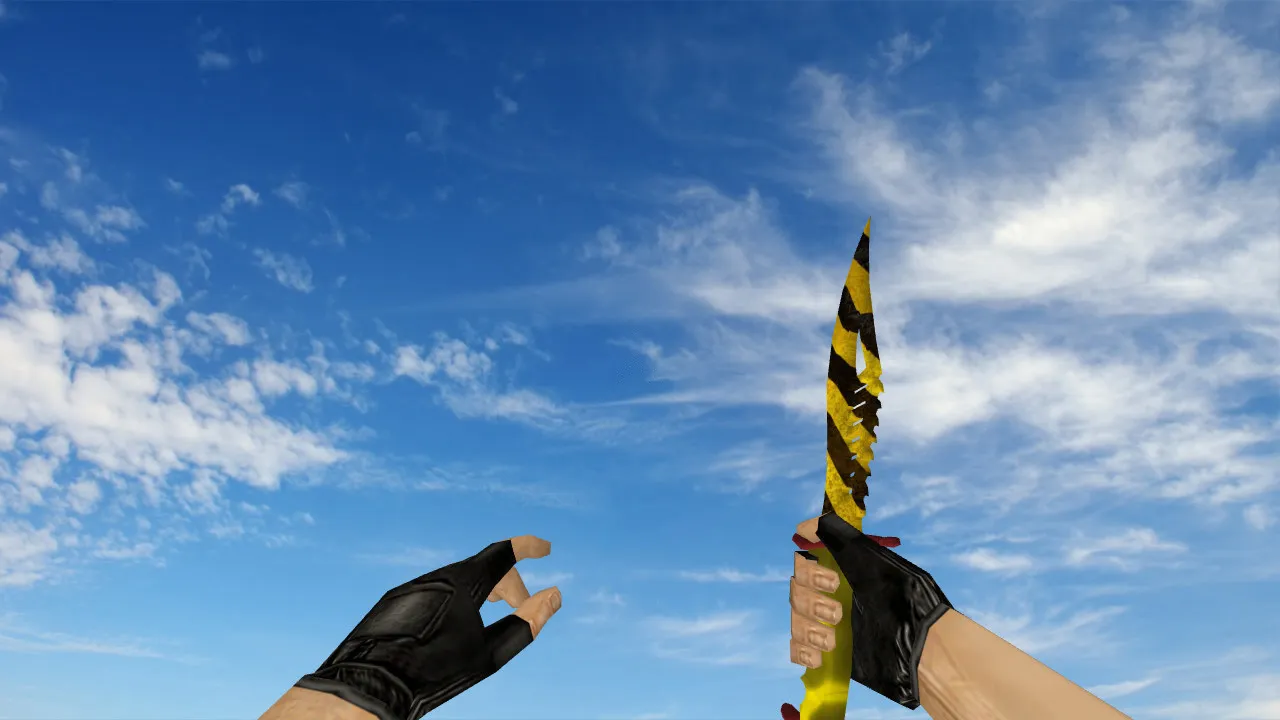
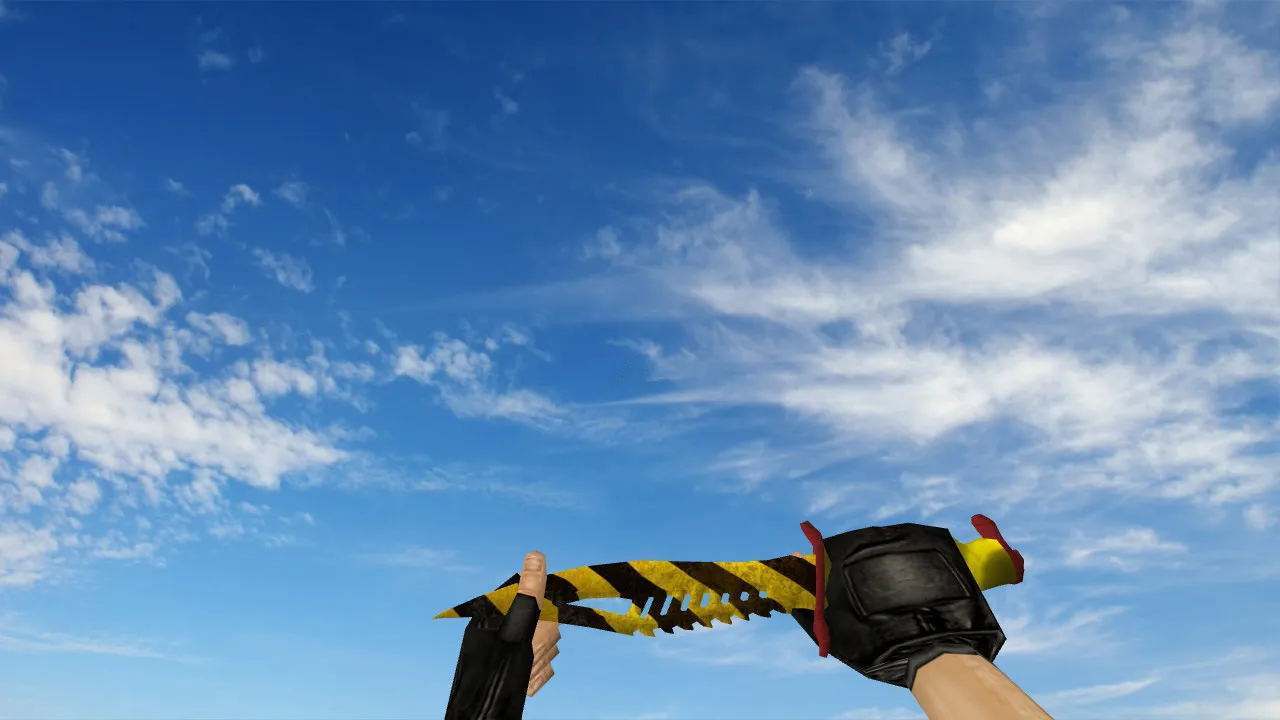
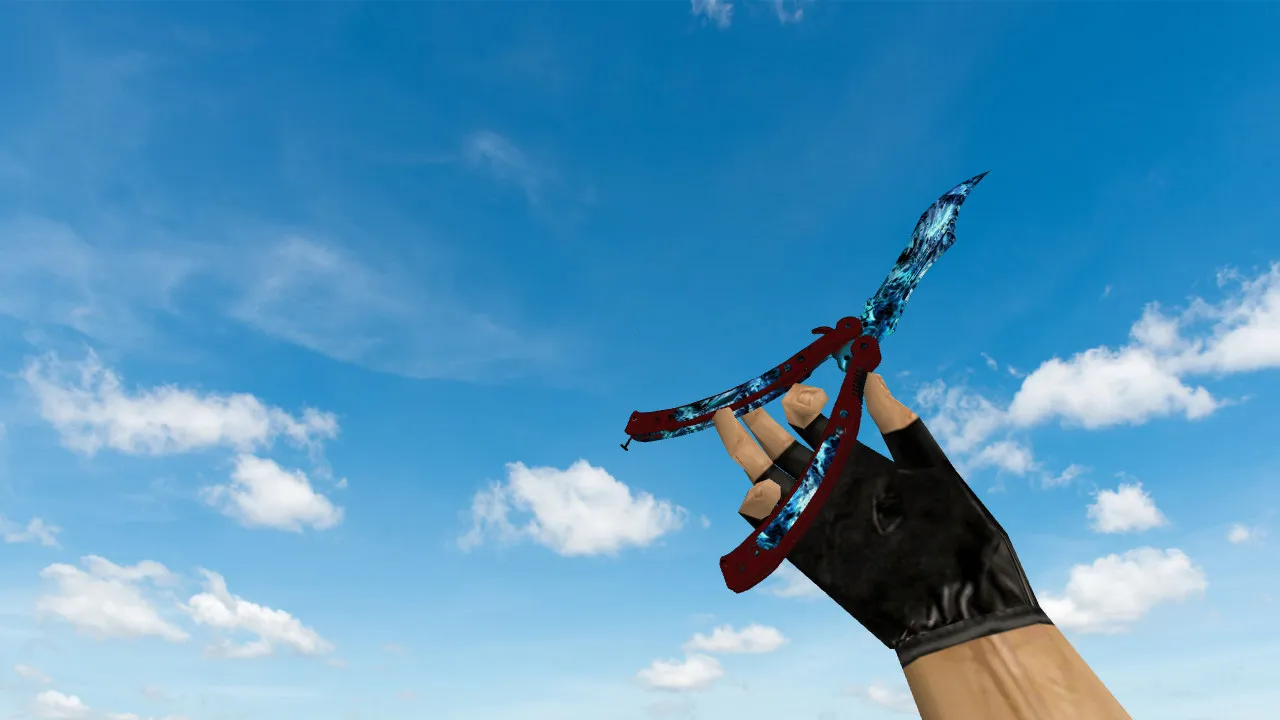
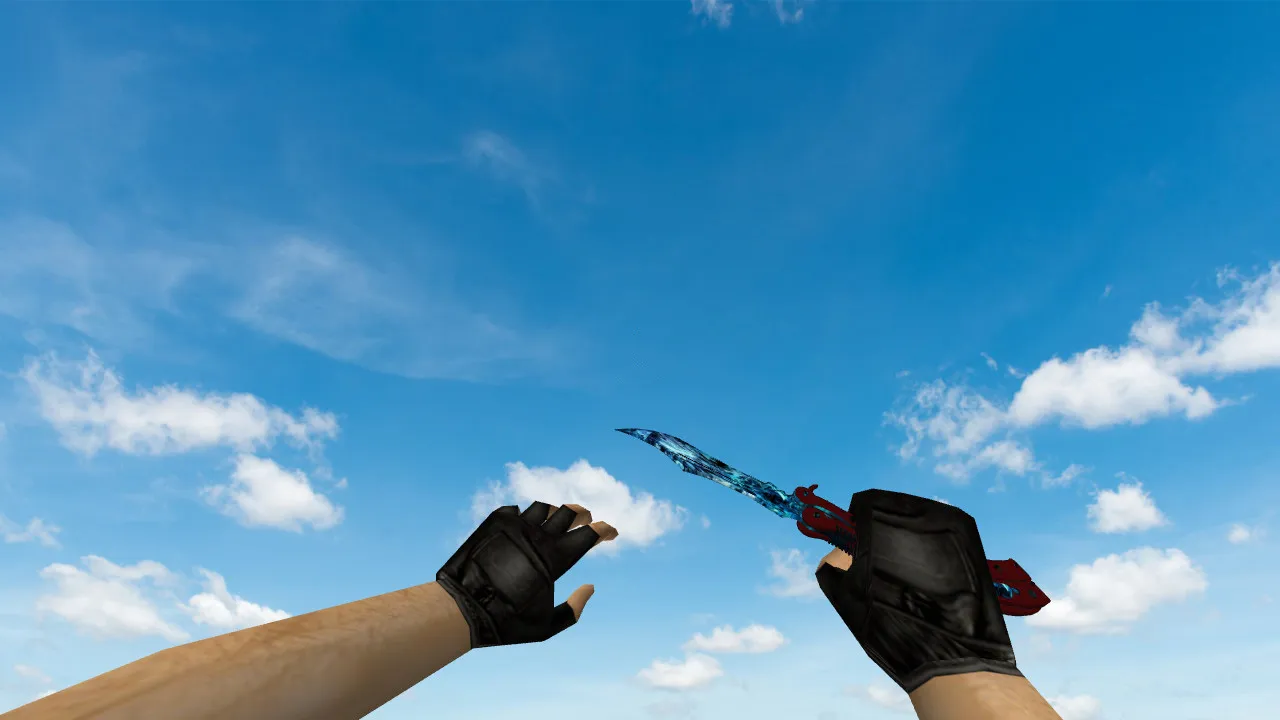
Nautilus Chrome Green Knife Model for CS 1.6: v_ and p_ Models, Custom Sounds, Inspection Animation
Description
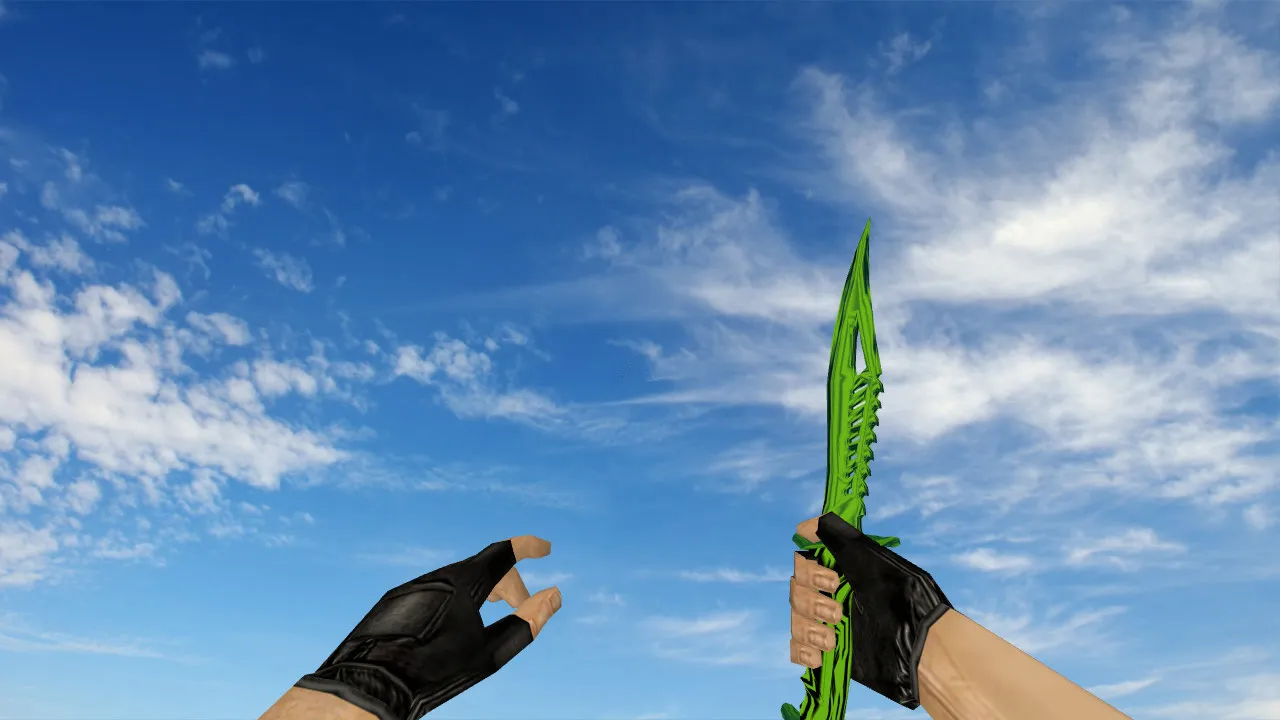
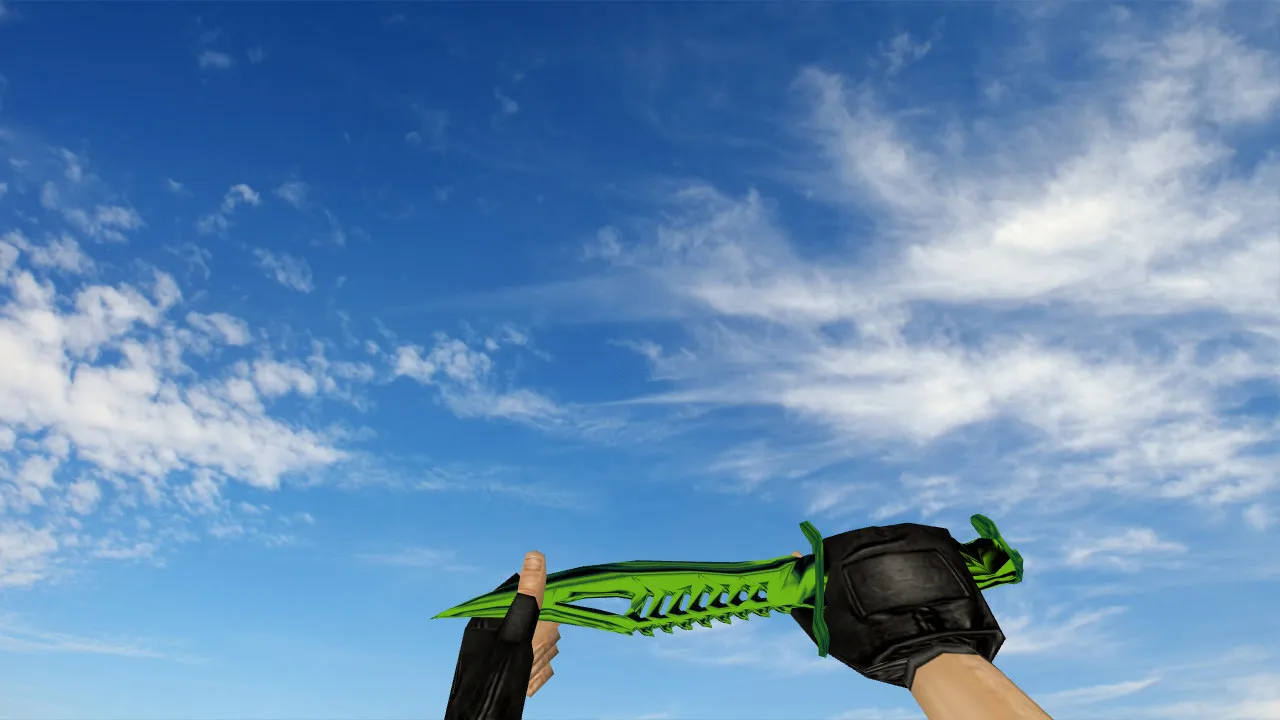
Nautilus Chrome Green Knife for CS 1.6
This Nautilus Chrome Green blade acts as a straight swap for the stock knife in Counter-Strike 1.6. It performs reliably during active rounds and immediately after spawning, keeping up with the server tempo without hiccups. The package is engineered for fluid in-game operation: it supplies the v_ model for the first-person viewpoint, the p_ model for the third-person view, and the correct switching logic.
Regarding handling, this custom model leaves weapon behavior untouched. Knife swings connect cleanly, and the inspection sequence runs exactly as the default does. While aiming or snapping your view, the hand and blade motion stays steady, free of jitter. The bundle aligns the models properly: all file names and formats match the game's expectations, preventing artifacts or missing visuals.
Key Files in the Knife Model Package
- v_ model - manages the first-person perspective during combat and aiming.
- p_ model - renders the knife in your hands as seen by other players.
- w_ model - used for ground drops and world-model situations.
- Sounds - custom draw, slash, and hit clips that blend naturally with CS 1.6 audio, not sounding like muffled props.
- Inspection animation - shows the knife flawlessly, without glitches or dropped frames.
- Textures - high clarity so the chrome green finish stays crisp, not a blurry smear.
For knives, texture quality is critical: no heavy aliasing, and the color palette remains distinct under shifting lighting. In dim corners or on maps with harsh shadows, the model stays readable, without color noise ruining visibility.
Hitboxes and Model Alignment in CS 1.6
Knife models in CS 1.6 demand exact hand attachment points and solid positioning. With accurate geometry and rigging, swings land as anticipated, and the visual matches what you perceive. This improves control in tight-quarters duels and keeps the display stable during rapid movement. The polygon count remains low for high-FPS performance, and hitbox alignment prevents clipping problems.
Safe Installation Guide
- Download the model from a reputable source-no auto-executables, no unnecessary extra files.
- Open your cstrike directory and back up the original knife files first.
- Swap the v_, p_, and w_ files using the precise names supplied in the package.
- Keep your config.cfg lean: no bloat, no auto-connect commands.
- Launch the game and test: run inspections, switch weapons, and verify ground drops if the w_ model supports them.
If visuals glitch post-install, don't immediately grab new files. Verify file name matches and formats first, then check the console for error logs. Avoid stacking packs on top of packs with mismatched model versions. Stick to one solid build for stability-works on both Steam and Non-Steam clients, compatible with Build 4554 or 8610.
Server-Friendly Performance
The Nautilus Chrome Green knife integrates smoothly into active servers heavy on close-range PvP. It provides a visual upgrade without cluttering map readability or causing distraction during clutch moments. Practice with it in training to learn the inspection rhythm and how the blade behaves on quick flicks. ESL-grade visibility keeps it legible in low-light zones like de_dust2's dark tunnels.
After installing, confirm it runs vanilla-no third-party tools required. Start CS 1.6 normally and use default folders for a clean, virus-free outcome. No slow-hacks, no ads, just pure mod integration. This approach guarantees hitbox accuracy for dependable melee, and the HD textures (up to 512x512) look sharp without straining older hardware. Pair it with a no-recoil config for balanced knife play, but always test on a local server first to confirm sprite and wad file compatibility. Overall, it's a reliable drop-in mod that improves knife rounds without breaking the core CS 1.6 experience.
Install in three steps
-
1
Download the archive. Use the button on the right, or the Yandex.Disk mirror if the main server is slow.
-
2
Extract it into the game folder. Use 7-Zip or WinRAR. A path without non-Latin characters works best.
-
3
Launch the game. If something doesn't work, mark it below - that is how we know the file needs an update.
Did it work for you?
No sign-up needed. You can pick more than one.