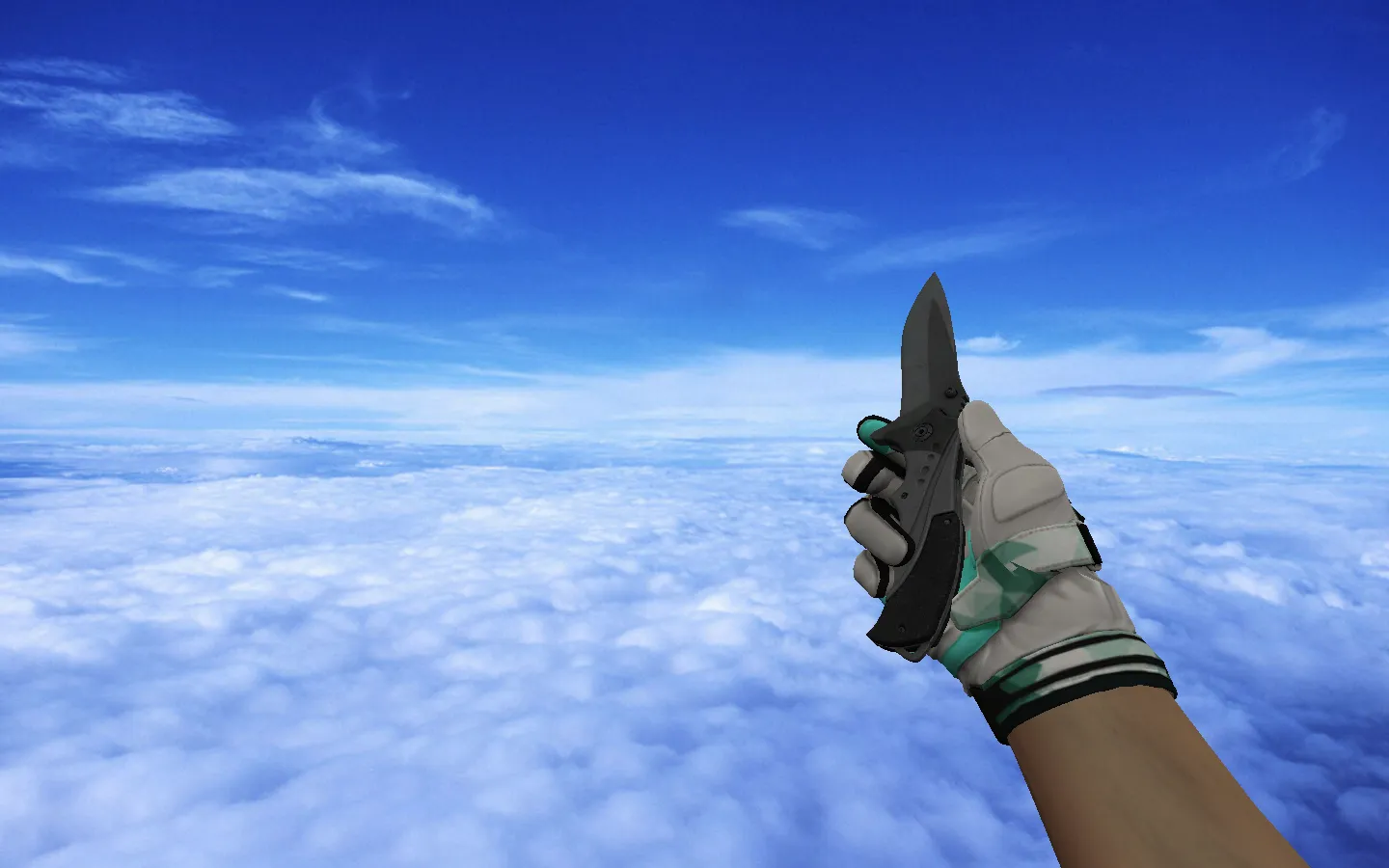
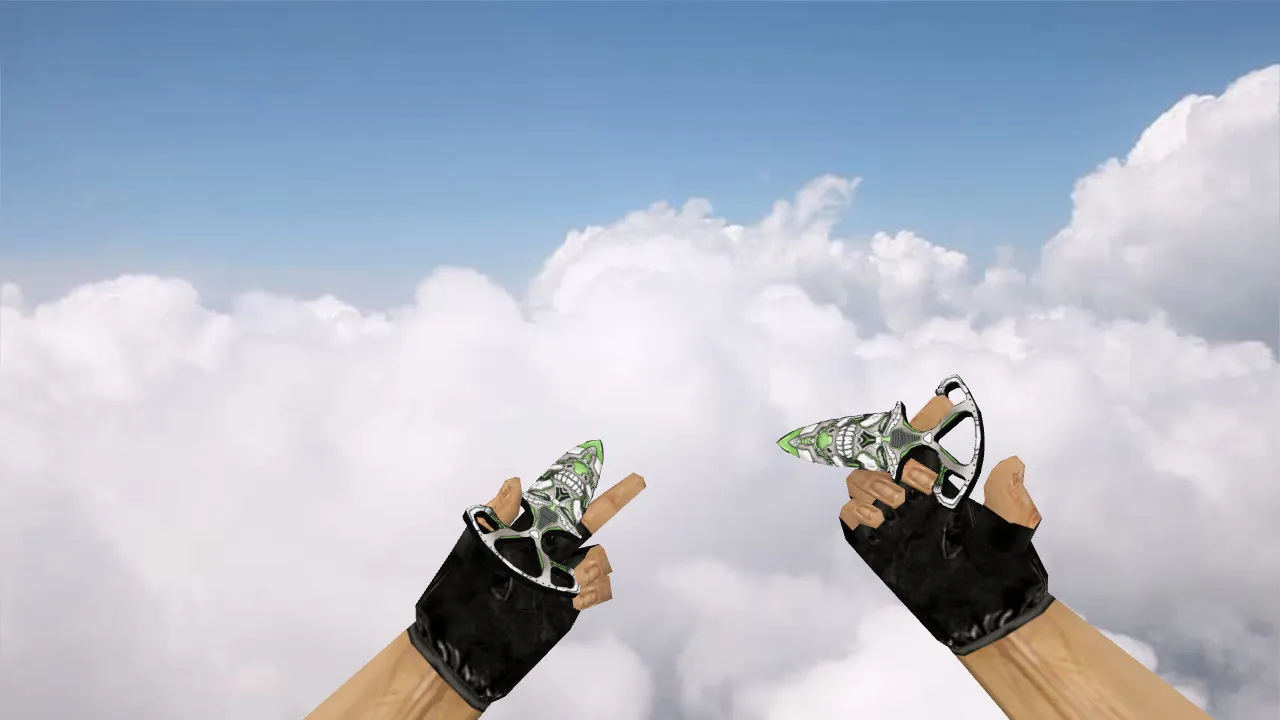
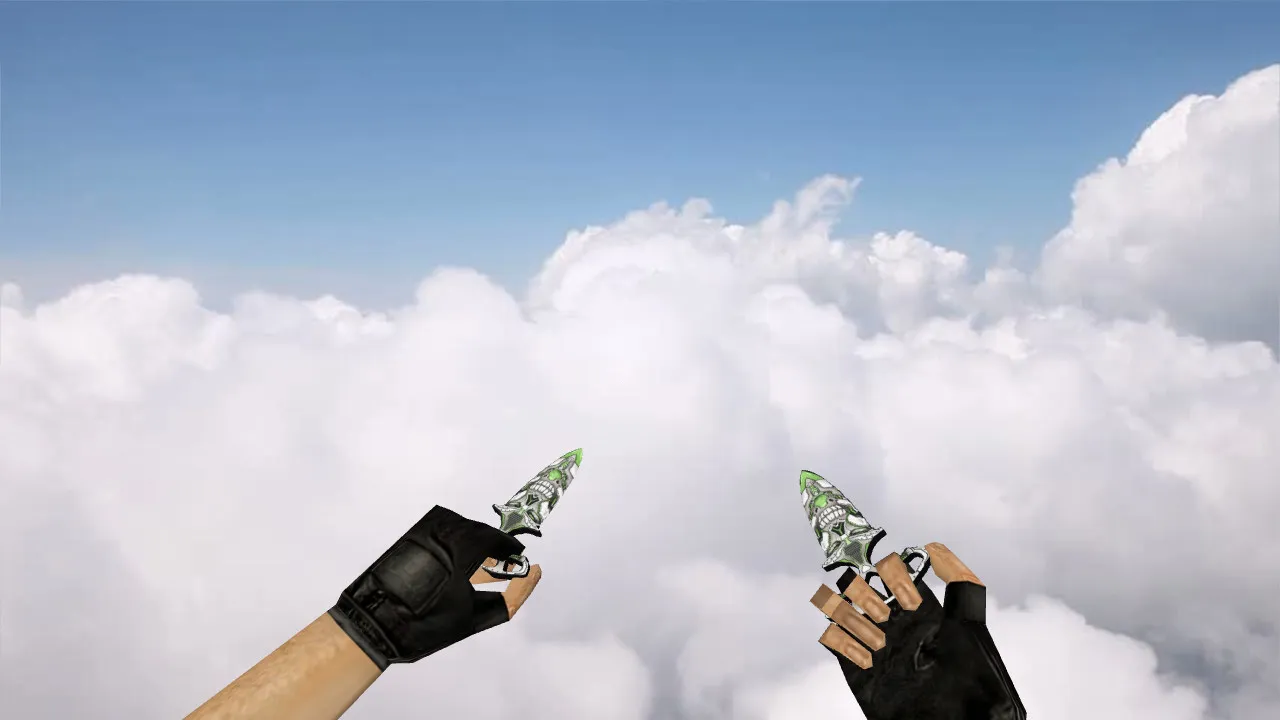
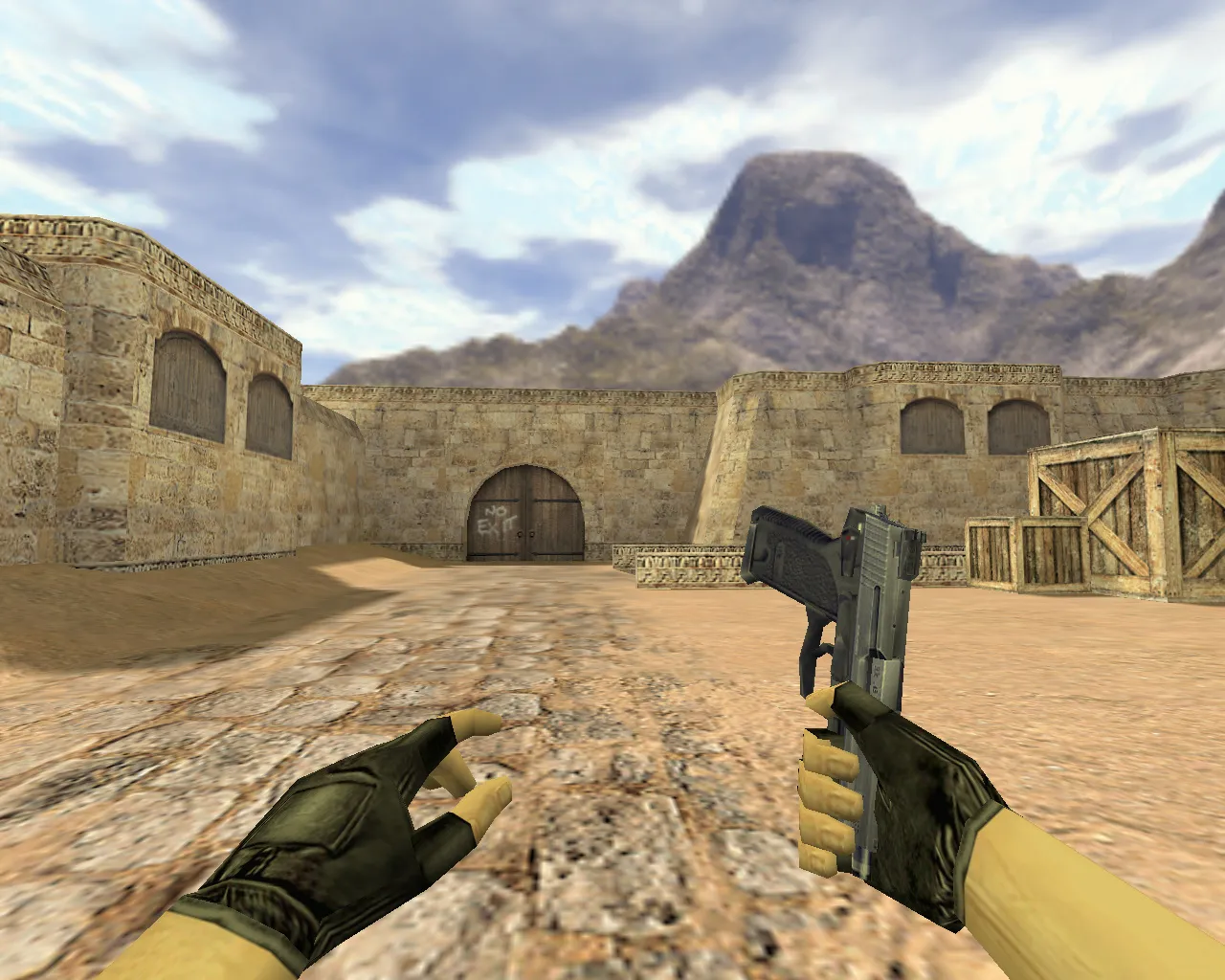
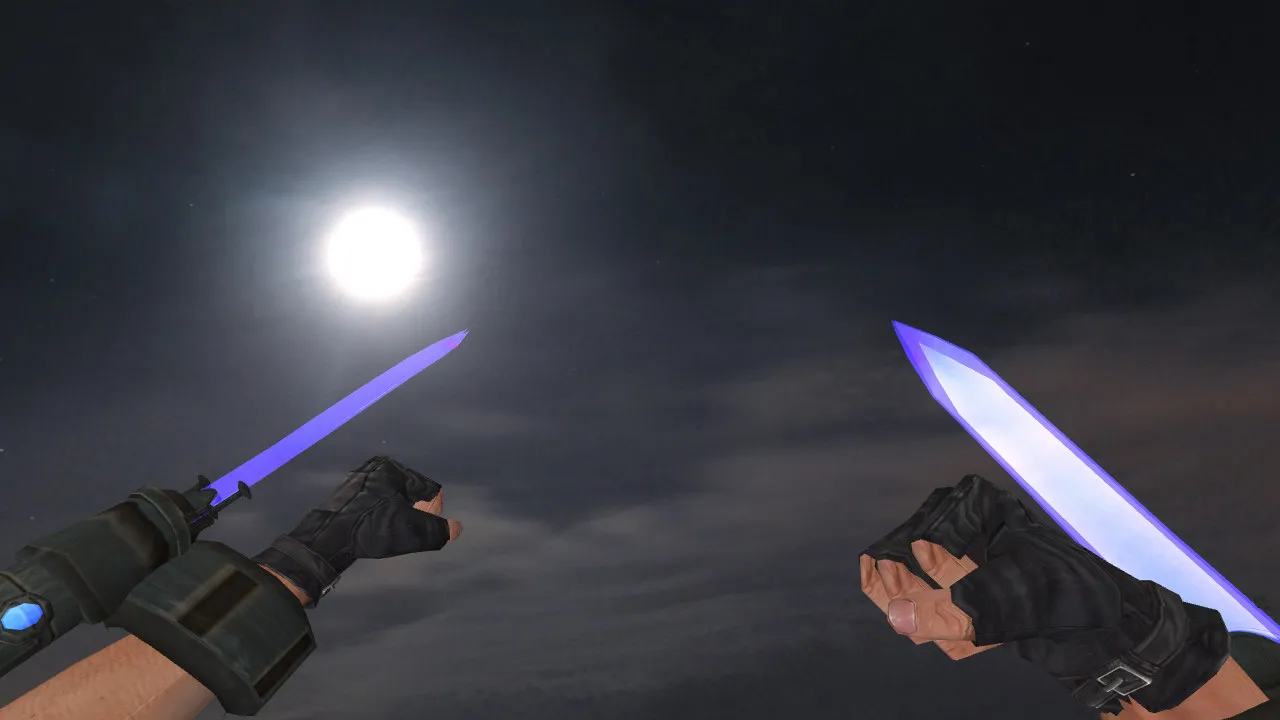
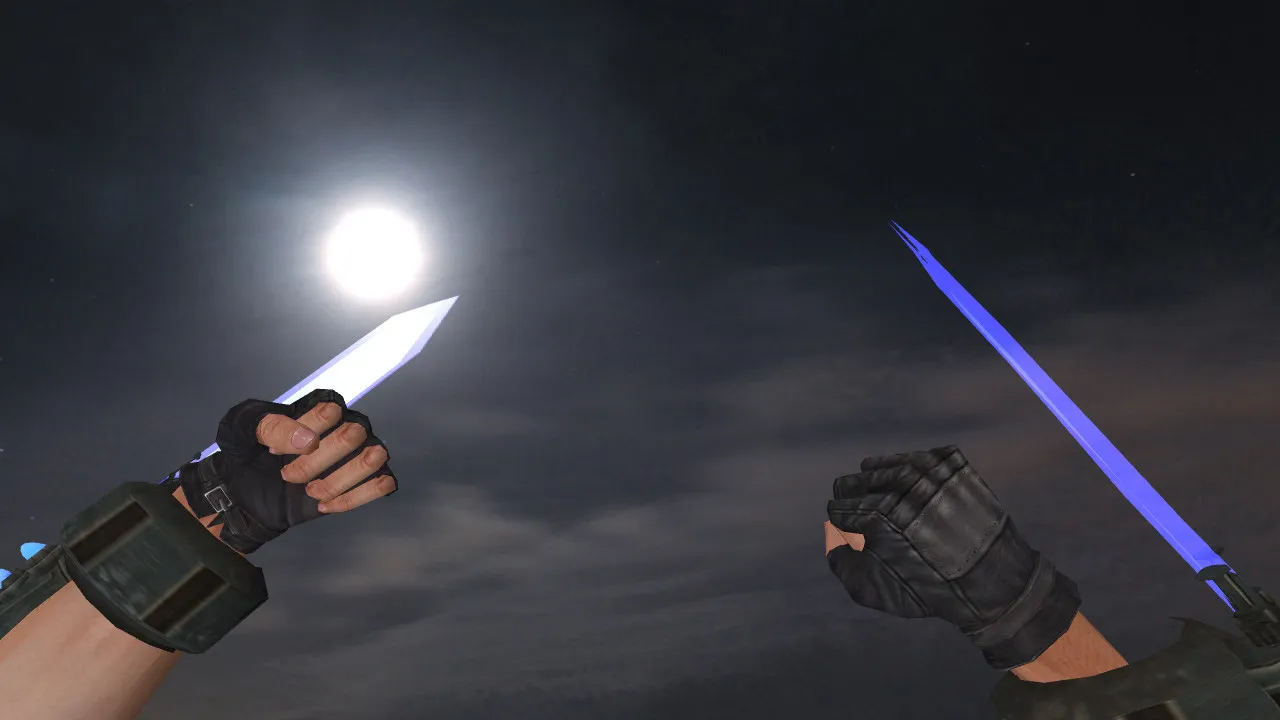
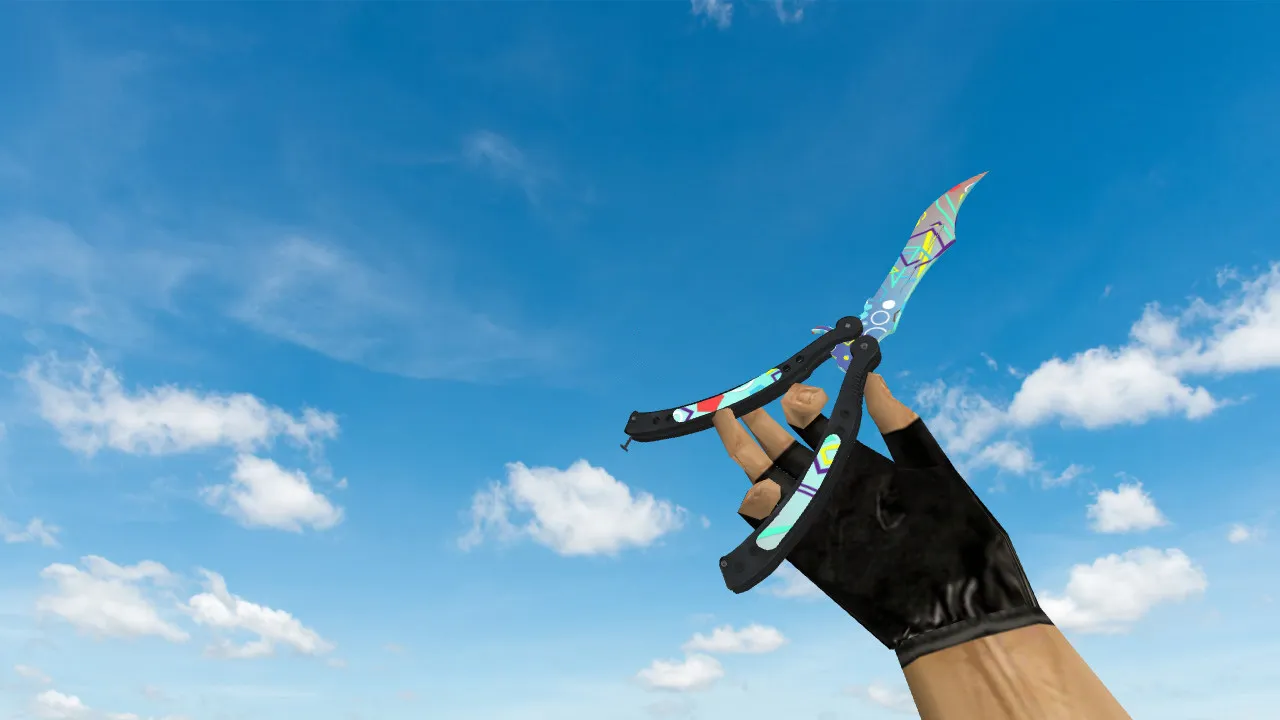
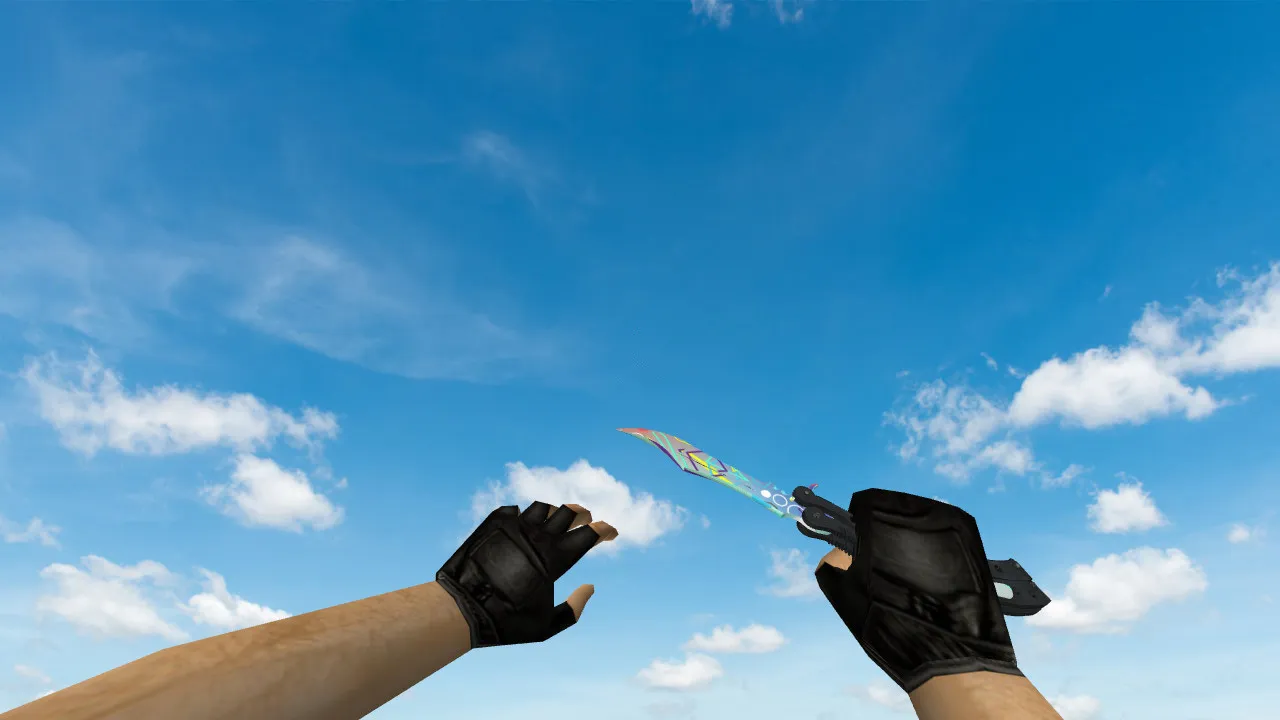
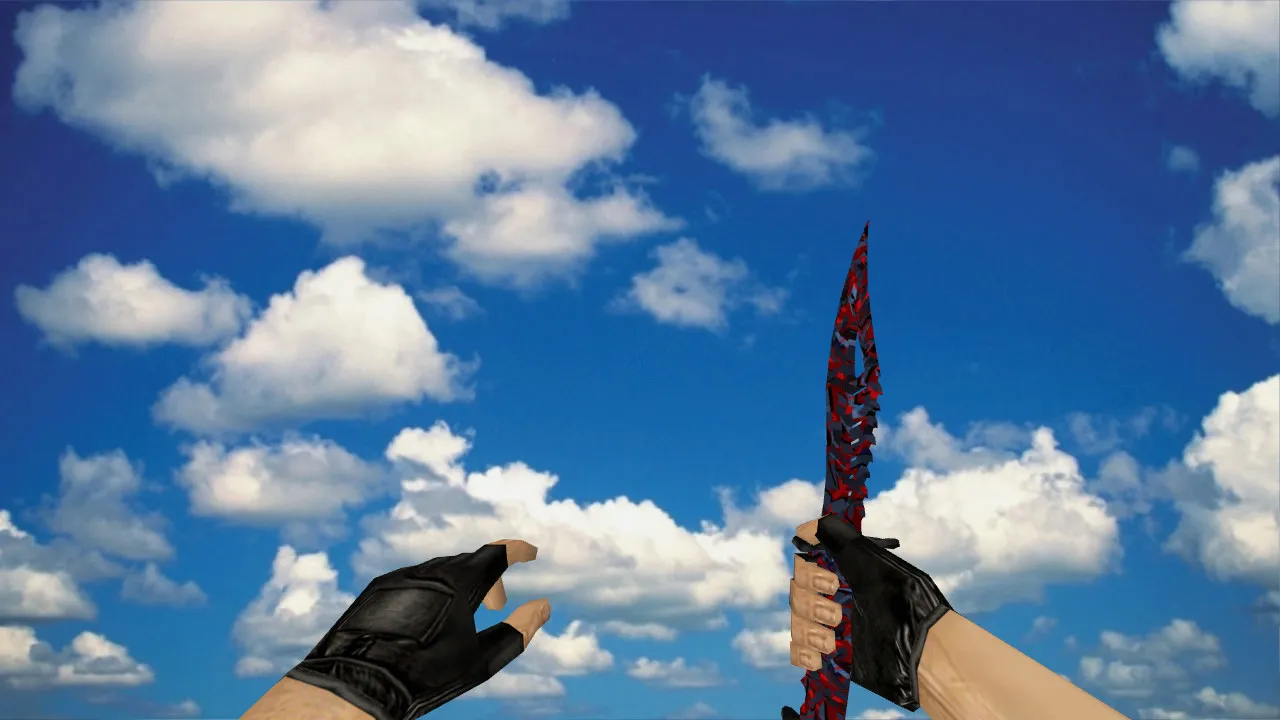
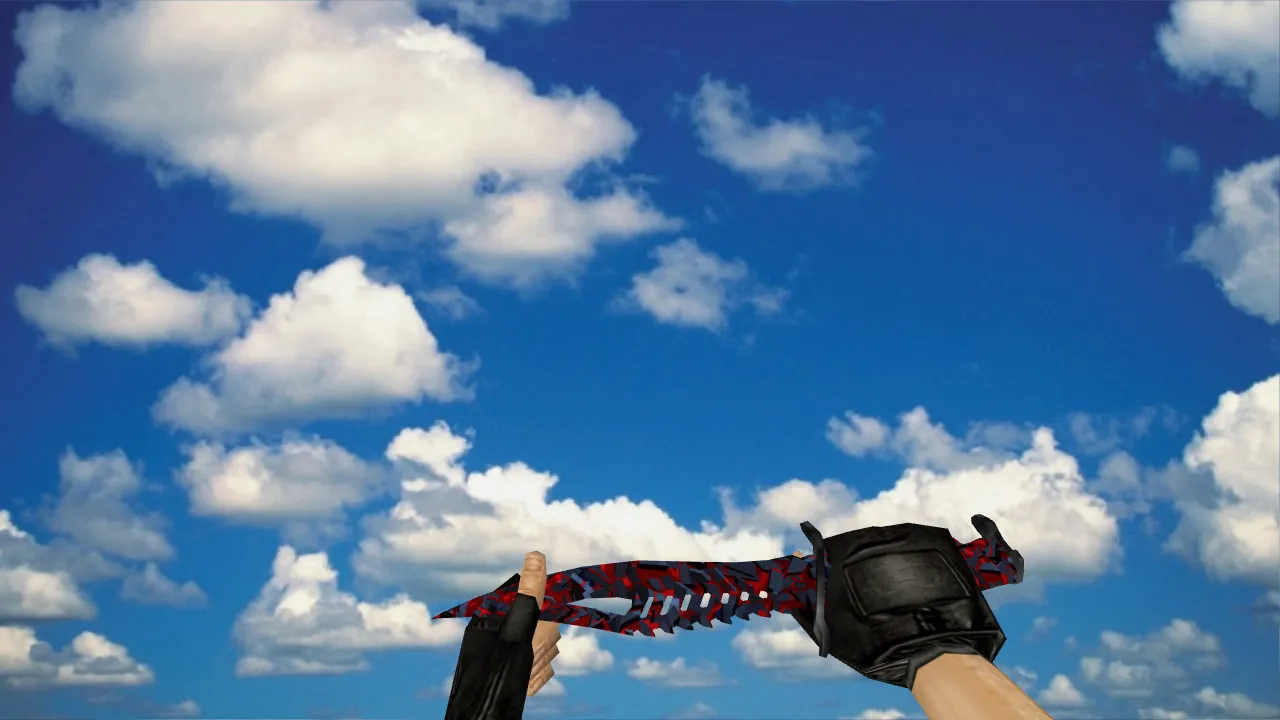
Gradient Navaja Knife Model for CS 1.6: v_, p_, w_ Models, Custom Sound, Inspect Animation
Description
Gradient Navaja Knife for CS 1.6: Contents and Setup Instructions
In CS 1.6, knives serve as visual signatures on servers and in buy menus. The Gradient Navaja package follows the standard engine pipeline: a v_ model for the first-person perspective, a p_ model for third-person view, and a w_ model for world and equipment display. This arrangement preserves existing scripts-inspect sequences and weapon rotations function smoothly without modifying core behavior.
For setup, place files into the mod’s directories and default resource locations. Usually this means the models folder with subpaths such as models/... for the relevant weapon IDs. Filenames and folder hierarchy must match what the game expects. If you are only replacing visuals, keep everything else as in a clean installation to reduce mod conflicts.
Visual Quality: Textures, Readability, and Skin Distinctiveness
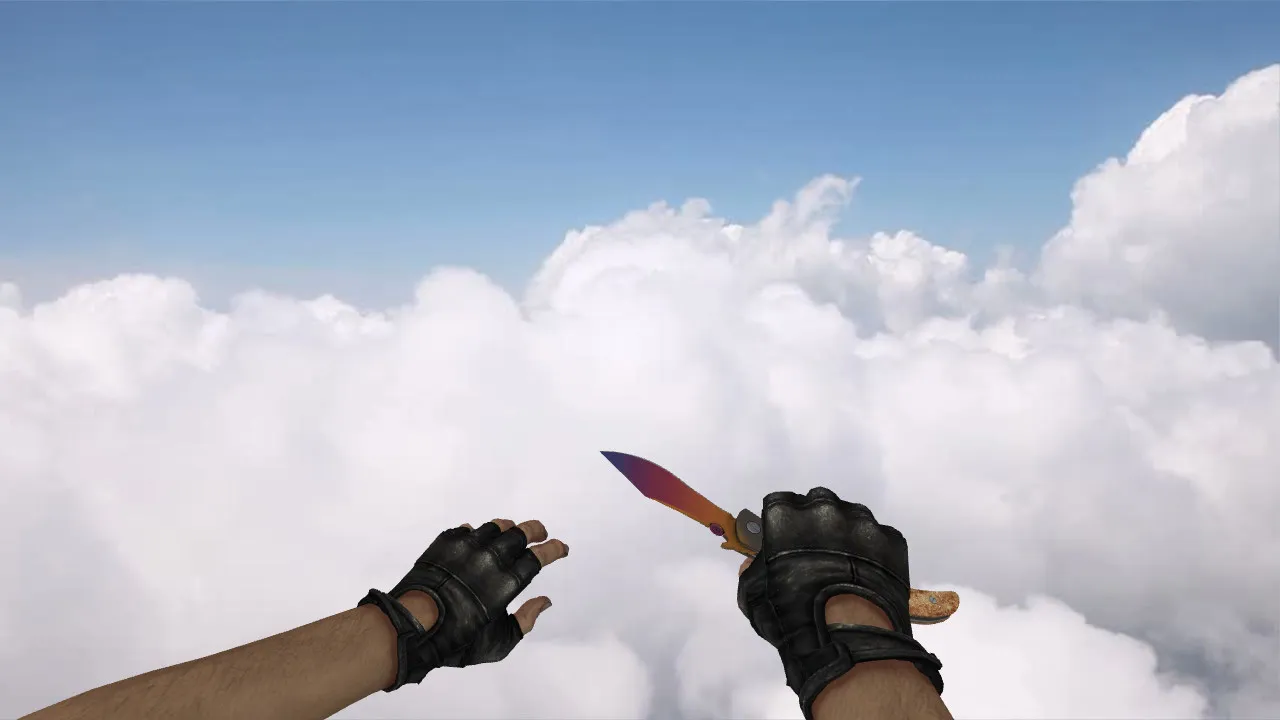
The gradient effect highlights the blade and handle with smooth color transitions that remain clear during movement-strafing, crouching, or rapid turns. Textures are optimized to prevent blurring at distance, keeping the knife identifiable in close-quarters fights without losing its silhouette.
CS 1.6’s lighting and shadows strongly influence how textures appear. Material stability ensures the blade does not shimmer unnaturally across different maps, lights, or settings. This provides a predictable, unique skin free of glitches, maintaining competitive visibility in dark areas like de_dust2’s tunnels.
The polygon count stays low for high-FPS performance, and hitbox alignment is preserved for accurate melee strikes. The 512x512 textures scale well, delivering sharp details on the v_ model without overloading the engine.
Animation and Sound: Standard 1.6 Compatibility
This knife features an inspect animation where the hand and blade follow the game’s native timing. Custom modifications often break timings, causing jerky motion, but this model adheres to vanilla principles for seamless integration.
Custom audio covers clicks and weapon switches, balanced for volume and frequency to blend into the game’s soundscape. Strikes and swaps will not drown out footsteps or gunfire, so audio cues stay reliable in clutch moments.
Hitboxes and Functionality: Reliable Hit Registration
Beyond appearance, knife performance depends on model geometry and parameter matching. Install carefully to avoid clipped or misaligned meshes that could distort hit detection. When geometry aligns with rendering, strikes register exactly as the engine intends.
Running several weapon mods? Check load order-conflicts can mismatch visuals and behavior. Simple fix: use one knife version and remove duplicates from model folders for clean hitbox accuracy.
Installation and Safety
- Avoid executing untrusted files or granting the game access to external directories.
- Download only model archives-no auto-connects, redirects, or extras.
- Backup the models folder before overwriting.
- Test in-game: verify first-person view, third-person view, inspect, and switching.
After installation, join a local server or bot match to observe blade movement. If it performs smoothly, you’re ready for public servers. Compatible with Build 4554 and 8610, Steam or Non-Steam, with no MasterServer issues or config tweaks required.
Best Uses
The Gradient Navaja suits players who want to change looks without risks. Subtle transitions make the blade stand out, while standard v_/p_/w_ models guarantee CS 1.6 compatibility. Add it to your knife rotation for varied styles-ideal for knife-only servers or tactical play where visibility matters.
Expand your setup with this mod: it improves close-range awareness without sacrificing frame rates or altering recoil patterns. Pair it with a clean config.cfg for optimal performance on 32-player maps.
Install in three steps
-
1
Download the archive. Use the button on the right, or the Yandex.Disk mirror if the main server is slow.
-
2
Extract it into the game folder. Use 7-Zip or WinRAR. A path without non-Latin characters works best.
-
3
Launch the game. If something doesn't work, mark it below - that is how we know the file needs an update.
Did it work for you?
No sign-up needed. You can pick more than one.