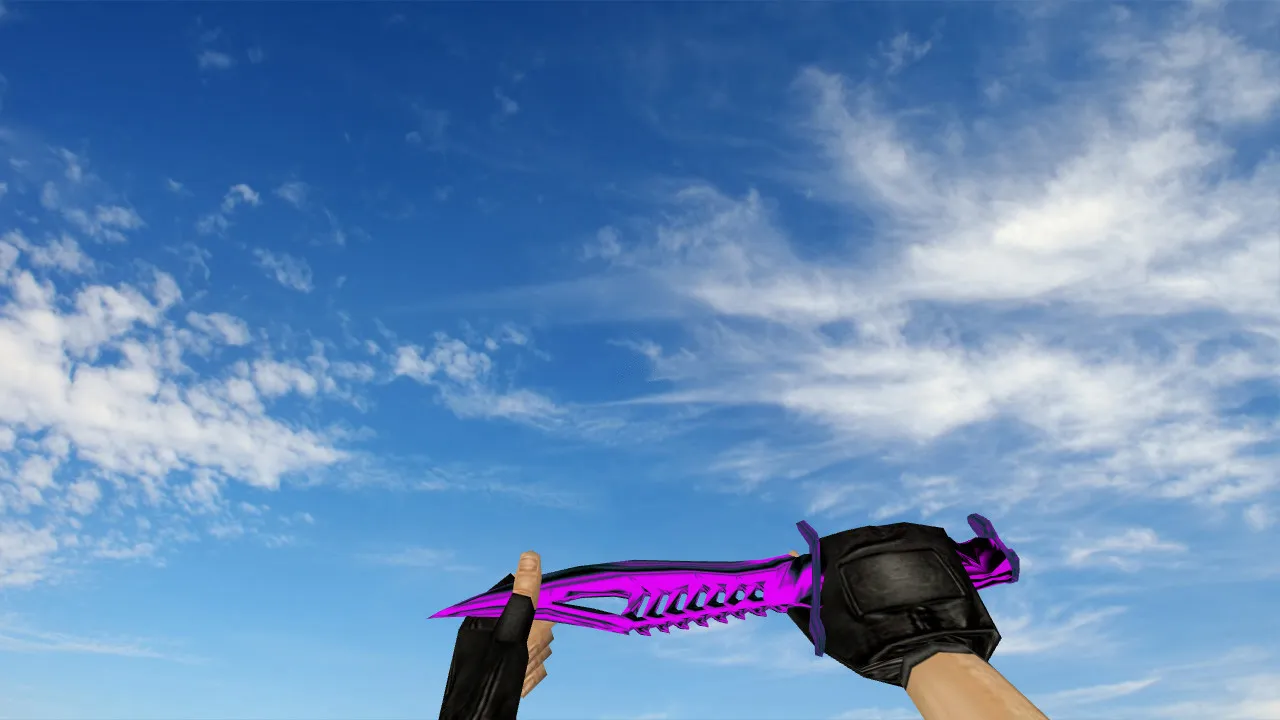
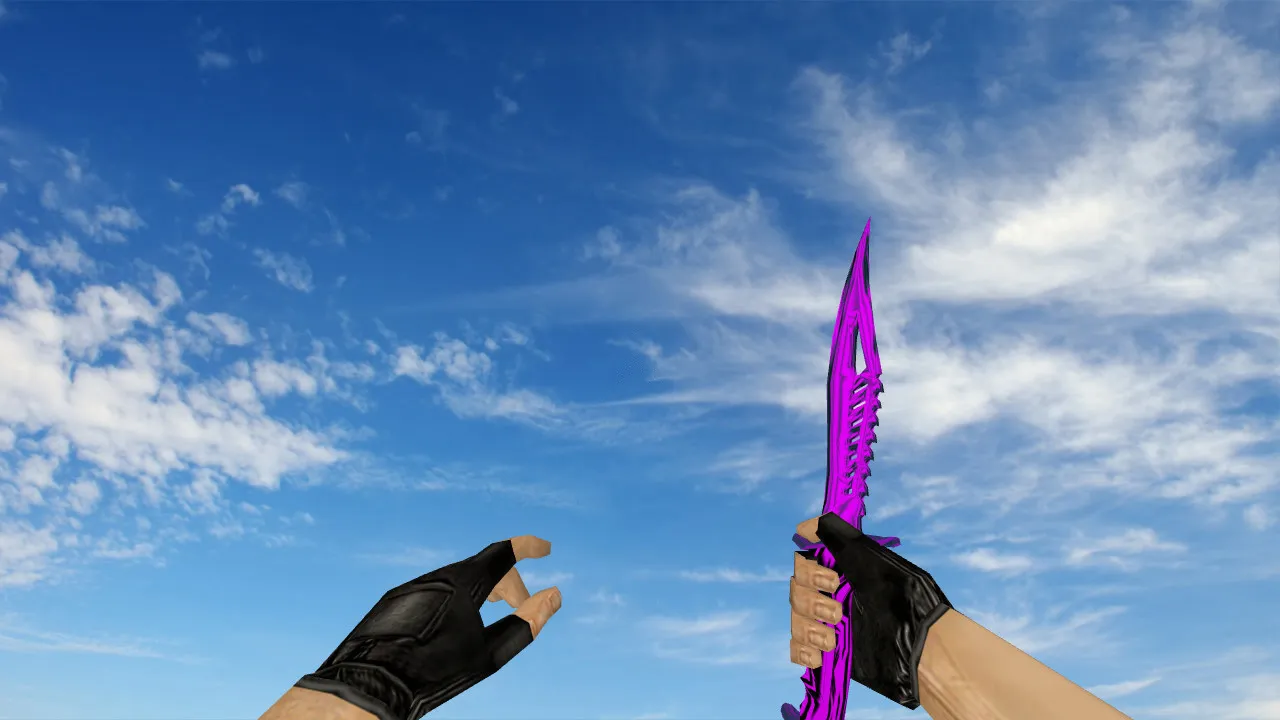
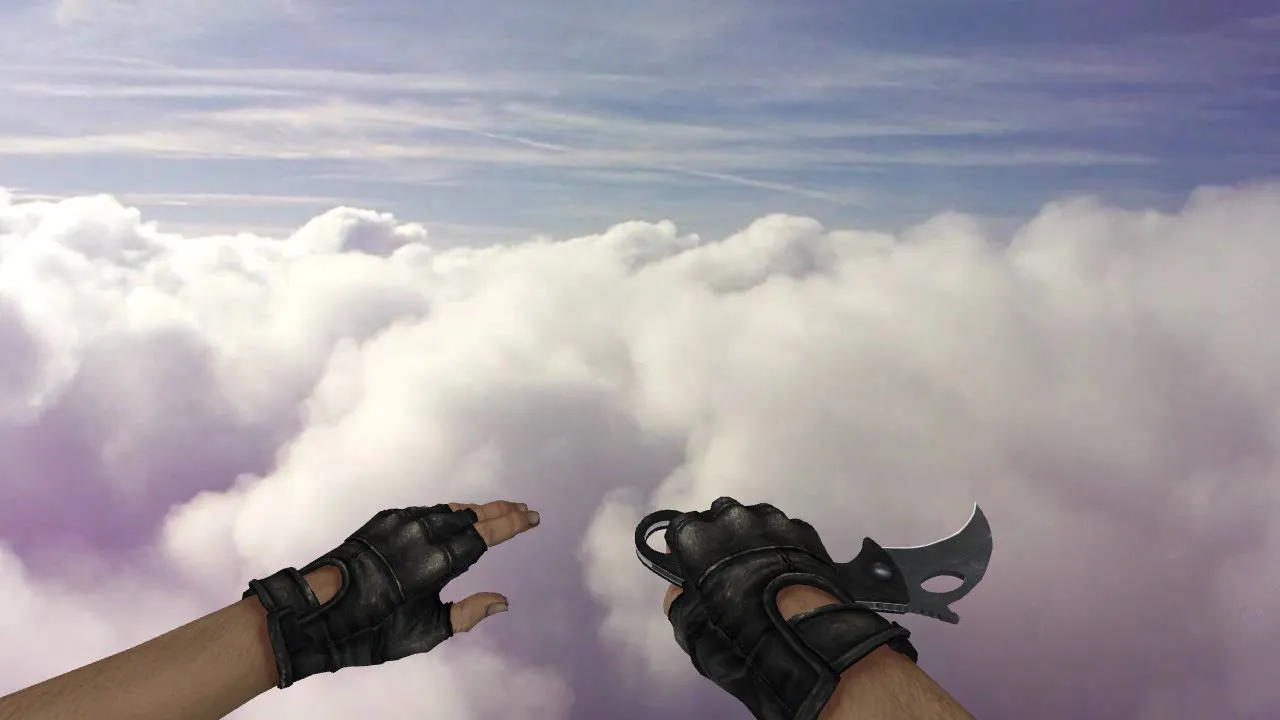
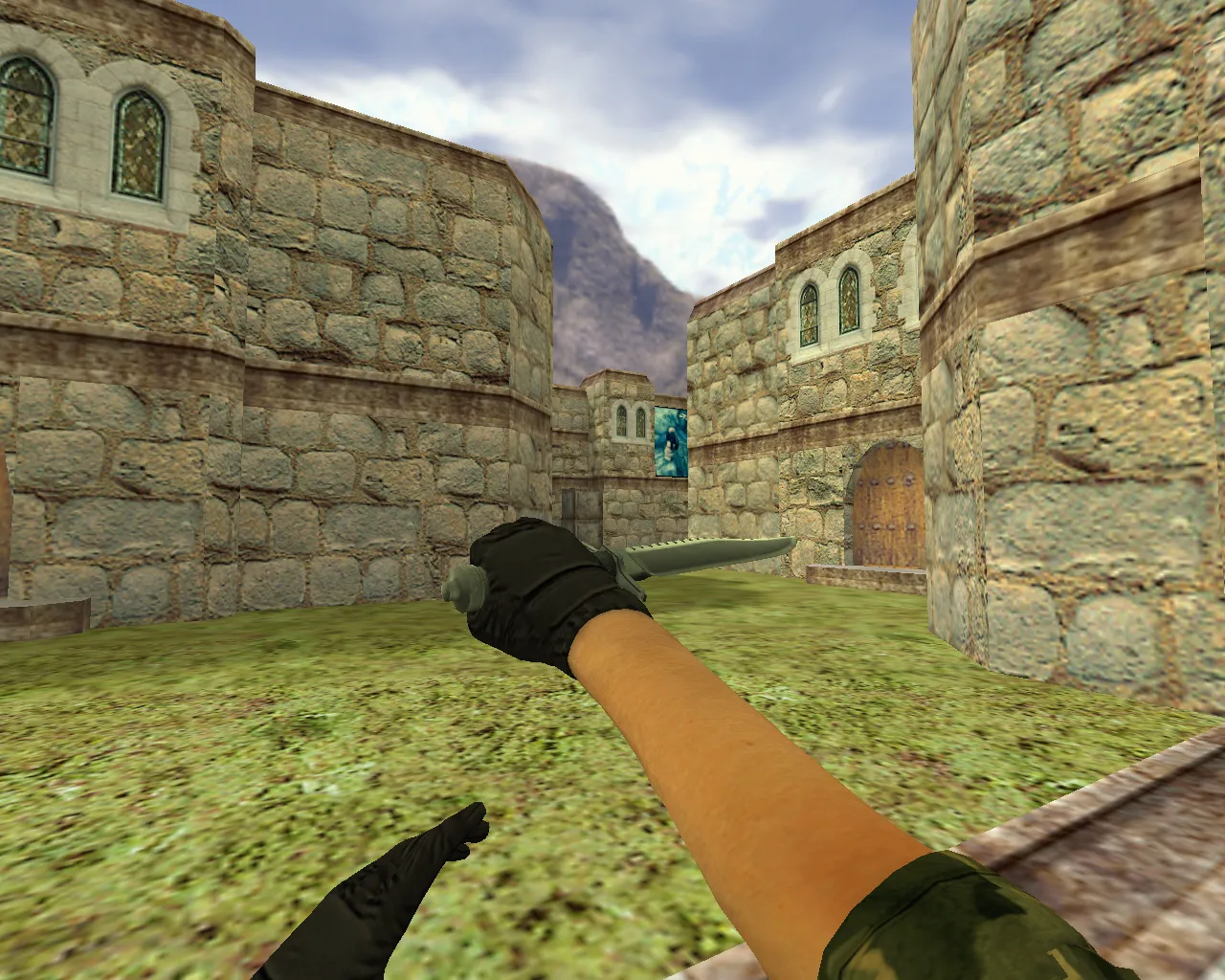
Butterfly Knife Oa Model for CS 1.6: v_ p_ w_ Files, Custom Sounds, Inspect Animation, HD Textures, and Setup Guide

Description
Butterfly Knife Oa for CS 1.6: Installation and Testing Guide
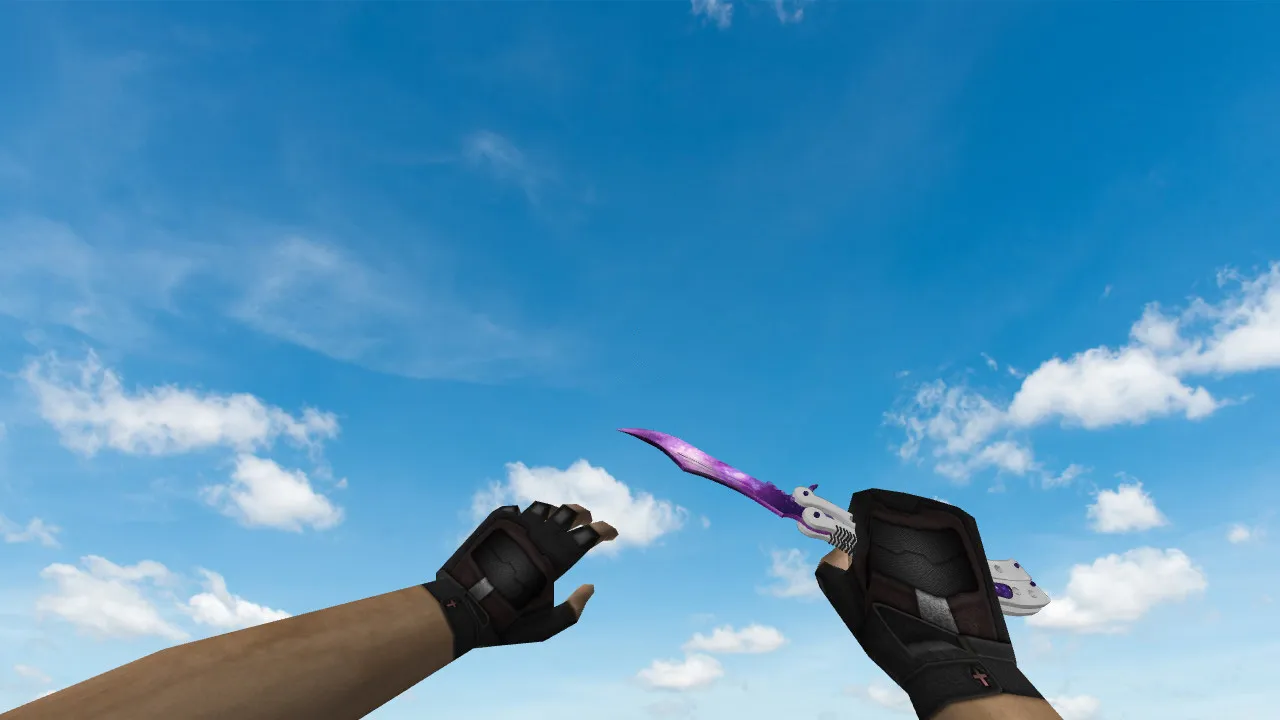
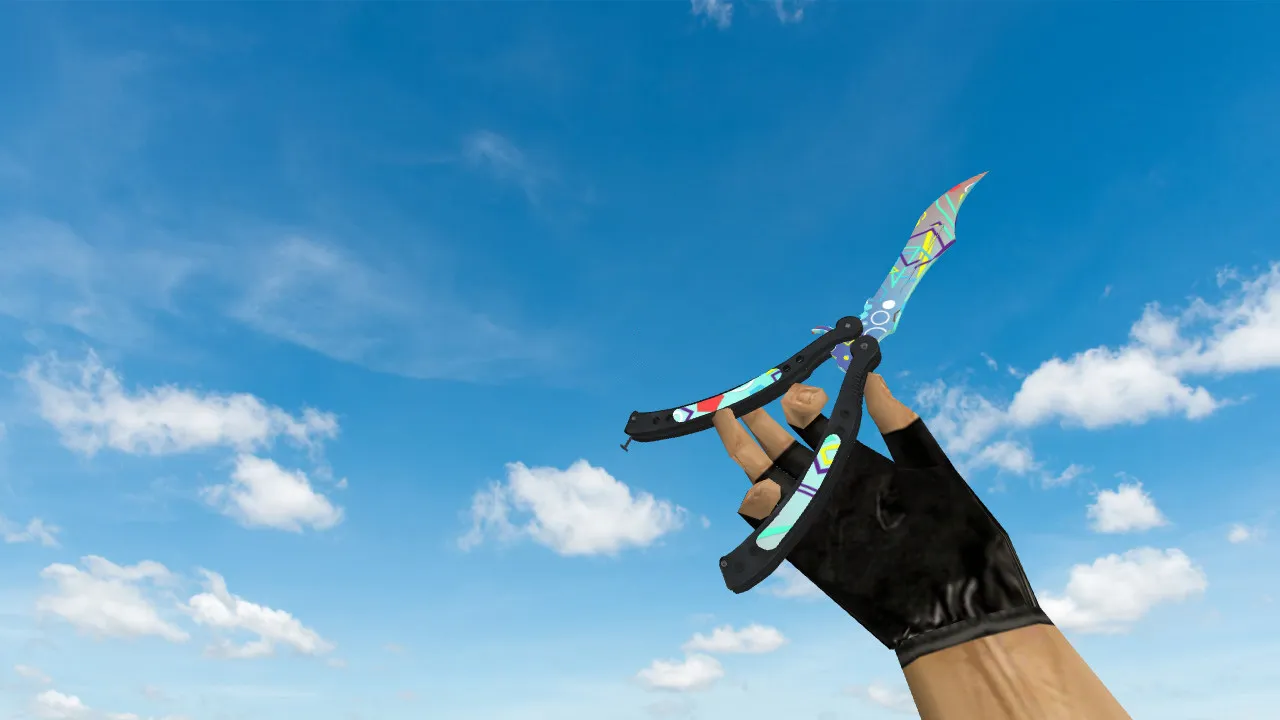
The Butterfly Knife Oa model is made for CS 1.6 and comes with the standard file set: v_, p_, and w_. These guarantee correct display in every situation-first-person view, third-person hands, and world placement. The knife includes accurate sounds and an inspect animation to prevent glitches when moving or switching weapons.
Before installing, arrange your models folder. Back up original files so you can revert easily if paths or versions clash. Keep the build stable: no auto-connect, no external scripts, no ads. Focus only on the model and basic config tweaks.
Model Structure: v_, p_, w_ Files and Display Quality
When placed correctly, the v_ handles first-person visuals, p_ covers third-person arms in scenes, and w_ renders the knife on the ground or in the environment. Confirm textures load without errors. If they distort or disappear, verify archive paths and file names for matches.
Test the inspect sequence on its own. The animation should trigger smoothly without stuttering or freezes. This influences gameplay feel and how the knife looks during weapon swaps or tactical pauses. A flawless inspect function signals a well-assembled model.
In CS 1.6, knife models like this one benefit from a low polycount for high-fps performance, especially in intense matches. The Butterfly Knife Oa’s design prioritizes hitbox alignment with the blade for precise melee hits, reducing misalignment issues common in poorly modded knives.
Sounds and In-Game Behavior
CS 1.6 knives produce short audio cues on clicks and state changes. The Butterfly Knife Oa includes fitting audio files with correct bindings. Missing sound means incomplete files or name mismatches. If audio plays but sounds off, ensure no overlap from other mods.
Check visibility across lighting: dark corners and bright spots. Texture sharpness and edge definition matter since the knife stays close-up. The skin’s pattern must align evenly, free of shifts or banding artifacts. For ESL-style play, this model’s visibility in low-light areas gives an edge without breaking server rules.
Behavior testing involves quick slashes and stabs-confirm no recoil interference or animation clips. Pair it with a clean config.cfg to maintain 100+ fps on older rigs, compatible with both Steam and Non-Steam clients.
Config Checks and Safety Measures
Avoid adding unknown macros to configs to prevent crashes. Make targeted edits with a config.cfg backup. Use a clean setup without auto-connect for reliable sessions. This model avoids slow-hacks or viruses, ensuring safe integration into your CS 1.6 folder.
After installing, launch the game, open the inventory, and equip the knife. Test swaps, inspect, drop, and pickup (if the server allows). Normal response confirms v_, p_, w_ bindings work. If issues arise, like texture pop-in delays, adjust sprite paths in the wad file.
Pre-Match Checklist for Butterfly Knife Oa
- v_ files in place, displaying knife accurately in first-person
- p_ files handle arm views without artifacts or clipping
- w_ files render knife correctly in the world environment
- Sounds trigger reliably on clicks and actions
- Inspect animation runs smooth, no lags or interruptions
- Textures load clean, no holes, distortions, or UV map errors
- Config remains clean: no auto-connect, no third-party scripts or ads
- Hitbox accuracy matches model for fair melee combat
- Low polycount ensures high-fps stability in multiplayer
Once checklist items align, the Butterfly Knife Oa integrates seamlessly for casual or competitive CS 1.6 play. Revert to backups and recheck archive file names if mismatches occur. This setup enhances knife variety without risking bans or performance drops, ideal for modded servers running Build 4554 or 8613 with MasterServer protection.
Archive contents
11 files, 8.6 MB uncompressed.
- butterfly-knife-oa/models/p_knife.mdl 4.1 MB
- butterfly-knife-oa/models/v_knife.mdl 4.2 MB
- butterfly-knife-oa/sound/weapons/knife_deploy1.wav 31 KB
- butterfly-knife-oa/sound/weapons/knife_hit1.wav 57 KB
- butterfly-knife-oa/sound/weapons/knife_hit2.wav 30 KB
- butterfly-knife-oa/sound/weapons/knife_hit3.wav 37 KB
- butterfly-knife-oa/sound/weapons/knife_hit4.wav 40 KB
- butterfly-knife-oa/sound/weapons/knife_hitwall1.wav 54 KB
- butterfly-knife-oa/sound/weapons/knife_slash1.wav 18 KB
- butterfly-knife-oa/sound/weapons/knife_slash2.wav 17 KB
- butterfly-knife-oa/sound/weapons/knife_stab.wav 77 KB
Install in three steps
-
1
Download the archive. Use the button on the right, or the Yandex.Disk mirror if the main server is slow.
-
2
Extract it into the game folder. Use 7-Zip or WinRAR. A path without non-Latin characters works best.
-
3
Launch the game. If something doesn't work, mark it below - that is how we know the file needs an update.
Did it work for you?
No sign-up needed. You can pick more than one.