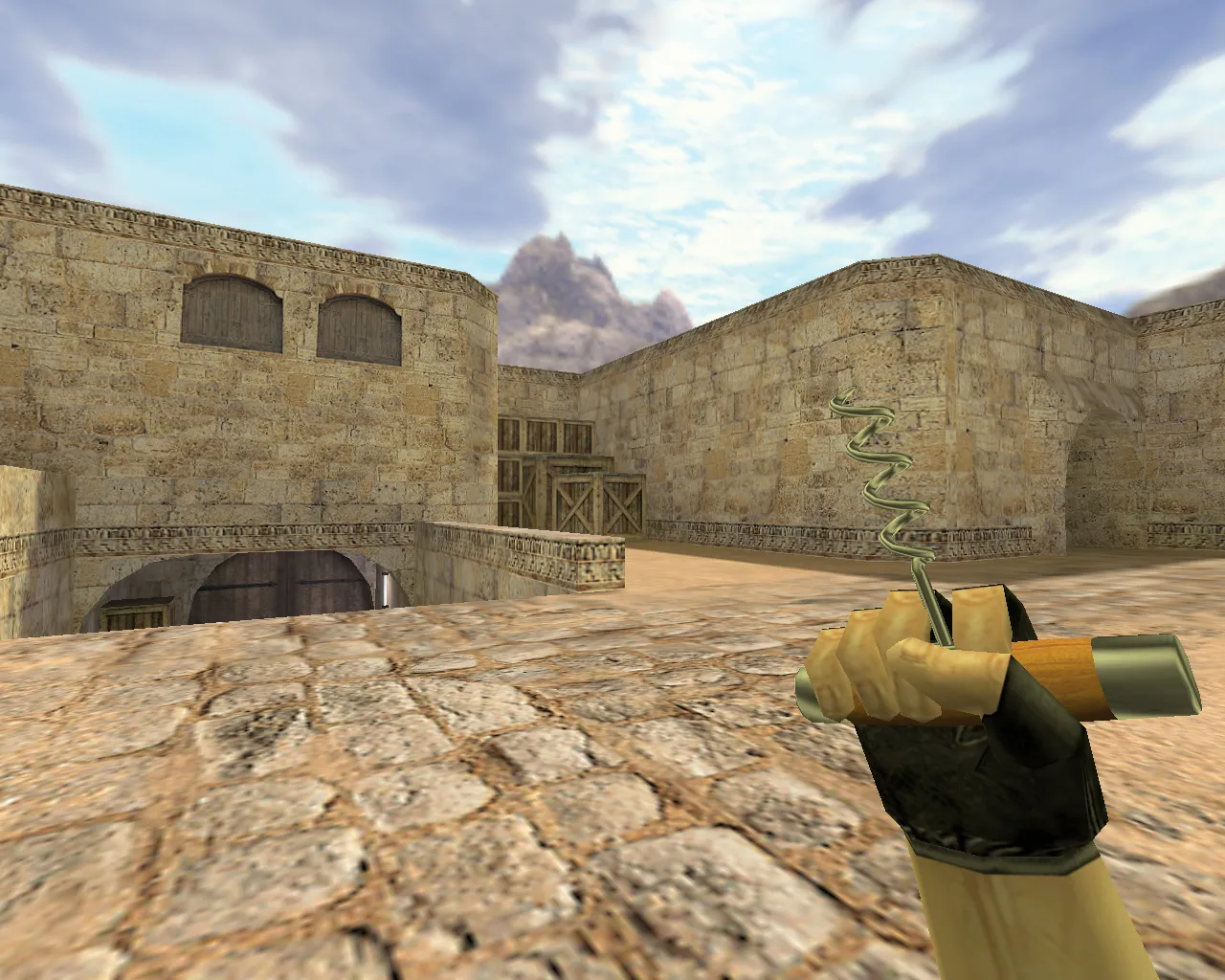
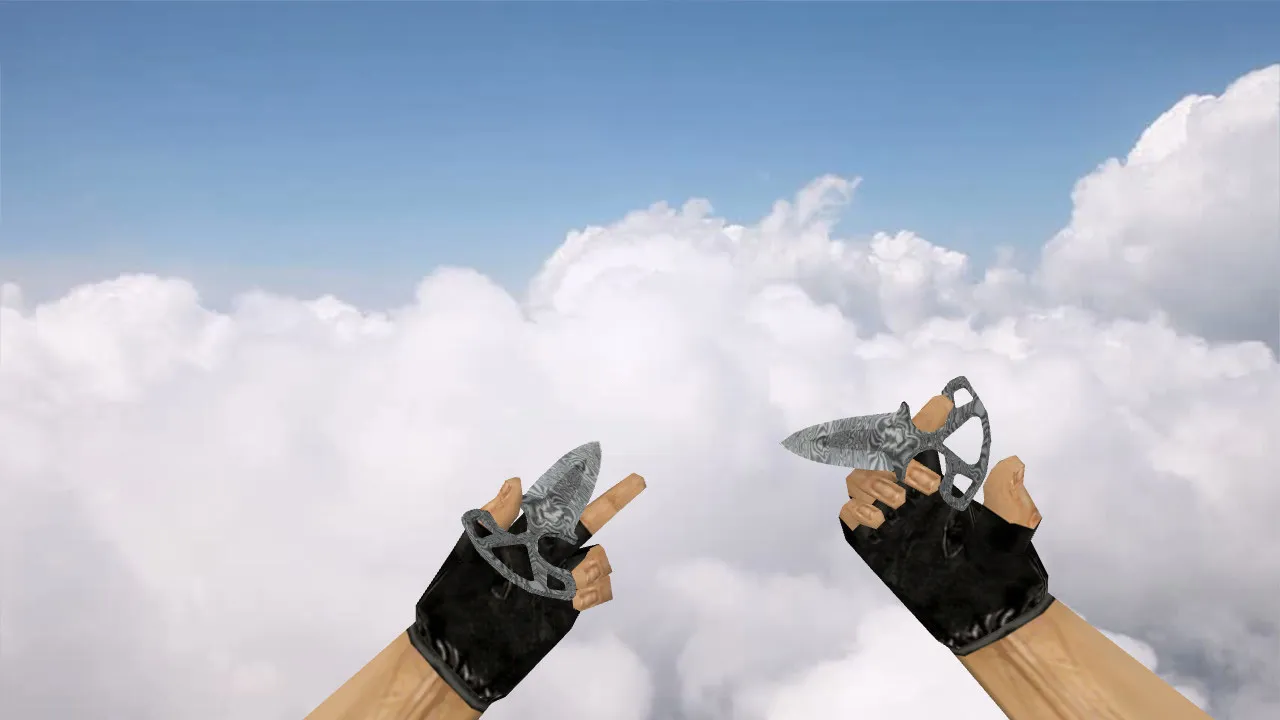
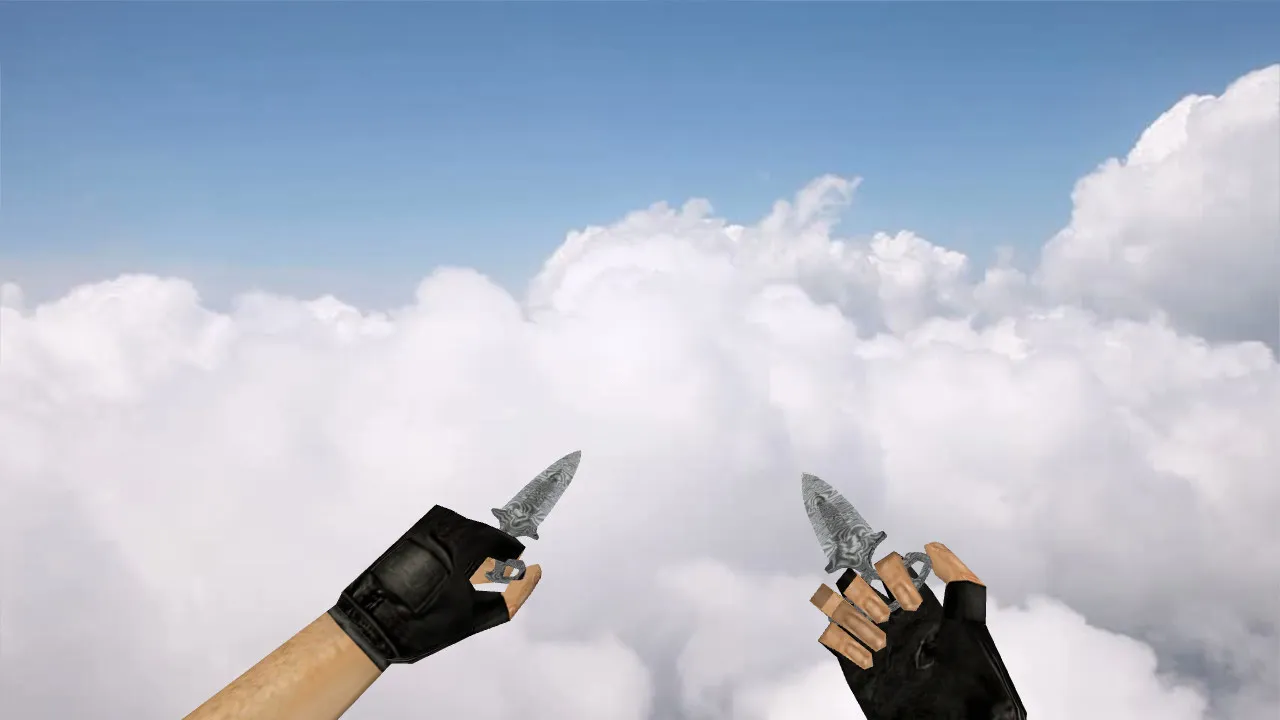
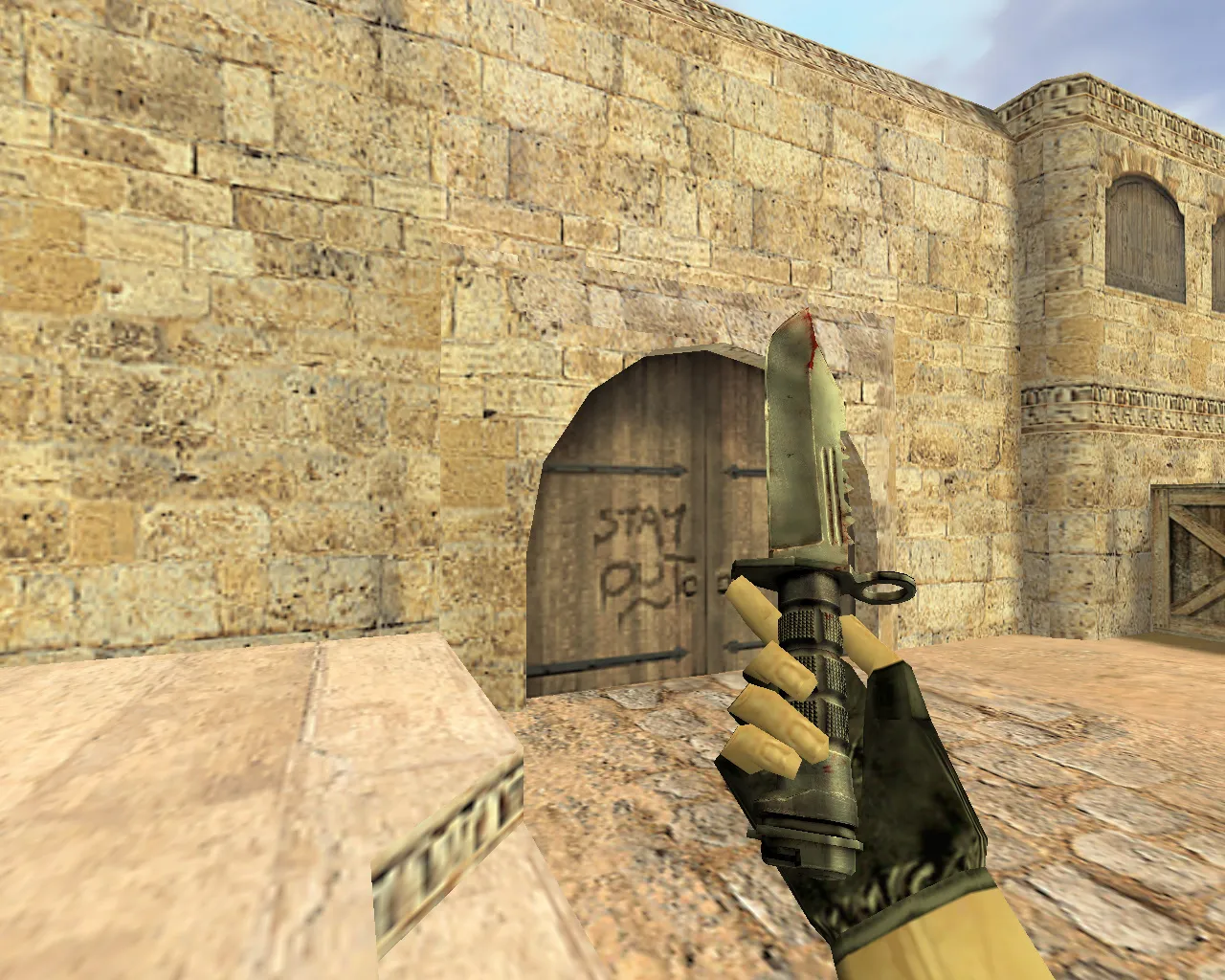
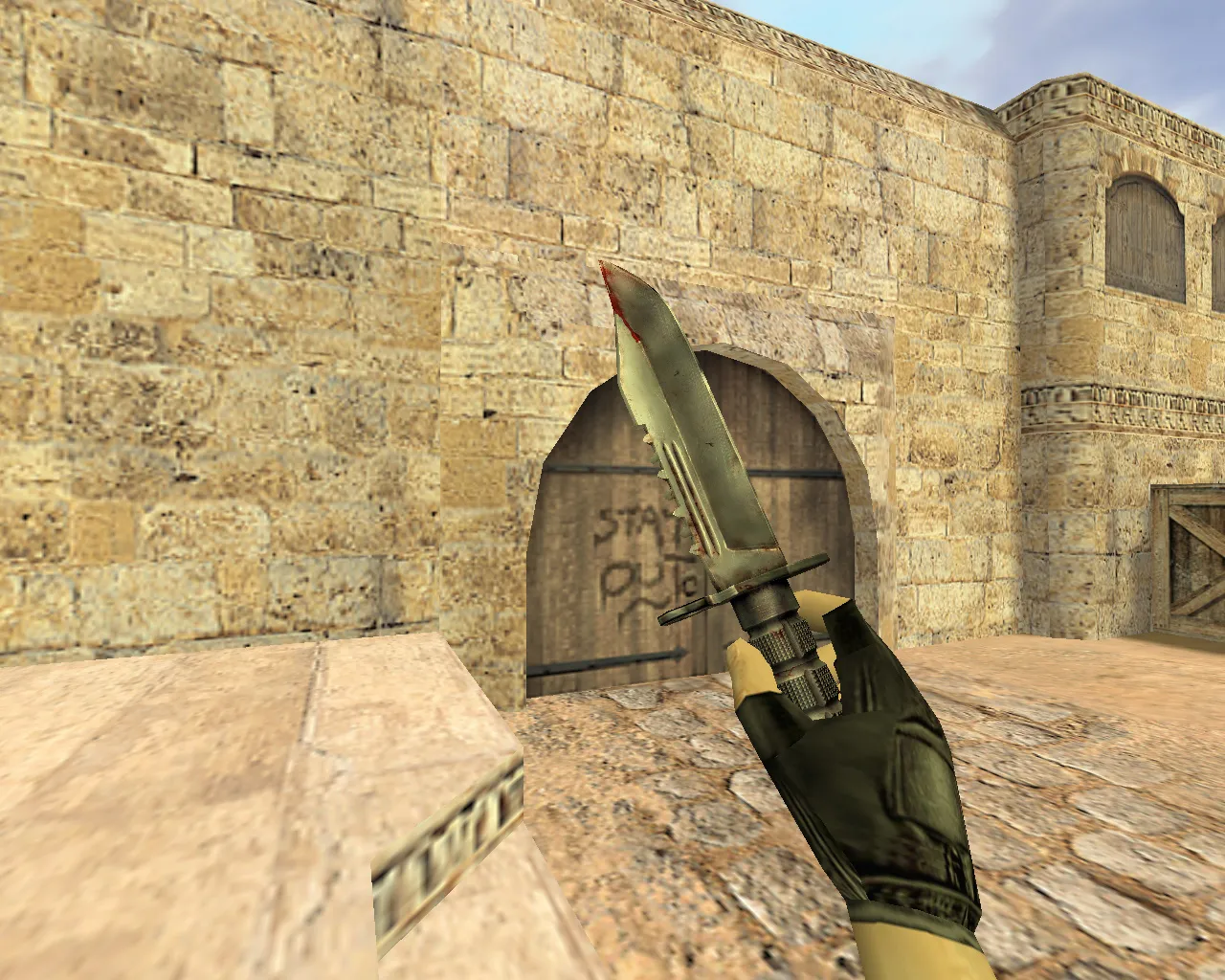
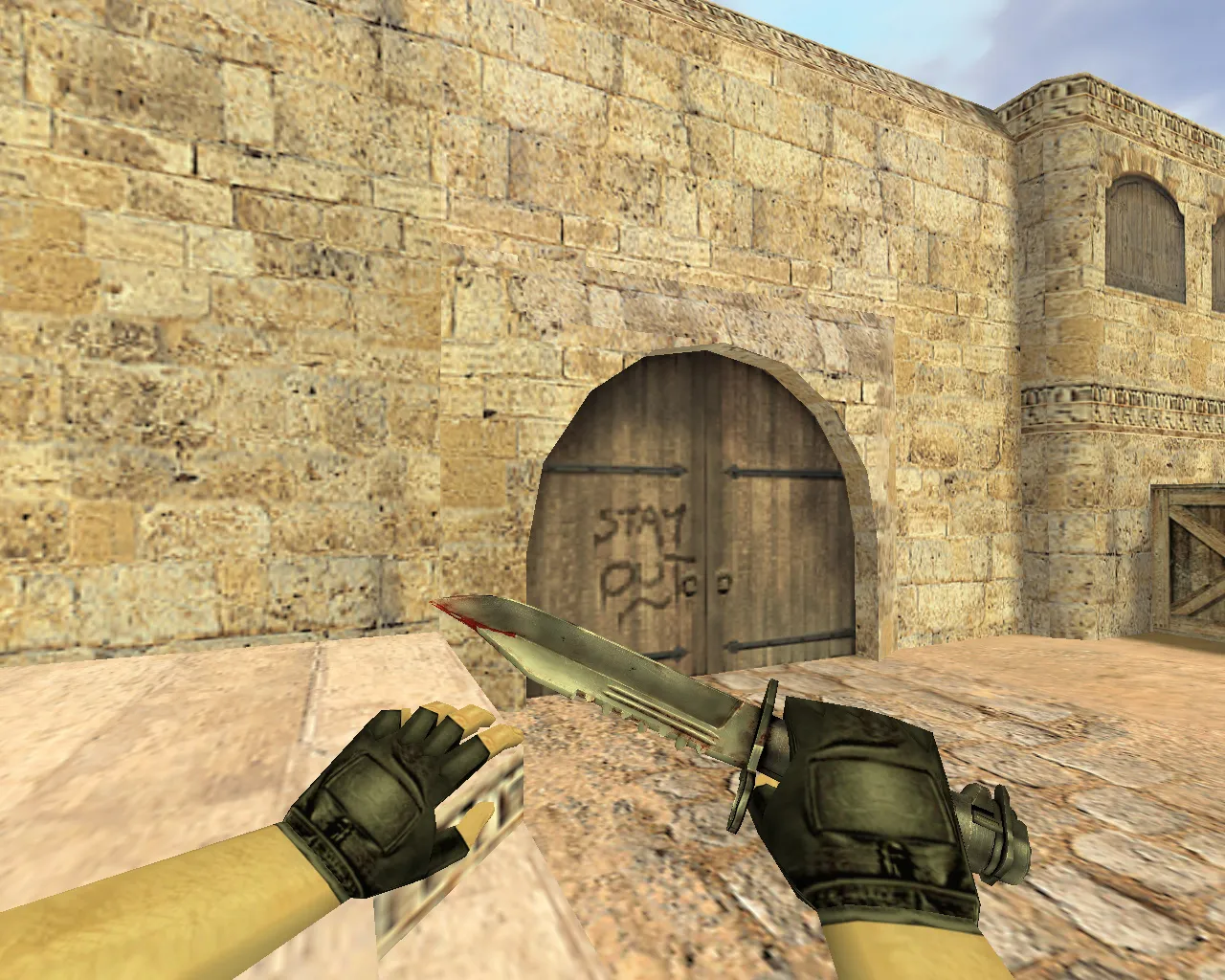
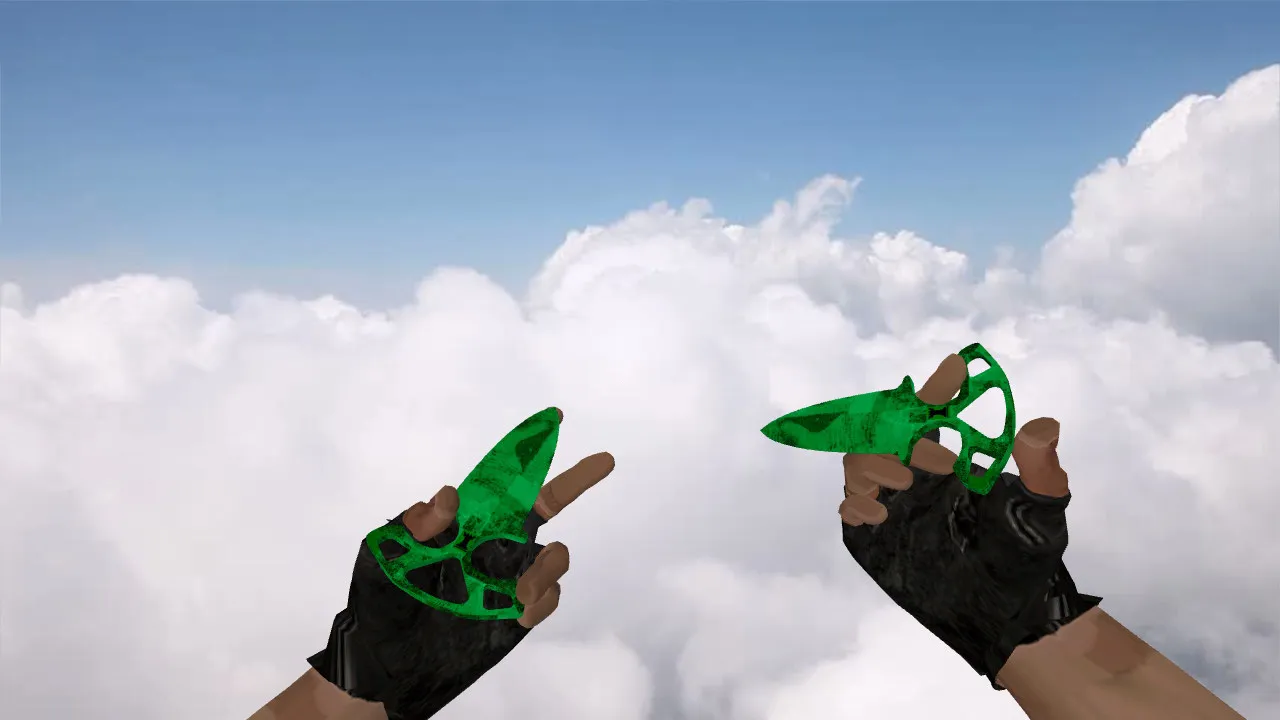
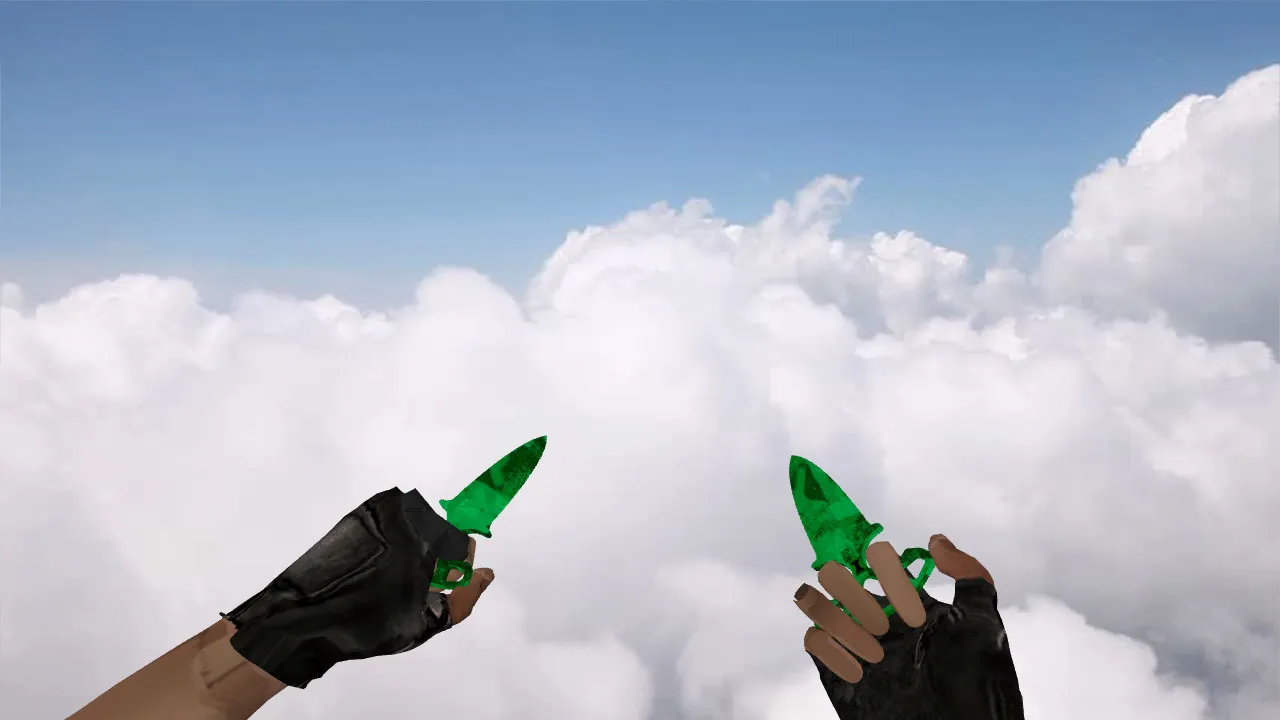
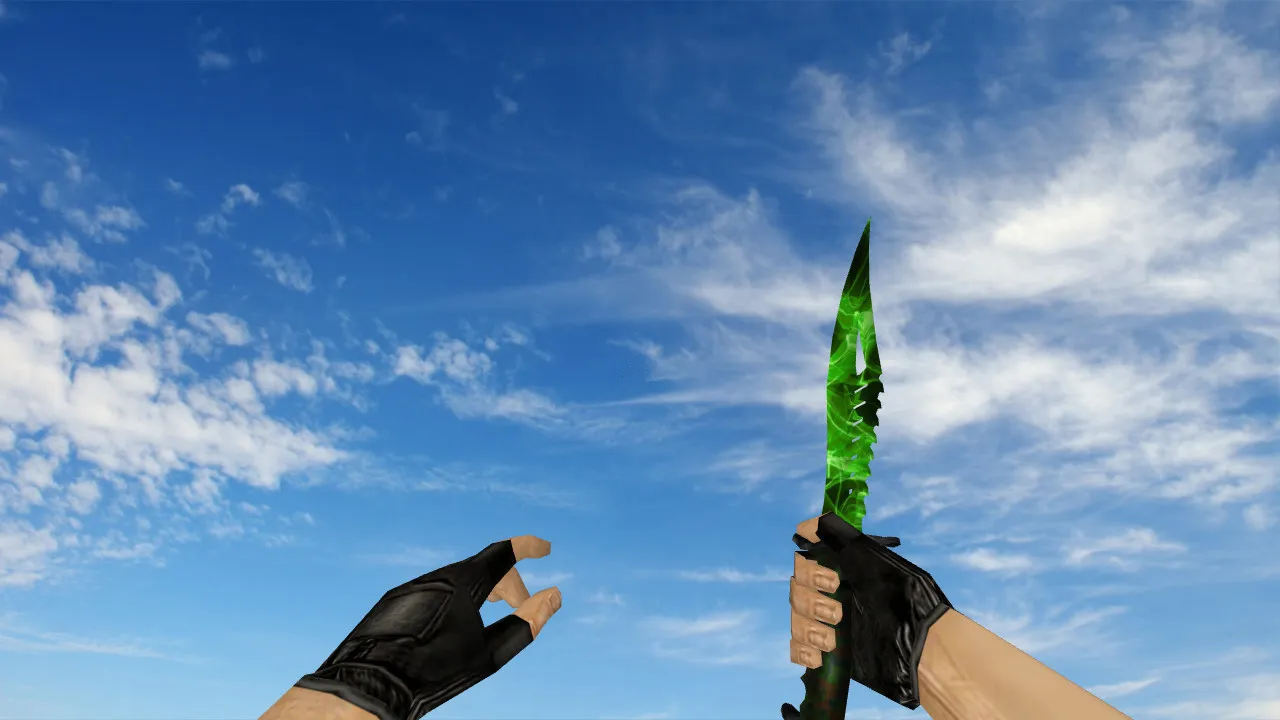
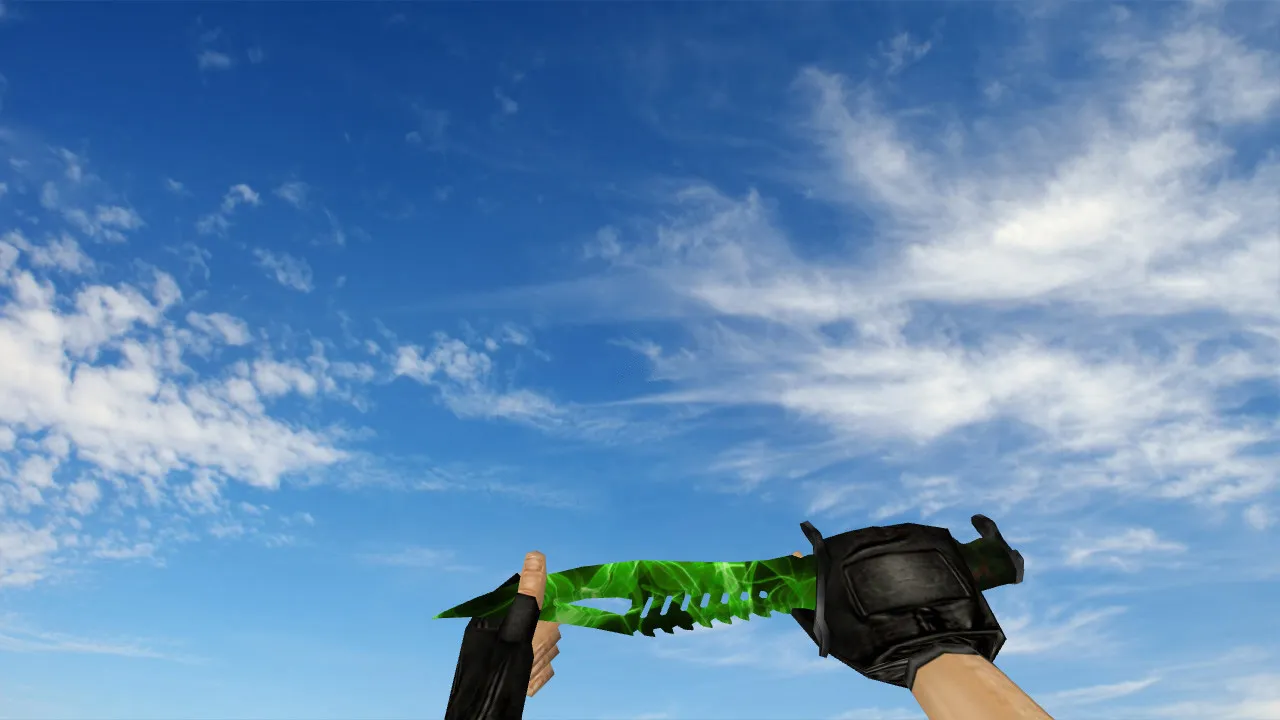
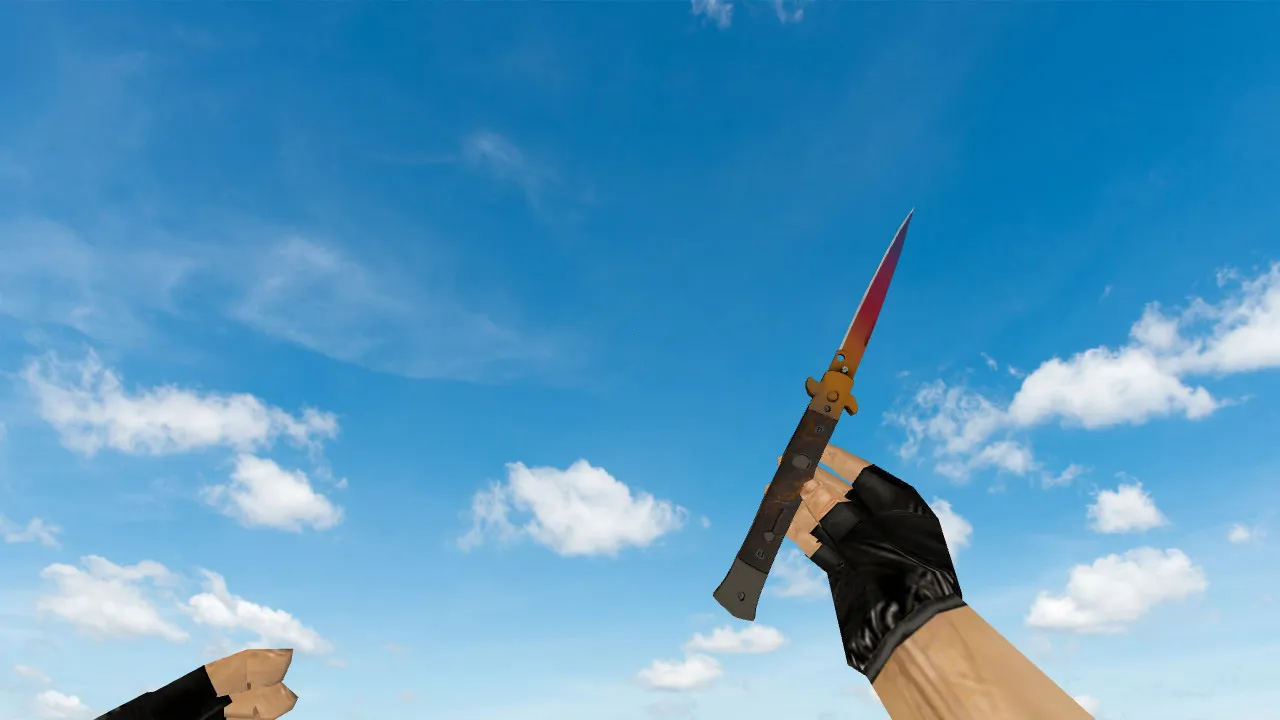
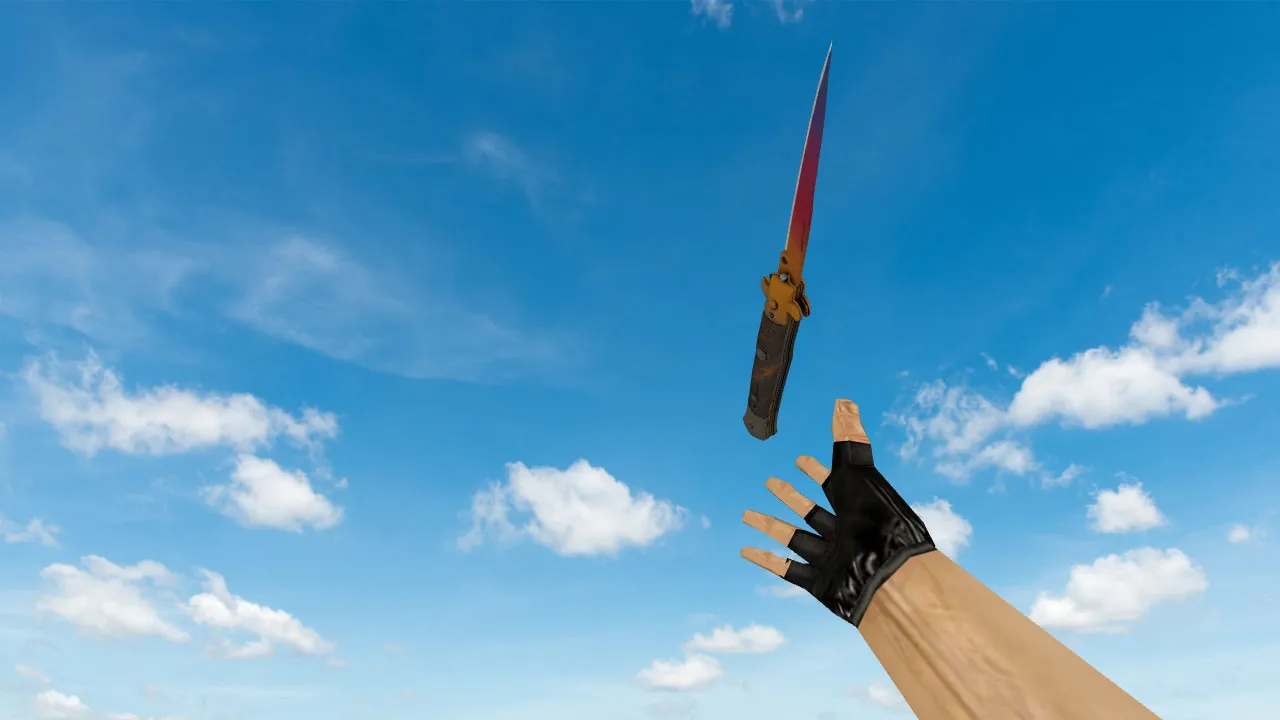
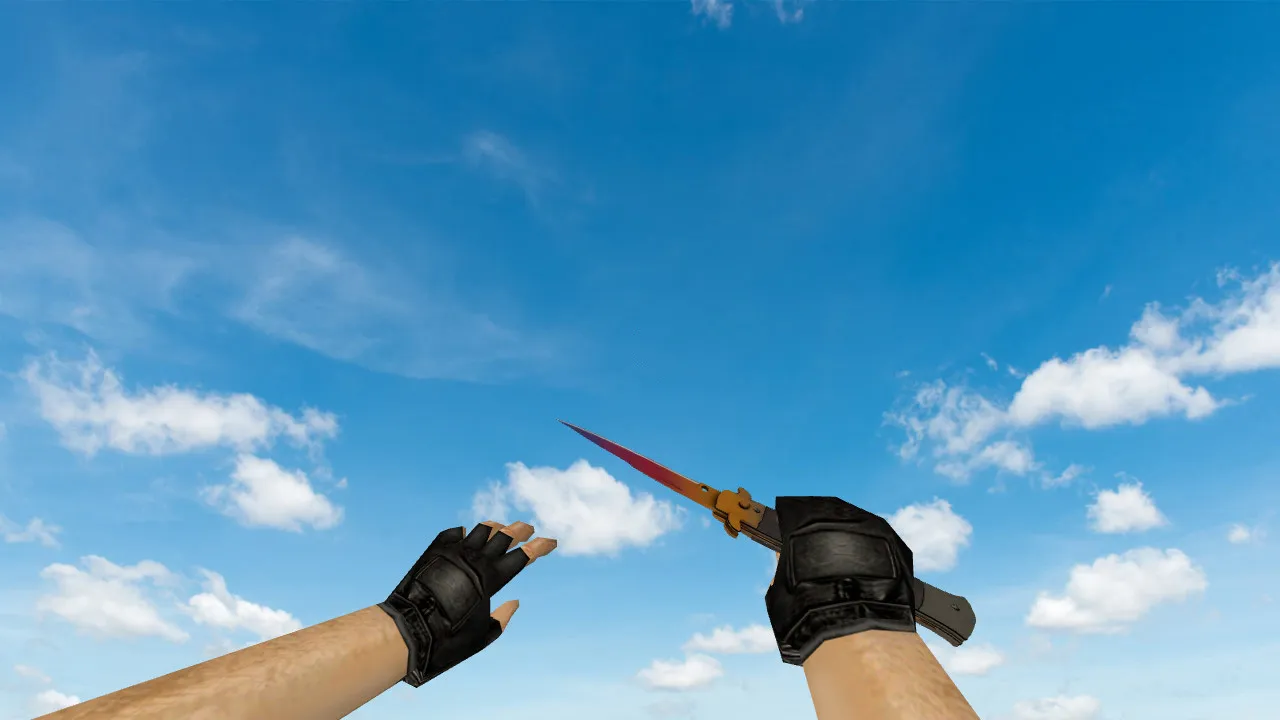
Nautilus Chrome Magenta Knife Model for CS 1.6: Custom Audio, Inspect Animation, HD Textures, and Setup Guide
Description
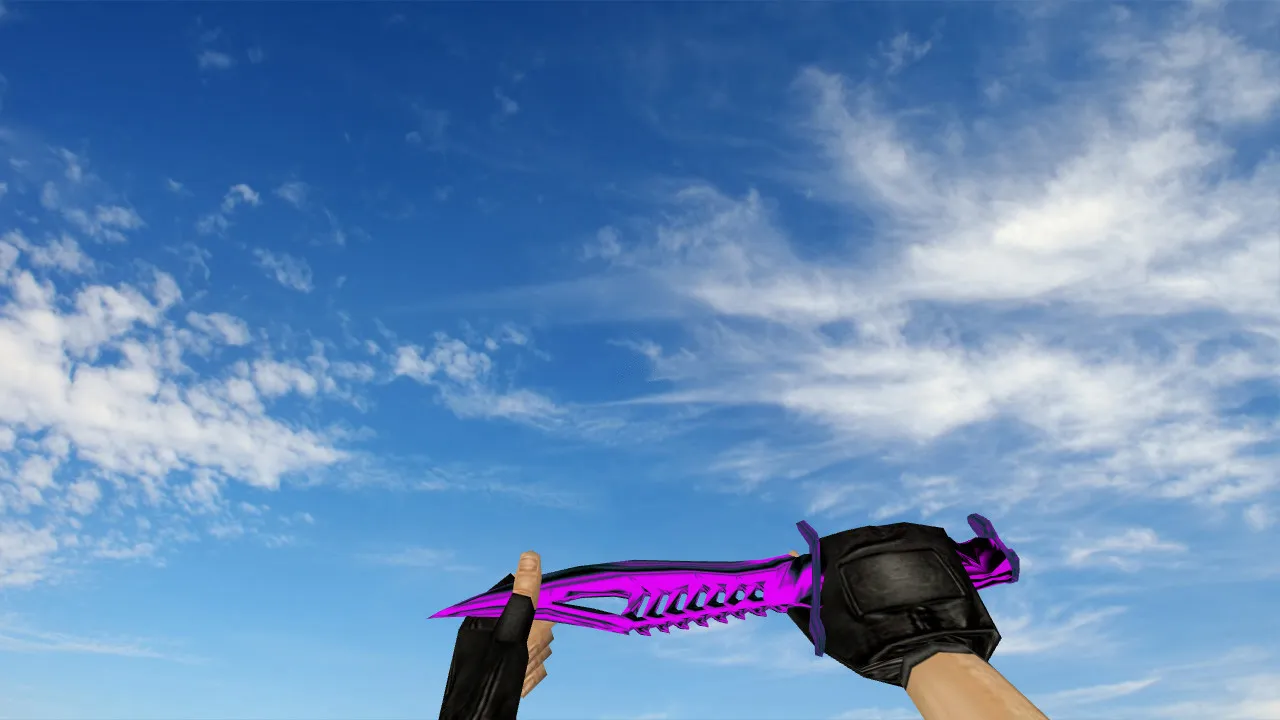
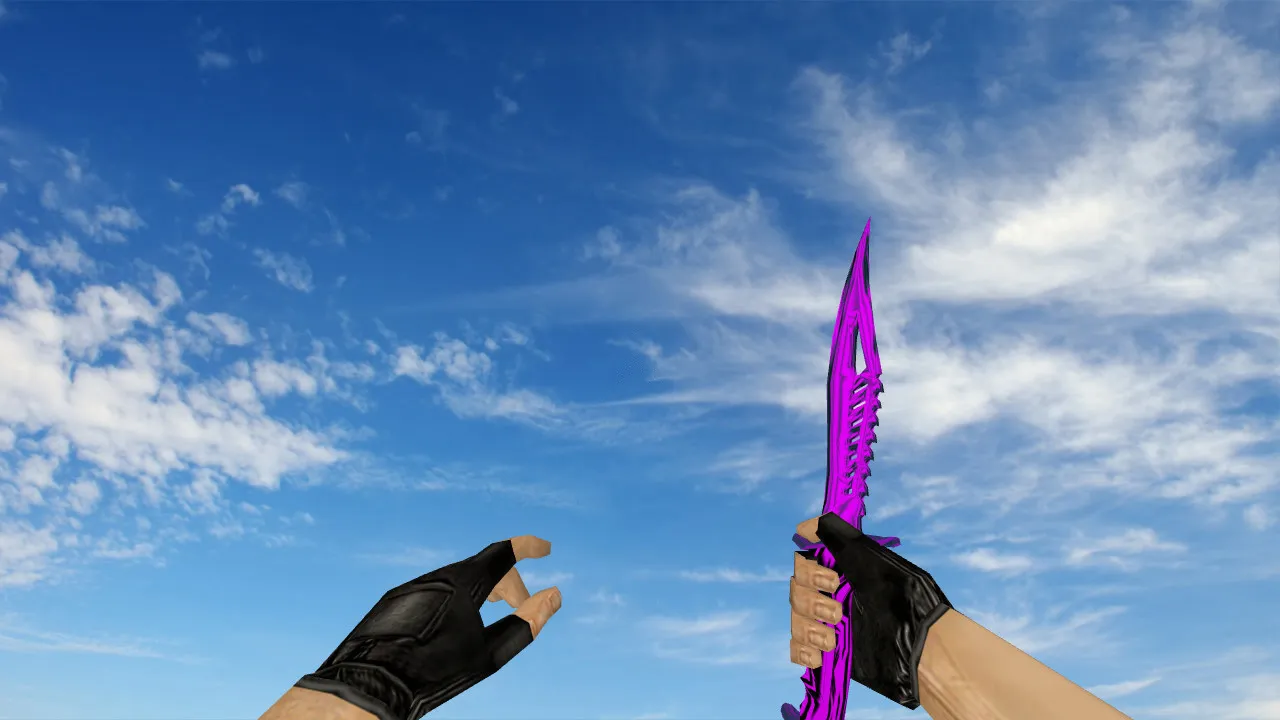
Nautilus Chrome Magenta Knife for CS 1.6
Searching for a blade that catches the eye in lobbies and works flawlessly in tight combat? The Nautilus Chrome Magenta knife model for CS 1.6 matches the original vanilla aesthetic, suited for players who value precise weapon behavior. It provides the standard knife files: v_knife for the first-person view, p_knife for the third-person perspective, and w_knife for the buy menu. This arrangement keeps the usual positioning and fluid animations while moving.
The focus stays on how the model acts in-game. Inspect sequences run on the standard timeline without glitches. Swapping weapons and handling during motion stay clean of visual noise. Textures hold firm: chrome reflections and magenta accents survive high contrast and resist blurring when the hand rotates. On various servers, the model performs predictably-what you see is what you get, with no rendering surprises.
Key Aspects of Knives in CS 1.6
In CS 1.6, a knife is more than a visual; it defines the close-range feel. A properly built model guarantees the hand and blade line up consistently in every situation. Crisp shape definition and animation fit are paramount. Gameplay remains fluid: inspecting doesn't disrupt aim, and switching blades preserves your rhythm.
For aggressive styles, custom audio sharpens feedback. The pack supplies action-specific sounds: weapon swaps, swing effects, and impact noises. This gives clear audio cues, helping you keep control in frantic CQC exchanges.
Model Location and Activation Steps
Before installing, confirm a clean file structure inside your models folder. Knife models belong in the models directory and the subfolders where the engine loads v_knife, p_knife, and w_knife. For a manual setup, retain the original filenames so the engine detects them immediately.
- Check compatibility with your CS 1.6 build, such as 4554 or 8613.
- Backup current knife files to prevent issues.
- Avoid auto-connect scripts or third-party tools during installation.
- Launch via Steam or Non-Steam normally, without client mods.
After placing the files, start the game, open the console, and verify the model loads. If custom configs are active, make sure they don't override models on startup. Test in a local match to check v_knife visibility and p_knife drop consistency.
Texture Quality and Combat Feel
Nautilus Chrome Magenta prioritizes a readable blade through color and edges. Chrome adds reflective depth for improved depth perception, while magenta highlights pop during motion. In dark zones like de_dust2's tunnels, the knife refuses to melt into shadows-ESL-style visibility keeps it distinct. On bright maps, colors stay saturated without washing out during spins or slashes.
For different modes, stability is critical in CS 1.6. Stick to standard formats; don't swap files dynamically to avoid display bugs. This guarantees smooth inspect, audio, and animations, with a polycount optimized for high-fps performance-no lag in fast knife duels.
Safe Installation Without Risks
Download only from trusted sources. Avoid dropping unknown files into the game root. Skip executable programs near the client. Follow any included instructions, but leave config.cfg alone unless necessary. No viruses, no slow-hacks, no ads, no auto-connects-just a pure model replacement.
After installing, test in offline mode or a local server. It takes only minutes. If v_knife renders correctly with the inspect animation flowing and sounds crisp, join online with confidence. This model upgrades knife play without compromising hitbox alignment or server compatibility, ideal for vanilla setups or custom configs.
Expand your CS 1.6 arsenal with this dependable knife. The chrome-magenta combo boosts visibility in low-light corners, like mid on de_inferno, where quick slashes decide rounds. Textures at 512x512 resolution ensure no pixelation on older hardware, maintaining 100+ fps even on Build 4554. Pair it with a clean config for no-recoil knife binds, and you'll dominate CQC without visual distractions.
Install in three steps
-
1
Download the archive. Use the button on the right, or the Yandex.Disk mirror if the main server is slow.
-
2
Extract it into the game folder. Use 7-Zip or WinRAR. A path without non-Latin characters works best.
-
3
Launch the game. If something doesn't work, mark it below - that is how we know the file needs an update.
Did it work for you?
No sign-up needed. You can pick more than one.