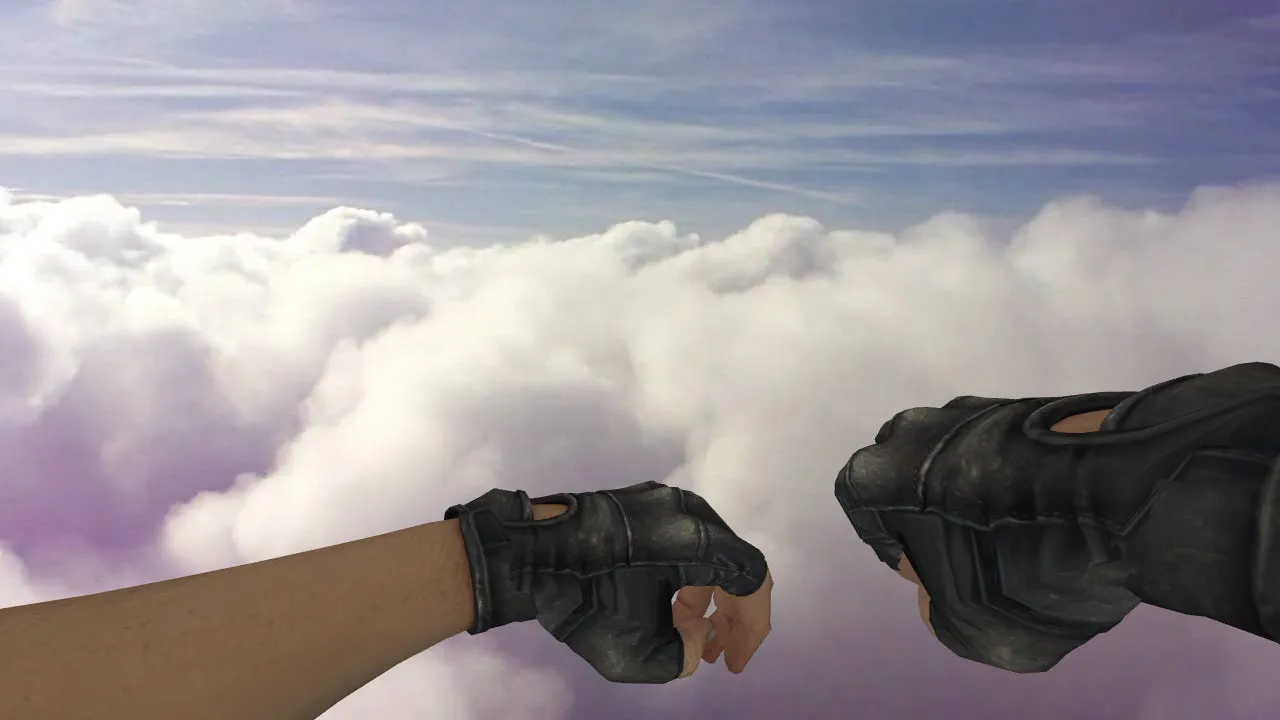
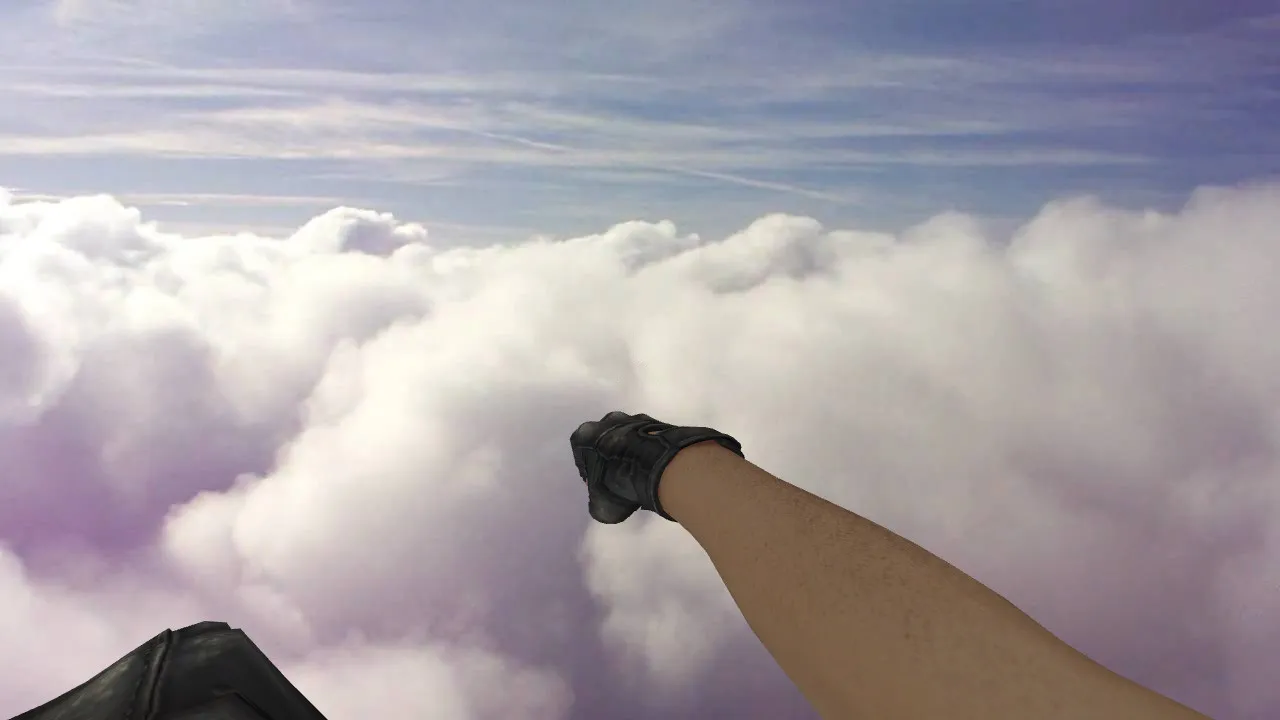
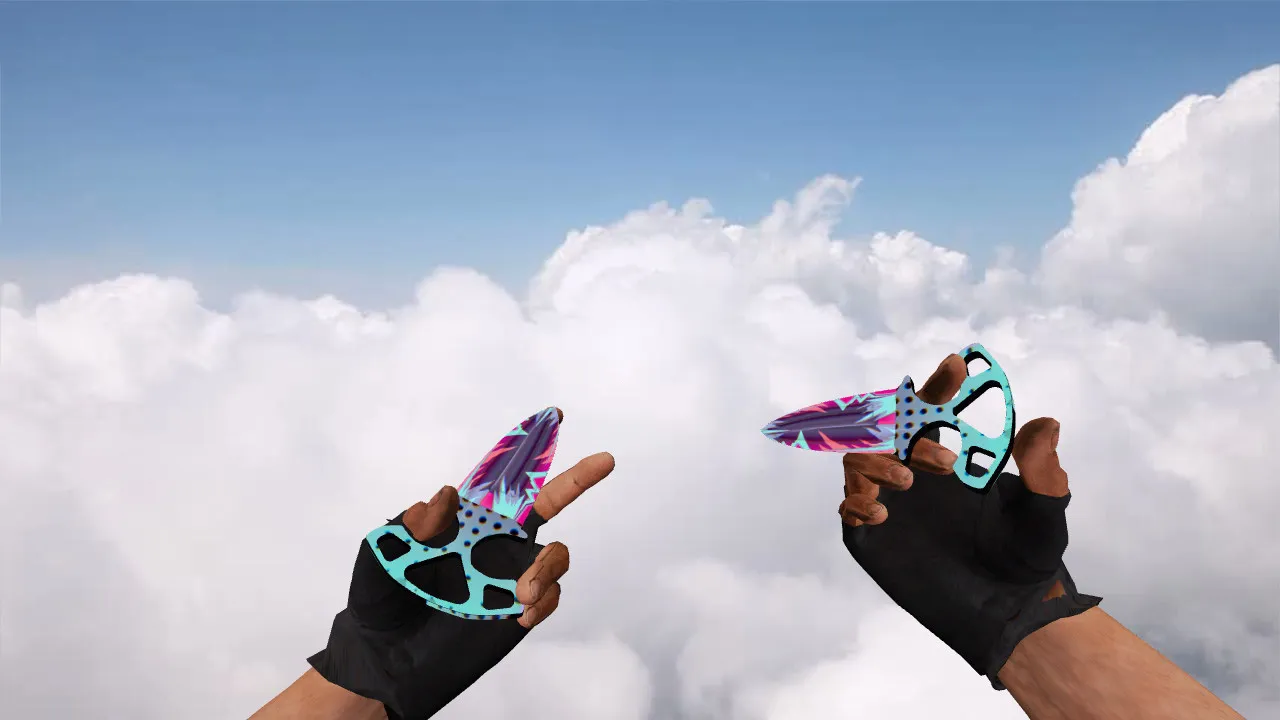
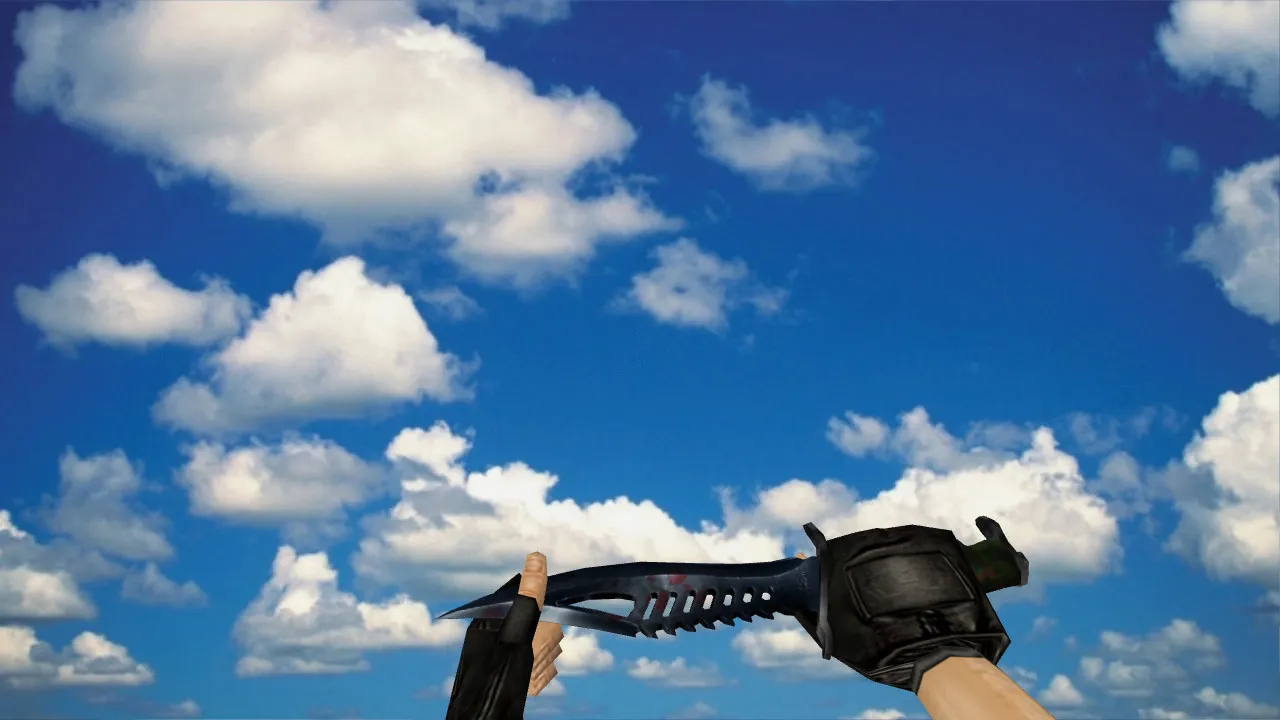
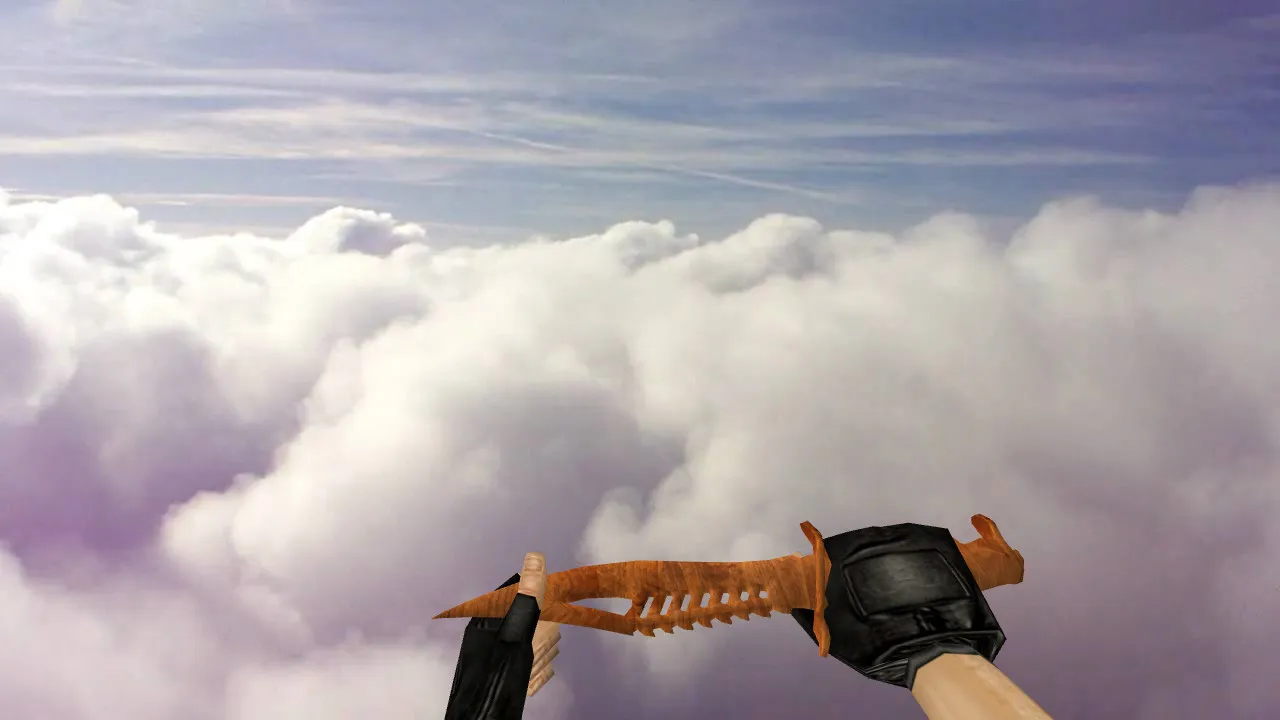
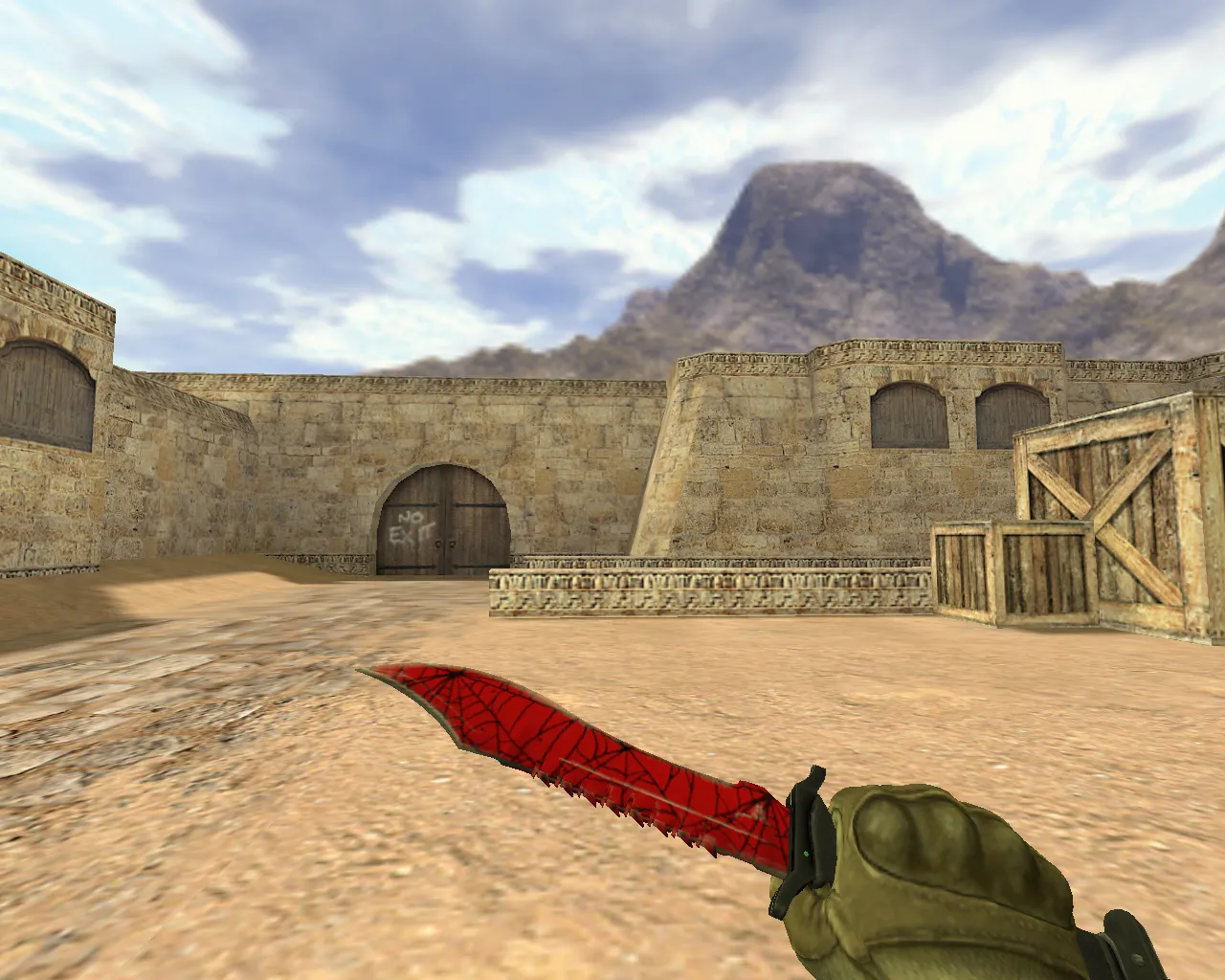
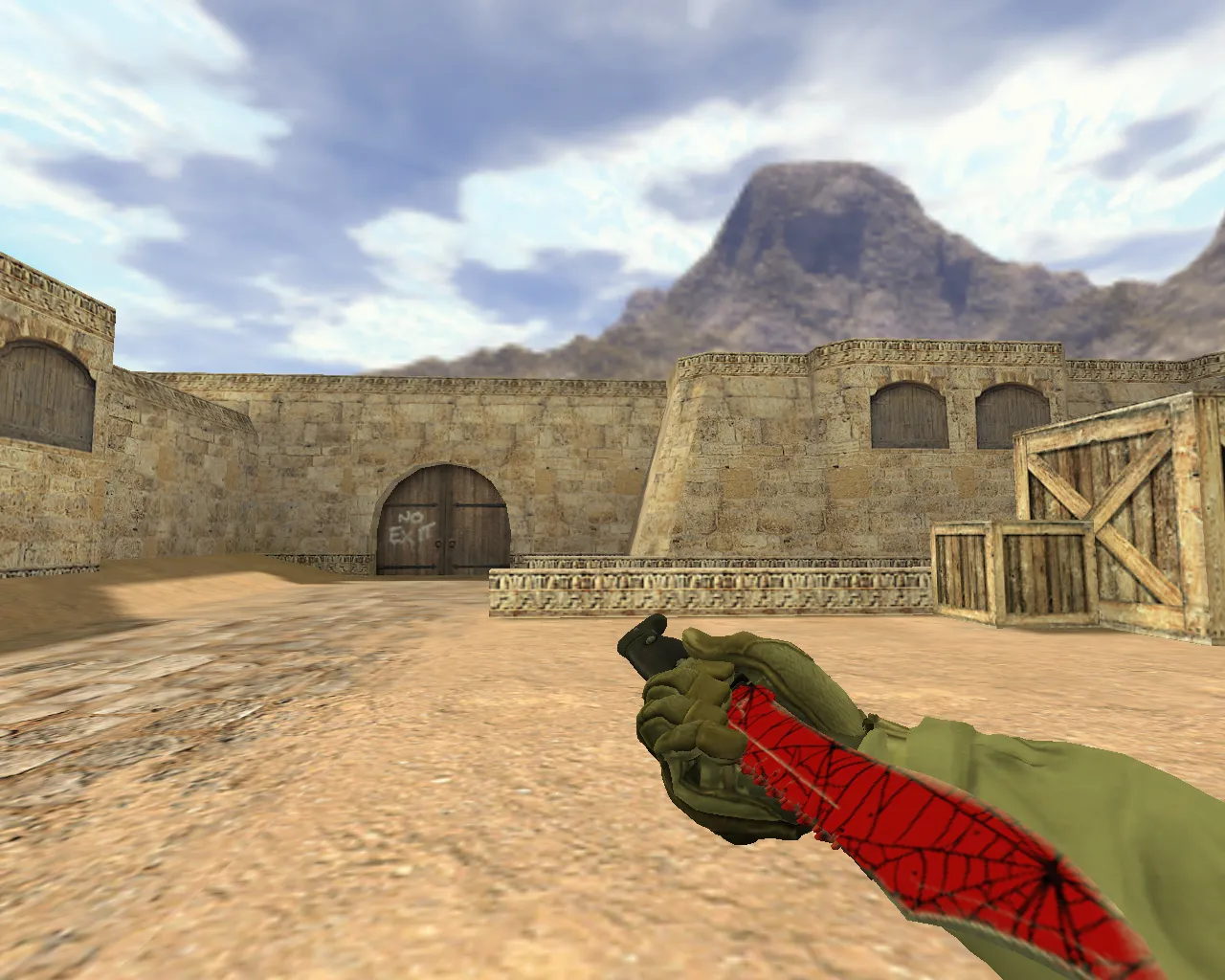
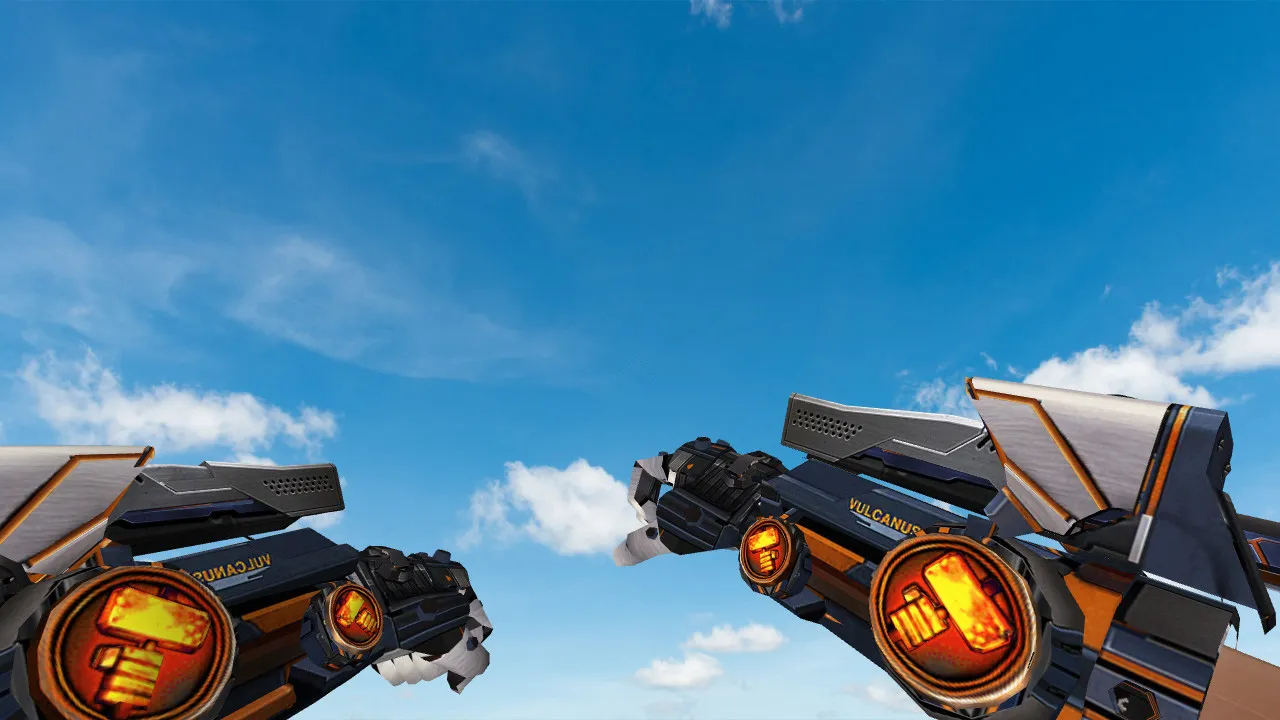
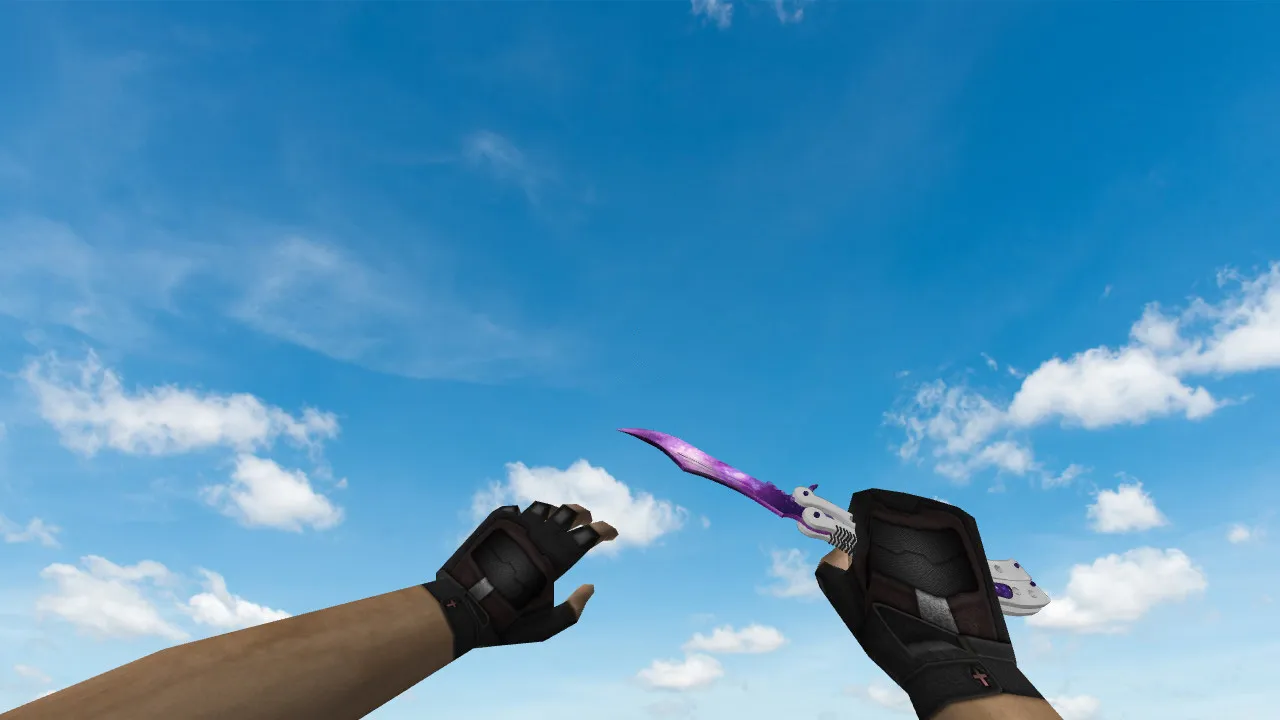
Butterfly Knife Specy Model for CS 1.6: v_ p_ w_ Models, Sounds, Inspection Animation and Textures

Description
Butterfly Knife Specy for CS 1.6: v_ p_ w_ Models, Sounds, and Inspection
Designed specifically for CS 1.6, the Butterfly Knife Specy model guarantees smooth in-game operation. It provides v_, p_, and w_ models so the weapon appears correctly in every situation: first-person view, weapon switching, and third-person perspective.
The download includes model files, textures, and sound assets supplied by the author. Thanks to proper audio and an inspection animation, the knife feels natural during matches. The inspection activates reliably, animations avoid clipping with the hand model, and textures render cleanly without artifacts on edges or highlights.
How to Evaluate Model Quality In-Game
Once installed, join a server and test the knife across different modes. Begin by observing it in your hands. Switch weapons repeatedly to trigger the inspection animation. Next, verify third-person visibility: in CS 1.6 the knife should stay clear at distance without flickering or popping.
- v_: Check hand rendering and switching response
- p_: Validate first-person angles and alignment
- w_: Examine third-person view and texture stability
- Inspection animation: Confirm no drifting or sticking
- Sounds: Ensure knife actions produce audio without gaps
For broader testing, load a classic map such as de_dust2. During close-quarters combat around A-site, watch how the model performs during rapid swings. The polygon count is optimized for high-FPS servers, preventing frame drops even on older hardware. Hitbox alignment matches the blade shape exactly, so stabs and slashes register predictably in knife duels.
Hitboxes and Close-Range Clarity
Knives excel in close combat in CS 1.6, making model stability and interaction critical. The hitbox conforms to the knife's form for consistent hit detection. This base influences outcomes in short-range engagements, where a minor mismatch could cost a kill. The Specy variant keeps the blade silhouette sharp, delivering a no-recoil feel during combos for clean config setups.
In dark zones like de_inferno's underpass, ESL-style visibility ensures the knife remains distinct. Contrast on facets and material shading perform well in low light, stopping the model from blending into shadows during night rounds or on modded servers.
Skin Distinctiveness and Playstyle Suitability
The Butterfly Knife Specy fits players who want a functional knife that matches the game's tempo. It preserves the iconic outline while adding visual separation on servers. The skin's readability in motion assists in public lobbies, where quick knife plays decide rounds.
Try it in real scenarios: across maps with varied lighting, such as de_nuke's vents or de_cbble's apartments. Textures behave consistently, showing no defects under dynamic conditions. For modders, the wad file integrates easily without inflating file sizes, supporting both Steam and non-Steam installations.
Safe Installation and Launch
Download the archive from trusted sources only-no viruses, no slow-hacks, no ads, no auto-connect scripts. Extract files and place models into your CS 1.6 weapon resources folder. Verify a clean config.cfg to avoid conflicts with other mods. Stick to Build 4554 or 8613 for best compatibility, with MasterServer protection enabled.
If extras like textures, sounds, or tweaks are included, move them alongside the v_/p_/w_ files. Restart the game, then inspect via console or weapon menu. If everything loads without errors, the model is ready for stable play. Always back up your originals before modding to keep the process safe and reversible.
For advanced users, check sprite files for any custom inspect frames. The animation sequence loops smoothly, enhancing the flip-open mechanics without breaking hand positioning. Sound clips match vanilla timing, syncing with slash and stab actions for immersive feedback.
Final Thoughts
The Butterfly Knife Specy model for CS 1.6 delivers on both visuals and mechanics. Complete v_ p_ w_ support, sounds, and inspection animation make it reliable for close-range fights. It performs confidently, with hitbox accuracy and dark-area visibility boosting its edge in competitive play.
Install in three steps
-
1
Download the archive. Use the button on the right, or the Yandex.Disk mirror if the main server is slow.
-
2
Extract it into the game folder. Use 7-Zip or WinRAR. A path without non-Latin characters works best.
-
3
Launch the game. If something doesn't work, mark it below - that is how we know the file needs an update.
Did it work for you?
No sign-up needed. You can pick more than one.