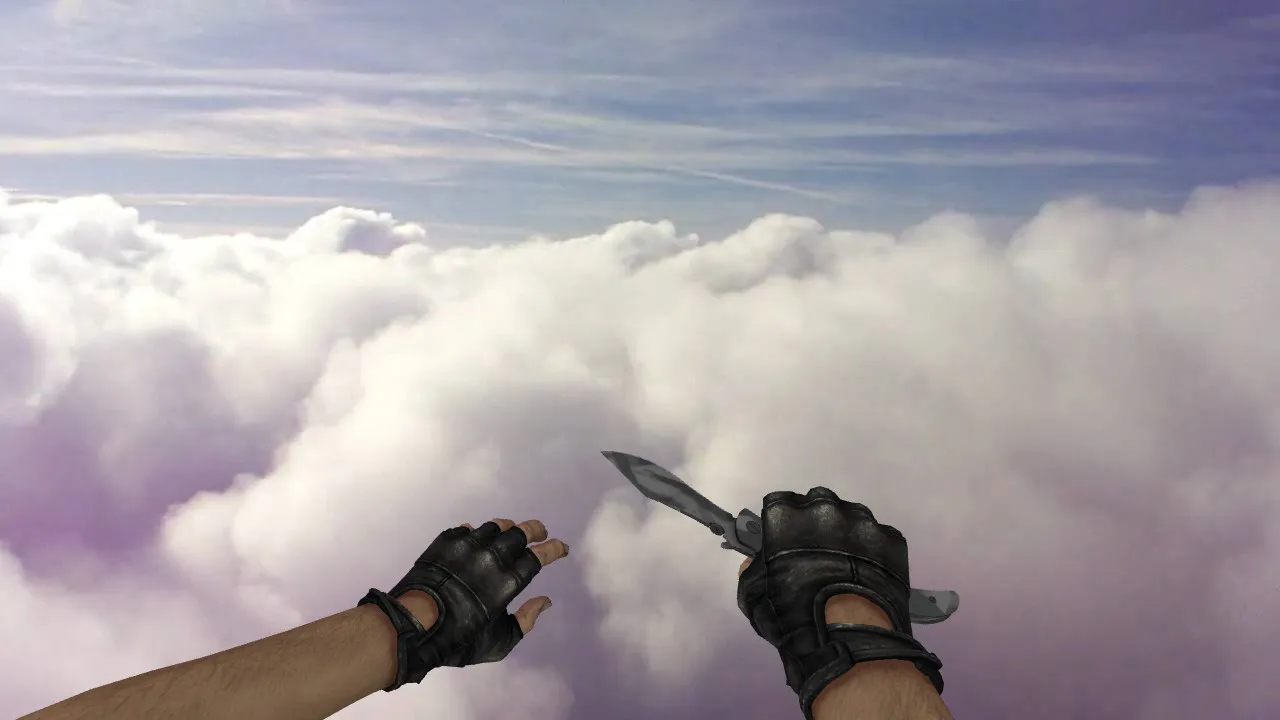
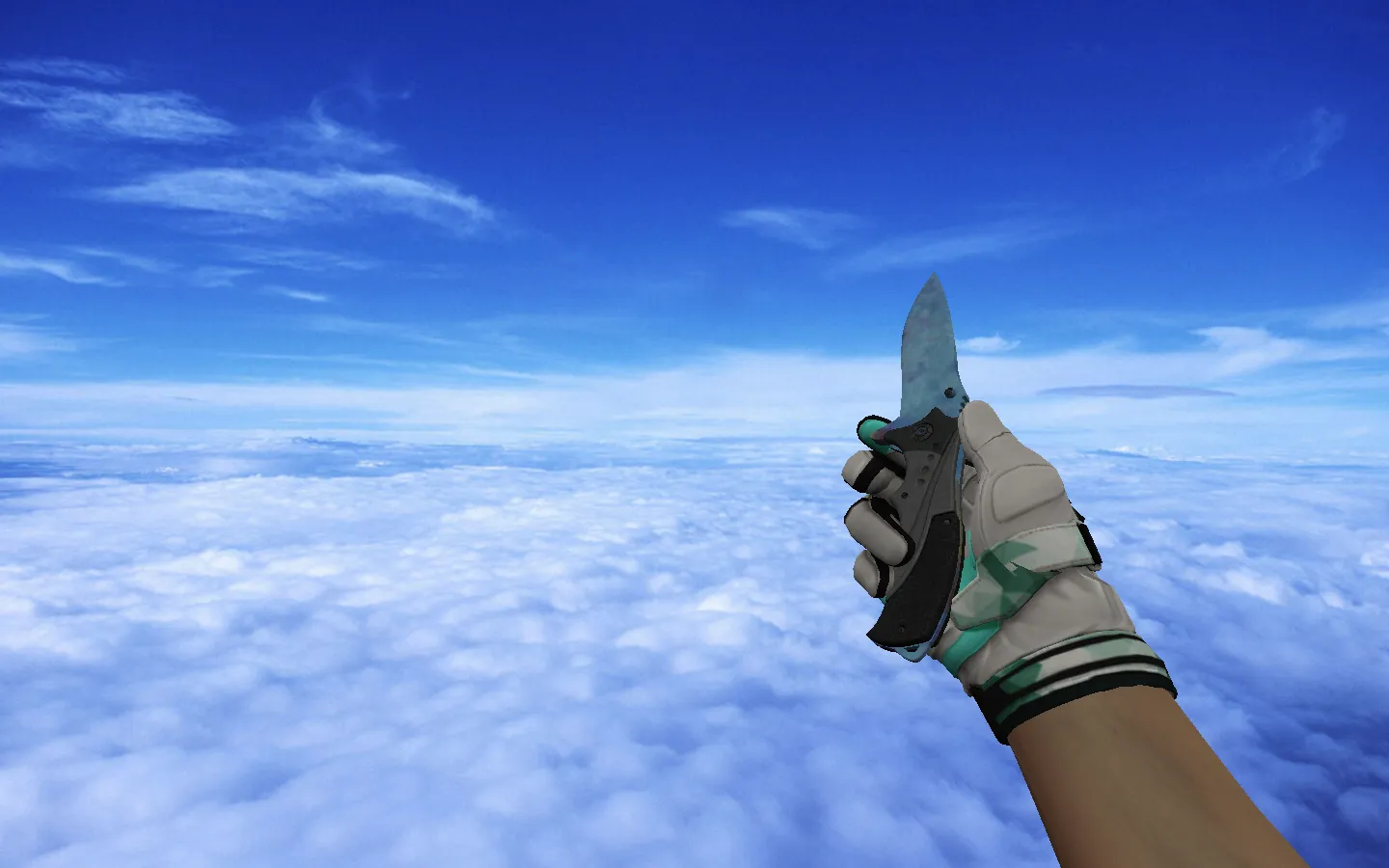
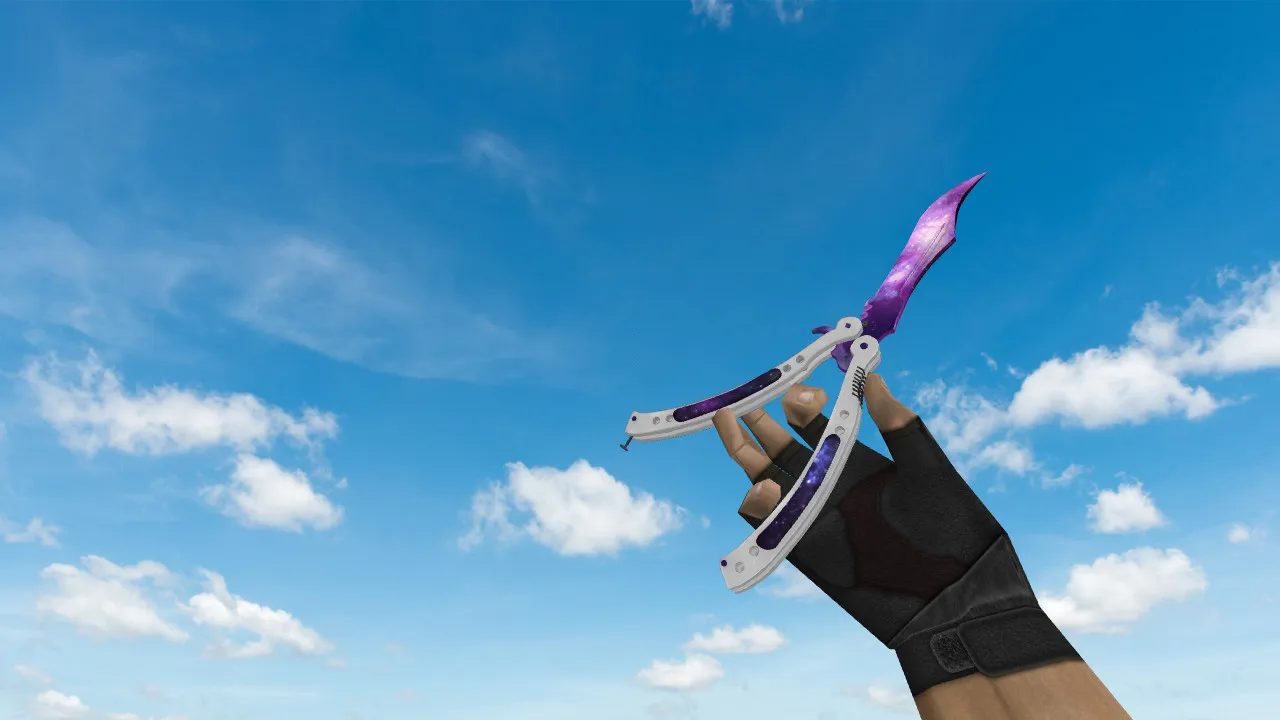
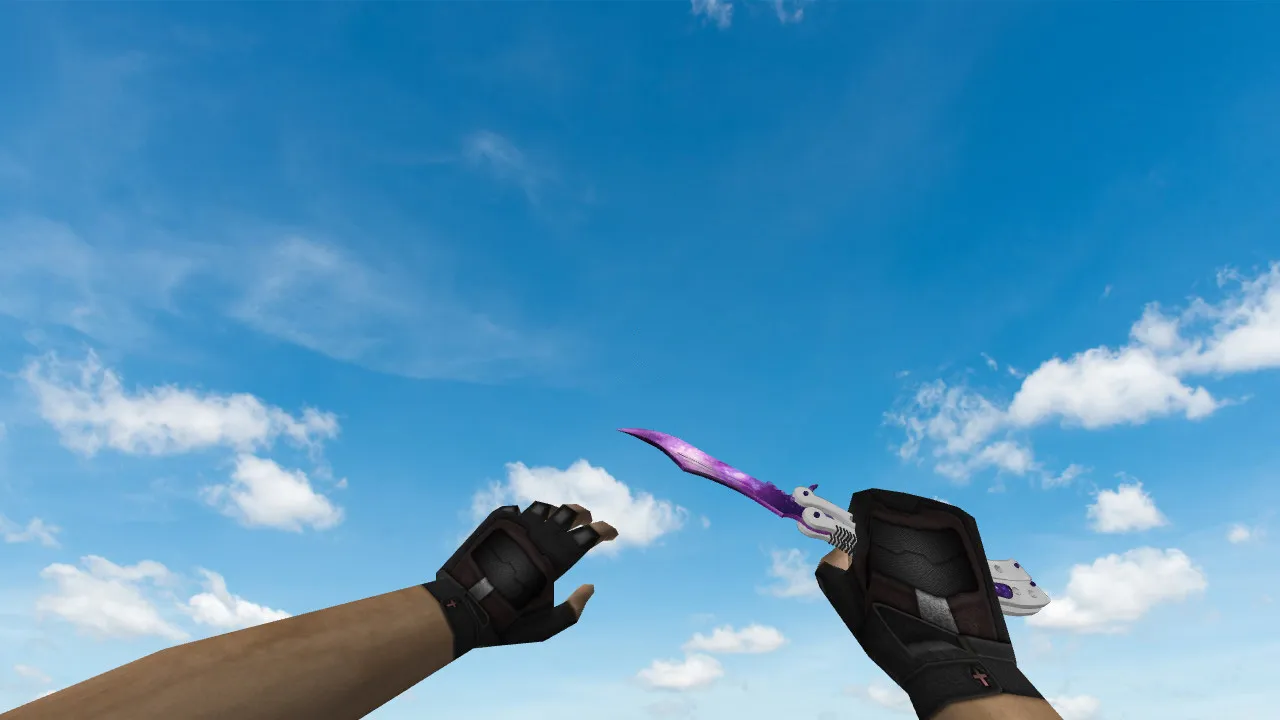
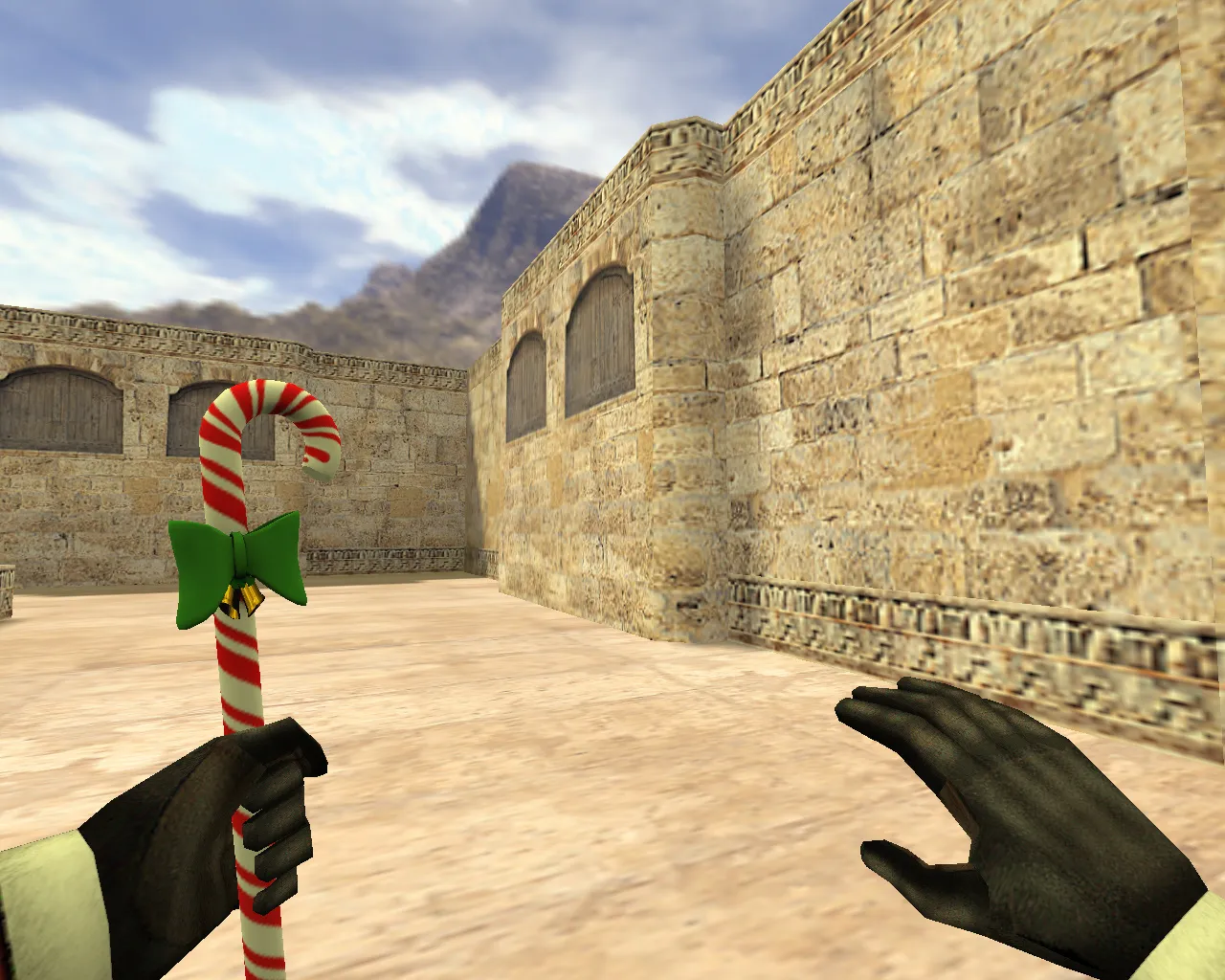
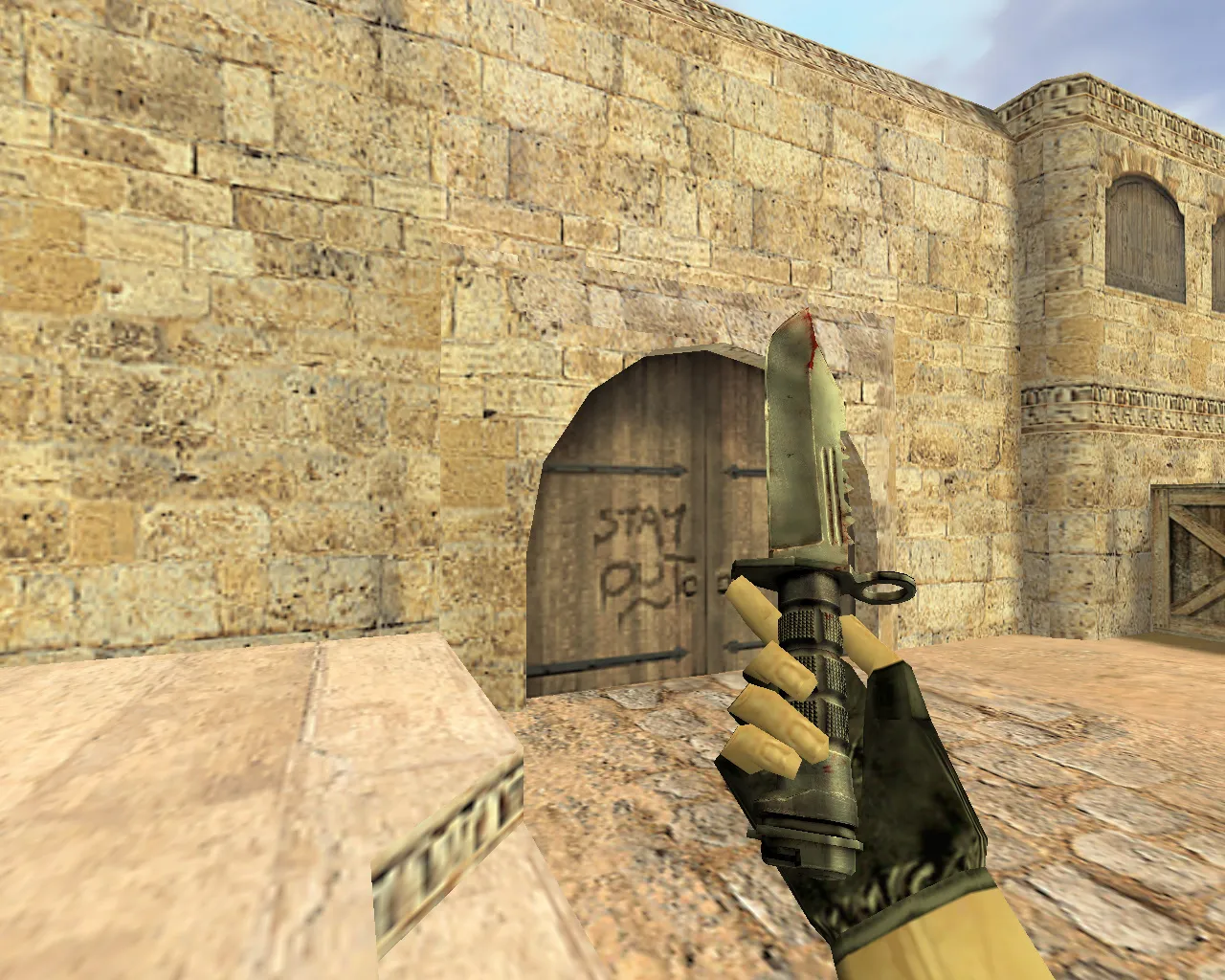
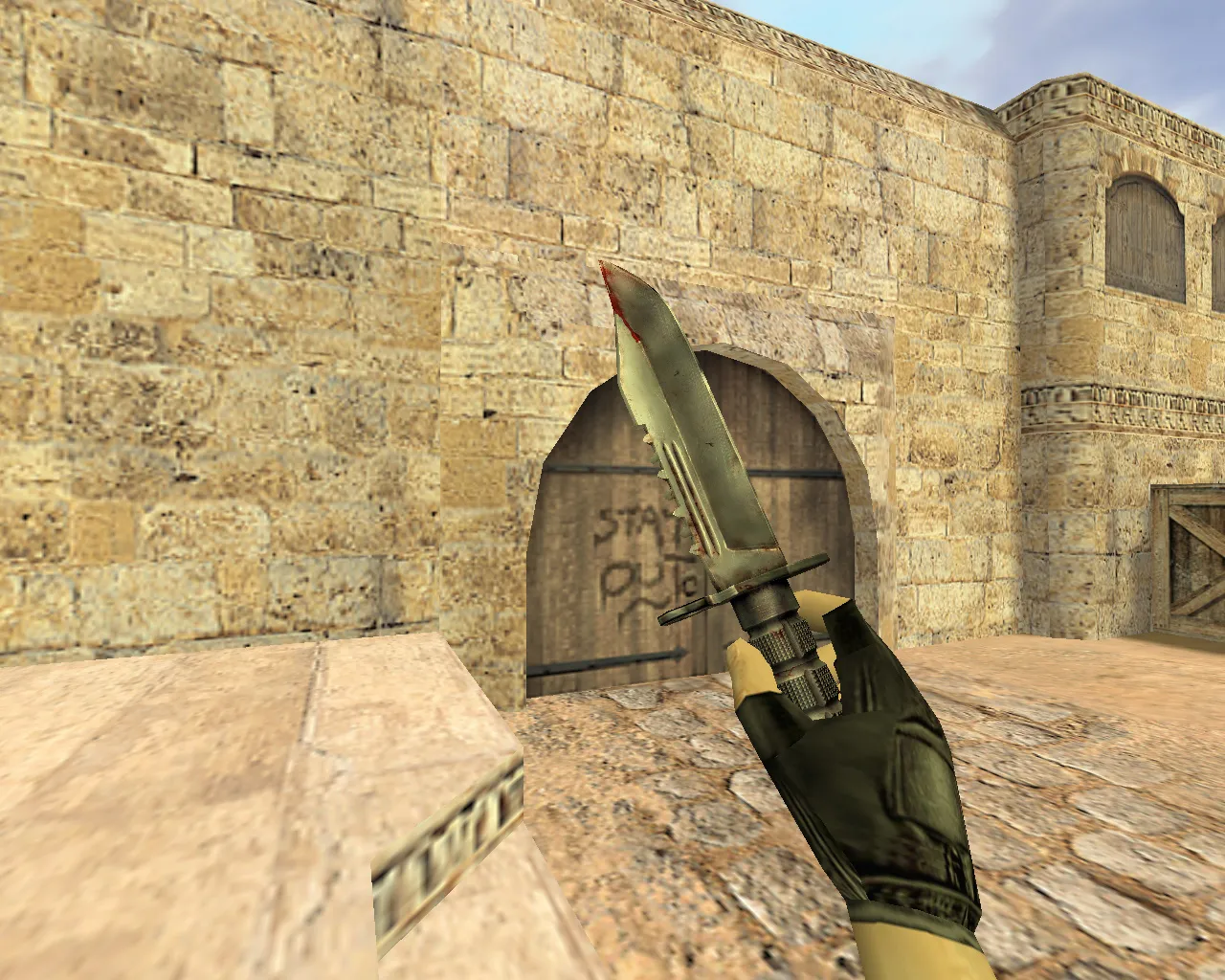
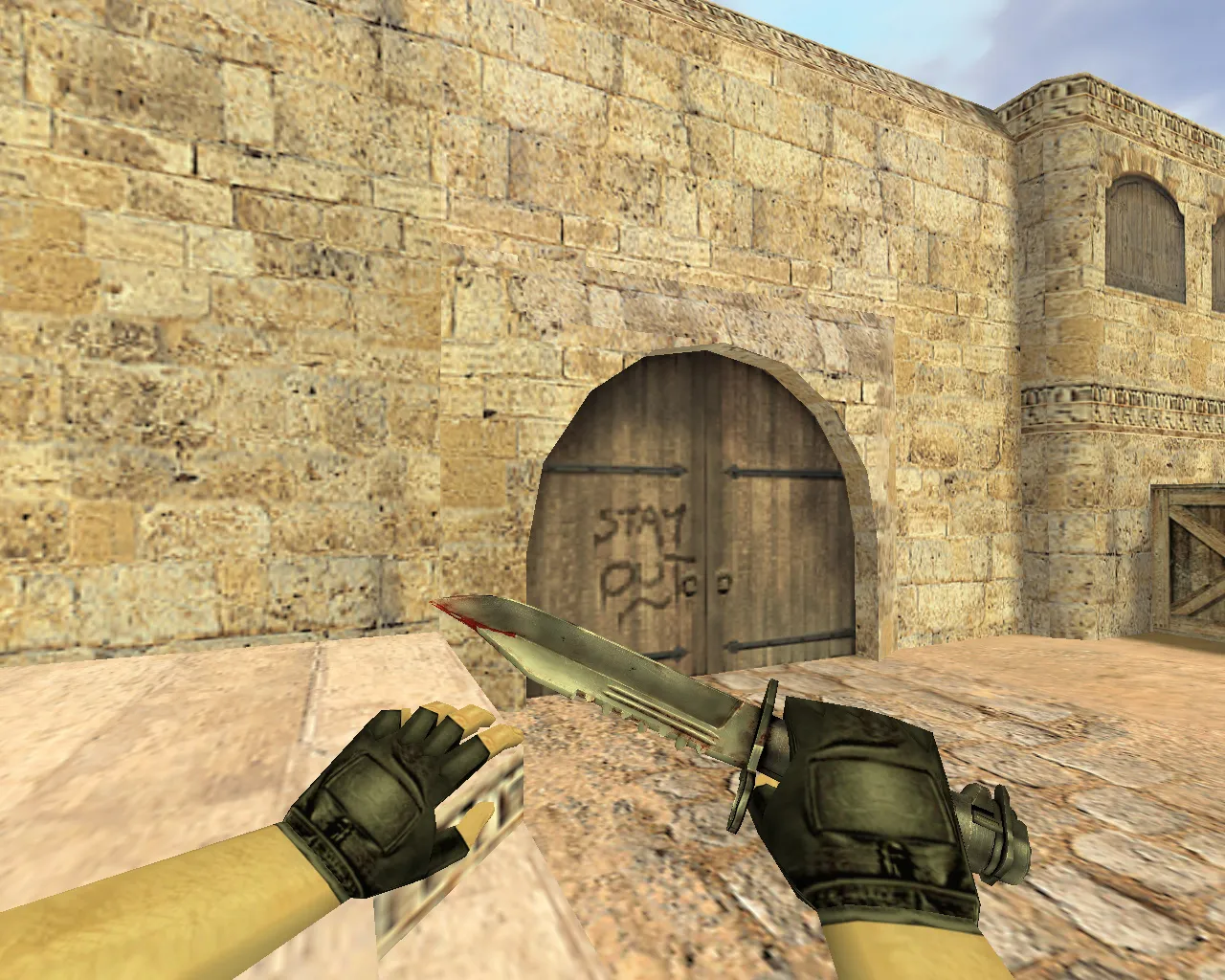
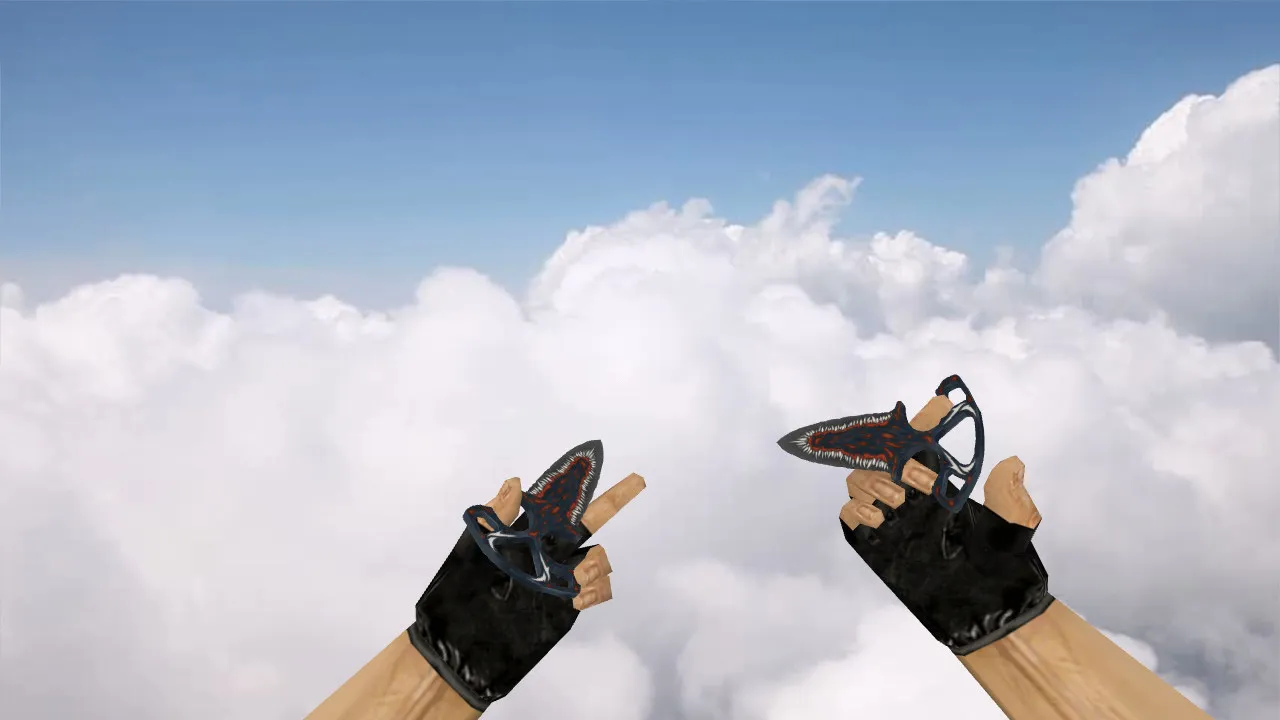
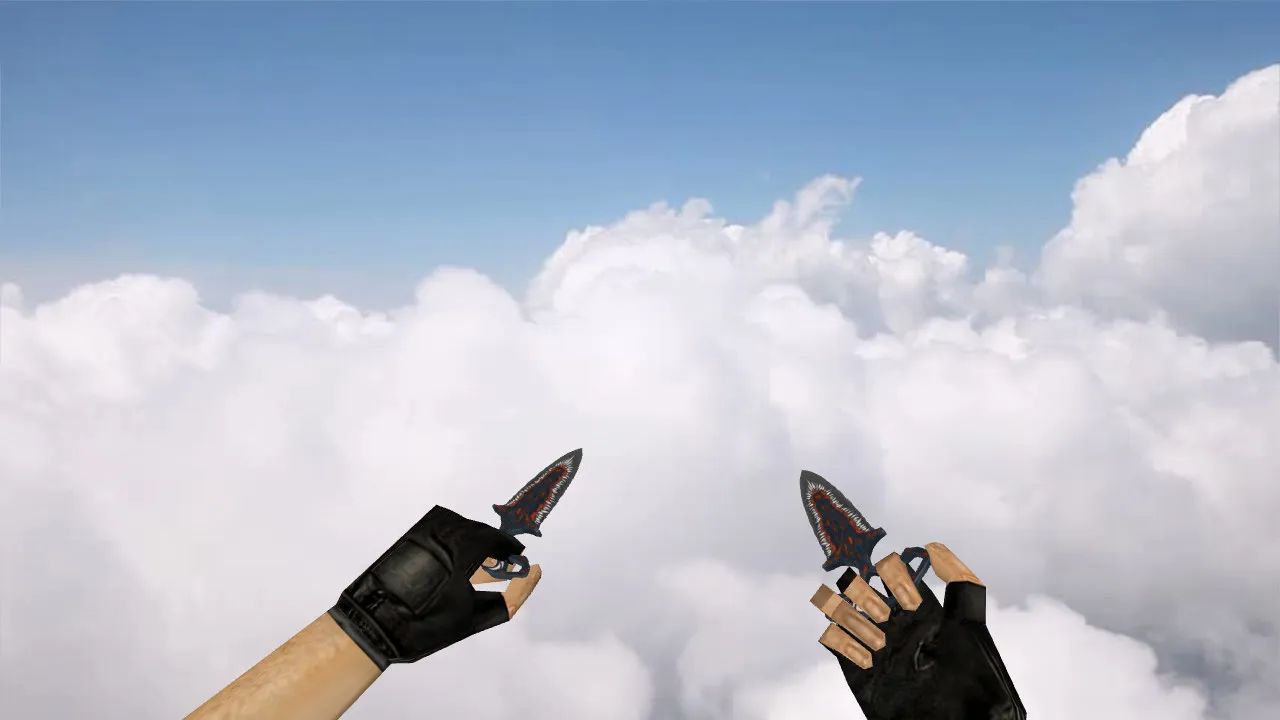
Nautilus Knife v_ Model for CS 1.6: Inspect Animation, Custom Sounds, and HD Textures
Description
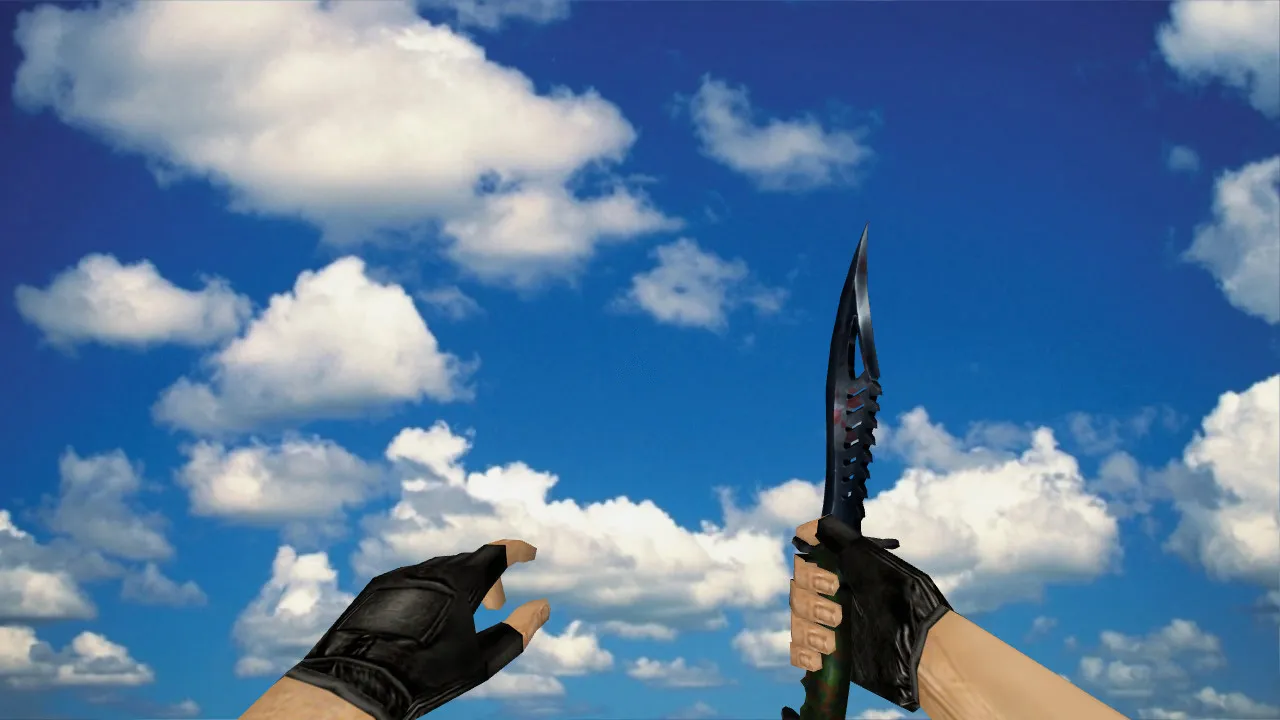
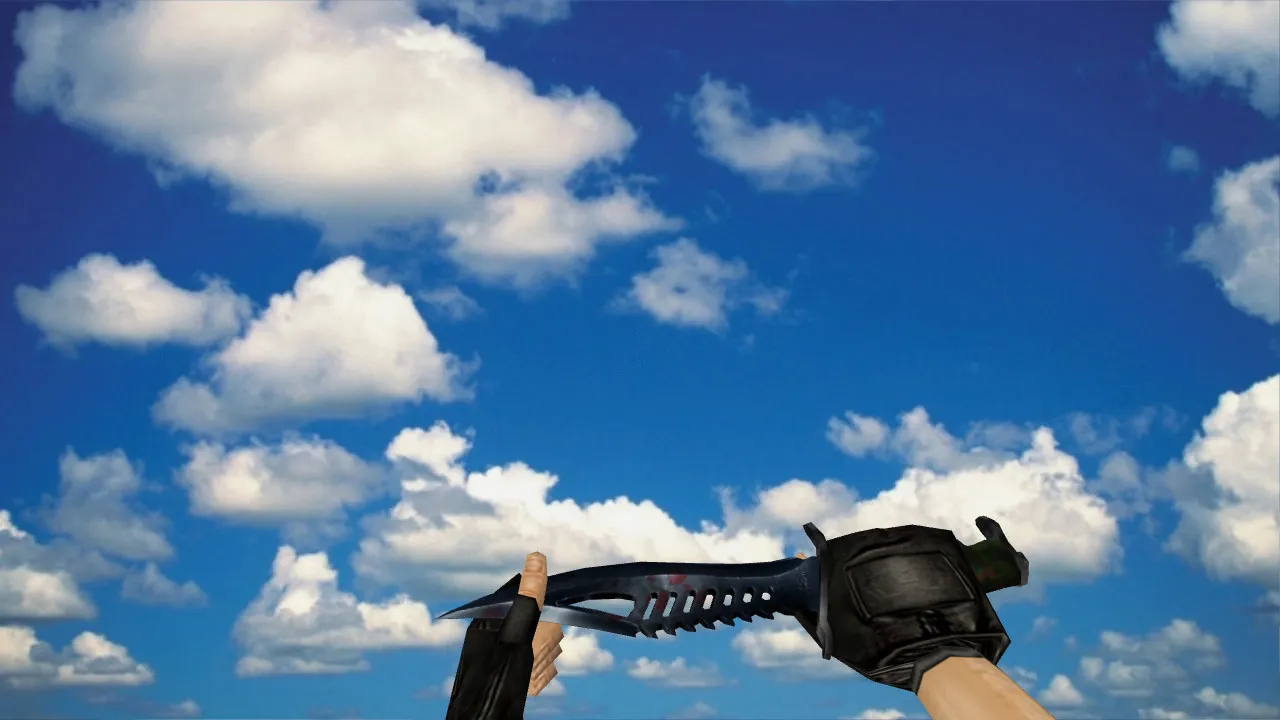
Nautilus Knife Model for CS 1.6
In Counter-Strike 1.6, the knife is more than a basic hand graphic. It requires stable model performance, fluid inspect animations, accurate audio, and precise textures. The Nautilus Knife swaps out the default weapon while preserving the game's interface aesthetic. During matches, it appears as the v_ model for the first-person perspective and supplies p_ and w_ variants for third-person player views and world rendering. This arrangement prevents visual mismatches in rounds and keeps hand models uniform.
The pack generally contains files for different display modes: v_ for first-person, p_ for third-person player views, and w_ for world display. Texture quality and detail clarity are thoroughly examined. The Nautilus Knife guarantees textures withstand rotation and keep contrast while moving. Inspect animations play without jitter or dropped frames, delivering dependable knife handling.
Sounds and In-Game Behavior
Knives in CS 1.6 depend on specific sound events, and model replacements have to maintain them. The Nautilus Knife employs compatible sound files to prevent missing clicks or weapon actions. Correct implementation synchronizes audio with visuals. This provides proper feedback during attacks, weapon switches, and inspections, improving tactical knife use in close-quarters combat.
Custom sounds blend seamlessly with the base game audio system. Swing impacts, stabs, and draw effects match the model's movements. Players notice the difference in p_ views during team play or when spotting enemies. No conflicts occur with standard knife mechanics, leaving damage output and timing unchanged.
Hitboxes and Visual Accuracy
Because knives function at short range, players concentrate on fine details. Visual elements must line up with in-game weapon behavior. Model clarity in low-light areas matters on maps like de_dust2 or de_inferno, where shadows and smoke block vision. The Nautilus Knife highlights unique skin design and silhouette readability without blurring edges.
Hitbox alignment remains faithful to the original, ensuring swings register accurately against enemy models. Polycount optimization keeps the v_ model lightweight, avoiding FPS drops in intense rounds. In dark corners or mid-smoke pushes, the knife's outline stays visible, aiding quick decisions. Texture mapping follows ESL-style visibility standards, with high-contrast edges for better enemy tracking.
Details such as blade engravings and handle grips render at a minimum of 512x512 resolution, scaling to 1024x1024 for sharper visuals on modern setups. No over-polycount issues disrupt server performance, making it suitable for high-ping lobbies.
Installation and Safety
Download CS 1.6 mods from trusted sources only. Avoid executing unknown files or granting archive access to system folders. Manual installation involves placing files in the cstrike/models directory under specific filenames. After setup, verify no old files mix with new ones to prevent glitches.
- Back up original knife files for easy rollback to the default state.
- Confirm v_, p_, and w_ sets land in the correct directories.
- Check that textures and materials load without console errors.
- Launch CS 1.6, test inspect, switching, and strike sounds in a local game.
This model carries no viruses, slow-hacks, ads, or auto-connect scripts. It is a clean replacement focused on visual and audio enhancements. Compatible with Build 4554 and later, including Steam and Non-Steam versions. No modifications to config.cfg required beyond standard tweaks.
Config Setup and FPS Checks
Knife models rarely strain hardware, but verification ensures smooth play. For consistent response, set network values evenly. Use ex_interp 0.01 and rates around 100k for better sync, especially in knife-only modes. Maintain a clean config.cfg to eliminate old aliases or command conflicts.
Installation logic remains the same across Steam or Non-Steam: models load from expected paths. Before joining pubs, run a quick test in single-player or on a local map like de_train. Verify first-person v_ display, world w_ rendering, and p_ views in bot matches. If animations and sounds fire correctly, head into online rounds without issues.
For optimal performance, pair with low-polycount settings and disable unnecessary sprites. This keeps FPS above 100 on older rigs, crucial for precise knife duels. MasterServer protection holds, preventing bans on official servers. Expand your close-combat toolkit with this reliable Nautilus Knife mod, tested across various map layouts for balanced visibility.
Install in three steps
-
1
Download the archive. Use the button on the right, or the Yandex.Disk mirror if the main server is slow.
-
2
Extract it into the game folder. Use 7-Zip or WinRAR. A path without non-Latin characters works best.
-
3
Launch the game. If something doesn't work, mark it below - that is how we know the file needs an update.
Did it work for you?
No sign-up needed. You can pick more than one.